

High-growth companies live and die by their pipeline. Every form on your site — demo requests, lead magnets, onboarding surveys — is either qualifying prospects or letting them slip through the cracks. The problem? Most form builders were designed for simplicity, not scale. They lack the logic, integrations, and AI-driven qualification that fast-moving teams actually need.
This list cuts through the noise. We evaluated nine form builders on the criteria that matter most for high-growth teams: lead qualification capabilities, conditional logic, CRM integrations, conversion optimization features, and the ability to scale without becoming a dev burden. Whether you're a PLG startup capturing product signups or an enterprise SaaS team running multi-touch lead flows, there's a right tool here for you.
A quick note: Orbit AI's own form builder leads this list because it was purpose-built for exactly this use case. But every tool here earns its spot on genuine merit.
1. Orbit AI
Best for: High-growth SaaS and B2B teams that need native AI lead qualification at scale.
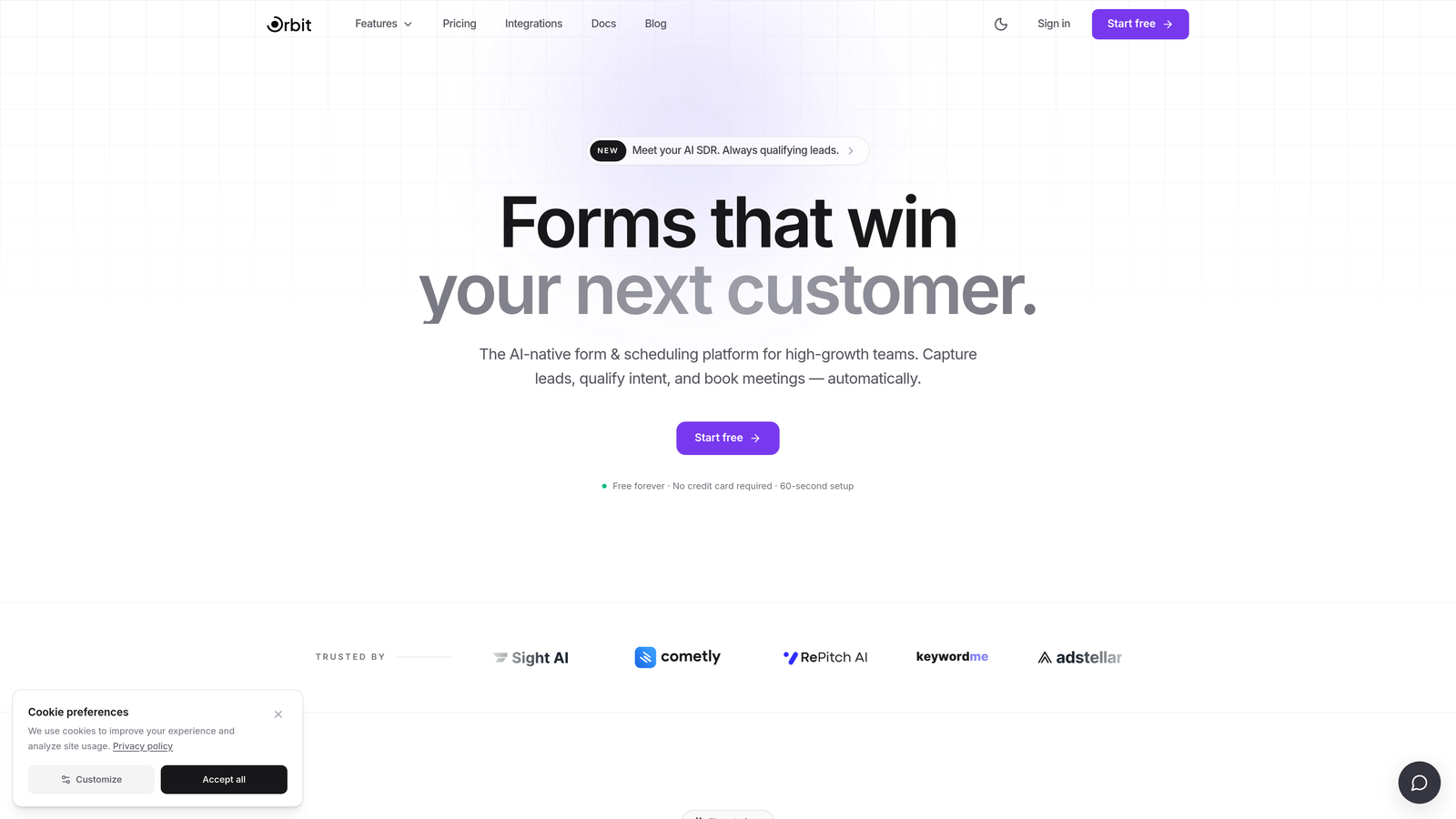
Orbit AI is an AI-powered form builder purpose-built for high-growth teams, with native lead qualification and conversion-optimized design baked in from the ground up.
Where This Tool Shines
Most form builders treat qualification as an afterthought, pushing teams to build scoring rules inside their CRM after the fact. Orbit AI flips that model. Lead qualification runs natively at the point of submission, which means your sales team sees scored, segmented leads immediately, without manual triage or third-party workarounds.
The form design experience is also genuinely modern. You get templates built specifically for B2B and SaaS use cases, conditional logic that adapts the form flow based on user responses, and a visual quality that doesn't require a designer to pull off. For teams where every touchpoint reflects brand credibility, that matters.
Key Features
Native AI Lead Qualification: Scores and segments leads at the point of submission, so your pipeline is pre-qualified before it hits your CRM.
Conversion-Optimized Templates: Pre-built form designs tailored to B2B and SaaS conversion flows, not generic survey aesthetics.
Adaptive Conditional Logic: Form paths change dynamically based on user responses, creating a more relevant experience for each respondent.
Modern Form Design: Beautiful, professional-grade forms without needing a designer or custom CSS.
Scale-Friendly Pricing: Built for high-growth teams, with no per-response penalties that punish you for success.
Best For
Orbit AI is the strongest fit for SaaS companies and B2B teams where lead quality matters as much as lead volume. If your sales team is spending significant time triaging form submissions manually, or if your current tool lacks meaningful qualification logic, this is where the upgrade pays off most.
Pricing
Visit orbitforms.ai for current pricing and plan details. Plans are designed with high-growth teams in mind.
2. Typeform
Best for: Teams prioritizing a premium, conversational form experience with strong brand aesthetics.
Typeform is a conversational form builder known for its one-question-at-a-time UX and polished visual presentation.

Where This Tool Shines
Typeform's biggest differentiator is the respondent experience. The one-question-at-a-time format reduces cognitive load and tends to feel less like filling out a form and more like having a conversation. For lead magnets, NPS surveys, and onboarding flows where completion rate matters, that UX philosophy delivers.
The trade-off at scale is pricing. Typeform charges based on response volume, which can become a meaningful cost center as your traffic grows. It's also worth noting that while Typeform has introduced some AI-adjacent features, lead qualification is not a core strength.
Key Features
Conversational UX: One-question-at-a-time format that keeps respondents engaged through multi-step flows.
Logic Jumps: Conditional branching that routes respondents through different paths based on their answers.
Brand Customization: Strong visual controls for matching form design to your brand identity.
CRM Integrations: Native connections to HubSpot, Salesforce, Zapier, and more.
Rich Media Support: Video questions, image embeds, and media-rich form experiences.
Best For
Typeform works well for teams where brand experience and completion rate are top priorities: think content-led growth teams, product marketers running NPS programs, or companies with strong visual brands that want forms to feel on-brand rather than transactional.
Pricing
Free tier available. Paid plans start from approximately $25/month. Pricing scales with response volume, so model your expected usage before committing.
3. HubSpot Forms
Best for: Teams already running their revenue stack on HubSpot who want zero-friction CRM sync.
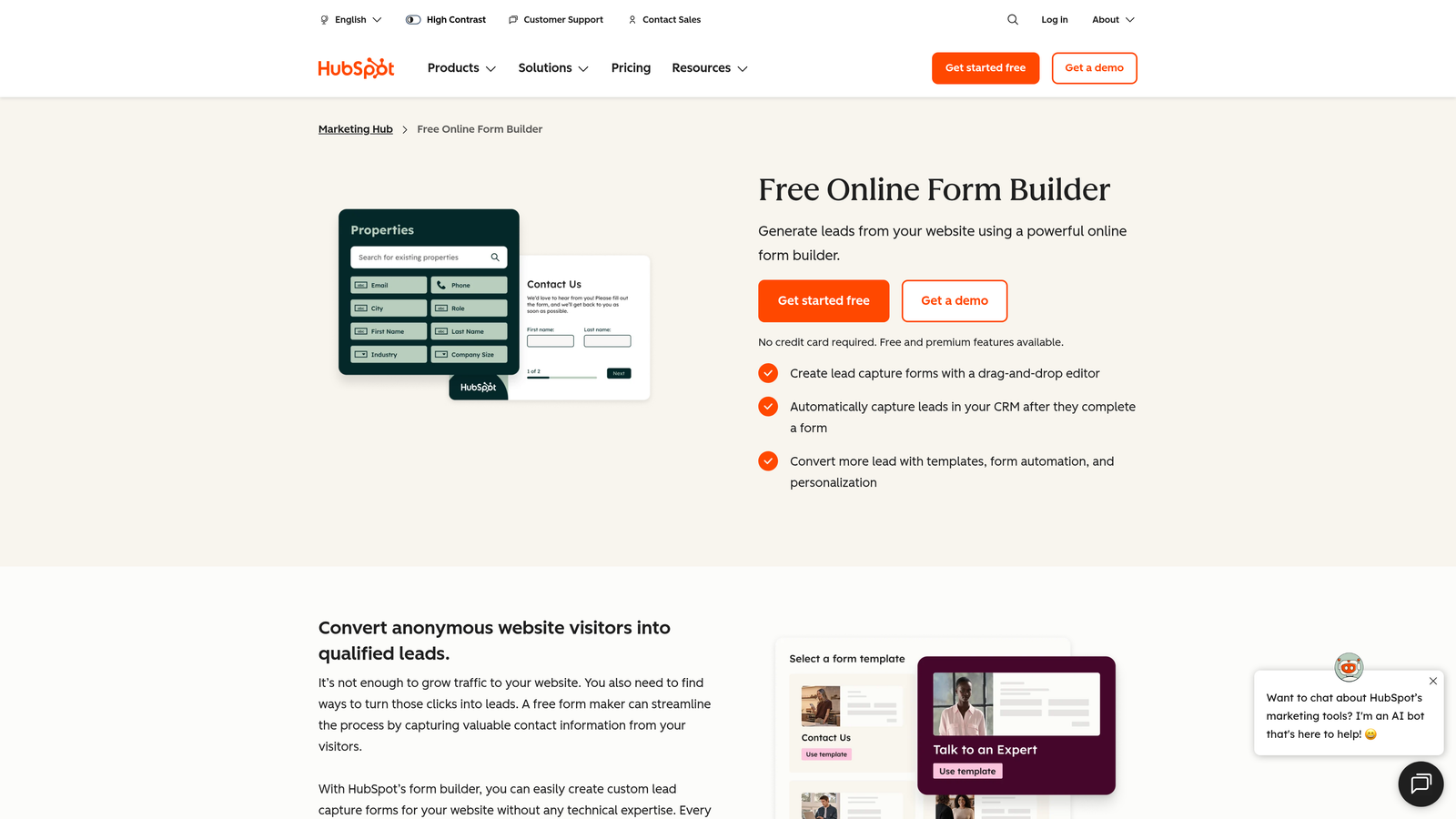
HubSpot Forms is a native form builder deeply integrated with HubSpot CRM, ideal for teams who live inside the HubSpot ecosystem.
Where This Tool Shines
The core value proposition here is integration depth, not form design. When a contact submits a HubSpot form, that data flows directly into your CRM with no field mapping, no Zapier middleware, and no sync delays. For revenue teams where data hygiene and attribution matter, that frictionless pipeline is genuinely valuable.
Progressive profiling is another standout feature. Instead of asking returning contacts the same questions twice, HubSpot Forms intelligently surfaces new fields for known contacts, gradually enriching your CRM data over time. It's a small detail with a meaningful impact on contact record quality.
Key Features
Zero-Friction CRM Sync: Form submissions flow directly into HubSpot contact and deal records with no data mapping required.
Progressive Profiling: Automatically shows new fields to returning contacts to enrich data without repeating questions.
Smart Form Fields: Fields adapt based on what HubSpot already knows about the contact.
Embedded Analytics: Form performance tied directly to contact and deal records for attribution clarity.
Free to Use: Available at no additional cost with HubSpot's free CRM tier.
Best For
HubSpot Forms is the obvious choice if your team is already invested in HubSpot. The design flexibility is limited compared to dedicated form builders, and you'll likely need custom CSS for anything beyond the default styling, but for HubSpot-native teams the integration value outweighs the design constraints.
Pricing
Free with HubSpot CRM. Advanced features including smart forms and deeper automation are available in paid Marketing Hub tiers.
4. Jotform
Best for: Teams that need a feature-rich, versatile form builder with payment processing and workflow automation.
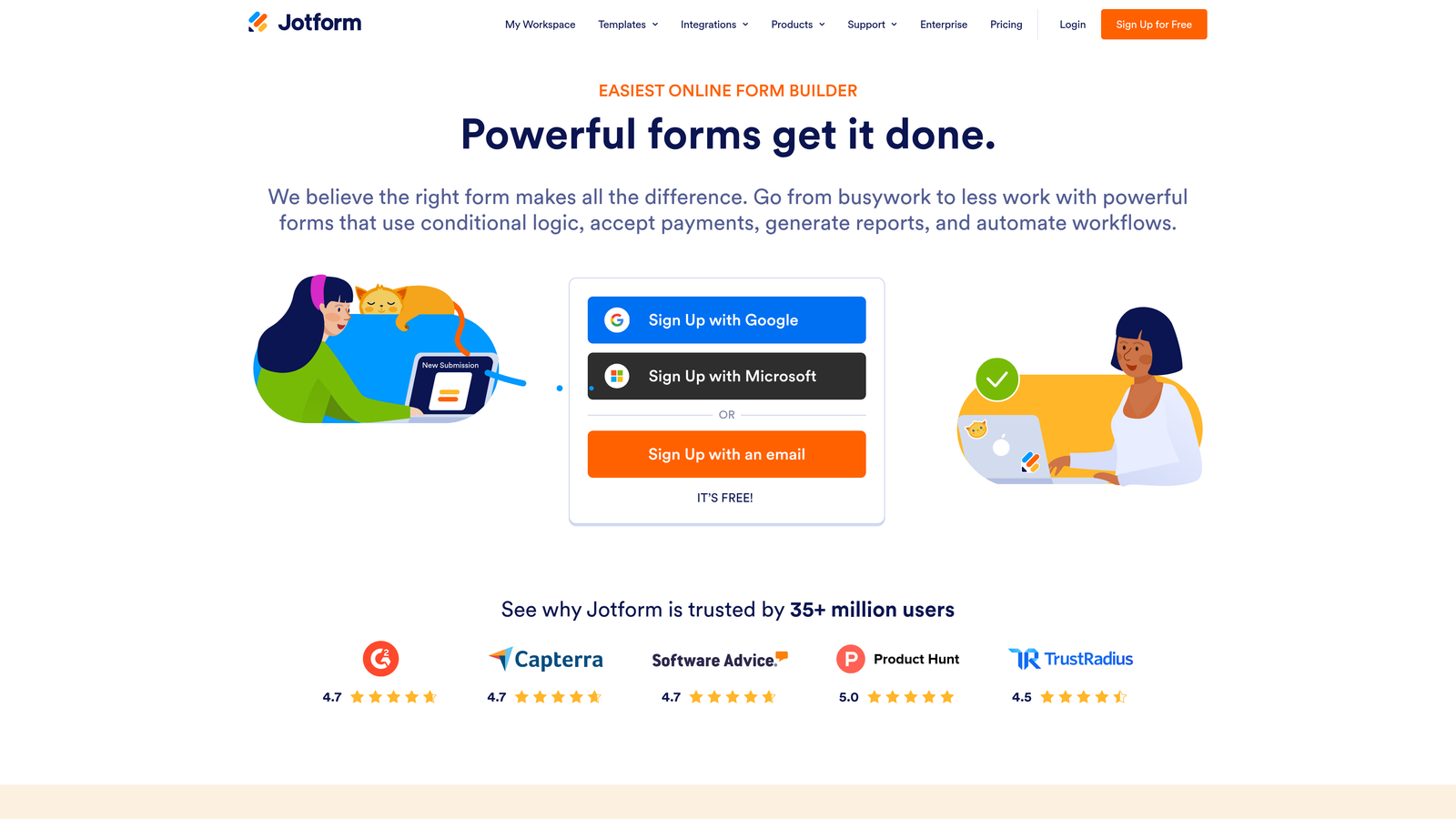
Jotform is one of the most comprehensive form builders on the market, with an extensive template library, native payment integrations, and multi-step workflow capabilities.
Where This Tool Shines
Jotform's depth is hard to match. With over 10,000 templates spanning dozens of industries, native payment processing through Stripe, PayPal, and Square, and approval workflow automation built in, it covers use cases that most form builders don't touch. For teams managing complex internal processes alongside external-facing forms, that breadth is a genuine advantage.
The flip side is that Jotform can feel overwhelming for teams that just need fast, clean lead capture. The interface is powerful but dense, and there's a learning curve to unlocking the more advanced workflow features.
Key Features
10,000+ Templates: One of the largest template libraries available, covering virtually every industry and use case.
Native Payment Integrations: Built-in support for Stripe, PayPal, and Square without needing third-party middleware.
Approval Workflows: Multi-step automation and approval routing for internal process management.
PDF Generation: Automatic document output from form submissions for record-keeping and compliance.
Broad Integration Ecosystem: Native connectors plus Zapier support for connecting to virtually any stack.
Best For
Jotform suits teams with diverse form needs across multiple departments: marketing, operations, HR, and finance. It's particularly strong for organizations that need payment-enabled forms or complex approval chains alongside standard lead capture.
Pricing
Free tier available with submission limits. Paid plans start from approximately $34/month. Volume-based limits apply across tiers.
5. Tally
Best for: Lean teams and early-stage companies that want powerful forms without per-response pricing.
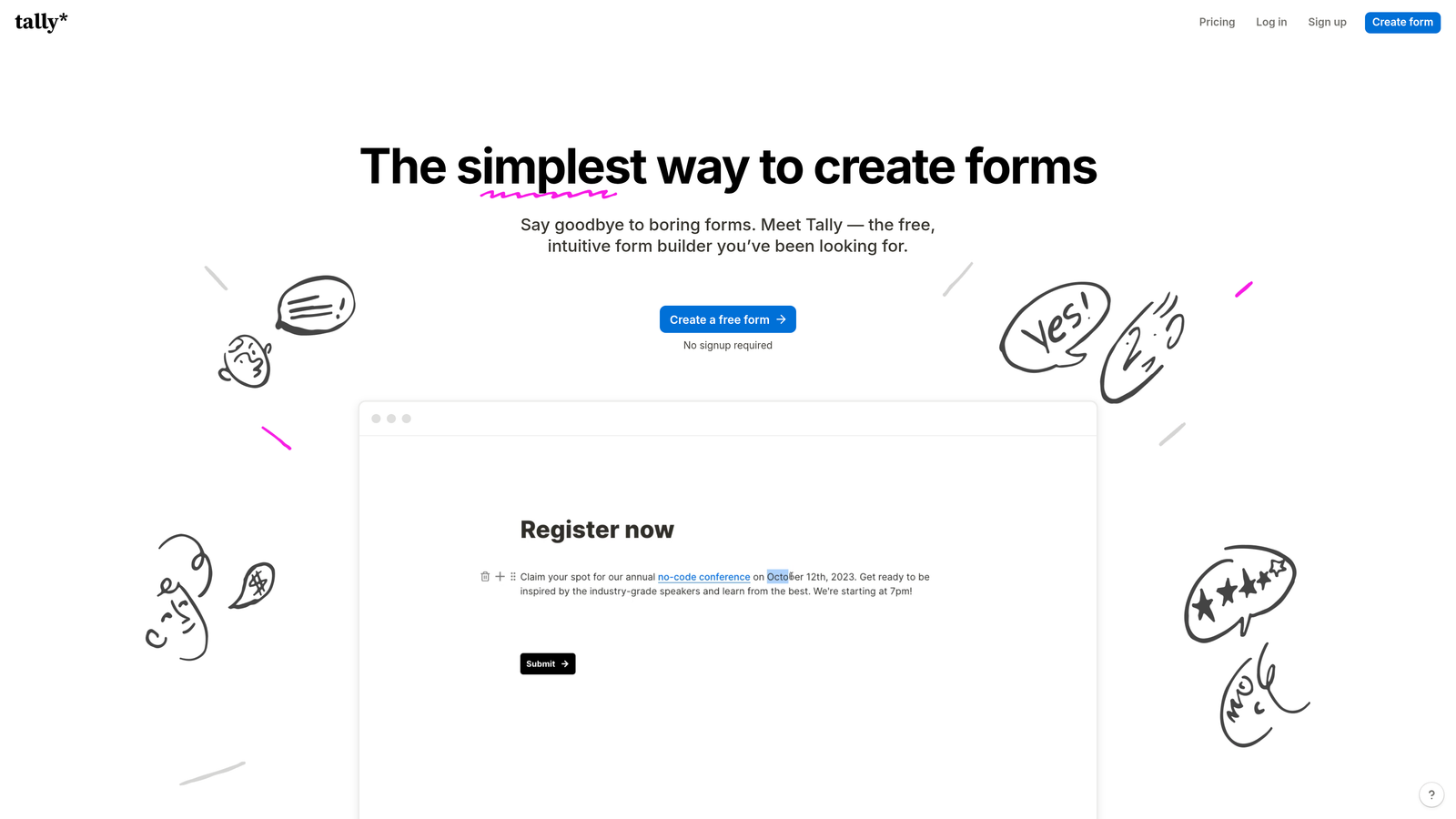
Tally is a Notion-inspired form builder that offers unlimited responses on its free tier, making it a standout for teams that refuse to pay per submission.
Where This Tool Shines
Tally's pricing model is its headline feature: unlimited responses on the free plan. For early-stage companies or lean teams running high-volume campaigns, removing per-response costs entirely changes the economics of form building. You can run aggressive lead generation without watching a meter tick up.
The Notion-like block editor also makes form building genuinely fast. If your team already lives in Notion, the mental model transfers immediately. The integration with Notion and Airtable means form submissions can write directly to your existing databases, which ops teams tend to appreciate.
Key Features
Unlimited Free Responses: No per-response caps on the free plan, a major differentiator at this price point.
Block Editor UX: Notion-style building experience that's fast and intuitive for non-technical users.
Conditional Logic: Multi-page forms with branching logic for more adaptive experiences.
Native Database Integrations: Direct connections to Notion, Airtable, Zapier, and Make.
Clean Default Design: Minimal, modern form aesthetics out of the box without heavy customization.
Best For
Tally is ideal for early-stage startups, indie teams, and ops-focused builders who need solid form functionality without cost friction. It lacks advanced lead qualification features, so teams with complex scoring needs may outgrow it, but as a fast, generous free tool it's hard to beat.
Pricing
Free tier is highly generous with unlimited responses. Pro plan is approximately $29/month for additional customization and features.
6. Paperform
Best for: Content-led growth teams and agencies that want forms to look and feel like branded landing pages.
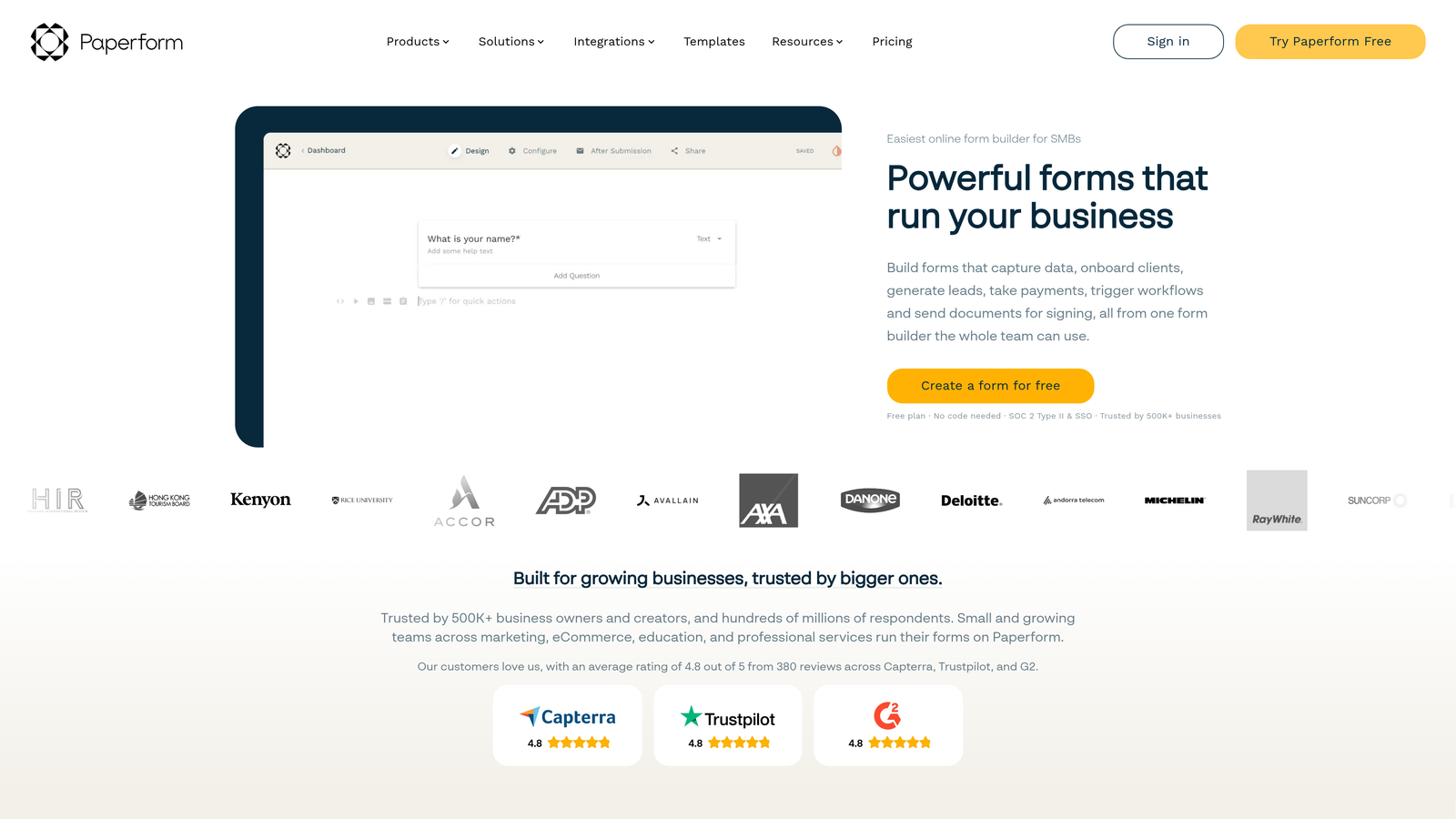
Paperform is a freeform document-style editor that blends landing page design with form logic, popular with agencies and content-forward teams.
Where This Tool Shines
Paperform's document-style editor is genuinely different from the competition. Instead of building a traditional form, you're essentially writing a page that happens to collect data. Text, images, video, and form fields all live together in the same canvas, which makes it possible to create form experiences that feel more like interactive content than data collection.
This approach works particularly well for product sales pages, event registrations, and lead magnets where context and storytelling around the form matter. The native payment support also means you can sell products or collect deposits directly, without a separate checkout flow.
Key Features
Document-Style Editor: Build forms that look like landing pages, with text, media, and fields on a single canvas.
Native Payment Support: Collect payments for products, services, and bookings directly through the form.
Conditional Sections: Show or hide entire content sections based on respondent answers.
Rich Media Embedding: Images, video, and custom HTML embedded directly into the form experience.
Agency and White-Label Use Cases: Strong fit for agencies building forms for multiple clients.
Best For
Paperform suits agencies, content marketers, and teams selling directly through forms. If your priority is a rich, branded form experience rather than high-volume lead qualification, it delivers in ways that traditional form builders don't.
Pricing
No free tier. Essentials plan starts from approximately $24/month. A 14-day free trial is available to evaluate before committing.
7. Formstack
Best for: Enterprise teams in regulated industries that need compliance, advanced workflows, and audit-ready processes.
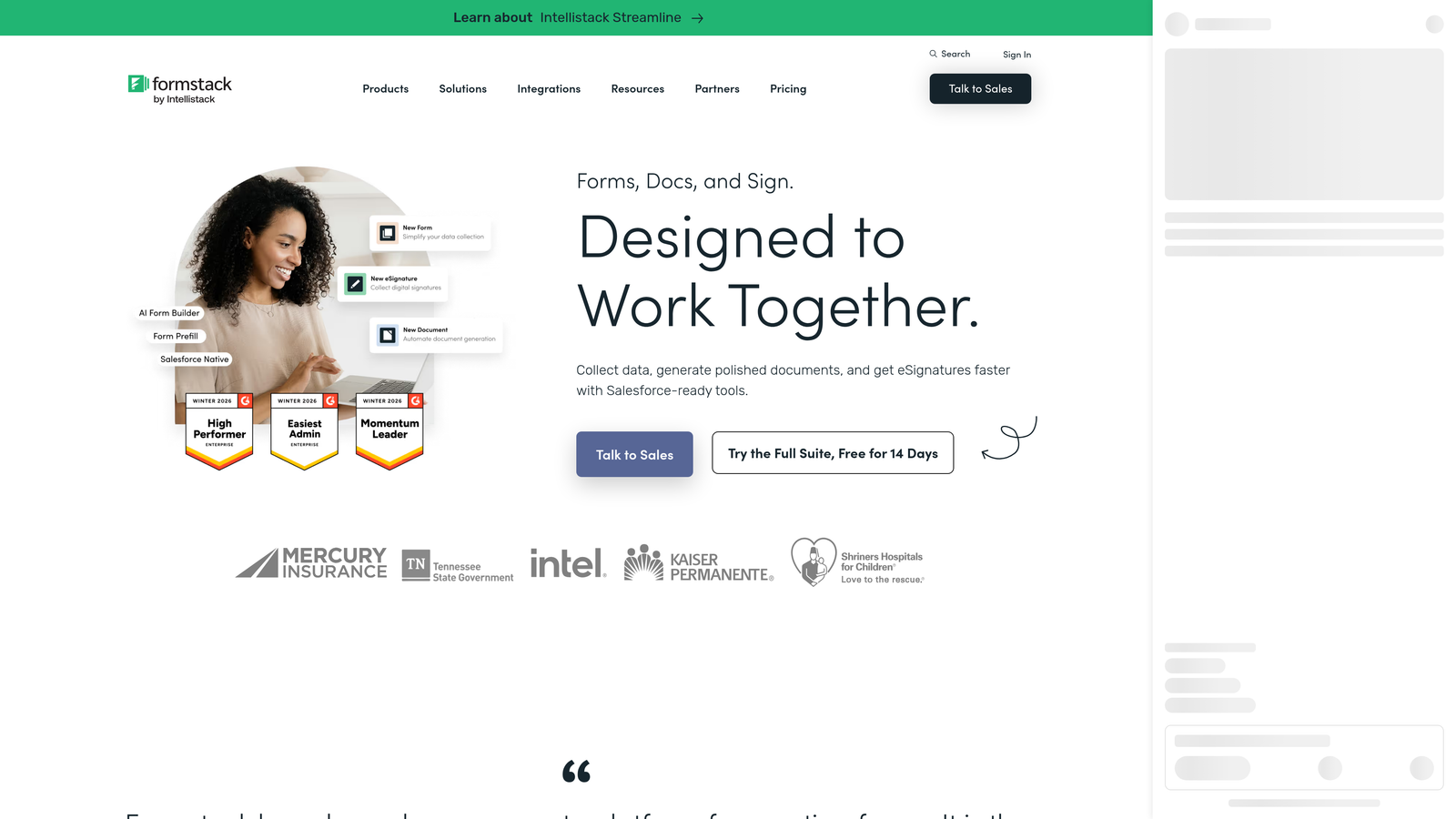
Formstack is an enterprise-grade form and workflow platform built for organizations where compliance, security, and complex approval routing are non-negotiable.
Where This Tool Shines
Formstack occupies a distinct position in this list: it's the tool you reach for when legal, security, or compliance requirements shape your technology decisions. HIPAA, SOC 2, and GDPR compliance are built in, not bolted on, which matters enormously for healthcare, financial services, and enterprise SaaS teams operating under regulatory scrutiny.
Beyond compliance, Formstack's workflow automation and approval routing capabilities handle complex multi-step processes that simpler tools can't manage. Document generation and e-signature support mean it can replace several point solutions for teams managing contracts, consent forms, or regulated data collection.
Key Features
Compliance Certifications: HIPAA, SOC 2, and GDPR compliance built in for regulated data handling.
Advanced Workflow Automation: Multi-step approval routing and conditional workflow logic.
Document Generation: Automatic document creation and e-signature capabilities from form submissions.
Robust Field Logic: Complex conditional logic and multi-step form support for sophisticated data collection.
Enterprise Security Controls: Role-based access, audit logs, and enterprise-grade data governance.
Best For
Formstack is built for larger organizations in regulated industries: healthcare, financial services, legal, and enterprise SaaS. If compliance is a hard requirement rather than a nice-to-have, Formstack is one of the few form platforms that takes it seriously at the infrastructure level.
Pricing
Forms plan starts from approximately $83/month. Enterprise pricing is available on request for larger organizations with custom requirements.
8. Fillout
Best for: Product and ops teams that want forms to write directly to Notion, Airtable, or Google Sheets.
Fillout is a modern form builder with deep native integrations for database-first tools, popular with product teams and operations-heavy organizations.
Where This Tool Shines
Fillout's native integrations with Notion and Airtable are the real story here. Forms don't just send data to these tools via Zapier — they write directly to your databases, respecting your existing schema and field structure. For ops teams that have built their workflows around Airtable bases or Notion databases, that native write capability eliminates a significant layer of integration complexity.
The tool has also grown quickly in the PLG space, where product teams need scheduling forms, onboarding surveys, and feedback collection that connects cleanly to their internal data layer without engineering involvement.
Key Features
Native Database Integrations: Forms write directly to Notion and Airtable, respecting existing database schemas.
Multi-Step Conditional Logic: Branching form flows that adapt based on respondent inputs.
Scheduling and Booking Support: Built-in scheduling form capabilities for booking and calendar use cases.
Modern Mobile UX: Clean design with strong performance on mobile devices, important for paid traffic.
Generous Free Tier: Meaningful feature access on the free plan, not just a stripped-down preview.
Best For
Fillout is the strongest fit for product teams, ops leads, and no-code builders whose workflows are organized around Notion or Airtable. If your data lives in those tools and you want forms that respect that structure natively, Fillout is purpose-built for you.
Pricing
Free tier available with meaningful feature access. Paid plans start from approximately $15/month, making it one of the more accessible options on this list.
9. Growform
Best for: Performance marketing teams running paid media campaigns that need to reduce form abandonment and cost-per-lead.
Growform is a multi-step form builder engineered specifically for lead generation in paid media contexts, with a sharp focus on reducing drop-off and improving lead economics.
Where This Tool Shines
Growform was built by people who understand paid traffic. The multi-step form UX is designed around micro-commitment psychology: starting with low-friction questions and gradually asking for more, which tends to reduce abandonment compared to presenting a long single-page form upfront. Progress indicators and intentional design patterns reinforce momentum through the form flow.
For agencies and in-house performance marketing teams managing significant ad spend, the built-in A/B testing capabilities add a layer of optimization discipline that most form builders don't offer. The ability to test form variants directly, rather than proxying through a landing page tool, keeps the feedback loop tight.
Key Features
Multi-Step Lead Gen UX: Form structure engineered to reduce drop-off on paid traffic using micro-commitment design.
Progress Indicators: Visual progress cues that keep respondents moving through multi-step flows.
CRM and Ad Platform Integrations: Connects to major CRMs and advertising platforms for clean lead routing.
Built-In A/B Testing: Test form variants directly to optimize for cost-per-lead reduction.
Performance Marketing Focus: Purpose-built for the lead quality and volume demands of paid campaigns.
Best For
Growform is the right choice for performance marketing teams and agencies running paid search or paid social campaigns where form abandonment directly affects cost-per-lead. If your primary goal is lead volume optimization from paid traffic rather than broad form functionality, Growform's focused feature set is a genuine advantage.
Pricing
Plans start from approximately $49/month. Pricing is positioned for teams with active paid media budgets where lead quality improvements justify the investment.
Which Tool Is Right for Your Growth Stage?
Choosing the right form builder isn't about finding the most feature-packed option. It's about matching the tool to your team's actual conversion goals, technical stack, and growth stage.
Here's a quick framework for thinking through the decision:
AI-first lead qualification: Orbit AI is the clear choice if your team needs native scoring and segmentation at the point of submission. No CRM workarounds, no manual triage, and a design quality that reflects well on your brand.
Best UX and aesthetics: Typeform remains the gold standard for conversational, visually polished forms. If completion rate and brand experience are your primary metrics, it earns its premium.
CRM-native simplicity: HubSpot Forms wins for teams already running on HubSpot. The integration depth and progressive profiling make it the most frictionless option for HubSpot-centric revenue teams.
Enterprise compliance requirements: Formstack is the right call when HIPAA, SOC 2, or complex approval workflows are non-negotiable. The higher price point reflects genuine infrastructure investment.
Budget-friendly power: Tally's unlimited free responses make it the most accessible option for lean teams and early-stage companies that need real form functionality without cost friction.
The broader point is this: the form builder market has matured into distinct tiers, and the right answer depends on where you are in your growth journey. Early-stage teams optimizing for speed and cost land differently than growth-stage teams optimizing for pipeline quality.
If you're building for scale and lead quality is the metric that moves your business forward, Orbit AI was designed for exactly that moment. Transform your lead generation with AI-powered forms that qualify prospects automatically while delivering the modern, conversion-optimized experience your high-growth team needs. Start building free forms today and see how intelligent form design can elevate your conversion strategy.


