

Not all form builders are created equal, especially when your goal is capturing and qualifying leads rather than just collecting data. The best lead capture form builders combine conversion-optimized design, smart conditional logic, and CRM integrations that turn anonymous visitors into pipeline-ready prospects.
Whether you're running outbound campaigns, gating content, or qualifying inbound traffic, the right form builder can be the difference between a leaky funnel and a high-performing conversion machine. We evaluated each tool on ease of use, lead qualification capabilities, design flexibility, integrations, and pricing so you can make a fast, confident decision. For deeper context on what makes forms perform, check out our guides on how to build effective web forms and how to improve form conversion rates.
1. Orbit AI
Best for: B2B and SaaS teams that need forms to qualify and score leads automatically.
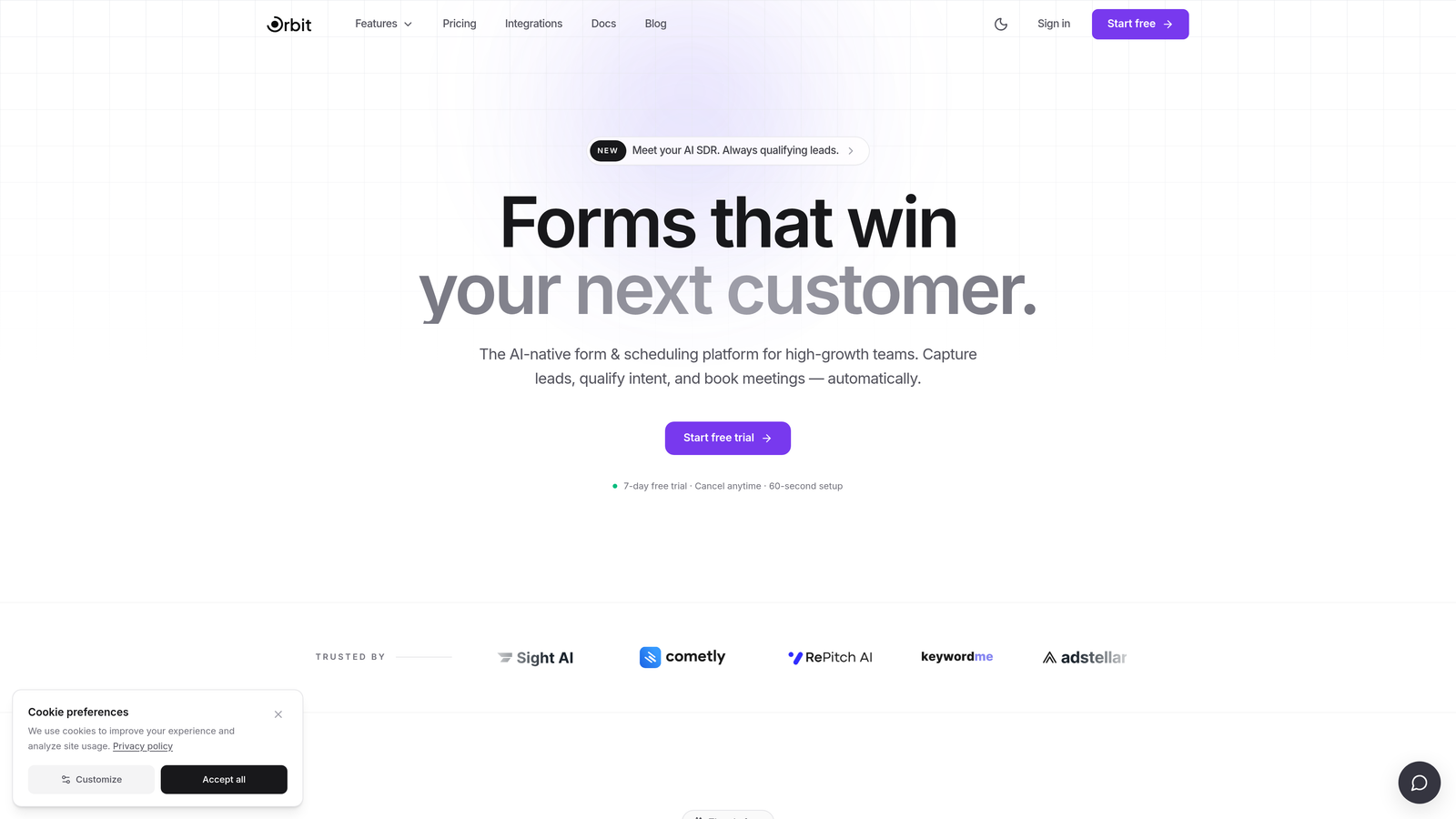
Orbit AI is an AI-powered form builder with built-in lead qualification designed for high-growth teams.
Where This Tool Shines
Most form builders stop at the submission. Orbit AI goes further by embedding qualification logic directly into the form layer, so your team receives pre-scored, pipeline-ready leads rather than a raw list of names and email addresses to sort through manually.
The platform is built specifically for B2B and SaaS use cases where lead quality matters as much as lead volume. The combination of AI-powered qualification, modern design, and automatic CRM routing makes it a meaningful step up from general-purpose form tools for teams with serious conversion goals.
Key Features
AI-Powered Lead Qualification: Qualification logic is built directly into the form layer, scoring and filtering leads before they ever reach your CRM.
Conversion-Optimized Templates: Modern, branded form designs built to reduce friction and maximize completion rates.
Smart Conditional Logic: Questions adapt dynamically based on user responses, creating a personalized experience that surfaces the right data.
CRM Routing: Qualified leads are automatically routed to your CRM, keeping your pipeline clean and your team focused on high-intent prospects.
Lead Scoring Signals: Qualification signals are surfaced before leads hit your pipeline, giving sales teams context from the first touchpoint.
Best For
High-growth B2B and SaaS teams that are frustrated by low-quality leads cluttering their CRM. If your current process involves manually reviewing form submissions to determine fit, Orbit AI is designed to automate that work at the form level.
Pricing
Visit orbitforms.ai for current pricing details and free trial options.
2. Typeform
Best for: Teams prioritizing a frictionless, conversational lead capture experience.
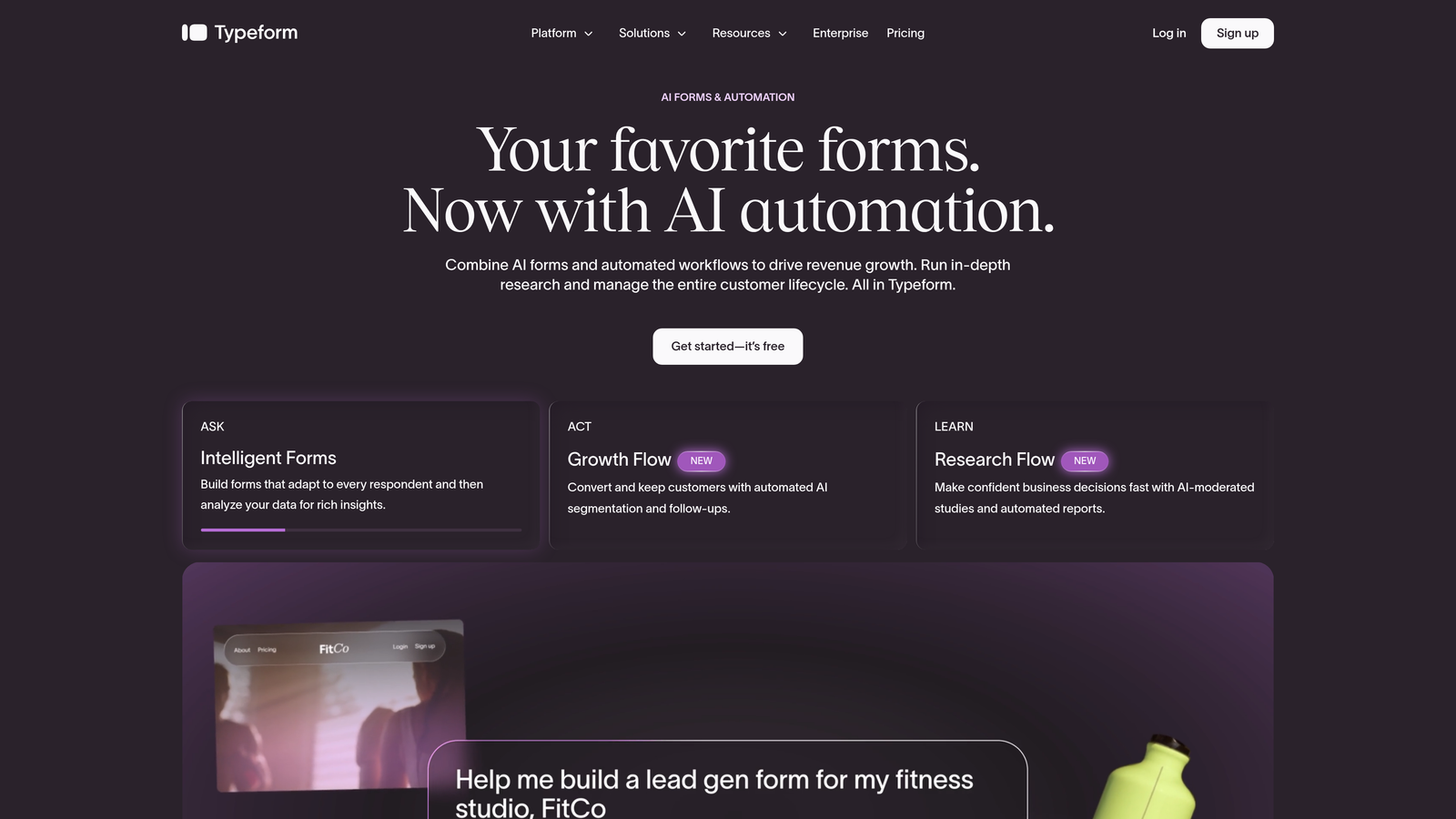
Typeform is a conversational form builder known for its one-question-at-a-time format that reduces abandonment.
Where This Tool Shines
Typeform's signature UX feels less like filling out a form and more like having a conversation. That distinction matters for lead capture flows where friction is the enemy of completion. The format works particularly well for longer qualification surveys where a traditional multi-field form would feel overwhelming.
The platform's design quality is genuinely high, making it a popular choice for brand-conscious teams. That said, lead qualification depth requires layering on external integrations, and pricing can escalate quickly as your response volume grows.
Key Features
Conversational UX: One-question-at-a-time format reduces cognitive load and improves completion rates.
Logic Jumps: Conditional branching tailors the form path based on each respondent's answers.
Branded Design: Custom themes, media embedding, and polished templates for on-brand experiences.
Integrations: Connects with HubSpot, Salesforce, Zapier, and a wide range of marketing tools.
Video Questions: Interactive response types including video prompts for richer lead data collection.
Best For
Marketing teams and agencies that place a high premium on form aesthetics and completion rates. Also a strong choice for longer qualification surveys where the conversational format reduces drop-off. See our roundup of Typeform alternatives if you're exploring options.
Pricing
Free plan available; paid plans start at approximately $25/month. Verify current pricing at typeform.com.
3. HubSpot Forms
Best for: Teams already operating within the HubSpot ecosystem.
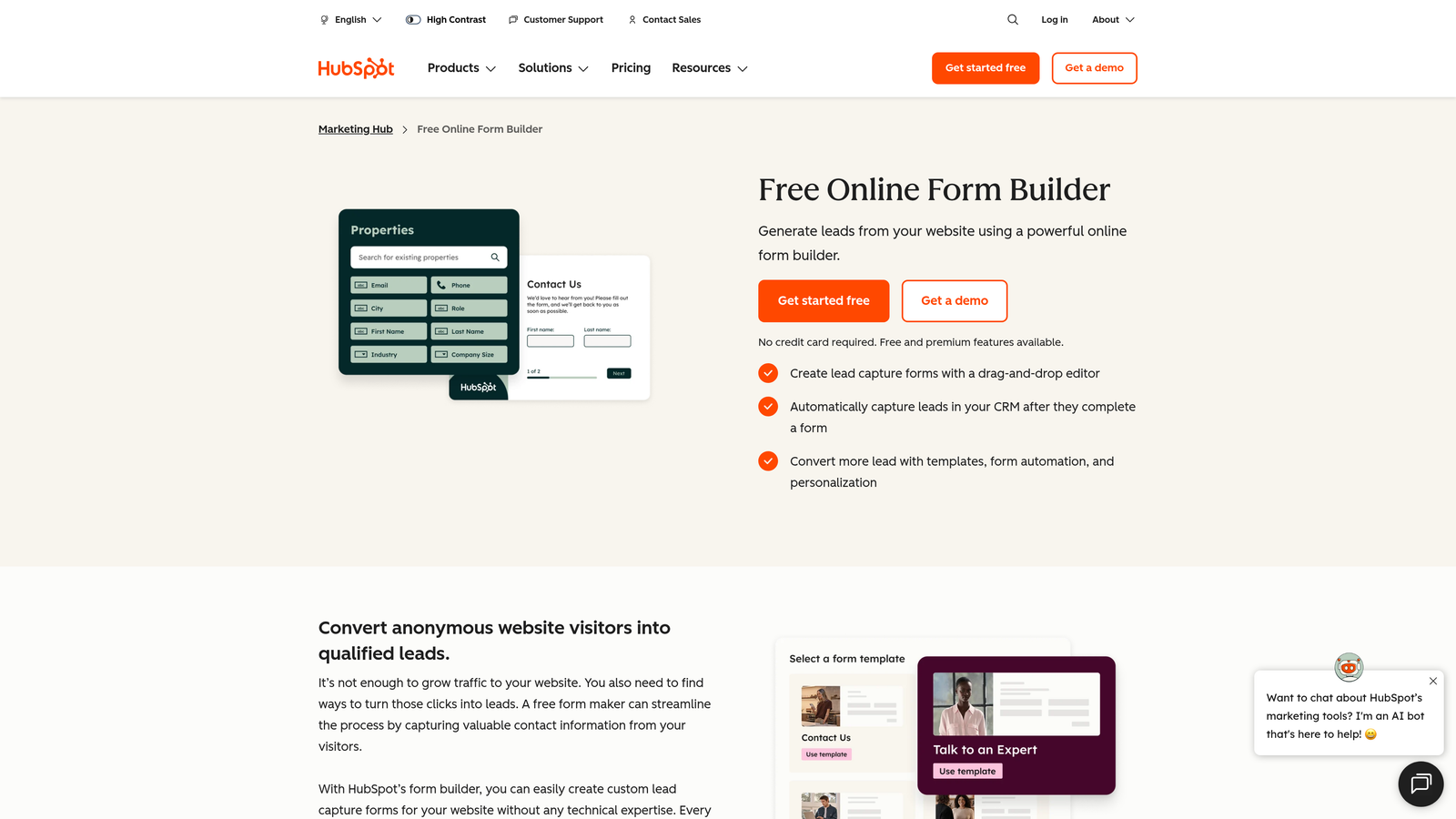
HubSpot Forms is a native form builder with seamless CRM sync and lifecycle automation built in.
Where This Tool Shines
If your team lives in HubSpot, the native form builder is a natural fit. There's no integration to configure, no data mapping to maintain, and no sync delays. Submissions flow directly into your CRM with contact records, lifecycle stages, and enrichment data already attached.
The progressive profiling feature is a genuine differentiator: returning visitors see new questions instead of fields they've already answered, building richer contact profiles over multiple touchpoints without repeating yourself. Design flexibility is limited compared to dedicated form tools, but the workflow efficiency more than compensates for teams in the HubSpot ecosystem.
Key Features
Native CRM Sync: Form submissions flow directly into HubSpot CRM with zero integration setup required.
Progressive Profiling: Returning contacts see new questions, gradually enriching their profile across sessions.
Lifecycle Automation: Submissions can trigger contact stage updates, sequences, and workflows automatically.
Multiple Form Types: Embedded forms, pop-ups, and slide-in banners for flexible placement options.
Free Entry Point: Available at no cost with the free HubSpot CRM tier.
Best For
Marketing and sales teams already using HubSpot as their CRM. The value proposition diminishes significantly outside the HubSpot ecosystem, where you'd lose the native sync advantage that makes this tool compelling.
Pricing
Free with HubSpot CRM; advanced lead scoring requires paid Marketing Hub tiers. Verify at hubspot.com.
4. Jotform
Best for: Teams needing a versatile, feature-rich form builder with a massive template library.
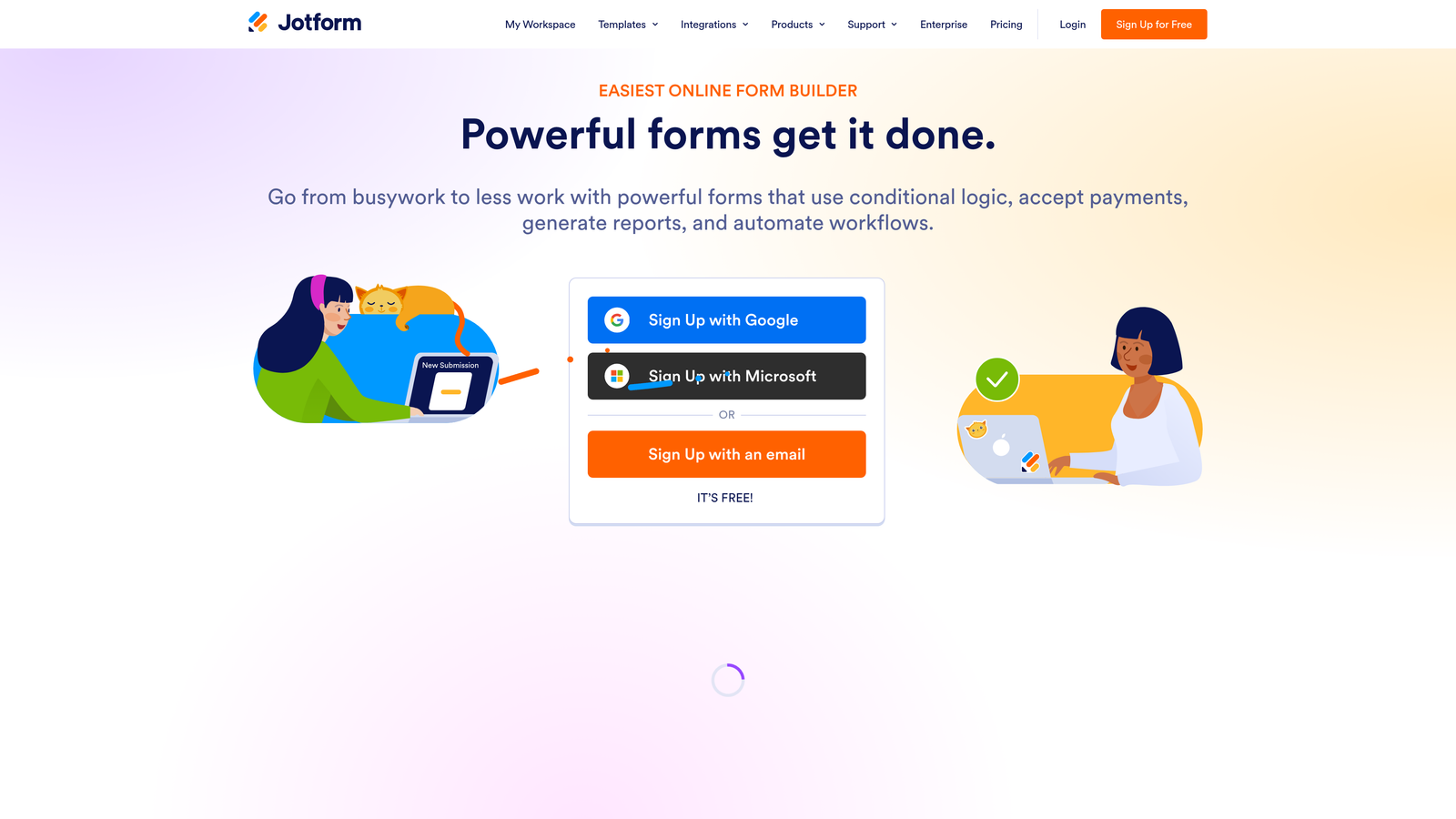
Jotform is a general-purpose form builder with deep conditional logic and one of the largest template libraries available.
Where This Tool Shines
Jotform's strength is breadth. The template library covers an enormous range of lead capture scenarios, and the conditional logic engine is powerful enough to handle complex multi-branch flows without writing a line of code. For teams with diverse form needs across different departments, it's a practical all-in-one solution.
The trade-off is focus. Jotform is built to handle everything from event registration to payment collection, which means it isn't optimized specifically for B2B lead qualification. Teams with that specific need may find themselves stitching together workarounds rather than using purpose-built functionality.
Key Features
Extensive Template Library: Thousands of templates covering lead capture, surveys, payments, and more.
Advanced Conditional Logic: Multi-branch form flows without any coding required.
Payment Collection: Built-in support for Stripe, PayPal, and other payment processors.
Wide Integration Ecosystem: Connects with Salesforce, Google Sheets, Slack, and hundreds of other tools.
Multi-Page Forms: Break long forms into digestible steps with custom thank-you pages.
Best For
Teams that need a single form tool to serve multiple use cases across the organization. Also a good fit for operations or admin teams that need forms for workflows beyond lead capture, such as onboarding, contracts, or internal requests.
Pricing
Free plan available; paid plans start at approximately $34/month. Verify current pricing at jotform.com.
5. Unbounce Smart Builder
Best for: Paid media teams running conversion-focused landing page campaigns.
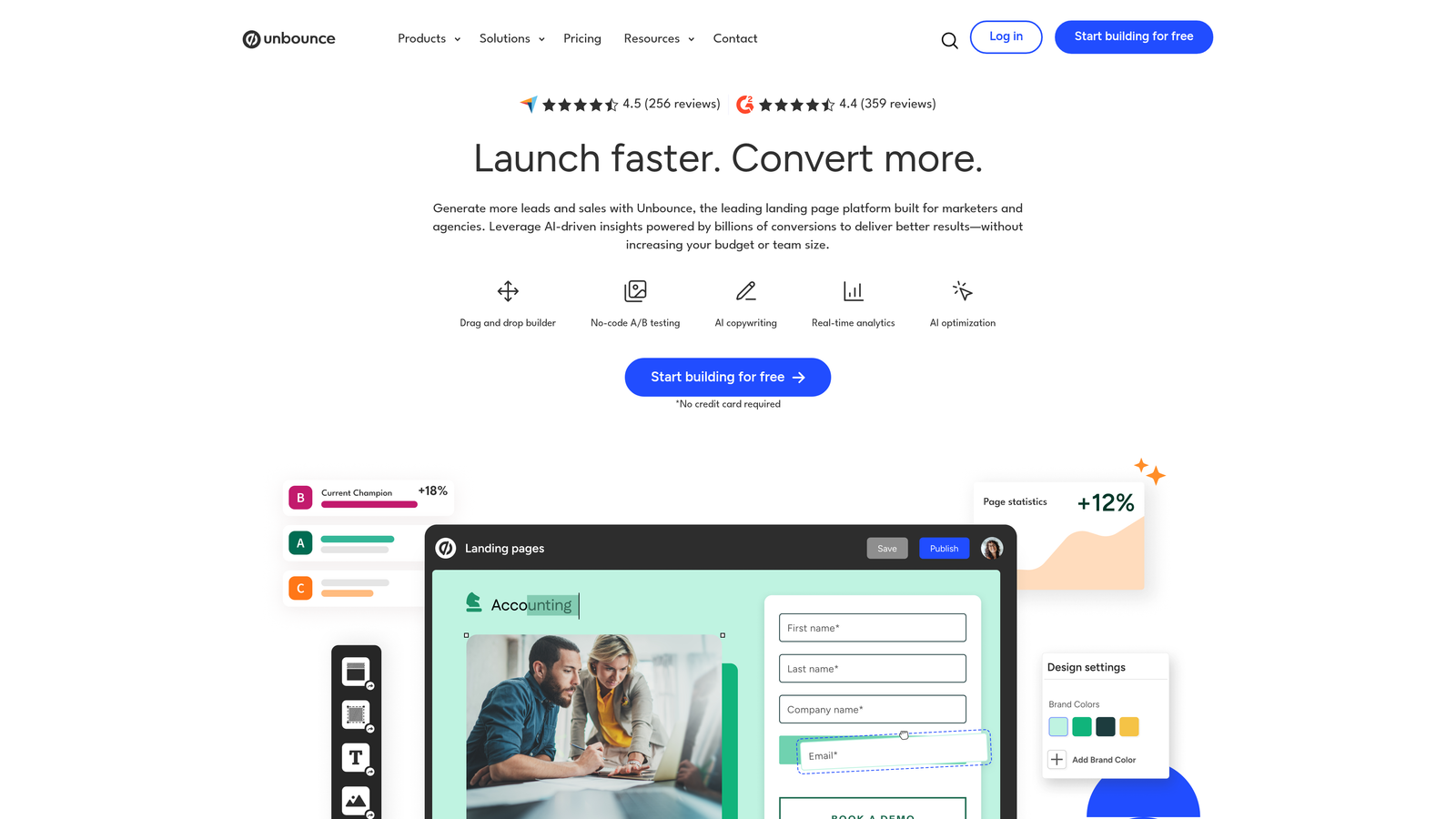
Unbounce Smart Builder is an AI-powered landing page builder with embedded lead capture and smart traffic optimization.
Where This Tool Shines
Unbounce is primarily a landing page tool, and that context matters. The form capabilities are strong, but they exist in service of the broader page-building experience. Where Unbounce truly earns its place is in paid campaign environments, where the Smart Traffic feature routes visitors to the highest-converting variant automatically.
For teams running Google Ads or paid social campaigns at meaningful scale, the combination of AI-driven traffic optimization, dynamic text replacement, and built-in A/B testing creates a conversion workflow that dedicated form builders simply can't replicate. It's overkill for simple lead capture, but powerful for performance marketers.
Key Features
AI Landing Page Builder: Generates and optimizes page layouts with embedded lead capture forms.
Smart Traffic: Automatically routes visitors to the variant most likely to convert based on their profile.
A/B Testing: Built-in split testing with conversion analytics to identify winning combinations.
Dynamic Text Replacement: Personalizes page copy to match the ad or keyword that brought the visitor.
Popups and Sticky Bars: Supplemental lead capture elements for pages and embedded experiences.
Best For
Performance marketing teams managing paid traffic campaigns who need landing pages and lead capture to work as a unified, optimized system. Less suited for teams looking for a standalone form builder without the landing page layer.
Pricing
Plans start at approximately $99/month. Verify current pricing at unbounce.com.
6. Leadpages
Best for: Small businesses and solopreneurs capturing leads via dedicated landing pages.
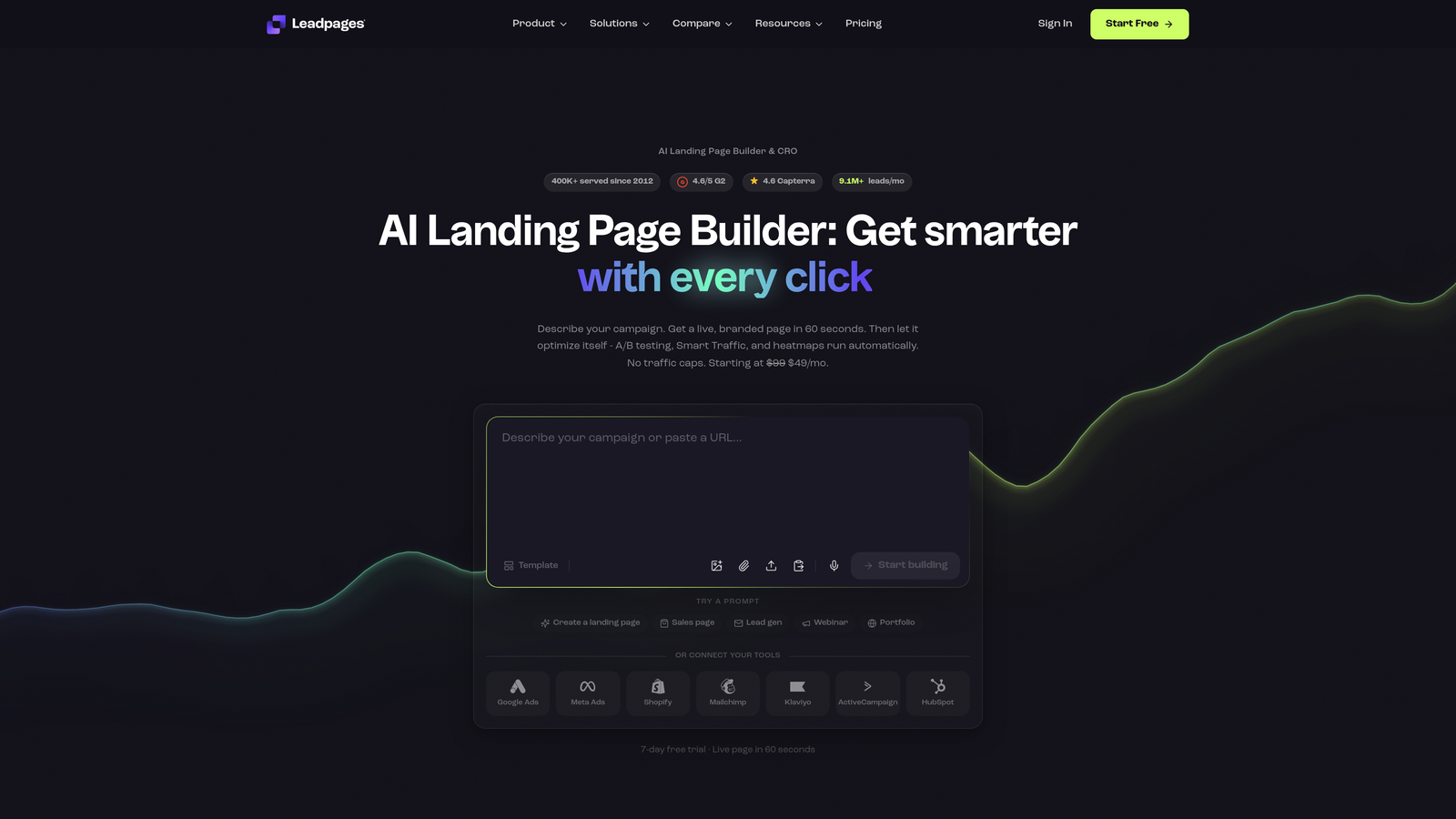
Leadpages is a drag-and-drop landing page and form builder designed for non-technical users who need results without a developer.
Where This Tool Shines
Leadpages occupies a similar space to Unbounce but with a lower barrier to entry. The drag-and-drop builder is genuinely accessible for non-technical users, and the built-in lead magnet delivery feature is a practical time-saver for content-driven lead generation strategies.
The platform is well-suited for solopreneurs, consultants, and small marketing teams that need professional-looking lead capture pages without the overhead of a full landing page platform. The pricing reflects this positioning, making it a reasonable choice for teams that don't need enterprise-scale infrastructure.
Key Features
Drag-and-Drop Builder: No coding required for building pages and forms from scratch or templates.
A/B Testing: Built-in split testing to optimize landing page conversion rates.
Lead Magnet Delivery: Automatically delivers PDFs, videos, or downloads on form submission.
Alert Bars and Pop-Ups: Additional form placement options beyond the main landing page.
CRM and Email Integrations: Connects with major email marketing and CRM platforms.
Best For
Solopreneurs, coaches, consultants, and small marketing teams that need a complete lead capture page solution without technical complexity. A practical alternative to Unbounce for teams with smaller budgets or simpler campaign requirements.
Pricing
Plans start at approximately $49/month. Verify current pricing at leadpages.com.
7. Gravity Forms
Best for: WordPress sites that need advanced form logic and deep platform integration.
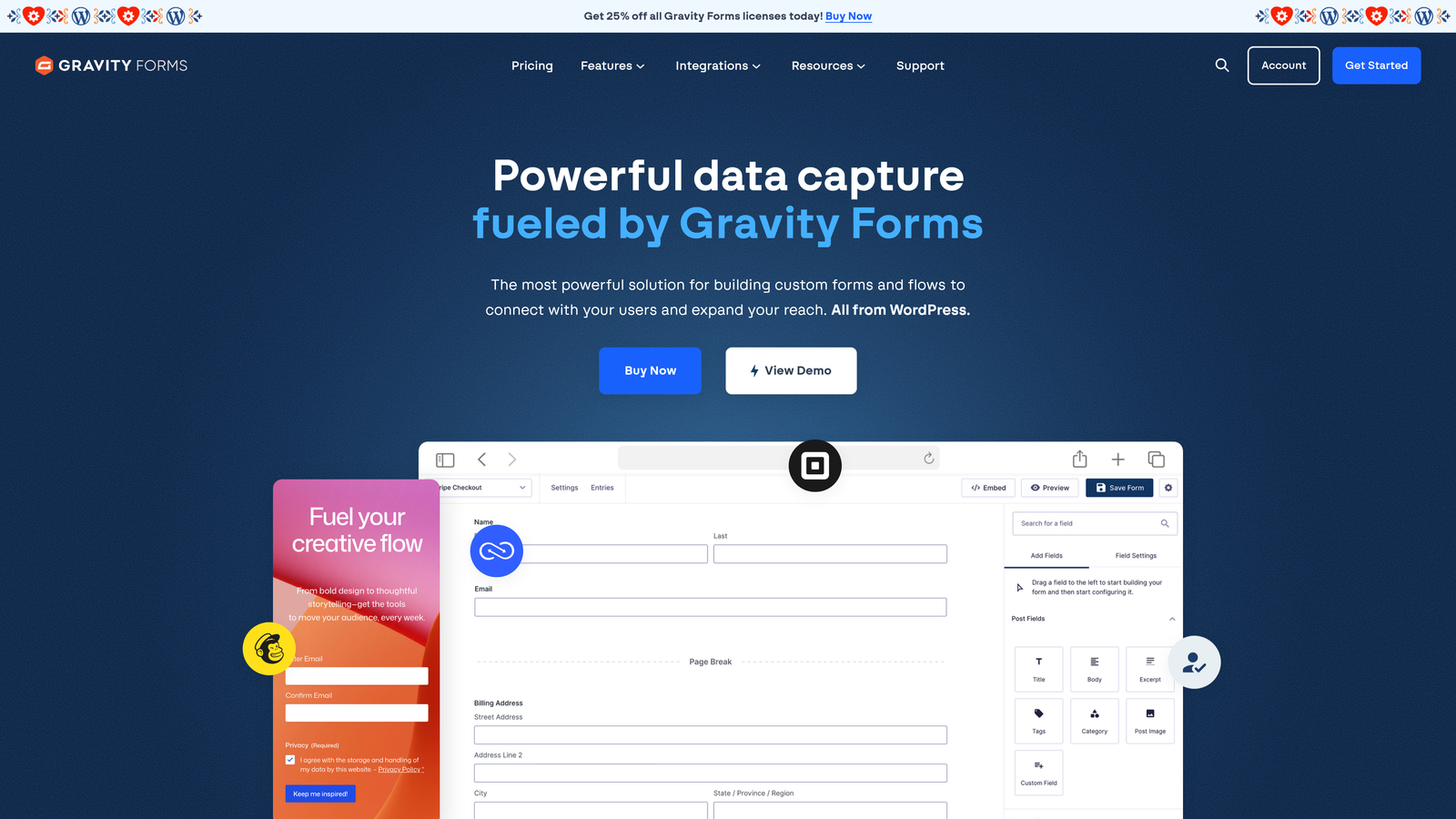
Gravity Forms is the leading WordPress-native form plugin for teams that need sophisticated lead capture within a WordPress environment.
Where This Tool Shines
If your website runs on WordPress, Gravity Forms is the most capable form solution in the ecosystem. The conditional logic engine is robust, the add-on library covers CRM connections, payment processing, and survey tools, and the developer-friendly architecture means custom workflows are always within reach.
The critical caveat is the platform dependency. Gravity Forms only works on WordPress, and it requires an annual license rather than a monthly subscription. For teams already on WordPress with complex form requirements, it's an excellent investment. For everyone else, it's simply not an option.
Key Features
Deep WordPress Integration: Native plugin architecture with full WooCommerce compatibility.
Advanced Conditional Logic: Multi-page forms with complex branching and field visibility rules.
Add-On Ecosystem: Extensions for Salesforce, HubSpot, Stripe, surveys, and more.
Developer-Friendly: Extensive hooks and filters for custom functionality and workflow automation.
GDPR Compliance Tools: Built-in data handling options for privacy-conscious organizations.
Best For
WordPress-based businesses and development teams that need a powerful, extensible form solution with deep platform integration. Not suitable for teams on non-WordPress stacks. For a broader view, see our guide to the best form builders for WordPress.
Pricing
Annual licenses starting at approximately $59/year. Verify current pricing at gravityforms.com.
8. Paperform
Best for: Consultants and creators who want forms that feel like polished, content-rich landing pages.
Paperform is a doc-style form builder that blends rich content with interactive form fields in a uniquely readable format.
Where This Tool Shines
Paperform's editor is genuinely different from anything else on this list. Instead of a separate form placed on a page, the entire experience is built as a single flowing document where text, images, video, and form fields coexist naturally. The result feels less like a form and more like a curated experience.
This makes Paperform particularly effective for consultants, educators, and creators who want their lead capture to reflect their brand and communicate value before asking for contact information. It's less optimized for high-volume B2B lead qualification and more suited to relationship-driven capture flows.
Key Features
Doc-Style Editor: Combines written content, media, and form fields in a single seamless document experience.
Conditional Logic: Adaptive form paths and calculation fields for dynamic responses.
Custom Domain Support: Host forms on a branded URL for a professional, cohesive experience.
Integrations: Zapier and native connections to CRM and email marketing platforms.
Best For
Independent consultants, course creators, and small agencies that want lead capture experiences with a high-quality editorial feel. Less suited to teams that need rapid, high-volume lead qualification workflows.
Pricing
Plans start at approximately $29/month. Verify current pricing at paperform.co.
9. ActiveCampaign Forms
Best for: ActiveCampaign users who want lead capture connected directly to email automations.
ActiveCampaign Forms is a built-in form builder that feeds submissions directly into ActiveCampaign's automation and CRM workflows.
Where This Tool Shines
ActiveCampaign Forms earns its place on this list through tight platform integration rather than standalone form-building power. When a lead submits a form, they can be instantly tagged, assigned to a list, enrolled in an automation sequence, and scored, all without any third-party tools or manual steps.
For teams that have invested in ActiveCampaign as their marketing and CRM platform, the forms tool is a natural extension of that investment. The form builder itself is functional rather than exceptional, but the automation depth it unlocks is genuinely valuable for nurture-heavy lead generation strategies.
Key Features
Direct Automation Connection: Form submissions trigger ActiveCampaign sequences, tags, and contact updates instantly.
Multiple Form Types: Inline, floating, and modal form placements for flexible deployment.
Conditional Actions: Different automation paths triggered based on specific field responses.
Contact Tagging: Automatic tag and list assignment on submission for granular segmentation.
Included in All Plans: No additional cost for existing ActiveCampaign subscribers.
Best For
Teams already using ActiveCampaign for email marketing and CRM who want their lead capture and nurture workflows to operate as a single connected system. Limited standalone value for teams outside the ActiveCampaign ecosystem.
Pricing
Included with ActiveCampaign plans starting at approximately $15/month. Verify current pricing at activecampaign.com.
Which Tool Is Right for Your Team?
The right choice depends on where your biggest constraint lives. Here's a quick breakdown to help you decide.
For AI-powered lead qualification: Orbit AI is the only tool on this list that bakes qualification logic into the form layer itself, making it the natural choice for B2B and SaaS teams focused on pipeline quality over raw volume.
For conversational lead capture: Typeform delivers the best one-question-at-a-time experience, particularly for longer qualification flows where friction is a real concern.
For HubSpot or ActiveCampaign users: Stick with the native form builders. The workflow efficiency of staying within your existing ecosystem outweighs the design limitations for most teams.
For WordPress sites: Gravity Forms remains the most capable and extensible option for teams building on WordPress.
For paid campaign landing pages: Unbounce Smart Builder's traffic optimization and A/B testing make it the strongest choice for performance marketers running paid media at scale.
For small teams and solopreneurs: Leadpages and Paperform both offer accessible, affordable experiences without requiring technical expertise.
If your priority is turning form submissions into qualified pipeline, rather than just collecting contact information, start your free trial today with Orbit AI and see what it looks like when qualification happens at the form level, before leads ever reach your CRM.
For more on building forms that actually convert, explore our guides on how to improve form conversion rates and Typeform alternatives for businesses looking to level up their lead capture strategy.


