

In 2026, a simple contact form is no longer sufficient. Your WordPress forms are the frontline of lead capture, qualification, and customer interaction. The right tool doesn't just collect data; it accelerates your entire sales funnel, qualifies leads intelligently, and integrates seamlessly into your workflow. Choosing the best form builder for WordPress can be the difference between a leaky pipeline and a high-velocity growth engine.
But with dozens of options, from legacy plugins to new AI-powered platforms, how do you choose the one that aligns with your specific goals? This guide cuts through the noise. We provide a detailed, hands-on comparison of the 12 best form builders for WordPress, evaluating them on the criteria that matter most to modern growth-focused teams.
You will find a deep dive into each tool, focusing on:
- AI and Automation: How they use artificial intelligence for lead qualification and workflow automation.
- Performance: The impact on your site's load speed and Core Web Vitals.
- Integrations: How deeply they connect with your CRM and marketing stack.
- Security: GDPR compliance and data protection features.
Each review includes screenshots, direct links, and clear "best for" recommendations to help you make a confident decision. Whether you're a B2B SaaS company needing secure lead capture, a sales team seeking qualified pipeline, or an agency building high-performance sites, this resource will help you select the builder that turns simple submissions into qualified, revenue-driving conversations.
1. Orbit AI
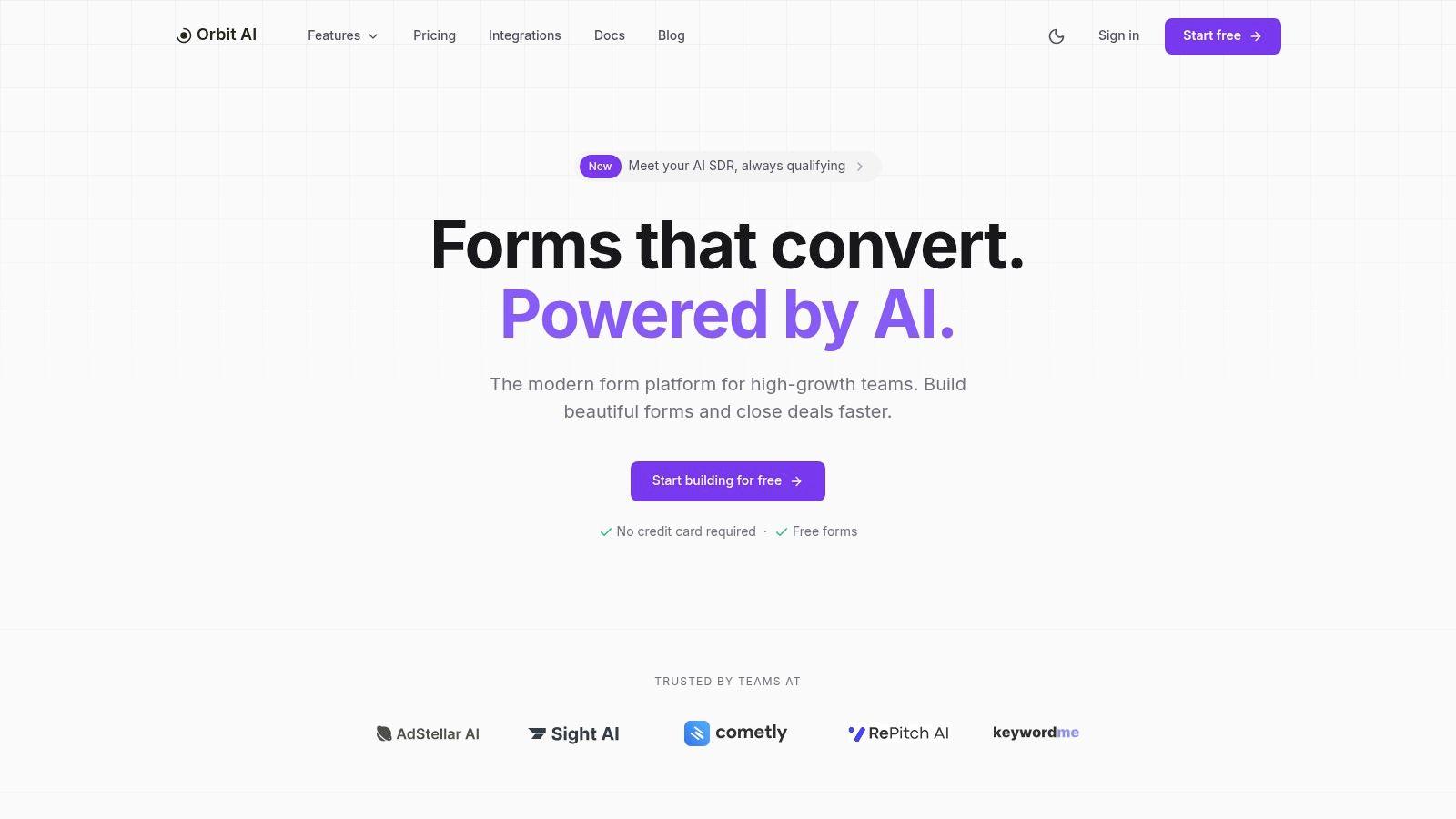
Orbit AI earns its top spot by fundamentally rethinking what a form should do. Instead of just capturing data, it transforms every submission into a qualified conversation, making it an indispensable tool for growth-focused marketing and sales teams. It merges a user-friendly, high-performance form builder with a sophisticated AI engine designed to accelerate the entire lead lifecycle, establishing it as one of the best form builders for WordPress available today.
The platform excels with its visual builder, which allows teams to deploy beautiful, fast-loading, and conversion-optimized forms in minutes using pre-built templates. These forms are designed not just for aesthetics but for performance, ensuring a clean user experience that minimizes drop-off and encourages completion. This focus on speed and usability sets a strong foundation for what comes next.
Key Differentiator: The AI SDR
Where Orbit AI truly stands out is its built-in “AI SDR.” This intelligent layer works behind the scenes to enrich lead data, apply smart scoring, and automatically surface the most sales-ready opportunities. For sales teams, this means less time wasted on unqualified leads and more time spent on conversations that are likely to close. This automated qualification process is a game-changer for B2B SaaS companies and agencies needing to scale their pipeline efficiently. Teams interested in the technology behind this can explore other powerful AI lead generation tools to understand the landscape.
Use Cases & Implementation
- For Growth Teams: Use the real-time analytics to identify drop-off points in your lead forms and A/B test different questions or layouts to maximize conversions.
- For Sales Leaders: Connect Orbit directly to your CRM (it supports over 50 integrations) to pipe in pre-qualified, enriched leads, reducing manual follow-up and accelerating sales cycles.
- For Agencies: Manage multiple client forms from a single dashboard with unlimited team member access, ensuring seamless collaboration and consistent lead quality.
Pricing and Access
Orbit AI offers a compelling free-to-start plan, allowing users to begin building forms without a credit card. For teams requiring advanced capabilities like enhanced security, custom integrations, or specific SLAs, custom enterprise-tier pricing is available upon consultation with their sales team.
Website: https://orbitforms.ai
2. WPForms
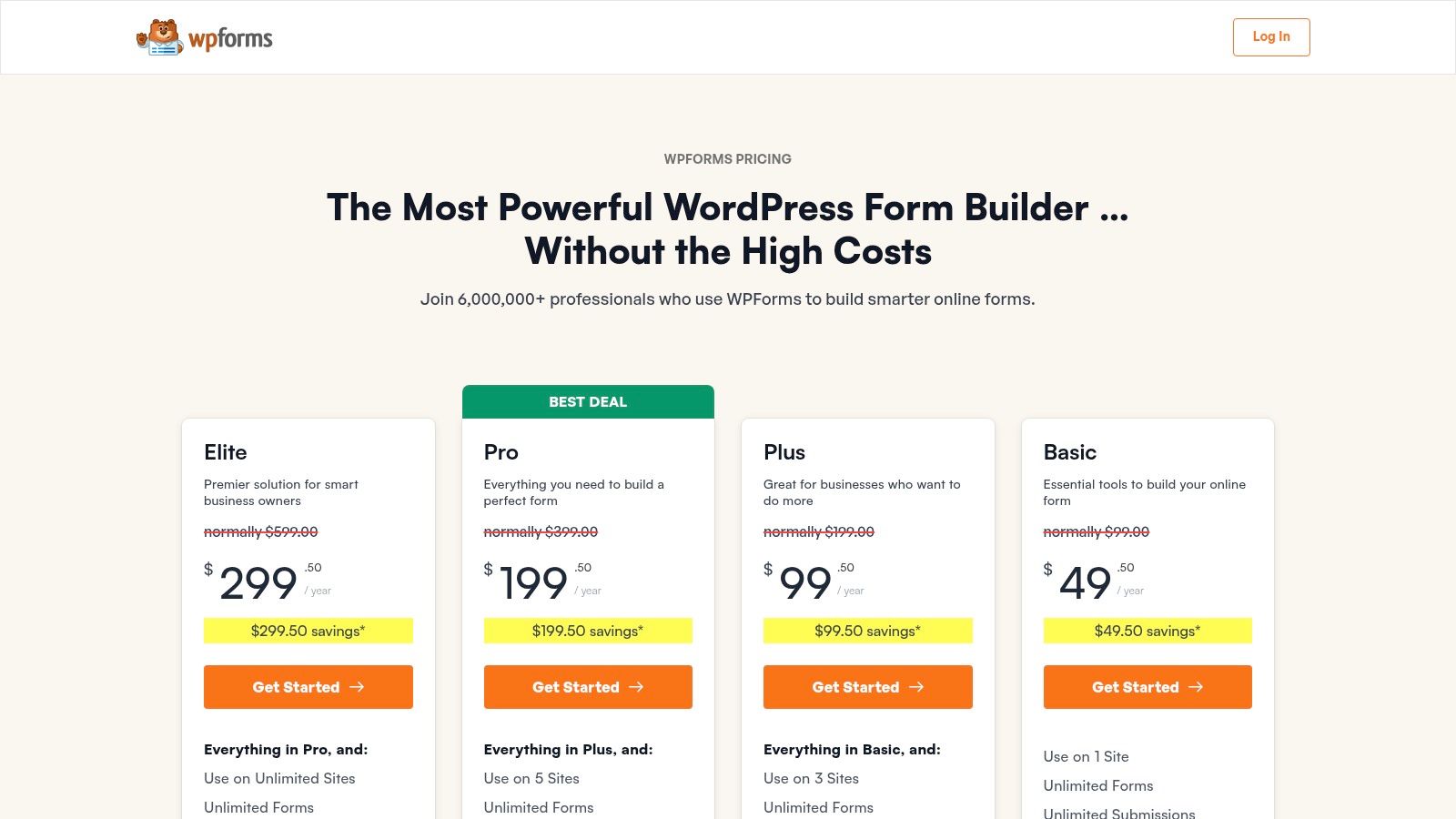
WPForms has earned its place as one of the most popular and user-friendly WordPress form builders, particularly for teams that prioritize speed and simplicity. Its core strength lies in its intuitive drag-and-drop interface and an extensive library of over 2,000 pre-built templates, which allows marketers to deploy everything from simple contact forms to complex payment or registration forms in minutes, without touching a single line of code.
This platform is a strong contender for those needing quick campaign execution. For instance, a growth team can rapidly build a multi-step conversational form to boost engagement and improve their lead capture form conversion rates. The built-in payment integrations with Stripe, PayPal, and Square make it an excellent choice for businesses selling products or services directly through their WordPress site.
Key Features and Considerations
WPForms shines with its out-of-the-box functionality designed for marketing and sales pipelines.
- Ease of Use: Unmatched for beginners; the entire user experience is built around a "what you see is what you get" editor.
- Integrations: Connects seamlessly with essential tools like Mailchimp, Slack, Twilio, and Notion, ensuring form submission data flows directly into existing workflows.
- Form Types: Supports advanced formats, including conversational forms and multi-page layouts with entry previews, which are crucial for reducing form fatigue.
However, its primary limitation is the pricing model. While a free version exists, powerful features like payment processing, advanced fields, and premium integrations are reserved for higher-tier plans. The per-site licensing can also become costly for agencies managing multiple client websites, making it less scalable than some competitors.
Best For: Small to medium-sized businesses (SMBs) and marketing teams who need a reliable, easy-to-use form builder with a vast template library for rapid deployment.
Website: https://wpforms.com/pricing/
3. Gravity Forms
Gravity Forms has long been the go-to choice for developers and agencies seeking a robust, extensible, and reliable WordPress form builder. It stands out for its deep feature set and powerful add-on ecosystem, allowing for the creation of highly complex and customized data collection workflows that go far beyond simple contact forms. Its reputation is built on stability and a developer-first approach to integrations and customization.
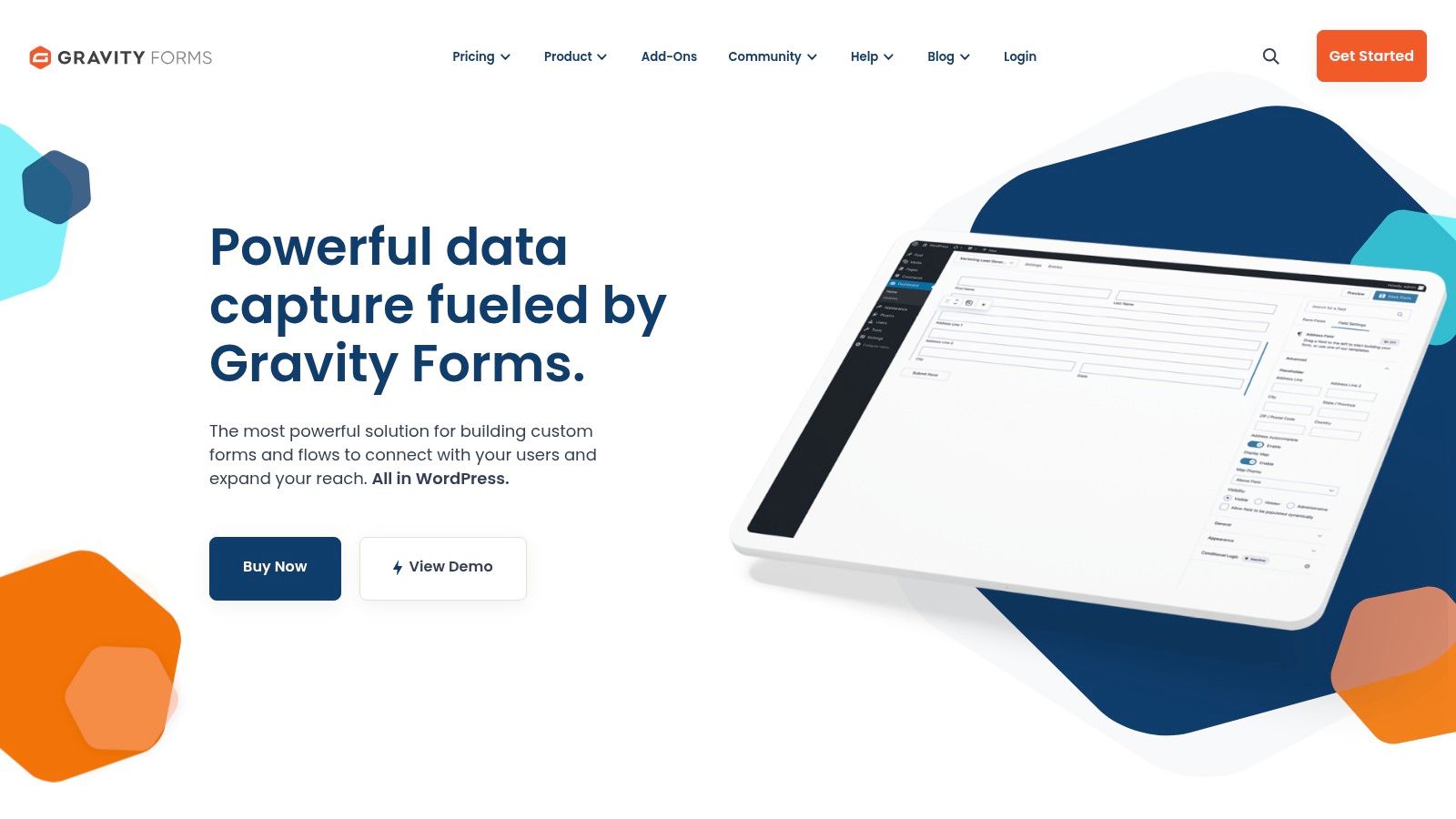
This platform is ideal for advanced scenarios, such as creating user registration systems, running quizzes with automated grading, or capturing partial entries to follow up on abandoned submissions. For a marketing team, this could mean building a multi-step survey with conditional logic that dynamically changes questions based on user input, ensuring a more personalized and effective data-gathering process.
Key Features and Considerations
Gravity Forms excels where deep functionality and data integrity are paramount, making it one of the best form builders for WordPress power users.
- Advanced Functionality: Features like file uploads, conditional logic, partial entry saving, and calculations are core to the platform.
- Extensive Add-On Library: Offers a wide range of official and third-party add-ons for payments (Stripe, PayPal), CRMs (HubSpot), and automation tools (Zapier).
- Developer-Friendly: Provides extensive hooks and filters, making it highly customizable for teams with development resources.
The main drawback is its accessibility. There is no free version, and the interface, while powerful, presents a steeper learning curve compared to more modern, drag-and-drop focused builders. This can make it less suitable for teams that need to deploy simple forms quickly without technical assistance.
Best For: Agencies, developers, and businesses that require advanced, customized form solutions for complex data collection, user registration, or intricate workflows.
Website: https://www.gravityforms.com/
4. Ninja Forms
Ninja Forms takes a modular approach to form building, making it a highly flexible choice for WordPress users who want to start free and scale functionality as needed. Its core plugin is completely free and allows for unlimited forms and submissions, providing a solid foundation for any team. The real power comes from its extensive library of premium add-ons, which allow users to cherry-pick features like payment gateways, CRM connections, and advanced field types.
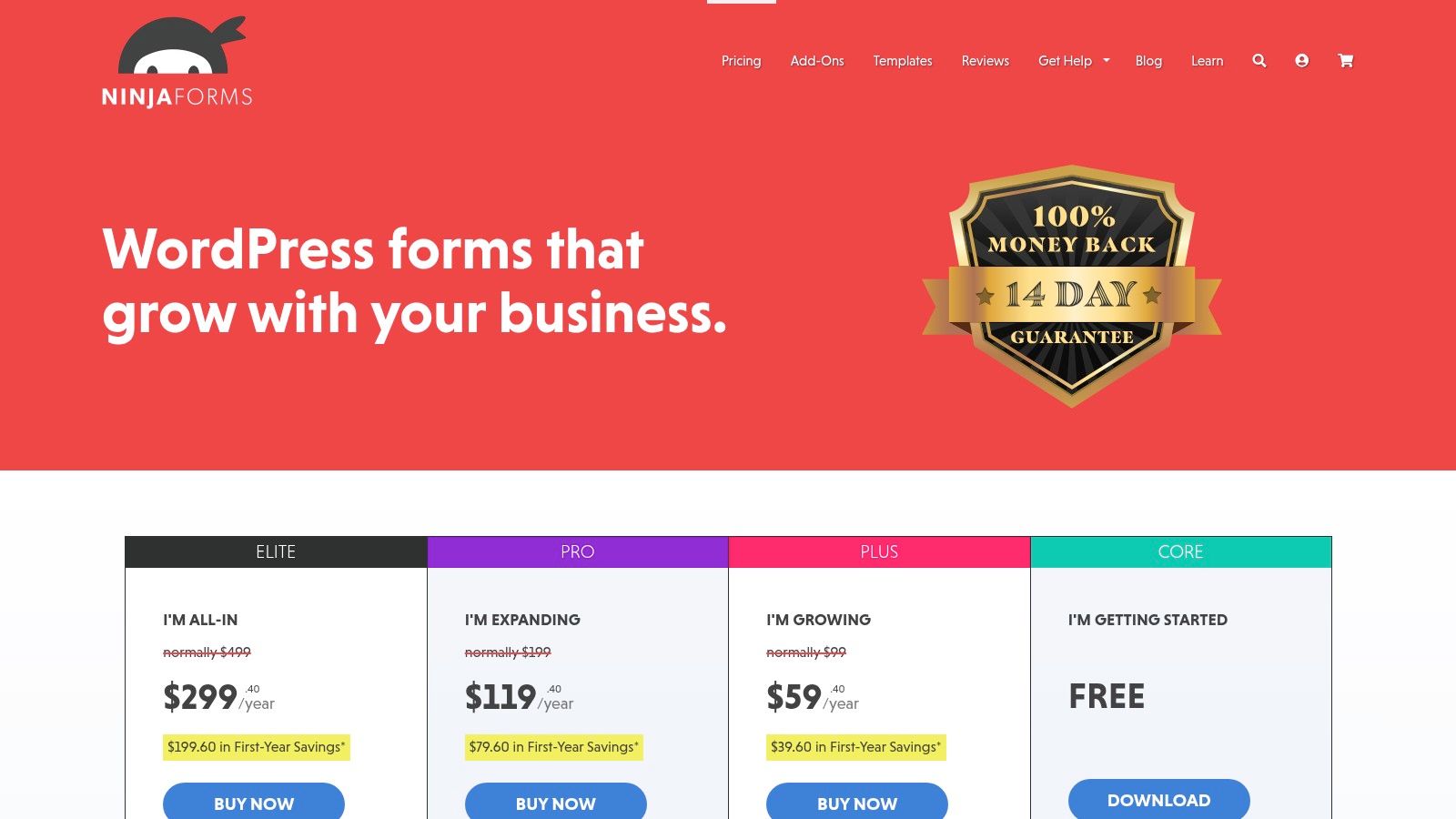
This "à la carte" model is ideal for developers and growing businesses that need specific functionalities without paying for a bundled suite of tools they won't use. For instance, a small e-commerce site could start with the free version and later integrate the Stripe add-on to accept payments, or a marketing team could add the Mailchimp add-on to funnel leads directly into their email campaigns. The user-friendly, drag-and-drop interface ensures that building these custom forms remains accessible even for non-technical users.
Key Features and Considerations
Ninja Forms is one of the best form builders for WordPress due to its developer-friendly nature and granular control over features.
- Modular Functionality: With over 40 add-ons, you can integrate everything from Salesforce and Zoho CRM to advanced tools for conditional logic and multi-step layouts.
- Developer-Friendly: The platform is built with hooks and filters, making it easily extendable for developers who need to create custom solutions.
- Core Features Free: The free plugin is impressively robust, offering unlimited forms, fields, and submissions without any restrictions, which is rare.
The primary drawback is that the cost of individual add-ons can quickly accumulate. While this model offers flexibility, purchasing several add-ons or an agency bundle can sometimes match or exceed the price of an all-in-one competitor. Teams must carefully evaluate their feature needs to ensure the à la carte approach remains cost-effective for their specific use case.
Best For: Developers and businesses that prefer a pay-as-you-go model, starting with a powerful free tool and adding specific integrations as their needs evolve.
Website: https://ninjaforms.com/pricing/
5. Formidable Forms
Formidable Forms positions itself as more than just a form builder; it's a solution-focused WordPress plugin for creating data-driven applications. Its standout feature is the ability to take form submission data and display it on the front-end of your site as directories, event calendars, job boards, or real estate listings. This makes it one of the best form builders for WordPress users who need to build interactive, data-heavy web applications without extensive custom development.
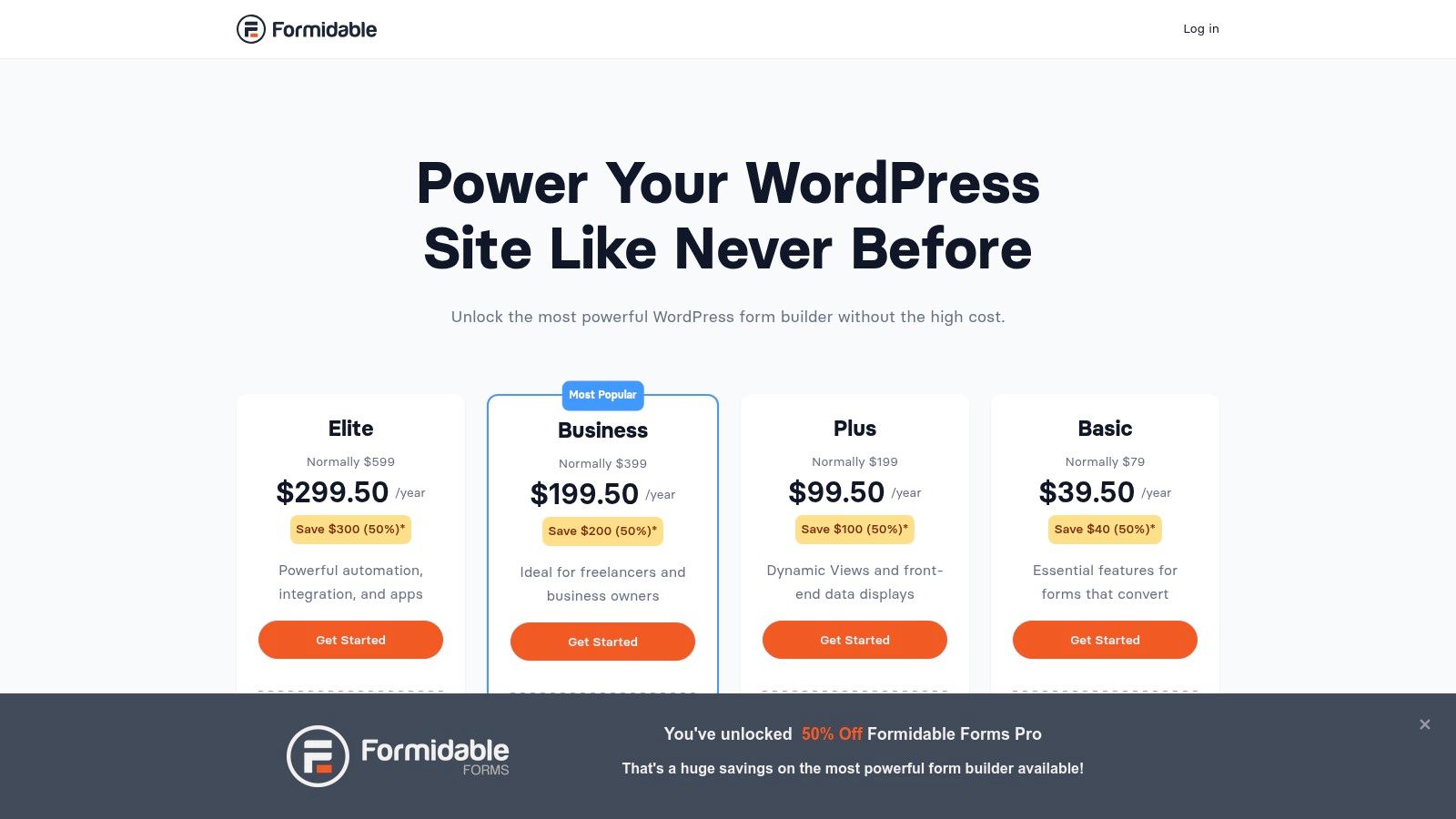
This platform is ideal for complex projects. For example, a development team could use it to create an internal tool that collects user feedback and automatically visualizes the data in charts and graphs on a private dashboard. Its powerful calculation fields and repeater fields also make it a top choice for intricate order forms, detailed registration processes, or sophisticated quote calculators.
Key Features and Considerations
Formidable Forms excels at turning collected data into functional web content.
- Front-end Views: Its unique ability to display submission data in customizable views, grids, and calendars eliminates the need for other plugins or custom code for data presentation.
- Advanced Fields: Supports complex calculations, conditional logic, and repeater fields, which are essential for building advanced, application-like forms.
- Integrations: Connects with popular tools like Mailchimp, Zapier, Twilio, and Google Sheets, allowing data to flow seamlessly into your existing tech stack.
The main consideration is its learning curve. While powerful, the advanced features that make it unique can be more complex to master compared to simpler, drag-and-drop focused builders. Furthermore, its most powerful features, like the Views add-on, are only available in the higher-priced subscription tiers.
Best For: Developers, agencies, and businesses that need to build data-driven web applications and display collected information on their WordPress front-end.
Website: https://formidableforms.com/pricing/
6. Fluent Forms
Fluent Forms has carved out a niche as a powerful and lightweight WordPress form builder, appealing to users who prioritize performance and value. Its primary differentiator is its speed-optimized code, ensuring that forms do not slow down your website, a critical factor for SEO and user experience. The platform combines a user-friendly drag-and-drop builder with a comprehensive feature set that rivals more established competitors, often at a more accessible price point.
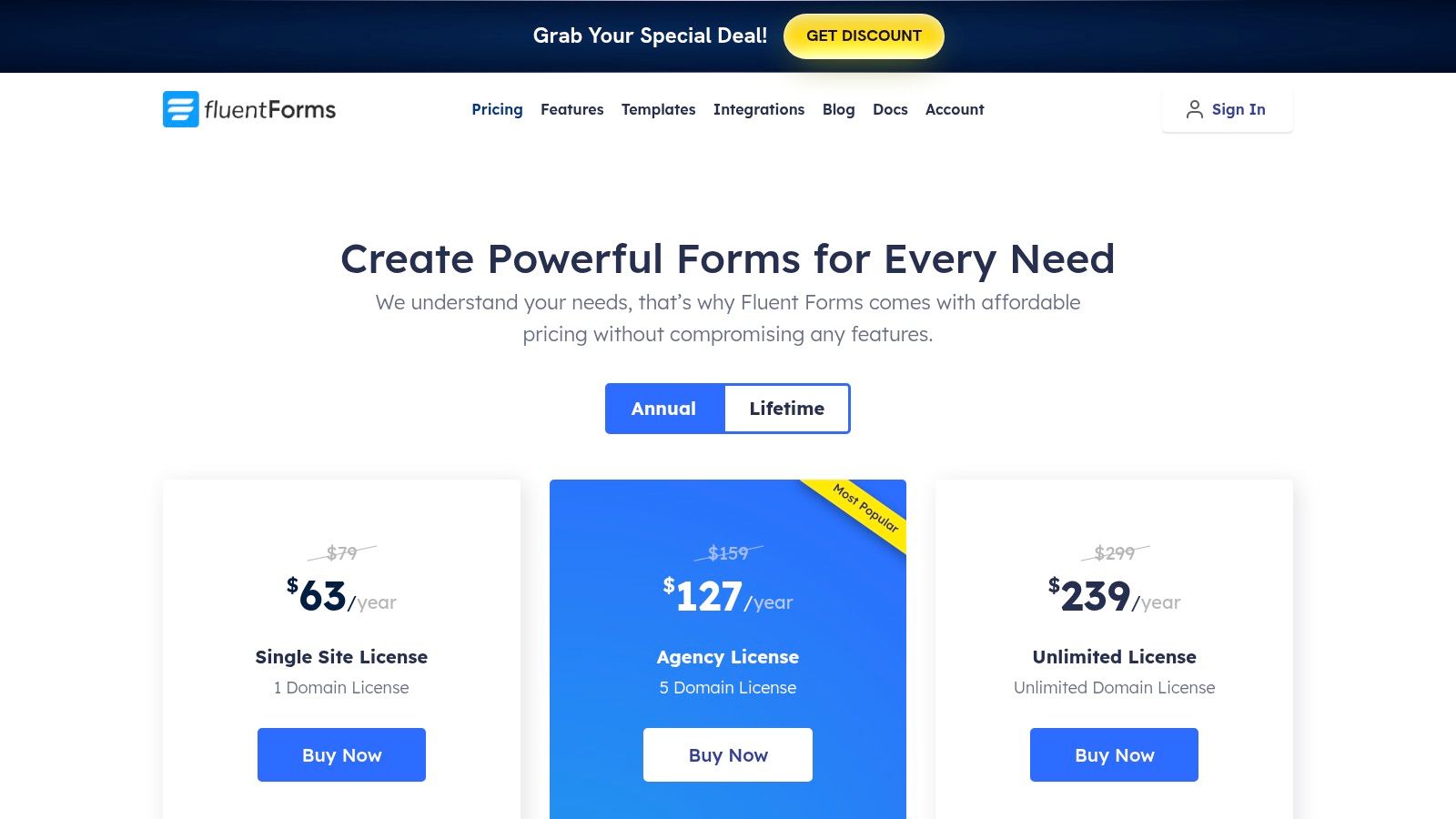
This makes Fluent Forms a compelling choice for performance-conscious businesses and agencies. A marketing team can implement multi-step or conversational forms to improve lead quality, while the built-in payment integrations and calculated fields are perfect for e-commerce or service bookings. The availability of lifetime licenses offers a significant long-term cost advantage over subscription-only models, making it an attractive investment for teams with stable, long-term projects.
Key Features and Considerations
Fluent Forms balances an advanced feature set with a strong focus on site performance and affordability.
- Performance-Focused: Built to be one of the fastest form plugins, minimizing impact on page load times, which is crucial for conversion-focused sites.
- Rich Feature Set: Offers over 65 input fields, conversational forms, payment integrations, and dedicated form landing pages even in its standard plans.
- Integrations & Analytics: Provides more than 60 integrations with popular marketing and CRM tools, along with built-in visual data reporting to track submission trends.
The main consideration is its smaller third-party ecosystem compared to legacy giants like Gravity Forms or WPForms. While it has a robust native integration library, you may find fewer independent add-ons or community-developed extensions available. However, for most teams, its built-in functionality is more than sufficient.
Best For: Performance-sensitive businesses, agencies, and developers looking for a feature-rich form builder with a competitive, one-time payment option.
Website: https://fluentforms.com/pricing/
7. WS Form
WS Form is a powerful and performance-oriented WordPress form builder tailored for developers and technical users who demand granular control and extensibility. Its standout feature is the built-in debug console, which provides deep insight into form behavior, making it an excellent choice for complex projects where troubleshooting and custom logic are paramount. The platform is designed with developer ergonomics in mind, offering a robust framework for building sophisticated, data-driven forms.
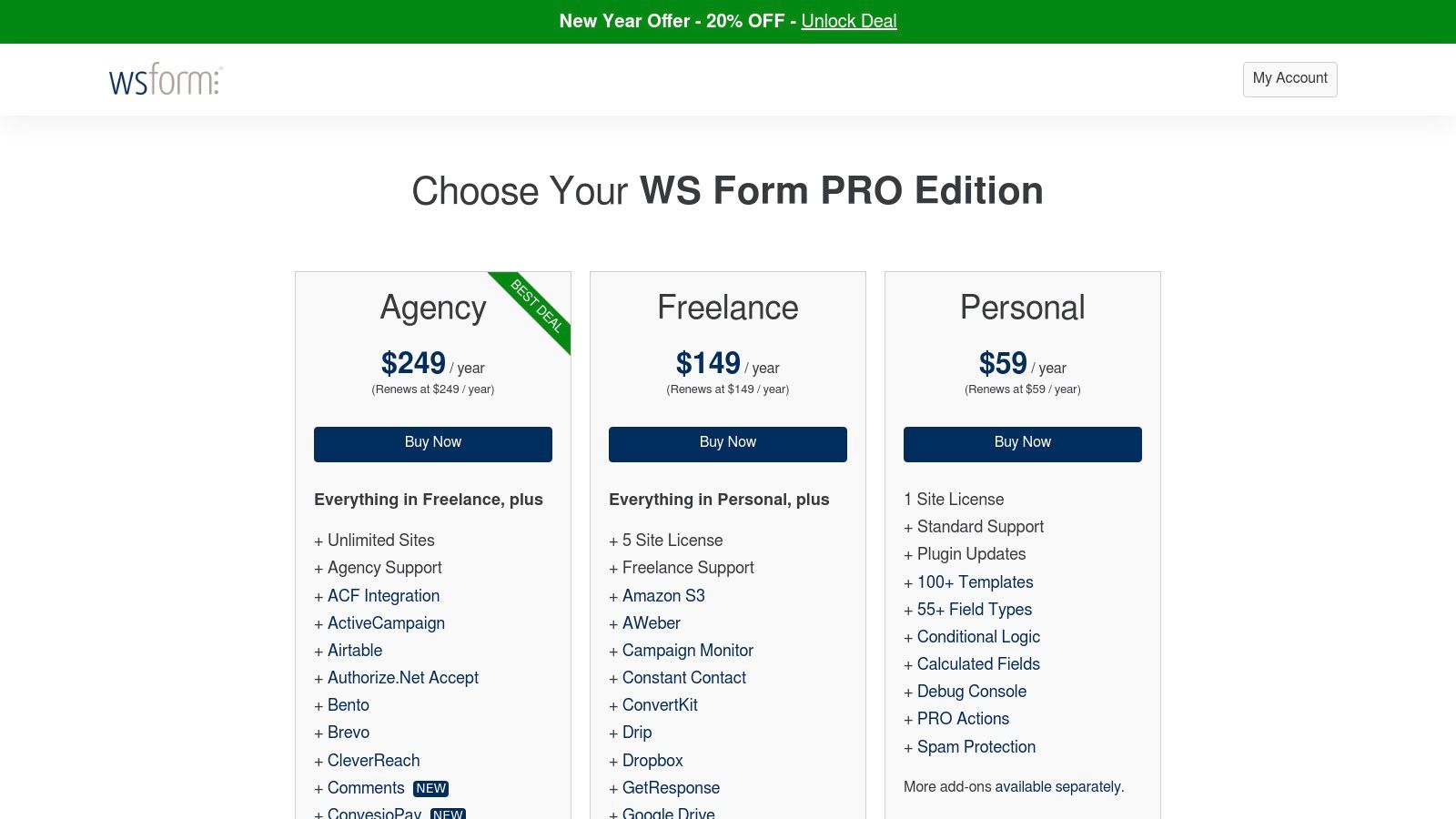
This developer-centric approach makes WS Form one of the best form builders for WordPress when standard plugins fall short. A development team could use its advanced calculation fields, repeater groups, and extensive conditional logic to build dynamic quote calculators or intricate registration systems. With a wide library of add-ons for integrations like Salesforce, Dropbox, and Stripe, it can be configured to fit precisely into custom business workflows.
Key Features and Considerations
WS Form excels with its deep customization capabilities and transparent licensing model.
- Developer Tools: Features like a built-in debug console, layout editor, and extensive action hooks make it highly extensible and easy to inspect.
- Advanced Fields: Supports over 50 field types, including repeater sections and cascading fields, which are ideal for complex data collection needs.
- Integrations: Offers a wide array of paid add-ons for CRMs, payment gateways, and messaging services, allowing for a tailored integration stack.
The primary consideration is its learning curve and dependency on paid add-ons. While incredibly powerful, its advanced features may be overwhelming for non-technical users. Furthermore, unlocking its full potential often requires purchasing specific add-ons, which can increase the overall cost, though the per-site licensing is straightforward across all tiers.
Best For: Developers, agencies, and technical teams needing a high-performance, flexible form builder with advanced debugging and customization capabilities for complex projects.
Website: https://wsform.com/pricing/
8. Elementor Pro (Elementor Forms)
Elementor Pro isn't just a page builder; it includes a powerful and fully integrated form widget that makes it one of the best form builders for WordPress if you already use the Elementor ecosystem. Its primary advantage is the seamless workflow, allowing you to design your entire page and embed a perfectly styled form without ever leaving the Elementor editor. This reduces plugin bloat and ensures complete design consistency.
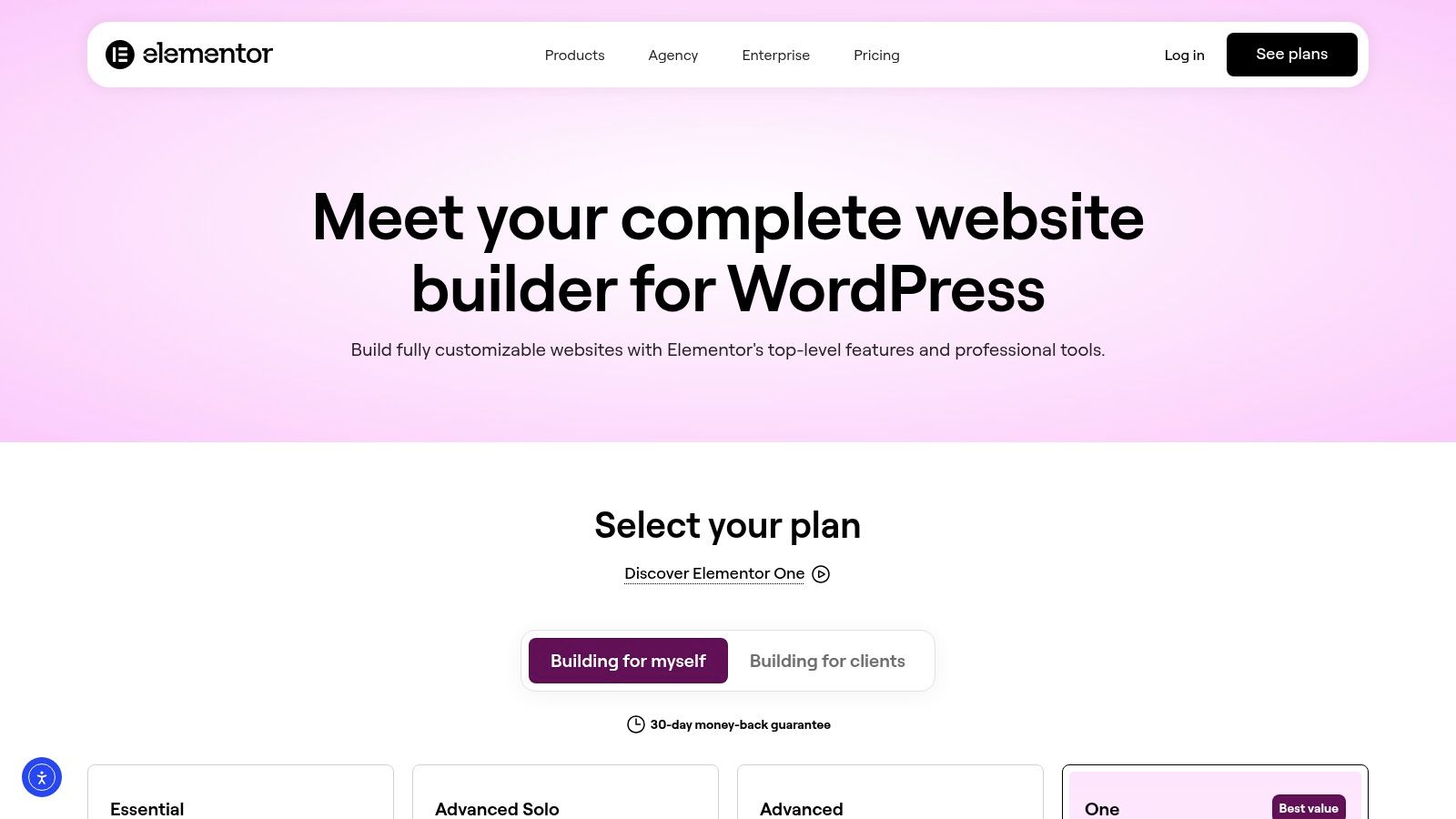
For teams focused on aesthetics and user experience, this integration is a game-changer. A marketing team can create a high-converting landing page and ensure the form's fields, buttons, and responsive behavior match the brand's look and feel precisely. The direct integration with Elementor's Theme Builder and WooCommerce Builder means you can place forms anywhere, from custom headers to product pages, with just a drag and a drop. You can learn how to design mobile-friendly forms to maximize conversions across all devices.
Key Features and Considerations
Elementor Forms excels at creating a unified design and development experience.
- Seamless Integration: As a native widget, the form builder inherits all of Elementor’s styling options, from typography and colors to spacing and borders.
- Workflow Efficiency: Eliminates the need for a separate form plugin, simplifying your WordPress stack and reducing potential conflicts or performance issues.
- Action After Submit: Offers robust post-submission actions, including email notifications, redirects, and direct integrations with popular marketing tools like Mailchimp and Zapier on higher-tier plans.
The main drawback is that the form builder's capabilities are tied to your Elementor Pro subscription tier. While basic forms are widely available, advanced marketing integrations and features like submission management within WordPress are often reserved for more expensive plans. It’s a powerful tool but primarily serves users already committed to the Elementor platform.
Best For: Web designers, agencies, and businesses that build their entire WordPress site with Elementor and need a form solution that offers deep design integration and workflow simplicity.
Website: https://elementor.com/pro
9. HubSpot for WordPress
HubSpot for WordPress transcends the typical form builder by offering an all-in-one marketing and sales solution directly within your dashboard. Its primary advantage is seamlessly integrating form submissions with a powerful, free CRM. This allows teams to not only capture leads but also to immediately nurture them with email marketing, manage them in a sales pipeline, and engage them with live chat or chatbots, creating a unified lead management ecosystem without leaving WordPress.
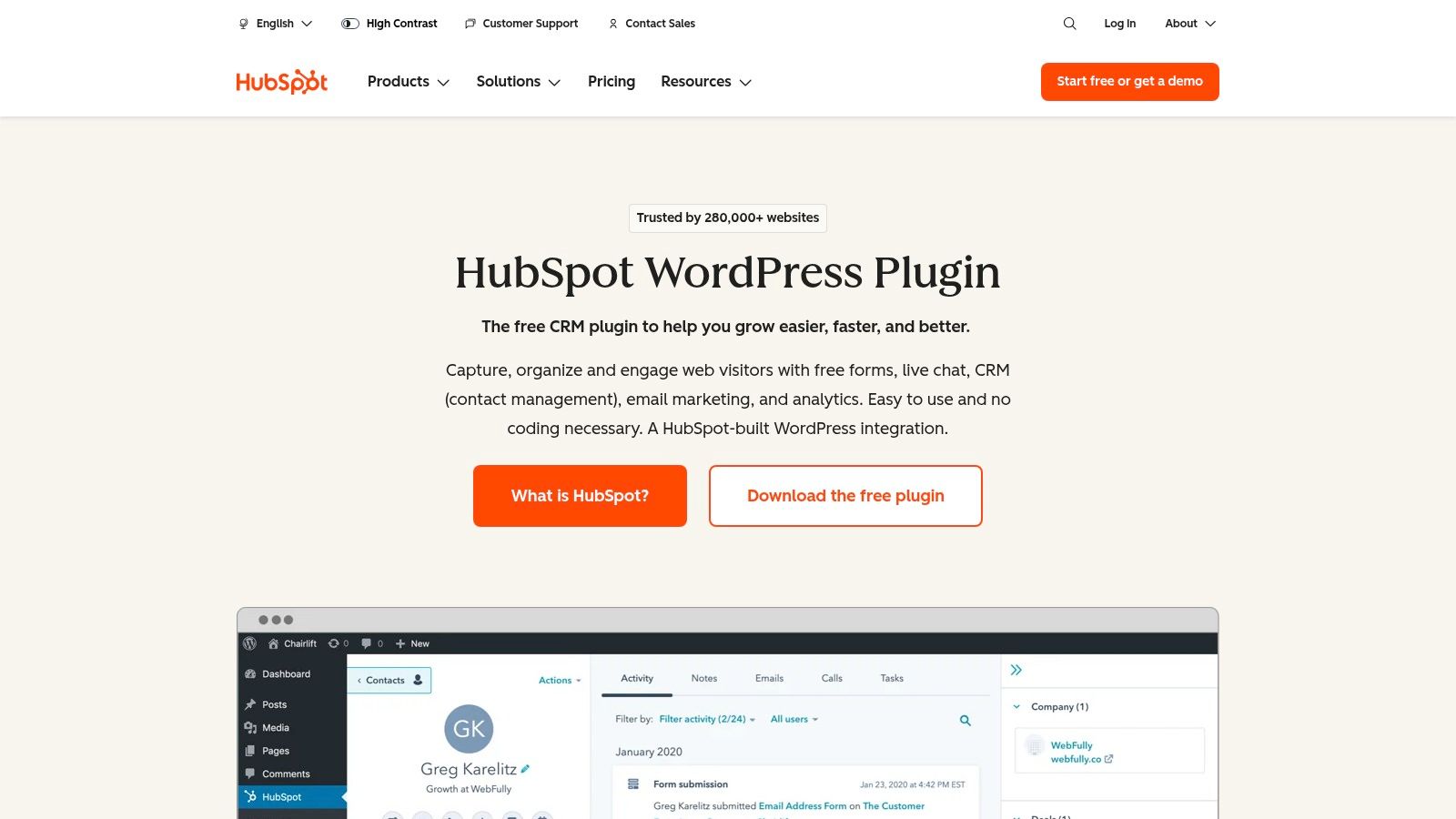
This plugin is a game-changer for growth teams who want a single source of truth for customer data. Instead of juggling multiple tools and integrations, you can use HubSpot to build a form, track the lead's journey on your site, and automate follow-up communications. For businesses already invested in the HubSpot ecosystem, this plugin is an essential, non-negotiable tool for syncing their website with their central marketing and sales operations, solidifying its place among the best form builders for WordPress.
Key Features and Considerations
HubSpot's value lies in its free, deeply integrated marketing stack that goes far beyond simple form creation.
- All-in-One Solution: The free plugin includes a drag-and-drop form and pop-up builder, a built-in CRM, email marketing tools, and live chat functionality.
- Deep Integration: Form submissions are automatically synced to the HubSpot CRM, providing rich contact context and enabling powerful segmentation and automation workflows.
- Extensibility: Connects to HubSpot's vast ecosystem of over 1,800 app integrations, allowing you to sync data with virtually any tool in your tech stack.
The main consideration is the potential for vendor lock-in. While the free tools are robust, unlocking advanced automation and reporting requires upgrading to HubSpot's paid Marketing or Sales Hubs. Teams may find it challenging to migrate complex automated workflows if they decide to switch platforms later on. If you're exploring various options, see how it compares to other top choices in this review of the best online form builder solutions.
Best For: Businesses of any size that are already using or plan to use the HubSpot CRM and want to create a unified system for lead capture, nurturing, and sales management.
10. Jotform (WordPress embed)
Jotform takes a unique approach by operating as a powerful, hosted form platform that integrates into WordPress via an embed plugin. This model is ideal for teams that prefer to offload form processing and data storage from their WordPress server, enhancing site performance and centralizing data management. With a library of over 10,000 templates, users can build anything from simple surveys to complex, multi-stage approval workflows on the Jotform platform and seamlessly display them on their site.
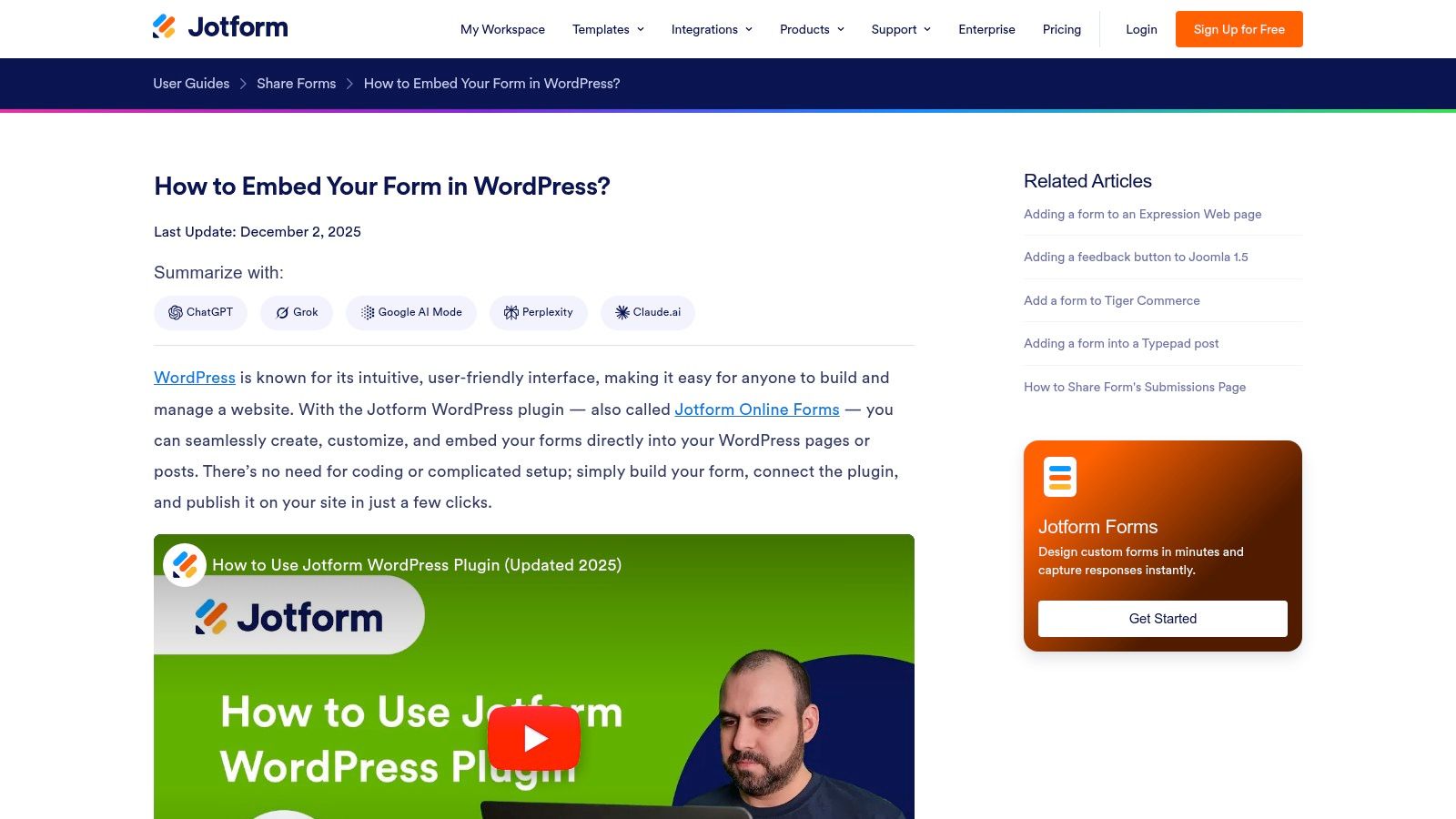
This setup is particularly advantageous for organizations with strict compliance requirements. For example, a healthcare provider can leverage Jotform's HIPAA-compliant features (available as an add-on) to collect sensitive patient information securely, something many native WordPress plugins cannot offer. The extensive payment gateway options and advanced conditional logic also make it a strong contender for complex e-commerce and registration processes.
Key Features and Considerations
Jotform's strength lies in its robust, off-site infrastructure and enterprise-grade capabilities.
- Massive Template Library: Provides one of the largest template collections available, covering virtually any industry or use case.
- Compliance and Security: Offers advanced options, including a HIPAA compliance add-on, making it suitable for regulated industries.
- Extensive Integrations: Connects with hundreds of third-party apps, from CRMs like Salesforce to project management tools like Asana.
The primary consideration is that forms and data are hosted on Jotform's servers, not within your WordPress database. While this improves site performance, it may not align with every company's data governance policies. Furthermore, while a generous free plan exists, accessing advanced features like HIPAA compliance and removing branding requires a paid subscription.
Best For: Organizations and enterprises in regulated industries (e.g., healthcare, finance) or any business wanting to offload form processing from their WordPress site while leveraging enterprise-level features.
Website: https://www.jotform.com/help/174-embed-jotform-in-wordpress-using-the-embed-form-plugin/
11. Typeform (WordPress embedding)
Typeform is renowned for its design-first, conversational approach to data collection, making it a powerful choice for brands that prioritize user experience. While not a native WordPress plugin, its dedicated WordPress block makes embedding beautiful, interactive forms seamless. This platform excels at creating engaging surveys, quizzes, and lead capture experiences that feel more like a conversation than a traditional form, a key differentiator among the best form builders for WordPress.
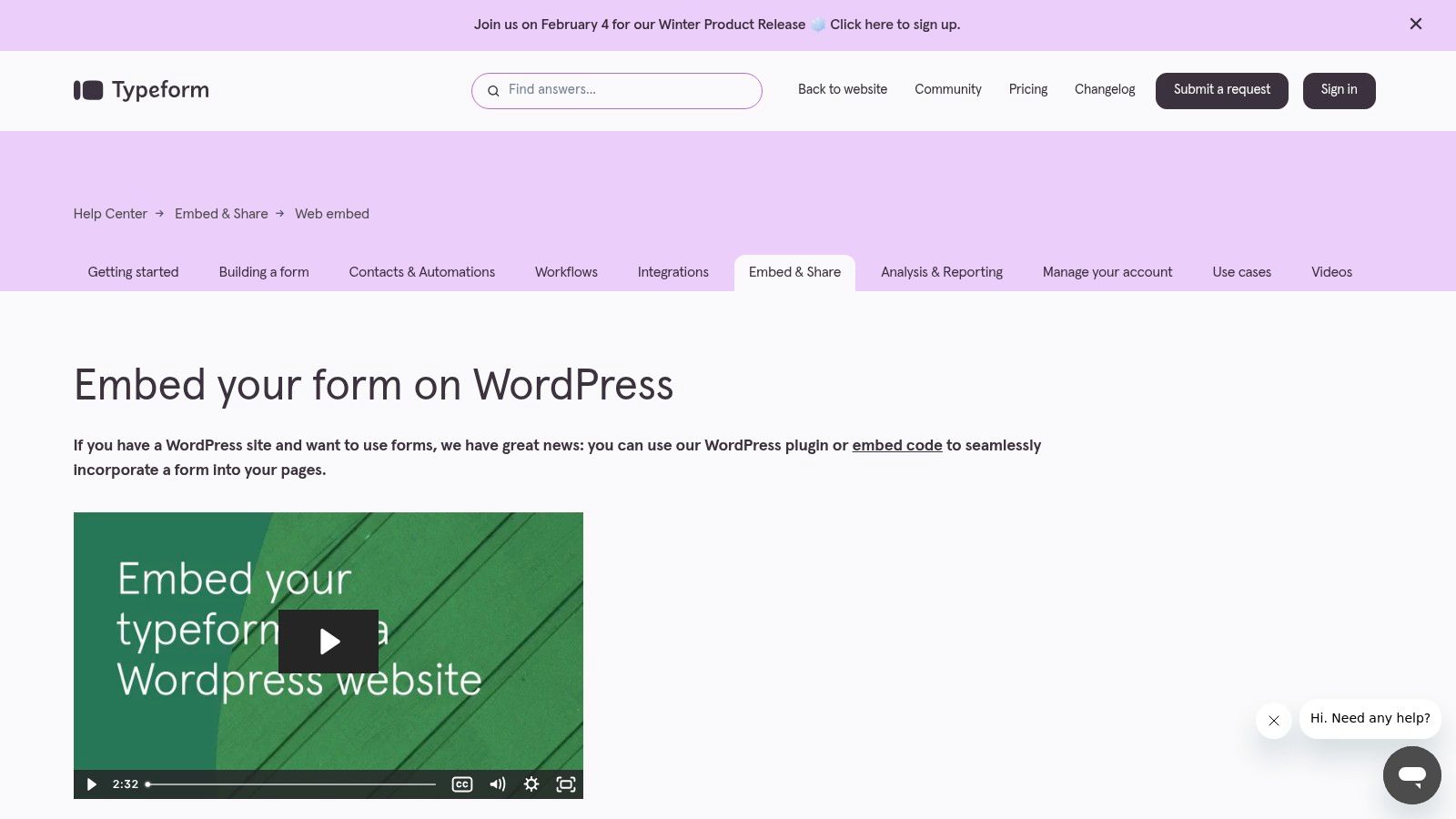
This setup is ideal for growth teams focused on maximizing conversion rates through superior design and a human-centric interface. You can build your form on Typeform's platform, taking advantage of its advanced logic jumps and customization options, and then effortlessly embed it into any WordPress post or page using the official plugin. This hybrid approach gives you the best of both worlds: a world-class form experience hosted externally with simple integration into your existing site.
Key Features and Considerations
Typeform's primary advantage is its beautiful and highly engaging user interface, which can significantly lift submission rates.
- Conversational UI: Its one-question-at-a-time format and smooth animations reduce form fatigue and encourage completion.
- Easy Embedding: The WordPress plugin simplifies the process, allowing you to add forms directly from the block editor without manual code handling.
- Advanced Logic: Features like Logic Jumps allow you to create dynamic, personalized paths for users based on their answers, making data collection smarter.
The main drawback is its model. Typeform is a SaaS platform, meaning your forms are hosted externally, and you pay a recurring subscription fee rather than a one-time plugin license. This can be more expensive than native WordPress solutions, and its feature set may be overkill for simple contact forms. For those evaluating its cost-benefit, exploring some powerful Typeform alternatives can provide valuable context.
Best For: Marketing and growth teams prioritizing brand aesthetic and high-conversion conversational forms for lead generation, surveys, and user feedback.
Website: https://help.typeform.com/hc/en-us/articles/360029572751-embed-your-typeform-on-word-press
12. CodeCanyon (Envato) — WordPress Form Builders category
For teams on a tight budget or those seeking a specific, niche feature not found in mainstream plugins, the CodeCanyon marketplace by Envato offers a different approach. Instead of a single product, it’s a vast repository of premium WordPress form builders sold by various independent developers, often with a one-time purchase fee. This model is ideal for projects where a recurring subscription is not viable.
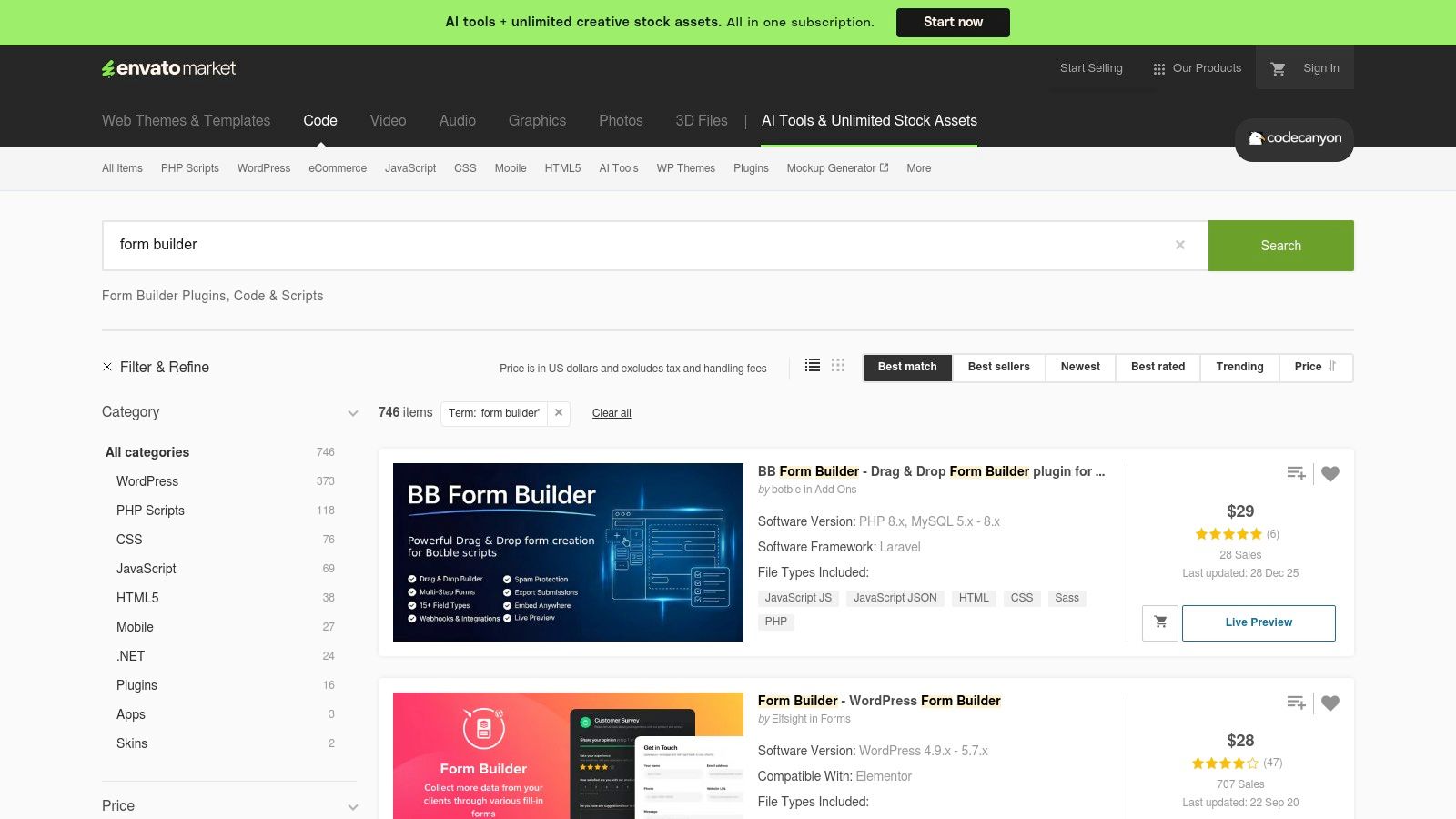
This platform provides an alternative to the subscription-based SaaS model, allowing you to find powerful tools like Quform or eForm for a single upfront cost. The key is to carefully vet each option, as you are buying from individual creators. Savvy teams can leverage the transparent sales data, user reviews, and last-updated dates to identify well-supported and high-quality plugins that fit a unique functional requirement without committing to a long-term plan.
Key Features and Considerations
CodeCanyon's value lies in its variety and cost-effective pricing model, but it comes with notable trade-offs.
- One-Time Pricing: Most plugins are sold with a single-payment license, making it a cost-effective solution for specific, long-term projects.
- Feature Diversity: The marketplace contains plugins with highly specialized features, from complex cost calculators and survey tools to unique front-end designs that major builders may not offer.
- Transparency: Public sales figures, customer ratings, and developer comments provide valuable social proof to help you assess a plugin's reliability and support history before purchasing.
The primary drawback is the inconsistency in quality and support. Unlike a dedicated company, each plugin's maintenance, updates, and customer service depend entirely on its individual developer. This can be risky for mission-critical forms, as support might be slower or discontinued, making it a less predictable choice among the best form builders for WordPress.
Best For: Freelancers, agencies, and businesses with specific feature needs or tight budgets who are willing to research and vet individual developers for a one-time purchase solution.
Top 12 WordPress Form Builders: Feature Comparison
| Product | Core features | UX & performance | Unique value / USP | Pricing & target audience |
|---|---|---|---|---|
| Orbit AI | Visual builder, AI SDR lead qualification, templates, 50+ integrations, real-time analytics | Fast-loading, high-conversion forms; built-in collaboration; enterprise security | Automated lead enrichment & smart scoring that surfaces sales-ready opportunities | Free starter; contact for advanced/enterprise — high-growth marketing, sales & product teams |
| WPForms | Drag-and-drop editor, 2,000+ templates, payments, conversational forms, CRM integrations | Beginner-friendly; quick to implement | Large template/integration library; WordPress-native convenience | Freemium; paid tiers (per-site) — marketers, small teams, agencies |
| Gravity Forms | Visual builder, conditional logic, file uploads, native add-ons (surveys, signatures) | Mature and stable; steeper learning curve | Extensive official add-on ecosystem for complex workflows | Paid only (no free tier) — agencies, developers, enterprises |
| Ninja Forms | Free core plugin, modular add-ons (payments, CRM), advanced calculations | Friendly UI; scalable via add-ons | Start free and add features selectively | Free core; paid add-ons/bundles — small teams and growing businesses |
| Formidable Forms | Front-end Views (tables, calendars), charts, repeaters, 145+ templates | Good for data-heavy front-end displays | Turn submissions into views/grids without heavy dev | Paid tiers (advanced features higher tiers) — directories, listings, internal tools |
| Fluent Forms | 65+ fields, drag-and-drop, payments, integrations, lifetime license options | Lightweight and performance-focused | Competitive pricing with performance optimizations | Freemium; annual or lifetime licenses — value-conscious, speed-sensitive sites |
| WS Form | Advanced conditional logic, calculations, debug/inspect tools, 100+ templates | Developer-focused; granular control | Strong developer ergonomics and transparent site licensing | Paid per-site licensing + add-ons — developers and complex implementations |
| Elementor Pro (Elementor Forms) | Form widget, theme & WooCommerce builder integration, templates | Seamless design-to-form workflow when using Elementor | Combines page building and forms in one tool to reduce plugin sprawl | Pro subscription tiers — designers, agencies using Elementor |
| HubSpot for WordPress | Drag-and-drop forms/pop-ups, CRM, email, chatbots, 1,800+ integrations | Integrated capture-to-nurture experience; free core plugin | End-to-end lead capture + automatic CRM sync | Free core; upgrade to HubSpot paid hubs — teams wanting unified marketing stack |
| Jotform (WP embed) | Hosted builder, 10,000+ templates, payments, approvals, HIPAA/enterprise options | Fast deployment; offloads hosting/processing from WP | Strong compliance and enterprise hosting features | Freemium; SaaS pricing (tiered) — teams preferring hosted forms & compliance |
| Typeform (WP embed) | Conversational UI, logic jumps, WordPress embed/block | Design-driven, highly engaging experiences | Brand-forward conversational forms with high conversion focus | SaaS pricing (hosted) — UX-focused marketing and survey teams |
| CodeCanyon (Envato) | Marketplace of one-time-license WP form plugins, reviews, update history | Varies by plugin; can be cost-effective | One-time purchase alternatives and niche plugins | One-time licenses — budget buyers, niche needs, developers seeking specific plugins |
The Final Verdict: Choosing a Form Builder That Drives Growth
Navigating the landscape of the best form builders for WordPress can feel overwhelming, but the journey boils down to a single, critical decision: Are you looking for a tool to simply collect data, or do you need a strategic asset that actively generates and qualifies your pipeline? We've analyzed a dozen of the top contenders, from legacy giants like WPForms and Gravity Forms to modern, AI-powered innovators. The key takeaway is clear: the right tool is not just about features, but about its direct impact on your growth trajectory.
Traditional builders offer a solid foundation. They are reliable, feature-rich, and have proven their worth over many years. However, for growth-focused B2B SaaS companies, sales teams, and marketing agencies, the standard is no longer enough. The friction of long, multi-step forms and the manual effort of sifting through unqualified submissions are significant bottlenecks that directly inhibit revenue growth. Your form builder should be your first line of offense in lead qualification, not a passive data receptacle.
Shifting from Data Collection to Conversation Generation
The fundamental shift in form technology is moving away from static fields and toward dynamic, intelligent interactions. This is where the distinction between a standard form plugin and a conversion-focused platform becomes crucial. A tool like Orbit AI reimagines the form as an automated sales development representative (SDR). It engages visitors in a natural, conversational manner, qualifies them in real-time based on your ideal customer profile, and hands off a high-intent, fully vetted lead to your sales team.
This approach addresses the core challenges faced by modern sales and marketing teams:
- Lead Quality: It filters out the noise, ensuring your SDRs spend their time on prospects who are genuinely a good fit, dramatically increasing pipeline efficiency.
- Conversion Rates: By replacing intimidating, long forms with a simple, one-question-at-a-time chat interface, it reduces user friction and captures more initial interest.
- Speed to Lead: Automated qualification and routing mean that hot leads are identified and engaged almost instantly, capitalizing on peak buyer intent.
While tools like Fluent Forms and Formidable Forms offer advanced features for developers and power users, and HubSpot provides an all-in-one CRM solution, they still place the burden of qualification on your team after the submission. The future of high-performance lead capture lies in automating this critical step directly at the point of entry.
Your Actionable Next Steps
Choosing the best form builder for your WordPress site requires a strategic evaluation of your specific goals. Don't just pick the one with the longest feature list. Instead, map your primary objectives to the capabilities of the tools we've discussed.
- Define Your Primary Goal: Is it simple contact collection, complex data application, or high-quality lead generation? If your success is measured by qualified pipeline and closed deals, prioritize tools built for conversion and qualification.
- Audit Your Current Process: Where are the leaks in your funnel? Are you struggling with low form completion rates? Is your sales team wasting time on unqualified leads? Identify the problem you need to solve.
- Consider Your Team's Bandwidth: Do you have the resources to manually qualify every inbound lead? If not, a solution with built-in AI and automation isn't a luxury; it's a necessity for scalable growth.
- Prioritize the User Experience: A seamless, frictionless, and engaging front-end experience is non-negotiable. Test the user-facing interface of your top choices. A positive first interaction with your brand starts with the form itself.
Ultimately, your form builder is a critical component of your growth engine. By selecting a platform that aligns with the sophisticated needs of modern B2B sales and marketing, you transform a simple web form into a powerful, automated system for generating revenue.
Ready to transform your WordPress forms from passive data collectors into an automated lead qualification engine? See how Orbit AI can help you book more qualified meetings and supercharge your pipeline by engaging and vetting visitors in real time. Discover the future of lead capture with Orbit AI.


