

Static forms lose leads. When every respondent sees the same questions regardless of their answers, you're either overwhelming prospects with irrelevant fields or missing critical qualification data entirely. Conditional workflows solve this by dynamically adapting forms based on user input, showing or hiding fields, routing to different paths, and triggering automations based on what respondents actually tell you.
For high-growth teams, this isn't a nice-to-have. It's the difference between a form that qualifies leads and one that just collects email addresses. Whether you're building multi-step lead funnels, onboarding flows, or complex quote request forms, the right conditional logic engine can meaningfully improve both completion rates and lead quality.
Here are the top form builders with conditional workflows in 2026, evaluated on logic depth, ease of setup, integrations, and how well they serve teams focused on conversion optimization.
1. Orbit AI
Best for: High-growth B2B and SaaS teams that need AI-powered lead qualification built into their form flows.
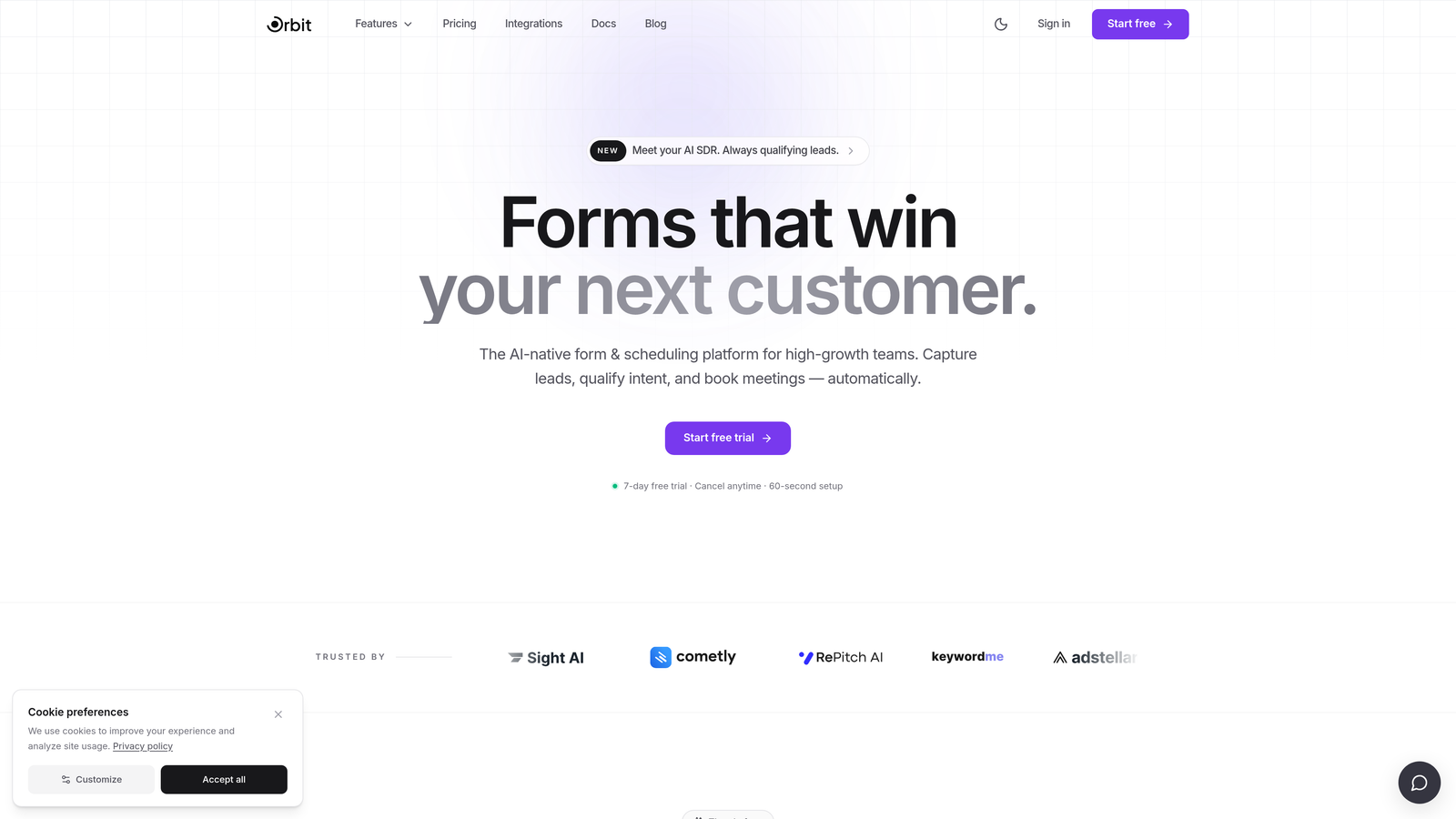
Orbit AI is an AI-powered form builder that pairs conditional workflows with built-in lead qualification, purpose-built for teams where conversion quality matters as much as conversion volume.
Where This Tool Shines
Most form builders let you branch based on what a respondent types. Orbit AI goes further by layering AI-driven lead scoring on top of that branching, so form paths can adapt not just to raw field values but to inferred signals about lead quality. This means your highest-potential prospects can be routed to a fast-track flow while lower-fit leads receive a different experience entirely.
The platform is also built with conversion-optimized design at its core. Multi-step form flows are visually polished out of the box, which reduces the friction that typically causes drop-off before a form is completed.
Key Features
AI-Driven Lead Qualification: Scores and routes leads dynamically based on inferred signals, not just raw field values.
Dynamic Field Branching: Conditional routing adapts based on user input and real-time lead quality signals.
Multi-Step Form Flows: Conversion-optimized design with progressive disclosure to reduce drop-off.
CRM and Automation Integrations: Conditional data routing sends the right information to the right destination based on form outcomes.
Real-Time Lead Scoring: Form paths adapt dynamically as scoring thresholds are met during the session.
Best For
SaaS and B2B teams that need more than a form that collects data. If your goal is to qualify leads at the point of capture, route high-intent prospects into faster follow-up sequences, and do it all without writing custom logic rules by hand, Orbit AI is built specifically for that workflow.
Pricing
Paid plans available. Visit orbitforms.ai for current pricing details and plan options.
2. Typeform
Best for: Teams that prioritize respondent experience and want clean, conversational form flows with straightforward conditional branching.
Typeform is a conversational form builder known for its one-question-at-a-time interface and Logic Jumps feature for conditional question routing.

Where This Tool Shines
Typeform's biggest differentiator is the respondent experience. The single-question interface feels less like filling out a form and more like a conversation, which tends to reduce friction and improve completion rates for top-of-funnel flows. Logic Jumps let you route respondents to different questions based on their answers, keeping the experience relevant without overwhelming them.
The tradeoff is logic depth. Typeform's conditional branching is relatively straightforward compared to enterprise tools. It handles most common use cases well, but teams needing complex multi-condition rules or AND/OR logic trees may find it limiting.
Key Features
Logic Jumps: Route respondents to different questions based on their answers, keeping flows relevant and concise.
Conversational UI: Clean, mobile-friendly one-question-at-a-time interface that reduces form fatigue.
Integrations: Connects natively with HubSpot, Salesforce, Zapier, and a range of other platforms.
Rich Media Support: Add video and images within form flows to improve engagement.
Best For
Marketing teams running lead capture campaigns where respondent experience and brand presentation are high priorities. Also a solid choice for surveys, NPS flows, and any scenario where a conversational tone improves response rates.
Pricing
Free plan available. Paid plans start at $25/month. Note that Typeform's pricing has increased in recent years, which has driven some teams toward alternatives.
3. Jotform
Best for: Teams that need deep multi-condition logic, a large template library, and broad integration coverage for complex workflows.
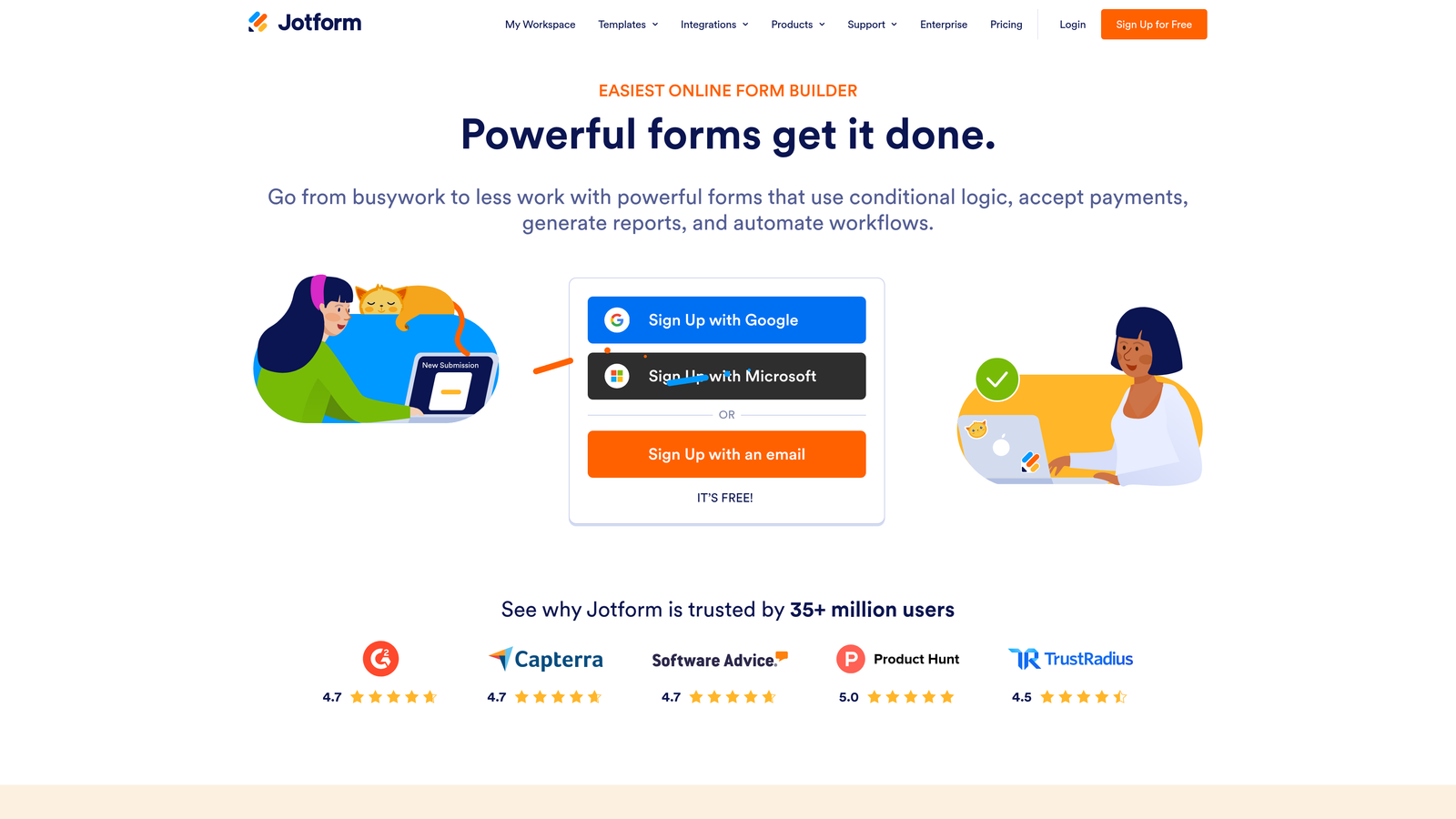
Jotform is one of the most feature-rich form builders available, with conditional logic that supports multiple conditions per rule, AND/OR operators, and triggers across fields, pages, notifications, and integrations.
Where This Tool Shines
Where many form builders offer show/hide logic based on a single condition, Jotform lets you stack multiple conditions with AND/OR operators, giving you real flexibility for complex branching scenarios. You can trigger conditional email notifications, fire specific integrations based on form outcomes, and branch at the page level for multi-step forms.
The template library is one of the largest in the industry, which significantly reduces setup time for common use cases. The enterprise tier adds security and compliance features that make it viable for regulated industries.
Key Features
Multi-Condition Logic: Build rules using AND/OR operators across multiple fields for precise branching control.
Conditional Notifications: Trigger different email notifications and integration actions based on form responses.
Page-Level Branching: Route respondents to different sections or pages within multi-step forms.
150+ Native Integrations: Includes Salesforce, Slack, Google Sheets, and many more with conditional data routing.
Enterprise Security: Advanced compliance options including HIPAA-ready configurations on higher tiers.
Best For
Operations teams, agencies, and enterprise users managing complex form workflows that require deep logic, broad integration coverage, and compliance features. Also well-suited for teams that want to move fast using pre-built templates.
Pricing
Free plan available. Paid plans start at $34/month, with enterprise pricing available for larger organizations.
4. HubSpot Forms
Best for: Teams already using HubSpot CRM who want forms that adapt based on known contact data and feed directly into HubSpot workflows.
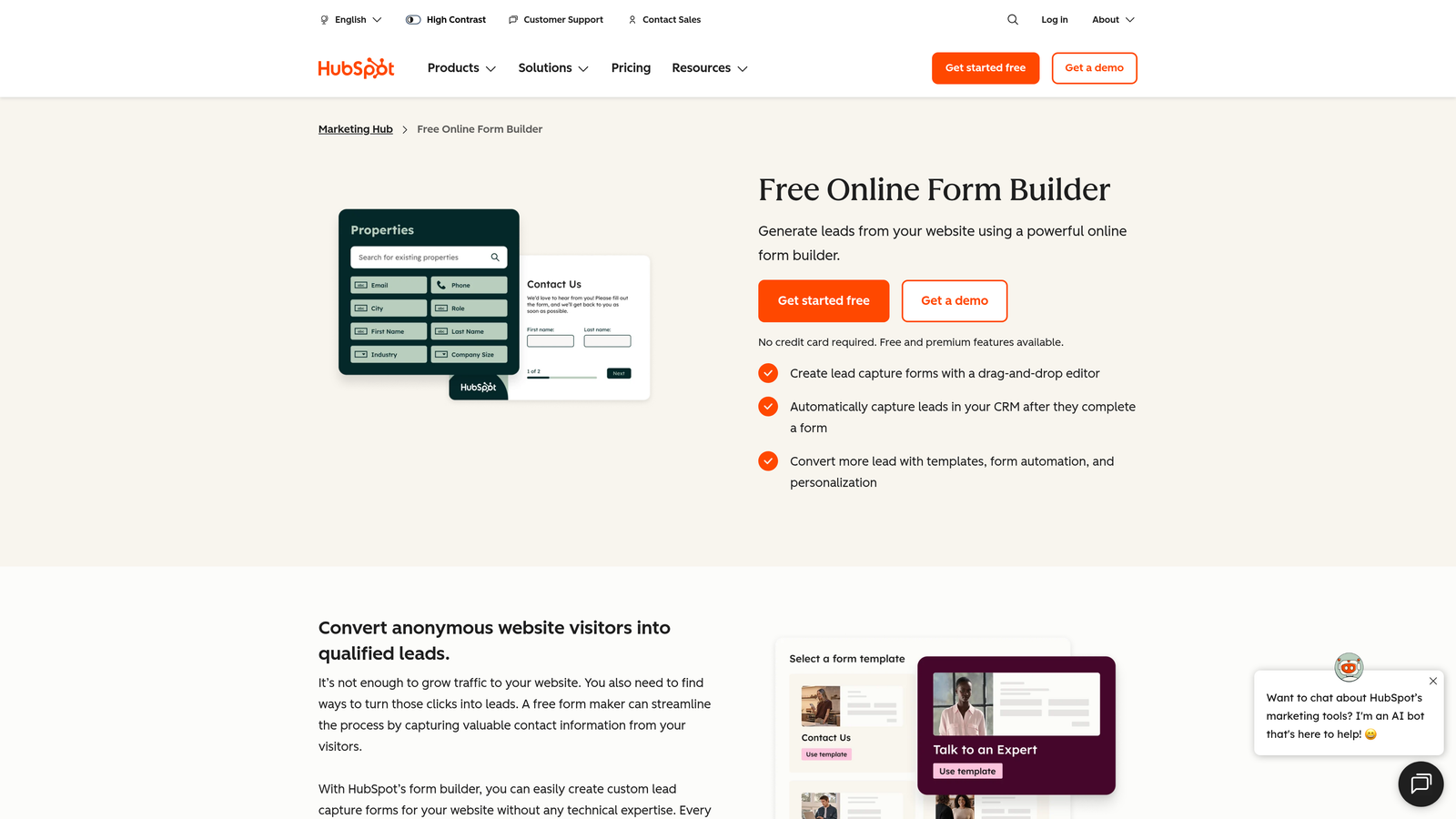
HubSpot Forms is a CRM-native form builder with progressive profiling and smart field logic that adapts based on what HubSpot already knows about a contact.
Where This Tool Shines
The standout feature here is progressive profiling. When a known contact returns to fill out a form, HubSpot automatically replaces fields they've already completed with new ones, so you're always collecting fresh data without asking the same questions twice. This is particularly valuable for multi-touch lead nurturing flows where form completions happen across multiple sessions.
The depth of native integration with HubSpot's CRM, workflows, and email automation is unmatched for teams already in that ecosystem. The tradeoff is that HubSpot Forms is significantly less compelling as a standalone tool outside of HubSpot.
Key Features
Progressive Profiling: Automatically shows new fields to returning contacts, eliminating redundant data collection.
Smart Fields: Adapt field visibility based on existing CRM contact properties.
Native HubSpot Integration: Form submissions feed directly into CRM records, workflow triggers, and email sequences.
Dependent Field Logic: Show or hide fields based on what a respondent selects within the current form session.
Best For
Marketing and RevOps teams operating within the HubSpot ecosystem who want their forms to leverage existing CRM data and feed seamlessly into HubSpot automation. Less ideal for teams that aren't already HubSpot customers.
Pricing
Free with HubSpot CRM. Advanced features, including smart fields and progressive profiling, require Marketing Hub, which starts at $800/month.
5. Paperform
Best for: Teams that need conditional logic, calculation fields, and native payment support combined in a single flexible form.
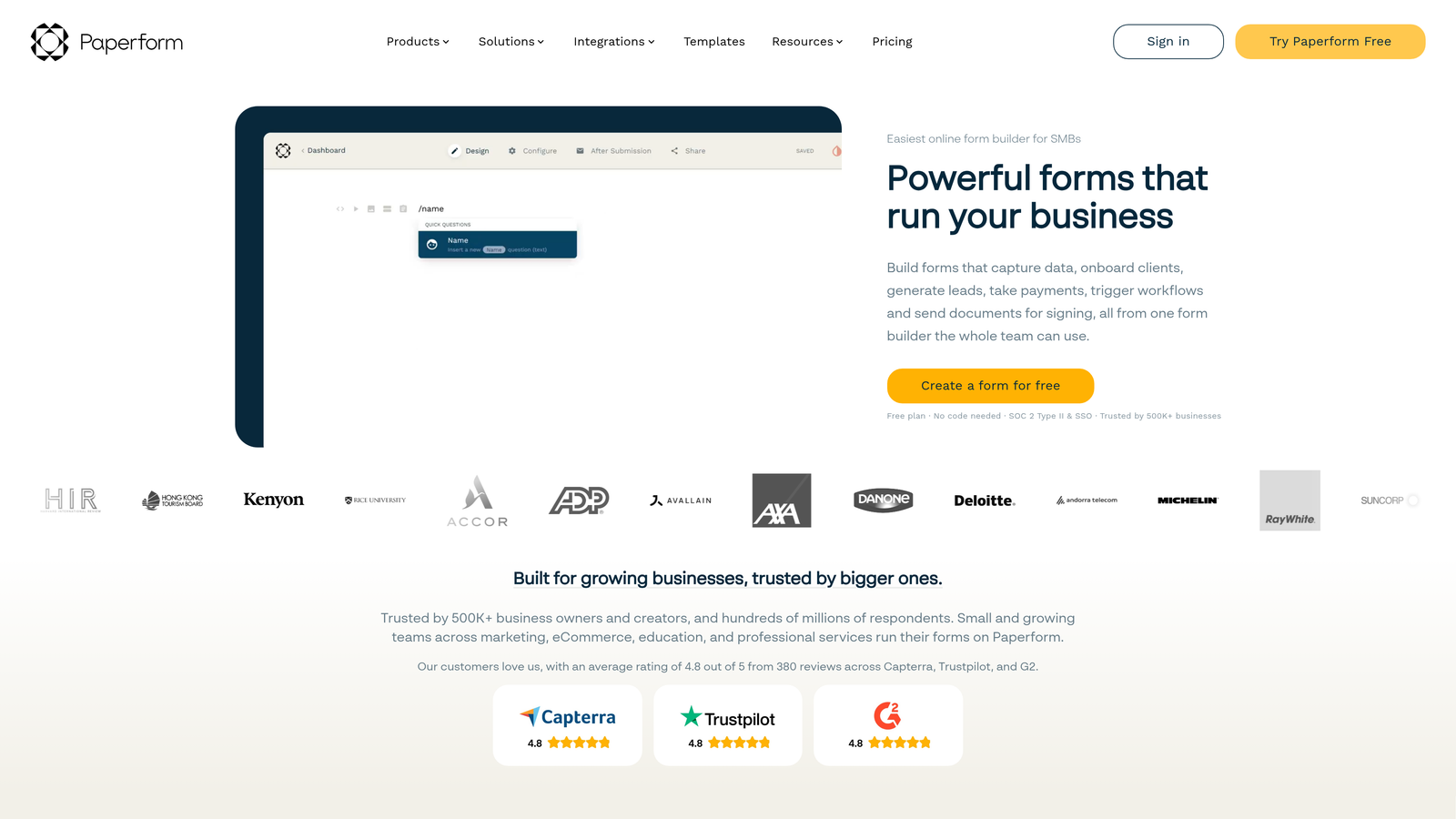
Paperform is a flexible form builder that combines conditional logic with rich media, calculation fields, and built-in payment support, all in one editor.
Where This Tool Shines
Paperform's unique strength is the combination of conditional logic with calculation fields and product/payment fields in the same form. This makes it particularly well-suited for quote request forms, order forms, and pricing calculators where the displayed total or product options need to update dynamically based on what a respondent selects.
The editor is rich and flexible, allowing video and image embedding within conditional flows. For agencies and small businesses that want a polished form experience without a heavy enterprise setup, Paperform hits a useful middle ground.
Key Features
Conditional Sections: Show or hide entire form sections based on previous responses.
Calculation Fields: Dynamic fields that compute values in real time based on respondent inputs.
Native Payments: Accept payments and display conditional product options within the same form flow.
Rich Media Embedding: Add video and images within conditional flows to improve context and engagement.
Best For
Agencies, small businesses, and independent teams building quote calculators, order forms, or event registrations where dynamic pricing and conditional content need to work together in a single experience.
Pricing
Starts at $24/month. A 14-day free trial is available.
6. Formstack
Best for: Enterprise operations teams that need conditional form logic connected to approval workflows, document generation, and e-signatures.
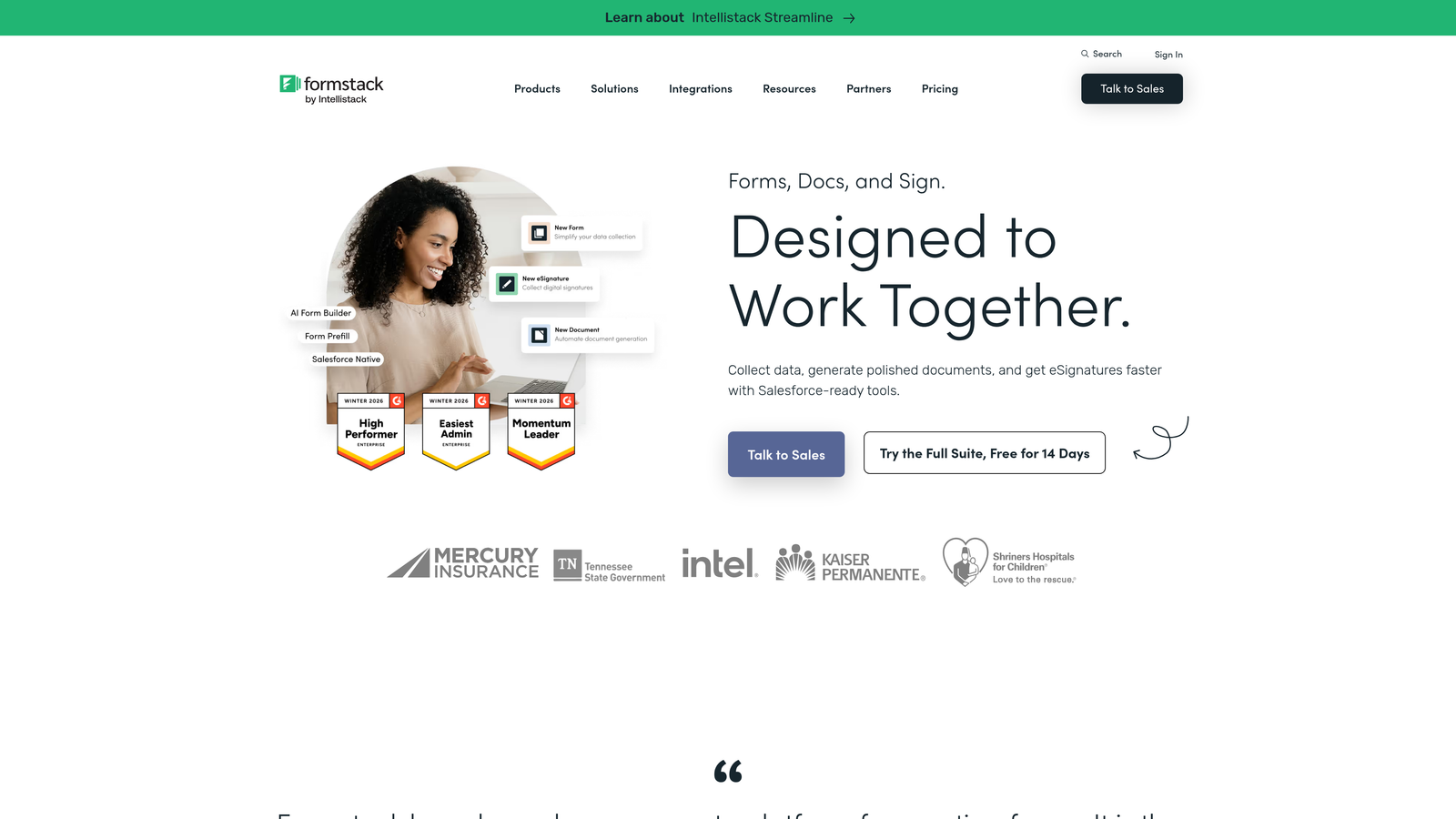
Formstack is a workplace productivity platform where conditional form logic feeds into broader workflow automation, including multi-step approvals, document generation, and compliance processes.
Where This Tool Shines
Formstack is less about the form itself and more about what happens after a form is submitted. Conditional logic here can trigger routing to different teams, initiate approval chains, generate documents, and collect e-signatures, all within a connected workflow. For operations-heavy environments, this level of process automation is difficult to replicate with simpler form tools.
The platform also includes data encryption and compliance features that make it appropriate for regulated industries like healthcare and financial services. The setup is more complex than most tools on this list, but the payoff is a much deeper automation layer.
Key Features
Conditional Approval Workflows: Route submissions to different teams or approval chains based on form responses.
Field Branching: Direct respondents to different form paths based on their inputs.
Document Generation: Automatically generate documents triggered by specific form conditions.
Compliance Features: Data encryption and industry-specific compliance options for regulated sectors.
Best For
Enterprise operations, HR, legal, and compliance teams that need forms to initiate complex multi-step internal processes rather than just collect data. Less suited for lean teams that need quick setup and simple lead capture.
Pricing
Starts at $83/month. Enterprise pricing is available for larger organizations with more complex requirements.
7. Tally
Best for: Early-stage startups and indie teams that need solid conditional logic on a generous free tier without enterprise complexity.
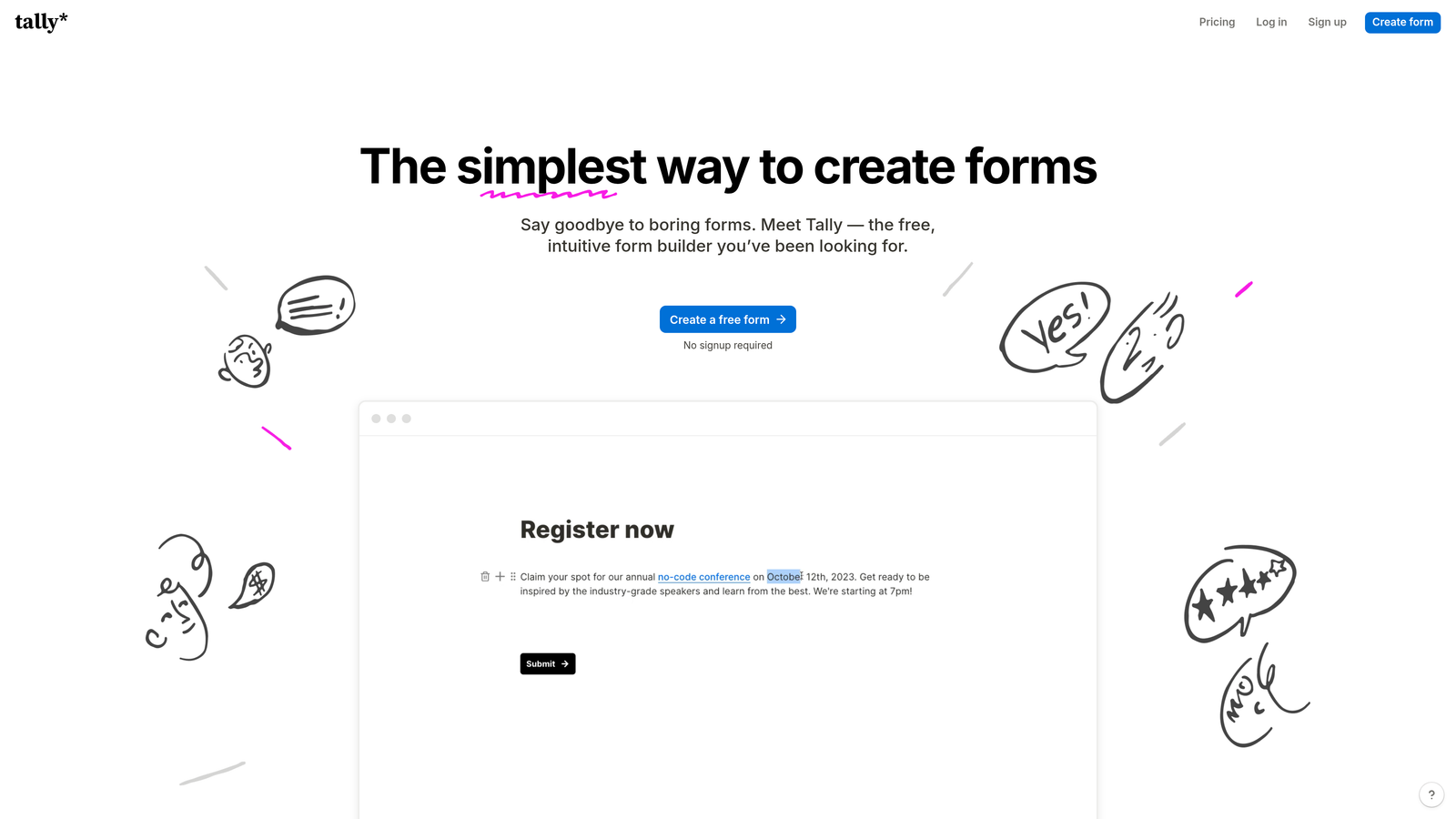
Tally is a Notion-inspired, lightweight form builder with conditional logic and one of the most generous free tiers available in the category.
Where This Tool Shines
Tally's appeal is simplicity and accessibility. The block-based editor feels familiar to anyone who has used Notion, and setting up show/hide logic requires no technical knowledge. The free tier includes unlimited forms and unlimited responses, which is genuinely rare in this space and makes it an easy starting point for resource-constrained teams.
The logic depth is simpler than enterprise tools, but it covers the most common conditional use cases: show a field if a previous answer matches a value, hide a section based on a selection, and route to different ending pages. For many early-stage workflows, that's exactly what's needed.
Key Features
Show/Hide Logic: Conditionally display fields based on answer values with a no-code setup.
Block-Based Editor: Notion-style interface that makes building and editing forms intuitive.
Generous Free Tier: Unlimited forms and responses at no cost, with no submission caps.
Zapier and Make Integration: Connect conditional form outcomes to external automations without code.
Best For
Early-stage startups, indie hackers, and small teams that need functional conditional forms quickly and without budget. Also a strong option for internal tools, feedback collection, and lightweight lead capture where enterprise features aren't required.
Pricing
Free plan available with unlimited forms and responses. Tally Pro is $29/month for additional features including custom domains and priority support.
8. Gravity Forms
Best for: WordPress sites that need deep conditional logic tied to WordPress user data, roles, and an extensive plugin ecosystem.
Gravity Forms is a WordPress-native form builder plugin with conditional logic that integrates directly with WordPress user data, login status, and roles.
Where This Tool Shines
Gravity Forms is the most extensible option on this list for WordPress environments. Conditional logic can reference not just form field values but also whether a user is logged in, what role they hold, and other WordPress-specific data points. This opens up use cases that SaaS form tools simply can't replicate, like showing different form fields to administrators versus standard users, or adapting forms based on the post type they're embedded in.
The add-on ecosystem is extensive, covering payments, CRM connections, email marketing platforms, and more. For developers, hooks and filters allow custom logic beyond what the visual interface supports.
Key Features
WordPress-Aware Conditional Logic: Show or hide fields based on user login status, user role, and WordPress-specific data.
Page-Level Branching: Route users through different sections of multi-step forms based on their responses.
Extensive Add-On Library: Integrations with payment processors, CRMs, and email marketing tools via official and third-party add-ons.
Developer-Friendly: Hooks, filters, and a well-documented API for custom conditional logic beyond the visual builder.
Best For
WordPress site owners, agencies managing WordPress client sites, and developers who need conditional form logic tightly integrated with the WordPress user and content ecosystem. Not relevant for teams not on WordPress.
Pricing
Starts at $59/year for a single site license. Higher tiers cover multiple sites and include access to more add-ons.
9. SurveySparrow
Best for: Teams running ongoing CX and feedback programs that need conditional branching in a chat-style interface with recurring survey scheduling.
SurveySparrow is a chat-style survey platform with skip logic, conditional branching, and recurring survey scheduling built specifically for NPS, CSAT, and ongoing feedback workflows.
Where This Tool Shines
SurveySparrow fills a niche that most form builders don't address well: recurring feedback collection. You can schedule surveys to go out automatically at set intervals, which is particularly useful for NPS programs that run quarterly or CSAT surveys triggered after specific customer events. The chat-style interface keeps response rates higher than traditional form layouts for feedback-oriented use cases.
Conditional branching and skip logic let you tailor the survey path based on previous answers or contact attributes, so a detractor sees different follow-up questions than a promoter. The platform also supports offline survey mode and kiosk deployments, which is useful for in-person feedback collection.
Key Features
Skip Logic and Conditional Branching: Adapt survey paths based on previous answers or contact-level attributes.
Recurring Survey Scheduling: Automate NPS and CSAT survey delivery at set intervals without manual triggering.
Chat-Style Interface: Conversational survey format that typically improves response rates for feedback programs.
Offline and Kiosk Support: Collect responses in environments without reliable internet access.
Best For
Customer success and CX teams running structured feedback programs that require recurring distribution, conditional follow-up paths, and a conversational survey experience. Less focused on lead generation and better suited to post-sale engagement.
Pricing
Free plan available. Paid plans start at $19/month, with higher tiers for larger contact lists and advanced features.
Which Tool Is Right for Your Team
The right choice comes down to three questions: How complex does your branching logic need to be? What does your CRM and automation stack look like? And are you optimizing for completion rate, lead quality, or both?
Here's a quick breakdown by use case to help you narrow it down.
Lead qualification is your primary goal: Orbit AI's AI-powered conditional routing is purpose-built for this outcome. The combination of dynamic branching and real-time lead scoring means your form is doing qualification work, not just data collection.
You're already in the HubSpot ecosystem: HubSpot Forms' progressive profiling is a natural fit. No other tool on this list can leverage existing CRM contact data to adapt form fields in the same native way.
You're running a WordPress site: Gravity Forms remains the most extensible option, especially if you need logic tied to user roles or WordPress-specific data.
Respondent experience is your top priority: Typeform and Paperform both deliver polished, low-friction form experiences. Typeform leans conversational; Paperform leans flexible with richer content options.
You need complex approval workflows: Formstack or Jotform are better suited to operations-heavy teams where form submissions initiate multi-step internal processes.
You're early-stage and budget-constrained: Tally is the standout free option. Unlimited forms, unlimited responses, and solid conditional logic at no cost.
You run ongoing feedback programs: SurveySparrow fills a niche that most form builders don't address, particularly for recurring NPS and CSAT workflows with conditional follow-up paths.
If you're a high-growth team focused on converting more leads with less form friction, the most important thing is choosing a tool where conditional logic isn't just a feature, but the foundation of how the form works. Start building free forms today and see how intelligent conditional workflows and built-in AI lead qualification can change what your forms actually deliver.


