

JotForm has long been a reliable workhorse for business form building. But reliable doesn't always mean right. If you're running into submission caps, struggling with clunky design, or realizing your forms have zero intelligence about who's actually filling them out, it might be time to look elsewhere.
This guide focuses on JotForm alternatives built for serious business use cases: lead generation, customer onboarding, qualification workflows, and conversion optimization. We evaluated each tool on design flexibility, automation depth, AI capabilities, pricing transparency, and how well it serves teams that are actively scaling.
Whether you're a SaaS company, a growth-focused agency, or a fast-moving startup, here are the top JotForm alternatives worth your attention in 2026.
1. Orbit AI
Best for: High-growth SaaS and B2B teams that need intelligent lead qualification built into their forms.
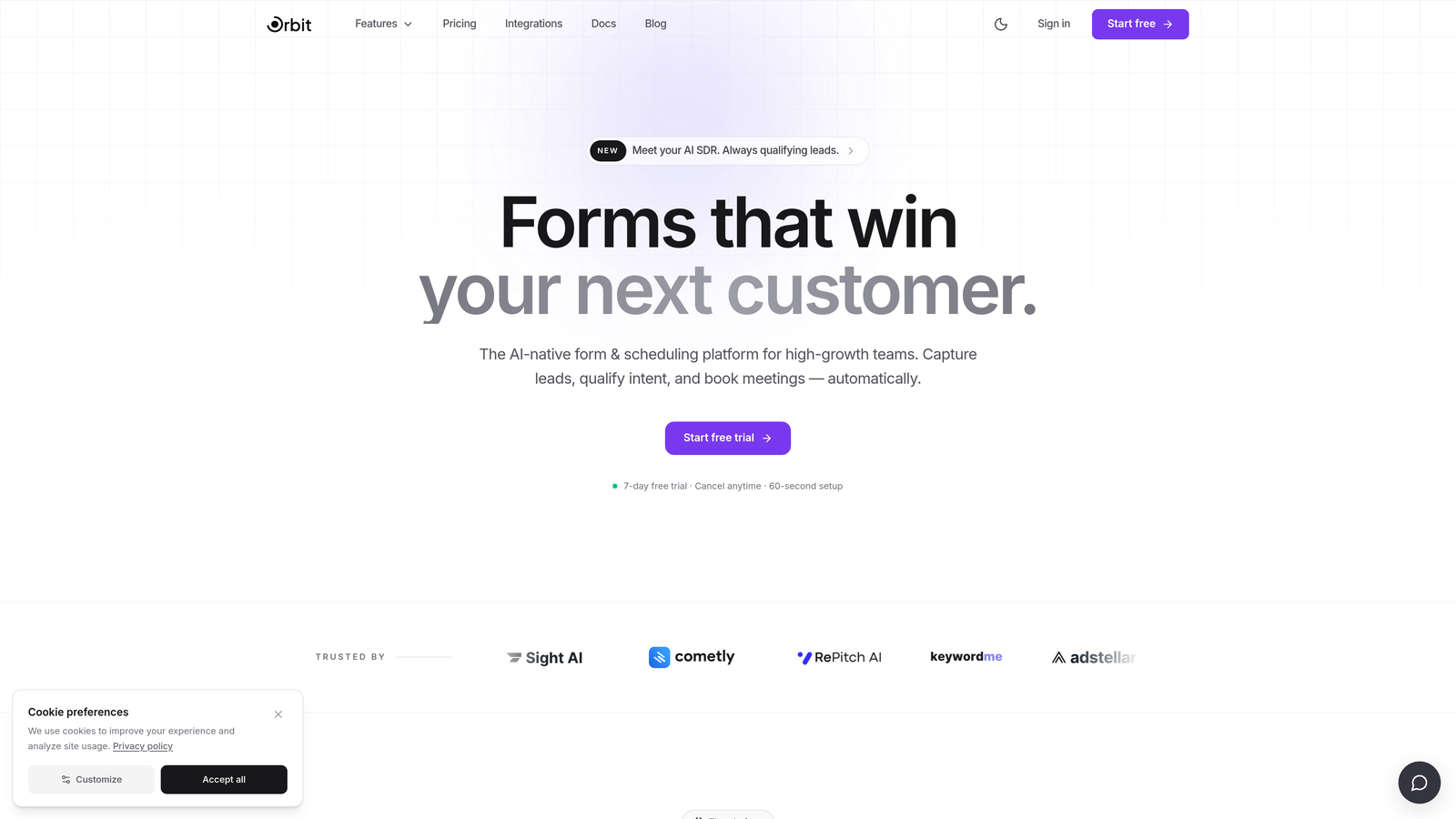
Orbit AI is an AI-powered form builder designed specifically for conversion-focused teams who need more than a data collection tool.
Where This Tool Shines
Most form builders treat every submission the same. Orbit AI doesn't. Its core differentiator is built-in lead qualification logic that scores and prioritizes submissions automatically, so your sales team isn't wading through low-fit leads to find the ones worth calling.
The design output is also genuinely modern. Forms built on Orbit AI look like they belong on a high-end SaaS product page, not an afterthought embedded at the bottom of a landing page. For teams where brand experience matters, that difference is significant.
Key Features
AI-Powered Lead Qualification: Intelligent logic embedded directly in forms to score and filter leads before they hit your CRM.
Conversion-Optimized Design: Modern, polished UI templates designed to maximize form completion rates.
Lead Scoring: Automatically prioritize high-value submissions so sales teams focus on the right prospects first.
CRM Integrations: Seamless connections to sales workflows, reducing manual handoffs between marketing and sales.
Scalable Submission Handling: Built to handle growing volume without the steep pricing jumps that frustrate JotForm users.
Best For
Orbit AI is purpose-built for SaaS companies, B2B marketers, and high-growth teams that treat their forms as a core part of the lead generation funnel, not just a utility. If lead quality and conversion rate matter more to you than raw feature count, this is where to start.
Pricing
Paid plans are available. Visit orbitforms.ai for current pricing details and plan options.
2. Typeform
Best for: Marketing teams that want a conversational, high-engagement form experience with strong brand polish.
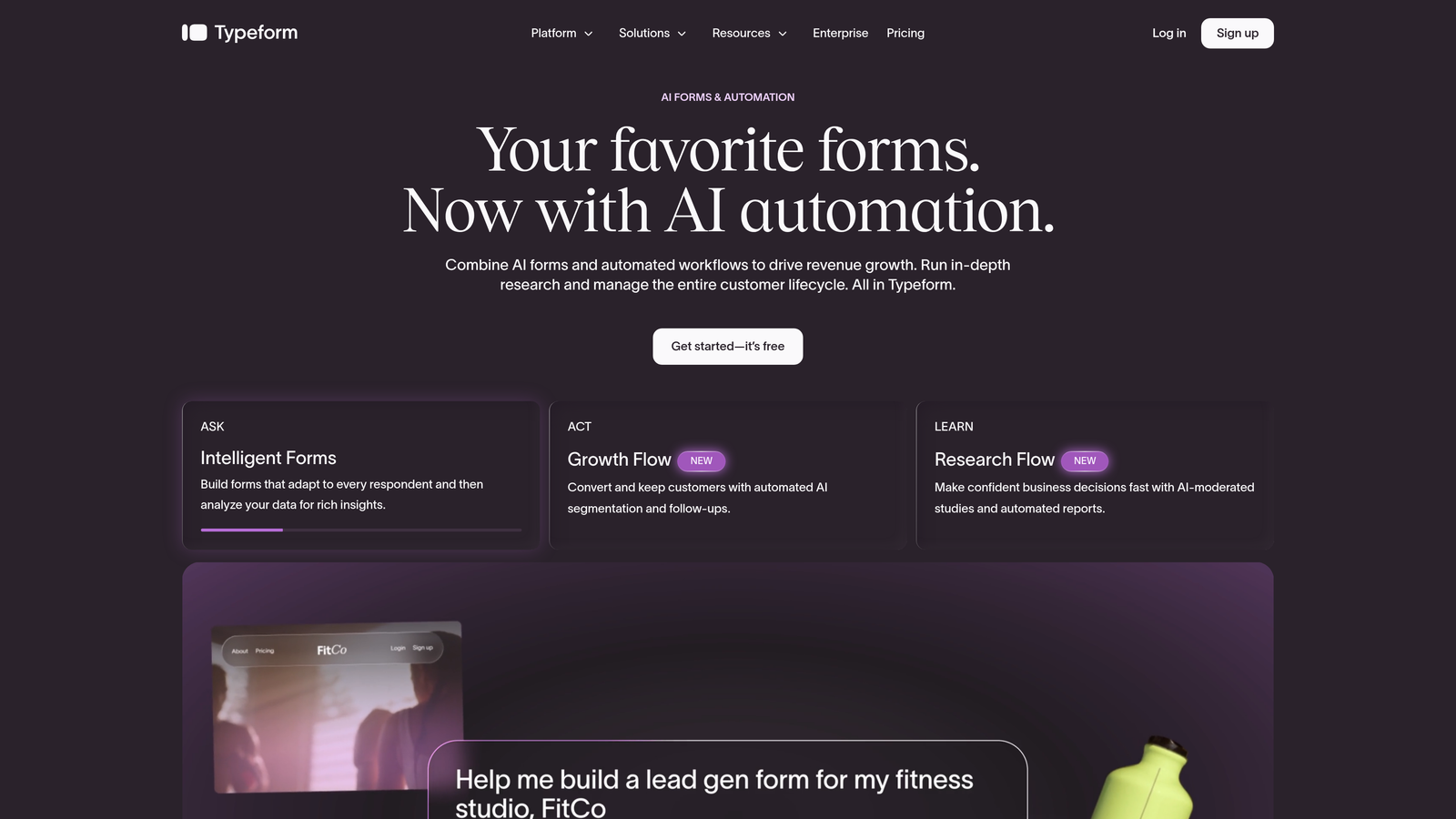
Typeform is a well-established conversational form builder that presents one question at a time to keep respondents engaged.
Where This Tool Shines
Typeform's one-question-at-a-time format genuinely changes how people experience forms. Instead of staring at a wall of fields, respondents move through a natural conversation flow, which tends to improve completion rates for longer or more complex forms.
The visual quality is consistently strong. Typeform templates are among the most polished in the category, and the brand customization options make it easy to match your company's identity. It's a natural fit for customer surveys, lead gen forms, and product feedback collection.
Key Features
Conversational Flow: One-question-at-a-time format creates a more engaging, interview-like experience for respondents.
Brand Customization: High-quality templates with deep visual customization to match your brand.
Logic Jumps: Conditional branching routes respondents to different questions based on their answers.
Native Integrations: Direct connections to HubSpot, Slack, Zapier, and other common business tools.
Rich Media Support: Embed video and images directly within form questions for richer context.
Best For
Typeform works well for marketing teams, customer experience managers, and anyone who needs forms that feel like an extension of a premium brand. It's less suited to teams that need deep lead qualification or complex operational workflows.
Pricing
Free plan available. Paid plans start at approximately $25/month, with higher tiers for additional responses and features.
3. Tally
Best for: Startups and indie teams that need unlimited forms and submissions without paying anything upfront.
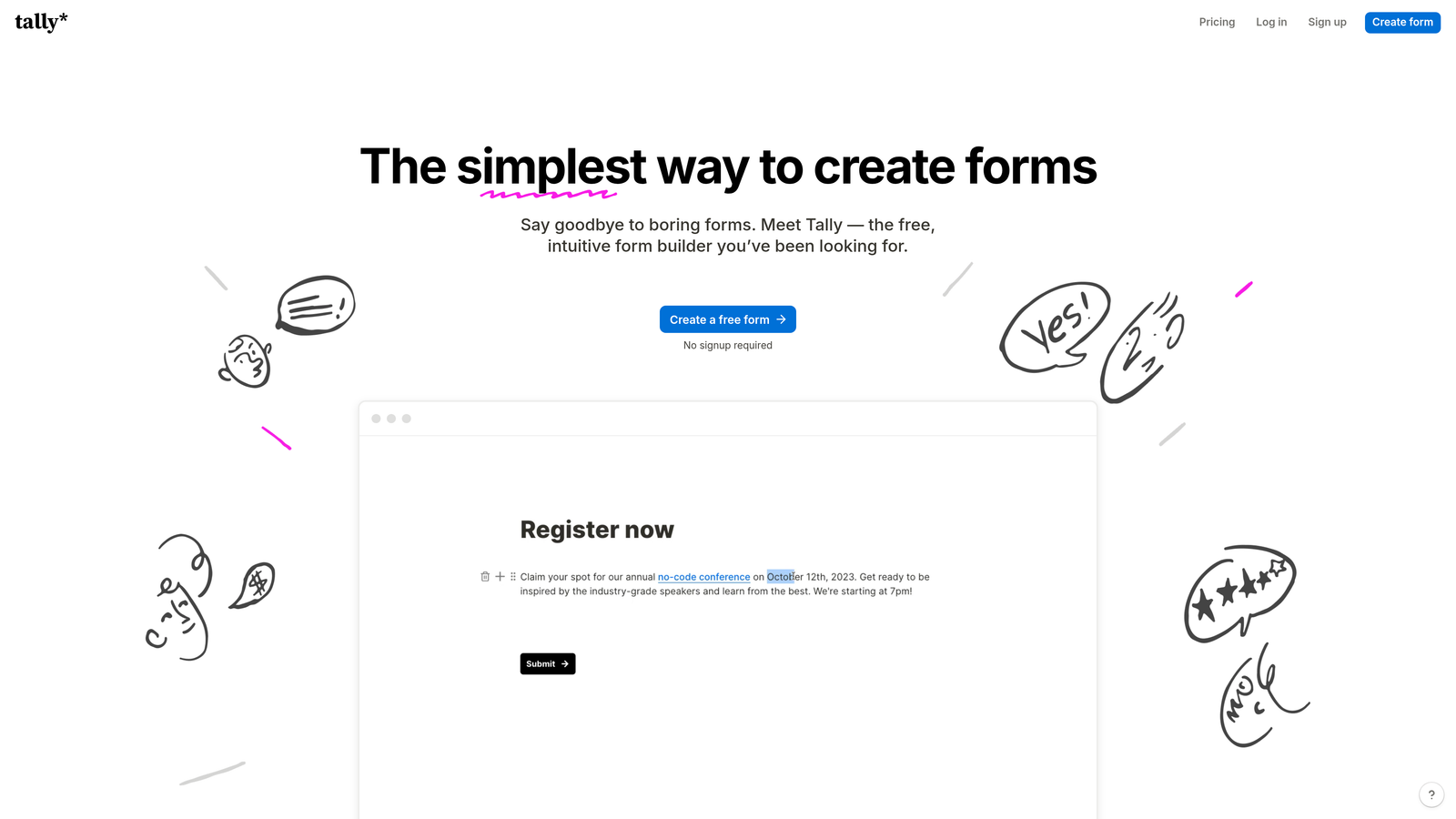
Tally is a Notion-inspired form builder offering a surprisingly generous free tier with no submission caps.
Where This Tool Shines
Tally's free plan is genuinely hard to beat. Unlimited forms, unlimited submissions, and a block-based editor that feels familiar to anyone who uses Notion daily. For early-stage teams watching every dollar, this eliminates a common budget friction point entirely.
The editing experience is clean and fast. You build forms the same way you'd build a Notion page, which means almost no learning curve for teams already in that ecosystem. It also embeds cleanly into websites and Notion pages without extra configuration.
Key Features
Unlimited Free Tier: No limits on forms or submissions on the free plan, which is rare in this category.
Block-Based Editor: Familiar Notion-style editing experience with minimal learning curve.
Conditional Logic: Branching and calculated fields for more dynamic form experiences.
Clean Embeds: Drop forms into websites or Notion pages without friction.
Automation Integrations: Connect to Zapier and Make for workflow automation beyond the form itself.
Best For
Tally is an excellent choice for early-stage startups, solo founders, and teams that need functional forms fast without a budget. It's less suited to enterprises that need advanced security, compliance, or deep CRM logic.
Pricing
Free plan available with no submission limits. Tally Pro is approximately $29/month for additional features like custom domains and removal of Tally branding.
4. Paperform
Best for: Service businesses that need forms with native payment processing and booking functionality built in.
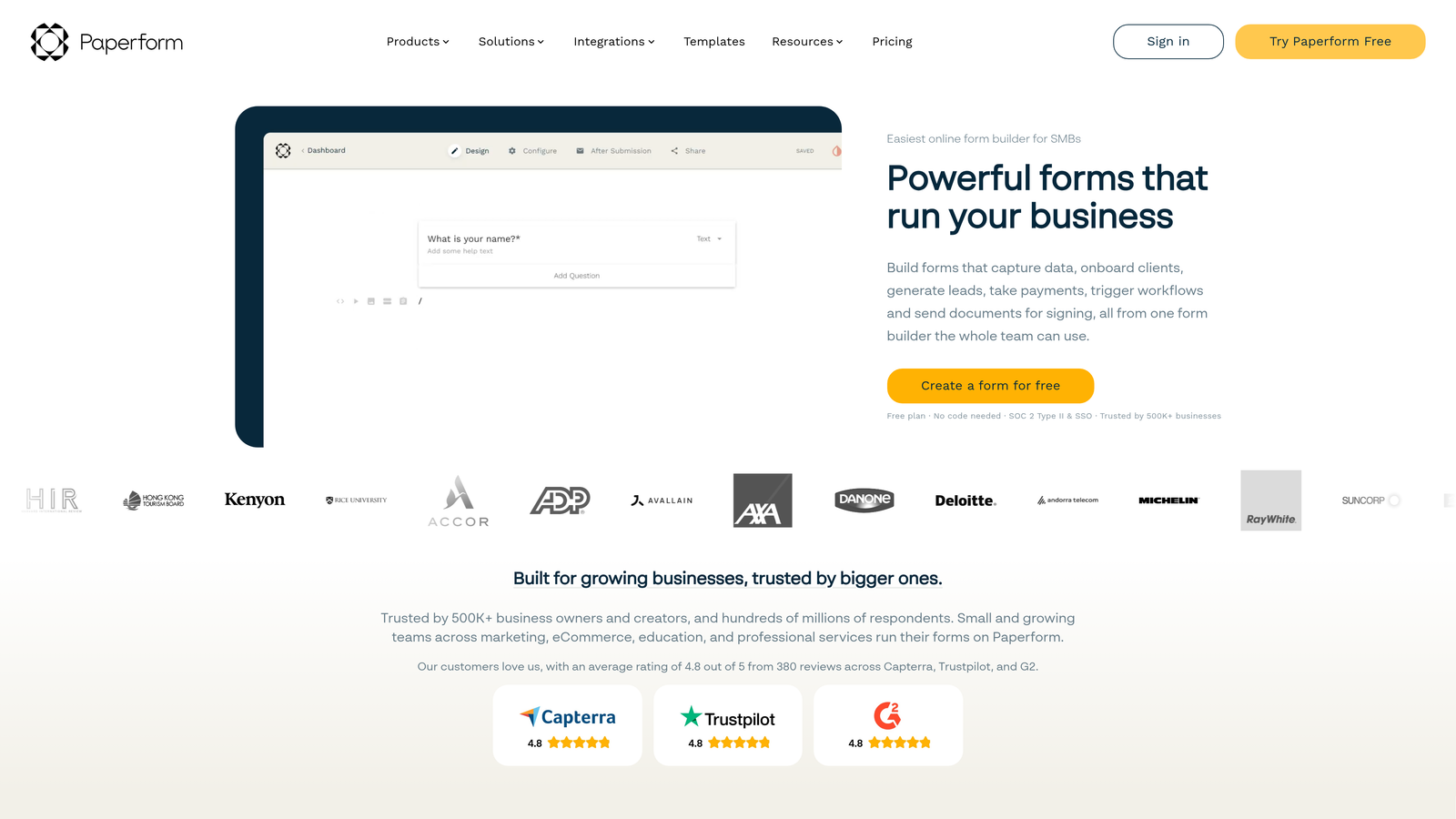
Paperform is a flexible form and landing page builder with native payment and scheduling capabilities built directly into the platform.
Where This Tool Shines
Paperform blurs the line between a form and a landing page. You can mix rich text, images, and media with form fields to create something that looks more like a designed document than a traditional form. This makes it particularly effective for service packages, product orders, or event registrations where context matters.
The native payment processing is a genuine differentiator. Rather than relying on third-party plugins, Paperform handles Stripe, PayPal, and Square transactions directly. For businesses that collect payments as part of their intake process, this removes a meaningful layer of complexity.
Key Features
Native Payment Processing: Accept payments via Stripe, PayPal, and Square without third-party plugins.
Booking and Scheduling: Built-in appointment booking functionality for service-based workflows.
Rich Media Design: Mix text, images, and form fields to create document-style form experiences.
Conditional Logic: Dynamic branching and calculation fields for complex form flows.
200+ Integrations: Native connectors plus Zapier support for broad automation coverage.
Best For
Paperform is a strong fit for consultants, agencies, coaches, and service businesses that need to collect information and payments in a single, polished workflow. Less ideal for pure lead generation without a transactional component.
Pricing
Plans start at approximately $24/month billed annually, with higher tiers for additional submissions and features.
5. HubSpot Forms
Best for: Teams already using HubSpot CRM who want zero-friction contact record syncing from every form submission.
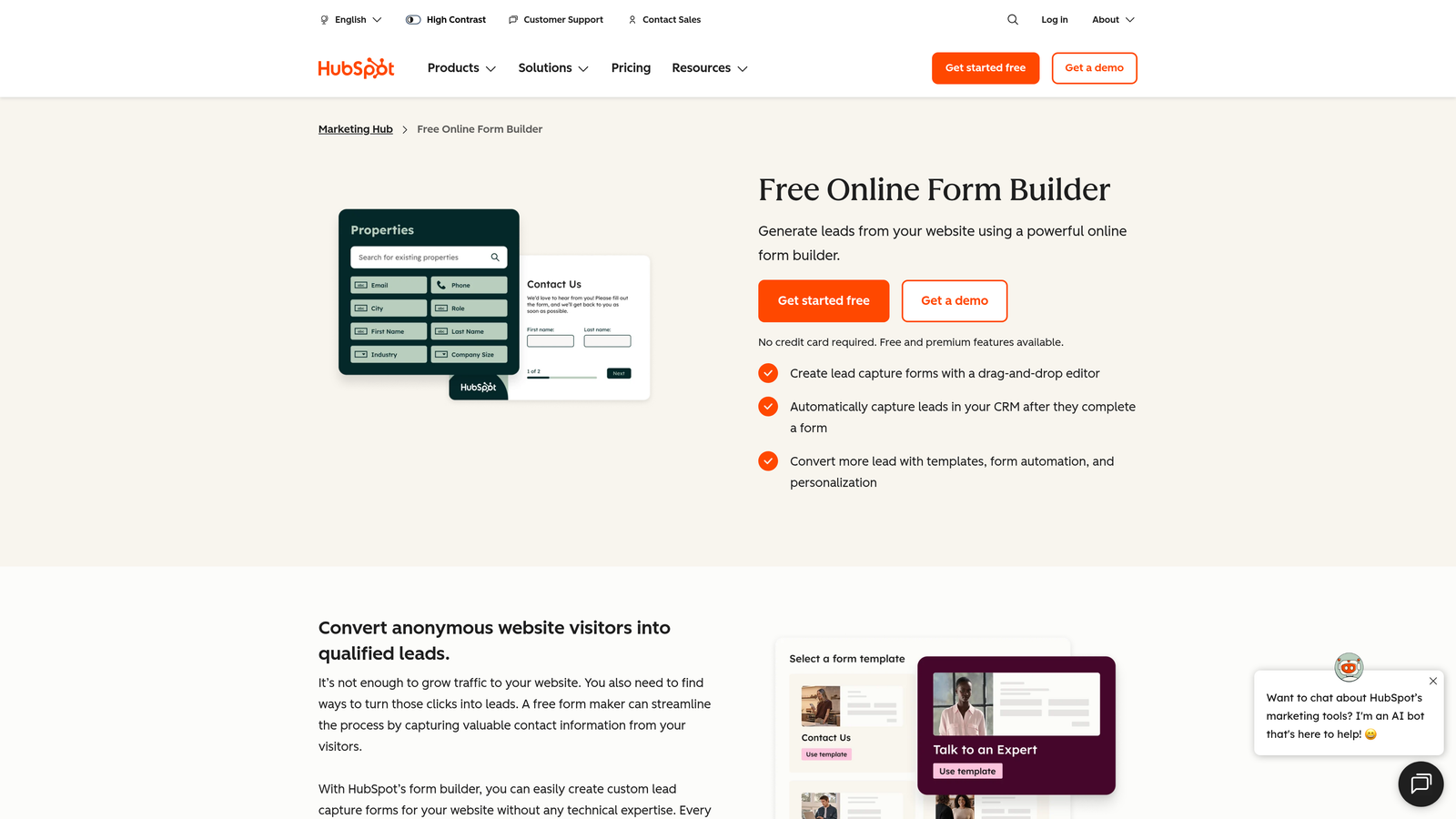
HubSpot Forms is a CRM-native form builder included with HubSpot accounts, with direct contact record syncing built in.
Where This Tool Shines
If your team lives in HubSpot, this is the obvious choice for form creation. Every submission instantly creates or updates a contact record, triggers workflows, and feeds into your existing reporting. There's no integration to set up, no data mapping to configure, and no lag between form fill and CRM update.
Progressive profiling is a standout feature. HubSpot Forms can recognize returning visitors and ask different questions based on what data it already has, so you're always collecting new information rather than asking people to repeat themselves. That's a meaningful UX improvement for multi-touch lead nurturing.
Key Features
Native CRM Sync: Every submission automatically creates or updates HubSpot contact records in real time.
Progressive Profiling: Recognizes returning visitors and serves new questions instead of repeated ones.
Smart Fields: Fields adapt based on existing contact data to streamline the form experience.
Flexible Placement: Deploy as embedded forms or pop-ups across your website.
Free to Start: Available at no additional cost with any HubSpot account.
Best For
HubSpot Forms is purpose-built for HubSpot users. If you're not using HubSpot as your CRM, the value drops significantly. It's not designed to function as a standalone form platform for teams outside the HubSpot ecosystem.
Pricing
Free with any HubSpot account. Advanced features like A/B testing and smart content are included in Marketing Hub paid plans, which start at higher price points.
6. Gravity Forms
Best for: WordPress-based businesses that need a powerful, developer-extensible form plugin with a large add-on ecosystem.
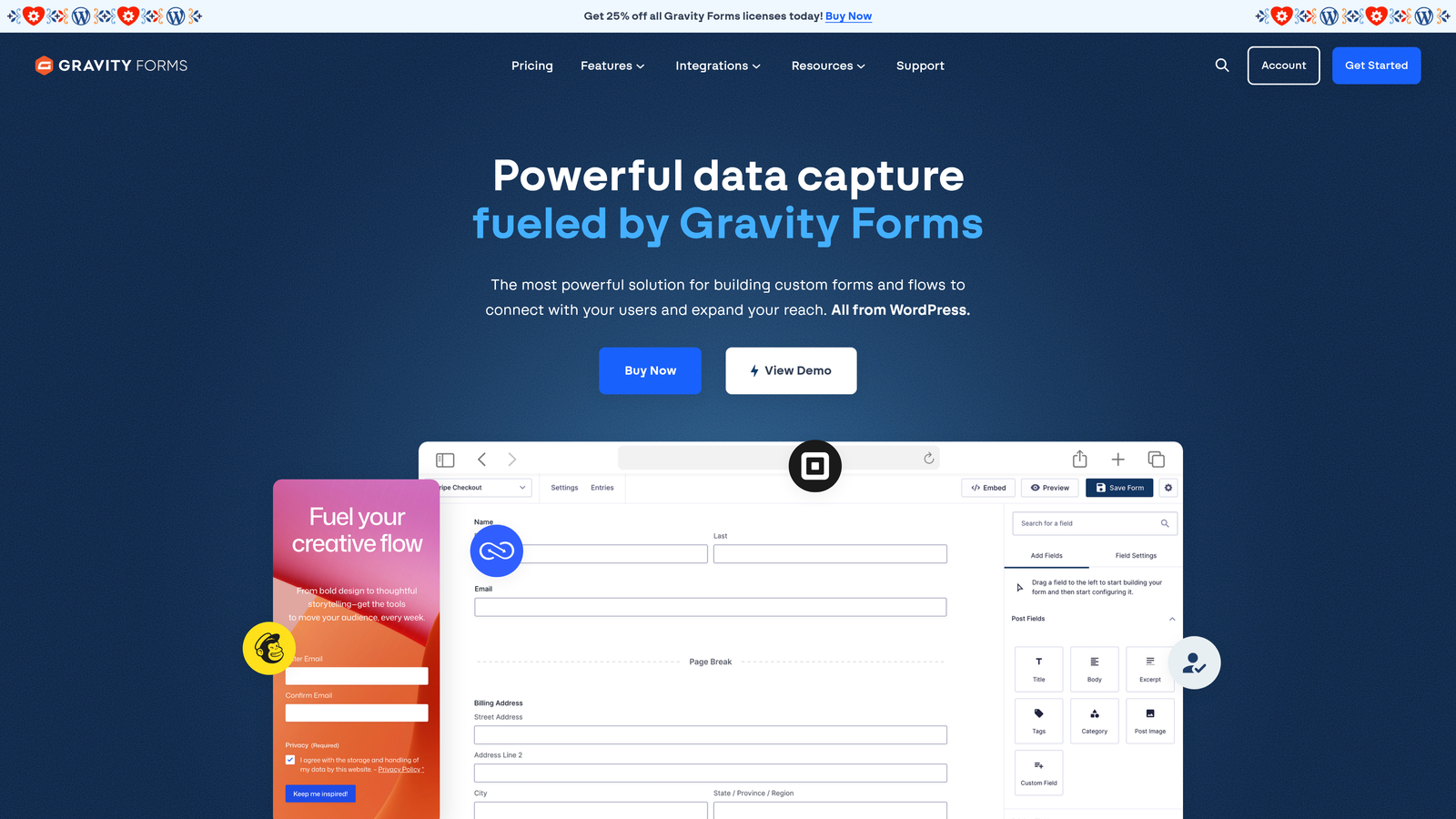
Gravity Forms is a long-standing WordPress form plugin with deep platform integration and a broad library of extensions.
Where This Tool Shines
Gravity Forms has earned its reputation in the WordPress community over many years. It's one of the most configurable form plugins available for WordPress, with conditional logic, multi-page forms, and custom post type support that goes well beyond what most competitors offer natively.
The real power comes from its add-on ecosystem. Whether you need payment processing, CRM connections, user registration, or custom workflow triggers, there's likely an add-on that handles it. For developers, the hooks and filter system allows for highly customized implementations without touching core plugin files.
Key Features
Deep WordPress Integration: Native support for custom post types, user fields, and WordPress-specific workflows.
Extensive Add-On Library: Paid and free add-ons for payments, CRMs, email marketing, and more.
Advanced Conditional Logic: Multi-page forms with complex branching and display rules.
Payment Gateway Support: Stripe, PayPal, and other processors available via add-ons.
Developer-Friendly Architecture: Hooks, filters, and a well-documented API for custom implementations.
Best For
Gravity Forms is ideal for WordPress-native businesses, agencies managing WordPress client sites, and developers who need maximum flexibility. It has no value outside the WordPress environment, so non-WordPress teams should look elsewhere.
Pricing
Annual licenses range from approximately $59/year (Basic) to $259/year (Elite), depending on the number of sites and add-ons included.
7. Formstack
Best for: Regulated industries and enterprise teams that require HIPAA compliance, audit trails, and workflow automation.
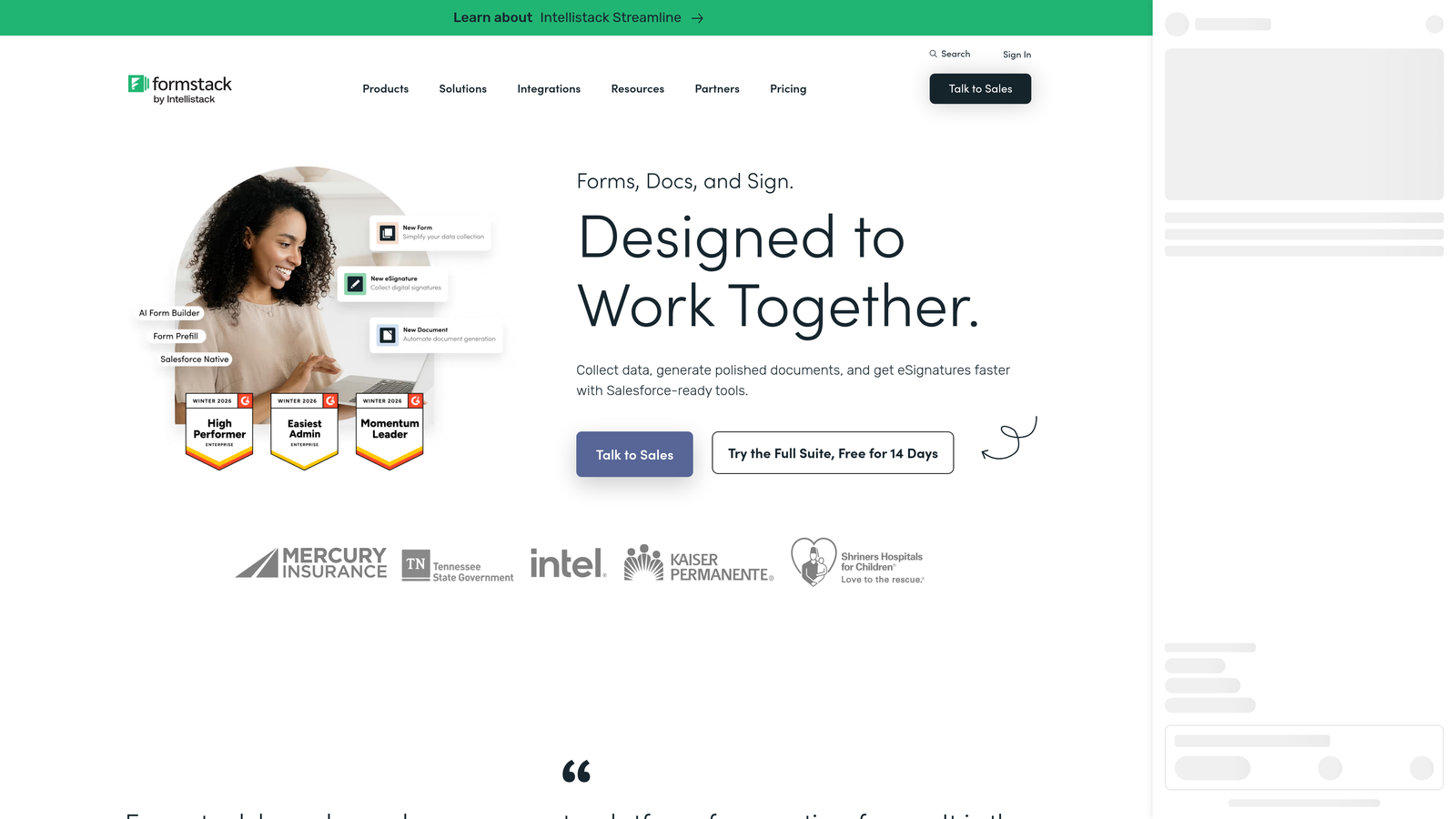
Formstack is an enterprise form and workflow automation platform with strong compliance features and document generation capabilities.
Where This Tool Shines
Formstack occupies a specific and important niche: enterprise teams in regulated industries where data security and compliance aren't optional. HIPAA-compliant data handling, audit trails, and enterprise-grade access controls make it a viable option for healthcare, finance, and legal use cases where most other form tools simply can't operate.
Beyond compliance, the workflow automation and approval routing features are genuinely useful for internal operations. Form submissions can trigger multi-step review processes, document generation, and automated notifications, turning a form into the starting point of a full business workflow.
Key Features
HIPAA Compliance: Data handling that meets healthcare industry requirements, with business associate agreements available.
Audit Trails: Detailed logging of all data access and changes for compliance reporting.
Approval Routing: Multi-step workflow automation with conditional approval paths.
Document Generation: Automatically generate populated documents from form submission data.
Enterprise CRM Integrations: Native Salesforce integration and connections to other enterprise platforms.
Best For
Formstack is the right choice for healthcare organizations, financial services teams, and enterprise operations that need compliance-grade data handling. The pricing reflects this positioning, so it's not the right fit for smaller teams with simpler needs.
Pricing
Plans start at approximately $83/month. Enterprise pricing is available on request for larger organizations.
8. Google Forms
Best for: Internal data collection, surveys, and simple use cases where cost is the primary concern.
Google Forms is a completely free form builder included with every Google account, with no submission limits and automatic Google Sheets integration.
Where This Tool Shines
Google Forms does exactly what it promises: collect data for free, with no caps, no setup, and no learning curve. For internal team surveys, event RSVPs, or quick feedback collection, it's hard to argue with free. Responses flow directly into Google Sheets, making analysis accessible to anyone already comfortable with spreadsheets.
It's worth being honest about the ceiling here, though. Google Forms is not a conversion optimization tool. The design options are minimal, the logic capabilities are basic, and there's no meaningful way to create a branded, high-conversion experience. It's a utility, not a growth tool.
Key Features
Completely Free: No submission limits, no paid tiers, no catches for standard use.
Google Sheets Integration: Responses automatically populate a connected spreadsheet in real time.
Basic Branching Logic: Simple section-based conditional routing for straightforward flows.
Easy Sharing: Share via link or embed on any website without technical configuration.
Response Summaries: Automatic charts and summaries for quick data visualization.
Best For
Google Forms is best for internal use cases: employee surveys, team polls, event sign-ups, and simple data collection. It is not suitable for customer-facing conversion workflows, lead generation, or any scenario where design quality and qualification logic matter.
Pricing
Completely free with any Google account, including Google Workspace accounts.
9. Cognito Forms
Best for: Teams that need powerful conditional logic, repeating sections, and solid entry management at a competitive price point.
Cognito Forms is a feature-rich form builder with advanced logic capabilities and a practical free tier for lower-volume use.
Where This Tool Shines
Cognito Forms doesn't get the same marketing attention as some competitors, but it consistently delivers on functionality. The conditional logic system is genuinely advanced, supporting complex calculated fields and display rules that would require significant workarounds in simpler tools.
Repeating sections are a particularly useful feature for operational forms where respondents need to add multiple entries of the same type, such as line items on an order form or multiple contact details for a team. Combined with solid entry management and data export, it's a strong choice for forms that power internal operations rather than just marketing funnels.
Key Features
Advanced Conditional Logic: Sophisticated branching and calculated fields for complex dynamic form behavior.
Repeating Sections: Allow respondents to add multiple instances of the same field group dynamically.
Entry Management: Built-in tools for reviewing, editing, and managing submitted data.
Payment Collection: Accept payments via Stripe directly within forms.
Competitive Free Tier: Free plan supports up to 500 entries per month, suitable for lower-volume use cases.
Best For
Cognito Forms is a strong fit for operations teams, project managers, and businesses that need complex, logic-heavy forms for internal workflows or detailed intake processes. It's less focused on design polish and conversion optimization than tools like Orbit AI or Typeform.
Pricing
Free plan available with up to 500 entries per month. Paid plans start at approximately $15/month for higher volume and additional features.
Which Tool Is Right for Your Business?
JotForm works fine if you need a basic form and have no strong requirements around design, intelligence, or conversion performance. But if you're reading this, you probably need more than fine.
Here's how to think about your choice based on what matters most to your team:
For AI-powered lead qualification and conversion optimization: Orbit AI is the clear starting point. It's the only tool on this list built specifically around the idea that your form should be doing active work to qualify and score leads, not just collect them.
For beautiful, conversational form experiences: Typeform delivers the most polished respondent experience and is a strong choice for marketing teams focused on engagement.
For teams on a tight budget: Tally's free plan is genuinely generous, and Google Forms is always available as a no-cost fallback for internal use.
For HubSpot-native teams: HubSpot Forms is the obvious choice. The CRM sync alone makes it worth using if you're already in that ecosystem.
For WordPress sites: Gravity Forms remains the gold standard for WordPress-native form building with developer extensibility.
For regulated industries: Formstack is the only tool on this list with the compliance infrastructure that healthcare and enterprise teams require.
The bottom line is that businesses serious about lead quality and conversion performance need a form tool that thinks like a growth tool. If that's where you are, start building free forms today with Orbit AI and see what a difference intelligent form design makes for your pipeline.


