

Your forms are often the first real conversation you have with potential customers—and outdated, clunky builders are silently killing your conversions. Modern form builder software has evolved far beyond simple contact forms, now offering AI-powered qualification, conditional logic, seamless integrations, and designs that actually feel native to your brand. Whether you're capturing leads, booking demos, or running surveys, the right tool can dramatically impact your conversion rates.
We evaluated dozens of platforms based on user experience, integration capabilities, AI features, and value for growing teams. Here are the nine best modern form builders worth your attention in 2026.
1. Orbit AI
Best for: High-growth teams needing AI-powered lead qualification with conversion-optimized design
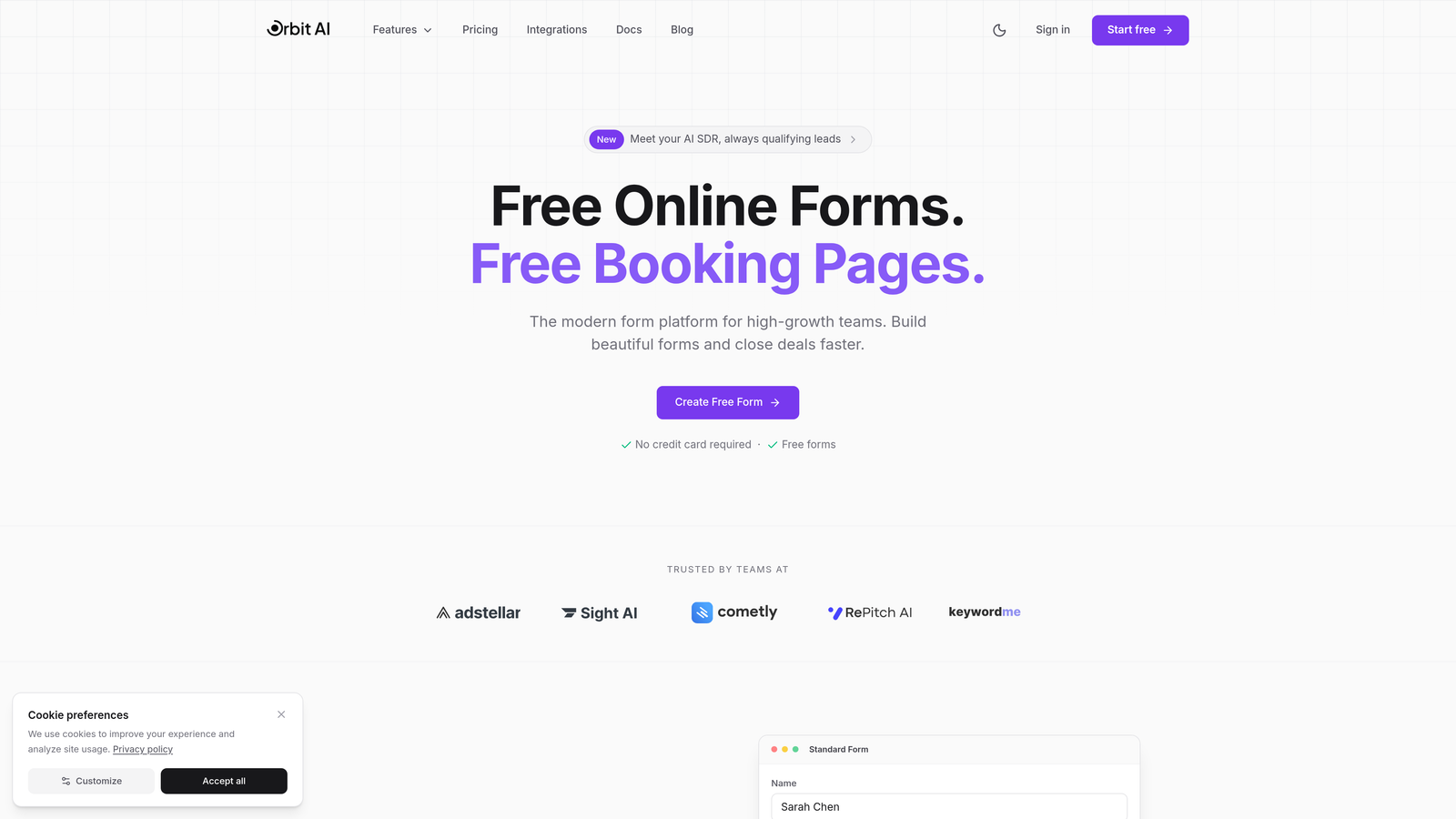
Orbit AI is an AI-powered form builder platform designed specifically for teams that need to do more than just collect data—it qualifies leads intelligently while they're filling out your forms.
Where This Tool Shines
The standout feature is the AI-powered lead qualification and scoring system that works in real-time. While prospects complete your form, the platform analyzes their responses and assigns qualification scores, routing high-value leads to sales immediately while nurturing others through automated workflows.
The modern, conversion-optimized templates feel native to contemporary SaaS brands, avoiding the generic look that screams "form builder template." Each design element is crafted with conversion psychology in mind, from field spacing to button placement.
Key Features
AI-Powered Lead Qualification: Automatically scores and routes leads based on their responses and engagement patterns.
Modern Template Library: Conversion-optimized designs built specifically for high-growth teams and SaaS businesses.
Native Integrations: Direct connections to HubSpot, Salesforce, Slack, and your existing tech stack without middleware.
Conditional Logic: Smart branching that adapts form questions based on previous answers for personalized experiences.
Real-Time Analytics: Dashboard showing conversion rates, qualification scores, and form performance metrics as they happen.
Best For
High-growth SaaS teams, B2B companies with complex lead qualification needs, and marketing teams focused on conversion rate optimization rather than just form submissions. Particularly valuable if your sales team needs pre-qualified leads instead of raw contact data.
Pricing
Free tier available for getting started; paid plans begin at competitive rates designed for growing teams with scaling lead generation needs.
2. Typeform
Best for: Creating conversational, one-question-at-a-time experiences with polished design
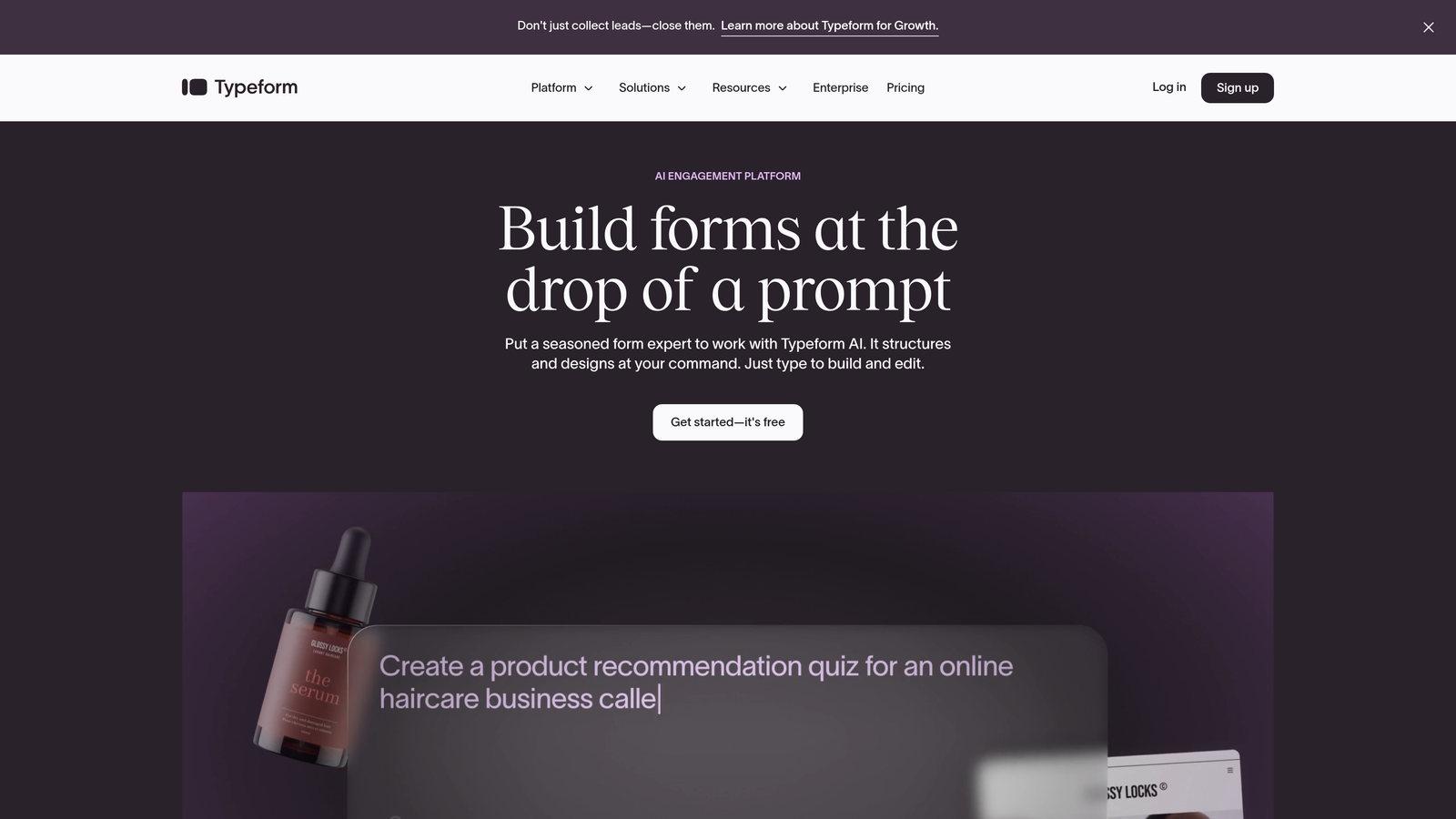
Typeform pioneered the conversational form format and remains the gold standard for engagement-focused data collection.
Where This Tool Shines
The one-question-at-a-time approach fundamentally changes how users interact with forms. Instead of facing a wall of fields, respondents focus on a single question, creating a conversation-like flow that dramatically reduces abandonment rates.
Design customization is exceptionally polished, allowing you to match your brand perfectly while maintaining the signature Typeform aesthetic. The platform handles everything from simple lead capture to complex multi-step surveys with equal elegance.
Key Features
Conversational Format: One question at a time creates an engaging, low-friction experience that feels like a conversation.
Design Customization: Extensive branding options including custom colors, fonts, backgrounds, and layouts.
Logic Jumps: Conditional branching that adapts question flow based on previous answers.
Rich Media Support: Embed videos, images, and GIFs directly into questions for more engaging forms.
Survey Capabilities: Built-in analytics and reporting tools designed specifically for survey research and feedback collection.
Best For
Marketing teams prioritizing user experience, companies running surveys or quizzes, and brands where form aesthetics directly impact perception. Ideal when engagement and completion rates matter more than rapid data collection.
Pricing
Free tier with limited responses; Basic plan starts at $25/month for increased submissions and features.
3. Tally
Best for: Budget-conscious teams wanting powerful features with an unlimited free tier
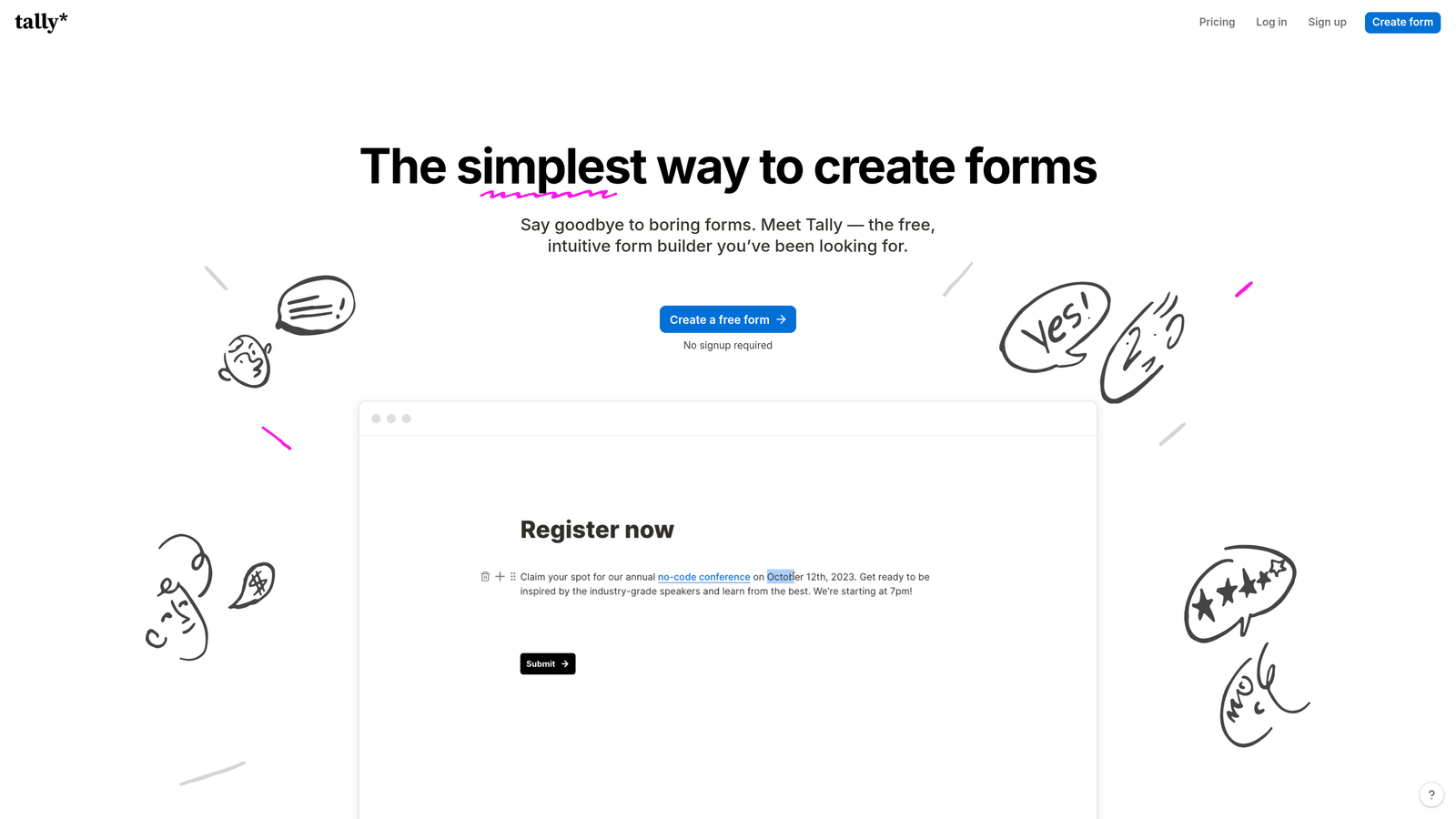
Tally brings a Notion-like simplicity to form building while offering one of the most generous free tiers in the industry.
Where This Tool Shines
The free tier is genuinely remarkable—unlimited forms and unlimited submissions without the artificial restrictions most competitors impose. This makes it perfect for startups and growing teams who need professional features without immediate budget commitment.
The interface feels instantly familiar to anyone who uses Notion, with the same clean, minimal aesthetic and block-based building approach. You can create sophisticated forms in minutes without wrestling with complex builders.
Key Features
Unlimited Free Plan: No caps on forms or submissions, making it viable for serious business use at zero cost.
Notion-Style Interface: Clean, intuitive builder that feels natural for teams already using modern productivity tools.
Conditional Logic: Smart branching and calculations built into even the free tier.
Payment Collection: Accept payments directly through forms using Stripe integration.
File Uploads: Allow respondents to upload documents, images, and other files through your forms.
Best For
Startups with limited budgets, teams already using Notion who want consistency, and anyone needing unlimited submissions without paying for enterprise plans. Great for side projects and MVPs.
Pricing
Exceptionally generous free tier; Pro plan at $29/month adds custom domains, remove branding, and advanced features.
4. Jotform
Best for: Teams needing extensive templates and payment processing across multiple gateways
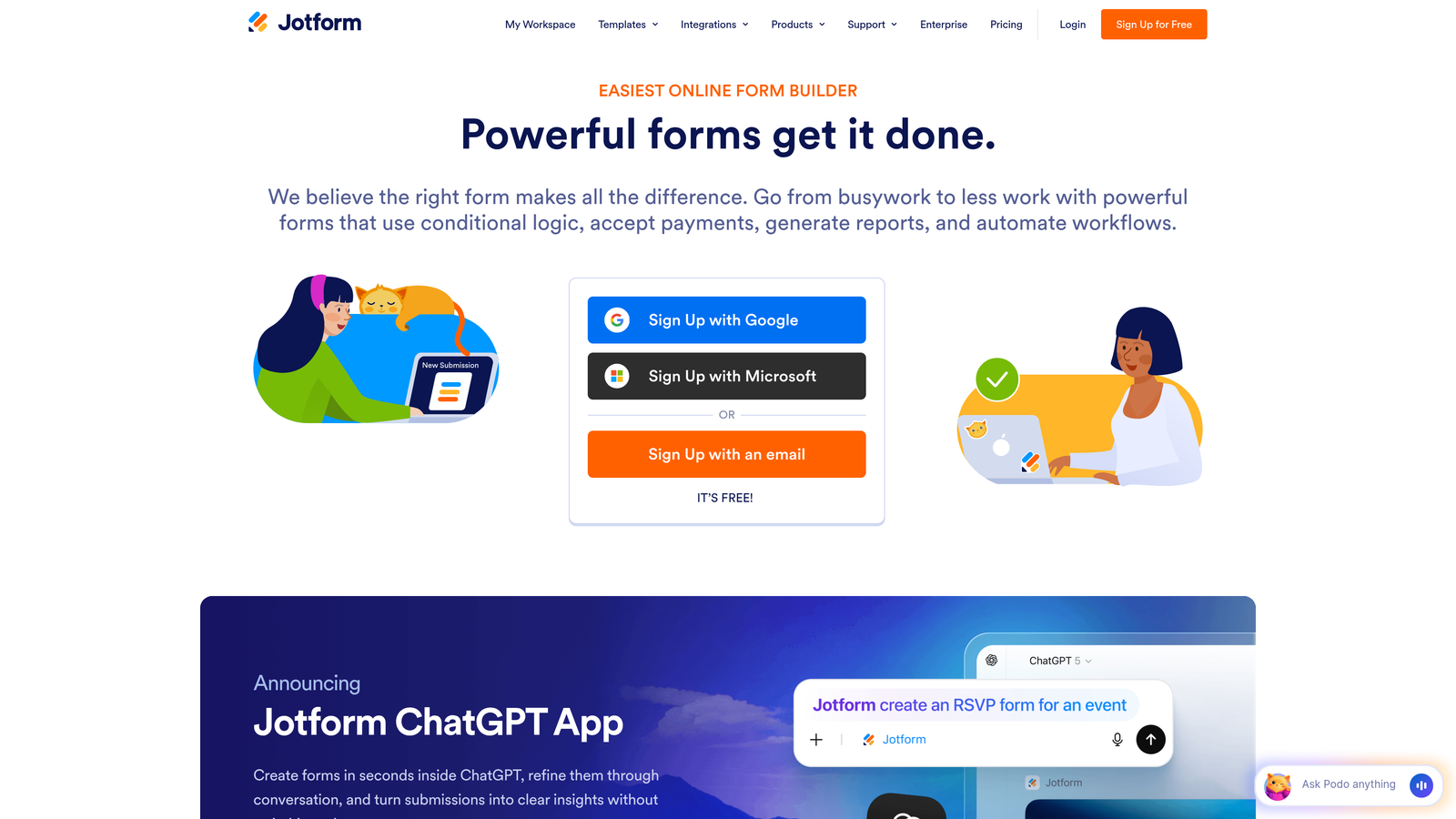
Jotform is a veteran platform offering one of the largest template libraries and the most payment integration options available.
Where This Tool Shines
The template library is genuinely massive—over 10,000 pre-built forms covering virtually every industry and use case imaginable. Need a medical intake form? Event registration? Rental application? There's likely a ready-made template that requires minimal customization.
Payment integration capabilities are unmatched, supporting over 30 different payment gateways including regional processors most competitors ignore. This makes it invaluable for international teams or those with specific payment provider requirements.
Key Features
10,000+ Templates: Industry-specific forms for healthcare, education, events, real estate, and virtually every other sector.
Payment Gateways: Integration with 30+ processors including PayPal, Stripe, Square, and regional options.
PDF Generation: Automatically convert submissions into formatted PDFs with e-signature capabilities.
Approval Workflows: Multi-step approval processes with team collaboration features.
HIPAA Compliance: Dedicated plans meeting healthcare data security requirements.
Best For
Healthcare providers, educational institutions, event organizers, and businesses accepting payments through forms. Particularly valuable for teams needing HIPAA compliance or operating in regulated industries.
Pricing
Free tier with submission limits; Bronze plan starts at $34/month for increased capacity and features.
5. Fillout
Best for: Teams using Airtable or Notion who need bidirectional database syncing
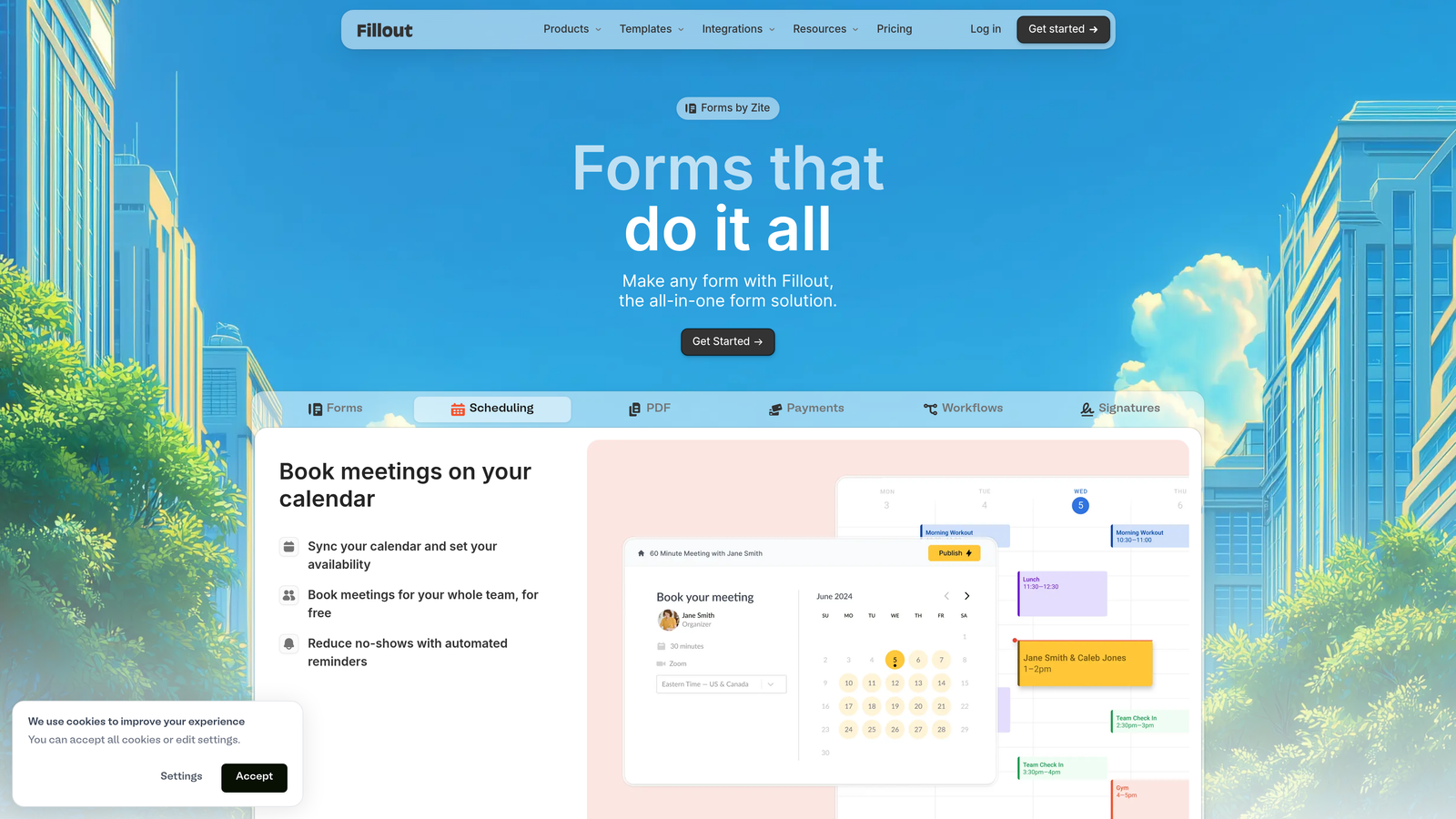
Fillout offers exceptional native integrations with Airtable and Notion, making it the go-to choice for database-centric workflows.
Where This Tool Shines
The native Airtable and Notion integrations go far beyond simple data pushing. You get true bidirectional syncing, meaning you can pre-fill forms with existing database records, update entries through form submissions, and maintain data consistency across platforms without Zapier middleware.
The ability to create forms directly from Airtable bases or Notion databases eliminates the typical rebuild process. Your database structure becomes your form structure automatically, saving hours of manual field mapping.
Key Features
Native Database Integration: Direct connections to Airtable and Notion with bidirectional syncing capabilities.
Pre-Fill Functionality: Auto-populate forms with existing records for updates or edits rather than new entries.
Database-Driven Forms: Build forms directly from your database structure without manual field recreation.
Scheduling Features: Built-in appointment booking and calendar integration without third-party tools.
Payment Processing: Accept payments through Stripe with automatic record updates in your database.
Best For
Airtable power users, teams managing complex databases in Notion, and operations teams needing forms that interact with existing data rather than creating new silos.
Pricing
Free tier available; Starter plan at $15/month unlocks advanced database features and increased capacity.
6. HubSpot Forms
Best for: Teams already using HubSpot CRM who need seamless marketing automation
HubSpot Forms is the native form builder tightly integrated with HubSpot's CRM and marketing automation platform.

Where This Tool Shines
The seamless CRM integration is the entire value proposition. Every form submission automatically creates or updates contact records, triggers workflows, assigns lead scores, and routes leads to the right sales rep—all without middleware or manual configuration.
Progressive profiling is a standout feature that reduces form friction for returning visitors. Instead of asking the same questions repeatedly, the system automatically requests new information each time, building complete contact profiles gradually without overwhelming users.
Key Features
CRM Integration: Native connection to HubSpot CRM with automatic contact creation and enrichment.
Progressive Profiling: Smart field replacement that asks different questions to returning visitors based on existing data.
Lead Scoring: Automatic scoring based on form responses and engagement with configurable routing rules.
A/B Testing: Built-in testing capabilities to optimize form performance over time.
Workflow Triggers: Launch automated email sequences, notifications, and tasks based on form submissions.
Best For
Companies already invested in the HubSpot ecosystem, marketing teams running sophisticated nurture campaigns, and sales organizations needing automatic lead routing and scoring.
Pricing
Free with HubSpot CRM; advanced features like progressive profiling and A/B testing require paid Marketing Hub tiers.
7. Paperform
Best for: Teams wanting form-based landing pages with rich content and design flexibility
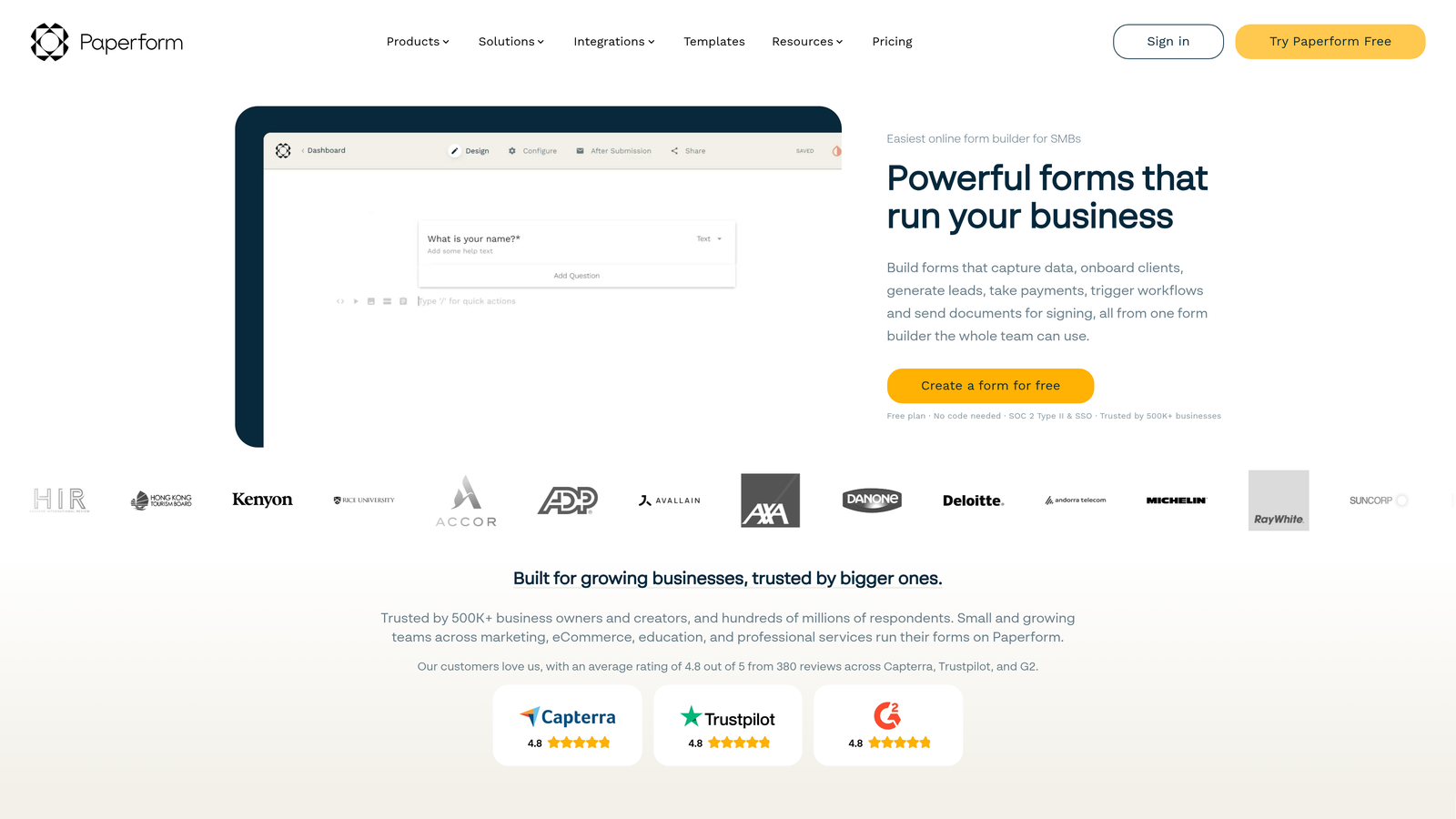
Paperform blurs the line between form builder and landing page creator, offering exceptional design flexibility for teams wanting more than traditional forms.
Where This Tool Shines
The ability to create full landing pages using form logic sets Paperform apart. You can embed rich content blocks, product catalogs, pricing tables, and multimedia between form fields, creating experiences that function as both marketing pages and data collection tools.
Design control is extensive without requiring code. You can customize virtually every visual element, create multi-column layouts, and build product ordering pages that feel like custom e-commerce experiences rather than generic forms.
Key Features
Landing Page Creation: Build complete landing pages with forms embedded naturally within rich content.
Content Blocks: Add text, images, videos, and custom HTML between form fields for context and persuasion.
Product Catalogs: Create order forms with product galleries, variants, and shopping cart functionality.
Conditional Logic: Show or hide entire page sections based on user responses and selections.
Custom Thank-You Pages: Design post-submission experiences with personalized content based on form responses.
Best For
E-commerce businesses, course creators, event organizers, and teams needing forms that also function as marketing pages. Ideal when you want one tool instead of separate form and landing page builders.
Pricing
Essentials plan at $24/month; Pro plan at $49/month adds advanced features and increased capacity.
8. Formstack
Best for: Enterprise teams in regulated industries needing HIPAA, GDPR, and SOC 2 compliance
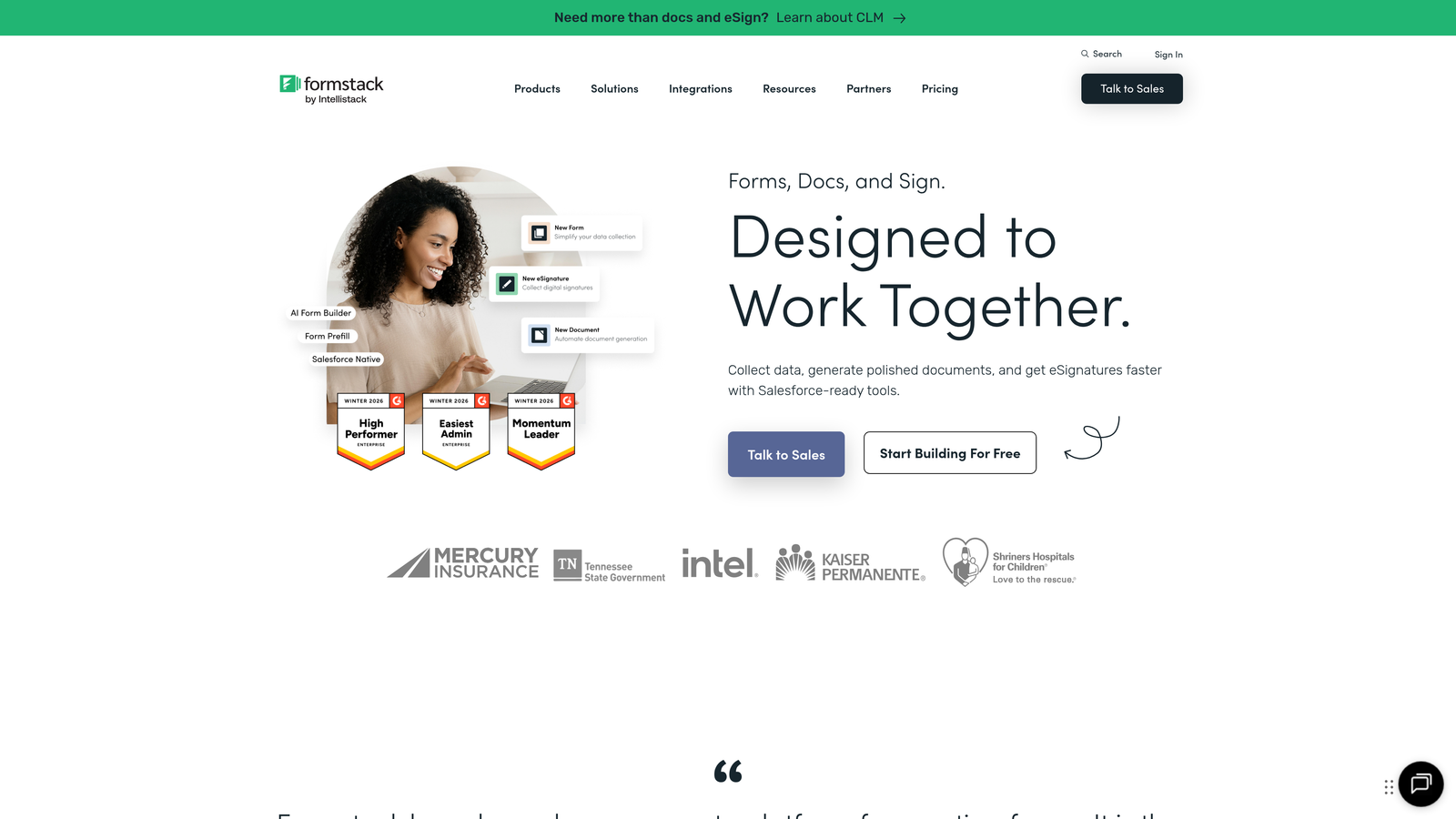
Formstack is an enterprise-grade form builder with comprehensive compliance features for healthcare, finance, and other regulated sectors.
Where This Tool Shines
Compliance certifications are the primary differentiator. Formstack maintains HIPAA, GDPR, and SOC 2 compliance with dedicated infrastructure, business associate agreements, and audit trails that satisfy even the strictest regulatory requirements.
The workflow automation capabilities extend beyond simple email notifications into complex approval processes, document generation, and multi-department routing. This makes it viable for enterprise operations where forms trigger sophisticated business processes.
Key Features
Compliance Certifications: HIPAA, GDPR, and SOC 2 compliance with necessary documentation and infrastructure.
Workflow Automation: Advanced routing, approvals, and process triggers for complex organizational workflows.
Electronic Signatures: Built-in e-signature capabilities without third-party integrations.
Salesforce Native: Direct Salesforce integration that functions as a native Salesforce application.
Enterprise Security: Advanced encryption, single sign-on, and security features meeting enterprise IT requirements.
Best For
Healthcare organizations, financial services, government agencies, and large enterprises with strict compliance requirements. Essential when regulatory adherence isn't optional.
Pricing
Starter plan at $50/month; Teams plan at $83/month for increased features and capacity.
9. Google Forms
Best for: Teams needing simple, free data collection with Google Workspace integration
Google Forms is the completely free form builder integrated with Google Workspace for straightforward data collection needs.
Where This Tool Shines
The price—completely free with any Google account—makes it accessible for literally anyone. There are no submission limits, no feature paywalls, and no hidden costs. For basic data collection, surveys, and internal forms, this represents unbeatable value.
The automatic Google Sheets integration means every submission flows directly into a spreadsheet without configuration. For teams already living in Google Workspace, this creates a seamless workflow from form to analysis without leaving the ecosystem.
Key Features
Completely Free: No costs, no submission limits, no premium tiers—everything is included with a Google account.
Google Sheets Integration: Automatic data flow into spreadsheets for analysis and reporting.
Real-Time Collaboration: Multiple team members can build and edit forms simultaneously.
Basic Conditional Logic: Simple skip logic and section branching based on responses.
Quiz Functionality: Built-in grading and scoring for educational assessments and knowledge checks.
Best For
Schools and educational institutions, internal team surveys, event RSVPs, and any scenario where budget is zero but data collection is necessary. Perfect for non-profits and community organizations.
Pricing
Completely free with any Google account—no paid tiers exist.
Finding Your Perfect Match
The right form builder depends entirely on your specific needs and existing tech stack. For AI-powered lead qualification and conversion optimization, Orbit AI stands out with its intelligent scoring and modern design approach. If conversational experiences matter most and you want the gold standard in engagement, Typeform remains unmatched.
Budget-conscious startups should seriously explore Tally's generous free tier—it's not a stripped-down trial but a genuinely viable long-term solution. Enterprise teams needing compliance certifications will find Formstack's security features essential, particularly in healthcare and financial services.
For teams already invested in specific ecosystems, the choice becomes clearer. HubSpot users should stick with HubSpot Forms to leverage the native CRM integration and progressive profiling. Airtable power users will love Fillout's bidirectional syncing that eliminates data silos. Google Workspace teams running simple internal processes can accomplish everything they need with Google Forms at zero cost.
The sophistication of your lead qualification needs should guide your decision. If you're capturing leads that need immediate scoring and intelligent routing to sales, you need a platform built for that specific purpose. If you're running surveys or collecting feedback where qualification doesn't matter, simpler tools work perfectly fine.
Start by identifying your primary use case—is it lead generation, event registration, customer feedback, or something else? Then consider your existing tech stack and what integrations you absolutely need versus nice-to-haves. Finally, test two or three options with real forms before committing. Most platforms offer free tiers or trials specifically for this evaluation process.
The modern form builder market has evolved far beyond basic contact forms. Transform your lead generation with AI-powered forms that qualify prospects automatically while delivering the modern, conversion-optimized experience your high-growth team needs. The right tool won't just collect data—it'll become a strategic asset in your conversion funnel.


