

When your forms display another company's logo, you're essentially running unpaid ads for your form builder. For high-growth teams and agencies managing client work, that's not just a minor annoyance — it's a brand experience problem that erodes trust at one of your most critical conversion touchpoints.
But "white-label" and "unbranded" don't mean all form builders are created equal. Some bury the no-branding option behind expensive enterprise tiers. Others offer it on mid-range plans but sacrifice the customization, conditional logic, or integrations you actually need to run a serious lead generation operation.
This list cuts through the noise. We've evaluated nine form builders specifically on their ability to remove platform branding, the depth of their customization options, and how well they serve teams focused on lead generation and conversion — not just basic data collection. Whether you're a SaaS team, agency, or scaling startup, there's a right tool here for your use case.
1. Orbit AI
Best for: High-growth SaaS teams and agencies that need AI-powered lead qualification with fully branded forms.
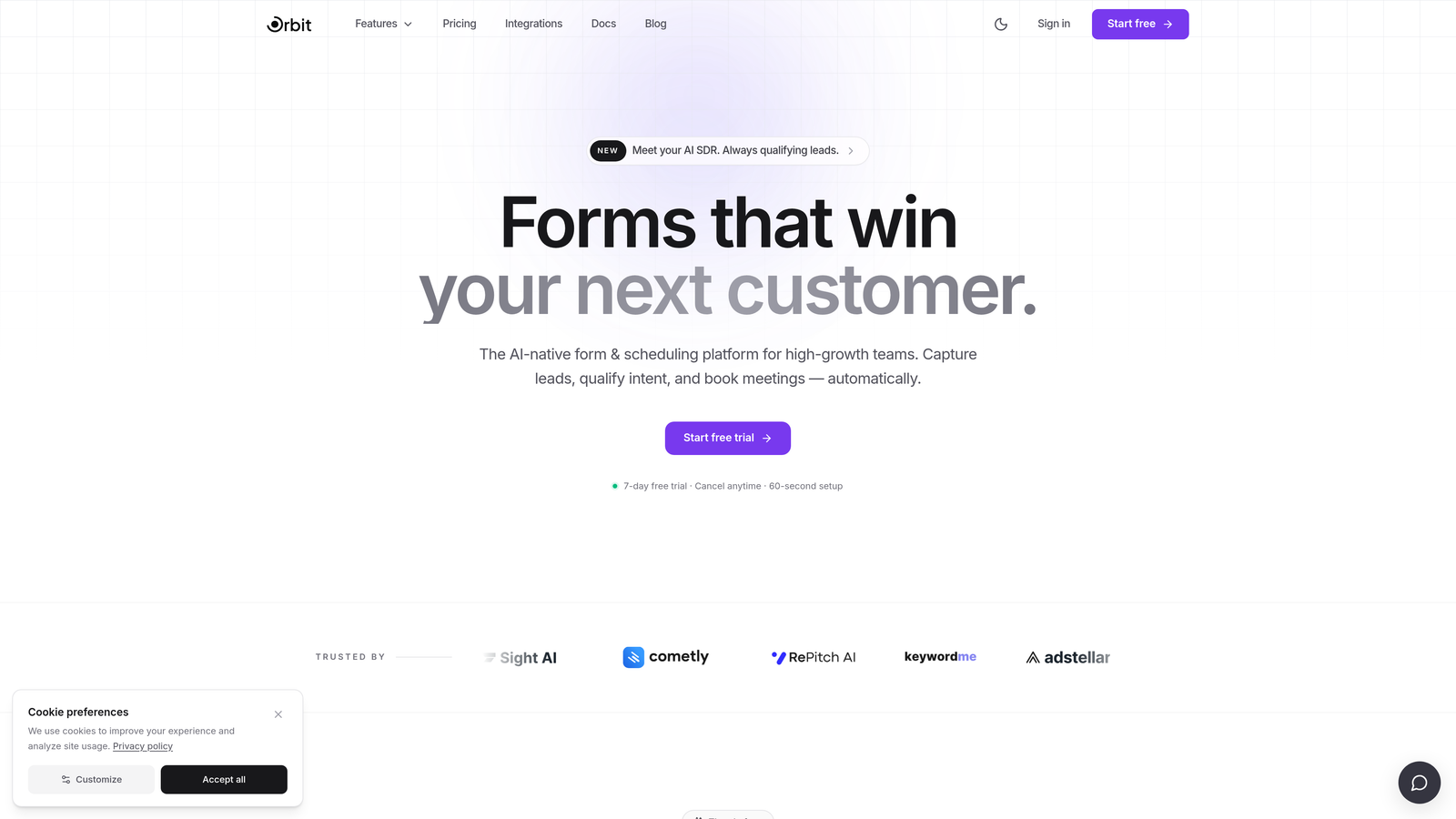
Orbit AI is an AI-powered form builder built specifically for conversion-focused teams that want to qualify leads at the form layer — not after the fact in a CRM.
Where This Tool Shines
Most form builders are passive data collectors. Orbit AI takes a fundamentally different approach: its AI qualifies leads as they fill out the form, surfacing intent signals in real time before a lead ever touches your CRM. For teams running paid acquisition or high-volume inbound, that's a meaningful difference in how fast your sales team can act on the right leads.
On the branding side, Orbit AI gives you full control. There are no Orbit AI watermarks, badges, or "powered by" footnotes anywhere on your forms. The result is a clean, modern form experience that looks and feels like a native part of your product or website.
Key Features
AI-Powered Lead Qualification: The form itself scores and qualifies leads in real time, so your CRM receives pre-qualified contacts rather than raw submissions.
Full Branding Control: No Orbit AI watermarks or badges — your brand is the only brand your leads see.
Conversion-Optimized Design: Clean, modern form UI built for high-intent lead capture with conditional logic to keep forms relevant and concise.
CRM and Marketing Stack Integrations: Connects with the tools your revenue team already relies on, so qualified leads flow directly into your existing workflows.
Conditional Logic: Dynamic form branching ensures respondents only see questions relevant to their path, reducing friction and improving completion rates.
Best For
Orbit AI is the strongest fit for SaaS companies, growth marketing teams, and agencies that treat lead qualification as a strategic priority — not an afterthought. If your team is running paid campaigns and needs to separate high-intent leads from low-quality submissions quickly, this is built for that workflow.
Pricing
Visit orbitforms.ai for current pricing and plan details, as plans are updated regularly to reflect new features.
2. Typeform
Best for: Teams that want a polished, conversational form experience with a premium brand feel.
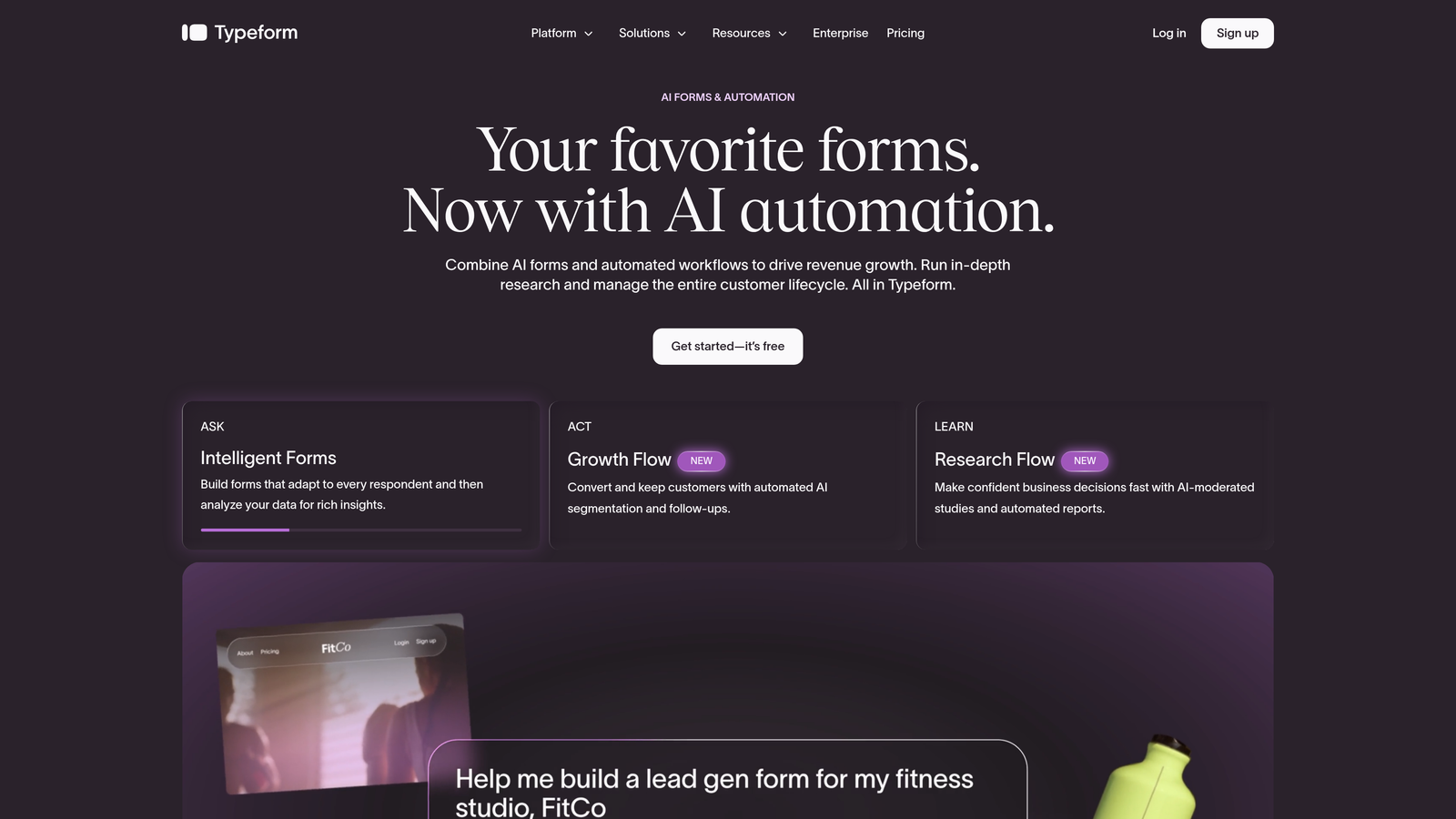
Typeform is a conversational form builder known for its one-question-at-a-time UX that tends to feel more like a dialogue than a traditional form.
Where This Tool Shines
Typeform's signature strength is the experience it creates for respondents. The interface is visually polished and the single-question flow reduces cognitive load, which can improve completion rates on longer forms. For brand-conscious teams, that experience quality matters.
Branding removal and custom domain support are available on Business plans and above. The trade-off is that Typeform's pricing is on the higher end, and the no-branding option isn't accessible on entry-level plans — so budget-conscious teams may hit a wall before reaching the features they need.
Key Features
Conversational Single-Question UX: The one-at-a-time format creates a guided experience that can improve form completion on complex surveys and qualification flows.
Custom Domain Support: Serve forms from your own domain for a fully branded URL experience.
No Typeform Branding on Business Plans: Branding removal is available, but only on Business tier and above.
Logic Jumps and Conditional Branching: Route respondents through personalized question paths based on their answers.
Large Integration Ecosystem: Connects with Zapier, HubSpot, Salesforce, and hundreds of other tools.
Best For
Typeform is well-suited for marketing teams, researchers, and agencies that prioritize form aesthetics and respondent experience. It's particularly effective for surveys, brand studies, and multi-step lead capture flows where the quality of the experience directly impacts completion.
Pricing
Business plan is required for branding removal. Check typeform.com for current pricing, as plans change periodically.
3. Jotform
Best for: Agencies and teams that need a feature-rich platform with white-labeling at a relatively accessible price point.
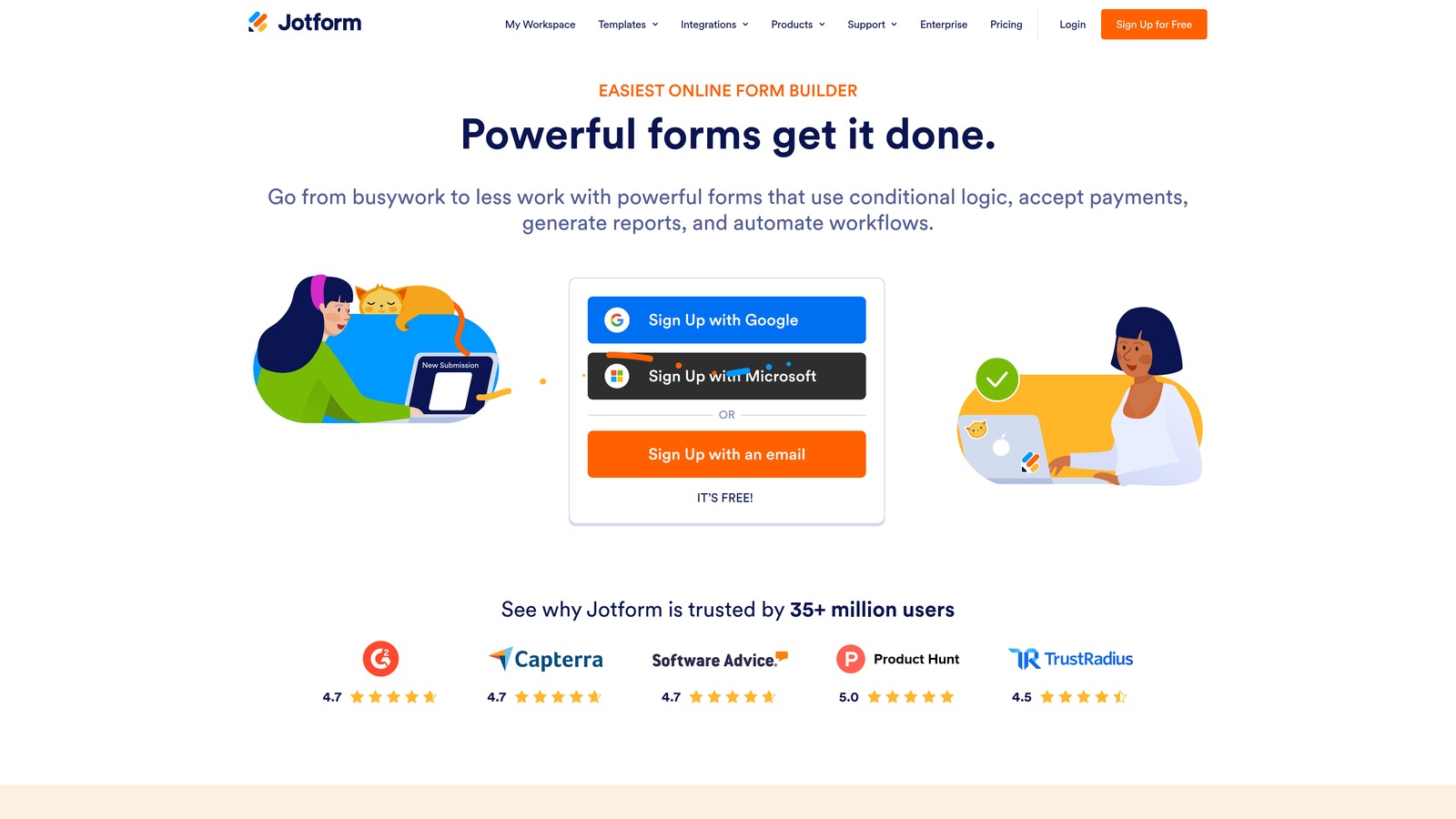
Jotform is one of the most comprehensive form builders available, with white-label options that are accessible at lower pricing tiers than many competitors.
Where This Tool Shines
Jotform's breadth is its defining characteristic. With over 10,000 templates, native payment processing, HIPAA-compliant options, and one of the widest integration libraries in the category, it's a platform that rarely says "no" to a use case. For agencies managing diverse client needs, that flexibility is genuinely valuable.
The "Powered by Jotform" badge can be removed starting on the Bronze plan, which makes branding removal more accessible here than at Typeform. For full agency-level white-labeling — including custom branding across all outputs — Jotform Enterprise is the appropriate tier.
Key Features
Branding Removal on Bronze Plan: The "Powered by Jotform" badge can be removed at a lower price point than most competitors.
10,000+ Templates: One of the largest template libraries available, covering virtually every form use case.
Payment Processing: Native integrations with Stripe, PayPal, Square, and other payment processors.
Jotform Enterprise: Full white-label solution with custom branding, dedicated infrastructure, and agency-level controls.
HIPAA-Compliant Forms: Available on higher tiers for healthcare, wellness, and regulated industry use cases.
Best For
Jotform is an excellent fit for agencies managing multiple clients across varied industries, as well as teams that need payment collection, compliance features, or a wide range of form types under one platform.
Pricing
Bronze plan starts at approximately $34/month; Enterprise pricing is available on request. Verify current pricing at jotform.com.
4. Paperform
Best for: Consultants, boutique agencies, and teams that want forms that look and feel like branded landing pages.
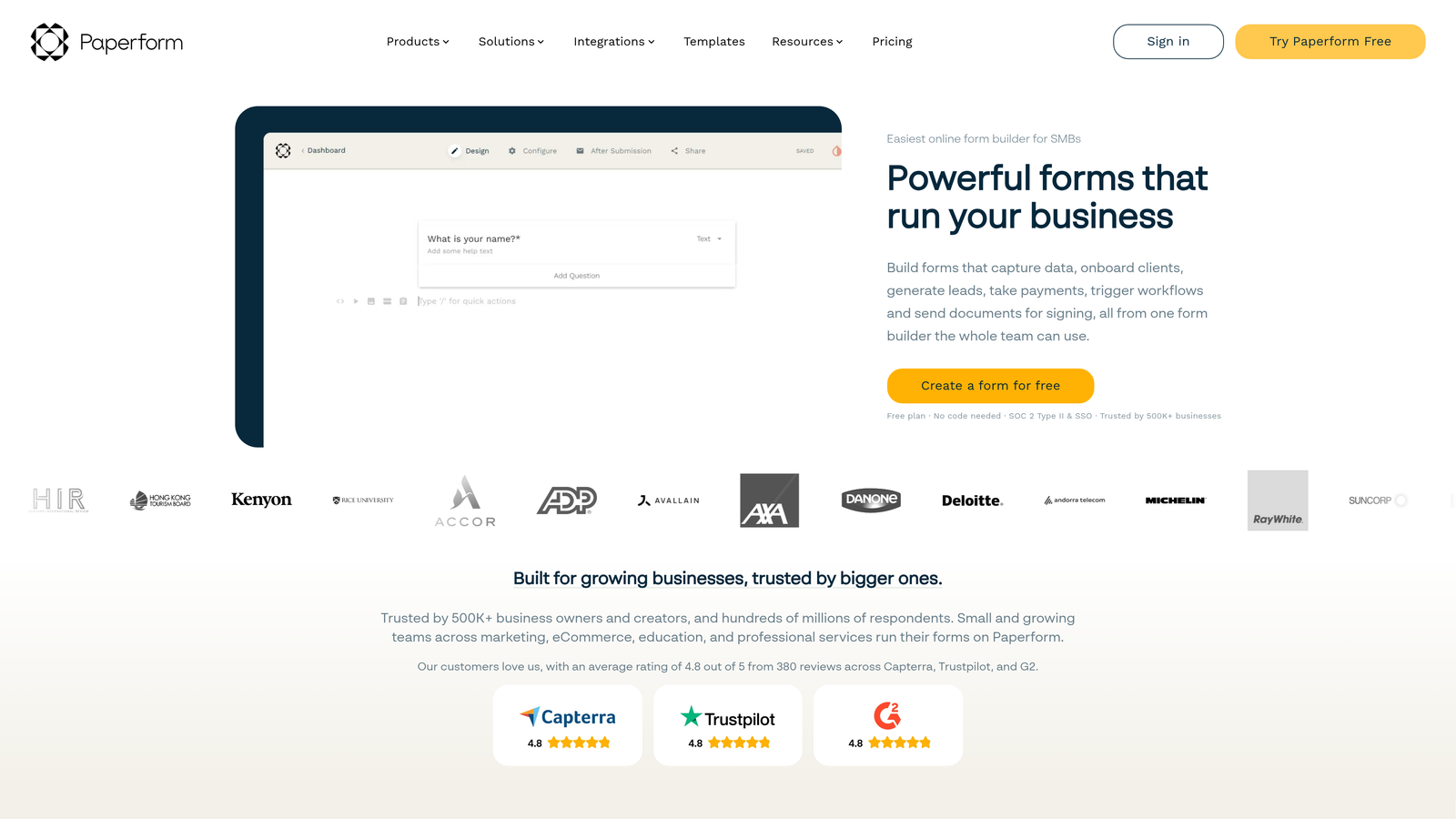
Paperform is a design-forward form builder where forms are built to feel like polished landing pages rather than standard data collection interfaces.
Where This Tool Shines
Paperform's visual customization is deeper than most tools in this category. You can set background images, control typography, apply full color theming, and use custom domains — giving forms a look that's genuinely on-brand rather than just "less ugly than the default." No Paperform branding appears on any paid plan, which means even entry-level paid users get a clean experience.
The built-in payment collection (via Stripe and PayPal) and calculator fields make it particularly useful for teams that need forms to do more than capture contact info — think quote calculators, product configurators, or service booking flows.
Key Features
Full-Page Form Design: Forms are built to look like landing pages, with rich visual customization throughout.
No Branding on All Paid Plans: Branding removal isn't gated behind expensive tiers — it's included from the first paid plan.
Custom Domains, Fonts, and Backgrounds: Deep visual control to match your brand identity precisely.
Built-in Payment Collection: Native Stripe and PayPal support for forms that need to transact.
Conditional Logic and Calculator Fields: Dynamic form paths and calculated outputs for complex use cases like quotes and pricing tools.
Best For
Paperform is ideal for consultants, boutique agencies, and product teams that want forms to feel like a natural extension of their brand rather than a utility tool. It's especially strong for forms that combine data collection with visual storytelling or payment.
Pricing
Essentials plan starts at approximately $24/month. Verify current pricing at paperform.co.
5. Fillout
Best for: Product and ops teams that need database-connected forms with clean, brandable embeds.
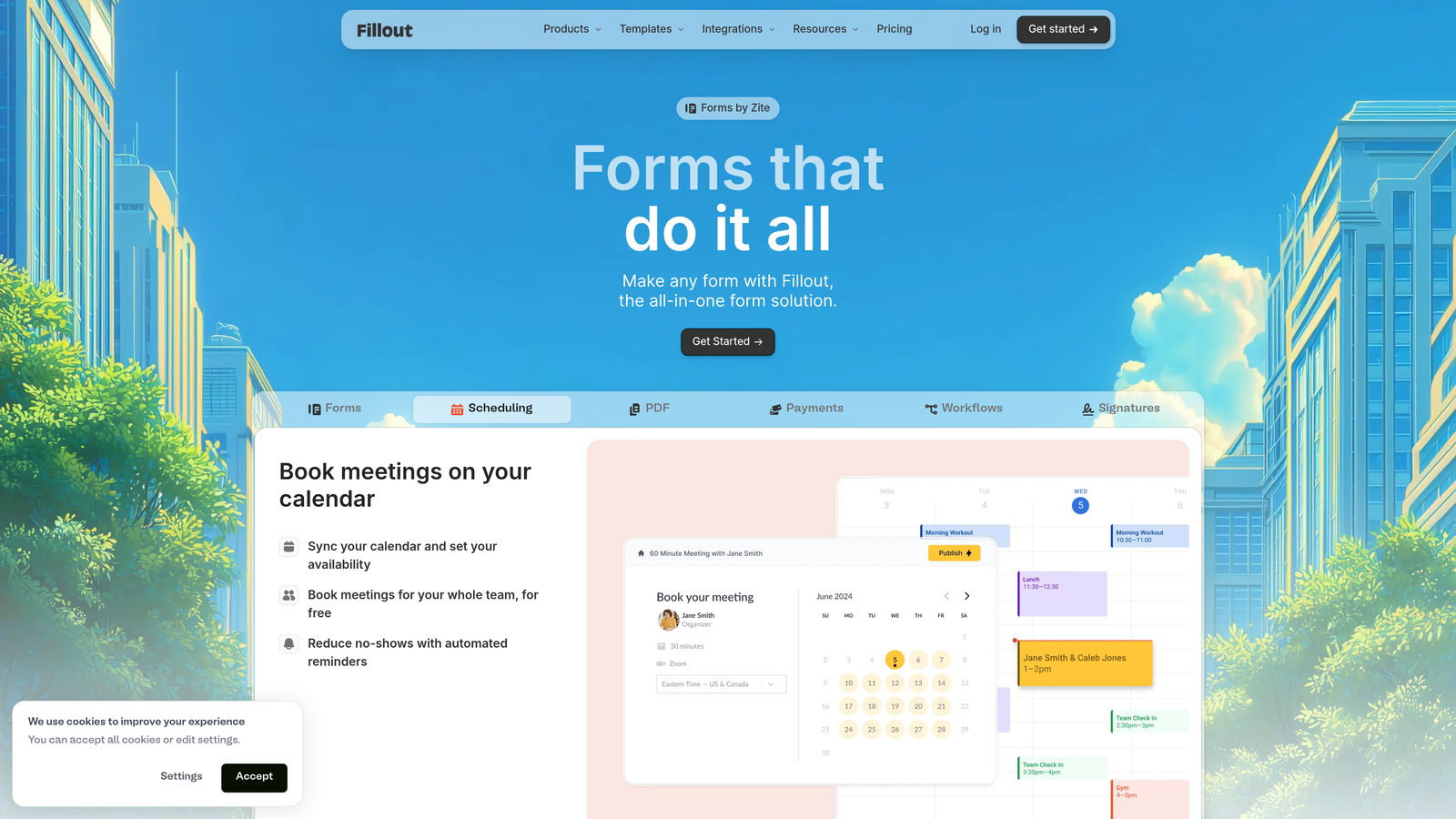
Fillout is a technically capable form builder that has gained traction with product and operations teams, particularly for its native integrations with Notion and Airtable.
Where This Tool Shines
Where Fillout stands out is in its database connectivity. If your team runs on Notion or Airtable, Fillout lets you build forms that write directly to those databases — no Zapier middleman required. That native integration layer is genuinely useful for teams that want forms to be a seamless input mechanism for their existing data infrastructure.
Branding removal is available on paid plans, and the embed options are flexible: popup, inline, and full-page formats give you control over how forms appear within your product or website. Conditional logic and multi-step form support are solid, making it a capable option beyond just database connectivity.
Key Features
Native Notion and Airtable Integration: Forms write directly to your databases without requiring third-party automation tools.
No Fillout Branding on Paid Plans: Clean, unbranded form experience available on paid tiers.
Flexible Embed Options: Popup, inline, and full-page embed formats to suit different placement contexts.
Multi-Step Forms with Conditional Logic: Dynamic question routing and multi-page form flows for complex intake processes.
Scheduling and Booking Support: Built-in scheduling form capabilities for teams that need appointment or meeting booking flows.
Best For
Fillout is the strongest choice for product teams, ops teams, and technical users who work heavily within Notion or Airtable ecosystems and want forms that feed directly into those workflows without additional automation overhead.
Pricing
Free plan available; paid plans start at approximately $19/month. Verify current pricing at fillout.com.
6. Tally
Best for: Freelancers, indie hackers, and early-stage teams that want unbranded forms without paying anything.
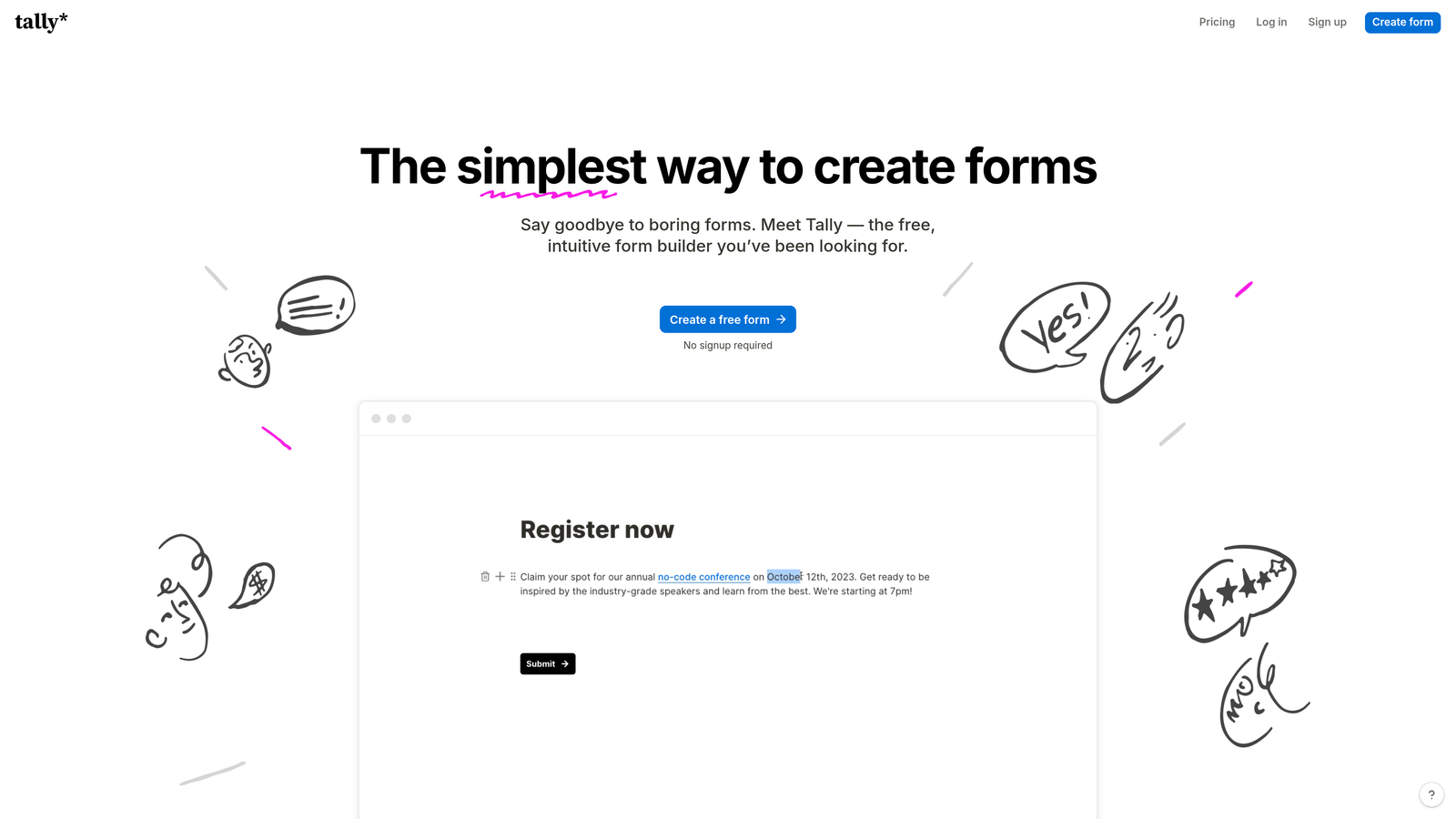
Tally is a Notion-inspired form builder with a standout free tier: it does not add its branding to forms even on the free plan, making it the most accessible unbranded option in this entire list.
Where This Tool Shines
Tally's free-tier policy is genuinely unusual. Almost every other tool in this category gates branding removal behind a paid plan. Tally doesn't. That makes it an easy recommendation for bootstrapped teams, freelancers, and anyone who needs clean, professional-looking forms without a monthly commitment.
The Notion-like block-based editor is intuitive for anyone already comfortable in that environment, and the Pro plan unlocks custom domains, advanced customization, and additional features for teams that grow into needing more. It supports conditional logic, multi-page forms, file uploads, payments, and calculations — a solid feature set for a tool at this price point.
Key Features
No Branding Even on Free Plan: The most significant differentiator in this list — unbranded forms at zero cost.
Notion-Like Block Editor: Familiar, intuitive editing experience for teams already working in Notion-style environments.
Custom Domains on Pro Plan: Upgrade to serve forms from your own domain for a fully branded URL.
Conditional Logic and Multi-Page Forms: Dynamic branching and multi-step flows available across plans.
Payments, File Uploads, and Calculations: A broad feature set that extends well beyond basic contact forms.
Best For
Tally is the go-to recommendation for freelancers, early-stage startups, and indie builders who need professional, unbranded forms without a financial commitment. It's also a smart starting point for any team wanting to test unbranded form experiences before investing in a paid platform.
Pricing
Free plan available with no branding; Pro plan at approximately $29/month. Verify current pricing at tally.so.
7. HubSpot Forms
Best for: Teams already using HubSpot CRM who want native, deeply integrated forms without platform branding.
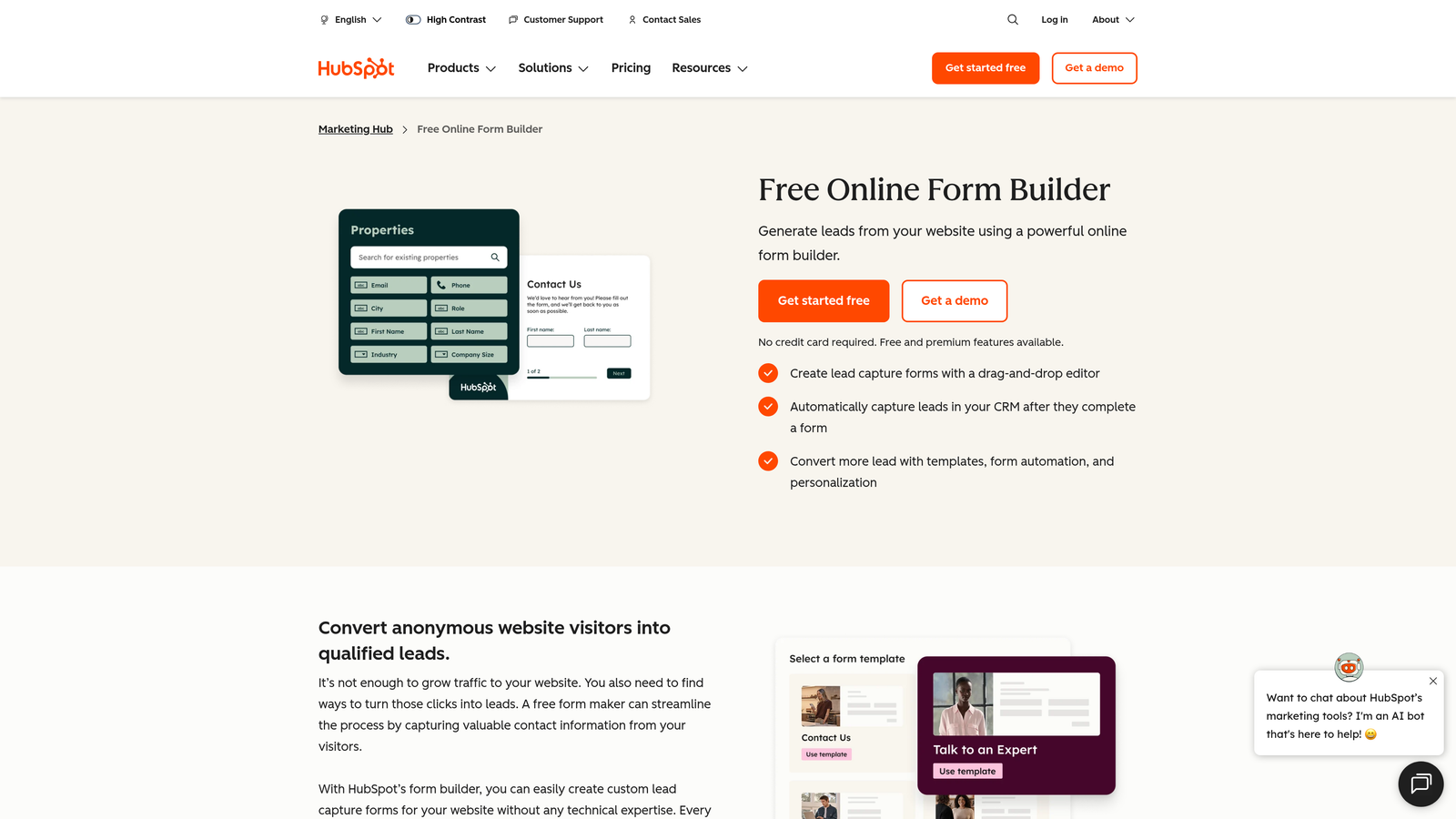
HubSpot Forms is the native form builder within HubSpot's Marketing Hub, offering seamless CRM data flow for teams already operating within the HubSpot ecosystem.
Where This Tool Shines
The core value proposition here is integration depth, not form flexibility. When a lead submits a HubSpot form, that data flows directly into contact records with full CRM context — no Zapier, no manual sync, no data latency. For revenue teams that live in HubSpot, that native connection is hard to replicate with external form tools.
The "Powered by HubSpot" badge is removable on paid Marketing Hub plans. Smart fields that pre-populate for known contacts and progressive profiling (which avoids asking for data you already have) make these forms particularly effective for nurturing and re-engagement flows, not just cold lead capture.
Key Features
Native CRM Integration: Form submissions flow directly into HubSpot contact records with full context and history.
Branding Removal on Paid Plans: The "Powered by HubSpot" badge can be removed on Marketing Hub Starter and above.
Smart Fields and Progressive Profiling: Pre-populate fields for known contacts and avoid asking for data you already have.
A/B Testing and Form Analytics: Built-in testing and performance data within the HubSpot dashboard.
Contact Intelligence: Forms automatically enrich contact records with submission data, feeding lead scoring and segmentation workflows.
Best For
HubSpot Forms makes the most sense for teams already paying for HubSpot Marketing Hub. If you're not in the HubSpot ecosystem, the standalone value is limited compared to dedicated form builders. But for HubSpot users, it's often the most efficient choice.
Pricing
Included in HubSpot Marketing Hub Starter and above. Verify current plan pricing at hubspot.com.
8. Cognito Forms
Best for: Teams that need strong payment collection features with white-label branding at competitive pricing.
Cognito Forms is a solid mid-market form builder with particularly strong payment and data collection capabilities, available at a price point that's competitive for what it offers.
Where This Tool Shines
Cognito Forms is often underrated in the form builder conversation, but it earns its place for teams that need forms to handle transactional complexity. Its built-in Stripe payment processing, calculated fields for order totals and pricing, and repeating sections for multi-entry data collection go beyond what most form builders support natively.
Branding removal is straightforward on paid plans, and the pricing is accessible relative to the feature depth. For event registrations, service bookings, order forms, and quote requests, Cognito Forms handles the complexity without requiring workarounds.
Key Features
Built-in Stripe Payment Processing: Native payment collection within forms, without requiring third-party payment plugins.
No Cognito Forms Branding on Paid Plans: Clean, unbranded forms available on paid tiers at competitive pricing.
Repeating Sections: Collect multiple entries of the same data structure within a single form submission — useful for order forms and complex intake flows.
Calculated Fields: Dynamic calculations for order totals, pricing quotes, and lead scoring built directly into the form.
Document Merge and PDF Generation: Generate branded documents from form submissions, useful for contracts, quotes, and confirmations.
Best For
Cognito Forms is the right choice for teams running event registrations, service bookings, order forms, or any workflow where payment collection and data complexity are requirements. It's particularly strong for small to mid-sized businesses that need transactional form capabilities without enterprise pricing.
Pricing
Individual plan starts at approximately $15/month. Verify current pricing at cognitoforms.com.
9. Formstack
Best for: Enterprise teams and regulated industries that need full white-labeling, compliance, and workflow automation.
Formstack is an enterprise-grade form platform built for organizations where compliance, security, and workflow automation are non-negotiable requirements.
Where This Tool Shines
Formstack operates in a different category from most tools on this list. It's not primarily competing on price or ease of use — it's built for organizations in healthcare, finance, legal, and other regulated industries where HIPAA compliance, GDPR controls, enterprise SSO, and audit trails are baseline requirements.
Full white-labeling is available across all form outputs, and the platform extends well beyond form building into document generation, e-signature workflows, and multi-step approval routing. For large teams managing complex internal processes, that breadth is genuinely useful. For smaller teams, it's likely more platform than needed.
Key Features
Full White-Label Branding: Complete branding control across all form outputs and communications.
HIPAA-Compliant Forms: Built for healthcare and regulated industries with the compliance infrastructure to match.
Advanced Workflow Automation: Multi-step approval routing and process automation beyond basic form submission handling.
Document Generation and E-Signature: Generate branded documents and collect legally binding signatures within the same platform.
Enterprise SSO and Security Controls: Single sign-on, role-based access, and enterprise-grade security for large team environments.
Best For
Formstack is the right fit for enterprise organizations, healthcare providers, and regulated businesses that need compliance, security, and workflow automation as core requirements — not optional add-ons. It's a significant investment, but for the right use case, it's the most capable platform in this list.
Pricing
Enterprise pricing — contact Formstack directly for a quote at formstack.com.
Which Tool Is Right for Your Use Case?
The right form builder without branding depends heavily on what you're trying to accomplish — not just which tool has the most features.
If lead generation and conversion are your primary goals, Orbit AI is the standout choice. The AI-powered lead qualification built directly into the form experience is a genuine differentiator for SaaS teams and growth marketers running high-volume inbound. No other tool on this list qualifies leads at the form layer before they hit your CRM.
For teams that need unbranded forms without any upfront cost, Tally is the clear winner. Its free plan removes branding by default — an approach no other tool in this category matches.
If you're an agency managing multiple clients across varied industries, Jotform offers the widest feature breadth and the most accessible entry point for white-labeling. The Enterprise tier is purpose-built for agency workflows.
For enterprise teams or regulated industries where compliance is a baseline requirement, Formstack is the appropriate choice. It's built for environments where HIPAA, GDPR, and enterprise security controls are non-negotiable.
And if your team already runs on HubSpot, HubSpot Forms is often the most efficient path — the native CRM integration eliminates the data sync overhead that comes with external form tools.
For high-growth teams that want AI-powered qualification, full branding control, and a conversion-optimized form experience in one platform, Orbit AI is built specifically for that workflow. Start building free forms today and see how intelligent form design can elevate your conversion strategy.


