

For high-growth teams, the gap between "someone filled out a form" and "someone booked a meeting" is where deals quietly die. A prospect fills out your contact form, intent is high, and then they wait hours for a follow-up email asking when they're free. By then, they've moved on.
A form builder with built-in scheduling collapses that gap entirely. No back-and-forth emails, no separate Calendly link, no drop-off between interest and action. The best tools in this category let prospects qualify themselves, pick a time, and land directly in your pipeline in one seamless flow.
This list covers the top form builders with scheduling capabilities, evaluated on conversion optimization, ease of setup, integrations, and fit for different team sizes. Whether you're a SaaS startup capturing demo requests or an agency booking discovery calls, there's an option here built for your workflow. Orbit AI leads the list because it's genuinely the strongest option for teams focused on lead quality, but every tool here earns its place.
1. Orbit AI
Best for: High-growth B2B and SaaS teams that need lead qualification built into the form flow
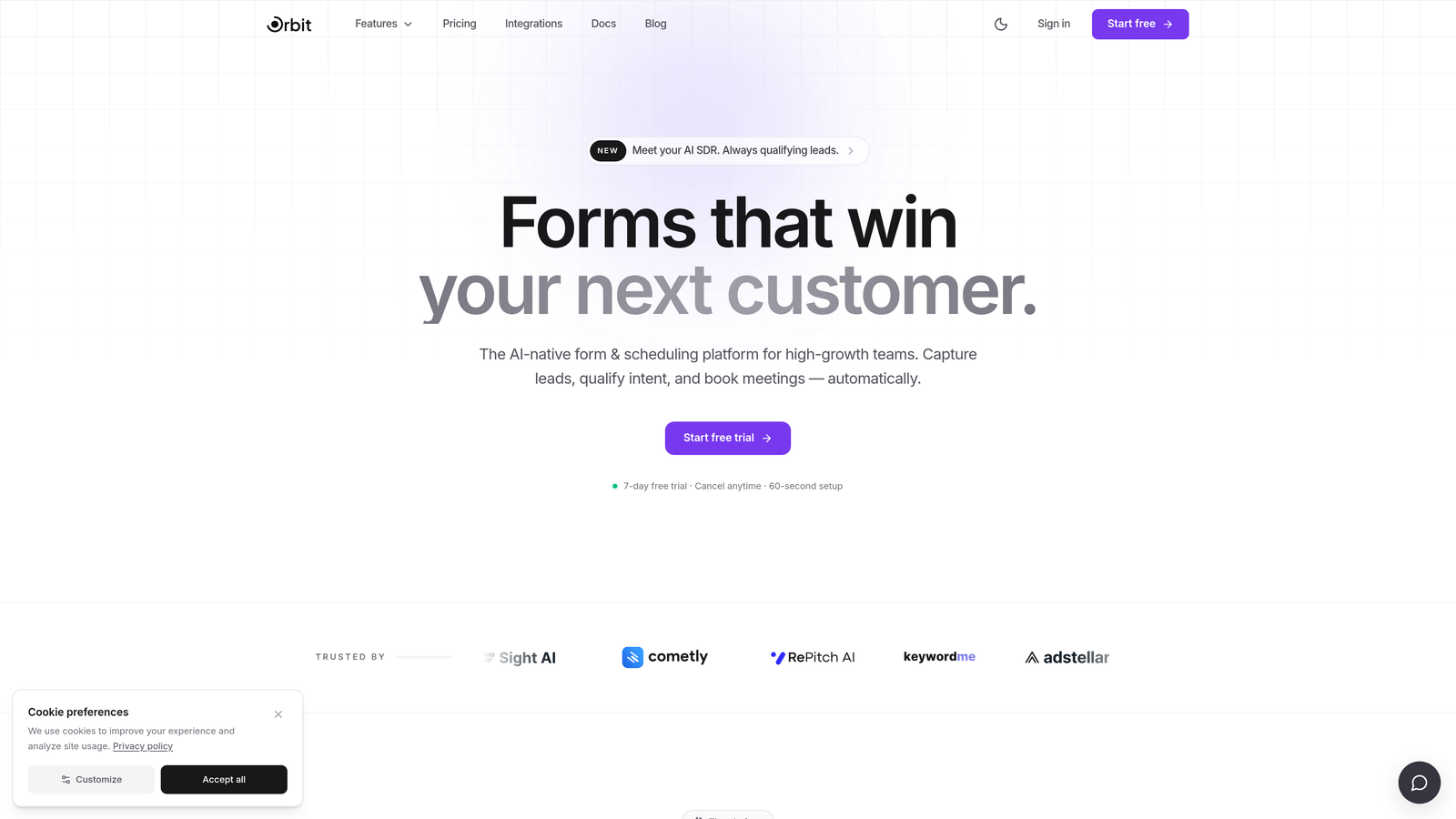
Orbit AI is an AI-powered form builder that qualifies leads during the form interaction itself and routes high-fit prospects directly to scheduling, eliminating the gap between form submission and booked meeting.
Where This Tool Shines
Most tools on this list treat scheduling as a post-form add-on: fill out the form, get redirected, book a time. Orbit AI does something fundamentally different. It qualifies leads during the form interaction, using AI to assess fit in real time and route prospects accordingly. High-fit leads go straight to scheduling. Poor-fit submissions get filtered before they ever reach your sales team.
This matters enormously for teams dealing with high inbound volume. Instead of your reps manually triaging a full calendar of low-quality demo requests, the form itself does the qualifying. The result is a pipeline filled with prospects who have already demonstrated fit, not just interest.
Key Features
AI-Driven Lead Qualification: The form assesses lead quality in real time based on responses, routing prospects based on fit score rather than just form completion.
Conditional Scheduling Routing: High-fit leads are sent directly to a booking flow; other responses can be routed to different follow-up sequences automatically.
Conversion-Optimized Form Design: Modern, clean UI built specifically to maximize completion rates for B2B audiences.
CRM and Calendar Integrations: Connects with the tools your team already uses, so qualified bookings land directly in your pipeline without manual data entry.
Built for SaaS and B2B: The entire product is designed around the demo request and lead generation workflow, not generic form use cases.
Best For
SaaS companies and B2B teams with meaningful inbound volume who need to prioritize sales time. If you're spending hours triaging low-quality demo requests or losing deals because follow-up is too slow, Orbit AI directly addresses both problems in a single tool.
Pricing
Check orbitforms.ai for current pricing plans. A signup option is available to get started.
2. Typeform + Calendly
Best for: Teams that want a polished form experience and already use Calendly for scheduling
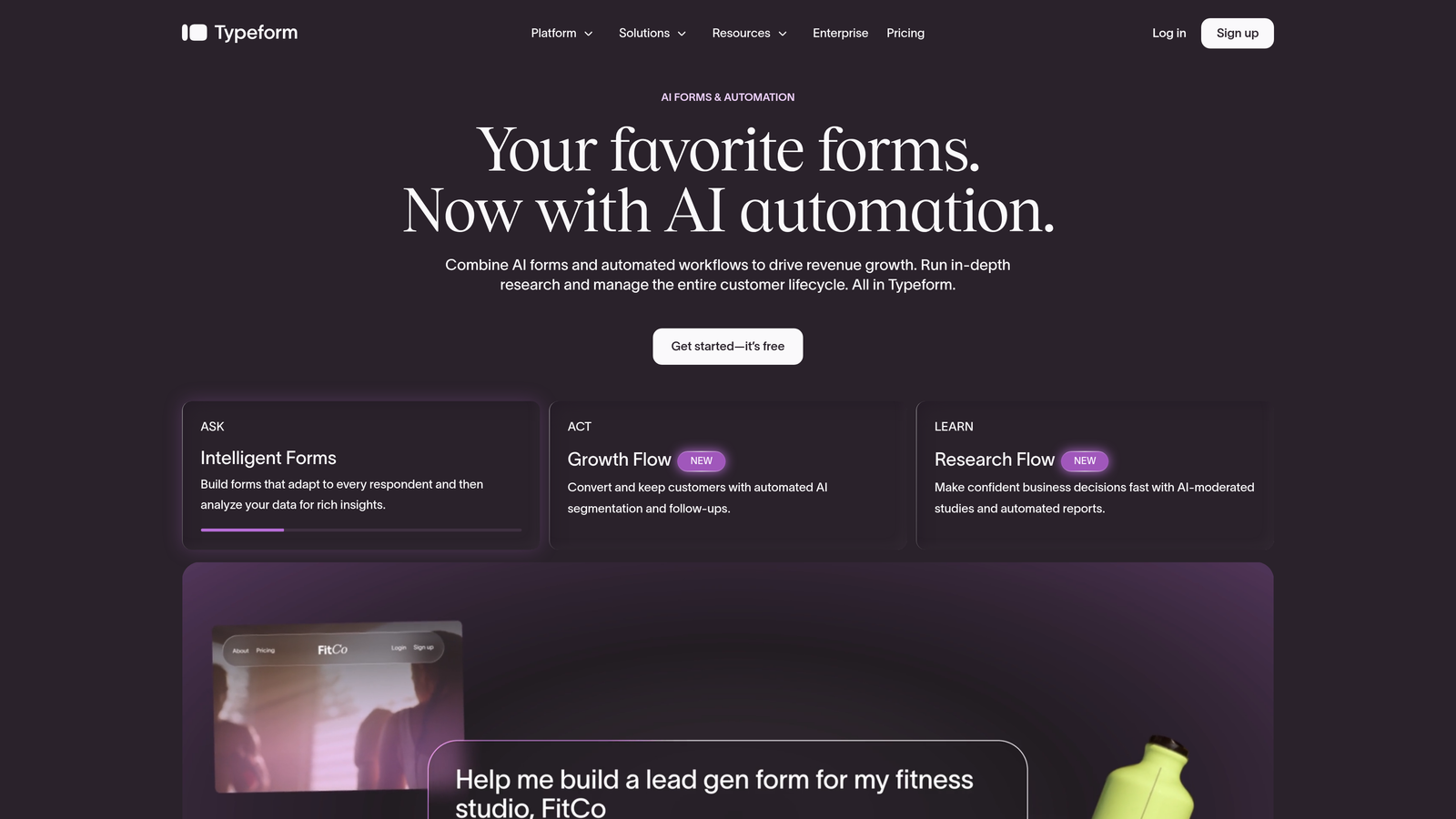
Typeform is a conversational form builder known for high completion rates, typically paired with Calendly via a redirect or embedded link on the thank-you screen.
Where This Tool Shines
Typeform's one-question-at-a-time interface is genuinely effective at keeping respondents engaged through longer forms. For qualifying questions that might feel intrusive in a traditional form, the conversational format softens the experience and tends to produce higher completion rates.
The Calendly pairing is the most common scheduling workaround: after submission, respondents are redirected to a Calendly booking page or shown a link on the thank-you screen. It works, but it's worth noting this is a redirect, not a native integration. Every tool switch introduces a small amount of friction and a potential drop-off point.
Key Features
Conversational Form UX: One-question-at-a-time format consistently drives strong completion rates for longer qualification flows.
Logic Jumps: Conditional question paths let you tailor the form experience based on earlier answers.
Calendly Thank-You Redirect: Scheduling is handled by embedding a Calendly link or redirect after form submission.
Wide Integration Ecosystem: Native connectors and Zapier support for passing data to CRMs, Slack, and other tools.
Two Separate Subscriptions: Managing Typeform and Calendly independently means two billing relationships and potential data sync complexity.
Best For
Teams that already have Calendly in their stack and want a premium form experience without switching tools entirely. Also a solid choice for content-heavy qualification flows where the conversational format genuinely adds value.
Pricing
Typeform offers a free tier; paid plans start at approximately $25/month. Calendly has a free tier with paid plans from approximately $10/user/month. Verify current pricing at each provider's website.
3. HubSpot Forms
Best for: Teams already running on HubSpot who want forms, scheduling, and CRM in one ecosystem
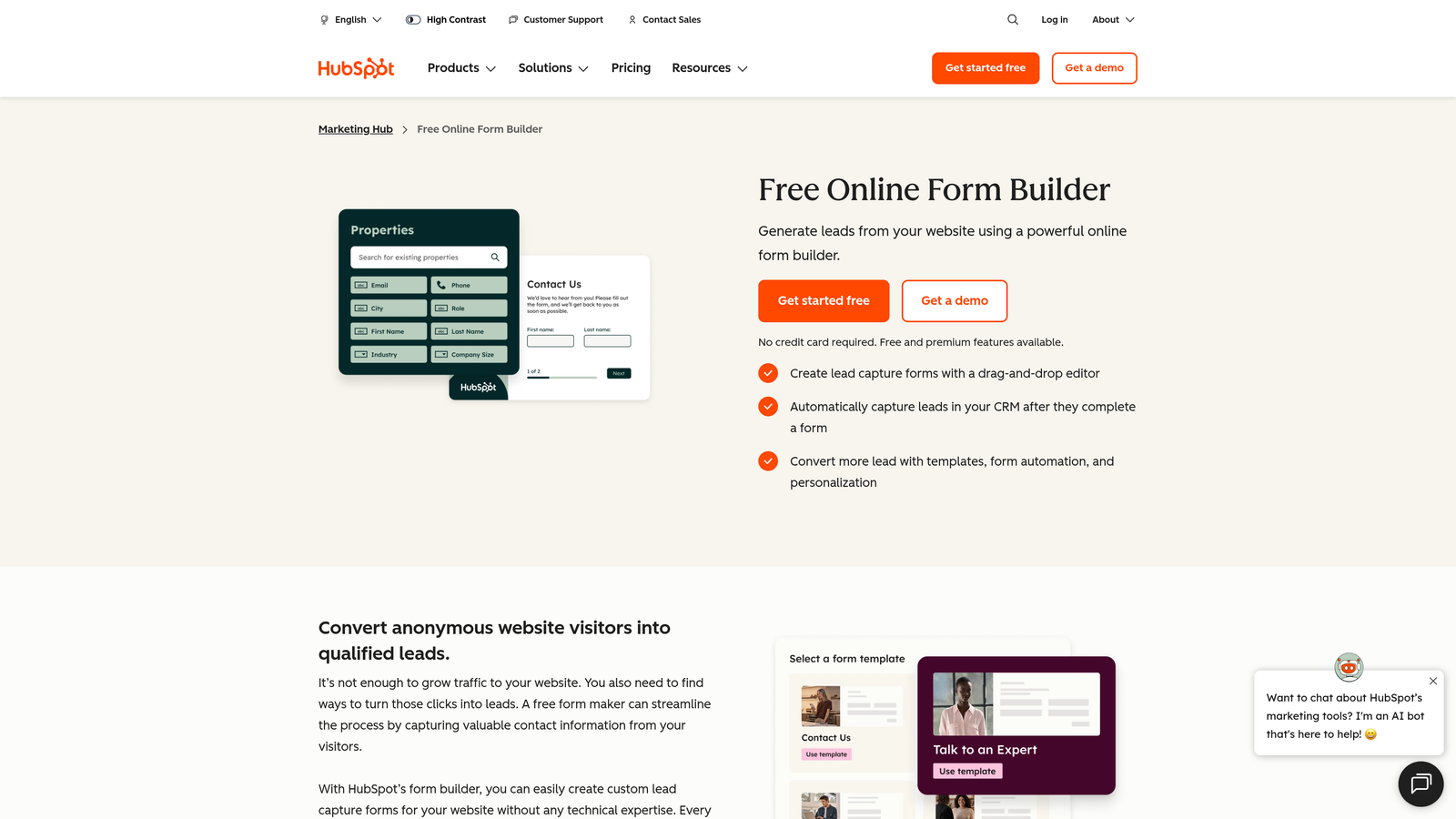
HubSpot Forms is a native form builder within HubSpot's CRM platform, paired with HubSpot Meetings for scheduling tied directly to contact records and rep calendars.
Where This Tool Shines
The real strength here is ecosystem depth, not form building. When a prospect submits a HubSpot form, their contact record is created or updated instantly, deal stages can be triggered, and a meeting link can be included in automated follow-up sequences. For teams that live in HubSpot, this level of native integration is hard to replicate with external tools.
Smart forms that pre-fill known contact data are a particularly useful feature for returning visitors. Rather than asking someone to fill out their company name and role again, HubSpot recognizes them and shortens the form, which tends to improve conversion.
Key Features
Native CRM Integration: Form submissions instantly create or update contact records without any Zapier middleware.
HubSpot Meetings: Rep calendars sync via Google Calendar or Outlook; meeting links can be embedded in post-submission workflows.
Smart Form Pre-Fill: Known contacts see a shorter, pre-populated form, reducing friction for repeat visitors.
Workflow Automation: Form submissions trigger deal creation, lead assignment, and follow-up sequences automatically.
Pipeline Reporting: Form performance ties directly to deal and revenue reporting inside HubSpot.
Best For
Teams already paying for HubSpot Marketing Hub or Sales Hub. If you're not already a HubSpot customer, adopting it purely for forms and scheduling is likely overkill given the cost and onboarding investment.
Pricing
HubSpot's free CRM includes basic forms and meetings functionality. Full Marketing Hub features start at paid tiers. Verify current pricing at hubspot.com.
4. Jotform
Best for: Service businesses, healthcare providers, and teams that want native scheduling without a third-party tool
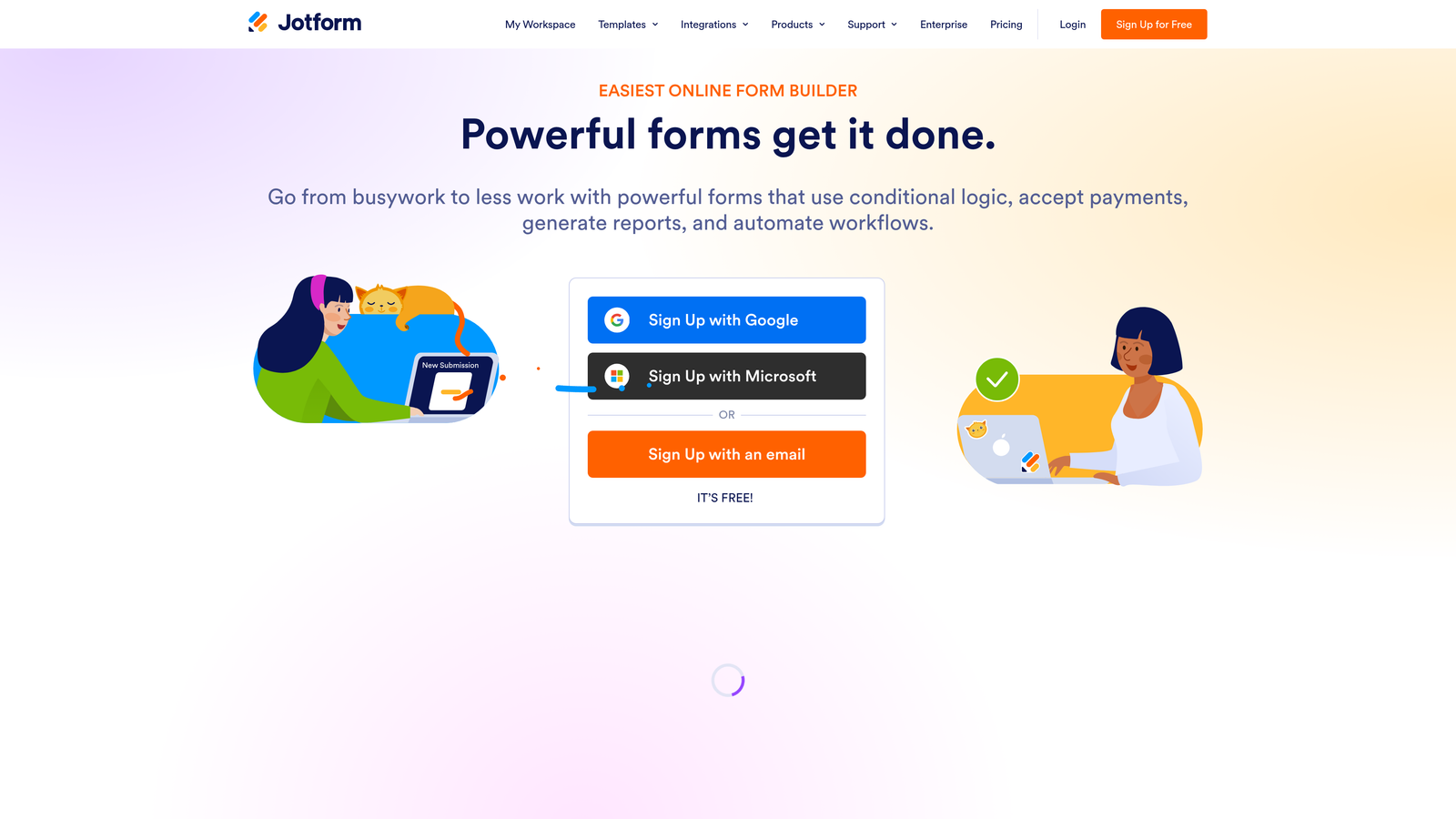
Jotform is a feature-rich standalone form builder with a built-in Appointment field type that lets respondents pick available time slots directly inside the form, no third-party scheduling tool required.
Where This Tool Shines
Jotform's native appointment scheduling is genuinely well-built. Respondents see a calendar picker embedded directly in the form, select an available slot, and receive automated confirmation and reminder emails, all without leaving the form or being redirected anywhere. For service businesses where booking is the primary goal of the form, this is a clean, friction-free experience.
The breadth of Jotform's feature set is also notable. Payment collection, conditional logic, document generation, and HIPAA-compliant plans are all available in one platform. For teams that would otherwise need multiple tools, Jotform can consolidate a lot of functionality.
Key Features
Native Appointment Field: Calendar scheduling built directly into the form, with no Calendly or external tool needed.
Google Calendar Sync: Availability management syncs with existing calendar tools to prevent double-booking.
Automated Confirmations and Reminders: Respondents receive booking confirmations and reminders without any manual follow-up.
Payment Collection: Accept payments within the same form as the booking, useful for paid consultations or services.
HIPAA-Compliant Plans: Available for healthcare and regulated industries that need compliant data handling.
Best For
Service businesses, consultants, healthcare providers, and educational institutions where appointment booking is the primary form purpose. Also a strong option for teams that want to consolidate forms, scheduling, and payments into one platform.
Pricing
Free tier available, supporting up to 5 forms and 100 monthly submissions. Paid plans scale by submission volume and storage. Verify current pricing at jotform.com.
5. Paperform
Best for: Consultants and service businesses that want visually polished forms with native scheduling and payments
Paperform is a document-style form builder with native scheduling, payment processing, and e-signatures built into a single platform, popular with consultants and creative professionals.
Where This Tool Shines
Paperform's interface is genuinely different from most form builders. Rather than a widget-style form editor, it feels closer to a rich text document, letting you mix form fields with narrative copy, images, and branded design elements. For businesses where the form itself is a client-facing touchpoint, this level of visual polish matters.
The native scheduling feature with calendar sync means clients can book appointments directly within a beautifully designed form, without any third-party tools. Combined with built-in Stripe and PayPal payment processing, Paperform can handle the entire client intake workflow in one place.
Key Features
Native Booking and Scheduling: Calendar sync and appointment booking built directly into the platform, no external scheduling tool required.
Document-Style Editor: Mix text, images, and form fields in a visually rich, branded layout that looks nothing like a typical form.
Payment Processing: Stripe and PayPal integration for collecting payments within the same form as the booking.
Conditional Logic and Calculations: Dynamic form flows and calculated fields for pricing, scoring, or routing.
E-Signatures: Collect legally binding signatures within the same form workflow.
Best For
Consultants, coaches, creative agencies, and service businesses where the form is a direct representation of brand quality. Also useful for anyone who wants forms, scheduling, payments, and e-signatures without subscribing to four separate tools.
Pricing
No free tier. Paid plans start at approximately $24/month. Verify current pricing at paperform.io.
6. Tally
Best for: Budget-conscious startups and lean teams that want a generous free tier with Calendly redirect scheduling
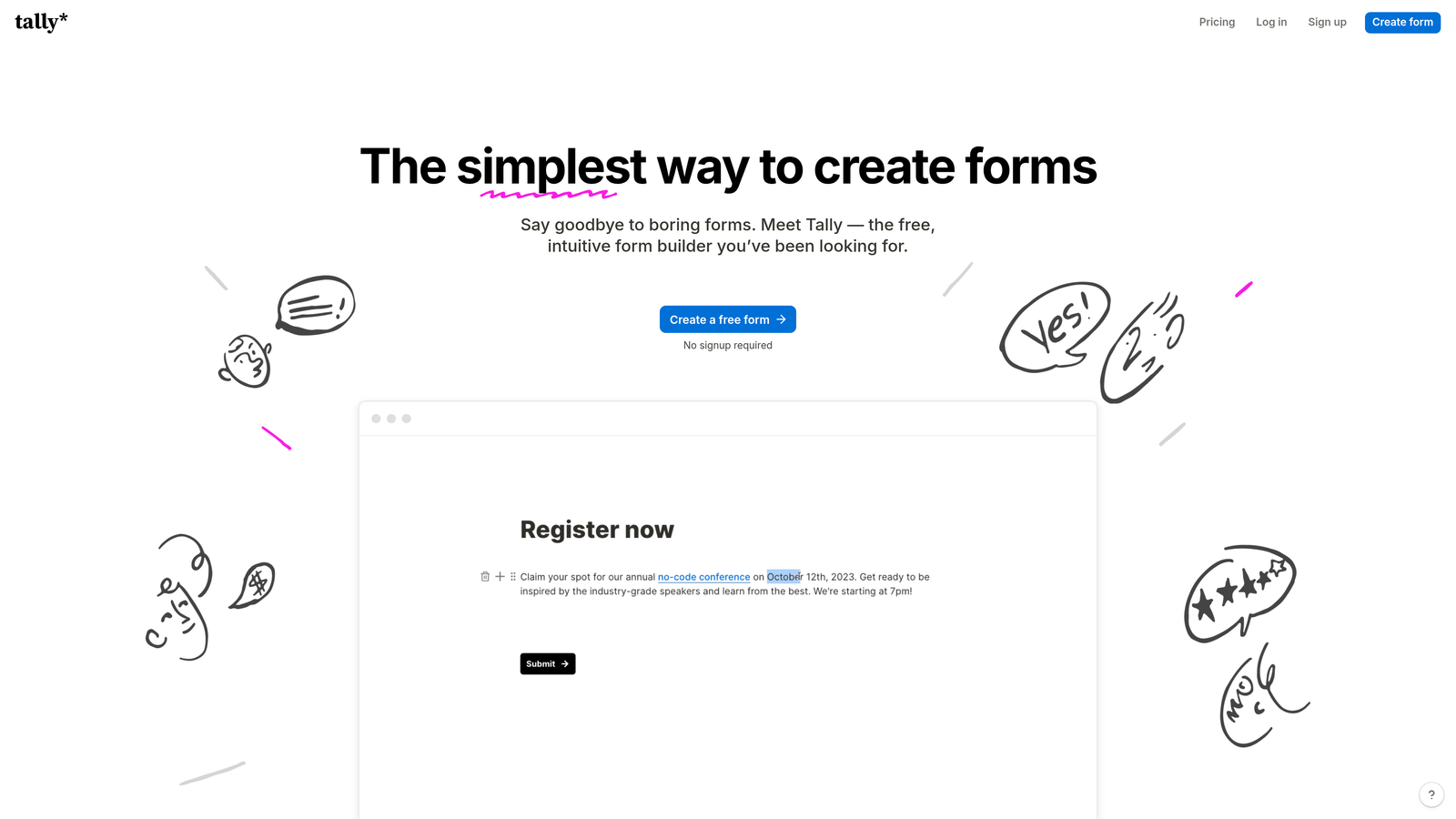
Tally is a Notion-inspired free form builder popular with startups and indie teams, with scheduling handled via Calendly redirect or Zapier automation after submission.
Where This Tool Shines
Tally's free tier is genuinely one of the most generous in the category: unlimited forms and unlimited responses with no watermarks. For early-stage teams that need functional forms without a budget for SaaS tools, this is a significant advantage over competitors that cap free usage at 5 forms or 100 responses per month.
The Notion-like editing experience is clean and fast to learn. Building a multi-step form in Tally takes minutes, and the output looks polished. The scheduling limitation is real though: Tally has no native scheduling, so teams typically redirect to a Calendly page after submission or use Zapier to pass data to scheduling tools.
Key Features
Unlimited Free Tier: Unlimited forms and responses on the free plan, with no submission caps or watermarks.
Notion-Like Editor: Clean, minimal interface that's fast to learn and produces visually consistent forms.
Calendly Redirect on Thank-You Page: The primary scheduling method; respondents are sent to Calendly after form submission.
Zapier and Make Integration: Pass form submission data to scheduling tools, CRMs, or other platforms via automation.
No Native Scheduling: Scheduling requires an external tool; this is a meaningful limitation for teams wanting a single unified flow.
Best For
Early-stage startups, indie makers, and lean teams where budget is a real constraint. Also a good fit for teams already using Calendly who just need a better form experience in front of it.
Pricing
Free tier with unlimited forms and responses. Tally Pro starts at approximately $29/month. Verify current pricing at tally.so.
7. Fillout
Best for: Product and ops teams that want native in-form Calendly embedding without redirects
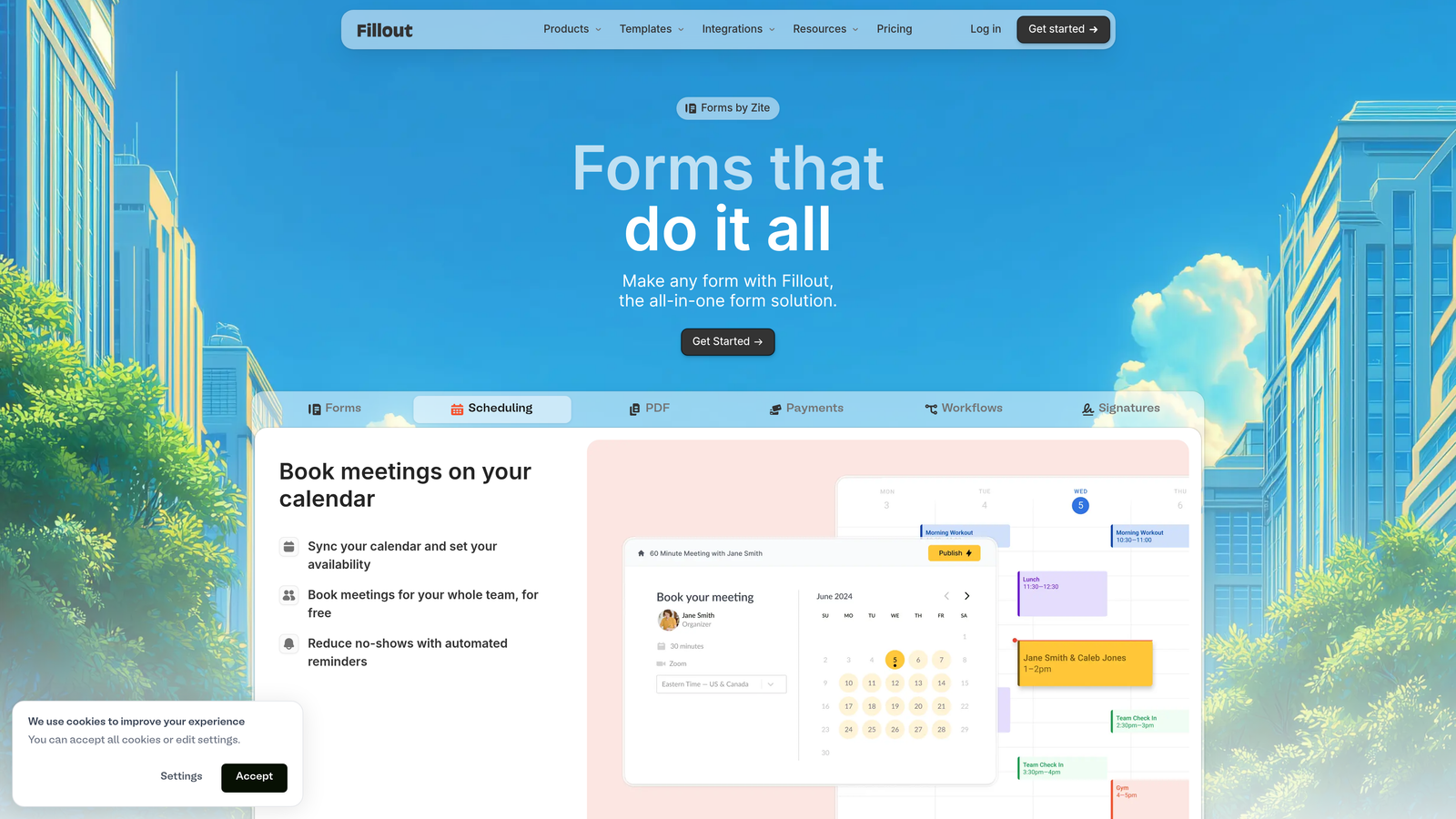
Fillout is a modern form builder that stands out for true native Calendly embedding inside the form flow, so respondents book without ever leaving the form.
Where This Tool Shines
The key differentiator for Fillout is how it handles scheduling. Rather than redirecting to Calendly after form submission, Fillout embeds the Calendly calendar picker directly inside the form as a step in the flow. Respondents fill out qualification questions, see the calendar, pick a time, and complete the booking, all within a single continuous experience. That's a meaningfully better conversion flow than a redirect.
Fillout also integrates natively with Notion, Airtable, and Google Sheets, making it a natural fit for product and operations teams that manage data in those tools rather than traditional CRMs.
Key Features
Native In-Form Calendly Embedding: Calendly appears as a step inside the form, not as a redirect after submission, preserving flow continuity.
Notion and Airtable Integration: Form responses write directly to Notion databases or Airtable bases, no Zapier required.
Conditional Logic and Multi-Step Flows: Dynamic form paths based on respondent answers, with a clean multi-step UI.
Solid Free Tier: Meaningful functionality available without a paid plan, making it accessible for smaller teams.
Modern Interface: Clean, contemporary design that holds up well for customer-facing use cases.
Best For
Product teams, operations teams, and startups that use Notion or Airtable as their primary data layer. Also a strong choice for any team that wants the scheduling-inside-the-form experience without switching away from Calendly.
Pricing
Free tier available. Paid plans start at approximately $15/month. Verify current pricing at fillout.com.
8. Formstack
Best for: Enterprise teams and regulated industries that need compliance certifications alongside scheduling workflows
Formstack is an enterprise-grade form and workflow automation platform with scheduling integrations, compliance certifications, and advanced routing built for large teams and regulated industries.
Where This Tool Shines
Formstack operates at a different scale than most tools on this list. Its strengths are compliance, workflow complexity, and enterprise integration depth rather than form UX or conversion optimization. For organizations in healthcare, finance, or legal where HIPAA, GDPR, and SOC 2 compliance are non-negotiable, Formstack is one of the few form platforms that checks all those boxes.
The workflow automation capabilities extend well beyond form-to-calendar connections. Multi-step approval routing, document generation, and e-signature collection can all be orchestrated within Formstack, making it a genuine workflow platform rather than just a form builder with scheduling bolted on.
Key Features
Compliance Certifications: HIPAA, GDPR, and SOC 2 compliance for regulated industries where data handling requirements are strict.
Advanced Workflow Automation: Multi-step approval routing and conditional workflows that go beyond simple form submission triggers.
Enterprise CRM Integrations: Scheduling integrations via Salesforce and other enterprise platforms, not just consumer scheduling tools.
Document Generation and E-Signatures: Generate documents from form data and collect signatures within the same workflow.
Enterprise Pricing Model: Priced for organizations, not individuals or small teams.
Best For
Large enterprises, healthcare organizations, financial services firms, and any team where compliance requirements dictate tool selection. Not the right fit for startups or SMBs where cost and simplicity matter more than compliance depth.
Pricing
Enterprise pricing with no standard free tier. Verify current pricing at formstack.com.
9. Zoho Forms
Best for: Teams already using the Zoho ecosystem who want native scheduling and CRM sync without additional tools
Zoho Forms is part of the Zoho suite, including appointment booking fields and native integration with Zoho CRM, Zoho Bookings, and Zoho Calendar for teams already on the Zoho stack.
Where This Tool Shines
Zoho Forms' strongest argument is ecosystem fit. If your team already uses Zoho CRM, Zoho Bookings, or other Zoho products, the native integrations here are tighter than anything you'd get by connecting a third-party form builder to those same tools. Form submissions update CRM records automatically, appointment bookings sync with Zoho Calendar, and the whole workflow stays within one vendor relationship.
The offline form filling capability is also worth noting: Zoho Forms can collect responses without an internet connection and sync when connectivity is restored, which is useful for field teams or event-based data collection scenarios.
Key Features
Native Appointment Booking: Built-in appointment field with Zoho Bookings integration, no third-party scheduling tool required.
Deep Zoho CRM Sync: Form submissions automatically create or update CRM records within the Zoho ecosystem.
Conditional Logic and Multi-Page Forms: Dynamic form flows and multi-page layouts for longer qualification or intake processes.
Offline Form Filling: Collect responses without internet connectivity and sync when back online.
Zoho Bundle Value: Included in many Zoho suite packages, making it highly cost-effective for existing Zoho customers.
Best For
Teams already invested in the Zoho ecosystem. If you're not already a Zoho customer, the ecosystem lock-in is a real consideration, and other tools on this list may offer better standalone value.
Pricing
Free tier available. Paid plans are included in Zoho bundles or available standalone from approximately $10/month. Verify current pricing at zoho.com/forms.
Which Tool Is Right for Your Team?
The right choice depends almost entirely on your team's context: what you're trying to qualify, how important lead quality is versus volume, and what tools you're already running.
For SaaS and B2B lead generation teams focused on pipeline quality, Orbit AI is the standout choice. It's the only tool on this list that qualifies leads during the form interaction itself, routing high-fit prospects directly to scheduling and filtering out poor-fit submissions before they consume sales time. That's a fundamentally different approach from every other tool here.
For teams already on HubSpot, staying in that ecosystem with HubSpot Forms and Meetings is the path of least resistance. The native CRM integration and pipeline reporting are hard to replicate externally.
For budget-conscious startups that need to move fast without a large SaaS budget, Tally and Fillout both offer strong free tiers. Fillout edges ahead if scheduling continuity matters, since the in-form Calendly embedding avoids a redirect drop-off point.
For enterprise and regulated industries, Formstack is the clear choice when HIPAA, SOC 2, and complex workflow automation are requirements rather than nice-to-haves.
For service businesses and SMBs that want everything in one platform, Jotform offers the best combination of native scheduling, payment collection, and feature breadth without requiring multiple tool subscriptions.
If your priority is converting more of your inbound interest into qualified pipeline, start with the tool that's built for exactly that. Start your free trial today with Orbit AI and see how AI-powered qualification changes the quality of conversations your team is having.


