Legal intake is where cases are won or lost before they even begin. A slow, clunky intake process means missed leads, frustrated prospects, and revenue left on the table. The right legal client intake software captures potential clients at the moment of interest, qualifies them automatically, and routes them to the right attorney without a paralegal manually chasing down every inquiry.
This list covers tools purpose-built (or exceptionally well-suited) for legal client intake, from AI-powered form builders that qualify leads instantly to full practice management suites with intake workflows baked in. Whether you're a solo practitioner, a boutique firm, or a high-volume personal injury practice, there's a solution here that fits your workflow and budget.
Selection criteria: ease of setup, lead qualification capabilities, legal-specific features, integrations with practice management tools, and overall value for law firms of different sizes.
1. Orbit AI
Best for: Firms that want AI-powered lead qualification and modern, conversion-optimized intake forms
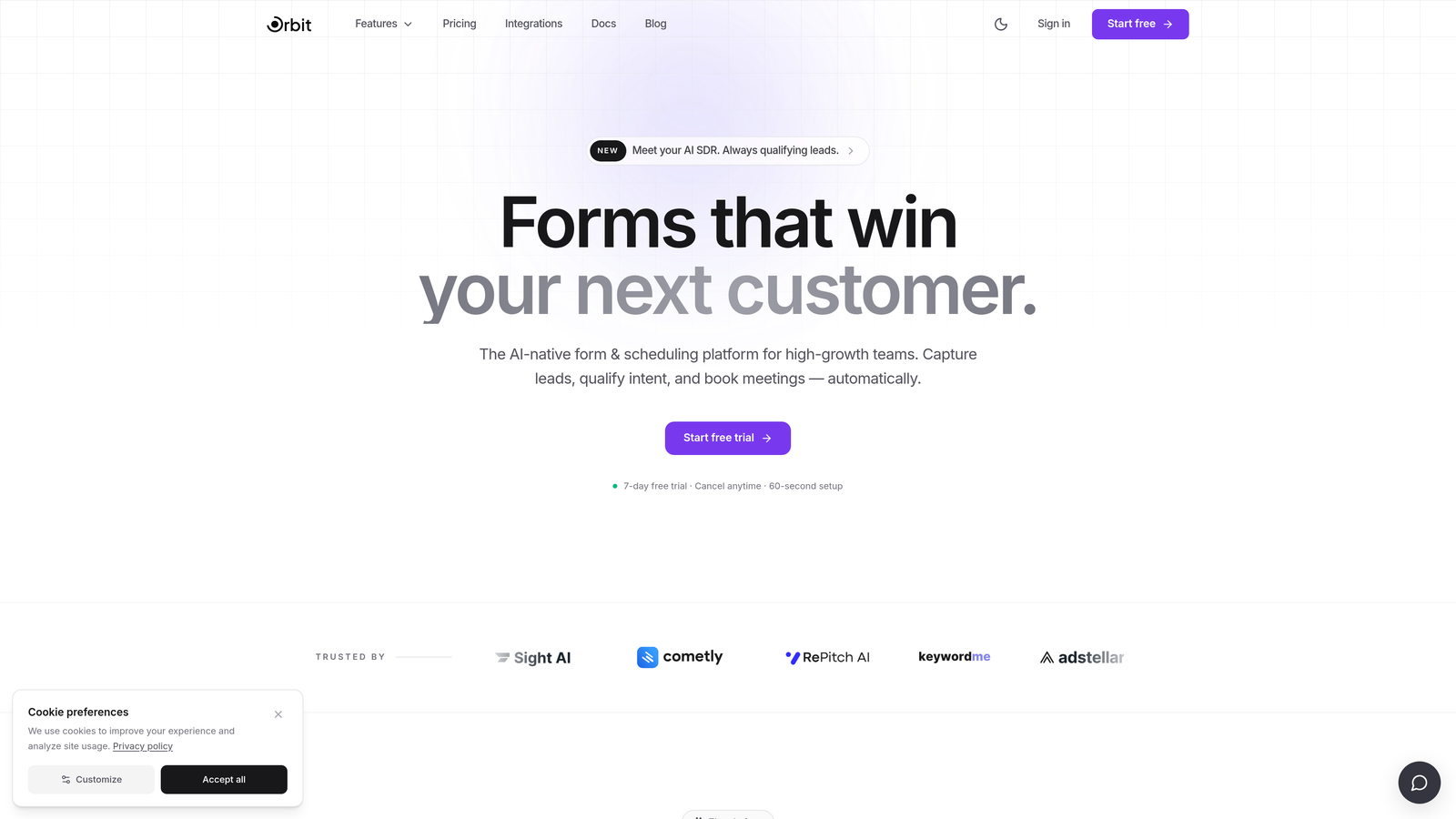
Orbit AI is an AI-powered form builder with intelligent lead qualification designed for high-growth teams that need to filter and score leads before staff time is ever invested.
Where This Tool Shines
Legal intake has a qualification problem. Attorneys receive inquiries from prospects in the wrong jurisdiction, with statute of limitations issues, or with case types the firm doesn't handle. Orbit AI addresses this at the source: its AI scoring and conditional logic can filter, route, and prioritize leads automatically based on the answers provided at submission.
The modern, conversion-optimized form design is another differentiator. Traditional legal intake forms are notoriously long and uninviting. Orbit AI's interface reduces friction and abandonment, which matters when a prospective client is filling out your form at 11pm after searching for an attorney.
Key Features
AI-Powered Lead Qualification: Automatically scores and qualifies leads at form submission, so attorneys only spend time on cases that meet the firm's criteria.
Conditional Logic Routing: Routes leads by practice area, jurisdiction, case type, or any custom field, ensuring the right attorney sees the right inquiry immediately.
Conversion-Optimized Design: Modern, clean form UI designed to reduce abandonment and improve completion rates compared to traditional legal intake forms.
CRM and Practice Management Integrations: Connects to CRMs and legal tools via Zapier and native integrations, eliminating manual data entry between intake and case management.
Real-Time Lead Notifications: Alerts attorneys or intake staff the moment a qualified lead submits, enabling fast follow-up when the prospect's interest is highest.
Best For
Firms that receive high inquiry volumes and need to qualify leads before attorney involvement. Also well-suited for legal marketing teams building polished intake experiences on landing pages or paid ad campaigns where form completion rates directly impact cost-per-lead.
Pricing
Pricing is quoted on a short demo, and Orbit has no free plan. Book a demo to see it with your own forms.
2. Clio Grow
Best for: Firms already using Clio Manage who want intake and matter management in one ecosystem
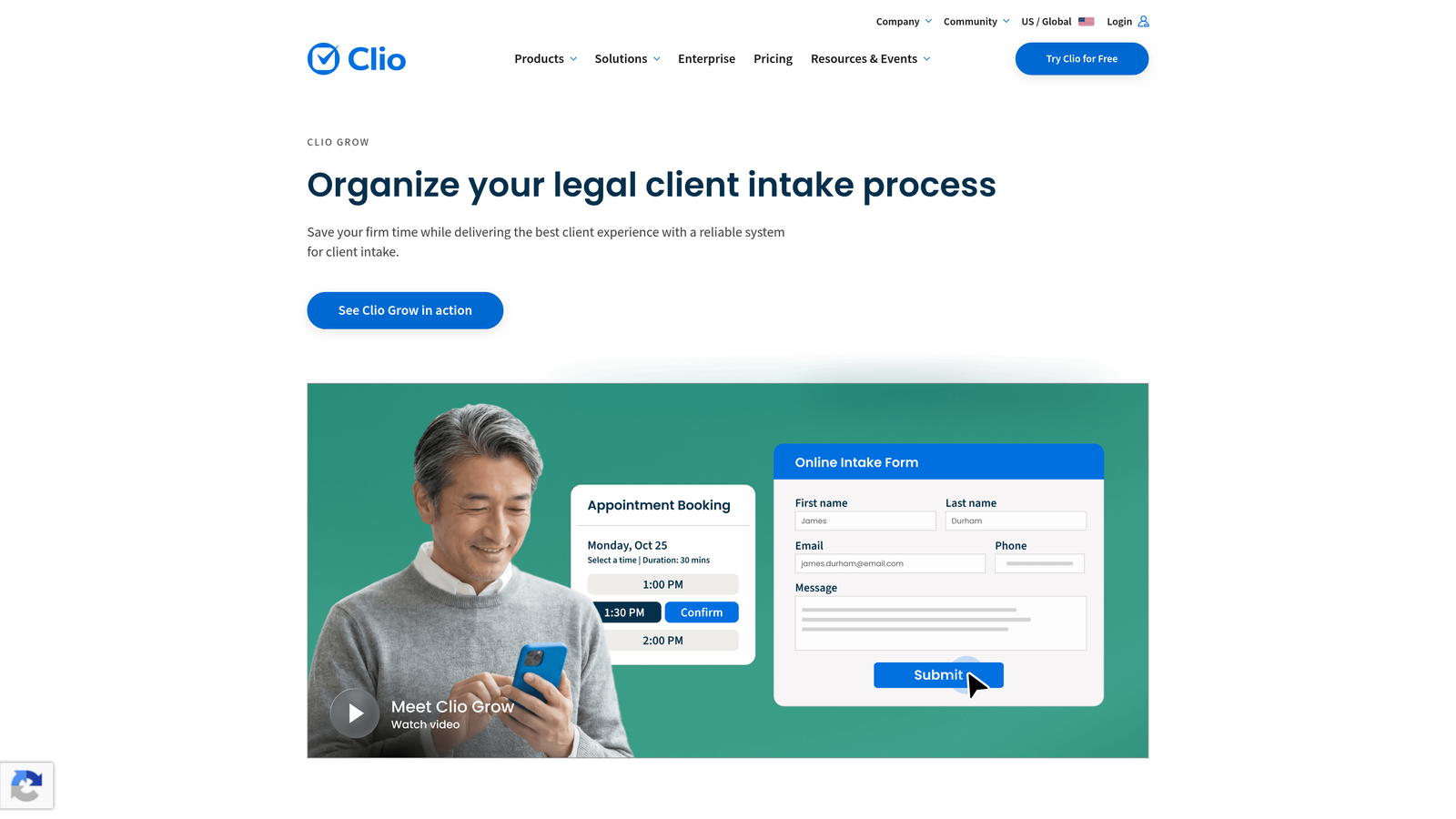
Clio Grow is the client intake and CRM arm of the Clio legal platform, designed to work seamlessly alongside Clio Manage for matter and billing management.
Where This Tool Shines
The biggest advantage of Clio Grow is native integration with Clio Manage. When a prospective client completes an intake form and signs an engagement letter, that information flows directly into matter creation without any manual re-entry. For firms already invested in the Clio ecosystem, this tight connection is hard to replicate with third-party tools.
The pipeline view is also genuinely useful. Intake coordinators can see exactly where each prospective client sits in the funnel, from initial inquiry through signed retainer, which brings a sales-style visibility to what is often an opaque process at many firms.
Key Features
Intake Forms with E-Signature: Collects client information and captures signatures on engagement letters in a single workflow.
Native Clio Manage Sync: Automatically creates matters and contacts in Clio Manage from completed intake submissions.
Appointment Scheduling: Built-in scheduling lets prospective clients book consultations directly from the intake flow.
Pipeline View: Visual dashboard showing all prospective clients and their current stage in the intake process.
Document Automation: Generates retainer agreements and other intake documents automatically from form data.
Best For
Small to mid-size firms already using or planning to use Clio Manage. The native integration makes it the natural choice for the Clio ecosystem, though firms not using Clio may find more value in a standalone intake tool.
Pricing
Included with Clio Suite plans; standalone Grow pricing is also available. Check clio.com for current rates.
3. Lawmatics
Best for: High-volume firms that need automated follow-up sequences after intake submissions
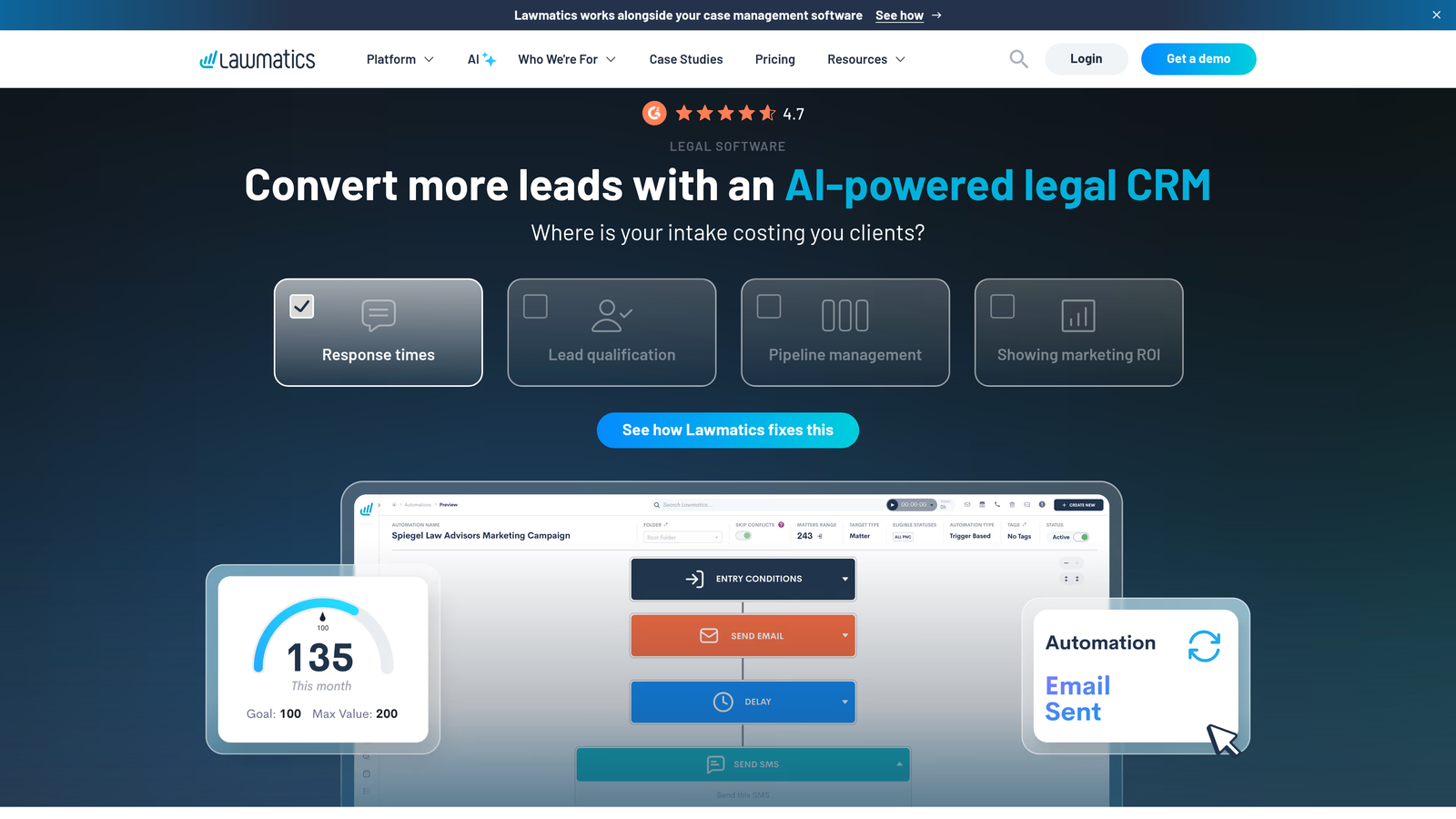
Lawmatics is a legal-specific CRM and marketing automation platform built to help law firms capture, nurture, and convert more leads through automated intake workflows.
Where This Tool Shines
Most legal intake tools capture the lead. Lawmatics focuses on what happens next. Its automated email and SMS sequences can follow up with prospective clients immediately after form submission, send reminders, and nurture cold leads over time without any manual effort from staff. For firms that receive inquiries outside business hours, this kind of automated acknowledgment can be the difference between a signed client and a lost lead.
The marketing automation depth sets it apart from practice management tools with intake add-ons. Lawmatics thinks about intake as a conversion funnel, which aligns well with how high-volume practices like personal injury and family law actually operate.
Key Features
Automated Email and SMS Follow-Up: Triggered sequences that engage prospective clients immediately after intake submission and continue nurturing until conversion.
Custom Intake Forms with Conditional Logic: Dynamic forms that adapt based on answers, collecting the right information for each case type.
Lead Pipeline and Conversion Tracking: Visual pipeline showing inquiry-to-client conversion rates across practice areas and time periods.
E-Signature on Retainer Agreements: Captures signatures on engagement documents directly within the platform.
Practice Management Integrations: Connects with Clio, MyCase, and other platforms to sync intake data with case management.
Best For
Personal injury, family law, and other high-volume practices where consistent, timely follow-up is critical to conversion. Also strong for firms investing in content marketing and paid advertising who need a CRM to manage lead nurturing.
Pricing
Subscription-based with pricing that varies by firm size. Check lawmatics.com for current plans.
4. Intaker
Best for: Law firms that want a conversational chat-style intake experience embedded on their website
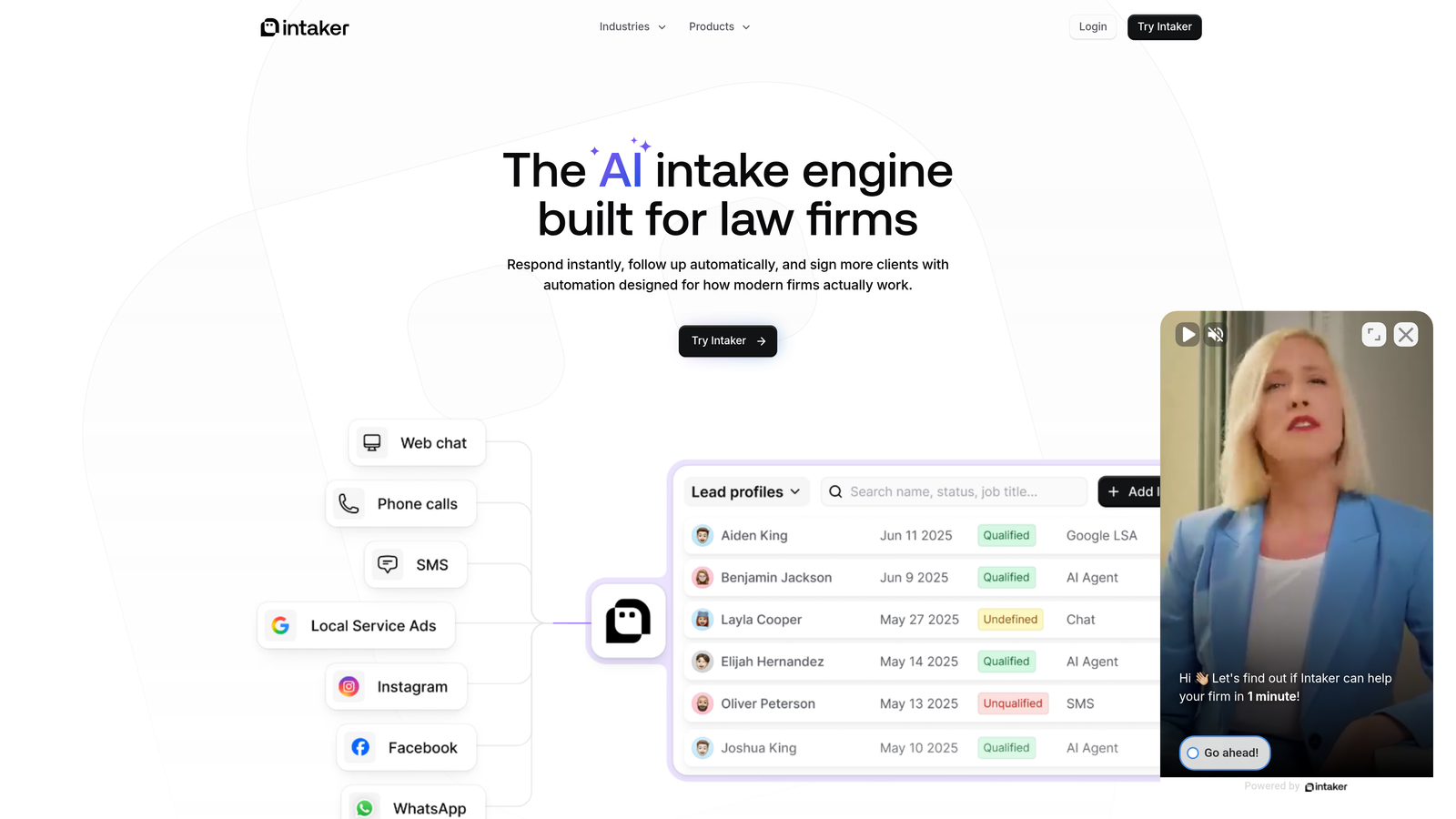
Intaker is a conversational intake widget designed specifically for law firm websites, turning site visitors into qualified leads through a chat-style intake experience.
Where This Tool Shines
Intaker takes a different approach to the intake form problem: instead of presenting a traditional form, it guides visitors through a chat-style conversation. This format tends to feel less intimidating than a long intake form, which matters when prospective clients are already anxious about their legal situation and considering multiple firms simultaneously.
The after-hours capture capability is a practical differentiator. Legal inquiries don't follow business hours, and Intaker's automated acknowledgment ensures that someone who submits at midnight receives an immediate response, keeping the firm top of mind until a staff member can follow up in the morning.
Key Features
Conversational Chat-Style Intake: Guides website visitors through intake questions in a chat interface rather than a traditional form layout.
Case-Type Filtering: Qualifies leads by practice area and case type before routing to the appropriate attorney or intake coordinator.
After-Hours Lead Capture: Captures and acknowledges inquiries automatically outside business hours so no lead goes unacknowledged.
Lead Scoring and Routing: Scores incoming leads and routes them based on firm-defined criteria.
Analytics Dashboard: Shows intake conversion performance, including visitor-to-lead rates and case type breakdowns.
Best For
Law firms with meaningful website traffic that want to convert more visitors into consultations. Particularly effective for practice areas where prospective clients are emotionally engaged and comparison-shopping across multiple firm websites.
Pricing
Custom pricing based on firm size and inquiry volume. Contact Intaker directly for a quote at intaker.com.
5. MyCase
Best for: Firms that want intake, billing, case management, and client communication in a single platform
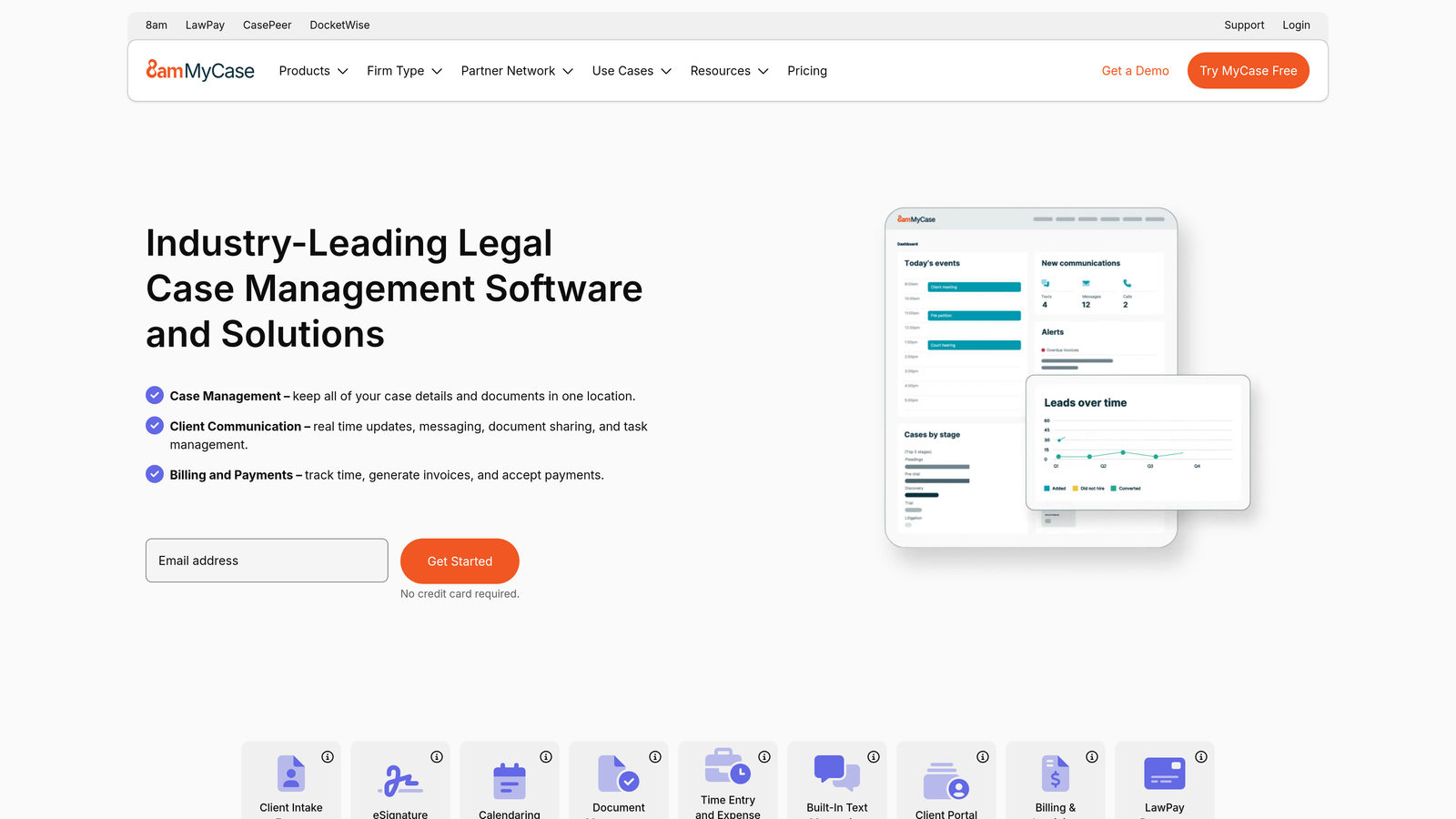
MyCase is an all-in-one legal practice management platform with intake forms, client portal, billing, and case management built into a single interface.
Where This Tool Shines
MyCase's strength is consolidation. Rather than connecting a separate intake tool to a separate practice management platform, everything lives in one place. An intake form submission can trigger contact creation, matter setup, and document sharing through the client portal without switching between systems.
The client portal is a genuine asset for the post-intake experience. Once a prospect converts to a client, they can securely exchange documents, communicate with the firm, and track case progress through the same platform where their intake began, creating a seamless experience from first inquiry to case resolution.
Key Features
Intake-to-Matter Connection: Intake form submissions automatically create contacts and matters in the case management system.
Client Portal: Secure document sharing and attorney-client communication through a dedicated client-facing portal.
E-Signature: Captures signatures on intake forms and retainer agreements within the platform.
Time Tracking and Billing: Integrated time tracking and invoicing connected directly to case workflow.
Mobile App: Full-featured mobile app for attorneys managing intake and cases remotely.
Best For
Solo practitioners and small to mid-size firms that want to minimize the number of software subscriptions while maintaining a professional client experience from intake through billing.
Pricing
Starts at approximately $39/user/month. Verify current pricing at mycase.com.
6. Typeform
Best for: Legal marketing teams building polished intake experiences on landing pages and paid campaigns
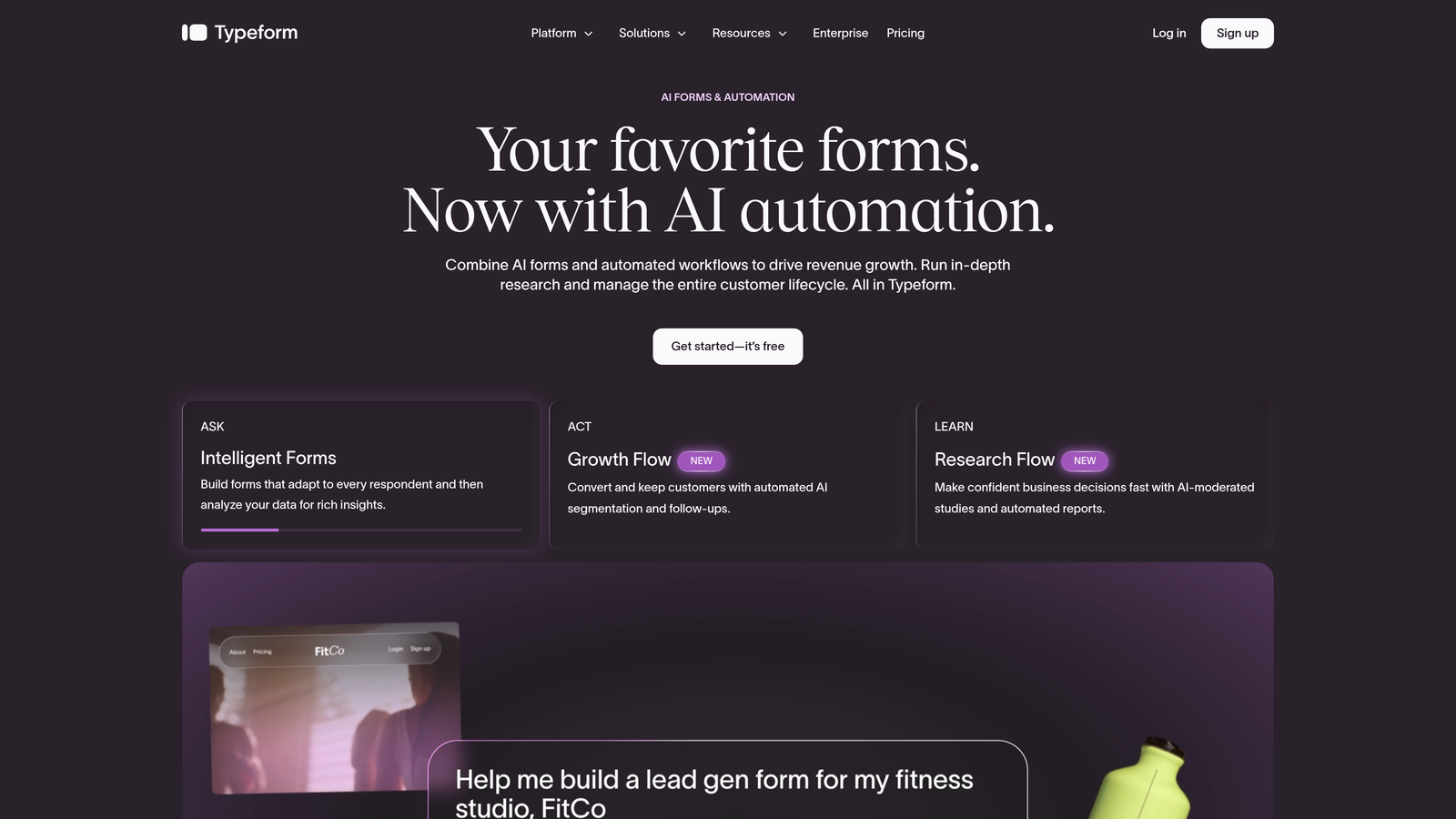
Typeform is a general-purpose conversational form builder widely used by legal marketing teams for its polished, one-question-at-a-time UX that tends to improve form completion.
Where This Tool Shines
Typeform's one-question-at-a-time format makes long intake flows feel manageable rather than overwhelming. For prospective clients who might abandon a 20-field form, the progressive disclosure approach keeps them engaged through to submission. Legal marketing teams running paid search campaigns often use Typeform on dedicated landing pages precisely because of this.
The trade-off is that Typeform isn't legal-specific. You'll need to build intake logic from scratch, connect it to your practice management tools via Zapier, and handle follow-up through a separate CRM. It's highly capable, but it requires more configuration than a purpose-built legal intake tool.
Key Features
Conversational One-Question Format: Presents intake questions one at a time, reducing cognitive load and abandonment.
Conditional Logic: Branches the intake flow based on answers, tailoring the experience to each case type.
Flexible Embedding: Embeds seamlessly into websites, landing pages, and email campaigns.
Zapier Integrations: Connects to CRMs, practice management tools, and notification systems through Zapier.
Drop-Off Analytics: Shows exactly where respondents abandon the form, enabling iterative improvement of intake flows.
Best For
Legal marketing teams and tech-savvy firms comfortable with DIY configuration. Strong choice for firms running paid advertising who want a polished, branded intake experience without the cost of a full legal CRM.
Pricing
Free plan available. Paid plans start at approximately $25/month. Check typeform.com for current pricing.
7. Filevine
Best for: High-volume and complex litigation practices that need enterprise-grade intake pipeline configuration
Filevine is an enterprise-grade legal case management platform with highly configurable intake pipelines suited for high-volume and complex litigation practices.
Where This Tool Shines
Filevine is built for firms where intake isn't a simple form but a multi-stage process with custom fields, document generation, task assignments, and reporting requirements. Personal injury firms managing mass tort litigation, for example, need intake pipelines that capture very specific medical and incident data and feed it directly into case workflows. Filevine's configurability supports that level of complexity.
The reporting capabilities are also enterprise-grade. Firms can track intake volume, conversion rates by case type, time-to-sign metrics, and case outcome correlations in ways that simpler tools simply don't support.
Key Features
Configurable Intake Pipelines: Custom stages, fields, and workflows tailored to each practice area's specific intake requirements.
Document Management and Generation: Automated document creation triggered at intake milestones, with full document management built in.
Intake-to-Case Integration: Deep connection between intake data and active case management, eliminating data silos.
Task Automation: Automatically assigns tasks and triggers workflows based on intake stage progression.
Intake Reporting: Tracks volume, conversion rates, and case outcomes tied back to intake source and case type.
Best For
Mid-size to large firms, particularly in personal injury, mass tort, and complex litigation, where intake is a high-volume, multi-step process requiring significant customization and robust reporting.
Pricing
Enterprise pricing with custom quotes. Contact Filevine directly at filevine.com for pricing information.
8. PracticePanther
Best for: Solo and small firm attorneys who want a fast, straightforward intake-to-signed-retainer workflow
PracticePanther is a user-friendly legal practice management platform known for its fast intake-to-retainer workflow, combining intake forms with built-in e-signatures.
Where This Tool Shines
PracticePanther prioritizes speed and simplicity. The intake-to-retainer flow is designed to minimize steps: a prospective client fills out an intake form, the attorney reviews it, and an engagement letter goes out for e-signature without leaving the platform. For solo practitioners and small firms where every hour counts, this streamlined workflow reduces administrative overhead meaningfully.
The platform's ease of use is consistently noted as a differentiator. Attorneys who aren't particularly tech-forward can get up and running quickly without extensive onboarding or configuration work.
Key Features
Intake Forms with Immediate E-Signature: Sends engagement letters for signature directly from intake form submissions.
Contact and Matter Creation: Automatically creates contacts and matters from completed intake submissions.
Client Portal: Secure document exchange and communication channel for clients post-intake.
Time Tracking and Billing: Integrated billing connected to matters created through intake.
Mobile-Friendly Interface: Full functionality accessible on mobile for attorneys working outside the office.
Best For
Solo practitioners and small firms that want practice management with intake built in, without the complexity or cost of enterprise platforms. Particularly appealing for attorneys transitioning away from spreadsheets and email-based intake for the first time.
Pricing
Starts at approximately $49/user/month. Verify current pricing at practicepanther.com.
9. Jotform
Best for: Budget-conscious firms and legal aid organizations that need flexible forms with HIPAA compliance options
Jotform is a flexible, budget-friendly form builder with a large library of legal intake templates and HIPAA-compliant options available on higher-tier plans.
Where This Tool Shines
Jotform's template library is genuinely extensive. Firms can start with a pre-built legal intake template and customize it rather than building from scratch, which significantly reduces setup time. For legal aid organizations, small nonprofits, or solo practitioners with tight budgets, this combination of affordability and flexibility is hard to beat.
The HIPAA-compliant tier is worth noting for personal injury practices that collect medical information during intake. Not every form builder offers this, and having it available within the same tool you use for general intake simplifies compliance management.
Key Features
Legal Intake Template Library: Extensive collection of pre-built legal intake templates that can be customized for any practice area.
HIPAA-Compliant Forms: HIPAA compliance available on paid plans, suitable for personal injury and health-related intake data.
Conditional Logic: Dynamic form flows that adapt based on respondent answers.
E-Signature Widget: Captures signatures on intake forms and basic agreements.
Integration Options: Connects with Google Drive, Dropbox, and popular CRMs for data routing and storage.
Best For
Budget-conscious practices, legal aid organizations, and firms with straightforward intake needs that don't require advanced lead scoring or marketing automation. Also useful as a supplemental form tool alongside a practice management platform.
Pricing
Free plan available. Paid plans start at approximately $34/month. Check jotform.com for current pricing.
Which Legal Intake Software Is Right for Your Firm?
The right tool depends less on feature lists and more on where your firm's biggest intake pain point actually lives. Here's a quick breakdown to help you match the tool to the need.
AI-powered lead qualification: Orbit AI is the standout choice for firms that need to filter and score leads automatically before any staff time is invested. Its modern form design also addresses the completion rate problem that plagues traditional legal intake forms.
All-in-one legal platform: Clio Grow and MyCase both deliver intake as part of a broader practice management ecosystem. Clio Grow is the natural fit if you're already in the Clio ecosystem; MyCase is a strong alternative with a slightly more accessible price point.
Automated follow-up and lead nurturing: Lawmatics is purpose-built for this. If your firm loses leads because follow-up is inconsistent or delayed, Lawmatics' automated sequences directly address that gap.
Conversational website widget: Intaker is the specialist here, designed specifically for law firm websites with a chat-style experience that can outperform traditional forms for visitor-to-lead conversion.
High-volume and complex intake: Filevine is the enterprise choice for personal injury, mass tort, and complex litigation practices that need deep configurability and robust reporting.
Fast intake-to-retainer workflow: PracticePanther's strength is speed and simplicity, making it the go-to for solo and small firm attorneys who want to get from inquiry to signed engagement letter with minimal friction.
Budget-friendly flexibility: Jotform delivers strong value for cost-conscious firms, particularly with its template library and HIPAA compliance options on paid plans.
Polished campaign landing pages: Typeform excels when legal marketing teams need a conversion-optimized intake experience for paid search or social campaigns.
If you're looking to start immediately with a tool that qualifies leads intelligently and delivers a modern intake experience without a lengthy implementation, book a demo with Orbit AI and see how AI-powered lead qualification can transform your intake process from a bottleneck into a competitive advantage.