Data collection is only as good as the tools powering it. Whether you're qualifying leads, running customer surveys, or capturing event registrations, the right form software determines not just how much data you collect but how useful that data actually is. The wrong tool means abandoned forms, messy submissions, and hours spent cleaning up responses that don't tell you anything actionable.
This list covers the best data collection form software tools available in 2026, evaluated on ease of use, data quality, integrations, and how well they serve high-growth teams. Whether you need AI-powered lead qualification, large-scale survey distribution, or enterprise-grade security, there's a right fit here. We've included tools across different price points and use cases so you can find the one that matches your workflow, not just the most popular name in the space.
1. Orbit AI
Best for: High-growth teams that need AI-powered lead qualification built directly into their form flow
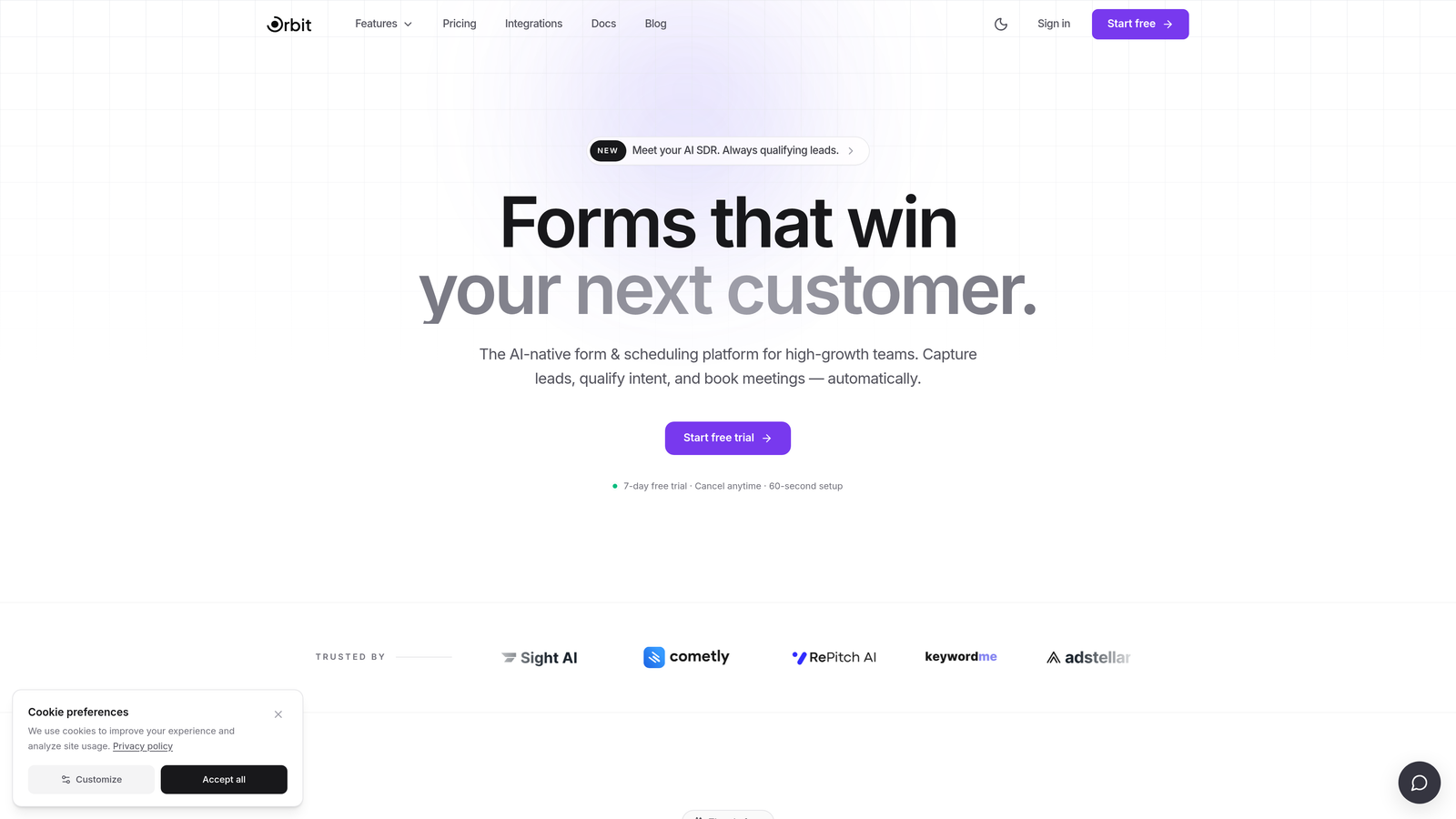
Orbit AI is an AI-powered form builder with built-in lead qualification, designed for conversion-focused teams that care about data quality, not just data volume.
Where This Tool Shines
Most form builders treat data collection as a passive exercise: someone fills out a form, you get a submission, and then you figure out what to do with it. Orbit AI flips that model. The platform qualifies leads as they move through the form, scoring and segmenting responses in real time so your team can prioritize the right prospects without any post-submission cleanup.
The design quality is a genuine differentiator here. Forms built with Orbit AI feel modern and intentional, which matters more than most teams realize. A well-designed form communicates trust, and trust drives completion rates. For teams where every lead counts, that combination of intelligent qualification and polished UX is hard to replicate with generic builders.
Key Features
AI-Powered Lead Qualification: Scores and qualifies leads automatically within the form flow, so high-value submissions surface immediately.
Conversion-Optimized Design: Clean, modern UI built specifically to reduce friction and improve form completion rates.
Conditional Logic and Dynamic Fields: Fields and questions adapt based on user input, creating a personalized experience without complex setup.
Lead Scoring: Automatically prioritizes submissions based on response patterns, helping sales and marketing teams focus on the right prospects.
CRM and Marketing Automation Integrations: Connects with the tools your team already uses so qualified leads flow directly into your pipeline.
Best For
Orbit AI is the strongest fit for SaaS companies, marketing teams, and high-growth businesses where lead quality matters as much as lead volume. If your team is spending significant time manually triaging form submissions or struggling to connect form data to your CRM without friction, this is the tool to evaluate first.
Pricing
Pricing tiers are available at orbitforms.ai. Check the site directly for current plans, as offerings are updated regularly to match team needs.
2. Typeform
Best for: Conversational surveys and research forms where engagement and completion rate are the top priorities
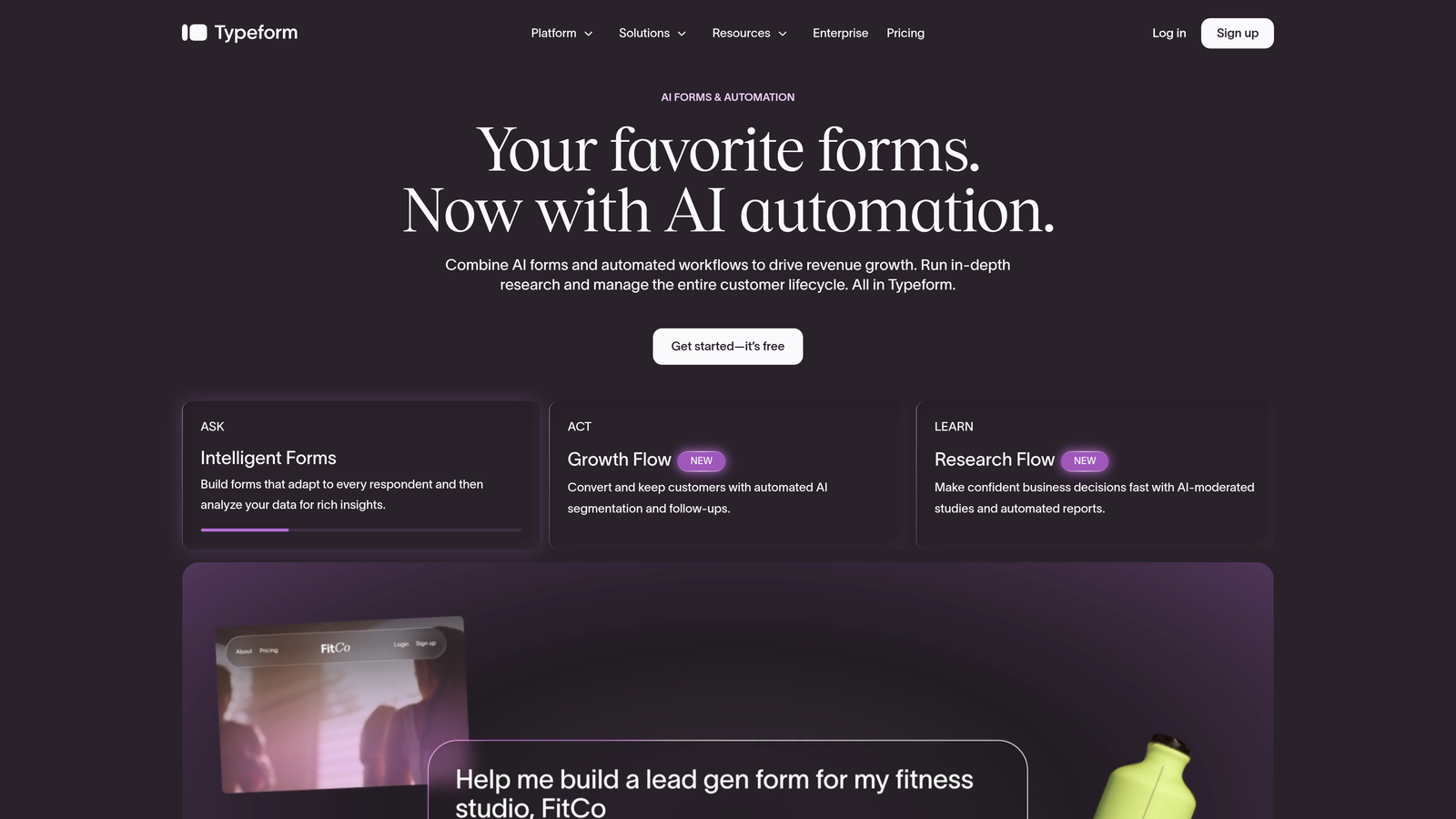
Typeform is a conversational form builder that presents one question at a time to reduce cognitive load and improve respondent engagement.
Where This Tool Shines
Typeform's signature one-question-at-a-time format genuinely changes how people experience a form. Instead of facing a wall of fields, respondents move through a focused, almost interview-like flow. This works particularly well for customer research, onboarding surveys, and any situation where you need thoughtful answers rather than quick checkbox responses.
The logic and branching capabilities are solid, and the integration library is extensive. Where Typeform has faced more pressure recently is on pricing relative to newer alternatives, and it's less optimized for lead generation specifically than tools built with that use case in mind.
Key Features
Conversational UX: One question at a time creates a focused, low-friction experience for respondents.
Logic Jumps and Branching: Routes respondents through different question paths based on their answers.
Wide Integration Library: Connects with Zapier, HubSpot, Slack, and many other tools out of the box.
Video and Image Embeds: Supports rich media within the form for more engaging question formats.
Drop-Off Analytics: Shows exactly where respondents abandon forms so you can optimize for completion.
Best For
Marketing teams running customer research, product teams collecting user feedback, and anyone building surveys where engagement matters more than speed. Less ideal for high-volume lead capture where conversion optimization and lead scoring are priorities.
Pricing
Free plan available with limited responses. Paid plans start at approximately $25/month, with higher tiers for teams and advanced features.
3. Google Forms
Best for: Zero-cost internal data collection, quick surveys, and teams already working inside Google Workspace
Google Forms is a free, no-frills form and survey builder fully integrated with Google Workspace and Google Sheets.
Where This Tool Shines
The value proposition is simple: it's completely free, it works, and if your team lives in Google Workspace, the friction to get started is essentially zero. Responses sync automatically to Google Sheets, which means anyone comfortable with spreadsheets can analyze results immediately without exporting anything.
Where Google Forms shows its limits is design flexibility and advanced logic. Forms look like Google Forms, which is fine for internal use but can feel generic for customer-facing data collection. For teams that need branded experiences, conditional logic beyond the basics, or any kind of lead qualification, you'll hit the ceiling quickly.
Key Features
Completely Free: No submission limits, no paid tiers required with a standard Google account.
Google Sheets Sync: All responses flow automatically into a connected spreadsheet for instant analysis.
Basic Conditional Logic: Section branching based on multiple-choice answers covers common survey use cases.
Team Collaboration: Multiple editors can work on a form simultaneously, just like Google Docs.
Quiz Mode: Automatic grading with point values, useful for training assessments and educational contexts.
Best For
Internal operations teams, HR departments, educators, and anyone who needs a quick form without a budget. Not the right choice for customer-facing lead capture or any scenario where design quality and conversion rate matter.
Pricing
Free with any Google account. Included with Google Workspace plans at no additional cost.
4. Jotform
Best for: Teams that need a broad feature set, industry-specific templates, or HIPAA-compliant data collection
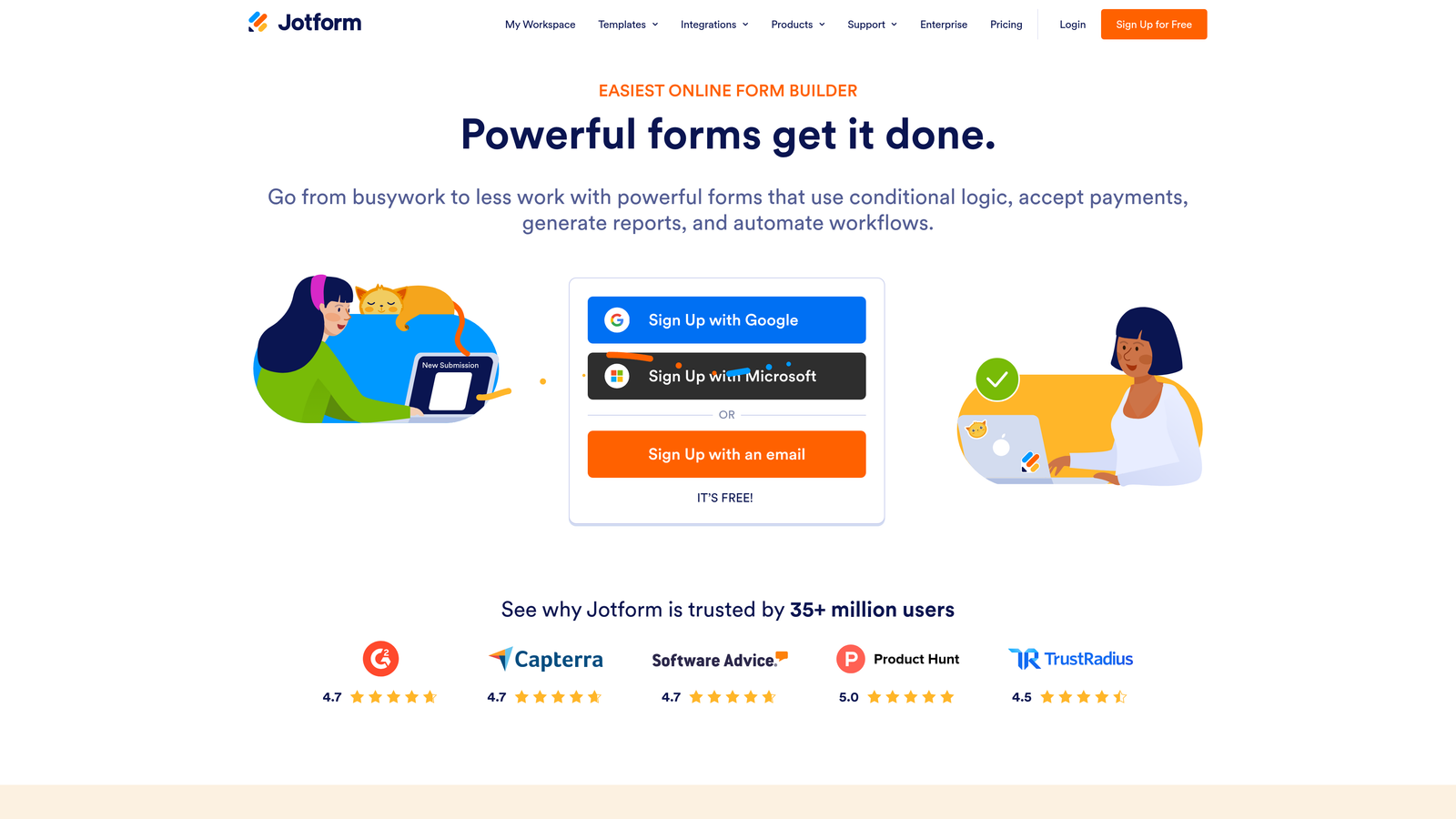
Jotform is a feature-rich form builder with one of the largest template libraries available and broad integration support across industries.
Where This Tool Shines
Jotform's depth is its defining characteristic. With over 10,000 pre-built templates spanning healthcare, legal, education, e-commerce, and more, it's one of the fastest ways to get a functional, industry-appropriate form live without starting from scratch. The payment integrations are genuinely useful for businesses collecting fees or deposits alongside form data.
HIPAA-compliant plans make Jotform one of the few accessible options for healthcare organizations that need to collect sensitive patient data without enterprise-level overhead. The tradeoff is that the interface can feel dense compared to more modern alternatives, and the free plan's submission limits become restrictive quickly.
Key Features
10,000+ Templates: Pre-built forms across virtually every industry, dramatically reducing setup time.
Payment Integrations: Native support for Stripe, PayPal, and Square to collect payments within forms.
HIPAA-Compliant Plans: Enterprise-grade data handling for healthcare and sensitive data use cases.
Advanced Conditional Logic: Calculation fields and complex branching for sophisticated form flows.
Offline Mobile Submissions: Forms work without an internet connection via the Jotform mobile app, syncing when connectivity returns.
Best For
SMBs and mid-market teams across healthcare, legal, and service industries. Also strong for e-commerce businesses that need to collect payments and data in a single form experience.
Pricing
Free plan available with limited submissions per month. Paid plans start at approximately $34/month with higher tiers for increased submissions and advanced features.
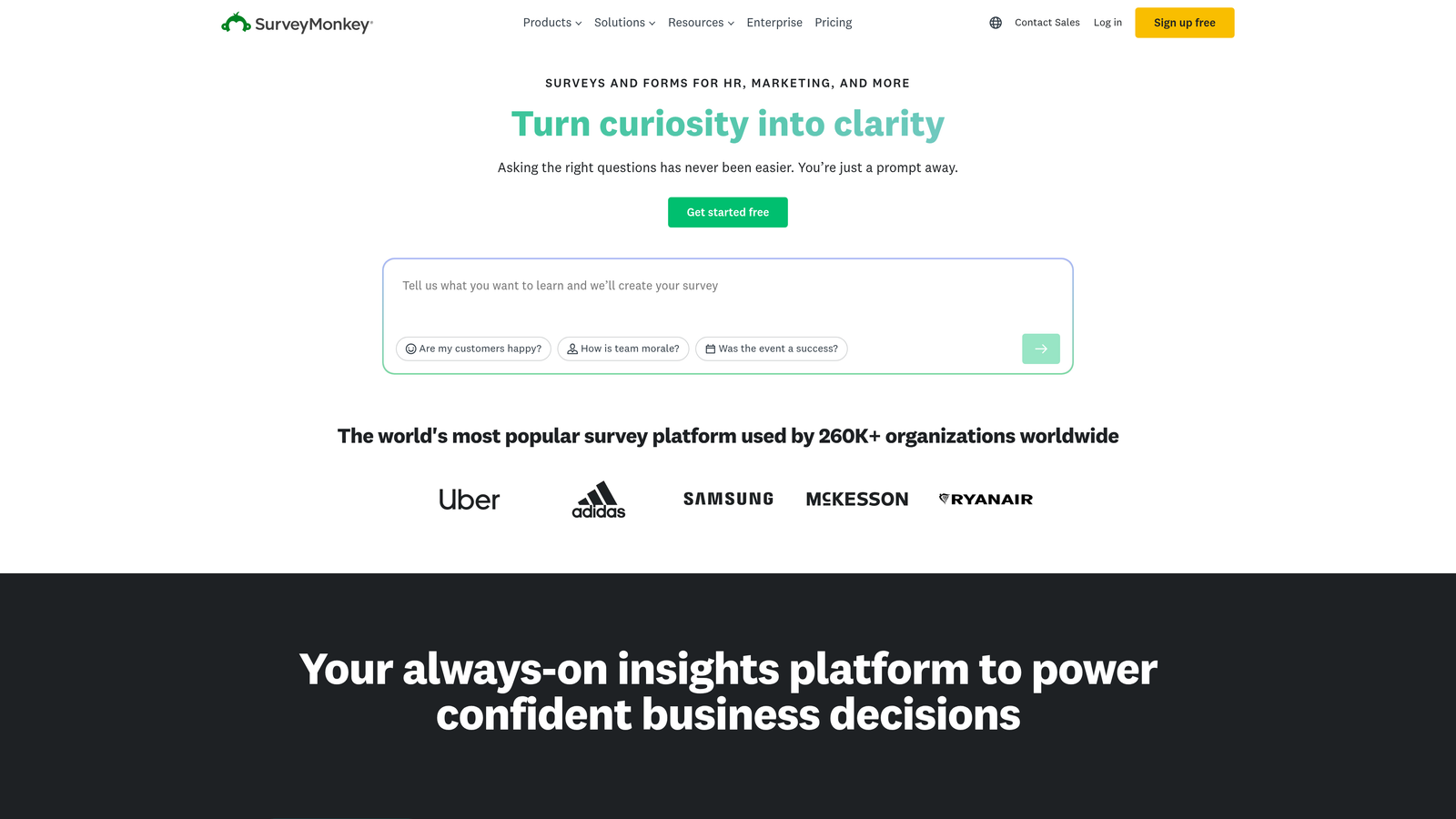
5. SurveyMonkey
Best for: Market research teams that need a built-in respondent panel and advanced cross-tab analytics
SurveyMonkey is an established survey platform with enterprise-grade analytics and a built-in audience panel for recruiting survey respondents at scale.
Where This Tool Shines
SurveyMonkey's built-in respondent panel is a genuine differentiator for research use cases. Instead of distributing a survey and hoping the right people respond, you can recruit a targeted audience directly within the platform. That capability makes it particularly valuable for market research, brand tracking, and competitive analysis where sample quality matters.
The analytics layer is more sophisticated than most form builders, with cross-tab reporting and benchmark data that let you compare your results against industry norms. The tradeoff is that SurveyMonkey is oriented toward research rather than lead generation, and its design flexibility is limited compared to more modern tools.
Key Features
Built-In Audience Panel: Recruit targeted survey respondents directly within the platform for paid research studies.
Cross-Tab Reporting: Advanced analytics that let you slice and compare results across respondent segments.
Survey Logic and Skip Patterns: Route respondents through relevant question paths based on their answers.
Team Collaboration: Shared workspaces and team accounts for research teams working on multiple projects.
Benchmark Data: Compare your survey results against aggregated industry data for context.
Best For
Market researchers, product teams running competitive analysis, and enterprise teams that need to recruit external respondents and run sophisticated cross-tab analysis on results.
Pricing
Free plan available with limited questions and responses. Paid plans start at approximately $25/month per user, with enterprise plans for larger teams.
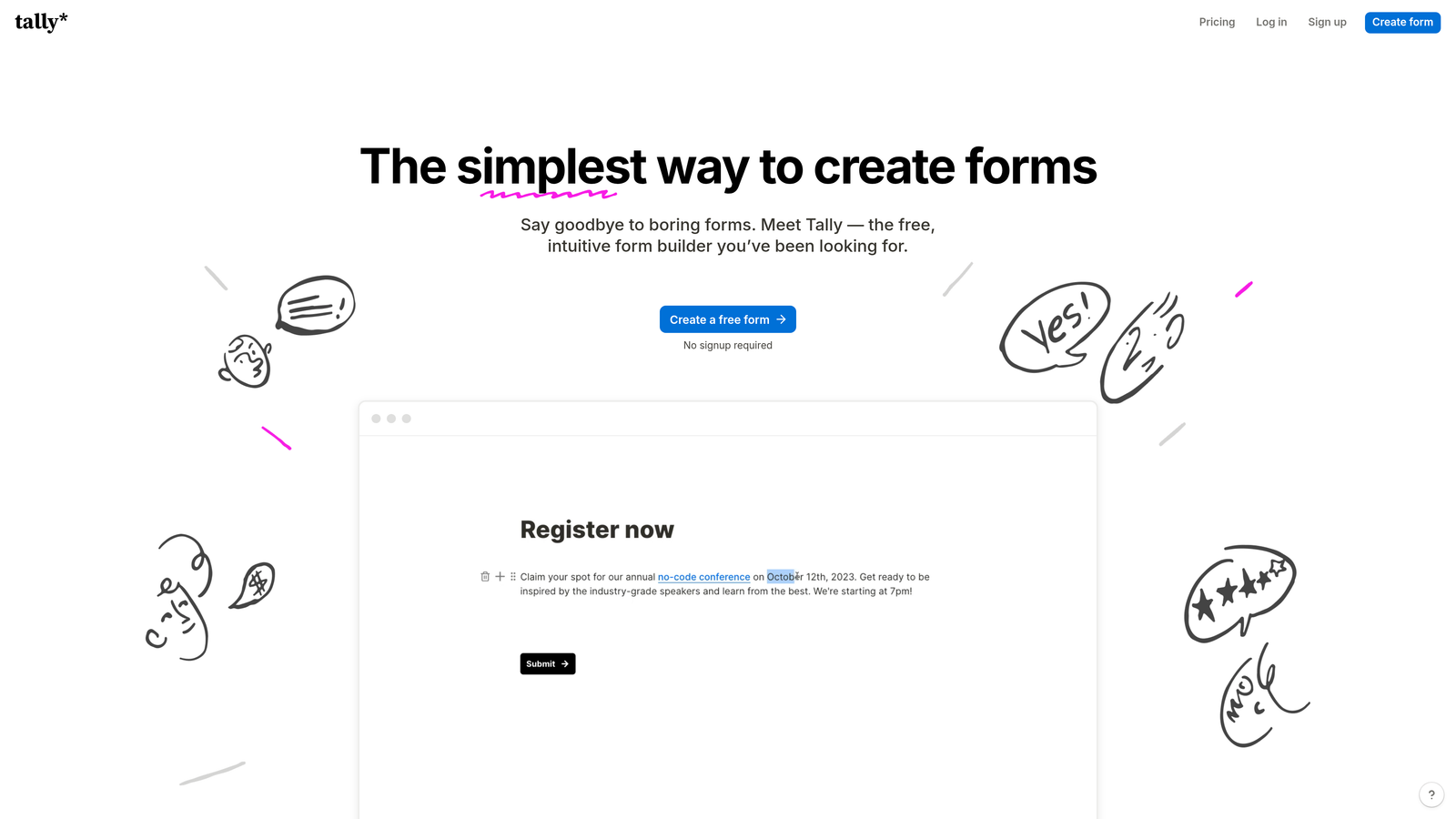
6. Tally
Best for: Startups, indie makers, and small teams that need unlimited forms and submissions without paying for them
Tally is a minimalist form builder with a Notion-style block editor and an unusually generous free tier that includes unlimited forms and submissions.
Where This Tool Shines
Tally's free tier is genuinely rare in this category. Most tools limit submissions, form count, or key features on free plans. Tally gives you unlimited forms and unlimited submissions at no cost, which makes it an easy recommendation for early-stage teams and solo operators who need functional data collection without a budget commitment.
The Notion-inspired editor feels familiar to anyone already working in that ecosystem, and forms can embed natively into Notion pages. The feature set is simpler than heavier tools like Jotform, but for most standard use cases, that simplicity is a feature rather than a limitation.
Key Features
Unlimited Free Forms and Submissions: No caps on the free plan, which is unusual in the form builder category.
Notion-Style Block Editor: Intuitive drag-and-drop building experience familiar to Notion users.
Conditional Logic and Hidden Fields: Core logic features available without upgrading to a paid plan.
Native Notion Embedding: Forms embed directly into Notion pages without iframes or workarounds.
Zapier and Make Integration: Connect form submissions to automation workflows on the free tier.
Best For
Early-stage startups, freelancers, and small teams who need solid data collection without a monthly cost. Also a strong choice for Notion-heavy teams who want forms that feel native to their workspace.
Pricing
Free plan with unlimited forms and submissions. Tally Pro is approximately $29/month, adding custom domains, branding removal, and priority support.
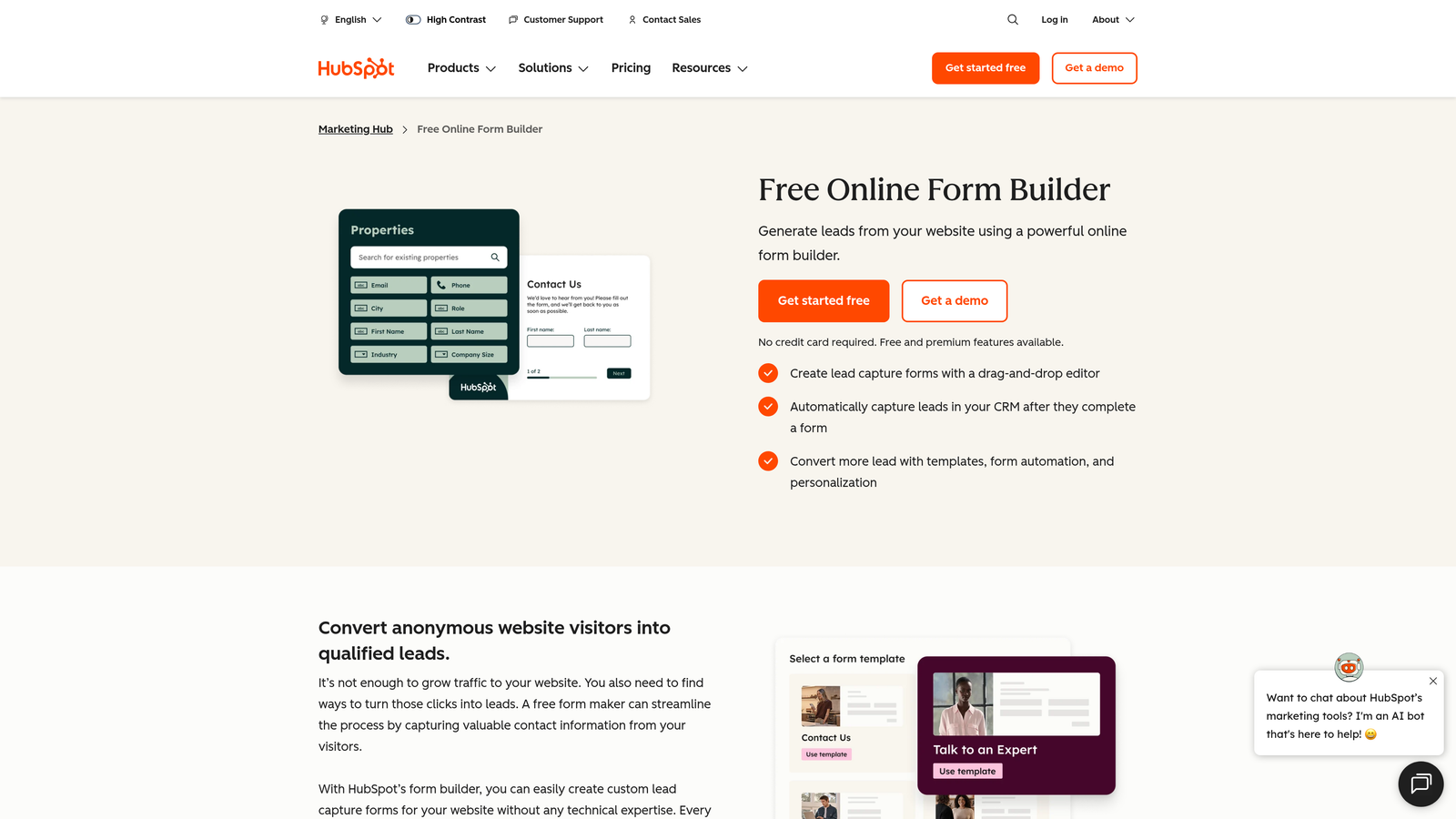
7. HubSpot Forms
Best for: Teams already using HubSpot CRM who want zero-friction lead capture that syncs directly to contact records
HubSpot Forms is a CRM-native form builder that syncs submissions directly to HubSpot contact records with no integration setup required.
Where This Tool Shines
For teams already inside the HubSpot ecosystem, this is the path of least resistance. Every form submission maps automatically to a contact record, deal, or workflow trigger without any Zapier setup or API configuration. That native sync eliminates a common source of data loss and integration maintenance that plagues teams using third-party form tools with separate CRMs.
Progressive profiling is a particularly useful feature: HubSpot Forms can detect when a known contact is filling out a form and swap in new questions instead of asking for information you already have. That keeps forms short while building richer contact profiles over time. The limitation is that HubSpot Forms is genuinely only compelling if you're in HubSpot. Outside that ecosystem, the value proposition diminishes considerably.
Key Features
Native CRM Sync: Submissions map directly to HubSpot contact and deal records without any integration configuration.
Progressive Profiling: Automatically replaces known fields with new questions for returning contacts.
Embedded and Pop-Up Options: Deploy forms inline on pages or as triggered pop-ups based on user behavior.
Workflow Triggers: Form submissions automatically enroll contacts in nurturing sequences and sales workflows.
A/B Testing: Available on higher-tier Marketing Hub plans for optimizing form performance.
Best For
Marketing and sales teams already operating within HubSpot who want to eliminate integration overhead and keep all lead data in a single system of record.
Pricing
Free with HubSpot's free CRM. Advanced features require Marketing Hub, which starts at approximately $800/month for the Professional tier.
8. Microsoft Forms
Best for: Enterprise teams in Microsoft 365 environments collecting internal data across Teams and SharePoint
Microsoft Forms is a lightweight survey and quiz tool included with Microsoft 365, built for internal data collection within enterprise environments.
Where This Tool Shines
If your organization runs on Microsoft 365, Microsoft Forms is already paid for and already integrated. It connects natively with Teams, SharePoint, and Excel, which means forms can be distributed through existing communication channels and results land directly in the tools your team uses for analysis. For IT departments, HR teams, and internal operations, that zero-friction deployment is genuinely valuable.
The tradeoff is limited design flexibility and a feature set that doesn't extend much beyond basic surveys and quizzes. It's not built for external lead generation or customer-facing data collection. Think of it as the enterprise equivalent of Google Forms: functional, integrated, and free within its ecosystem, but not a tool you'd choose for conversion-focused use cases.
Key Features
Included with Microsoft 365: No additional cost for organizations already subscribed to Microsoft 365.
Native Microsoft Integrations: Direct connections to Teams, SharePoint, and Excel for seamless distribution and analysis.
Basic Branching Logic: Conditional questions based on responses for simple survey flows.
Real-Time Analytics: Built-in response charts and summaries without exporting data.
Multilingual Support: Forms can be configured to support multiple languages for global enterprise deployments.
Best For
Enterprise IT, HR, and operations teams collecting internal data within Microsoft 365 environments. Not the right choice for external-facing lead capture or any use case requiring design customization.
Pricing
Included with Microsoft 365 subscriptions at no additional cost. No standalone pricing available.
9. Paperform
Best for: Small businesses, coaches, and consultants who want forms that feel like branded landing pages rather than generic data fields
Paperform is a document-style form builder that blends content, media, and data collection into a single page experience.
Where This Tool Shines
Paperform occupies a distinct niche: forms that don't look like forms. The editor works more like a page builder, letting you weave questions in between text, images, and descriptions so the whole thing reads like a cohesive branded document. For service businesses, coaches, and consultants, that approach creates a more professional experience than a standard field-and-submit layout.
Built-in payment collection and scheduling add real utility for service providers who need to capture information, take a deposit, and book an appointment in a single flow. The 200+ integrations via native connectors and Zapier cover most common workflows. The main limitation is the absence of a permanent free tier, which puts it out of reach for teams that aren't ready to commit to a paid plan immediately.
Key Features
Document-Style Editor: Forms read like branded pages, with text, media, and questions woven together naturally.
Built-In Payments and Scheduling: Collect fees and book appointments within the same form flow.
Conditional Sections and Dynamic Content: Show or hide entire sections based on respondent input.
Custom Domain Support: White-label forms under your own domain for a fully branded experience.
200+ Integrations: Connect to downstream tools via native connectors and Zapier.
Best For
Coaches, consultants, freelancers, and small service businesses that need forms to feel like an extension of their brand rather than a generic data collection interface. Also useful for any team combining intake, payment, and scheduling in one step.
Pricing
Plans start at approximately $24/month. No permanent free tier is available, though trial access is offered.
Which Tool Is Right for Your Workflow
The best data collection form software isn't the one with the most features. It's the one that fits your workflow and helps you act on data faster. Here's how to think about the decision based on your primary use case.
For lead qualification and conversion-focused teams: Orbit AI is the clear starting point. The combination of AI-powered lead scoring, modern design, and CRM integrations is purpose-built for teams where data quality drives revenue decisions.
For conversational surveys and research: Typeform remains a strong choice, particularly when engagement and completion rate are the metrics that matter most.
For zero-cost simplicity: Google Forms covers internal and simple external use cases without spending anything. Tally is the better free option if you need unlimited submissions with slightly more design control.
For CRM-native capture: HubSpot Forms is the obvious choice if you're already in the HubSpot ecosystem and want to eliminate integration overhead entirely.
For enterprise Microsoft environments: Microsoft Forms is already in your stack. Use it for internal data collection and save your budget for tools that handle external-facing forms better.
For research at scale: SurveyMonkey's built-in respondent panel and cross-tab analytics make it the right call when you need to recruit external respondents and run sophisticated analysis.
The practical approach: identify your primary use case, shortlist two tools that fit it, and run a real form through each before committing. You'll learn more from one live test than from any comparison article. Transform your lead generation with AI-powered forms that qualify prospects automatically while delivering the modern, conversion-optimized experience your high-growth team needs. Start your free trial today and see how intelligent form design can elevate your conversion strategy.