

JotForm has long been a go-to form builder for businesses of all sizes. But as lead generation and conversion optimization become more sophisticated, many high-growth teams are finding that it no longer keeps pace with their needs. Whether you're hitting limits on AI-powered qualification, frustrated by clunky UX, or simply looking for a platform built for modern growth workflows, there are compelling alternatives worth exploring.
This guide breaks down the seven best JotForm alternatives available in 2026, with a focus on what matters most to high-growth teams: conversion performance, lead qualification capabilities, integration depth, and design flexibility. Each option is evaluated on its own merits so you can make the right call for your specific use case, whether that's a lean startup capturing early leads or a scaling SaaS team running complex multi-step funnels.
Let's get into it.
1. Orbit AI — Best for AI-Powered Lead Qualification
The Challenge It Solves
Most form builders treat every submission equally. For high-growth SaaS and B2B teams, that means sales reps spend time chasing unqualified leads while genuinely promising prospects get lost in the noise. The problem isn't volume — it's quality. When your form can't distinguish a serious buyer from a casual browser, your entire funnel suffers downstream.
The Strategy Explained
Orbit AI is an AI-powered form builder built specifically for teams where lead quality and conversion rates are mission-critical. Unlike general-purpose form builders, Orbit AI incorporates native lead qualification capabilities directly into the form experience. That means your forms don't just collect data — they actively score and filter leads based on the responses provided, routing high-intent prospects to your sales team immediately while deprioritizing poor fits automatically.
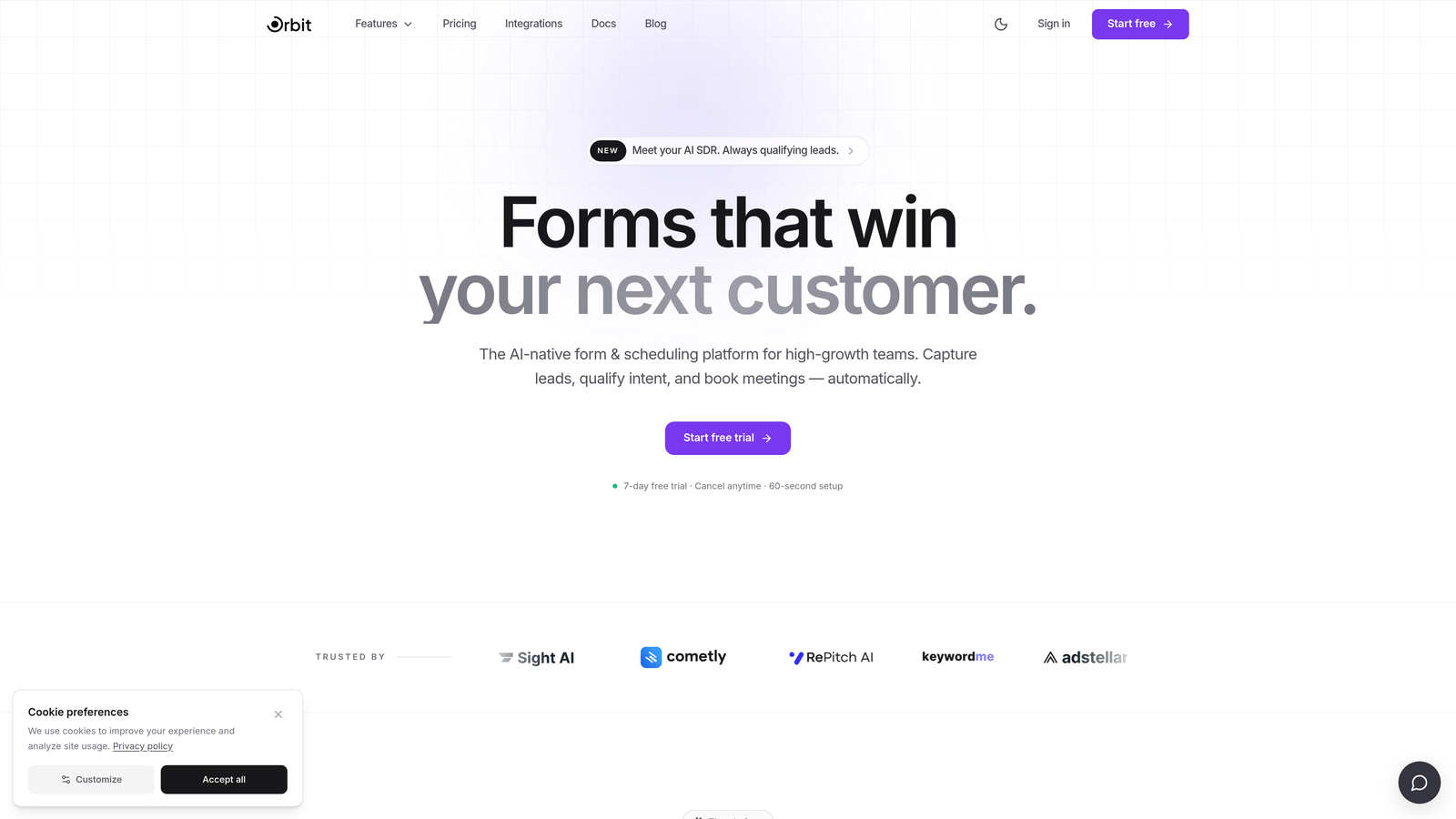
The platform is designed with conversion optimization at its core. Think clean, modern interfaces, smart conditional logic, and form flows that adapt to respondent behavior in real time. If you want to understand how to qualify leads with forms at a deeper level, the approach Orbit AI takes is the practical application of that methodology built directly into the product.
Implementation Steps
1. Sign up and choose a conversion-optimized template that matches your use case, whether that's a demo request form, a lead intake form, or a multi-step qualification funnel.
2. Configure your AI qualification logic by defining what a high-quality lead looks like for your business — company size, role, budget range, or any other signal that matters to your team.
3. Connect your CRM or sales tool so that qualified leads flow directly into your pipeline without manual sorting or follow-up delays.
Pro Tips
Start with your lead qualification questions before you design the form. Knowing exactly what signals indicate a strong prospect will shape every field you include. Also, use Orbit AI's conditional logic to keep forms short for users who qualify early — there's no reason to ask ten questions when five already tell you everything you need to know.
2. Typeform — Best for Conversational UX and Survey-Style Forms
The Challenge It Solves
Traditional form layouts can feel like filling out a tax return. When you present respondents with a wall of fields, many of them abandon before completing. For teams that rely on survey data, customer feedback, or onboarding flows where respondent experience matters, a more engaging format can make a meaningful difference in completion rates.
The Strategy Explained
Typeform pioneered the one-question-at-a-time conversational format, and it remains one of the most recognizable approaches in form design. Rather than displaying all fields at once, Typeform presents questions sequentially, creating a more dialogue-like experience that tends to feel less overwhelming for respondents. The platform also offers strong visual design options, conditional logic, and a polished interface that makes forms feel like a natural part of a branded experience.
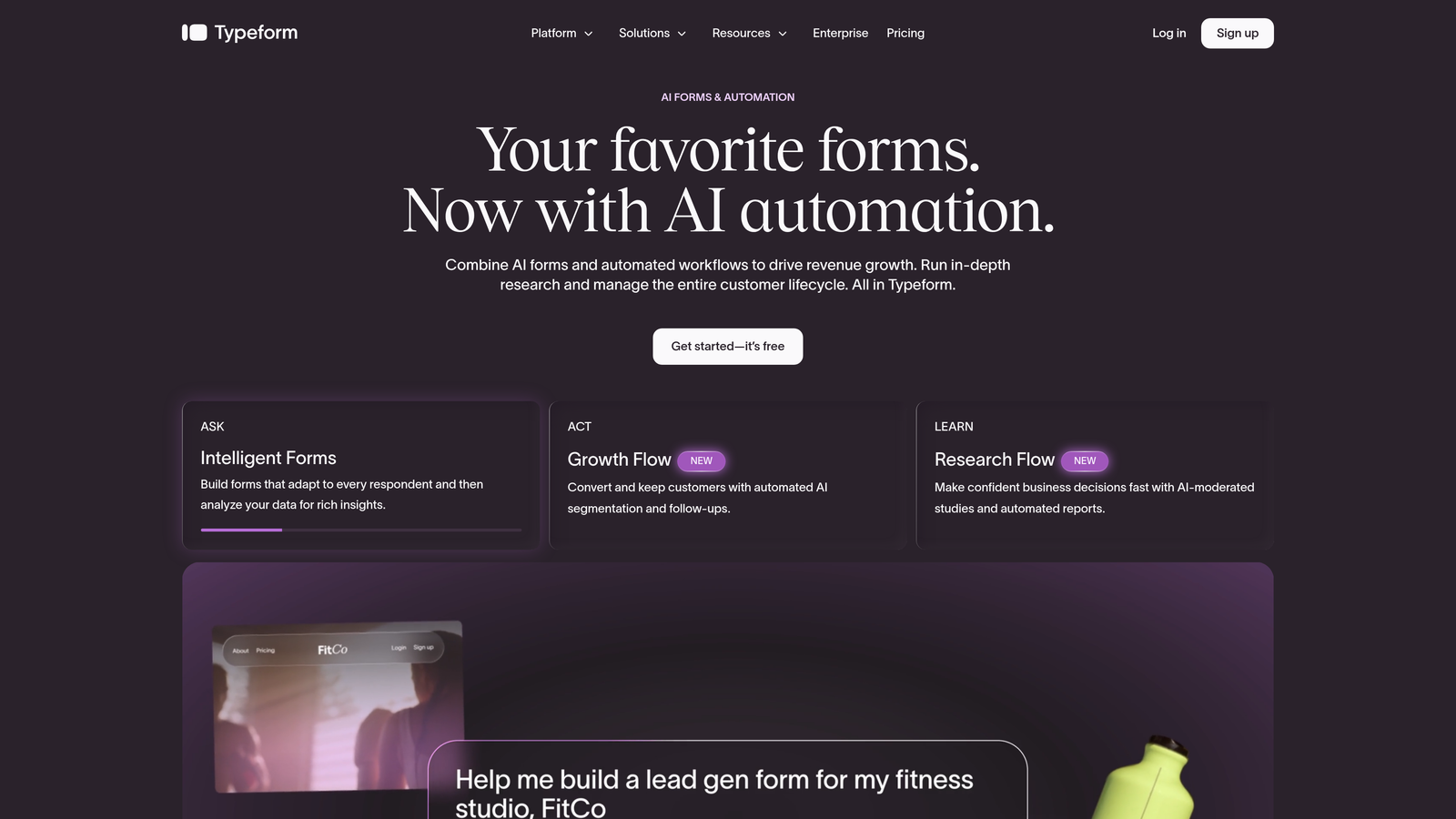
It's worth noting that Typeform is genuinely excellent for what it does. If your primary use case is surveys, research collection, or audience engagement forms where the experience itself is part of the value, Typeform is hard to beat. However, for teams focused on improving lead quality through active qualification, it lacks the native intelligence that purpose-built platforms offer.
Implementation Steps
1. Select a template from Typeform's library or build from scratch using their visual editor, keeping your question sequence logical and progressive.
2. Apply conditional logic to branch the form based on earlier responses, so respondents only see questions relevant to their situation.
3. Connect Typeform to your downstream tools via native integrations or Zapier to ensure responses feed into your CRM, email platform, or analytics stack.
Pro Tips
Keep your Typeform flows tight. The conversational format works best when you're asking 5 to 10 focused questions — not 25. If you're exploring Typeform alternatives for businesses with more complex needs, the one-question format can sometimes slow down power users who prefer to scan and complete quickly.
3. Tally — Best Free Option for Lean Teams and Startups
The Challenge It Solves
Early-stage teams and bootstrapped startups often need functional forms fast without committing to a paid tool. Most form builders either limit features aggressively on free tiers or require credit cards upfront. When budget is constrained and speed matters, the barrier to getting a form live should be as low as possible.
The Strategy Explained
Tally takes a genuinely generous approach to its free tier, offering unlimited forms and unlimited responses without requiring a paid plan. The interface is clean and Notion-inspired, which means it feels immediately familiar to teams already working in modern productivity tools. Building a form in Tally is fast, the embed options are flexible, and the overall experience is refreshingly uncluttered compared to older platforms.
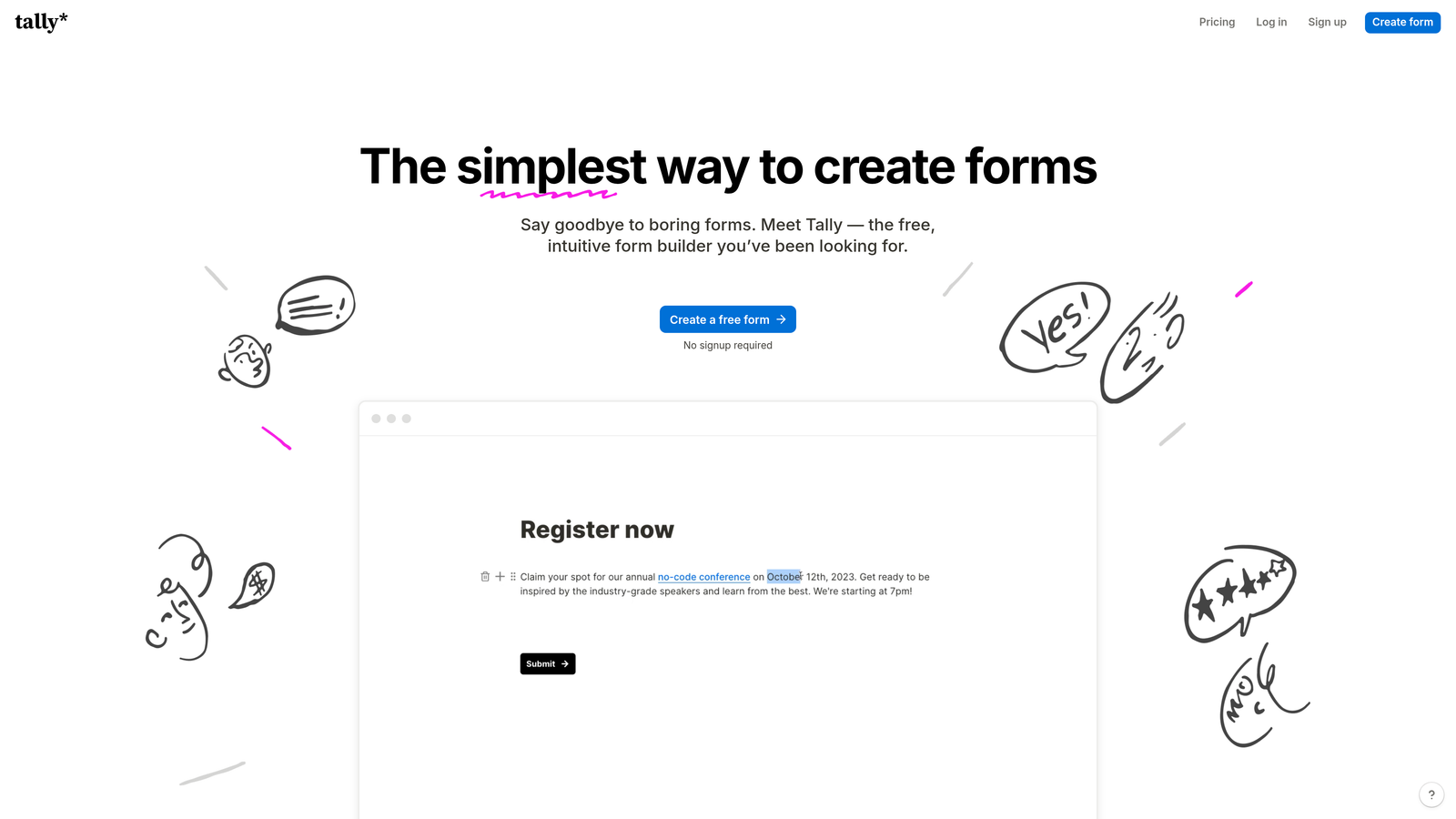
For lean teams that need to capture leads, run internal surveys, or collect structured data without a complex setup, Tally delivers a strong baseline. The trade-off is depth: Tally doesn't offer the kind of AI-powered lead qualification or advanced conversion optimization features that high-growth teams eventually need as they scale. Teams looking for the best lead capture tools for startups will find Tally a useful entry point before graduating to more capable platforms.
Implementation Steps
1. Create a free Tally account and use the block-based editor to build your form — no templates required, though they're available if you want a starting point.
2. Set up basic conditional logic to show or hide fields based on responses, keeping the form experience relevant for each respondent.
3. Embed the form on your site using Tally's embed code, or share via direct link for quick deployment without any development work.
Pro Tips
Tally is a great starting point, but plan for what happens when you outgrow it. As your lead volume grows and you need to start thinking about reducing form field friction and qualifying prospects more precisely, you'll want a platform with more intelligence built in. Use Tally to validate your form strategy early, then upgrade when conversion optimization becomes a priority.
4. Fillout — Best for Operations Teams with Complex Data Workflows
The Challenge It Solves
Operations teams often need forms that do more than collect data — they need forms that plug directly into structured databases, trigger multi-step workflows, and handle conditional logic sophisticated enough to replace manual processes. Generic form builders frequently fall short when the downstream data environment is complex.
The Strategy Explained
Fillout has built a strong reputation among operations-focused teams for its deep integrations with tools like Notion, Airtable, and major CRMs. Rather than treating integrations as an afterthought, Fillout makes them central to the form-building experience. You can build forms that read from and write to your databases in real time, create multi-step flows with branching logic, and manage structured data collection in a way that more surface-level form builders simply can't match.
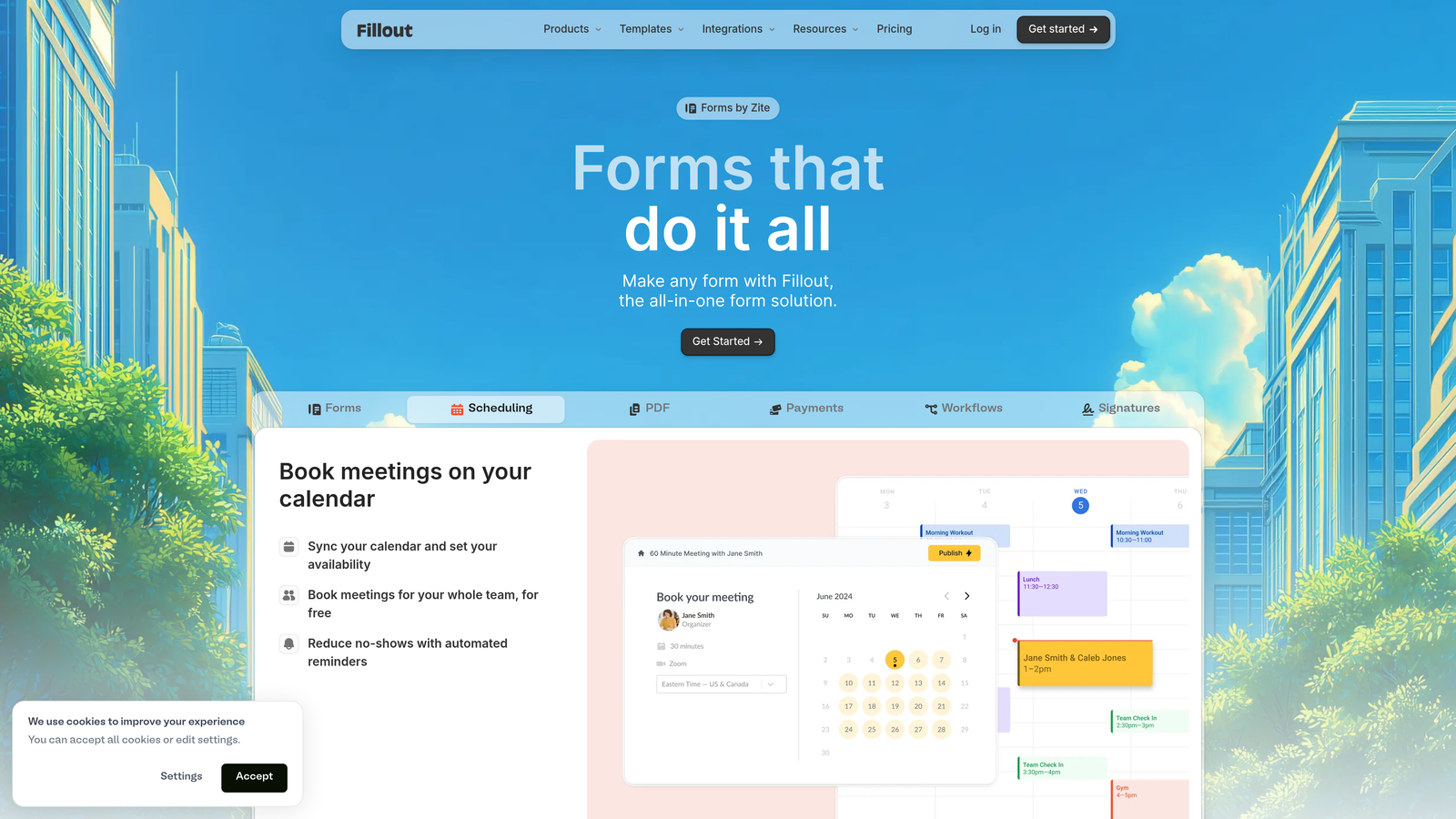
For teams running complex intake processes, internal request workflows, or multi-stage data pipelines, Fillout offers a level of operational depth that earns its place in a modern tech stack. The trade-off is that it's optimized for structured data workflows rather than front-end conversion performance, so it's less suited to lead generation landing pages where visual design and psychological optimization matter. Understanding multi-step form best practices can help you get the most out of Fillout's branching capabilities.
Implementation Steps
1. Connect Fillout to your primary database or CRM first — the integration setup is the foundation that makes everything else work correctly.
2. Build your form logic around the data structure you need on the output side, mapping each field to the corresponding database column or CRM property from the start.
3. Test your conditional logic thoroughly before going live, especially for multi-step flows where branching errors can result in incomplete or misrouted data.
Pro Tips
Fillout shines brightest when your form is one part of a larger automated workflow. If you're building a standalone lead capture form focused on conversion, you'll likely want a platform with more emphasis on form design psychology and front-end optimization. Use Fillout where data integrity and workflow automation are the primary goals.
5. Paperform — Best for Design-Forward Service Businesses and Creators
The Challenge It Solves
Many businesses need forms that function as standalone experiences rather than embedded data collectors. Service businesses, coaches, and creators often want a form page that looks and feels like a proper landing page, with rich media, branded visuals, and the ability to process payments — all in one place.
The Strategy Explained
Paperform takes a document-first approach to form building, allowing you to mix text, images, video, and form fields on the same canvas. The result is a form that reads more like a designed page than a traditional input form. Add custom CSS support, calculation fields for dynamic pricing, and built-in payment processing, and you have a tool that genuinely blurs the line between form builder and lightweight landing page builder.
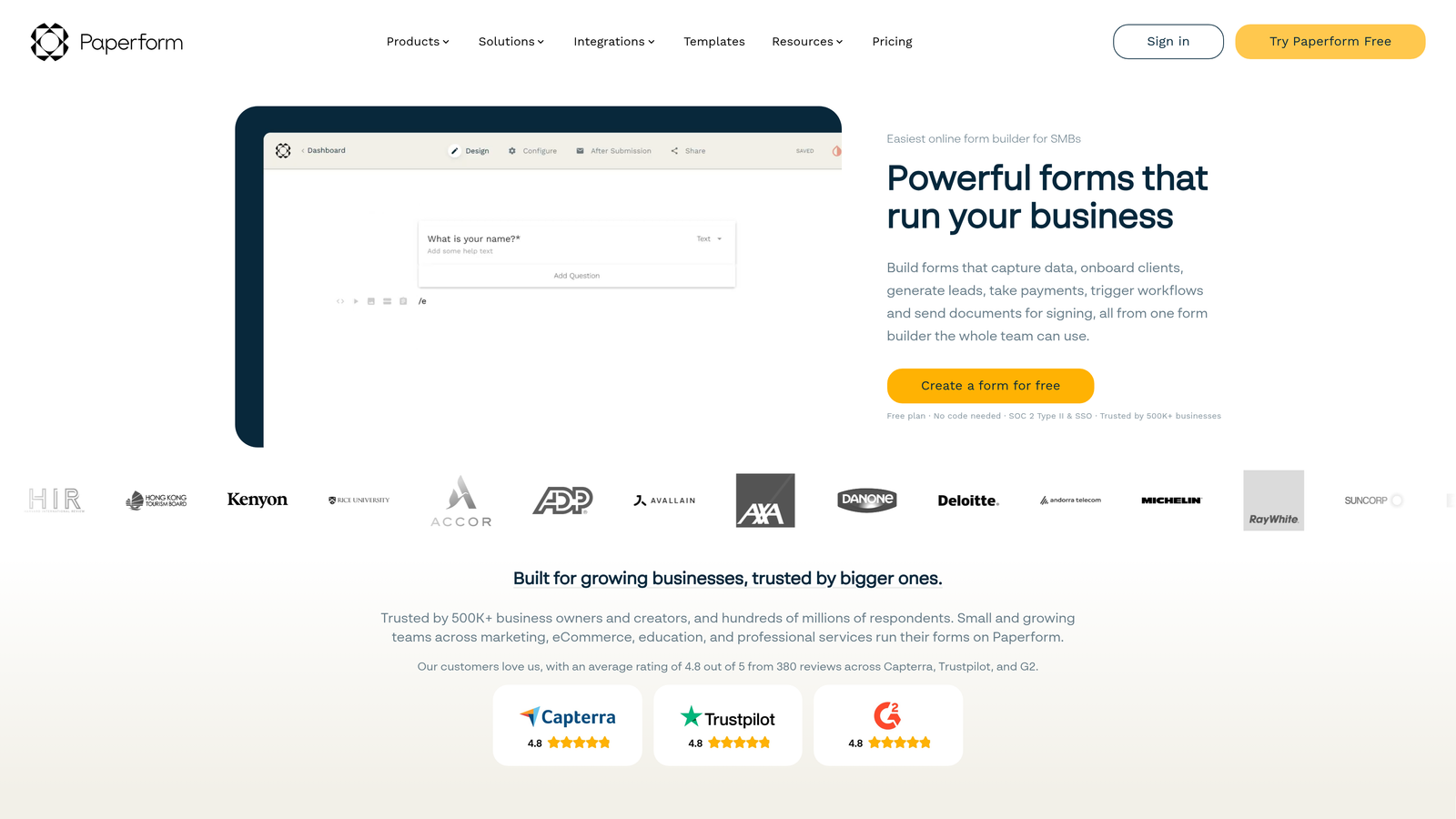
For service businesses that want to collect project briefs, take bookings, or process orders without stitching together multiple tools, Paperform offers a compelling all-in-one solution. It's less focused on lead qualification intelligence and more focused on creating a polished, self-contained experience that can stand on its own as a customer touchpoint. Teams evaluating their options should review form builder alternatives for marketers to understand where Paperform fits relative to conversion-focused platforms.
Implementation Steps
1. Start with your content structure before your form fields — decide what narrative or context you want to provide before asking for input, and build the page flow around that.
2. Use calculation fields to create dynamic experiences, such as showing a price estimate based on earlier selections, which increases perceived value and reduces follow-up friction.
3. Connect payment processing directly within the form to eliminate the need for a separate checkout step, reducing drop-off at the point of transaction.
Pro Tips
Paperform's strength is presentation. If you're using it for lead generation rather than transactions, invest time in the written content surrounding your fields — the context you provide shapes how respondents perceive the ask. Pair it with clear calls to action and strong visual hierarchy to get the most out of its design flexibility.
6. HubSpot Forms — Best for Revenue Teams Already in the HubSpot Ecosystem
The Challenge It Solves
Revenue teams that live in HubSpot often face a frustrating disconnect: they use a third-party form builder, then spend time mapping fields, managing sync errors, and debugging broken integrations. Every layer of friction between form submission and CRM record is a potential point of failure in the lead handoff process.
The Strategy Explained
HubSpot Forms eliminates that friction entirely by being native to the HubSpot CRM. When a contact submits a HubSpot form, their data flows directly into the CRM with no integration layer required. Smart fields recognize known contacts and skip fields they've already completed, reducing friction for returning visitors. The free tier is genuinely useful, and the forms connect seamlessly to HubSpot's email marketing, workflows, and reporting tools.
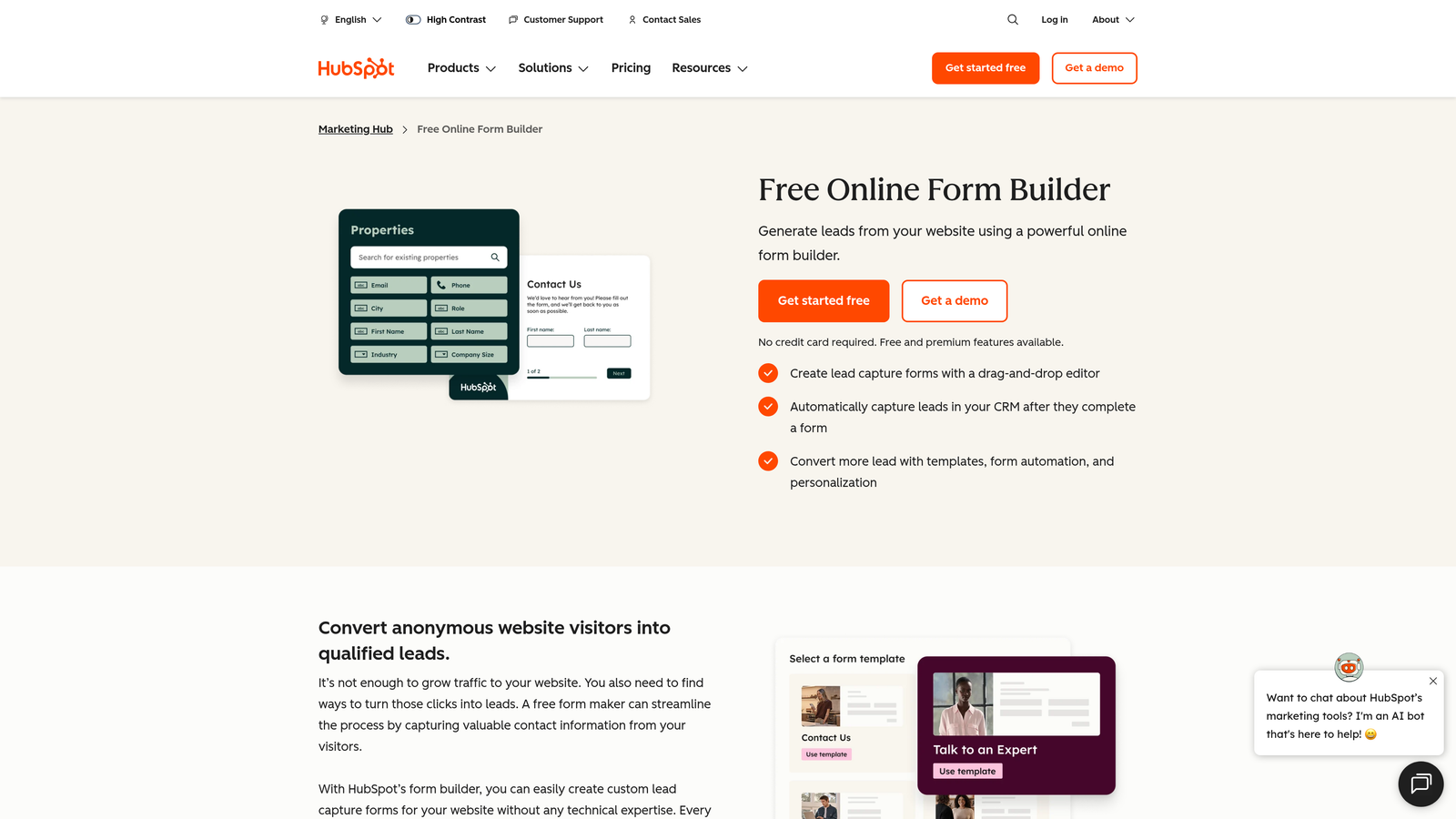
The limitation is clear: HubSpot Forms is designed to serve the HubSpot ecosystem, not to be the best standalone form builder. If you're not already committed to HubSpot as your CRM, you're essentially adopting a platform just to use its form tool, which rarely makes sense. Teams weighing their options should explore HubSpot Forms alternative solutions to understand what's available outside the ecosystem. But for teams already invested in HubSpot, using native forms is almost always the right call.
Implementation Steps
1. Build your form directly within HubSpot's form editor and map every field to the corresponding contact or deal property in your CRM from the start.
2. Enable smart fields so that known contacts don't see fields they've already filled out — this is a simple toggle that meaningfully improves the experience for returning visitors.
3. Set up enrollment triggers in HubSpot Workflows based on form submissions so that leads are automatically segmented, nurtured, or assigned to sales reps without manual intervention.
Pro Tips
Don't use HubSpot Forms as a reason to avoid thinking about conversion optimization. Native CRM sync is a huge operational advantage, but it doesn't automatically make your forms more effective at capturing leads. Pair HubSpot's forms with intentional form conversion rate improvements to get the best of both worlds: clean data and strong completion rates.
7. Google Forms — Best for Internal Surveys and Basic Free Data Collection
The Challenge It Solves
Sometimes you just need a quick, reliable way to collect structured responses from a known group of people. Internal surveys, team check-ins, event registrations for company functions, and basic feedback collection don't require sophisticated tooling. Overengineering these use cases wastes time and budget.
The Strategy Explained
Google Forms is completely free, requires no setup beyond a Google account, and integrates directly with Google Sheets for instant data organization. For internal use cases within organizations already running on Google Workspace, it's the path of least resistance. Responses populate a spreadsheet automatically, basic logic is available for branching questions, and sharing is as simple as sending a link.
The limitations are equally well-documented. Google Forms offers no custom branding on the free tier, limited conditional logic compared to modern alternatives, no payment processing, and a visual design that signals "internal tool" rather than "professional customer touchpoint." For external-facing lead generation or any scenario where brand perception matters, it's the wrong choice. If you've been relying on Google Forms for customer-facing data collection, exploring a proper alternative to Google Forms will likely reveal significant gaps in what you've been missing.
Implementation Steps
1. Create your form directly in Google Forms via your Google account — no installation or configuration required, making it the fastest possible path to a live form.
2. Use the "Go to section based on answer" logic for any branching you need, keeping the form focused and avoiding irrelevant questions for different respondent types.
3. Link the form responses to a Google Sheet for automatic data collection, and use Sheets' built-in filtering and sorting to organize responses without any additional tooling.
Pro Tips
Be honest with yourself about when Google Forms is the right tool and when it's a workaround. It's excellent for internal use. The moment a form represents your brand to an external audience or plays a role in your lead generation process, the limitations become real costs — in conversion rates, in lead quality, and in the impression you make on potential customers.
Putting It All Together: Choosing the Right Platform for Your Team
The right JotForm alternative depends entirely on what's holding your current setup back. There's no universal answer, but there is a right answer for your specific situation.
Here's a quick way to think through the decision:
Prioritizing lead quality and AI qualification: Orbit AI is the purpose-built choice. If your sales team is wasting time on unqualified leads or your form-to-pipeline conversion is underperforming, native intelligence at the form level is the lever that moves the needle.
Prioritizing respondent experience and survey design: Typeform delivers the most polished conversational format available. For research, NPS surveys, or audience engagement, it remains a strong option.
Constrained by budget: Tally and Google Forms both offer genuinely useful free tiers. Tally is the better choice for external-facing forms; Google Forms works well for internal use.
Running complex operational workflows: Fillout's database integrations and conditional logic depth make it the right fit for operations teams managing structured multi-step data flows.
Building design-forward customer experiences: Paperform's document-style canvas and payment processing capabilities suit service businesses and creators who need forms that function like landing pages.
Already committed to HubSpot: Use HubSpot Forms. The native CRM sync eliminates integration overhead and keeps your revenue data clean.
The broader point is this: stop treating forms as a passive data collection tool and start treating them as an active part of your growth stack. Your forms are often the first point of contact between your brand and a potential customer. The platform you choose shapes that experience directly.
Most tools on this list offer free trials or free tiers, so there's no reason not to test before committing. Start by identifying your biggest friction point, whether that's form completion rates, lead quality, or integration gaps, and choose the platform that directly solves that problem. Transform your lead generation with AI-powered forms that qualify prospects automatically while delivering the modern, conversion-optimized experience your high-growth team needs. Start building free forms today and see how intelligent form design can elevate your conversion strategy.


