

When a lead fills out your form, every second of delay before it hits your CRM is a second your competitor could be closing them. CRM form integration tools eliminate that gap by automatically routing submissions into your pipeline, triggering follow-ups, and qualifying leads without manual data entry.
The challenge is that pricing models across these tools vary wildly. Some charge per form, some per seat, and some bury integration fees behind enterprise tiers. This guide cuts through the noise so you can make a confident decision.
We evaluated nine tools based on native CRM connectivity, ease of setup, lead qualification capabilities, and transparent pricing. Each is assessed by how well it serves high-growth teams focused on conversion, not just data collection.
1. Orbit AI
Best for: High-growth B2B and SaaS teams that want AI-powered lead qualification before submissions reach the CRM.
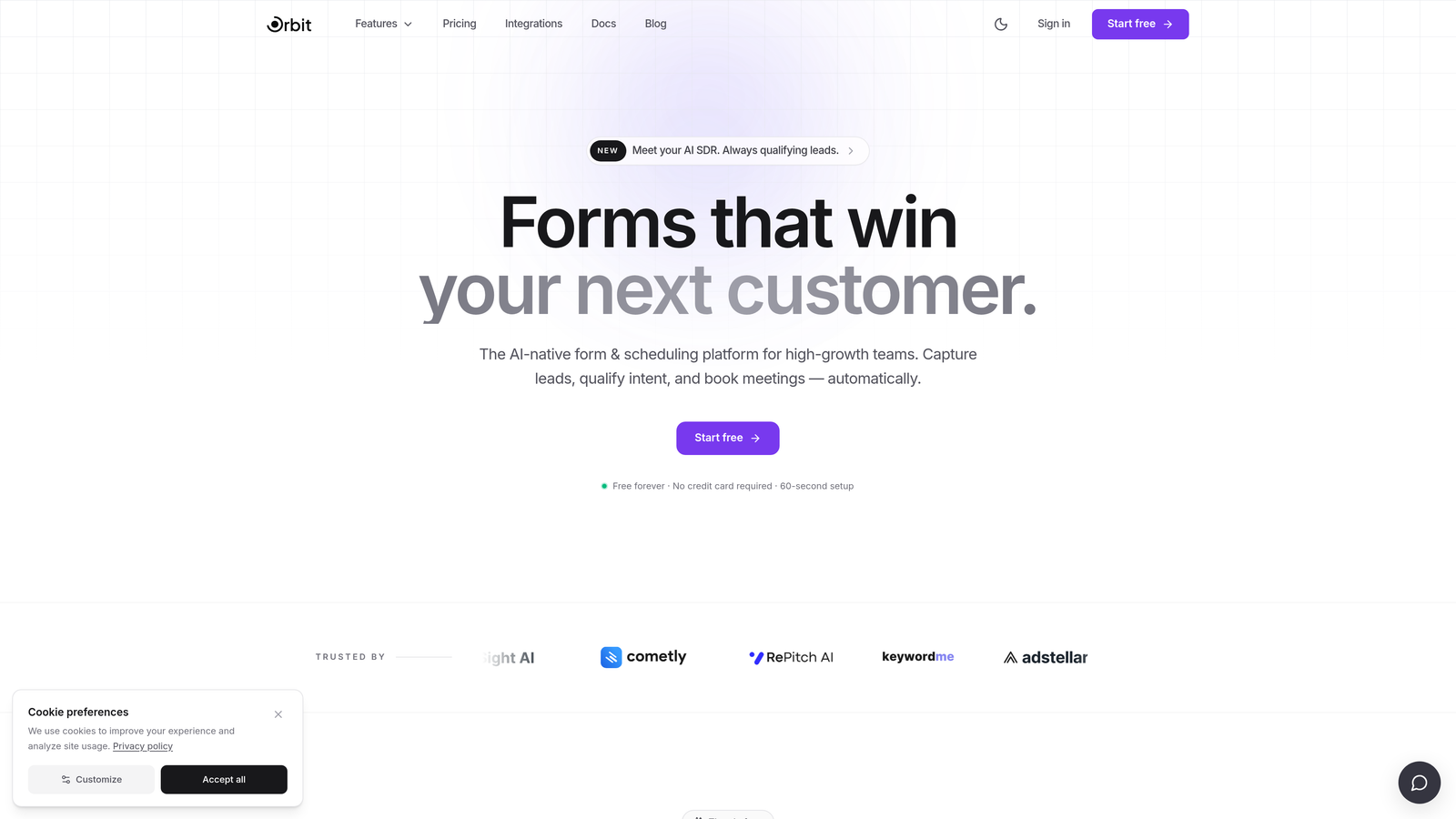
Orbit AI is an AI-powered form builder with built-in lead qualification and CRM sync, designed for teams that want to stop routing unqualified leads into their pipeline.
Where This Tool Shines
Most form tools are passive collectors. They capture whatever a visitor submits and dump it into your CRM, leaving your sales team to sort the signal from the noise. Orbit AI flips that model by scoring and routing leads before they ever touch your pipeline.
The result is a cleaner CRM, faster rep response times, and less time wasted on leads that were never going to convert. For high-growth SaaS and B2B teams where pipeline quality directly affects revenue velocity, that upstream filtering is a meaningful operational advantage.
Key Features
AI Lead Scoring: Qualifies submissions automatically before they reach your CRM, filtering low-intent leads upstream.
Automated Lead Routing: Sends qualified leads to the right rep or pipeline stage based on submission data and scoring rules.
Conversion-Optimized Design: Conditional logic and modern form design built to maximize completion rates, not just capture data.
Native CRM Integrations: Connects directly to major CRM platforms without requiring middleware or manual mapping.
Real-Time Analytics: Tracks form performance and lead quality in one dashboard so you can optimize both the form and the funnel.
Best For
SaaS companies and B2B teams running high-volume inbound programs where pipeline quality matters as much as pipeline quantity. Particularly valuable for teams that have experienced the pain of sales reps chasing unqualified leads from form submissions.
Pricing
Check orbitforms.ai for current plans and pricing. Given the AI qualification layer, it's worth comparing total cost against what your team currently spends managing unqualified leads downstream.
2. HubSpot Forms
Best for: Teams already using HubSpot CRM who want zero-friction, native form-to-CRM sync.
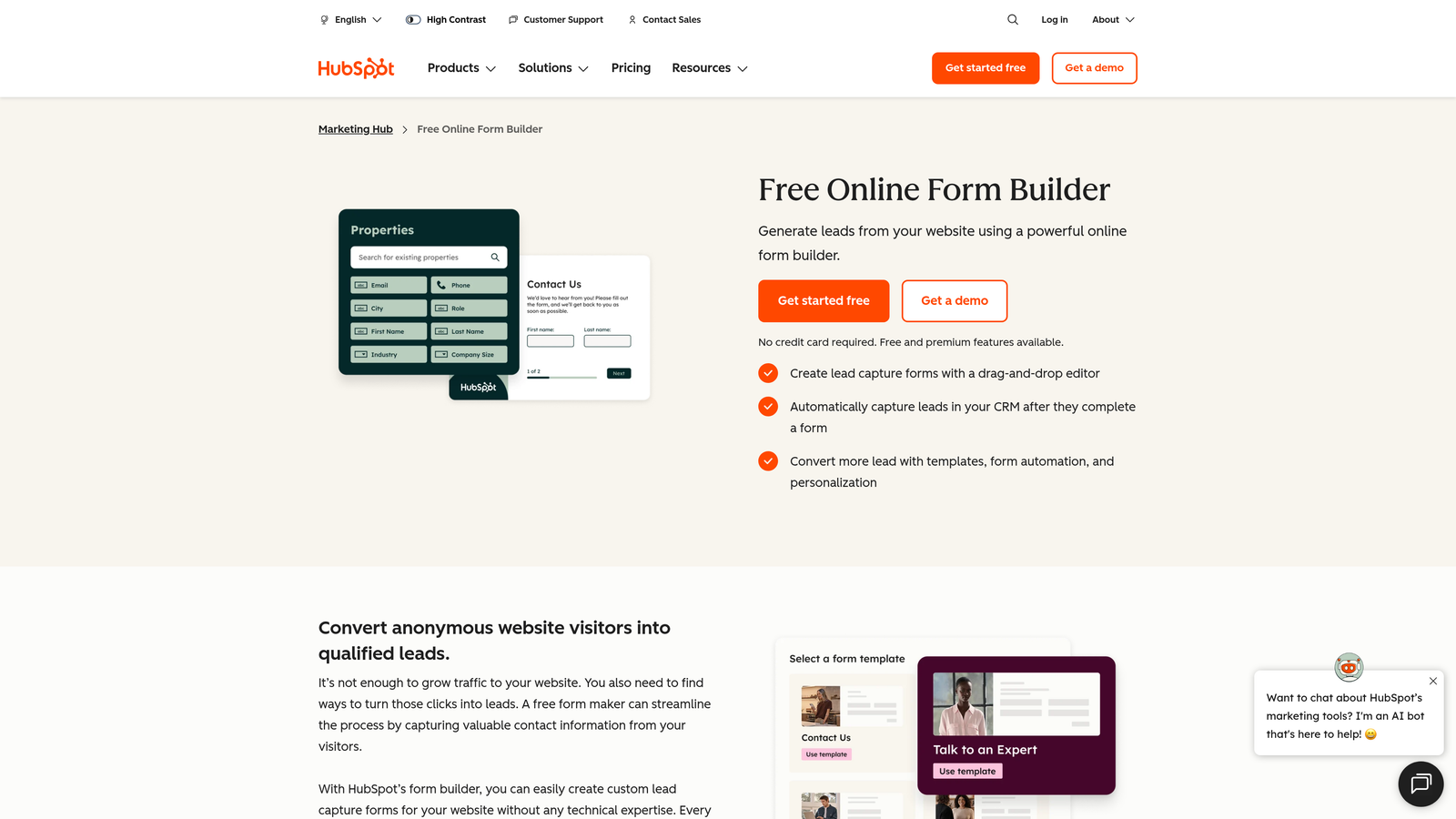
HubSpot Forms is a native form builder embedded directly in HubSpot CRM with no sync delay and no integration setup required for HubSpot users.
Where This Tool Shines
If your team lives in HubSpot, this is the path of least resistance. Forms are built inside the CRM, contacts are created or updated instantly on submission, and there's no middleware to configure or maintain. The data is already where your reps need it.
Progressive profiling is a standout feature: HubSpot Forms can detect returning visitors and ask new questions instead of repeating ones already answered, gradually enriching contact records over time without friction.
Key Features
Native CRM Sync: Form submissions create or update HubSpot contacts instantly with no integration layer required.
Progressive Profiling: Automatically shows new questions to returning visitors to build richer contact records over time.
Smart Fields: Adapts form fields based on what HubSpot already knows about a contact, reducing redundancy.
Free Tier Availability: Core form functionality is available on HubSpot's free CRM plan, making it accessible without upfront cost.
Best For
Teams already committed to the HubSpot ecosystem. If you're using HubSpot as your CRM, this is the most efficient option. If you're on a different CRM, connecting HubSpot Forms adds unnecessary complexity.
Pricing
Free with HubSpot Free CRM. Marketing Hub Starter starts at approximately $20/month. Verify current pricing at hubspot.com as seat-based pricing has evolved.
3. Typeform
Best for: Teams prioritizing form engagement and completion rates with a conversational user experience.
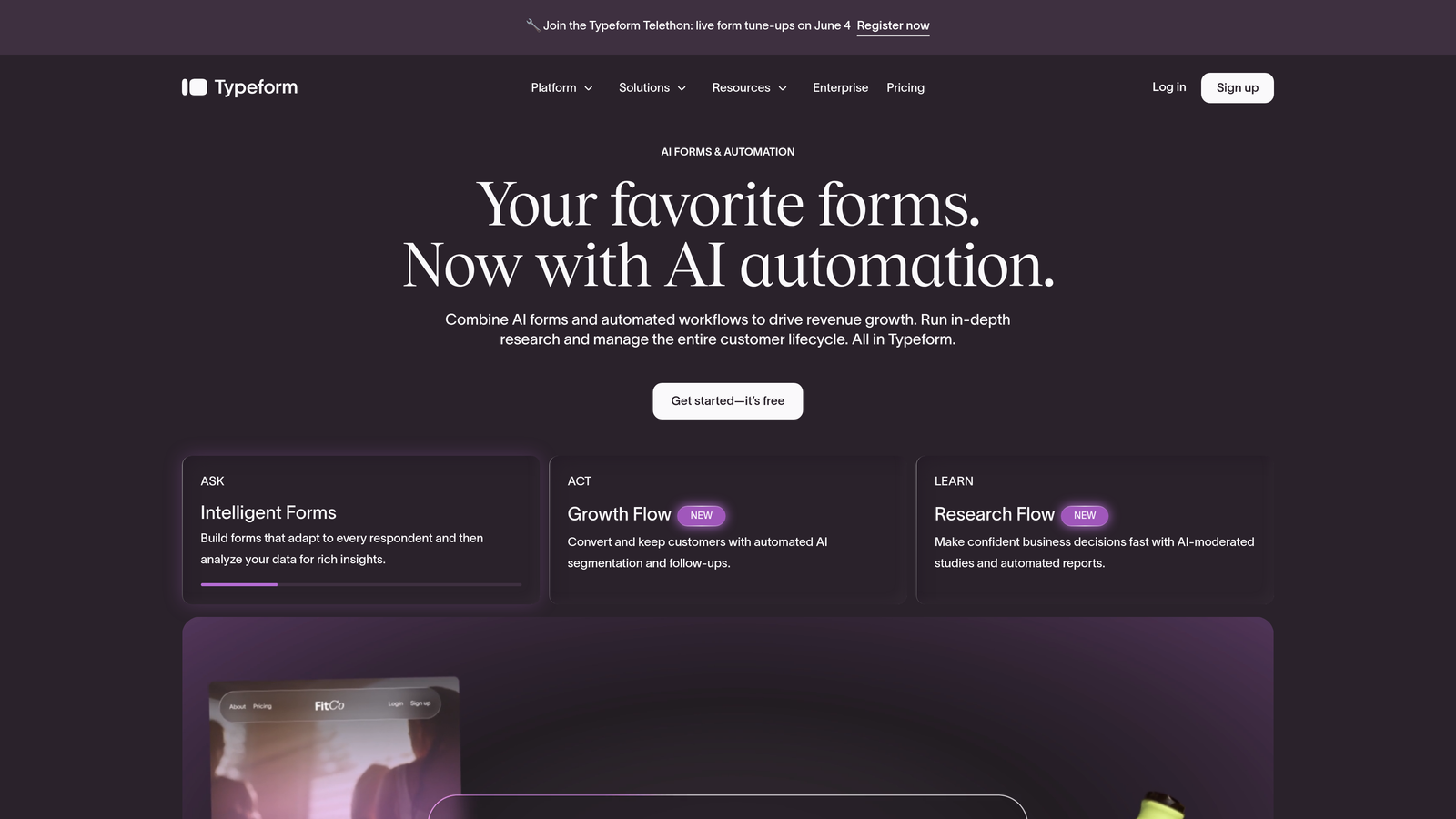
Typeform is a conversational form builder known for high engagement rates, with native CRM integrations available on paid plans.
Where This Tool Shines
Typeform's one-question-at-a-time format makes forms feel less like interrogations and more like conversations. For top-of-funnel lead capture where first impressions matter, that experience difference can meaningfully improve completion rates.
The tradeoff is that native CRM integrations are gated behind the Business plan. Teams on lower tiers typically rely on Zapier to connect Typeform to their CRM, which adds both cost and a dependency to manage.
Key Features
Conversational Format: One question at a time reduces cognitive load and typically improves form completion rates.
Native CRM Integrations: Direct connections to HubSpot, Salesforce, and Pipedrive available on the Business plan.
Logic Jumps: Conditional branching lets you tailor the form path based on earlier answers.
Zapier Compatibility: Lower-tier plans can connect to CRMs via Zapier as an alternative to native integrations.
Best For
Marketing teams that want polished, high-engagement forms for lead capture campaigns. Best suited for teams where the Business plan cost is justified by conversion volume. Less ideal if you need deep CRM logic on a budget.
Pricing
Free plan available with limited responses. Plus approximately $25/month; Business approximately $83/month. Verify current pricing at typeform.com.
4. Jotform
Best for: SMBs and operations teams that need broad CRM coverage and generous form flexibility at a reasonable price.
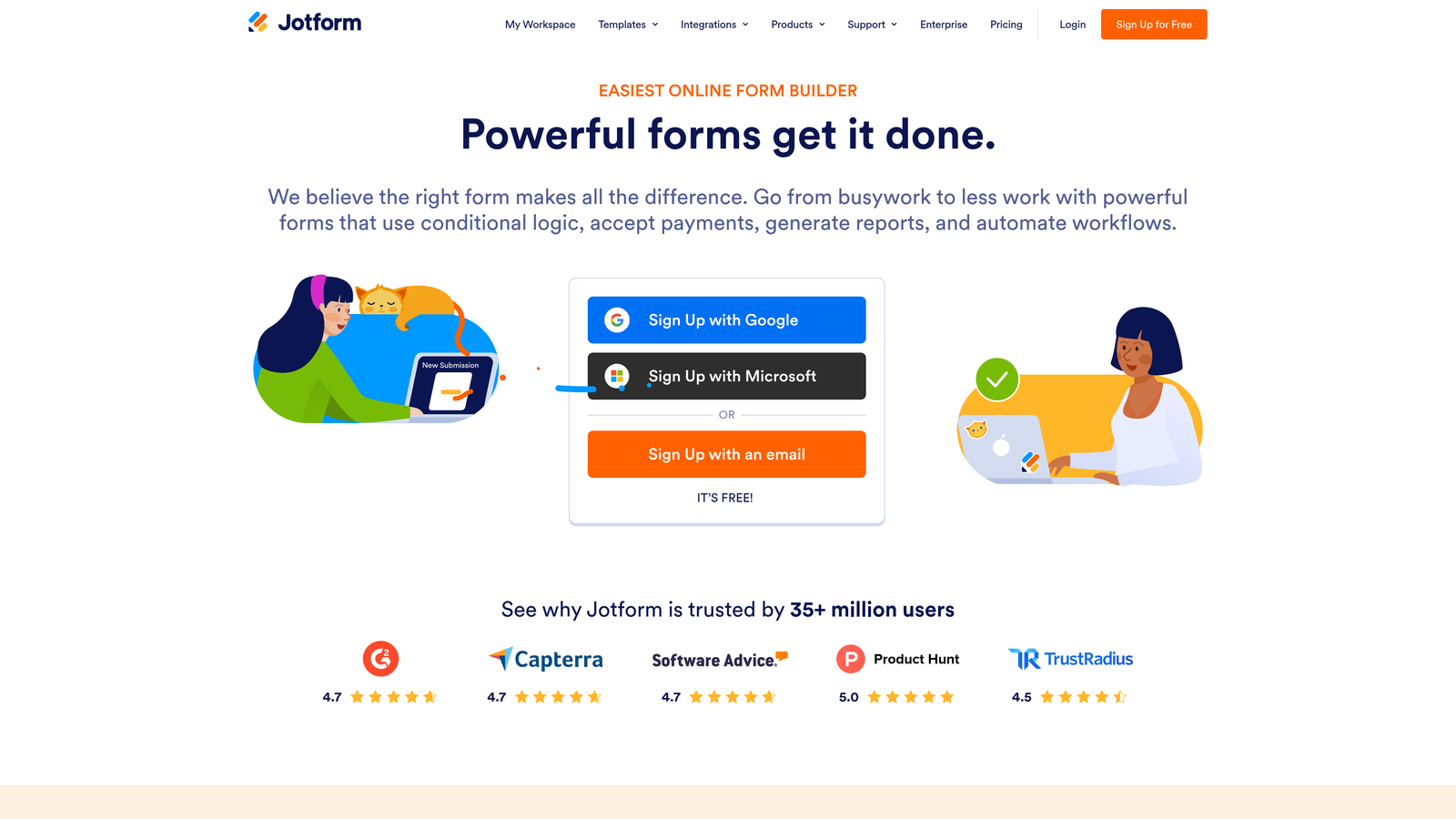
Jotform is a highly versatile form builder with over 100 native CRM integrations and a generous free tier, offering strong value for small and mid-sized businesses.
Where This Tool Shines
Jotform's breadth of integrations is genuinely impressive. Whether your team is on Salesforce, HubSpot, Zoho, Pipedrive, or a less common CRM, there's likely a native connector available. That makes it a practical choice for agencies or operations teams supporting multiple clients or CRM environments.
The template library is extensive, and the drag-and-drop builder is approachable for non-technical users. The main thing to watch at scale is submission-based pricing, which can climb faster than expected as your lead volume grows.
Key Features
100+ Native Integrations: Covers virtually every major CRM including Salesforce, HubSpot, Zoho, and Pipedrive without middleware.
Template Library: Over 10,000 form templates accelerate setup across different use cases and industries.
Conditional Logic: Multi-page forms with branching logic for more sophisticated lead capture flows.
Submission-Based Pricing: Costs scale with volume, which is worth modeling before committing at higher submission rates.
Best For
SMBs needing broad CRM compatibility without enterprise pricing. Also well-suited for agencies managing forms across multiple client CRM environments. Less ideal for high-volume SaaS teams where submission costs could escalate.
Pricing
Free plan includes up to 100 submissions per month. Bronze approximately $39/month; Gold approximately $129/month. Verify current tiers at jotform.com.
5. Salesforce Web-to-Lead
Best for: Salesforce users who need fast, no-cost form-to-CRM capture without adding another tool to the stack.
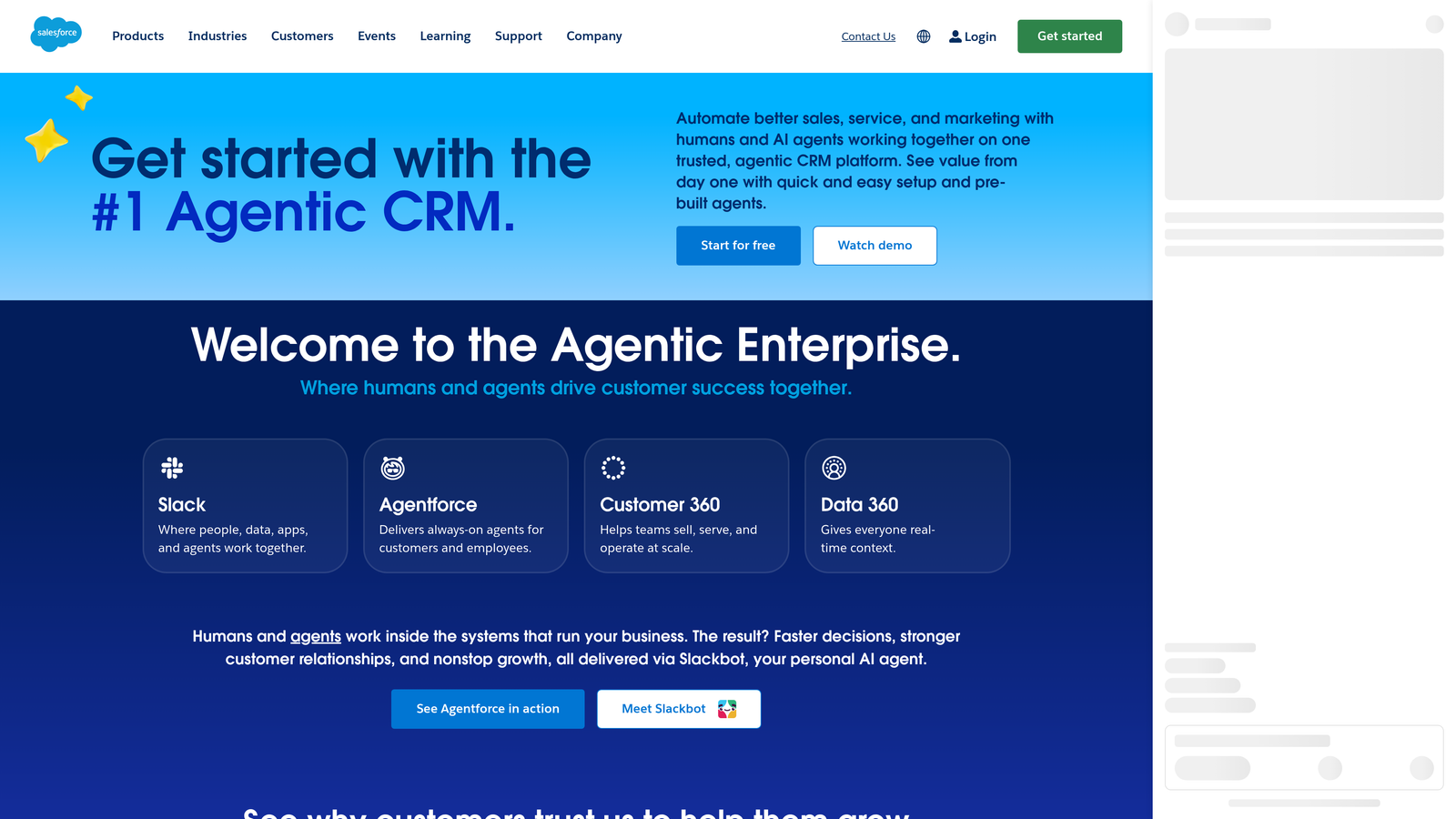
Salesforce Web-to-Lead is Salesforce's built-in form generator that routes submissions directly into Salesforce leads with no middleware required.
Where This Tool Shines
If your team is already paying for Salesforce Sales Cloud, Web-to-Lead costs nothing extra. It generates HTML form code that maps directly to Salesforce lead fields, and submissions trigger lead assignment rules automatically. For teams that need a quick, functional form-to-CRM connection, it gets the job done.
The honest limitation is design flexibility. Web-to-Lead produces bare-bones HTML that typically requires a developer or landing page tool to make presentable. It's a backend workhorse, not a front-end experience tool.
Key Features
Zero Additional Cost: Included with all Salesforce Sales Cloud licenses at no extra charge.
Direct Field Mapping: Generated HTML maps form inputs directly to Salesforce lead fields without a sync layer.
Auto-Assignment Rules: Triggers Salesforce lead assignment rules on submission for automatic rep routing.
No Design Flexibility: Produces functional but unstyled HTML, typically requiring pairing with an external landing page tool.
Best For
Teams already on Salesforce Sales Cloud who need a simple, free form-to-CRM solution and are comfortable handling the design layer separately. Not suitable as a standalone form experience for high-conversion landing pages.
Pricing
Included with Salesforce Sales Cloud. Base plans start at approximately $25/user/month. Verify current licensing at salesforce.com.
6. Gravity Forms
Best for: WordPress-native businesses that want powerful form logic and CRM integrations without leaving their existing stack.
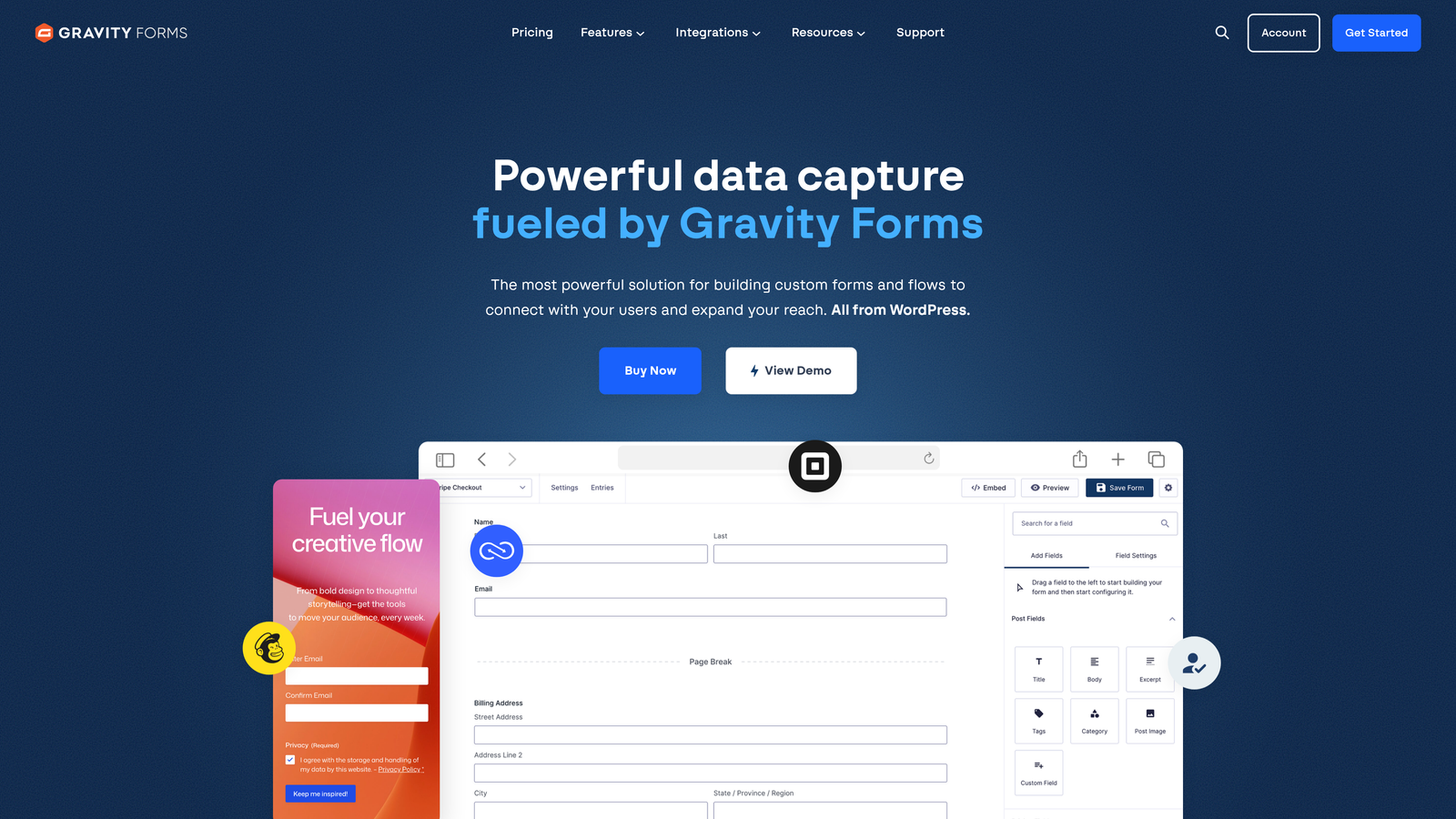
Gravity Forms is the leading WordPress form plugin with a robust add-on ecosystem for CRM integrations, built specifically for WordPress-native teams.
Where This Tool Shines
For WordPress sites, Gravity Forms is the gold standard. It handles complex conditional logic, multi-step forms, and field calculations natively, and official CRM add-ons extend it to Salesforce, HubSpot, and Zoho. Annual licensing rather than per-submission pricing makes it cost-predictable at scale.
The key consideration is that official CRM add-ons require the Elite license. If you're budgeting for CRM integration, factor that into your total cost from the start rather than discovering it after purchasing a lower tier.
Key Features
CRM Add-Ons: Official integrations for Salesforce, HubSpot, and Zoho available on the Elite license.
Advanced Conditional Logic: Multi-step forms with sophisticated branching and field calculation capabilities.
WordPress-Native: No external hosting or third-party platform required; runs entirely within your WordPress environment.
Annual Licensing: Flat annual fee rather than per-submission pricing, making costs predictable regardless of form volume.
Best For
WordPress-based businesses that need serious form functionality with CRM connectivity. Not appropriate for teams not on WordPress, and the Elite tier cost should be factored in if CRM integration is a requirement.
Pricing
Basic approximately $59/year; Elite approximately $259/year (required for official CRM add-ons). Verify current licensing at gravityforms.com.
7. Zapier
Best for: Teams that need to connect any form builder to any CRM without switching their existing tools.
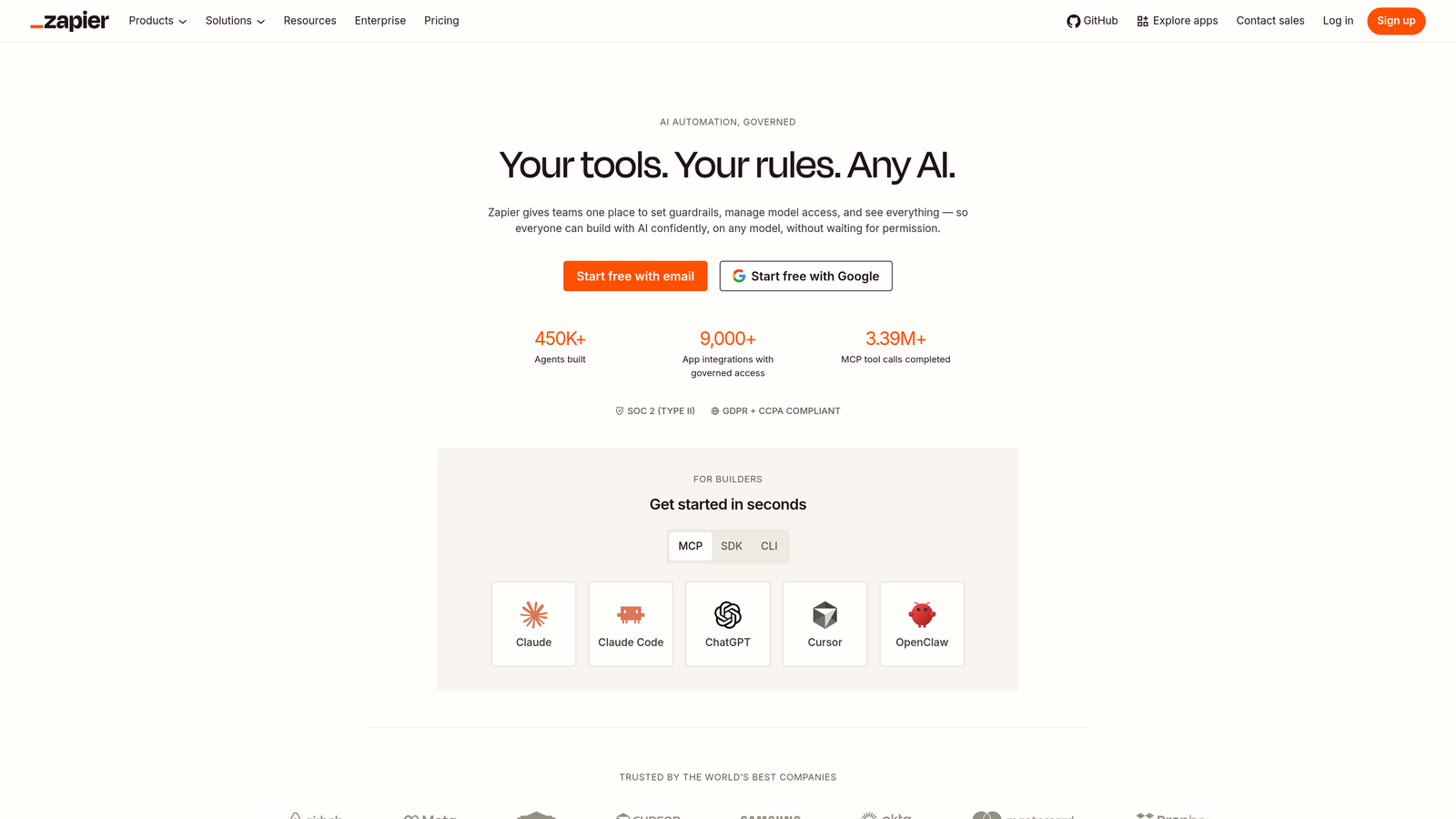
Zapier is the leading no-code automation platform that acts as middleware to connect virtually any form builder to virtually any CRM.
Where This Tool Shines
Zapier's strength is flexibility. If your form builder doesn't have a native integration with your CRM, Zapier almost certainly bridges the gap. With connections to over 7,000 apps, it's the universal adapter of the automation world, and multi-step Zaps let you build genuinely sophisticated lead routing workflows.
The important caveat is cost scaling. Zapier charges per task execution, meaning every form submission that triggers a Zap counts toward your usage. At low volumes this is manageable, but high-growth teams processing thousands of submissions monthly should model their Zapier costs carefully before treating it as a long-term solution.
Key Features
7,000+ App Connections: Covers virtually every combination of form builder and CRM on the market.
Multi-Step Zaps: Build complex lead routing workflows that go beyond simple form-to-CRM data transfer.
Filters and Formatters: Clean and transform submission data before it enters your CRM to maintain data hygiene.
Task-Based Pricing: Costs scale directly with submission volume, which requires monitoring at scale.
Best For
Teams with existing form and CRM tools that need a bridge between them. Excellent for prototyping workflows quickly. Less ideal as a permanent high-volume solution where per-task costs could exceed the price of a native integration.
Pricing
Free plan includes 100 tasks/month. Starter approximately $29.99/month; Professional approximately $73.50/month. Verify current pricing at zapier.com.
8. Pipedrive LeadBooster
Best for: Sales-led teams on Pipedrive who want web forms, chatbot, and live chat feeding directly into their pipeline.
Pipedrive LeadBooster is Pipedrive's native lead generation add-on that includes web forms feeding directly into Pipedrive deals and contacts.
Where This Tool Shines
LeadBooster bundles multiple lead capture channels into a single add-on: web forms, a chatbot, live chat, and a prospector tool. For Pipedrive users who want everything feeding into one pipeline view without stitching together multiple tools, it's a compelling package.
The web forms map submission fields directly to Pipedrive deal stages and contact records, which means your sales reps see structured, pipeline-ready data immediately. It's purpose-built for sales workflows rather than marketing automation.
Key Features
Multi-Channel Lead Capture: Web forms, chatbot, and live chat all in one add-on feeding the same pipeline.
Direct Pipeline Integration: Submissions automatically create Pipedrive leads and contacts with no sync delay.
Field Mapping to Deal Stages: Customizable form fields map directly to Pipedrive deal stage data.
Native Workflow Compatibility: Works alongside Pipedrive's existing automation and pipeline management features.
Best For
Sales-led teams already using Pipedrive as their primary CRM. The add-on model means it's only relevant if you're committed to the Pipedrive ecosystem, but for those teams it consolidates lead capture meaningfully.
Pricing
Approximately $32.50/company/month as an add-on. Pipedrive base plans start at approximately $14/user/month. Verify current pricing at pipedrive.com.
9. Zoho Forms
Best for: Teams in the Zoho ecosystem who want deep native integration across Zoho CRM, Campaigns, and Analytics.
Zoho Forms is Zoho's native form builder with deep integration across the entire Zoho product suite, offering the best value for Zoho CRM users.
Where This Tool Shines
If your team runs on Zoho, this is the obvious choice. The native integration with Zoho CRM, Zoho Campaigns, and Zoho Analytics means submission data flows cleanly across your entire stack without middleware. Approval workflows and task assignment on submission add operational depth that standalone form builders typically lack.
The honest limitation is that Zoho Forms' third-party CRM integrations are less robust than its native ones. Teams on Salesforce or HubSpot will find the connection quality noticeably weaker than what CRM-native tools provide.
Key Features
Deep Zoho Ecosystem Integration: Native connections to Zoho CRM, Zoho Campaigns, and Zoho Analytics in one platform.
Approval Workflows: Submission-triggered approval processes and task assignments built directly into the form tool.
Competitive Pricing: One of the most affordable native form-to-CRM solutions when you're already in the Zoho ecosystem.
Best For
Teams already invested in the Zoho product suite who want maximum integration depth at minimal additional cost. Not the right choice if your CRM is outside the Zoho ecosystem.
Pricing
Free plan available. Basic approximately $10/month; Premium approximately $35/month. Verify current tiers at zoho.com/forms.
Which Tool Is Right for Your Team?
The right choice comes down to three factors: your existing CRM, your submission volume, and how much your team values lead qualification versus simple data capture.
If you're on a specific CRM ecosystem, the native tools are hard to beat for simplicity. HubSpot Forms for HubSpot users, Salesforce Web-to-Lead for Salesforce teams, Pipedrive LeadBooster for Pipedrive-led sales orgs, and Zoho Forms for Zoho shops all offer zero-friction integration at low marginal cost.
For WordPress-native businesses, Gravity Forms remains the most capable option. For teams that need to bridge an existing form tool to a CRM without switching anything, Zapier is the practical connector, though submission volume costs deserve close attention.
If you want a polished, high-engagement form experience and can justify the Business plan, Typeform delivers. Jotform is the strongest value play for SMBs needing broad CRM coverage without enterprise pricing.
And if your core challenge isn't just connecting forms to your CRM, but ensuring only qualified leads enter your pipeline in the first place, that's where Orbit AI occupies a different category entirely. Rather than routing every submission into your CRM and leaving your sales team to sort it out, Orbit AI scores and qualifies leads upstream, so your reps spend time on prospects worth pursuing.
Transform your lead generation with AI-powered forms that qualify prospects automatically while delivering the modern, conversion-optimized experience your high-growth team needs. Start building free forms today and see how intelligent form design can elevate your conversion strategy.


