

Long, single-page forms have a well-known problem: they overwhelm users before they even reach the submit button. Multi-page forms solve this by breaking questions into logical steps, reducing cognitive load, and giving you the ability to qualify leads progressively as users move through each stage. Whether you're building a B2B onboarding flow, a product configurator, or a lead capture funnel, the tool you choose shapes everything from completion rates to data quality.
This guide covers the best multi-page form builder software available in 2026, evaluated on ease of use, conditional logic capabilities, integrations, design flexibility, and pricing. We've included options for lean SaaS teams, enterprise buyers, and everyone in between.
1. Orbit AI
Best for: High-growth SaaS and B2B teams that need forms to actively qualify leads, not just collect them.
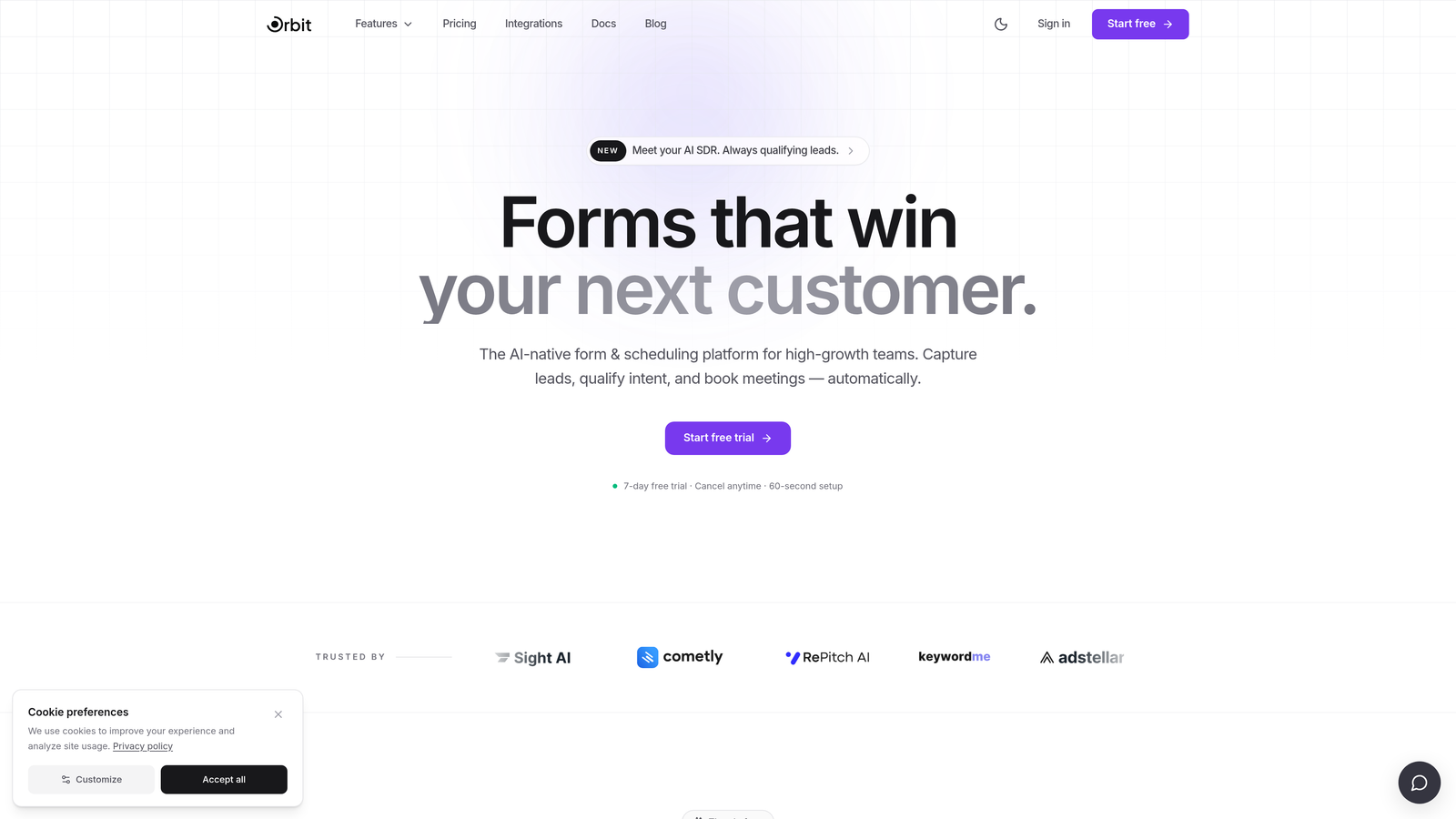
Orbit AI is an AI-powered multi-page form builder with built-in lead qualification and scoring designed for conversion-focused teams.
Where This Tool Shines
Most form builders collect data and hand it off to your CRM for processing. Orbit AI takes a different approach: lead qualification happens inside the form itself. As users progress through each step, the AI scores and routes them based on their responses, so your sales team receives pre-qualified leads rather than a raw list of submissions.
This makes Orbit AI particularly well-suited for B2B teams running complex qualification flows where not every lead deserves the same follow-up. The multi-step builder supports conditional branching, so the form adapts to each respondent's path rather than presenting everyone with the same linear sequence.
Key Features
AI-Powered Lead Qualification: Scores and routes leads automatically as they move through form steps, not just after submission.
Conditional Branching Logic: Show or hide questions based on previous answers to create personalized, adaptive form experiences.
Conversion-Optimized Templates: Design templates built specifically for high-growth teams prioritizing completion rates and brand experience.
Lead Scoring and Routing: Automatically segment and direct leads to the right team or workflow based on qualification criteria.
CRM and Marketing Integrations: Connect form data directly to your existing CRM and marketing stack for seamless pipeline management.
Best For
SaaS companies, B2B marketing teams, and growth-focused businesses that need multi-step forms to do more than collect data. If lead qualification is part of your form's job, Orbit AI is built specifically for that use case in a way most generic form builders are not.
Pricing
Visit orbitforms.ai for current pricing details. A free plan is available to get started.
2. Typeform
Best for: Marketing teams that prioritize engagement, brand aesthetics, and a polished respondent experience.
Typeform is a conversational form builder known for its one-question-at-a-time interface and refined visual design.

Where This Tool Shines
Typeform's core format is inherently paginated: every question appears on its own screen, which creates a natural multi-step experience without any additional configuration. This makes it one of the most approachable options for teams that want multi-page behavior out of the box.
Where Typeform earns its reputation is in the respondent experience. Forms feel more like conversations than data entry, which tends to work well for surveys, brand-facing lead capture, and audience research. That said, teams needing complex CRM workflows or deep qualification logic may find the platform limiting on standard plans.
Key Features
Conversational Interface: One-question-at-a-time format creates a natural, paginated flow by default.
Conditional Logic: Available on paid plans to branch and skip questions based on responses.
Design Customization: Strong brand theming options including custom fonts, colors, and backgrounds.
Native Integrations: Connects with HubSpot, Salesforce, Zapier, and other major platforms.
Rich Media Support: Embed videos and images directly within form questions to boost engagement.
Best For
Marketing teams running surveys, audience research, or brand-facing lead capture where the respondent experience matters as much as the data collected. Less ideal for teams that need heavy qualification logic or complex CRM routing built into the form itself.
Pricing
Free tier available. Paid plans start at approximately $25/month. Verify current pricing at typeform.com.
3. Jotform
Best for: Teams that need a broad feature set and a large template library with minimal technical setup.
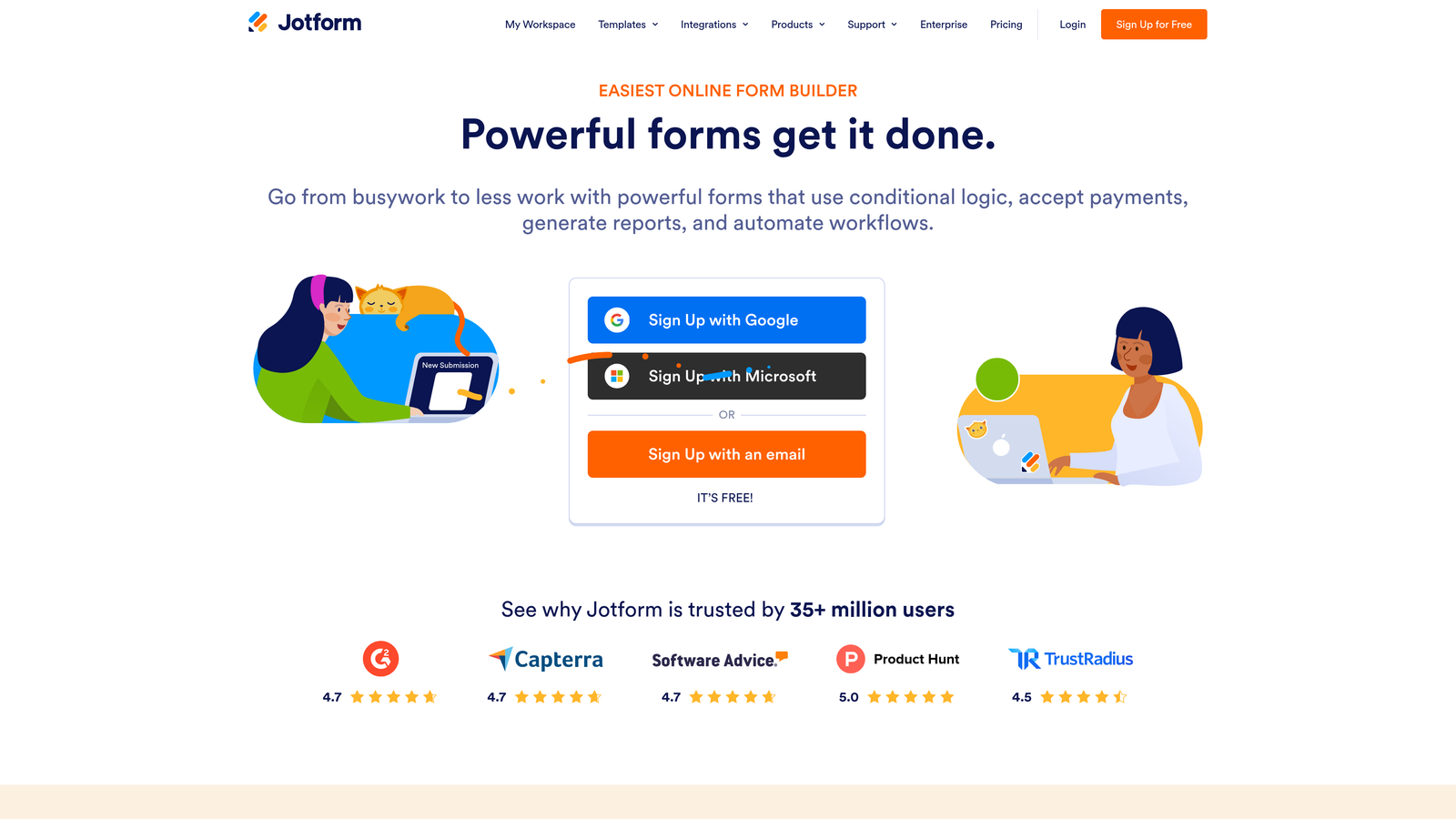
Jotform is a feature-rich form builder with one of the largest integration ecosystems and template libraries in the category.
Where This Tool Shines
Jotform's strength is breadth. If you need a form that collects payments, handles file uploads, captures e-signatures, and syncs to your CRM, Jotform likely covers it. Multi-page forms are created using page break widgets, which is straightforward to configure even for non-technical users.
With more than 10,000 templates spanning industries from healthcare to education to e-commerce, getting started is fast. The tradeoff is that the interface can feel dated compared to newer tools, and it isn't purpose-built for lead qualification or conversion optimization.
Key Features
Multi-Page Forms: Page break widgets let you divide any form into logical steps with minimal configuration.
Template Library: Thousands of pre-built templates across industries to accelerate setup.
150+ Native Integrations: Connects with Salesforce, HubSpot, Slack, Google Sheets, and many more.
Payment and File Collection: Built-in support for payment processing, file uploads, and e-signatures.
HIPAA-Compliant Plans: Available for healthcare and regulated industry use cases.
Best For
Small to mid-size teams that need a versatile, all-in-one form builder without heavy technical requirements. Also a strong fit for healthcare or regulated industries that need compliance features alongside multi-step form functionality.
Pricing
Free tier available. Paid plans start at approximately $34/month. Verify current pricing at jotform.com.
4. HubSpot Forms
Best for: Teams already using HubSpot who want seamless CRM sync from multi-step form submissions.
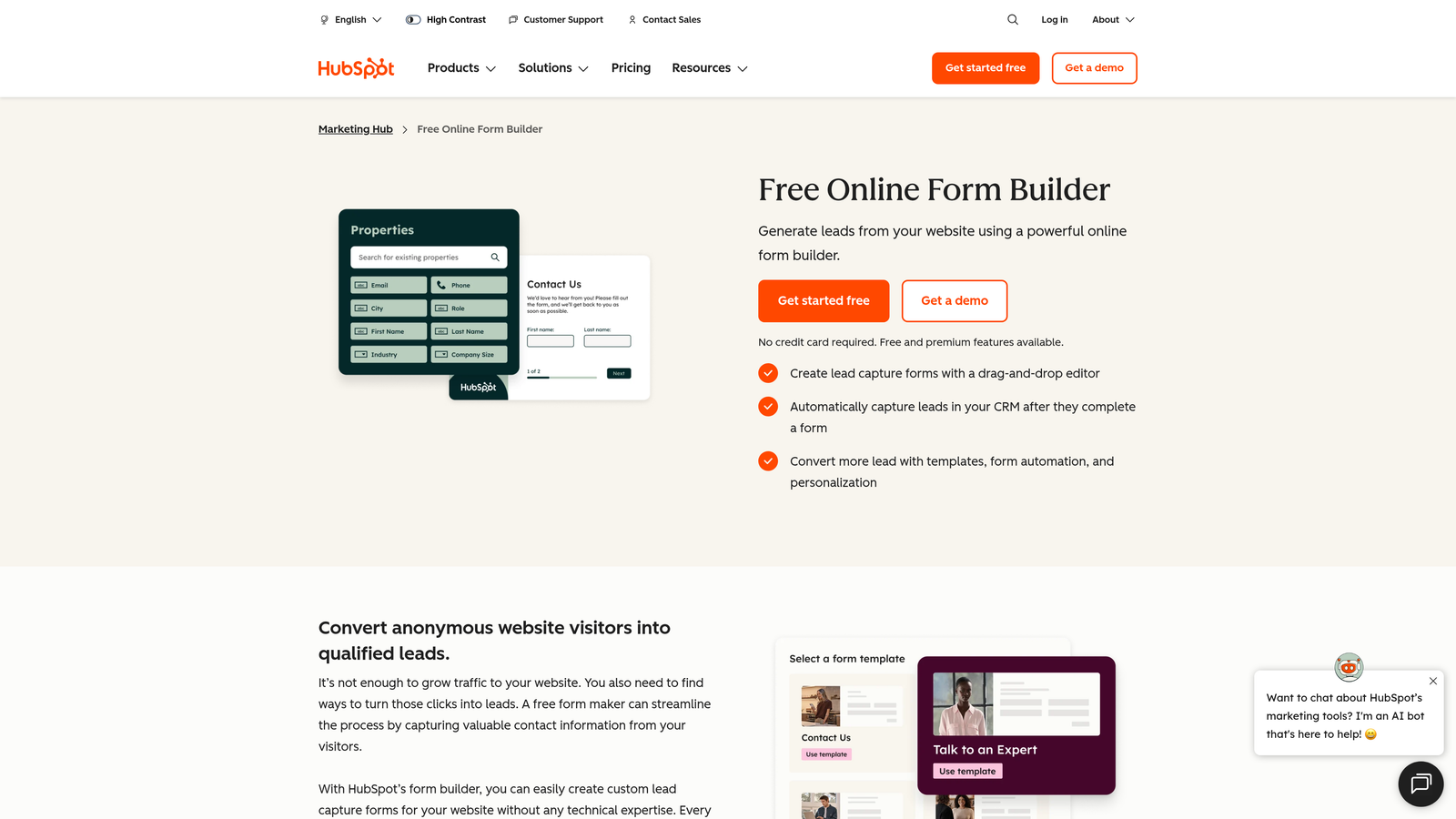
HubSpot Forms is the native form builder embedded within the HubSpot CRM and Marketing Hub platform.
Where This Tool Shines
If your team lives inside HubSpot, the native form builder removes a layer of friction that third-party tools introduce. Every submission automatically creates or updates a HubSpot contact record, meaning there's no manual sync, no Zapier middleware, and no data mismatch to troubleshoot.
Progressive profiling is a standout feature: returning visitors see different fields than first-time visitors, so you can gradually enrich contact records over time without asking the same questions twice. This makes HubSpot Forms particularly effective for nurture-focused marketing teams building long-term contact profiles.
Key Features
Native CRM Sync: Form submissions automatically create or update HubSpot contact records with no additional setup.
Progressive Profiling: Returning visitors see different fields, enabling gradual data enrichment across multiple interactions.
Multi-Step Form Support: Build paginated forms directly within HubSpot's form builder.
Smart Field Pre-Fill: Known contact data pre-populates fields for returning visitors to reduce friction.
Free for HubSpot Users: Included at no additional cost with a HubSpot account.
Best For
Marketing and sales teams already operating within the HubSpot ecosystem. If you're not using HubSpot as your CRM, the design limitations and platform dependency make it a harder sell compared to standalone form builders.
Pricing
Free with a HubSpot account. Advanced features require paid HubSpot plans. Verify details at hubspot.com.
5. Paperform
Best for: Service businesses and consultants who want forms that feel like polished, branded documents.
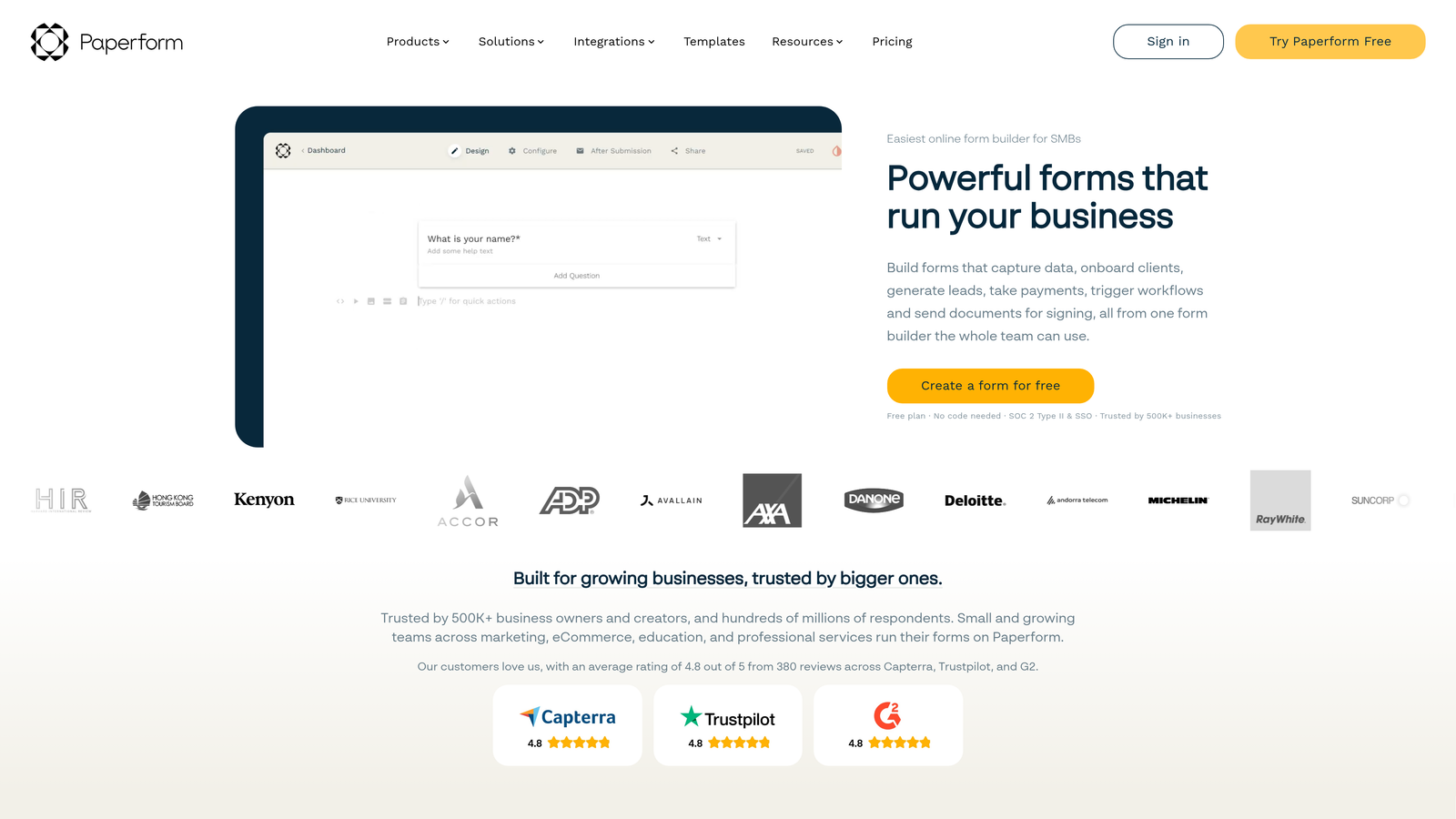
Paperform is a freeform editor that blends form building with landing page flexibility, creating forms that look like styled documents rather than traditional input screens.
Where This Tool Shines
Paperform's editor is genuinely different from most form builders. Instead of a structured field-by-field interface, you write and design freely, embedding form fields inline with text, images, and rich content. The result is a form that looks more like a branded document or proposal than a standard web form.
Multi-step behavior is achieved through sections, which function as distinct pages within a single form. Paperform also handles payments, bookings, and calculations natively, making it a capable standalone tool for service businesses that don't want to stitch together multiple platforms.
Key Features
Freeform Document Editor: Write and design freely with rich text, media, and embedded form fields in a single canvas.
Multi-Section Forms: Sections function as multi-step pages within a single form experience.
Built-In Payments and Bookings: Accept payments and schedule appointments directly through form submissions.
Conditional Logic and Calculations: Show fields based on responses and perform real-time calculations within the form.
Custom Domain Support: Host forms on your own domain for a fully branded experience.
Best For
Consultants, agencies, and service businesses that want a polished, document-style form experience. Less suited for high-volume lead generation pipelines where speed and qualification logic take priority over aesthetics.
Pricing
Starts at approximately $24/month. Verify current pricing at paperform.co.
6. Formstack
Best for: Enterprise teams in regulated industries that need workflow automation beyond basic form collection.
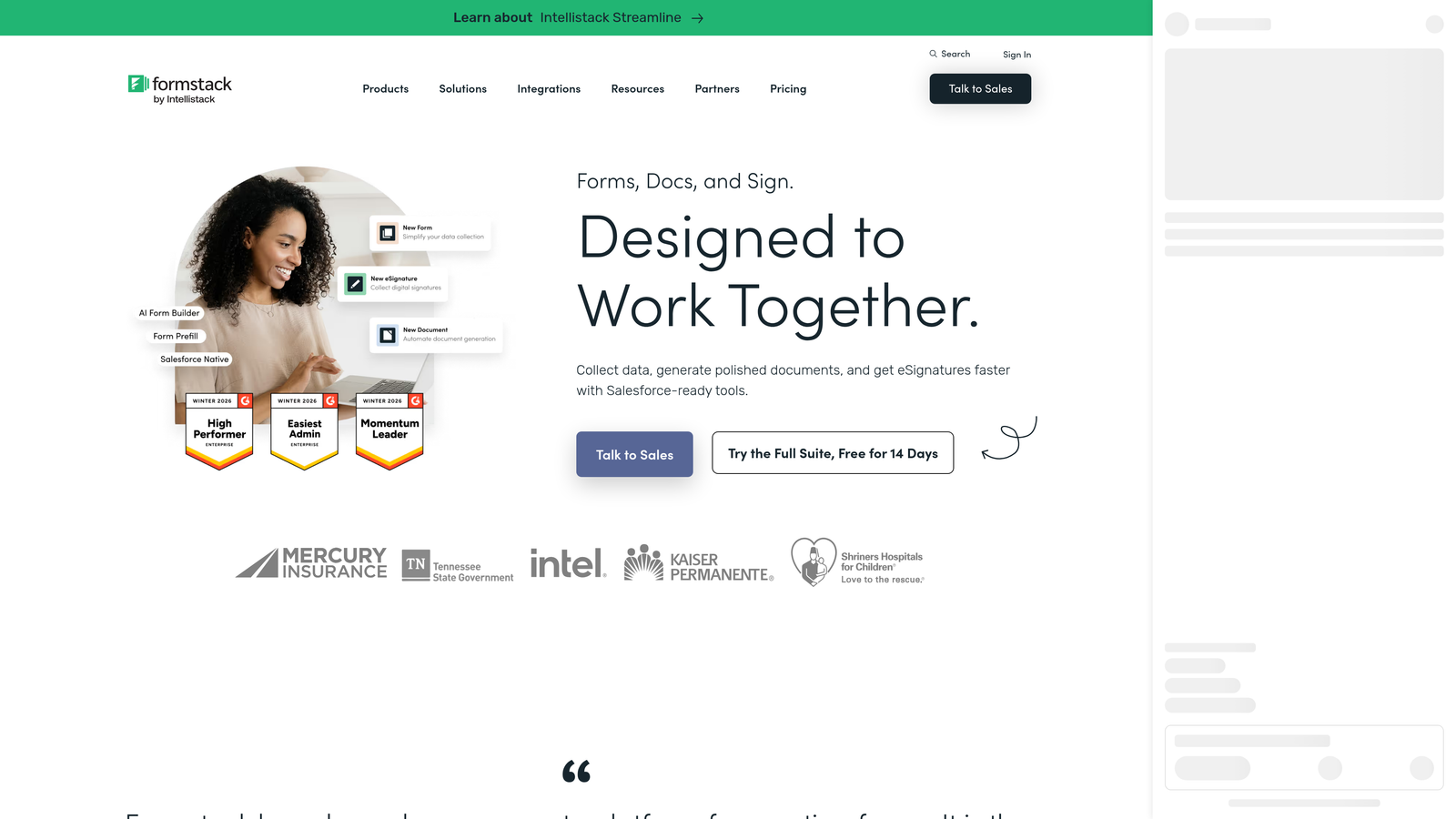
Formstack is an enterprise-grade form and workflow automation platform built for organizations that need approval routing, document generation, and compliance features alongside multi-step forms.
Where This Tool Shines
Formstack goes further than most form builders by treating form submissions as the starting point of a workflow, not the endpoint. Once a form is submitted, you can route it through approval chains, generate documents automatically, and trigger downstream processes, all within the same platform.
Compliance is a genuine strength here. HIPAA and GDPR features are built in rather than bolted on, making Formstack a realistic option for healthcare, finance, and legal teams that operate in regulated environments where other tools fall short.
Key Features
Multi-Step Forms with Branching: Conditional logic and branching support complex, adaptive form flows.
Approval Workflow Routing: Route submissions through configurable approval chains before data is finalized.
Document Generation: Automatically generate documents from form submission data.
Compliance Features: HIPAA and GDPR compliance built into the platform for regulated industries.
Salesforce Native Integration: Deep, native Salesforce connectivity for enterprise CRM workflows.
Best For
Mid-market and enterprise teams in healthcare, finance, or legal sectors that need form-driven workflow automation with compliance built in. Likely overkill and expensive for small teams with straightforward data collection needs.
Pricing
Starts at approximately $83/month. Verify current pricing at formstack.com.
7. Gravity Forms
Best for: WordPress sites that need a powerful, developer-friendly multi-page form builder within their existing CMS.
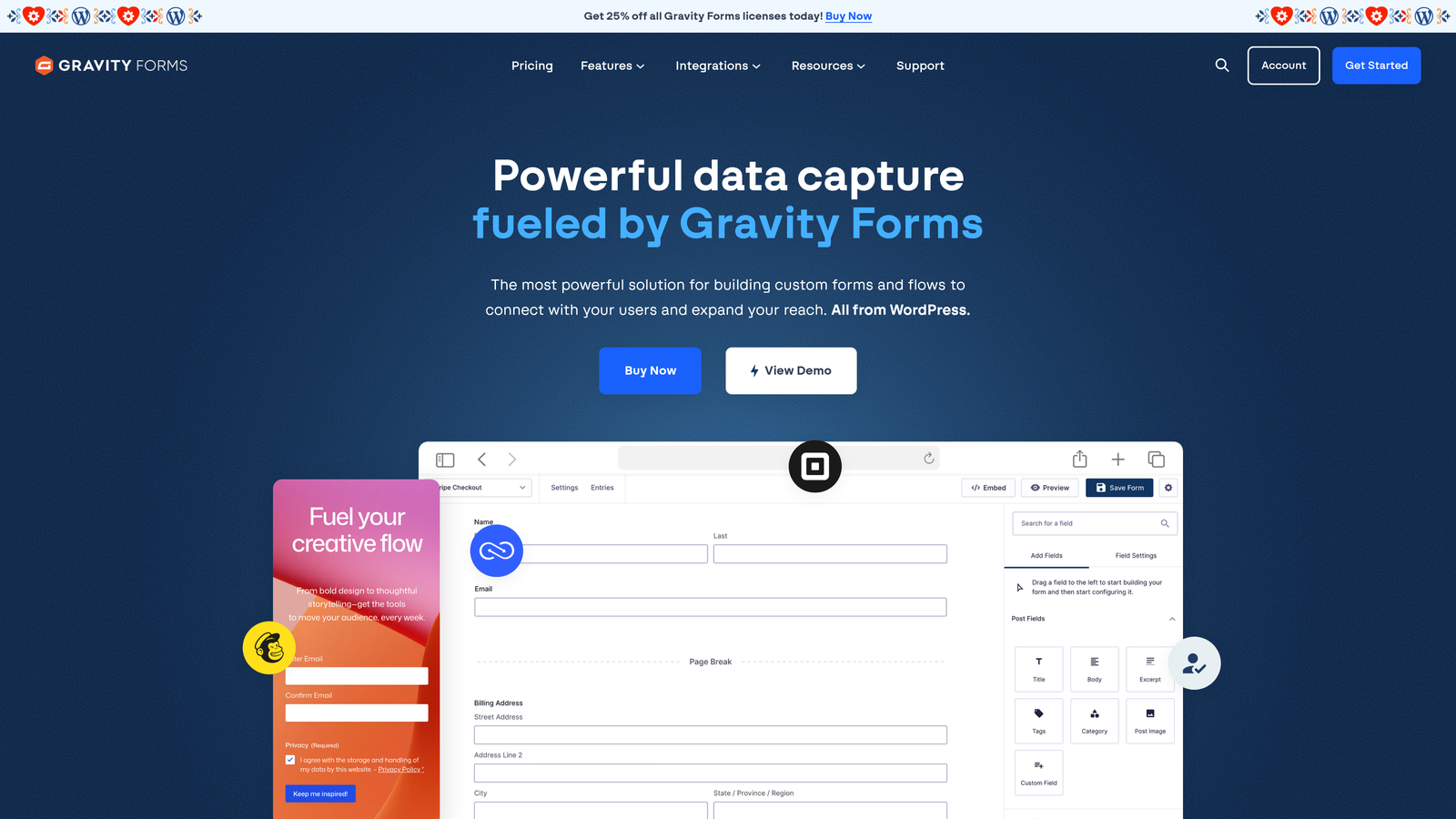
Gravity Forms is the most widely used WordPress-native form builder, supporting multi-page forms with conditional logic, calculations, and a large add-on ecosystem.
Where This Tool Shines
If your website runs on WordPress, Gravity Forms is the most capable form builder available within that ecosystem. Multi-page forms are built using page break fields, and the conditional logic engine handles complex branching scenarios without requiring custom code.
The add-on library extends functionality significantly: you can add payment processing, CRM integrations, email marketing connections, and e-signature support through official and third-party add-ons. For developers, the hooks and filters system makes deep customization straightforward. The hard constraint is that Gravity Forms only works on WordPress. There's no standalone hosted option.
Key Features
Multi-Page Forms: Page break fields divide forms into distinct steps with progress indicators.
Conditional Logic: Show, hide, or skip fields and pages based on user responses.
Field Calculations: Perform real-time calculations within the form using submitted values.
Add-On Ecosystem: Extend with payments, CRM integrations, email marketing, and e-signatures.
Developer-Friendly Architecture: Extensive hooks and filters for custom development and deep WordPress integration.
Best For
WordPress site owners, agencies managing WordPress client sites, and developers who need a powerful, extensible form builder within the WordPress environment. Not a viable option for teams not already using WordPress.
Pricing
Annual license starting at approximately $59/year. Verify current pricing at gravityforms.com.
8. Tally
Best for: Individuals and small teams that need multi-page forms with conditional logic at no cost.
Tally is a Notion-inspired free form builder with a generous free tier that includes multi-step forms, conditional logic, and no forced branding on free accounts.
Where This Tool Shines
Tally's free tier is genuinely unusual in this category. Most free form builders either limit multi-step functionality or slap their branding on every form. Tally does neither, making it the most capable free option for teams that need multi-page forms without a budget commitment.
The block-based editor will feel immediately familiar to anyone who uses Notion. There's minimal learning curve, and the form-building experience is clean and fast. The tradeoff is that Tally is less suited for complex lead qualification pipelines or enterprise-grade integrations. It covers the fundamentals well and does so at a price point that's hard to argue with.
Key Features
Multi-Step Forms: Conditional logic and page breaks create adaptive multi-step form flows.
No Branding on Free Plan: Free forms don't display Tally branding, which is rare in this category.
Notion-Like Block Editor: Familiar, minimal interface with a short learning curve for Notion users.
Flexible Embed Options: Embed forms inline, as popups, or as full-page experiences.
Zapier and Make Integration: Connect to other tools via automation platforms on the free plan.
Best For
Freelancers, early-stage startups, and small teams that need functional multi-page forms without a monthly subscription. Less suited for teams that need advanced lead qualification, deep CRM workflows, or enterprise-level support.
Pricing
Free tier available. Pro plan starts at approximately $29/month. Verify current pricing at tally.so.
9. Fillout
Best for: Operations and product teams building data-connected multi-step workflows without writing code.
Fillout is a newer multi-step form builder with strong native database connectivity, designed for teams that need forms to talk directly to Airtable, Notion, Google Sheets, and similar tools.
Where This Tool Shines
Fillout's differentiator is how directly it connects to data sources. Where most form builders sync to a spreadsheet as an afterthought, Fillout treats database connectivity as a core feature. Native integrations with Airtable, Notion, Google Sheets, and Supabase mean form submissions flow directly into your data infrastructure without middleware.
The multi-step form builder supports conditional logic, calculated fields, and response piping, giving operations teams the flexibility to build genuinely complex workflows. At a starting price around $15/month on paid plans, it's also one of the more accessible options for teams with budget constraints. The ecosystem is smaller than established players, but for data-connected workflows, the native integrations are hard to match.
Key Features
Native Database Integrations: Direct connections to Airtable, Notion, Google Sheets, and Supabase without middleware.
Multi-Step Forms with Conditional Logic: Build adaptive, branching form flows across multiple pages.
Calculated Fields and Response Piping: Perform calculations and carry previous answers forward into later form steps.
Scheduling and Payment Support: Handle bookings and payment collection within the same form experience.
Generous Free Tier: Free plan includes meaningful submission limits for teams getting started.
Best For
Operations teams, product managers, and no-code builders who use Airtable, Notion, or Google Sheets as their primary data layer and need forms that feed directly into those systems. Less suited for teams that need advanced lead qualification or a large integration ecosystem.
Pricing
Free tier available. Paid plans start at approximately $15/month. Verify current pricing at fillout.com.
Which Multi-Page Form Builder Is Right for Your Team?
The best multi-page form builder depends less on feature checklists and more on what your forms are actually trying to accomplish. Here's a quick way to think about it.
If your primary goal is lead qualification, start with Orbit AI. It's the only tool on this list where AI-powered lead scoring is built into the form flow itself, making it the natural fit for B2B and SaaS teams that need forms to do more than collect data.
If you're looking for the best free option, Tally is hard to beat. Multi-step forms, conditional logic, and no forced branding on the free plan make it the most capable zero-cost tool in this category.
If your team is already inside HubSpot, the native HubSpot Forms builder removes integration friction and keeps your contact data clean without additional tooling.
For WordPress sites, Gravity Forms remains the most powerful and extensible option available within that ecosystem. For regulated industries that need compliance alongside workflow automation, Formstack is built for that environment. And for teams building data-connected workflows with Airtable or Notion at the center, Fillout's native integrations stand out.
For most high-growth teams, though, the gap between collecting leads and qualifying them is where conversion opportunities are lost. Transform your lead generation with AI-powered forms that qualify prospects automatically while delivering the modern, conversion-optimized experience your team needs. Start building free forms today and see how intelligent form design can elevate your conversion strategy.


