

Agencies juggle dozens of client projects simultaneously, and every one of them needs forms—lead capture, intake questionnaires, feedback surveys, contact forms, and more. The wrong form software creates bottlenecks: clunky builders that eat billable hours, limited branding options that frustrate clients, and scattered submissions that get lost between projects.
The right platform turns form creation into a competitive advantage, letting your team spin up professional, conversion-optimized forms in minutes while keeping everything organized by client. We evaluated form builders specifically through an agency lens: multi-client management, white-labeling capabilities, team collaboration, integration depth, and scalability.
Here are the top platforms that stand out for agencies in 2026.
1. Orbit AI
Best for: Agencies prioritizing lead qualification and conversion optimization for high-growth clients
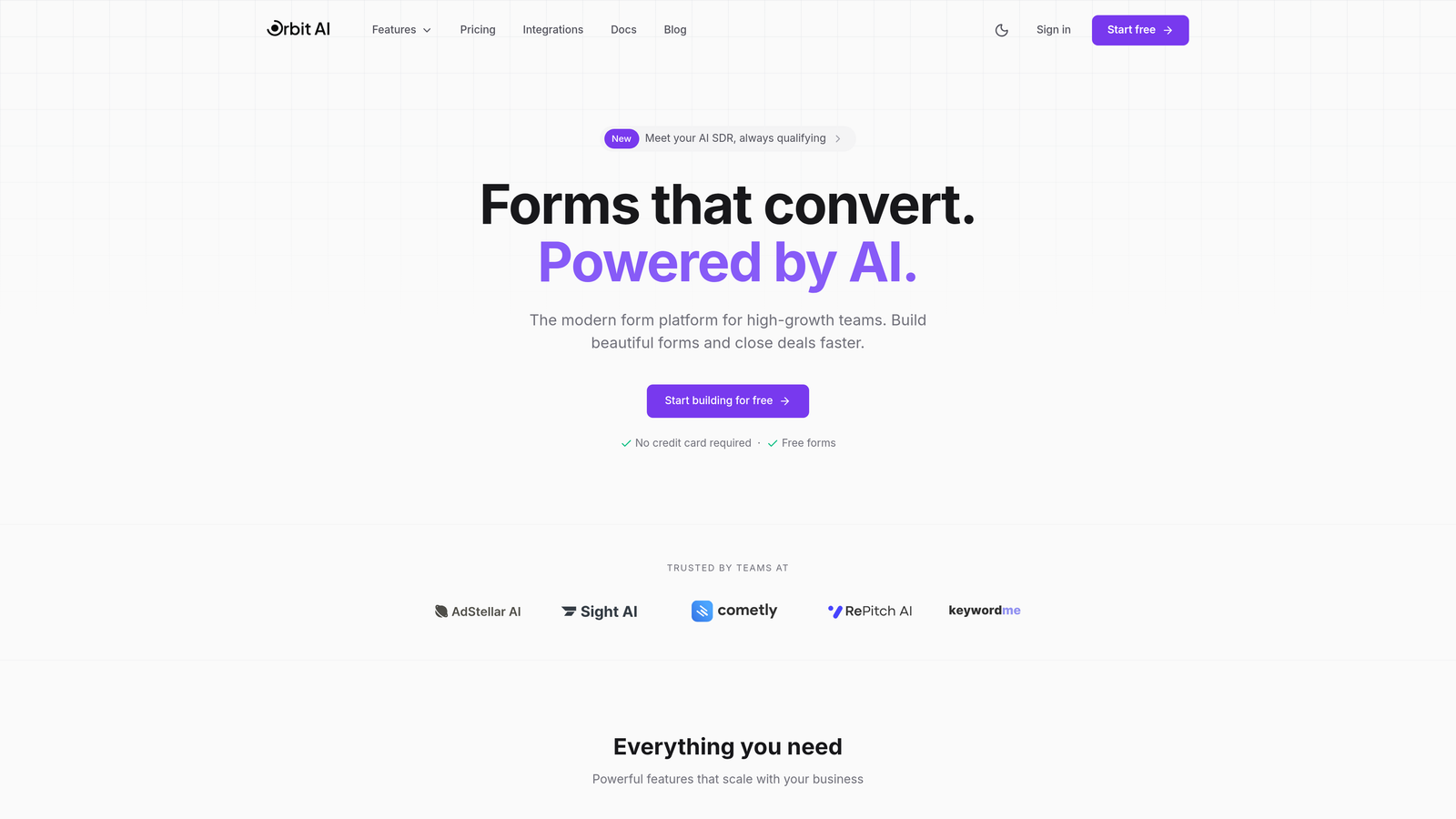
Orbit AI is an AI-powered form builder that automatically qualifies and scores leads while delivering modern, conversion-optimized form experiences.
Where This Tool Shines
What sets Orbit AI apart is its intelligent lead qualification engine. Instead of just collecting form submissions, it automatically scores and routes leads based on their responses, saving your team hours of manual qualification work.
The platform focuses on conversion optimization from the ground up. Every form template is designed with modern aesthetics and user experience patterns that actually drive completions, which matters when you're managing campaigns for clients who measure success in conversion rates, not just form submissions.
Key Features
AI-Powered Lead Qualification: Automatically scores and categorizes leads based on their responses, routing high-value prospects to the right team members instantly.
Conversion-Optimized Designs: Modern form templates built specifically to maximize completion rates with clean layouts and smart UX patterns.
Workflow Automation: Set up intelligent routing rules that send qualified leads to different team members, CRMs, or notification channels based on their qualification score.
Deep CRM Integration: Native connections with major CRMs and marketing platforms ensure lead data flows seamlessly into your existing client tech stacks.
Performance Analytics: Detailed dashboard showing form performance metrics, conversion rates, and lead quality trends across all your client projects.
Best For
Agencies managing lead generation campaigns for B2B clients or high-ticket services where lead quality matters more than quantity. Particularly valuable if you're running paid acquisition campaigns where every conversion counts, or managing sales teams that need pre-qualified leads rather than raw submissions.
Pricing
Contact for agency pricing. The platform offers custom plans designed for agencies managing multiple client accounts with volume-based pricing structures.
2. Typeform
Best for: Experience-focused brands that prioritize engagement and conversational user experiences
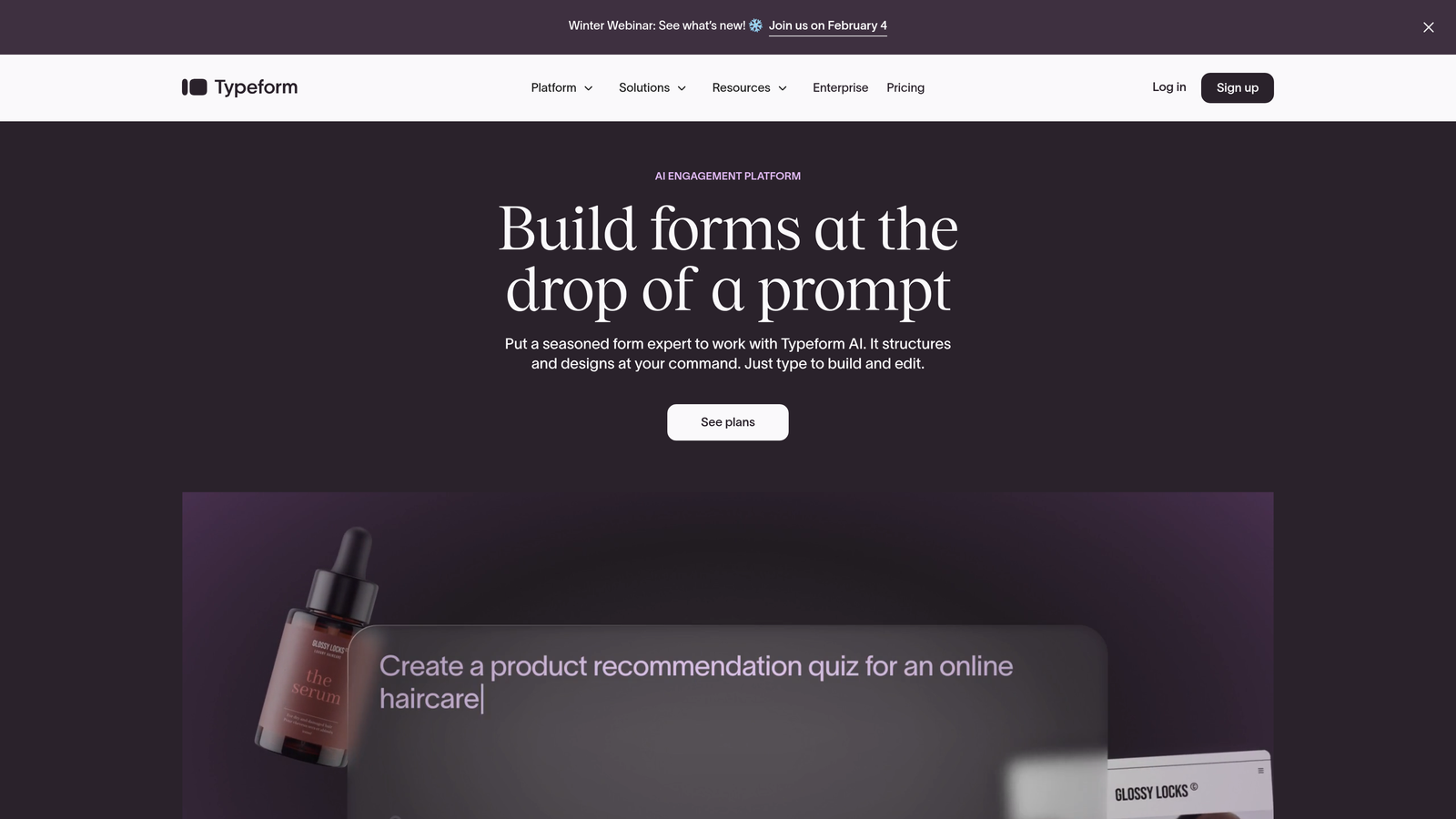
Typeform is a conversational form builder known for its distinctive one-question-at-a-time format that creates engaging, interactive experiences.
Where This Tool Shines
Typeform revolutionized how forms feel by treating them as conversations rather than interrogations. The one-question-at-a-time approach reduces cognitive load and significantly improves completion rates for longer forms.
Brand customization runs deep here. You can match every element to your client's visual identity, from colors and fonts to custom backgrounds and button styles. For agencies working with design-conscious clients, this level of polish makes a real difference in deliverables.
Key Features
Conversational Interface: One-question-at-a-time format that feels natural and keeps respondents focused, dramatically improving completion rates for multi-step forms.
Extensive Brand Customization: Full control over visual elements including custom fonts, colors, backgrounds, and button styles to match any client brand perfectly.
Logic Jumps and Branching: Create dynamic form paths that adapt based on previous answers, delivering personalized experiences for different respondent segments.
Rich Media Embedding: Seamlessly incorporate videos, images, and GIFs throughout forms to create more engaging, multimedia experiences.
Native Platform Integrations: Direct connections to major marketing platforms, CRMs, and productivity tools without relying on third-party automation services.
Best For
Agencies serving lifestyle brands, creative agencies, or any client where user experience and brand perception matter as much as data collection. Works brilliantly for customer research, event registrations, and lead generation campaigns where standing out visually is part of the strategy.
Pricing
Starts at $25/month for basic plans, with Business plans from $83/month that include team features, custom branding removal, and advanced integrations.
3. Jotform
Best for: Large agency teams needing extensive templates and robust collaboration tools
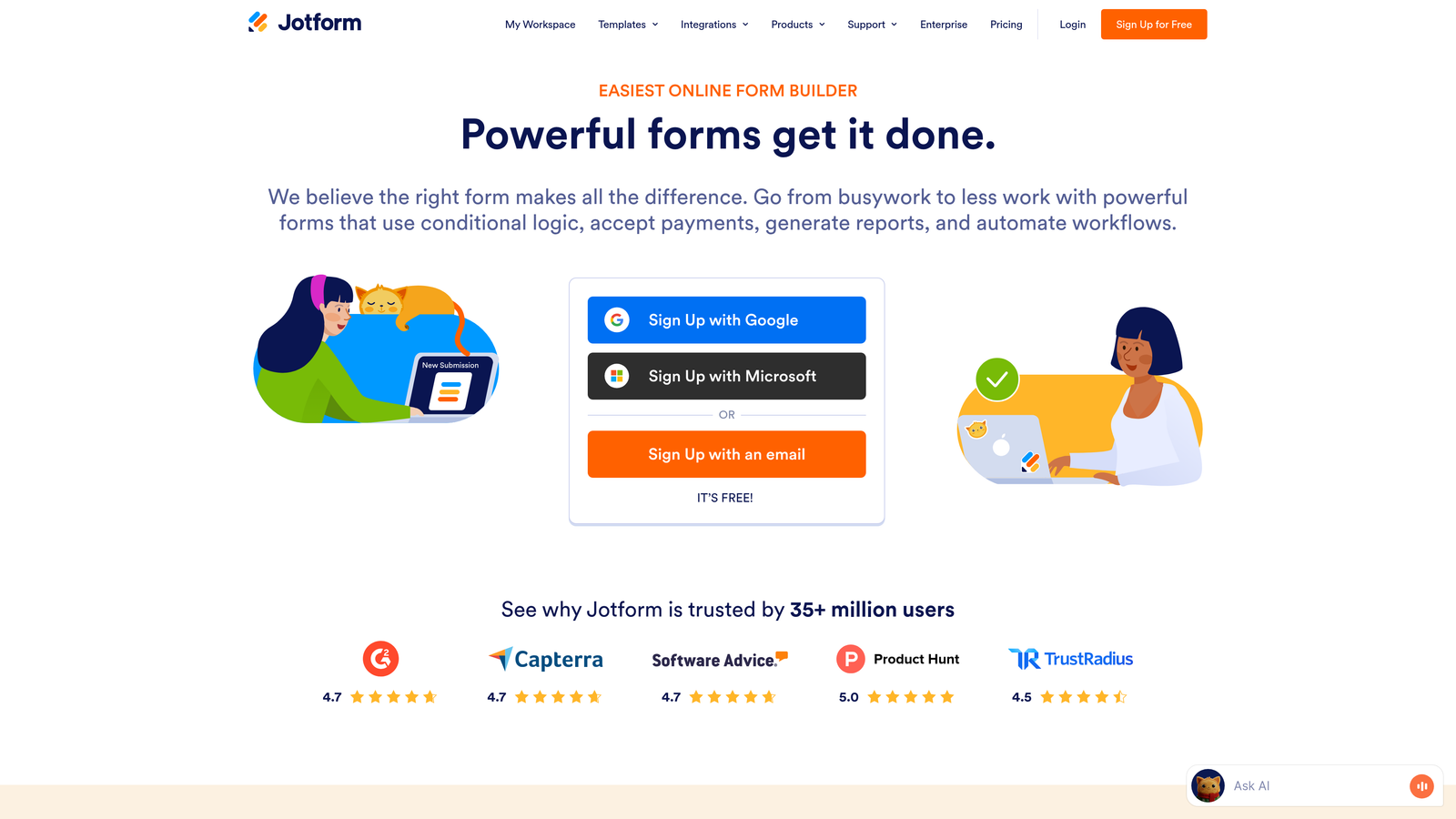
Jotform is a feature-rich form builder offering over 10,000 templates and comprehensive team collaboration capabilities for managing forms across multiple projects.
Where This Tool Shines
The sheer template library is Jotform's superpower. With over 10,000 pre-built forms covering virtually every industry and use case, you can launch client projects in minutes rather than hours. This speed advantage compounds when you're managing dozens of clients simultaneously.
Team collaboration features are genuinely built for agencies. Role-based permissions let you control exactly who can edit, view, or manage specific forms, while Jotform Tables provides a centralized hub for managing submissions across all your client projects in one organized workspace.
Key Features
10,000+ Templates: Massive library of pre-built forms for every industry and use case, dramatically reducing setup time for new client projects.
Team Collaboration: Role-based permissions and multi-user access controls let you manage team member access across different client accounts securely.
Jotform Tables: Built-in database view for managing and organizing form submissions across all projects with filtering, sorting, and custom views.
White-Label Options: Higher-tier plans remove Jotform branding and allow custom domains, essential for maintaining professional client deliverables.
PDF Generation and E-Signatures: Automatically generate PDF documents from submissions and collect legally binding electronic signatures within forms.
Best For
Mid-to-large agencies with multiple team members working across diverse client industries. Particularly valuable if you need quick turnaround times, handle high submission volumes, or manage clients requiring document generation and e-signature capabilities like real estate, legal, or HR firms.
Pricing
Free tier available with basic features. Paid plans start at $34/month with increasing submission limits, storage, and team collaboration features at higher tiers.
4. Tally
Best for: Lean agencies wanting powerful features without complexity or high costs
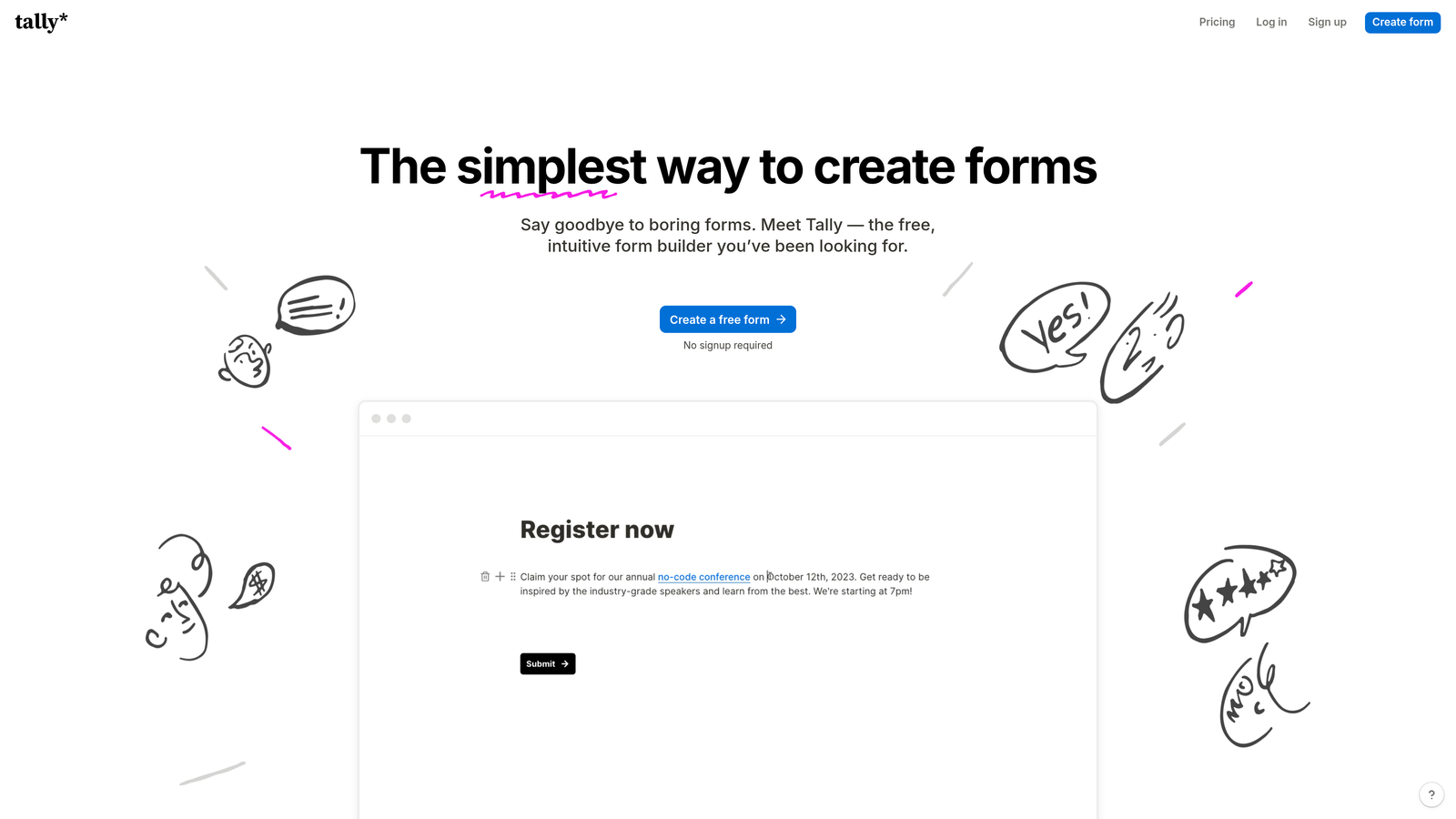
Tally is a simple, Notion-like form builder that delivers surprising depth and functionality while maintaining an intuitive, minimalist interface.
Where This Tool Shines
Tally nails the balance between simplicity and power. The Notion-style interface feels immediately familiar if your team already uses modern productivity tools, eliminating the learning curve that slows down other platforms.
The free tier is genuinely generous—unlimited forms and submissions without artificial limits. For smaller agencies or those just starting to systematize their form workflows, this removes financial barriers while still delivering professional results. The Pro tier at $29/month remains remarkably affordable even as your needs grow.
Key Features
Notion-Style Interface: Familiar block-based editing that feels intuitive if you use modern productivity tools, reducing team training time to near-zero.
Unlimited Free Tier: Genuinely generous free plan with unlimited forms and submissions, removing cost barriers for smaller agencies or testing new workflows.
Conditional Logic and Calculations: Build dynamic forms with branching paths and automated calculations without needing developer resources or complex setup.
Custom Domains and Branding: Even on affordable plans, you can use custom domains and remove Tally branding for professional client deliverables.
Webhooks and Zapier: Connect form submissions to thousands of apps through native webhook support and Zapier integration for workflow automation.
Best For
Boutique agencies, freelancers transitioning to agency models, or lean teams that value simplicity and cost-effectiveness without sacrificing professional features. Works beautifully for agencies already invested in the Notion ecosystem or those serving startups and small businesses with similar tool preferences.
Pricing
Free tier with unlimited forms and submissions. Pro plan at $29/month adds custom domains, file uploads, and priority support.
5. Formstack
Best for: Enterprise clients requiring compliance, security, and advanced workflow automation
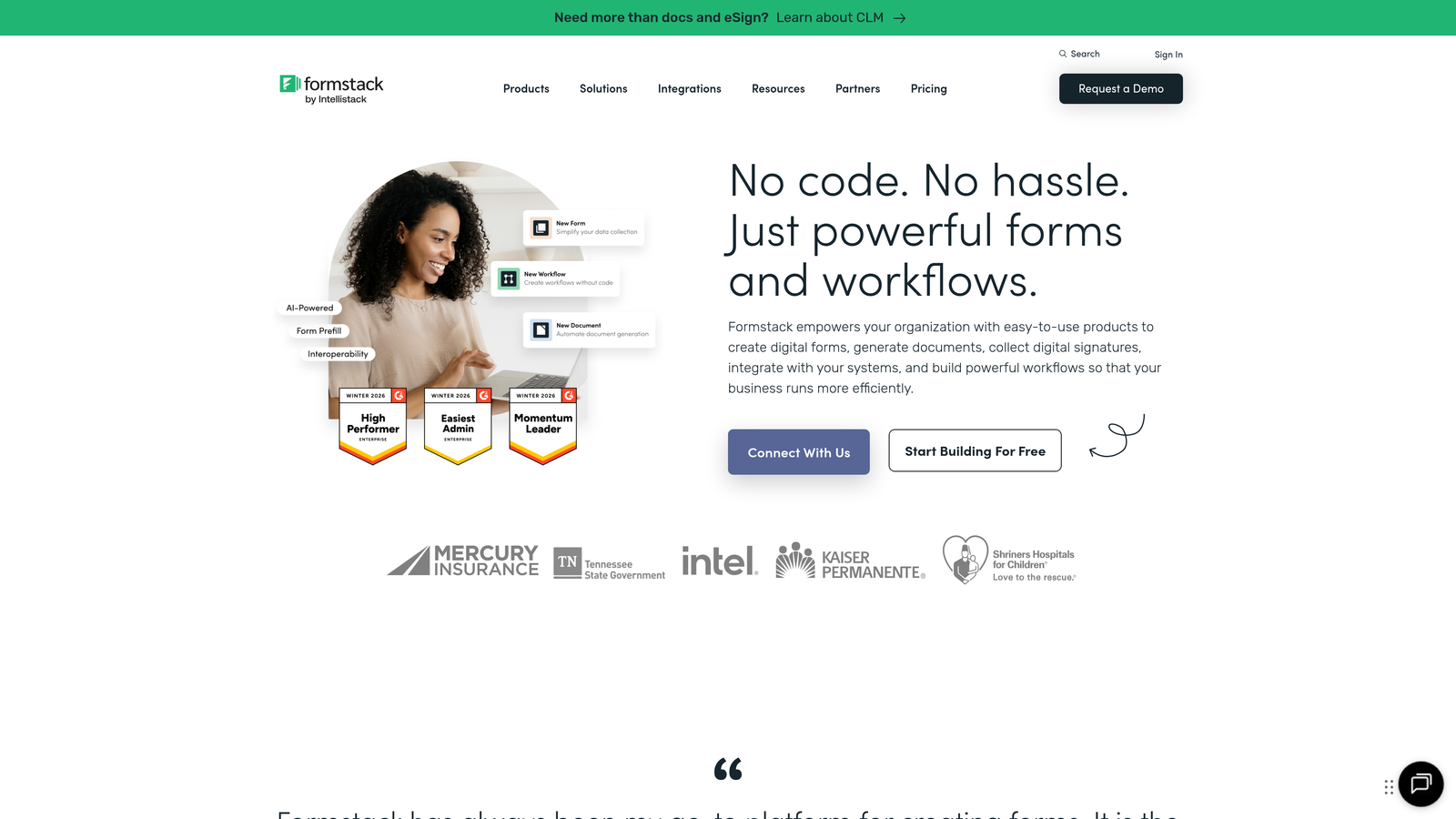
Formstack is an enterprise-grade form platform specializing in security, compliance features, and sophisticated document automation workflows.
Where This Tool Shines
When your agency serves healthcare, finance, or government clients, compliance isn't optional. Formstack handles HIPAA and GDPR requirements out of the box, with enterprise security features like SSO and advanced encryption that satisfy even the most stringent IT departments.
The workflow automation capabilities extend far beyond basic form submission. You can automate entire document processes—generating contracts, routing approvals through multiple stakeholders, and triggering complex multi-step workflows based on form data. This transforms Formstack from a form builder into a business process automation platform.
Key Features
HIPAA and GDPR Compliance: Built-in compliance features including Business Associate Agreements, data encryption, and audit trails for regulated industries.
Advanced Workflow Automation: Create sophisticated multi-step workflows that route submissions through approval chains, trigger document generation, and automate business processes.
Salesforce-Native Integration: Deep, native Salesforce connection that syncs form data directly into your CRM without middleware or third-party tools.
Electronic Signatures: Collect legally binding e-signatures within forms, essential for contracts, agreements, and regulated document workflows.
Enterprise Security: SSO support, advanced user permissions, IP allowlisting, and comprehensive audit logging for enterprise IT requirements.
Best For
Agencies managing enterprise accounts in regulated industries like healthcare, financial services, insurance, or government. Essential if your clients require compliance documentation, have strict security requirements, or need sophisticated approval workflows beyond simple form submission.
Pricing
Starts at $50/month for basic plans. Enterprise pricing available with custom features, dedicated support, and compliance packages tailored to specific industry requirements.
6. Cognito Forms
Best for: Payment collection, complex calculations, and transaction-based workflows
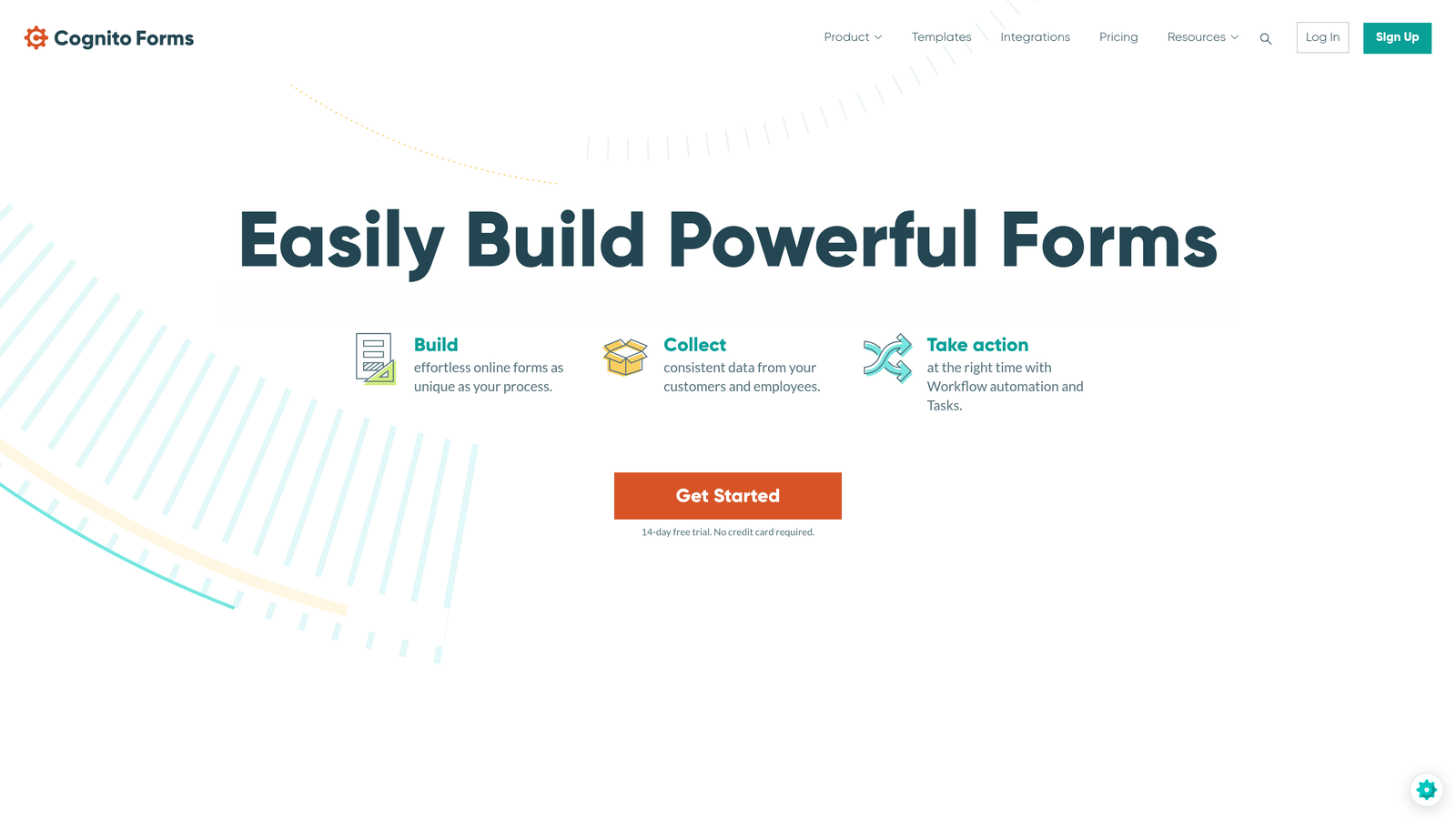
Cognito Forms specializes in payment processing, advanced calculations, and conditional logic for forms that handle financial transactions and complex data collection.
Where This Tool Shines
Built-in payment processing sets Cognito Forms apart. Native integrations with Stripe, PayPal, and Square mean you can collect payments, donations, or registration fees directly within forms without duct-taping third-party payment tools together.
The calculation engine handles complexity that breaks other form builders. Need to calculate event registration totals with early-bird discounts, add-on options, and tax? Cognito Forms does it natively. Repeating sections let users add multiple line items dynamically, perfect for order forms, invoice submissions, or applications with variable-length sections.
Key Features
Built-In Payment Processing: Native Stripe, PayPal, and Square integration for collecting payments, donations, and registration fees directly within forms without third-party workarounds.
Advanced Calculations: Powerful calculation engine that handles complex math, pricing logic, discounts, and totals automatically based on user inputs.
Repeating Sections: Let users dynamically add multiple entries for line items, family members, or any variable-length data without creating separate forms.
Document Generation: Automatically create PDFs, invoices, or receipts from form submissions with custom templates and branding.
HIPAA Compliance: Optional HIPAA compliance features available for healthcare clients requiring protected health information handling.
Best For
Agencies serving e-commerce clients, event organizers, membership organizations, or nonprofits that need payment collection integrated into forms. Particularly valuable for clients selling products with complex pricing, running paid events, or collecting recurring donations with variable amounts.
Pricing
Free tier available for basic use. Paid plans start at $15/month with increasing payment volume limits, storage, and advanced features at higher tiers.
7. Fillout
Best for: No-code agencies leveraging Airtable, Notion, and database-driven workflows
Fillout is a modern form builder with native integrations for Notion, Airtable, and other database platforms popular in no-code workflows.
Where This Tool Shines
If your agency builds client systems on Airtable or Notion, Fillout becomes the missing piece. Native database integration means form submissions flow directly into your existing bases without Zapier middleware or API complexity. This direct connection enables real-time updates and eliminates sync delays.
The aesthetic is refreshingly modern. Clean, minimalist form designs feel current without requiring heavy customization work. For agencies serving tech startups or modern brands, this contemporary look aligns perfectly with client expectations without extra design effort.
Key Features
Native Airtable and Notion Integration: Direct database connections that sync form submissions in real-time without third-party automation tools or API setup.
Modern Form Aesthetics: Clean, contemporary design templates that feel current and professional without requiring extensive customization work.
Scheduling and Calendar Booking: Built-in appointment scheduling that syncs with Google Calendar and other calendar platforms for booking workflows.
Conditional Logic: Create dynamic form experiences with branching paths, show/hide fields, and personalized question flows based on responses.
Custom Domains: Use your own domain for form hosting to maintain brand consistency and professional appearance across all client touchpoints.
Best For
No-code agencies building client systems on Airtable or Notion, or teams that prioritize modern aesthetics and database-driven workflows. Works brilliantly for agencies serving tech startups, SaaS companies, or any client already using no-code platforms as their operational backbone.
Pricing
Free tier available with basic features. Paid plans start at $15/month with increased submission limits, custom branding, and advanced integration features.
8. Paperform
Best for: Creative agencies building landing page-style forms with rich media
Paperform blurs the line between form builder and landing page creator, offering rich media embedding and e-commerce capabilities in a visually striking format.
Where This Tool Shines
Paperform treats forms as content experiences rather than data collection tools. You can embed videos, images, GIFs, and rich text throughout forms, creating landing page-quality experiences that engage rather than interrogate. This visual richness matters when you're building forms for lifestyle brands, creative agencies, or any client where aesthetics drive conversions.
E-commerce capabilities go beyond simple payment collection. You can build full product catalogs, handle inventory, apply discount codes, and create shopping cart experiences—all within what technically remains a form. For agencies managing product launches, merchandise sales, or limited-edition drops, this eliminates the need for separate e-commerce platforms.
Key Features
Landing Page-Style Design: Forms that look and feel like full landing pages with rich layouts, custom sections, and visual hierarchy that drives engagement.
Rich Media Embedding: Seamlessly incorporate videos, images, GIFs, and formatted text throughout forms to create immersive, multimedia experiences.
E-Commerce and Product Sales: Built-in shopping cart functionality, inventory management, and product catalogs for selling physical or digital products through forms.
Appointment Scheduling: Integrated booking calendar that syncs with Google Calendar, perfect for service-based businesses managing client appointments.
Advanced Analytics: Detailed conversion tracking, funnel analysis, and performance metrics that show exactly where respondents drop off or convert.
Best For
Creative agencies, design studios, or teams serving visually-driven brands that need forms to match their high design standards. Particularly valuable for event registrations, product launches, creative submissions, or any use case where the form itself is part of the brand experience rather than just a utility.
Pricing
Starts at $24/month for basic plans with increasing submission limits, team features, and advanced customization options at higher tiers.
9. Google Forms
Best for: Quick internal forms and agencies deeply embedded in Google Workspace
Google Forms is a free, straightforward form builder with seamless Google Workspace integration and unlimited form creation.
Where This Tool Shines
Sometimes you just need a form, and Google Forms delivers exactly that with zero friction. The native Google Sheets integration means submissions flow automatically into spreadsheets your team already knows how to use, eliminating the learning curve entirely.
Real-time collaboration mirrors the Google Docs experience. Multiple team members can edit forms simultaneously, see changes instantly, and leave comments—perfect for internal team forms, quick client feedback surveys, or any situation where speed matters more than polish. And it's completely free with unlimited forms and submissions, making it unbeatable for internal agency operations.
Key Features
Completely Free: Unlimited forms, unlimited submissions, and unlimited storage with no hidden costs or upgrade pressure for basic form needs.
Native Google Sheets Integration: Submissions automatically populate Google Sheets in real-time, leveraging spreadsheet tools your team already knows.
Real-Time Collaboration: Multiple team members can edit forms simultaneously with instant updates and comment threads, mirroring the Google Docs experience.
Basic Conditional Logic: Show or hide questions based on previous answers to create simple branching paths and personalized experiences.
Quiz and Assessment Features: Built-in quiz functionality with automatic grading, perfect for training assessments or knowledge checks.
Best For
Internal agency operations, team surveys, quick client feedback collection, or any situation where you need a functional form immediately without setup time or cost. Works best for agencies already using Google Workspace where the seamless integration provides real workflow value.
Pricing
Completely free with a Google account. No paid tiers or premium features—what you see is what you get.
Finding Your Perfect Match
The right form software depends entirely on your agency's specific needs and client mix. Choose Orbit AI if lead qualification and conversion optimization are priorities for your high-growth clients—the AI-powered scoring and modern designs deliver measurable improvements in lead quality.
Go with Typeform for experience-focused brands that value engagement over speed. Pick Jotform when you need template variety and robust collaboration across large teams. Tally works beautifully for lean operations wanting power without complexity.
Formstack handles enterprise and compliance needs that other platforms can't touch. Cognito Forms excels at payment-integrated workflows and complex calculations. Fillout fits no-code-native agencies building on Airtable or Notion. Paperform shines for creative, content-rich form experiences that double as landing pages. And Google Forms remains unbeatable for quick internal needs and agencies living entirely in Google Workspace.
The best choice depends on your agency's client mix, team size, and workflow preferences—but any of these nine will serve you well in 2026. Most agencies find success combining two or three platforms: one premium option for client-facing work, one mid-tier tool for standard projects, and Google Forms for internal operations.
Transform your lead generation with AI-powered forms that qualify prospects automatically while delivering the modern, conversion-optimized experience your high-growth team needs. Start building free forms today and see how intelligent form design can elevate your conversion strategy.


