

When evaluating Tally vs Typeform, high-growth teams quickly discover that the "better" tool depends entirely on what you're optimizing for. Tally has earned a loyal following for its generous free tier and clean, no-frills interface. Typeform built its reputation on conversational, beautifully designed forms that feel less like data collection and more like a dialogue.
But here's the thing: neither tool was built specifically for lead qualification and conversion optimization, which are the two things that matter most to teams focused on pipeline growth.
This article breaks down the key decision factors across pricing, design, conditional logic, integrations, analytics, and lead qualification capabilities. By the end, you'll know exactly which platform fits your use case, and whether there's a smarter alternative worth considering.
Whether you're building contact forms, lead capture pages, or complex multi-step qualification flows, the right choice will directly impact your conversion rates and the quality of leads entering your pipeline. Let's get into it.
1. Pricing Reality Check: What You Actually Pay
The Challenge It Solves
Pricing is rarely straightforward with SaaS form tools. What looks affordable at launch can become a significant recurring cost as your team scales, your response volumes grow, and you start unlocking the features you actually need. Understanding the true cost of each platform before you commit is essential for any growth-focused team.
The Strategy Explained
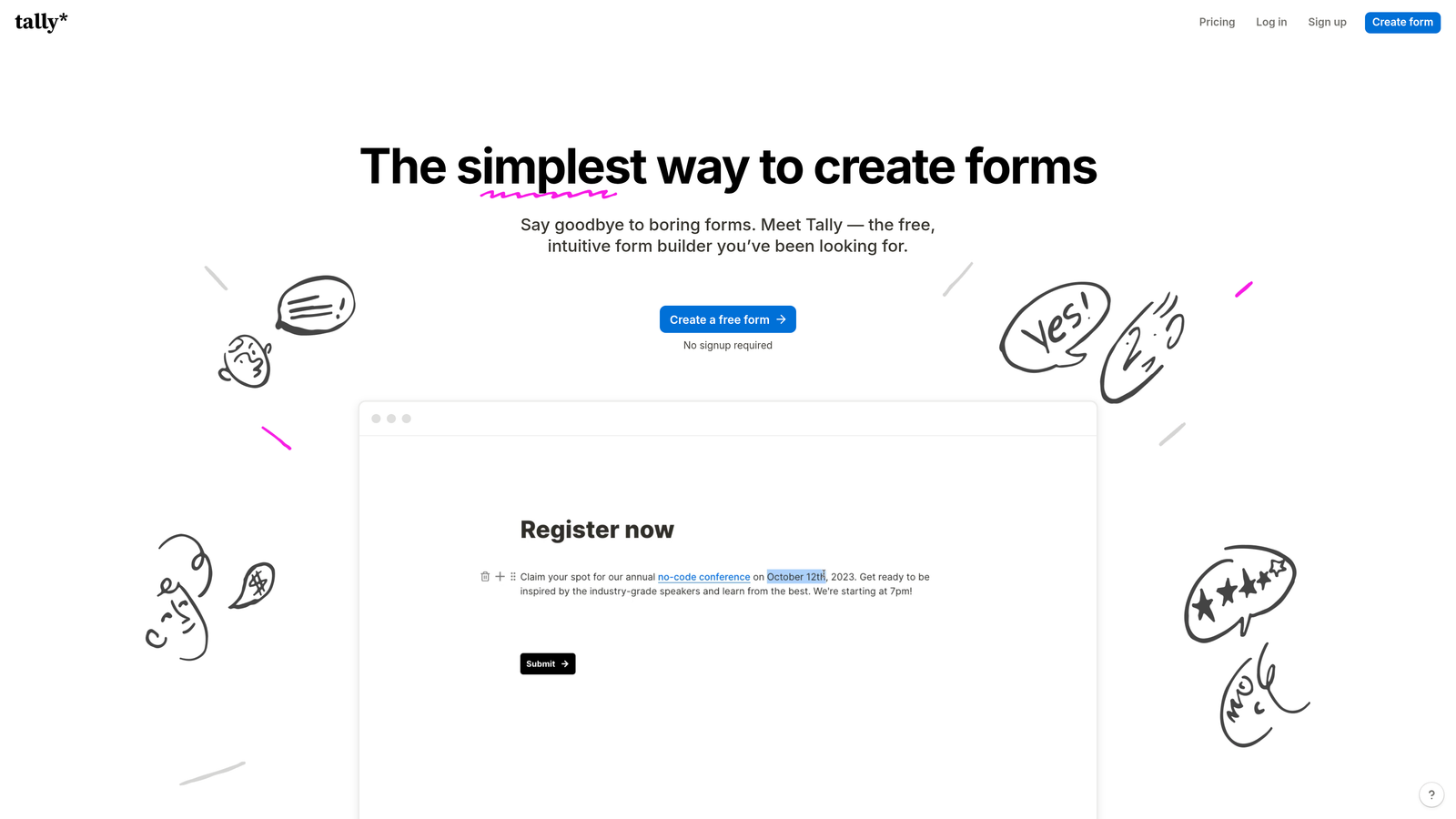
Tally's pricing model is built around generosity at the free tier. You get unlimited forms and unlimited responses without paying a cent, which is genuinely rare in the form builder space. This makes Tally an attractive starting point for lean teams and early-stage companies.
Typeform takes a different approach. Its pricing has historically been gated by response volume, meaning the more submissions your forms receive, the more you pay. For teams running high-traffic lead generation campaigns, this model can produce surprising invoices. Features like custom branding removal, advanced logic, and deeper integrations sit behind paid tiers on both platforms.
The critical question isn't which tool is cheaper at month one. It's which tool remains cost-effective at the scale you're targeting in twelve months. If Typeform's costs feel prohibitive, it's worth exploring Typeform alternatives with better pricing before committing to a plan.
Implementation Steps
1. Map your current monthly form response volume and project where it will be in six and twelve months based on your growth targets.
2. Visit the official pricing pages for both Tally and Typeform to review current tier structures, since SaaS pricing changes frequently.
3. List every feature your team actually requires, including logic, branding, integrations, and analytics, and check which plan tier unlocks each one on both platforms.
4. Calculate the annual cost at your projected response volume for each platform, not just the monthly sticker price.
Pro Tips
Don't anchor your decision on the free tier alone. Many teams start with Tally's free plan and hit unexpected friction when they need advanced conditional logic or custom branding, which pushes them into paid territory anyway. Price the plan you'll actually need, not the one you start on.
2. Form Design and the Experience Your Respondents Actually Have
The Challenge It Solves
Form design isn't just aesthetics. The way a form is structured directly affects whether someone completes it or abandons it halfway through. For lead generation, a poorly designed form experience can quietly destroy conversion rates without any obvious error message to diagnose.
The Strategy Explained
Typeform pioneered the "one question at a time" conversational format, and it remains their signature differentiator. Each question appears individually, creating a dialogue-like rhythm that reduces perceived form length and makes the experience feel less like a bureaucratic chore. This approach has been widely recognized by UX researchers as a way to improve form friendliness. You can read more about the principles behind this in our guide to conversational form design.

Tally takes a different path with a Notion-inspired block editor. Forms are built by stacking content blocks, which many users find faster and more intuitive than Typeform's structured builder. The resulting forms look clean and modern, but they don't carry the same immersive one-question-at-a-time experience by default.
For brands where the form experience itself is part of the product story, Typeform's design language carries real weight. For teams that prioritize build speed and functional clarity over experiential polish, Tally's editor often wins. Understanding what makes forms convert better can help you decide which design philosophy aligns with your goals.
Implementation Steps
1. Identify whether your form is a brand touchpoint (think: a client intake form on a premium agency website) or a functional utility (think: an internal data collection form).
2. Test both platforms by building the same form in each editor and timing how long it takes, noting where you encounter friction.
3. Share both versions with a small sample of your target audience and collect qualitative feedback on the experience before committing to a platform.
Pro Tips
Typeform's design advantage is most pronounced on mobile. The single-question format translates exceptionally well to small screens. If a significant portion of your leads come from mobile traffic, reviewing best practices for mobile form design is worth weighing heavily in your decision.
3. Logic, Branching, and Conditional Fields
The Challenge It Solves
A form that shows every question to every respondent is a blunt instrument. High-growth teams need forms that adapt: routing enterprise prospects down one path, routing SMB leads down another, and skipping irrelevant questions entirely. This is where conditional logic becomes the difference between a form and a qualification engine.
The Strategy Explained
Both Tally and Typeform offer conditional logic, but the depth of that logic varies significantly by plan tier. On both platforms, advanced branching is typically gated behind paid plans. This means teams relying on the free tier will hit limitations quickly when building anything more complex than basic show/hide rules.
Typeform's logic builder is more mature and has been refined over years of iteration. It supports multi-condition branching, jump logic, and calculated fields, which gives it an edge for complex qualification flows. Tally's conditional logic is functional and improving, but teams building sophisticated multi-path flows may find it less robust at comparable price points.
The real deal-breaker moment for most teams is when they try to build routing logic that sends different leads to different sales reps or triggers different follow-up sequences based on form answers. Our step-by-step guide on conditional logic forms for better qualification covers exactly how to design these flows effectively. For a deeper look at what smart form technology can do, see our guide to smart form technology.
Implementation Steps
1. Document every branching scenario your ideal form needs to handle, including edge cases and fallback paths.
2. Map each scenario against the logic capabilities available at the specific plan tier you're evaluating, not the platform's maximum capability.
3. Build a prototype of your most complex flow in each platform's free trial to test whether the logic builder can actually execute your design without workarounds.
Pro Tips
Logic limitations often only surface during build, not during feature comparison. Always prototype your most complex use case first, before you've committed time to migrating your entire form library.
4. Integrations and Data Routing
The Challenge It Solves
A form submission that sits in a dashboard is a missed opportunity. For lead generation to actually work, form data needs to flow instantly and accurately into your CRM, your marketing automation platform, your sales team's tools, and wherever else your pipeline lives. Integration quality determines whether your forms are a growth lever or an isolated data silo.
The Strategy Explained
Both Tally and Typeform rely heavily on Zapier and Make for connecting to popular CRMs like Salesforce, HubSpot, and Pipedrive. Native integrations exist on both platforms, but Typeform generally offers more native connections at comparable plan levels. Tally's native integration set is more limited, which means teams with complex or enterprise-grade tech stacks will typically need a middleware layer to route data effectively.
This isn't necessarily a dealbreaker. Zapier and Make are capable tools, and most modern stacks already include them. But every additional layer in your data pipeline is a potential point of failure, a latency source, and an additional cost. Teams running high-volume lead generation campaigns should audit their integration requirements carefully before choosing a platform. Understanding form field mapping is essential to ensuring data flows accurately into every downstream tool.
The more important question is whether your integrations are one-directional (form data flows into your CRM) or bidirectional (your CRM data enriches form behavior). Most form builders, including both Tally and Typeform, primarily support the former.
Implementation Steps
1. List every tool in your current stack that needs to receive or interact with form submission data.
2. Check each platform's native integration directory for your specific tools, noting which integrations require a middleware service.
3. Calculate the additional cost of any required Zapier or Make plans at your projected task volume.
4. Test data accuracy by running a sample submission through your full integration chain before going live with any lead generation campaign.
Pro Tips
Webhook support is often more reliable than pre-built integrations for enterprise-grade routing. Both platforms offer webhook functionality on paid plans, and for teams with developer resources, this can be a cleaner solution than relying on third-party middleware.
5. Analytics and Conversion Tracking
The Challenge It Solves
You can't optimize what you can't measure. Form completion rates, drop-off points, and question-level abandonment data are essential inputs for any team serious about conversion optimization. Without this visibility, you're guessing at what's working and what's leaking leads.
The Strategy Explained
Form abandonment and drop-off visibility is a known weak point across most form builder platforms, and neither Tally nor Typeform fully escapes this limitation. Typeform provides more built-in analytics than Tally, including response completion rates and some visibility into where respondents drop off. But the depth of conversion analytics available natively on either platform falls well short of what dedicated CRO tools provide.
For teams serious about understanding their form drop-off rate, identifying form abandonment patterns, and optimizing based on data rather than instinct, the built-in analytics on both platforms will likely feel limiting. Most teams end up supplementing with Google Analytics event tracking or dedicated analytics tools to get the full picture. You can explore a more comprehensive approach to form submission tracking and analytics in our dedicated guide.
The gap between "how many people submitted this form" and "where exactly did we lose 60% of our respondents and why" is significant. Closing that gap requires either a platform with deeper native analytics or a deliberate analytics stack built around your form tool.
Implementation Steps
1. Define the specific metrics your team needs to track: completion rate, per-question drop-off, time-on-question, device breakdown, and traffic source attribution.
2. Test each platform's analytics dashboard against your metric requirements before committing.
3. If native analytics fall short, plan your supplementary tracking setup using UTM parameters, Google Analytics 4 events, or a dedicated form analytics layer.
Pro Tips
Per-question drop-off data is often more valuable than overall completion rate. If you can see that 40% of respondents abandon at question three specifically, you have an actionable optimization target. Prioritize platforms or supplementary tools that give you this granularity.
6. Lead Qualification Capabilities
The Challenge It Solves
Collecting form responses and qualifying leads are fundamentally different activities. Most form builders do the former well. Very few do the latter at all. For high-growth teams where every sales rep's time is a scarce resource, the difference between a form that collects data and a form that qualifies, scores, and routes leads intelligently can be the difference between a functional pipeline and a chaotic one.
The Strategy Explained
Neither Tally nor Typeform was built as a lead qualification platform. They're form builders, and capable ones at that. But when you need to score leads based on their answers, route high-value prospects to your enterprise sales team while sending SMB leads to a self-serve flow, or trigger different follow-up sequences based on qualification criteria, both platforms require significant workarounds.
The typical workaround involves exporting responses to a CRM, applying scoring rules there, and triggering routing logic via automation tools. This works, but it introduces latency, complexity, and additional failure points. It also means your qualification logic lives outside your form, making it harder to maintain and iterate on. Teams dealing with this challenge often benefit from exploring automated lead distribution software to close the gap.
AI-powered qualification is an emerging differentiator in this space. Platforms built specifically for lead qualification can assess responses in real time, adapt the form flow based on qualification signals, and deliver scored, routed leads directly to the right destination without manual intervention. For a deeper look at how to approach this problem, our guide on how to qualify leads effectively covers the strategic framework in detail.
Implementation Steps
1. Define your lead qualification criteria explicitly: what signals indicate a high-quality lead versus a low-priority one?
2. Map out how you want qualified leads routed: which team, which CRM stage, which follow-up sequence?
3. Evaluate whether your chosen form platform can execute this routing natively or whether you'll need a multi-tool workaround, and document the complexity cost of that workaround.
4. Consider whether a purpose-built AI form platform might eliminate that complexity entirely for your use case.
Pro Tips
The best time to audit your qualification logic is before you build your forms, not after. Teams that design their qualification criteria first and then select their tooling tend to end up with cleaner, more effective lead flows than teams that retrofit qualification logic onto an existing form setup.
7. The Verdict: Choosing the Right Tool for Your Use Case
The Challenge It Solves
After comparing pricing, design, logic, integrations, analytics, and qualification capabilities, the final challenge is making a clear, defensible decision. The right tool isn't the most feature-rich one or the cheapest one. It's the one that best fits your specific use case, team size, and growth trajectory.
The Strategy Explained
Here's the honest decision matrix:
Tally wins when: You need capable, clean forms without a recurring cost burden. Tally is the pragmatic choice for lean teams, early-stage companies, or use cases where form volume is high but qualification complexity is low. If your primary need is data collection and your budget is tight, Tally's free tier is genuinely hard to beat.
Typeform wins when: The form experience itself is part of your brand story. If you're a design-forward company where every touchpoint needs to feel polished, or if your audience research shows that form experience meaningfully affects completion rates in your context, Typeform's conversational design and mature logic builder justify the higher cost.
Neither wins when: Your forms are a primary lead generation and qualification engine and you need intelligent scoring, real-time routing, and conversion analytics built in. This is the gap where purpose-built AI form platforms like Orbit AI are specifically designed to operate.
Implementation Steps
1. Answer three questions honestly: What is your budget ceiling at scale? How complex are your qualification flows? How much does form experience impact your brand perception?
2. Match your answers to the decision matrix above and identify which platform category fits your use case.
3. Run a structured trial of your top choice using your actual use case, not a demo form, before migrating any existing forms.
Pro Tips
Don't optimize for the tool that's easiest to start with. Optimize for the tool that will still be the right choice when your lead volume doubles. Switching form platforms mid-growth is far more disruptive than taking the extra time to evaluate properly upfront.
Putting It All Together
Tally and Typeform serve different masters. Tally is the pragmatic choice for teams that need capable forms without a recurring cost burden. Typeform is the aesthetic choice for brands where the form experience itself is part of the product story.
But for high-growth teams where forms are a primary lead generation and qualification engine, both platforms have meaningful gaps, particularly around intelligent lead scoring, real-time qualification logic, and conversion analytics that actually inform optimization decisions.
The right decision comes down to three questions. What's your budget ceiling at scale? How complex are your qualification flows? And how much does the form experience itself impact your brand perception? Use this article as your decision framework.
If you find yourself wanting more than either option can deliver, explore what a purpose-built AI form platform can do for your conversion rates and lead quality. Transform your lead generation with AI-powered forms that qualify prospects automatically while delivering the modern, conversion-optimized experience your high-growth team needs. Start building free forms today and see how intelligent form design can elevate your conversion strategy.


