

Google Forms is free, familiar, and perfectly fine for quick internal surveys or basic data collection. But the moment you need your forms to actually work for you — qualifying leads, triggering automation, reflecting your brand, or handling complex conditional logic — its limitations become a real obstacle. Professionals running lead generation campaigns, client intake processes, or conversion-optimized workflows need tools that match the sophistication of their work.
The form builder market has matured significantly. Today's best tools span everything from AI-powered lead qualification platforms to enterprise workflow suites combining forms, documents, and e-signatures. Our selection criteria for this list: design flexibility, integration depth, analytics capabilities, lead management features, and genuine value for professional use cases.
Here are the top Google Forms alternatives worth your attention in 2026.
1. Orbit AI
Best for: High-growth teams that need AI-powered lead qualification built directly into the form experience.
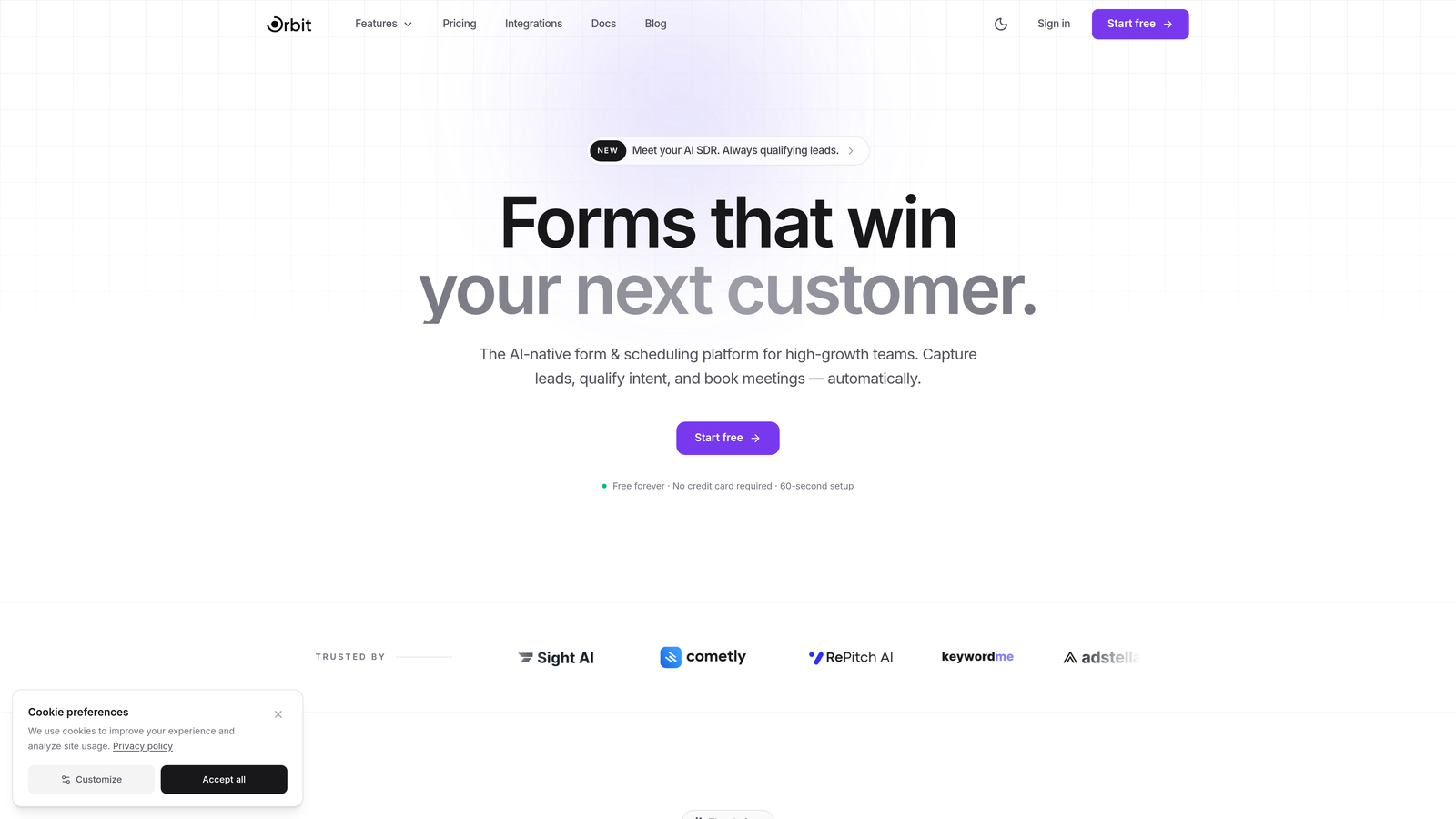
Orbit AI is an AI-powered form builder designed to capture, score, and qualify leads at the exact moment of form submission.
Where This Tool Shines
Most form builders treat submission as the end of the process. Orbit AI treats it as the beginning. Its built-in lead qualification layer means your forms don't just collect data — they actively assess and score prospects based on their responses, so your sales and marketing teams receive pre-qualified leads rather than raw submissions.
The platform is also built with conversion optimization as a core design principle, not an afterthought. Templates are engineered for high completion rates, and the conditional logic system creates dynamic form paths that keep respondents engaged without overwhelming them with irrelevant questions.
Key Features
AI-Powered Lead Scoring: Automatically qualifies and scores leads at the point of capture, so your team prioritizes the right prospects immediately.
Conversion-Optimized Templates: Purpose-built templates and a design system focused on maximizing form completion rates.
Conditional Logic and Dynamic Paths: Intelligent branching creates personalized form experiences based on each respondent's answers.
CRM and Marketing Automation Integrations: Connects with the tools your team already uses to trigger workflows the moment a form is submitted.
Real-Time Analytics: Submission insights and form performance data help you continuously optimize your conversion strategy.
Best For
Sales and marketing teams at high-growth companies where lead quality matters as much as lead volume. If your current process involves manually reviewing form submissions to determine who's worth following up with, Orbit AI directly solves that problem.
Pricing
Visit orbitforms.ai for current pricing plans. A free tier is available to get started.
2. Typeform
Best for: Brands that want a polished, conversational form experience that feels nothing like a traditional form.
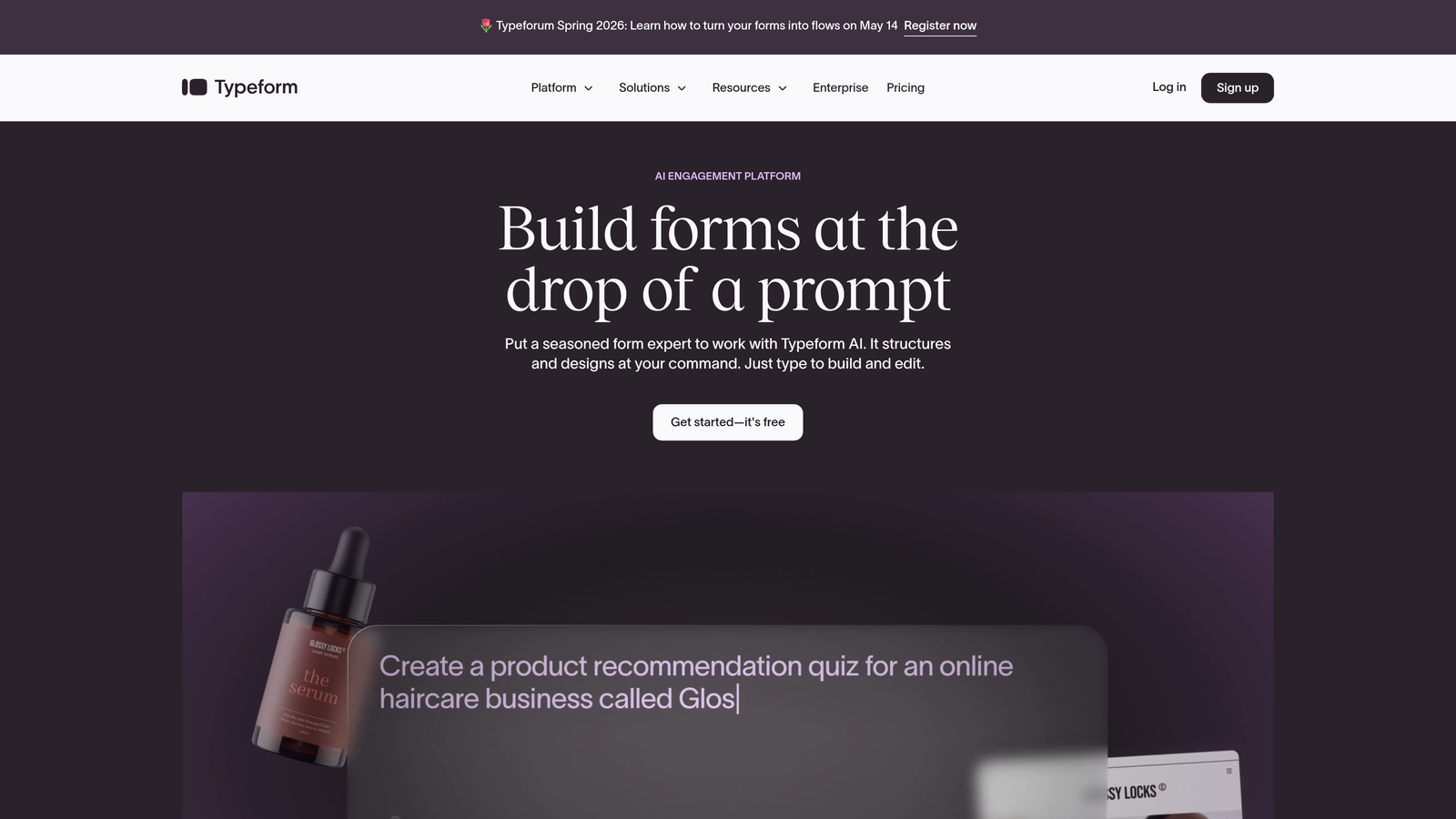
Typeform is a conversational form builder known for its one-question-at-a-time interface that creates engaging, brand-friendly experiences.
Where This Tool Shines
Typeform essentially reinvented what a form can feel like. Instead of presenting a wall of fields, it guides respondents through questions one at a time, creating an experience closer to a conversation than a form. This approach typically improves completion rates for longer surveys and lead capture flows.
The design customization is genuinely strong. You can apply brand colors, fonts, and imagery throughout, making Typeform-built forms feel like an extension of your website rather than a third-party widget.
Key Features
Conversational Interface: One-question-at-a-time format reduces friction and keeps respondents engaged through longer forms.
Brand Theming: Full control over colors, fonts, backgrounds, and imagery to match your brand identity.
Logic Jumps: Branching paths based on responses create personalized question flows for each respondent.
Native Integrations: Connects directly with HubSpot, Salesforce, Mailchimp, Slack, and other common marketing tools.
Video and Image Embedding: Enrich forms with visual content to provide context or boost engagement mid-survey.
Best For
Marketers and brand-conscious teams running customer surveys, NPS collection, or lead capture campaigns where the form experience itself is part of the brand impression. Less ideal for data-heavy internal workflows.
Pricing
Free plan available with limited responses. Paid plans start at approximately $25/month, with higher tiers unlocking more responses and advanced features.
3. Jotform
Best for: Professionals who need a versatile, all-in-one form solution with payment processing and industry-specific templates.
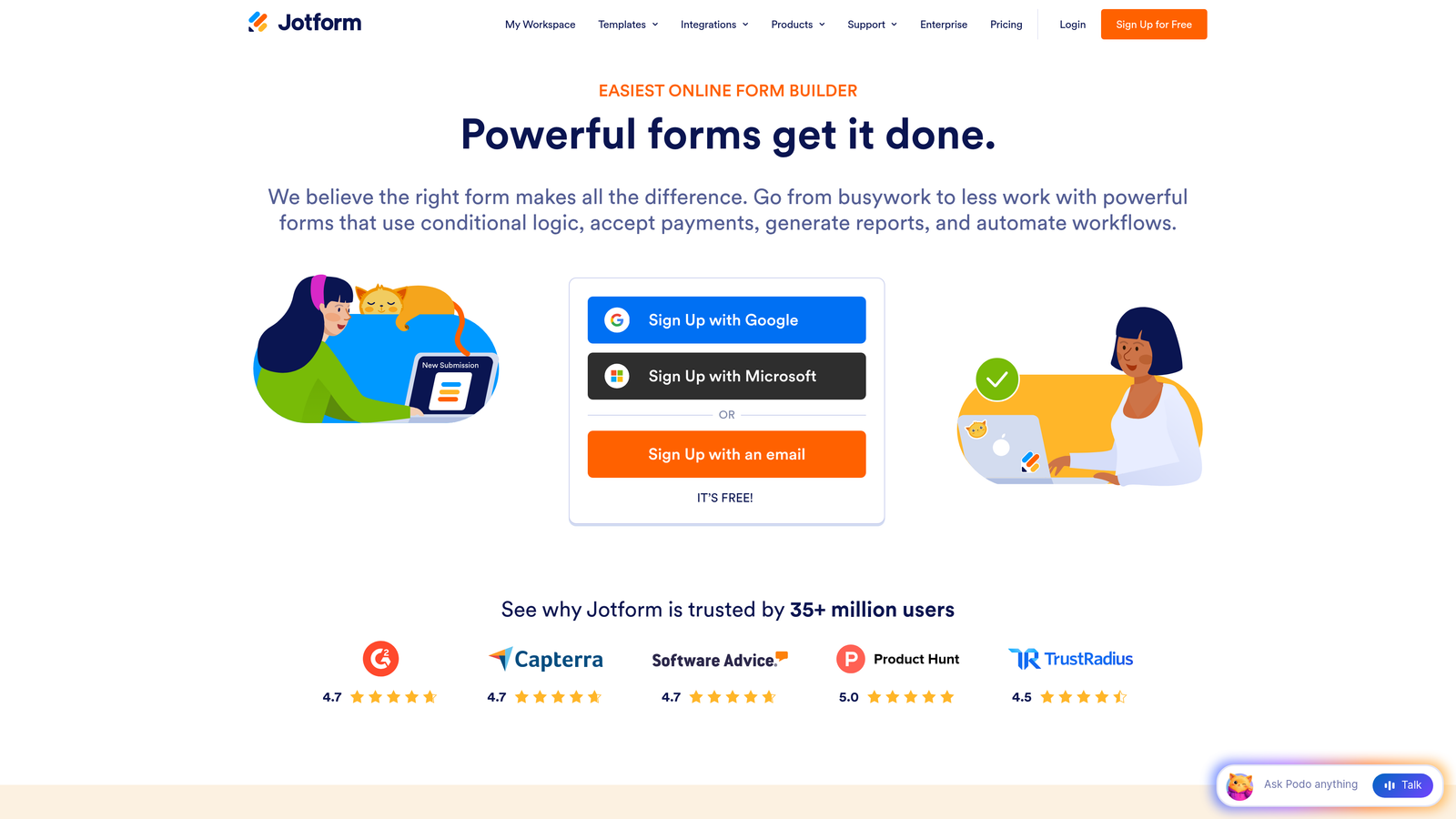
Jotform is a feature-rich form builder offering over 10,000 templates, payment collection, PDF generation, and an exceptionally broad integration library.
Where This Tool Shines
Jotform's sheer breadth is its defining characteristic. Whether you need a medical intake form with HIPAA compliance, a client contract with e-signature, or a product order form with Stripe payment processing, there's almost certainly a template and feature set ready to handle it. This makes it particularly valuable for agencies and consultants serving clients across different industries.
The drag-and-drop builder is approachable for non-technical users, while the conditional logic and calculation fields provide enough depth for complex professional workflows.
Key Features
10,000+ Templates: Industry-specific templates covering healthcare, legal, education, e-commerce, and more.
Built-In Payment Processing: Accept payments via PayPal, Stripe, and Square directly within forms.
PDF Generation and E-Signatures: Convert submissions to professional PDFs and collect legally binding signatures.
Conditional Logic: Show or hide fields based on previous answers to create smart, adaptive forms.
HIPAA Compliance: Available on higher-tier plans for healthcare professionals handling protected health information.
Best For
Agencies, consultants, and small-to-mid-sized businesses needing a single form platform that handles diverse use cases across different clients or departments without requiring multiple tools.
Pricing
Free plan supports up to 5 forms. Paid plans start at approximately $34/month with significantly expanded form limits and feature access.
4. Tally
Best for: Teams and individuals who want a clean, capable form builder without paying for features they don't need.
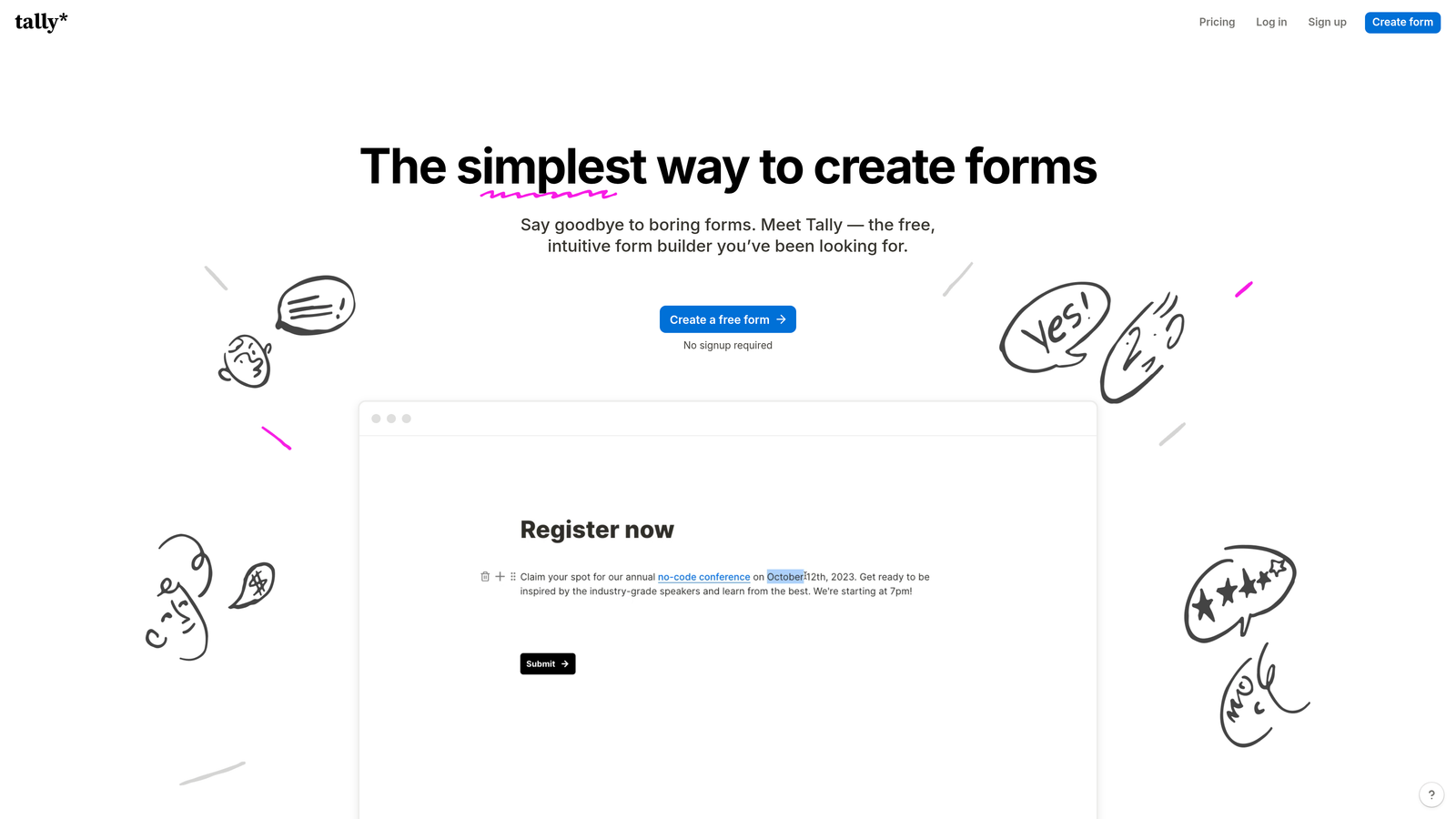
Tally is a minimalist, Notion-style form builder with one of the most generous free tiers in the market: unlimited forms, unlimited submissions, and no forced branding.
Where This Tool Shines
Tally's free plan is genuinely remarkable. Most form builders use submission limits or forced branding to push users toward paid plans. Tally removes both of those friction points, making it a legitimate professional option even at zero cost. The block-based editor feels intuitive if you've ever used Notion, and the clean interface keeps form creation fast.
For teams that need straightforward forms without a steep learning curve or a complex pricing structure, Tally delivers a surprisingly complete feature set.
Key Features
Unlimited Free Forms and Submissions: No artificial limits on the free plan — a rare and genuinely useful differentiator.
No Branding on Free Tier: Your forms don't advertise Tally to your respondents, even without paying.
Block-Based Editor: Notion-style editing interface that feels natural for teams already in that ecosystem.
Conditional Logic and Hidden Fields: Core logic features available on both free and paid plans.
Webhooks and Integrations: Connect to external tools via native integrations and webhooks for workflow automation.
Best For
Startups, freelancers, and small teams that need professional-quality forms without the budget for premium tools. Also a strong choice for internal forms and operational data collection where design customization isn't a priority.
Pricing
Free plan is very generous with core features included. Pro plan is approximately $29/month, adding custom domains, file uploads, and priority support.
5. HubSpot Forms
Best for: Teams already using HubSpot CRM who want forms that automatically feed and enrich their contact database.
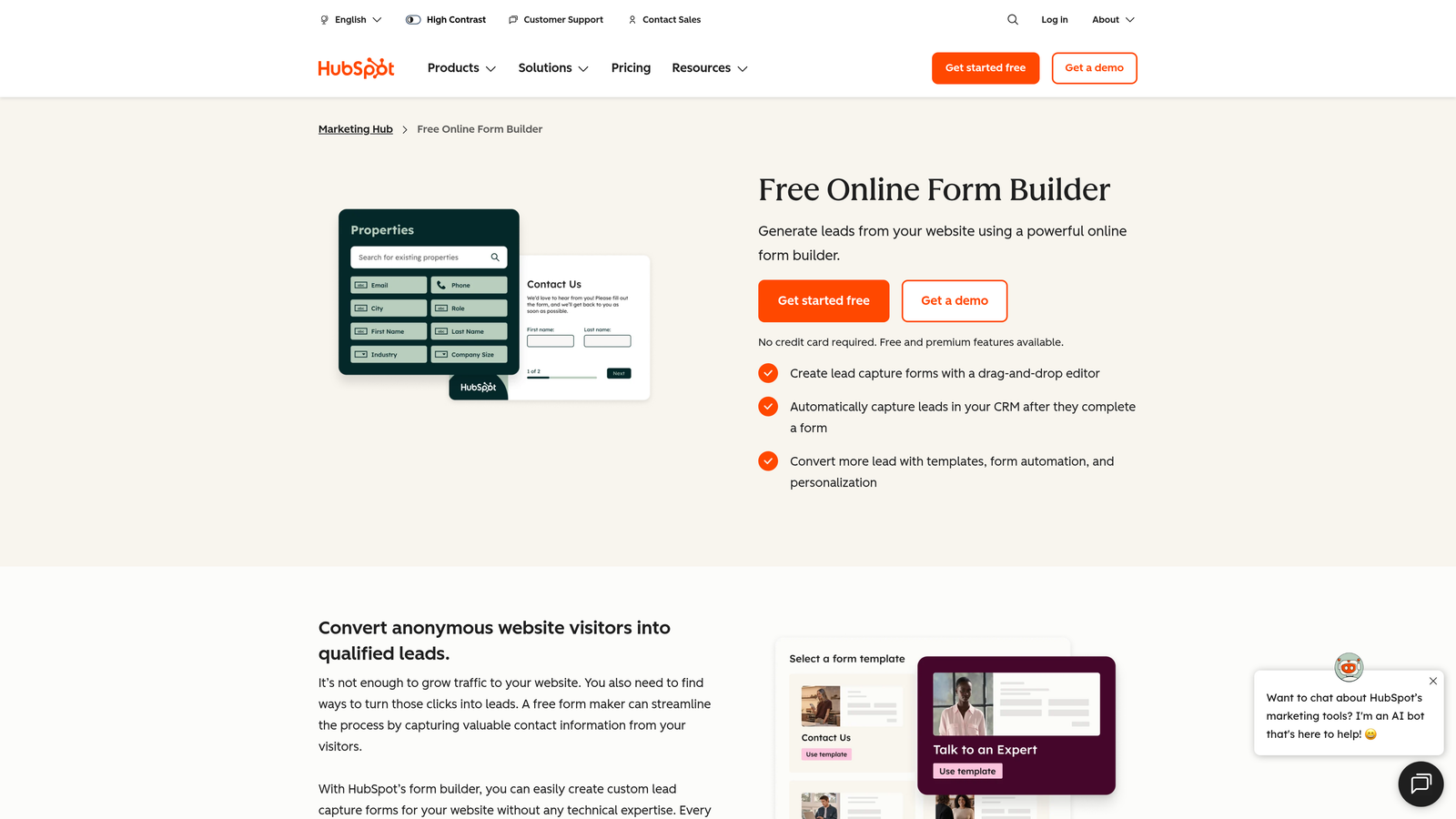
HubSpot Forms is a CRM-native form builder that creates and updates contact records automatically on every submission.
Where This Tool Shines
If your team lives in HubSpot, this is the most frictionless path from form submission to CRM record. Every submission automatically creates or updates a contact, and you can immediately trigger marketing sequences, sales notifications, or lead nurturing workflows without any manual data transfer or third-party integration setup.
The progressive profiling feature is particularly smart for teams running multiple campaigns. Instead of asking the same questions repeatedly, HubSpot Forms remembers what it already knows about a contact and asks new questions on subsequent form interactions, gradually building richer profiles over time.
Key Features
Automatic CRM Contact Creation: Every submission instantly creates or updates a HubSpot contact record with no manual work required.
Progressive Profiling: Asks different questions to returning contacts to progressively enrich their data profile.
Workflow Triggers: Form submissions can immediately activate email sequences, task assignments, and sales notifications.
Smart and Dependent Fields: Dynamically show or hide fields based on contact properties already stored in your CRM.
Free Tier Available: Core form functionality is included with the free HubSpot CRM.
Best For
Marketing and sales teams running inbound campaigns on the HubSpot platform. Less compelling as a standalone form tool if you're not invested in the HubSpot ecosystem.
Pricing
Free with HubSpot CRM. Advanced features like A/B testing and smart content require paid Marketing Hub tiers, which start at higher price points.
6. Paperform
Best for: Professionals who want forms that look and feel like beautifully designed landing pages rather than traditional input fields.
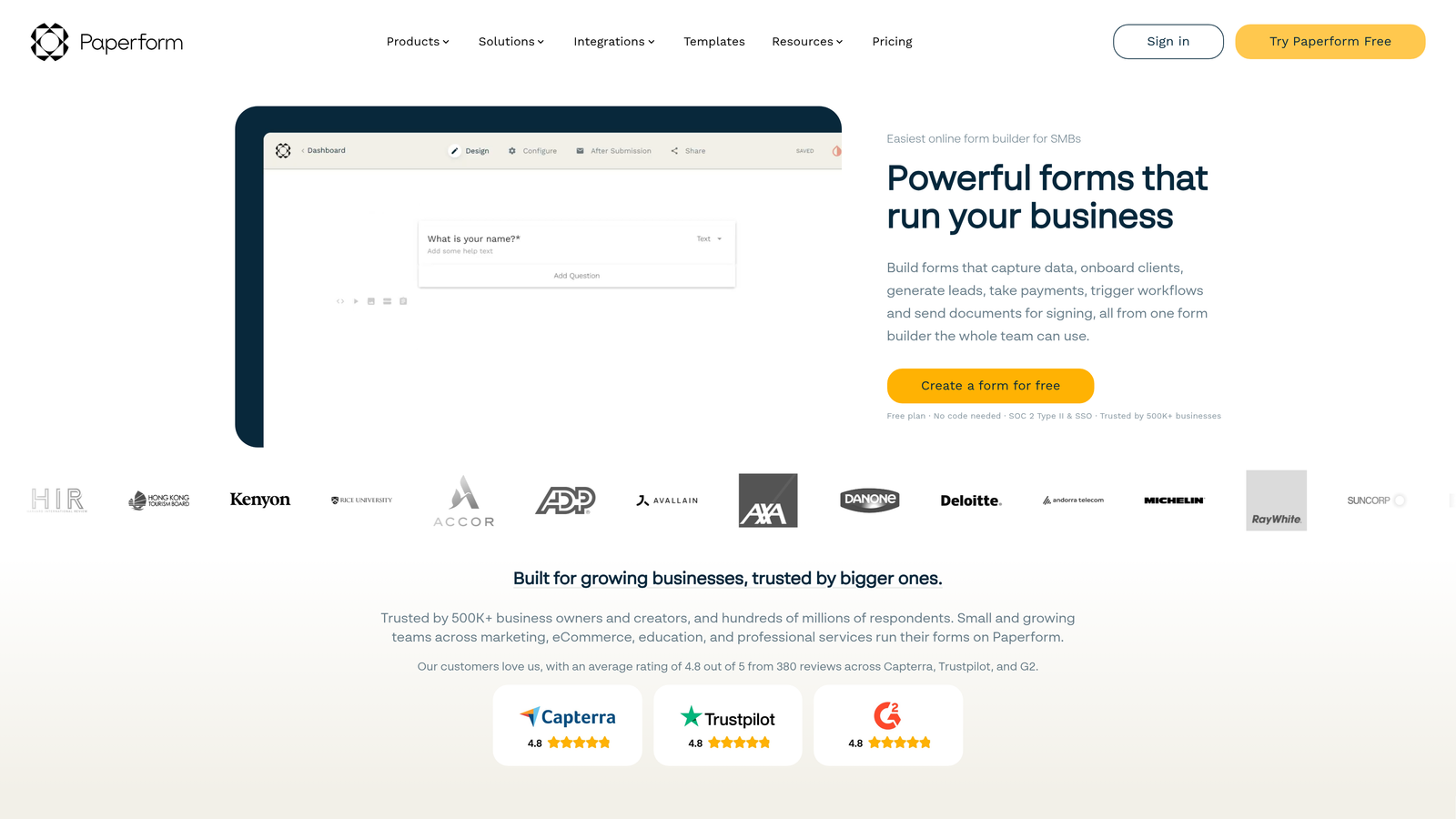
Paperform is a form builder that creates rich, landing-page-style forms with embedded media, custom branding, and a content-first editing experience.
Where This Tool Shines
Paperform blurs the line between form and landing page. You can embed images, videos, and rich text throughout your form, creating an experience that feels more like a guided document than a data collection tool. This makes it particularly effective for client-facing forms where first impressions matter: onboarding questionnaires, creative briefs, event registrations, and service booking flows.
The built-in calculation fields are also a standout feature, enabling pricing calculators, quote estimators, and scoring tools without needing external tools or custom code.
Key Features
Landing-Page-Style Design: Rich media embedding and content-first layout create forms that feel like premium branded experiences.
Built-In Payments and Booking: Accept payments and schedule appointments directly within the form flow.
Custom Branding: Full theme control including custom fonts, colors, and domain options.
Calculation Fields: Build pricing estimators, scoring systems, and dynamic calculations without code.
2,000+ Integrations: Connect to your stack via native integrations and Zapier.
Best For
Agencies, consultants, and service businesses that need client-facing forms to reflect their brand quality. Also strong for anyone needing built-in payment collection or booking functionality alongside form data.
Pricing
Plans start at approximately $24/month. No permanent free plan, but a trial period is available.
7. Fillout
Best for: Data-centric teams that need forms to read from and write back to databases like Airtable, Notion, or Supabase.
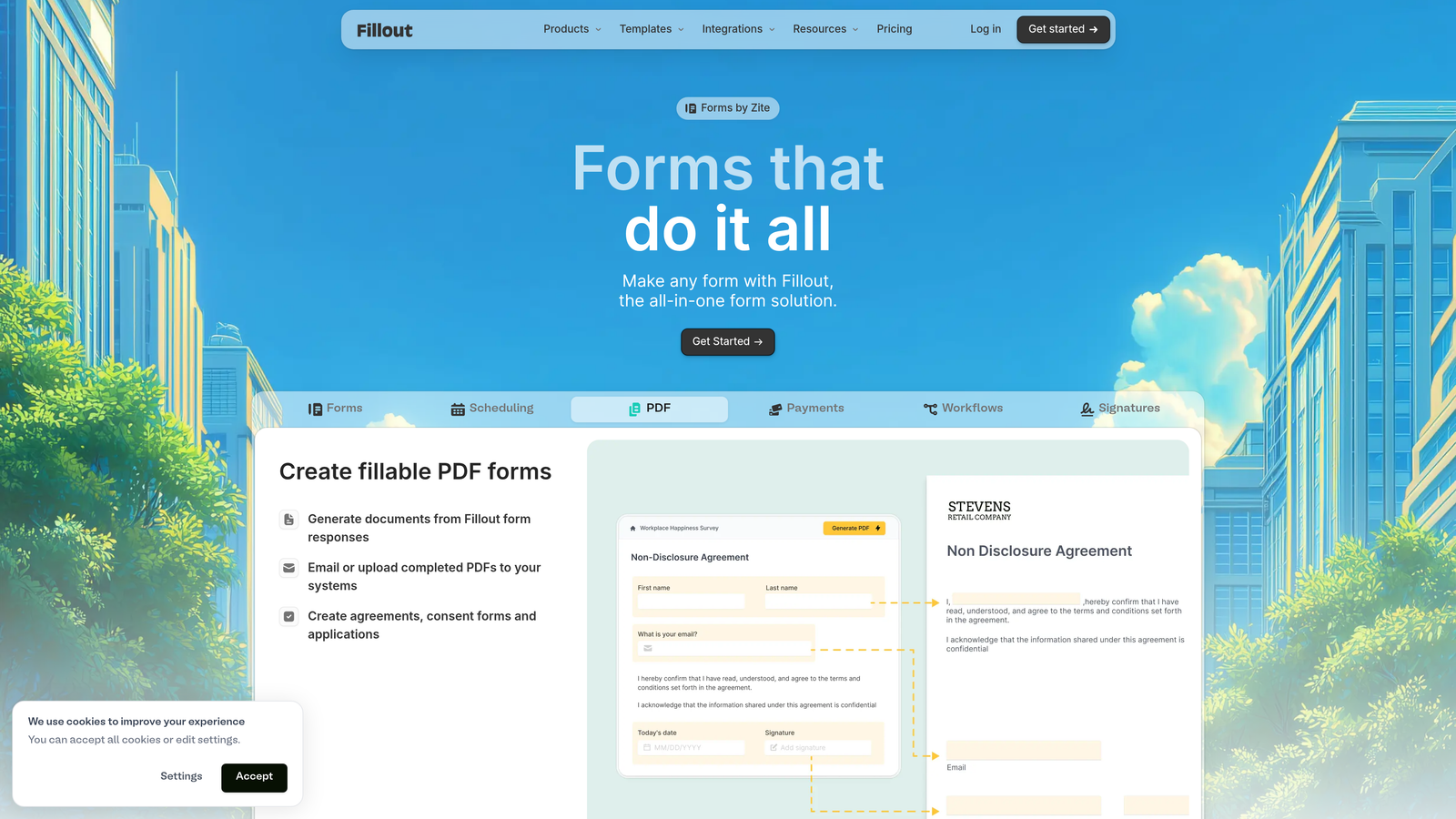
Fillout is a modern form builder with native two-way database integrations that make it the natural choice for operations and data-driven workflows.
Where This Tool Shines
Where most form builders push data into a spreadsheet or CRM, Fillout connects bidirectionally with databases. That means you can pre-fill forms with existing records, update database entries on submission, and build forms that behave like lightweight database interfaces. For teams running their operations in Airtable or Notion, this eliminates significant manual data work.
The platform has also moved quickly to add scheduling, payment integrations, and a generous free tier, making it a strong all-around option beyond just database workflows.
Key Features
Native Two-Way Database Sync: Read from and write to Airtable, Notion, Supabase, and other databases directly — no Zapier required.
Pre-Fill from Existing Records: Populate form fields with data already in your database to reduce respondent effort.
Advanced Conditional Logic: Multi-page flows and complex branching for sophisticated form experiences.
Scheduling and Payment Integrations: Built-in support for booking flows and payment collection.
Generous Free Plan: Core features available without a paid subscription, making it accessible for smaller teams.
Best For
Operations teams, product managers, and no-code builders who use Airtable, Notion, or similar tools as their data layer and need forms that integrate natively rather than through workarounds.
Pricing
Free plan available with core features. Paid plans start at approximately $15/month, making it one of the more affordable professional options on this list.
8. Cognito Forms
Best for: Professionals needing advanced calculations, repeating data sections, and complex data collection without enterprise pricing.
Cognito Forms is a powerful form builder with a robust calculation engine and repeating sections built for complex, variable-length data collection scenarios.
Where This Tool Shines
Cognito Forms handles form complexity that most builders struggle with. The calculation engine supports pricing formulas, scoring systems, and conditional math that update dynamically as respondents fill out the form. This makes it genuinely useful for quote builders, order forms with variable pricing, and assessment tools.
The repeating sections feature is another capability that sets it apart. If you need respondents to enter a variable number of items — line items on an order, multiple attendees on a registration, or a list of references — Cognito handles this natively while most competitors require workarounds.
Key Features
Advanced Calculation Engine: Build dynamic pricing, scoring, and formula-based calculations that update in real time as forms are completed.
Repeating Sections: Allow respondents to add variable numbers of entries within a single form submission.
Built-In Payment Processing: Accept payments via Stripe, PayPal, and Square with calculated totals.
Conditional Logic and Multi-Page Workflows: Sophisticated branching and page-level logic for complex form structures.
Data Encryption and Compliance: Security features suitable for sensitive professional data collection.
Best For
Legal, financial, healthcare, and operations professionals who need forms to handle complex calculations, variable data structures, or sensitive information — without moving up to enterprise pricing.
Pricing
Free plan available. Paid plans start at approximately $15/month, offering strong value for the depth of features provided.
9. Formstack
Best for: Enterprise teams and regulated industries that need forms, document generation, and e-signatures in a single compliant platform.
Formstack is an enterprise-grade workflow platform that combines form building, document generation, and e-signature collection into a unified automation suite.
Where This Tool Shines
Formstack isn't just a form builder — it's a workflow automation platform where forms happen to be the entry point. For organizations that need to collect data, generate a document from that data, route it for approvals, and collect a signature, Formstack handles the entire chain without stitching together multiple tools.
Its compliance infrastructure is also a genuine differentiator for regulated industries. HIPAA, GDPR, and other compliance frameworks are built into the platform, making it one of the few form tools that enterprise legal and compliance teams will actually approve.
Key Features
Forms, Documents, and E-Signatures: End-to-end workflow automation from data collection through signed document delivery in one platform.
Advanced Workflow Routing: Approval chains, conditional routing, and multi-step workflows for complex organizational processes.
Compliance Infrastructure: HIPAA, GDPR, and enterprise-grade security built into the platform architecture.
Salesforce-Native Integration: Deep, native Salesforce connectivity for teams running enterprise CRM workflows.
A/B Testing: Test form variations to optimize completion rates and conversion performance.
Best For
Mid-market and enterprise organizations in healthcare, financial services, legal, or other regulated industries where data collection, documentation, and compliance must work together seamlessly.
Pricing
Plans start at approximately $50/month. Enterprise pricing is available for larger organizations with complex requirements.
Choosing the Right Form Builder for Your Workflow
The right tool depends almost entirely on what you're trying to accomplish. Here's a quick way to think through the decision.
If lead generation and qualification are your primary goals, Orbit AI is the clear standout. It's the only tool on this list built specifically to score and qualify leads at the point of capture, which means your team spends less time sorting submissions and more time closing the right ones.
If brand experience and conversational UX matter most, Typeform or Paperform are your best options. Both create form experiences that feel premium and polished, making them strong choices for client-facing work where the form itself reflects your professionalism.
If you're running enterprise workflows in regulated industries, Formstack's combination of forms, documents, and compliance infrastructure is hard to match. It's priced accordingly, but for organizations where compliance is non-negotiable, that investment is justified.
If budget is a constraint, Tally's free plan is genuinely capable, and Fillout and Cognito Forms both offer strong professional feature sets starting around $15/month.
For teams already in HubSpot, the native forms integration is a natural fit. For data-centric teams in Airtable or Notion, Fillout's two-way sync removes friction that other tools can't address.
For high-growth teams where conversion rates and lead quality directly impact revenue, the choice comes down to whether your form builder is actively working to improve those outcomes or simply collecting data and stepping aside. Start building free forms today and see how intelligent form design and built-in lead qualification can transform your conversion strategy.


