

Lead capture forms are often the first real handshake between your business and a potential customer, and the tool you use to build them matters more than most teams realize. The wrong platform means clunky designs, poor mobile experiences, zero lead qualification, and conversion rates that flatline. The right one turns a simple form into a revenue asset.
This list covers the best lead capture form tools available in 2026, evaluated on conversion optimization features, lead qualification capabilities, integrations, ease of use, and pricing. Whether you're a SaaS team running high-volume inbound campaigns or a growth marketer optimizing every touchpoint, there's a right tool for your stack.
1. Orbit AI
Best for: High-growth SaaS and B2B teams that need AI-powered lead qualification built into the form itself.
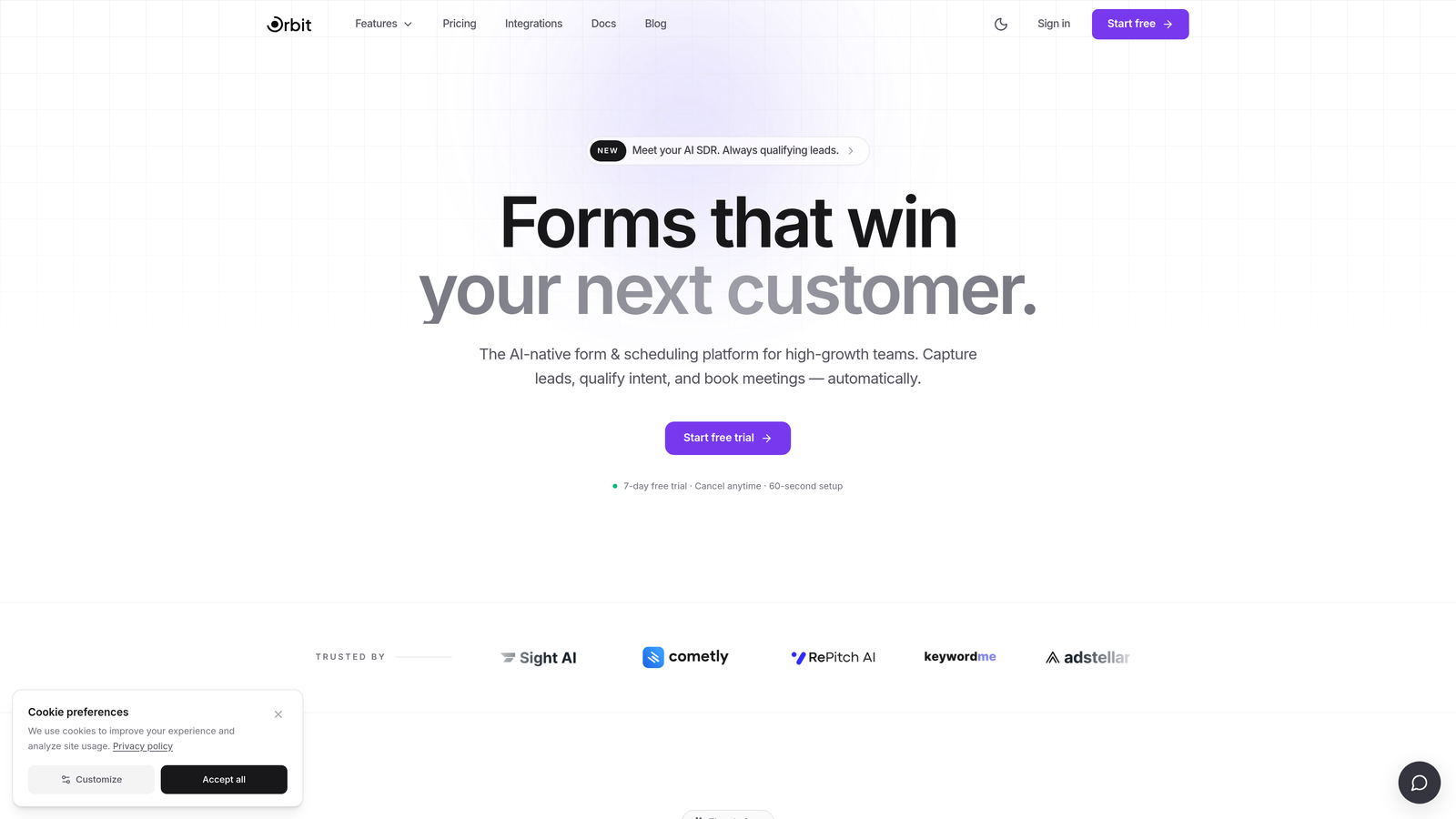
Orbit AI is an AI-powered form builder with lead qualification and conversion optimization designed specifically for high-growth teams.
Where This Tool Shines
Most form tools treat lead qualification as a post-submission problem, something you sort out in your CRM after the data lands. Orbit AI flips that model entirely. The AI qualification layer works at the form level, scoring and routing leads in real time so your sales team only touches the prospects that actually matter.
The form design experience is built for modern B2B and SaaS use cases, with templates that prioritize conversion rather than just aesthetics. Multi-step forms with smart conditional branching reduce friction without sacrificing the data quality your team needs to act fast.
Key Features
AI-Powered Lead Qualification: Scores and routes leads in real time directly within the form experience, before they ever hit your CRM.
Conversion-Optimized Templates: Purpose-built for B2B and SaaS use cases, designed to maximize completion rates on high-intent forms.
Multi-Step Form Builder: Conditional logic and smart field branching let you personalize the form path based on each respondent's answers.
Modern Form Design: Full customization with a clean, polished UI that holds up on any device without sacrificing brand quality.
CRM and Marketing Automation Integrations: Connects to the tools already in your stack so qualified leads flow directly into your workflows.
Best For
SaaS companies and B2B growth teams that want to qualify leads at the point of capture rather than sorting through raw submissions later. Particularly strong for teams running high-volume inbound campaigns where lead quality and routing speed directly impact revenue.
Pricing
Check orbitforms.ai for current pricing tiers and free trial options, as plans are updated regularly.
2. Typeform
Best for: Brand-forward teams that want a conversational form experience with high completion rates.
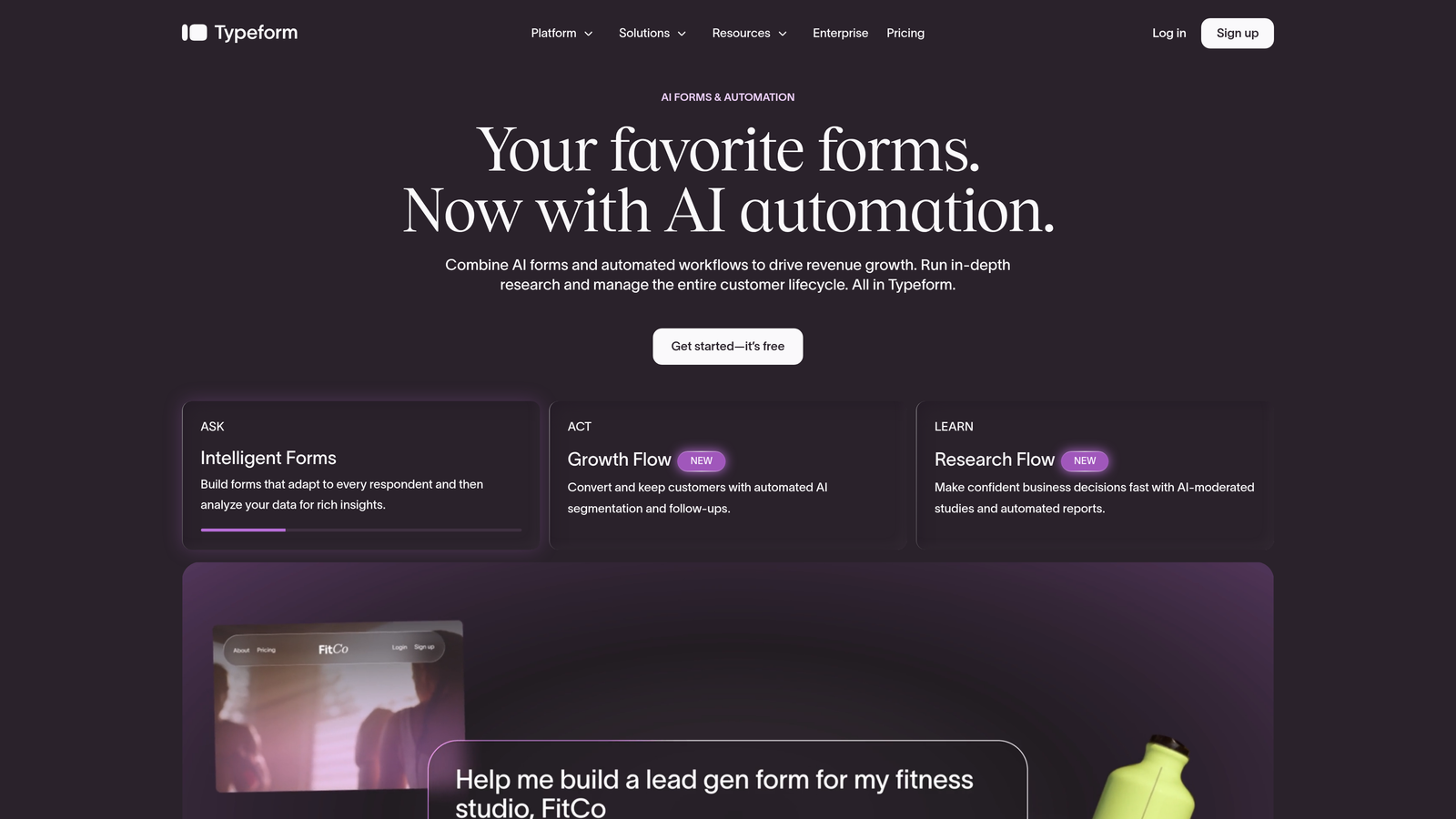
Typeform is a conversational form builder known for its one-question-at-a-time format that drives higher engagement on longer forms.
Where This Tool Shines
Typeform's core UX insight is simple but effective: showing one question at a time reduces cognitive load and keeps respondents moving forward. For longer lead capture flows where a traditional multi-field form would cause drop-off, this format can make a meaningful difference in completion rates.
The platform has evolved well beyond basic forms. Video questions, rich media embeds, and a polished visual editor make it a strong choice for teams where brand experience is part of the lead capture strategy. The integration library is extensive, covering most major CRM and marketing automation platforms.
Key Features
Conversational One-Question UI: Presents questions sequentially to reduce friction and improve completion on longer forms.
Logic Jumps and Conditional Branching: Routes respondents to different questions based on their answers for a personalized experience.
Video Questions and Rich Media: Embeds video and images directly into the form flow for brand-forward experiences.
Extensive Integration Library: Native connections to Zapier, HubSpot, Salesforce, and many other tools in the modern marketing stack.
Analytics with Drop-Off Tracking: Shows exactly where respondents abandon the form so you can optimize the flow.
Best For
Marketing agencies, brand-conscious SaaS teams, and growth marketers who prioritize the respondent experience and need a polished, engaging form that reflects their brand identity. Less suited to teams that need deep lead scoring or native CRM qualification logic.
Pricing
Free tier available; paid plans start at approximately $25/month. Pricing scales with response volume, so verify current tiers at typeform.com.
3. HubSpot Forms
Best for: Teams already using HubSpot CRM who want zero-friction lead capture with native sync.
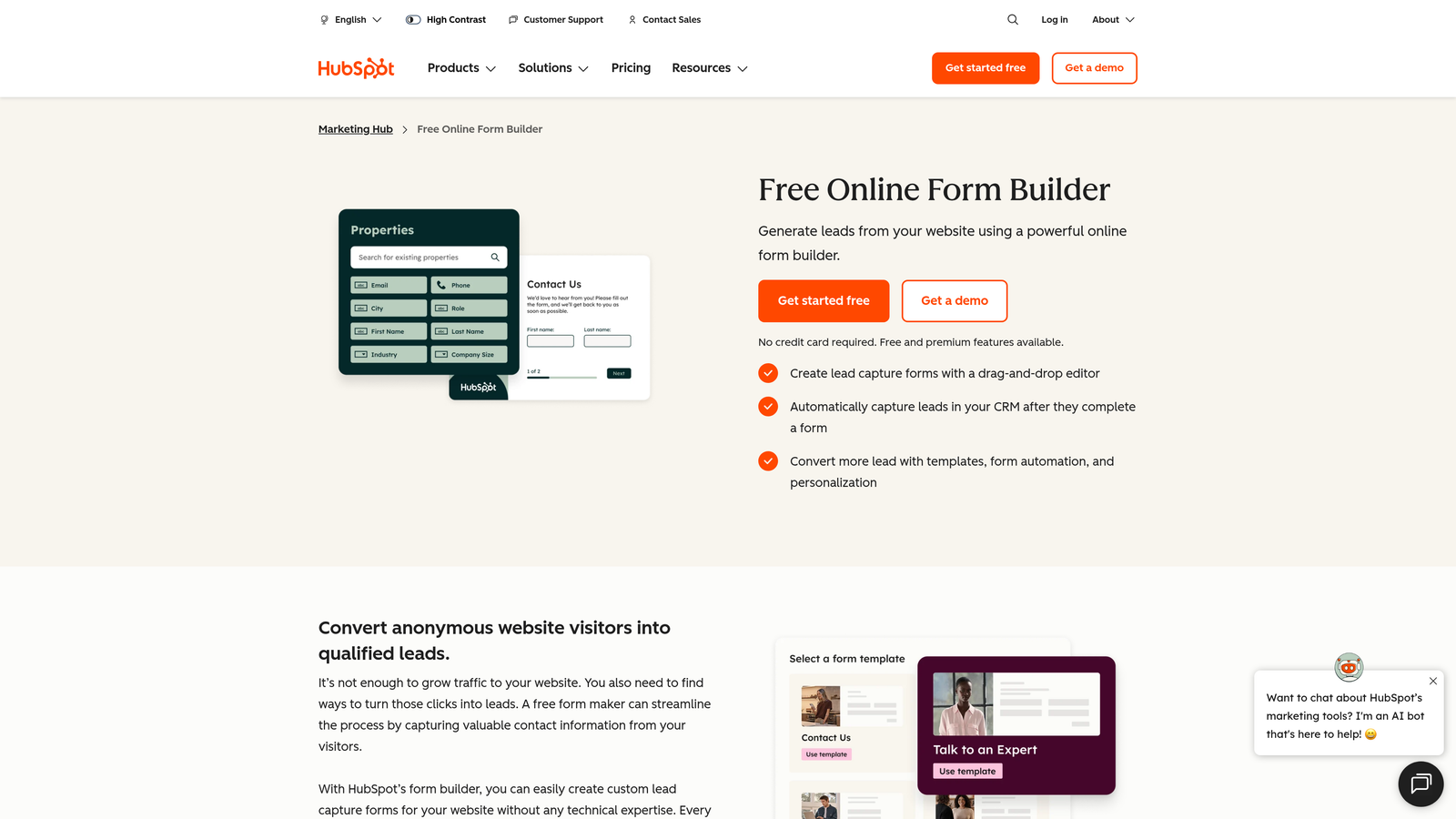
HubSpot Forms is the native form builder within HubSpot's CRM platform, offering seamless lead capture and progressive profiling for HubSpot users.
Where This Tool Shines
If your team runs on HubSpot, using HubSpot Forms is a straightforward decision. There's no integration to configure, no field mapping to worry about, and no data lag between form submission and CRM record creation. Everything is native, and it works immediately.
The progressive profiling feature is genuinely useful for teams with an existing contact database. Rather than asking known contacts to re-enter information you already have, HubSpot Forms surfaces new questions for returning visitors, building richer contact profiles over time without adding friction to repeat interactions.
Key Features
Native CRM Sync: Submissions flow directly into HubSpot contacts with zero configuration or field mapping required.
Progressive Profiling: Automatically swaps out already-known fields for new questions when a recognized contact fills out a form again.
Multiple Form Formats: Embedded, pop-up, and standalone form options to match different placement contexts on your site.
Workflow Triggers: Form submissions can instantly kick off lead nurturing sequences, internal notifications, and deal creation inside HubSpot.
Free to Start: Available at no additional cost with any HubSpot account, including the free CRM tier.
Best For
Teams already invested in the HubSpot ecosystem who want their form tool to feel like a natural extension of their CRM rather than a separate product. Limited value for teams not using HubSpot, as the standalone form experience is fairly basic compared to dedicated tools.
Pricing
Free with HubSpot's free CRM; advanced features like A/B testing and smart content require Marketing Hub paid plans. Verify current plan details at hubspot.com.
4. Jotform
Best for: Teams that need a feature-rich form builder with templates, payments, and broad integrations in one place.
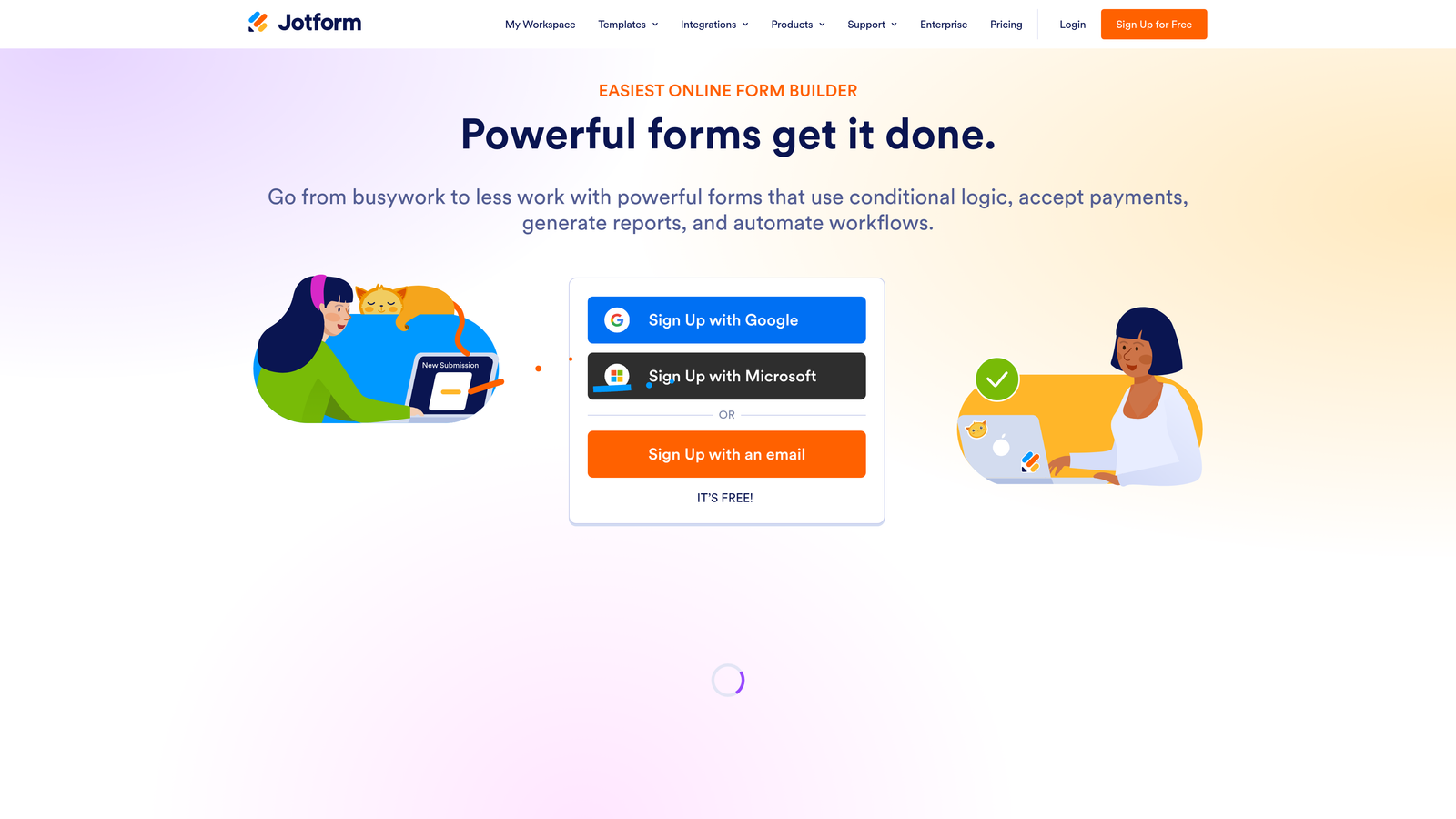
Jotform is one of the most comprehensive form builders available, with thousands of templates, extensive field types, and support for payments and file uploads.
Where This Tool Shines
Jotform's breadth is its biggest selling point. If you need a form tool that handles lead capture today, payment collection tomorrow, and appointment booking next week, Jotform can do all of it without switching platforms. The template library alone covers an enormous range of industries and use cases, which significantly reduces setup time.
For SMB teams and agencies managing multiple clients with different needs, Jotform's flexibility is hard to match. The conditional logic and calculation fields go deeper than most tools in this category, and the integration list covers virtually every major CRM, email platform, and payment processor.
Key Features
5,000+ Templates: An extensive library covering nearly every industry and use case, reducing time to first form significantly.
Payment Collection: Native integrations with Stripe, PayPal, Square, and other processors for forms that double as checkout experiences.
Advanced Conditional Logic: Complex branching, calculation fields, and dynamic content based on user responses.
Specialized Field Types: File uploads, e-signatures, appointment booking, and more for forms that go beyond basic data collection.
100+ Native Integrations: Direct connections to major CRM, email, and automation platforms, plus Zapier for everything else.
Best For
SMBs, agencies, and teams with varied form needs across departments. Can feel overwhelming for teams with simple lead capture requirements who don't need the full feature set. The free tier has submission limits, so high-volume teams will need a paid plan.
Pricing
Free tier available with limited monthly submissions; paid plans start at approximately $34/month. Verify current tiers at jotform.com.
5. Tally
Best for: Startups and lean teams that need a capable, generous free tier without sacrificing a clean user experience.
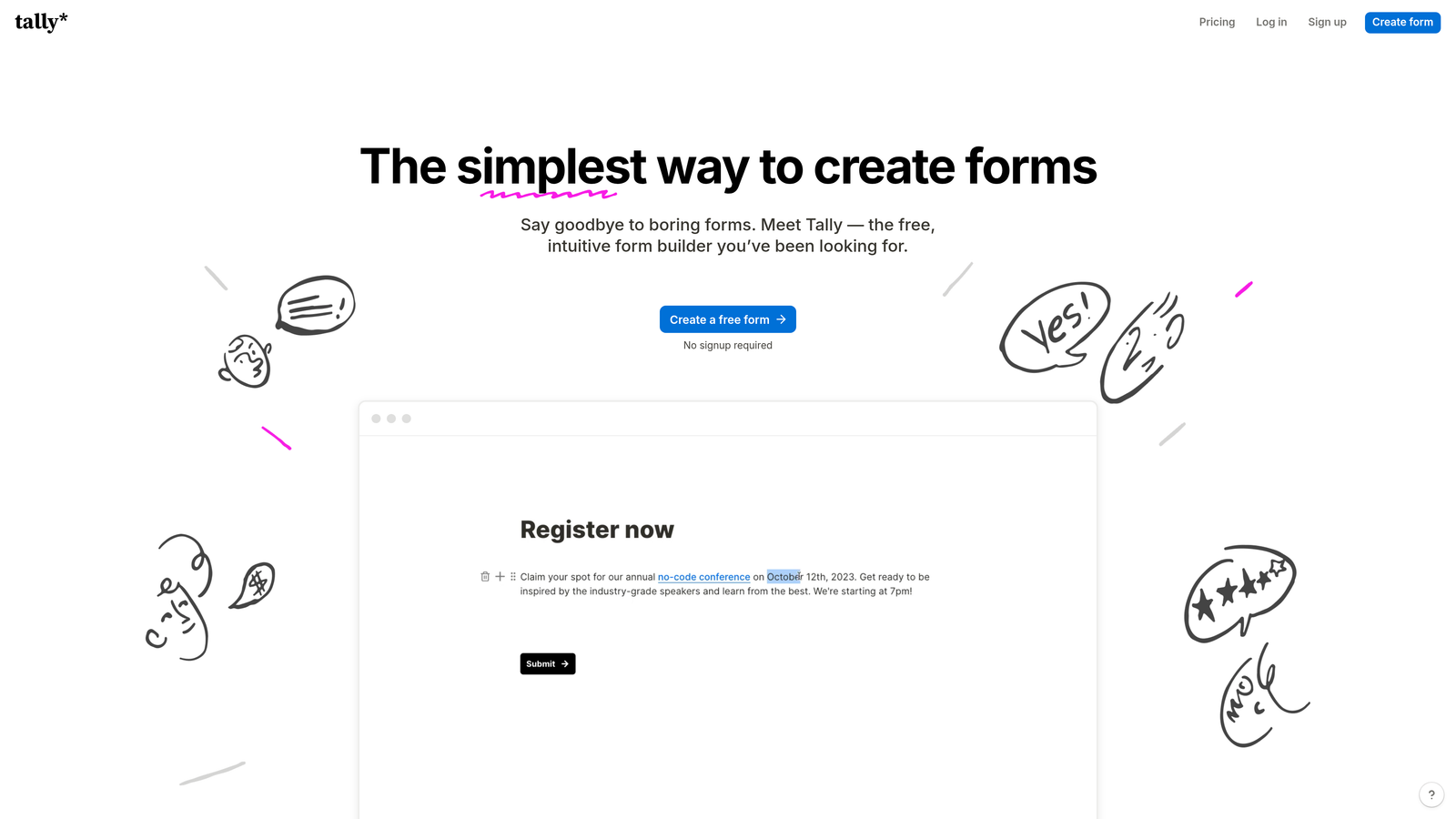
Tally is a minimalist form builder with unlimited forms and responses on its free plan, built around a clean Notion-inspired block editor.
Where This Tool Shines
Tally has built a loyal following among startups and indie teams by doing something most tools won't: offering genuinely unlimited forms and responses on the free tier. There's no artificial cap forcing you to upgrade before you've validated your use case, which makes it an unusually low-risk place to start.
The block-based editor feels familiar to anyone who uses Notion, lowering the learning curve considerably. Conditional logic, multi-page forms, and a growing integration library make Tally more capable than its minimalist aesthetic might suggest. For teams that want clean, fast forms without a complex setup, it punches well above its price point.
Key Features
Unlimited Free Forms and Responses: No submission caps or form limits on the free plan, which is genuinely rare in this category.
Block-Based Editor: Clean, Notion-style interface that most users can pick up without any training or onboarding.
Conditional Logic and Multi-Page Forms: Branching and multi-step flows available even on the free tier.
Custom Domains and White-Label: Available on paid plans for teams that need branded form URLs and a white-label experience.
CRM and Email Integrations: Zapier and native integrations connect submissions to your existing marketing stack.
Best For
Early-stage startups, bootstrapped teams, and individual marketers who need solid form functionality without a monthly bill. Teams that need advanced lead scoring, deep CRM logic, or enterprise-grade features will eventually hit Tally's ceiling.
Pricing
Free tier is genuinely capable for most basic use cases; Pro plan at approximately $29/month for white-label and advanced features. Verify at tally.so.
6. Webflow Forms
Best for: Teams building and managing their entire web presence inside Webflow who want forms that match their design system exactly.
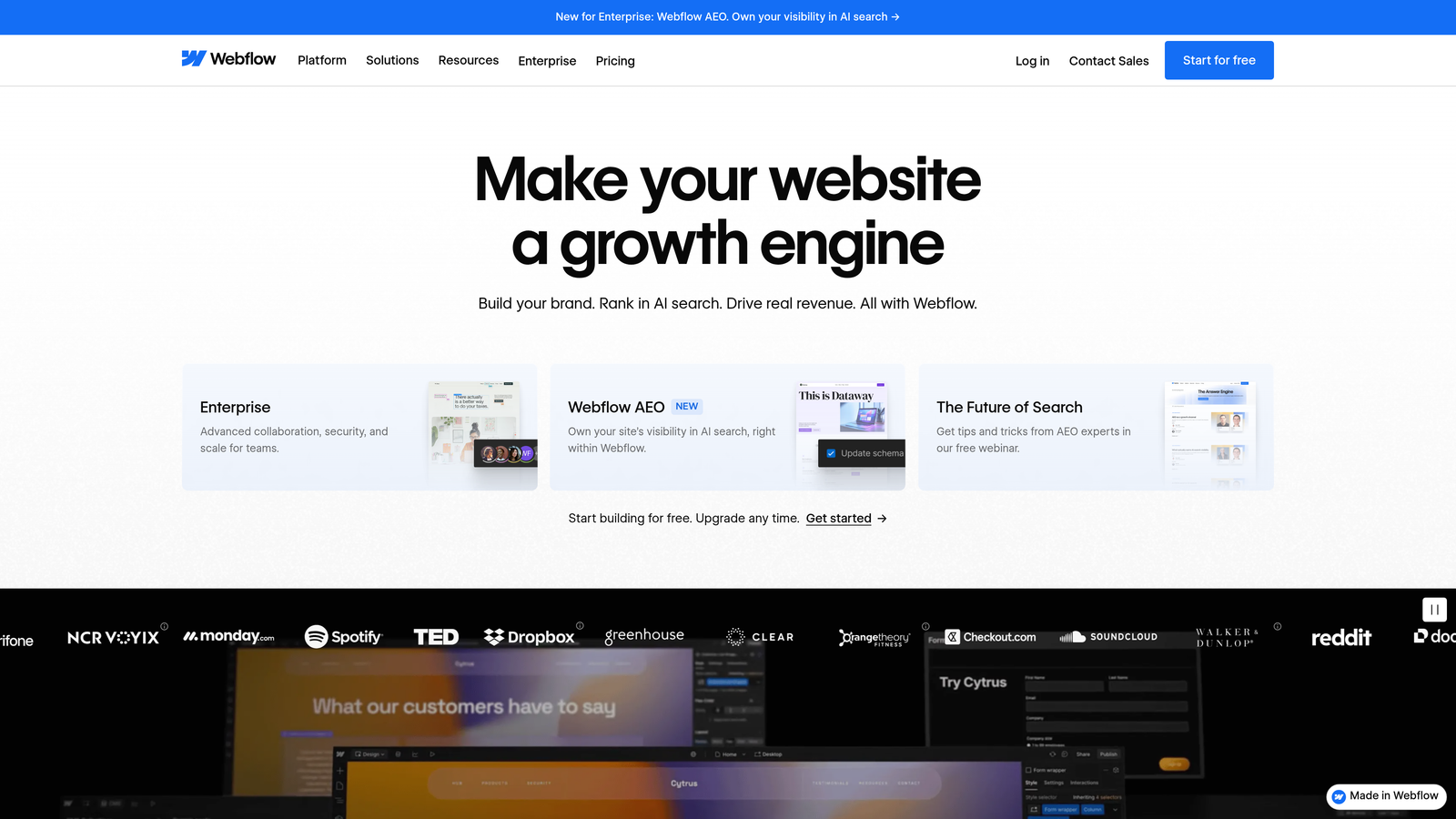
Webflow Forms is the native form functionality built into the Webflow website builder, offering pixel-perfect design control without leaving your existing workflow.
Where This Tool Shines
For Webflow-native teams, the appeal is straightforward: forms live inside the same visual editor as the rest of your site. There's no embed code to manage, no design inconsistency to reconcile, and no separate tool to log into. The form just exists as part of your Webflow project, styled exactly the way you want it.
This level of design fidelity is hard to replicate with embedded third-party tools. Custom success states, error messages, and hover styles are all controlled in the same place as your other site elements. For teams where brand consistency is non-negotiable, that integration is genuinely valuable.
Key Features
Full Visual Design Control: Style every form element directly in the Webflow editor to match your site's design system precisely.
Custom Success and Error States: Design exactly what respondents see after submission, including conditional messaging.
Email Notifications: Automatic submission alerts sent to your team without any additional configuration.
Zapier and Make Connections: Route submissions to your CRM or automation tools via third-party connectors.
No Separate Tool to Manage: Forms are part of your Webflow project, keeping your workflow consolidated.
Best For
Webflow-based marketing teams and agencies that prioritize design consistency and want to avoid managing a separate form tool. Not a strong standalone choice: limited conditional logic, no native lead scoring, and automation requires Zapier or Make as a middleware layer.
Pricing
Included with Webflow site plans; a paid Webflow plan is required for publishing to a custom domain. Verify current plan pricing at webflow.com.
7. Gravity Forms
Best for: WordPress sites with complex form logic requirements and development teams that need full customization control.
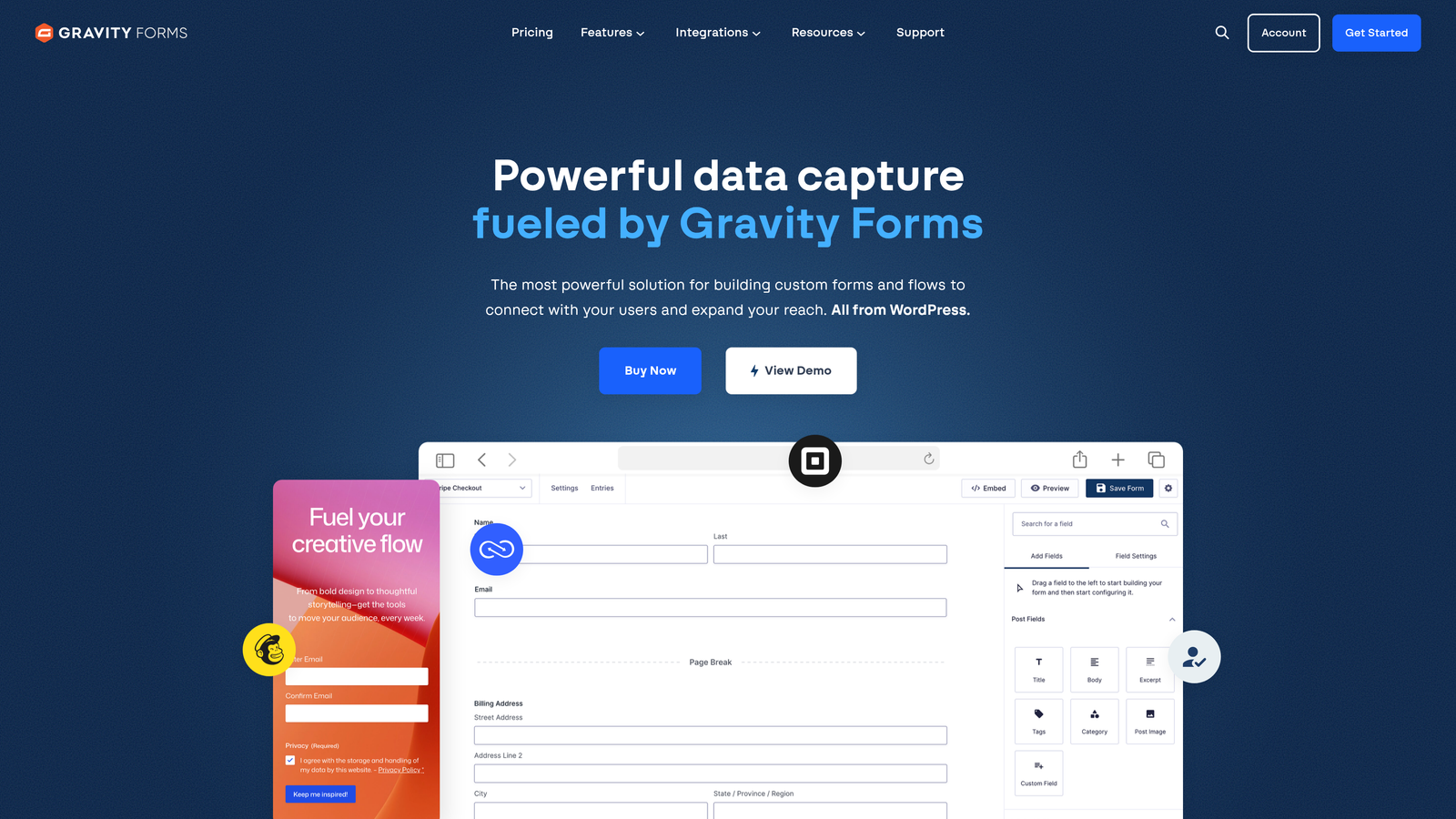
Gravity Forms is the leading WordPress form plugin for serious lead capture, with an extensive add-on ecosystem and deep developer support.
Where This Tool Shines
Gravity Forms has been the go-to WordPress form solution for complex use cases for years, and that reputation is earned. The combination of advanced conditional logic, a mature add-on library, and developer-friendly hooks and filters makes it uniquely capable within the WordPress ecosystem. If your form needs to do something unusual, there's almost certainly a way to make it happen.
For WordPress-based marketing sites running sophisticated lead gen programs, Gravity Forms handles everything from multi-step qualification flows to CRM sync to payment collection without requiring a separate SaaS tool. The annual license model also makes it cost-predictable compared to per-submission pricing.
Key Features
Advanced Conditional Logic: Multi-page forms with complex branching, field dependencies, and dynamic content based on user input.
Extensive Add-On Library: Official and third-party add-ons for Stripe, Salesforce, Mailchimp, Zapier, and many more platforms.
Developer-Friendly Architecture: Hooks, filters, and custom code support for teams that need to extend form functionality beyond the UI.
Specialized Field Types: File uploads, calculations, survey fields, and more for forms that collect complex or varied data.
Anti-Spam Protection: Built-in reCAPTCHA and honeypot support to keep lead data clean without adding friction for real users.
Best For
WordPress sites with development resources and complex form requirements. Not relevant outside WordPress, and the plugin model means you're dependent on your WordPress infrastructure. Teams without a developer on hand may find the setup more involved than SaaS alternatives.
Pricing
Annual license starting at approximately $59/year for the basic tier; higher tiers unlock premium add-ons. Verify current pricing at gravityforms.com.
8. ActiveCampaign Forms
Best for: Teams already on ActiveCampaign who want form submissions to trigger automations instantly without any middleware.
ActiveCampaign Forms is the native form builder within ActiveCampaign's marketing automation platform, designed to connect lead capture directly to automation workflows.
Where This Tool Shines
The strongest argument for ActiveCampaign Forms is speed to automation. When a lead submits a form, they're immediately tagged, segmented, and enrolled in the appropriate sequence without any Zapier step in between. For teams running sophisticated nurture programs, removing that middleware layer reduces both latency and potential failure points.
The A/B testing capability for form variants is a useful addition that many native CRM form tools skip. Being able to test different form formats or field configurations directly within the platform, tied to the same contact database, gives you cleaner data for optimization decisions.
Key Features
Native Automation Triggers: Form submissions instantly activate ActiveCampaign automations, contact tagging, and list segmentation with no middleware required.
Multiple Form Formats: Inline, floating bar, and modal options to match different placement contexts across your site.
Conditional Content and Smart Fields: Personalize form fields based on what you already know about a contact.
Automatic List Segmentation: Submitters are sorted into the right lists and segments immediately based on their responses.
A/B Testing: Test different form variants directly within the platform and measure performance against your actual contact data.
Best For
ActiveCampaign customers who want their form tool and automation platform to function as a single system. Design flexibility is more limited than standalone form tools, so teams with strong brand requirements may want to pair it with a more design-forward option.
Pricing
Included with ActiveCampaign plans, which start at approximately $15/month for the core tier. Verify current plan details at activecampaign.com.
9. Google Forms
Best for: Internal data collection, simple surveys, or basic lead capture where budget is zero and branding doesn't matter.
Google Forms is Google's free, no-frills form tool, part of Google Workspace, suitable for straightforward data collection without any setup overhead.
Where This Tool Shines
Google Forms wins on exactly one dimension: it's completely free and requires nothing beyond a Google account. For internal forms, quick surveys, or situations where you just need responses collected in a spreadsheet without any configuration, it gets the job done immediately.
The automatic Google Sheets integration is genuinely useful for teams already working in the Google Workspace ecosystem. Responses land in a structured spreadsheet in real time, which works well for simple internal workflows or one-off data collection needs where a dedicated tool would be overkill.
Key Features
Completely Free: No cost, no submission limits, no plan upgrades required for any core functionality.
Automatic Google Sheets Sync: All responses populate a connected spreadsheet in real time with no configuration needed.
Basic Branching Logic: Simple section-based routing for forms that need to send different respondents down different paths.
Link and Embed Sharing: Share via URL or embed on any page with a simple iframe, making distribution easy.
No Response Limits: Collect as many submissions as you need without hitting a cap or being prompted to upgrade.
Best For
Internal use cases, simple surveys, and scenarios where cost is the primary constraint. Not a serious option for conversion-optimized lead generation: no custom branding on the free tier, no lead scoring, no CRM integration without Zapier, and limited design control. Teams focused on lead quality and conversion rates will quickly outgrow it.
Pricing
Free with any Google account; Google Workspace Business plans start at approximately $6/user/month for teams that need the broader suite. Verify at workspace.google.com.
Which Tool Is Right for Your Team?
The right lead capture form tool depends less on which one has the longest feature list and more on where your leads actually come from, how your team qualifies them, and what happens the moment someone hits submit.
Here's a quick decision framework to cut through the noise:
AI-powered lead qualification is your priority: Orbit AI is the clear starting point. Scoring and routing leads at the form level, before they reach your CRM, is a meaningful operational advantage for high-growth teams where speed-to-lead matters.
You're already deep in the HubSpot ecosystem: HubSpot Forms is the obvious choice. The native sync, progressive profiling, and workflow triggers are genuinely difficult to replicate with a third-party tool, and the free tier makes it a no-brainer for existing customers.
Brand experience is central to your lead capture strategy: Typeform wins on UX. The conversational format and polished design hold up well for longer qualification flows where a traditional form would cause drop-off.
You're running a WordPress site with complex logic requirements: Gravity Forms is battle-tested for exactly this use case. The developer-friendly architecture and add-on ecosystem give you flexibility that SaaS tools can't match within WordPress.
Budget is tight but you need real functionality: Tally's free tier is genuinely impressive. Unlimited forms and responses with conditional logic and integrations is a strong value proposition for early-stage teams.
The common thread across the best-performing lead capture setups is intentionality. Before committing to any tool, ask yourself: Does it connect to my CRM? Can it qualify or score leads automatically? Will it hold up on mobile? Does it reduce form friction without sacrificing data quality? Those four questions will narrow the field quickly.
If you're ready to move beyond static forms and start capturing leads that actually convert, transform your lead generation with AI-powered forms that qualify prospects automatically while delivering the modern, conversion-optimized experience your high-growth team needs. Start building free forms today and see how intelligent form design can elevate your conversion strategy.


