

The form builder decision you make today will echo through your lead generation strategy for years. While Gravity Forms has been the go-to WordPress solution since 2009, the landscape has fundamentally shifted. High-growth teams now face a crossroads: continue managing WordPress infrastructure and plugin dependencies, or embrace purpose-built online form builders designed specifically for conversion optimization and lead intelligence.
This isn't just about features on a comparison chart. It's about how your team actually works, where your technical resources go, and whether your forms actively help you identify your best prospects or simply collect data. The right choice removes friction from your entire lead generation process while giving you the intelligence needed to act on opportunities immediately.
Here are seven strategic frameworks to cut through the noise and make the decision that actually accelerates your business.
1. Audit Your Technical Debt Before Committing
The Challenge It Solves
Many teams underestimate the hidden infrastructure costs that come with WordPress-based form solutions. Beyond the plugin license itself, you're inheriting responsibility for WordPress core updates, PHP version compatibility, security patches, hosting optimization, and the inevitable plugin conflicts that emerge as your stack grows. This technical overhead often consumes developer time that could be spent on revenue-generating activities.
The Strategy Explained
Start by documenting every hour your team currently spends maintaining your WordPress environment. Include time spent on updates, troubleshooting conflicts, security monitoring, backup management, and performance optimization. Then calculate the opportunity cost—what could your developers build if they weren't managing infrastructure?
Modern online form builders eliminate this entire category of work. They handle hosting, security, updates, and performance automatically. Your team simply builds forms and analyzes results. For organizations without dedicated WordPress expertise, this represents a fundamental shift in how technical resources are allocated. Many teams are exploring cloud-based Gravity Forms alternatives specifically to escape this maintenance burden.
Implementation Steps
1. Track all WordPress maintenance time over the next month, including emergency fixes and routine updates
2. Calculate the fully-loaded cost of this time by multiplying hours by your team's actual hourly rate
3. Compare this ongoing cost against the predictable subscription pricing of managed form builders
4. Factor in the risk cost of potential security vulnerabilities or downtime during critical campaigns
Pro Tips
Don't forget to include the hidden costs of knowledge maintenance. WordPress ecosystems require someone on your team to stay current with plugin compatibility, best practices, and security advisories. Managed SaaS solutions transfer this burden to the vendor, freeing your team to focus on conversion strategy rather than infrastructure management.
2. Map Your Integration Requirements to Platform Capabilities
The Challenge It Solves
Your forms don't exist in isolation. They need to connect with your CRM, marketing automation platform, analytics tools, and often a dozen other systems. The difference between native integrations and plugin-dependent workflows can mean the difference between leads flowing automatically into your sales process or manual data entry becoming a daily bottleneck.
The Strategy Explained
Create a comprehensive map of every system that needs to receive data from your forms. For each integration, document whether it requires a separate plugin, custom code, or comes built into the platform. Gravity Forms often requires additional paid add-ons for common integrations, while purpose-built form builders typically include marketing and sales tool connections as core features.
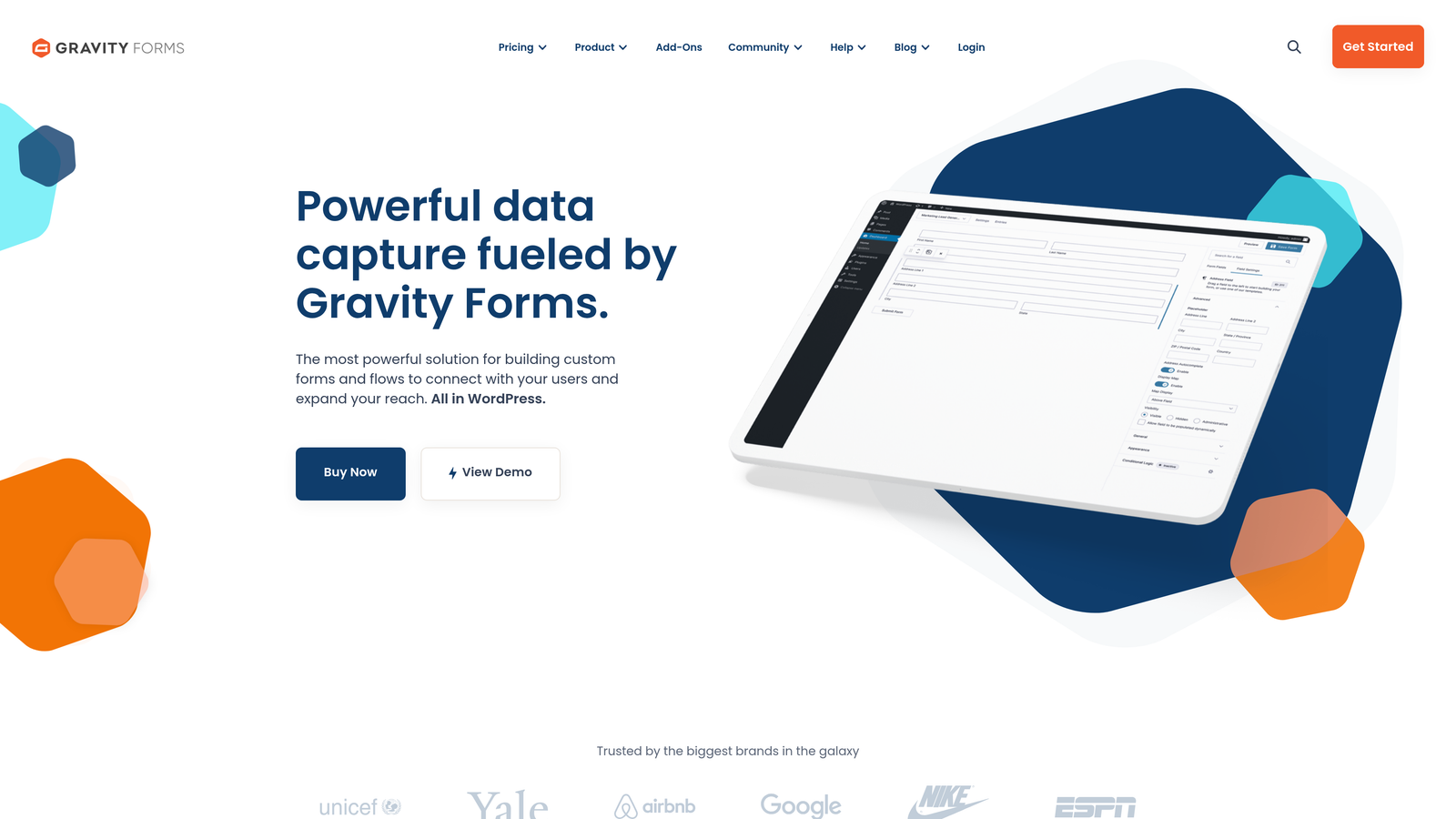
The architecture matters too. Native integrations typically offer deeper functionality, real-time syncing, and automatic field mapping. Plugin-based connections often require manual configuration, may have sync delays, and can break when either the form plugin or integration plugin updates. Teams experiencing these issues often find themselves struggling with CRM integration that should be seamless.
Implementation Steps
1. List every tool that currently receives or needs to receive form data from your lead generation process
2. Research the integration approach for each tool on both Gravity Forms and your shortlisted online form builders
3. Test the actual setup process for your three most critical integrations on each platform
4. Evaluate the ongoing maintenance requirements for keeping integrations functional as your tools evolve
Pro Tips
Pay special attention to how each platform handles integration failures. Modern form builders often include monitoring and automatic retry logic. With plugin-based approaches, failed integrations may fail silently, causing leads to disappear without notification. Test failure scenarios during your evaluation to understand how each platform protects your data.
3. Evaluate Lead Qualification Capabilities
The Challenge It Solves
Not all leads are created equal, but traditional forms treat them identically. Your sales team wastes time on unqualified prospects while hot leads sit in the same queue as tire-kickers. The ability to automatically score, route, and prioritize leads based on their responses and behavior can transform your conversion rates and sales efficiency.
The Strategy Explained
Traditional form builders like Gravity Forms collect data but leave qualification logic to you. You can build conditional routing with enough effort, but it's manual configuration that breaks easily and doesn't learn from outcomes. AI-powered online form builders can analyze responses in real-time, assign qualification scores, and route leads intelligently without requiring you to anticipate every scenario.
Think about how your best customers differ from casual inquiries. Modern form platforms can identify these patterns automatically, flagging high-intent prospects for immediate follow-up while nurturing early-stage leads through automated sequences. This intelligence layer transforms forms from data collection tools into active qualification systems. Understanding the best form platforms for lead quality can dramatically improve your sales team's efficiency.
Implementation Steps
1. Define what makes a lead "qualified" in your business by analyzing your best current customers
2. Map these qualification criteria to form fields and response patterns you can capture
3. Test how each platform handles scoring logic, from simple point systems to AI-powered pattern recognition
4. Evaluate how qualification data flows to your sales team and whether it integrates with your existing lead scoring models
Pro Tips
The most sophisticated qualification happens invisibly. Look for platforms that can analyze response patterns, completion behavior, and engagement signals beyond just the answers themselves. AI-powered systems can identify qualified leads based on subtle indicators that manual scoring rules would miss entirely.
4. Calculate True Cost of Ownership
The Challenge It Solves
Sticker price rarely tells the full story. A seemingly affordable WordPress plugin can become expensive when you factor in hosting requirements, necessary add-ons, developer time, and the opportunity cost of limitations that slow your growth. Understanding total cost of ownership helps you make decisions based on business impact rather than initial price tags.
The Strategy Explained
Start with the obvious costs: licensing, hosting, and any required add-ons. Gravity Forms requires separate purchases for many integrations and advanced features. Then add the less obvious expenses: developer time for customization, maintenance hours, security monitoring, and the cost of slower deployment when you need to launch campaigns quickly.
Modern online form builders typically bundle these capabilities into predictable monthly pricing. While the per-month cost might appear higher, the total cost often favors managed solutions when you account for the time your team spends on infrastructure rather than strategy. The question isn't which is cheaper—it's which delivers better ROI on your lead generation investment. A thorough comparison of Gravity Forms vs SaaS form builders reveals these hidden cost differences.
Implementation Steps
1. Build a complete cost model including licensing, hosting, add-ons, and allocated developer time for each option
2. Project costs over 12 and 36 months to understand how pricing scales with your growth
3. Factor in the revenue impact of faster deployment and better lead qualification capabilities
4. Calculate the opportunity cost of developer time spent on form infrastructure versus revenue-generating projects
Pro Tips
Don't overlook the cost of limitations. If a platform requires custom development to achieve basic conversion optimization features, that development time compounds across every form you build. The cheapest solution is often the one that lets your marketing team move independently without constant developer involvement.
5. Assess Design Flexibility and Brand Impact
The Challenge It Solves
Your forms are often the first interactive experience prospects have with your brand. Clunky, outdated designs signal that your company might be behind the curve. Mobile-unfriendly forms lose leads before they even submit. The design capabilities of your form builder directly impact conversion rates and brand perception.
The Strategy Explained
Gravity Forms offers functional designs but typically requires custom CSS and developer involvement to achieve modern, conversion-optimized aesthetics. The WordPress plugin architecture means you're working within the constraints of your theme and the plugin's structure. Purpose-built form builders often provide modern templates, drag-and-drop customization, and mobile-first responsive design out of the box.
Consider how quickly your team can iterate on form designs. High-growth teams run constant experiments, testing different approaches to maximize conversions. Platforms that require developer involvement for every design change create bottlenecks that slow your optimization velocity. If your landing page forms look outdated, you're likely losing conversions before visitors even engage.
Implementation Steps
1. Build the same form on each platform you're evaluating, matching your brand guidelines and conversion best practices
2. Test the mobile experience thoroughly, as most form traffic now comes from mobile devices
3. Evaluate how easily your marketing team can make design changes without developer support
4. Assess the quality of built-in templates and whether they reflect current design standards
Pro Tips
Pay attention to micro-interactions and polish. Modern form builders often include features like progress indicators, smart field ordering, and conditional logic that creates personalized experiences. These details significantly impact completion rates but require substantial custom development in traditional WordPress plugins.
6. Test Analytics and Optimization Workflows
The Challenge It Solves
Forms that don't provide actionable insights are black boxes. You need to understand where prospects drop off, which fields cause friction, and how different audience segments interact with your forms. Without this intelligence, you're optimizing blind, making changes based on hunches rather than data.
The Strategy Explained
Gravity Forms provides basic submission tracking but typically requires integration with Google Analytics or other tools for deeper insights. You'll need to set up custom events, build dashboards, and often export data for analysis. Modern online form builders increasingly include built-in analytics that show completion rates, field-level abandonment, and conversion funnel visualization without additional setup.
The workflow matters as much as the data itself. Can your marketing team access insights directly, or do they need to request reports from your analytics team? Platforms with native analytics often provide faster feedback loops, enabling rapid iteration on form design and strategy. Understanding why visitors abandon online forms is critical for improving your conversion rates.
Implementation Steps
1. Create a list of the key metrics you need to optimize form performance effectively
2. Test how each platform surfaces these insights and whether they require additional tool integration
3. Evaluate the time required to set up tracking and generate actionable reports on each platform
4. Consider how easily insights can be shared with stakeholders who don't have analytics expertise
Pro Tips
Look for platforms that connect form analytics to business outcomes. The best systems don't just show you abandonment rates—they help you understand which form changes actually impact qualified lead generation and revenue. This requires integration between form analytics and your CRM or sales data.
7. Plan for Your Growth Trajectory
The Challenge It Solves
The form solution that works perfectly today might become a constraint as you scale. Migration between platforms is painful, expensive, and risky. Making the right choice now means understanding not just your current needs but where your lead generation strategy is heading over the next few years.
The Strategy Explained
Consider how your form requirements will evolve. High-growth teams typically need more sophisticated lead qualification, deeper integrations, and greater automation as they scale. WordPress-based solutions can struggle with high traffic volumes and often require architectural changes as submission volumes increase. Purpose-built form platforms are designed to scale automatically, handling traffic spikes without performance degradation.
Think about your team structure too. As you grow, you'll likely want to empower more people to create and optimize forms without depending on developers. Platforms that require technical expertise for basic changes create bottlenecks that slow your growth. The best solution grows with your team's capabilities and your business requirements. Many scaling companies find that lead capture forms for high-growth companies require capabilities that traditional WordPress plugins simply can't deliver.
Implementation Steps
1. Project your form submission volumes over the next 12, 24, and 36 months based on growth targets
2. Evaluate how each platform handles scaling, both technically and from a pricing perspective
3. Consider your team's evolution and whether the platform empowers non-technical users effectively
4. Research migration complexity if you outgrow the platform, including data export and integration rebuilding
Pro Tips
The hardest migrations are from highly customized WordPress solutions to anything else. Custom code, plugin dependencies, and integration complexity make switching platforms exponentially more difficult over time. If there's any chance you'll outgrow a WordPress-based approach, starting with a platform designed for scale can save you a painful migration later.
Making Your Decision Work
Your form builder choice ripples through your entire lead generation operation. The right platform removes friction, empowers your team, and provides the intelligence needed to focus on your best opportunities. The wrong choice creates technical debt, slows optimization, and consumes resources that could drive growth.
Start with the technical debt audit. If you're spending significant time maintaining WordPress infrastructure, that's a clear signal. Then prioritize based on your growth stage. Early-stage teams benefit most from speed and simplicity. Scaling teams need robust integrations and qualification intelligence. Enterprise organizations require security, compliance, and the ability to empower multiple teams without creating chaos.
For teams focused on conversion optimization without WordPress maintenance overhead, modern online form builders increasingly deliver faster time-to-value. They eliminate infrastructure management, provide built-in intelligence, and scale automatically with your growth. The traditional plugin approach still works for teams deeply embedded in WordPress ecosystems with dedicated technical resources.
The best choice is the one that removes barriers between your team and better conversion rates. Every hour spent managing infrastructure is an hour not spent understanding your prospects and optimizing your approach. Transform your lead generation with AI-powered forms that qualify prospects automatically while delivering the modern, conversion-optimized experience your high-growth team needs. Start building free forms today and see how intelligent form design can elevate your conversion strategy.


