

If your forms still look like they were built in 2015, you're leaving conversions on the table. Modern form creation tools have moved well beyond basic input fields. Today's best platforms offer conditional logic, AI-powered lead qualification, conversational flows, and deep CRM integrations that turn a simple form into a revenue-generating asset.
Whether you're capturing leads, qualifying prospects, or gathering customer feedback, the tool you choose directly impacts how many people actually complete your form and what you do with that data afterward. This guide covers the best modern form creation tools available in 2026, evaluated on design quality, conversion features, integrations, and value for high-growth teams.
We've included options ranging from AI-first platforms to developer-friendly builders, so there's something here whether you're a solo marketer or a scaling SaaS team.
1. Orbit AI
Best for: High-growth B2B and SaaS teams that need forms to qualify and route leads automatically.
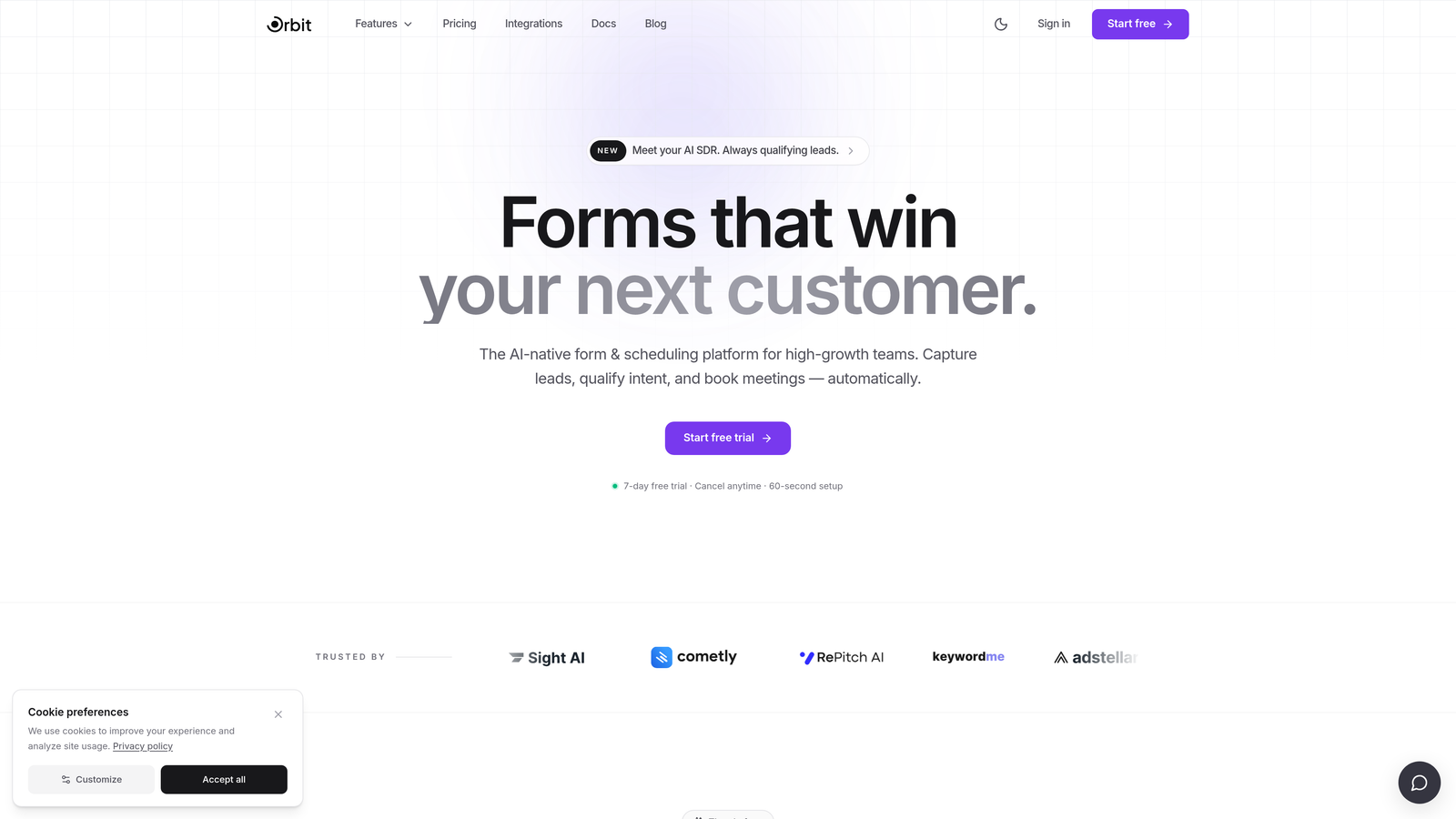
Orbit AI is an AI-powered form builder with built-in lead qualification and scoring, designed for teams that need forms to do more than collect data.
Where This Tool Shines
Most form builders stop at the submission. Orbit AI treats the form itself as the first step in your sales funnel, embedding qualification logic directly into the form flow so your team receives scored, routed leads rather than a raw list of contacts to sort through manually.
The platform is built with high-growth SaaS and B2B teams in mind. Conversion-optimized templates, a modern drag-and-drop builder, and intelligent routing mean you spend less time configuring and more time closing. If your current setup requires a human to decide which leads are worth pursuing, this is where Orbit AI changes the equation.
Key Features
AI-Powered Lead Qualification: Qualification logic runs inside the form flow, scoring prospects before they ever reach your CRM.
Lead Scoring and Routing: High-intent prospects are automatically routed to the right team member or workflow based on their responses.
Conversion-Optimized Templates: Pre-built templates designed specifically for B2B and SaaS use cases, built to maximize completion rates.
Conditional Logic Builder: Modern drag-and-drop interface with branching logic that personalizes the form experience for each respondent.
CRM and Marketing Automation Integrations: Connects with the tools your team already uses, keeping your pipeline data clean and synchronized.
Best For
SaaS companies and B2B marketing teams that treat lead generation as a core growth function. Particularly valuable for teams running paid acquisition campaigns where form completion and lead quality directly impact ROI.
Pricing
Paid plans available. Visit orbitforms.ai for current pricing details and available tiers.
2. Typeform
Best for: Marketers who want high engagement and completion rates through a polished conversational experience.
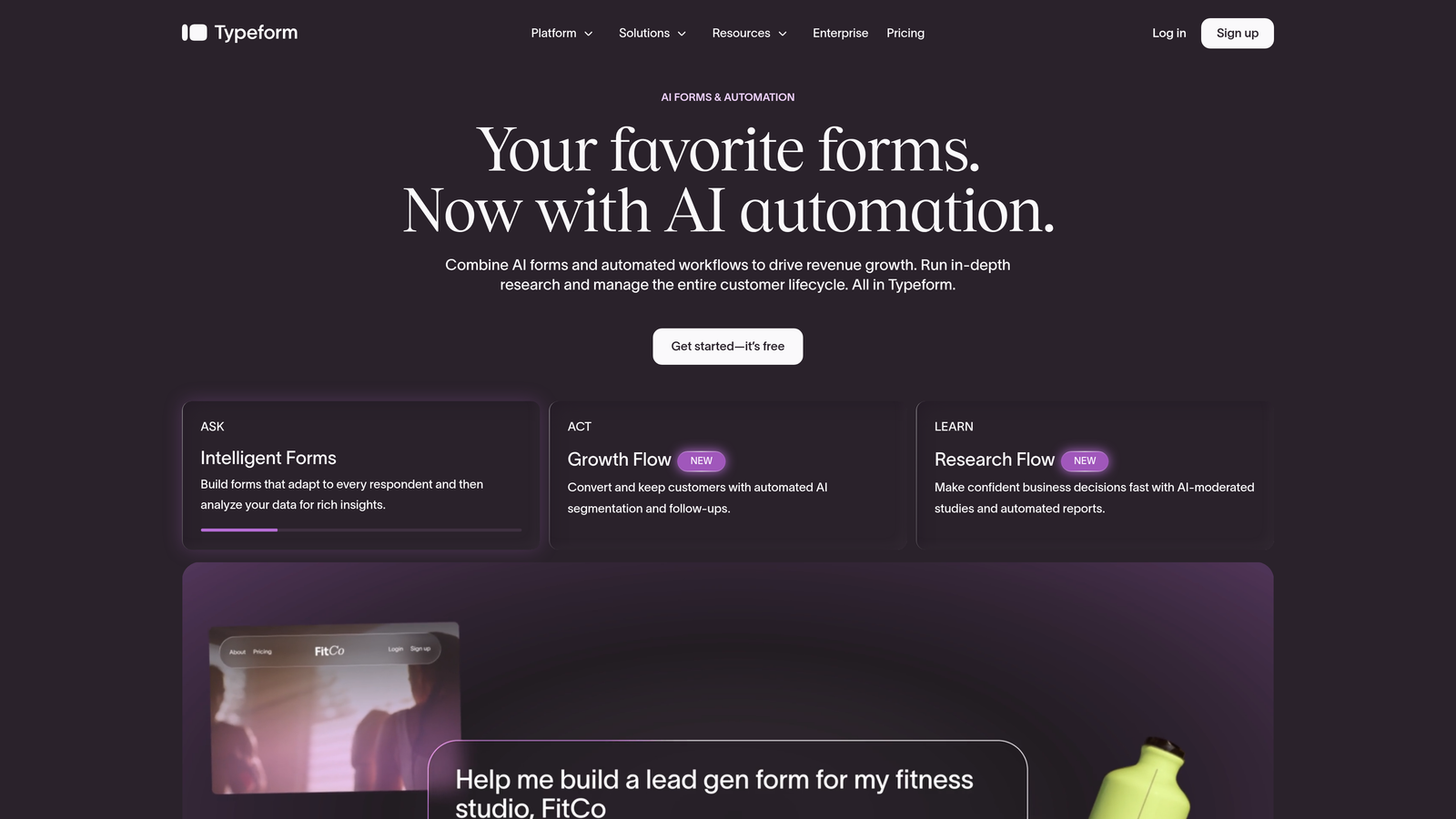
Typeform is the original conversational form builder, known for its one-question-at-a-time format that drives higher engagement and completion rates.
Where This Tool Shines
Typeform essentially invented the conversational form category, and it remains the benchmark for UX-first form design. The one-question-at-a-time format reduces cognitive load and makes respondents feel like they're having a conversation rather than filling out a bureaucratic form.
The platform has matured considerably and now supports a broad integration library, logic jumps, and analytics that show exactly where users drop off. It's a reliable, well-documented tool with a large community and extensive third-party support.
Key Features
Conversational One-Question-at-a-Time UX: Presents each question individually, reducing overwhelm and improving completion rates.
Logic Jumps and Conditional Branching: Routes respondents through different question paths based on their answers.
Wide Integration Library: Native connections to HubSpot, Salesforce, Zapier, and many other platforms.
Video and Image Embedding: Supports rich media within questions for more engaging experiences.
Analytics with Drop-Off Tracking: Shows exactly which questions cause respondents to abandon the form.
Best For
Marketing teams running lead generation campaigns, researchers conducting surveys, and product teams collecting user feedback who prioritize response quality and completion rates over advanced qualification logic.
Pricing
Free plan available. Paid plans start at approximately $25/month, with higher tiers unlocking advanced logic and integrations.
3. Tally
Best for: Startups and indie teams that want clean, modern forms without paying for them.
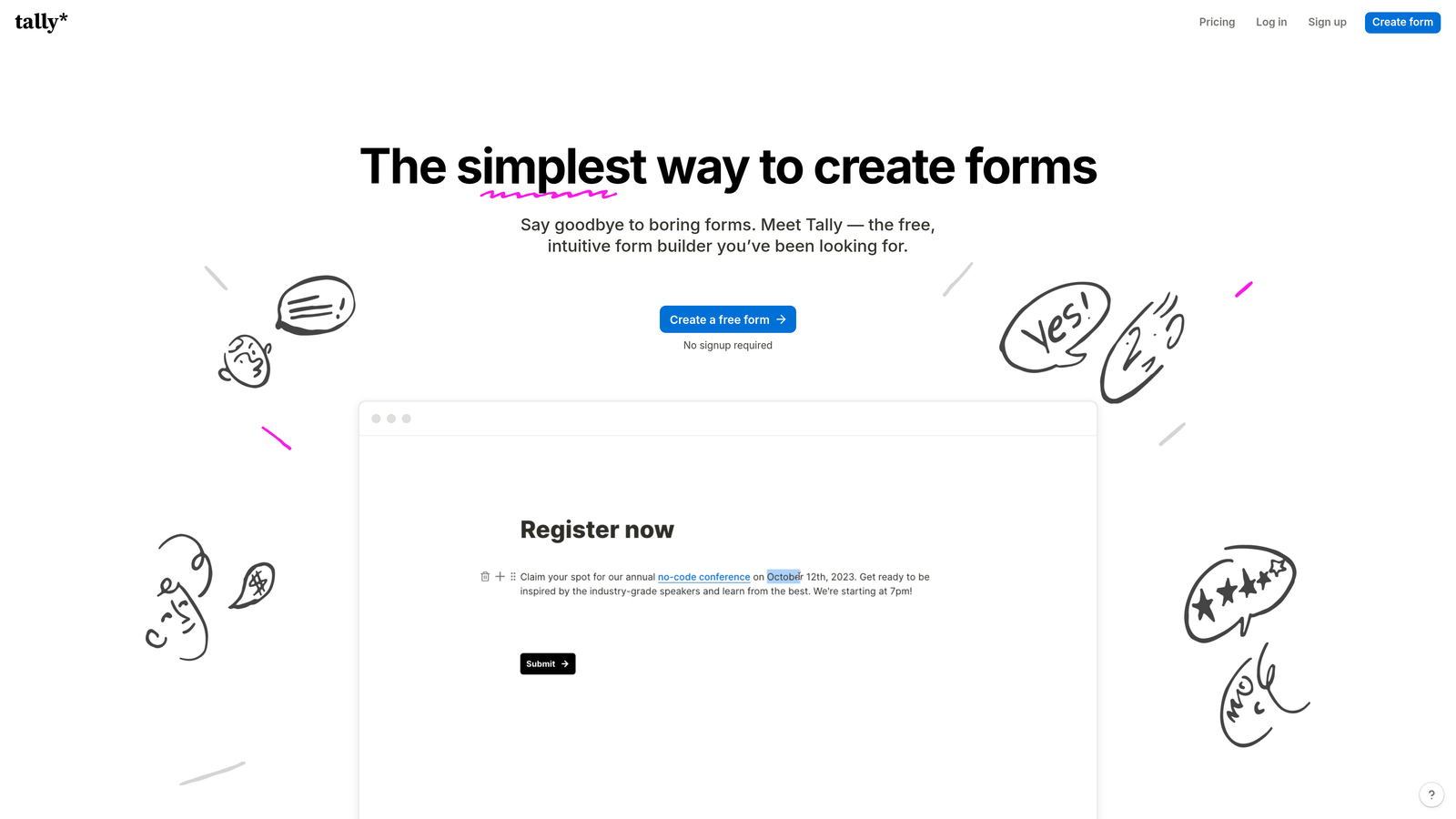
Tally is a Notion-inspired free form builder that delivers clean, modern forms with no branding requirements on the free tier.
Where This Tool Shines
Tally's biggest differentiator is simple: the free plan is genuinely useful. No Tally branding, unlimited forms, unlimited submissions. For early-stage startups or teams testing new lead capture flows without budget approval, that matters significantly.
The Notion-like block editor makes it intuitive for modern teams already comfortable in that environment. The interface is clean, fast to work in, and produces forms that look contemporary without requiring design expertise.
Key Features
Generous Free Plan: Unlimited forms and submissions with no Tally branding on the free tier.
Notion-Like Block Editor: Familiar, intuitive editing experience for teams already using Notion-style tools.
Conditional Logic and Multi-Page Forms: Supports branching and multi-step flows even on the free plan.
Zapier and Native Integrations: Connects to your existing stack without requiring a paid plan for basic integrations.
Clean, Modern Output: Forms look polished and professional without custom design work.
Best For
Early-stage startups, indie hackers, and small teams that need professional-looking forms quickly and without cost. Also a strong Typeform alternative for teams that want similar aesthetics without the price tag.
Pricing
Free tier available with generous limits. Pro plan at approximately $29/month for advanced features and custom domains.
4. HubSpot Forms
Best for: Inbound marketing teams already running on HubSpot's CRM and marketing platform.
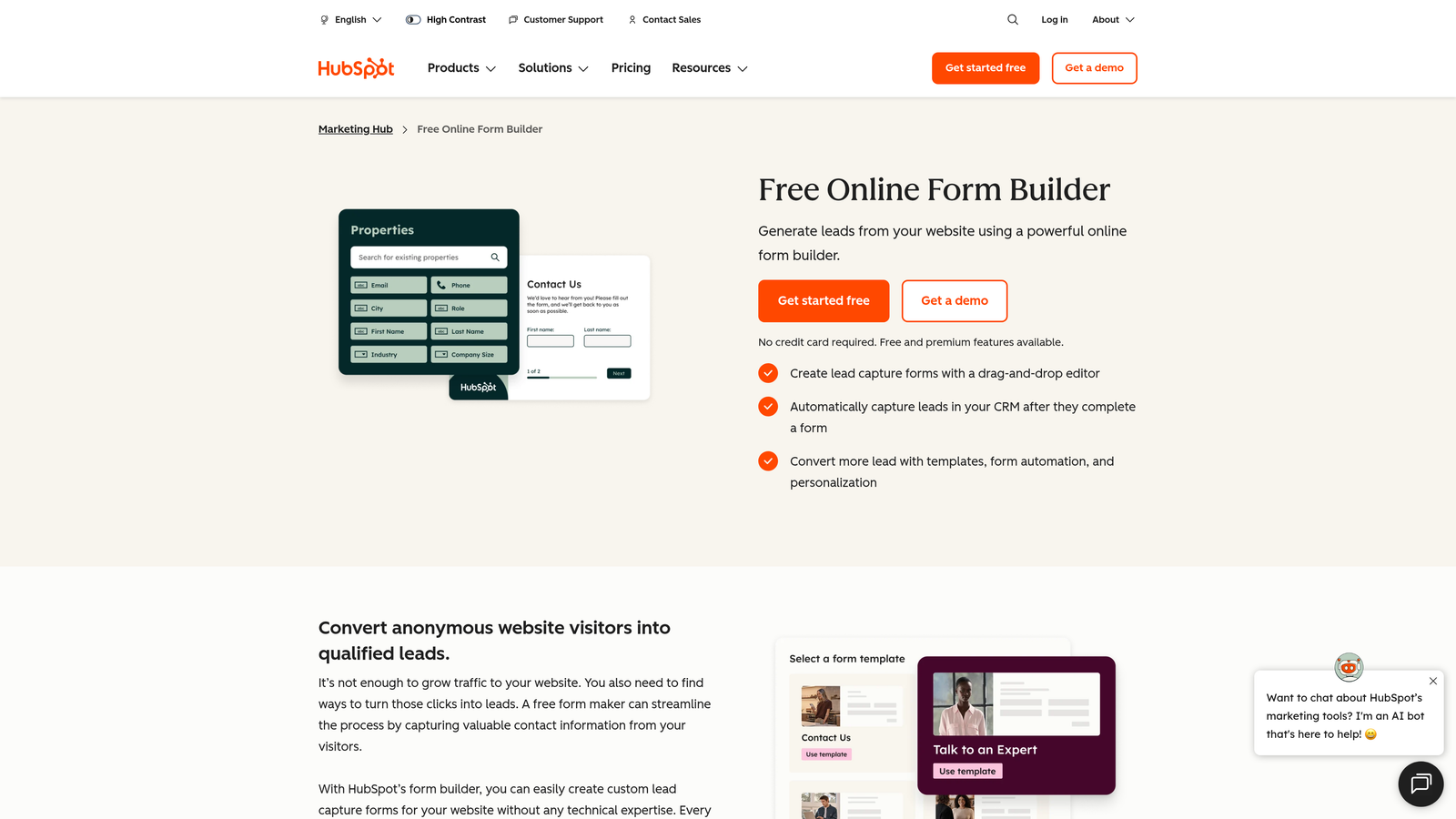
HubSpot Forms is a native form builder included in HubSpot's free CRM, offering seamless contact sync and progressive profiling for inbound marketing teams.
Where This Tool Shines
If your team already lives in HubSpot, this is the path of least resistance. There's no data mapping, no Zapier connection to maintain, and no risk of records falling out of sync. Every submission lands directly in your CRM as a contact with full activity history.
Progressive profiling is the standout feature for teams with high return visitor rates. Instead of showing the same fields to someone who already filled out a form, HubSpot automatically surfaces new fields to collect additional profile data over time. It's a subtle but meaningful improvement to data quality.
Key Features
Native HubSpot CRM Sync: Zero data mapping required — submissions create or update contacts automatically.
Progressive Profiling: Shows new fields to returning visitors, building richer contact profiles over multiple interactions.
Smart Fields: Auto-fills known contact data so returning visitors don't repeat themselves.
Flexible Embedding: Works on any website or HubSpot landing page without developer involvement.
Submission-Triggered Automation: Triggers follow-up emails and workflows automatically on form submission.
Best For
Marketing teams running inbound campaigns on HubSpot who want zero friction between form data and CRM records. Less compelling as a standalone tool if you're not already in the HubSpot ecosystem.
Pricing
Free with HubSpot CRM. Advanced features require paid Marketing Hub tiers, which scale significantly in cost.
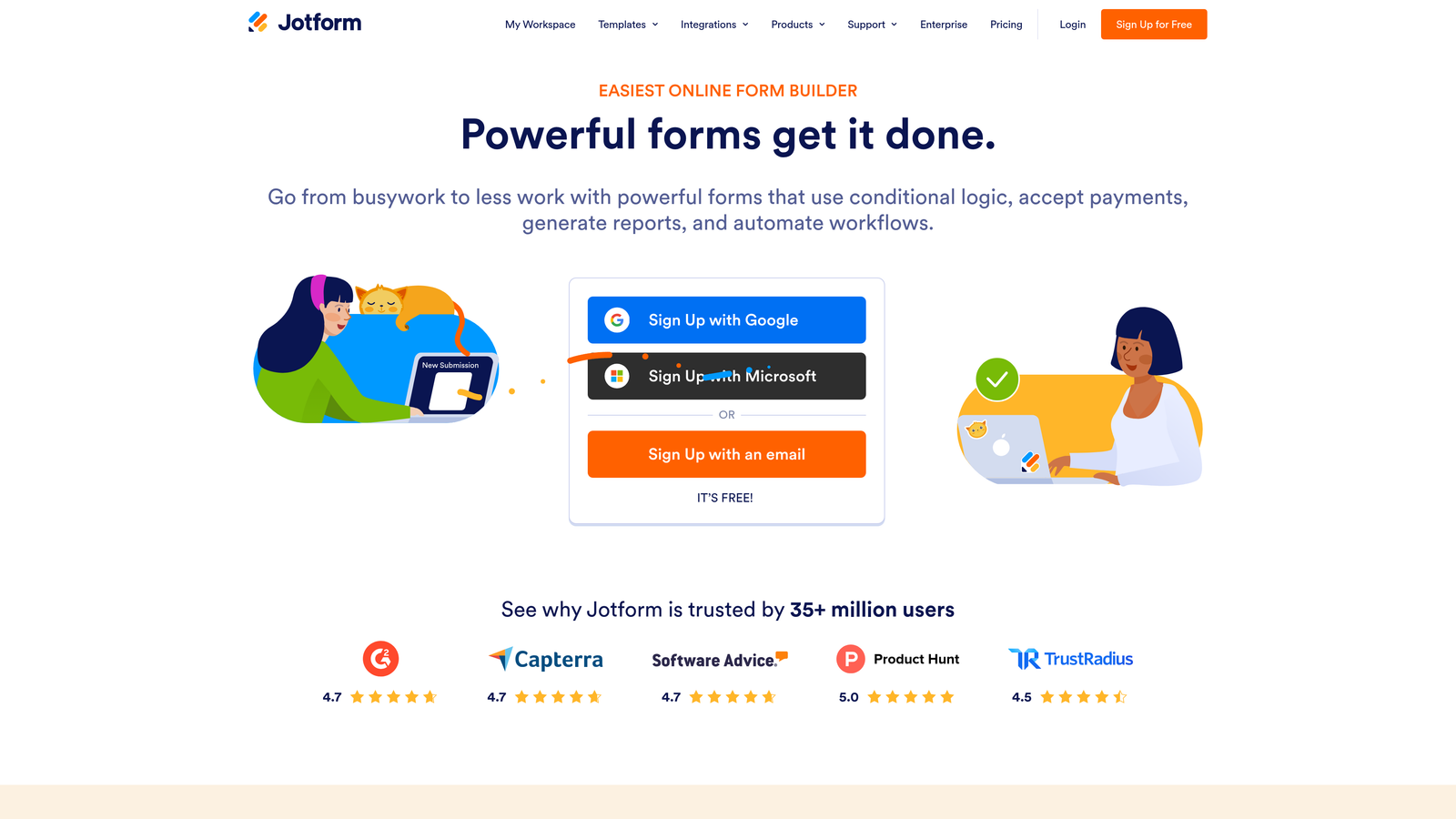
5. Jotform
Best for: Teams that need breadth — payments, approvals, e-signatures, and extensive template options in one platform.
Jotform is one of the most feature-complete form builders available, with thousands of templates, payment processing, and approval workflow capabilities.
Where This Tool Shines
Jotform's depth is hard to match. With over 10,000 templates and a feature set that spans payment collection, e-signatures, approval workflows, and offline submissions, it covers use cases that most other form builders simply don't address.
The trade-off is interface complexity. Jotform's UI reflects years of feature additions and can feel heavier than newer entrants. But for teams that need a single platform to handle diverse form requirements across departments, that breadth is exactly what makes it valuable.
Key Features
10,000+ Templates: Pre-built templates spanning dozens of industries and use cases, reducing setup time significantly.
Payment Processing: Native integrations with Stripe, PayPal, and Square for direct payment collection within forms.
Approval Workflows and E-Signatures: Supports multi-step approval chains and legally binding signature collection.
Offline Submissions: Mobile app allows form submissions without an internet connection, syncing when connectivity returns.
150+ App Integrations: Connects to a wide range of third-party tools across CRM, marketing, and productivity categories.
Best For
Operations teams, HR departments, and businesses with complex, multi-purpose form needs. Also strong for teams that require payment collection alongside standard form functionality.
Pricing
Free plan available. Paid plans start at approximately $34/month, scaling with submission volume and feature access.
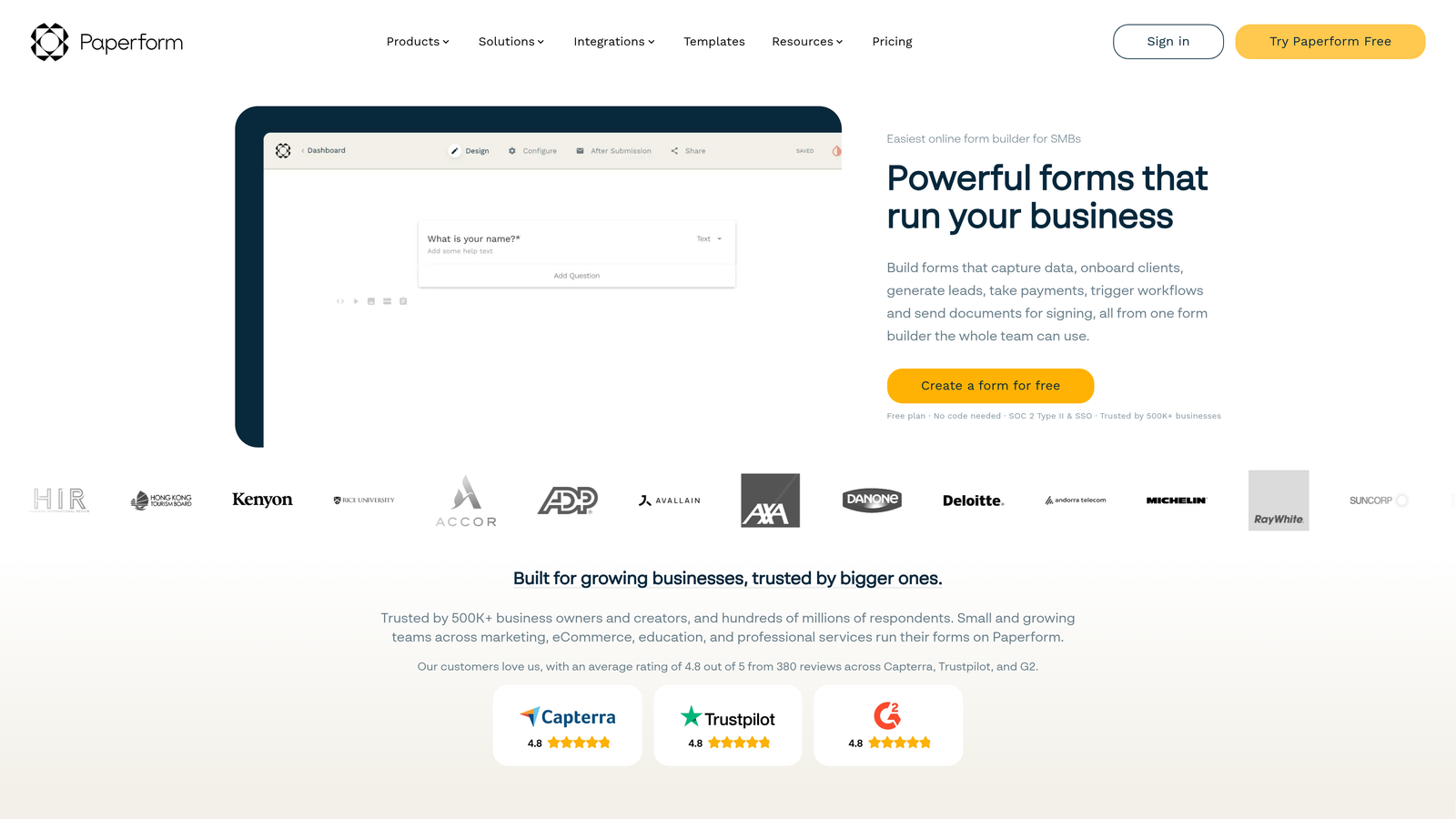
6. Paperform
Best for: Service businesses and creators who want forms that function like lightweight landing pages.
Paperform is a form builder that doubles as a lightweight landing page, allowing teams to embed rich content — text, images, videos, and products — directly in the form.
Where This Tool Shines
Paperform occupies a unique position in this category. It's less a form builder and more a form-meets-landing-page hybrid. You can embed product listings, images, video, and long-form text alongside your form fields, which means the entire purchase or inquiry experience lives in one URL.
For coaches, consultants, and service businesses that want to sell or qualify prospects without building a full website, this approach removes considerable friction. The output looks polished and functions well on mobile without extra configuration.
Key Features
Rich Content Embedding: Images, video, and product listings sit alongside form fields within a single page experience.
Standalone Form Pages: Each form functions as a mini landing page with its own URL, shareable without any website required.
Built-In Payment Collection: Accepts payments and sells products directly through the form interface.
Conditional Logic and Branching: Adapts the form experience based on respondent answers.
Custom Domain Support: Available on paid plans to maintain brand consistency on standalone form pages.
Best For
Coaches, consultants, service businesses, and ecommerce teams that want a single page to handle both content presentation and lead or purchase capture without building a separate landing page.
Pricing
Essentials plan starts at approximately $24/month. No permanent free tier, though a trial period is available.
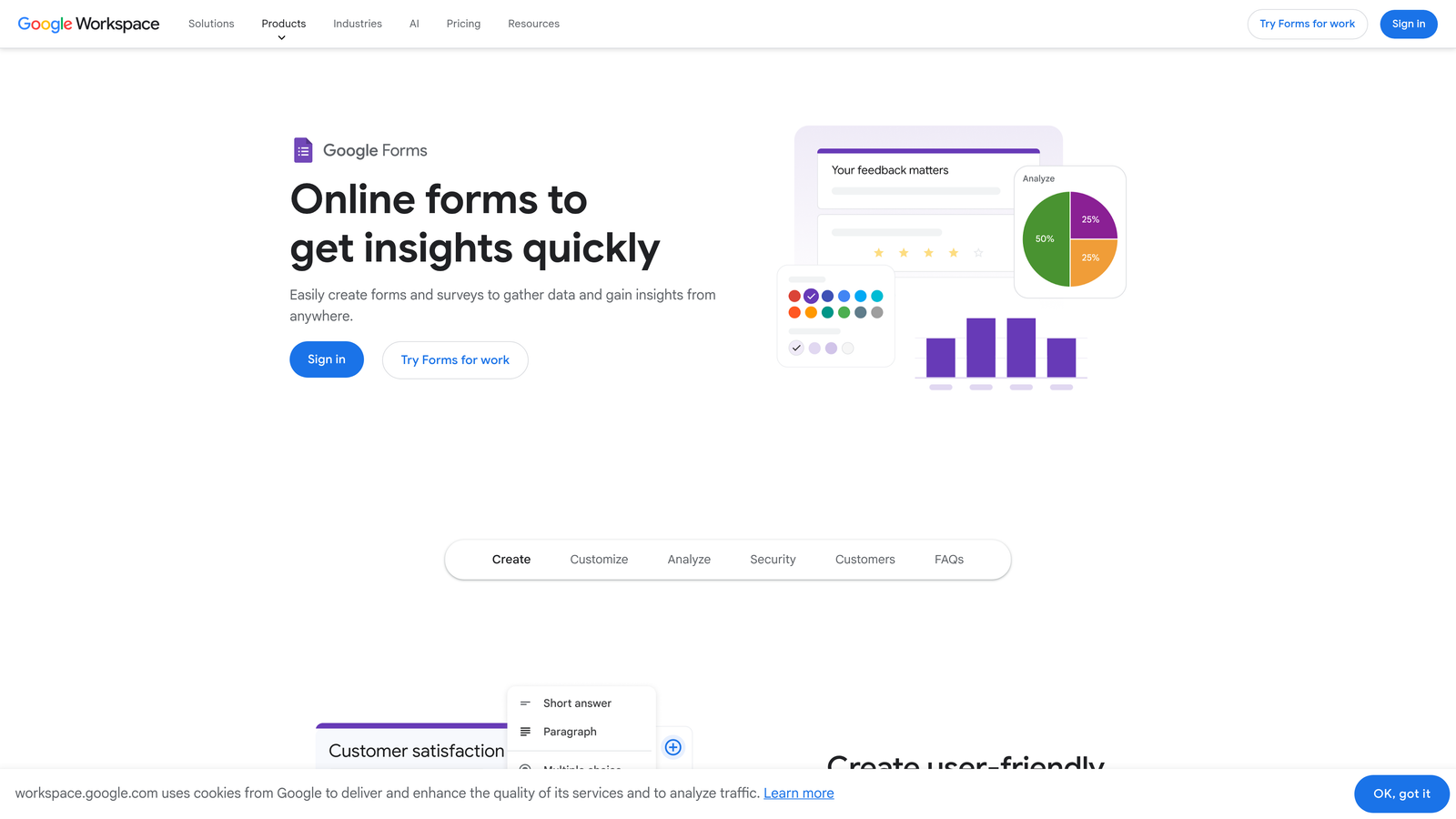
7. Google Forms
Best for: Internal surveys, quick feedback loops, and teams already standardized on Google Workspace.
Google Forms is Google's free, no-frills form tool, best suited for internal surveys, quick feedback loops, and teams already living in Google Workspace.
Where This Tool Shines
Google Forms wins on simplicity and cost. It's free, universally accessible, and instantly familiar to anyone who uses Google's productivity suite. For internal use cases where design aesthetics don't matter and speed of deployment does, nothing gets you from zero to live faster.
The automatic Google Sheets sync is genuinely useful for teams that want to analyze response data without exporting anything. Collaborative editing works exactly as you'd expect from a Google product, making it easy to build and review forms with teammates.
Key Features
Completely Free: No paid tiers, no submission limits, no hidden costs with any Google account.
Instant Google Sheets Sync: All responses flow directly into a connected spreadsheet in real time.
Basic Conditional Logic: Supports section branching based on multiple-choice answers.
Simple Sharing: Share via link, embed on a site, or restrict to specific Google accounts.
Collaborative Editing: Multiple team members can edit the same form simultaneously, like any Google Workspace document.
Best For
Internal teams running employee surveys, quick NPS checks, event registrations, or any use case where the audience is internal and design quality is secondary to speed and cost.
Pricing
Completely free with any Google account. No paid tiers or usage limits to worry about.
8. Fillout
Best for: Product and ops teams building forms that connect directly to Notion, Airtable, or Supabase databases.
Fillout is a modern form builder purpose-built for teams that need two-way sync with databases like Notion, Airtable, and Supabase.
Where This Tool Shines
Fillout's core differentiator is database connectivity. While most form builders push data into a CRM or spreadsheet, Fillout creates genuine two-way relationships with your existing databases. Forms can pre-fill fields from database records, and submissions write back to the source, keeping everything in sync without custom code.
For product teams building internal tools or operations teams managing data in Airtable, this removes a significant amount of manual data entry and integration maintenance. The interface is modern and clean, which is a notable improvement over older database-connected tools in this space.
Key Features
Native Two-Way Database Sync: Connects directly to Notion, Airtable, and Supabase with bidirectional data flow.
Pre-Fill from Database Records: Pulls existing data into form fields so users don't re-enter information already on file.
Conditional Logic and Multi-Step Forms: Supports complex branching and multi-page form flows.
Modern, Mobile-Responsive UI: Clean design that works well across devices without additional configuration.
Scheduling and Payment Integrations: Extends beyond basic data collection into booking and payment workflows.
Best For
Product managers, operations teams, and no-code builders who manage data in Notion or Airtable and want forms that interact with those databases rather than creating separate data silos.
Pricing
Free plan available. Paid plans start at approximately $15/month, making it one of the more affordable options with database connectivity.
9. Formless by Typeform
Best for: Teams exploring AI-native, open-ended form conversations that adapt dynamically to each respondent.
Formless by Typeform is an AI-native product from the Typeform team that uses GPT to conduct open-ended, dynamically adaptive form conversations.
Where This Tool Shines
Formless represents a genuinely different approach to data collection. Rather than presenting a fixed set of questions, it uses GPT to generate follow-up questions dynamically based on what the respondent just said. The result is something closer to a research interview than a traditional form.
This is still an early-stage product with an active development roadmap, so it's best approached as a forward-looking addition to your toolkit rather than a production workhorse. That said, for teams doing qualitative research, advanced customer discovery, or experimental lead capture, the conversational depth it achieves is difficult to replicate with conventional form logic.
Key Features
GPT-Powered Dynamic Conversations: Generates contextually relevant follow-up questions based on each user's specific responses.
Open-Ended Question Formats: Moves beyond standard field types to capture nuanced, unstructured input.
AI-Generated Follow-Up Questions: Adapts the conversation in real time rather than following a pre-built script.
Structured Data Output: Despite conversational input, delivers organized, usable data at the end of each session.
Active Development Roadmap: Typeform is actively building out capabilities, so the product is evolving quickly.
Best For
Research teams, advanced marketers, and product teams interested in AI-native data collection methods. Best suited for exploratory use cases rather than high-volume lead capture workflows.
Pricing
Pricing varies. Check formless.ai directly for current plan details and availability.
Which Tool Is Right for Your Team?
The right form builder depends on one question more than any other: what needs to happen after someone hits submit? The tools in this list are built around very different answers to that question, and matching the tool to your actual outcome is what separates high-converting form setups from ones that just collect noise.
Here's a quick orientation based on your priorities:
Lead qualification is your primary goal: Start with Orbit AI. The built-in scoring and routing logic means your sales team receives qualified prospects rather than raw form submissions. For high-growth B2B and SaaS teams running paid acquisition, this difference compounds quickly.
You need conversational UX on a budget: Tally and Typeform are both strong picks. Tally wins on cost (the free plan is genuinely capable), while Typeform edges ahead on polish and integration depth at the paid tier.
You're already in the HubSpot ecosystem: HubSpot Forms is the obvious choice. Zero data mapping, progressive profiling, and native automation make it the highest-value option for teams already on that platform.
You need breadth across departments: Jotform covers more ground than any other tool in this list. Payments, e-signatures, approval workflows, and thousands of templates make it the right call for teams with diverse, cross-functional form needs.
Your data lives in Notion or Airtable: Fillout's two-way database sync removes a category of integration headaches that no other tool here addresses as cleanly.
The form builder market has matured to the point where the right choice isn't about features in isolation — it's about fit with your workflow, your CRM, and your definition of a successful submission. Take that outcome seriously when evaluating, and the decision becomes much clearer.
Transform your lead generation with AI-powered forms that qualify prospects automatically while delivering the modern, conversion-optimized experience your high-growth team needs. Start building free forms today and see how intelligent form design can elevate your conversion strategy.


