

Your web forms are often the first handshake between your business and potential customers—and a clunky, generic form can cost you leads before the conversation even starts. The right customizable web form software lets you match your brand perfectly, adapt to complex workflows, and turn passive visitors into qualified prospects. But with dozens of options available, finding the tool that balances design flexibility, powerful features, and ease of use isn't straightforward.
We've tested and compared the top customizable form builders to help you choose the right fit for your team's needs and growth goals. Here are the platforms leading the pack in 2026.
1. Orbit AI
Best for: High-growth teams needing AI-powered lead qualification with beautiful, conversion-optimized forms
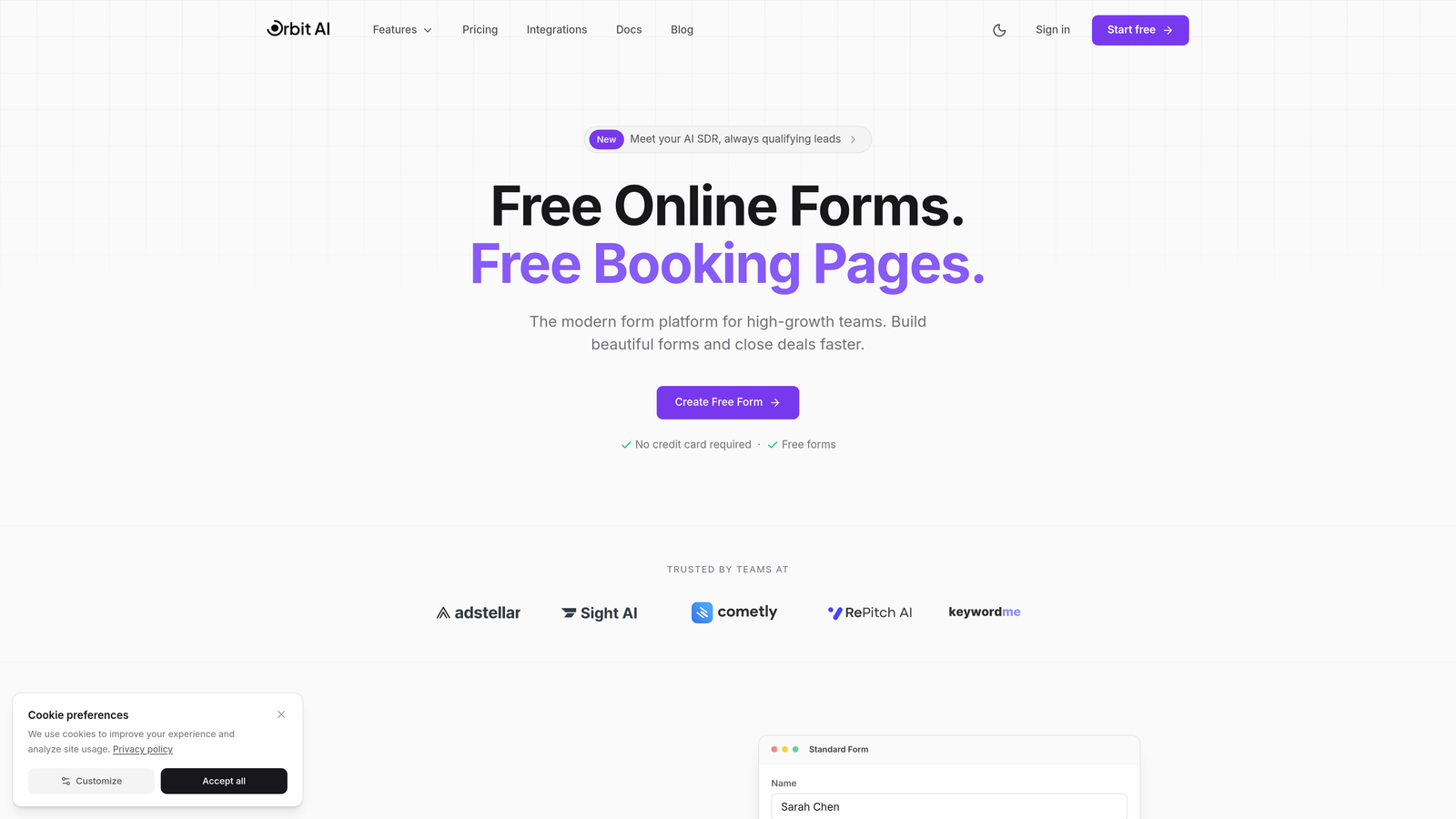
Orbit AI combines modern form design with intelligent lead qualification, helping teams capture more qualified prospects without manual scoring.
Where This Tool Shines
What sets Orbit AI apart is its AI-powered lead qualification engine that automatically scores and routes prospects based on their responses. Instead of collecting form submissions and manually sorting through them later, you get instant qualification insights that help your sales team prioritize follow-ups.
The platform's conversion-optimized templates are specifically designed for lead generation, not just data collection. Each template incorporates best practices for form completion rates, with smart field ordering and progressive disclosure that keeps prospects engaged without overwhelming them.
Key Features
AI-Powered Lead Qualification: Automatically scores and qualifies leads based on responses, routing high-value prospects to your sales team instantly.
Modern Drag-and-Drop Builder: Create fully customized forms that match your brand identity with intuitive design controls and real-time preview.
Native CRM Integrations: Connect directly to HubSpot, Salesforce, Slack, and other growth tools without middleware or complex configurations.
Conversion Analytics: Track form performance with built-in analytics that show you exactly where prospects drop off and which fields create friction.
Workflow Automation: Trigger automated actions based on lead scores, from sending personalized follow-ups to creating deals in your CRM.
Best For
Orbit AI is ideal for B2B companies and high-growth teams where lead quality matters as much as quantity. If you're tired of sorting through unqualified form submissions or want to accelerate your lead-to-opportunity conversion, this platform delivers immediate value.
Pricing
Free tier available with core features; paid plans start at competitive rates designed for growing teams that need advanced qualification and automation capabilities.
2. Typeform
Best for: Creating conversational, one-question-at-a-time experiences with premium design aesthetics
Typeform pioneered the conversational form approach, presenting one question at a time to create engaging, interactive experiences.

Where This Tool Shines
Typeform's signature one-question-at-a-time format reduces cognitive load and creates a more human interaction. This approach consistently delivers higher completion rates for longer forms, especially surveys and multi-step lead qualification flows.
The design customization capabilities are exceptional. You control everything from background images and videos to custom fonts and color schemes, creating forms that feel like natural extensions of your brand rather than generic web widgets.
Key Features
Conversational Interface: One-question-at-a-time format that guides respondents through forms like a conversation rather than a traditional web form.
Advanced Design Controls: Customize fonts, colors, backgrounds, and add video or image content to create visually stunning form experiences.
Logic Branching: Create conditional paths that adapt based on previous answers, showing only relevant questions to each respondent.
Native Integrations: Connect to major marketing platforms, CRMs, and productivity tools without third-party connectors.
Rich Media Support: Embed videos, images, and GIFs directly within forms to create more engaging experiences.
Best For
Typeform excels for teams prioritizing user experience and completion rates over speed. It's particularly effective for customer feedback surveys, event registrations, and multi-step lead qualification where the conversational approach keeps people engaged.
Pricing
Free plan includes basic features with 10 responses per month; Basic plan starts at $25/month for 100 responses and removes Typeform branding.
3. Jotform
Best for: Teams needing extensive templates and widget options for diverse form use cases
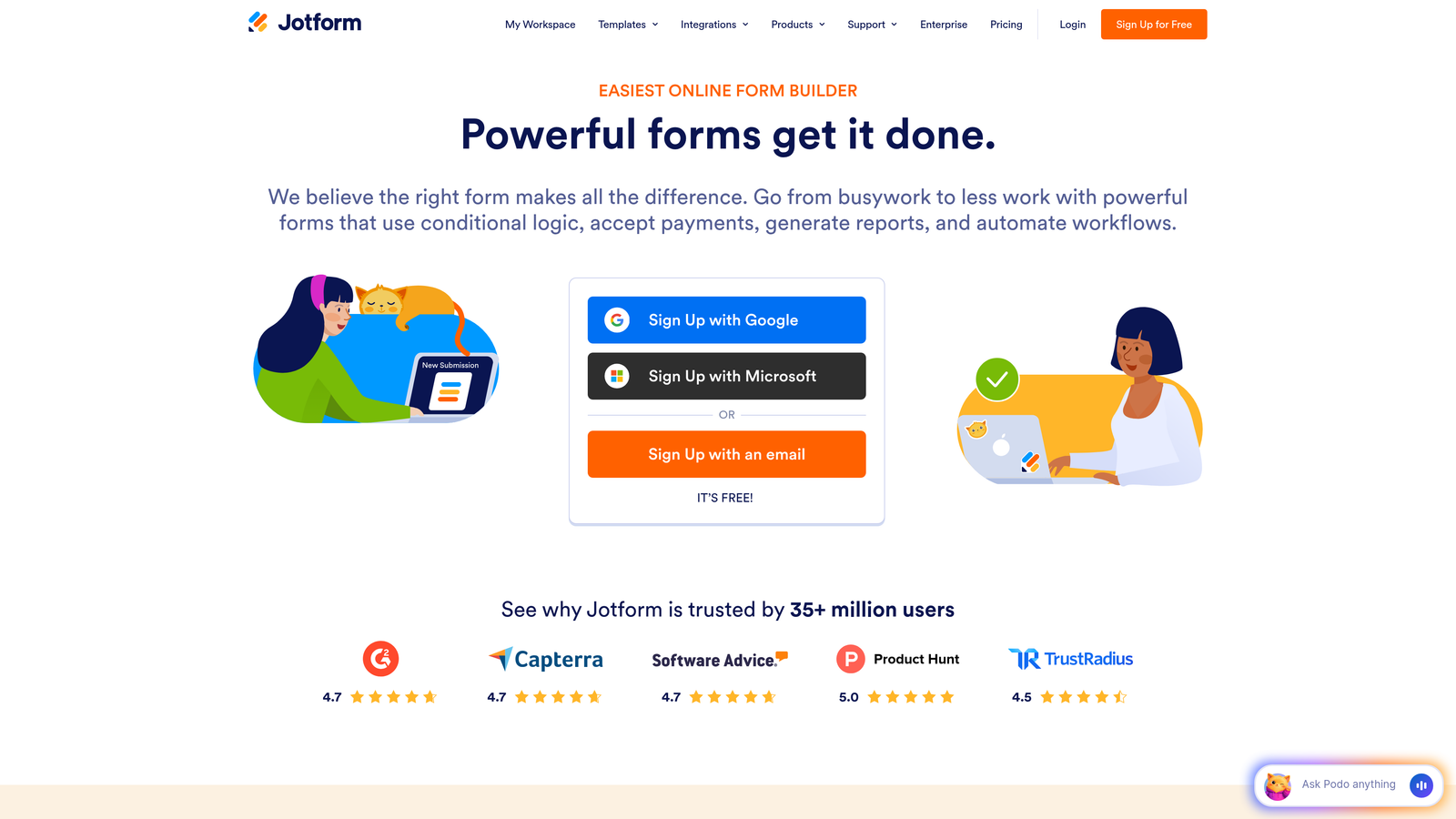
Jotform offers one of the largest template libraries in the industry, with pre-built forms for virtually any scenario you can imagine.
Where This Tool Shines
With over 10,000 templates covering everything from job applications to event registrations to payment forms, Jotform eliminates the "blank canvas" problem. You can find a template close to your needs and customize from there, dramatically reducing build time.
The platform's widget ecosystem is equally impressive. Need to collect e-signatures? Add appointment scheduling? Process payments? There's a widget for that, and most integrate seamlessly without requiring technical knowledge.
Key Features
Massive Template Library: Access 10,000+ pre-built templates spanning industries and use cases, from simple contact forms to complex applications.
Extensive Widget Marketplace: Add specialized functionality through 100+ widgets including e-signatures, payments, file uploads, and scheduling.
PDF Form Creation: Generate fillable PDF forms and collect submissions that can be automatically converted to PDFs for record-keeping.
Payment Processing: Accept payments through multiple gateways including PayPal, Stripe, and Square directly within your forms.
Mobile App: Manage forms, view submissions, and make updates from iOS or Android devices when you're away from your desk.
Best For
Jotform is perfect for teams managing diverse form needs across departments or handling high volumes of different form types. The template library and widgets make it especially valuable when you need functionality beyond basic data collection.
Pricing
Free plan includes 5 forms with 100 monthly submissions; Bronze plan starts at $34/month for 25 forms and 1,000 submissions.
4. Tally
Best for: Small teams wanting unlimited forms on a generous free tier with Notion-style simplicity
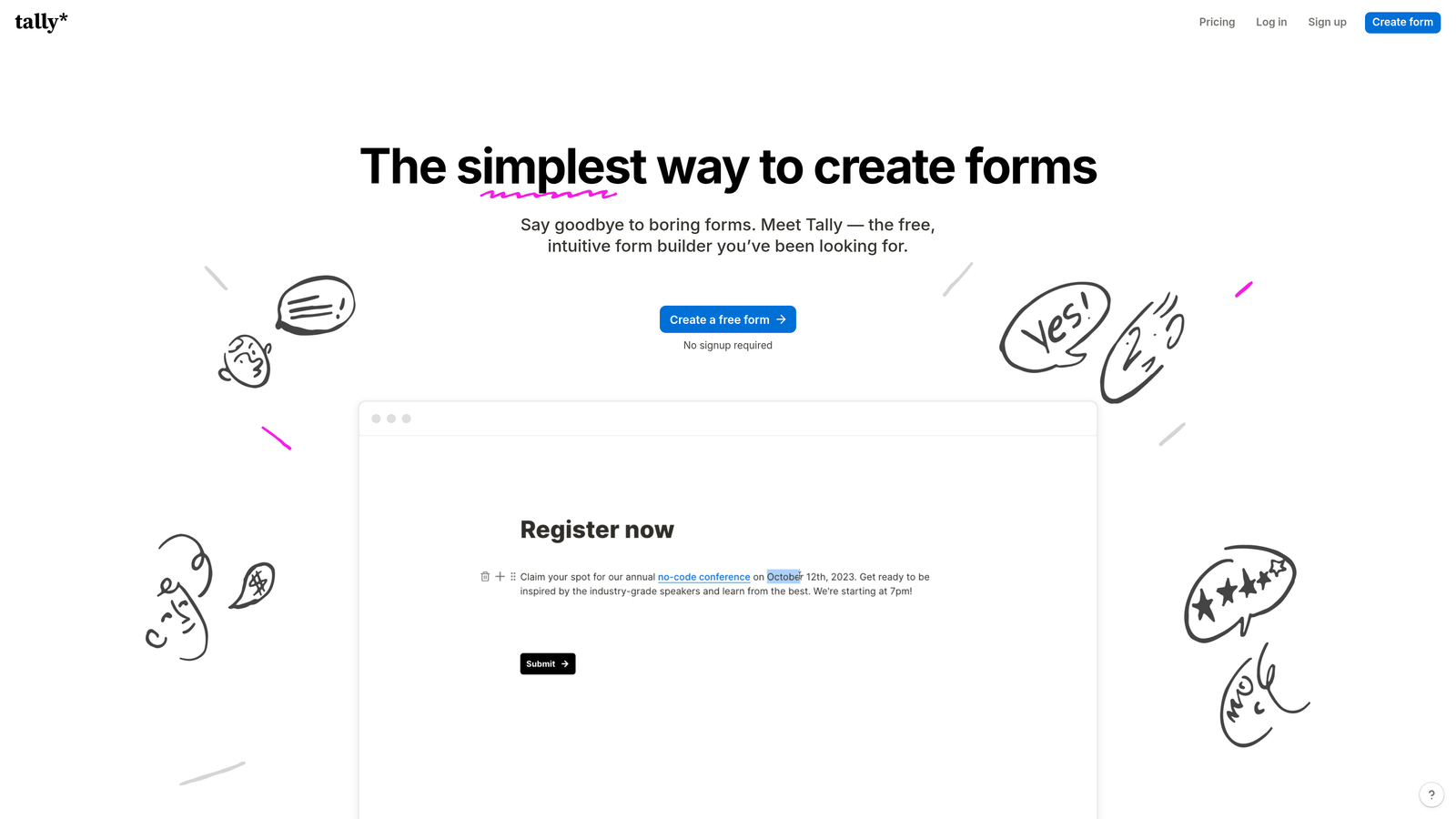
Tally brings a minimalist, block-based approach to form building that feels instantly familiar to Notion users.
Where This Tool Shines
Tally's free tier is remarkably generous—unlimited forms and unlimited submissions with no Tally branding. For small teams or solo entrepreneurs just starting out, this removes the financial barrier entirely while still delivering professional results.
The Notion-style interface means there's virtually no learning curve if you're already familiar with block-based editors. You build forms by simply adding blocks, rearranging them, and tweaking settings—no complex form builders or overwhelming feature menus.
Key Features
Block-Based Editor: Build forms using a familiar Notion-style interface that organizes content into movable, customizable blocks.
Unlimited Free Tier: Create unlimited forms with unlimited submissions on the free plan, with no Tally branding on your forms.
Clean Design Output: Forms maintain a modern, minimalist aesthetic that works across devices without additional styling work.
Basic Conditional Logic: Show or hide questions based on previous answers to create dynamic form experiences.
Essential Integrations: Connect to popular tools like Google Sheets, Notion, Slack, and Zapier for workflow automation.
Best For
Tally is ideal for bootstrapped startups, content creators, and small teams that need professional forms without monthly software costs. It's also perfect for Notion-heavy teams wanting a form builder that matches their existing workflow.
Pricing
Free plan covers most needs with unlimited forms and submissions; Pro plan at $29/month adds advanced features like file uploads and custom domains.
5. Paperform
Best for: Creating page-like form experiences with rich media, payments, and booking functionality
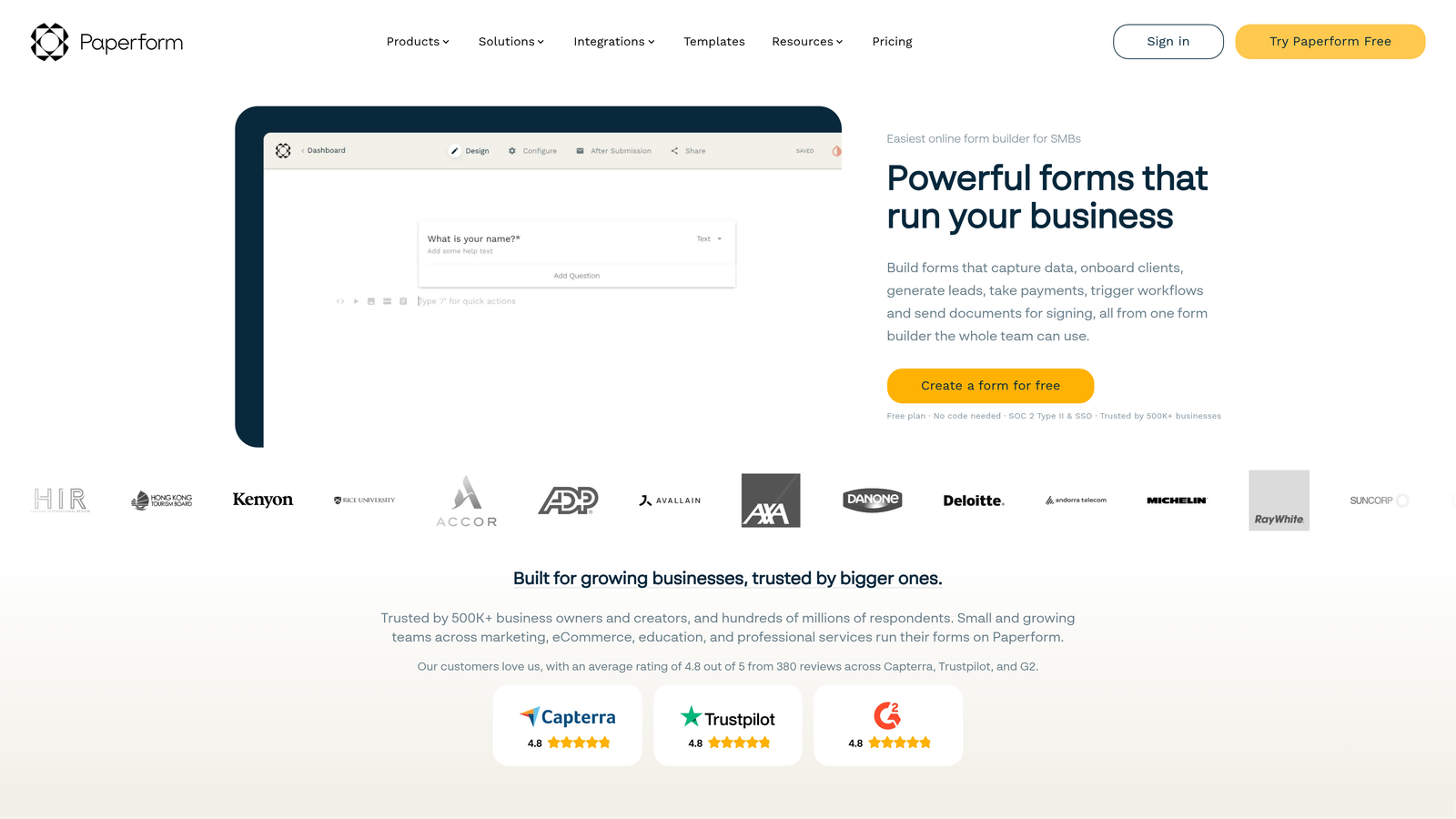
Paperform takes a document-first approach, letting you create forms that look and feel like landing pages rather than traditional web forms.
Where This Tool Shines
Paperform's document-style editor lets you mix form fields with rich text, images, videos, and other content to create immersive experiences. Instead of a sterile form, you can build something that tells a story, explains your offering, and collects information—all in one seamless flow.
The built-in payment and scheduling features mean you can handle complete transactions without stitching together multiple tools. Collect registrations, process payments, and book appointments all within a single Paperform, eliminating friction in your conversion funnel.
Key Features
Document-Style Editor: Create forms that blend rich text, media, and form fields into cohesive page-like experiences.
Integrated Payment Processing: Accept payments through Stripe, PayPal, Square, and other gateways without external payment links.
Appointment Scheduling: Add booking functionality directly within forms, syncing with calendars and sending automatic confirmations.
Advanced Calculations: Build forms with complex calculations for quotes, price estimates, or dynamic pricing based on selections.
Custom Success Pages: Create branded thank-you pages or redirect users to specific URLs based on their form responses.
Best For
Paperform excels for service businesses, event organizers, and e-commerce teams that need forms to do more than collect data. If you're selling products, booking appointments, or processing registrations, the all-in-one approach saves significant integration headaches.
Pricing
Essentials plan starts at $24/month for basic features; Pro plan at $49/month includes advanced calculations, custom domains, and priority support.
6. Cognito Forms
Best for: Complex business processes requiring advanced calculations, payments, and workflow automation
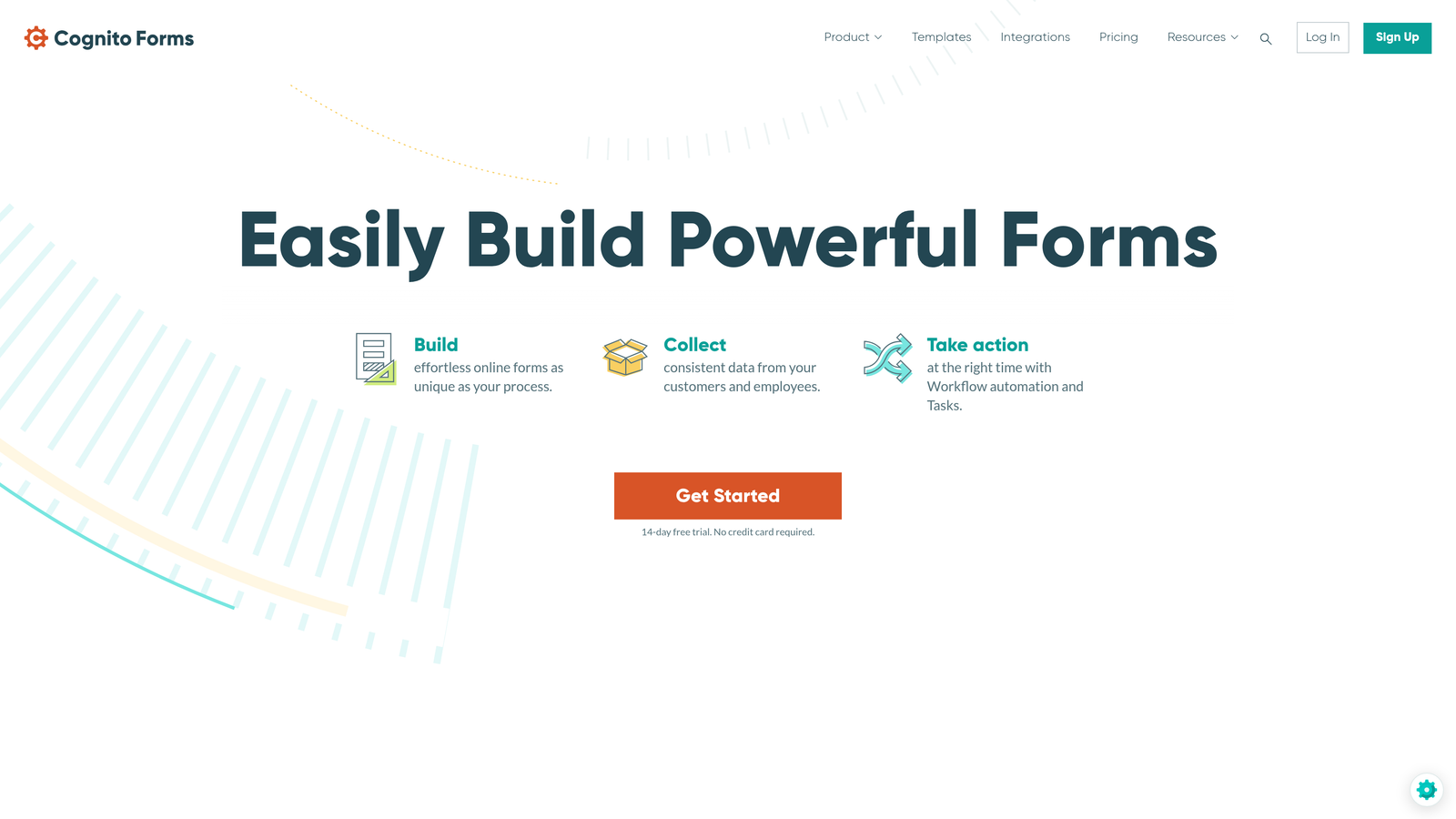
Cognito Forms specializes in handling sophisticated business logic and data management that simpler form builders can't accommodate.
Where This Tool Shines
The calculation engine in Cognito Forms is remarkably powerful. You can build forms that perform complex mathematical operations, conditional pricing, date calculations, and multi-field formulas—essential for quote generators, order forms, or registration systems with variable pricing.
For organizations with compliance requirements, Cognito Forms offers HIPAA-compliant options and robust data security features. This makes it viable for healthcare providers, financial services, and other regulated industries that can't use consumer-grade form tools.
Key Features
Advanced Calculation Fields: Create complex formulas and calculations that update dynamically based on user input across multiple fields.
Multi-Gateway Payments: Process payments through Stripe, PayPal, Square, and other processors with support for partial payments and payment plans.
Repeating Sections: Allow users to add multiple entries of the same information set, perfect for registration forms with multiple attendees.
Workflow Automation: Build approval processes and automated actions that trigger based on form submissions or field values.
HIPAA Compliance: Access HIPAA-compliant hosting and features for healthcare organizations handling protected health information.
Best For
Cognito Forms is perfect for organizations with complex business processes, regulated industries needing compliance features, and teams managing high-value transactions where calculation accuracy is critical.
Pricing
Free plan available for basic needs; Pro plan starts at $15/month for advanced features and higher submission limits.
7. Formstack
Best for: Enterprise teams requiring compliance, document generation, and advanced workflow automation
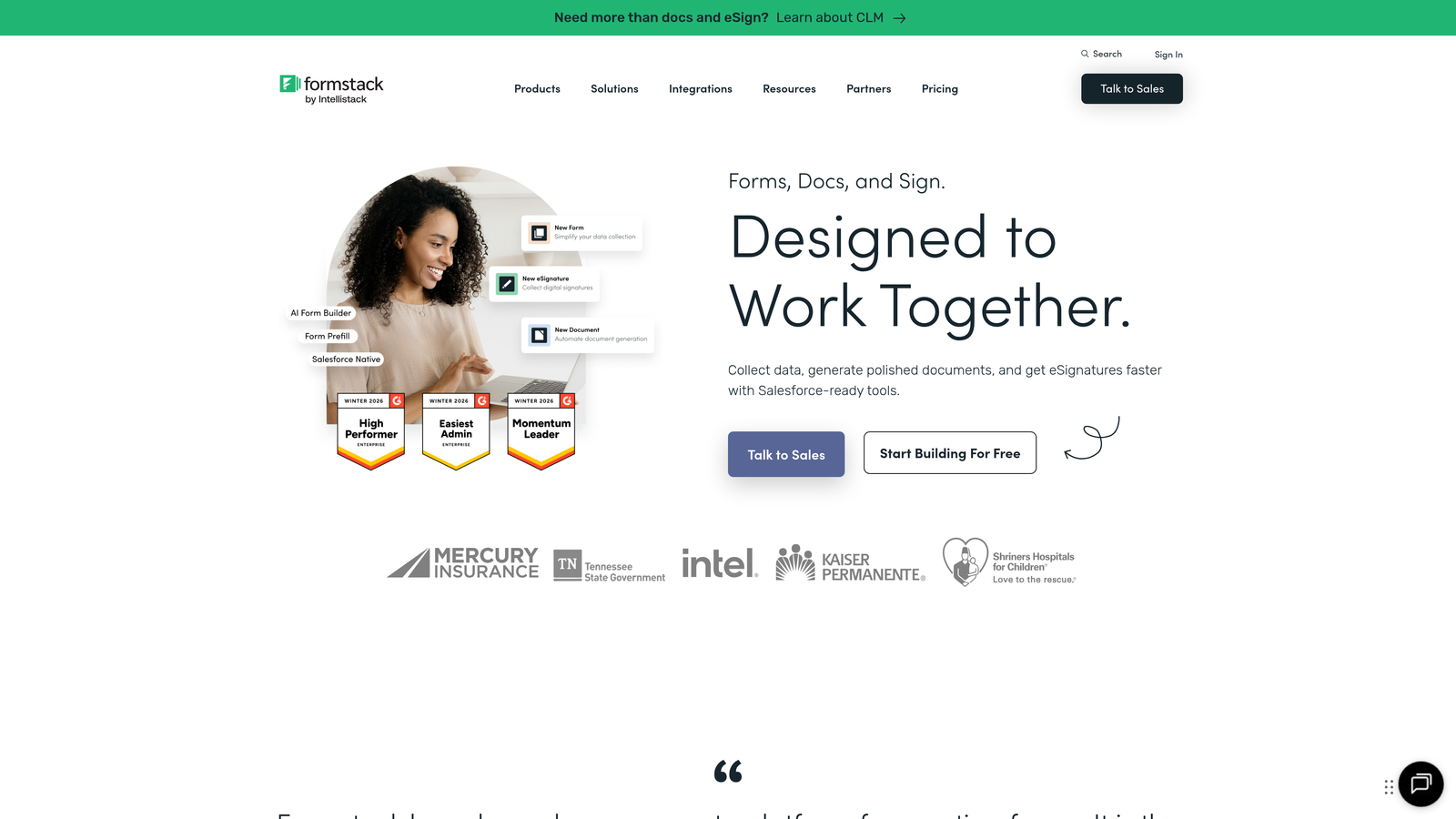
Formstack is an enterprise-grade platform designed for organizations with strict security, compliance, and workflow requirements.
Where This Tool Shines
Formstack's compliance certifications set it apart in the enterprise space. With HIPAA, GDPR, and SOC 2 compliance built in, plus advanced security features like SSO and role-based access controls, it meets the stringent requirements of healthcare, finance, and government organizations.
The document generation capability transforms form submissions into professional PDFs, contracts, or reports automatically. This eliminates manual document creation and ensures consistency across your organization's paperwork.
Key Features
Compliance Certifications: HIPAA, GDPR, and SOC 2 compliance with enterprise-grade security controls and audit trails.
Document Generation: Automatically create PDFs, contracts, or reports from form submissions using customizable templates.
Advanced Workflows: Build sophisticated approval processes, routing rules, and automated actions across your organization.
E-Signature Integration: Collect legally binding signatures directly within forms through native DocuSign integration.
Enterprise Access Controls: Manage user permissions, implement SSO, and control data access with granular security settings.
Best For
Formstack is ideal for enterprise organizations, regulated industries, and teams managing sensitive data or complex approval workflows. The higher price point reflects the enterprise features and compliance guarantees.
Pricing
Plans start at $50/month for basic features; enterprise pricing available for organizations needing compliance certifications and advanced security.
8. 123FormBuilder
Best for: Teams handling high submission volumes with strong reporting and database management needs
123FormBuilder takes a database-first approach, treating forms as data collection interfaces backed by powerful submission management.
Where This Tool Shines
The submission database and management features are exceptionally robust. You can filter, sort, search, and analyze submissions with tools that feel more like a CRM than a form builder. For teams processing hundreds or thousands of submissions monthly, this makes data management dramatically easier.
The visual reporting dashboard provides instant insights into form performance, submission trends, and completion rates. You see patterns in your data without exporting to spreadsheets or building custom reports.
Key Features
Comprehensive Submission Database: Manage, filter, and search form submissions with advanced database tools built directly into the platform.
Visual Analytics Dashboard: Track form performance, completion rates, and submission trends through built-in reporting and charts.
Conditional Logic: Create dynamic forms that show or hide fields based on previous answers, with support for complex logic rules.
Payment Integration: Process payments and build order forms with support for major payment processors and e-commerce features.
Team Collaboration: Share forms, manage permissions, and collaborate on form building with team members across your organization.
Best For
123FormBuilder works best for teams managing high volumes of submissions who need robust data management and reporting. It's particularly valuable for operations teams, HR departments, and organizations processing applications or registrations at scale.
Pricing
Free plan available with basic features; Gold plan starts at $19.99/month for advanced functionality and higher submission limits.
9. Fillout
Best for: Teams using Notion or Airtable who need native database syncing for seamless workflows
Fillout is purpose-built for teams whose workflows center around Notion databases or Airtable bases, with direct syncing that eliminates integration middleware.
Where This Tool Shines
The native Notion and Airtable integration is genuinely native—not a Zapier connection or API hack. Form submissions flow directly into your databases with proper field mapping, relationships, and data types preserved. If your team lives in these tools, Fillout becomes an invisible extension of your existing workflow.
Despite the database focus, Fillout doesn't sacrifice design flexibility. The forms themselves are modern and customizable, with conditional logic, multi-step capabilities, and a clean aesthetic that works across devices.
Key Features
Native Database Integration: Sync form submissions directly to Notion databases or Airtable bases without third-party connectors or complex configurations.
Direct Database Syncing: Maintain proper field types, relationships, and data structure when sending submissions to your databases.
Modern Form Design: Create clean, customizable forms that match your brand while maintaining the technical backend integration.
Conditional Logic: Build dynamic forms that adapt based on responses, showing relevant questions and hiding unnecessary fields.
Multi-Step Forms: Break long forms into manageable steps with progress indicators and logical section breaks.
Best For
Fillout is perfect for teams already using Notion or Airtable as their primary data management system. If you're tired of manual data entry or unreliable Zapier connections, the native integration delivers immediate workflow improvements.
Pricing
Free tier available with core features; Starter plan at $15/month adds advanced functionality and removes Fillout branding.
Matching Your Form Builder to Your Growth Stage
The right customizable web form software depends less on feature count and more on alignment with your specific workflow and growth trajectory.
If lead quality is your primary concern and you need intelligent qualification built in, Orbit AI's AI-powered approach delivers immediate value by automatically scoring prospects and routing high-value leads to your sales team. For teams prioritizing completion rates and user experience, Typeform's conversational approach consistently outperforms traditional forms on longer, multi-step flows.
Budget-conscious teams or solo entrepreneurs will find Tally's unlimited free tier remarkably generous, while organizations with diverse form needs across departments benefit from Jotform's massive template library and widget ecosystem. Service businesses handling payments and bookings should look at Paperform's all-in-one approach, which eliminates the need to stitch together multiple tools.
For teams with complex business logic or compliance requirements, Cognito Forms and Formstack deliver the advanced capabilities and certifications that consumer-grade tools can't match. And if your workflow already centers around Notion or Airtable, Fillout's native integration transforms form collection from a separate process into a seamless extension of your existing database.
The common thread across all these platforms is customization—the ability to match your brand, adapt to your workflow, and create experiences that feel intentional rather than generic. The best choice depends on whether you value conversational engagement, database integration, compliance features, or intelligent lead qualification most highly.
Transform your lead generation with AI-powered forms that qualify prospects automatically while delivering the modern, conversion-optimized experience your high-growth team needs. Start building free forms today and see how intelligent form design can elevate your conversion strategy.


