

Multi-step forms consistently outperform single-page forms for lead generation—but choosing the right tool at the right price can make or break your ROI. Whether you're a startup watching every dollar or an enterprise team needing advanced logic and integrations, the pricing landscape varies dramatically. Some tools charge per response, others per seat, and a few offer unlimited submissions that could save thousands annually.
This guide breaks down 9 leading multi-step form builders, comparing their pricing structures, what you actually get at each tier, and which tool delivers the best value for your specific needs.
1. Orbit AI
Best for: High-growth teams who need AI-powered lead qualification built into their forms
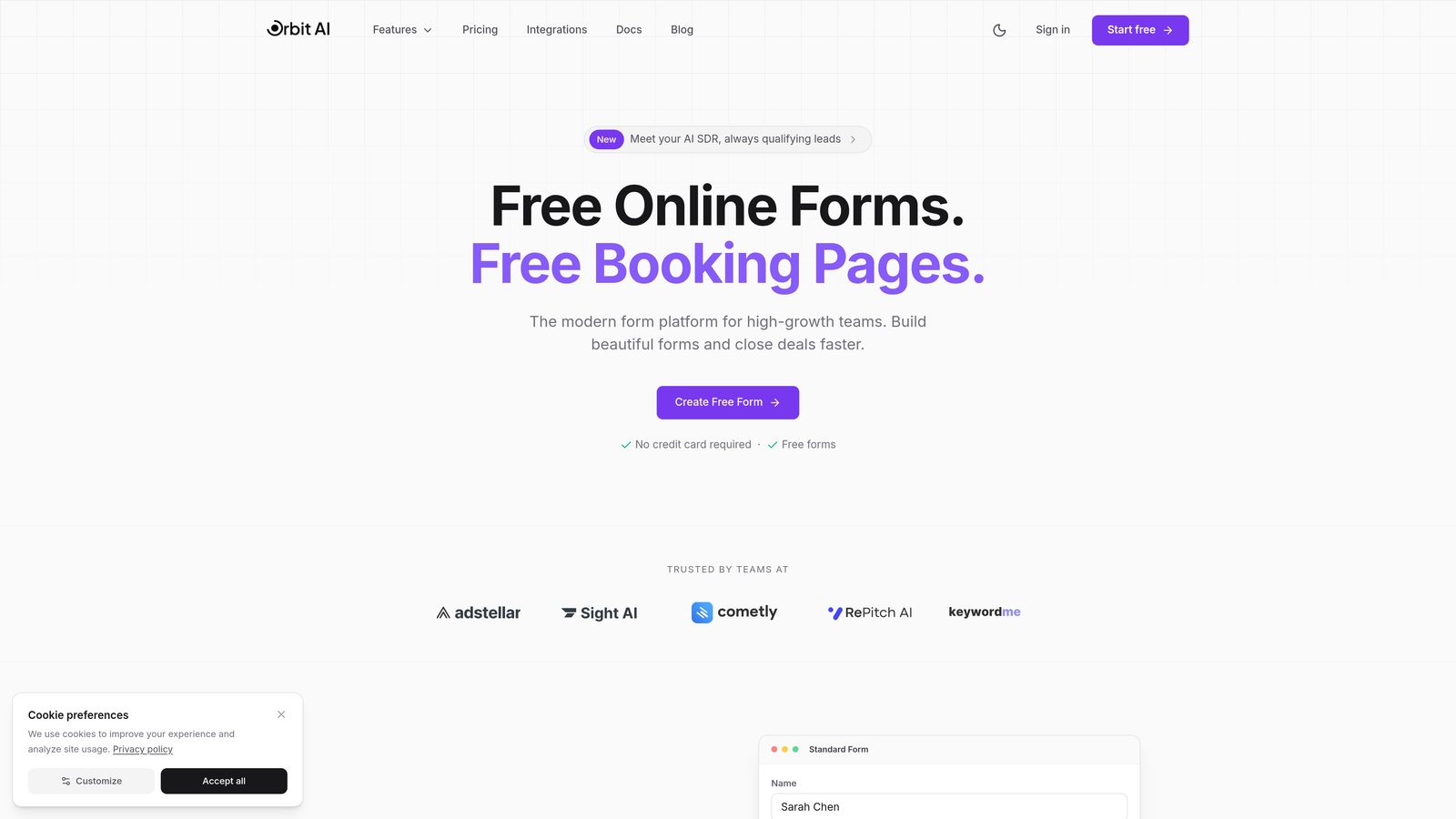
Orbit AI combines intelligent form building with real-time lead qualification, helping teams focus on prospects most likely to convert.
Where This Tool Shines
The standout feature here is AI-powered lead qualification that happens during form completion—not after. While competitors require you to manually score leads post-submission, Orbit AI analyzes responses in real-time and routes high-value prospects immediately.
For high-growth teams drowning in unqualified leads, this changes everything. You're not just collecting data—you're identifying which leads deserve immediate follow-up and which can enter nurture sequences. The platform also offers scalable form limits and responses on paid plans, eliminating the anxiety of hitting submission caps during campaign spikes.
Key Features
AI-Powered Lead Qualification: Automatically scores and routes leads based on response patterns and qualification criteria you define.
scalable form limits and Responses: Build as many forms as needed without worrying about per-response pricing eating your budget.
Native CRM Integrations: Connect directly to major CRMs with qualified lead data flowing automatically to your sales team.
Conversion-Optimized Templates: Start with templates designed specifically for lead generation and conversion rather than generic form layouts.
Real-Time Analytics: Track conversion rates, drop-off points, and lead quality metrics as they happen.
Best For
SaaS companies and B2B teams where lead quality directly impacts revenue. If you're spending money on ads or running campaigns where every conversion counts, the AI qualification feature pays for itself by helping sales focus on prospects with genuine buying intent.
Pricing
Free tier available to get started. Paid plans begin at competitive rates with predictable monthly response limits—particularly valuable for teams running multiple campaigns or experiencing seasonal traffic spikes.
2. Typeform
Best for: Creating visually stunning, conversational forms with premium design aesthetics
Typeform pioneered the one-question-at-a-time interface that makes forms feel like conversations rather than interrogations.

Where This Tool Shines
Typeform's strength lies in its beautiful, engaging user experience. The one-question-at-a-time approach reduces cognitive load and typically improves completion rates compared to traditional long-form layouts. The interface feels modern and polished, making it ideal for brand-conscious companies.
The customization options are extensive—you can match your brand perfectly with custom colors, fonts, and images. For teams prioritizing design and user experience above all else, Typeform sets the standard.
Key Features
Conversational Interface: One question appears at a time, creating a dialogue-like experience that feels less overwhelming.
Extensive Customization: Complete control over colors, fonts, backgrounds, and branding to match your visual identity.
Logic Jumps: Create conditional paths based on responses, showing relevant questions and hiding irrelevant ones.
Rich Media Support: Embed videos, images, and GIFs directly into your forms to increase engagement.
Native Integrations: Connect to popular tools like Google Sheets, Slack, Mailchimp, and major CRMs.
Best For
Design-forward companies and creative agencies where form aesthetics matter as much as functionality. Also excellent for customer feedback surveys, event registrations, and any use case where engagement is critical.
Pricing
Free plan limited to 10 responses per month. Basic at $25/month (100 responses), Plus at $50/month (1,000 responses), Business at $83/month (10,000 responses). The per-response pricing can become expensive at scale.
3. Jotform
Best for: Teams needing extensive templates and built-in payment processing
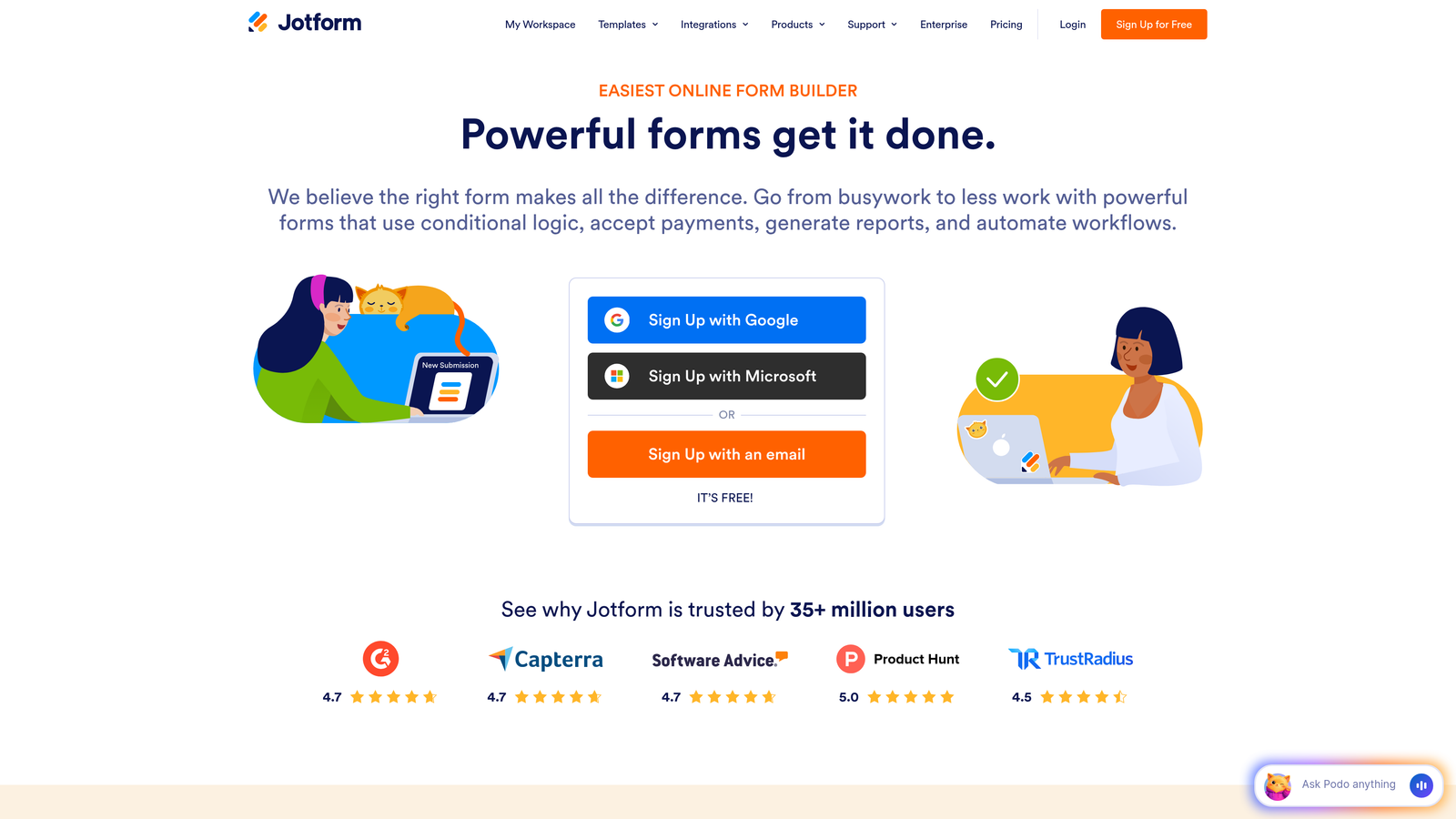
Jotform offers versatility with over 10,000 templates covering virtually every form use case imaginable.
Where This Tool Shines
The template library is genuinely impressive—whether you need a medical intake form, event registration, or product order form, there's likely a pre-built template ready to customize. This saves considerable time compared to building from scratch.
Payment processing is another major strength. Native integrations with PayPal, Stripe, and Square mean you can collect payments directly through forms without third-party tools. For businesses selling products, accepting donations, or processing registrations, this streamlines operations significantly.
Key Features
10,000+ Templates: Pre-built forms for virtually every industry and use case, dramatically reducing setup time.
Payment Processing: Accept payments through multiple processors with transaction fees handled directly by the payment provider.
PDF Generation: Automatically create PDF documents from form submissions for contracts, receipts, or records.
Approval Workflows: Route submissions through approval chains before finalizing, useful for internal processes.
HIPAA Compliance: Available on higher tiers for healthcare organizations handling protected health information.
Best For
Small businesses and organizations needing payment collection, healthcare providers requiring HIPAA compliance, and teams who prefer starting with templates rather than blank canvases.
Pricing
Free plan includes 5 forms and 100 submissions monthly. Bronze at $34/month, Silver at $39/month, Gold at $99/month. Enterprise pricing available for larger organizations needing custom solutions.
4. Tally
Best for: Budget-conscious teams who need unlimited forms without subscription costs
Tally disrupts traditional pricing models by offering unlimited forms and submissions on their free plan.
Where This Tool Shines
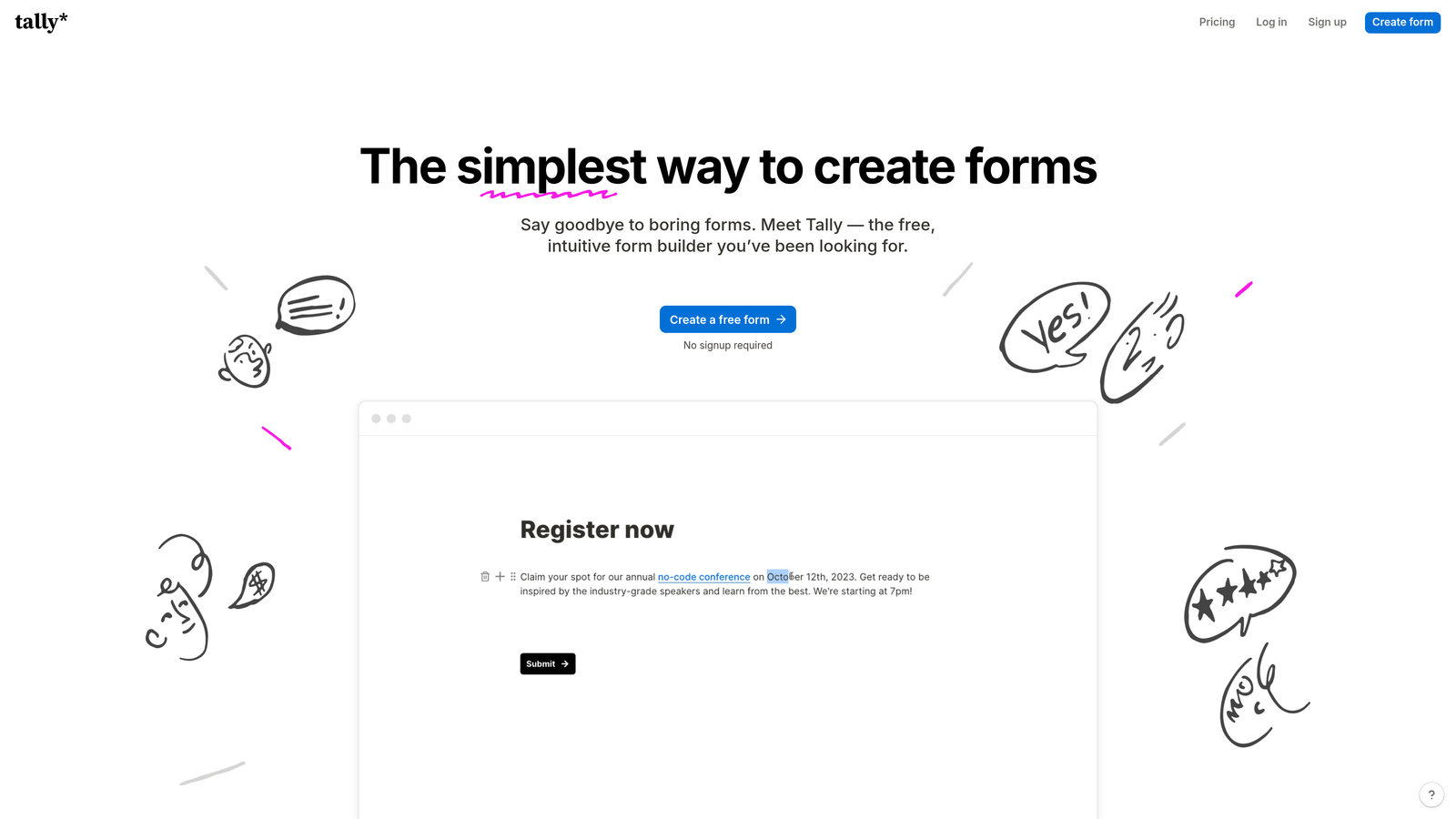
The free tier is genuinely generous—unlimited forms, unlimited responses, conditional logic, and file uploads without paying a cent. For startups and bootstrapped companies, this is remarkable value that competitors simply can't match.
The Notion-like interface makes form building intuitive if you're already familiar with block-based editors. You build forms by adding and arranging blocks rather than dragging fields around, which feels natural and fast once you understand the paradigm.
Key Features
Unlimited Free Forms: No artificial limits on form creation or submission volume on the free plan.
Block-Based Interface: Notion-inspired editor that feels familiar and approachable for teams already using similar tools.
Conditional Logic: Show or hide questions based on previous answers, included even on the free tier.
Calculations: Perform mathematical operations on form data, useful for quotes, pricing calculators, or assessments.
File Uploads: Accept document and image uploads from respondents without upgrading to paid plans.
Best For
Startups watching every dollar, side projects, nonprofits, and any team that needs solid form functionality without monthly costs eating into their budget.
Pricing
Free plan with unlimited forms and responses. Pro plan at $29/month adds custom domains, removed Tally branding, team collaboration features, and priority support.
5. Paperform
Best for: Creating form-based landing pages with rich content and e-commerce capabilities
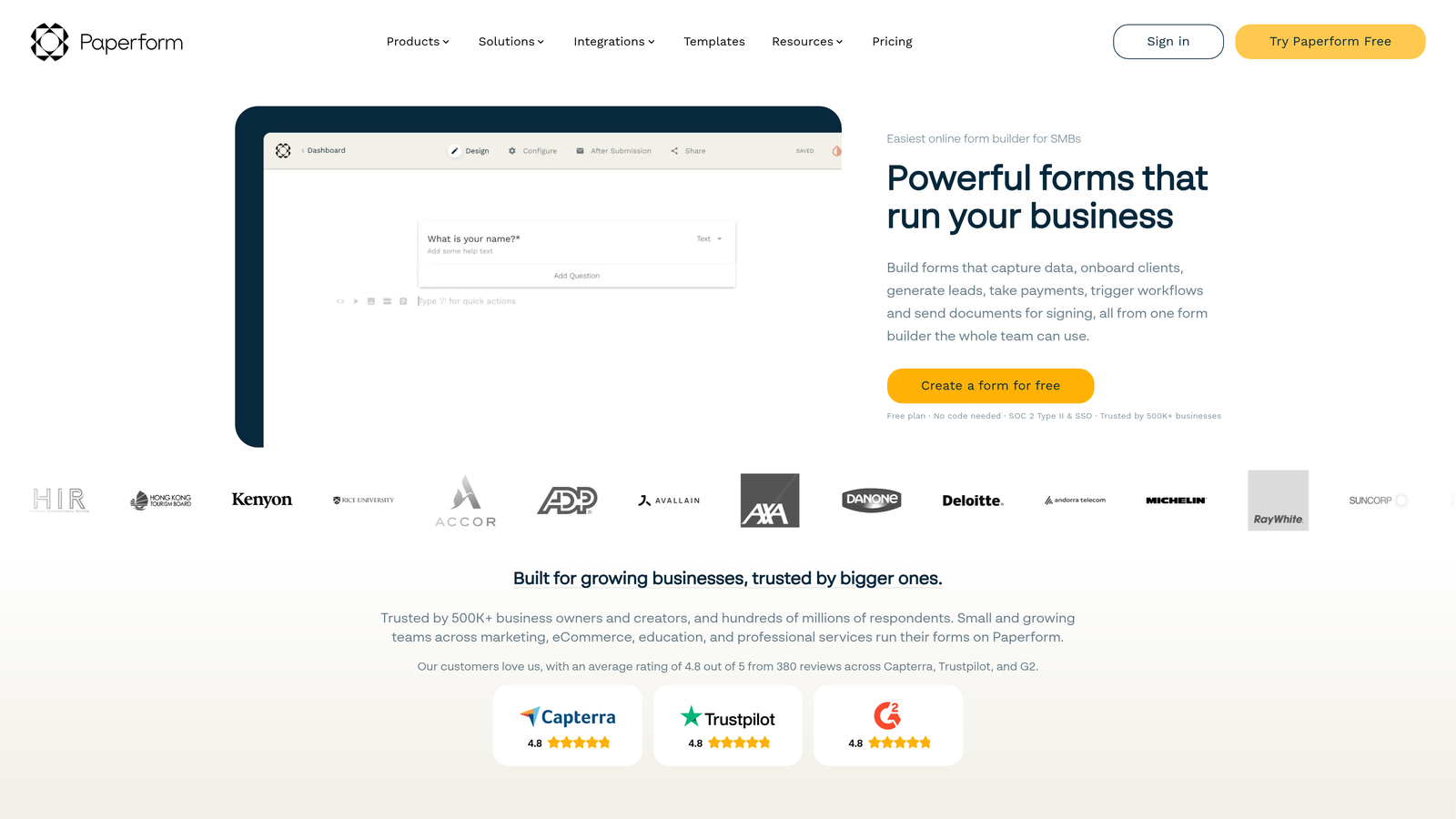
Paperform takes a document-first approach, letting you create forms that feel more like interactive web pages.
Where This Tool Shines
The document-style editor lets you mix form fields with rich text, images, videos, and custom HTML—essentially building landing pages that happen to collect data. This is powerful for product launches, event pages, or any scenario where you need more than just form fields.
E-commerce and booking capabilities are built-in and sophisticated. You can create product catalogs, handle inventory, schedule appointments, and process payments without stitching together multiple tools. The calculations feature lets you build pricing configurators where totals update based on selections.
Key Features
Document-Style Editor: Build forms that look like content-rich web pages rather than traditional form layouts.
E-commerce Functionality: Sell products, manage inventory, and process payments directly through your forms.
Booking System: Schedule appointments and manage availability without external calendar tools.
Advanced Calculations: Create dynamic pricing based on user selections, perfect for quotes and configurators.
Partial Submissions: Capture incomplete form data so you can follow up with users who didn't finish.
Best For
Product companies, service businesses offering bookings, event organizers, and teams who need forms that double as landing pages rather than simple data collection tools.
Pricing
Essentials at $24/month (1,000 submissions), Pro at $49/month (10,000 submissions), Business at $99/month with unlimited submissions and advanced features.
6. Formstack
Best for: Enterprise teams requiring compliance certifications and advanced workflow automation
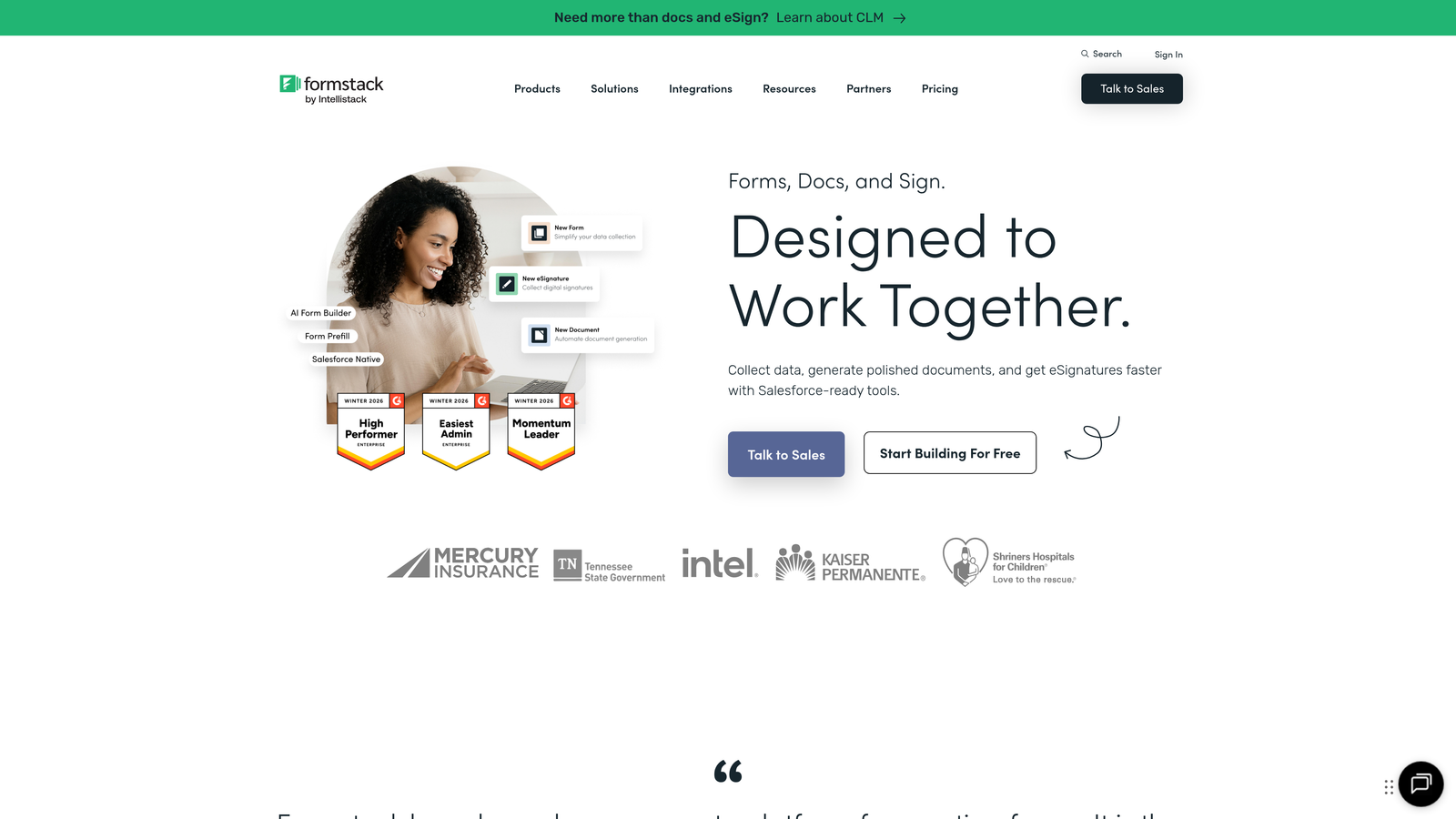
Formstack positions itself as the enterprise-grade solution with certifications and security features that regulated industries demand.
Where This Tool Shines
Compliance certifications are the major differentiator—HIPAA, GDPR, and SOC 2 compliance mean healthcare, finance, and other regulated industries can use Formstack without compliance concerns that plague simpler tools.
Document generation from form data is sophisticated and powerful. Automatically create contracts, proposals, or reports based on submissions, with data populating predefined templates. Combined with workflow automation, you can build complex business processes where form submissions trigger document creation, approvals, and routing without manual intervention.
Key Features
Compliance Certifications: HIPAA, GDPR, and SOC 2 compliance for organizations handling sensitive data.
Document Automation: Generate PDFs, contracts, and reports automatically from form data using customizable templates.
Workflow Automation: Build multi-step approval processes and routing logic for complex business operations.
Electronic Signatures: Collect legally binding signatures directly within forms without third-party tools.
Salesforce Integration: Native Salesforce option available for organizations deeply invested in that ecosystem.
Best For
Healthcare organizations, financial services firms, legal practices, and any enterprise dealing with regulated data or complex approval workflows that require audit trails.
Pricing
Starter at $50/month, Team at $83/month, Enterprise with custom pricing. Forms + Documents bundles available for teams needing both capabilities.
7. HubSpot Forms
Best for: Teams already using HubSpot CRM who want native integration
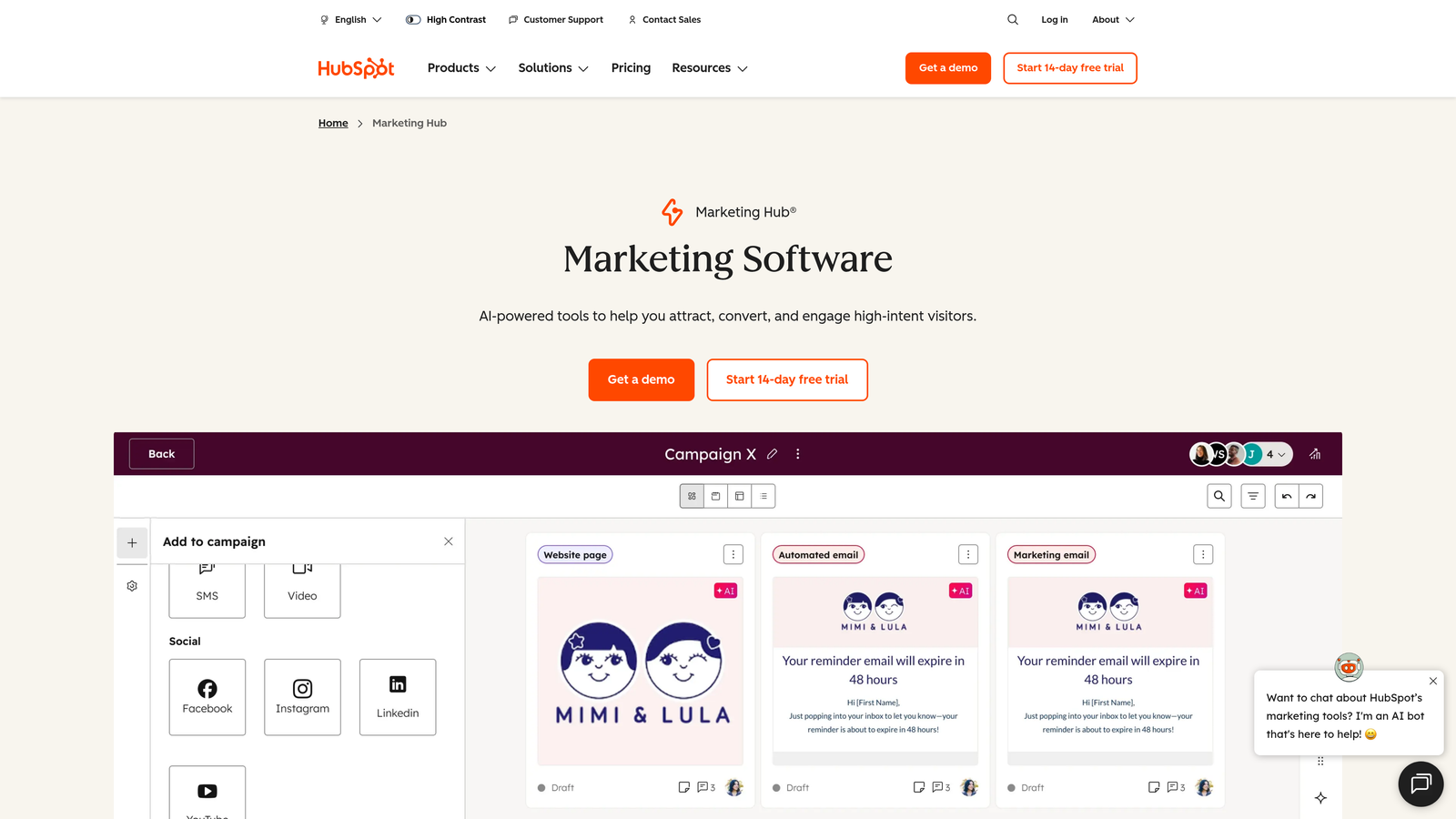
HubSpot Forms is the native form builder integrated directly into HubSpot's CRM and marketing platform.
Where This Tool Shines
If you're already using HubSpot CRM, the native integration is seamless in ways third-party tools can't match. Form submissions automatically create or update contact records, trigger workflows, and feed into your marketing automation—no Zapier required, no data syncing delays, no integration maintenance.
Progressive profiling is particularly clever for B2B companies. Instead of asking for all information upfront, forms automatically show different questions to returning visitors, gradually building complete profiles without overwhelming people with long forms on first contact.
Key Features
Native CRM Integration: Form data flows directly into HubSpot contacts with zero integration setup or maintenance.
Progressive Profiling: Automatically show different questions to returning visitors, building complete profiles over time.
Smart Content: Personalize form fields and messaging based on what you already know about the contact.
Multiple Form Types: Create embedded forms, pop-ups, slide-ins, and standalone landing pages from one tool.
Workflow Triggers: Use form submissions to trigger automated email sequences, task creation, or lead routing.
Best For
Companies already invested in HubSpot's ecosystem, B2B teams using progressive profiling strategies, and marketing teams who want forms tightly integrated with their automation platform.
Pricing
Basic forms included free with HubSpot CRM. Advanced features like progressive profiling and smart content require Marketing Hub Starter ($20/month), Professional ($890/month), or Enterprise ($3,600/month) depending on needs.
8. Leadformly
Best for: Lead generation campaigns where conversion optimization is the primary goal
Leadformly focuses specifically on lead generation with built-in conversion optimization features.
Where This Tool Shines
The built-in A/B testing capability is rare among form builders. You can test different question orders, field types, or form layouts to systematically improve conversion rates rather than guessing what works best.
Lead scoring happens automatically based on response patterns, helping sales teams prioritize follow-up. Partial lead capture ensures you don't lose prospects who start forms but don't finish—you still capture their email and initial responses, giving you a second chance to convert them through follow-up.
Key Features
Built-In A/B Testing: Test form variations to systematically improve conversion rates with statistical confidence.
Conversion-Optimized Templates: Start with templates specifically designed for lead generation rather than generic forms.
Lead Scoring: Automatically score leads based on their responses to identify high-value prospects.
Partial Lead Capture: Save incomplete submissions so you can follow up with prospects who didn't finish.
CRM Integrations: Connect to major CRMs and marketing automation platforms to route qualified leads automatically.
Best For
Marketing teams running paid advertising campaigns, B2B companies where lead quality varies significantly, and growth teams who systematically test and optimize their conversion funnels.
Pricing
Essential at $37/month (250 leads), Growth at $74/month (1,000 leads), Scale at $149/month (5,000 leads). Pricing is based on lead volume rather than form count.
9. Growform
Best for: Landing page forms optimized for paid advertising campaigns
Growform specializes in multi-step forms designed specifically for landing pages and paid traffic.
Where This Tool Shines
The tool is built specifically for landing page integration and paid advertising workflows. Conversion tracking for Google Ads and Facebook is native rather than requiring custom setup, making it easy to track which campaigns generate qualified leads rather than just clicks.
Partial submissions capture is particularly valuable when you're paying for traffic. If someone clicks your ad but doesn't complete the form, you still capture their email and initial responses—giving you data on what stopped them and an opportunity to follow up rather than losing the lead entirely.
Key Features
Landing Page Optimization: Forms designed specifically to embed cleanly in landing pages without design conflicts.
Conditional Logic: Show relevant questions based on previous answers to keep forms focused and relevant.
Ad Platform Tracking: Native conversion tracking for Google Ads and Facebook without complex setup.
Partial Submissions: Capture incomplete form data from prospects who start but don't finish.
No-Code Builder: Create and modify forms without technical knowledge or developer involvement.
Best For
Performance marketers running paid campaigns, agencies managing client advertising budgets, and growth teams where tracking ROI from ad spend to lead is critical.
Pricing
Starter at $35/month (300 leads), Growth at $69/month (1,000 leads), Scale at $149/month (3,000 leads). Pricing based on lead volume with higher tiers adding features.
Making the Right Choice
The right multi-step form tool depends on where you are in your growth journey and what matters most to your team.
For teams just starting out or running side projects, Tally's unlimited free tier offers remarkable value—you can build sophisticated forms without spending anything. Growing SaaS companies and B2B teams will find Orbit AI's AI-powered qualification worth the investment, especially when lead quality directly impacts revenue. The ability to automatically identify high-intent prospects and route them immediately changes how sales teams work.
Enterprise teams in regulated industries should look at Formstack's compliance features—HIPAA, GDPR, and SOC 2 certifications aren't just nice-to-have when you're handling sensitive data. And if you're already invested in HubSpot, their native forms eliminate integration headaches and maintenance that come with third-party tools.
Think about your actual use case. Running paid advertising? Growform and Leadformly optimize specifically for that. Need payment processing? Jotform and Paperform handle e-commerce natively. Want beautiful, branded experiences? Typeform's design capabilities stand out.
Whatever you choose, remember that the cheapest option isn't always the best value. A tool that converts 20% better can easily justify a higher price tag—especially if you're driving paid traffic or working with high-value B2B leads. Calculate the total cost of ownership including integration time, automation capabilities, and the value of features like AI qualification or partial submission capture.
Transform your lead generation with AI-powered forms that qualify prospects automatically while delivering the modern, conversion-optimized experience your high-growth team needs. Start building free forms today and see how intelligent form design can elevate your conversion strategy.


