

Tally is a genuinely solid free form builder. Clean UI, generous free tier, easy to get started. But if your team treats forms as a revenue lever rather than a data collection checkbox, you'll hit its ceiling faster than you'd expect. No native lead scoring, limited AI capabilities, thin collaboration features, and branding constraints that make external-facing forms feel generic.
If you're running a high-growth SaaS operation or a demand gen team that needs forms to qualify, route, and convert, you need something built with those goals in mind. This guide covers the best Tally alternatives in 2026, evaluated on ease of use, conditional logic depth, lead qualification features, integration quality, and pricing transparency.
Let's get into it.
1. Orbit AI
Best for: High-growth SaaS and demand gen teams who need forms that qualify leads automatically
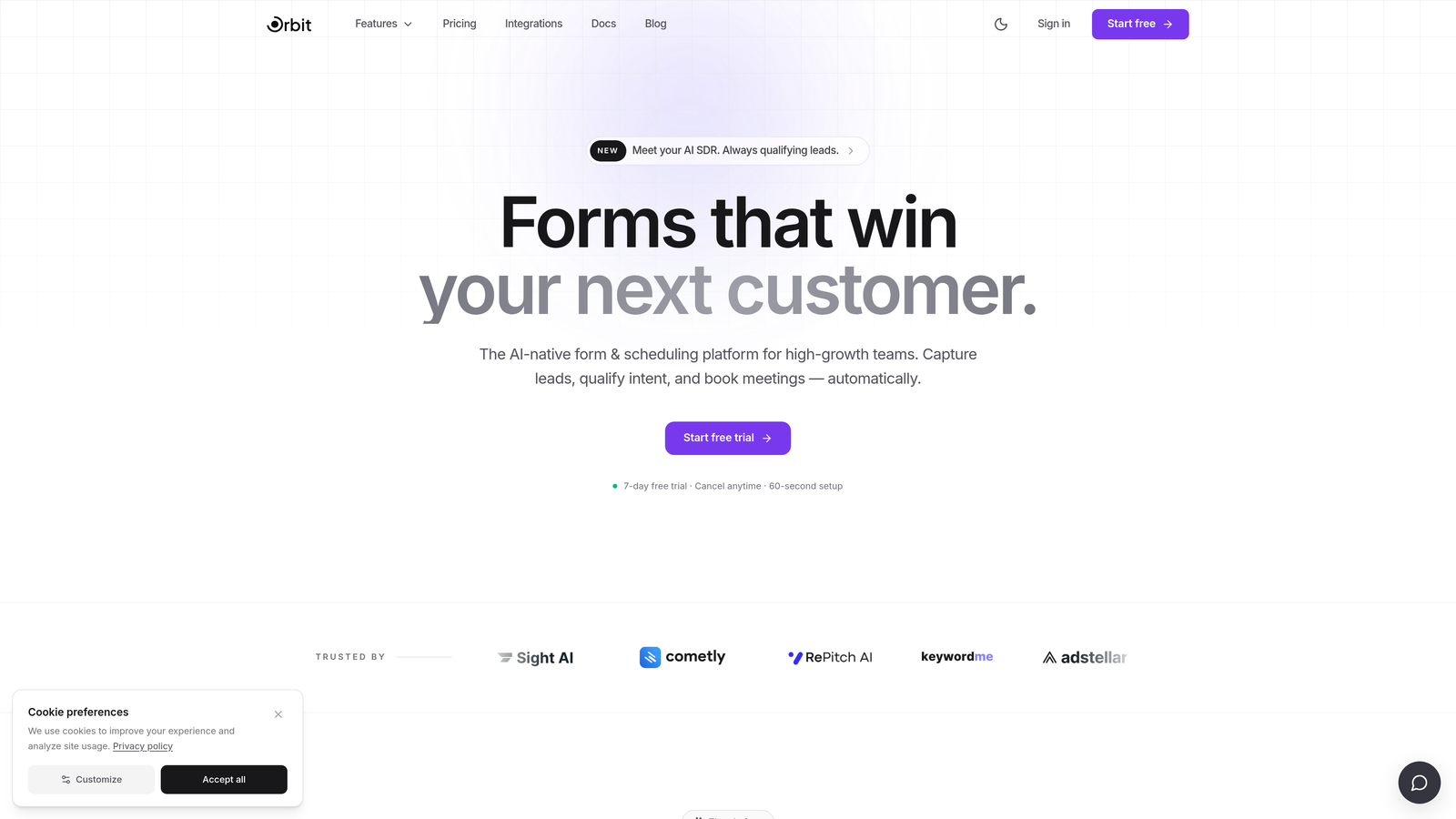
Orbit AI is an AI-powered form builder with native lead qualification and scoring built directly into the form flow, designed for teams that treat every form submission as a pipeline event.
Where This Tool Shines
Most form builders collect responses and hand them off to your CRM for someone else to sort through. Orbit AI flips that model. Lead qualification happens inside the form itself, so by the time a submission hits your pipeline, it's already scored and routed based on the signals that matter to your team.
The form templates are built with conversion in mind from the start. Multi-step flows, smart conditional routing, and modern design defaults mean you're not starting from a blank canvas and hoping for the best. For teams running high-volume inbound, that combination of quality filtering and polished UX is a meaningful upgrade from anything Tally offers.
Key Features
AI Lead Qualification and Scoring: Qualify and score leads natively within the form flow, eliminating the need for post-submission manual review or Zapier workarounds.
Smart Conditional Routing: Route respondents dynamically based on lead quality signals, ensuring high-value prospects get prioritized follow-up paths.
Conversion-Optimized Templates: Multi-step form templates designed specifically to maximize completion rates and capture intent signals.
No-Code Builder with Strong Design Defaults: Build polished, brand-consistent forms without touching code, with beautiful defaults out of the box.
CRM and Marketing Automation Integrations: Connect directly with the tools in your stack so qualified leads flow into the right workflows without friction.
Best For
SaaS companies, demand gen teams, and growth marketers who need forms that do more than collect data. If lead quality is a metric your team tracks, Orbit AI is built for that workflow. It's particularly strong for teams running product demos, free trial signups, or any inbound flow where qualification speed matters.
Pricing
Free tier available for getting started. Paid plans unlock advanced AI qualification and scoring features, with pricing designed to scale alongside growing teams.
2. Typeform
Best for: Teams that prioritize conversational UX and strong brand presentation in their forms
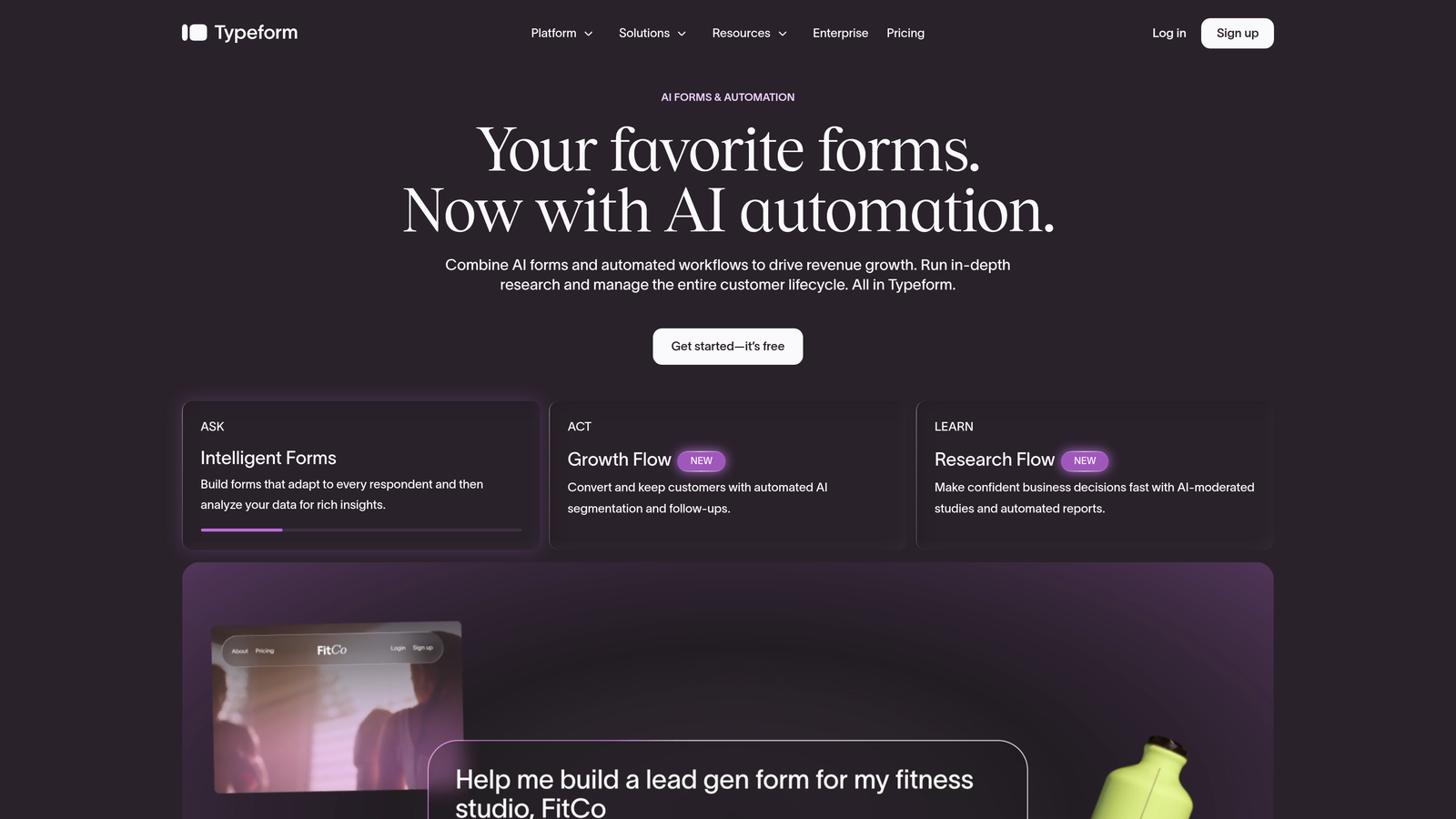
Typeform is one of the most recognized names in form building, known for its polished one-question-at-a-time format and deep brand customization options.
Where This Tool Shines
Typeform's conversational flow genuinely changes how respondents experience a form. Presenting one question at a time reduces cognitive load and typically improves completion rates compared to wall-of-fields layouts. For customer research, NPS surveys, or brand-forward intake forms, that UX difference is tangible.
The design and branding controls are also among the best in the category. Custom domains, rich media support including video questions, and detailed theme controls make it easy to build forms that feel like a natural extension of your brand rather than a bolted-on tool.
Key Features
One-at-a-Time Conversational Format: Presents questions sequentially to reduce friction and improve form completion rates.
Logic Jumps and Conditional Branching: Create personalized paths through the form based on previous answers.
Brand Theming and Custom Domains: Full control over colors, fonts, and domain settings for a consistent brand experience.
Video Questions and Rich Media: Embed video directly into form questions for richer context or storytelling.
Integrations with HubSpot, Salesforce, and Slack: Push responses directly into your CRM and notification tools.
Best For
Marketing teams, agencies, and brand-conscious companies that want forms to feel like premium experiences. Less ideal for teams that need native lead scoring or complex qualification logic without additional tooling.
Pricing
Free plan available with limited responses and features. Paid plans start at approximately $25 per month, with higher tiers unlocking advanced logic, integrations, and response volumes.
3. Jotform
Best for: Teams with diverse form needs spanning payments, approvals, document generation, and compliance
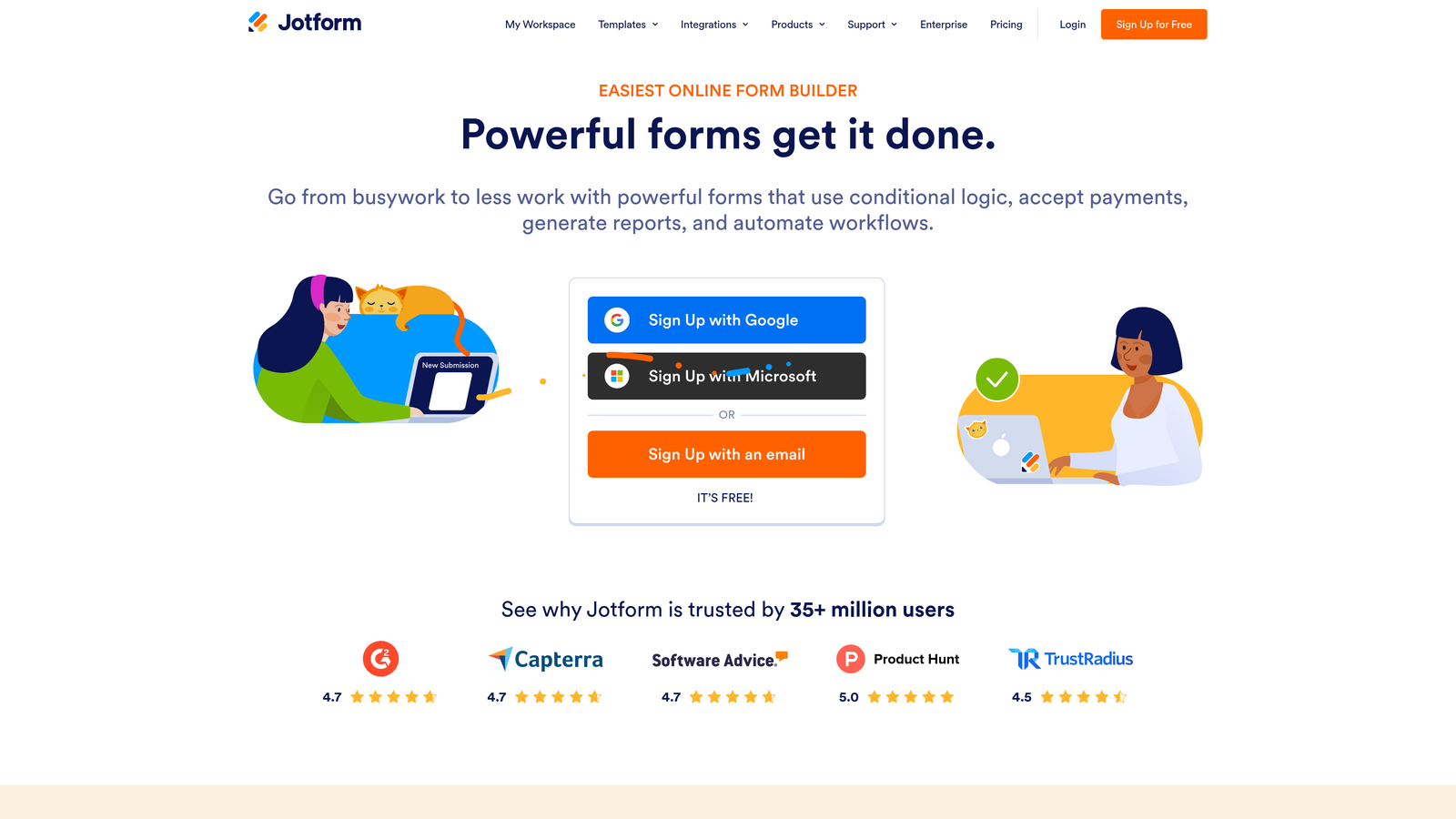
Jotform is one of the most feature-rich form builders available, offering over 10,000 templates and a wide range of workflow capabilities that go well beyond basic data collection.
Where This Tool Shines
Jotform's breadth is genuinely impressive. Whether you need payment collection, PDF generation, multi-step approval workflows, or HIPAA-compliant data handling, it's likely already built in. For teams managing a wide variety of form use cases across departments, that versatility reduces the need for multiple tools.
The template library is the largest in the category, which means most teams can find a starting point close to what they need and customize from there rather than building from scratch. It's a strong operational choice, though teams focused purely on conversion optimization may find it more powerful than necessary for that specific goal.
Key Features
10,000+ Pre-Built Templates: The largest template library in the category, covering virtually every industry and use case.
Native Payment Integrations: Accept payments via Stripe, PayPal, and Square directly within forms.
Conditional Logic and Approval Workflows: Build multi-step approval chains triggered by form submissions.
PDF Document Generation: Automatically generate formatted PDF documents from form responses.
HIPAA-Compliant Plans: Available for healthcare teams and regulated industries that require compliant data handling.
Best For
Operations teams, HR departments, healthcare organizations, and businesses with high template variety needs. Less optimized for lean SaaS teams focused primarily on lead generation and qualification pipelines.
Pricing
Free plan available with up to 5 forms and 100 monthly submissions. Paid plans start at approximately $34 per month, with pricing increasing for higher submission volumes and advanced features.
4. HubSpot Forms
Best for: Teams already running HubSpot who want zero-friction CRM sync on every form submission
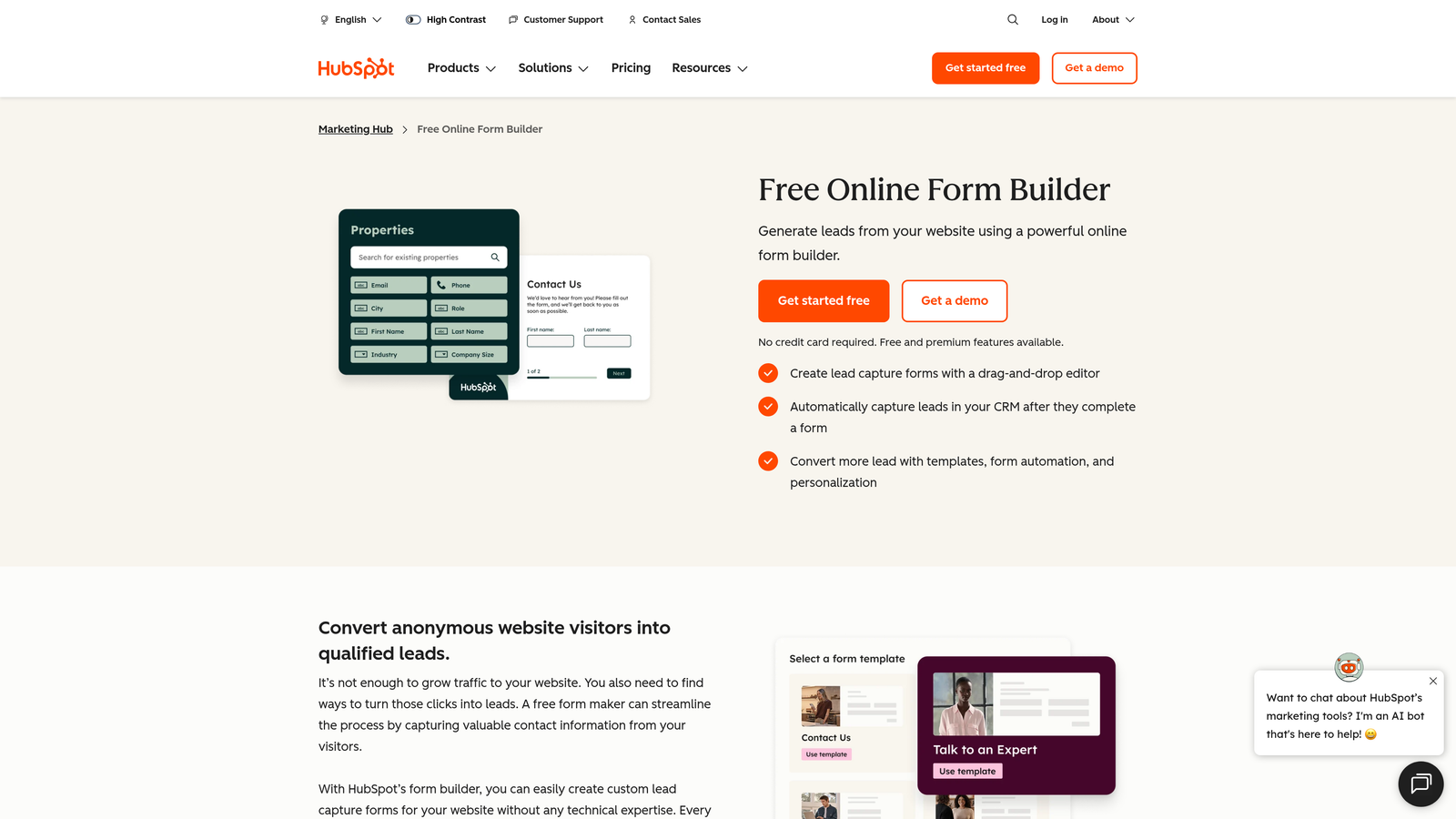
HubSpot Forms is a free CRM-native form builder that automatically creates and updates contact records in HubSpot on every submission, with no integration setup required.
Where This Tool Shines
If your team lives in HubSpot, the native sync is genuinely hard to replicate elsewhere. Every form submission flows directly into your CRM, triggers workflow enrollment, and updates contact properties without any middleware. That tight integration eliminates a whole category of data pipeline problems that plague teams using third-party form tools with HubSpot connections.
Progressive profiling is another standout feature. Instead of asking contacts for information they've already provided, HubSpot Forms intelligently surfaces new fields on return visits, building richer contact profiles over time without creating a frustrating experience for repeat visitors.
Key Features
Native HubSpot CRM Sync: Every submission automatically creates or updates a contact record with zero setup required.
Progressive Profiling: Dynamically swaps out fields for returning visitors to collect new data without repeating questions.
Workflow Enrollment on Submission: Trigger any HubSpot workflow, sequence, or notification automatically when a form is submitted.
Flexible Embed Options: Embed on any external website or within HubSpot landing pages and emails.
Free with Any HubSpot Account: No additional cost for the form builder itself.
Best For
Marketing and sales teams already committed to the HubSpot ecosystem. Design flexibility is limited compared to dedicated form tools, so teams that need heavily customized or brand-forward forms may want to pair it with a more design-capable tool.
Pricing
Free with any HubSpot account. Advanced features like smart content and A/B testing require Marketing Hub paid plans, which start at higher price points.
5. Fillout
Best for: Operations and product teams that need forms to read from and write to databases like Notion, Airtable, or Supabase
Fillout is a database-connected form builder with native integrations for Notion, Airtable, and Supabase, making it a strong fit for teams that want forms tightly coupled to their existing data infrastructure.

Where This Tool Shines
Most form builders push data into a spreadsheet or CRM. Fillout goes further by allowing forms to both read from and write to connected databases. That bidirectional capability opens up use cases like pre-populating forms with existing data, updating records rather than just creating new ones, and building dynamic forms that respond to what's already in your database.
For product and ops teams using Notion or Airtable as their operational backbone, Fillout removes a layer of automation complexity that would otherwise require Zapier or custom code. The competitive free tier makes it easy to evaluate before committing.
Key Features
Native Notion, Airtable, and Supabase Integrations: Read and write to databases directly without middleware or custom code.
Multi-Step Forms with Conditional Logic: Build branching multi-step flows that adapt based on respondent answers.
Scheduling and Payment Collection: Handle meeting bookings and payment capture within the same form experience.
Customizable Themes and Branding: Adjust visual styling to match your brand or product interface.
Generous Free Tier: Meaningful functionality available without a paid subscription.
Best For
Operations managers, product teams, and technical users who need forms tightly integrated with their database tools. Less suited for demand gen teams focused on lead qualification pipelines or high-volume inbound conversion flows.
Pricing
Free plan available. Paid plans start at approximately $19 per month, making it one of the more affordable options in this category for teams that need database connectivity.
6. Paperform
Best for: Solopreneurs and small teams who want forms that feel like guided landing pages with embedded rich media
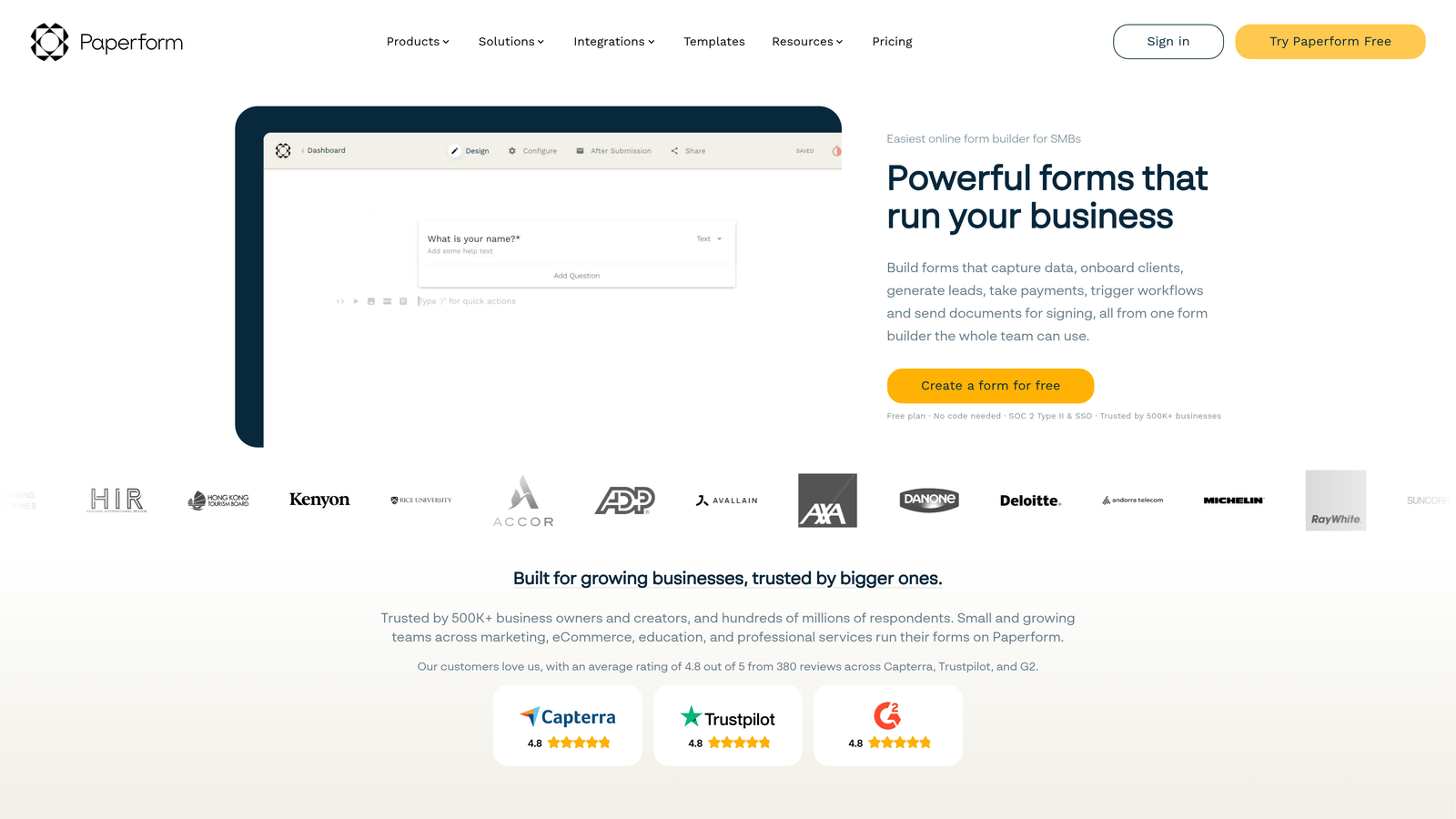
Paperform takes a document-style approach to forms, letting teams embed rich text, images, and video directly alongside form fields to create experiences that feel more like interactive guides than traditional forms.
Where This Tool Shines
Paperform's core differentiator is context. Rather than stripping away everything except the form fields, it lets you weave explanatory text, images, and media throughout the form itself. For complex intake processes, product sales flows, or guided questionnaires where context matters, that approach can meaningfully improve the respondent experience.
It also handles product and service sales natively, which makes it a practical choice for small businesses or consultants who want to combine qualification, information gathering, and payment collection in a single flow without cobbling together multiple tools.
Key Features
Rich Media Embedded in Forms: Add text, images, and video directly within form fields to provide context alongside questions.
Native Product and Service Sales: Sell products or services and collect payment directly within the form experience.
Conditional Logic and Calculated Fields: Build dynamic forms that respond to answers and perform calculations on input data.
Custom Subdomain and Branding: Publish forms on a custom subdomain with full brand control.
200+ Integrations: Connect via native integrations and Zapier to a wide range of tools.
Best For
Consultants, coaches, small agencies, and solopreneurs who want forms that function as mini landing pages. Less suited for high-volume lead generation pipelines or enterprise teams with complex routing requirements.
Pricing
Paid plans start at approximately $24 per month. There is no permanent free plan, which makes it a higher commitment to evaluate than most alternatives in this list.
7. Google Forms
Best for: Internal surveys, quick data collection, and teams that need a completely free, no-setup solution
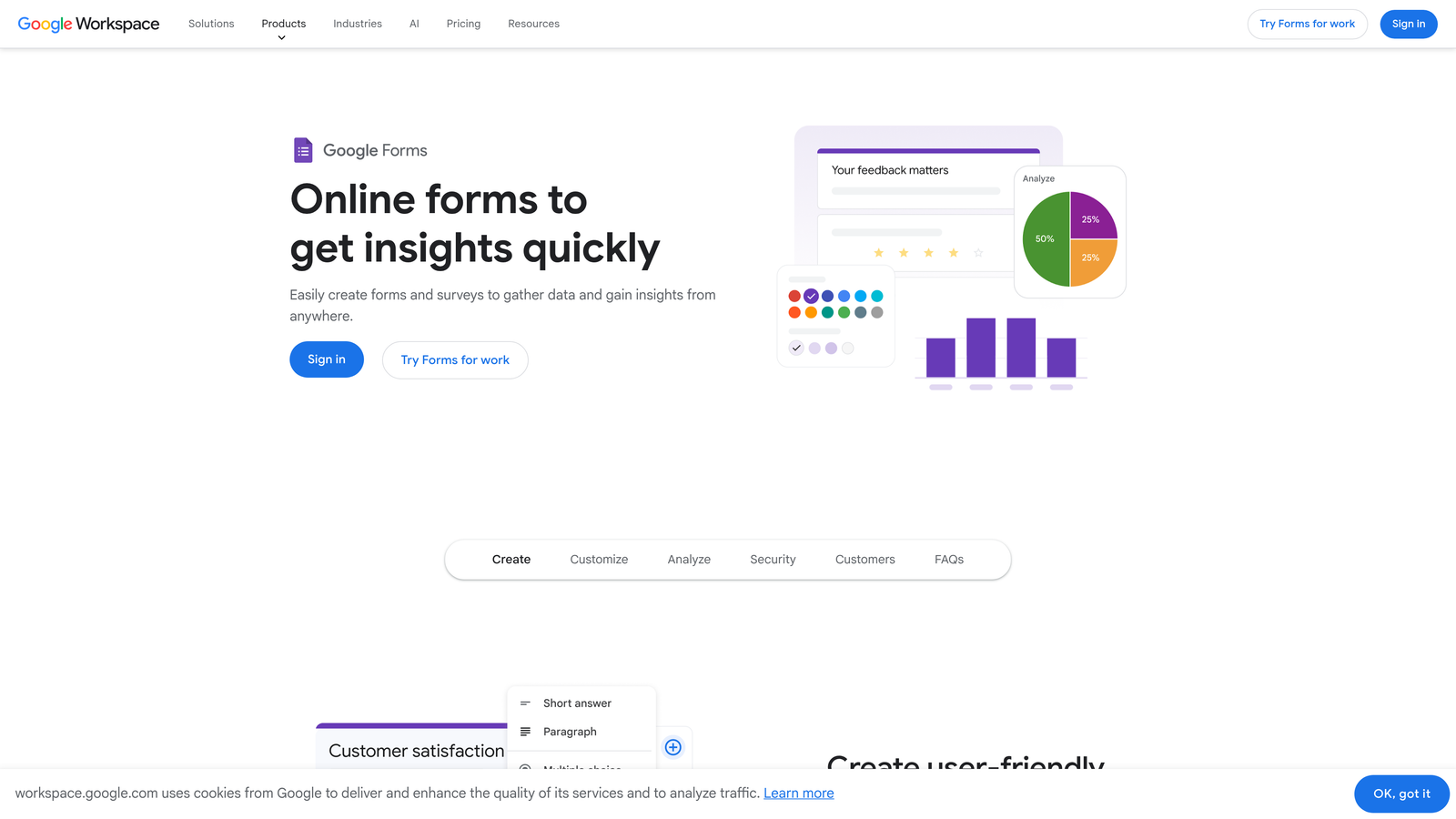
Google Forms is the default free form builder included with every Google account, offering basic data collection with automatic Google Sheets integration.
Where This Tool Shines
Google Forms wins on one dimension: zero cost and zero friction. If you have a Google account, you have Google Forms. For internal team surveys, quick feedback collection, or event RSVPs, it handles the job without requiring any evaluation, signup, or configuration.
The automatic Google Sheets integration is genuinely useful for teams already living in Google Workspace. Every response populates a spreadsheet in real time, making it easy to analyze results without exporting or connecting additional tools.
Key Features
Completely Free: No paid tier, no submission limits, no hidden costs for any Google account holder.
Automatic Google Sheets Sync: Every response populates a connected spreadsheet in real time without any setup.
Basic Branching Logic: Simple section-based branching allows for basic conditional flows.
Google Workspace Collaboration: Share and co-edit forms with teammates using standard Google sharing controls.
Simple Website Embed: Embed forms on any website using a standard iframe snippet.
Best For
Internal teams, educators, and anyone who needs a quick, free form with no design requirements. Not suitable for external-facing conversion flows, lead qualification, or any use case where branding, advanced logic, or data quality matters.
Pricing
Completely free with any Google account. No paid plans or premium tiers exist within Google Forms itself.
8. Formstack
Best for: Enterprise teams in regulated industries that require HIPAA compliance, document workflows, and advanced data security
Formstack is an enterprise form and document workflow platform built for organizations that need compliance, security, and process automation at scale.
Where This Tool Shines
Formstack occupies a distinct corner of the market: regulated industries where data handling requirements are non-negotiable. HIPAA-compliant form collection, advanced encryption, and granular access controls make it one of the few form platforms genuinely suited for healthcare, finance, and legal use cases.
Beyond compliance, Formstack extends into document generation and e-signature workflows, which means teams can use it to automate entire document-heavy processes rather than just collecting initial data. For enterprise ops teams, that end-to-end capability reduces the number of point solutions required.
Key Features
HIPAA-Compliant Form Collection: Built to meet healthcare data handling requirements out of the box.
Document Generation and E-Signatures: Automatically generate documents from form data and collect legally binding signatures.
Advanced Encryption and Access Controls: Enterprise-grade security controls for sensitive data collection environments.
Salesforce Native Integration: Deep Salesforce connectivity for enterprise CRM workflows.
Workflow Automation and Approval Routing: Build multi-step approval processes triggered by form submissions.
Best For
Healthcare organizations, financial services firms, legal teams, and enterprise operations departments where compliance is a hard requirement. Pricing and complexity make it a poor fit for lean SaaS teams or early-stage companies.
Pricing
Plans start at approximately $83 per month, with enterprise pricing available for larger organizations. This is the highest entry price point of any tool in this list, reflecting its enterprise positioning.
9. Feathery
Best for: Engineering teams that need full design control and complex embedded logic via a React SDK
Feathery is a developer-first form builder that pairs a visual no-code editor with a React SDK, giving engineering teams the flexibility to build fully custom form experiences without sacrificing code-level control.
Where This Tool Shines
Most no-code form builders hit a wall when product requirements get complex. Feathery is designed for teams that have already hit that wall. The React SDK allows developers to render forms with complete design fidelity, embed them in any application context, and implement logic that no drag-and-drop editor could accommodate.
It's gaining traction particularly among product-led SaaS companies building in-app onboarding flows where forms need to feel native to the product interface rather than embedded from an external tool. The visual editor alongside code access means non-technical teammates can still contribute without requiring developer intervention for every change.
Key Features
React SDK for Custom Rendering: Build fully custom form experiences with complete control over rendering and behavior.
Visual No-Code Editor: Non-technical team members can edit forms visually without touching code.
Complex Conditional Logic and Computed Fields: Handle advanced branching and real-time calculations that go beyond standard form builder capabilities.
White-Label and Embedded Form Support: Deploy forms natively within products without any Feathery branding.
Auth and Onboarding Flow Integrations: Connect with authentication providers and onboarding tools for seamless product-integrated flows.
Best For
Engineering-led product teams, SaaS companies building in-app onboarding, and technical teams that need form behavior that goes beyond what standard no-code tools can deliver. Less suitable for non-technical teams or marketers who need fast, independent form creation.
Pricing
Free plan available. Paid plans start at approximately $49 per month, with pricing scaling based on usage and feature access.
Which Tool Should You Actually Choose?
Here's the direct breakdown: the right tool depends almost entirely on what you need forms to do for your business.
If lead qualification and conversion are your primary goals, Orbit AI is the clear starting point. It's the only tool in this list built with native AI lead scoring and qualification as a core feature rather than an afterthought. For high-growth SaaS teams running inbound demand gen, that distinction is significant. Start building free forms today and see how intelligent form design can elevate your conversion strategy.


