

Typeform popularized the conversational form experience, and it deserves credit for that. One question at a time, beautiful design, smooth animations. It changed how teams thought about collecting information from prospects and customers.
But here's the reality for high-growth teams: Typeform's pricing model can quietly become a serious drag on your budget. Response caps kick in earlier than you'd expect. Removing the Typeform branding costs extra. Advanced logic lives behind higher tiers. And when you're running multiple lead generation campaigns simultaneously, those response limits become a recurring headache.
The frustrating part? You're not paying for more capability as you scale. You're paying for more of the same capability, just applied to a larger audience. For teams focused on conversion optimization, that math stops making sense fast.
The good news is that the form builder market has matured significantly. Several strong competitors now match Typeform's design quality and conversational UX while offering pricing structures that actually align with how growing teams operate. Some offer generous free tiers. Others charge per submission instead of monthly. A few eliminate the need for middleware tools entirely. And at least one takes a fundamentally different approach by combining form building with AI-powered lead qualification.
This guide covers seven standout alternatives, what makes each one's pricing model genuinely different, and a practical framework for choosing the right fit for your team's stage and workflow. One important note: SaaS pricing changes frequently, so verify current plans directly on each platform's website before making a final decision.
1. Orbit AI — AI-Powered Forms With Built-In Lead Qualification
The Challenge It Solves
Most form builders collect data. That's where their job ends. The lead qualification work then happens downstream in your CRM, through manual review, or via separate scoring tools you're paying for on top of your form subscription. For high-growth teams running significant lead volume, this creates both cost overhead and conversion lag.
The Strategy Explained
Orbit AI approaches form building differently. Rather than treating forms as data collection endpoints, the platform integrates AI-powered lead qualification directly into the form experience. As prospects move through a form, the AI evaluates responses in real time, helping teams prioritize high-intent leads without needing a separate scoring layer.
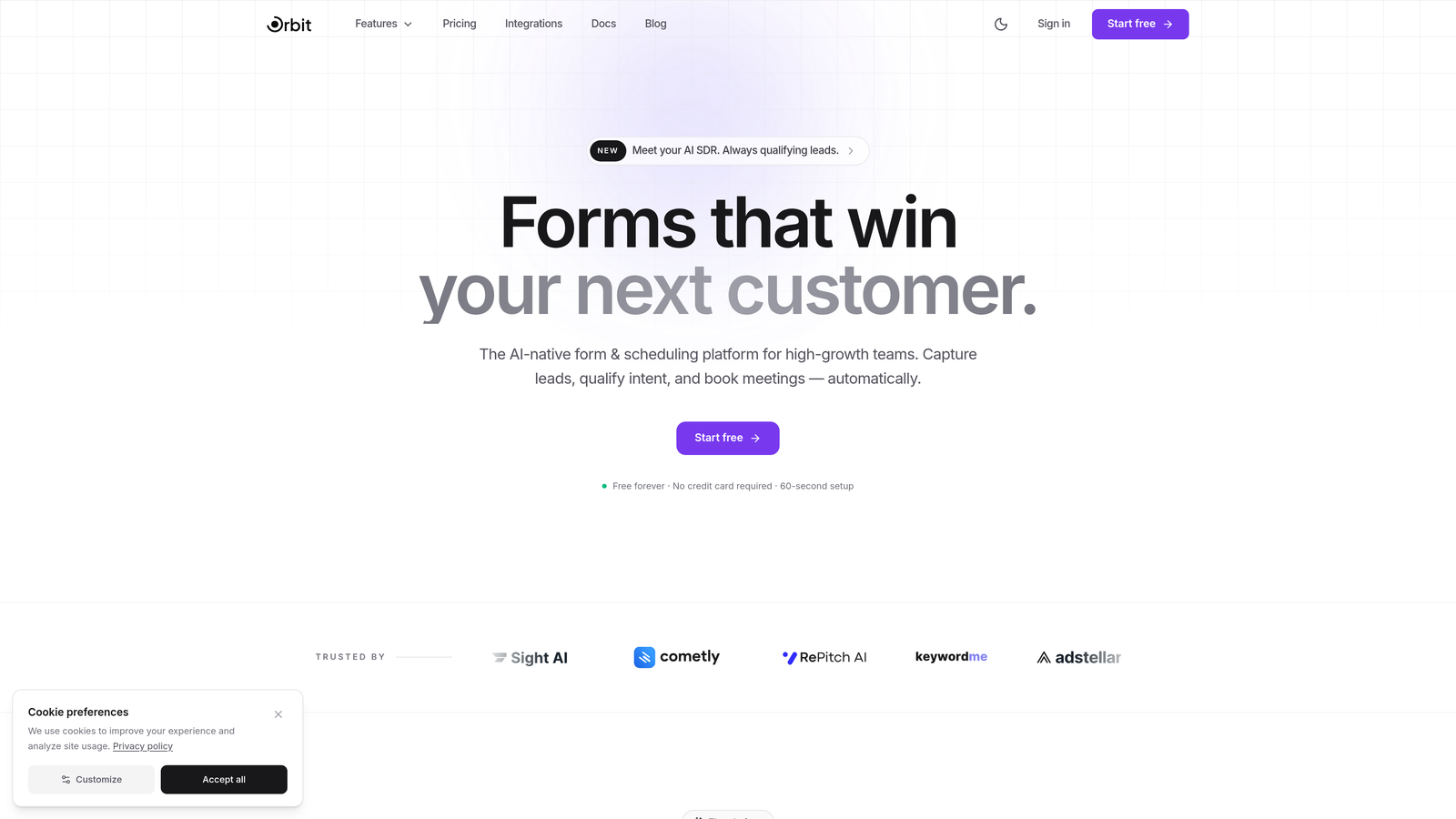
This matters for pricing because it changes the total cost of ownership calculation. When your form builder also handles lead qualification, you're potentially eliminating one or more tools from your stack. For teams currently paying for a form builder plus a lead scoring tool plus middleware to connect them, consolidating into a single platform designed for conversion optimization can represent meaningful cost savings alongside a better user experience.
The platform is built specifically for high-growth teams focused on lead generation, which means the feature set is aligned with conversion-oriented workflows rather than generic data collection. Learn more about how a form builder with AI capabilities can transform your lead workflow.
Implementation Steps
1. Audit your current form-related tool stack, including your form builder, any lead scoring or qualification tools, and the middleware connecting them. Calculate the combined monthly cost.
2. Map your highest-priority lead generation forms and identify where qualification currently happens in your workflow.
3. Build a test version of your top-performing lead form in Orbit AI and configure the AI qualification settings to match your ideal customer profile criteria.
4. Run the Orbit AI version alongside your existing form for two to four weeks, comparing lead quality scores and conversion rates before making a full switch.
Pro Tips
The biggest ROI from Orbit AI comes when you approach it as a stack consolidation play, not just a form builder swap. Before you start building, document every tool currently touching your lead qualification workflow. The goal is to reduce that list, not add to it. Start with Orbit AI's free plan to test the qualification features before evaluating full migration.
2. Tally — The Free-First Alternative for Bootstrap Budgets
The Challenge It Solves
Early-stage teams and bootstrapped businesses often face a frustrating choice: use an underpowered free tool or pay for a premium plan before you have the revenue to justify it. Typeform's free tier is quite restrictive in terms of response limits and feature access, which forces teams to upgrade earlier than they might want to.
The Strategy Explained
Tally takes a different philosophical approach to pricing. Its free tier is genuinely generous, offering unlimited forms and unlimited submissions without requiring a credit card. The design quality is solid, the form logic is capable, and the overall experience feels modern without being locked behind a paywall.
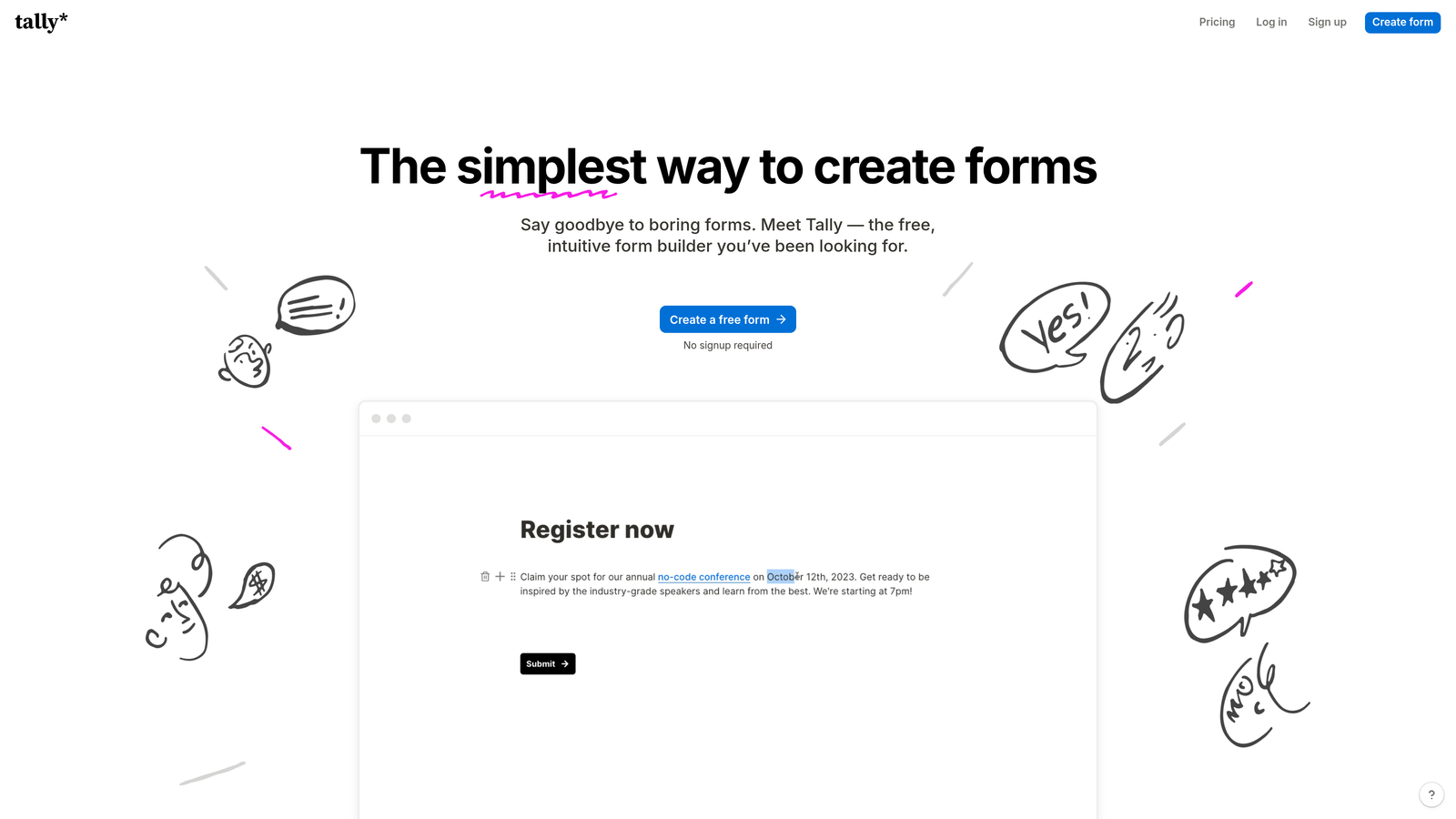
For teams where budget is the primary constraint, Tally removes the pressure of hitting response caps or being forced to upgrade to access basic functionality. This makes it particularly well-suited for internal forms, early-stage customer research, beta feedback collection, and any use case where you need reliable form infrastructure without a monthly commitment. If you're exploring options, our guide to form software with a free plan covers additional choices worth considering.
The paid tier exists for teams that need advanced features like custom domains, file uploads beyond basic limits, and deeper integrations, but the free plan covers a surprisingly wide range of real-world use cases.
Implementation Steps
1. Identify all forms in your current stack that are non-customer-facing, such as internal surveys, team feedback forms, and operational intake forms.
2. Migrate these to Tally's free tier first. This immediately reduces your paid form builder usage without affecting your customer-facing conversion flows.
3. Evaluate whether any of your customer-facing forms could also move to Tally based on their design and logic requirements.
4. Reassess your Typeform plan tier after migration to determine if a downgrade or cancellation is now viable.
Pro Tips
Tally works best as a strategic complement to a more conversion-focused tool rather than a complete replacement for teams serious about lead generation. Use it to handle the high-volume, low-stakes forms so your premium tool budget is concentrated on the forms that directly impact revenue.
3. Fillout — Flexible Pricing With Native Database Integrations
The Challenge It Solves
A hidden cost in many teams' form stacks is the middleware required to connect form submissions to their actual data layer. If your team runs on Airtable, Notion, or similar tools, you're likely paying for Zapier or Make on top of your form builder subscription just to route data where it needs to go. That integration tax adds up.
The Strategy Explained
Fillout differentiates itself through native integrations with Airtable, Notion, and other popular databases, eliminating the need for middleware in many common workflows. When your form submissions flow directly into your database of choice without requiring a third-party automation layer, you remove both cost and a potential point of failure.
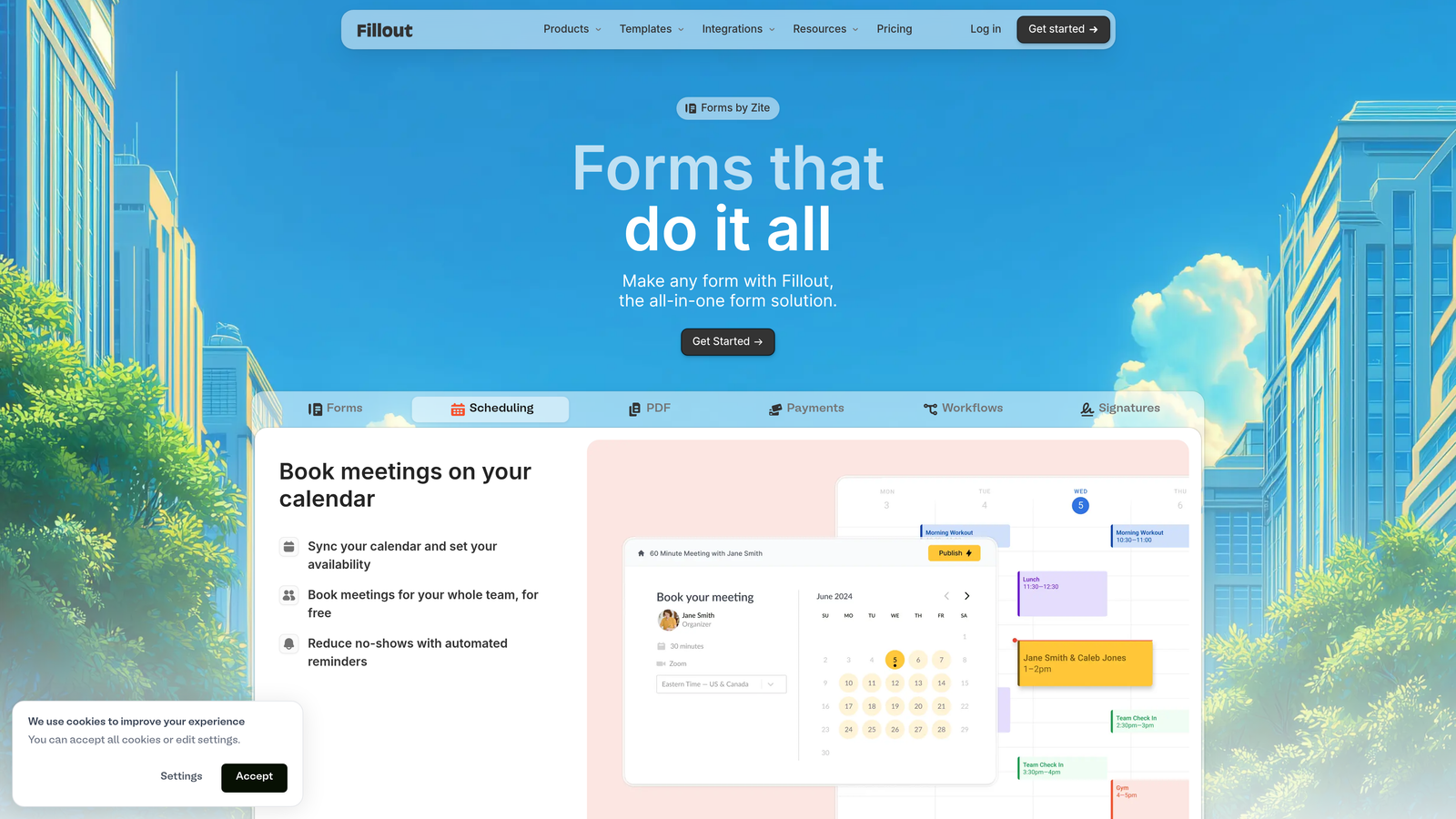
Beyond the integration story, Fillout's pricing model is structured to be competitive with Typeform at equivalent feature levels. Teams that have been paying for a form builder plus automation middleware often find that switching to Fillout and canceling the middleware subscription results in lower total monthly spend, even if the Fillout plan itself is comparable in price. For a deeper comparison of how form builder pricing plans stack up across the market, we've broken that down separately.
The form building experience is modern and capable, with conditional logic, multi-step forms, and design flexibility that competes well with Typeform's core UX strengths.
Implementation Steps
1. List every Zapier or Make workflow that currently routes form submissions to a database or downstream tool.
2. Identify which of those workflows could be replaced by a native Fillout integration, particularly any Airtable or Notion connections.
3. Calculate the combined cost of your current form builder plus your automation middleware subscription.
4. Build your highest-volume form in Fillout and test the native integration against your existing Zapier workflow before committing to a full migration.
Pro Tips
The total cost of ownership argument for Fillout is strongest when you're currently running multiple Zapier tasks just to handle form routing. If your middleware costs are already low or you have complex multi-step automations that go well beyond simple form-to-database routing, the integration advantage shrinks. Do the math on your specific setup before assuming the switch will save money.
4. Formspark — Pay-Per-Submission for Low-Volume, High-Value Forms
The Challenge It Solves
Monthly subscription pricing for form builders assumes relatively consistent, predictable form usage. But many teams run campaign-based workflows where form volume spikes during a launch or promotion and then drops significantly. Paying a flat monthly fee for a tool you're only heavily using a few months per year is an inefficient use of budget.
The Strategy Explained
Formspark uses a pay-per-submission model rather than a monthly subscription. You purchase a bundle of submissions and draw down from that pool as your forms collect responses. This pricing structure is fundamentally different from Typeform's model and aligns costs directly with actual usage rather than calendar time.
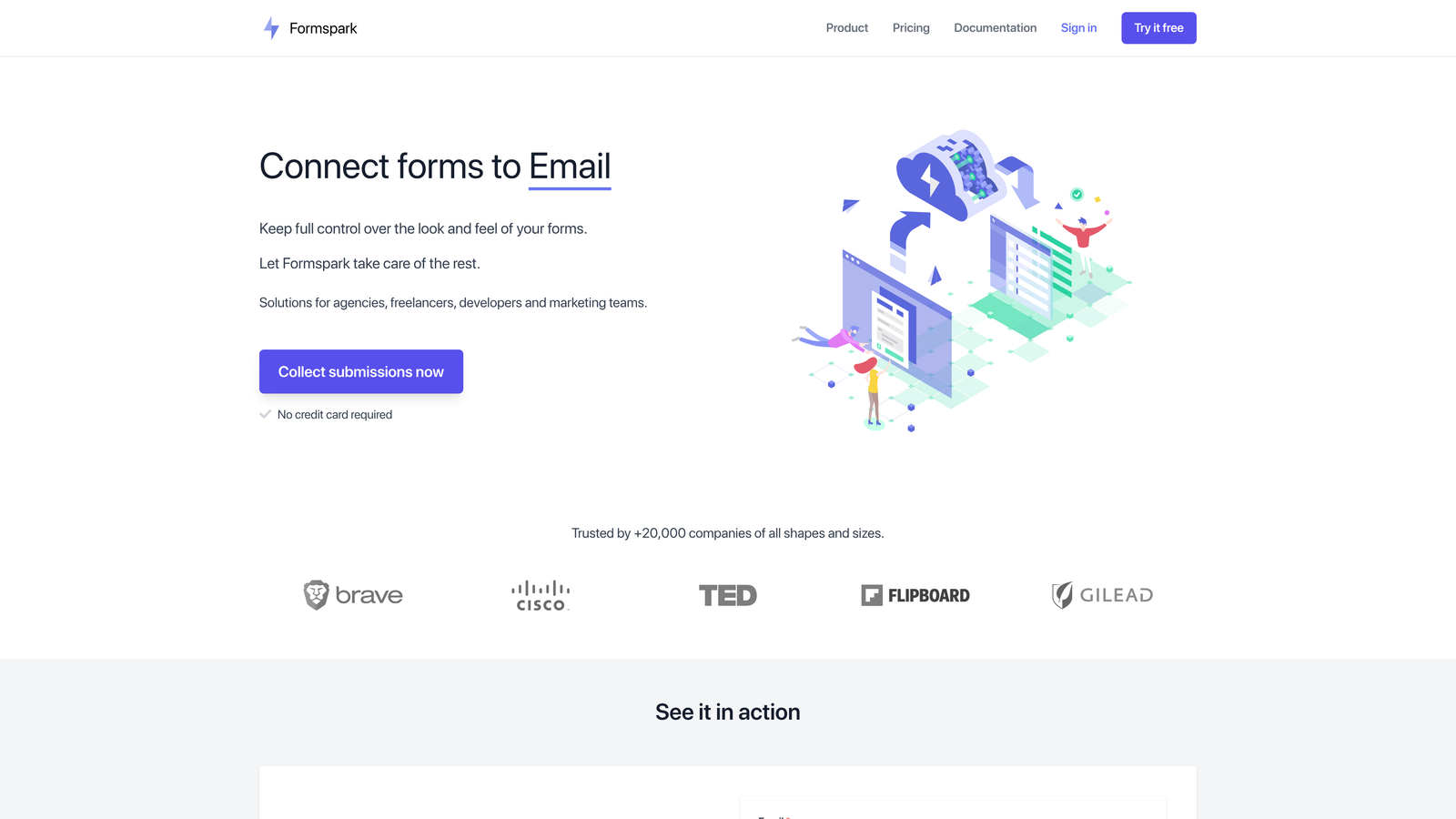
For teams running campaign-based lead generation, product launches, event registrations, or seasonal promotions, this can be significantly more economical than maintaining a monthly subscription through slow periods. You're not paying for capacity you're not using. Teams focused on form builders with unlimited submissions may want to compare this approach against flat-rate alternatives.
Formspark is also developer-friendly, with a clean API and straightforward form backend that integrates well into custom-built pages and applications. It's not a drag-and-drop form builder in the traditional sense, which makes it better suited for technical teams than those who need a visual editor.
Implementation Steps
1. Review your form submission history over the past twelve months and identify how evenly distributed your volume is across months.
2. If you see significant seasonal peaks and valleys, calculate what a pay-per-submission model would have cost versus your actual monthly subscription spend.
3. Identify which of your forms are used for campaign-specific purposes rather than always-on lead generation.
4. Consider migrating campaign forms to Formspark while keeping your always-on lead generation forms on a subscription-based platform optimized for conversion.
Pro Tips
Formspark is not the right fit for teams with consistently high, steady-state form volume. In that scenario, a monthly subscription almost always works out cheaper. The sweet spot is teams with genuinely variable usage patterns or those who need a reliable form backend for specific campaigns without wanting to manage an ongoing subscription.
5. Formspree — Developer-Friendly Pricing Without the Design Tax
The Challenge It Solves
When development teams build custom web experiences, they often don't need a full-featured form builder with a visual editor. They need reliable form submission handling, spam protection, and clean data routing. Paying for a premium form builder's design features when you're building your own frontend is paying for capabilities you'll never use.
The Strategy Explained
Formspree operates as a headless form backend. Your development team builds the form UI exactly as they want it in HTML or their preferred framework, and Formspree handles the backend: receiving submissions, filtering spam, routing data, and providing a management interface for form responses.
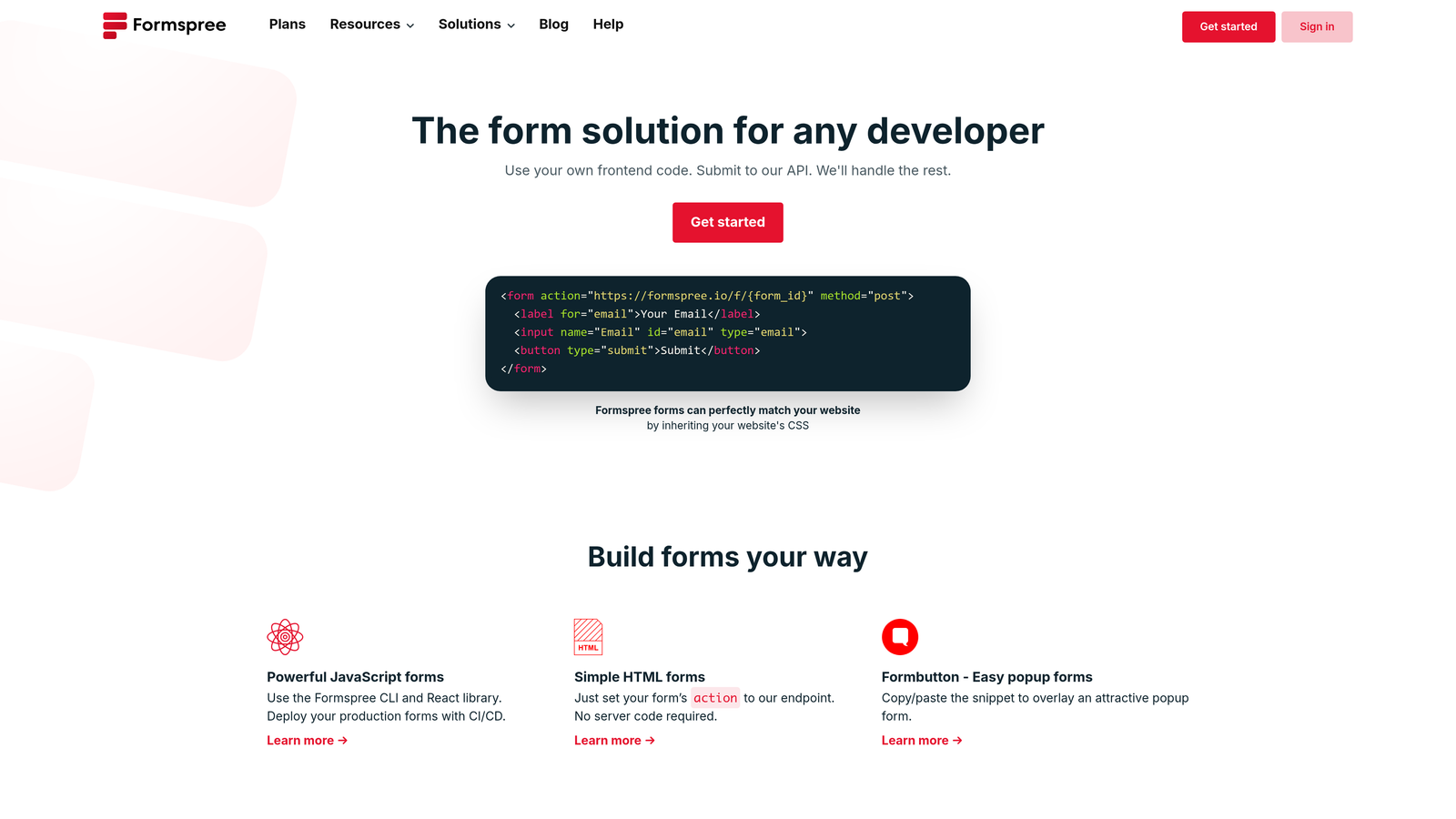
This separation of concerns means you're not paying for a drag-and-drop editor, pre-built templates, or design features your team doesn't need. The pricing reflects this more focused scope, making it considerably more cost-effective for teams with in-house development resources who want full control over the frontend experience.
For developer-led teams building marketing pages, landing pages, or product interfaces with custom form designs, Formspree provides the infrastructure layer without the overhead of a full form platform subscription. If your team prefers a visual approach instead, explore options for form builders without coding that still offer strong customization.
Implementation Steps
1. Identify all forms on your website or application where the frontend is already custom-built or where your team has strong design preferences that a standard form builder can't accommodate.
2. Evaluate whether your current form tool subscription is being used primarily for its backend capabilities (submission handling, notifications, data routing) rather than its design features.
3. Have your development team prototype a Formspree integration on one existing form to validate the workflow fits their process.
4. Compare the Formspree plan cost against your current form builder subscription, factoring in whether you can eliminate other tools in the process.
Pro Tips
Formspree is most valuable for teams with dedicated development resources. If your team relies on non-technical users to build and manage forms, the headless approach creates friction rather than removing it. Be honest about who actually owns your form workflow before deciding this is the right fit.
6. Jotform — Enterprise Features at Mid-Market Pricing
The Challenge It Solves
Teams that need advanced form capabilities, such as conditional logic, payment collection, digital signatures, and approval workflows, often find that Typeform's equivalent feature tiers come at a premium price point. The gap between what you need and what you're paying for can be significant at scale.
The Strategy Explained
Jotform has built a reputation for offering a broad feature set at pricing tiers that are generally more accessible than Typeform's equivalent plans. Conditional logic, payment integrations, multi-page forms, and workflow features are available at lower tiers, which means teams don't have to upgrade to an enterprise plan just to access functionality they need for standard lead generation and data collection workflows. For a detailed head-to-head breakdown, our Jotform vs Typeform for business comparison covers the key differences.
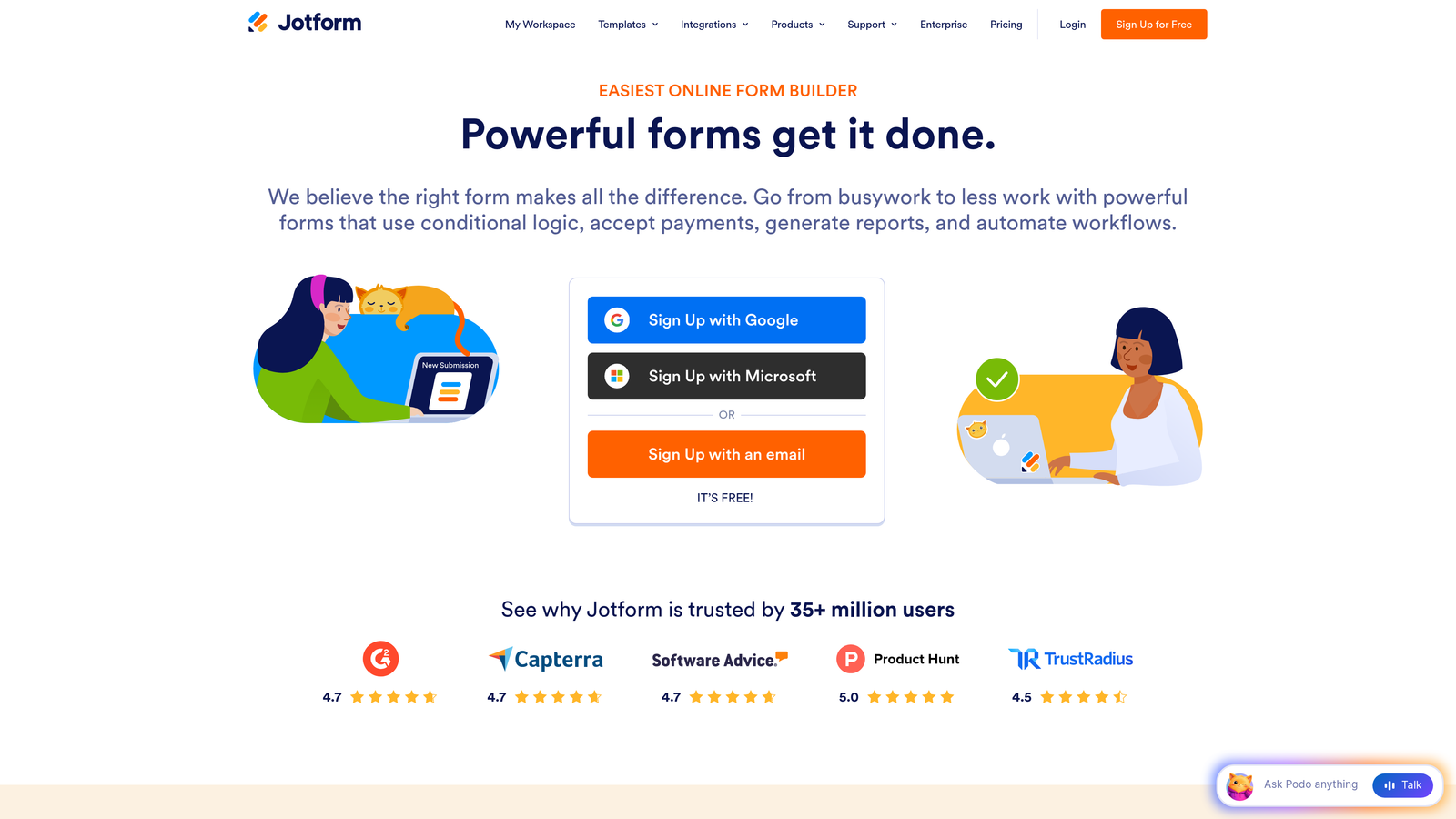
Jotform's template library is extensive, covering hundreds of use cases across industries. For teams that need to deploy forms quickly across multiple departments or campaigns, this breadth reduces the time investment in form creation while keeping costs predictable.
The platform is also well-established, with strong integration support across CRMs, payment processors, and productivity tools, which reduces the middleware dependency that adds cost to many form stacks. Teams evaluating their options should also consider how enterprise form builder pricing plans compare when scaling across departments.
Implementation Steps
1. List the specific features you're currently using in Typeform and identify which ones are driving you to a higher pricing tier.
2. Map those features to Jotform's equivalent tier and compare the pricing directly.
3. Run a side-by-side test of your most complex form in both platforms to validate that the conditional logic and integration behavior matches your requirements.
4. Factor in any integrations you're currently running through middleware that Jotform might handle natively, reducing your total stack cost.
Pro Tips
Jotform's strength is breadth. If you need a wide variety of form types across different teams and use cases, the platform's extensive template library and feature depth make it a strong value proposition. If your primary goal is a premium, conversion-optimized experience for customer-facing lead generation forms specifically, you may want to pair Jotform with a more conversion-focused tool for your highest-stakes forms.
7. Google Forms — The Zero-Cost Baseline for Internal Use Cases
The Challenge It Solves
Not every form needs to be beautiful or conversion-optimized. Internal surveys, employee feedback forms, event RSVPs for team meetings, and operational intake forms don't require a premium tool. Using a paid form builder for these use cases is a straightforward waste of budget that could be redirected toward your customer-facing conversion stack.
The Strategy Explained
Google Forms is completely free, integrates natively with Google Workspace, and handles basic data collection reliably. For internal use cases, it covers the vast majority of real-world needs: multiple question types, basic branching logic, automatic response collection in Google Sheets, and simple sharing via link or email.
The strategic value here isn't about Google Forms being a Typeform competitor in the traditional sense. It's about using the right tool for the right job. By migrating all internal and low-stakes forms to Google Forms, teams can reduce their paid form builder usage significantly, potentially dropping to a lower tier or eliminating a subscription entirely while keeping the premium tool focused on revenue-generating, customer-facing workflows. For your customer-facing forms, investing in form design for better conversions will deliver far more ROI than trying to optimize a free tool.
This segmentation approach is often the fastest way to reduce form builder costs without sacrificing quality on the forms that actually matter for lead generation and conversion.
Implementation Steps
1. Audit every active form in your current paid tool and categorize each as either customer-facing or internal.
2. Migrate all internal forms to Google Forms immediately. This requires no design work and minimal setup time.
3. Reassess your paid form builder response volume after migration to determine if you can downgrade to a lower tier.
4. Establish a policy for which form types go to Google Forms versus your premium tool going forward, so the segmentation stays clean over time.
Pro Tips
The discipline here is maintaining the segmentation. Teams often start migrating internal forms to Google Forms and then gradually drift back to using their premium tool for everything because it's familiar. Create a simple decision rule: if the form is internal or doesn't directly impact revenue, it goes to Google Forms. That single rule can meaningfully reduce your paid tool costs over time.
Putting It All Together: Your Evaluation Roadmap
Choosing the right Typeform alternative isn't about finding the cheapest option on this list. It's about finding the platform that delivers the best value for your specific growth stage, team structure, and workflow requirements.
Start with a real audit. Calculate what you're currently spending on your form builder, plus any middleware connecting it to your data layer, plus any separate lead scoring or qualification tools. That total number is your baseline. Any alternative needs to beat it on either cost, capability, or both.
Then identify your non-negotiables. If you need native database integrations, Fillout belongs on your shortlist. If you have developer resources and want full frontend control, Formspree makes sense. If your volume is campaign-based rather than steady-state, Formspark's pay-per-submission model could save you meaningfully. If you need broad feature depth at accessible pricing, Jotform is worth a serious look.
For teams where lead generation and conversion optimization are the core use case, the strongest long-term value often comes from platforms that do more than collect form data. Consolidating your form building and lead qualification into a single tool reduces stack complexity, eliminates middleware costs, and creates a tighter feedback loop between form design and lead quality. That's the case for exploring what Orbit AI can do for your specific workflow.
The practical approach: pick two or three alternatives based on your audit, build real versions of your highest-traffic forms in each, and run them with actual traffic before committing. The form builder market is competitive right now, which means pricing pressure works in your favor. Take advantage of it.
Transform your lead generation with AI-powered forms that qualify prospects automatically while delivering the modern, conversion-optimized experience your high-growth team needs. Start building free forms today and see how intelligent form design can elevate your conversion strategy.


