

Building forms shouldn't drain your budget before you've captured a single lead. Whether you're a startup validating an idea, a freelancer managing client intake, or a growing team testing new workflows, free form software lets you collect data professionally without upfront costs.
But not all free plans are created equal. Some cap submissions at 10 per month, others strip out essential features, and a few genuinely deliver value at no cost.
We've tested dozens of form builders to find the ones that offer meaningful free tiers, balancing features, submission limits, and usability so you can start collecting responses today. Here are the top form software options with free plans that actually work for real businesses.
1. Orbit AI
Best for: High-growth teams needing AI-powered lead qualification with conversion-optimized forms
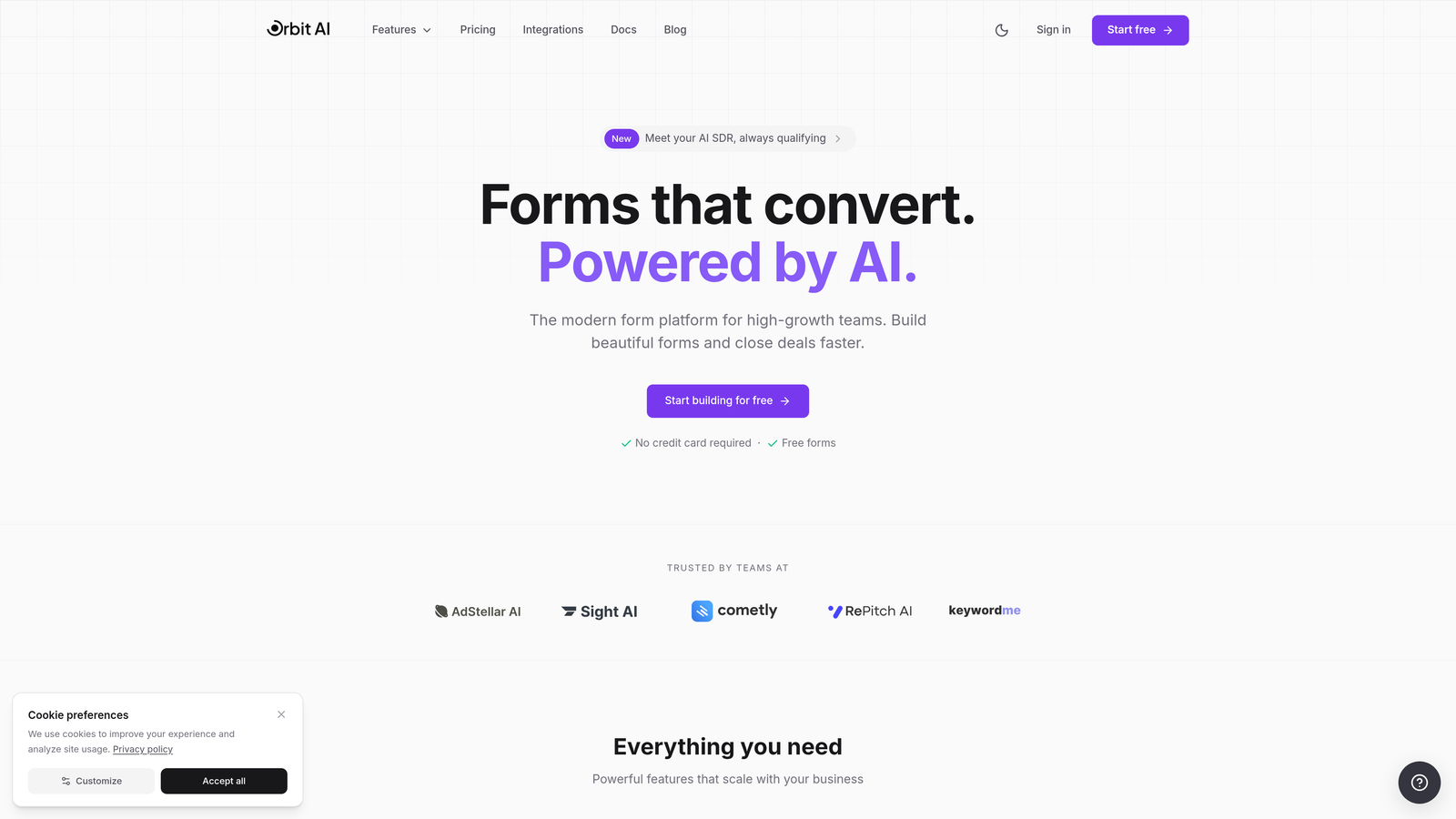
Orbit AI is an AI-powered form builder that automatically qualifies leads while collecting responses.
Where This Tool Shines
Orbit AI stands out by embedding intelligence directly into your forms. Instead of collecting raw data and sorting through it later, the platform scores and qualifies leads in real-time based on their responses.
The conversion-optimized templates are built specifically for high-growth teams who need more than basic data collection. Every form is designed to maximize completion rates while gathering the insights you need to prioritize follow-up.
Key Features
AI-Powered Lead Scoring: Automatically qualifies prospects based on their responses, saving hours of manual review.
Conversion-Optimized Templates: Pre-built forms designed specifically to maximize completion rates and lead quality.
Workflow Automation: Trigger actions based on lead scores and responses without writing code.
Native CRM Integrations: Connect directly to major CRMs to route qualified leads automatically.
Analytics Dashboard: Track form performance, conversion rates, and lead quality metrics in one place.
Best For
Orbit AI is ideal for B2B companies, SaaS businesses, and marketing teams who need to qualify leads at scale. If you're spending too much time sorting through form submissions to find serious prospects, the AI qualification saves significant time.
Pricing
Free plan available to get started. Paid plans unlock additional features and higher submission limits. Check their pricing page for current rates.
2. Tally
Best for: Teams wanting unlimited responses without paying for a form builder
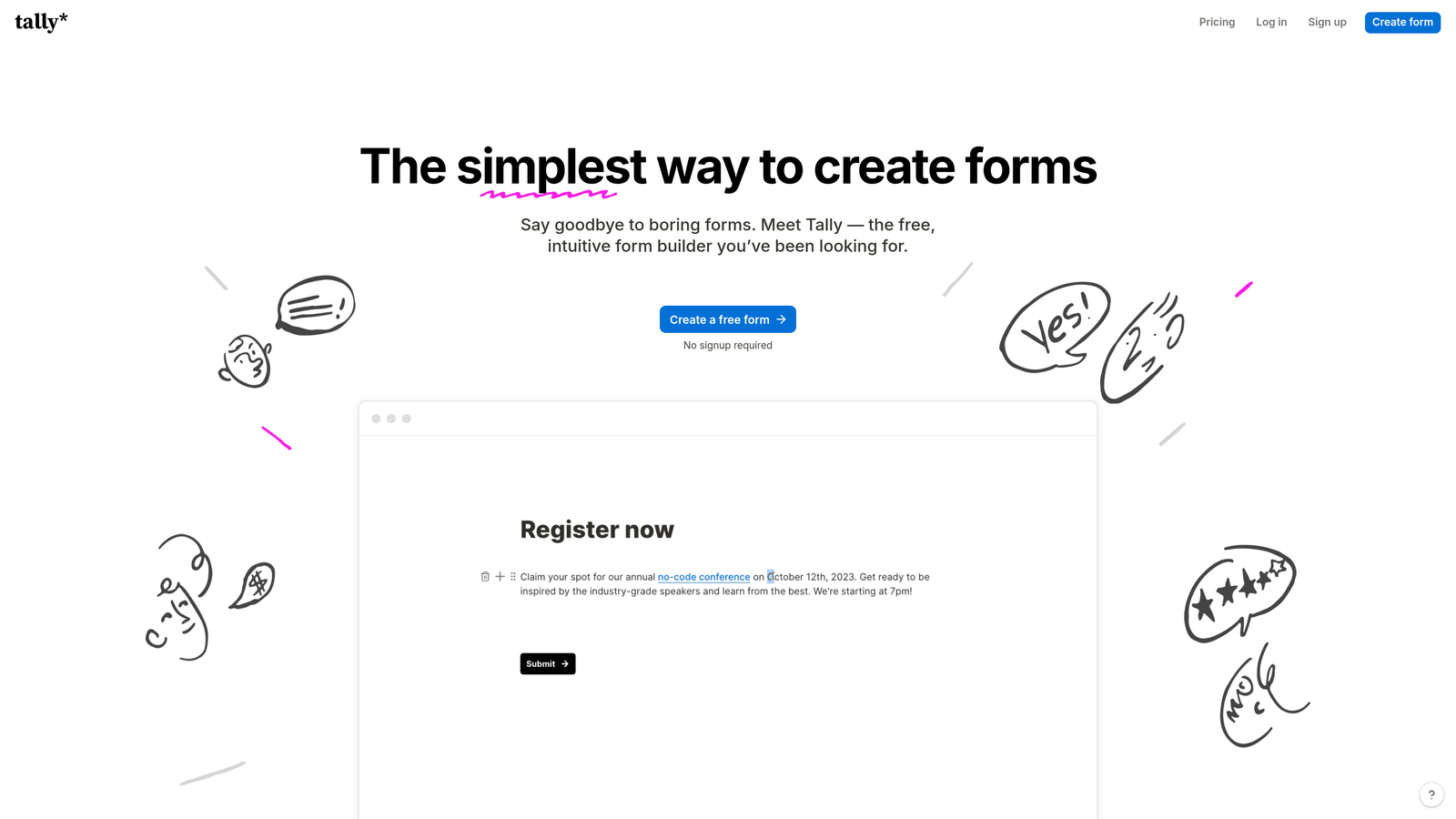
Tally is a Notion-style form builder offering unlimited forms and responses completely free.
Where This Tool Shines
Tally's biggest draw is simple: unlimited everything on the free plan. No caps on forms, no caps on submissions, no surprise limits when you start getting traction.
The Notion-like interface feels immediately familiar if you're already using block-based editors. Building forms is intuitive—add blocks, drag to reorder, customize styling. The learning curve is minimal.
Key Features
Unlimited Free Submissions: Collect as many responses as you need without hitting a paywall.
Block-Based Editor: Build forms using a familiar Notion-style interface with drag-and-drop blocks.
File Uploads Included: Let respondents attach files without upgrading to a paid plan.
Basic Integrations: Connect to Notion databases and Google Sheets directly from the free tier.
Custom Thank-You Pages: Personalize the post-submission experience for respondents.
Best For
Tally works well for bootstrapped startups, content creators, and anyone running high-volume surveys or registrations on a tight budget. If submission limits are your main concern, Tally removes that constraint entirely.
Pricing
Free plan with unlimited responses. Pro plan at $29/month adds features like custom domains, file uploads limits, and payment collection.
3. Google Forms
Best for: Simple data collection with zero cost and seamless Google Workspace integration
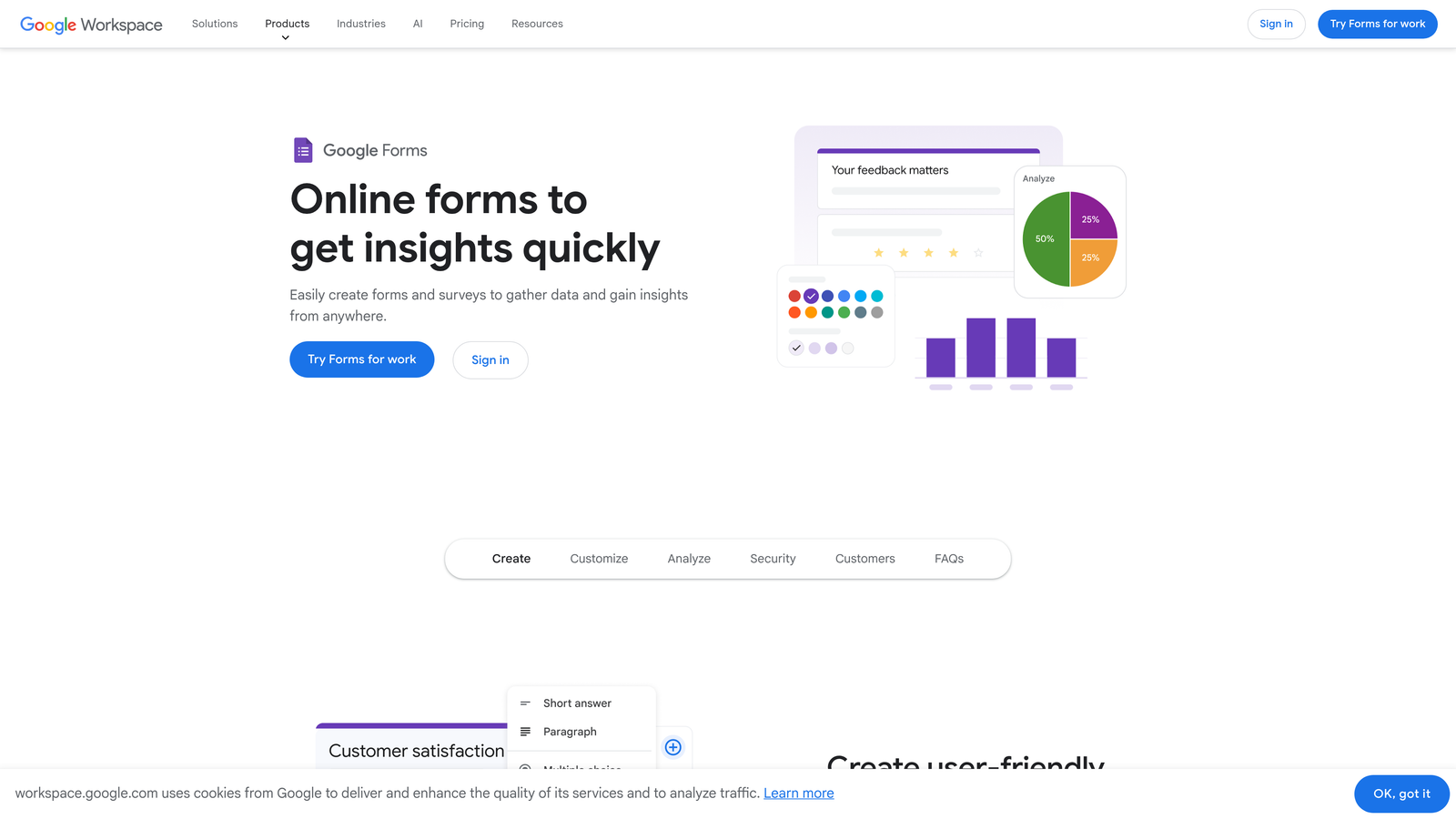
Google Forms is a completely free form builder integrated directly into Google Workspace.
Where This Tool Shines
Google Forms is the ultimate no-strings-attached option. There's no freemium model, no upgrade prompts, no hidden limits. If you have a Google account, you have access to everything.
The automatic Google Sheets integration is seamless. Responses flow directly into a spreadsheet where you can analyze, filter, and share data using tools you already know. For teams already living in Google Workspace, this integration is effortless.
Key Features
100% Free Forever: No submission limits, no form limits, no feature restrictions based on plan tier.
Automatic Sheets Integration: Responses populate a Google Sheet in real-time for instant analysis.
Real-Time Collaboration: Multiple team members can edit forms simultaneously like any Google Doc.
Basic Conditional Logic: Show or hide questions based on previous answers to personalize the experience.
Quiz Functionality: Create quizzes with auto-grading and instant feedback for educational use cases.
Best For
Google Forms is perfect for educators, nonprofits, small businesses, and anyone who needs straightforward data collection without complexity. If you're not selling through forms or needing advanced workflows, this covers most use cases.
Pricing
Completely free with any Google account. No paid tiers or upgrade paths.
4. Jotform
Best for: Teams needing extensive templates and payment collection on a free plan
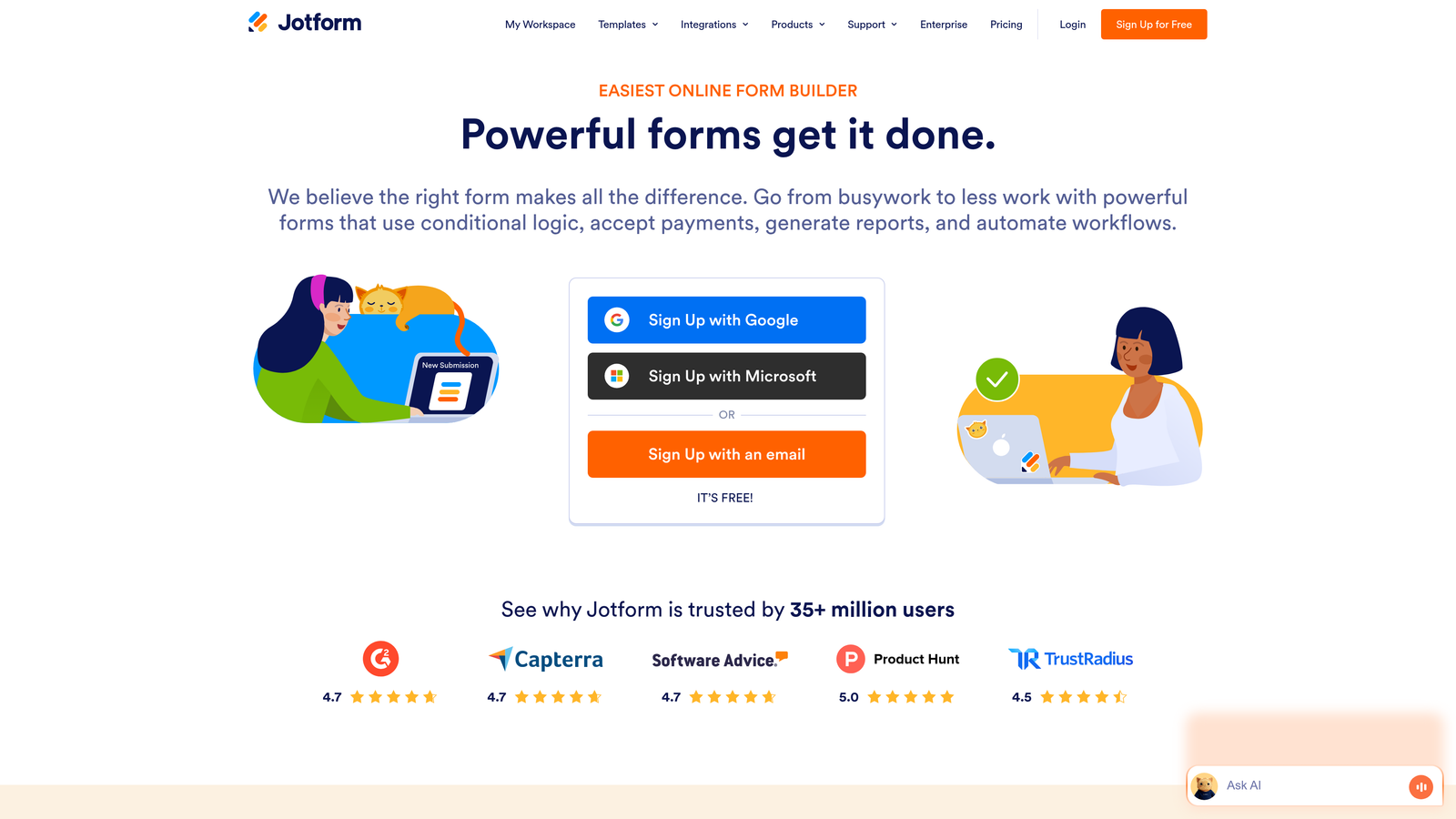
Jotform is a feature-rich form builder with thousands of templates and widgets.
Where This Tool Shines
Jotform's template library is massive. Over 10,000 pre-built forms cover nearly every industry and use case imaginable. Need an event registration form? A patient intake form? An order form with payment processing? There's a template for it.
The free plan includes payment collection, which is rare. You can accept payments through PayPal, Square, or Stripe without upgrading, making it viable for small e-commerce or service businesses.
Key Features
10,000+ Templates: Pre-built forms for every industry reduce setup time from hours to minutes.
100+ Integrations: Connect to CRMs, email tools, cloud storage, and productivity apps.
Payment Collection: Accept payments directly through forms on the free plan via multiple processors.
Conditional Logic: Show or hide fields based on user responses to create dynamic forms.
PDF Generation: Automatically generate PDF documents from form submissions for records or invoices.
Best For
Jotform suits freelancers, consultants, and small businesses that need professional-looking forms quickly. The template library and payment features make it particularly strong for service providers collecting client information and deposits.
Pricing
Free plan includes 100 monthly submissions. Paid plans start at $34/month for 1,000 submissions and remove Jotform branding.
5. Typeform
Best for: Creating engaging, conversational form experiences that feel interactive
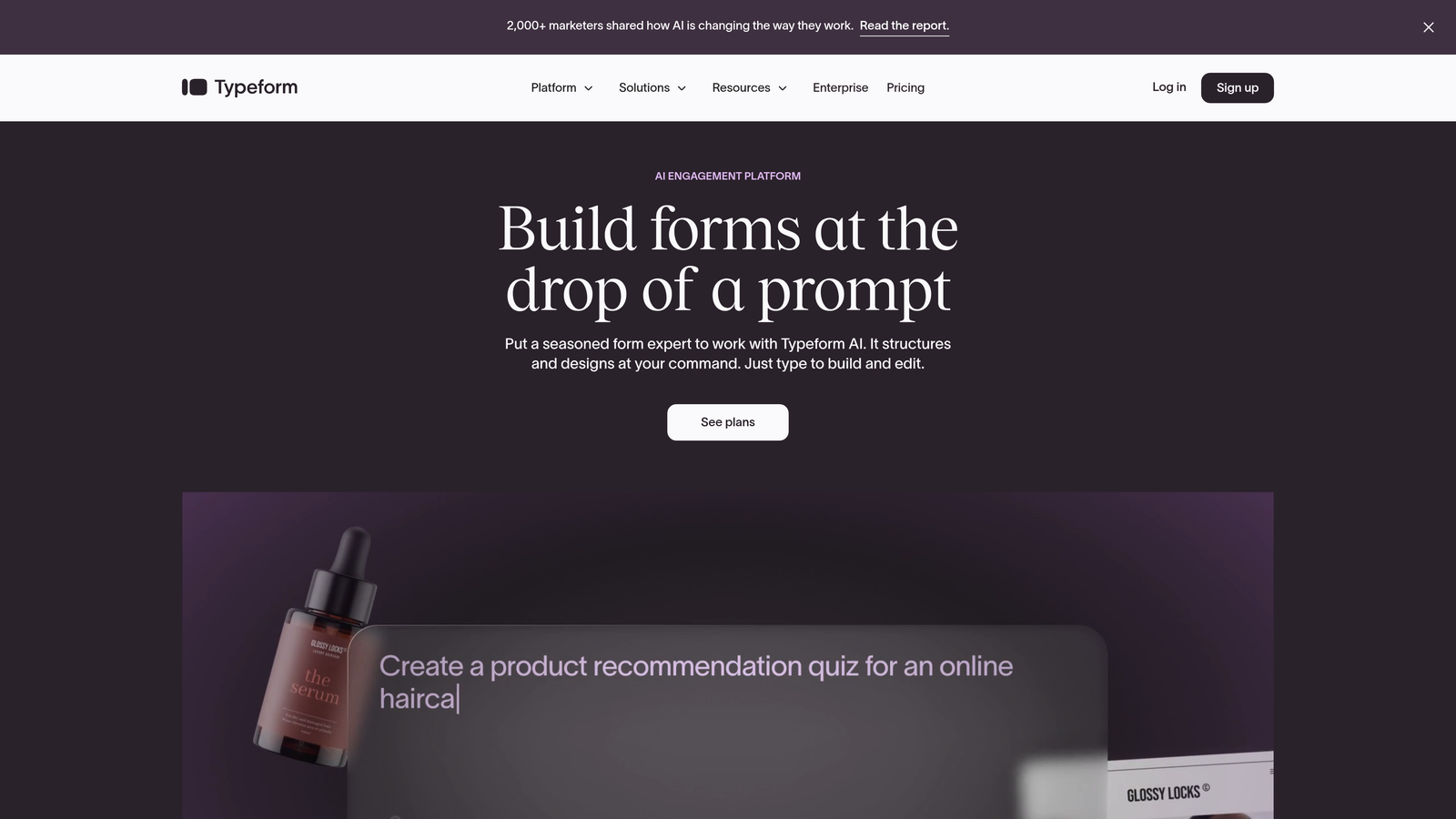
Typeform is a conversational form builder known for its one-question-at-a-time interface.
Where This Tool Shines
Typeform pioneered the conversational form format where respondents see one question at a time instead of a long scrolling page. This approach significantly reduces form abandonment by making completion feel less overwhelming.
The design is beautiful by default. Even on the free plan, forms look polished and modern with smooth transitions and mobile-optimized layouts. If brand perception matters, Typeform delivers a premium experience.
Key Features
Conversational Format: One-question-at-a-time display keeps respondents focused and reduces abandonment.
Modern Design: Beautiful templates and smooth animations create a premium brand experience.
Logic Jumps: Personalize the question flow based on previous answers to make forms feel tailored.
Basic Integrations: Connect to popular tools like Google Sheets, Slack, and email platforms.
Mobile Optimized: Forms automatically adapt perfectly to any screen size without additional configuration.
Best For
Typeform is ideal for brands that prioritize user experience and visual polish. Marketing teams, agencies, and consumer-facing businesses benefit most from the elevated design aesthetic.
Pricing
Free plan limited to 10 responses per month. Basic plan starts at $25/month for 100 responses and removes branding.
6. Microsoft Forms
Best for: Organizations already using Microsoft 365 who need Excel integration
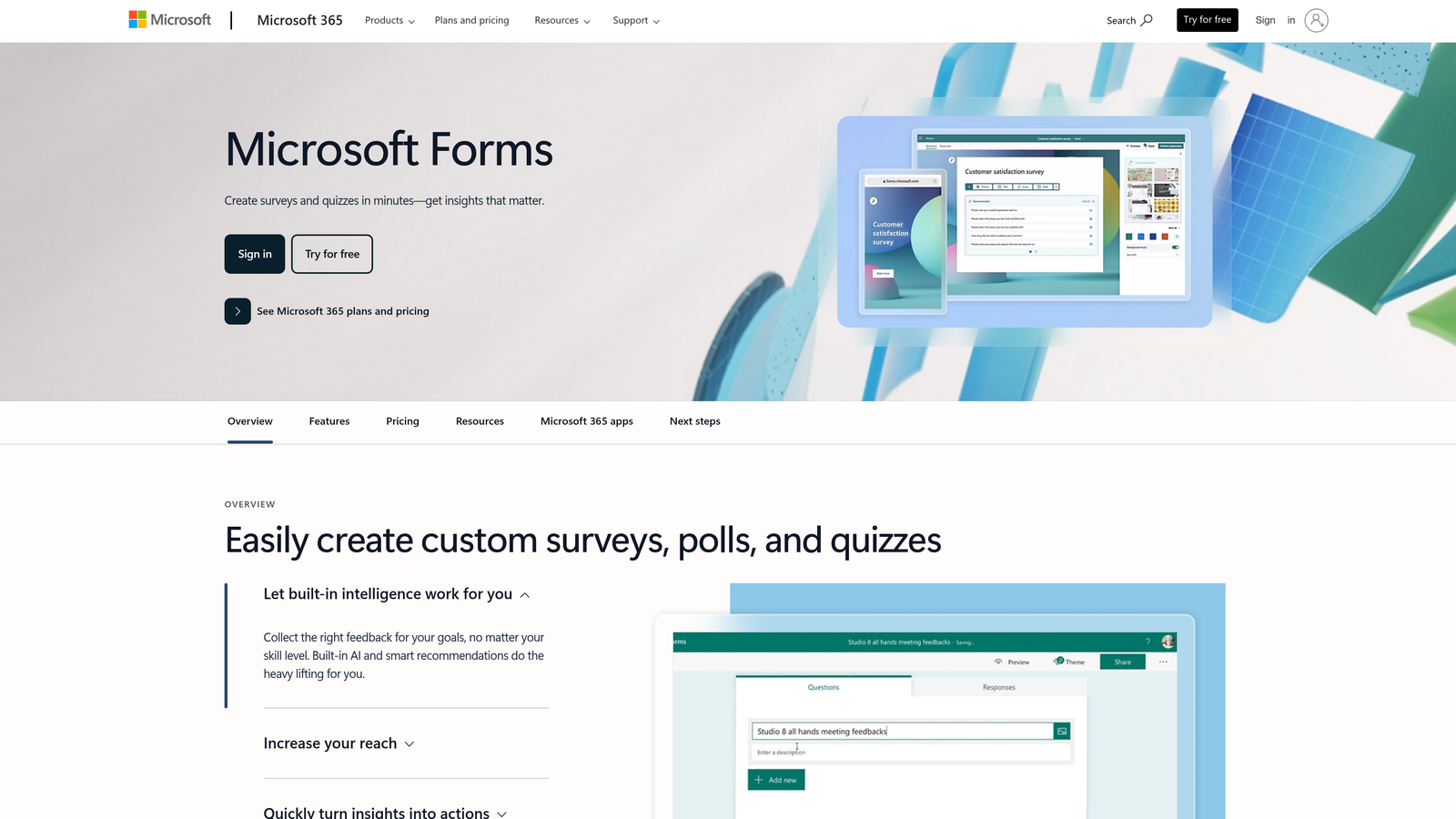
Microsoft Forms is a straightforward form builder for Microsoft ecosystem users.
Where This Tool Shines
Microsoft Forms is the natural choice if your organization runs on Microsoft 365. The direct Excel export means responses flow into spreadsheets you can analyze with familiar tools like pivot tables and formulas.
Teams integration is seamless. You can share forms directly in Teams channels, collect responses from team members, and collaborate on form design without leaving the Microsoft ecosystem.
Key Features
Free with Microsoft Account: Access the full platform with any Microsoft account at no cost.
Direct Excel Export: Responses export to Excel workbooks for analysis using familiar spreadsheet tools.
Branching Logic: Create different question paths based on previous answers to personalize surveys.
Real-Time Tracking: Watch responses come in live and see summary statistics update automatically.
Teams Integration: Share and collaborate on forms directly within Microsoft Teams channels.
Best For
Microsoft Forms works best for enterprises, schools, and organizations standardized on Microsoft 365. If your team already lives in Outlook, Teams, and Excel, this is the path of least resistance.
Pricing
Free with any Microsoft account. Advanced features like file uploads and increased response limits come with Microsoft 365 subscriptions.
7. Fillout
Best for: Teams using Notion or Airtable who want native database integration
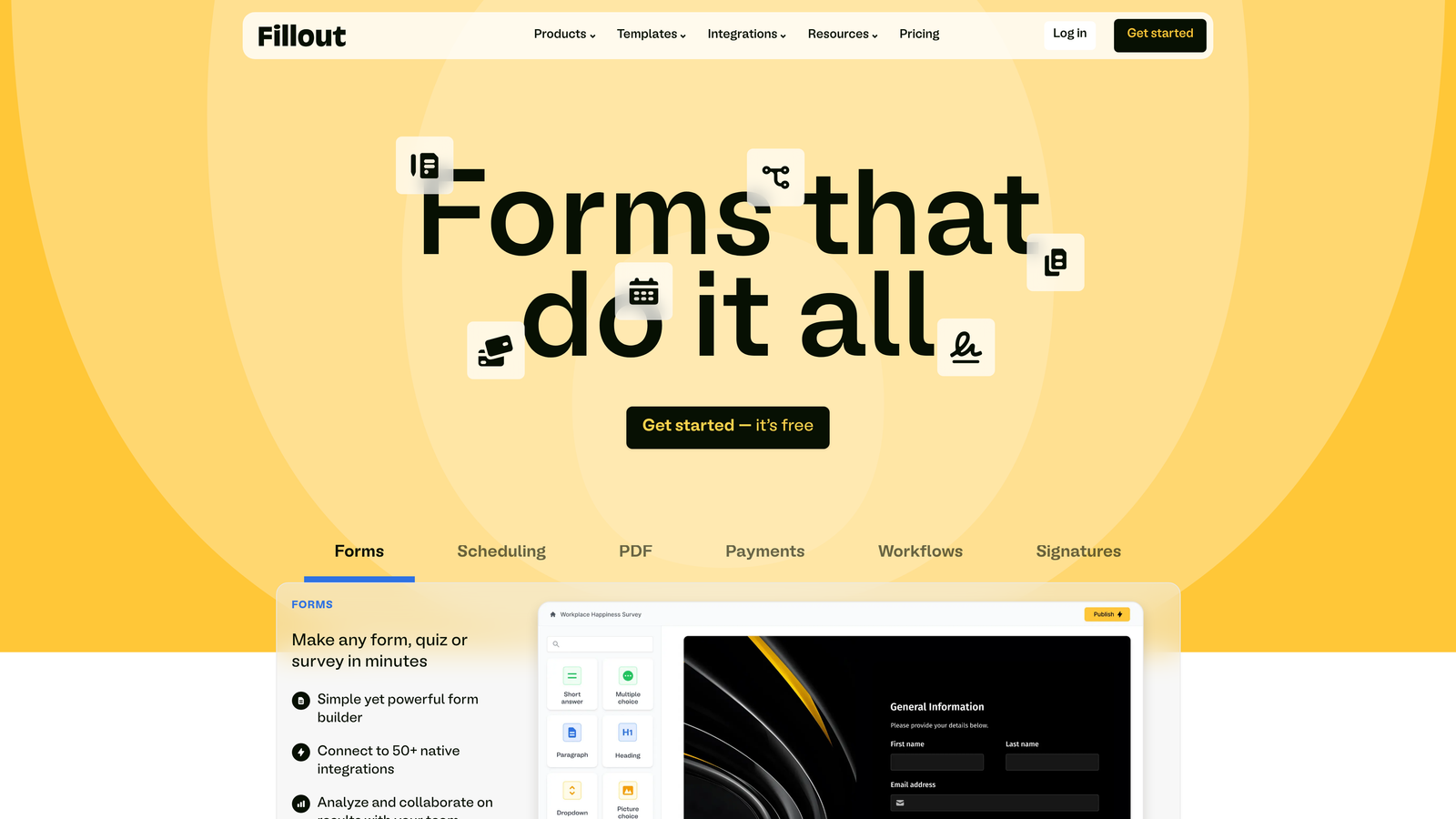
Fillout is a modern form builder with native Notion and Airtable integrations.
Where This Tool Shines
Fillout's native Notion integration is genuinely native—not a Zapier connection or third-party middleware. Forms can write directly to Notion databases, read from them to populate dropdowns, and update existing records.
The 1,000 responses per month on the free plan is generous compared to most competitors. For small teams or moderate-traffic use cases, you may never need to upgrade.
Key Features
1,000 Free Responses: Collect up to 1,000 submissions monthly without paying, well above most free tier limits.
Native Notion Integration: Connect directly to Notion databases to create, read, and update records.
Airtable Sync: Two-way sync with Airtable bases keeps data synchronized automatically.
Conditional Logic: Show or hide questions dynamically based on previous answers.
Custom Domains: Use your own domain for forms on paid plans to maintain brand consistency.
Best For
Fillout is perfect for teams that use Notion or Airtable as their primary database. If you're managing projects, client data, or content calendars in these tools, Fillout eliminates the need for manual data entry.
Pricing
Free plan with 1,000 responses per month. Starter plan at $15/month adds unlimited responses and custom domains.
8. Cognito Forms
Best for: Complex forms requiring advanced calculations and conditional logic
Cognito Forms is a powerful form builder with advanced conditional logic and calculation capabilities.
Where This Tool Shines
Cognito Forms handles complexity better than most competitors. The calculation engine lets you build quote forms, pricing calculators, and order forms with dynamic totals based on user selections.
Repeating sections allow respondents to add multiple items or entries within a single form. Think order forms where customers can add multiple products, or applications where users list multiple work experiences.
Key Features
Advanced Conditional Logic: Create sophisticated branching with multiple conditions and complex rules.
Calculation Fields: Build dynamic pricing calculators and quote forms that compute totals automatically.
500 Entries Per Month: Collect up to 500 submissions monthly on the free plan.
Repeating Sections: Let users add multiple items or entries within a single form submission.
Data Encryption: All form data is encrypted at rest and in transit for security compliance.
Best For
Cognito Forms suits businesses with complex data collection needs. Service providers building quote calculators, organizations with multi-step applications, and anyone needing sophisticated conditional logic will appreciate the power.
Pricing
Free plan with 500 entries per month. Pro plan starts at $15/month for 2,000 entries and removes branding.
9. HubSpot Free Forms
Best for: Lead capture with automatic CRM integration for follow-up workflows
HubSpot Free Forms is a form builder integrated with HubSpot's free CRM.
Where This Tool Shines
HubSpot Forms isn't just a form builder—it's part of an entire free CRM ecosystem. Every form submission automatically creates or updates a contact record, giving you a complete view of each lead's journey.
The pop-up and embedded form options let you capture leads across your website without sending visitors to external pages. You can trigger forms based on scroll depth, exit intent, or time on page.
Key Features
Unlimited Forms and Submissions: Create and collect unlimited responses without hitting any caps.
Direct CRM Integration: Every submission automatically syncs to HubSpot's free CRM for lead management.
Pop-Up and Embedded Options: Deploy forms as pop-ups, slide-ins, or embedded directly on pages.
Basic Analytics: Track form views, submissions, and conversion rates within the HubSpot dashboard.
Email Notifications: Get instant alerts when forms are submitted to respond quickly to leads.
Best For
HubSpot Forms is ideal for sales and marketing teams who need lead management infrastructure, not just data collection. If you're capturing leads and need to track follow-up activities, the CRM integration is invaluable.
Pricing
Free with HubSpot CRM. Marketing Hub starts at $45/month for advanced features like A/B testing and smart forms.
Making the Right Choice
Your ideal free form software depends on what you're optimizing for. If submission limits are your primary concern, Tally and HubSpot offer unlimited responses. If you need payment collection without paying for the tool, Jotform delivers. For teams embedded in specific ecosystems, Google Forms and Microsoft Forms provide seamless integration.
For high-growth teams focused on lead quality over quantity, the calculation changes. Collecting unlimited responses doesn't matter if you're drowning in unqualified leads. This is where intelligent qualification makes the difference.
Consider your workflow beyond the form itself. Are you manually reviewing every submission to determine which leads deserve immediate follow-up? Are qualified prospects getting lost in a sea of tire-kickers? The time you spend sorting through responses has a cost, even if the form software is free.
Most free plans work well for straightforward data collection. But if your forms are feeding sales pipelines, marketing campaigns, or customer onboarding workflows, the intelligence layer matters more than the submission cap.
Transform your lead generation with AI-powered forms that qualify prospects automatically while delivering the modern, conversion-optimized experience your high-growth team needs. Start building free forms today and see how intelligent form design can elevate your conversion strategy.


