

Choosing a form builder as a startup isn't just about features. It's about finding a pricing model that scales with you without surprise overages or locked-in annual contracts. Whether you're capturing leads, qualifying prospects, or running onboarding flows, the wrong tool can quietly drain your budget as you grow.
This guide breaks down the best form builders for startups in 2026, with a sharp focus on pricing transparency, free tier generosity, and the features that actually matter for high-growth teams. We've evaluated each tool on startup-friendliness: how affordable it is at launch, how it scales, and whether it offers the conversion-focused capabilities modern growth teams need.
If you're also exploring how to improve the quality of leads your forms generate, check out our guide on how to improve lead quality.
1. Orbit AI
Best for: High-growth SaaS teams that need AI-powered lead qualification at the form level
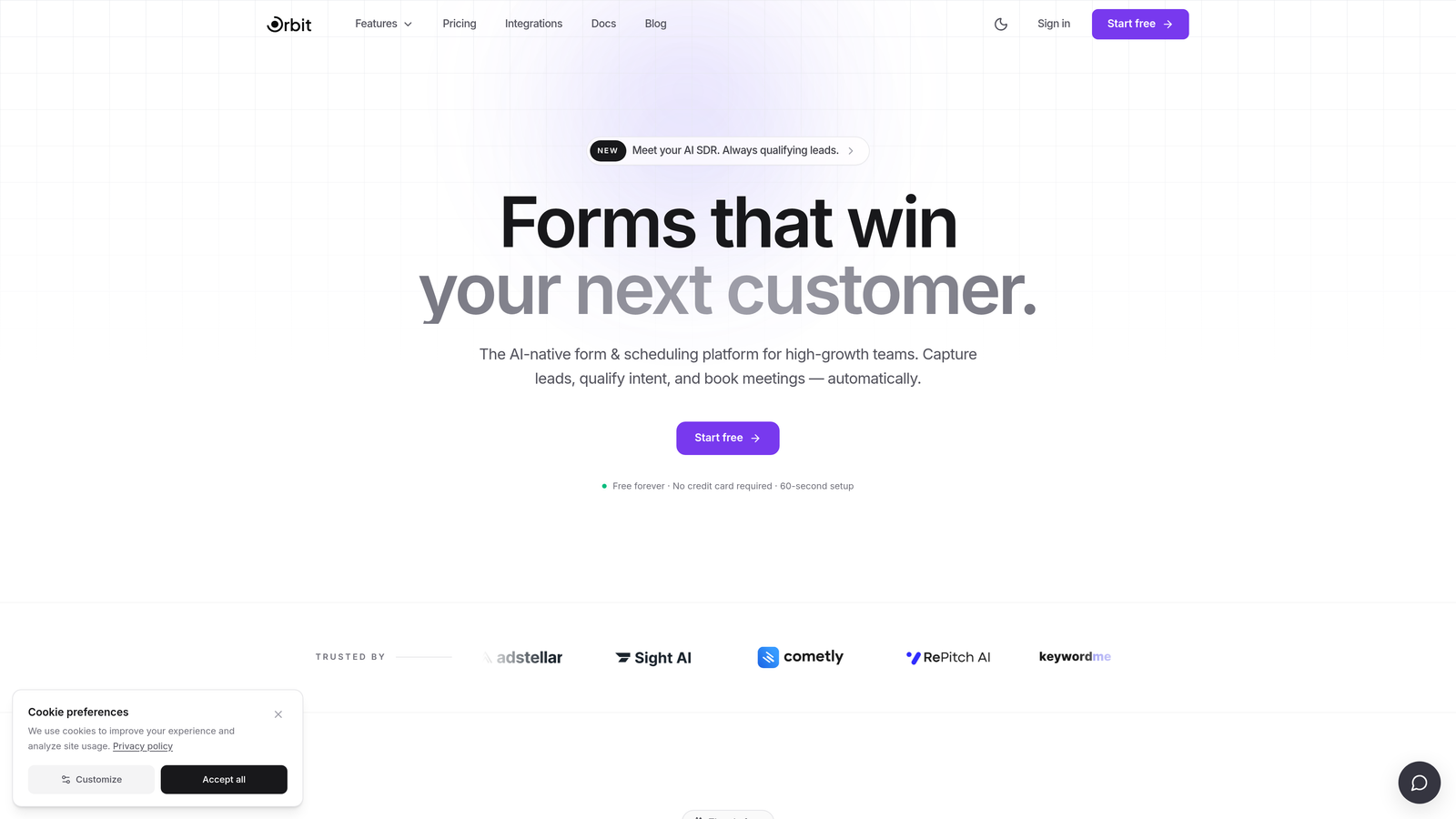
Orbit AI is an AI-powered form builder designed to qualify leads automatically, not just collect them.
Where This Tool Shines
Most form builders treat qualification as an afterthought, leaving your sales team to manually sort through submissions. Orbit AI flips that model by embedding lead qualification directly into the form experience itself. The result is a smarter intake process that filters signal from noise before a lead ever hits your CRM.
The platform is built specifically for B2B SaaS and high-growth teams, which means the design choices, integrations, and UX reflect how modern growth teams actually operate. You get beautiful, conversion-optimized forms without sacrificing the intelligence underneath.
Key Features
AI-Powered Lead Qualification: Automatically scores and qualifies leads at the form level, so your team focuses on the prospects most likely to convert.
Conversion-Optimized Design: Forms are built with UX best practices baked in, reducing drop-off and increasing completion rates.
B2B SaaS Focus: Purpose-built for high-growth teams, with features and workflows that reflect how SaaS companies capture and manage leads.
Modern Form Builder: Clean, beautiful design options that keep your brand looking polished without requiring a designer.
Lead Capture with Intent: Goes beyond data collection by surfacing intent signals within the form flow itself.
Best For
Orbit AI is the strongest fit for B2B SaaS startups and growth teams that are tired of collecting unqualified leads. If your sales team spends significant time triaging form submissions, this tool directly addresses that problem. It's particularly valuable for teams running outbound or inbound lead gen where lead quality matters more than raw volume.
Pricing
Orbit AI offers startup-friendly pricing plans. Visit orbitforms.ai for current plan details and to explore free options.
2. Typeform
Best for: Startups wanting high-engagement conversational forms for lead gen and onboarding
Typeform is a conversational form builder known for its one-question-at-a-time format and polished visual experience.

Where This Tool Shines
Typeform's signature format works particularly well for lead generation and onboarding flows where you want respondents to stay engaged through the entire form. The experience feels less like filling out a form and more like having a conversation, which typically improves completion rates for longer question sets.
Brand customization is a genuine strength here. You can match fonts, colors, and imagery to your brand with enough fidelity that the form feels like a natural extension of your product or website, rather than a bolted-on afterthought.
Key Features
Conversational Format: One question at a time keeps respondents focused and reduces cognitive overload.
Logic Jumps: Conditional branching lets you route respondents based on their answers, creating personalized form paths.
Brand Customization: Deep visual customization options including fonts, colors, backgrounds, and imagery.
Integration Library: Connects with major CRMs, marketing platforms, and automation tools via native integrations and Zapier.
Video and Image Support: Embed visual media directly into questions to add context or personality.
Best For
Typeform works well for consumer-facing startups and product teams running onboarding surveys, NPS flows, or top-of-funnel lead capture. It's less ideal for startups on tight budgets, as the free plan is limited in responses and the pricing jumps between tiers can feel steep for early-stage teams.
Pricing
A free plan is available with limited monthly responses. Paid plans scale up in features and response volume. Verify current pricing at typeform.com.
3. Tally
Best for: Bootstrapped startups and indie teams that need unlimited forms without paying anything
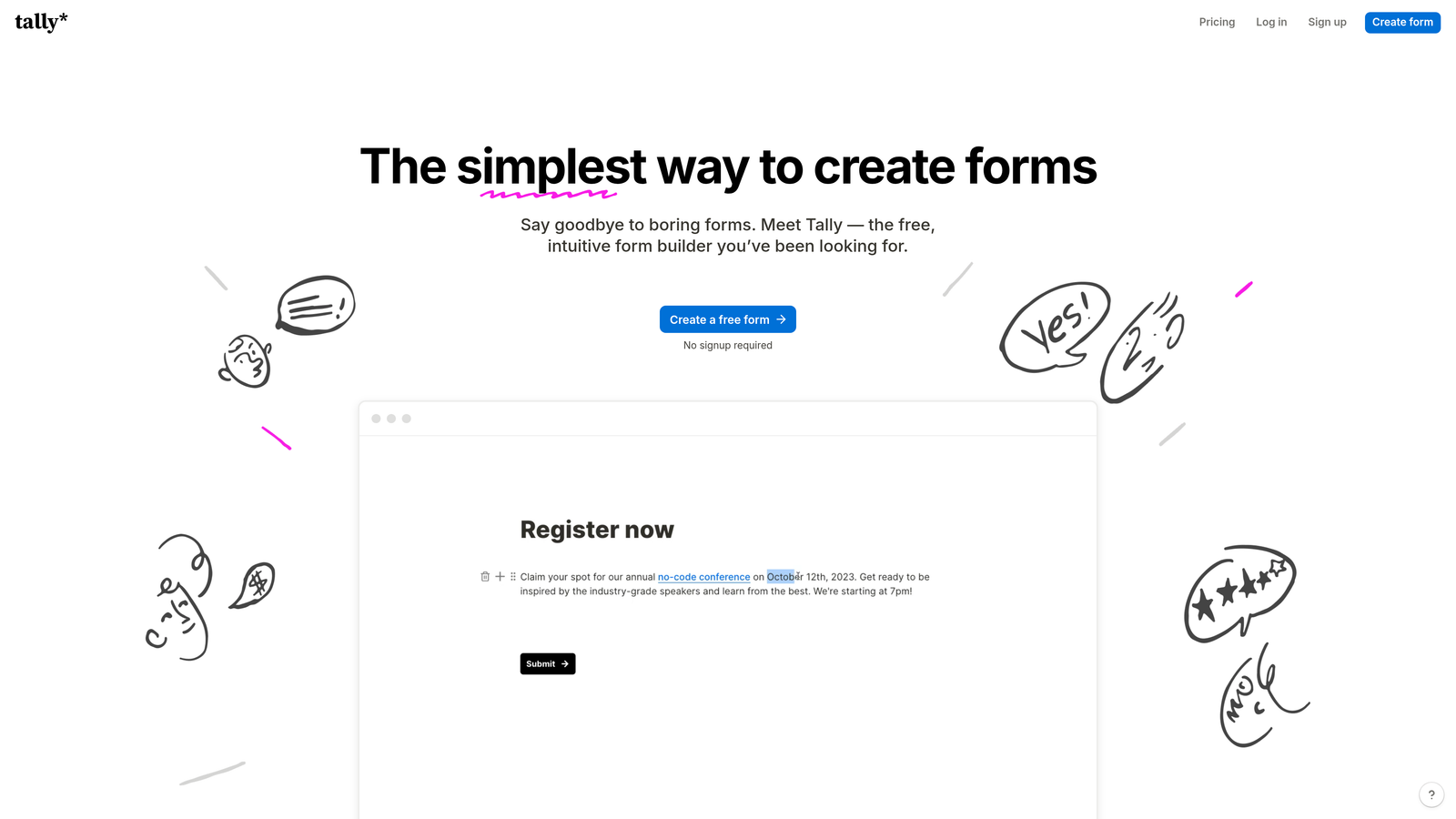
Tally is a Notion-inspired form builder with one of the most generous free plans available in the market today.
Where This Tool Shines
The free plan is genuinely remarkable: unlimited forms, unlimited responses, and no submission caps. For a pre-revenue or early-stage startup, that's a meaningful advantage. You can run as many experiments as you need without worrying about hitting a wall mid-campaign.
The editor is fast and familiar if your team already lives in Notion. Building a form feels intuitive from the first session, which reduces the time-to-launch for non-technical team members. The tradeoff is that Tally's feature ceiling is lower than more mature platforms.
Key Features
Unlimited Free Plan: No caps on forms or responses, even on the free tier (Tally branding included).
Notion-Like Editor: Block-based editing interface that's immediately familiar to Notion users.
Conditional Logic: Show or hide questions based on previous answers, available on the free plan.
Calculated Fields: Perform math within forms, useful for quote builders or scoring flows.
Tally Pro: Removes branding and unlocks advanced features at a low monthly rate.
Best For
Tally is the go-to for bootstrapped founders, indie hackers, and early-stage teams that need capable forms without any upfront cost. It's also a solid choice for internal tools, employee surveys, and lightweight lead capture where brand polish is secondary to speed and cost.
Pricing
Free plan with unlimited responses and Tally branding. Tally Pro removes branding and unlocks advanced features at a low monthly rate. Verify current pricing at tally.so.
4. Jotform
Best for: Startups that need payment collection, approval workflows, and deep template libraries out of the box
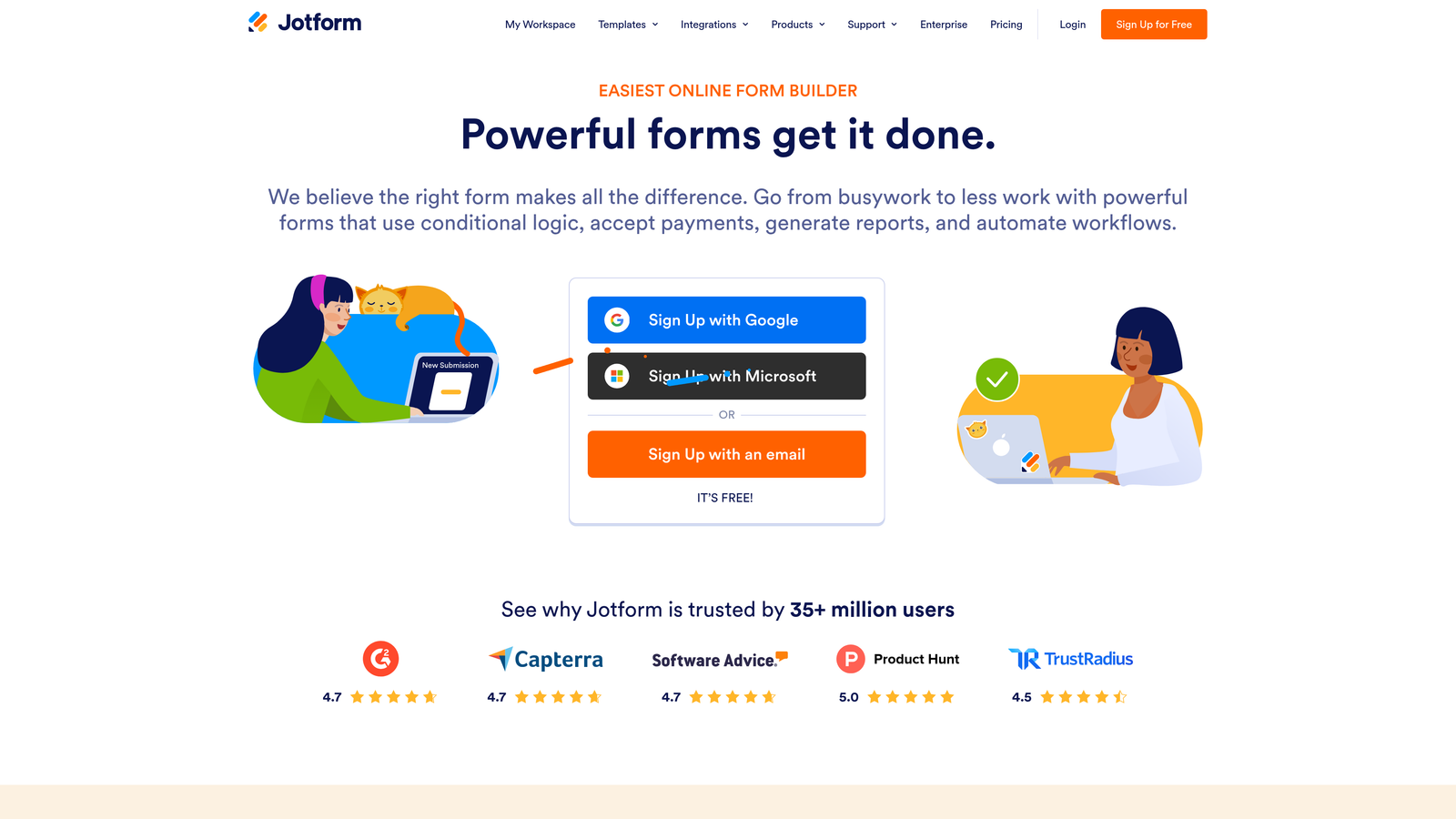
Jotform is a feature-rich form builder covering everything from simple contact forms to complex multi-step workflows with payment processing.
Where This Tool Shines
If your startup needs to do a lot with forms quickly, Jotform's template library is one of its biggest assets. With thousands of pre-built templates across industries and use cases, you can launch a functional, professional form in minutes rather than building from scratch.
The payment and workflow capabilities set Jotform apart from lighter form tools. If you're collecting deposits, running approval flows, or generating PDFs from submissions, Jotform handles all of it natively without requiring additional tools or custom integrations.
Key Features
Template Library: Thousands of pre-built templates covering virtually every industry and use case.
Payment Collection: Native integrations with Stripe, PayPal, and Square for in-form payments.
Approval Workflows: Route submissions through multi-step approval processes without additional software.
PDF Generation: Automatically generate PDF documents from form submissions.
Third-Party Integrations: Extensive library of native integrations with CRMs, email tools, and productivity platforms.
Best For
Jotform is a strong fit for startups in professional services, e-commerce, or any vertical that needs forms to do heavy lifting beyond basic lead capture. It's particularly useful for operations-heavy teams that want to automate intake, approvals, and document generation from a single tool.
Pricing
A free plan is available with monthly submission limits. Paid plans scale by submission volume and storage. Verify current pricing at jotform.com.
5. HubSpot Forms
Best for: B2B startups already using or planning to use HubSpot CRM
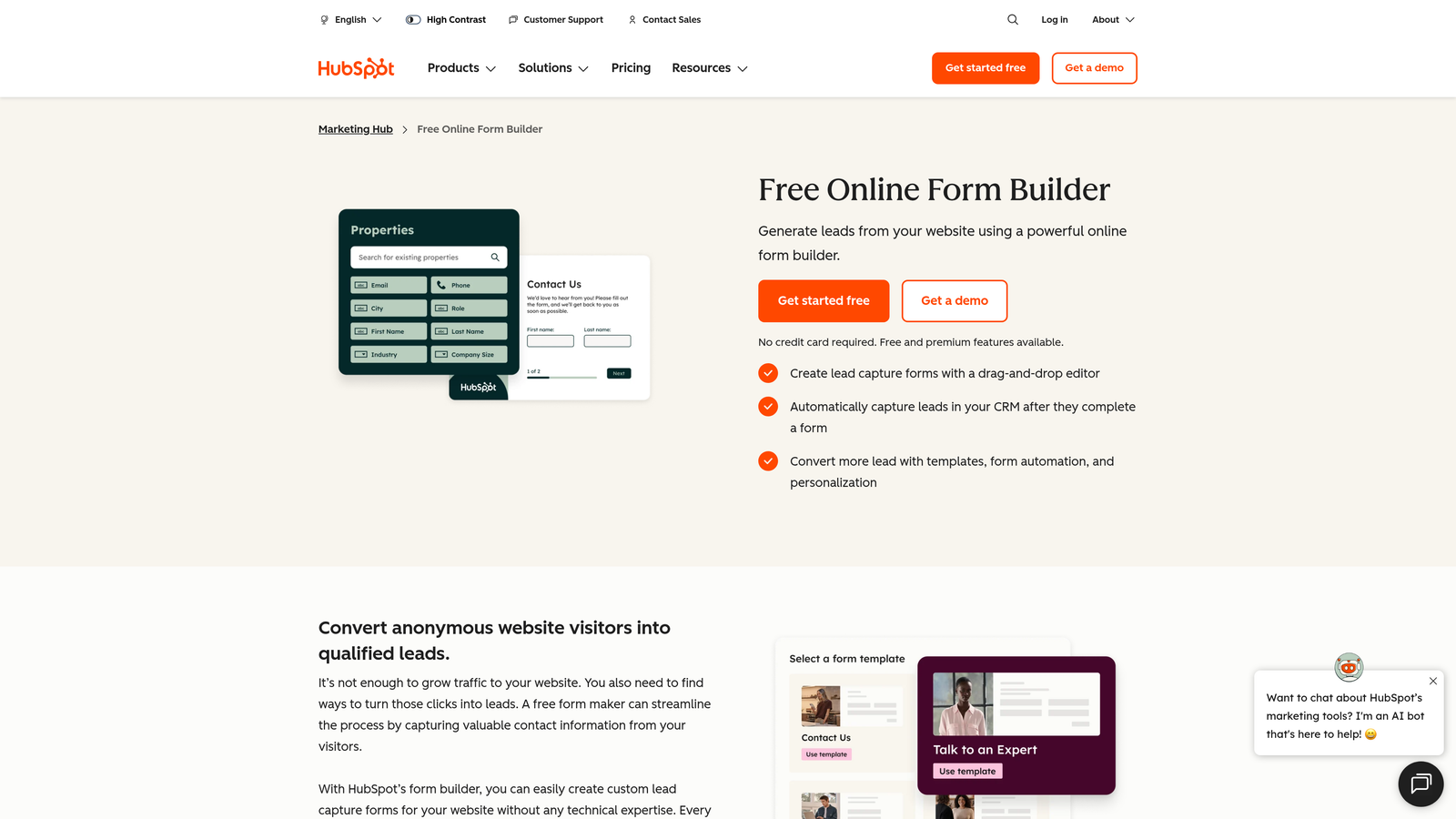
HubSpot Forms is a completely free form builder that feeds directly into HubSpot's CRM, with no manual data sync required.
Where This Tool Shines
The core value proposition is simple: if you're using HubSpot CRM, your form submissions automatically become contacts, deals, and tracked touchpoints without any integration setup. That eliminates a whole category of operational overhead that plagues early-stage teams trying to stitch together their tech stack.
Progressive profiling is a particularly useful feature for B2B lead gen. When a known contact fills out a form again, HubSpot can show them new fields instead of repeating questions you already have answers to. This keeps forms short while building richer contact profiles over time.
Key Features
CRM-Native Integration: Form submissions sync instantly to HubSpot contacts, deals, and activity timelines.
Progressive Profiling: Shows returning visitors new questions instead of repeating fields already captured.
Free with HubSpot CRM: No additional cost if you're on HubSpot's free tier.
Flexible Embedding: Embed forms on any website or use as standalone hosted pages.
Basic Analytics: Track form views and submission rates directly in HubSpot.
Best For
HubSpot Forms is ideal for B2B startups that have adopted or are planning to adopt HubSpot as their CRM. The value drops significantly if you're not in the HubSpot ecosystem, as the form builder itself has limited customization compared to dedicated tools.
Pricing
Free as part of HubSpot's free CRM tier. Advanced features require paid HubSpot Marketing Hub plans. Verify current pricing at hubspot.com.
6. Fillout
Best for: No-code and product-led startups building on top of Notion, Airtable, or Supabase
Fillout is a modern form builder with deep native integrations into the no-code data layer tools that product-led teams rely on most.

Where This Tool Shines
Fillout's integration depth with Notion, Airtable, and Supabase is genuinely best-in-class for teams building on those platforms. Rather than using Zapier as a bridge, Fillout connects directly, which means faster syncs, fewer failure points, and a cleaner data flow from form submission to database.
The form design is clean and modern without requiring much configuration, which is a meaningful time-saver for small teams. Multi-page forms with conditional logic are supported, making it viable for more complex intake flows beyond simple contact forms.
Key Features
Native Integrations: Direct connections to Notion, Airtable, Supabase, and Google Sheets without middleware.
Multi-Page Forms: Build multi-step forms with conditional logic and branching paths.
Scheduling Support: Built-in scheduling functionality for booking and appointment forms.
Payment Collection: Accept payments directly within forms.
Clean Design Defaults: Modern, professional form aesthetics out of the box with minimal configuration needed.
Best For
Fillout is the strongest choice for product-led or no-code startup teams whose data lives in Airtable, Notion, or Supabase. If your stack is built around those tools, Fillout removes significant integration friction compared to other form builders.
Pricing
A free plan is available with a generous response limit. Paid plans unlock higher volumes and advanced features. Verify current pricing at fillout.com.
7. Paperform
Best for: Startups that want a hybrid form and landing page experience with rich media and payments
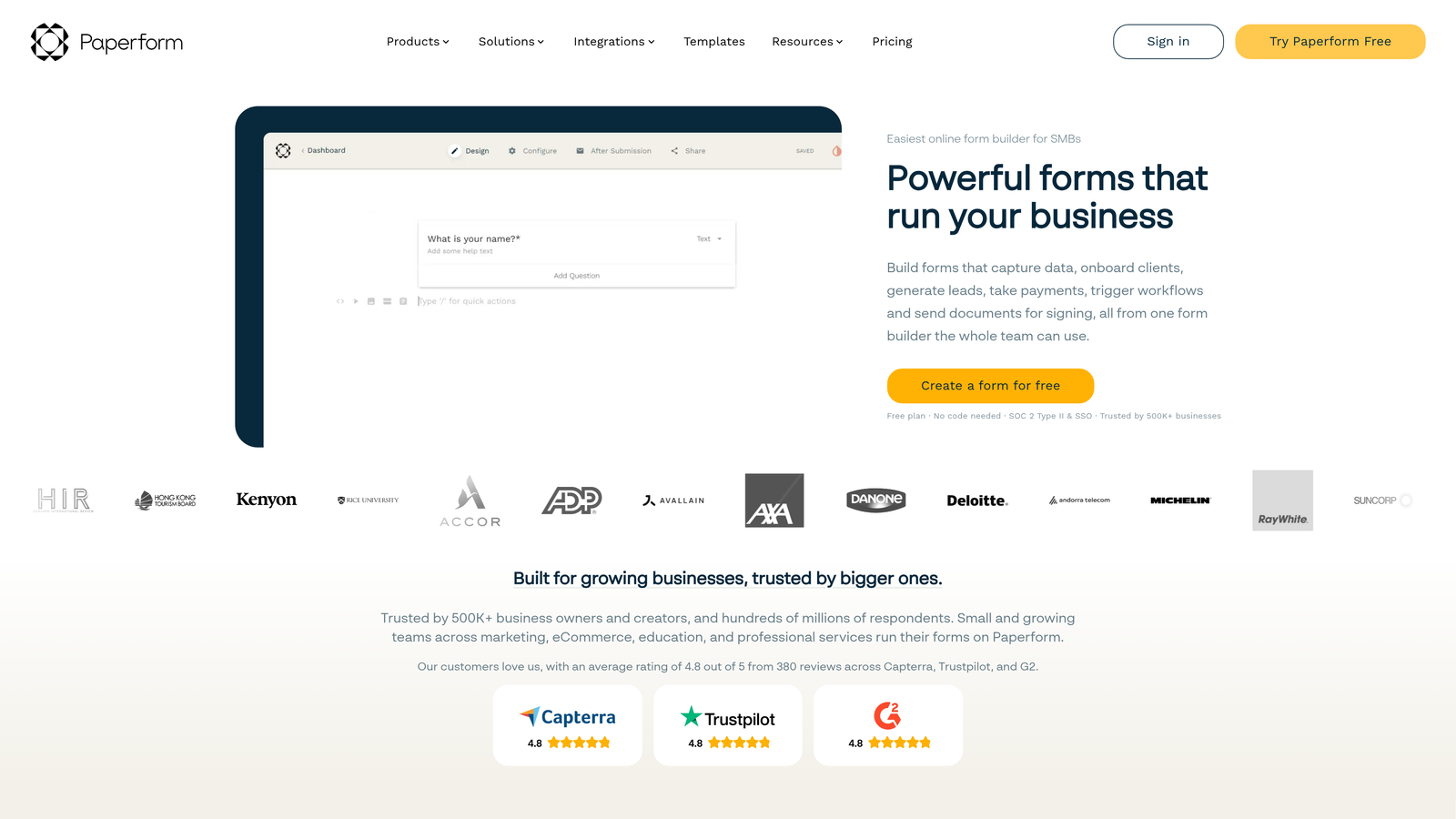
Paperform is a hybrid form and landing page builder that lets you combine rich content, product listings, and payment collection in a single form.
Where This Tool Shines
Paperform occupies a unique position: it's part form builder, part mini landing page creator. You can embed images, video, rich text, and product listings directly within the form flow, making it ideal for use cases where context matters, like product pre-orders, event registrations, or service intake forms that need to sell as much as they collect.
The built-in payment functionality means you don't need a separate checkout tool for simple transactions. For startups testing new offerings or running limited-time campaigns, that consolidation can meaningfully reduce stack complexity.
Key Features
Rich Media Embeds: Add images, video, and formatted text directly within the form to provide context alongside questions.
Product Listings: Display and sell products or services within the form itself.
Built-In Payments: Accept payments natively without a separate checkout integration.
Custom Domain Support: Host forms on your own domain for a seamless brand experience.
Conditional Logic and Calculations: Route respondents and perform calculations based on their answers.
Best For
Paperform suits startups running e-commerce experiments, service businesses that need intake forms with strong context, or any team that wants a form to function more like a landing page. Note that there is no permanent free plan, so it's better suited for teams with a modest budget than zero-spend early-stage startups.
Pricing
No permanent free plan. Paid plans start at a monthly rate with a trial period available. Verify current pricing at paperform.co.
8. Google Forms
Best for: Zero-budget validation, internal surveys, and quick data collection with no setup friction
Google Forms is a completely free form builder included with any Google account, with no submission limits and no cost at any scale.
Where This Tool Shines
When speed and cost are the only criteria that matter, nothing beats Google Forms. There's no account to create beyond a Google account, no pricing tier to evaluate, and no submission cap to worry about. For early-stage founders running quick validation surveys or collecting internal feedback, it removes every possible barrier to getting started.
The native Google Sheets integration is genuinely useful for teams already living in the Google Workspace ecosystem. Responses flow directly into a spreadsheet in real time, making it easy to analyze and share data without any export or integration steps.
Key Features
Completely Free: No cost, no submission limits, no hidden tiers.
Google Sheets Integration: Responses sync automatically to a connected spreadsheet in real time.
Basic Branching Logic: Simple conditional sections to route respondents based on answers.
Zero Setup: Start building immediately with any Google account, no additional tools required.
Universal Accessibility: Works on any device and browser without any respondent account requirement.
Best For
Google Forms is best for founders at the idea validation stage, internal team surveys, or any scenario where functionality matters more than design. It's not a fit for customer-facing lead gen or any use case where brand experience or lead qualification matters.
Pricing
Completely free. Included with any Google account at no additional cost.
9. Formspree
Best for: Developer-led startups that want form submissions handled without building backend infrastructure
Formspree is a form backend service that processes HTML form submissions without requiring any server-side code or a visual form builder.
Where This Tool Shines
Formspree solves a specific and real problem for developer-led teams: you've built a static site or frontend application, and you need a contact form to actually send data somewhere without spinning up a backend. Formspree gives you an endpoint you point your HTML form at, and it handles the rest.
For startups with engineering teams who prefer to own the form markup and UX entirely, Formspree is a clean fit. You write the HTML, control the design completely, and let Formspree handle spam filtering, email notifications, and webhook delivery.
Key Features
HTML Form Endpoint: Point any HTML form at a Formspree endpoint and submissions are handled automatically.
Spam Filtering: Built-in spam protection and reCAPTCHA support without additional configuration.
Email Notifications: Receive email alerts for every new form submission.
Webhook and Zapier Integration: Route submissions to downstream tools and workflows.
Framework Agnostic: Works with any frontend framework, static site generator, or plain HTML.
Best For
Formspree is purpose-built for developer teams and technical founders building on static sites, JAMstack architectures, or custom frontends. It's not a fit for non-technical teams or anyone who needs a drag-and-drop builder. If your team writes code, it's an elegant and low-overhead solution.
Pricing
A free tier is available with monthly submission limits. Paid plans unlock more submissions and advanced features. Verify current pricing at formspree.io.
Which Tool Is Right for Your Startup Stage?
The right form builder depends less on which tool has the most features and more on where your startup is right now and where it's heading.
If you're pre-revenue and validating ideas, start with Google Forms or Tally. Both are free, fast to set up, and capable enough for early-stage research and simple lead capture. Tally edges ahead if you need conditional logic or plan to embed forms on a public-facing page.
If you're a B2B SaaS team focused on lead quality, Orbit AI is the standout choice. The ability to qualify leads at the form level, rather than after the fact, directly addresses one of the most common pain points for growth teams: high form volume with low conversion to pipeline. That's a structural problem that a smarter form can solve upstream.
If you're already in the HubSpot ecosystem, HubSpot Forms gives you solid free functionality with zero integration overhead. For no-code teams building on Airtable or Notion, Fillout removes the integration friction that other tools introduce. And for developer-led teams on static sites, Formspree is the cleanest solution available.
For startups that need payment collection and workflow automation without stitching together multiple tools, Jotform covers the most ground. Typeform remains a strong choice for teams where form engagement and brand experience are top priorities.
Transform your lead generation with AI-powered forms that qualify prospects automatically while delivering the modern, conversion-optimized experience your high-growth team needs. Start building free forms today and see how intelligent form design can elevate your conversion strategy.


