

Your forms are often the first real conversation you have with a potential customer. Get that experience wrong and you lose leads before they ever reach your pipeline. Get it right and you turn casual visitors into qualified prospects at scale.
Modern teams have moved well beyond basic drag-and-drop builders. Today's professional form platforms need to deliver design flexibility, deep integrations, smart conditional logic, and increasingly, intelligent features like real-time lead scoring and enrichment. A form that just collects data is a missed opportunity.
To build this list, we evaluated platforms across six key criteria: ease of use, customization depth, integration ecosystem, analytics capabilities, pricing transparency, and scalability from early-stage to enterprise. Whether you're optimizing a lead generation workflow or building complex multi-step intake processes, there's a platform here built for your use case.
1. Orbit AI
Best for: AI-powered lead qualification and conversion-optimized form experiences for high-growth teams.
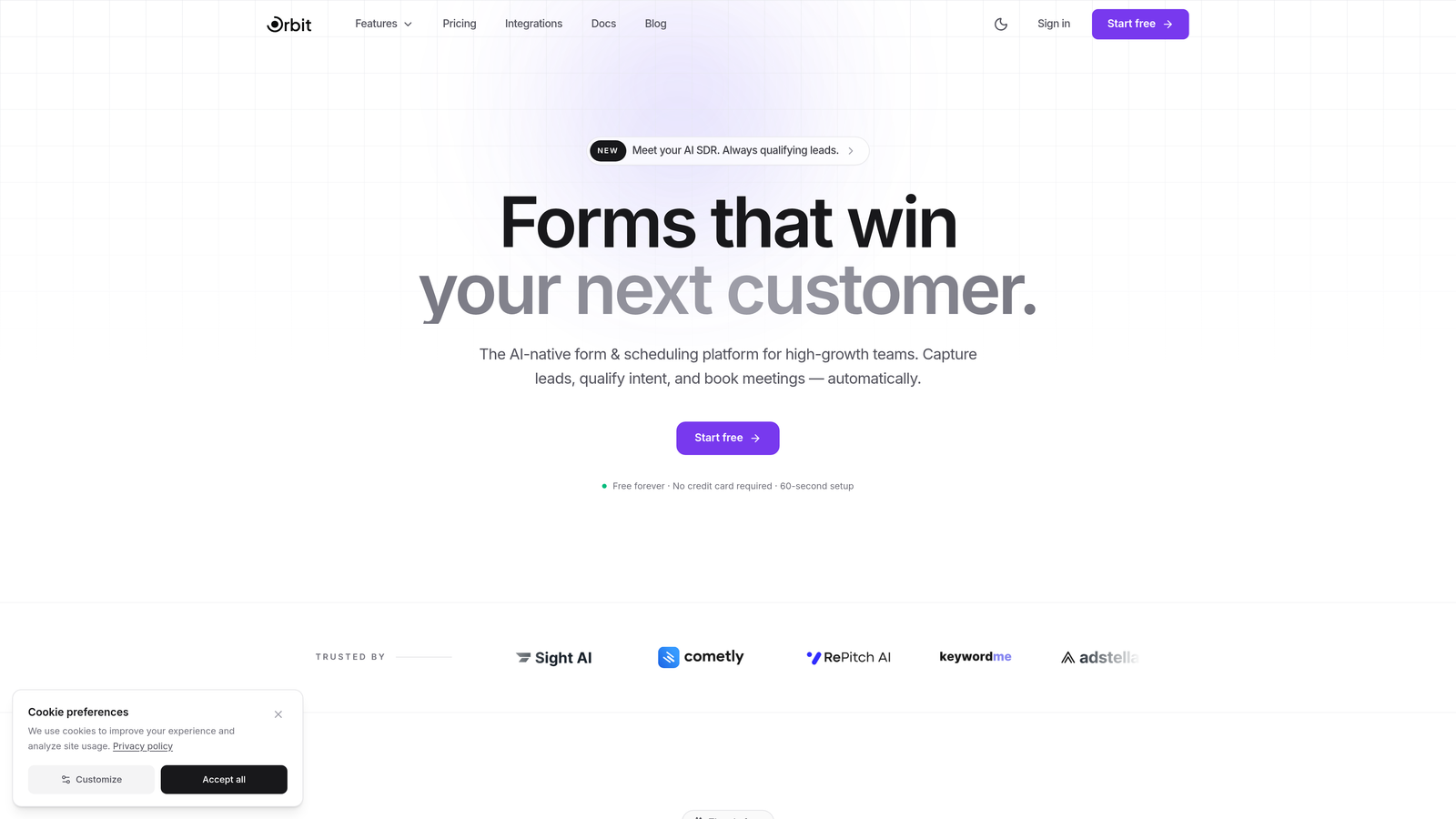
Orbit AI is an AI-native form builder that combines beautiful, conversion-focused design with intelligent lead qualification built directly into the form experience.
Where This Tool Shines
Most form builders stop at data collection. Orbit AI goes further by scoring and qualifying leads in real time as respondents fill out the form. That means your sales team receives enriched, prioritized leads rather than a raw list of submissions to sort through manually.
The platform is built specifically for high-growth teams who care about conversion rates, not just completion rates. The design system is modern and clean, and templates are engineered around conversion best practices rather than generic layouts.
Key Features
AI-Powered Lead Qualification: Scores and qualifies leads automatically at the point of capture, so your pipeline is pre-filtered before it reaches your CRM.
Conversion-Optimized Templates: Pre-built form templates designed around high-growth use cases, from demo requests to onboarding flows.
Conditional Logic and Dynamic Behavior: Forms adapt in real time based on respondent answers, creating a personalized experience without extra engineering work.
Built-in Analytics and Lead Enrichment: Track form performance and enrich lead data automatically to give your team fuller context on every submission.
Modern Design System: Full customization with a clean, professional aesthetic that fits SaaS and B2B brands out of the box.
Best For
Growth-focused SaaS teams, B2B marketers, and sales-led organizations that want their forms to do more than collect data. If lead quality matters as much as lead volume, Orbit AI is built for that mindset.
Pricing
Visit orbitforms.ai for current plan details. A free tier is available to get started.
2. Typeform
Best for: High-engagement conversational forms with a polished, one-question-at-a-time experience.
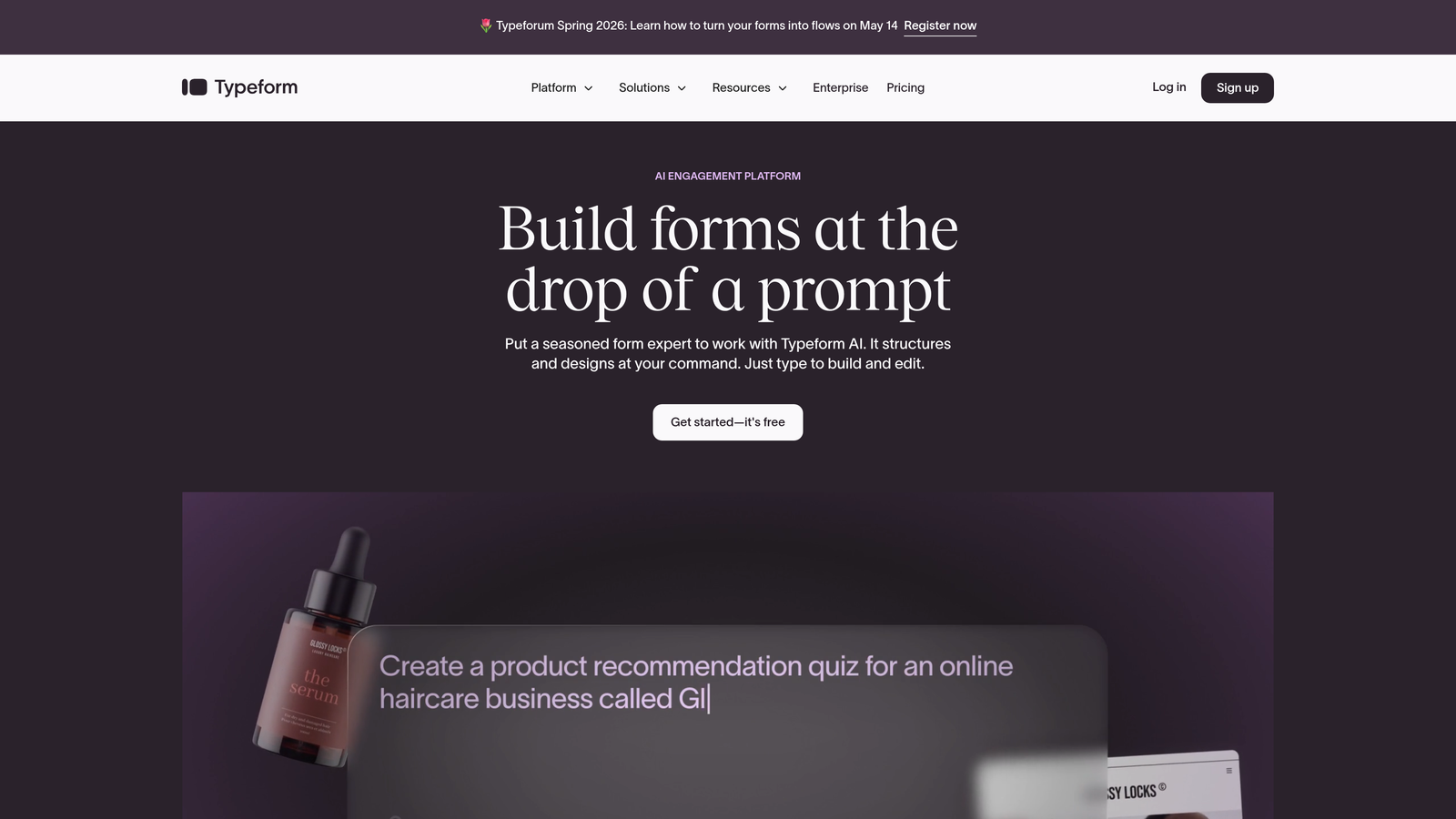
Typeform is a conversational form builder that presents questions sequentially to reduce friction and drive higher completion rates.
Where This Tool Shines
Typeform made conversational forms mainstream, and it remains one of the strongest options for use cases where engagement and brand impression matter. The interface feels less like filling out a form and more like having a conversation, which works particularly well for surveys, NPS collection, and lead capture flows.
The visual polish is hard to match. If your form is customer-facing and brand experience is a priority, Typeform's aesthetic holds up well without heavy customization effort.
Key Features
One-Question-at-a-Time UX: Presents a single question at a time to keep respondents focused and reduce abandonment.
Logic Jumps and Branching: Routes respondents through different paths based on their answers for a personalized experience.
Native Integrations: Connects directly with popular marketing, CRM, and productivity tools including HubSpot, Salesforce, and Slack.
Video and Image Embedding: Lets you embed rich media within forms to add context or personality to questions.
Customizable Themes: Full branding control over colors, fonts, and backgrounds to match your visual identity.
Best For
Marketing teams running surveys, product teams gathering user feedback, and sales teams building engaging lead capture flows where completion rate and brand impression are the primary goals.
Pricing
Free plan available with limited responses. Paid plans start around $25/month, with higher tiers unlocking more responses and advanced features.
3. Jotform
Best for: Teams that need an extensive template library and no-code customization across a wide range of industries.
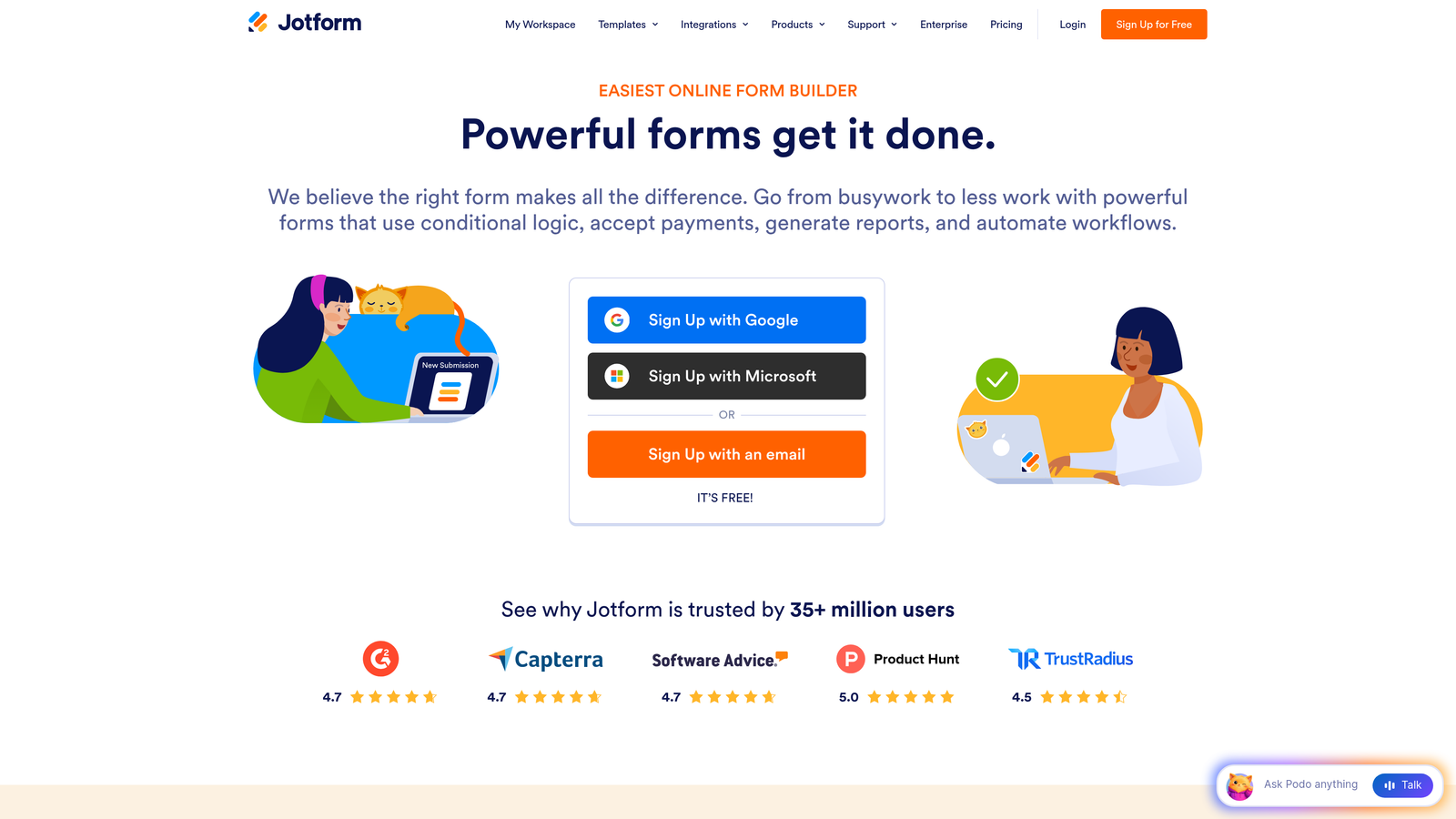
Jotform is one of the most feature-rich independent form builders available, with over 10,000 templates and a large widget marketplace.
Where This Tool Shines
Jotform's sheer breadth is its biggest advantage. Whatever industry you're in or form type you need, there's likely a template already built for it. The widget marketplace extends functionality significantly beyond the core builder, covering everything from digital signatures to payment processing to appointment scheduling.
It's also one of the more accessible options for non-technical users. The drag-and-drop builder is intuitive, and the template quality is consistently high across verticals.
Key Features
10,000+ Templates: The largest template library in the market, spanning healthcare, education, e-commerce, legal, and more.
Widget Marketplace: Hundreds of third-party widgets that extend form functionality without custom development.
PDF Report Generation and E-Signatures: Automatically generate PDFs from submissions and collect legally binding digital signatures.
Payment Integrations: Native support for PayPal, Stripe, and Square directly within forms.
HIPAA Compliance: Available on higher-tier plans for healthcare organizations handling sensitive data.
Best For
Small businesses, agencies managing multiple clients, healthcare providers, and any team that needs a wide variety of form types without writing a line of code.
Pricing
Free plan available with submission limits. Paid plans start around $34/month, scaling up with submission volume and advanced features.
4. HubSpot Forms
Best for: Teams already in the HubSpot ecosystem who want seamless CRM integration and progressive lead profiling.
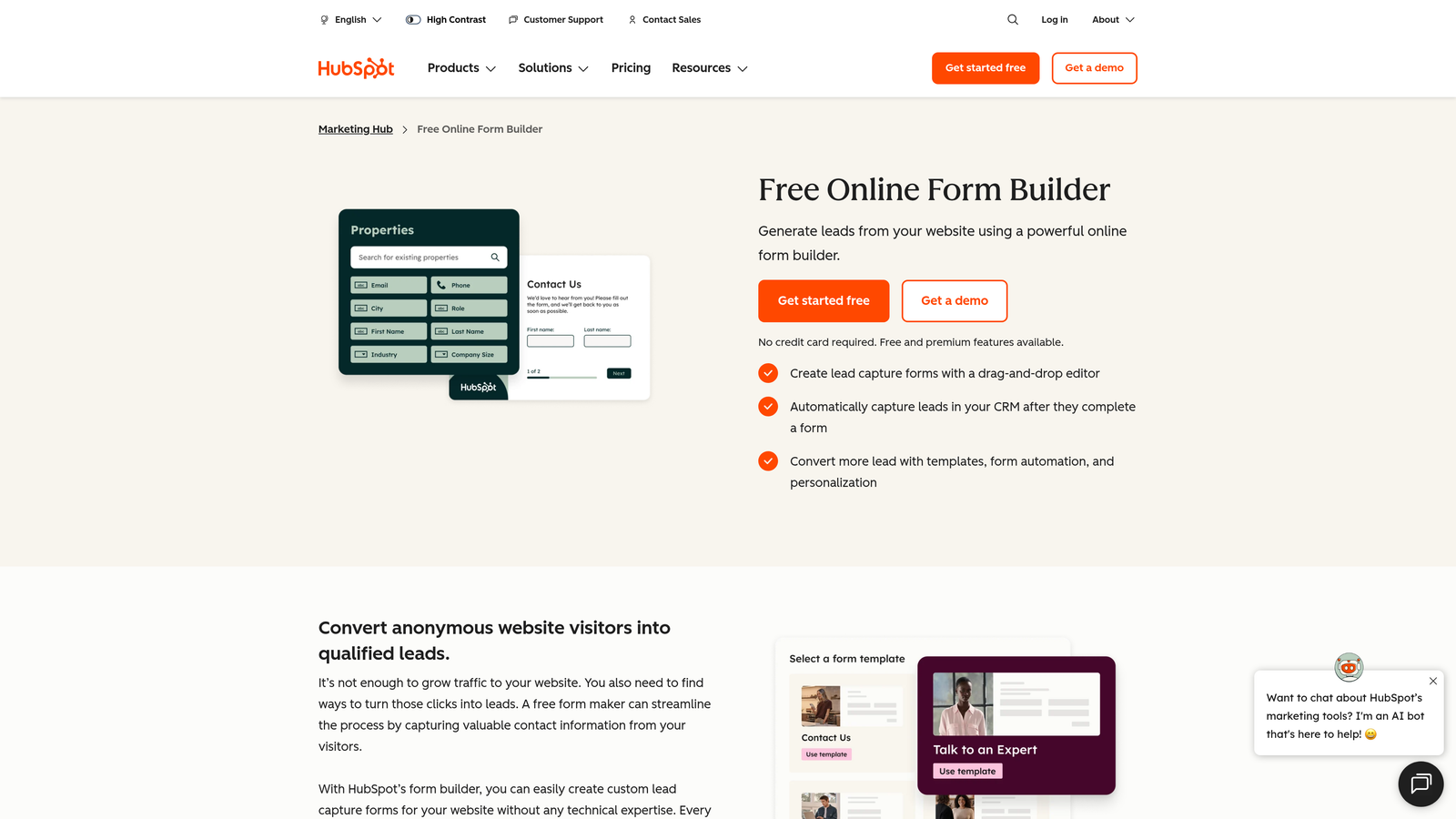
HubSpot Forms is a native form builder within HubSpot's platform, designed to feed leads directly into the CRM with smart field capabilities.
Where This Tool Shines
If your team runs on HubSpot, the native forms integration is hard to beat. Every submission automatically creates or updates a contact record in the CRM, and progressive profiling means returning visitors are asked different questions over time, gradually building richer profiles without overwhelming them on first contact.
The free tier is genuinely useful. For early-stage teams already using HubSpot's free CRM, getting started with forms costs nothing and the data flows cleanly into your existing workflows.
Key Features
Native CRM Integration: Submissions automatically create or update HubSpot contact records with zero manual data transfer.
Progressive Profiling with Smart Fields: Shows different fields to returning visitors to build lead profiles incrementally over multiple touchpoints.
Conditional and Dependent Fields: Adapts form structure dynamically based on respondent input.
A/B Testing: Test form variations natively to optimize conversion rates over time.
Free Tier: Fully functional forms available within HubSpot's free CRM plan.
Best For
Marketing and sales teams operating within the HubSpot ecosystem. Less compelling as a standalone choice if you're not already invested in HubSpot's broader platform.
Pricing
Free with HubSpot CRM. Advanced features unlock in Marketing Hub paid plans starting around $20/month, with costs scaling based on contact volume and features.
5. Formstack
Best for: Enterprise teams that need a unified platform combining forms, document generation, and e-signatures with compliance requirements.
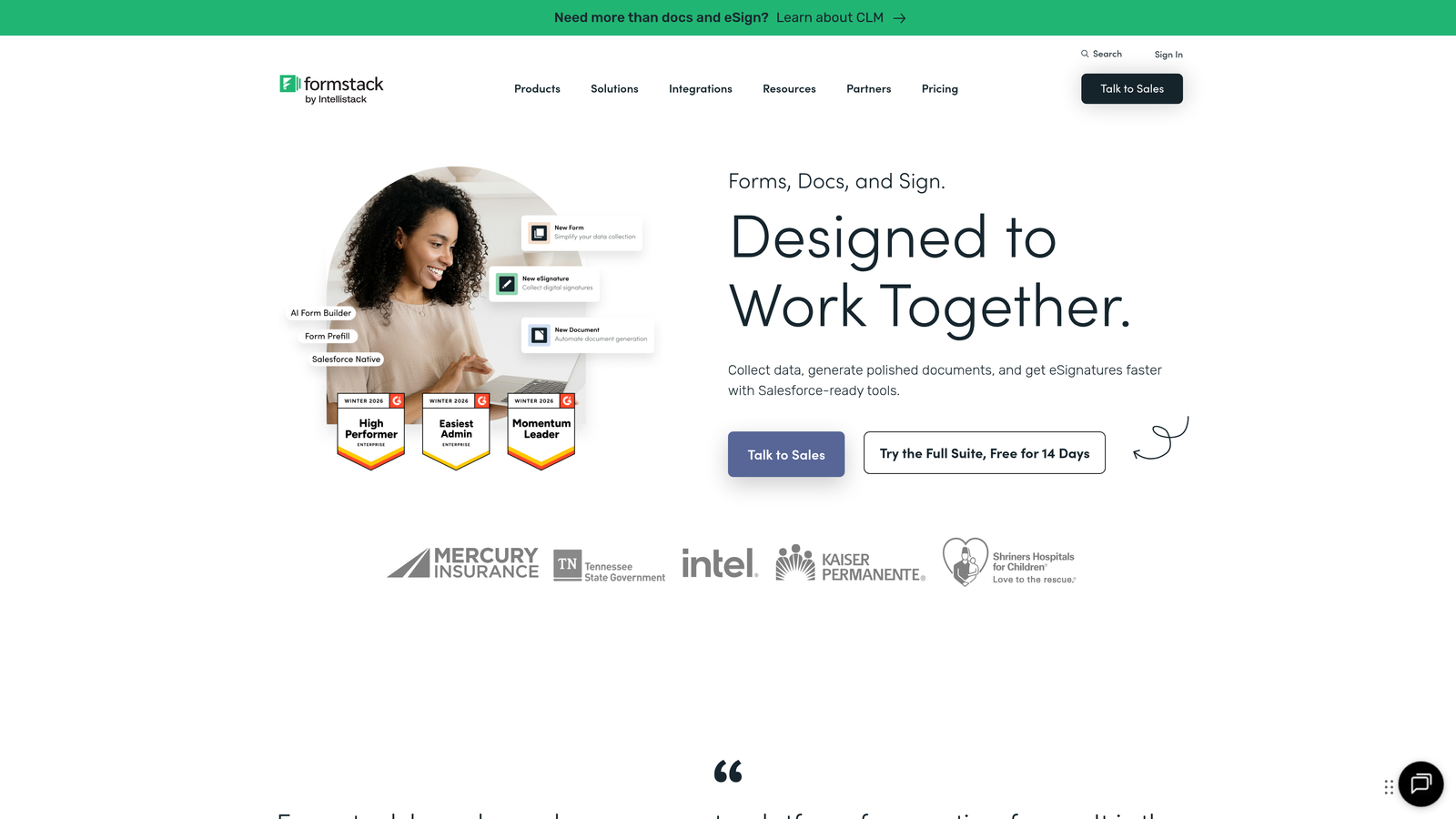
Formstack is an enterprise-grade workflow platform that goes beyond forms to cover the full data collection and document lifecycle.
Where This Tool Shines
Formstack is built for organizations where forms are just one part of a larger workflow. The ability to connect form submissions to automated document generation and e-signature collection in a single platform removes significant friction from processes like contracts, onboarding, and compliance documentation.
For regulated industries, Formstack's compliance credentials are a major differentiator. HIPAA, GDPR, and SOC 2 compliance options make it one of the few platforms genuinely suited to healthcare, legal, and financial services environments.
Key Features
Integrated Workflow Suite: Forms, documents, and e-signatures combined in a single connected platform.
Advanced Conditional Logic and Calculations: Complex field logic and calculated values for sophisticated data collection scenarios.
Compliance Options: HIPAA, GDPR, and SOC 2 compliance available for regulated industries.
Salesforce-Native Integration: Deep integration with Salesforce for enterprise CRM workflows.
Approval Workflows and Routing: Automate multi-step approval processes triggered by form submissions.
Best For
Mid-market and enterprise teams in regulated industries, particularly those running complex internal workflows that span data collection, document generation, and approvals.
Pricing
Plans start around $50/month. Enterprise pricing is available for larger deployments with custom requirements.
6. Gravity Forms
Best for: WordPress sites needing a deeply integrated, self-hosted form solution with full data ownership.
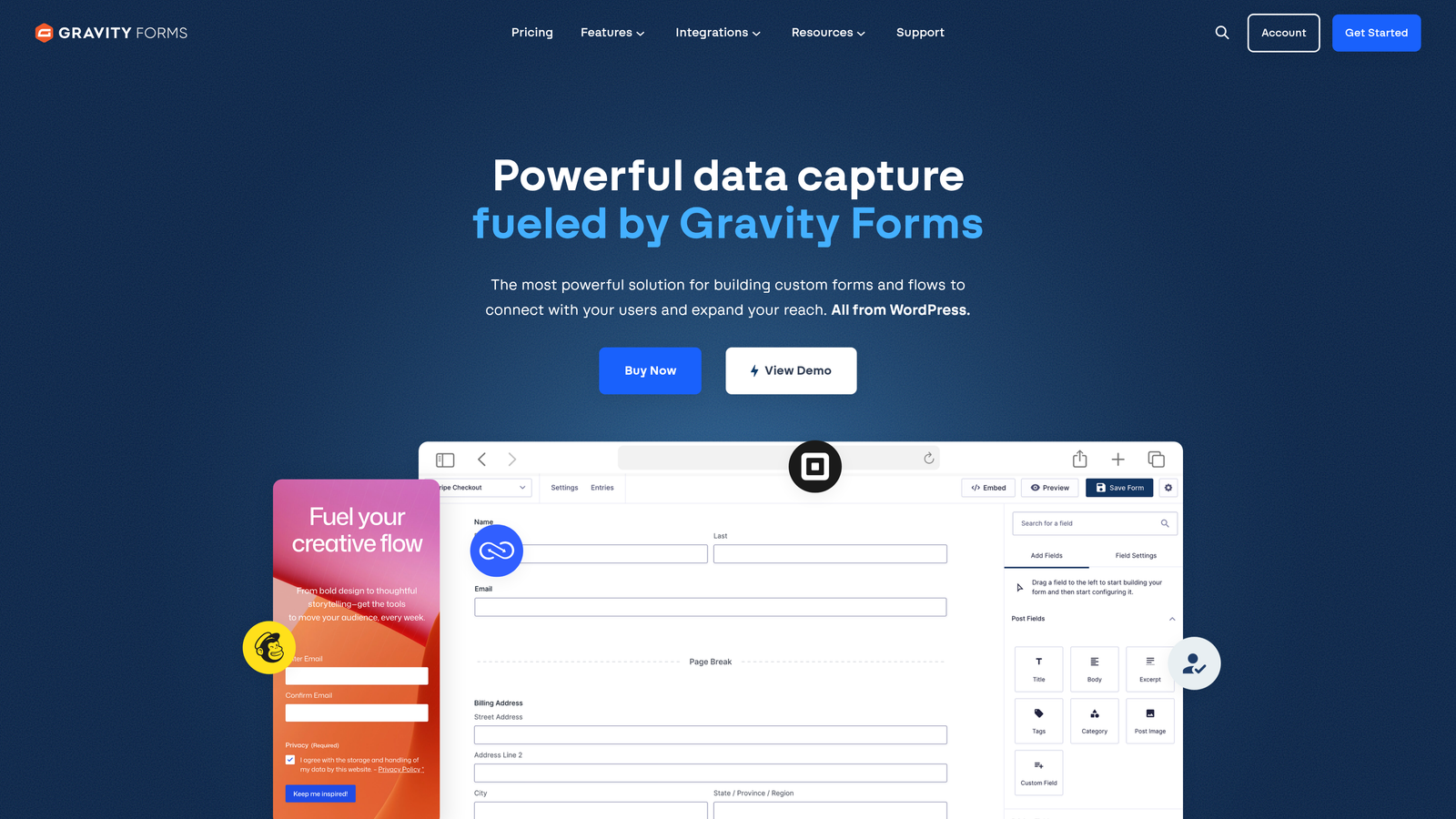
Gravity Forms is the most established WordPress-native form plugin, with an extensive add-on ecosystem and developer-friendly architecture.
Where This Tool Shines
For WordPress-based businesses, Gravity Forms offers something cloud-based tools can't: complete data ownership. All submissions stay on your own server, which matters for organizations with strict data residency requirements or privacy policies.
The developer ecosystem around Gravity Forms is exceptional. Extensive hooks, filters, and an active community mean that nearly any custom behavior is achievable without building from scratch. It's the form builder that developers reach for when they need flexibility without limits.
Key Features
Self-Hosted WordPress Plugin: All data stays on your own infrastructure with no third-party cloud dependency.
30+ Official Add-Ons: Covers payments, CRM integrations, email marketing, and more through official and community add-ons.
Advanced Conditional Logic: Multi-page forms with complex branching logic built into the core plugin.
Developer-Friendly Architecture: Extensive hooks and filters for custom functionality without modifying core code.
Repeater Fields and File Uploads: Handles complex data entry scenarios including repeating field groups and file attachments.
Best For
WordPress site owners, agencies building client sites, and developers who need maximum flexibility and full control over their data infrastructure.
Pricing
Starts at $59/year for a single site license. Higher tiers unlock additional add-ons and multi-site licensing.
7. Tally
Best for: Individuals and small teams who want a generous free plan with a clean, Notion-style editing experience.
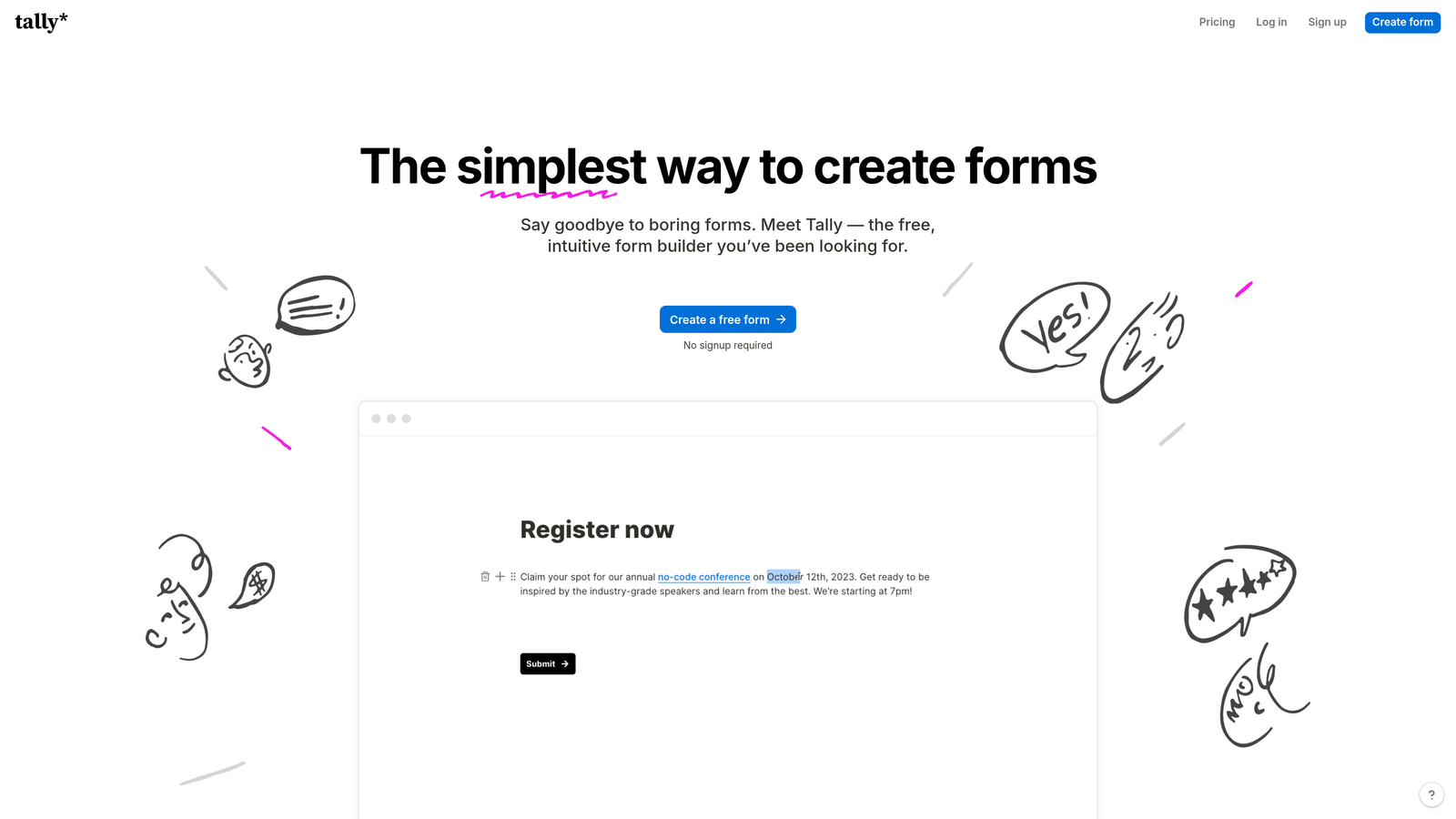
Tally is a minimalist form builder with a block-based editor and one of the most competitive free tiers in the market.
Where This Tool Shines
Tally disrupted pricing expectations when it launched by offering unlimited forms and unlimited submissions on its free plan. For teams that feel squeezed by submission limits on other platforms, that alone is a meaningful differentiator.
The editing experience feels familiar to anyone who uses Notion. The block-based interface is intuitive and fast, making form creation feel lightweight rather than laborious. It won't win on enterprise feature depth, but for speed and simplicity, it's hard to beat.
Key Features
Unlimited Forms and Submissions (Free): No submission caps on the free plan, which is genuinely rare in this market.
Notion-Style Block Editor: Familiar, intuitive editing interface that reduces the learning curve significantly.
Conditional Logic and Hidden Fields: Core logic features available even on the free plan.
Native Integrations: Connects with Notion, Slack, Google Sheets, Airtable, and more without requiring Zapier.
Custom Domains and Branding: Available on the paid plan for professional-facing form experiences.
Best For
Freelancers, early-stage startups, and small teams that need capable forms without a monthly budget commitment. Also a good fit for internal tools and ops workflows.
Pricing
Free plan covers core features with unlimited submissions. Tally Pro is $29/month, adding custom domains, branding removal, and priority support.
8. Cognito Forms
Best for: Order forms, service bookings, and registrations that require built-in payment collection and calculation logic.
Cognito Forms is a versatile form builder with particularly strong payment processing and calculation capabilities built natively into the platform.
Where This Tool Shines
Where most form builders treat payments as an add-on, Cognito Forms treats them as a first-class feature. The calculation engine lets you build dynamic pricing logic directly into your forms, so totals update in real time as respondents make selections. That makes it genuinely useful for product order forms, event registrations, and service booking scenarios.
The repeating sections feature is another standout. It lets respondents dynamically add line items or entries within a single form, which is essential for order forms and multi-item registrations.
Key Features
Built-in Payment Processing: Native Stripe, PayPal, and Square integration without needing a third-party connector.
Advanced Calculation Fields: Dynamic pricing logic that updates totals in real time based on respondent selections.
Repeating Sections: Allows respondents to add multiple entries dynamically within a single form submission.
Conditional Logic and Multi-Page Forms: Full logic and navigation controls for complex form flows.
HIPAA Compliance Option: Available for healthcare organizations handling protected health information.
Best For
E-commerce teams, event organizers, service businesses, and healthcare providers that need payment collection and dynamic pricing logic without custom development.
Pricing
Free plan available with basic features. Paid plans start at $15/month, making it one of the more affordable options for payment-enabled forms.
9. Paperform
Best for: Teams that want a branded, content-rich form experience that functions as both a form and a landing page.
Paperform is a form builder with a rich content editor, letting teams blend text, images, and video alongside form fields in a single branded page experience.
Where This Tool Shines
Paperform blurs the line between form and landing page. Because you can mix rich content with form fields freely, the result feels more like a curated experience than a data collection exercise. That's particularly valuable for product pages, intake forms that need context-setting, and payment pages where trust signals matter.
The 3,000+ integrations via Zapier and native connections give it solid connectivity across most marketing and productivity stacks. It's not the deepest integration story, but it's broad enough for most use cases.
Key Features
Rich Content Editor: Freely mix text, images, video, and form fields on a single page without layout constraints.
Product and Payment Pages: Build shoppable product pages and payment collection directly within the form experience.
Conditional Logic and Custom Success Pages: Personalize the post-submission experience based on respondent answers.
3,000+ Integrations: Broad connectivity via Zapier and native integrations with popular tools.
Custom Branding: Full control over fonts, colors, and themes for a fully on-brand experience.
Best For
Small business owners, coaches, consultants, and product teams who want their forms to feel like polished branded experiences rather than generic data collection pages.
Pricing
Plans start at $24/month. No free plan is available, but a free trial lets you explore the platform before committing.
Which Platform Is Right for Your Team?
Every platform on this list does forms well. The real question is what you need your forms to do beyond collecting data.
Here's a quick breakdown by use case to help you narrow it down:
AI-powered lead qualification: Orbit AI is the clear choice if your priority is converting form submissions into scored, enriched leads automatically. It's built for growth teams where lead quality drives pipeline outcomes.
Best conversational experience: Typeform remains the gold standard for engagement-focused forms where brand impression and completion rate are the metrics that matter most.
Best template variety: Jotform wins on sheer breadth, with a template for virtually every industry and use case imaginable.
Best CRM-native option: HubSpot Forms is the obvious choice if your team already lives in HubSpot and wants zero-friction CRM data flow.
Best for enterprise workflows: Formstack is built for organizations that need forms, documents, and e-signatures under one compliant roof.
Best for WordPress: Gravity Forms remains the dominant choice for WordPress-based businesses that want full data ownership and developer flexibility.
Best free option: Tally's unlimited free plan is genuinely hard to argue with for teams watching their budget.
Best for payments: Cognito Forms handles complex payment and pricing logic better than almost any other platform at its price point.
Best for branded pages: Paperform is the right pick when your form needs to function as a full branded experience, not just a data collection widget.
The smartest approach is to match the platform to your growth stage, your existing tech stack, and what you actually need your forms to accomplish. If you're running a high-growth team and lead quality is your top priority, start building free forms today with Orbit AI and see how intelligent form design can transform your conversion strategy. For teams exploring their options, reviewing your lead generation workflow end-to-end is always a useful first step before committing to any platform.


