

Your contact form is often the first real conversation you have with a potential customer—and most forms blow it. They're static, generic, and treat every visitor the same whether they're a Fortune 500 buyer or a student doing research. Smart contact form tools change the game by using AI and conditional logic to qualify leads in real-time, personalize the experience, and route submissions to the right team instantly.
We evaluated dozens of form builders based on their intelligence features, integration capabilities, and actual impact on conversion rates. Here are the top tools that stood out for teams serious about turning form submissions into revenue.
1. Orbit AI
Best for: Teams that need AI-powered lead qualification built directly into the form experience
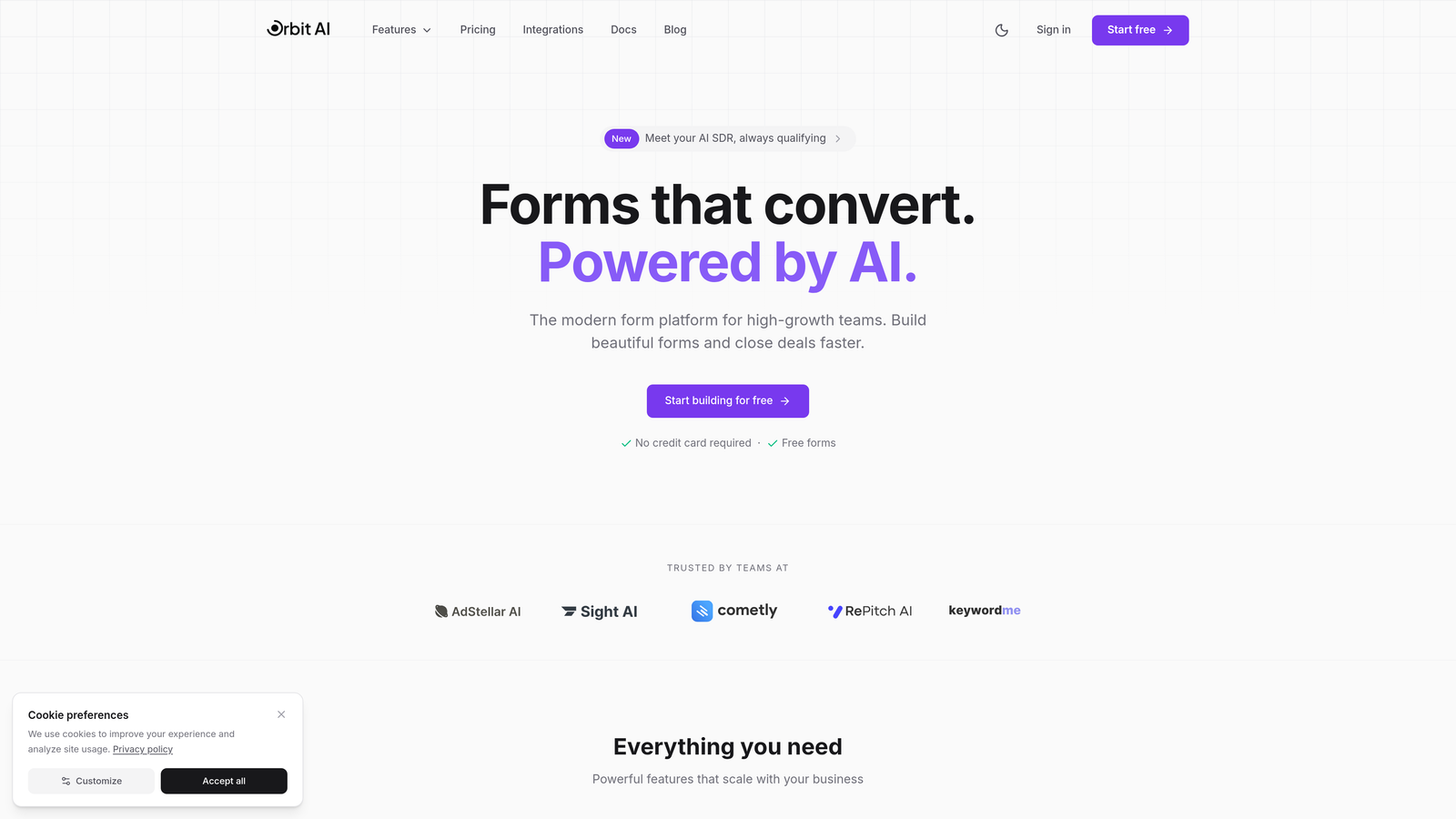
Orbit AI is an AI-powered form builder that qualifies and scores leads in real-time as prospects complete your forms.
Where This Tool Shines
The standout feature here is how the AI analyzes responses as they're typed, scoring lead quality before the form is even submitted. This means your sales team gets hot leads instantly while lower-priority submissions flow into nurture sequences automatically.
The platform was built specifically for high-growth teams who need more than just data collection. It combines intelligent lead routing with conversion-optimized design, so you're not choosing between beautiful forms and functional qualification.
Key Features
AI-Powered Lead Qualification: Scores and qualifies leads during form completion based on response patterns and data quality.
Intelligent Routing: Automatically sends qualified leads to the right team member or workflow based on AI scoring and custom rules.
Conversion-Optimized Design: Modern, mobile-responsive templates built specifically to maximize completion rates.
Native CRM Integrations: Connects directly to major CRMs and marketing tools without middleware or complex setup.
Real-Time Analytics: Track form performance, qualification rates, and conversion metrics in one dashboard.
Best For
High-growth B2B teams, marketing agencies managing multiple clients, and sales organizations that need to prioritize inbound leads based on qualification criteria rather than submission order.
Pricing
Free tier available for basic forms. Paid plans start at $29/month with AI qualification and advanced routing features.
2. Typeform
Best for: Creating engaging, conversational form experiences with high completion rates
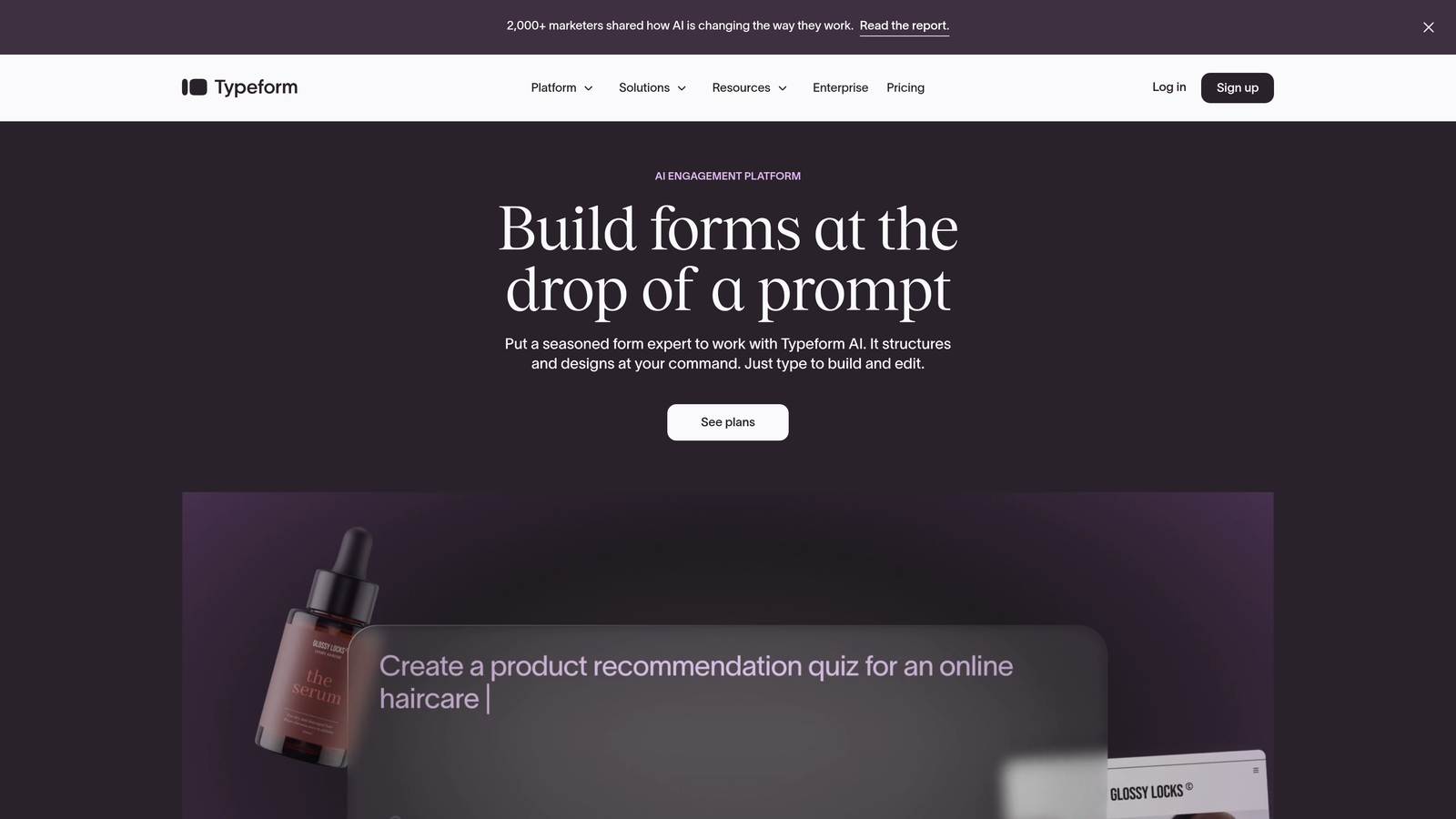
Typeform is a conversational form builder known for its one-question-at-a-time format that feels more like a conversation than an interrogation.
Where This Tool Shines
Typeform transformed how people think about online forms by making them actually enjoyable to complete. The one-question-at-a-time approach reduces cognitive load and works beautifully on mobile devices where traditional multi-field forms feel overwhelming.
The logic jump functionality lets you create branching paths based on answers, so each respondent sees only relevant questions. This personalization keeps completion rates high while still gathering detailed information from qualified prospects.
Key Features
Conversational Format: One-question-at-a-time interface that guides users through the form experience naturally.
Logic Jumps: Branch to different questions based on previous answers to create personalized paths.
Visual Design: Beautiful default templates with support for images, videos, and GIFs throughout the form.
Extensive Integrations: Connects to hundreds of tools including major CRMs, email platforms, and analytics systems.
Hidden Fields: Track UTM parameters and other metadata automatically for better attribution.
Best For
Marketing teams focused on top-of-funnel engagement, companies with consumer-facing products, and anyone who needs forms that feel less like data collection and more like conversation.
Pricing
Free tier available with Typeform branding. Basic plan starts at $25/month with logic jumps and 100 responses per month.
3. HubSpot Forms
Best for: Teams already using HubSpot who need native CRM integration and progressive profiling
HubSpot Forms is the native form builder within HubSpot's CRM platform, offering seamless connection to marketing and sales workflows.

Where This Tool Shines
Progressive profiling is the killer feature here. If someone has filled out your form before, HubSpot automatically replaces those questions with new ones, gradually building a complete contact profile without making returning visitors answer the same questions repeatedly.
Because the forms live inside the CRM, every submission automatically updates contact records, triggers workflows, and feeds into lead scoring models. There's zero manual data entry or integration maintenance.
Key Features
Progressive Profiling: Automatically shows different questions to returning visitors to build complete profiles over time.
Native CRM Integration: Form submissions instantly create or update contact records with no integration setup.
Smart Content: Personalize form fields and messaging based on known contact information or list membership.
Automatic Lead Scoring: Form submissions contribute to lead scores based on your criteria.
Workflow Triggers: Automatically start email sequences, assign tasks, or notify team members based on form submissions.
Best For
Companies already invested in the HubSpot ecosystem, marketing teams running complex nurture campaigns, and organizations that need tight integration between forms and CRM data.
Pricing
Free with HubSpot CRM. Advanced features like progressive profiling require Marketing Hub Professional starting at $800/month.
4. Jotform
Best for: Teams needing extensive template variety and conditional logic at accessible prices
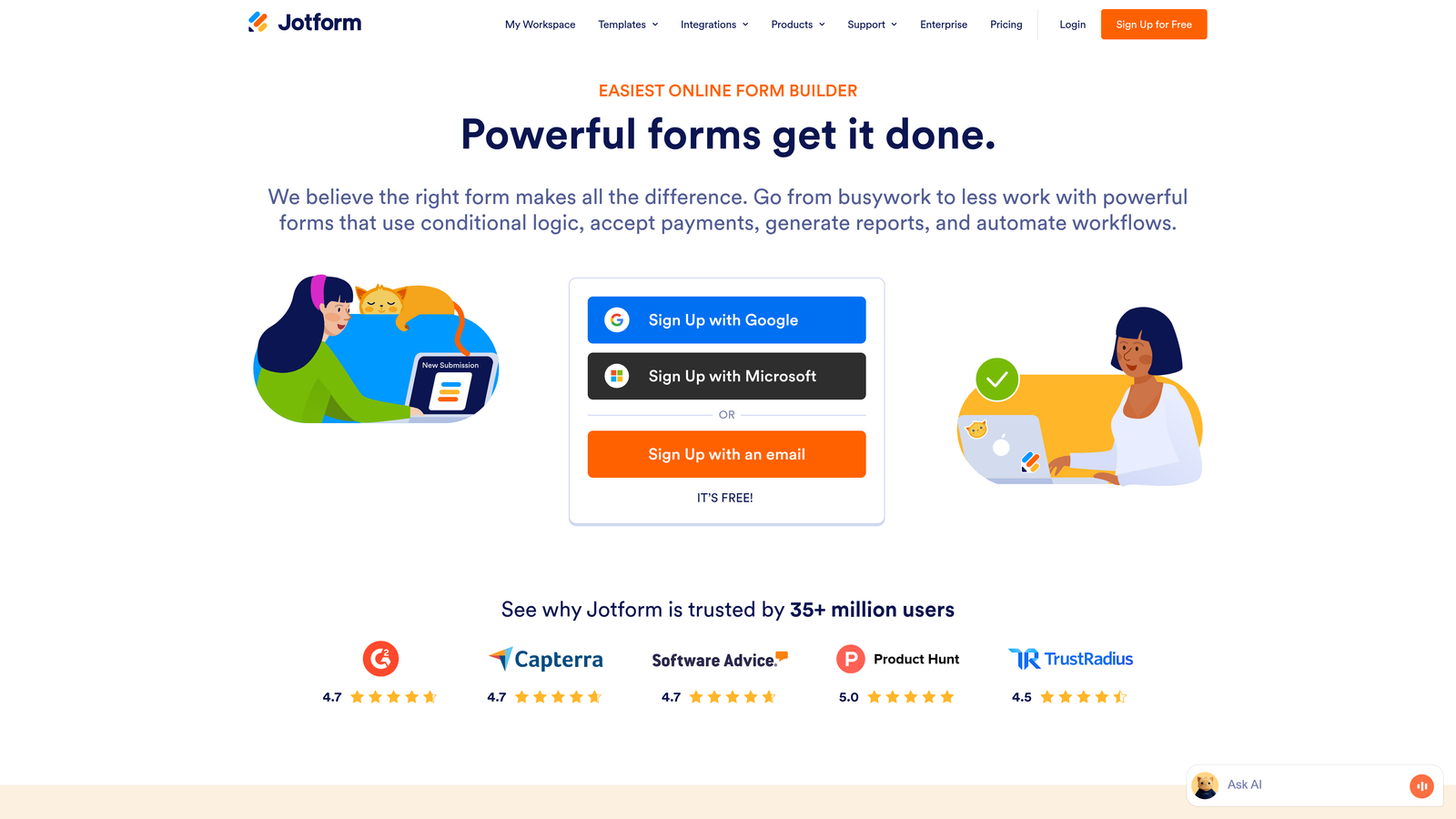
Jotform is a versatile form builder offering thousands of pre-built templates and solid conditional logic features for various use cases.
Where This Tool Shines
With over 10,000 templates, Jotform covers nearly every form scenario you can imagine—from event registrations to job applications to payment collection. This template library saves hours of setup time and provides inspiration for form structures you might not have considered.
The conditional logic builder is intuitive enough for non-technical users but powerful enough to create complex branching forms. You can show or hide fields, skip pages, or change form behavior based on any combination of responses.
Key Features
10,000+ Templates: Pre-built forms for virtually every industry and use case, fully customizable.
Conditional Logic: Show or hide fields, skip pages, and change form behavior based on user responses.
Payment Collection: Built-in integration with payment processors for collecting fees or processing orders.
PDF Generation: Automatically convert form submissions into formatted PDF documents.
HIPAA Compliance: Available on higher-tier plans for healthcare and regulated industries.
Best For
Small to medium businesses needing versatile form capabilities, organizations in healthcare or education requiring compliance features, and teams that want to launch quickly using proven templates.
Pricing
Free tier includes 5 forms and 100 monthly submissions. Bronze plan starts at $34/month with unlimited forms.
5. Formstack
Best for: Enterprise organizations requiring advanced compliance, workflow automation, and document generation
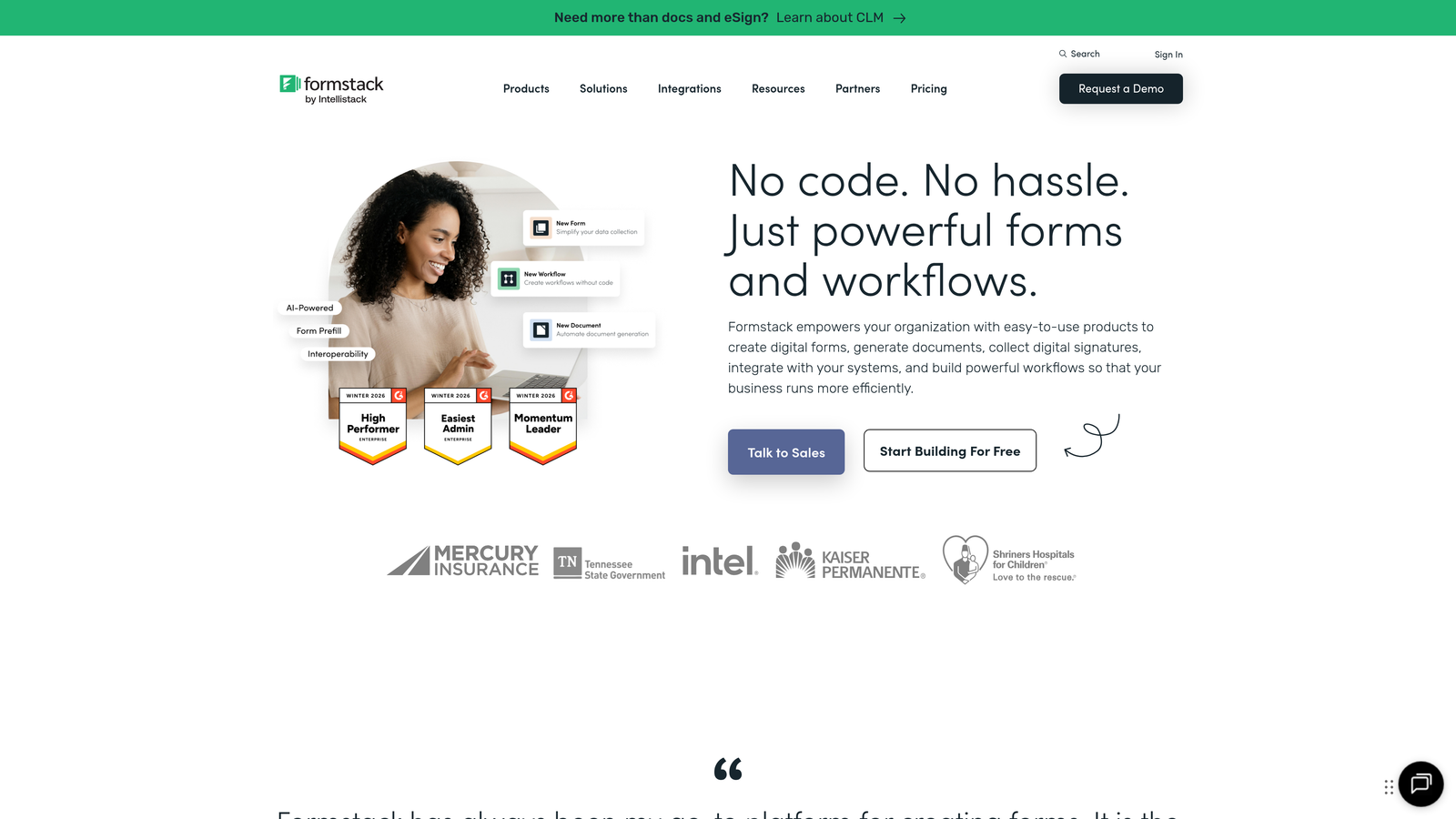
Formstack is an enterprise-grade form platform with sophisticated workflow automation and compliance features for regulated industries.
Where This Tool Shines
Formstack excels when forms are just the beginning of a complex workflow. The platform can generate documents, route approvals, trigger multi-step processes, and integrate with enterprise systems that simpler tools can't touch.
For organizations in healthcare, finance, or government sectors, Formstack's compliance certifications and security features aren't optional extras—they're core to the platform. HIPAA, GDPR, and SOC 2 compliance come standard on appropriate plans.
Key Features
Advanced Conditional Logic: Create complex branching forms with multiple conditions and actions.
Workflow Automation: Build multi-step approval processes and automated routing based on form data.
Document Generation: Automatically create contracts, agreements, or reports from form submissions.
Compliance Certifications: HIPAA, GDPR, and SOC 2 compliance with audit trails and data encryption.
Electronic Signatures: Collect legally binding signatures within the form experience.
Best For
Enterprise organizations with complex approval workflows, healthcare providers requiring HIPAA compliance, financial services firms, and companies that need forms to trigger sophisticated business processes.
Pricing
Forms plan starts at $50/month. Enterprise bundles including Documents and Sign available with custom pricing.
6. Tally
Best for: Budget-conscious teams wanting powerful features without monthly fees
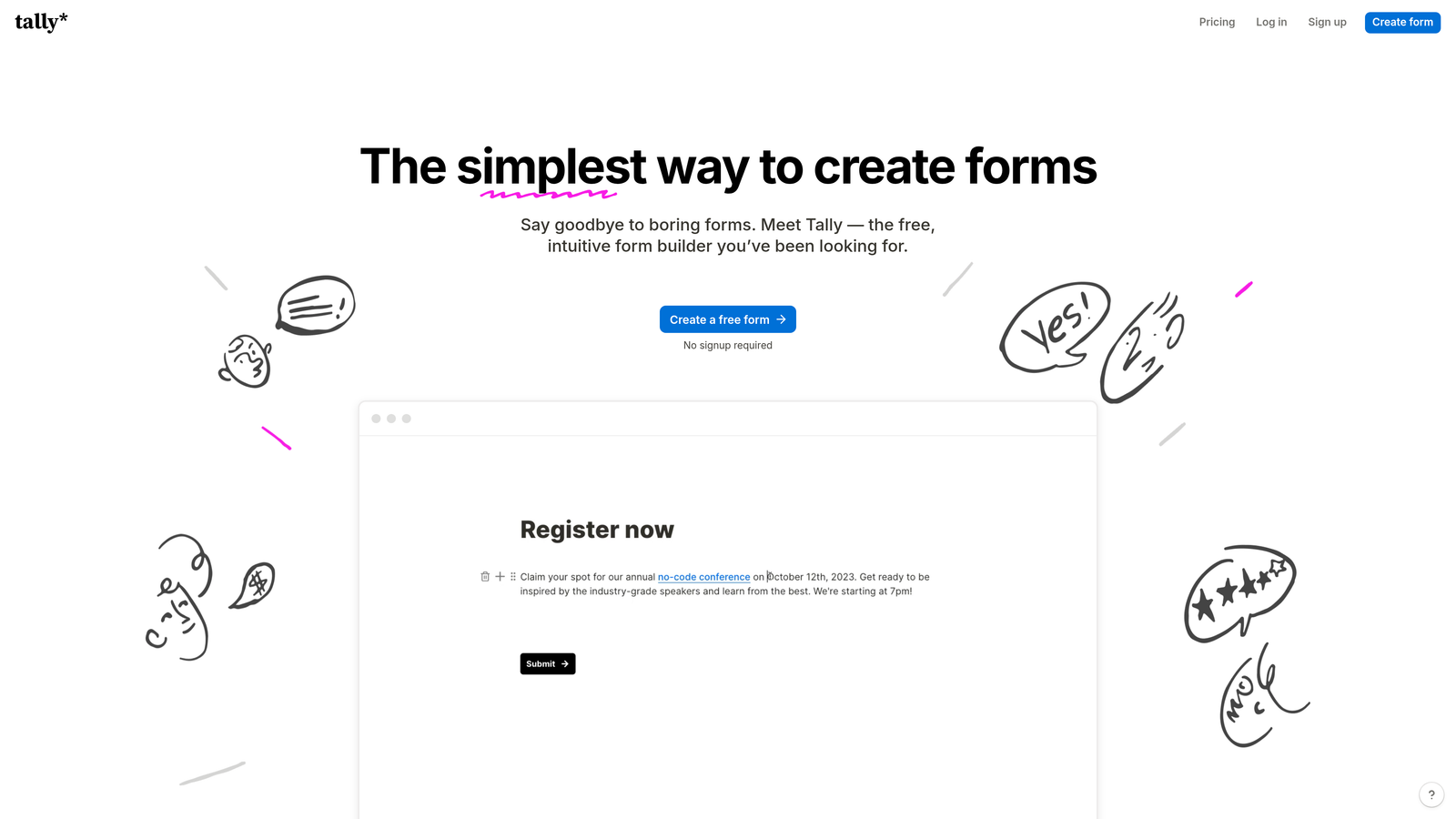
Tally is a Notion-style form builder that offers unlimited forms and surprisingly advanced features on its free tier.
Where This Tool Shines
Tally's free tier is genuinely generous—unlimited forms, unlimited submissions, and conditional logic all included at no cost. For startups or small teams testing form strategies, this removes the financial barrier to experimentation.
The Notion-style block editor will feel instantly familiar if you've used modern document tools. You build forms by adding blocks, dragging them around, and nesting logic—no learning curve for teams already comfortable with block-based interfaces.
Key Features
Unlimited Free Forms: No artificial limits on form count or monthly submissions on the free plan.
Block-Based Editor: Notion-style interface for building forms with drag-and-drop simplicity.
Conditional Logic: Show or hide questions based on responses, included free.
Calculator Fields: Perform calculations within forms for quotes, assessments, or pricing.
Clean Design: Minimal, modern aesthetic that works well for professional contexts.
Best For
Startups operating on tight budgets, teams that prefer Notion-style interfaces, and organizations that need to deploy many forms without per-form pricing constraints.
Pricing
Free tier includes most features. Pro plan at $29/month adds custom branding, file uploads, and priority support.
7. Leadformly
Best for: Marketing teams focused on maximizing qualified lead generation through optimization
Leadformly is a conversion-focused form builder with built-in A/B testing and lead scoring designed specifically to maximize qualified leads.

Where This Tool Shines
Leadformly was built by marketers for marketers, and it shows. The built-in A/B testing lets you experiment with different form lengths, question orders, and designs to find what converts best for your specific audience.
The lead scoring feature assigns point values to different responses, so you can identify high-value prospects before they even submit. This scoring integrates with your CRM, meaning sales teams can prioritize outreach based on actual qualification criteria rather than submission order.
Key Features
Built-In A/B Testing: Test different form variations to optimize conversion rates without external tools.
Lead Scoring: Assign point values to responses to qualify leads during form completion.
Multi-Step Optimization: Break long forms into steps with progress indicators to improve completion rates.
Conversion Analytics: Detailed reporting on form performance, drop-off points, and conversion paths.
CRM Integrations: Connect to major CRMs with lead scores passing through automatically.
Best For
B2B marketing teams running lead generation campaigns, agencies managing client forms, and companies where lead quality matters more than lead quantity.
Pricing
Essential plan starts at $37/month. Professional and Agency tiers available with higher submission limits and additional features.
8. Cognito Forms
Best for: Professional service firms needing advanced calculations, payments, and data security
Cognito Forms is a feature-rich form builder excelling at complex calculations, payment processing, and data security for professional contexts.
Where This Tool Shines
The calculation engine in Cognito Forms is remarkably powerful. You can build forms that function like spreadsheets—calculating quotes, totaling orders, applying discounts, or computing complex formulas based on user inputs. This makes it perfect for service businesses that need to provide instant pricing estimates.
Payment processing is deeply integrated with support for Stripe, PayPal, and Square. You can collect partial payments, set up payment plans, or process refunds—all without leaving the form platform.
Key Features
Advanced Calculations: Build complex formulas and calculations within forms for quotes, assessments, or pricing.
Payment Processing: Integrated payment collection through Stripe, PayPal, and Square with subscription support.
Repeating Sections: Let users add multiple entries within a single form submission for orders or registrations.
Data Encryption: All data encrypted at rest and in transit with compliance certifications available.
Workflow Routing: Route submissions through approval processes or assign to team members automatically.
Best For
Professional service firms providing quotes or estimates, organizations collecting payments through forms, and businesses requiring detailed calculations or complex data structures.
Pricing
Free tier available with basic features. Pro plan starts at $15/month with payments and advanced calculations.
9. Paperform
Best for: Creating branded, content-rich form experiences that blend forms with landing pages
Paperform is a document-style form builder that creates forms feeling more like interactive landing pages than traditional data collection tools.
Where This Tool Shines
Paperform takes a fundamentally different approach—forms are documents. You can mix form fields with rich text, images, videos, and custom HTML to create experiences that educate while they collect information. This works beautifully for complex products or services that need explanation alongside data collection.
The platform includes e-commerce and booking functionality, so you can build complete transactional experiences without leaving the form builder. Sell products, book appointments, or collect registrations with payments—all in one branded experience.
Key Features
Document-Style Design: Build forms that look like branded landing pages with rich content throughout.
Rich Content Embedding: Add videos, images, custom HTML, and formatted text anywhere in your forms.
E-Commerce Features: Sell products, process payments, and manage inventory directly through forms.
Booking and Scheduling: Integrate appointment booking with calendar sync and automated confirmations.
Complete Branding: Customize every visual element to match your brand identity perfectly.
Best For
Agencies creating branded experiences for clients, businesses with complex products requiring explanation, and companies that want forms to double as landing pages.
Pricing
Essentials plan starts at $24/month with unlimited forms and submissions.
Making the Right Choice
Here's the reality: your form strategy depends entirely on what you're trying to accomplish.
Choose Orbit AI if lead qualification is your priority and you want AI doing the heavy lifting of scoring and routing prospects before they hit your CRM. The real-time qualification means your sales team focuses on ready-to-buy prospects instead of sorting through unqualified submissions.
Go with Typeform for maximum engagement on top-of-funnel forms where completion rate matters more than immediate qualification. The conversational format works especially well for consumer-facing brands or long surveys that would feel overwhelming in traditional formats.
HubSpot Forms makes sense if you're already in their ecosystem. The progressive profiling and native CRM integration eliminate data silos, though you'll need Marketing Hub Professional to unlock the most powerful features.
For budget-conscious teams, Tally offers surprising power at no cost. The unlimited forms and included conditional logic remove financial barriers to experimentation—perfect for startups testing different lead generation approaches.
Formstack and Cognito Forms serve enterprise needs with compliance certifications, advanced calculations, and workflow automation. If you're in healthcare, finance, or any regulated industry, these platforms have the security and compliance features you can't skip.
Leadformly targets marketing teams obsessed with optimization. The built-in A/B testing and conversion analytics help you systematically improve form performance rather than guessing what works.
The right smart form tool depends on your specific workflow—but any of these nine will dramatically outperform a basic contact form. The difference between a static form and an intelligent one isn't just better data collection. It's about having real conversations that qualify prospects, route them appropriately, and set up your sales team for success before the first call even happens.
Transform your lead generation with AI-powered forms that qualify prospects automatically while delivering the modern, conversion-optimized experience your high-growth team needs. Start building free forms today and see how intelligent form design can elevate your conversion strategy.


