

Most form builders charge enterprise prices for features that growing teams actually need from day one. Whether you're qualifying leads, collecting customer feedback, or running multi-step surveys, the right form builder shouldn't drain your budget before you've even started converting.
This list cuts through the noise to highlight the top affordable form builder solutions that deliver real value, from AI-powered lead qualification to simple drag-and-drop builders. We evaluated each tool on pricing transparency, core feature depth, ease of use, and how well it serves teams focused on conversion optimization. Whether you're a lean startup or a scaling SaaS team, there's an option here that fits your workflow and your budget.
1. Orbit AI
Best for: High-growth SaaS and B2B teams who need built-in lead qualification without extra tools.
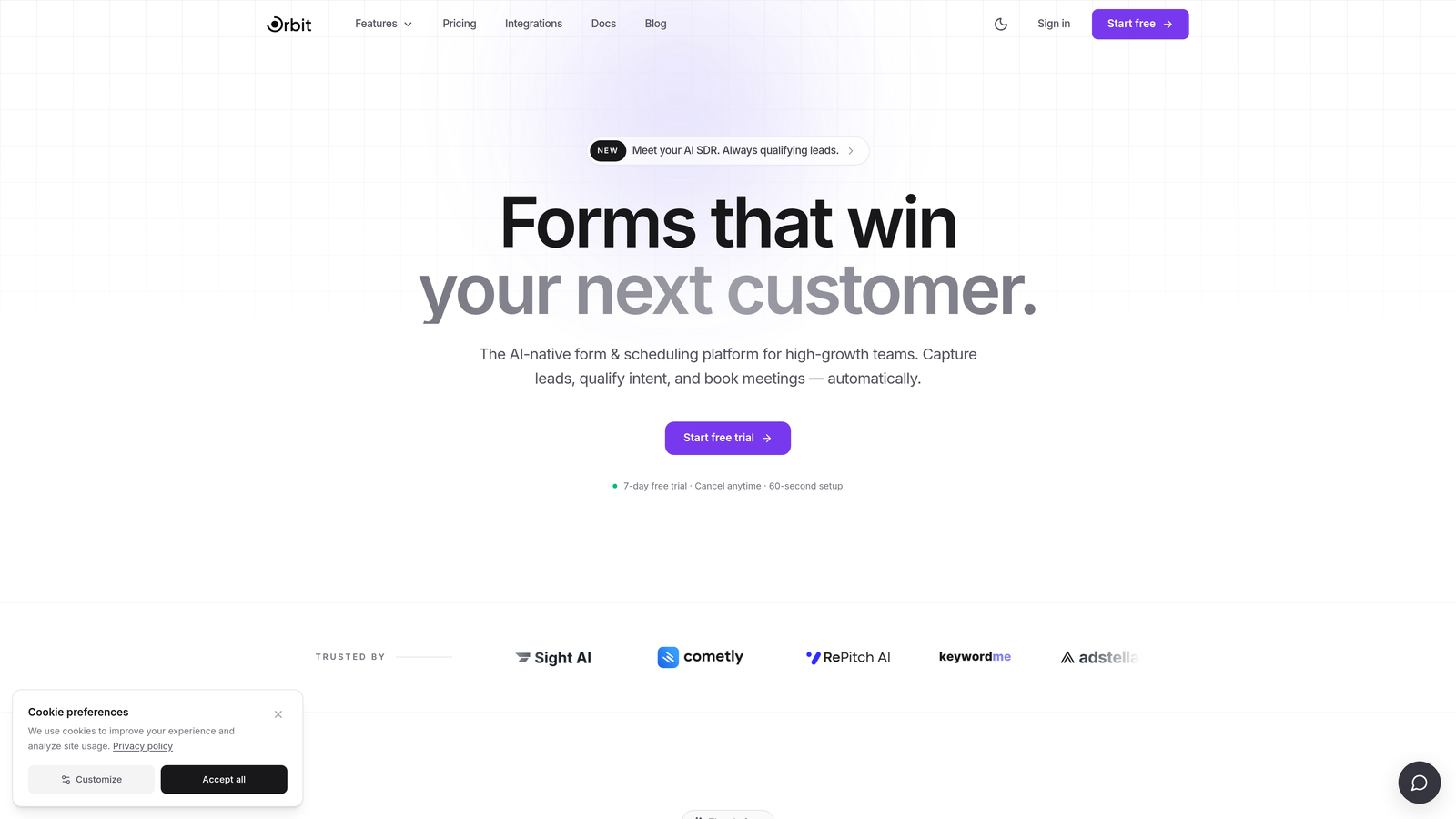
Orbit AI is an AI-powered form builder with native lead qualification capabilities designed for conversion-focused growth teams.
Where This Tool Shines
Most form builders stop at collecting data. Orbit AI goes further by qualifying that data in real time, scoring and routing leads directly within the form flow. This means your team sees high-intent prospects faster, without stitching together a form tool, a CRM enrichment layer, and a scoring spreadsheet.
The platform is built specifically for SaaS and B2B workflows, so the templates, logic structures, and design defaults are already optimized for the kinds of forms growth teams actually need: demo requests, onboarding questionnaires, pricing qualification flows, and more.
Key Features
AI-Powered Lead Qualification: Qualifies and scores leads automatically based on form responses, without requiring a separate tool or manual review.
Conversion-Optimized Templates: Modern, branded form designs built to maximize completion rates from the first interaction.
Multi-Step Form Support: Progressive profiling across multiple steps keeps forms feeling lightweight while gathering richer data.
Lead Scoring and Routing: Routes qualified leads to the right team member or pipeline stage automatically based on defined criteria.
SaaS and B2B Workflow Alignment: Form logic, integrations, and UX patterns are designed around B2B growth use cases rather than generic data collection.
Best For
Orbit AI is the strongest fit for SaaS companies, growth marketers, and B2B sales teams who care about lead quality as much as lead volume. If you're currently using a basic form builder alongside a separate qualification process, Orbit AI consolidates both into a single platform.
Pricing
Visit orbitforms.ai for current pricing plans. The platform is designed to be accessible for growing teams, not just enterprise budgets.
2. Tally
Best for: Teams that need unlimited forms and responses without spending a dollar.
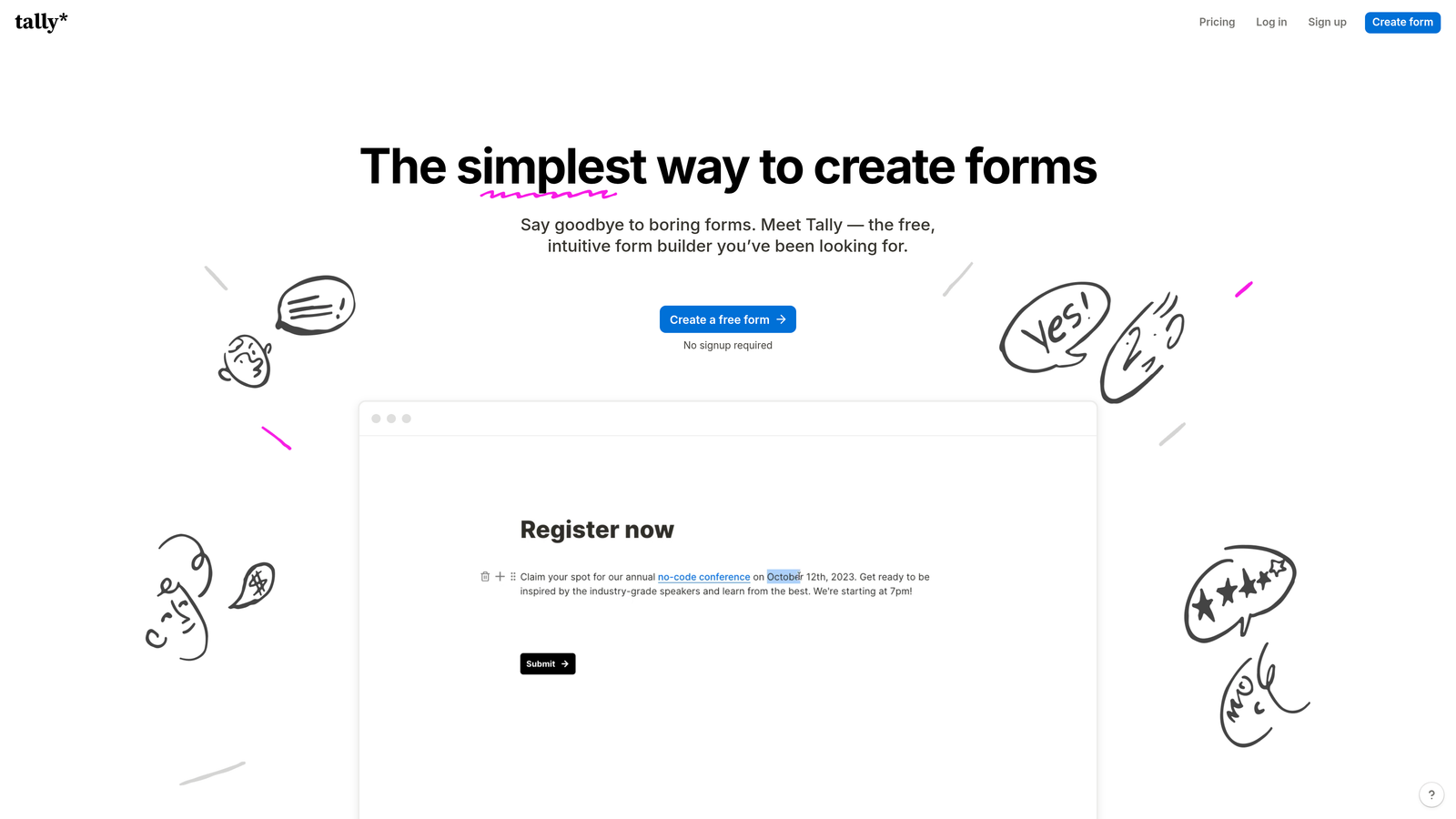
Tally is a Notion-inspired form builder offering one of the most generous free tiers in the market, with unlimited forms and unlimited responses at no cost.
Where This Tool Shines
Tally's free plan is genuinely impressive. Most competitors cap free users at a handful of forms or a few hundred monthly responses. Tally removes those limits entirely, making it a standout choice for early-stage teams or anyone who needs to spin up forms quickly without budget approval.
The block-based editor is clean and fast to learn, particularly if your team already lives inside Notion. It won't win design awards, but it gets out of your way and lets you build functional forms in minutes.
Key Features
Unlimited Free Forms and Responses: No caps on the free plan, which is rare across the entire form builder category.
Block-Based Editor: Intuitive, Notion-style interface that's easy to pick up without any training.
Conditional Logic and Multi-Page Forms: Supports branching and multi-step flows even on the free tier.
Custom Domain Support: Available on the Pro plan for teams that need branded form URLs.
Partial Submission Capture: Pro plan captures responses from users who start but don't finish a form.
Best For
Tally is ideal for startups, freelancers, and small teams who need functional, no-cost forms for surveys, feedback collection, or internal processes. It's also a strong option for teams that want to test form-based workflows before committing to a paid platform.
Pricing
Tally's free plan covers most core use cases. The Pro plan adds advanced features like custom domains and partial submissions. Verify current pricing at tally.so.
3. Typeform
Best for: Teams prioritizing form engagement and completion rates through conversational UX.
Typeform is the original conversational form builder, known for its one-question-at-a-time format that drives higher engagement compared to traditional form layouts.

Where This Tool Shines
Typeform's signature format works because it reduces cognitive load. Instead of presenting a wall of fields, respondents focus on one question at a time, which typically leads to higher completion rates on longer forms. For lead generation, customer research, or NPS surveys, that difference matters.
The platform also offers strong brand customization. You can match your form's color palette, typography, and imagery to your product, which is important when the form is a customer-facing touchpoint rather than an internal tool.
Key Features
Conversational Single-Question Format: Presents one question at a time to reduce friction and improve completion rates.
Logic Jumps and Branching: Personalizes the form flow based on previous answers for a tailored respondent experience.
Brand Customization: Full control over visual design to match your product or marketing identity.
Native Integrations: Connects directly with HubSpot, Slack, Zapier, Salesforce, and dozens of other tools.
Video and Image Support: Embed visual media within questions to make forms more engaging and contextual.
Best For
Typeform suits marketing teams, product researchers, and sales teams running lead capture or NPS campaigns where form completion rate is a key metric. It's particularly effective for longer forms where traditional layouts would cause drop-off.
Pricing
A free plan is available with response limits. Paid plans unlock higher response volumes and advanced features. Verify current pricing at typeform.com.
4. Google Forms
Best for: Internal surveys, quick data collection, and teams already in the Google Workspace ecosystem.
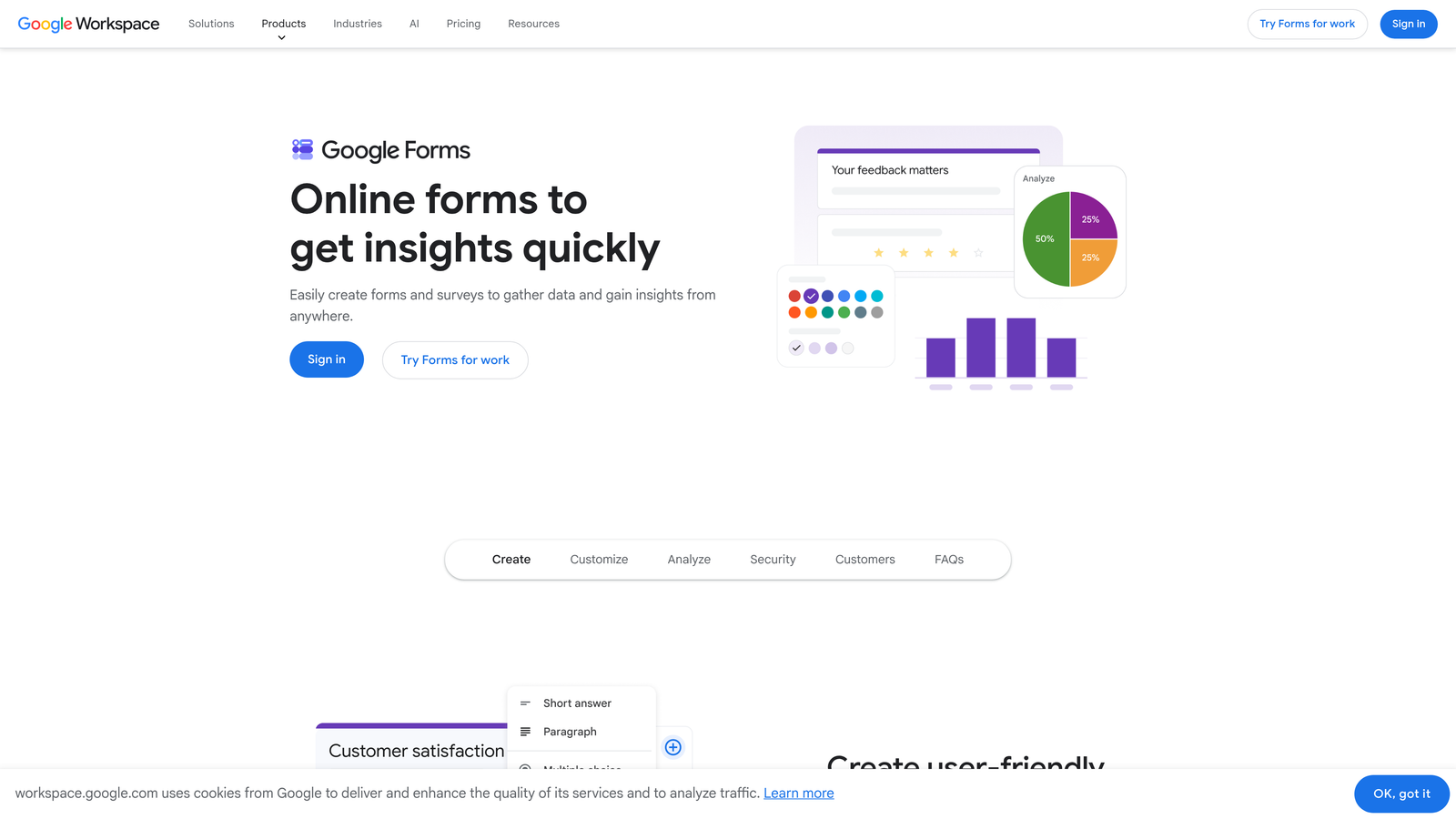
Google Forms is Google's free, no-frills form builder that integrates directly with Google Sheets for live response tracking.
Where This Tool Shines
The case for Google Forms is simple: it's completely free, requires no setup, and works instantly for anyone with a Google account. For internal use cases like team surveys, event registrations, or feedback forms, it's hard to beat the combination of zero cost and immediate familiarity.
The native Google Sheets integration is particularly useful for teams that already analyze data in spreadsheets. Responses populate in real time, and you can apply formulas, filters, and charts without any export steps.
Key Features
Completely Free with No Response Limits: No submission caps, no paid tiers, no hidden costs.
Native Google Sheets Integration: Responses sync directly to a linked spreadsheet in real time.
Basic Conditional Logic: Section branching allows simple routing based on answers.
Collaborative Editing: Multiple team members can build and edit forms simultaneously via Google Workspace.
Zero Learning Curve: Familiar interface that most users can navigate without any onboarding.
Best For
Google Forms is best for internal teams, educators, and organizations that need straightforward data collection without design requirements or advanced logic. It's not the right tool for customer-facing lead capture or conversion-optimized forms.
Pricing
Completely free with any Google account. No paid tiers or feature upgrades available.
5. Jotform
Best for: Teams managing diverse form needs across multiple departments with varied integration requirements.
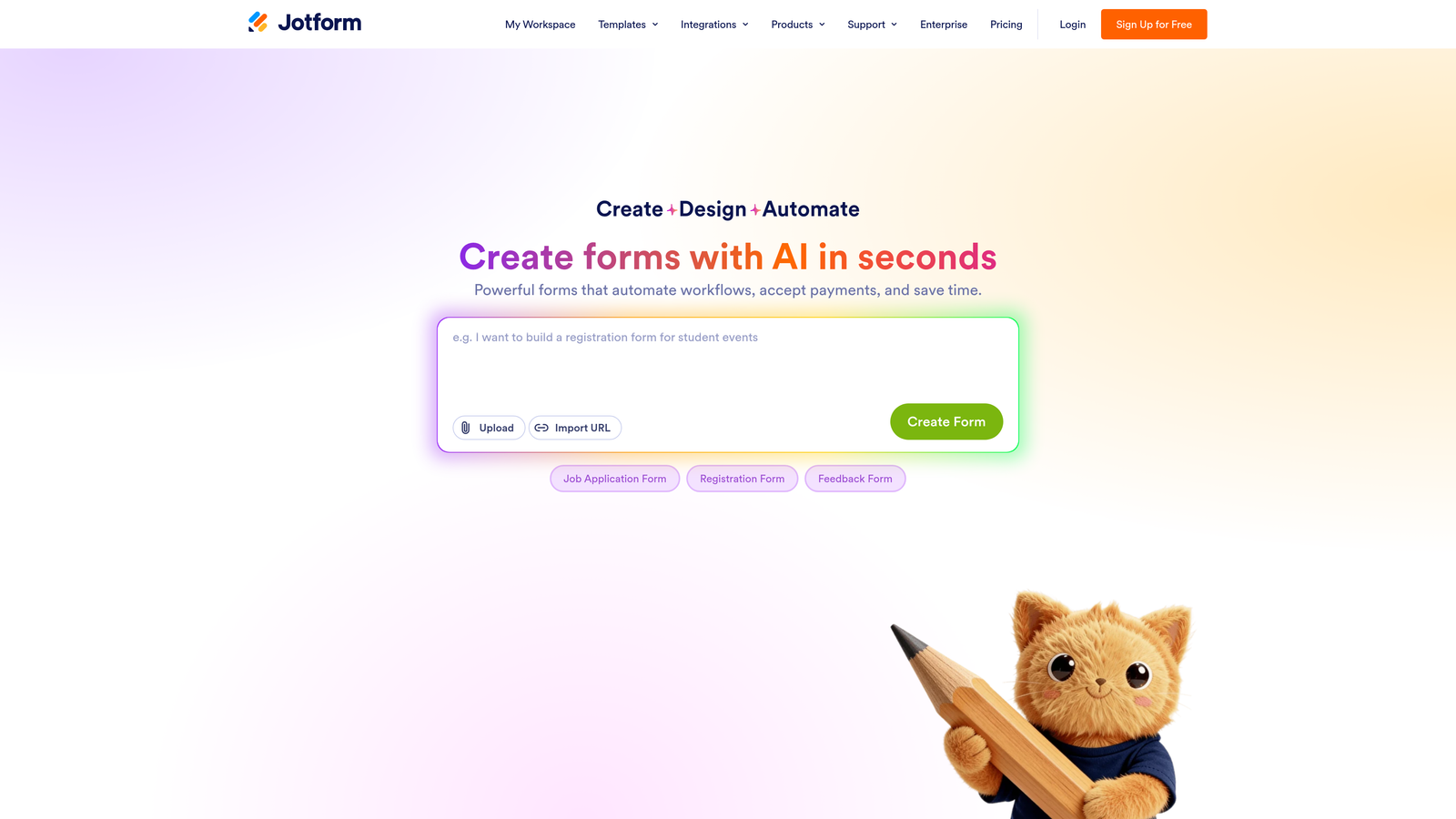
Jotform is a feature-rich form builder with thousands of templates and a wide integration ecosystem built to handle complex, multi-department form workflows.
Where This Tool Shines
Jotform's depth is its defining strength. With over 10,000 templates and more than 100 native integrations, it can handle almost any form use case out of the box. Operations teams, HR departments, and marketing teams can each find purpose-built templates without starting from scratch.
The platform also stands out for compliance-sensitive use cases. A HIPAA-compliant plan makes Jotform one of the few affordable options for healthcare-adjacent teams that need to collect sensitive data securely.
Key Features
10,000+ Templates: Pre-built forms across industries and use cases, from job applications to event registrations to payment forms.
100+ Native Integrations: Connects with Salesforce, HubSpot, Slack, Stripe, PayPal, and many more without middleware.
Advanced Conditional Logic: Complex branching rules and calculation fields for dynamic form experiences.
PDF Generation: Automatically generates formatted PDF documents from form submissions.
HIPAA-Compliant Plan: Available for teams in healthcare or regulated industries that need compliant data handling.
Best For
Jotform fits mid-sized teams and organizations that need one platform to handle varied form requirements across departments. It's especially valuable when compliance, payment collection, or deep CRM integration are part of the workflow.
Pricing
A free tier is available with submission limits. Paid plans scale by submission volume. Verify current pricing at jotform.com.
6. Paperform
Best for: Service businesses and creators who want forms that feel like branded landing pages.
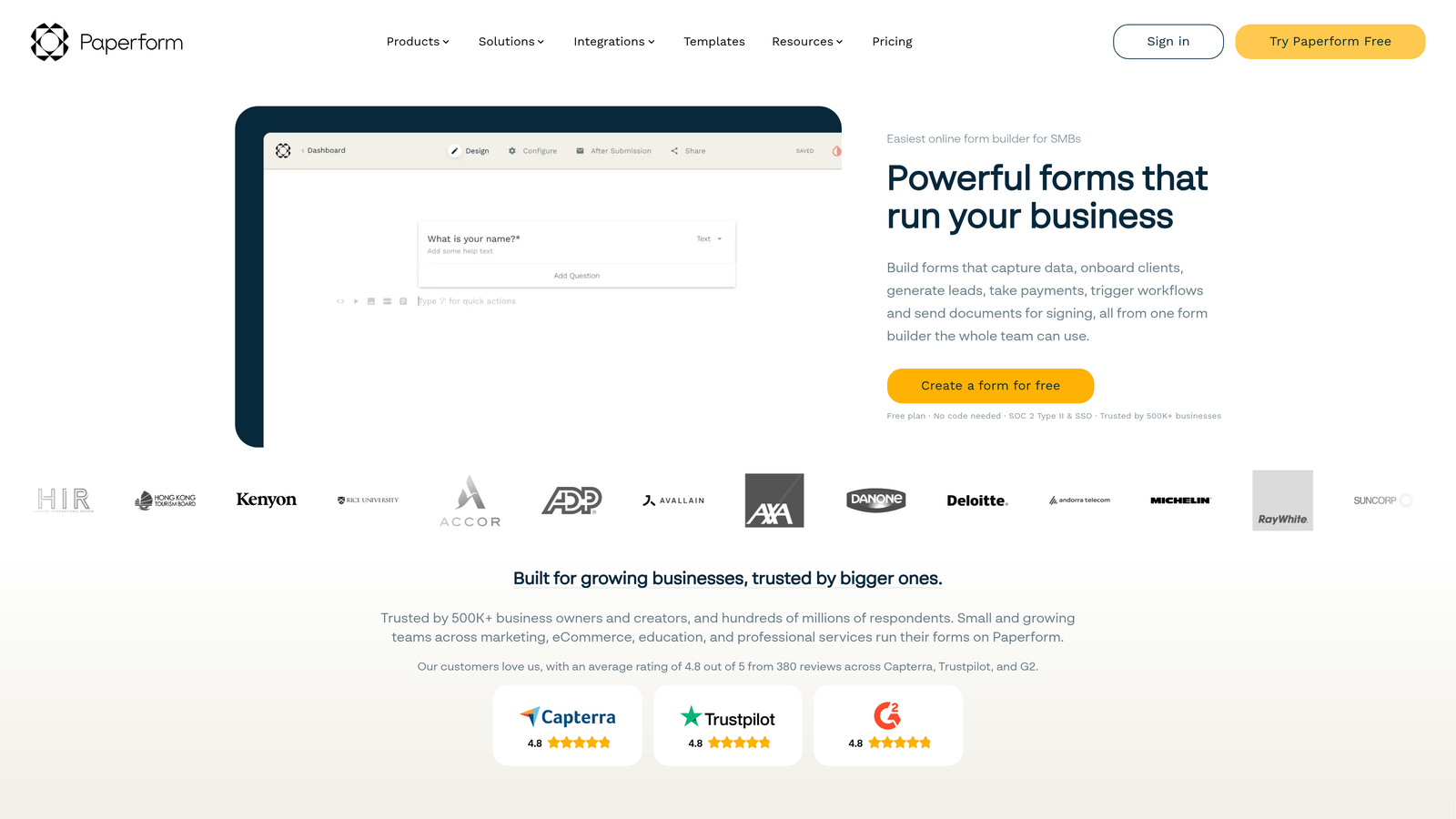
Paperform is a hybrid form and landing page builder that lets teams create rich, branded form experiences with native payment and product fields built in.
Where This Tool Shines
Paperform sits in a unique category: it's not just a form builder, and it's not quite a landing page tool. The result is a platform that lets you build form experiences with the visual richness of a designed page, including images, video, custom styling, and inline product listings. For service businesses selling packages or consultants collecting intake information, this combination is genuinely useful.
Native payment collection via Stripe, PayPal, and other processors means you can handle transactions directly within the form without a separate checkout flow, which reduces friction significantly for simple purchase scenarios.
Key Features
Rich Media Support: Embed images, video, and custom styling directly within form pages for a branded experience.
Native Payment Collection: Accept payments via Stripe, PayPal, and other processors without a separate checkout tool.
Product Fields: Lightweight ecommerce functionality for selling services, packages, or products within a form.
Conditional Logic and Multi-Step Flows: Dynamic branching and multi-page structures for complex intake or purchase flows.
Custom Domain Support: Available on all paid plans for a fully branded form URL.
Best For
Paperform is the right fit for coaches, consultants, course creators, and service businesses that want forms to double as branded client-facing pages. It's less suited for high-volume lead generation or SaaS growth workflows.
Pricing
No free plan is available, but a trial lets you test the platform before committing. Paid plans only. Verify current pricing at paperform.co.
7. Formspree
Best for: Developers building custom sites who need reliable form handling without a backend.
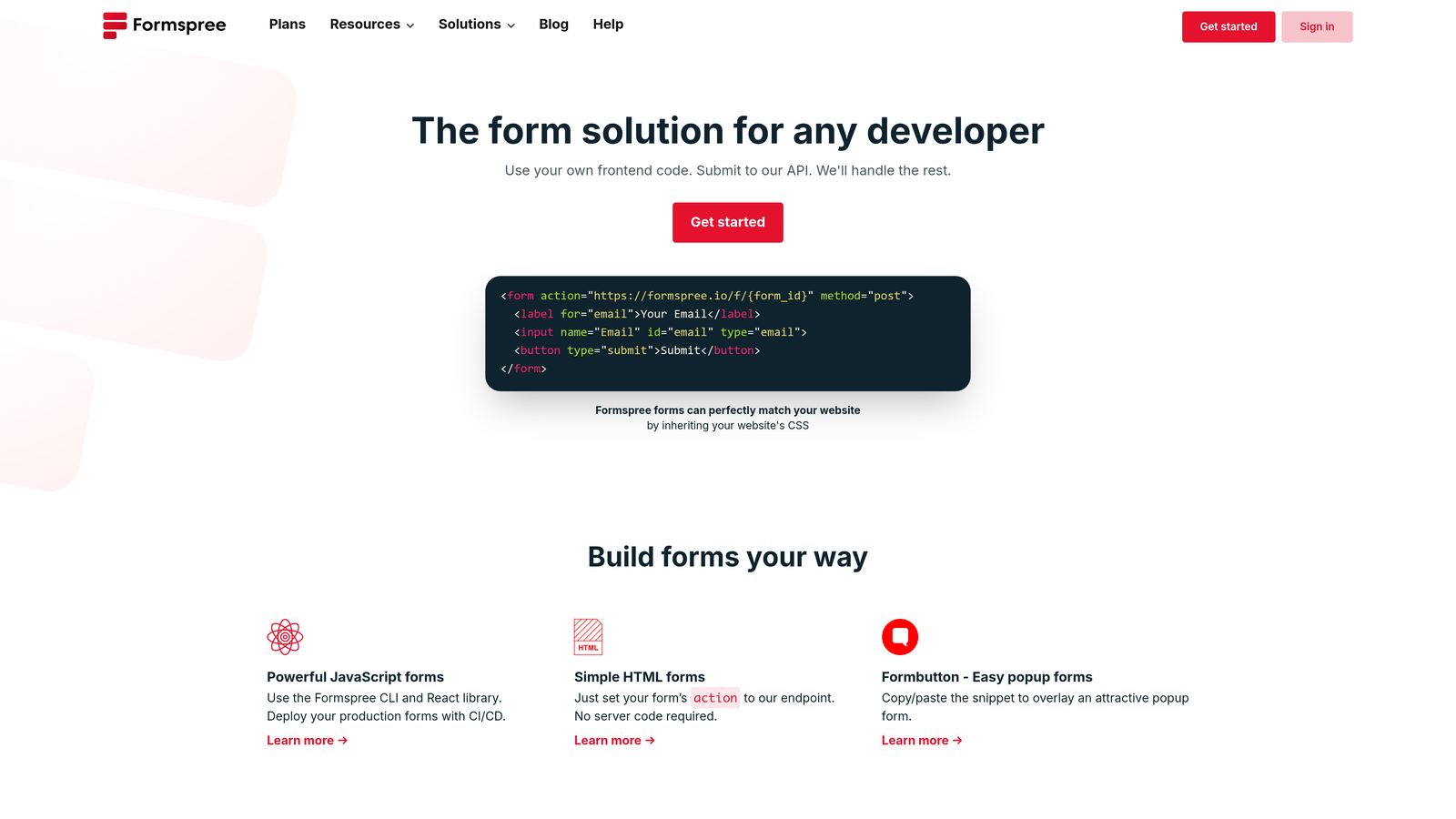
Formspree is a developer-first form backend that processes submissions from any HTML form, with no drag-and-drop builder and no server setup required.
Where This Tool Shines
Formspree solves a specific problem that non-developer tools don't address: what do you do when you've built a custom site or static JAMstack app and need form submissions to actually go somewhere? Formspree handles the backend entirely, so developers can write a standard HTML form and point it at Formspree's endpoint without spinning up any server infrastructure.
This approach makes it extremely lightweight and flexible. It works with any tech stack, any static site generator, and any headless CMS setup. For engineering teams or agencies building custom web experiences, it's often the cleanest solution available.
Key Features
HTML-Native Form Handling: Works with any static site or custom build by pointing your form's action attribute to Formspree.
No Backend Required: Handles submission processing, storage, and forwarding without any server-side code.
Spam Filtering and reCAPTCHA: Built-in protection against bot submissions on paid plans.
Email Notifications and Webhook Forwarding: Routes submissions to your inbox or any downstream service via webhooks.
Team Collaboration: Shared form management and access controls available on paid plans.
Best For
Formspree is purpose-built for developers, agencies, and engineering teams working on custom or static sites. It's not the right tool for non-technical users who need a visual form builder.
Pricing
A free tier handles basic submission forwarding. Low-cost paid plans unlock spam filtering, file uploads, and team features. Verify current pricing at formspree.io.
8. Cognito Forms
Best for: Teams building quote forms, order forms, or pricing estimators that require complex calculations.
Cognito Forms is a form builder with unusually powerful calculation and repeating section features, making it the go-to option for dynamic pricing and order management forms.
Where This Tool Shines
Most form builders treat calculation fields as an afterthought. Cognito Forms treats them as a core feature. You can build forms that calculate totals, apply conditional pricing rules, and generate dynamic quotes based on user inputs, all without any custom code. For service businesses that need to present pricing dynamically, this is a significant capability gap that Cognito fills where others fall short.
The repeating sections feature is equally rare at this price point. It allows respondents to add multiple line items within a single form, which is essential for order forms, expense reports, or any scenario where the number of entries varies per submission.
Key Features
Advanced Calculation Fields: Build dynamic pricing, totals, and quote logic directly into form fields without code.
Repeating Sections: Allow respondents to add variable numbers of line items or entries within a single form submission.
Complex Conditional Logic: Sophisticated branching rules that interact with calculation outputs for highly dynamic forms.
Payment Collection via Stripe: Accept payments directly within forms, with totals calculated dynamically.
White-Label Options: Remove Cognito Forms branding on paid plans for a fully branded experience.
Best For
Cognito Forms is the strongest choice for service businesses, agencies, and operations teams that need forms to do real calculation work. Think custom quote builders, itemized order forms, or event registration forms with variable pricing.
Pricing
A free tier is available. Paid plans scale with entry volume and unlock white-labeling. Verify current pricing at cognitoforms.com.
9. HubSpot Forms
Best for: Teams already using HubSpot CRM who want zero-friction lead capture with no integration setup.
HubSpot Forms is a free form builder embedded within HubSpot's CRM platform, syncing lead data directly to contacts without any configuration.
Where This Tool Shines
The value proposition here is tight and specific: if your team already uses HubSpot, adding HubSpot Forms costs nothing and eliminates the integration work that every other form builder on this list requires. Submissions create or update CRM contacts automatically, and follow-up workflows can trigger the moment someone hits submit.
The progressive profiling feature is particularly useful for teams running multiple touchpoints. Instead of asking the same questions repeatedly, HubSpot Forms detects known contacts and surfaces new fields instead, building richer profiles over time without creating friction for returning visitors.
Key Features
Native HubSpot CRM Sync: Form submissions automatically create or update contacts in HubSpot with no integration required.
Progressive Profiling: Serves different fields to known contacts to gradually enrich their CRM profile across multiple interactions.
Flexible Embedding: Embed forms on any website or within HubSpot landing pages.
Automated Follow-Up Workflows: Trigger email sequences or internal notifications immediately on form submission.
Free with HubSpot CRM: No additional cost for teams on HubSpot's free tier.
Best For
HubSpot Forms is the natural choice for marketing and sales teams running their pipeline through HubSpot. Its value diminishes significantly for teams on other CRMs, where the native sync advantage disappears and you're left with a less flexible form builder than dedicated alternatives.
Pricing
Free with HubSpot's free CRM plan. Advanced features like A/B testing and smart content require paid HubSpot tiers. Verify current details at hubspot.com.
Which Tool Is Right for Your Team?
The best affordable form builder depends entirely on what you're trying to accomplish. Here's a quick way to cut through the options.
If lead qualification and conversion optimization are your primary goals, Orbit AI is the standout choice. It's the only tool on this list that combines a modern form builder with AI-powered lead scoring and routing built directly into the form flow. For SaaS and B2B growth teams, that means fewer tools, faster pipeline, and better lead quality from day one.
For teams that need maximum value at zero cost, Tally wins on the free tier. Unlimited forms, unlimited responses, and a clean editor make it the most generous free option available. If you're early-stage or just testing a workflow, start here.
If you're a developer building a custom site, Formspree is the obvious pick. No other tool on this list handles code-native form backends as cleanly or as flexibly.
For teams deep in the HubSpot ecosystem, HubSpot Forms offers the path of least resistance. And for complex calculation-heavy forms like quote builders or order forms, Cognito Forms handles logic that most other builders simply can't match.
The common thread across all of these tools is that you don't need to overpay to get powerful form functionality. But if your team is serious about turning form submissions into qualified pipeline, the gap between a generic form builder and a purpose-built lead qualification platform is worth considering carefully.
Transform your lead generation with AI-powered forms that qualify prospects automatically while delivering the modern, conversion-optimized experience your high-growth team needs. Start building free forms today and see how intelligent form design can elevate your conversion strategy.


