

Not every team wants their form builder doubling as a surveillance tool. Whether you're building privacy-first workflows, operating in a regulated industry, or simply want a cleaner tool that doesn't bury you in dashboards you'll never open, a form builder without heavy analytics can be a genuine advantage.
This list covers nine form builders that either offer no built-in analytics, keep tracking minimal and optional, or give you full control over what data gets collected. We've prioritized tools that still deliver on what actually matters: clean design, reliable submissions, smart integrations, and lead qualification — without forcing you into analytics features you didn't ask for.
Whether you're a privacy-conscious startup, a compliance-driven enterprise, or a lean team that just wants forms that work, there's a tool here for you.
1. Orbit AI
Best for: High-growth SaaS teams who want intelligent lead qualification without analytics overhead.
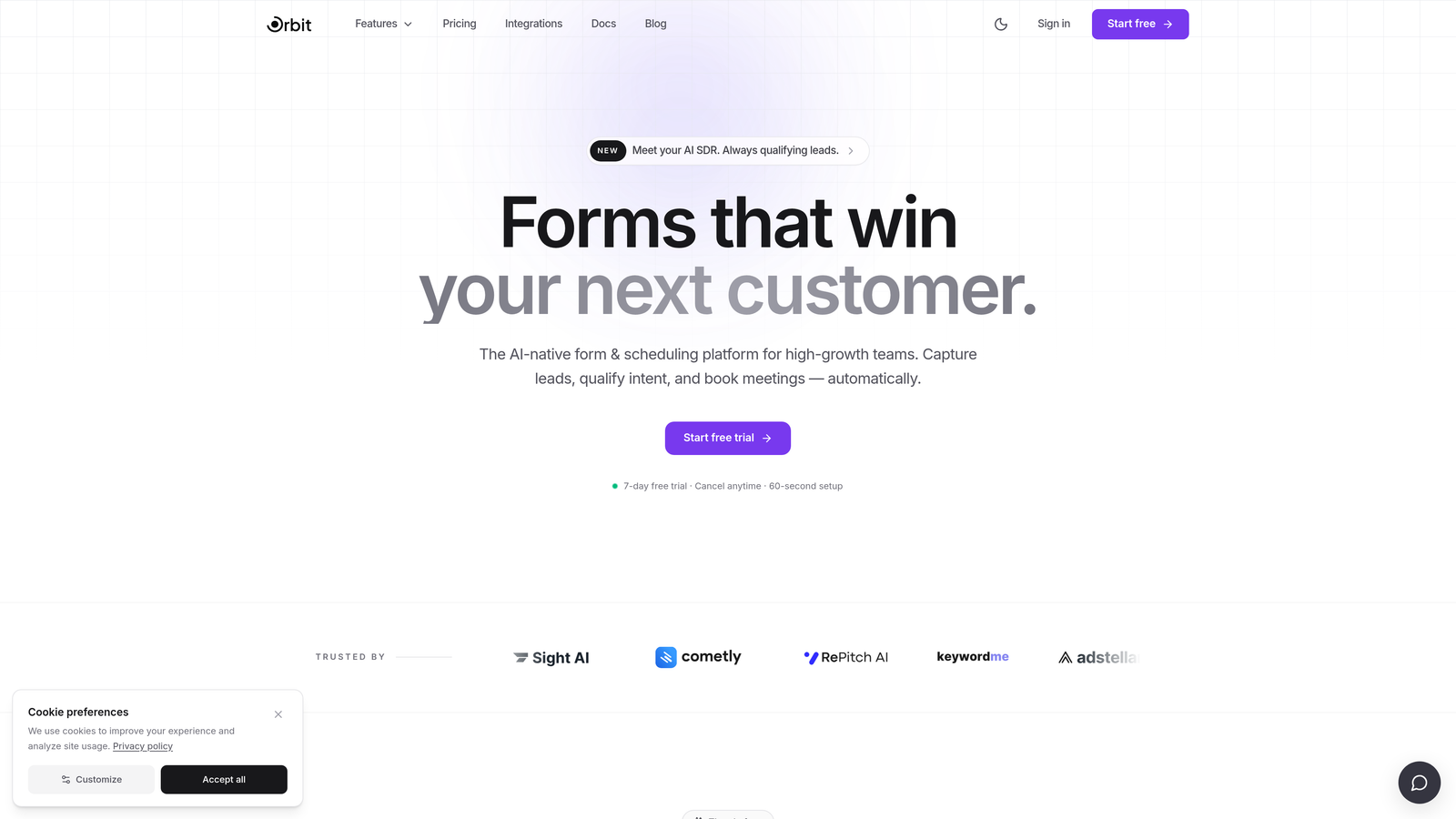
Orbit AI is an AI-powered form builder that puts lead qualification directly inside the form itself, so you never need a reporting dashboard to understand your leads.
Where This Tool Shines
Most form builders collect submissions and then ask you to dig through analytics to figure out which leads are worth pursuing. Orbit AI flips that model entirely. The intelligence lives in the form: leads are scored and routed before they ever hit your CRM, which means you get actionable data without needing a separate analytics layer on top.
For high-growth teams focused on conversion quality over conversion volume, this is a meaningful distinction. You're not trading analytics for ignorance — you're trading a passive reporting dashboard for active, built-in lead intelligence.
Key Features
AI-Powered Lead Qualification: Scores and routes leads at the form level, eliminating the need for post-submission analytics to identify quality prospects.
Conversion-Optimized Design: Beautiful, branded form experiences built to maximize completion rates without sacrificing aesthetics.
Smart Conditional Logic: Forms adapt dynamically based on user input, creating a personalized experience that improves lead quality.
CRM and Marketing Integrations: Submissions route directly to your existing tools, so data lands exactly where your team needs it.
No Analytics Bloat: The product is intentionally focused on form performance and lead quality, not on building out a reporting suite you'll ignore.
Best For
SaaS companies, growth teams, and B2B businesses that care more about lead quality than raw submission counts. Particularly strong for teams who are tired of paying for analytics features they never use and want the intelligence embedded in the form itself.
Pricing
Verify current pricing and available plans directly at orbitforms.ai, where a free starting option is available.
2. Tally
Best for: Indie teams and startups who want a free, privacy-respecting form builder with zero analytics pressure.
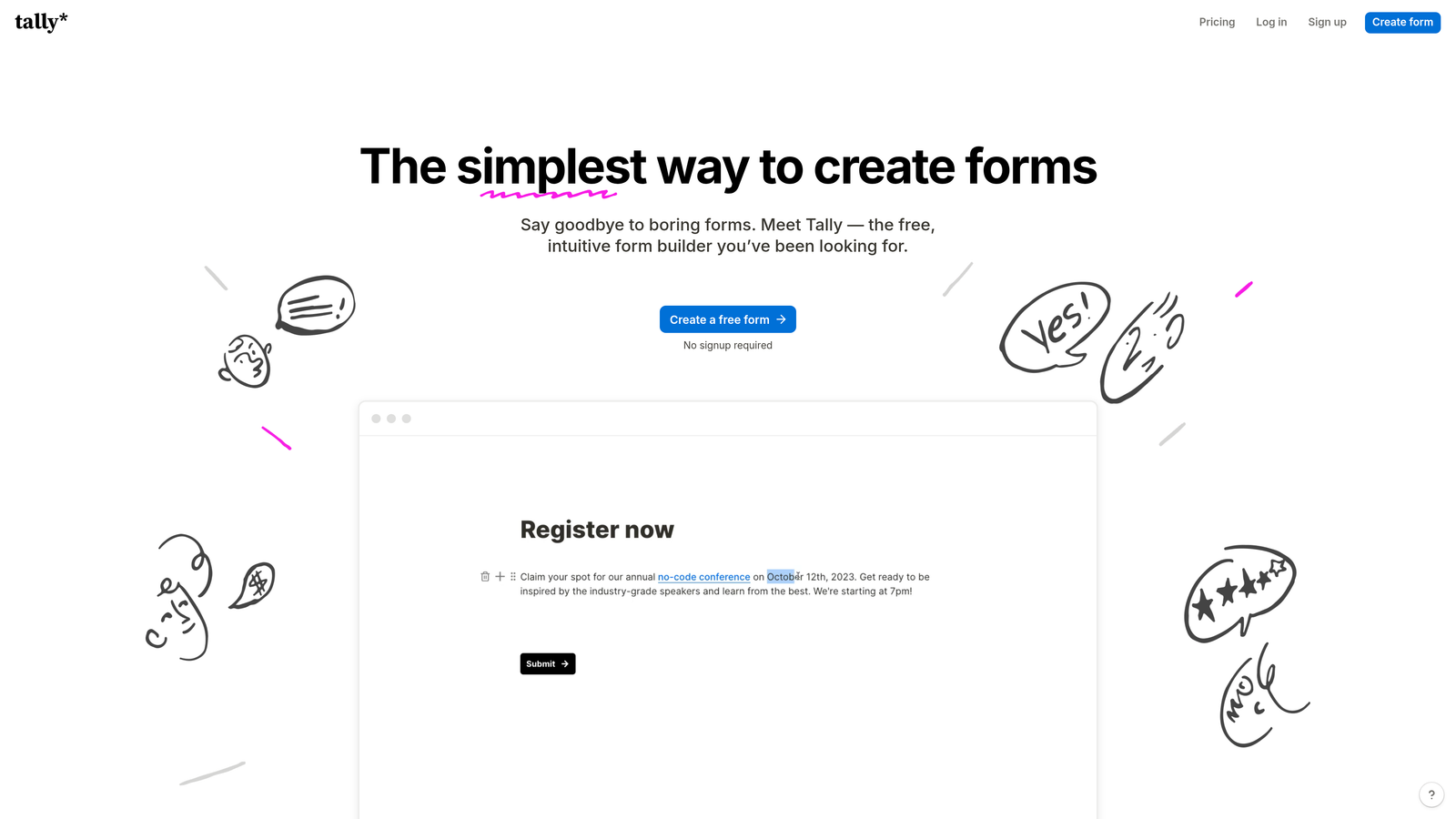
Tally is a Notion-style form builder that keeps things refreshingly simple, with no tracking pixels, no analytics dashboard, and a generous free tier that covers most use cases.
Where This Tool Shines
Tally has built a strong reputation in the indie and startup community precisely because it doesn't try to do too much. The block-based editor feels immediately familiar to anyone who uses Notion, and the product philosophy leans toward simplicity over feature bloat.
From a privacy standpoint, Tally doesn't push analytics features and doesn't embed third-party tracking by default. You get a clean submission view and that's largely it — which is exactly what many teams are looking for.
Key Features
Notion-Like Block Editor: Intuitive drag-and-drop interface that feels natural for modern productivity tool users.
No Tracking by Default: Privacy-respecting defaults with no analytics pixels embedded in your forms.
Unlimited Forms and Submissions on Free Tier: One of the most generous free tiers in the category.
Clean Embeds: Embeds smoothly into websites and Notion pages without visual friction.
Simple Submission View: Basic response management without an overwhelming analytics layer.
Best For
Freelancers, indie makers, early-stage startups, and anyone who wants a capable free form builder without committing to a paid plan or navigating complex analytics settings.
Pricing
Free tier available with generous limits; paid plans unlock advanced features. Verify current pricing at tally.so.
3. Paperform
Best for: Creative teams and small businesses who want beautiful, document-style forms without analytics as the focal point.
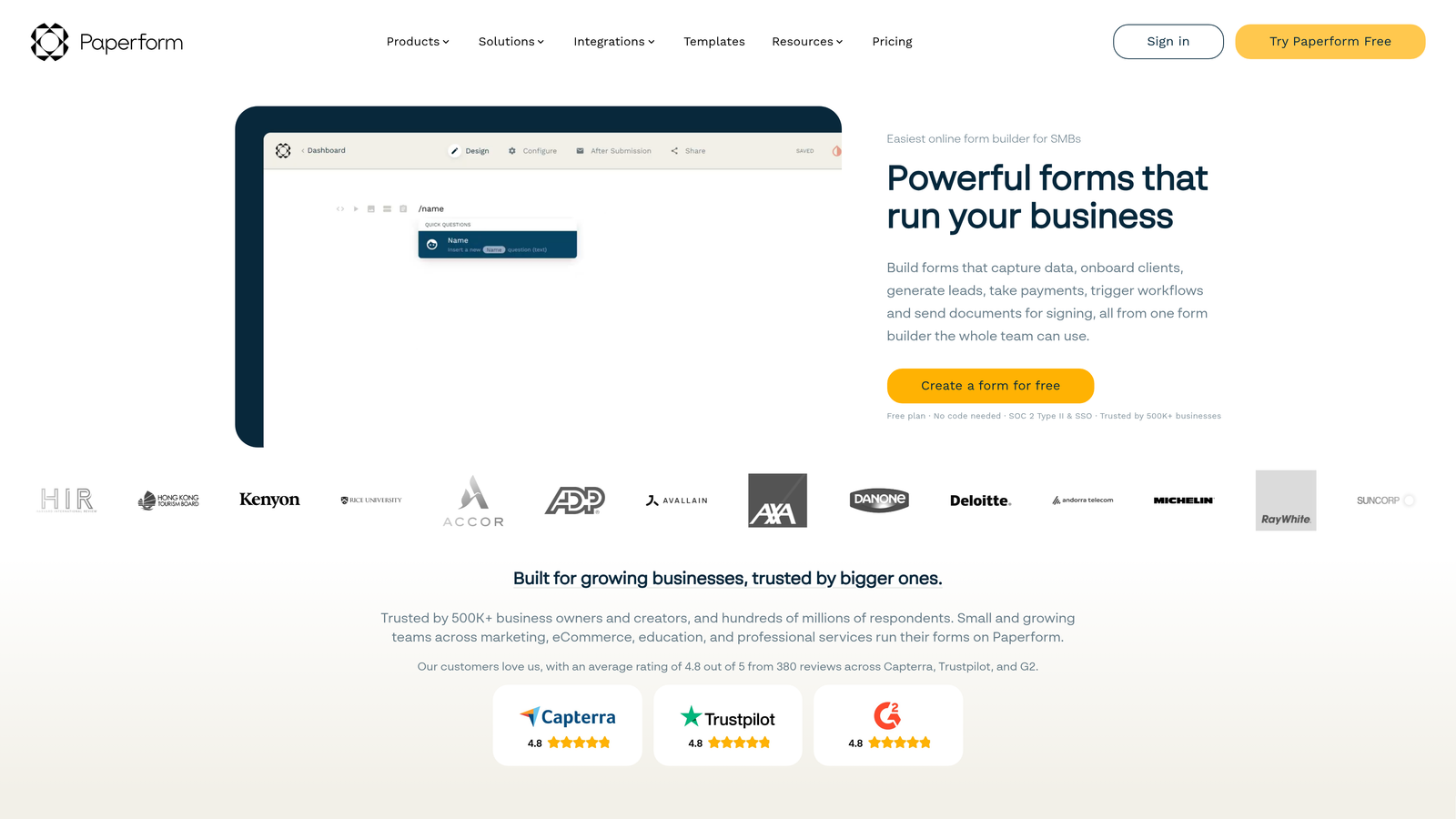
Paperform is a document-style form builder with strong design capabilities where analytics exist but take a clear back seat to the form experience itself.
Where This Tool Shines
Paperform's forms feel less like traditional forms and more like polished landing pages. You can embed images, video, rich text, and branded design elements throughout — making it a strong choice for customer-facing forms where aesthetics matter.
While Paperform does include some reporting features, they're not prominent in the interface and not the product's core value proposition. Teams that want design flexibility without being nudged toward analytics dashboards will find Paperform comfortable to use.
Key Features
Document-Style Editor: Forms feel like branded landing pages rather than clinical data-collection tools.
Deep Design Customization: Full control over fonts, colors, images, and video within the form itself.
Payments and Bookings Built In: Accepts payments and handles appointment scheduling natively.
Wide Integration Library: Native connections plus Zapier support for routing data to your existing stack.
Optional Reporting: Basic reporting is available but not pushed — easy to skip entirely if it's not relevant to your workflow.
Best For
Creative agencies, coaches, consultants, and small business owners who need beautiful client-facing forms with payment or booking capabilities and minimal interest in analytics dashboards.
Pricing
Paid plans only with no permanent free tier. Verify current pricing at paperform.co.
4. Fillout
Best for: Teams who need powerful conditional logic and workflow integrations, with analytics firmly in the background.
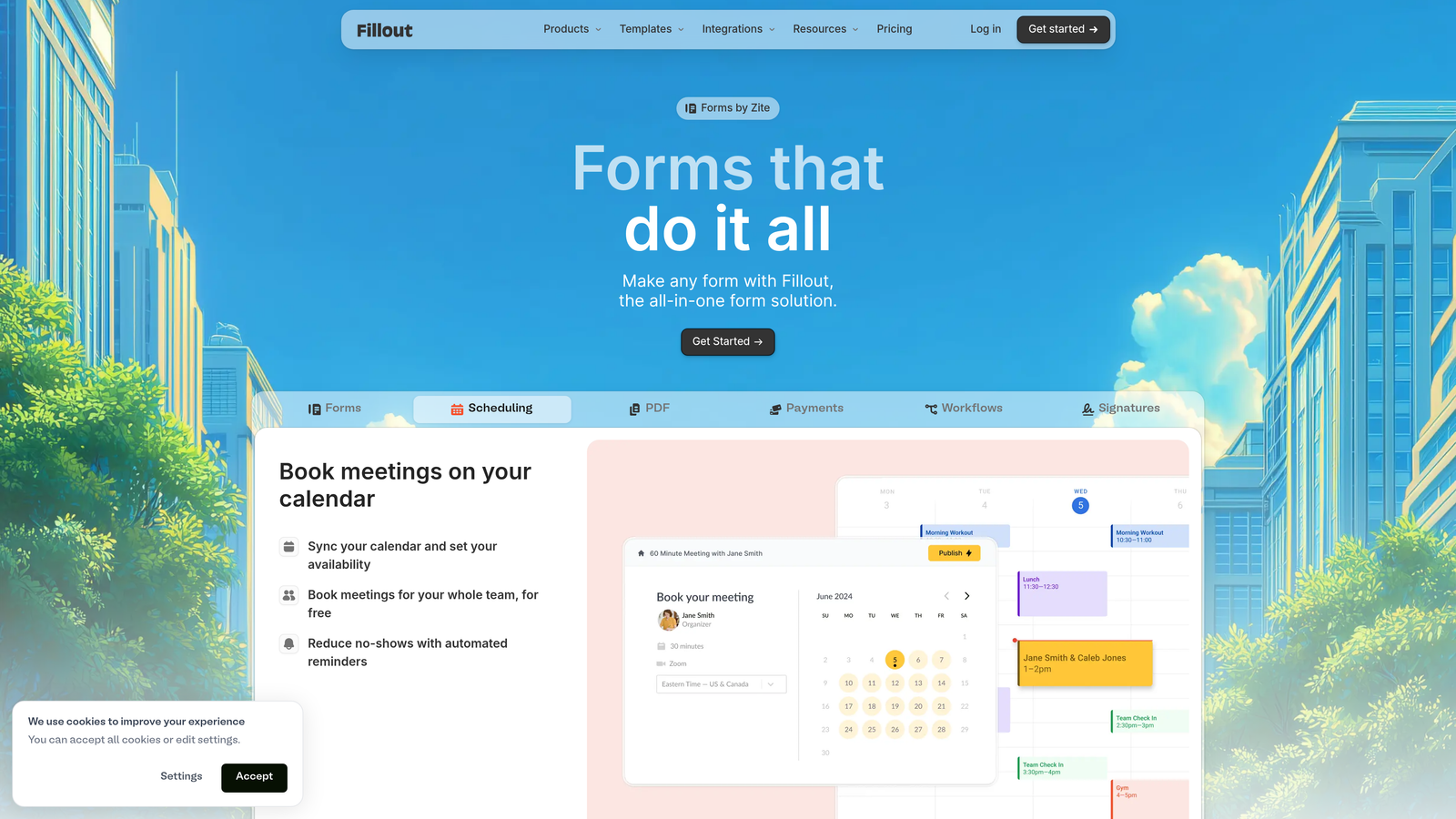
Fillout is a fast-growing form builder that leads with workflow automation and deep integrations, where analytics are present but clearly secondary to the product's core value.
Where This Tool Shines
Fillout has made a name for itself with native integrations into tools like Notion, Airtable, and Google Sheets — meaning your form data flows directly into your working environment without needing an analytics intermediary. The focus is on getting data to the right place, not on building reports about it.
The conditional logic is genuinely powerful without being complex to set up, which makes Fillout a strong choice for teams building multi-step forms or intake workflows that need to branch based on user responses.
Key Features
Advanced Conditional Logic: Multi-branch logic that adapts the form experience without requiring technical setup.
Native Integrations: Direct connections to Notion, Airtable, Google Sheets, and other productivity tools.
Multi-Page Forms: Progress indicators and multi-step layouts that improve completion rates on longer forms.
Scheduling and Payments: Built-in support for appointment booking and payment collection.
Analytics Present but Ignorable: Some reporting exists but isn't the product's focus — easy to bypass entirely.
Best For
Operations teams, product managers, and anyone already working in Notion or Airtable who wants forms that feed directly into their existing workflows without adding an analytics layer on top.
Pricing
Free tier available; paid plans for higher volume and advanced features. Verify current pricing at fillout.com.
5. Formspree
Best for: Developers who want a reliable form backend with zero analytics and full control over the front end.
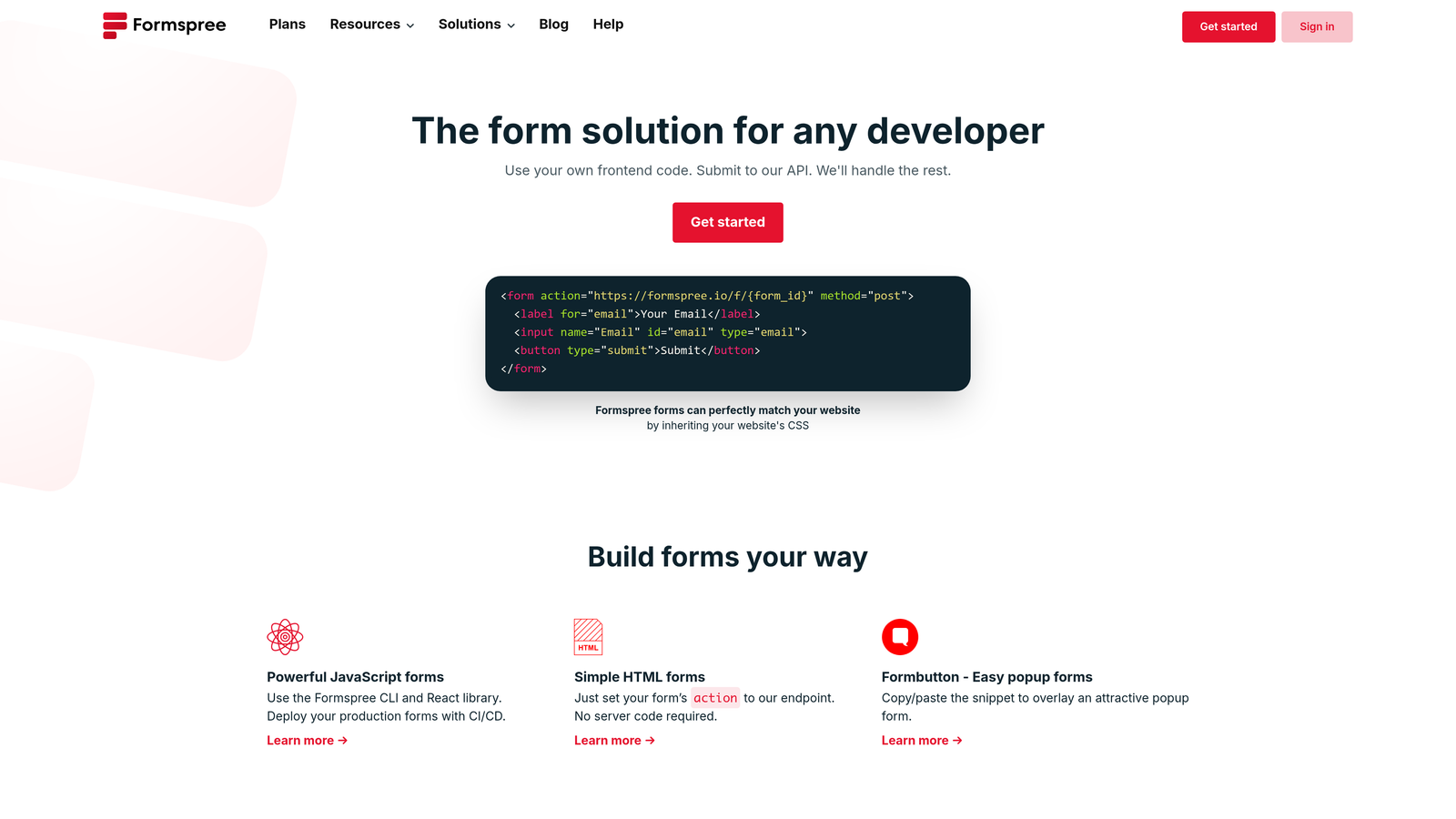
Formspree is a pure form backend that handles submissions, spam filtering, and notifications — with no analytics layer whatsoever by design.
Where This Tool Shines
Formspree is built for developers who want to write their own HTML forms and simply need a reliable backend to handle what happens after submission. There's no visual builder, no dashboard full of charts, and no tracking pixels — just clean submission handling routed to your email or webhook of choice.
This makes Formspree a natural fit for JAMstack and static site projects where you want full control over the user experience and zero third-party analytics embedded in your site.
Key Features
Pure Form Backend: No visual builder, no analytics — just reliable submission handling for any HTML form.
Simple Integration: Works with any HTML form via a single action URL, with no configuration required.
Email and Webhook Routing: Submissions delivered via email notifications or routed to other tools via webhook.
Built-In Spam Filtering: Protects submissions without requiring additional setup.
Modern Framework Support: AJAX and React support for contemporary web application architectures.
Best For
Developers, agencies, and technical teams building static sites or custom web applications who want zero analytics overhead and complete control over the form's front-end design.
Pricing
Free tier available; paid plans for higher volume and team features. Verify current pricing at formspree.io.
6. Basin
Best for: Static site developers who want a minimal, privacy-first form backend with no analytics by design.
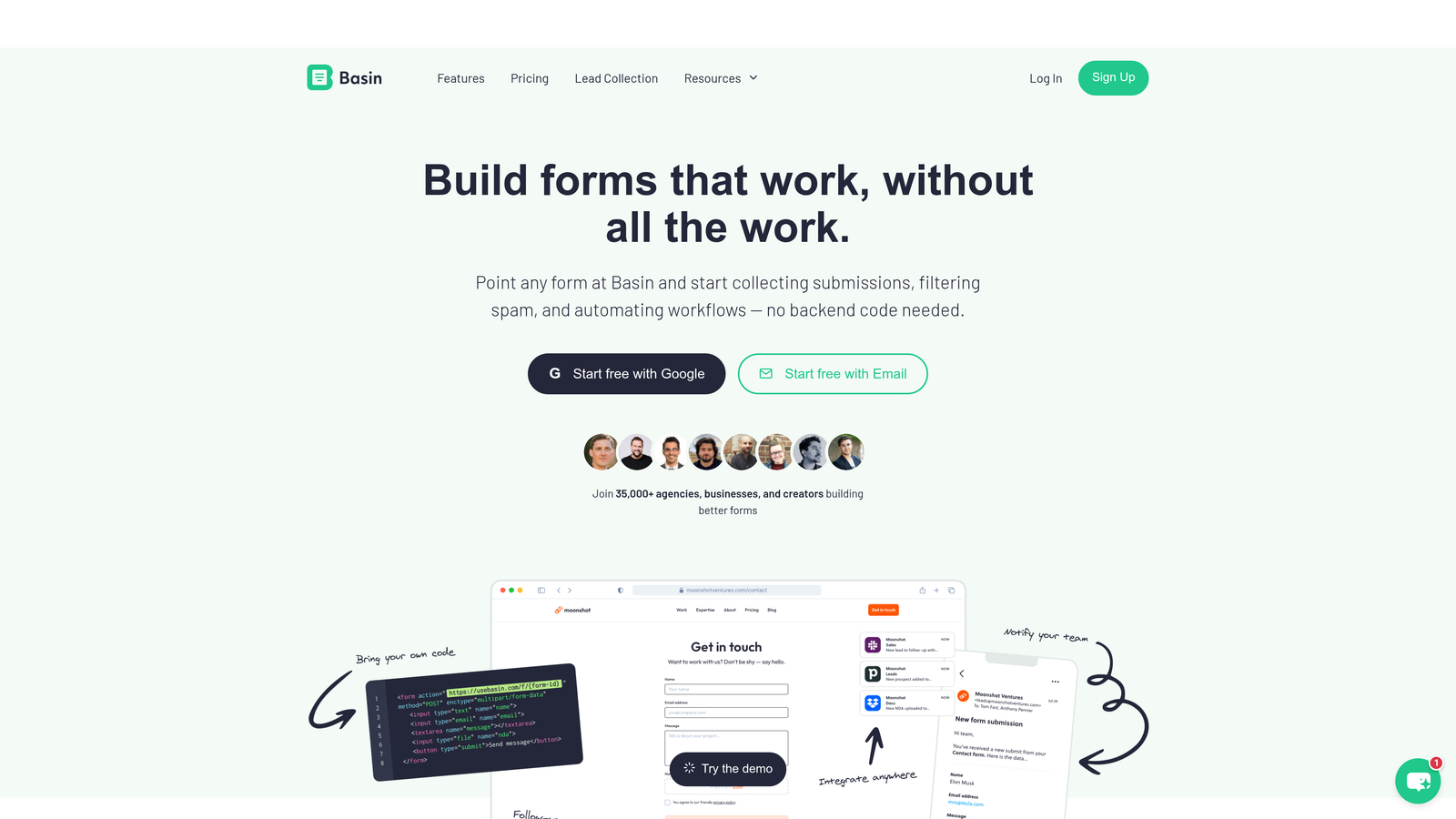
Basin is a lightweight form backend for static sites that handles submissions cleanly, with no frontend builder and no analytics layer anywhere in the product.
Where This Tool Shines
Basin occupies a similar space to Formspree but leans even further into minimalism. The dashboard is intentionally sparse: you see your submissions, manage your settings, and that's it. There's no temptation to add analytics because the product simply doesn't go there.
For teams building privacy-respecting static sites, Basin's no-frills approach is a feature, not a limitation. You get reliable submission handling without any third-party tracking embedded in your workflow.
Key Features
Submission-Only Backend: No frontend builder, no analytics — pure form handling for static sites.
Spam Filtering: Built-in spam protection delivered out of the box without additional configuration.
Email Notifications: Instant email alerts for new submissions routed to your inbox.
Webhook Support: Route submissions to other tools in your stack via webhook integrations.
File Upload Support: Accepts file attachments from form submissions, which many pure backends skip.
Best For
Developers working on static sites, portfolios, and JAMstack projects who want Basin's intentionally minimal approach and have no interest in analytics features at any point in their workflow.
Pricing
Free tier available; paid plans for higher submission volume. Verify current pricing at usebasin.com.
7. Netlify Forms
Best for: Teams already hosting on Netlify who want zero-config form handling with no analytics attached.
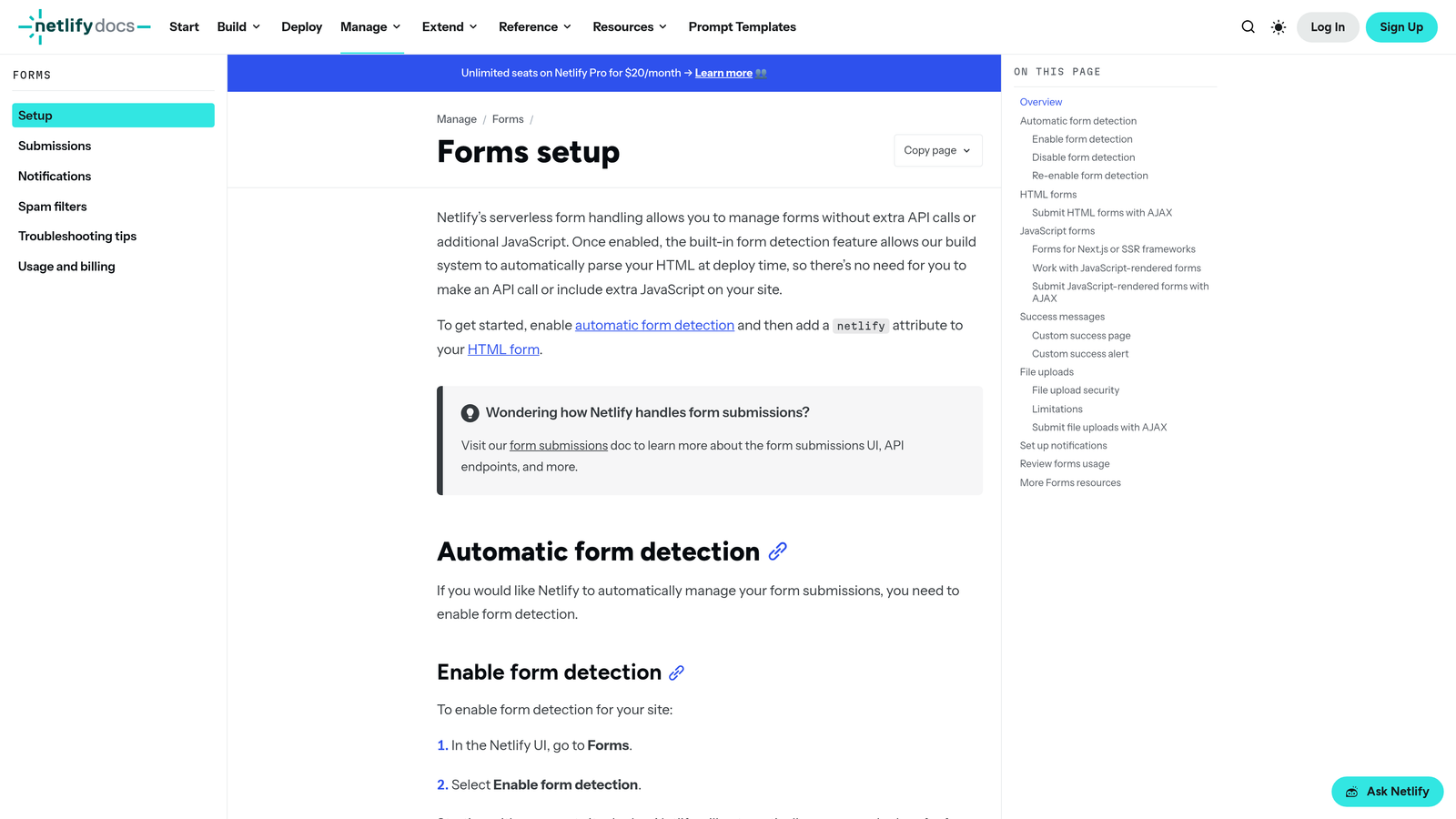
Netlify Forms is form handling built directly into the Netlify platform, requiring no configuration and offering no analytics layer beyond a clean submission view.
Where This Tool Shines
If your site is already on Netlify, this is as frictionless as form handling gets. You add a single attribute to your HTML form, deploy, and Netlify handles the rest. There's no separate account to manage, no analytics dashboard to navigate, and no third-party service to integrate.
The submissions live in your Netlify dashboard alongside your other project data, and you can route them via webhook or notification integrations. It's genuinely one of the cleanest "just make it work" solutions in this category.
Key Features
Zero Configuration: A single HTML attribute activates form handling on any Netlify-hosted site.
Clean Submission Storage: Responses stored in the Netlify dashboard with no analytics layer attached.
Spam Filtering: Akismet integration and honeypot field support keep submissions clean.
Webhook and Notification Support: Route submissions to Slack, email, or other tools via integrations.
Included in Netlify Plans: No separate billing or account setup required for Netlify users.
Best For
Developers and technical teams already on the Netlify platform who want the simplest possible form handling without adding a new tool, a new account, or any analytics overhead to their stack.
Pricing
Included in Netlify plans up to submission limits. Verify current limits and plan details at netlify.com.
8. Formbricks
Best for: Privacy-focused teams and compliance-driven organizations who want full data ownership and zero third-party tracking.
Formbricks is an open-source, self-hostable form and survey tool that gives you complete control over your data, with no third-party analytics anywhere in the architecture.
Where This Tool Shines
Self-hosting Formbricks means your form data never touches a third-party server. For teams operating under GDPR, HIPAA, or internal data governance policies, this is a meaningful distinction. You own the infrastructure, you own the data, and there's no external analytics vendor in the chain.
The open-source community around Formbricks is active, which means the product evolves quickly and you're not locked into a vendor's roadmap. A cloud-hosted option is also available for teams that want the privacy benefits without managing their own infrastructure.
Key Features
Open-Source and Self-Hostable: Full data ownership with no third-party tracking in the architecture.
Strong GDPR Compliance Story: Built with privacy regulations in mind, making compliance documentation straightforward.
In-App and Link Surveys: Supports both embedded in-product surveys and standalone link-based forms.
Active Open-Source Community: Regular updates and community contributions keep the product current.
Cloud Option Available: Managed cloud hosting for teams that want data ownership without self-hosting complexity.
Best For
Privacy-first teams, regulated industries, enterprises with strict data governance requirements, and developers who want to self-host and maintain complete control over their form infrastructure.
Pricing
Open-source and free to self-host; cloud plans available for managed hosting. Verify current cloud pricing at formbricks.com.
9. Wufoo
Best for: SMBs and nonprofits who want a stable, established form builder with basic reporting that's easy to ignore.
Wufoo is one of the original form builders, now owned by SurveyMonkey, offering a reliable and familiar tool with basic reporting that sits quietly in the background if you don't need it.
Where This Tool Shines
Wufoo isn't trying to be a modern analytics platform, and that's part of its appeal. The reporting features are basic and unobtrusive — they're there if you want a quick summary, but they don't dominate the interface or push you toward deeper data analysis.
For organizations that have been using Wufoo for years and value stability over innovation, the lack of analytics ambition is a genuine comfort. It does what it's always done, reliably, without adding complexity.
Key Features
Proven Reliability: A long track record of stable form handling trusted by thousands of organizations.
Drag-and-Drop Builder: Familiar interface with a wide field library covering most standard form types.
Unobtrusive Reporting: Basic summary reporting that's easy to skip entirely if it's not relevant to your workflow.
Payment Integrations: Accepts payments through several major payment processors.
Wide Integration Support: Zapier and native connections for routing data to other tools.
Best For
Nonprofits, SMBs, and established organizations that value stability and familiarity over cutting-edge features, and want a form builder where analytics won't get in the way of straightforward data collection.
Which Tool Is Right for Your Team?
Here's a fast breakdown by use case so you can make the call quickly.
AI lead qualification with no analytics bloat: Orbit AI. The intelligence is built into the form itself, so you get qualified leads without needing a reporting layer on top.
Simplest free option: Tally. Generous free tier, privacy-respecting defaults, and a clean interface that doesn't push analytics features you didn't ask for.
Developer or static site backend: Formspree or Basin. Both are pure form backends with zero analytics by design — choose based on which interface and feature set fits your workflow.
Open-source self-hosted: Formbricks. Full data ownership, strong GDPR story, and an active community. The right call for compliance-driven teams or anyone with strict data governance requirements.
Beautiful branded forms: Paperform. The strongest design capabilities in this list, with reporting that stays out of the way.
Already on Netlify: Netlify Forms. Zero configuration, no new accounts, no analytics overhead. Just add an attribute and deploy.
The common thread across all nine tools: you don't need a form builder to track everything. The best form for your team is one that captures the right data, routes it to the right place, and stays out of your way.
If lead quality matters more than submission dashboards, start with Orbit AI. The AI-powered qualification built into the form means you're not trading analytics for ignorance — you're replacing passive reporting with active lead intelligence. Start building free forms today and see how intelligent form design can change what your forms actually do for your business.


