

Building high-converting forms used to require a developer. Not anymore. No-code form builders have matured into powerful platforms that let marketing and growth teams launch, test, and optimize forms without writing a single line of code, and the difference in speed-to-launch is significant.
This guide covers the best no-code form builder tools available in 2026, evaluated on ease of use, design flexibility, lead qualification capabilities, integrations, and pricing. Whether you're capturing leads, qualifying prospects, or collecting customer feedback, there's a tool here built for your workflow.
We evaluated each tool on drag-and-drop usability, conditional logic, native integrations, conversion-focused features, and value at each pricing tier. This list is built for growth marketers, SaaS teams, and anyone who needs forms that do more than collect data.
1. Orbit AI
Best for: SaaS and B2B teams that need forms to score and route leads automatically.
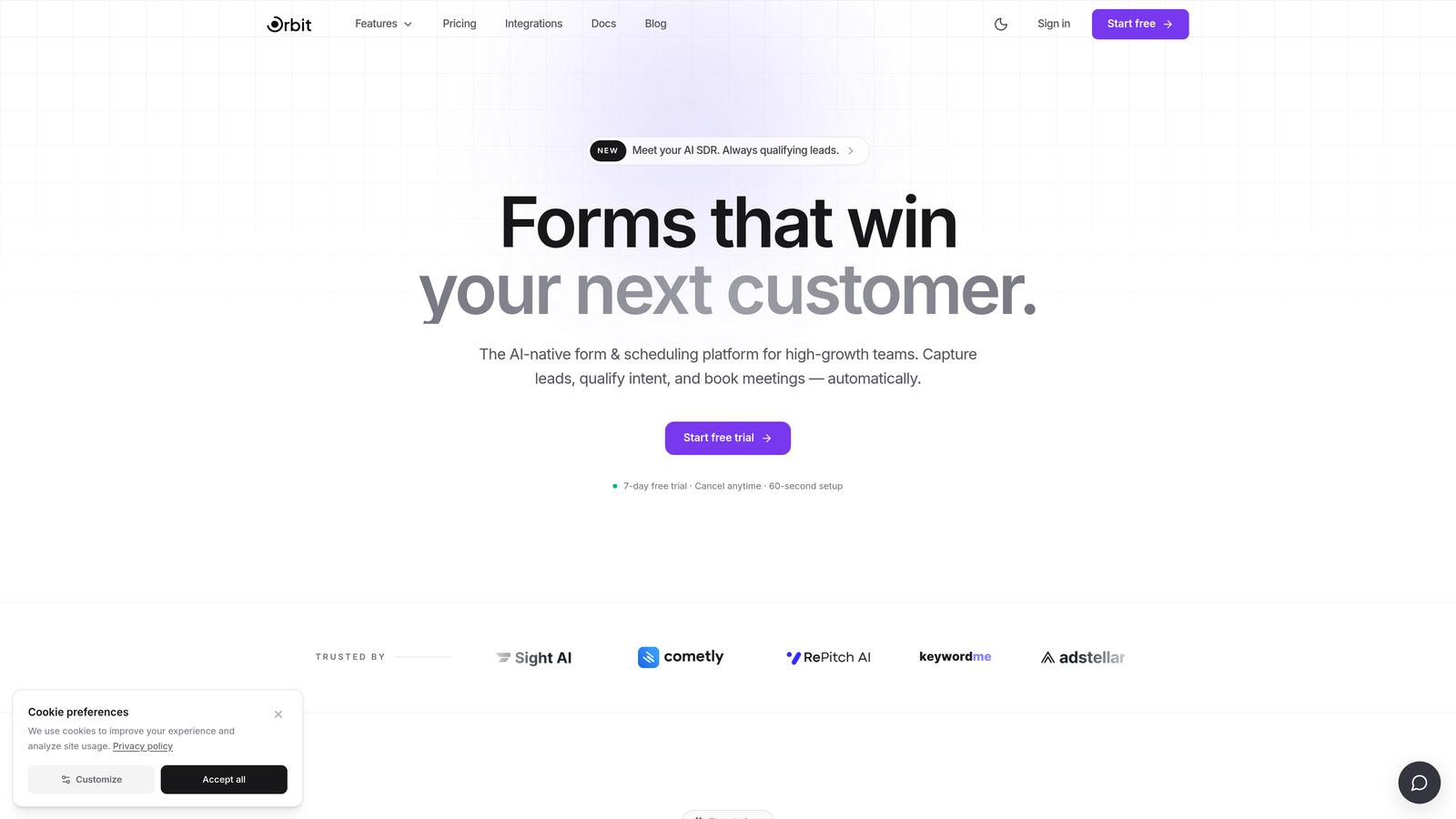
Orbit AI is an AI-powered no-code form builder with native lead qualification built directly into the form flow, designed for high-growth teams where lead quality matters as much as lead volume.
Where This Tool Shines
Most form builders collect data and hand it off. Orbit AI goes a step further by scoring and routing leads at the point of submission, before a rep ever touches the record. That means your CRM gets qualified, prioritized leads rather than a raw dump of form fills waiting to be triaged manually.
The design system is built with conversion in mind. Templates are modern and clean, and the conditional logic engine lets you create personalized, dynamic form experiences that adapt based on what respondents select, keeping completion rates high without requiring developer involvement.
Key Features
AI-Powered Lead Qualification: Scores and routes leads automatically at the point of submission, eliminating the need for separate CRM rules or third-party enrichment tools.
Conversion-Optimized Templates: A modern design system with templates built specifically for lead generation and B2B acquisition flows.
Real-Time Lead Scoring and Routing: Instantly segments and directs submissions based on qualification criteria you define, so high-intent leads reach the right rep fast.
Conditional Logic: Dynamic branching paths that personalize the form experience based on respondent answers, improving relevance and completion rates.
Native CRM and Marketing Automation Integrations: Connects directly with the tools already in your stack, keeping data flowing without manual exports.
Best For
Orbit AI is the strongest fit for SaaS companies, B2B marketing teams, and growth-focused organizations where distinguishing a high-intent lead from a low-quality submission has real revenue implications. If your team currently relies on CRM rules or manual review to qualify form submissions, this is the tool that closes that gap.
Pricing
Visit orbitforms.ai for current pricing tiers. Plans are structured around the needs of growing teams, from early-stage to scaling operations.
2. Typeform
Best for: Teams prioritizing conversational UX, high completion rates, and polished brand presentation.
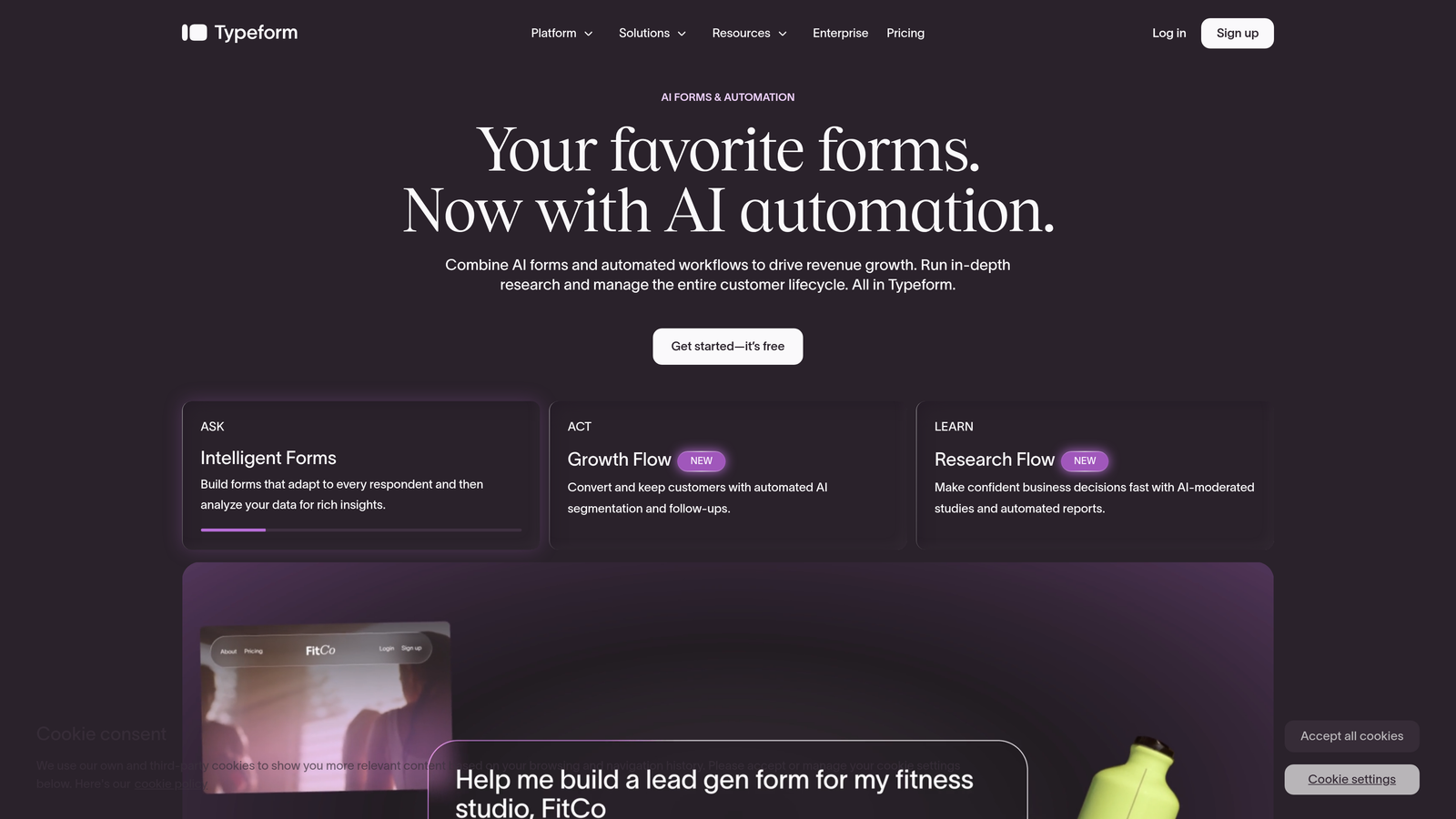
Typeform is a conversational form builder built around a one-question-at-a-time format that drives engagement by making forms feel more like a dialogue than a data entry task.
Where This Tool Shines
Typeform's interface is genuinely distinctive. By surfacing one question at a time, it reduces the visual overwhelm that kills completion rates on traditional multi-field forms. The result is a more focused experience that tends to work well for surveys, onboarding flows, and lead capture where user experience is a priority.
The design quality is high out of the box. Templates are polished, brand customization is flexible, and the addition of video form options gives teams a richer engagement format than most competitors offer at this tier.
Key Features
Conversational One-Question Format: Presents fields sequentially to reduce friction and improve completion rates compared to traditional layouts.
Brand-Consistent Design Templates: Polished, customizable templates that hold up visually alongside professionally designed marketing assets.
Conditional Logic and Branching: Paths adapt based on answers, allowing personalized form flows without developer involvement.
Broad Integration Library: Native connections with HubSpot, Salesforce, Zapier, and a wide range of marketing and sales tools.
Video Forms: Embed video questions into the form flow for richer, more personal engagement, useful for research and onboarding use cases.
Best For
Typeform is a strong choice for marketing teams that want a premium form experience and are willing to pay for it. It works particularly well for customer research, NPS surveys, lead capture on content-heavy pages, and any context where brand presentation matters.
Pricing
A free plan is available with limited monthly responses. Paid plans start at approximately $25 per month. Costs scale with response volume and feature access, so teams with high traffic should evaluate the upper tiers carefully.
3. Tally
Best for: Teams that need unlimited forms and responses without paying anything.
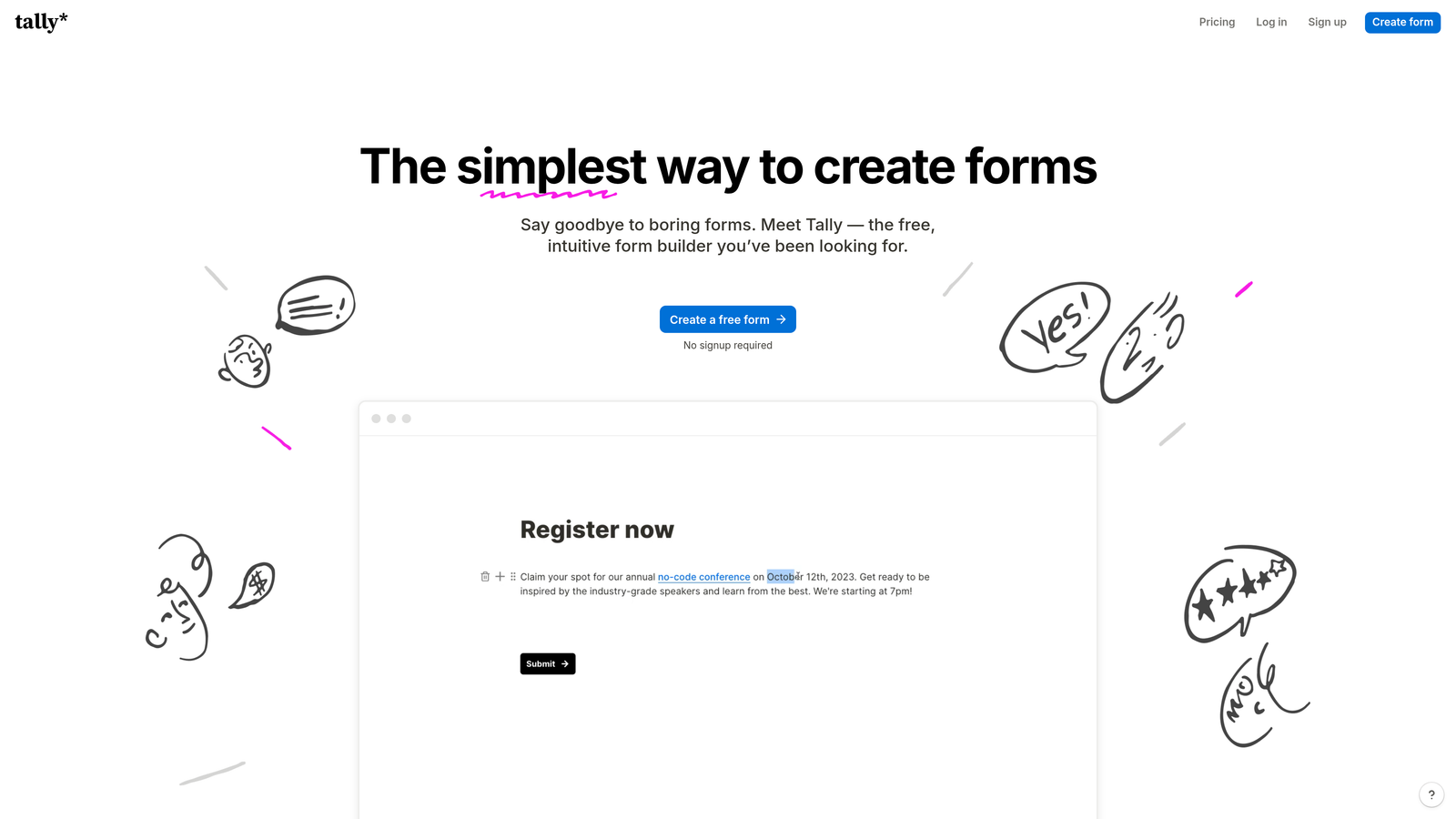
Tally is a minimalist, Notion-inspired no-code form builder with one of the most genuinely generous free plans in the category, offering unlimited forms and unlimited responses at no cost.
Where This Tool Shines
Tally's block-based editor is fast to learn and intuitive to use, especially for anyone already comfortable with Notion. You build forms by typing and inserting blocks, which keeps the creation experience lightweight and low-friction. There's no steep learning curve, and you can have a working form live in minutes.
The free plan's lack of submission limits is a real differentiator. Most tools gate response volume behind paid tiers, which creates a ceiling for early-stage teams. Tally removes that ceiling entirely on the free tier, making it a legitimate option for startups and lean teams that need functional forms without a budget commitment.
Key Features
Unlimited Free Forms and Responses: No submission caps on the free plan, which is genuinely rare in this category and removes a common growth bottleneck.
Notion-Style Block Editor: Familiar, document-like building experience that's fast to pick up and easy to work with.
Conditional Logic and Multi-Page Forms: Branching paths and multi-step flows are supported even on the free tier.
Stripe Payment Collection: Accept payments directly through forms without needing a separate checkout integration.
Flexible Embed Options: Embeds cleanly into websites, Notion pages, and other platforms with minimal setup.
Best For
Tally is the go-to choice for early-stage startups, indie makers, and small teams that need capable forms without a monthly bill. It's also a solid fit for internal tools, research projects, and any use case where design polish is secondary to speed and practicality.
Pricing
The free plan includes unlimited forms and unlimited responses. A Pro plan is available for teams that need advanced features like custom branding, priority support, and additional customization options.
4. Paperform
Best for: Service businesses that want a form to function as a landing page, order page, or intake document.
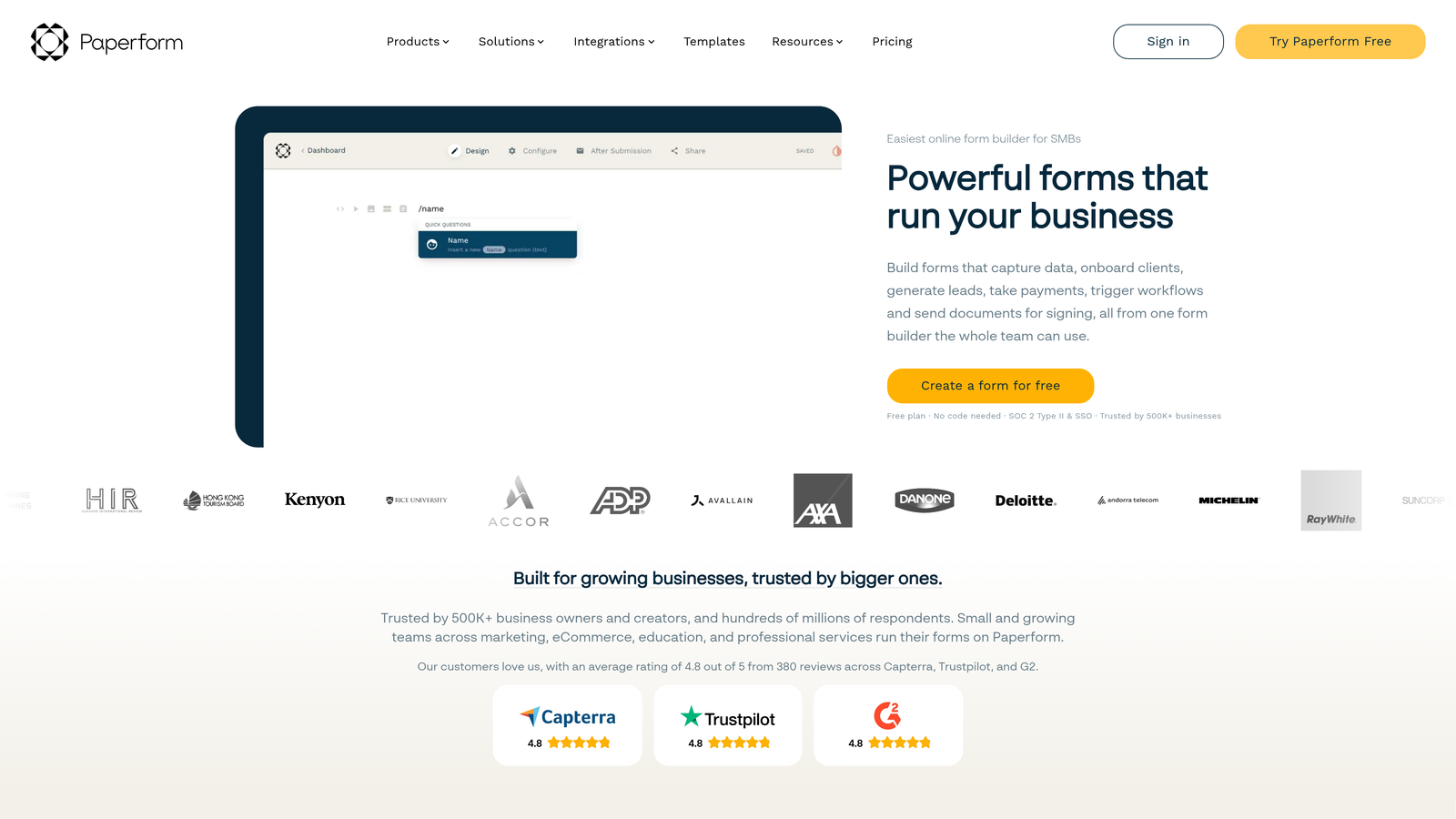
Paperform is a hybrid form and page builder that lets teams combine rich content, including text, images, and video, with form fields in a single document-style editor.
Where This Tool Shines
Paperform occupies a unique position in the category. Rather than treating forms as isolated data-collection widgets, it lets you build forms that read more like documents or landing pages. You can add context, imagery, and explanatory content alongside your fields, which is valuable for proposals, service intake forms, and order pages where you want to inform and convert in the same flow.
The built-in payment processing and scheduling capabilities mean Paperform can function as a lightweight commerce or booking tool, not just a form builder. For service businesses and consultants, that consolidation has real practical value.
Key Features
Document-Style Editor: Mix rich content blocks with form fields in a single page, creating forms that function as full-featured intake or sales documents.
Built-In Payment Processing and Scheduling: Accept payments and bookings directly within the form, without a separate integration layer.
Conditional Logic and Calculation Fields: Dynamic branching and real-time calculations within the form, useful for pricing estimators and complex intake flows.
Broad Integration Library: Native connectors and Zapier support for connecting to CRMs, email platforms, and other tools in your stack.
Custom Domains and Branding: Full white-label presentation with custom domain support for a seamless brand experience.
Best For
Paperform works best for service businesses, agencies, and consultants who want a single tool that handles intake, payment, and scheduling in one polished experience. It's less suited for high-volume B2B lead generation where routing and qualification logic are the priority.
Pricing
Paperform is paid-only, with no meaningful free tier beyond a trial period. Plans start at approximately $24 per month billed annually. It's a reasonable investment for teams that use it as a combined form-and-page tool.
5. Jotform
Best for: Teams that need enterprise-grade feature depth, compliance options, and a massive template library.
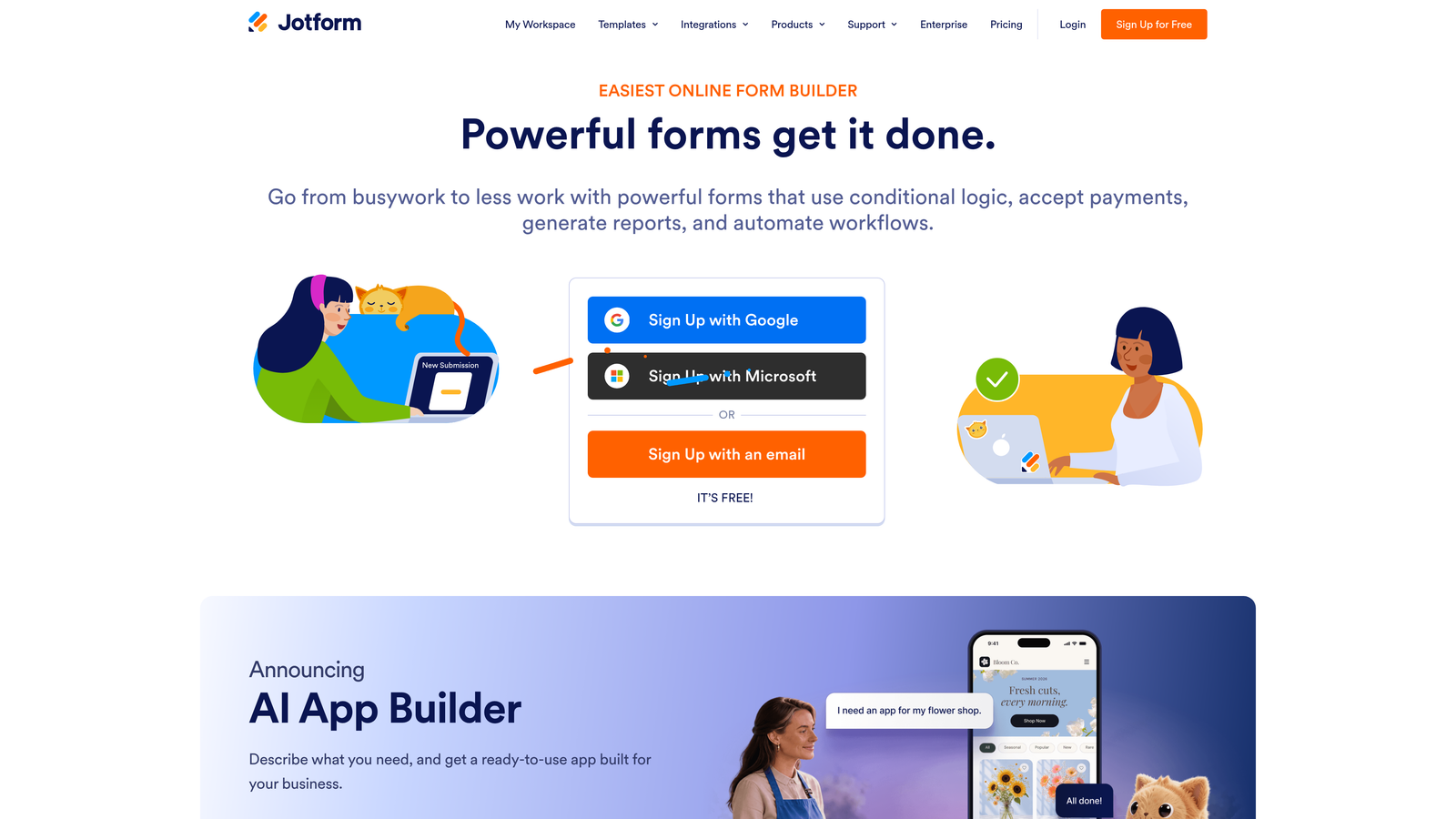
Jotform is one of the most feature-rich no-code form builders on the market, offering thousands of templates, a wide integration library, multi-gateway payment processing, and compliance options including HIPAA.
Where This Tool Shines
Jotform's breadth is its defining characteristic. With over 10,000 templates across industries and use cases, it's rare to encounter a form type that Jotform hasn't already built a starting point for. That template depth dramatically reduces time-to-launch for teams managing diverse form needs across departments.
The compliance capabilities set Jotform apart for regulated industries. HIPAA-compliant plans make it a viable option for healthcare organizations and any team handling sensitive data, which is a capability most form builders in this category don't offer at all.
Key Features
10,000+ Form Templates: An extensive library spanning industries and use cases, from healthcare intake to e-commerce orders to HR workflows.
HIPAA-Compliant Plan: Purpose-built compliance option for healthcare organizations and teams handling protected health information.
Multi-Gateway Payment Processing: Supports Stripe, PayPal, Square, and additional payment providers within a single platform.
Approval Workflows and Multi-Step Logic: Mature conditional logic and built-in approval routing for forms that require internal review before action.
White-Label Options: Agency-friendly white-labeling for teams that manage forms on behalf of clients.
Best For
Jotform is the right choice for larger teams, agencies, and organizations in regulated industries that need a proven, feature-complete platform. It's particularly strong for operations and HR teams managing complex multi-step forms, and for healthcare organizations that need HIPAA compliance without building a custom solution.
Pricing
A free plan is available with submission and storage limits. Paid plans start at approximately $34 per month and scale to enterprise pricing. The free tier is functional for low-volume use, but most growing teams will need a paid plan relatively quickly.
6. Formstack
Best for: Mid-market and enterprise teams that need forms tightly integrated into document generation and e-signature workflows.
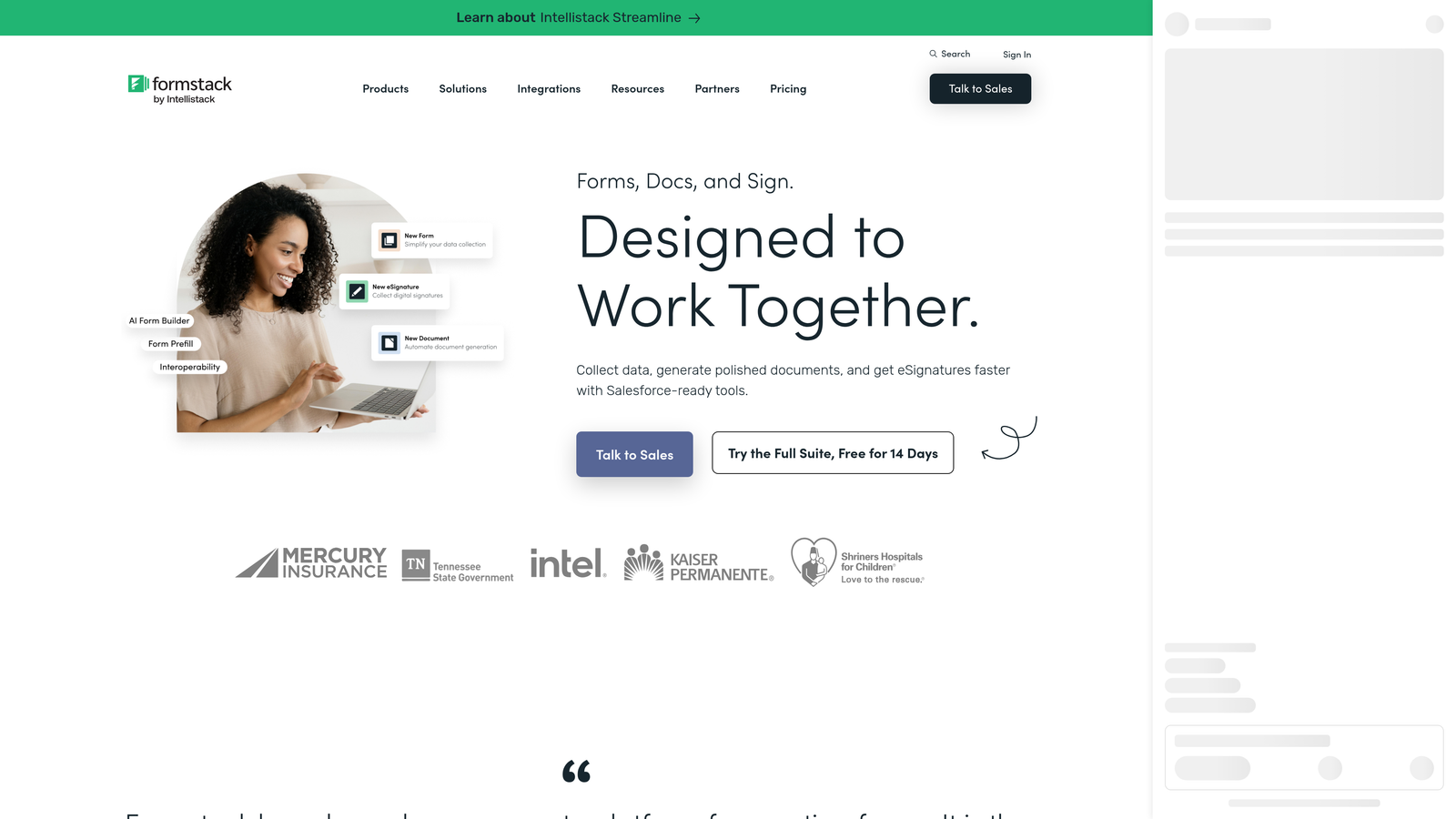
Formstack is a workflow-focused platform that combines form building with document generation and e-signatures, targeting operations and RevOps teams that need data collection connected to broader business processes.
Where This Tool Shines
Formstack's positioning is distinct from the rest of this list. Where most form builders focus on the collection experience, Formstack extends into what happens after submission: routing data into documents, triggering signature workflows, and feeding information into enterprise systems like Salesforce with deep field mapping.
For RevOps and operations teams managing complex multi-step processes, that end-to-end capability in a single platform has meaningful efficiency value. It's less a form builder and more a lightweight process automation tool that happens to start with a form.
Key Features
Advanced Data Routing and Prefill: Sophisticated routing logic and the ability to prefill forms with existing data, reducing friction for returning users and multi-step processes.
Native Salesforce Integration: Deep field mapping with Salesforce, making it a natural fit for teams running their revenue operations on that platform.
Document Generation and E-Signatures: Automatically generate populated documents from form submissions and route them for e-signature, closing the loop from data collection to signed agreement.
Conditional Logic and Multi-Step Flows: Complex branching and multi-page form logic suited to enterprise intake and qualification processes.
Enterprise-Grade Security and Compliance: Security and compliance features designed for organizations with strict data governance requirements.
Best For
Formstack is built for mid-market and enterprise buyers, particularly operations, legal, and RevOps teams that need forms to trigger document and signature workflows. It's not the right fit for lean teams or early-stage companies on tight budgets, where the pricing and complexity would be disproportionate to the need.
Pricing
Formstack sits at the higher end of the category on pricing and is aimed at mid-market and enterprise organizations. Contact Formstack directly for current rates, as pricing is typically scoped to organizational needs and feature sets.
Which Tool Is Right for Your Team
The right no-code form builder depends almost entirely on what you need forms to do beyond collecting data. Here's a quick reference to cut through the decision:
Orbit AI: The strongest choice when lead qualification is the priority. If your team is spending time manually triaging form submissions or relying on CRM rules to separate high-intent leads from low-quality ones, Orbit AI closes that gap at the point of submission. Built specifically for SaaS and B2B growth teams.
Typeform: Choose this when the form experience itself is part of the brand. High completion rates, polished design, and a conversational format make it well-suited for customer research, surveys, and lead capture on content-heavy pages.
Tally: The clear winner for zero-budget starts. Unlimited forms and unlimited responses on the free plan is a genuine differentiator, and the Notion-style editor is fast to learn. Ideal for early-stage teams and internal tools.
Paperform: Best when you want a form to function as a full document or landing page. Service businesses, consultants, and agencies that need intake, payment, and scheduling in one experience will find it particularly useful.
Jotform: Go here for breadth. The template library, compliance options, and multi-gateway payment support make it the most feature-complete option for larger teams and regulated industries.
Formstack: The right fit for enterprise RevOps and operations teams that need forms connected to document generation and e-signature workflows, particularly in Salesforce-heavy environments.
If you're a high-growth team where form submissions need to immediately translate into qualified, routed leads, Orbit AI is purpose-built for that outcome. Start building free forms today and see how AI-powered lead qualification can change what your forms actually deliver for your pipeline.


