

Formstack is a powerful platform, but "powerful" isn't always what a small business needs. When you're running a lean team and paying close attention to every line item, a form builder that starts at $50/month and requires significant onboarding can feel like overkill for capturing leads, collecting customer feedback, or running a simple survey.
The good news is that the form builder market has never been more competitive. There are now excellent alternatives at every price point, from completely free tools to AI-powered platforms that actively qualify your leads in real time. Whether you need something dead simple or something that integrates deeply with your CRM, there's a strong option here for you.
In putting together this list, the focus was on four things: pricing transparency, ease of use without heavy onboarding, modern design capabilities, and solid integration ecosystems. Here are the top Formstack alternatives worth considering for your small business in 2026.
1. Orbit AI
Best for: Small businesses and high-growth teams that want forms to actively qualify and convert leads
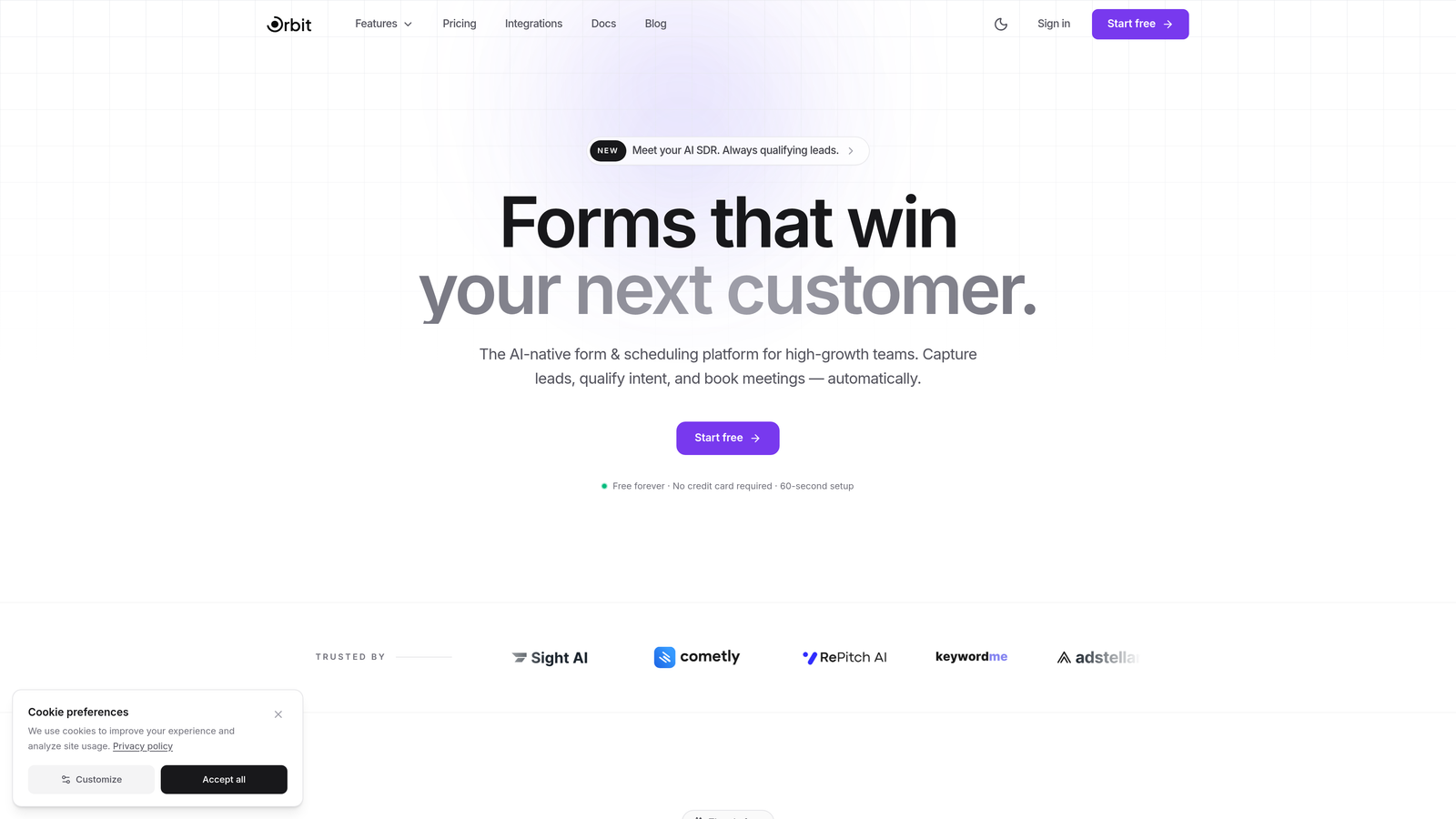
Orbit AI is an AI-powered form builder platform built around one idea: your forms should do more than collect data.
Where This Tool Shines
Most form builders are passive. Someone fills out a form, the data lands in a spreadsheet, and your team follows up later. Orbit AI changes that dynamic by qualifying leads in real time as they move through the form, so your sales team knows exactly who to prioritize before they even open their inbox.
For small businesses where every lead counts and sales resources are limited, this kind of intelligent prioritization can make a meaningful difference. The platform is also designed with conversion optimization at its core, meaning the templates and form flows are built to reduce drop-off and increase completion rates from the start.
Key Features
AI-Powered Lead Qualification: Scores and qualifies leads in real time as respondents fill out the form, surfacing your best prospects automatically.
Conversion-Optimized Templates: Pre-built form templates designed specifically to maximize completion rates and capture high-quality lead data.
AI Agents: Intelligent agents that engage respondents, adapt form logic dynamically, and score leads based on their responses.
CRM Integrations: Native integrations with HubSpot, Close, Attio, and other modern CRMs so qualified leads flow directly into your pipeline.
Built-In Analytics: Form performance tracking that shows where respondents drop off and which fields are creating friction.
Best For
Orbit AI is the right fit for small businesses and startups that are serious about lead generation, particularly those already using a CRM and looking for a smarter front-end to their sales funnel. If your forms are currently just data collectors, this platform is built to change that.
Pricing
Free plan available. Paid plans with advanced AI features are listed on the Orbit AI pricing page.
2. Jotform
Best for: Small businesses that need a wide variety of ready-made templates and payment integrations
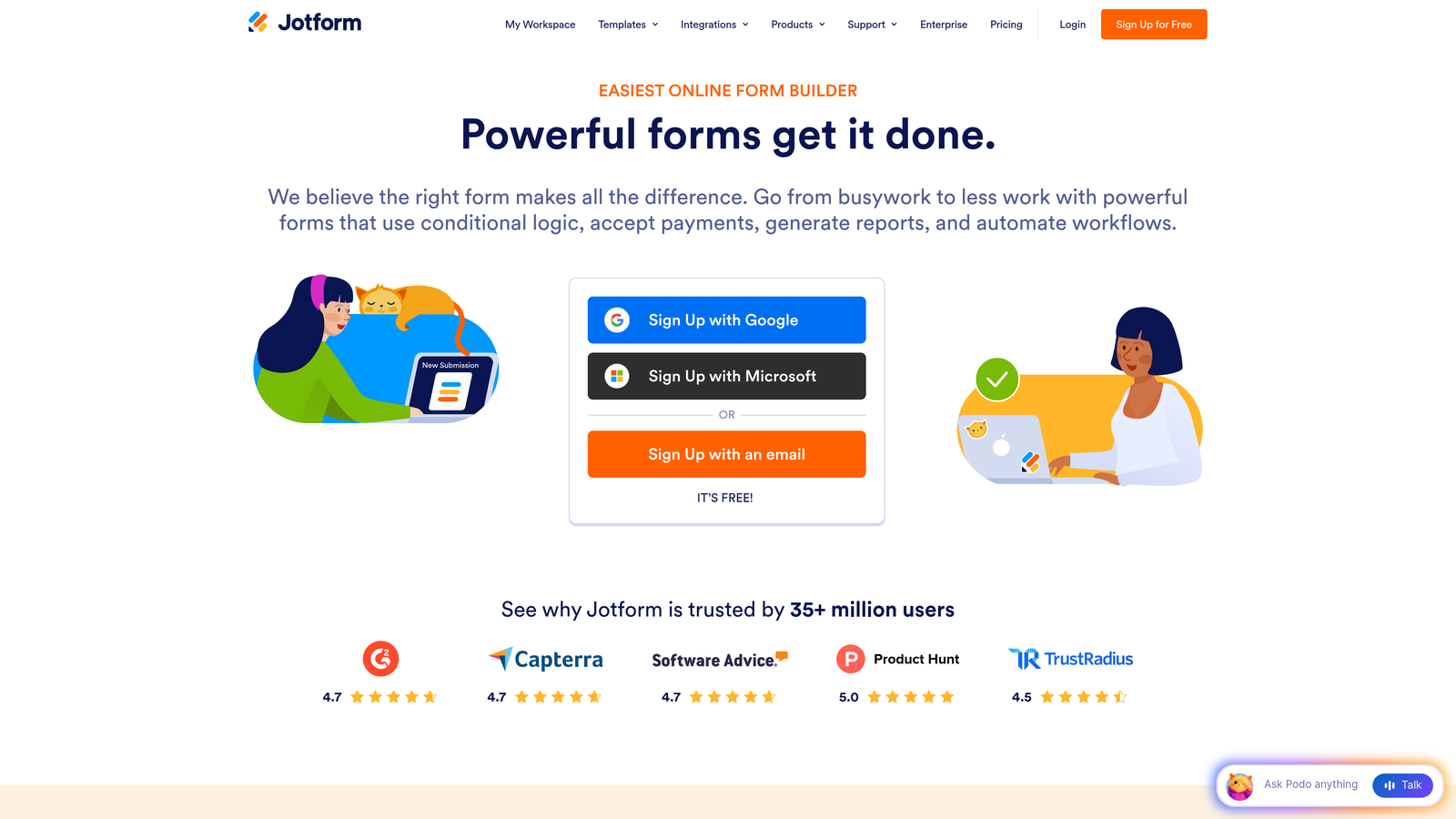
Jotform is one of the most established online form builders, with a template library and feature set that covers almost every use case imaginable.
Where This Tool Shines
Jotform's biggest strength is breadth. With over 10,000 templates spanning industries from healthcare to retail to nonprofits, you can almost always find a starting point that's close to what you need. The drag-and-drop editor requires zero coding knowledge, and the free tier is genuinely useful for small businesses just getting started.
The platform also handles payments natively, which is a real differentiator for service businesses that want to collect bookings, deposits, or product payments directly through a form without setting up a separate checkout flow.
Key Features
10,000+ Templates: One of the largest template libraries in the category, covering virtually every industry and use case.
Drag-and-Drop Editor: Build and customize forms visually with no coding required.
PDF Generation and E-Signatures: Automatically generate PDFs from submissions and collect legally binding signatures.
Payment Integrations: Accept payments through PayPal, Stripe, Square, and other processors directly within forms.
Free Plan: Includes up to 5 forms and 100 monthly submissions, which covers basic needs for very small teams.
Best For
Jotform works well for small businesses that need a reliable, all-in-one form solution with payment capabilities and don't want to cobble together multiple tools. It's particularly strong for service businesses, event organizers, and anyone who needs e-signatures alongside form submissions.
Pricing
Free plan available. Paid plans start around $34/month billed annually, with higher tiers unlocking more submissions, forms, and storage.
3. Typeform
Best for: Businesses that prioritize form design and want higher engagement and completion rates
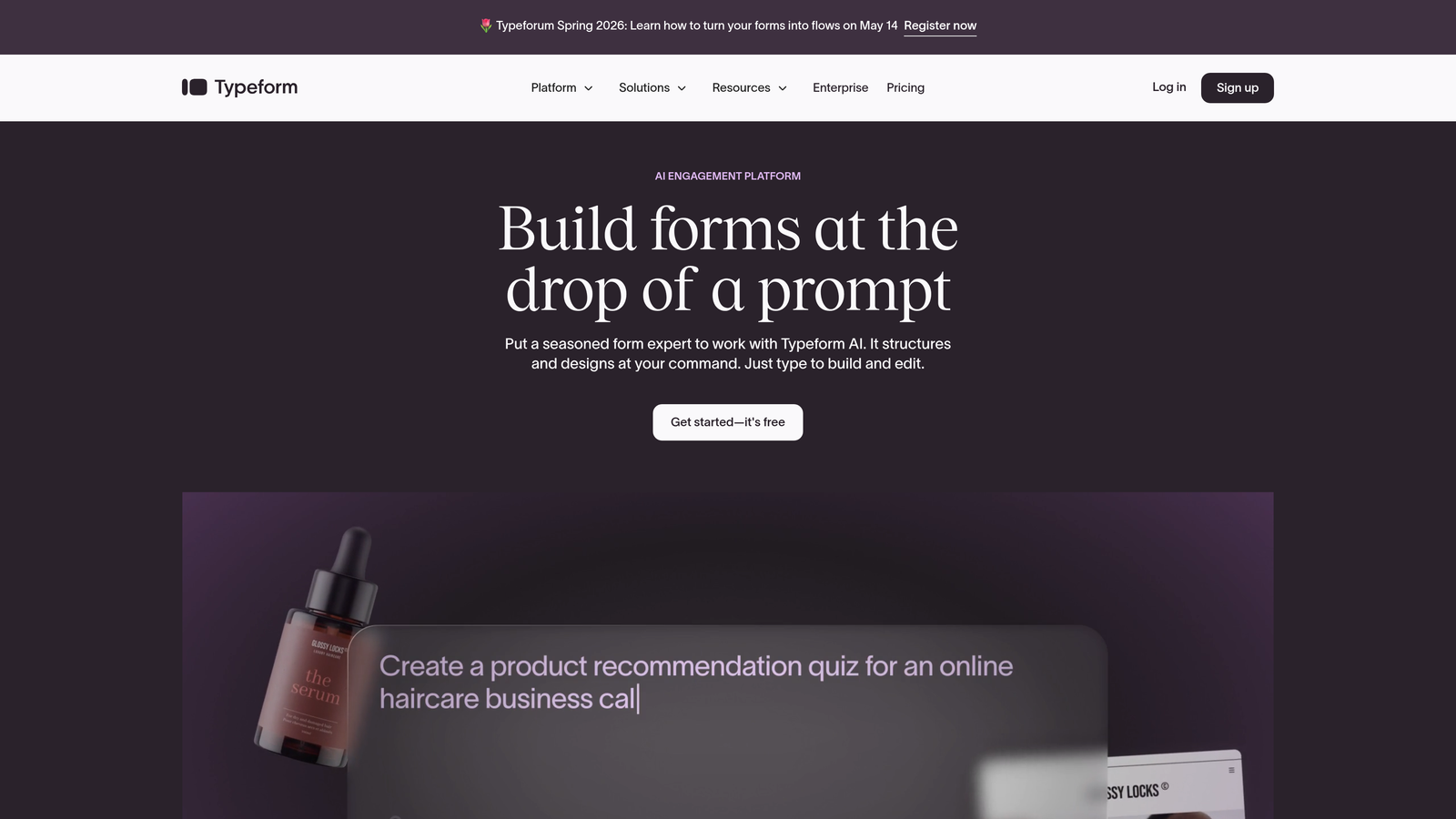
Typeform pioneered the conversational form format, presenting one question at a time to create a more engaging, less overwhelming experience for respondents.
Where This Tool Shines
The one-question-at-a-time approach is more than a design choice. It creates a conversational rhythm that tends to feel less like filling out a form and more like having a dialogue. For lead capture, customer surveys, or onboarding flows, this can noticeably improve how far respondents get before abandoning.
Typeform's design quality is also genuinely best-in-class. The default styling looks polished without any customization, and the brand customization options let you create forms that feel like a natural extension of your website or product.
Key Features
Conversational UX: One-question-at-a-time format that reduces cognitive load and keeps respondents engaged through to completion.
Logic Jumps: Branching logic that personalizes the form flow based on previous answers, creating a tailored experience for each respondent.
Beautiful Default Design: Polished, modern styling out of the box with full brand customization available on paid plans.
Integrations: Native connections to HubSpot, Zapier, Slack, Notion, and many other tools in the modern SaaS stack.
Media Embedding: Add videos and images directly within form questions to provide context or increase engagement.
Best For
Typeform is ideal for small businesses where brand presentation matters and where form completion rates are a key metric. It's particularly effective for lead generation forms, customer feedback surveys, and product onboarding flows where a polished experience reflects well on the brand.
Pricing
Free plan available with limited responses. Paid plans start around $25/month, with higher tiers unlocking more responses, logic features, and integrations.
4. Google Forms
Best for: Businesses already in the Google Workspace ecosystem that need a completely free, no-frills solution
Google Forms is the simplest, most accessible form builder available, and it costs absolutely nothing to use.
Where This Tool Shines
If your team already lives in Google Workspace, Google Forms is almost frictionless to adopt. Responses flow directly into Google Sheets for analysis, forms can be edited collaboratively in real time, and there are no submission limits, storage caps, or paid tiers to worry about. For internal surveys, event RSVPs, or simple contact forms, it genuinely gets the job done.
The trade-off is design flexibility and advanced features. Google Forms is intentionally minimal, which makes it fast to use but limiting if you need custom branding, complex logic, or integrations beyond the Google ecosystem.
Key Features
Completely Free: No submission limits, no form limits, no paid tiers required. Just a Google account.
Google Sheets Integration: Responses populate automatically in a connected spreadsheet, ready for sorting, filtering, and analysis.
Real-Time Collaboration: Multiple team members can edit the same form simultaneously, just like a Google Doc.
Conditional Logic: Basic section branching lets you route respondents to different parts of the form based on their answers.
Quiz Mode: Built-in auto-grading for quizzes and assessments, useful for training or educational use cases.
Best For
Google Forms is the right choice for small businesses on a tight budget that need something functional immediately. It's best suited for internal use cases, simple surveys, and basic data collection rather than customer-facing lead generation or branded experiences.
Pricing
Completely free with any Google account, including free personal Gmail accounts and Google Workspace subscriptions.
5. Tally
Best for: Startups and small teams that want a modern, generous free plan with a clean editing experience
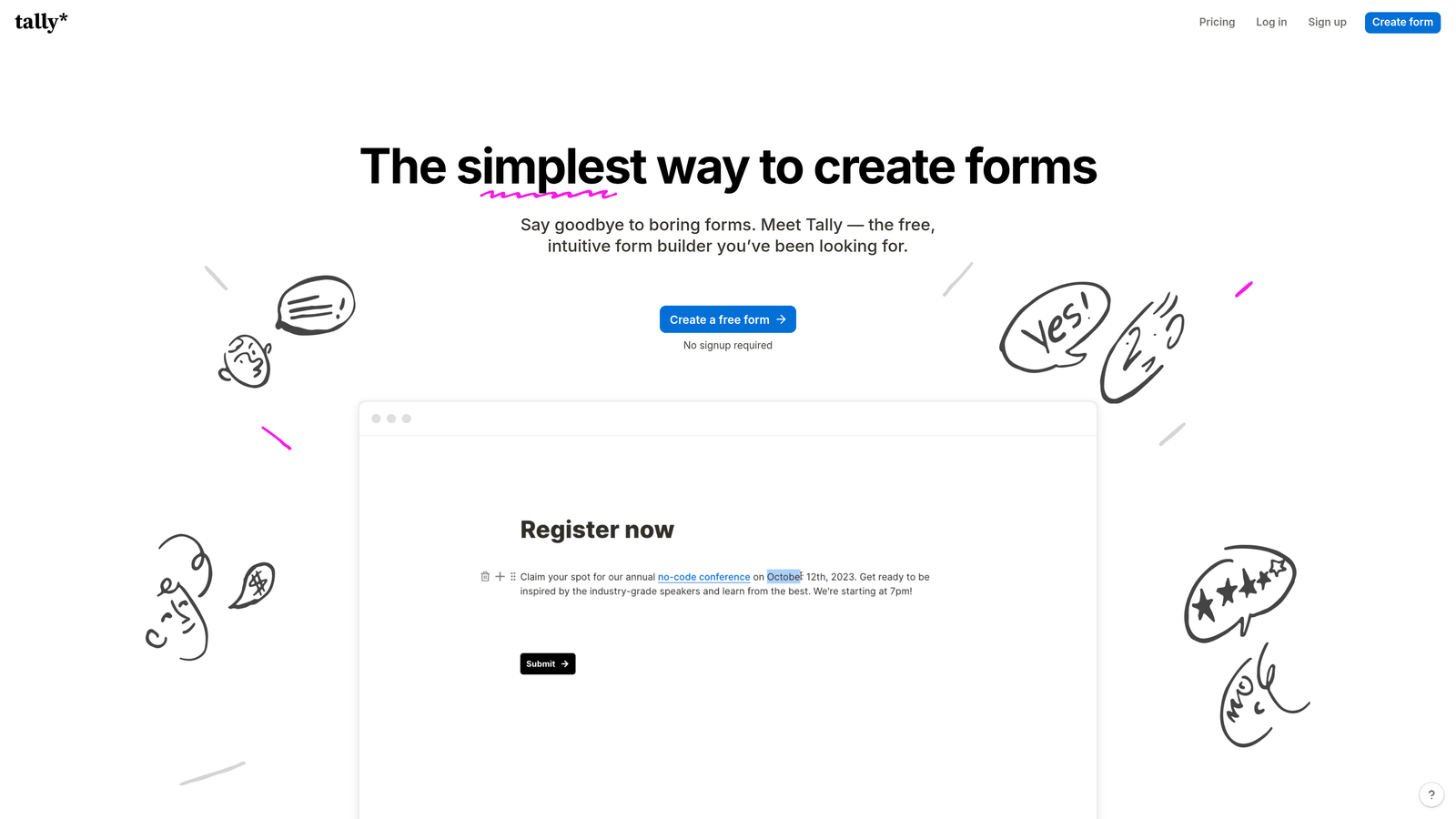
Tally is a modern form builder with a Notion-inspired block-based editor and one of the most compelling free plans in the entire category.
Where This Tool Shines
Tally's free plan is genuinely remarkable: unlimited forms, unlimited submissions, and a solid set of logic and integration features at no cost. For a bootstrapped small business or early-stage startup, this removes the pricing conversation entirely while still delivering a professional-quality tool.
The editing experience feels intuitive if you've spent any time in Notion. You build forms by typing and inserting blocks, which makes the process feel more like writing than form configuration. The resulting forms also have a clean, minimal aesthetic that tends to perform well for modern SaaS and tech-adjacent businesses.
Key Features
Unlimited Free Tier: Create unlimited forms and collect unlimited submissions at no cost, with no expiration.
Block-Based Editor: Notion-style editing experience that makes building forms feel natural and fast.
Conditional Logic and Calculations: Advanced logic, hidden fields, and calculated fields available even on the free plan.
Integrations: Connect to Zapier, webhooks, and a growing list of native integrations to fit into existing workflows.
Custom Branding: Remove Tally branding and add custom domains on the Pro plan.
Best For
Tally is an excellent pick for startups, freelancers, and small teams that want a capable, modern form builder without committing to a monthly subscription. It's particularly well-suited for teams already using Notion who want a consistent editing experience across their tools.
Pricing
Free plan with unlimited forms and submissions. Pro plan is $29/month and adds custom branding, custom domains, and priority support.
6. Cognito Forms
Best for: Service businesses and nonprofits that need built-in payment processing and advanced calculations
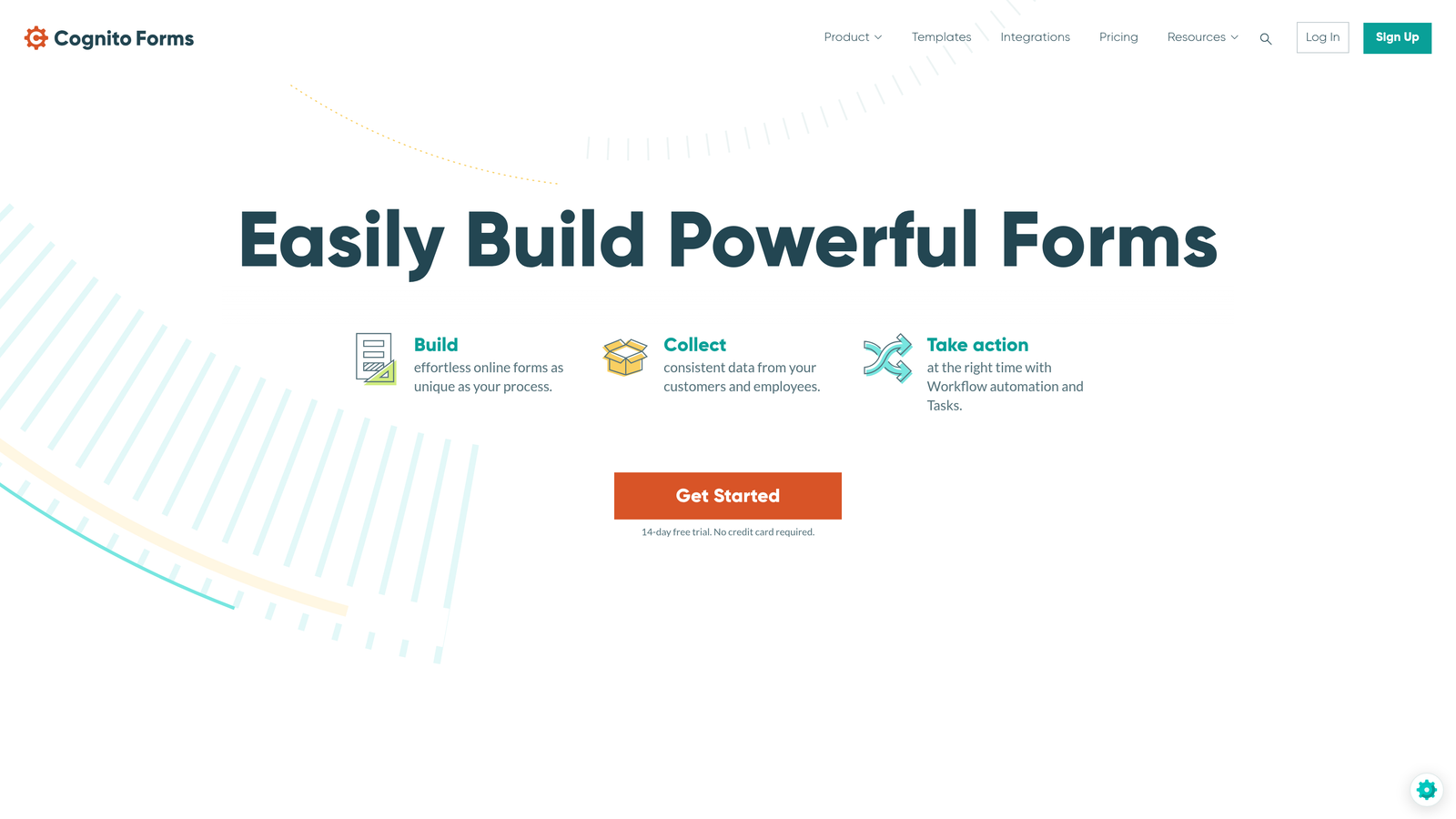
Cognito Forms is a form builder with unusually strong built-in calculation and payment capabilities, making it a standout for businesses that need more than basic data collection.
Where This Tool Shines
Where most form builders treat payments as an add-on, Cognito Forms builds them in as a core feature. You can create order forms with quantity fields, calculated totals, and conditional pricing logic without needing a separate e-commerce tool. For service businesses that take custom orders or registrations, this is a significant time-saver.
The platform also offers HIPAA-compliant plans, which opens it up to healthcare-adjacent small businesses like clinics, wellness practitioners, and mental health providers who need to handle sensitive data responsibly.
Key Features
Built-In Payment Processing: Accept payments via Stripe, PayPal, and Square directly within forms, with calculated totals and quantity fields.
Advanced Calculations: Create formulas and calculated fields that update dynamically based on respondent input.
Conditional Logic: Show or hide fields, sections, and pages based on previous answers, with multi-page form support.
Electronic Signatures: Collect legally binding signatures as part of the form submission flow.
HIPAA-Compliant Plans: Available for businesses that handle protected health information and need compliance coverage.
Best For
Cognito Forms is ideal for service businesses, nonprofits, and healthcare-adjacent organizations that need robust payment processing, complex calculations, or compliance-grade data handling within their forms.
Pricing
Free plan available. Paid plans start at $15/month, with HIPAA-compliant plans available at higher tiers.
7. Paperform
Best for: Small businesses that want forms that look and feel like branded landing pages
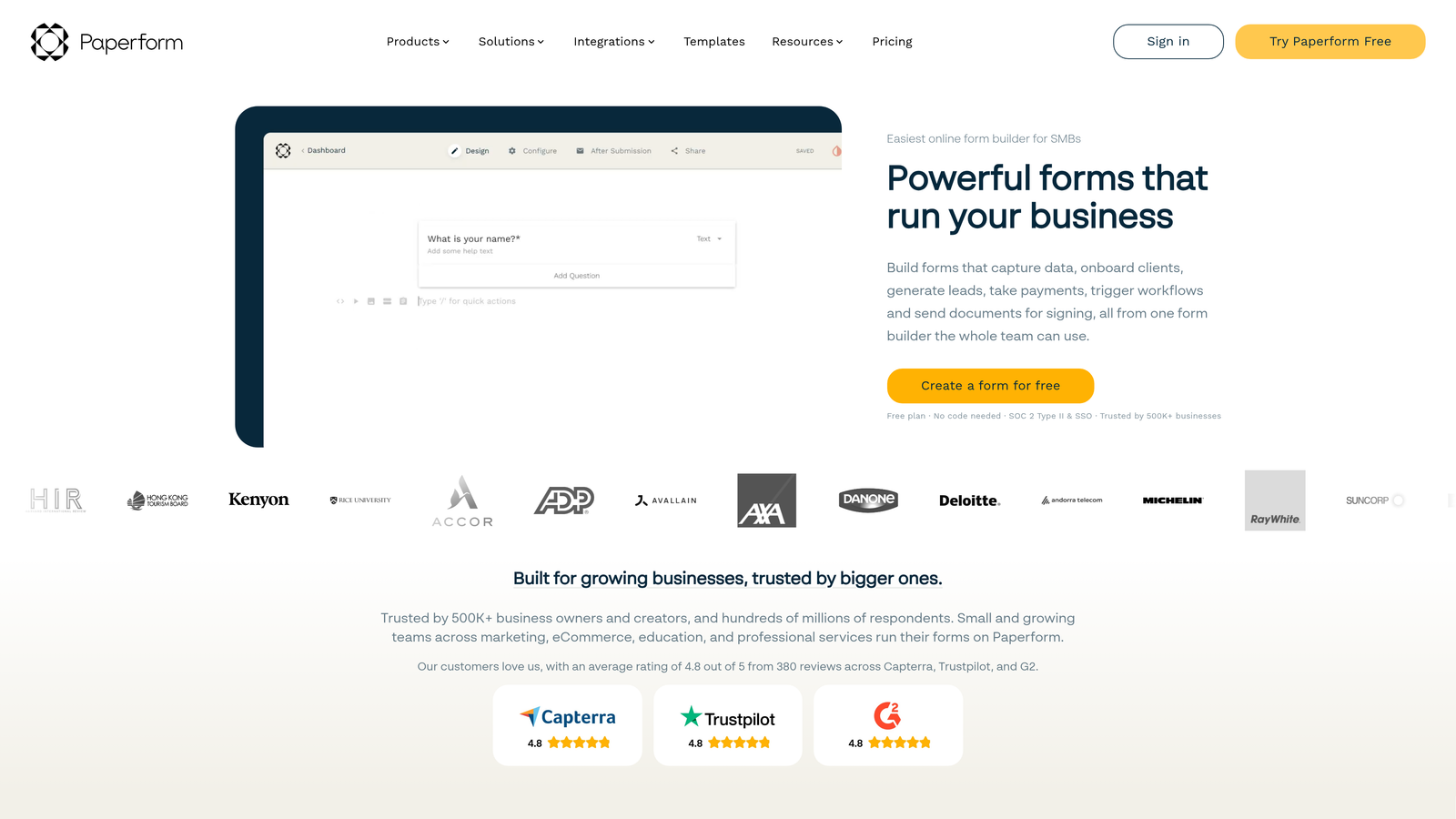
Paperform blurs the line between form builder and landing page creator, letting you embed rich content alongside form fields in a single, cohesive experience.
Where This Tool Shines
Paperform's defining characteristic is its content flexibility. You're not just building a form; you're building a page that happens to collect responses. You can add explanatory text, images, videos, and visual breaks between form fields, which makes it particularly effective for onboarding flows, product order forms, and intake questionnaires where context matters.
The built-in e-commerce and payment features are also well-developed, allowing small businesses to sell products, collect deposits, or manage bookings without needing a separate tool. The theme editor gives you enough control to make forms feel like a natural extension of your brand.
Key Features
Rich Content Editing: Embed images, videos, and formatted text directly within the form layout, not just as decorative elements.
Built-In Payments and E-Commerce: Sell products, collect payments, and manage orders directly through Paperform pages.
Conditional Logic: Dynamic field visibility and custom success pages that adapt based on respondent answers.
3,000+ Integrations: Connect to your existing tools via Zapier and a growing set of direct native integrations.
Custom Branding: Full theme editor with font, color, and layout controls to match your brand identity.
Best For
Paperform works well for small businesses that care deeply about presentation and want their forms to double as branded experiences. It's a strong choice for coaches, consultants, and product-based businesses that need a polished front-end for intake, sales, or onboarding.
Pricing
Plans start at $24/month billed annually. No permanent free plan, but a trial is available to test the platform before committing.
8. 123FormBuilder
Best for: Small businesses in regulated industries that need HIPAA and GDPR compliance with strong workflow automation
123FormBuilder is a compliance-focused form builder with robust conditional logic, workflow automation, and data security features built for businesses operating in regulated environments.
Where This Tool Shines
For small businesses in healthcare, legal, financial services, or any sector where data handling has regulatory implications, 123FormBuilder offers a level of compliance infrastructure that most general-purpose form builders don't match. HIPAA-compliant plans and GDPR-ready features mean you can collect sensitive information without building your own compliance layer on top.
The workflow automation capabilities also stand out for teams that need forms to trigger follow-up actions automatically: routing submissions to the right team member, sending conditional email notifications, or integrating with existing business processes without manual intervention.
Key Features
HIPAA and GDPR Compliance: Purpose-built compliance options for businesses handling protected health information or operating under European data regulations.
Advanced Conditional Logic: Skip logic and branching that creates personalized form paths based on respondent answers.
Workflow Automation: Automated routing, notifications, and follow-up actions triggered by form submissions.
Payment Integrations: Accept payments through Stripe, PayPal, and Authorize.Net within compliant form environments.
Team Collaboration: Role-based access controls so different team members have appropriate permissions within the platform.
Best For
123FormBuilder is the right choice for small businesses in healthcare, legal, finance, or other regulated industries where compliance is non-negotiable and workflow automation needs to be reliable and auditable.
Pricing
Free plan available. Paid plans start around $24/month, with HIPAA-compliant enterprise options at higher price points.
9. Fillout
Best for: Teams using Notion, Airtable, or Google Sheets that want forms to connect directly to their databases
Fillout is a newer form builder designed from the ground up to serve as a native front-end layer for modern database tools like Notion, Airtable, and Google Sheets.
Where This Tool Shines
Most form builders push data into a spreadsheet or CRM after submission. Fillout goes a step further by reading and writing directly to your existing databases in real time. If your small business already runs on Airtable or Notion, Fillout forms can surface existing records, pre-populate fields, and update data rather than just appending new rows.
This makes it particularly powerful for use cases like customer portals, update forms, scheduling flows, and any situation where the form needs to interact with data that already exists in your system rather than just creating new entries.
Key Features
Native Database Integrations: Direct read-and-write connections to Notion, Airtable, and Google Sheets, not just one-way data dumps.
Two-Way Data Interaction: Forms can display existing records and update them based on respondent input, enabling true database front-ends.
Conditional Logic and Multi-Step Forms: Branching logic and multi-page flows to create personalized, complex form experiences.
Scheduling and Payments: Built-in scheduling and payment collection features that extend forms beyond basic data capture.
Generous Free Tier: Unlimited forms with a solid feature set available at no cost, making it accessible for small teams.
Best For
Fillout is the ideal choice for small businesses and startups that have built their operations around Notion or Airtable and need a form layer that works with those databases natively rather than around them.
Pricing
Free plan available with unlimited forms. Paid plans start at $15/month and unlock higher submission volumes, advanced integrations, and branding controls.
Which Tool Is Right for Your Small Business?
The right choice here really comes down to what your business actually needs from a form builder, and how much you want to spend to get it.
If budget is the primary constraint, both Google Forms and Tally offer genuinely capable free tiers that will handle most basic use cases without any cost. Google Forms wins on simplicity and Google Workspace integration; Tally wins on modern UX and the unlimited free plan.
If design and respondent experience are your priority, Typeform and Paperform are the strongest options. Typeform excels at conversational flows and high-completion surveys; Paperform is better when you want forms that feel like branded landing pages.
If compliance is non-negotiable for your industry, 123FormBuilder and Cognito Forms both offer HIPAA-compliant plans with the workflow automation that regulated businesses typically need.
And if lead generation and conversion are your primary goal, Orbit AI is in a category of its own. While the other tools on this list are excellent at collecting data, Orbit AI is built to actively qualify and prioritize leads in real time, turning your forms from passive intake tools into the first stage of your sales funnel.
The form builder market is shifting. AI is changing what forms can do, moving them from static data collectors to intelligent conversion assets that engage prospects, score their fit, and route the right leads to the right people automatically. That shift is worth paying attention to, especially for high-growth teams where lead quality matters as much as lead volume.
Take advantage of the free plans and trials available across this list before committing. Most of these tools let you build and test real forms before spending a dollar. When you're ready to see what AI-powered forms can do for your conversion strategy, start building free forms today with Orbit AI and experience the difference between forms that collect and forms that convert.


