

University admissions teams face a real tension: application forms need to be thorough enough to evaluate candidates properly, yet streamlined enough that qualified applicants actually complete them. Clunky, outdated forms drive away strong candidates before they ever submit. The right tool changes that, collecting the data you need while delivering an experience that reflects well on your institution.
This list covers the best tools for building university application forms in 2026, whether you're running a small graduate program or managing thousands of undergraduate applications. We evaluated each on ease of use, conditional logic, file upload support, CRM integrations, and the overall applicant experience. You'll find options ranging from dedicated admissions platforms to flexible form builders that can be customized for higher education workflows.
1. Orbit AI
Best for: Teams that want to collect applicant data and automatically surface the strongest candidates
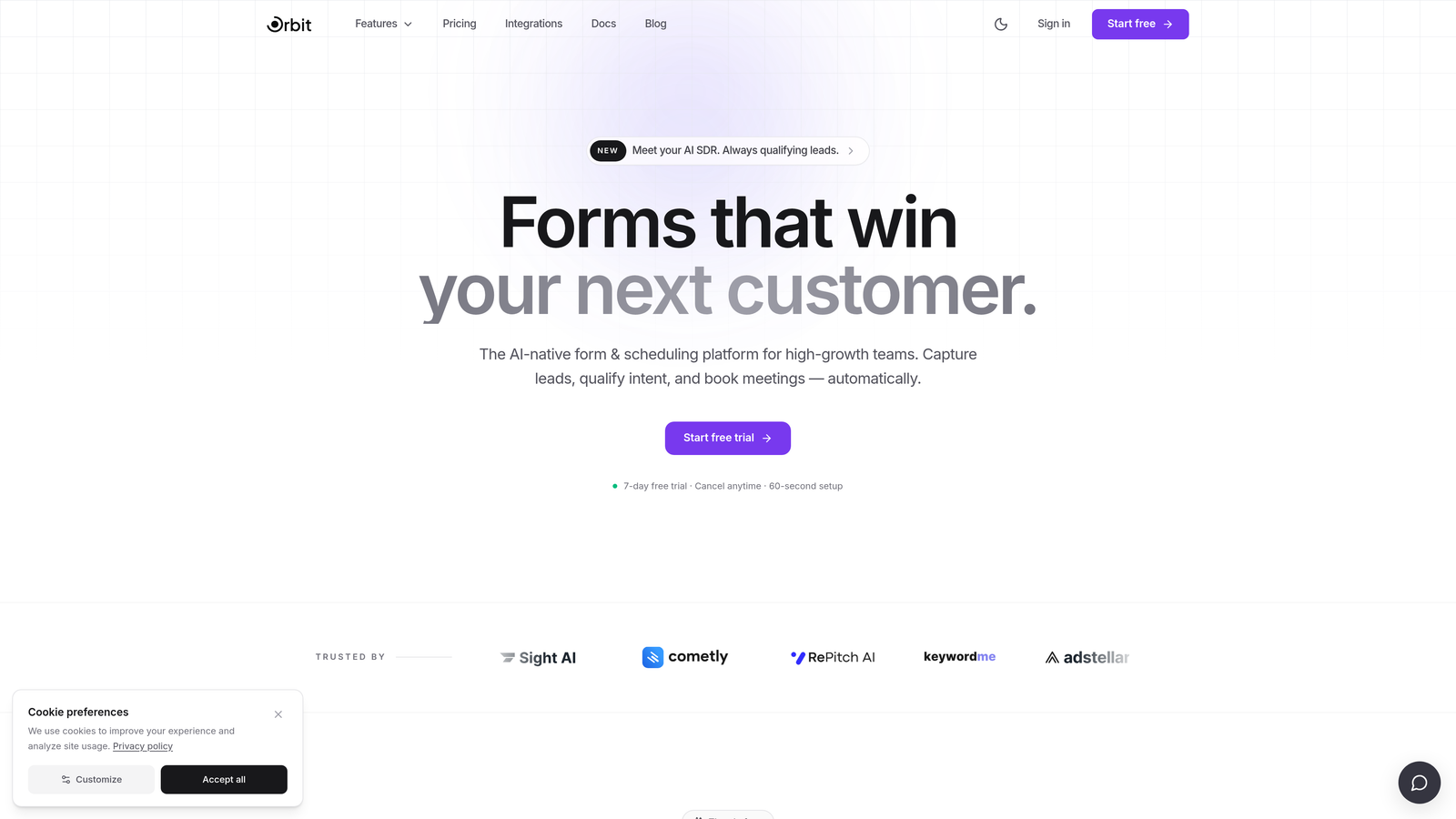
Orbit AI is an AI-powered form builder with built-in lead qualification logic, combining conversion-optimized design with intelligent applicant scoring.
Where This Tool Shines
Most form builders collect data and stop there. Orbit AI goes a step further by analyzing form responses and scoring applicants based on criteria you define, so your admissions team isn't manually sorting through every submission to find the strongest candidates. For graduate programs and competitive scholarships where review time is a real bottleneck, that qualification layer can make a meaningful difference.
The design system is another standout. Forms built with Orbit AI look polished and modern out of the box, which matters more than teams often realize. A premium-feeling application experience signals institutional quality to prospective students, particularly for online and professional programs competing for applicants across institutions.
Key Features
AI Applicant Qualification: Automatically scores applicants based on form responses, surfacing high-fit candidates for faster admissions follow-up.
Conversion-Optimized Design: Visually polished form templates designed to reduce drop-off and keep applicants moving through longer flows.
Conditional Logic: Branch application paths by program type, applicant category (domestic, international, transfer), or eligibility criteria.
CRM Integrations: Pass qualified applicants directly into your admissions CRM or workflow tools without manual data exports.
Completion Analytics: Track form completion rates and identify exactly where applicants are dropping off so you can optimize accordingly.
Best For
Graduate programs, online programs, and professional schools that are actively competing for applicants and need to identify high-intent candidates quickly. Also a strong fit for admissions teams looking to modernize their application experience without rebuilding an entire CRM infrastructure.
Pricing
Paid plans available. Visit orbitforms.ai for current pricing details.
2. Typeform
Best for: Programs prioritizing applicant experience and completion rates over document-heavy submissions
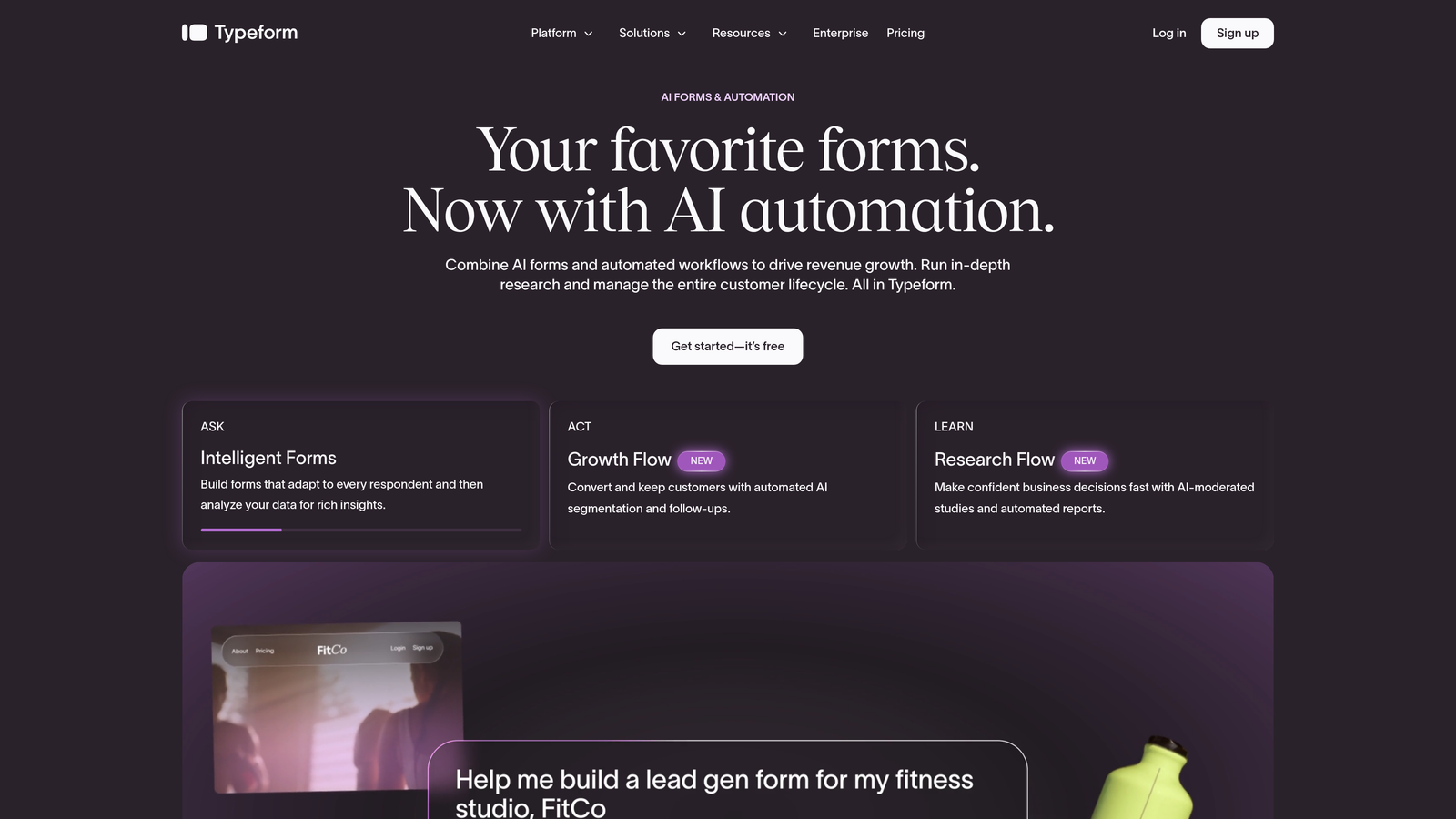
Typeform is a conversational form builder known for its one-question-at-a-time interface, which tends to improve completion rates for longer application flows.
Where This Tool Shines
Typeform's signature UX presents one question at a time, reducing the cognitive overwhelm that causes applicants to abandon long forms midway. For programs with substantial written responses or multi-step screening questions, this format keeps applicants engaged and moving forward rather than scrolling through a wall of fields.
The integration ecosystem is also well-developed. Connections to HubSpot, Salesforce, and Zapier mean that completed applications can flow directly into existing admissions tools without manual handling. That said, Typeform is better suited to application flows that are thorough but not document-intensive. Very long forms requiring multiple file uploads can feel less natural in the conversational format.
Key Features
Conversational UI: One-question-at-a-time format reduces cognitive load and tends to improve completion rates for longer applications.
Conditional Logic: Personalize application paths based on answers, directing applicants to program-specific questions automatically.
File Uploads: Supports essay and document submissions, though it's better suited to lighter document requirements.
Integrations: Native connections to HubSpot, Salesforce, Zapier, and a range of other tools commonly used in admissions workflows.
Logic Jumps and Calculator Fields: Useful for basic eligibility screening before applicants reach the full application.
Best For
Programs with moderate application complexity and a strong emphasis on applicant experience. Works particularly well for graduate program inquiries, pre-screening flows, and scholarship interest forms where the conversational format adds genuine value.
Pricing
Free plan available. Paid plans start at $25/month.
3. Jotform
Best for: Teams that need a feature-rich, template-ready solution with strong document collection capabilities
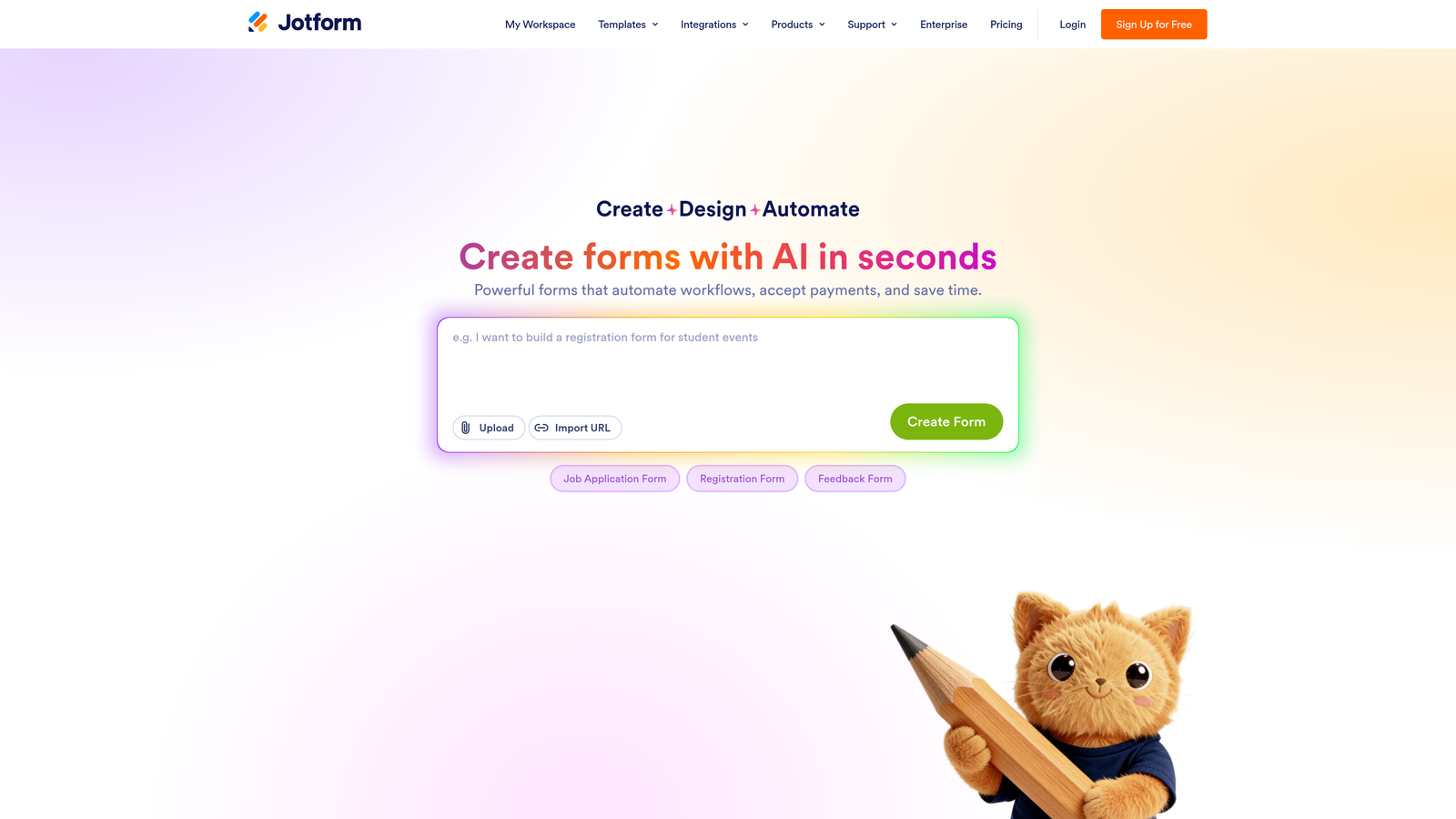
Jotform is a general-purpose form builder with a large library of education-specific templates and robust support for the document-heavy submissions university applications typically require.
Where This Tool Shines
Jotform's template library includes education-specific application forms that give teams a solid starting point rather than building from scratch. More importantly, its file upload capabilities are genuinely capable: applicants can submit transcripts, portfolios, recommendation letters, and supporting documents without friction, which is a practical requirement many form builders handle poorly.
The addition of e-signature support and payment integration rounds out the feature set for admissions use cases. Collecting application fees and consent signatures within the same form workflow reduces the number of separate systems applicants need to interact with.
Key Features
Education Templates: Ready-to-customize application form templates designed for higher education contexts.
File Upload Fields: Handles transcripts, portfolios, and recommendation letters with configurable size and type restrictions.
E-Signature Collection: Built-in signature fields for consent forms, agreements, and declarations within the application.
Payment Integration: Collect application fees directly within the form via Stripe, PayPal, and other processors.
HIPAA Compliance: Available on higher-tier plans, relevant for health sciences and clinical programs with sensitive data requirements.
Best For
Admissions teams that need a versatile, ready-to-deploy solution with strong document handling and the ability to collect fees and signatures without stitching together separate tools. A practical choice for programs of most sizes.
Pricing
Free plan available. Paid plans start at $34/month.
4. Formstack
Best for: Enterprise institutions that need approval routing, data security, and document generation in one platform
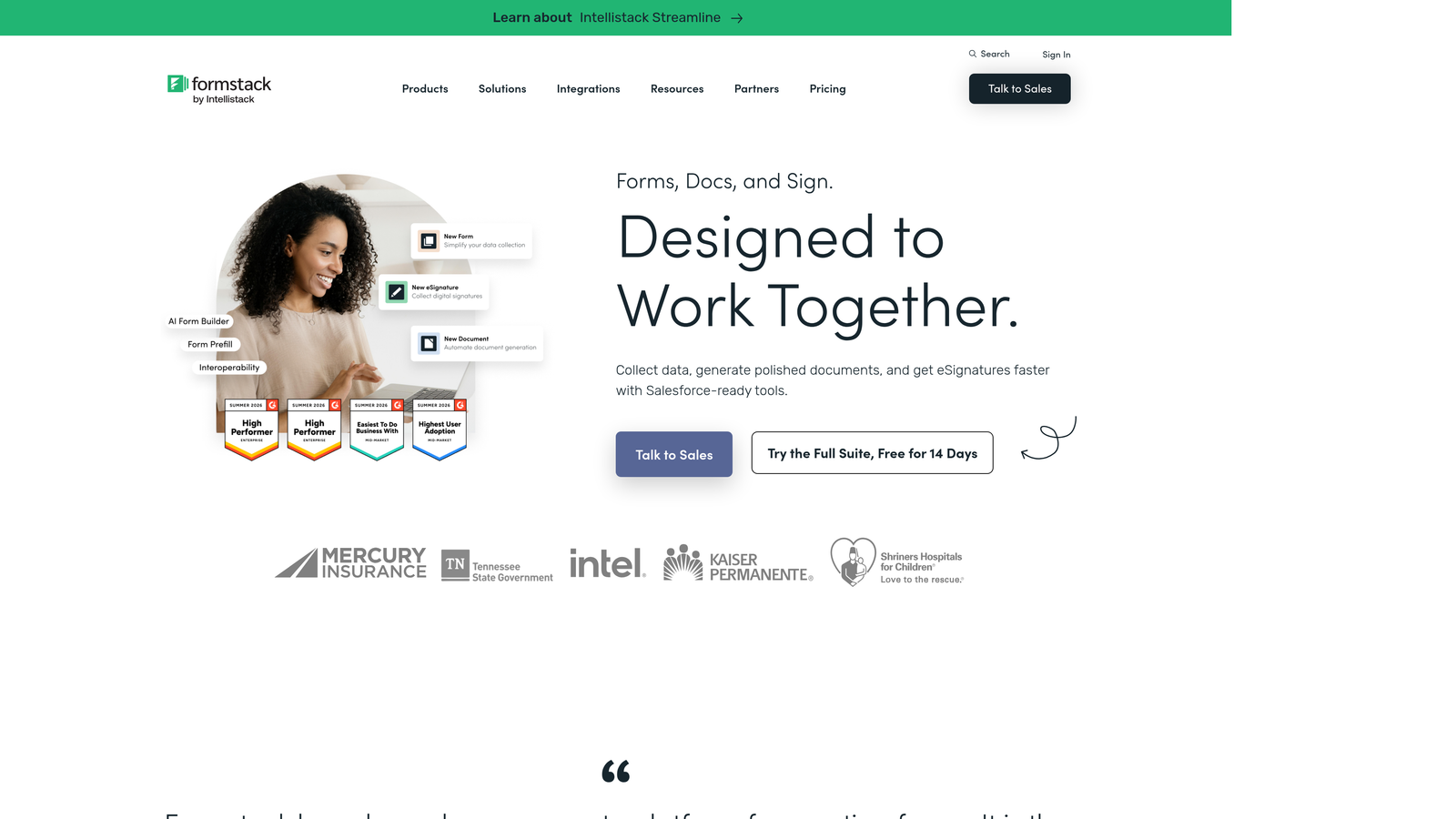
Formstack is an enterprise-grade form and workflow automation platform with strong data security features, multi-step approval routing, and document generation built in.
Where This Tool Shines
Where Formstack separates itself is in workflow automation beyond the form itself. Submissions can trigger multi-step approval routes, moving applications through defined review stages automatically rather than relying on manual handoffs between admissions staff. For institutions with structured review committees or compliance requirements, that kind of built-in routing is genuinely valuable.
Data security is another area where Formstack earns its enterprise positioning. HIPAA-compliant data handling and enterprise SSO options make it a credible choice for institutions with strict IT governance requirements, including health-adjacent programs dealing with sensitive applicant information.
Key Features
Approval Workflow Routing: Route submissions through defined multi-step review stages automatically after submission.
HIPAA-Compliant Data Handling: Relevant for health sciences programs and institutions with strict data governance requirements.
Document Generation: Automatically generate formatted documents from form submission data for review packets or offer letters.
Advanced Conditional Logic: Complex branching to handle diverse applicant types, programs, and eligibility paths.
Enterprise SSO and Data Residency: Institutional-grade identity management and data control options for IT compliance.
Best For
Mid-to-large institutions with structured review processes, compliance requirements, or IT governance standards that a general form builder can't satisfy. Best when the workflow automation and document generation features will actually be used.
Pricing
Plans start at $83/month. Enterprise pricing is available for larger institutions.
5. Slate by Technolutions
Best for: Universities wanting a fully integrated admissions CRM with application forms as part of a complete system
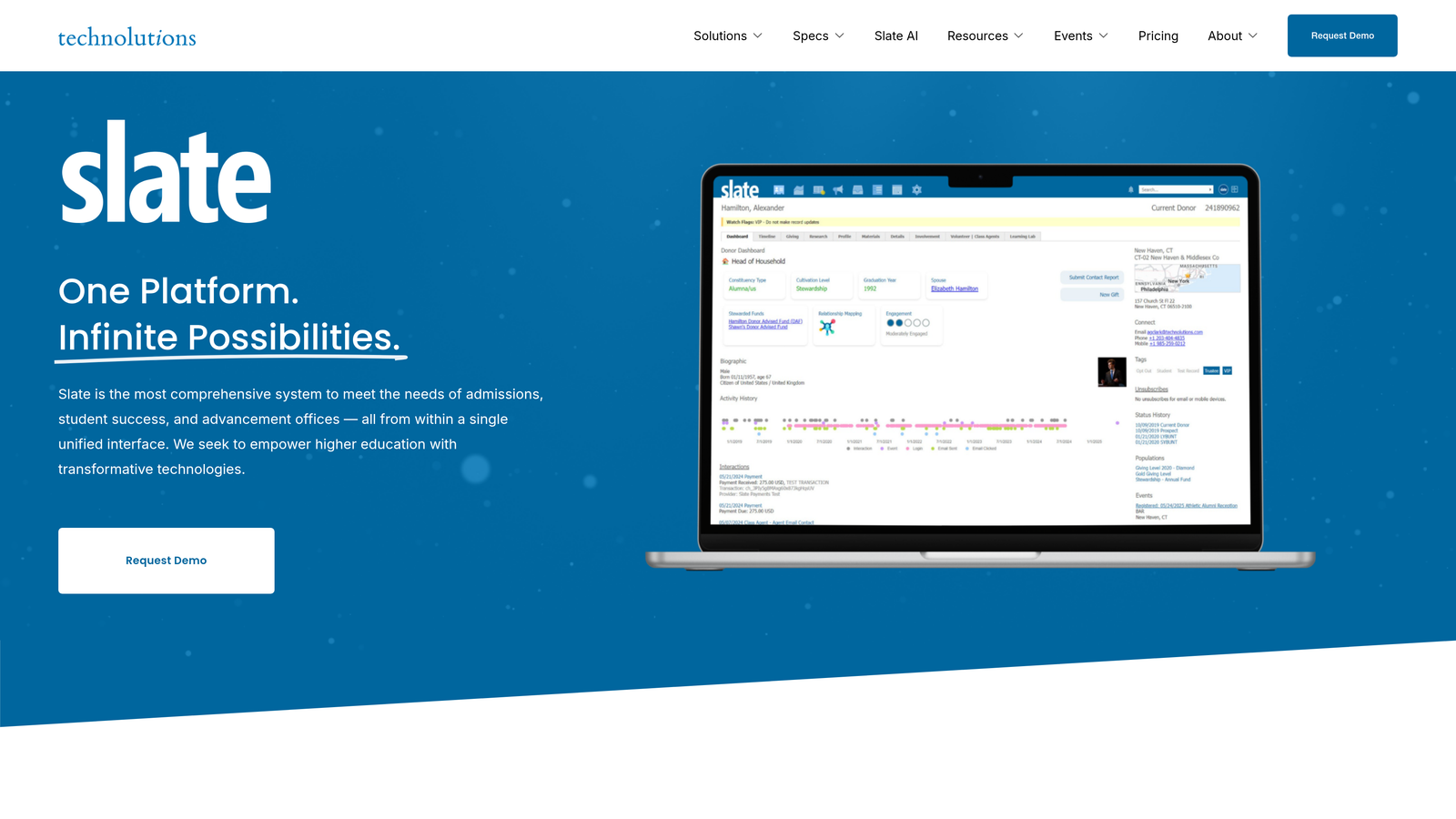
Slate by Technolutions is a purpose-built higher education CRM and admissions management platform used across hundreds of universities, with application forms as a core component of the system.
Where This Tool Shines
Slate isn't a form builder in the traditional sense. It's a full admissions operating system where application forms live inside a broader ecosystem that includes applicant portals, review workflows, communication tools, and SIS integrations. If your institution needs everything connected in one place, Slate delivers that in a way that standalone form builders simply can't match.
The applicant-facing portal is particularly well-developed. Applicants can log in to check their application status, upload additional documents, and receive automated communications, all within the Slate environment. That level of applicant experience infrastructure is hard to replicate with general-purpose tools.
Key Features
End-to-End Admissions CRM: Application forms are part of a complete admissions management system, not a standalone tool.
Applicant Portal: Status tracking and document submission portal for applicants throughout the review process.
Configurable Review Workflows: Scoring rubrics, reviewer assignments, and decision workflows built directly into the platform.
SIS Integrations: Deep integration with common student information systems for seamless data transfer after admission.
Event and Communication Tools: Admissions outreach, event management, and automated communication built into the same system.
Best For
Institutions ready to invest in a dedicated admissions CRM rather than assembling a workflow from separate tools. Best suited to universities processing significant application volume where the full Slate ecosystem delivers clear operational value.
Pricing
Custom pricing. Contact Technolutions directly for a quote based on institutional size and requirements.
6. Submittable
Best for: Scholarship programs, fellowships, and competitive applications requiring structured multi-reviewer evaluation
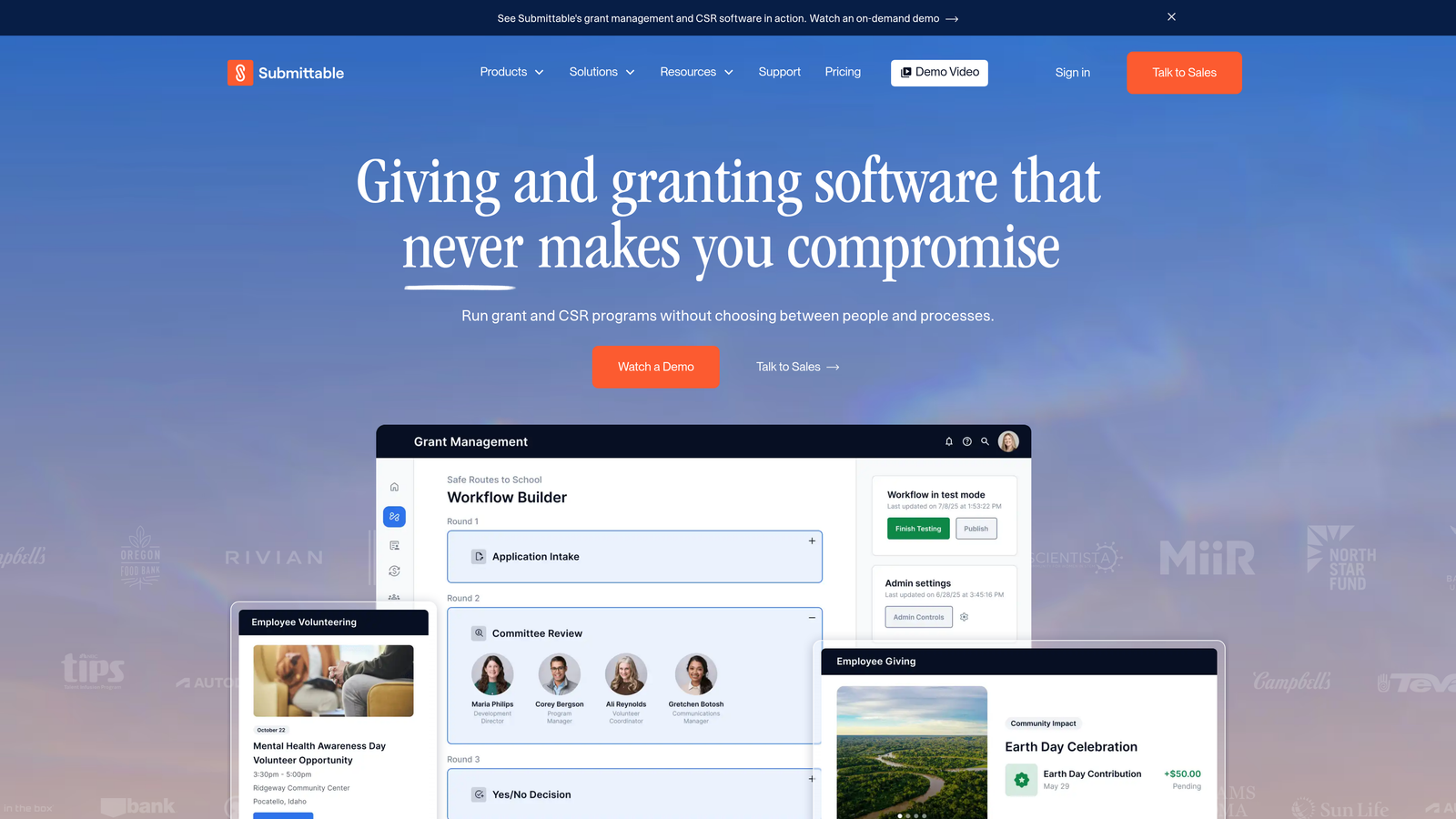
Submittable is an application and review management platform originally built for creative submissions, now widely used for scholarships, fellowships, and competitive program applications.
Where This Tool Shines
Submittable's strength is on the review side of the application process. Multiple reviewers can score, comment on, and discuss individual applications within the platform, with blind review mode available to reduce evaluator bias. For programs where the quality of the review process matters as much as the quality of the application form, that infrastructure is genuinely useful.
It also handles the applicant communication side well. Automated status notifications keep applicants informed without requiring manual outreach, and the applicant-facing portal provides a clear view of submission status throughout the review cycle.
Key Features
Multi-Reviewer Scoring: Scoring rubrics and comment threads per application, supporting collaborative evaluation across review committees.
Blind Review Mode: Anonymizes applicant information during review to support unbiased evaluation processes.
Applicant Status Portal: Automated email notifications and status tracking for applicants throughout the review cycle.
Media and File Submission: Strong support for arts portfolios, creative work samples, and document-heavy submissions.
Review Analytics: Reporting on review progress, completion rates, and evaluation outcomes across the applicant pool.
Best For
Scholarship offices, fellowship programs, honors programs, and arts-focused applications where structured multi-reviewer evaluation is a core requirement. Less suited to high-volume undergraduate admissions at scale.
Pricing
Plans start at $10,000/year for organizations. Contact Submittable for exact pricing based on program size.
7. Google Forms
Best for: Programs with simple needs, tight budgets, or internal data collection that doesn't require a polished applicant experience
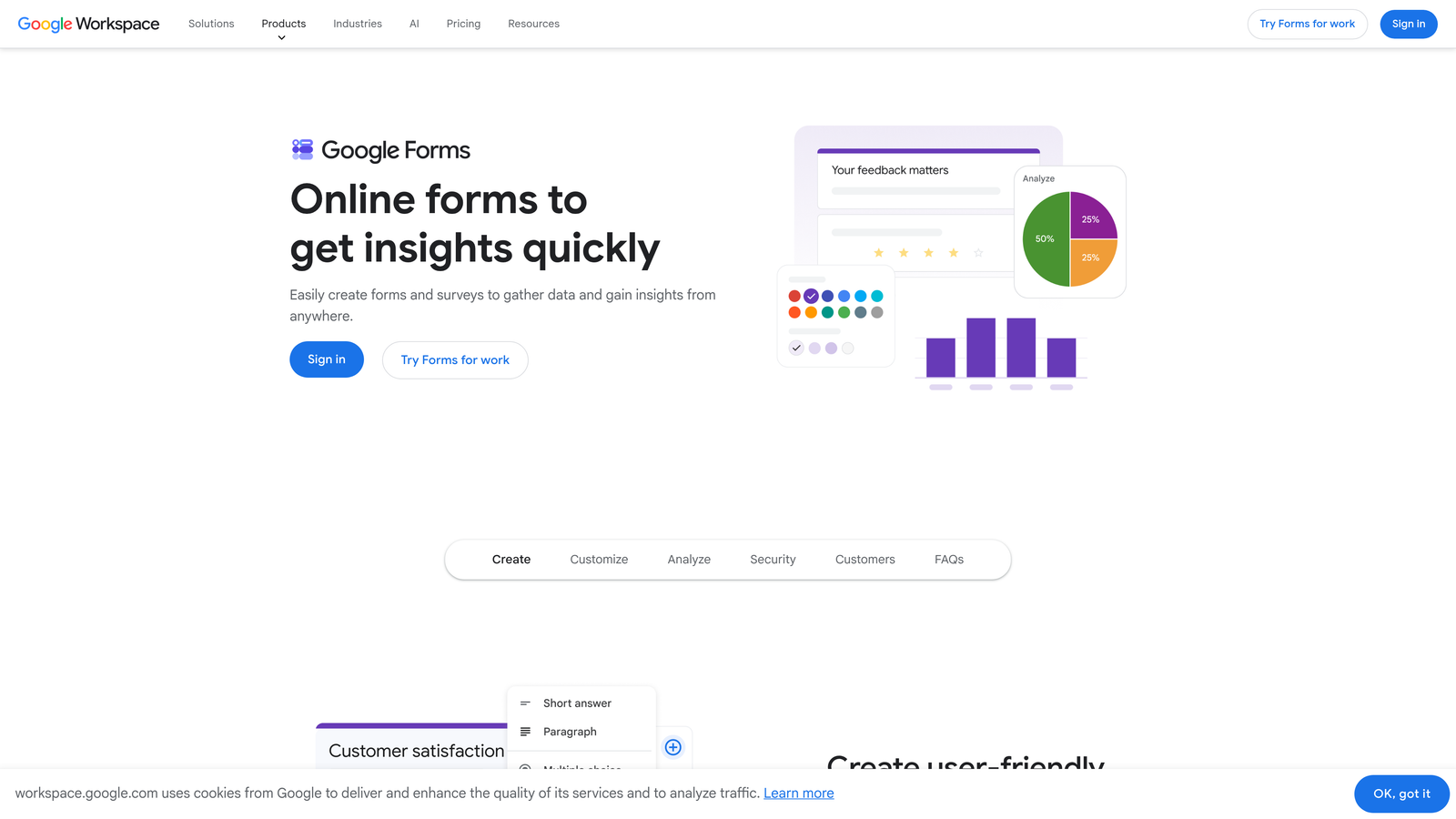
Google Forms is a free, straightforward form builder with seamless integration into Google Workspace, representing the zero-cost starting point for programs with basic requirements.
Where This Tool Shines
The honest case for Google Forms is simplicity and cost. It's completely free, universally understood, and integrates directly with Google Sheets for automatic response tracking. For a small program running an internal interest survey, a supplemental questionnaire, or a low-stakes application with minimal document requirements, Google Forms does the job without any setup overhead.
The limitations become apparent quickly as application complexity grows. Conditional logic is basic, file uploads route to Google Drive without much structure, there's no native fee collection, and the form design offers little room for branding or customization. It's a starting point, not a long-term solution for competitive admissions.
Key Features
Completely Free: Available with any Google account, with no submission limits or paywalled features for core functionality.
Google Sheets Integration: Responses collect automatically in a connected spreadsheet, making basic data review straightforward.
Section Branching: Basic conditional logic to route respondents to different sections based on answers.
Google Drive File Uploads: Applicants can upload files directly to a connected Drive folder.
Google Workspace Collaboration: Easy sharing and co-editing for teams already working within the Google ecosystem.
Best For
Programs with very simple application requirements, internal use cases, or teams that need something functional immediately with zero budget. Not recommended for programs where applicant experience, branding, or document management are priorities.
Pricing
Free with a Google account. Google Workspace plans start at $6/user/month for institutional deployments.
8. Cognito Forms
Best for: Applications with complex eligibility rules, calculated fields, or tiered fee structures that other builders struggle to handle
Cognito Forms is an underrated form builder with unusually powerful calculated fields and conditional logic, well-suited to applications where eligibility criteria involve multiple variables.
Where This Tool Shines
Cognito Forms handles calculated logic in ways that most form builders can't match without developer customization. GPA thresholds, age requirements, program-specific eligibility rules, and tiered fee calculations can all be built directly into the form using Cognito's formula system. For programs with genuinely complex eligibility criteria, that capability saves significant manual screening time.
Repeating sections are another practical differentiator. Applicants can add multiple entries for work experience, academic qualifications, or extracurricular activities without the form requiring a fixed number of fields in advance. It's a small feature that makes a real difference for application completeness.
Key Features
Advanced Calculated Fields: Build GPA thresholds, eligibility scoring, and fee calculations directly into form logic without custom code.
Repeating Sections: Allow applicants to add multiple entries for qualifications, experience, or references dynamically.
Complex Conditional Logic: Program-specific branching that handles multiple overlapping conditions cleanly.
Payment Collection: Stripe integration for collecting application fees within the form.
HIPAA Compliance: Available on higher-tier plans for programs with sensitive data requirements.
Best For
Programs with complex eligibility logic, variable fee structures, or application forms that require calculated fields. A strong choice for teams with technical requirements that simpler builders can't handle, particularly given the competitive pricing.
Pricing
Free plan available. Paid plans start at $15/month.
9. Gravity Forms
Best for: Universities running WordPress websites with development resources to build customized application workflows
Gravity Forms is the leading WordPress form plugin, offering a large add-on ecosystem and developer-friendly architecture for institutions building on WordPress.
Where This Tool Shines
If your institution's website runs on WordPress, Gravity Forms is the natural choice for on-site application forms. It integrates deeply with the WordPress environment, giving developers full control over form styling, behavior, and data handling through a well-documented hooks and filters system. The result is application forms that feel like a native part of the institutional website rather than an embedded third-party tool.
The add-on library extends functionality considerably. Stripe for fee collection, Zapier for workflow automation, HubSpot for CRM integration, and Dropbox for file storage are all available as official or community add-ons. The trade-off is that unlocking the full potential requires someone with WordPress and PHP familiarity, making it less suitable for teams without technical resources.
Key Features
Deep WordPress Integration: Full control over form styling and behavior within the WordPress environment, with no embedded iframes or third-party branding.
Large Add-On Ecosystem: Official and community add-ons for payments, CRM integrations, file storage, and workflow automation.
Multi-Page Forms and Conditional Logic: Supports long application flows across multiple pages with complex branching logic.
File Upload Controls: Configurable file type and size restrictions for transcript, portfolio, and document submissions.
Developer-Friendly Architecture: Extensive hooks and filters for custom functionality beyond what the UI exposes.
Best For
Universities and programs running WordPress-based websites with access to a developer or technically capable web team. Not recommended for teams without WordPress experience, as the setup and customization overhead is real.
Pricing
Starts at $59/year for a single site license. Higher tiers unlock additional add-ons and multi-site support.
Choosing the Right Tool for Your Program
The right choice depends heavily on what your program actually needs. Here's a quick way to think through it.
If you're running a graduate or professional program and want to identify the strongest applicants faster without building out a full CRM, Orbit AI is worth a close look. The AI qualification layer and modern design system address two of the most common pain points in competitive admissions: review time and applicant experience quality.
For institutions that want everything in one system, including applicant portals, review workflows, and SIS integration, Slate by Technolutions is the purpose-built answer. It's a significant investment but delivers infrastructure that standalone form builders can't replicate.
If structured multi-reviewer evaluation is the priority, particularly for scholarships and fellowships, Submittable handles the review side of the process better than most. For document-heavy applications on a moderate budget, Jotform covers the core needs reliably. And for WordPress-based institutions with development resources, Gravity Forms offers the most control over the on-site experience.
Teams with complex eligibility logic should seriously consider Cognito Forms before defaulting to a more well-known option. Its calculated field capabilities are genuinely underappreciated at its price point.
For admissions teams focused on conversion and applicant qualification, the combination of intelligent scoring and polished form design makes a real difference in competitive recruiting environments. Start building free forms today and see how AI-powered qualification can change the way your team evaluates applicants from the moment they hit submit.


