

Collecting quality feedback is only as good as the tool you use to gather it. A clunky form kills response rates before respondents even finish the first question, while a well-designed survey builder keeps people engaged, surfaces actionable insights, and integrates cleanly into your existing stack.
This list covers the top survey form builders for feedback in 2026, evaluated across design flexibility, logic and branching, analytics, integrations, and pricing. Whether you're running NPS surveys, post-purchase feedback loops, or in-depth customer research, there's a tool here built for your workflow.
We've included options for high-growth SaaS teams chasing conversion alongside simpler picks for teams that just need clean, fast surveys out of the box. Each tool is assessed on its own merits — no filler, no fluff.
1. Orbit AI
Best for: High-growth SaaS teams that want feedback forms doubling as lead qualification funnels.
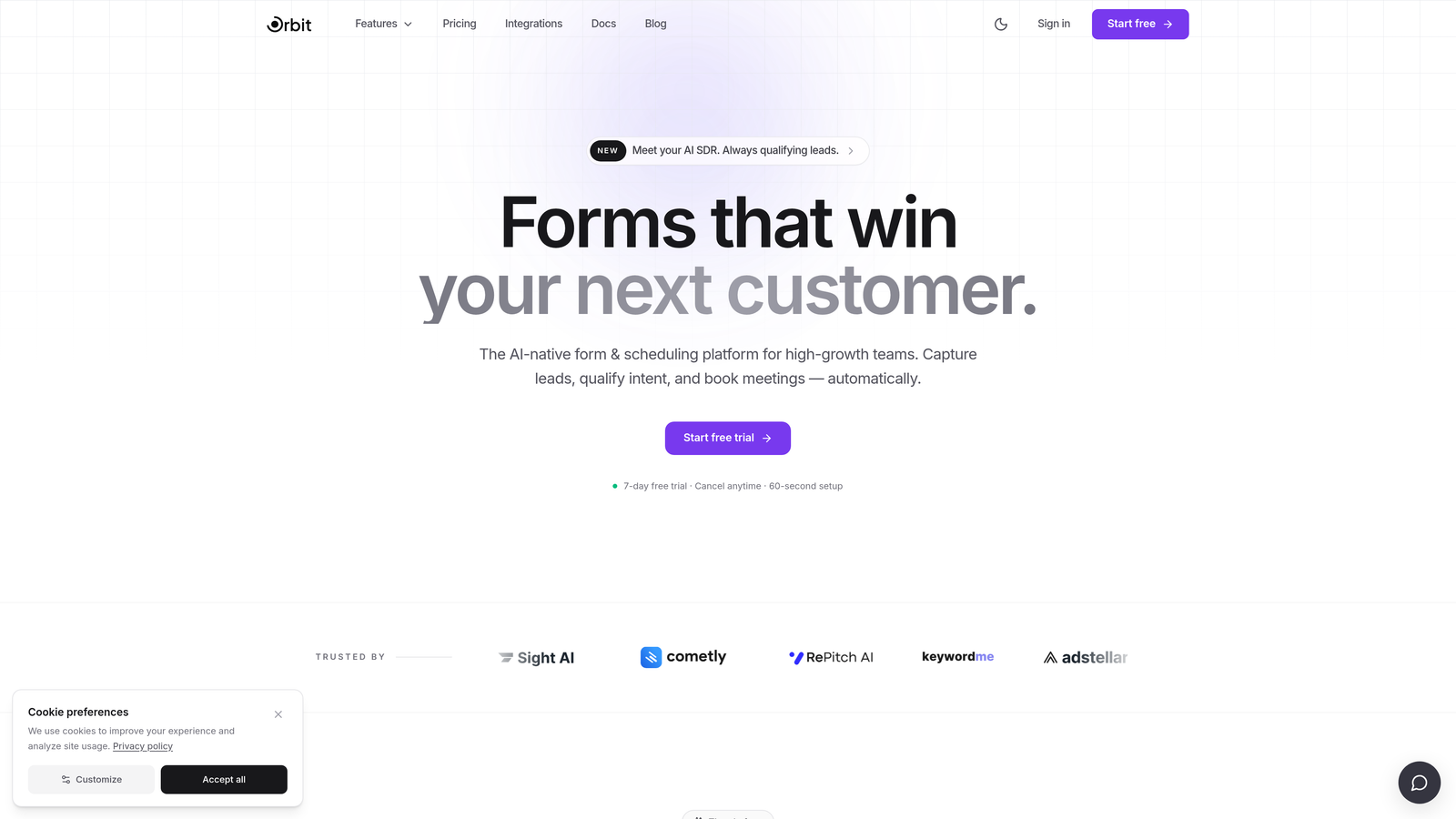
Orbit AI is an AI-powered form builder that combines feedback collection with intelligent lead qualification in a single workflow.
Where This Tool Shines
Most feedback tools stop at data collection. Orbit AI goes further by layering AI-powered qualification logic directly into the form experience, so every respondent is scored, segmented, and routed based on their answers. For SaaS teams where feedback and pipeline are deeply connected, this is a meaningful distinction.
The design quality is also a standout. Forms are conversational and conversion-optimized by default, which means higher completion rates without requiring any design expertise. If your team has ever stared at a blank form builder wondering how to make it look professional, Orbit AI removes that friction entirely.
Key Features
AI-Powered Lead Qualification: Automatically scores and qualifies respondents based on their answers, connecting feedback directly to your lead pipeline.
Conversational Form Design: Guides respondents through questions in a natural, engaging flow that improves completion rates.
Smart Branching Logic: Adapts the survey path in real time based on individual responses, keeping questions relevant to each person.
Pipeline Integration: Built specifically for high-growth teams, connecting feedback workflows to lead routing and CRM processes.
Modern Aesthetics Out of the Box: Beautiful, polished form designs that require no design experience to deploy.
Best For
Orbit AI is purpose-built for high-growth SaaS teams and marketing teams where feedback collection and lead qualification happen in the same motion. If your survey results feed directly into a sales or growth workflow, this tool was designed with your use case in mind.
Pricing
Visit orbitforms.ai for current pricing details and plan options.
2. Typeform
Best for: Teams prioritizing beautiful UX and high survey completion rates.
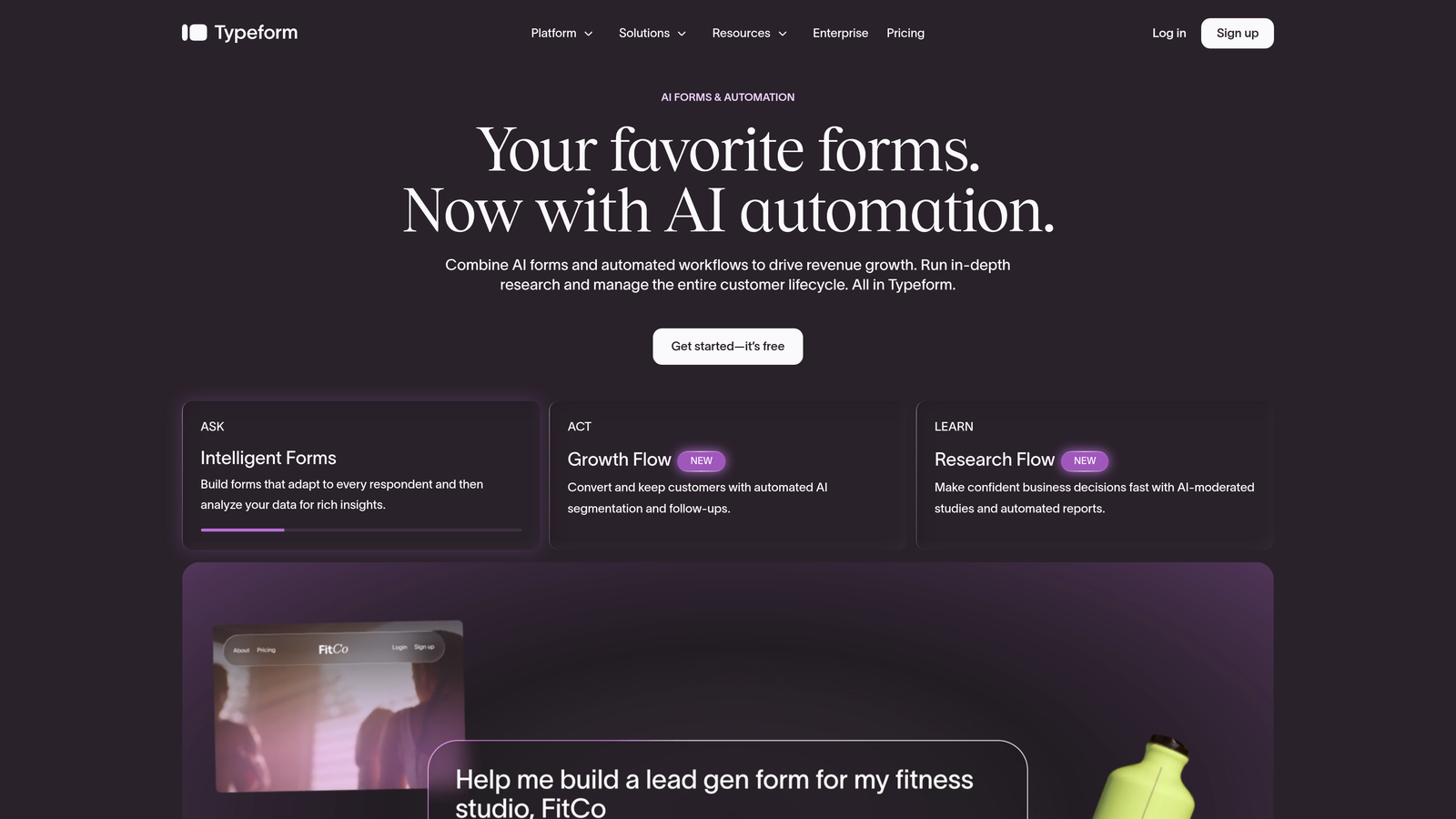
Typeform is the industry benchmark for conversational survey design, known for its one-question-at-a-time format and polished presentation.
Where This Tool Shines
Typeform's core innovation is its format: presenting one question at a time in a clean, full-screen experience. This reduces cognitive overload and keeps respondents moving through the survey rather than scanning ahead and dropping off. For NPS, CSAT, and product feedback surveys where completion rate matters, this approach consistently outperforms traditional multi-question layouts.
The template library is strong, covering common feedback use cases right out of the box. Design customization is solid, and the integration ecosystem spans HubSpot, Slack, Zapier, and most major tools in a modern SaaS stack.
Key Features
One-Question-at-a-Time Format: Reduces drop-off by presenting questions sequentially in a focused, distraction-free layout.
Conditional Logic and Branching: Routes respondents through different question paths based on previous answers.
Polished Templates: Pre-built NPS, CSAT, and product feedback surveys ready to deploy immediately.
Broad Integrations: Connects with HubSpot, Slack, Zapier, Google Sheets, and dozens of other platforms.
Rich Media Support: Supports video and image embedding within questions for richer survey experiences.
Best For
Marketing teams, product teams, and customer success teams that prioritize respondent experience and completion rates. Typeform works especially well for external-facing surveys where brand impression matters alongside data quality.
Pricing
Free plan available. Paid plans start at approximately $25/month. Verify current pricing at typeform.com.
3. SurveyMonkey
Best for: Enterprise teams needing robust analytics, benchmarking, and collaboration features.
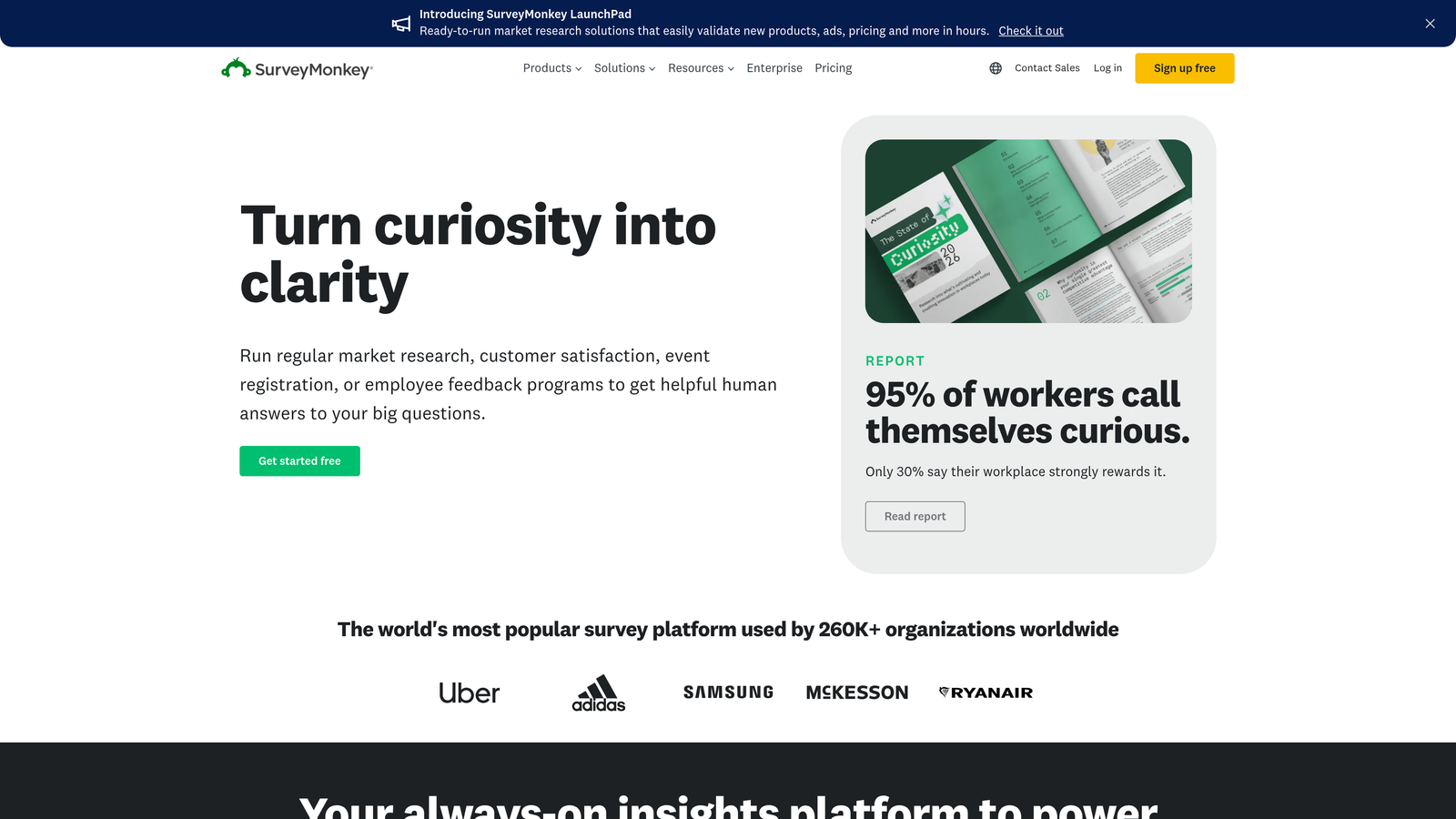
SurveyMonkey is one of the most established survey platforms available, with enterprise-grade analytics and a deep feature set built for complex research programs.
Where This Tool Shines
SurveyMonkey's analytics capabilities go well beyond basic response summaries. The platform offers cross-tabulation, filtering, and industry benchmarking data that lets you compare your NPS or satisfaction scores against sector averages. For teams that need to present survey findings to leadership or external stakeholders, this depth of analysis is genuinely valuable.
Team collaboration features are also mature. Shared workspaces, role-based access, and survey templates built for specific departments make SurveyMonkey a natural fit for organizations running feedback programs across multiple teams simultaneously.
Key Features
Advanced Analytics Dashboard: Filtering, cross-tabulation, and data visualization tools for deep response analysis.
Industry Benchmarking: Compare your NPS and satisfaction scores against real industry data.
Team Collaboration: Shared workspaces and role-based permissions for multi-team survey programs.
Extensive Question Library: Wide variety of question types and pre-built templates for common feedback scenarios.
Enterprise Security: Compliance features and security controls for organizations with strict data requirements.
Best For
Mid-market and enterprise teams in HR, market research, and customer experience who need analytical depth, benchmarking context, and the ability to collaborate across departments on shared survey programs.
Pricing
Free plan available. Paid plans vary by tier and team size. Verify current pricing at surveymonkey.com.
4. Google Forms
Best for: Teams needing completely free, fast survey deployment with zero setup.
Google Forms is a no-frills survey tool that integrates natively with Google Workspace and costs nothing to use.
Where This Tool Shines
Speed and accessibility are Google Forms' defining strengths. Anyone with a Google account can build and share a survey in minutes, with responses flowing automatically into a connected Google Sheet for analysis. There are no response limits, no paywalls, and no setup friction. For internal feedback collection, quick pulse surveys, or teams with minimal budgets, this is hard to beat.
The trade-off is design and analytical depth. Google Forms looks functional rather than polished, and the logic capabilities are basic compared to dedicated survey tools. For external-facing surveys where brand impression matters, the limitations become more apparent.
Key Features
Completely Free: No response limits, no paid tiers required, available to anyone with a Google account.
Native Google Sheets Integration: Responses sync automatically for easy analysis and sharing.
Basic Branching Logic: Simple conditional routing to show or skip sections based on answers.
Real-Time Response Summaries: Instant visual summaries of responses as they come in.
Flexible Sharing: Share via link, embed on a website, or distribute within Google Workspace.
Best For
Internal teams, educators, nonprofits, and anyone running simple feedback collection on a zero budget. Google Forms is the right call when simplicity and cost matter more than design or advanced logic.
Pricing
Completely free with any Google account. No paid plans or response limits.
5. Jotform
Best for: Teams needing a versatile form builder with extensive templates and workflow automation.
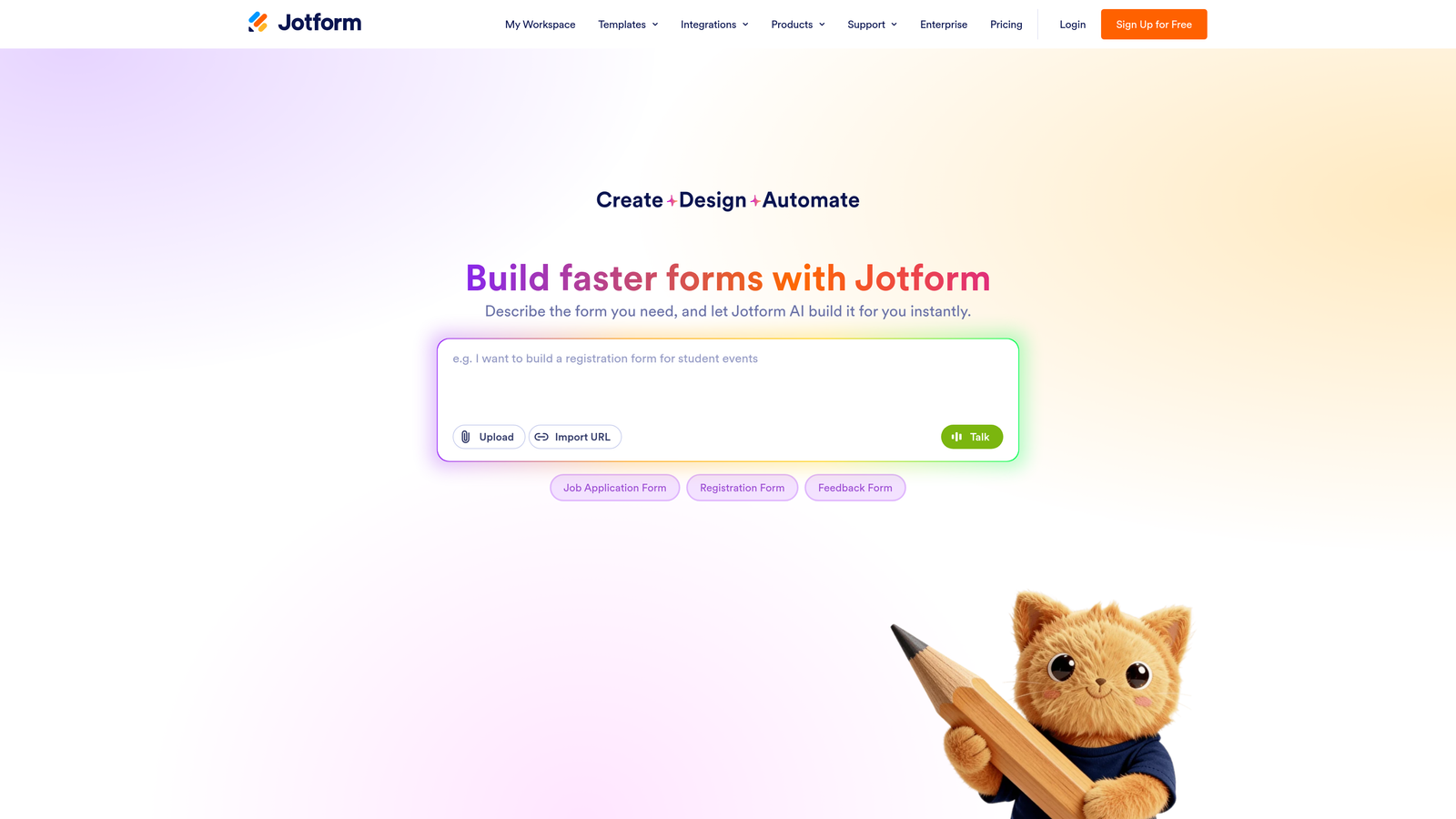
Jotform is a feature-rich form builder with one of the largest template libraries in the market and strong support for payments, approvals, and multi-step workflows.
Where This Tool Shines
Jotform's template library is genuinely impressive, with over 10,000 templates spanning feedback surveys, registration forms, payment forms, and more. For teams that want to launch quickly without building from scratch, this breadth of starting points is a real time-saver. The conditional logic tools are solid, and multi-page forms work well for longer surveys that benefit from being broken into digestible sections.
Where Jotform stands apart from pure survey tools is its workflow automation layer. Approval flows, notification routing, and payment collection make it useful beyond feedback alone, which is valuable for teams that want one form tool handling multiple use cases.
Key Features
10,000+ Templates: One of the largest template libraries available, covering nearly every feedback and form use case.
Payment and E-Signature Support: Collect payments or signatures directly within forms, extending beyond pure survey use.
Conditional Logic: Route respondents through different form paths based on their answers.
Workflow Automation: Approval flows and notification routing for teams with multi-step processes.
HIPAA-Compliant Plans: Available for healthcare teams with strict data handling requirements.
Best For
Operations teams, agencies, and businesses that need a versatile form tool handling feedback, registrations, payments, and approvals without juggling multiple platforms.
Pricing
Free plan available. Paid plans start at approximately $34/month. Verify current pricing at jotform.com.
6. Tally
Best for: Startups and product teams wanting a clean, minimal builder with an unusually generous free plan.
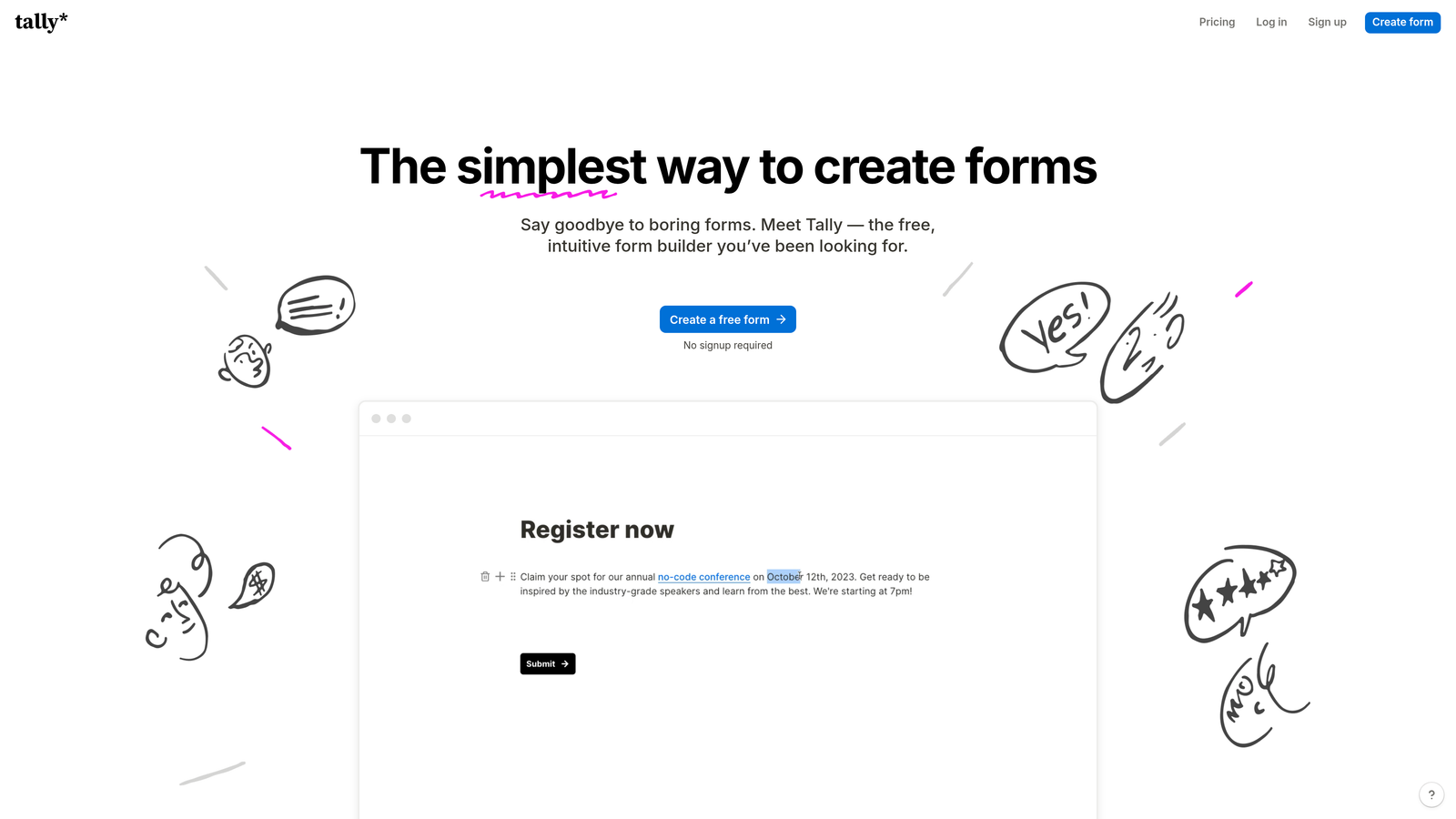
Tally is a Notion-inspired form builder with a block-based editor, strong free tier, and no branding on free forms — a rare combination in this market.
Where This Tool Shines
Tally's free plan is genuinely one of the best in the category. Unlimited forms, unlimited responses, and no Tally branding on free-tier forms is an unusual offer that most competitors reserve for paid plans. For bootstrapped teams and indie product builders, this removes a common barrier to professional-looking survey deployment.
The block-based editor feels intuitive for anyone familiar with Notion, making it fast to build well-structured surveys without a learning curve. Tally also embeds cleanly into websites and Notion pages, which makes it a natural fit for product teams already working in that ecosystem.
Key Features
Unlimited Free Forms and Responses: No caps on the free plan, making it viable for ongoing feedback programs without a budget.
No Branding on Free Tier: Rare in the market — free forms look fully branded to your organization, not to Tally.
Notion-Like Block Editor: Intuitive drag-and-drop building that's easy to pick up without design experience.
Conditional Logic and Calculated Fields: Supports dynamic question routing and basic calculations within forms.
Clean Embeds: Integrates smoothly into websites and Notion pages with minimal friction.
Best For
Startups, indie makers, and product teams that prioritize clean design and zero cost. Tally is especially well-suited to teams already living in Notion who want their forms to feel native to that environment.
Pricing
Free plan with unlimited forms and responses. Pro plan approximately $29/month. Verify current pricing at tally.so.
7. Qualtrics
Best for: Large enterprises running complex CX, EX, and market research programs at scale.
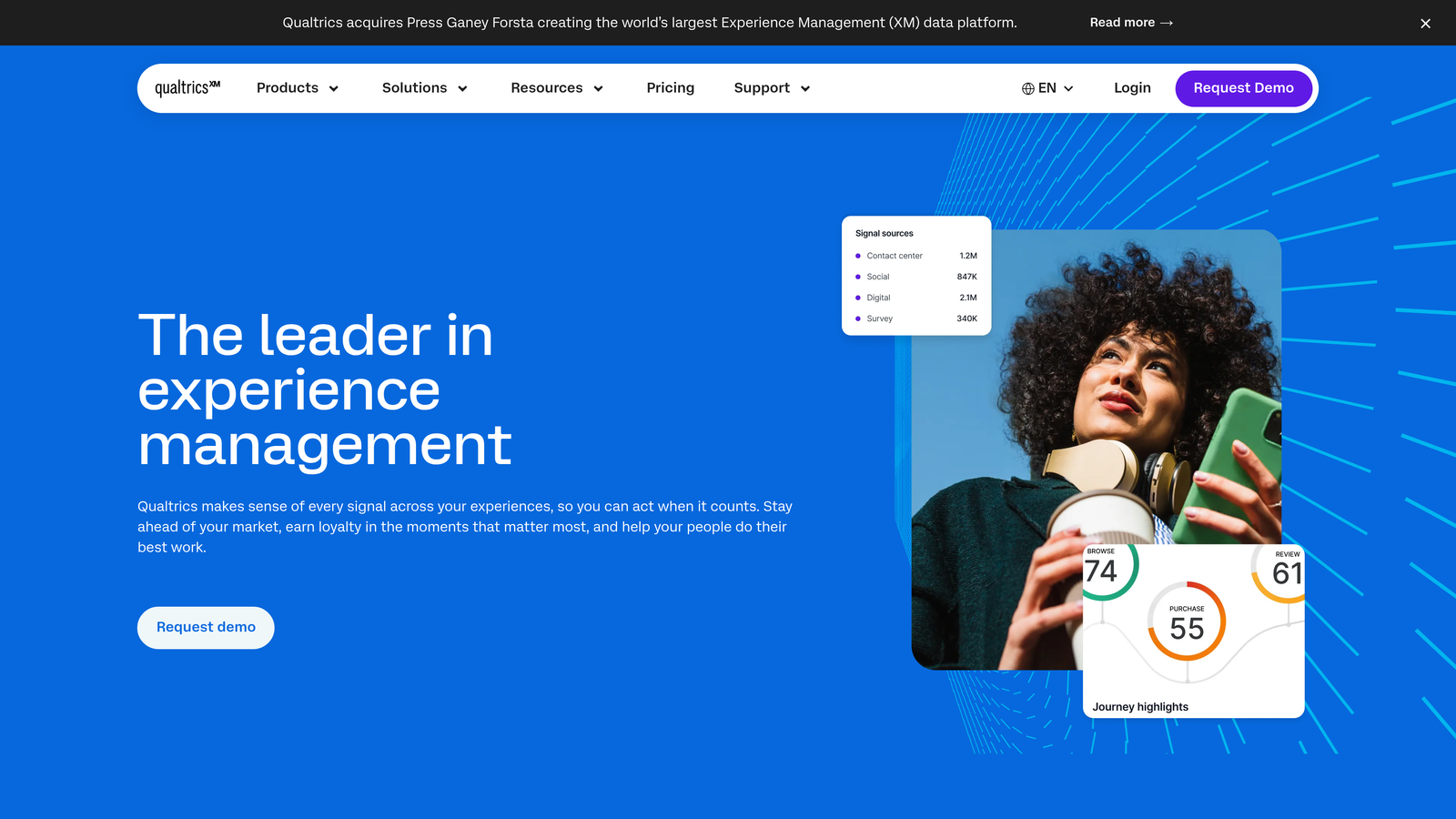
Qualtrics is an enterprise-grade experience management platform used by large organizations for sophisticated feedback programs across customer, employee, and market research contexts.
Where This Tool Shines
Qualtrics operates at a different level of analytical sophistication than most tools on this list. Text analytics, sentiment analysis, and predictive intelligence capabilities allow organizations to move from raw feedback data to actionable insight at scale. The closed-loop follow-up features let teams automatically trigger follow-up actions based on specific response patterns, which is essential for enterprise CX programs.
The platform is built for cross-functional deployment. Role-based dashboards mean that a CX team, HR team, and product team can each have a view of the data that's relevant to their function, without wading through information that isn't.
Key Features
Advanced Survey Logic: Sophisticated branching and logic capabilities for complex research designs.
Text Analytics and Sentiment Analysis: Automatically processes open-text responses to surface themes and sentiment patterns.
Predictive Intelligence: Identifies trends and at-risk signals in feedback data before they become visible problems.
Enterprise Security and Compliance: SSO, role-based access, and compliance controls for large organizations.
Role-Based Dashboards: Customized views for different teams and stakeholders across the organization.
Best For
Large enterprises, academic institutions, and organizations running multi-program feedback initiatives across CX, EX, and market research. Qualtrics is overkill for small teams but genuinely powerful at enterprise scale.
Pricing
Custom enterprise pricing. Contact Qualtrics directly at qualtrics.com for a quote.
8. Microsoft Forms
Best for: Microsoft 365 organizations needing quick internal surveys with no additional cost.
Microsoft Forms is a built-in survey tool for Microsoft 365 subscribers, designed for fast internal feedback collection within the Microsoft ecosystem.
Where This Tool Shines
For organizations already running on Microsoft 365, Forms is simply there. No new tool to procure, no additional budget, no onboarding required. It connects natively with Teams, Excel, and SharePoint, making it a natural fit for internal pulse surveys, event feedback, and quick team check-ins that need to happen without any setup friction.
The real-time response visualization is clean and accessible, and multilingual form support makes it useful for global organizations that need to deploy the same survey across different language regions. The limitations show up when you need advanced design control or deep analytics, where dedicated survey tools pull ahead significantly.
Key Features
Included with Microsoft 365: No additional cost for existing subscribers — it's already part of the suite.
Real-Time Response Visualization: Instant charts and summaries as responses arrive.
Basic Branching Logic: Simple conditional routing for straightforward survey flows.
Native Microsoft Integration: Connects directly with Teams, Excel, and SharePoint without any configuration.
Multilingual Support: Build forms that display in multiple languages for global teams.
Best For
Corporate teams and organizations already invested in Microsoft 365 who need fast, simple internal surveys without adding new tools or budget. Not the right choice for external-facing feedback programs where design and advanced logic matter.
Pricing
Included with any Microsoft 365 subscription at no additional cost.
9. Survicate
Best for: SaaS and CX teams running behavior-triggered micro-surveys across in-app, email, and web channels.
Survicate is a feedback platform built specifically for SaaS and customer experience teams, specializing in contextual, behavior-triggered surveys delivered at the right moment in the user journey.
Where This Tool Shines
Survicate's core strength is timing and targeting. Rather than sending a generic survey to your entire user base, it lets you trigger feedback requests based on specific behaviors: a user completing onboarding, reaching a usage milestone, or churning from a feature. This contextual delivery typically produces more relevant responses than batch-and-blast survey approaches.
The CRM integrations are also notably deep. Native connections with HubSpot, Intercom, and Salesforce mean that feedback data flows directly into the tools your customer success and sales teams already use, closing the loop between what customers say and how your team responds.
Key Features
Behavior-Triggered Surveys: Automatically deploy surveys in-app, via email, or on web pages based on specific user actions.
NPS, CSAT, and CES Templates: Pre-built templates for the most common SaaS and CX feedback metrics.
Deep CRM Integrations: Native connections with HubSpot, Intercom, and Salesforce for closed-loop feedback workflows.
Automated Feedback Analysis: Automatic tagging and categorization of open-text responses to reduce manual review time.
Audience Targeting and Segmentation: Target specific user segments with relevant surveys based on attributes and behavior.
Best For
SaaS product teams, customer success teams, and CX managers who need to collect feedback at specific moments in the user journey and route those insights directly into existing CRM and support workflows.
Pricing
Free plan available. Paid plans start at approximately $99/month. Verify current pricing at survicate.com.
Which Tool Is Right for Your Team?
The nine tools above cover a wide spectrum, and the right choice comes down to what you actually do with feedback after you collect it.
If you're a high-growth SaaS team that wants feedback forms to also qualify leads and route respondents intelligently, Orbit AI is purpose-built for that workflow. It's the only tool on this list that treats feedback collection and lead qualification as a single, connected motion rather than two separate problems.
For enterprise-grade research and experience management, SurveyMonkey and Qualtrics are the natural choices, with Qualtrics pulling ahead for organizations that need text analytics, predictive intelligence, and cross-functional dashboards at scale.
If beautiful UX and completion rates are your primary concern, Typeform remains the benchmark. For teams on tight budgets, Tally's unlimited free plan and no-branding policy make it the strongest zero-cost option. Google Forms and Microsoft Forms serve their respective ecosystems well for quick internal surveys. Jotform is the right call when you need one tool handling forms, payments, and approvals together. And for in-product micro-surveys tied to specific user behaviors, Survicate is built precisely for that use case.
The key question isn't which tool looks best in a demo. It's which tool fits how your team actually processes, routes, and acts on the data it collects. For teams where feedback is part of a larger growth and qualification funnel, that distinction matters enormously.
Ready to see how AI-powered forms can improve both your feedback quality and lead pipeline? Start building free forms today and see how intelligent form design can elevate your conversion strategy.


