

Education application forms are the front door to every school, course, university program, and training platform. A clunky, outdated form doesn't just frustrate applicants — it costs you enrollments.
Whether you're managing K-12 admissions, higher education applications, online course sign-ups, or corporate training registrations, the right form builder can dramatically improve completion rates, automate qualification, and reduce administrative overhead. This guide covers the best tools for building education application forms in 2026, evaluated on ease of use, conditional logic, integrations, and how well they handle the unique complexity of education workflows: multi-step flows, document uploads, payment collection, and applicant tracking.
We've included options for every budget and team size, from scrappy edtech startups to large university admissions offices.
1. Orbit AI
Best for: Edtech companies and online programs treating admissions as a conversion funnel
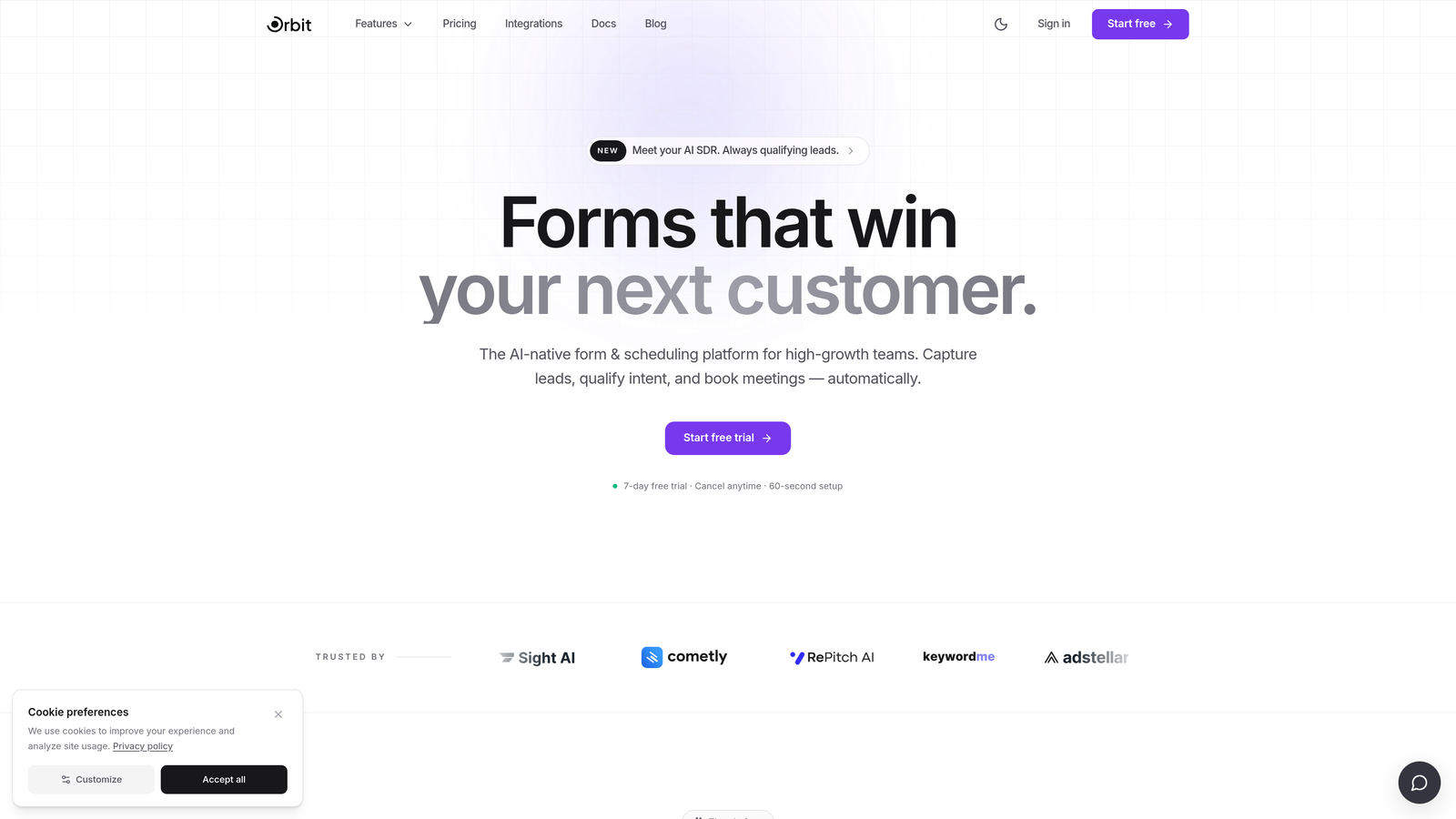
Orbit AI is an AI-powered form builder designed for high-growth teams that need more than data collection — it qualifies, scores, and routes applicants automatically based on their responses.
Where This Tool Shines
Most form builders collect data and stop there. Orbit AI goes a step further by embedding applicant qualification directly into the form flow. As someone fills out your application, the platform scores their responses in real time and routes them to the appropriate next step — whether that's a sales conversation, a waitlist, an automatic acceptance, or a rejection email. For edtech companies running competitive programs, this removes a significant manual review burden.
The conversion-optimized, mobile-first design also matters more than it might seem. Many applicants complete forms on their phones, and a form that looks polished and loads fast on mobile will consistently outperform one that doesn't. Orbit AI is built with that reality in mind.
Key Features
AI-Powered Applicant Qualification: Automatically scores and qualifies applicants based on their responses, reducing manual review time.
Conditional Logic and Multi-Step Forms: Build complex, branching application workflows that adapt to each applicant's inputs.
Conversion-Optimized Design: Modern, mobile-first UI designed to maximize form completion rates.
Automated Routing: Send qualified applicants to the right team member or next step instantly, without manual triage.
Analytics and Performance Tracking: Monitor drop-off points and optimize your enrollment funnel with built-in form analytics.
Best For
Orbit AI is the strongest fit for edtech platforms, online bootcamps, course marketplaces, and training programs where applicant quality matters as much as volume. If your team thinks about admissions the way a sales team thinks about pipeline, this tool is built for you.
Pricing
Visit orbitforms.ai for current pricing plans. A free tier is available to get started.
2. Typeform
Best for: Programs that want a conversational, engagement-first application experience
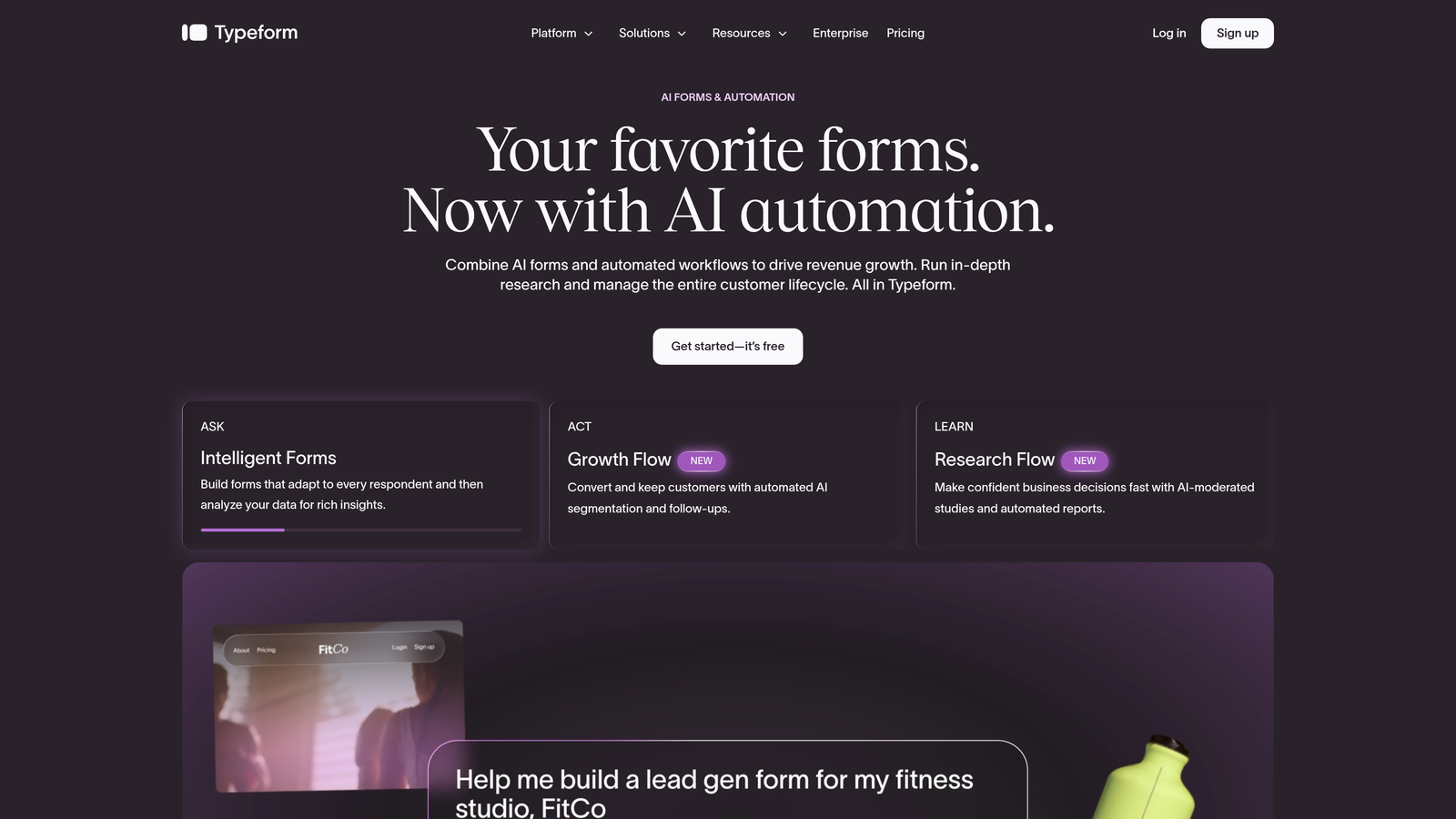
Typeform is a conversational form builder known for its one-question-at-a-time format that creates a dialogue-like application experience rather than a traditional wall of fields.
Where This Tool Shines
Typeform's signature format genuinely reduces form fatigue. When applicants see one question at a time instead of a long scrolling page, the experience feels less like paperwork and more like a conversation. For creative programs, bootcamps, and modern edtech brands, this tone alignment matters — your application form is often the first real interaction a prospective student has with your brand.
The conditional logic and logic jump features are solid, allowing you to build personalized paths based on program interest, prior experience, or applicant type. The video question and response support is a nice differentiator for programs that want to assess communication skills as part of the application.
Key Features
Conversational One-Question UX: Reduces form abandonment by presenting questions one at a time in a dialogue-style format.
Conditional Logic and Branching: Personalize application paths based on applicant responses.
Logic Jumps: Skip irrelevant questions automatically based on applicant type or program interest.
Video Question and Response Support: Collect video answers for creative or communication-focused program applications.
Native Integrations: Connects with popular CRMs, email platforms, and Zapier for workflow automation.
Best For
Modern edtech brands, creative program applications, and any team that wants their form to feel like an extension of their brand identity rather than a generic data collection exercise.
Pricing
Free plan available. Paid plans start at approximately $25/month. Verify current pricing at typeform.com.
3. Jotform
Best for: Teams that need the broadest feature set out of the box
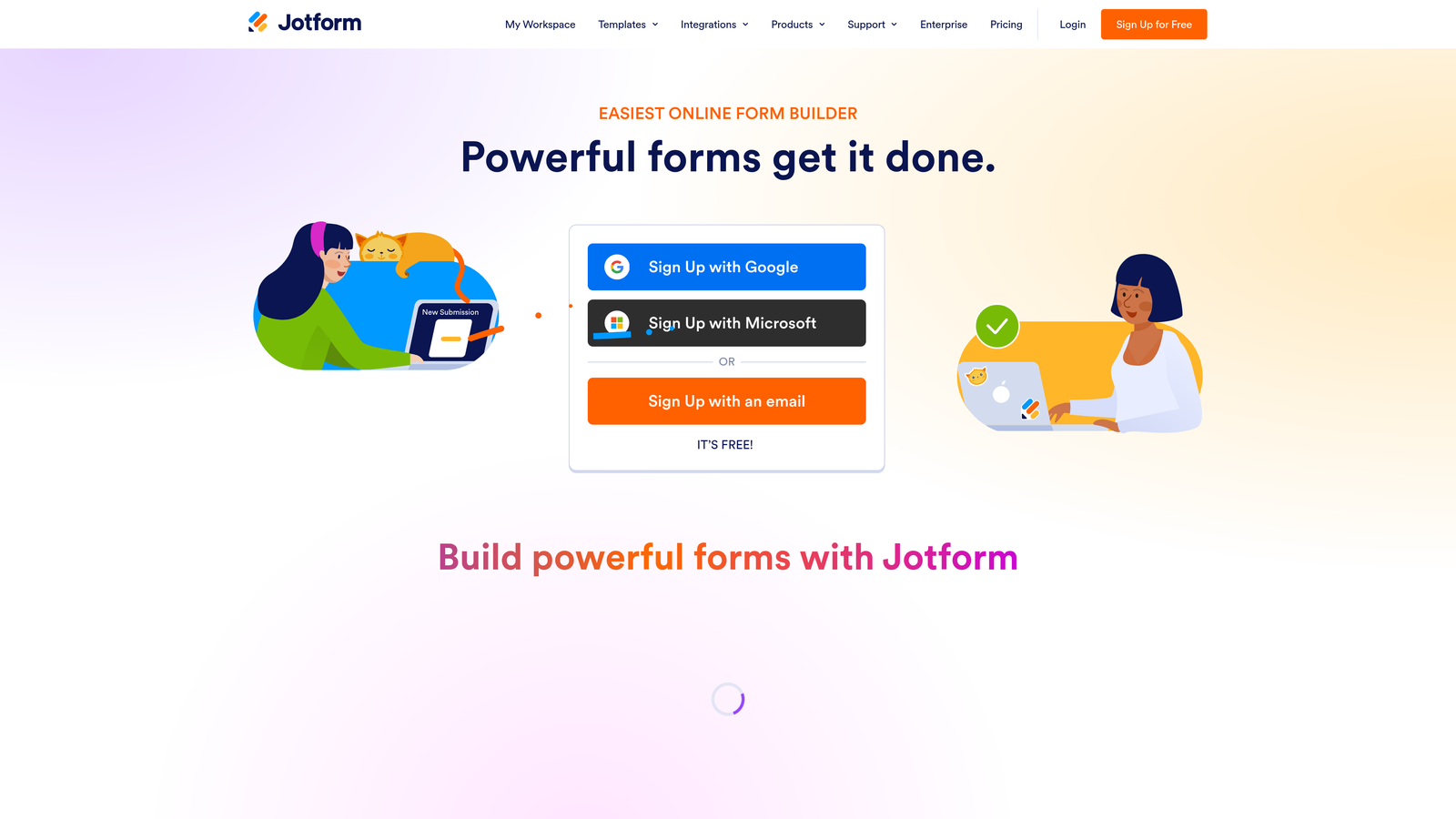
Jotform is one of the most feature-complete form builders on the market, with a large library of education-specific templates, document uploads, e-signatures, and payment collection all available without add-ons.
Where This Tool Shines
If you need to collect transcripts, portfolios, and recommendation letters alongside application data, Jotform handles all of it natively. The document upload fields are robust, the e-signature integration is built in, and the payment collection works without a third-party plugin. For programs that need to charge application fees, this alone saves significant setup time.
Jotform Tables gives admissions teams a basic applicant tracking layer on top of form submissions — not a full CRM, but enough to manage a moderate volume of applications without exporting to a spreadsheet every time you want to review candidates.
Key Features
10,000+ Templates: Includes a wide range of education-specific application form templates to accelerate setup.
Document Upload Fields: Accept transcripts, portfolios, and recommendation letters directly through the form.
Built-In E-Signature: Collect consent signatures and enrollment agreements without a separate tool.
Payment Collection: Charge application fees directly through the form via multiple payment gateways.
Jotform Tables: A built-in applicant tracking layer for reviewing and managing submissions.
Best For
Schools, training programs, and edtech teams that need document collection, payments, and e-signatures in one place without enterprise pricing. Also a strong fit for healthcare education programs that require HIPAA-compliant data handling on higher tiers.
Pricing
Free plan available (up to 5 forms). Paid plans start at approximately $34/month. Verify current pricing at jotform.com.
4. Formstack
Best for: Higher education institutions with complex, multi-department application workflows
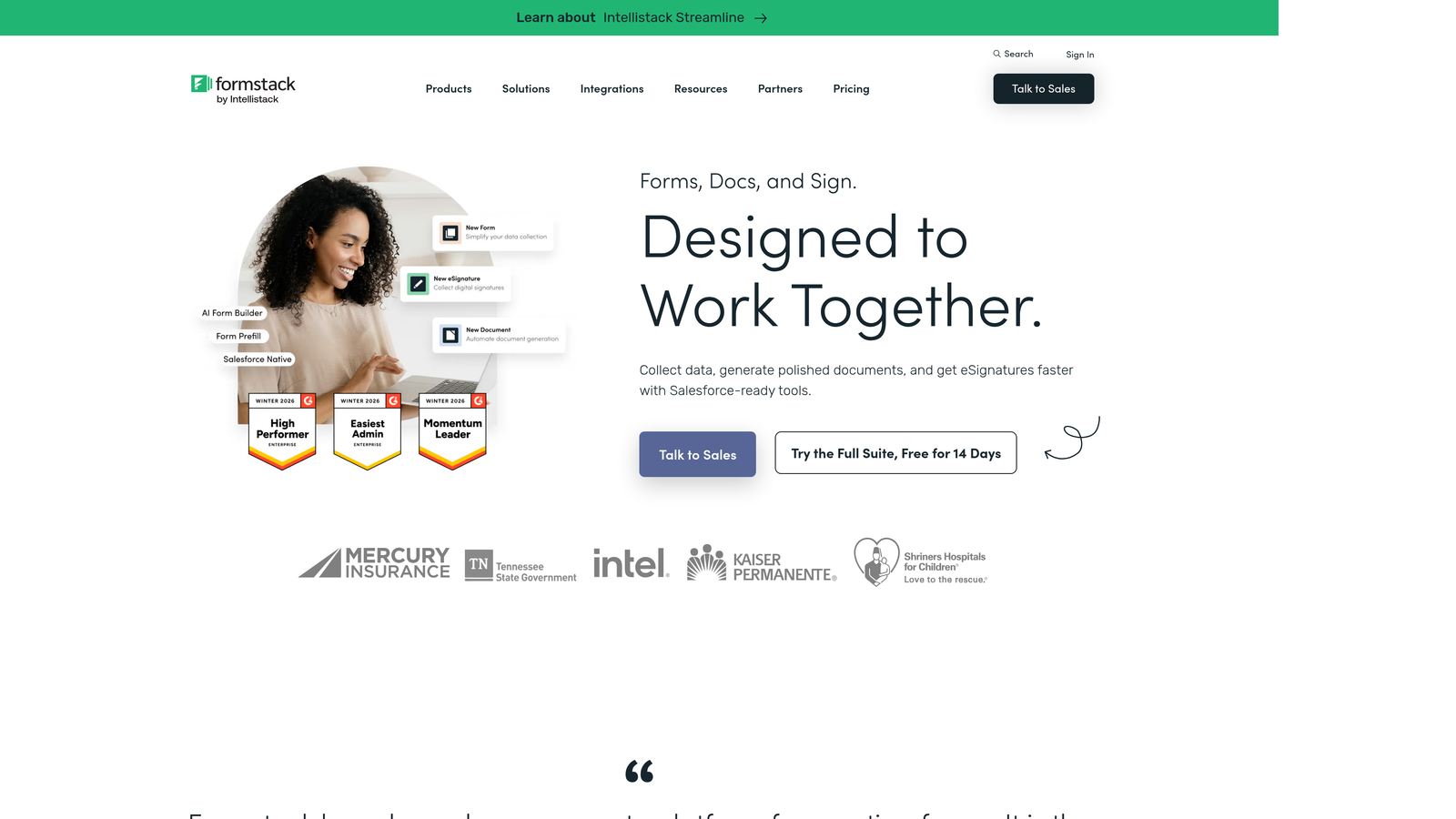
Formstack is an enterprise-grade form and workflow automation platform widely used in higher education for its robust approval routing, compliance features, and ability to handle complex multi-department processes.
Where This Tool Shines
Formstack is built for organizations where a single application might need to move through multiple reviewers, departments, or approval stages before a decision is made. The workflow routing features let you define exactly who reviews what, in what order, and under what conditions. For graduate admissions offices, financial aid departments, or programs with faculty review committees, this kind of structured routing is genuinely hard to replicate in simpler tools.
The Salesforce integration and enterprise SIS connectivity also make Formstack a natural fit for institutions that need form data to flow cleanly into existing infrastructure rather than sitting in a separate silo.
Key Features
Workflow Routing and Approval Chains: Define multi-step review processes with conditional routing across departments.
Advanced Conditional Logic: Build complex branching application paths for diverse program types.
Salesforce and SIS Integrations: Connect form submissions directly to enterprise CRM and student information systems.
FERPA-Conscious Data Handling: Compliance features designed with higher education data governance in mind.
Document Generation: Automatically generate documents from form submissions for letters, agreements, or review packets.
Best For
Universities, community colleges, and large training organizations with established IT infrastructure and multi-department admissions workflows that require structured approval routing.
Pricing
Plans start at approximately $83/month; enterprise pricing available. Verify current pricing at formstack.com.
5. Google Forms
Best for: Budget-constrained schools and programs that need a reliable, no-cost solution
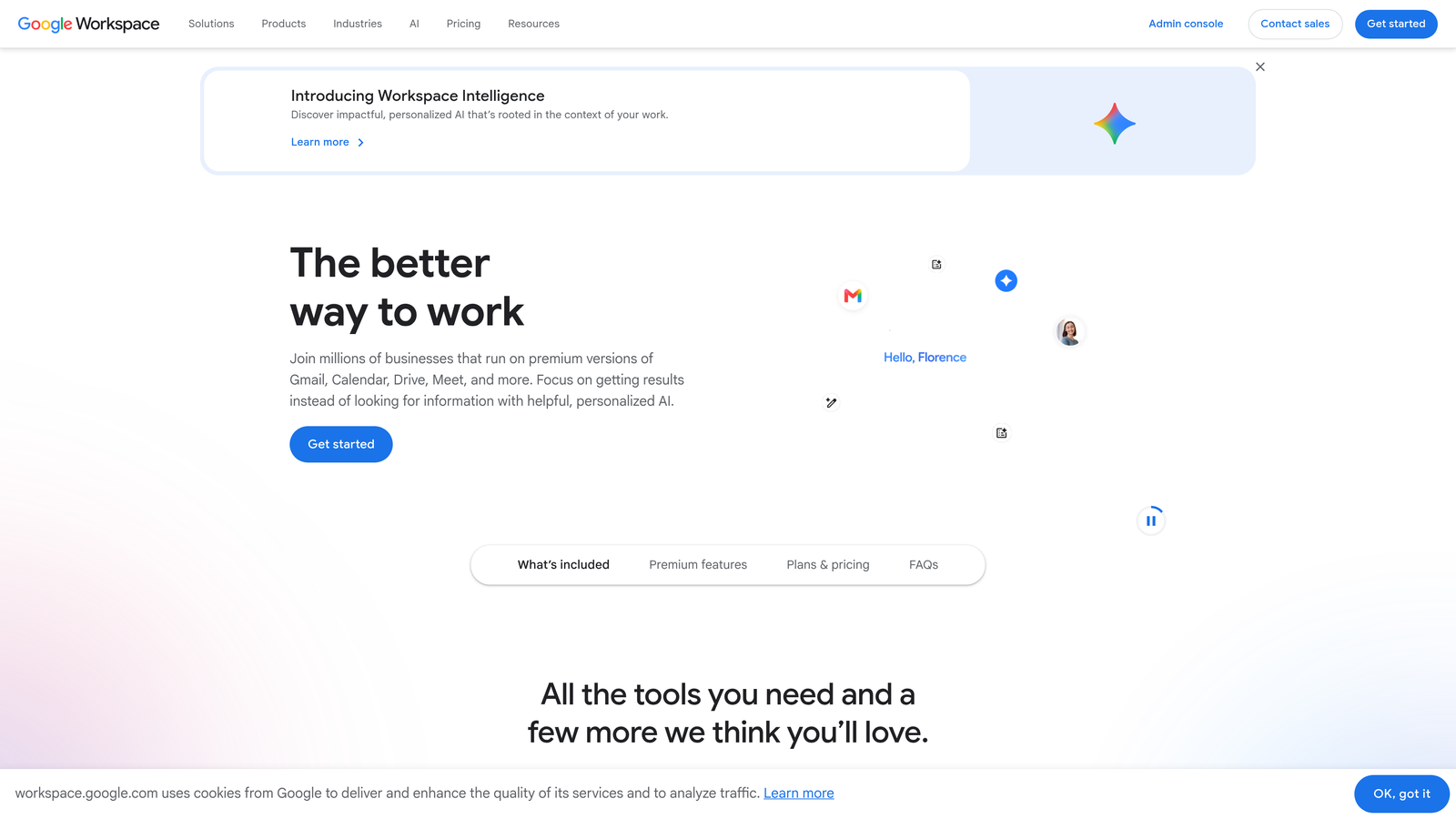
Google Forms is a free, straightforward form builder that integrates natively with Google Workspace, making it the go-to choice for institutions that need something functional without any budget allocation.
Where This Tool Shines
There's real value in simplicity. Google Forms requires no setup, no subscription, and no learning curve. Any teacher, administrator, or program coordinator with a Google account can build and share an application form in under an hour. Responses automatically populate a Google Sheet, which most education staff already know how to use for basic review and sorting.
For K-12 programs, community education initiatives, and small programs running on tight budgets, Google Forms delivers everything truly essential. It won't win on design or advanced logic, but it will never fail to load, never require a support ticket, and never cost anything.
Key Features
Completely Free: Available with any Google account at no cost.
Automatic Google Sheets Integration: Responses populate a spreadsheet automatically for easy review.
Basic Conditional Logic: Section branching allows for simple personalized paths.
Native Google Workspace Integration: Works seamlessly with Classroom, Drive, and Docs.
Simple Sharing: Share via link, embed on a website, or send directly by email.
Best For
K-12 schools, nonprofit education programs, community colleges, and any program where budget is the primary constraint and application volume is manageable without advanced tracking tools.
Pricing
Free with a Google account. Google Workspace plans start at approximately $6/user/month for institutional features. Verify at workspace.google.com.
6. Cognito Forms
Best for: Programs that need calculated fields, repeating data sections, and built-in payments
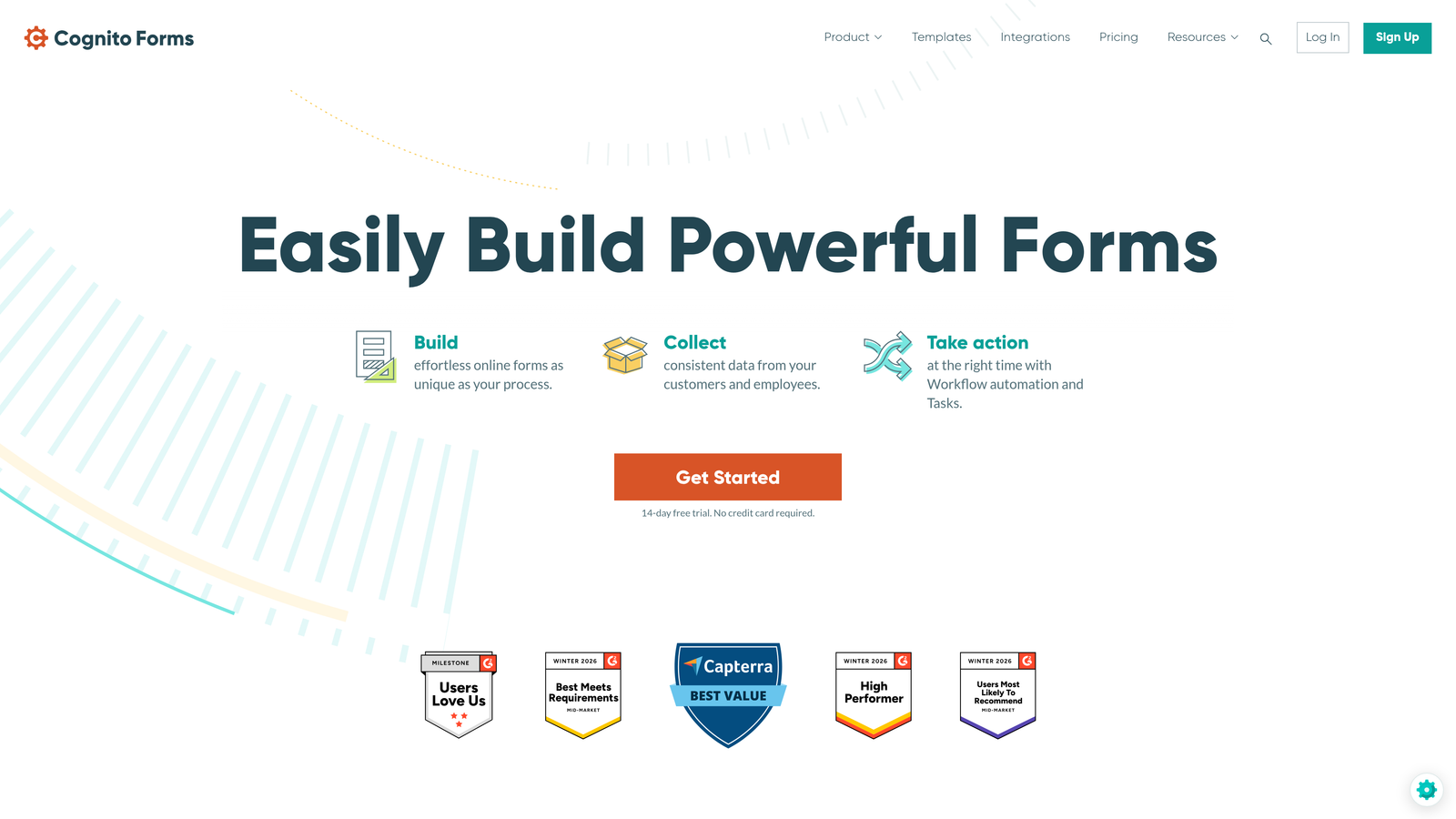
Cognito Forms is a form builder that stands out for its powerful calculated fields, repeating entry sections, and built-in payment collection — making it well-suited for programs that need to collect structured, variable applicant data.
Where This Tool Shines
The repeating sections feature is genuinely useful for education applications. Think about collecting multiple references, listing several prior qualifications, or entering a variable number of previous institutions attended. Most form builders make this awkward. Cognito Forms handles it cleanly with repeating section blocks that applicants can add as needed.
The calculated fields open up interesting possibilities for scoring and dynamic content. You can build forms that automatically calculate application scores, display conditional totals, or show dynamic fee amounts based on program selection — without any external scripting.
Key Features
Calculated Fields: Automatically score applications, calculate totals, or generate dynamic content based on applicant inputs.
Repeating Sections: Allow applicants to add multiple references, qualifications, or prior institutions in a structured format.
Built-In Payment Collection: Accept application fees via Stripe without a third-party integration.
Conditional Logic and Multi-Page Support: Build branching, multi-step application flows.
Entry Management: Filter, review, and export submissions from a built-in management interface.
Best For
Programs with variable, structured data requirements — scholarship applications with multiple references, professional certification programs with complex eligibility criteria, or any application that involves calculated scoring or dynamic fee structures.
Pricing
Free plan available (up to 500 entries/month). Paid plans start at approximately $15/month. Verify current pricing at cognitoforms.com.
7. Paperform
Best for: Independent educators and small academies that want form, landing page, and scheduling in one
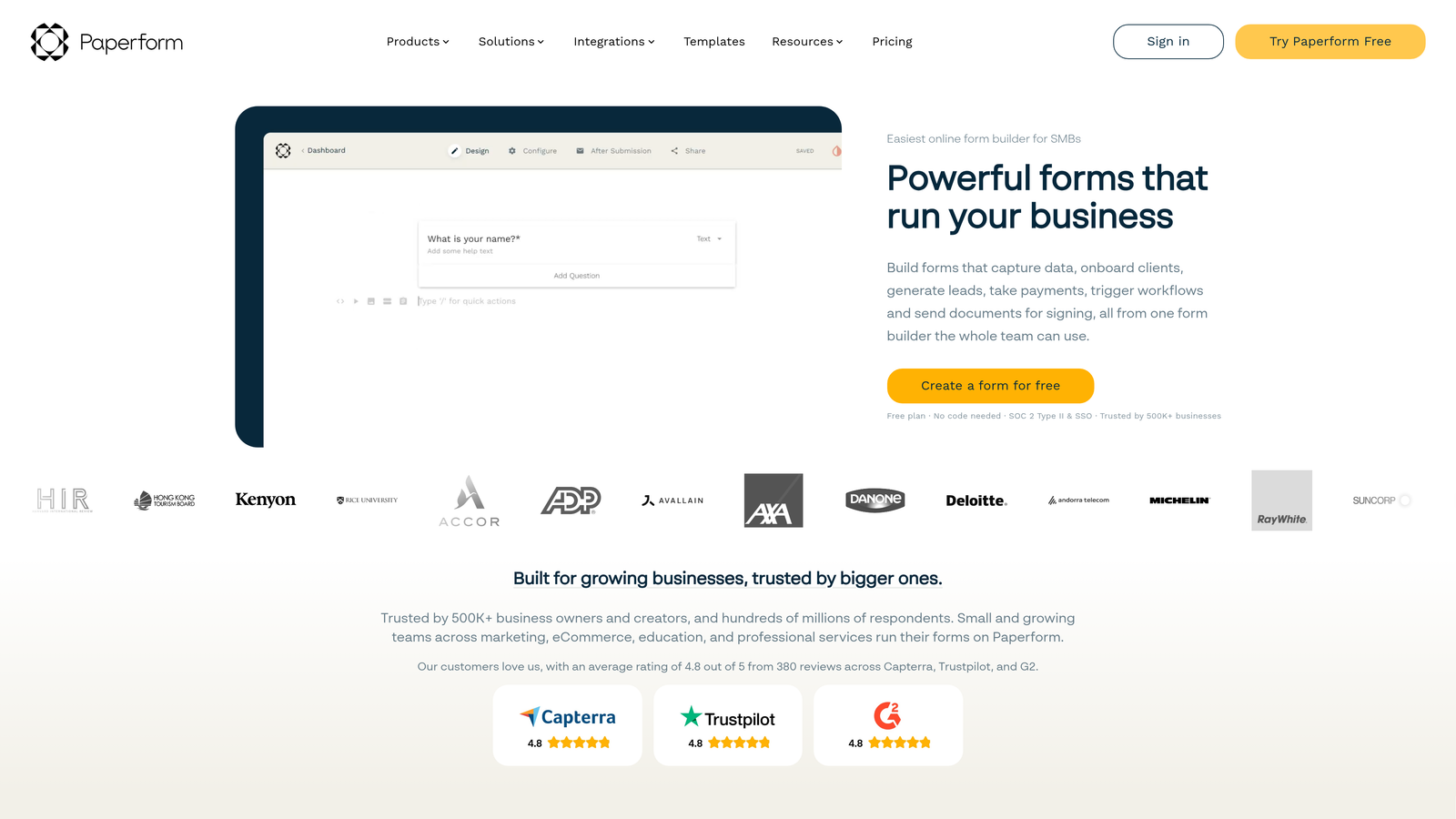
Paperform is a flexible tool that combines form creation, landing page design, scheduling, and payment collection in a single product — making it especially useful for solo operators and small education businesses.
Where This Tool Shines
For an independent educator or small academy, managing separate tools for your application form, program landing page, intake scheduling, and payment collection is a real operational burden. Paperform consolidates all of these into one workspace. You can build a visually engaging program page with embedded rich text and media, attach an application form, add a scheduling block for intake calls, and collect a deposit — all within the same product.
The design editor is more flexible than most form builders, letting you create pages that actually reflect your brand rather than looking like a generic form. For programs where first impressions matter, this is a meaningful advantage.
Key Features
Form, Landing Page, and Scheduling Combined: Manage your entire applicant intake flow from a single tool.
Rich Text and Media Embedding: Create visually engaging application pages with images, video, and formatted content.
Built-In Payment and Subscription Collection: Charge application fees or deposits directly through the form.
Conditional Logic and Multi-Step Flows: Guide applicants through personalized question sequences.
500+ Integrations: Connect to external tools via native integrations and Zapier.
Best For
Independent tutors, small academies, coaching programs, and solo edtech operators who want to minimize the number of tools they manage while maintaining a professional, branded applicant experience.
Pricing
Plans start at approximately $24/month. Verify current pricing at paperform.co.
8. Formsite
Best for: Programs handling sensitive applicant data that requires strict security and access controls
Formsite is a security-focused form builder with strong encryption, access controls, and compliance features — the right choice when data governance is non-negotiable.
Where This Tool Shines
Not every education program has the same data sensitivity profile. A bootcamp collecting email addresses is different from a healthcare training program collecting personal health history, or a financial aid office collecting income documentation. Formsite is built for the latter category. SSL encryption, secure data storage, and granular access controls mean you can define exactly who sees what submission data and under what conditions.
Password-protected forms add an extra layer for applications that should only be accessible to invited candidates. The result filtering and scoring tools give reviewers a clean interface for evaluating submissions without exposing raw data unnecessarily.
Key Features
SSL Encryption and Secure Storage: Protects sensitive applicant data with enterprise-grade security standards.
Password-Protected Forms: Restrict form access to invited or pre-screened applicants.
File Upload Support: Accept application documents securely with controlled access to uploads.
Conditional Logic and Multi-Page Forms: Build structured, branching application workflows.
Result Filtering, Scoring, and Export: Review and evaluate submissions with built-in tools that respect access permissions.
Best For
Healthcare education programs, financial aid applications, professional licensing programs, and any institution where applicant data sensitivity requires more rigorous access control than standard form builders provide.
Pricing
Plans start at approximately $19.95/month. Verify current pricing at formsite.com.
9. Microsoft Forms
Best for: Institutions already running on Microsoft 365 infrastructure
Microsoft Forms is a free form builder included with Microsoft 365 that integrates natively with Teams, SharePoint, and Excel — the natural choice for institutions where Microsoft is already the operating system.
Where This Tool Shines
If your institution runs on Microsoft 365, Microsoft Forms is the path of least resistance. There's no new tool to procure, no additional login to manage, and no data leaving your existing Microsoft environment. For IT administrators and compliance officers at universities and school districts, this matters. The data stays within your tenant, and permissions follow your existing Microsoft 365 structure.
The Power Automate integration is worth highlighting for teams that want to build lightweight automation without a developer. You can trigger workflows from form submissions — sending notifications, updating SharePoint lists, or routing responses to Teams channels — using the same tools your institution likely already licenses.
Key Features
Included with Microsoft 365: No additional cost for institutions already subscribed.
Native Microsoft Ecosystem Integration: Connects directly with Teams, SharePoint, Excel, and Power Automate.
Basic Branching Logic: Personalize application paths based on applicant responses.
Real-Time Response Analytics: Built-in dashboard for monitoring submissions and response patterns.
Easy Internal Sharing: Share forms within your Microsoft 365 environment with existing permissions controls.
Best For
Universities, school districts, and corporate training departments that are fully invested in the Microsoft ecosystem and want a zero-friction, no-additional-cost form solution that respects existing IT governance.
Pricing
Free with Microsoft 365 subscriptions. Microsoft 365 plans start at approximately $6/user/month. Verify current pricing at microsoft.com.
Which Tool Is Right for Your Program?
The right education application form tool depends on where your program sits on a few key dimensions: growth stage, technical resources, data sensitivity, and how you think about the application process itself.
If you're running a high-growth edtech platform, online bootcamp, or course marketplace where applicant quality matters as much as volume, Orbit AI's AI-powered qualification and automated routing gives you a meaningful edge over tools that simply collect and store responses. Typeform is hard to beat for conversational, engagement-first experiences where brand impression matters. Jotform wins on raw feature breadth, particularly if you need document collection, e-signatures, and payments in one place.
Formstack is the enterprise choice for complex approval workflows across multiple departments. Google Forms and Microsoft Forms serve institutions where budget is the primary constraint and existing infrastructure integration is more important than advanced features. Cognito Forms handles complex calculated data and repeating sections better than most tools in its price range. Paperform suits independent educators and small academies that want to consolidate their intake workflow into a single product. Formsite is the go-to when data compliance and access control are non-negotiable.
Before making a final decision, ask yourself four questions. Do you need applicant scoring and automated routing? Do you collect payments or sensitive documents? What integrations does your CRM or student information system require? How important is mobile completion for your applicant pool?
Your answers will point clearly to the right tool. If they point toward AI-powered qualification and conversion optimization, start building free forms today and see how intelligent form design can transform your enrollment funnel.


