

Most form builders were designed for a world that no longer exists. Static fields, zero intelligence, and no insight into whether the leads you're capturing are actually worth pursuing. For high-growth teams, that's not a minor inconvenience — it's a fundamental mismatch between the tool and the job.
The modern form builder is expected to do active work: qualify leads in real time, adapt to user behavior, trigger downstream automations, and feed clean, actionable data into your sales pipeline. The gap between a basic form and a conversion-optimized intake flow has never been wider.
This guide covers the best modern form builder solutions available in 2026. Each tool was evaluated on design flexibility, AI or logic capabilities, integration depth, conversion optimization features, and pricing transparency. Whether you're building a lead capture form for a SaaS product, a multi-step intake flow, or a high-converting landing page form, there's a purpose-built solution here.
Tools were selected based on active product development, real user adoption, and meaningful differentiation — not just feature checklists.
1. Orbit AI
Best for: High-growth SaaS and B2B teams that need AI-powered lead qualification built into the form itself.
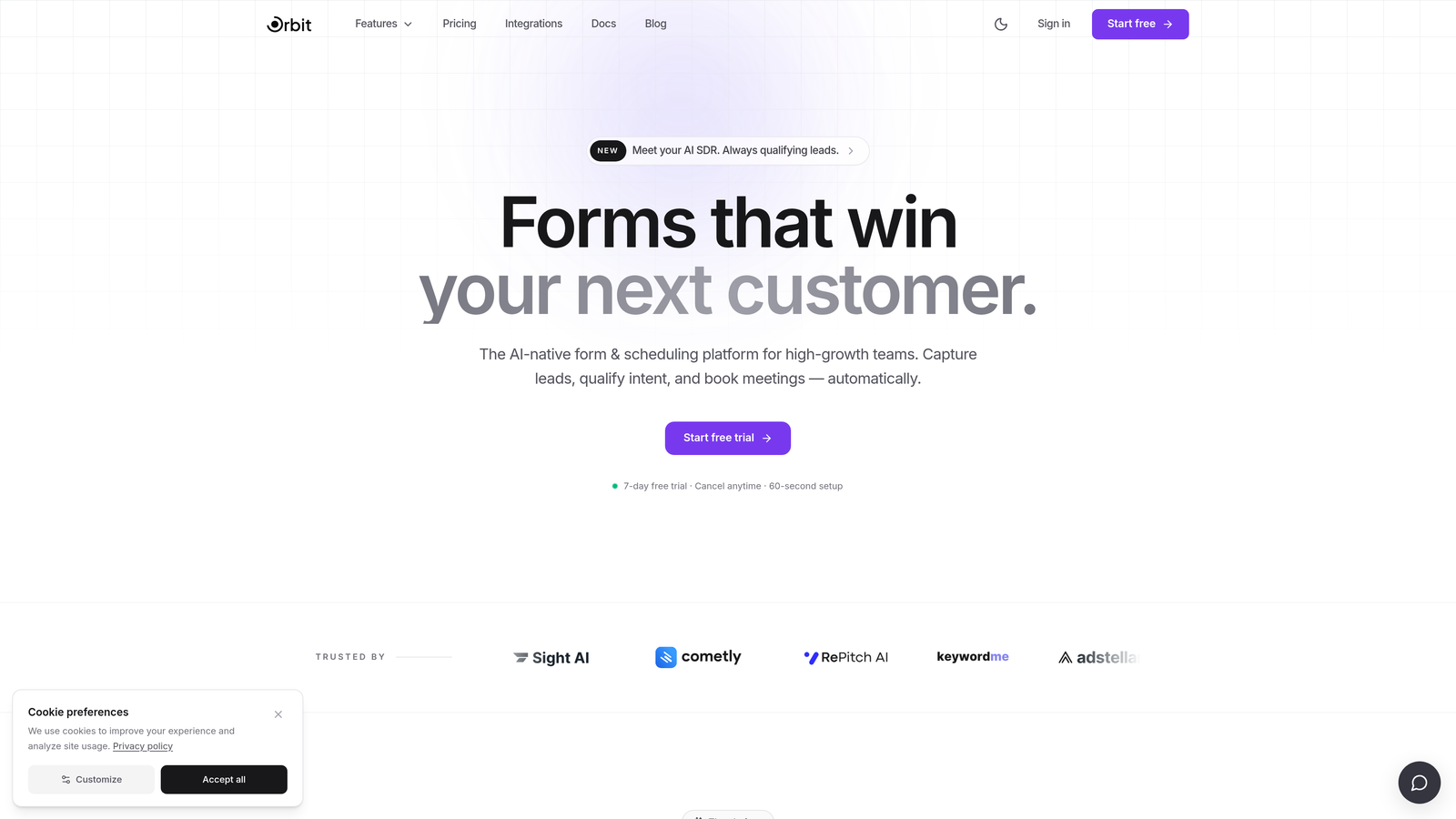
Orbit AI is an AI-powered form builder with native lead qualification, designed specifically for conversion-focused teams who need more than a data collection tool.
Where This Tool Shines
What separates Orbit AI from the rest of this list is where its intelligence sits. Rather than collecting form submissions and pushing them into a separate qualification tool, Orbit AI handles scoring and routing at the form layer. Leads are evaluated in real time, which means your sales team receives pre-qualified contacts rather than a raw list to sort through manually.
The design quality is equally deliberate. Orbit AI is built for teams that care about how their forms look and feel, not just whether they function. Clean UI, modern aesthetics, and conversion-optimized layouts are defaults, not premium add-ons.
Key Features
AI Lead Qualification: Scores and routes leads in real time based on form responses, so high-intent prospects reach your team faster.
Conversion-Optimized Design: Modern, clean form layouts built to reduce friction and improve completion rates.
Multi-Step Logic: Conditional branching lets you create adaptive form flows that respond to each user's answers.
CRM Integrations: Native connections to CRMs and sales tools keep your pipeline data clean and current.
Lead Quality Analytics: The analytics dashboard focuses on lead quality and downstream outcomes, not just submission volume.
Best For
SaaS companies and B2B teams running high-volume lead generation who want to reduce manual qualification work. Particularly valuable for teams where sales capacity is limited and lead routing speed matters. If your current process involves a human reviewing raw form submissions before passing them to sales, Orbit AI is built to replace that step.
Pricing
Visit orbitforms.ai for current pricing details. Plans are designed for growing teams with conversion optimization as a core priority.
2. Typeform
Best for: Teams prioritizing conversational UX and polished brand presentation in their lead gen flows.
Typeform is a conversational form builder known for its one-question-at-a-time format and strong design aesthetics.

Where This Tool Shines
Typeform's core insight was that traditional forms feel like interrogations. Its one-question-at-a-time format creates a more natural, dialogue-like experience that tends to keep users engaged through longer form flows. For high-intent use cases like demo requests or onboarding surveys, this approach can meaningfully improve completion rates.
The platform has matured well beyond its original format. Video forms, rich media embedding, and more sophisticated conditional logic make Typeform a serious option for marketing teams that want brand-forward experiences without needing a developer.
Key Features
Conversational UX: One-question-at-a-time format creates a guided, low-friction experience for respondents.
Video Forms: Embed video questions or welcome screens to add personality and context to your forms.
Conditional Logic: Branch form paths based on previous answers to keep flows relevant.
Integration Library: Connects with HubSpot, Salesforce, Slack, Google Sheets, and hundreds more via native integrations and Zapier.
Design Polish: Strong visual defaults and theme customization make Typeform forms feel on-brand out of the box.
Best For
Marketing teams running lead generation campaigns, customer research surveys, or onboarding flows where brand experience matters. Less suited for teams that need deep qualification logic or CRM-native functionality without additional setup.
Pricing
Free tier available with limited monthly responses. Paid plans scale based on response volume, with higher tiers unlocking advanced logic, integrations, and branding controls. Check typeform.com for current plan details.
3. Jotform
Best for: Teams and agencies that need maximum versatility — payments, e-signatures, approvals, and forms in one platform.
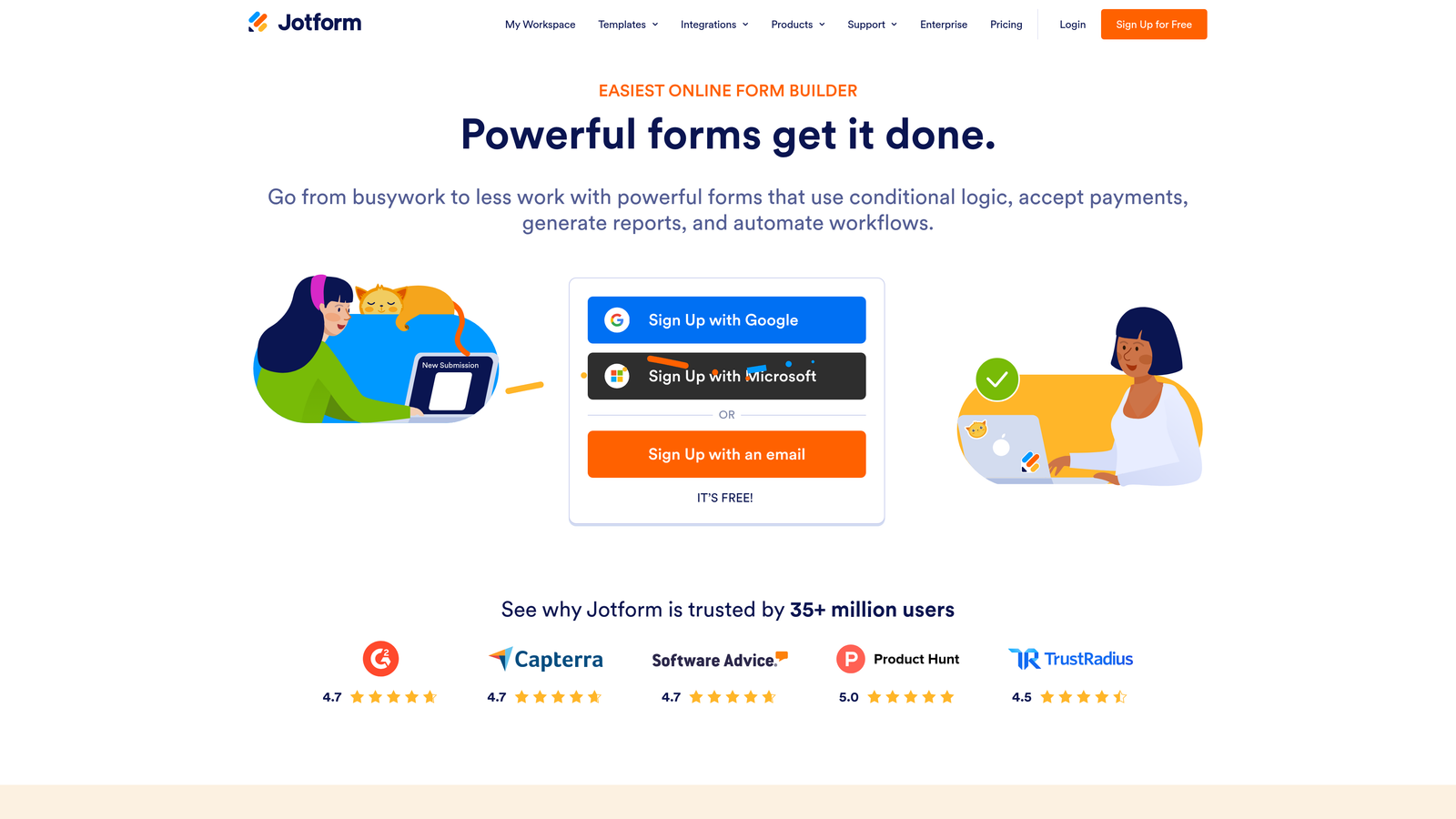
Jotform is a feature-rich form builder with one of the largest template libraries available, supporting everything from simple contact forms to complex approval workflows.
Where This Tool Shines
Jotform's strength is breadth. If you can imagine a form use case, Jotform almost certainly has a template for it and a feature set to support it. Payment collection, e-signatures, PDF generation, and multi-step approval workflows all live within the same platform, which makes it unusually capable for a single tool.
For agencies managing diverse client needs or SMBs that want one platform to handle multiple form-related workflows, Jotform delivers without requiring heavy technical setup. The tradeoff is that the interface can feel dense compared to newer, more focused tools.
Key Features
Template Library: Over 10,000 templates spanning dozens of industries and use cases, dramatically reducing build time.
Payment Collection: Native integrations with Stripe, PayPal, and Square for in-form purchases and deposits.
E-Signatures and PDF Generation: Collect legally binding signatures and auto-generate documents from submissions.
Approval Workflows: Route submissions through multi-step review and approval chains without third-party tools.
Integration Ecosystem: Connects with hundreds of third-party tools across CRM, marketing, and productivity categories.
Best For
Agencies, SMBs, and operations teams that need a versatile platform covering multiple workflow types. Also strong for teams in industries like healthcare, legal, or education where document generation and approvals are part of the standard process.
Pricing
Free tier available with submission limits. Paid plans scale based on submission volume and feature access. Check jotform.com for current tier details.
4. HubSpot Forms
Best for: Teams already operating within the HubSpot ecosystem who want zero-friction lead capture with native CRM sync.
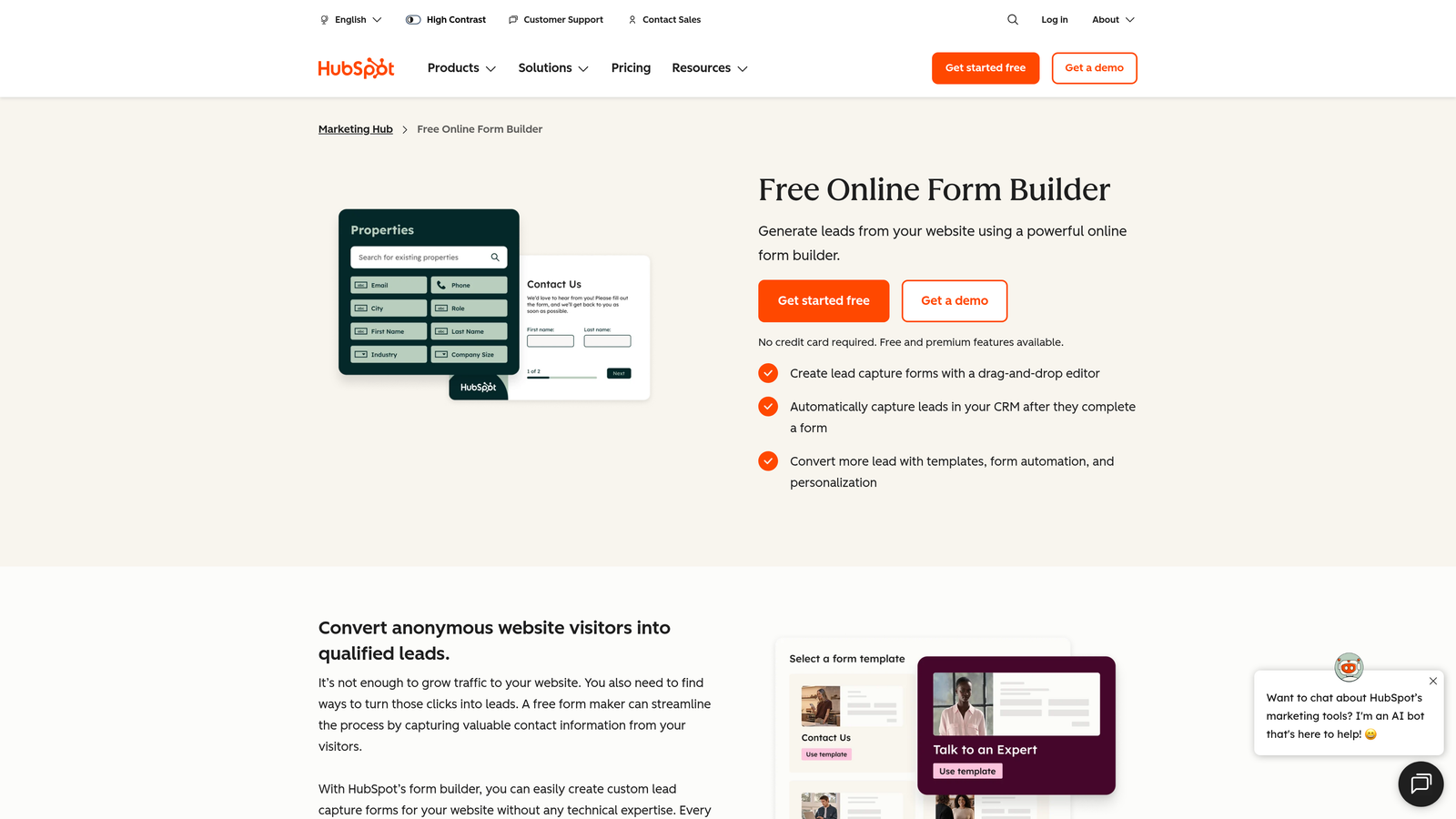
HubSpot Forms is a CRM-native form builder included with HubSpot's free and paid tiers, built specifically for inbound lead capture and contact management.
Where This Tool Shines
The value proposition here is tight integration, not form-building sophistication. Every submission automatically creates or updates a contact record in HubSpot CRM, triggers lifecycle stage changes, and can kick off email sequences or workflows without any additional configuration. For teams living in HubSpot, this is the path of least resistance.
Progressive profiling is a standout feature: HubSpot Forms can detect when a known contact is filling out a form and replace already-known fields with new questions instead. Over time, this builds richer contact profiles without burdening users with repetitive questions.
Key Features
Automatic Contact Creation: Every submission creates or updates a HubSpot CRM contact instantly, with no manual data transfer.
Progressive Profiling: Replaces known-field questions with new ones for returning visitors, enriching contact data over time.
Lifecycle and Segmentation Triggers: Submissions can automatically update contact lifecycle stages and add contacts to lists.
Embedded and Pop-Up Options: Deploy forms as inline embeds, pop-ups, or slide-ins without additional tools.
Workflow Integration: Native connection to HubSpot's automation, email, and sales sequences.
Best For
Marketing and sales teams already using HubSpot as their CRM. The value compounds significantly the deeper your HubSpot usage goes. Teams not on HubSpot will find limited reason to choose this over standalone form builders with more design flexibility.
Pricing
Available free with HubSpot CRM. Advanced features like smart forms and A/B testing require Marketing Hub paid tiers. Check hubspot.com for current plan pricing.
5. Tally
Best for: Indie founders, early-stage startups, and Notion-heavy teams that want clean, capable forms without a paid subscription.
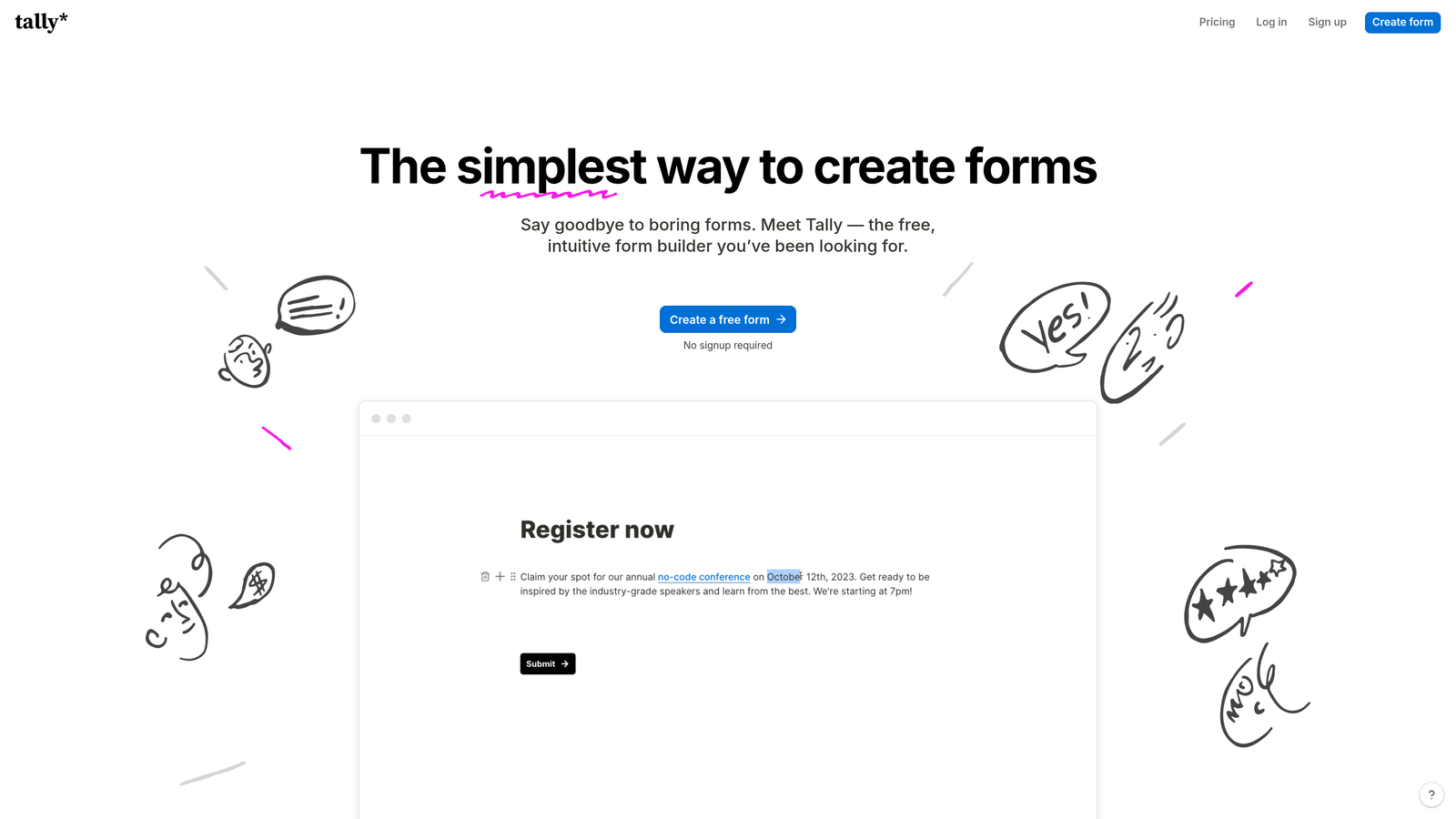
Tally is a minimalist, Notion-inspired form builder with a genuinely generous free tier and a block-based editing experience that feels immediately familiar.
Where This Tool Shines
Tally's free tier is unusually capable. Unlimited forms, unlimited submissions, conditional logic, and multi-page forms are all available without paying anything. For early-stage teams watching burn rate carefully, this is a meaningful differentiator. You get real functionality without the usual free-tier restrictions that force an upgrade after a few hundred submissions.
The editing experience mirrors Notion's block-based approach, which makes it instantly comfortable for teams already working in that environment. Embedding forms into Notion pages or websites is clean and straightforward.
Key Features
Block-Based Editor: Notion-style editing interface that's intuitive for teams already familiar with modern no-code tools.
Unlimited Free Tier: No submission caps or form limits on the free plan, which is genuinely rare in this market.
Conditional Logic: Multi-page forms with branching logic are available even on the free plan.
Clean Embeds: Forms embed neatly into websites, Notion pages, and other environments without visual clutter.
Integrations: Zapier and select native integrations connect Tally to your existing stack.
Best For
Early-stage startups, indie hackers, and small teams that need functional, attractive forms without budget overhead. Also a strong fit for internal tools and Notion-based workflows. Teams with high-volume lead generation or complex qualification needs will likely outgrow it.
Pricing
Free tier is highly capable and suitable for most early-stage use cases. Pro plan unlocks custom domains, advanced integrations, and white-labeling. Check tally.so for current Pro pricing.
6. Paperform
Best for: Creators, coaches, and small businesses who want forms that look and function like standalone landing pages.
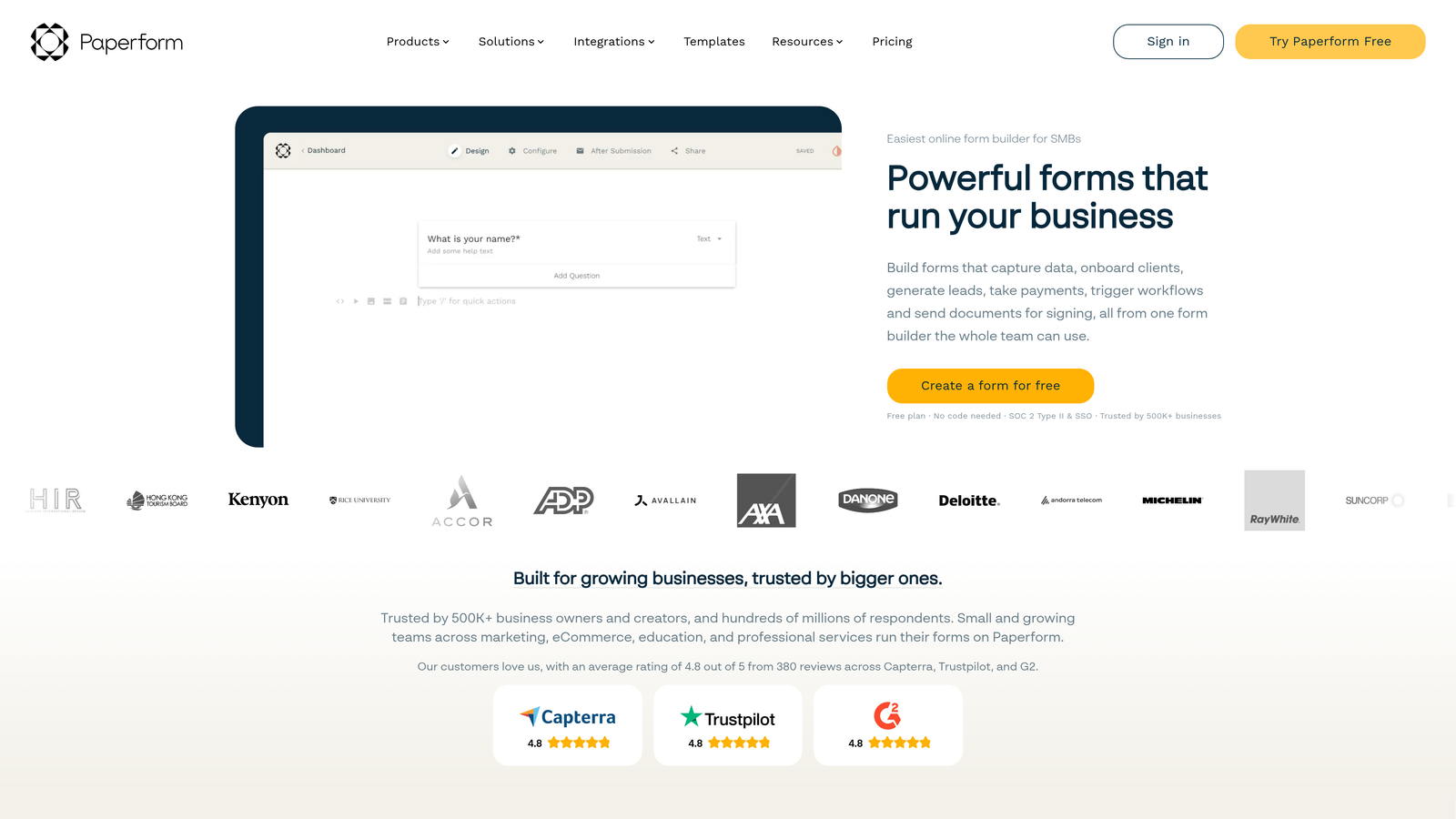
Paperform is a form builder that doubles as a lightweight landing page tool, supporting rich media, text content, and product listings alongside traditional form fields.
Where This Tool Shines
Paperform occupies a unique position: it blurs the line between a form and a page. You can write long-form copy, embed images and video, list products with pricing, and collect payments all within a single Paperform document. This makes it particularly well-suited for use cases where context matters — intake forms that need to explain a service, booking pages that need to set expectations, or product order forms that need to sell.
The flexibility to mix narrative content with form fields is something most pure form builders don't offer, and it removes the need for a separate landing page tool in many scenarios.
Key Features
Rich Content Embedding: Combine text, images, and video directly within the form for context-rich experiences.
Product Listings and Payments: Sell products or services and collect payment within the same form document.
Conditional Logic: Sections and questions can show or hide based on previous responses.
Scheduling Integrations: Connect with booking and calendar tools to enable appointment scheduling within the form flow.
Custom Domains: Host forms on your own domain for a fully branded experience.
Best For
Coaches, consultants, creators, and small businesses that need forms with strong narrative context. Also useful for teams running intake or onboarding flows where explaining the process is as important as collecting the data.
Pricing
Paid plans only, with no meaningful free tier. Plans start at approximately $24 per month; verify current pricing at paperform.co as rates may have changed.
7. Google Forms
Best for: Internal data collection and quick surveys within Google Workspace environments.
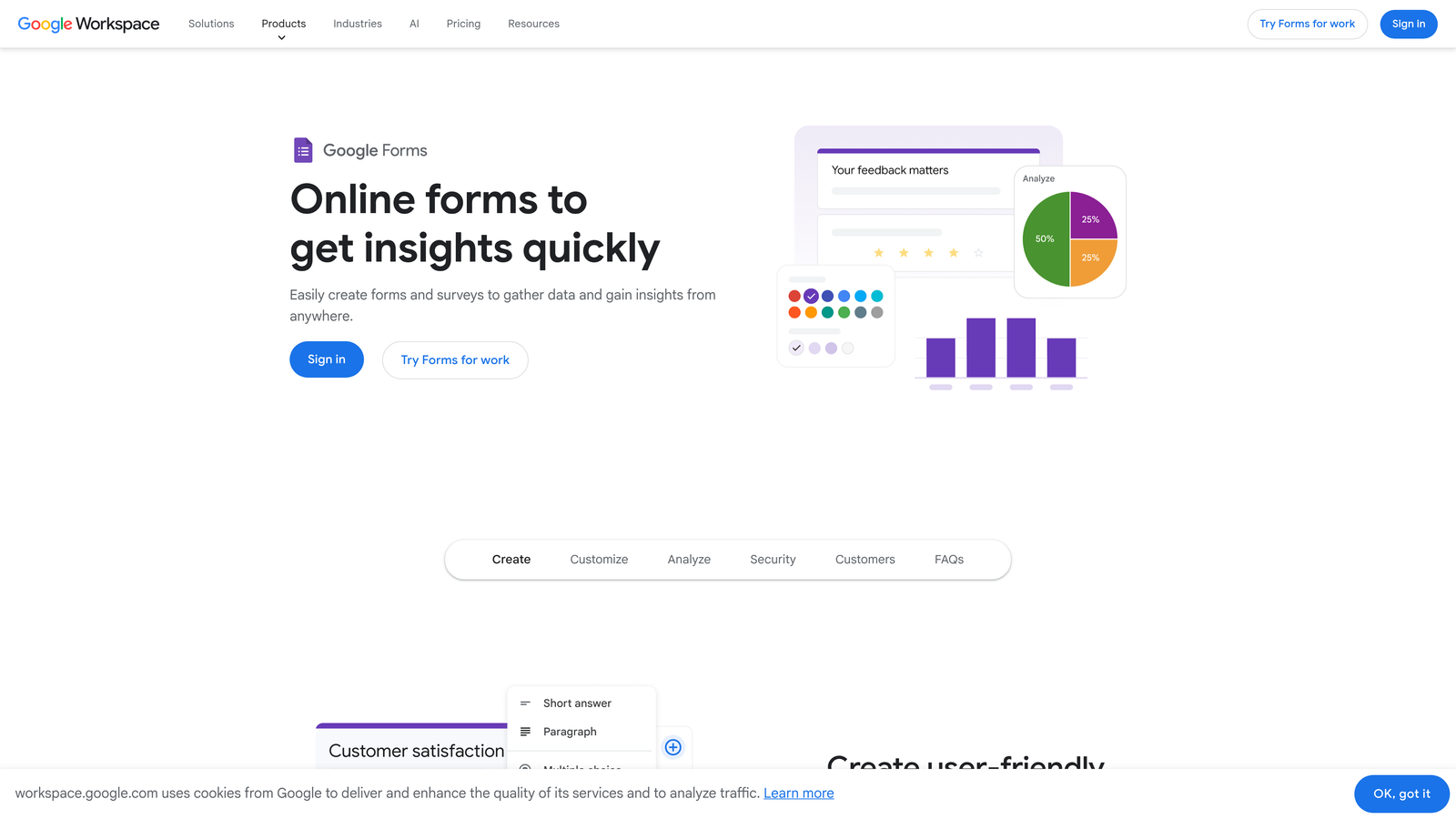
Google Forms is a completely free, no-frills form builder from Google with deep integration into Google Workspace and zero setup requirements.
Where This Tool Shines
Google Forms earns its place on this list through sheer accessibility. There's nothing to install, no account to create beyond a Google account, no submission limits, and no cost. Responses flow directly into Google Sheets, which makes lightweight data collection and analysis immediately available to anyone familiar with spreadsheets.
For internal use cases — team surveys, event registrations, quick feedback collection — Google Forms is often the fastest path from idea to live form. The quiz mode with automatic scoring also makes it popular in educational settings.
Key Features
Completely Free: No submission limits, no paid tiers, no feature restrictions beyond the platform's inherent simplicity.
Google Sheets Integration: Responses auto-populate a connected spreadsheet in real time.
Basic Branching Logic: Section-level branching allows simple conditional paths through the form.
Quiz Mode: Auto-scoring and answer feedback make it functional for assessments and knowledge checks.
Zero Setup: Available instantly to any Google account holder with no configuration required.
Best For
Internal surveys, team feedback collection, event RSVPs, and educational assessments. Not recommended for external lead capture, brand-forward experiences, or any use case requiring design control, advanced logic, or CRM integration.
Pricing
Completely free with a Google account. No paid tiers or premium features to unlock.
8. Formstack
Best for: Enterprise teams in regulated industries that need compliance certifications alongside workflow automation.
Formstack is an enterprise form and workflow automation platform with HIPAA and GDPR compliance features, document generation, and multi-step approval capabilities.
Where This Tool Shines
Formstack is built for organizations where compliance is non-negotiable. Healthcare, legal, financial services, and government-adjacent teams often can't use consumer-grade form tools because of data handling requirements. Formstack's compliance certifications and enterprise security controls address that directly, making it one of the few form platforms genuinely suited for regulated data collection.
Beyond compliance, Formstack's workflow automation is genuinely deep. Document generation from form submissions, CRM prefill, multi-step approvals, and enterprise SSO make it a workflow platform as much as a form builder.
Key Features
HIPAA and GDPR Compliance: Certifications and data handling controls that meet requirements for regulated industries.
Workflow Automation: Multi-step approval chains and routing built directly into the form submission process.
Document Generation: Auto-generate formatted documents from form submission data.
CRM Prefill: Pull existing CRM data into forms to pre-populate known fields for returning contacts.
Enterprise Controls: SSO, admin permissions, and audit trails for large-team deployments.
Best For
Enterprise teams in healthcare, legal, financial services, or any regulated industry where compliance certifications are a hard requirement. The feature set and price point are overkill for most SMB or startup use cases.
Pricing
Enterprise pricing model; contact Formstack directly for current quotes. Pricing reflects the enterprise feature set and compliance infrastructure. Check formstack.com for details.
9. Gravity Forms
Best for: WordPress-native teams that need advanced conditional logic and a large add-on ecosystem.
Gravity Forms is a WordPress-native form builder with advanced conditional logic, a broad add-on library, and strong developer extensibility for custom implementations.
Where This Tool Shines
For teams running self-hosted WordPress sites, Gravity Forms has long been the go-to choice for anything beyond basic contact forms. Its conditional logic is genuinely advanced, supporting complex branching, field calculations, and dynamic content that most cloud-based form builders can't match without significant workarounds.
The add-on ecosystem extends Gravity Forms into payment processing, CRM sync, marketing automation, and more. Developers appreciate the extensive hooks and filters that allow deep customization without modifying core plugin files — a meaningful advantage for agencies building client sites.
Key Features
Advanced Conditional Logic: Complex branching, field visibility rules, and calculated fields for sophisticated form flows.
Add-On Library: Extensive library covering payments, CRM integrations, email marketing, and more.
Developer Extensibility: Hooks, filters, and a REST API for custom development and deep WordPress integration.
Entry Management: View, filter, and manage all form submissions directly within the WordPress admin.
Partial Entry Saving: Capture incomplete submissions for long forms, reducing data loss from abandoned entries.
Best For
WordPress developers, agencies, and businesses running self-hosted WordPress who need a powerful, extensible form solution. Not applicable for non-WordPress environments — this tool requires a self-hosted WordPress installation to function.
Pricing
Annual license model starting around $59 per year for the base tier; higher tiers unlock additional add-ons. No free tier available. Verify current pricing at gravityforms.com.
Which Tool Is Right for Your Team?
The right form builder depends almost entirely on what you need the form to do after someone hits submit.
If you're a high-growth SaaS or B2B team and lead qualification is a core part of your pipeline, Orbit AI is the purpose-built choice. The AI qualification layer, conversion-optimized design, and CRM integrations work together in a way that standalone form builders with bolt-on integrations simply can't replicate. It's built for teams where form submissions need to become pipeline, not spreadsheet rows.
For teams already deep in the HubSpot ecosystem, HubSpot Forms is the path of least resistance. The native CRM sync and progressive profiling features are hard to match without significant integration work elsewhere.
If design and conversational UX are your primary levers, Typeform remains a strong choice for marketing-led lead capture and research flows. For maximum versatility on a budget, Jotform covers more ground than almost any other tool on this list. And if you're early-stage and watching costs carefully, Tally's free tier is genuinely hard to beat.
Enterprise teams in regulated industries should look closely at Formstack. WordPress-native teams with developer resources will find Gravity Forms hard to surpass within that environment. Paperform is the right call when your form needs to tell a story alongside collecting data.
Google Forms is the right answer when you need something internal, fast, and free — and nothing else.
The broader shift in 2026 is clear: the best modern form builder solutions aren't just collecting data anymore. They're qualifying leads, triggering workflows, and doing active work in your growth stack. Transform your lead generation with AI-powered forms that qualify prospects automatically while delivering the modern, conversion-optimized experience your high-growth team needs. Start building free forms today and see how intelligent form design can elevate your conversion strategy.


