

When your forms collect names, emails, phone numbers, payment details, or health information, security isn't optional. It's the foundation of trust. A data breach traced back to a poorly secured form can erode customer confidence overnight and expose your business to serious compliance risk.
But security shouldn't come at the cost of conversion. The best secure form builders combine enterprise-grade data protection with clean, intuitive design that keeps respondents moving through your forms rather than abandoning them halfway through.
This list covers tools that take security seriously, from SSL encryption and GDPR compliance to SOC 2 certification and advanced spam filtering. Whether you're a high-growth SaaS team capturing qualified leads, a healthcare provider collecting patient intake data, or an agency building forms for regulated clients, there's a right fit here. Tools are evaluated on encryption standards, compliance certifications, spam and bot protection, data storage controls, and overall form-building capability.
1. Orbit AI
Best for: High-growth SaaS and B2B teams needing secure, conversion-optimized lead qualification forms
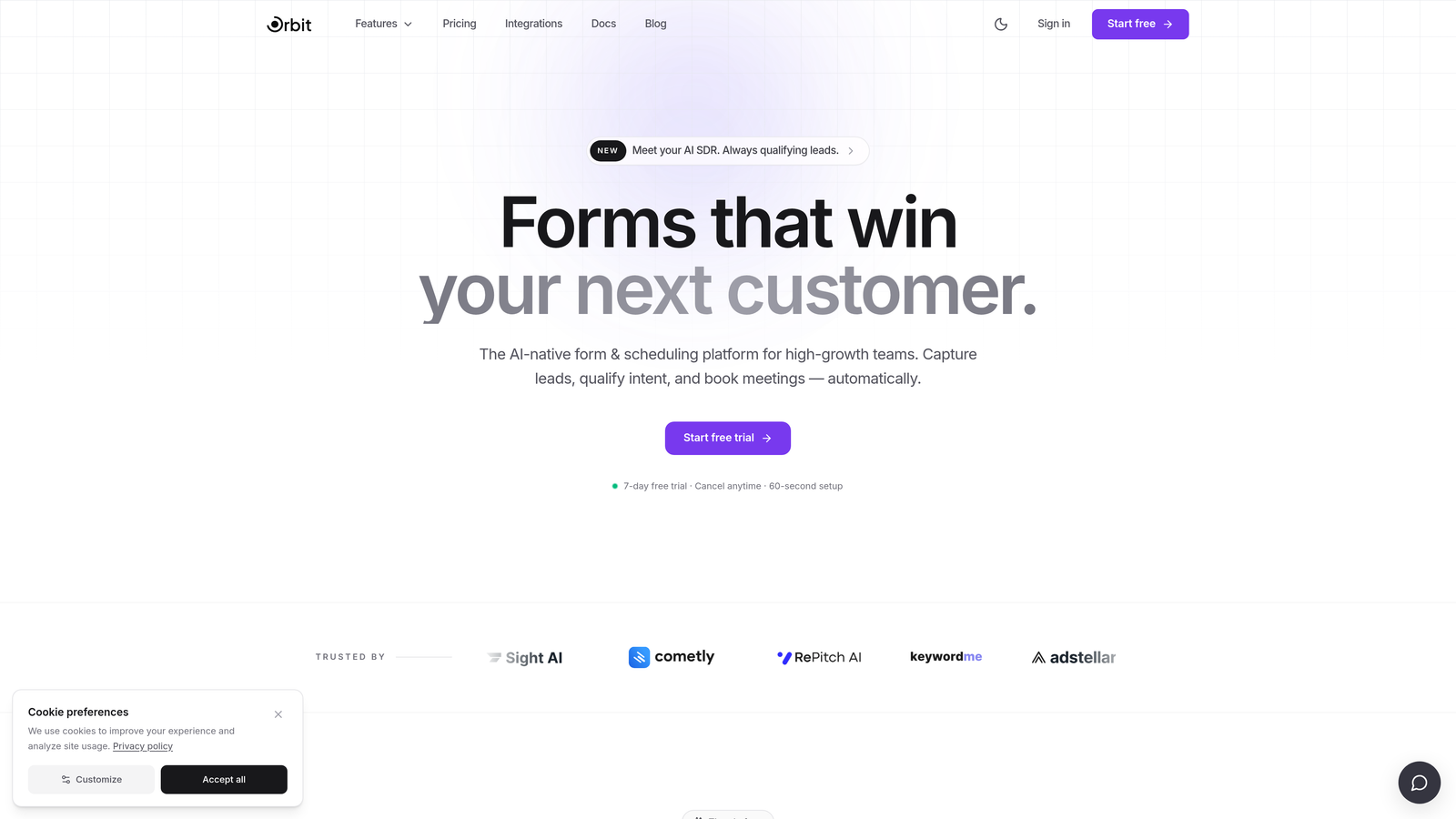
Orbit AI is an AI-powered form builder designed for teams who refuse to choose between security and conversion performance.
Where This Tool Shines
Most form builders treat security and conversion as separate concerns. Orbit AI brings them together. The platform's AI-powered lead qualification works directly inside the form flow, so you're not just collecting submissions securely. You're actively scoring and filtering leads as they come in, keeping your CRM clean and your team focused on the right prospects.
The modern, distraction-free form design is built to reduce drop-off, which matters when you're capturing sensitive information. Respondents are more likely to complete a form that feels trustworthy and polished, and Orbit AI's UX is designed with exactly that psychology in mind.
Key Features
AI-Powered Lead Qualification: Intelligent qualification logic runs inside the form itself, automatically scoring and routing leads based on your criteria.
SSL Encryption and GDPR-Compliant Data Handling: All form submissions are encrypted in transit, and the platform is built with GDPR-compliant data practices to support privacy-conscious teams.
Conversion-Optimized Form Design: Clean, modern UX with thoughtful flow design that reduces abandonment, especially important when collecting sensitive respondent data.
Spam and Bot Protection: Built-in protection keeps submission data clean, so your lead data and form analytics reflect real human responses.
CRM and Marketing Tool Integrations: Secure data routing to your existing stack, so qualified leads move seamlessly into your pipeline without manual handling.
Best For
High-growth SaaS and B2B teams who need forms that do more than collect data. If lead qualification, conversion optimization, and data security all matter to your team simultaneously, Orbit AI is built specifically for that intersection.
Pricing
Visit orbitforms.ai for current pricing and plan details, as options may vary based on team size and feature requirements.
2. Typeform
Best for: Marketing teams wanting polished, conversational forms with solid GDPR compliance tooling
Typeform is a conversational form builder known for its one-question-at-a-time interface and strong EU-native approach to data privacy.

Where This Tool Shines
Typeform's Barcelona roots give it a natural alignment with GDPR thinking. Data processing agreements, consent fields, and respondent data deletion tools are built into the platform rather than bolted on as an afterthought. For marketing teams running campaigns across EU audiences, that compliance infrastructure matters.
The conversational UX also plays a security-adjacent role: forms that feel less overwhelming tend to get completed more honestly, which keeps your data quality high. The Enterprise plan adds SSO and more advanced security controls for teams with stricter IT governance needs.
Key Features
SSL Encryption: All plans include SSL encryption across form submissions in transit.
GDPR Compliance Tools: Consent fields, data processing agreements, and respondent data export and deletion capabilities are available.
SSO and Advanced Security: Single sign-on and enhanced security controls are available on the Enterprise plan.
reCAPTCHA and Spam Filtering: Built-in spam protection helps maintain submission quality.
Data Deletion and Export: Tools to handle subject access requests and right-to-erasure compliance under GDPR.
Best For
Marketing and growth teams who prioritize form UX and need reliable GDPR compliance tooling. Less suited for HIPAA-regulated use cases or organizations requiring SOC 2 certification at lower price tiers.
Pricing
Free plan available. Paid plans start around $25 per month billed annually. Enterprise pricing is available on request.
3. Jotform
Best for: Healthcare, legal, and payment-collecting teams needing the broadest compliance stack available
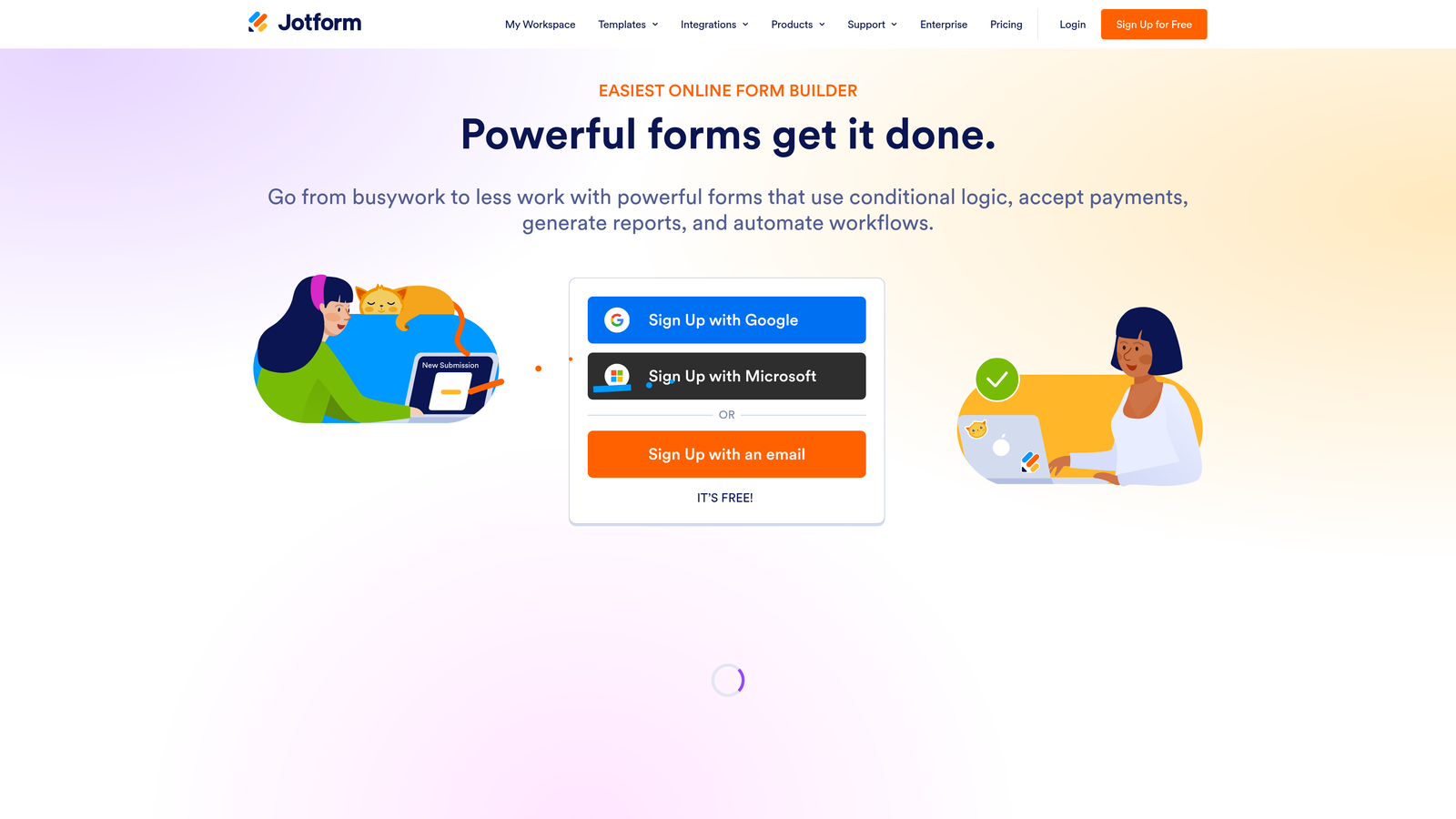
Jotform is a feature-rich form builder with one of the most comprehensive compliance offerings in the category, including HIPAA, PCI DSS, and SOC 2 support.
Where This Tool Shines
If your organization operates in a regulated industry, Jotform's compliance depth is hard to match at its price point. The HIPAA-compliant plan comes with a signed Business Associate Agreement, which is a non-negotiable requirement for any form collecting protected health information. PCI DSS compliance covers payment-collecting forms, and GDPR and CCPA tools round out the global compliance picture.
At the enterprise level, Jotform holds SOC 2 Type II certification, which satisfies the security audit requirements of many IT and procurement teams. The breadth of add-ons and integrations also makes it adaptable to complex workflows.
Key Features
HIPAA-Compliant Plan with BAA: Signed Business Associate Agreement available, making it suitable for healthcare data collection.
PCI DSS Compliance: Payment-collecting forms meet PCI DSS standards for secure card data handling.
SSL and Data at Rest Encryption: Submissions are encrypted both in transit and in storage.
SOC 2 Type II Certification: Available at enterprise level for organizations with formal security audit requirements.
GDPR, CCPA, and KVKK Tools: Multi-jurisdiction compliance tools for global data privacy requirements.
Best For
Healthcare providers, legal teams, nonprofits, and any organization collecting payment data or operating under multiple overlapping compliance frameworks. The free plan works for basic use, but regulated use cases require paid tiers.
Pricing
Free plan available. Paid plans start around $34 per month. HIPAA compliance requires the Gold or Enterprise tier.
4. Formstack
Best for: Enterprise organizations with strict IT governance, audit requirements, and complex workflow automation needs
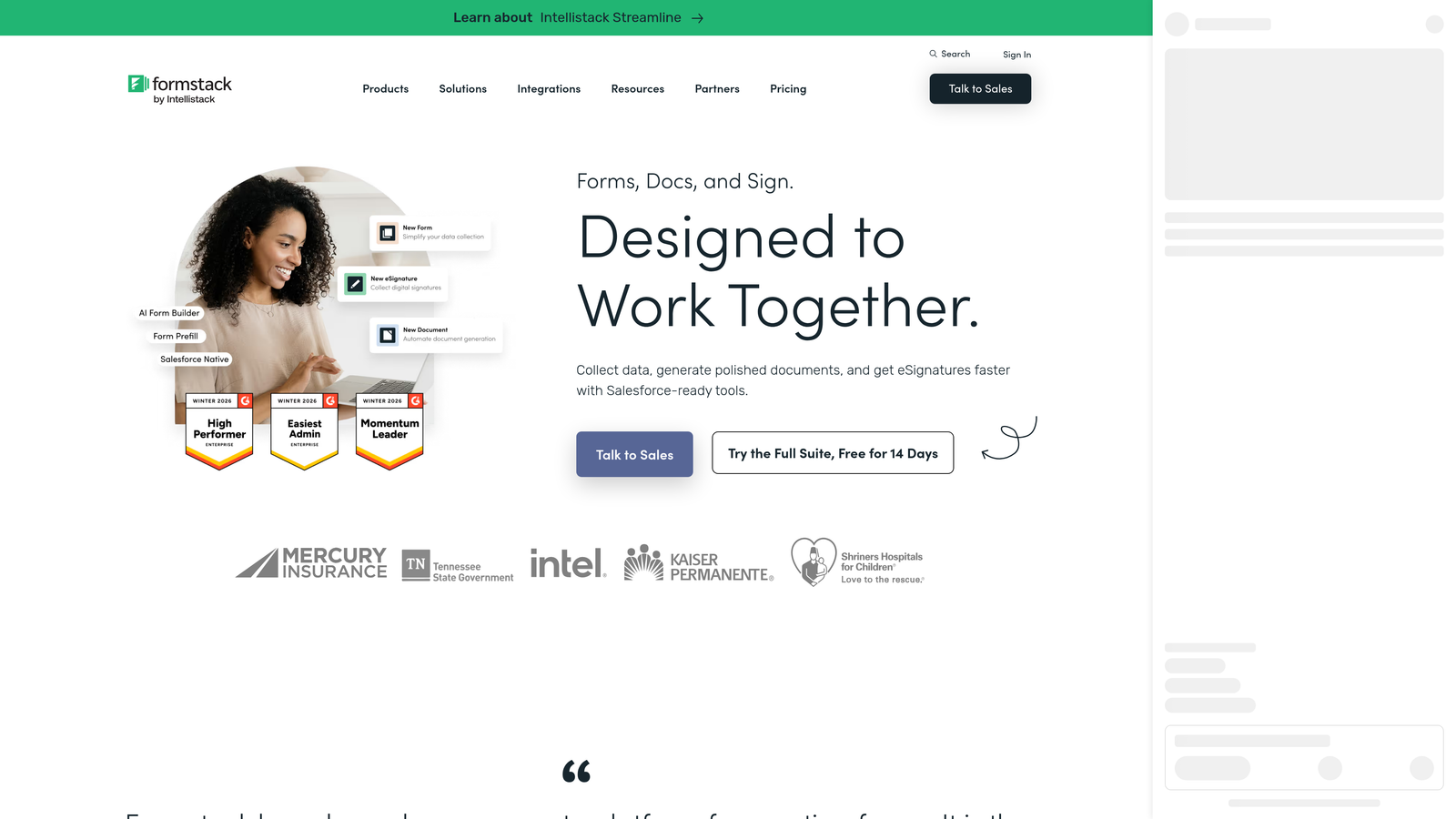
Formstack is an enterprise-grade secure form and workflow platform built for organizations where security controls, audit trails, and compliance certifications are non-negotiable.
Where This Tool Shines
Formstack's SOC 2 Type II certification and HIPAA compliance with BAA availability position it squarely in the enterprise security tier. What sets it apart from other compliant builders is the depth of its workflow automation combined with security controls applied throughout the entire data journey, not just at the point of collection.
Audit logs, role-based access controls, and SSO integration make Formstack a strong fit for IT teams that need to demonstrate governance over how form data flows through an organization. It's more expensive than most alternatives, but for regulated enterprise environments, that investment is often justified.
Key Features
SOC 2 Type II Certified: Meets enterprise-grade security audit standards for data handling and organizational controls.
HIPAA Compliance with BAA: Available for healthcare and related organizations collecting protected health information.
Encrypted Data Routing and Audit Logs: Data is encrypted throughout the workflow, and detailed audit logs support compliance reporting.
Role-Based Access Controls and SSO: Granular permissions and single sign-on for enterprise team management.
Advanced Workflow Automation: Secure multi-step workflows for routing, approvals, and document generation with security controls at each stage.
Best For
Enterprise teams in healthcare, finance, legal, and government sectors where SOC 2, HIPAA, and formal IT governance requirements are in play. Overkill for small teams or simple use cases.
Pricing
Plans start around $83 per month billed annually. Enterprise pricing is available for larger organizations with custom requirements.
5. Cognito Forms
Best for: Small businesses, nonprofits, and budget-conscious teams needing encrypted entries and HIPAA compliance without enterprise pricing
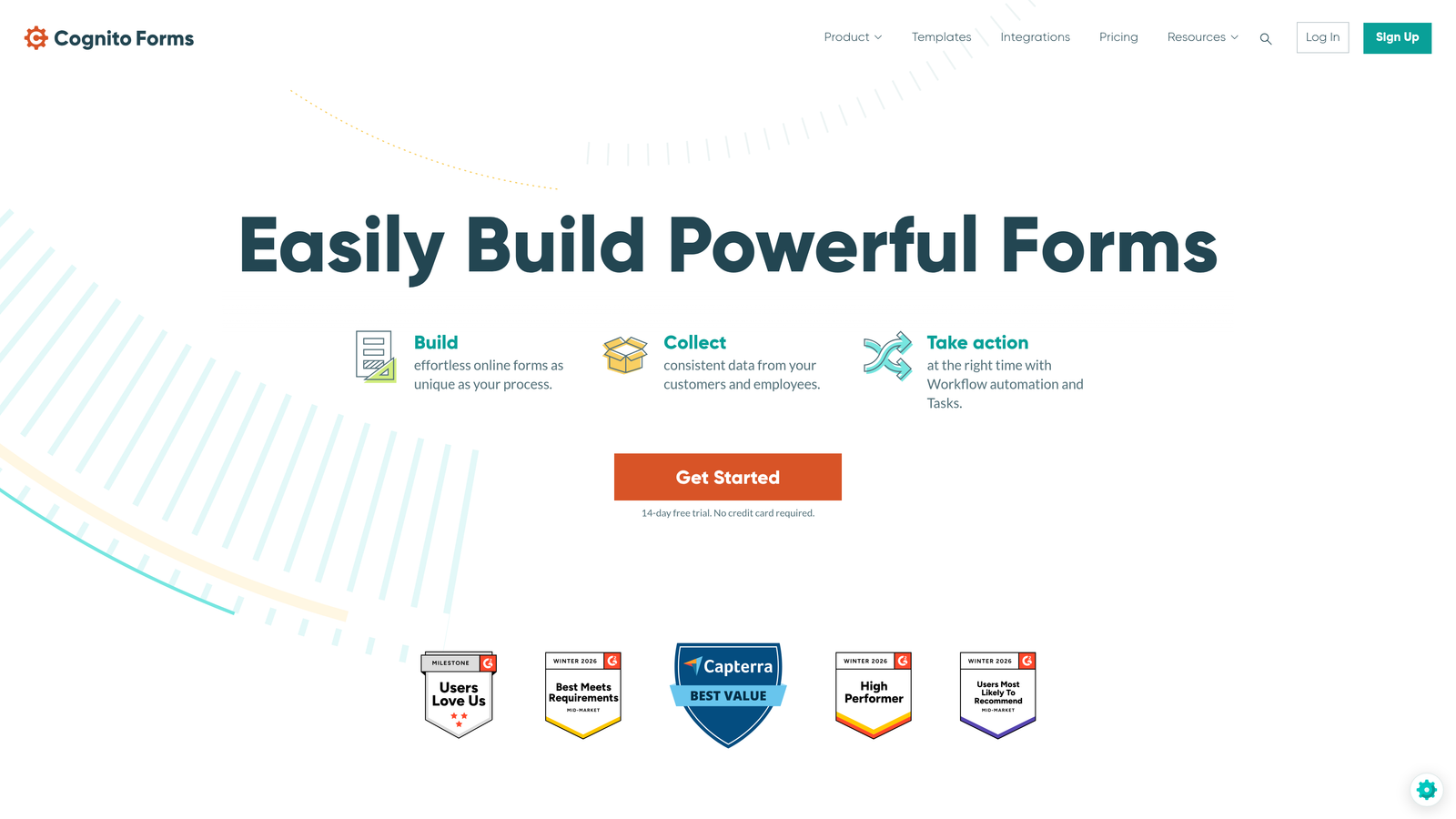
Cognito Forms is a budget-friendly form builder that punches above its weight class on security, offering encrypted entries and a HIPAA-compliant plan at accessible price points.
Where This Tool Shines
Cognito Forms makes compliance accessible to organizations that can't justify enterprise pricing. Encrypted form entries are available on paid plans, and the HIPAA-compliant tier with BAA is offered at a fraction of what competitors charge. For nonprofits, small healthcare practices, or small businesses handling sensitive data, this is a meaningful differentiator.
The entry password protection feature is a particularly practical touch, allowing you to restrict who can view specific submissions without needing complex access control infrastructure. It's a simpler tool than Formstack or Jotform, but that simplicity is often exactly what smaller teams need.
Key Features
Encrypted Form Entries: Submissions are encrypted on all paid plans, protecting stored data from unauthorized access.
HIPAA-Compliant Plan with BAA: Available on higher tiers for healthcare and related use cases.
SSL Encryption: All plans include SSL encryption for data in transit.
Entry Password Protection: Restrict access to specific form submissions with password controls.
GDPR-Friendly Data Handling: Tools to support consent management and data subject requests.
Best For
Small businesses, nonprofits, independent healthcare practitioners, and teams that need solid security fundamentals and HIPAA capability without paying enterprise-level prices.
Pricing
Free plan available. Paid plans start around $15 per month. HIPAA-compliant plan is available on higher tiers.
6. Google Forms
Best for: Internal, low-sensitivity data collection within Google Workspace environments where simplicity and zero cost are priorities
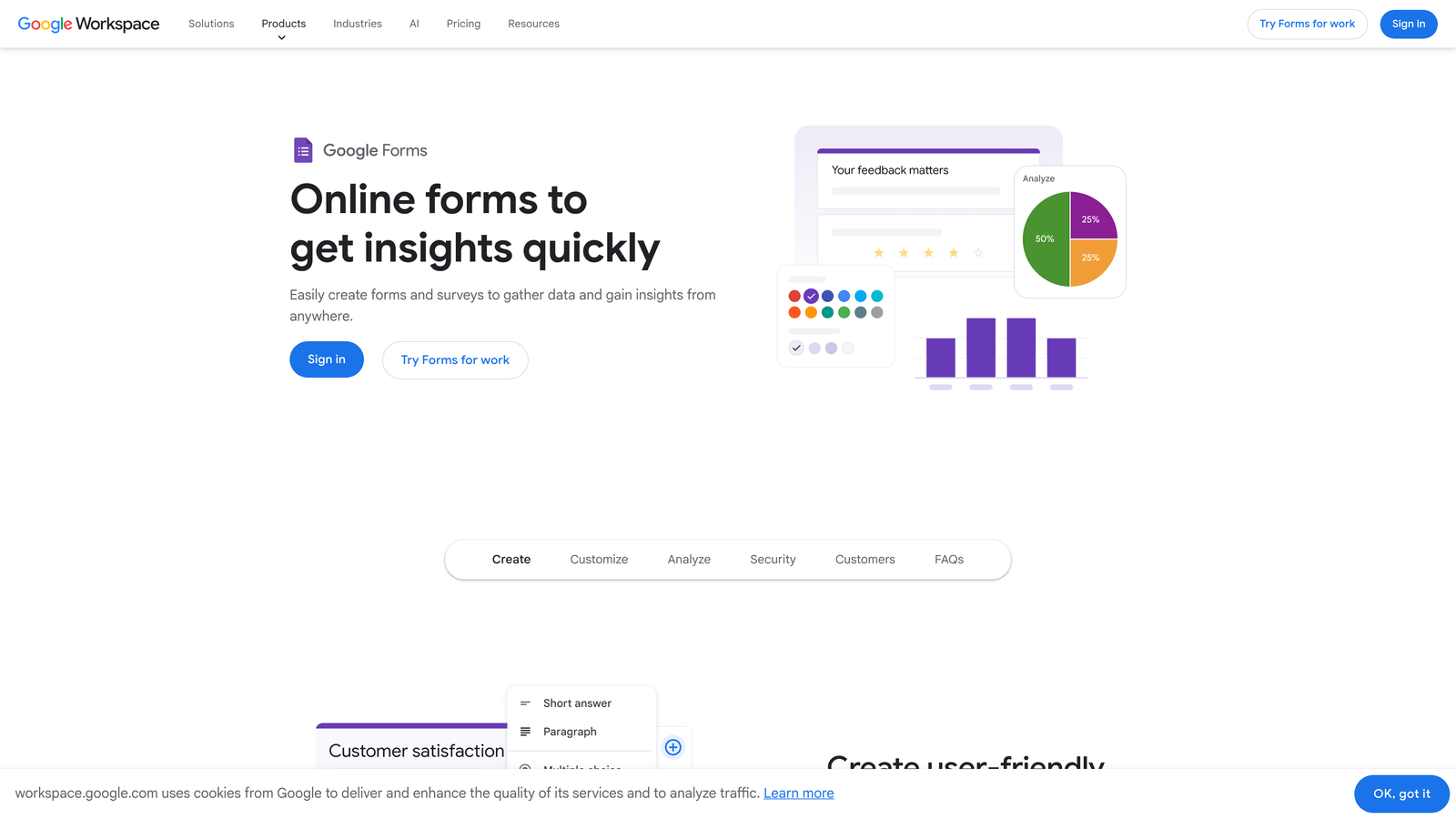
Google Forms is a free, straightforward form tool backed by Google's infrastructure, best suited for internal use cases where regulatory compliance requirements are minimal.
Where This Tool Shines
For teams already operating within Google Workspace, Google Forms is the path of least resistance. Responses feed directly into Google Sheets, access controls integrate with your existing Google admin settings, and the learning curve is essentially zero. For internal surveys, event registrations, or team feedback collection, it covers the basics reliably.
That said, Google Forms is not the right tool for regulated data. It doesn't offer HIPAA compliance, doesn't provide a BAA, and isn't designed for PCI DSS or SOC 2 requirements. It's free, which is genuinely useful, but the security ceiling is relatively low compared to purpose-built form builders.
Key Features
SSL Encryption in Transit: Data is encrypted as it moves between respondents and Google's servers.
Google Workspace Security Integration: Access controls and admin settings align with your existing Workspace configuration.
Sharing Permissions: Control who can access forms and responses, from organization-only to public link sharing.
Google Drive Storage: Responses stored in Google Drive under standard Google security infrastructure.
Completely Free: No cost with any Google account; advanced admin controls available with paid Workspace plans.
Best For
Teams needing quick, free forms for internal use, simple surveys, or low-sensitivity data collection. Not appropriate for HIPAA, PCI DSS, or any use case involving sensitive personal or health information without additional controls.
Pricing
Free with any Google account. Advanced administrative controls are available with Google Workspace paid plans.
7. Gravity Forms
Best for: WordPress developers and technical teams who want full data sovereignty through self-hosting
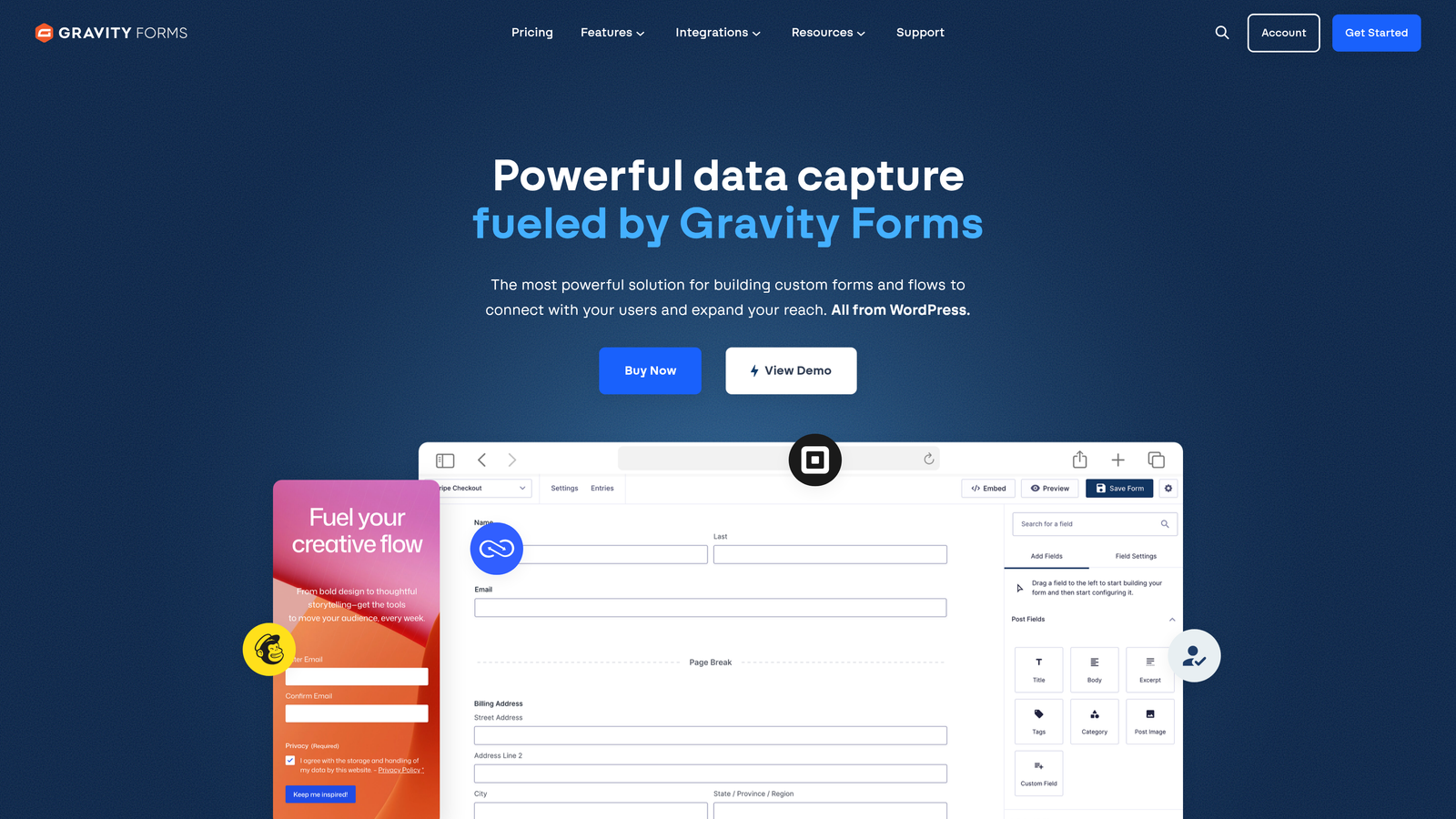
Gravity Forms is a WordPress-native form plugin that gives development teams complete control over data storage by keeping everything on their own servers.
Where This Tool Shines
The core security proposition of Gravity Forms is different from every other tool on this list: your data never leaves your server. For organizations with strict data residency requirements, internal IT policies that prohibit third-party data storage, or development teams that want full control over their security stack, this self-hosted model is a genuine advantage.
The add-on ecosystem extends this flexibility considerably. GDPR consent management, reCAPTCHA and honeypot spam protection, payment integrations, and CRM connections are all available. The tradeoff is that your security posture depends heavily on how your hosting environment is configured, so technical competence is a prerequisite.
Key Features
Self-Hosted Data Control: All form submissions are stored on your own server, giving you full ownership of where and how data is kept.
SSL Encryption: Encryption in transit is dependent on your hosting setup, making a properly configured SSL certificate essential.
GDPR Add-On: Consent management, data deletion requests, and privacy compliance tools available as an add-on.
reCAPTCHA and Honeypot Protection: Built-in spam and bot protection options to keep submissions clean.
Extensive Add-On Library: Payment processors, CRM integrations, and additional security-focused add-ons available from Gravity Forms and third-party developers.
Best For
WordPress developers, agencies managing client sites, and organizations with data residency requirements or IT policies that require self-hosted solutions. Requires technical comfort with WordPress and server management.
Pricing
Annual license from around $59 per year for the Basic plan to around $259 per year for the Elite plan. No monthly billing option is available.
8. 123FormBuilder
Best for: Global teams navigating multiple simultaneous compliance frameworks with data residency requirements
123FormBuilder is a multi-compliance form builder that explicitly supports GDPR, HIPAA, and PCI DSS in a single platform, with data residency options for teams operating across jurisdictions.
Where This Tool Shines
Most form builders support one or two compliance frameworks well. 123FormBuilder positions itself as the option for teams that need all three simultaneously. If you're a global business collecting payment data, health information, and EU personal data through the same platform, the ability to address GDPR, HIPAA, and PCI DSS without switching tools is a meaningful operational simplification.
The EU and US data residency options are particularly relevant for organizations with legal requirements around where data is physically stored. This is a feature that many larger competitors don't offer at accessible price points.
Key Features
Multi-Framework Compliance: GDPR, HIPAA, and PCI DSS compliance supported within a single platform.
Data Residency Options: Choose between EU and US server locations to meet jurisdictional data storage requirements.
SSL and Encrypted Data Storage: Encryption in transit and at rest across compliant plans.
BAA Available: Business Associate Agreement available on the HIPAA-compliant plan tier.
Spam Filtering and CAPTCHA Protection: Built-in tools to protect submission quality and prevent bot abuse.
Best For
Global businesses, multinational organizations, and teams operating under overlapping regulatory requirements across healthcare, payments, and EU data privacy. Particularly useful when data residency location is a legal or contractual requirement.
9. Tally
Best for: Privacy-conscious startups, indie makers, and teams prioritizing data minimization over feature complexity
Tally is a privacy-first form builder that collects no cookies by default and takes a data minimization approach that aligns naturally with GDPR philosophy.
Where This Tool Shines
Tally's approach to privacy is philosophical as much as technical. Where most form builders add GDPR compliance as a configuration layer, Tally starts from a position of collecting as little data as possible by default. No cookies, no tracking scripts embedded in your forms, and a clean interface that doesn't add unnecessary friction for respondents.
For startups and small teams that want to build trust with privacy-sensitive audiences without investing in complex compliance infrastructure, Tally is an elegant solution. The generous free plan makes it accessible, and the Pro upgrade is reasonably priced for teams that need more advanced features.
Key Features
No Cookies or Tracking by Default: Forms don't embed cookies or third-party tracking scripts, reducing privacy risk and cookie consent complexity.
GDPR-Compliant Data Handling: Built around data minimization principles that align with GDPR's core requirements.
Minimal Data Collection Philosophy: The platform is designed to collect only what's necessary, reducing your exposure surface.
Clean, Distraction-Free Interface: Simple, modern form design that reduces abandonment without requiring design expertise.
Best For
Privacy-conscious startups, indie makers, content creators, and small teams that want GDPR-friendly forms without the overhead of managing complex compliance configurations. Not suited for HIPAA or PCI DSS requirements.
Pricing
Generous free plan available. Tally Pro starts around $29 per month billed annually.
Which Secure Form Builder Is Right for You?
The right choice depends entirely on your compliance requirements, technical setup, and what you're actually collecting. Here's a quick way to think through it.
If you're a high-growth SaaS or B2B team that needs forms to actively qualify leads while maintaining secure, GDPR-compliant data handling, Orbit AI is built for exactly that use case. It's the only tool on this list that combines AI-powered lead qualification with conversion-optimized form design, which matters when your forms are a core part of your pipeline.
If HIPAA compliance is your primary requirement, Jotform, Formstack, Cognito Forms, and 123FormBuilder all offer BAA agreements, with Formstack and Jotform Enterprise adding SOC 2 Type II certification for the most demanding enterprise environments.
If you're on WordPress and want full data sovereignty through self-hosting, Gravity Forms gives development teams the most control. If you're a startup that wants privacy-first forms with minimal overhead, Tally's no-cookie approach is refreshingly straightforward.
For teams already inside Google Workspace running low-sensitivity internal surveys, Google Forms is free and functional. For marketing teams who care about conversational UX and GDPR tooling, Typeform delivers a polished experience.
Security and conversion don't have to be in tension. Start your free trial today with Orbit AI and see how intelligent form design can elevate your conversion strategy while keeping your lead data secure and your pipeline full of the right prospects.


