

Growth teams move fast. Every lead matters, every conversion counts, and clunky forms that frustrate users or fail to capture the right data can quietly sabotage your pipeline. The right form software does more than collect submissions—it qualifies leads, integrates with your stack, and helps you understand which prospects deserve immediate attention.
We evaluated dozens of form builders against criteria that matter most to growth teams: conversion optimization features, lead qualification capabilities, integration depth, analytics, and speed of implementation. Here are the nine tools that stood out.
1. Orbit AI
Best for: Growth teams prioritizing AI-powered lead qualification and conversion optimization
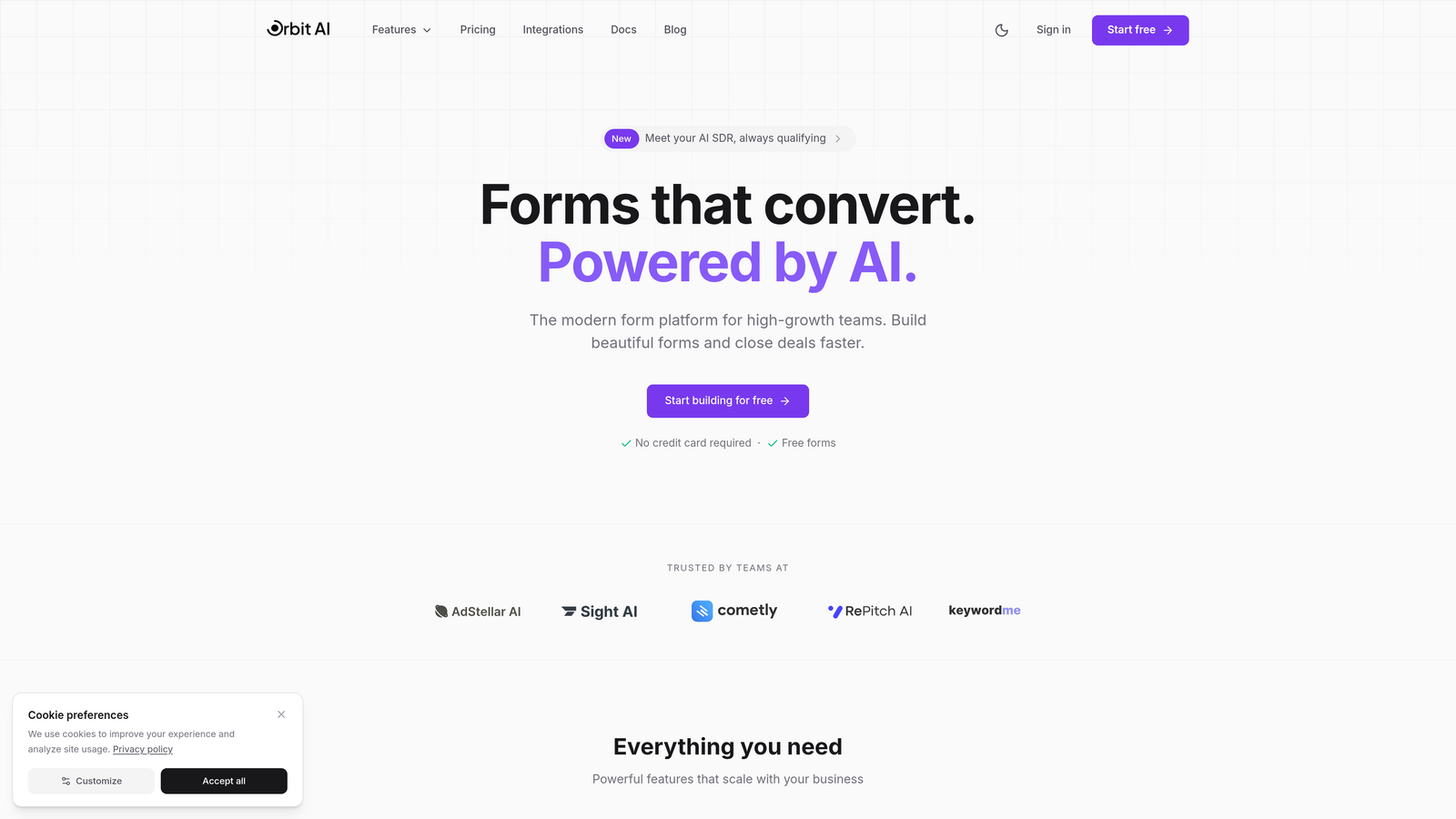
Orbit AI is an AI-powered form builder platform designed specifically for high-growth teams that need more than simple data collection.
Where This Tool Shines
Orbit AI addresses the fundamental challenge growth teams face: not all leads are created equal. While most form builders treat every submission the same, Orbit AI automatically scores and routes leads based on qualification criteria you define.
The platform combines intelligent lead qualification with conversion-optimized design templates that reduce friction in the user journey. This dual focus means you're not just collecting more leads—you're collecting better leads and ensuring your sales team focuses on prospects most likely to convert.
Key Features
AI-Powered Lead Qualification: Automatically scores and routes leads based on submission data, ensuring high-value prospects reach your sales team immediately.
Conversion-Optimized Templates: Pre-built form designs specifically created for growth teams, focusing on reducing abandonment and increasing completion rates.
Deep CRM Integrations: Native connections with HubSpot, Salesforce, and Close ensure seamless data flow into your existing tech stack.
Built-In Analytics: Track form performance, conversion rates, and lead quality metrics to continuously optimize your pipeline.
Workflow Automation: Trigger lead nurturing sequences automatically based on form responses and qualification scores.
Best For
High-growth B2B teams that need to qualify leads at scale without adding manual review steps. Particularly valuable for companies where sales capacity is limited and lead prioritization directly impacts revenue.
Pricing
Check orbitforms.ai/pricing for current plans tailored to different team sizes and feature requirements.
2. Typeform
Best for: Brand-focused teams wanting conversational, engaging form experiences
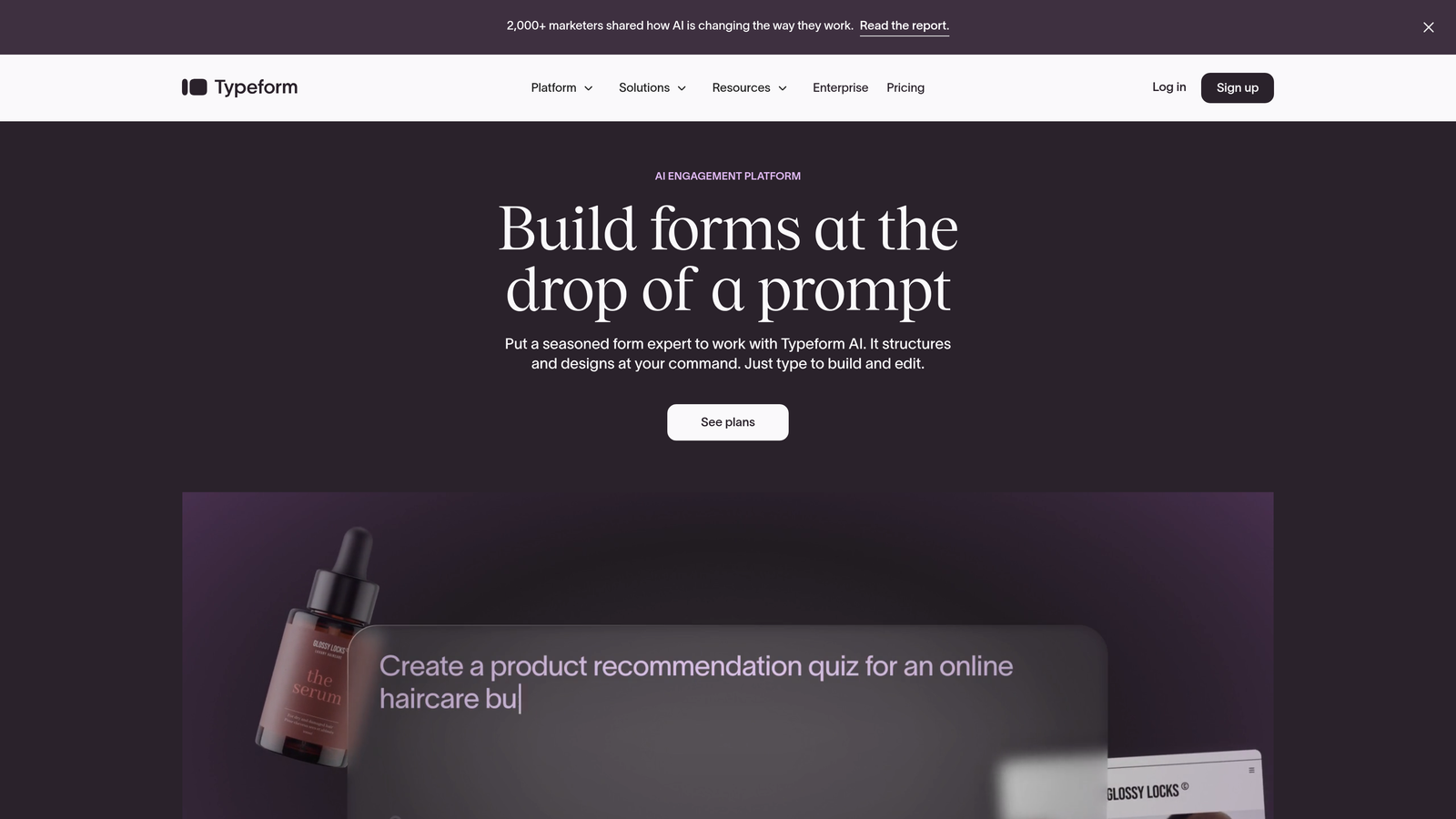
Typeform is a conversational form builder known for its one-question-at-a-time format that creates engaging user experiences.
Where This Tool Shines
Typeform revolutionized form design by ditching traditional layouts in favor of conversational flows. Instead of overwhelming users with a wall of fields, it presents one question at a time, creating a dialogue-like experience that feels more natural.
The platform excels at brand customization. You can match your exact brand colors, upload custom fonts, and create visually stunning forms that feel like extensions of your website rather than generic data collection tools.
Key Features
Conversational Interface: One-question-at-a-time format that reduces cognitive load and improves completion rates.
Extensive Brand Customization: Custom fonts, colors, layouts, and background images to match your brand identity perfectly.
Logic Jumps: Conditional branching that adapts the form path based on user responses.
Native Integrations: Connect with popular marketing and CRM tools including HubSpot, Salesforce, Mailchimp, and Slack.
Rich Media Embedding: Add videos, images, and GIFs to create more engaging form experiences.
Best For
Consumer-facing brands and companies where form aesthetics and user experience are critical to conversion. Works particularly well for surveys, quizzes, and lead magnets where engagement matters as much as data collection.
Pricing
Free tier available with Typeform branding; paid plans start at $25/month with increased response limits and customization options.
3. HubSpot Forms
Best for: Existing HubSpot users wanting native CRM integration and progressive profiling
HubSpot Forms is the native form builder within the HubSpot ecosystem, offering seamless integration with HubSpot's CRM and marketing tools.

Where This Tool Shines
If you're already using HubSpot, this is the most friction-free option. Forms automatically create or update contact records in your CRM without middleware or third-party connectors. Every submission flows directly into your contact database with full attribution tracking.
The progressive profiling feature is particularly valuable for growth teams. Instead of asking for the same information repeatedly, HubSpot Forms remembers what it already knows about a contact and asks new questions each time, gradually building richer profiles without annoying users.
Key Features
Native CRM Integration: Automatic contact creation and updates in HubSpot CRM with zero configuration required.
Progressive Profiling: Dynamically adjust form fields based on existing contact data to gather new information over time.
Smart Fields: Pre-populate fields for known contacts to reduce friction and improve completion rates.
Built-In A/B Testing: Test different form variations to optimize conversion rates directly within the platform.
Dependent Fields: Show or hide fields based on previous responses using conditional logic.
Best For
Companies already invested in the HubSpot ecosystem who want forms that work seamlessly with their existing workflows and contact database.
Pricing
Free with HubSpot CRM; advanced features like progressive profiling and A/B testing require Marketing Hub paid tiers starting at $45/month.
4. Jotform
Best for: Teams needing versatile forms across diverse use cases with extensive customization
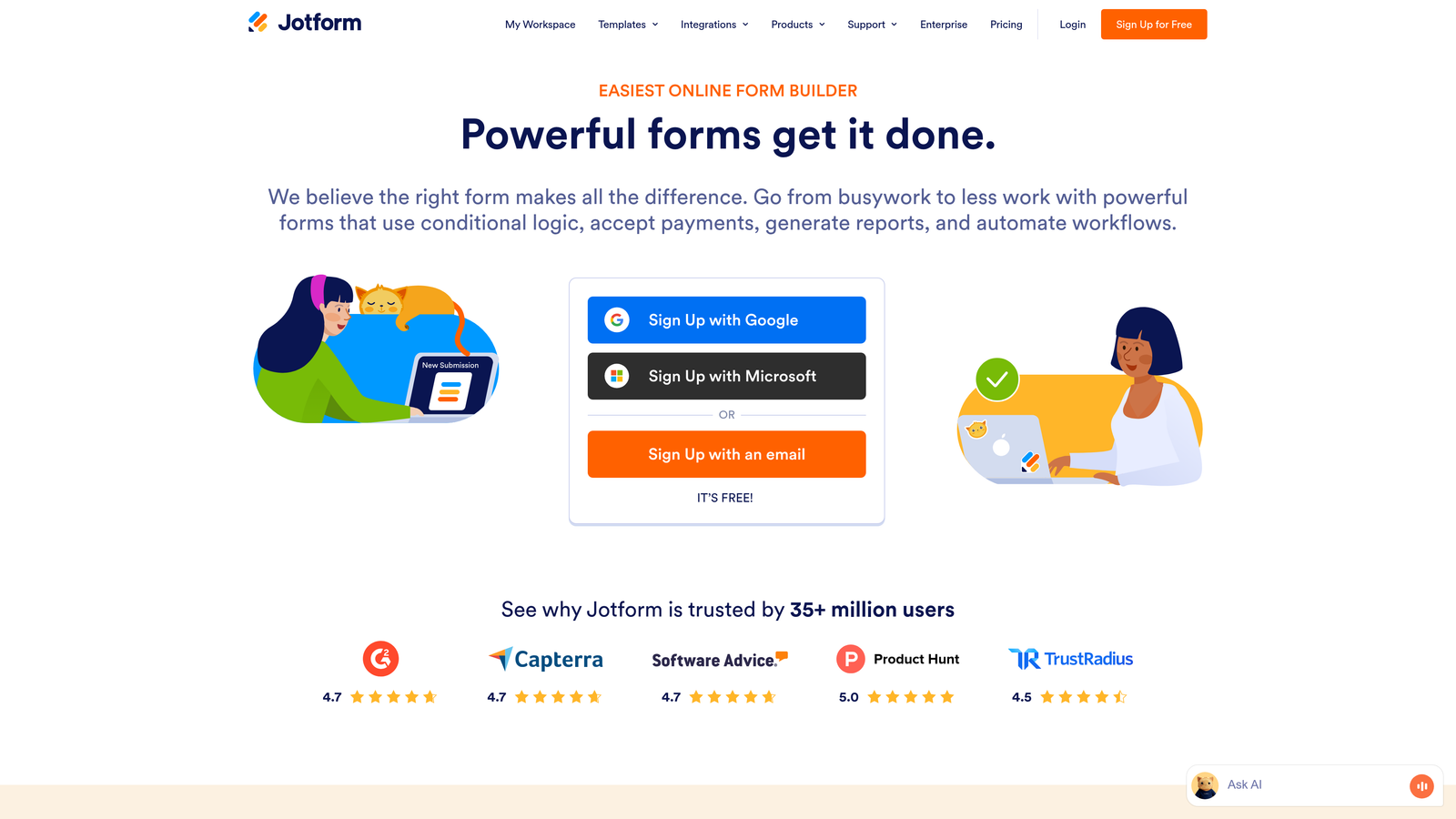
Jotform is a versatile form builder with thousands of templates and an extensive widget marketplace for virtually any form requirement.
Where This Tool Shines
Jotform's strength lies in its breadth. With over 10,000 templates covering everything from event registrations to job applications to payment forms, you can find a starting point for almost any use case without building from scratch.
The widget marketplace extends functionality far beyond basic forms. Need appointment scheduling? There's a widget. Want to collect e-signatures? Built-in. Payment processing? Multiple gateway options. This flexibility makes Jotform particularly valuable for teams managing diverse form needs across different departments.
Key Features
10,000+ Templates: Pre-built forms for virtually every industry and use case to accelerate implementation.
Widget Marketplace: Hundreds of widgets that add custom functionality without coding.
Payment Processing: Built-in integration with PayPal, Stripe, Square, and other payment gateways.
PDF Generation: Automatically generate PDF documents from form submissions with custom templates.
Jotform Tables: Manage and visualize form data in spreadsheet-style interface with collaboration features.
Best For
Organizations with varied form requirements across multiple departments, or teams that need payment processing and document generation alongside standard data collection.
Pricing
Free tier with limits on submissions and forms; paid plans start at $34/month with increased capacity and advanced features.
5. Tally
Best for: Teams wanting simplicity and generous free tier without sacrificing functionality
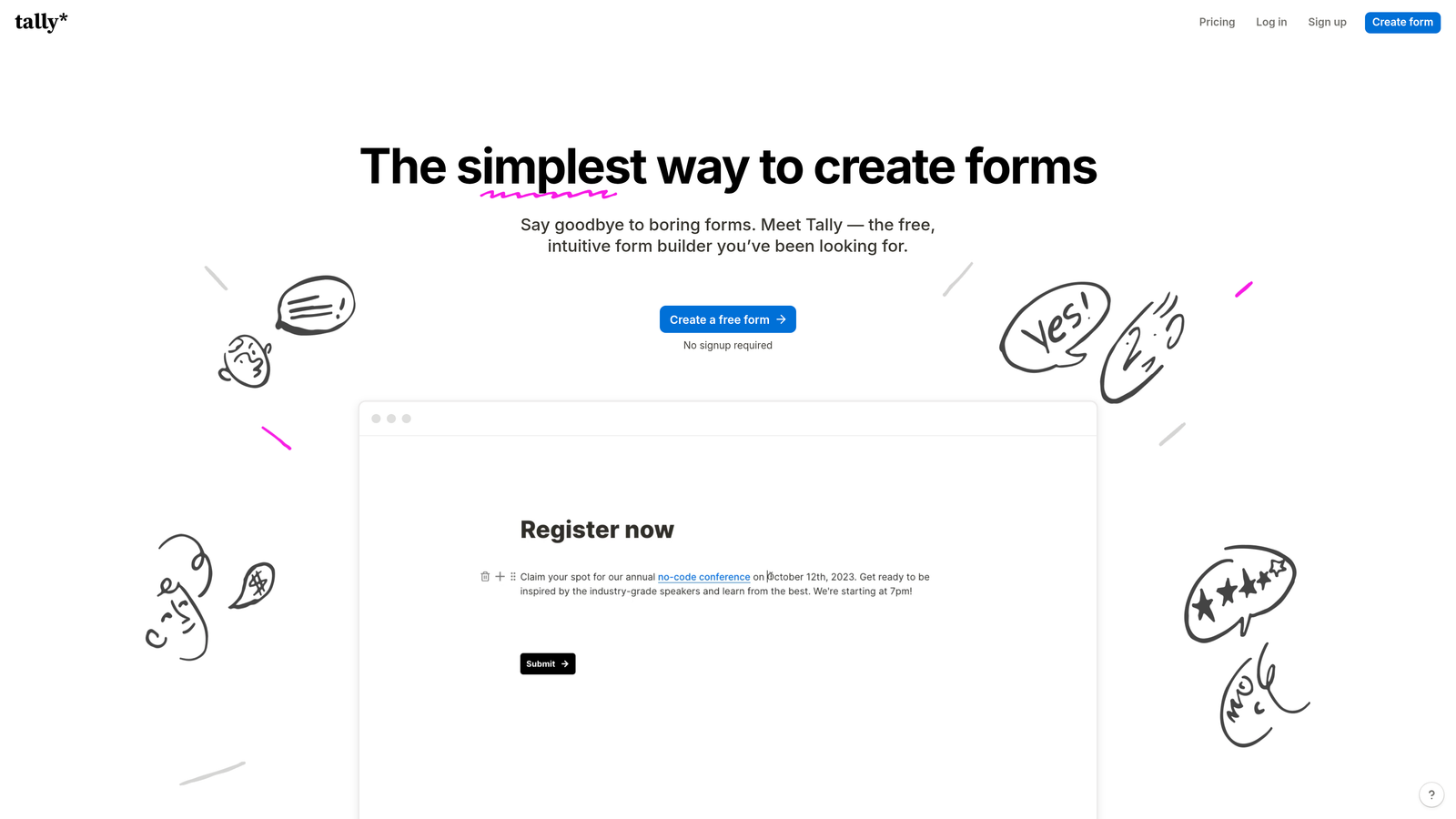
Tally is a minimalist form builder with a Notion-like interface designed for teams that prioritize simplicity and speed.
Where This Tool Shines
Tally strips away complexity. If you've used Notion, you'll feel immediately at home with the block-based editor. Add a question, choose a field type, move on. No overwhelming settings panels or feature bloat—just the essentials executed well.
The free tier is remarkably generous, offering unlimited forms and submissions when most competitors impose strict limits. For bootstrapped startups or teams testing form strategies, Tally removes financial barriers to experimentation.
Key Features
Notion-Style Editor: Clean block-based interface that makes form building intuitive and fast.
Generous Free Tier: Unlimited forms and submissions on the free plan, removing common restrictions.
Conditional Logic: Show or hide questions based on previous responses, with calculation fields for dynamic forms.
Native Integrations: Direct connections to Notion, Airtable, Slack, and other productivity tools.
Custom Branding: Use custom domains and remove Tally branding even on free plans.
Best For
Startups and small teams that want a straightforward form solution without ongoing costs, or companies already using Notion who want forms that integrate naturally with their workspace.
Pricing
Free tier with unlimited forms; Pro plan at $29/month adds advanced features like file uploads and priority support.
6. Formstack
Best for: Enterprise teams requiring workflow automation, compliance, and document generation
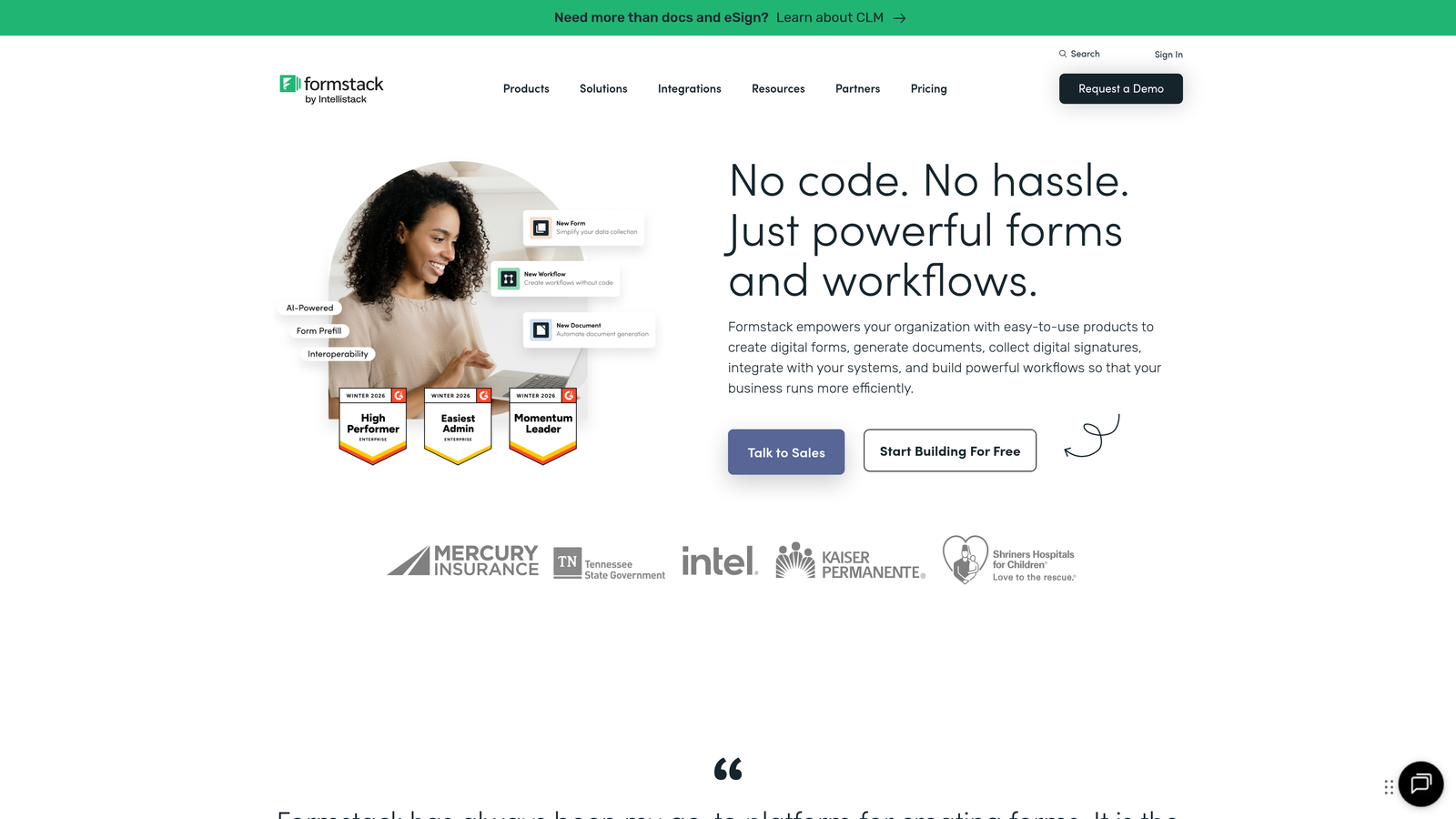
Formstack is an enterprise-grade form platform with strong workflow automation, document generation, and compliance features.
Where This Tool Shines
Formstack targets enterprise requirements that consumer-focused form builders often overlook. HIPAA compliance, advanced workflow automation with multi-step approvals, and sophisticated document generation make it suitable for regulated industries and complex organizational processes.
The Salesforce-native integration is particularly robust, allowing forms to live directly within Salesforce and update records without third-party middleware. For organizations heavily invested in Salesforce, this native approach eliminates common integration headaches.
Key Features
Workflow Automation: Multi-step approval processes and routing rules that handle complex organizational workflows.
Document Generation: Automatically create contracts, agreements, and reports from form submission data.
HIPAA Compliance: Enterprise security features and compliance certifications for regulated industries.
Salesforce-Native: Forms that live and function directly within Salesforce without external hosting.
Electronic Signatures: Built-in e-signature capabilities for contracts and agreements.
Best For
Enterprise organizations in regulated industries, or companies with complex approval workflows and document generation requirements that extend beyond simple data collection.
Pricing
Starts at $50/month for basic plans; enterprise pricing available with custom features and support.
7. Paperform
Best for: Teams wanting landing page-style forms with payments and scheduling built in
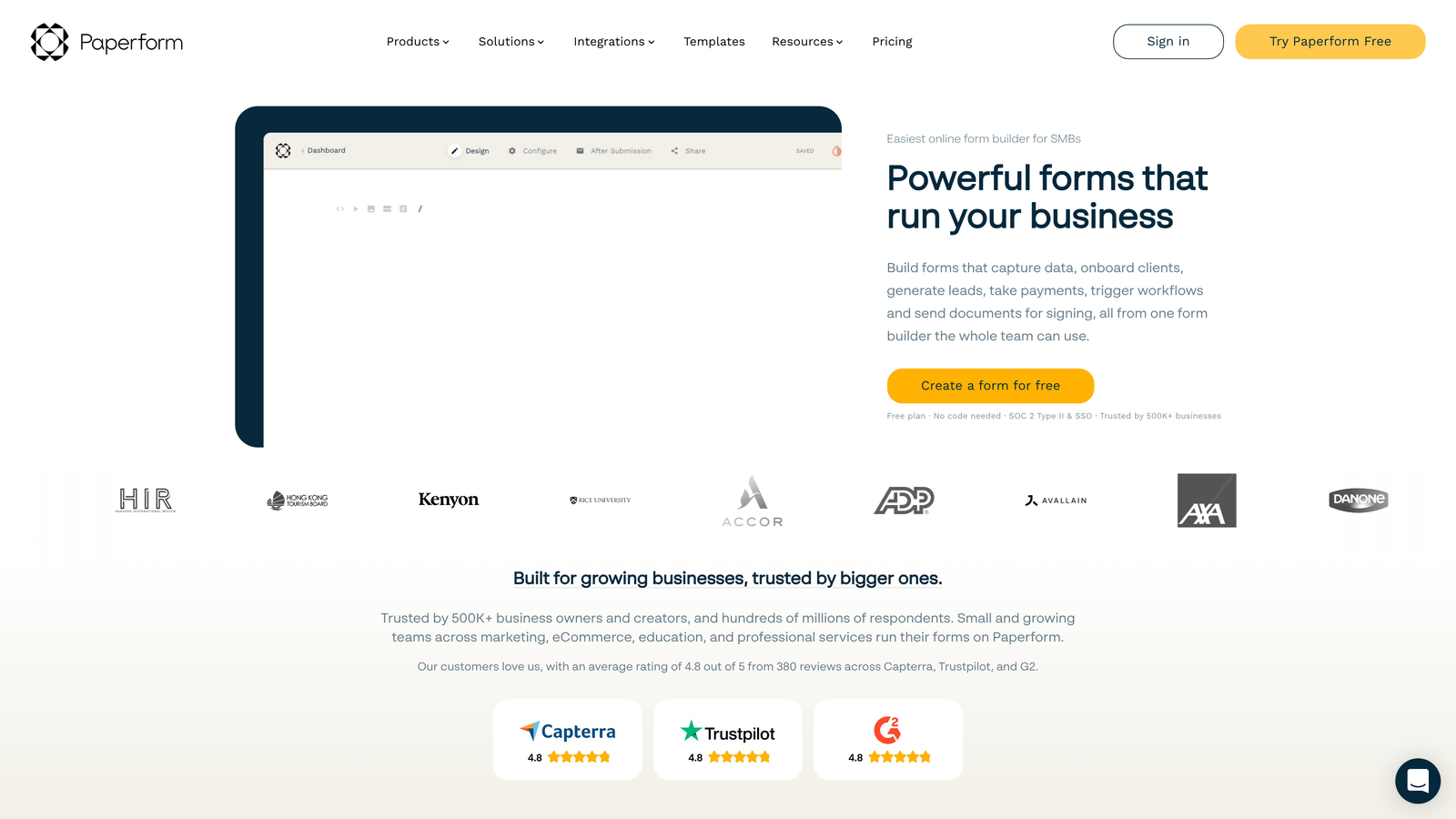
Paperform is a form builder that creates landing page-style experiences with rich media, payment processing, and appointment scheduling.
Where This Tool Shines
Paperform blurs the line between forms and landing pages. Instead of embedding a form on a separate landing page, you build the entire experience in one tool, combining rich content blocks, images, videos, and form fields into cohesive conversion experiences.
The built-in payment and scheduling features make it particularly valuable for service businesses. You can create a single page where prospects learn about your offering, book a consultation, and pay a deposit—all without leaving the form or connecting multiple tools.
Key Features
Landing Page Design: Rich content blocks let you create full landing page experiences, not just forms.
Payment Processing: Built-in integration with Stripe and PayPal, including product catalogs and subscription billing.
Appointment Scheduling: Native calendar integration for booking meetings and consultations directly in forms.
Advanced Calculations: Dynamic pricing, discounts, and conditional logic for complex product configurations.
Custom Success Pages: Redirect users to different pages based on their responses or purchase decisions.
Best For
Service businesses, consultants, and agencies that need to combine information, booking, and payment in one streamlined experience rather than cobbling together multiple tools.
Pricing
Starts at $24/month with unlimited forms and submissions; higher tiers add team collaboration and advanced features.
8. Cognito Forms
Best for: Teams needing powerful calculations and conditional logic at affordable pricing
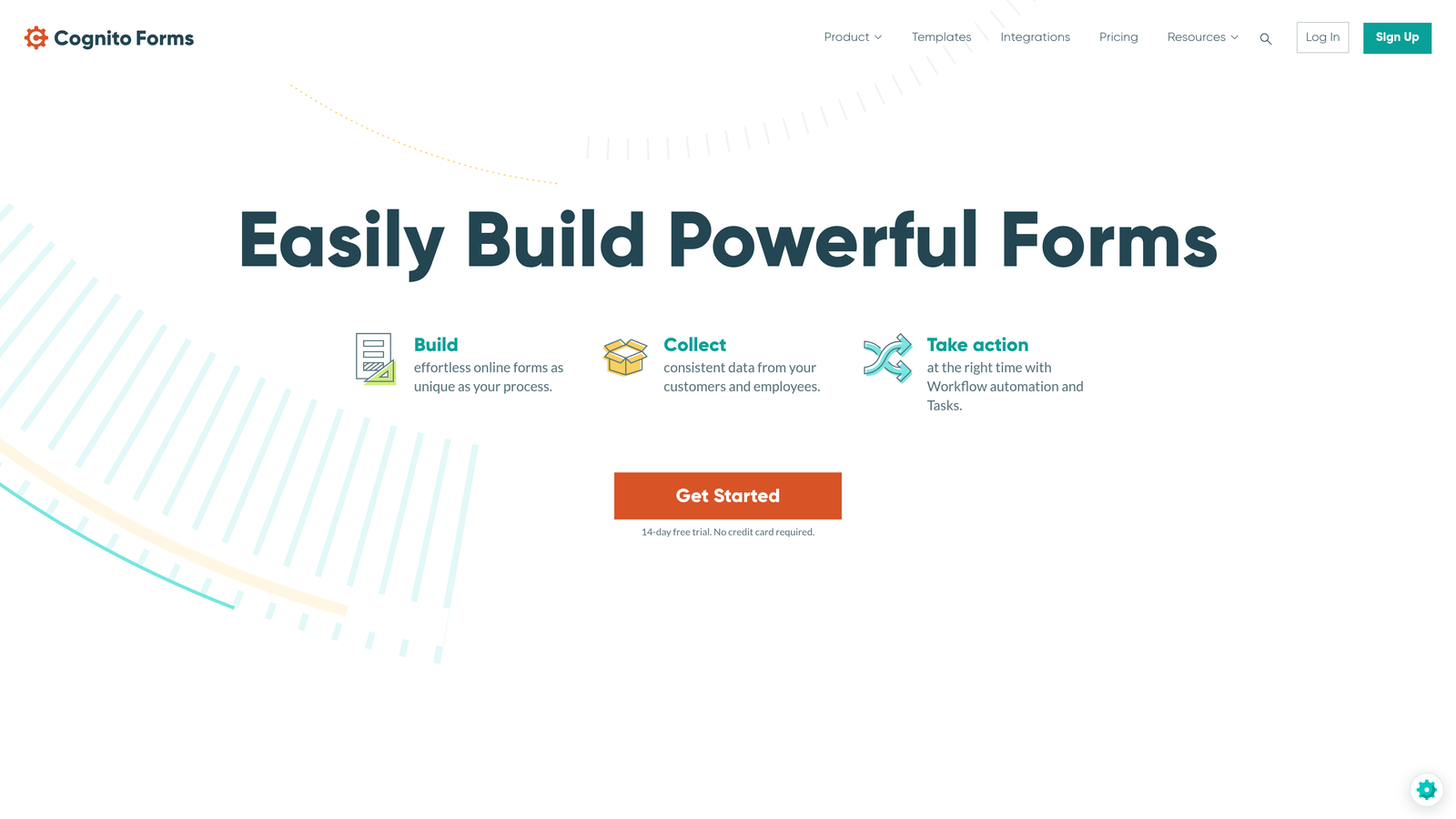
Cognito Forms is a feature-rich form builder known for advanced calculation fields, conditional logic, and competitive pricing for growing teams.
Where This Tool Shines
Cognito Forms excels at complex calculations and dynamic data collection. The calculation engine handles sophisticated formulas, making it ideal for quote generators, order forms with dynamic pricing, or applications requiring mathematical operations based on user input.
Repeating sections are another standout feature. If you need users to add multiple items, attendees, or products within a single form, Cognito Forms handles this elegantly where many competitors struggle. The pricing remains accessible even as your form complexity grows.
Key Features
Advanced Calculations: Powerful formula engine for dynamic pricing, scoring, and mathematical operations based on form data.
Repeating Sections: Allow users to add multiple entries for items, attendees, or products within a single form submission.
Conditional Logic: Show or hide fields and sections based on complex rule sets and user responses.
Payment Processing: Built-in integration with Stripe and PayPal for collecting payments.
Data Encryption: Field-level encryption and compliance features for sensitive data collection.
Best For
Teams building complex forms with dynamic calculations, repeating data structures, or sophisticated conditional logic who want enterprise features without enterprise pricing.
Pricing
Free tier available with basic features; paid plans start at $15/month, making it one of the most affordable options for advanced functionality.
9. Fillout
Best for: Teams connecting forms directly to Airtable, Notion, or other database platforms
Fillout is a modern form builder with native database connections designed for teams that want forms integrated with their existing data infrastructure.
Where This Tool Shines
Fillout solves a specific problem: connecting forms to databases without complex integrations. The native Airtable and Notion connections mean forms can read from and write to your existing databases directly, enabling workflows that most form builders can't handle.
You can pre-fill forms with existing database records, allowing users to update information rather than re-enter it. This is particularly valuable for internal tools, customer portals, or any scenario where you're collecting updates to existing data rather than net-new submissions.
Key Features
Native Database Integration: Direct connections to Airtable and Notion that read and write data without middleware.
Pre-Fill Capabilities: Load existing database records into forms so users can update rather than re-enter information.
Record Updates: Submit forms that update existing database records instead of creating new entries.
Modern Interface: Clean, contemporary design with conditional logic and multi-step form support.
Scheduling and Payments: Built-in integrations for appointment booking and payment processing.
Best For
Teams already using Airtable or Notion as their primary database who want forms that integrate natively with their existing data infrastructure rather than creating separate data silos.
Pricing
Free tier available with basic features; paid plans start at $15/month with increased submission limits and advanced functionality.
Making the Right Choice
The best form software for your growth team depends on your primary bottleneck. If lead quality is your challenge, Orbit AI's intelligent qualification and routing capabilities ensure your sales team focuses on prospects most likely to convert. For teams prioritizing brand experience and engagement, Typeform's conversational interface creates memorable interactions that feel less like data collection and more like dialogue.
Already invested in HubSpot? The native Forms tool eliminates integration complexity and leverages progressive profiling to build richer contact records over time. If you're working with tight budgets or need maximum flexibility for experimentation, Tally's generous free tier and simple interface remove barriers to getting started.
Consider your integration requirements carefully. Teams using Airtable or Notion as their primary database will find Fillout's native connections invaluable, while Salesforce-heavy organizations benefit from Formstack's native implementation. If you need forms that double as landing pages with payments and scheduling, Paperform consolidates multiple tools into one platform.
The calculation and conditional logic requirements matter too. Cognito Forms handles complex formulas and repeating sections that simpler tools struggle with, while Jotform's widget marketplace extends functionality for specialized use cases across departments.
Transform your lead generation with AI-powered forms that qualify prospects automatically while delivering the modern, conversion-optimized experience your high-growth team needs. Start building free forms today and see how intelligent form design can elevate your conversion strategy.


