

Monthly subscription form builders have transformed how high-growth teams capture and qualify leads. But here's the reality: most businesses use only a fraction of their subscription's capabilities, essentially paying for features they never touch. Whether you're evaluating your first form builder subscription or looking to squeeze more ROI from your current plan, the difference between wasted spend and measurable growth comes down to strategy.
This guide breaks down seven proven approaches to get maximum value from your form builder investment—from choosing the right tier to leveraging advanced features that actually move your conversion needle.
1. Audit Your Form Needs Before Committing to a Tier
The Challenge It Solves
Think of it like buying a gym membership with unlimited classes when you only work out twice a week. Many teams jump into premium form builder tiers based on aspirational usage rather than actual needs, paying for submission limits they'll never reach or advanced features they won't use for months. This misalignment between subscription tier and real-world requirements is the fastest way to waste budget on software that delivers minimal ROI.
The Strategy Explained
Before you commit to any subscription tier, conduct a thorough needs assessment that maps your current form landscape and projects realistic growth. Start by cataloging every form you currently use across your website, landing pages, and campaigns. Count your average monthly submissions, identify which forms drive actual conversions versus vanity metrics, and evaluate the complexity level you genuinely need.
Look at your lead generation goals for the next quarter, not the next year. High-growth teams often overestimate their immediate needs based on optimistic projections. A more strategic approach involves starting with a tier that matches your current usage plus 20-30% headroom for growth, then scaling up as you hit consistent thresholds. Understanding form builder subscription pricing structures helps you make informed decisions about which tier truly fits your needs.
Implementation Steps
1. Document every active form across your digital properties and calculate total monthly submissions over the past three months to establish your baseline usage pattern.
2. Identify which forms actually contribute to pipeline and revenue by connecting form data to your CRM, separating high-value lead capture from low-impact interactions.
3. Map required features against subscription tiers by listing must-haves (integrations, conditional logic, branding removal) versus nice-to-haves, ensuring you're not paying for capabilities you won't use within 90 days.
Pro Tips
Set a calendar reminder to revisit this audit quarterly. Your needs will evolve as campaigns launch and traffic grows, but many teams forget to reassess until they've overpaid for months. Also, consider seasonal fluctuations—if you run major campaigns only twice a year, a flexible plan that allows temporary upgrades might deliver better value than maintaining a high tier year-round.
2. Leverage Built-In Integrations to Eliminate Tool Sprawl
The Challenge It Solves
Tool sprawl is the silent budget killer for growing teams. You're paying for your form builder, plus Zapier to connect it to your CRM, plus another automation tool to handle lead routing, plus email marketing software that doesn't quite sync properly. Each disconnected tool adds cost, creates data gaps, and increases the chance of leads falling through cracks. When integrations require middleware or custom development, you're essentially paying twice for functionality that should be native.
The Strategy Explained
Modern form builders offer native integrations with the tools you already use—CRMs, email platforms, project management systems, and analytics tools. The strategic play is evaluating your form builder subscription based not just on form features, but on how many other tool costs it can eliminate or reduce. If your form builder connects directly to HubSpot, Salesforce, or your email platform, you might be able to downgrade or eliminate middleware subscriptions entirely.
Calculate your total martech stack cost, then identify which connections currently require paid tools like Zapier or custom API work. A form builder with robust native integrations might cost slightly more per month but save significantly more by reducing your overall tool count and eliminating integration maintenance. When evaluating options, consider how modern form builder platforms handle these integrations natively.
Implementation Steps
1. List every tool in your current lead generation and management workflow, from form capture through CRM entry to email nurture, noting which connections currently require paid middleware or developer time.
2. Compare form builder integration libraries against your tool stack to identify platforms that offer the most native connections, reducing dependency on third-party automation tools.
3. Test integration depth by setting up a pilot form with real workflows to verify that native connections handle your specific use cases without requiring workarounds or additional tools.
Pro Tips
Don't just look at whether an integration exists—test how well it works. Some "native" integrations only pass basic data fields, forcing you back to middleware for custom field mapping or conditional routing. The best integrations support bi-directional data sync and advanced field mapping without requiring technical expertise to configure.
3. Use Conditional Logic to Replace Multiple Forms
The Challenge It Solves
Many teams create separate forms for every use case: one for demo requests, another for pricing inquiries, a third for support tickets, and so on. This approach quickly multiplies your form count, potentially pushing you into higher subscription tiers based on form limits rather than actual submission volume. It also creates a disjointed user experience and makes analytics tracking unnecessarily complex when you're managing dozens of similar but separate forms.
The Strategy Explained
Conditional logic transforms a single form into an adaptive experience that serves multiple purposes based on user responses. Instead of building five different contact forms, you create one intelligent form that reveals relevant fields based on what the user selects. Someone interested in a demo sees demo-specific questions, while a support inquiry triggers different fields entirely—all within the same form structure.
This strategy directly impacts subscription value by reducing your total form count while simultaneously improving user experience. A form that adapts to user intent feels more personalized and typically sees higher completion rates than forcing users to navigate multiple form options. You're essentially getting the functionality of multiple forms while only consuming one form's worth of your subscription limits. Exploring dynamic form builder software can help you implement these adaptive experiences effectively.
Implementation Steps
1. Identify form consolidation opportunities by grouping similar forms that serve related purposes, such as all inquiry types or all resource downloads, which could be handled by a single adaptive form.
2. Design your conditional logic flow by mapping which initial question will branch users into appropriate paths, ensuring each path collects the specific information needed for that use case without overwhelming users with irrelevant fields.
3. Set up backend routing rules that direct submissions to appropriate teams or workflows based on conditional responses, maintaining organized lead management despite using fewer forms.
Pro Tips
Start with your highest-volume form categories when implementing conditional logic. The ROI is clearest when you consolidate forms that collectively generate hundreds of submissions monthly. Also, use conditional logic to progressively reveal fields rather than hiding them—this maintains context and helps users understand why they're being asked for specific information.
4. Implement AI-Powered Lead Qualification from Day One
The Challenge It Solves
Your sales team spends valuable time sorting through form submissions to identify which leads are actually worth pursuing. Every unqualified lead that reaches your sales pipeline represents wasted time and diluted focus. Traditional form builders simply capture data and pass it along, leaving qualification entirely to your team. This manual sorting process not only slows response times but makes it harder to justify your form builder investment when leadership asks about ROI.
The Strategy Explained
AI-powered lead qualification built into your form builder automatically scores and routes leads based on their responses, behavior, and fit criteria. Instead of every submission landing in the same queue, qualified prospects are immediately flagged for priority follow-up while lower-intent leads are routed to nurture sequences. This automation transforms your form builder from a simple data collection tool into an intelligent qualification system that directly impacts sales efficiency.
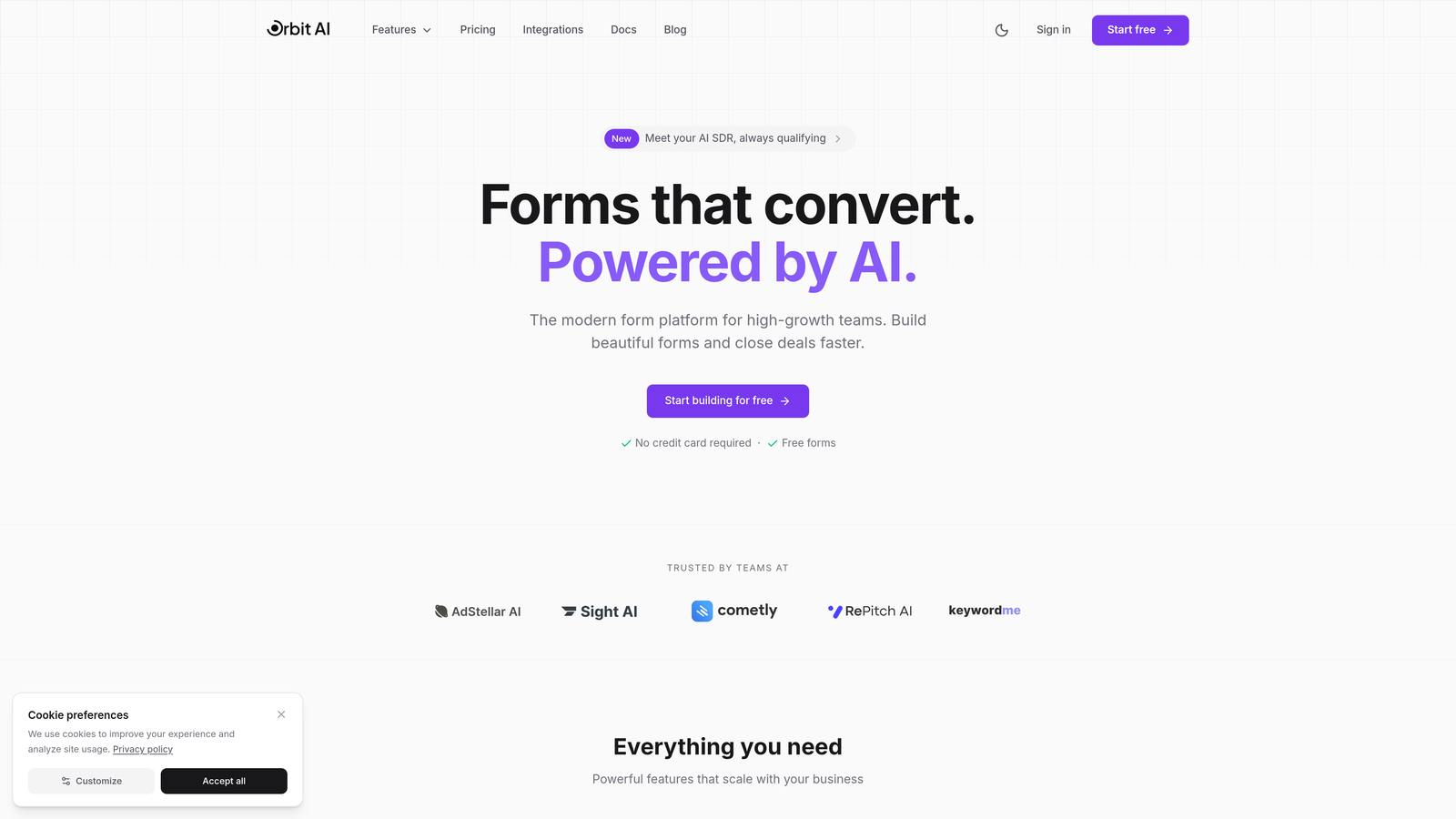
The strategic advantage extends beyond time savings. When your form builder actively qualifies leads, it becomes easier to demonstrate subscription value through metrics like qualified lead volume, sales team efficiency gains, and faster time-to-contact for high-value prospects. Orbit AI integrates this qualification intelligence directly into the form experience, scoring leads in real-time as they complete forms.
Implementation Steps
1. Define your ideal customer profile criteria including company size, industry, budget indicators, and urgency signals that distinguish high-value leads from casual inquiries or poor fits.
2. Configure scoring rules within your form builder that assign point values to specific responses, such as higher scores for enterprise company sizes or immediate implementation timelines versus exploratory research phases.
3. Create automated routing workflows that direct high-scoring leads immediately to sales while sending lower-scoring submissions to marketing nurture sequences, ensuring appropriate follow-up without manual sorting.
Pro Tips
Refine your qualification criteria monthly based on which leads actually convert. Your initial scoring model will be educated guesswork—the real value comes from continuously tuning it based on conversion data. Also, consider implementing negative scoring for clear disqualifiers like competitors or students, automatically filtering them before they consume sales resources. Learn more about how AI form builder tools can enhance your lead qualification process.
5. Track Analytics to Prove (and Improve) Subscription ROI
The Challenge It Solves
When leadership questions your form builder subscription cost, can you demonstrate its impact on revenue? Many teams treat form analytics as vanity metrics—tracking submissions and completion rates without connecting them to actual business outcomes. Without clear ROI data, your form builder subscription becomes vulnerable during budget reviews, and you miss opportunities to optimize forms that could be converting significantly better with small adjustments.
The Strategy Explained
Strategic analytics tracking transforms your form builder from an expense into a measurable revenue driver. This means moving beyond basic submission counts to track metrics that directly correlate with business impact: conversion rate by traffic source, lead quality scores, form-to-opportunity conversion, and ultimately form-attributed revenue. When you can show that your form builder subscription contributed to specific deals or improved lead quality by measurable percentages, the value justification becomes automatic.
Implement A/B testing as a core practice rather than an occasional experiment. Test form length, field order, CTA copy, and design variations systematically. Each test that improves conversion rates compounds the value of your subscription by generating more qualified leads from the same traffic investment. Understanding the difference between conversion-focused form builder subscriptions and basic options helps you prioritize analytics capabilities.
Implementation Steps
1. Connect your form builder analytics to your CRM and revenue tracking systems to establish attribution from form submission through closed deals, creating a complete view of form-generated revenue.
2. Establish baseline conversion metrics for each form including submission rate, completion rate, qualified lead percentage, and average time-to-conversion, giving you clear benchmarks for improvement efforts.
3. Schedule monthly A/B tests targeting your highest-traffic forms with specific hypotheses about what will improve conversion, documenting results to build a knowledge base of what works for your audience.
Pro Tips
Create a simple dashboard that shows form-attributed pipeline and revenue alongside your subscription cost. When the ratio is strongly positive, you have instant ROI justification. Also, track form abandonment points to identify where users drop off—sometimes a single problematic field is costing you significant conversions, and fixing it takes minutes once you know where the friction exists.
6. Schedule Quarterly Subscription Reviews
The Challenge It Solves
Set it and forget it is the worst approach to SaaS subscriptions. Your form needs in January look dramatically different from your needs in October after launching new campaigns, entering new markets, or adjusting your lead generation strategy. Teams commonly stay locked into subscription tiers that no longer match their usage—either overpaying for capacity they don't need or hitting limits that trigger overage charges because they never upgraded appropriately.
The Strategy Explained
Treat your form builder subscription as a dynamic investment that should flex with your business needs. Quarterly reviews create a structured cadence for evaluating whether your current tier still makes sense based on actual usage patterns, feature utilization, and evolving requirements. This isn't about constantly switching plans—it's about making informed decisions at regular intervals rather than discovering misalignment only when you hit an unexpected limit or realize you've been paying for unused features for months.
During each review, examine your submission volume trends, integration usage, feature adoption, and how your form strategy has evolved. Compare these patterns against your current tier's limits and capabilities. You might discover opportunities to downgrade during slower seasons, upgrade ahead of major campaigns, or negotiate better terms based on demonstrated usage patterns. Comparing monthly vs annual form builder pricing during these reviews can reveal significant savings opportunities.
Implementation Steps
1. Set recurring calendar events for quarterly subscription reviews with relevant stakeholders from marketing, sales, and operations to ensure all perspectives are considered when evaluating form builder needs.
2. Prepare a standardized review template that examines submission volume versus limits, feature utilization rates, integration effectiveness, and any pain points or unused capabilities in your current tier.
3. Document decisions and set clear triggers for mid-quarter changes such as specific submission thresholds or campaign launches that would justify immediate tier adjustments rather than waiting for the next review.
Pro Tips
Use these reviews to negotiate better terms with your form builder provider. If you've been a consistent customer with growing usage, you have leverage to request custom pricing, extended trials of premium features, or flexible arrangements that better match your usage patterns. Vendors prefer retention over churn, and proactive customers who clearly understand their needs often get better deals than those who simply accept standard pricing.
7. Maximize Template Libraries to Accelerate Deployment
The Challenge It Solves
Building forms from scratch for every campaign or use case consumes significant time and introduces inconsistency across your lead capture experience. Design decisions that should be standardized—field order, validation rules, mobile responsiveness—get reinvented with each new form. This inefficiency means you're paying for a form builder subscription but still investing substantial internal resources into form creation, effectively paying twice for the same outcome.
The Strategy Explained
Conversion-optimized templates accelerate deployment while ensuring consistency and leveraging best practices that have been tested across thousands of implementations. Rather than debating field placement or CTA copy for each new form, you start with proven templates that already incorporate conversion optimization principles. This approach transforms your form builder subscription into a force multiplier—your team can launch new forms in minutes rather than hours, and those forms perform better because they're based on tested patterns.
The strategic advantage extends beyond time savings. Templates ensure brand consistency across all forms, reduce the learning curve for new team members, and eliminate the "blank canvas" paralysis that slows form creation. When launching campaigns quickly is critical to capturing market opportunities, template-based deployment can be the difference between being first to market or watching competitors capture attention while you're still building forms. Many no code form builder platforms offer extensive template libraries designed for rapid deployment.
Implementation Steps
1. Audit your form builder's template library to identify conversion-optimized starting points for your most common use cases including lead capture, demo requests, event registration, and content downloads.
2. Create custom templates for your specific needs by taking high-performing forms and saving them as reusable templates with placeholder content, ensuring future forms benefit from proven conversion patterns.
3. Establish template usage guidelines for your team that specify when to use which template type and which elements should remain consistent versus what can be customized for specific campaigns.
Pro Tips
Don't just use templates as-is—customize them with your brand elements, then save your branded versions as new templates. This creates a template library that's both conversion-optimized and perfectly aligned with your visual identity. Also, periodically review which templates your team uses most and which sit untouched—this reveals opportunities to create new templates for emerging needs or retire templates that don't match your current strategy.
Putting It All Together
Getting real value from your form builder monthly subscription isn't about finding the cheapest option—it's about strategic alignment between your subscription tier and your actual lead generation needs. The teams that maximize ROI from their form builder investments share common practices: they start with honest needs assessments rather than aspirational projections, they leverage integrations aggressively to reduce overall tool costs, and they use advanced features like conditional logic and AI qualification to multiply the value of every form they deploy.
Your action plan starts with the audit. Before your next billing cycle, document your actual form usage, submission volumes, and feature utilization. Compare this reality against your current tier to identify immediate optimization opportunities. Then implement the strategies that address your biggest value gaps—whether that's consolidating forms through conditional logic, eliminating middleware costs through native integrations, or proving ROI through better analytics tracking. Reading form builder software reviews can help you benchmark your current solution against alternatives.
Review quarterly, track what matters, and don't pay for features you'll never use. But equally important: don't shortchange yourself by choosing a tier that lacks capabilities you'll need within 90 days. The right subscription tier grows with you, offering headroom for expansion without paying for capacity you won't reach for years.
Transform your lead generation with AI-powered forms that qualify prospects automatically while delivering the modern, conversion-optimized experience your high-growth team needs. Start building free forms today and see how intelligent form design can elevate your conversion strategy.


