

Your forms are often the first real interaction prospects have with your business, and outdated, clunky builders are costing you leads. Modern form builder platforms have evolved far beyond simple data collection, now offering AI-powered qualification, conditional logic, seamless integrations, and conversion-optimized designs that turn casual visitors into qualified leads.
Whether you're scaling a SaaS startup or optimizing enterprise lead funnels, the right platform can dramatically impact your conversion rates. We evaluated dozens of form builders based on ease of use, AI capabilities, integration depth, design flexibility, and pricing to bring you this curated list of the best modern form builder platforms available today.
1. Orbit AI
Best for: High-growth teams needing AI-powered lead qualification at the point of capture
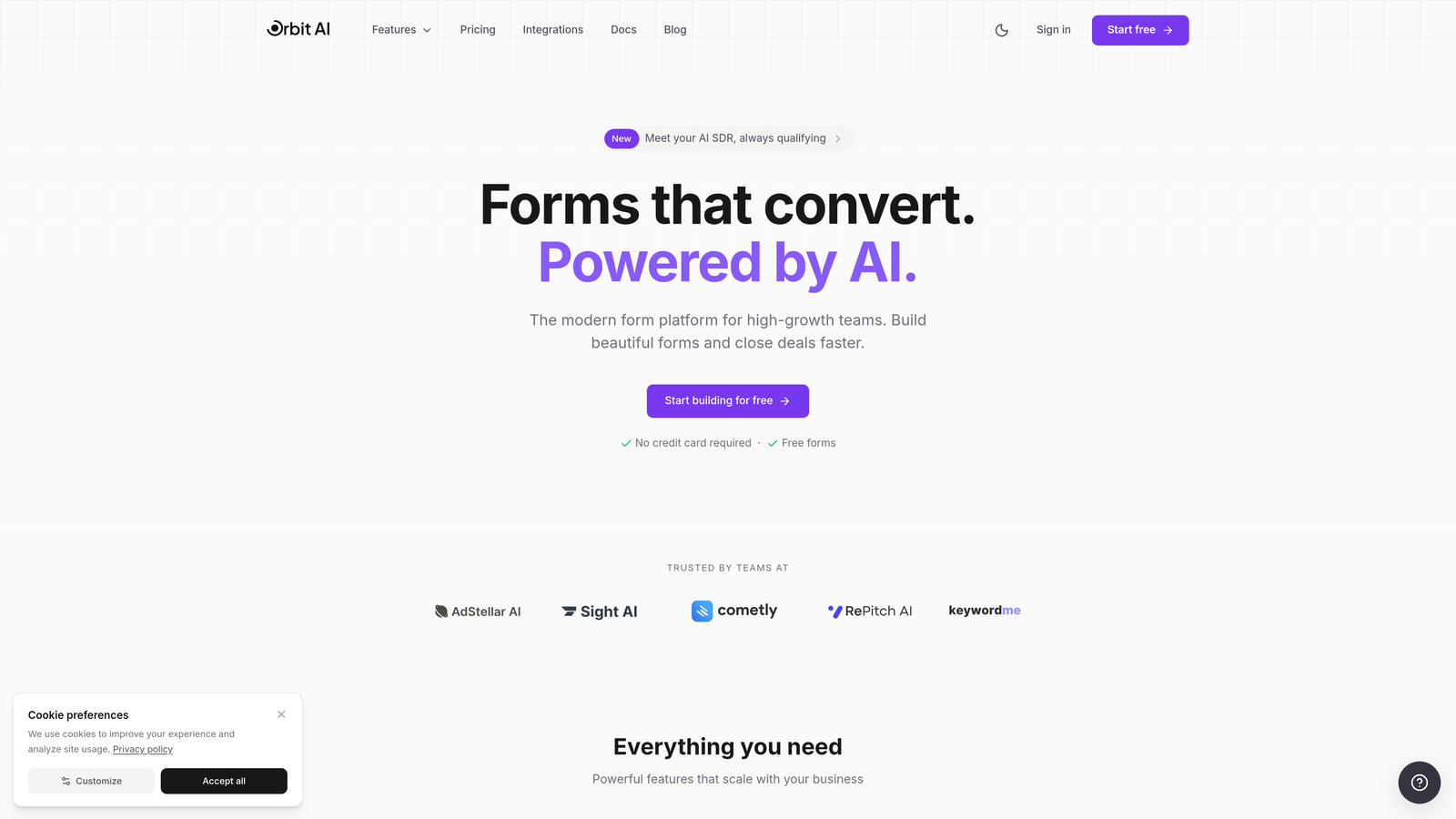
Orbit AI is an AI-powered form builder platform designed specifically for high-growth teams focused on conversion optimization and intelligent lead qualification.
Where This Tool Shines
Orbit AI stands out by qualifying leads automatically as they fill out your forms, saving your sales team hours of manual qualification work. The platform uses AI to assess lead quality in real-time, routing high-value prospects directly to your sales team while nurturing others through automated workflows.
The platform delivers modern, conversion-optimized form experiences that feel native to your brand. Unlike traditional form builders that simply collect data, Orbit AI transforms forms into intelligent qualification tools that understand prospect intent and readiness.
Key Features
AI-Powered Lead Qualification: Automatically scores and qualifies leads at the point of capture, eliminating manual qualification work.
Conversion-Optimized Designs: Modern form templates built specifically for high conversion rates with mobile-first responsive layouts.
Deep Native Integrations: Connects directly to major CRMs and automation tools without requiring middleware like Zapier.
Advanced Analytics: Track conversion rates, drop-off points, and lead quality metrics to continuously optimize performance.
Workflow Automation with AI Agents: Set up intelligent workflows that respond to lead behavior and qualification scores automatically.
Best For
Orbit AI is ideal for SaaS companies, B2B teams, and high-growth businesses that need to qualify leads efficiently while maintaining a modern, professional brand experience. It's particularly valuable for teams drowning in unqualified leads who need intelligent filtering before prospects reach sales.
Pricing
Free tier available for getting started. Paid plans start at competitive rates designed for growing teams, with pricing that scales based on submission volume and advanced features.
2. Typeform
Best for: Creating conversational, one-question-at-a-time form experiences with polished design
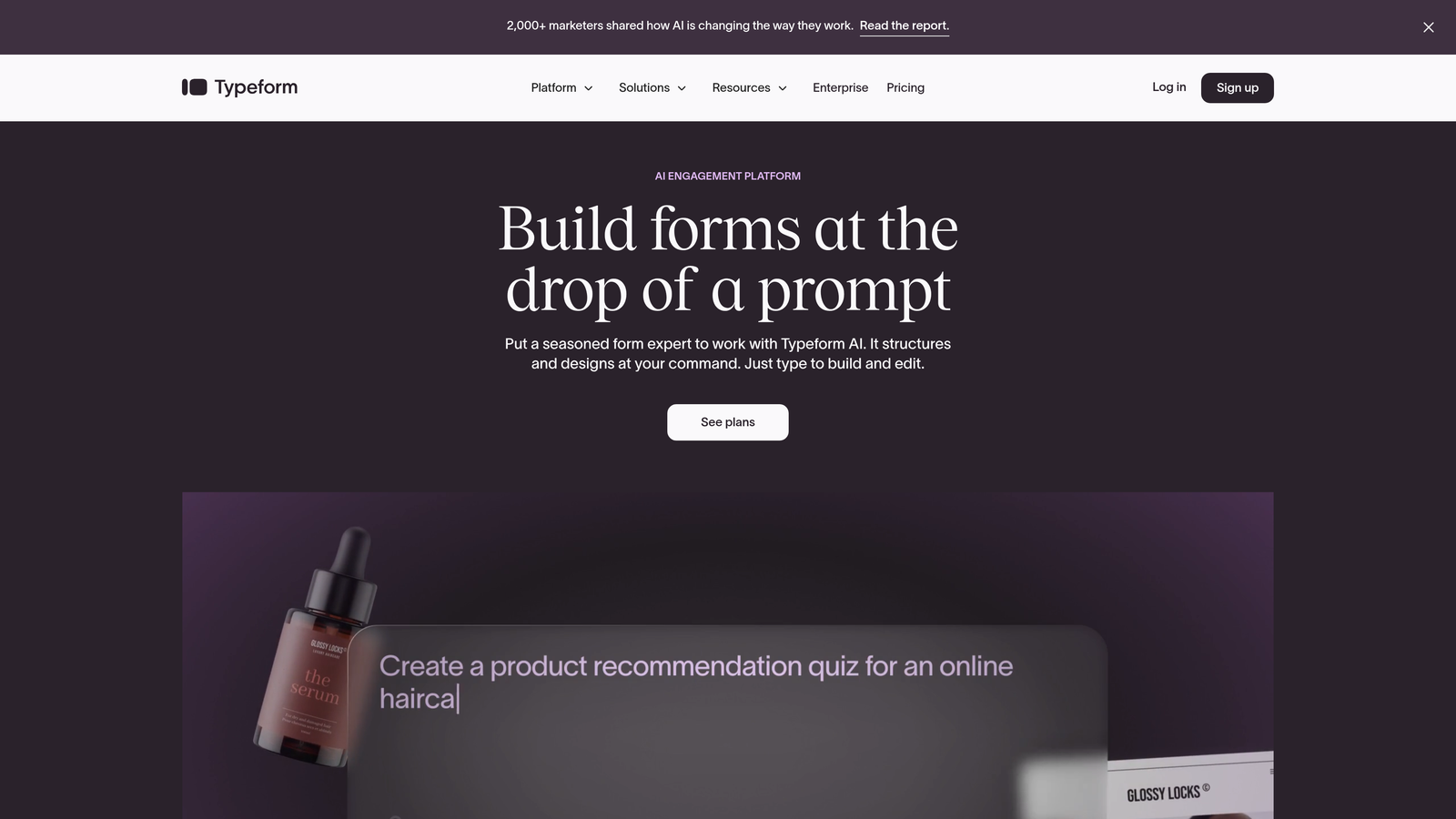
Typeform is a conversational form builder known for its distinctive one-question-at-a-time approach that creates engaging user experiences.
Where This Tool Shines
Typeform revolutionized form design by presenting questions one at a time, reducing the psychological burden of long forms. This conversational approach significantly reduces abandonment rates by making forms feel more like natural conversations than interrogations.
The platform excels at creating beautiful, branded experiences that feel premium. If your brand identity matters and you want forms that impress prospects, Typeform delivers consistently polished results with minimal design effort.
Key Features
Conversational Format: One-question-at-a-time presentation that reduces form anxiety and improves completion rates.
Beautiful Branded Experiences: Highly customizable templates with advanced design controls for maintaining brand consistency.
Logic Jumps and Conditional Branching: Create dynamic forms that adapt based on previous answers for personalized experiences.
Rich Media Embedding: Add videos, images, and GIFs directly into your forms to increase engagement.
Robust Integration Marketplace: Connect to hundreds of tools through native integrations and webhooks.
Best For
Typeform works best for companies prioritizing user experience and brand presentation, particularly for customer surveys, lead magnets, and application forms where engagement matters more than speed.
Pricing
Free plan available with limited responses per month. Basic plan starts at $25/month, with higher tiers offering advanced features like payment collection and custom branding removal.
3. Jotform
Best for: Teams needing extensive template variety and no-code customization for diverse use cases
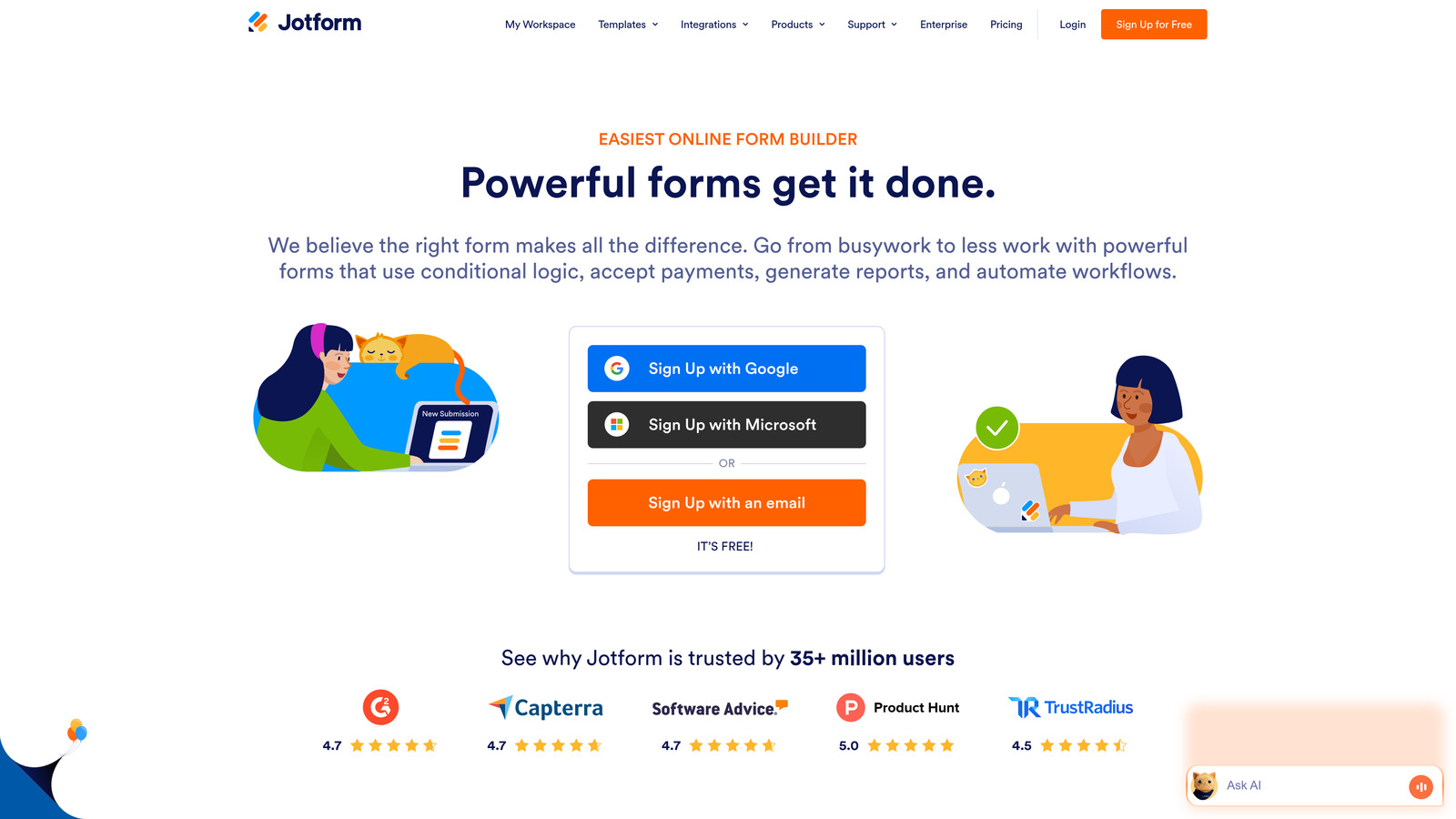
Jotform is a versatile form builder offering over 10,000 pre-built templates and comprehensive customization options for virtually any form type.
Where This Tool Shines
Jotform's massive template library means you're rarely starting from scratch. Whether you need registration forms, order forms, surveys, or complex applications, there's likely a template that gets you 80% of the way there. This dramatically reduces setup time for teams managing multiple form types.
The platform handles payment processing seamlessly, making it particularly valuable for businesses selling products, accepting donations, or collecting fees through forms. The drag-and-drop builder requires zero coding knowledge while still offering deep customization.
Key Features
10,000+ Pre-Built Templates: Extensive library covering virtually every form use case imaginable, from simple contact forms to complex applications.
Drag-and-Drop Builder: Intuitive no-code interface that makes customization accessible to non-technical users.
Payment Processing: Native integrations with major payment processors including PayPal, Square, and Stripe.
PDF Form Conversion: Convert existing PDF forms into fillable online forms automatically.
Approval Workflows: Set up multi-step approval processes for applications and internal forms.
Best For
Jotform suits businesses needing versatility across multiple departments, from HR collecting applications to sales processing orders. It's particularly strong for organizations requiring payment collection through forms.
Pricing
Free plan includes 5 forms with 100 monthly submissions. Bronze plan starts at $34/month for 25 forms and 1,000 submissions, scaling up for higher-volume needs.
4. Tally
Best for: Startups and bootstrapped teams needing unlimited forms on a generous free tier
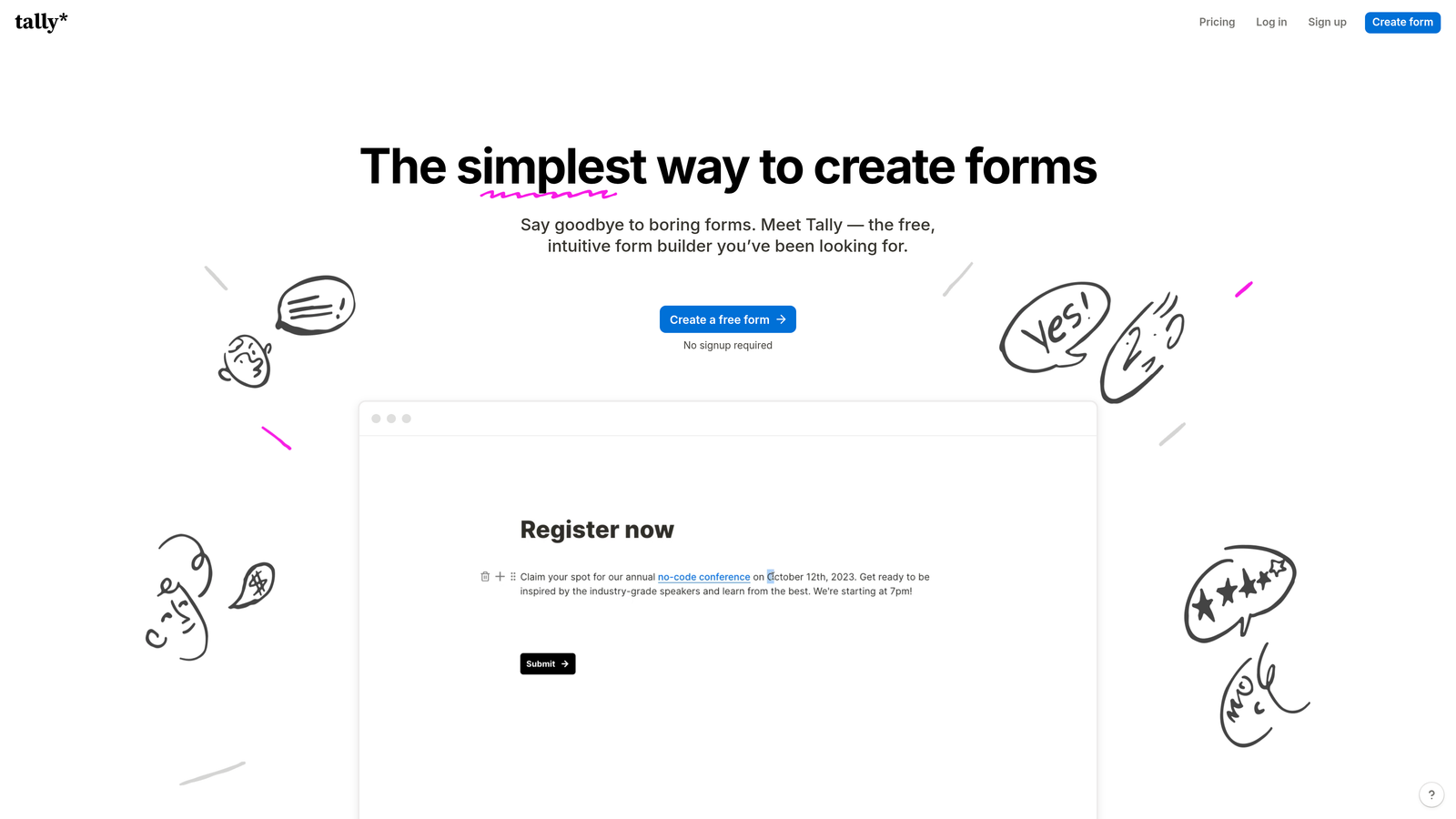
Tally is a simple, Notion-like form builder that offers unlimited forms and submissions on its free plan, making it ideal for budget-conscious teams.
Where This Tool Shines
Tally's pricing model is refreshingly straightforward. The free tier genuinely offers unlimited forms and submissions, which is rare in the form builder space. For startups watching every dollar, this removes a significant barrier to getting professional forms live quickly.
The Notion-style block-based editor feels immediately familiar if you've used modern productivity tools. You build forms by stacking blocks, making the creation process intuitive and fast. There's minimal learning curve, which matters when you need forms live yesterday.
Key Features
Unlimited Free Plan: Create unlimited forms with unlimited submissions at no cost, removing volume constraints entirely.
Block-Based Editor: Notion-style interface that makes form building feel natural and intuitive.
Conditional Logic and Calculations: Add dynamic behavior and perform calculations within forms for interactive experiences.
Custom Domains and Branding: Use your own domain and remove Tally branding even on free plans.
Webhooks and Integrations: Connect to your tech stack through webhooks and native integrations.
Best For
Tally is perfect for early-stage startups, side projects, and small teams that need professional forms without the recurring costs. It's also great for quick form creation when you need something live immediately.
Pricing
Generous free tier with unlimited forms and submissions. Pro plan at $29/month unlocks advanced features like file uploads, payment collection, and priority support.
5. Fillout
Best for: Data-driven teams using Airtable or Notion as their database layer
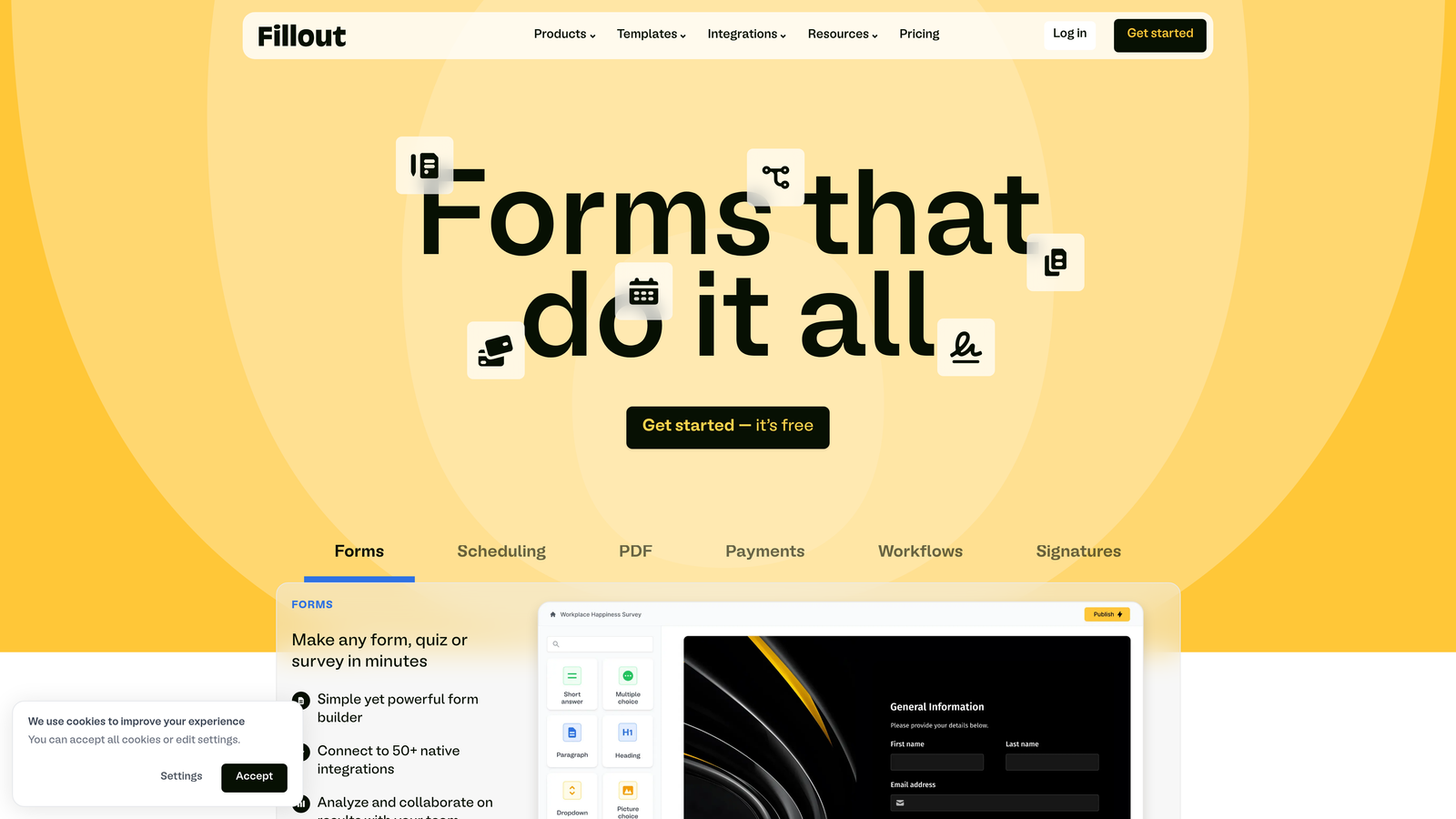
Fillout is a database-native form builder that seamlessly integrates with Airtable and Notion, perfect for teams already using these platforms.
Where This Tool Shines
Fillout treats your Airtable base or Notion database as the source of truth, creating forms that write directly to your existing data structures. This eliminates the typical friction of exporting form data and importing it elsewhere. Your forms become a natural extension of your database.
The platform excels at complex conditional logic, allowing you to create sophisticated multi-page forms that adapt based on user responses. Progress indicators keep users engaged through longer forms, reducing abandonment on complex applications.
Key Features
Native Airtable and Notion Integration: Forms write directly to your existing databases without middleware or manual exports.
Advanced Conditional Logic: Create complex branching paths based on multiple conditions and previous responses.
Multi-Page Forms with Progress: Break long forms into digestible pages with visual progress indicators.
Scheduling Integration: Embed calendar scheduling directly into forms for booking appointments.
Custom Thank-You Pages: Create personalized confirmation experiences based on form responses.
Best For
Fillout is ideal for operations teams, project managers, and data-focused organizations already using Airtable or Notion as their central database. It's particularly valuable when forms need to integrate tightly with existing workflows.
Pricing
Free plan available for basic needs. Starter plan at $15/month unlocks unlimited submissions and advanced features, making it affordable for growing teams.
6. HubSpot Forms
Best for: Enterprise teams already invested in HubSpot's CRM and marketing automation ecosystem
HubSpot Forms is an enterprise-grade form builder deeply integrated with HubSpot's CRM and marketing automation suite.

Where This Tool Shines
HubSpot Forms shine when you're already using HubSpot's ecosystem. The native CRM integration means every form submission automatically creates or updates contact records with zero configuration. Your sales team sees form data instantly in the context of the entire customer journey.
Progressive profiling is a standout feature that prevents form fatigue. Returning visitors see different questions each time, gradually building complete profiles without overwhelming them with long forms. This significantly improves conversion rates for repeat visitors.
Key Features
Native CRM Integration: Form submissions automatically sync to HubSpot CRM with complete contact history and timeline.
Progressive Profiling: Show different questions to returning visitors to gradually build complete contact profiles.
Lead Scoring and Qualification: Automatically score leads based on form responses and behavior for sales prioritization.
A/B Testing: Test different form variations to optimize conversion rates with built-in analytics.
Smart Content Personalization: Display different form content based on visitor attributes and behavior.
Best For
HubSpot Forms are perfect for mid-market to enterprise companies already using HubSpot for CRM and marketing. The value proposition diminishes significantly if you're not invested in the broader HubSpot ecosystem.
Pricing
Free with HubSpot CRM for basic forms. Advanced features like progressive profiling and A/B testing require Marketing Hub starting at $800/month, making this an enterprise-level investment.
7. Paperform
Best for: Creating content-rich, document-style landing pages with integrated payment processing
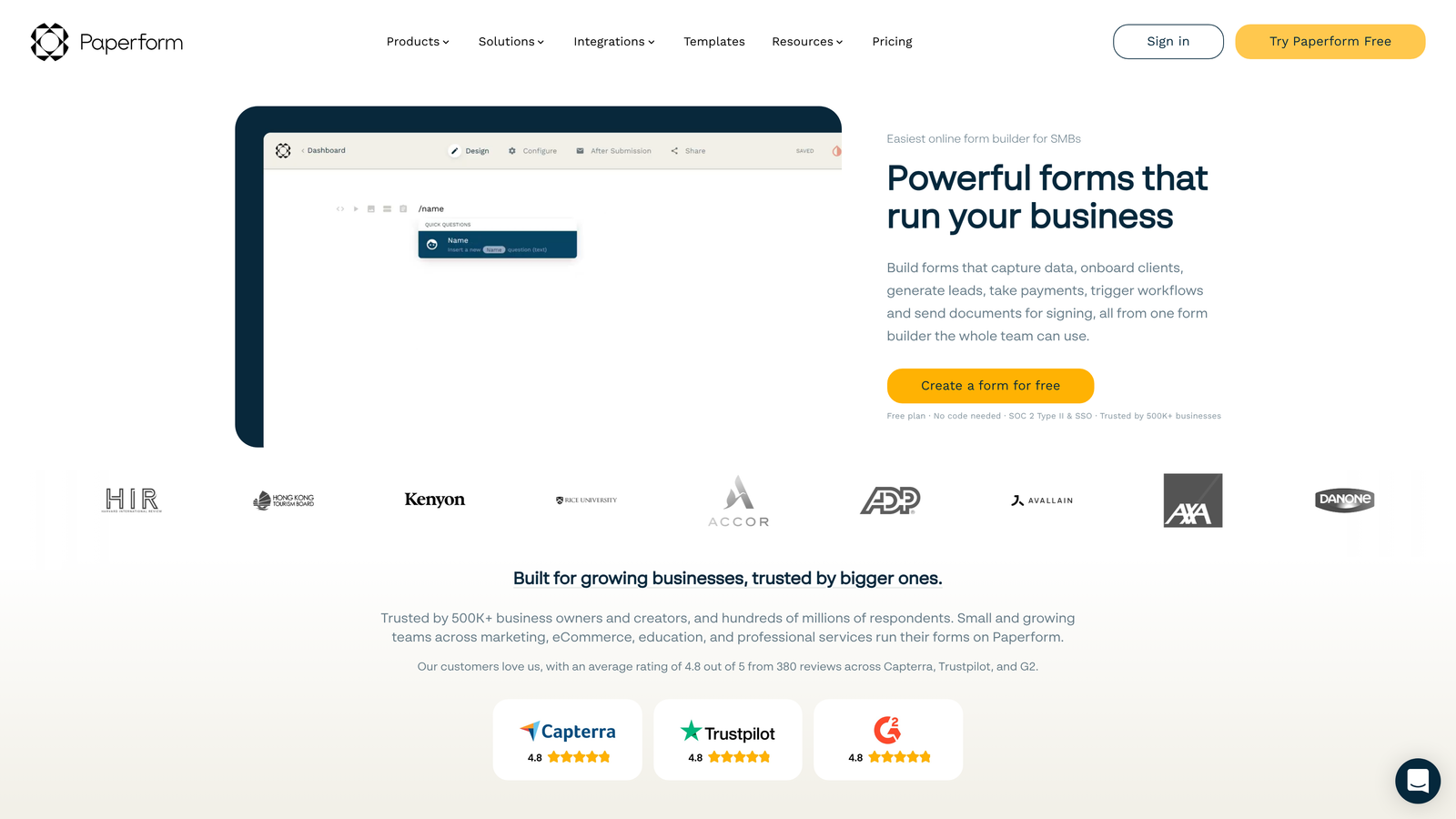
Paperform is a document-style form builder that creates content-rich, branded experiences that feel more like landing pages than traditional forms.
Where This Tool Shines
Paperform blurs the line between forms and landing pages. You can embed rich text, images, videos, and content blocks throughout your forms, creating immersive experiences that tell a story while collecting information. This makes forms feel less transactional and more engaging.
The e-commerce capabilities are particularly strong. You can create product catalogs, calculate totals dynamically, and process payments without leaving the form. For businesses selling digital products or services, Paperform handles the entire transaction flow elegantly.
Key Features
Document-Style Creation: Build forms that read like documents with rich formatting and content embedding throughout.
Rich Media Embedding: Add text blocks, images, videos, and custom HTML to create immersive form experiences.
E-Commerce and Payments: Process payments through Stripe or PayPal with product catalogs and dynamic pricing calculations.
Appointment Scheduling: Integrate calendar booking directly into forms for seamless appointment setting.
Custom Success Pages: Create branded confirmation experiences with conditional content based on responses.
Best For
Paperform works best for creative agencies, consultants, and businesses selling services or digital products who want forms that reflect their brand's sophistication and attention to detail.
Pricing
Essentials plan at $24/month for basic features. Pro plan at $49/month unlocks advanced capabilities like calculations, priority support, and increased submission limits.
8. Formstack
Best for: Enterprise organizations requiring HIPAA compliance and advanced workflow automation
Formstack is an enterprise workflow platform offering advanced form building, document generation, and compliance features for regulated industries.
Where This Tool Shines
Formstack takes compliance seriously in ways that matter for healthcare, finance, and legal industries. HIPAA and GDPR compliance aren't afterthoughts but core features, with business associate agreements, data encryption, and audit trails built in from the ground up.
The document generation capabilities extend beyond simple form collection. You can automatically generate contracts, invoices, and reports based on form data, then route them for e-signatures. This transforms forms from data collection tools into complete workflow automation systems.
Key Features
HIPAA and GDPR Compliance: Enterprise-grade security with business associate agreements and comprehensive audit trails.
Document Generation: Automatically create contracts, invoices, and reports from form data with custom templates.
E-Signature Integration: Route generated documents for electronic signatures through DocuSign and other providers.
Advanced Workflow Automation: Build complex multi-step workflows with approvals, notifications, and conditional routing.
Salesforce Native Integration: Deep integration with Salesforce for enterprise CRM workflows.
Best For
Formstack is essential for healthcare providers, financial institutions, and any organization handling sensitive data that requires regulatory compliance. It's also valuable for enterprise teams needing sophisticated workflow automation beyond simple form submission.
Pricing
Starter plan at $50/month for basic features. Teams plan at $83/month unlocks advanced automation and integrations. Enterprise pricing available for compliance features and higher volumes.
9. Google Forms
Best for: Simple data collection and surveys with zero budget and Google Workspace integration
Google Forms is a free, straightforward form builder integrated with Google Workspace for basic data collection needs.
Where This Tool Shines
Google Forms wins on accessibility and simplicity. It's completely free, requires no account setup if you have Gmail, and gets you from idea to live form in minutes. For internal surveys, event registrations, or quick feedback collection, the lack of friction is unbeatable.
The Google Sheets integration means your data flows automatically into a familiar spreadsheet format. Teams already using Google Workspace can collaborate on form design and analyze results without learning new tools or paying for additional software.
Key Features
Completely Free: No submission limits, no feature restrictions, no hidden costs with any Google account.
Google Sheets Integration: Responses automatically populate a Google Sheet for easy analysis and sharing.
Basic Conditional Logic: Show or hide questions based on previous answers for simple branching.
Collaborative Editing: Multiple team members can edit forms simultaneously with real-time updates.
Quiz Creation: Built-in quiz functionality with automatic grading for educational use cases.
Best For
Google Forms is perfect for internal team surveys, event registrations, simple feedback collection, and any scenario where a basic form is needed quickly without budget approval. It's not suitable for lead generation or customer-facing forms where brand presentation matters.
Pricing
Completely free with any Google account. No paid tiers, no submission limits, no feature upgrades to purchase.
Making the Right Choice
Choosing the right modern form builder depends on your specific needs and growth stage. For high-growth teams prioritizing AI-powered lead qualification and conversion optimization, Orbit AI delivers the most value with its intelligent qualification features and seamless integrations. The platform transforms forms from simple data collection tools into intelligent lead generation systems that save your sales team hours of manual qualification work.
If conversational experiences are your priority and you want forms that feel premium, Typeform excels at creating engaging, one-question-at-a-time experiences. Budget-conscious startups should seriously consider Tally's generous free tier, which removes the typical submission limits that constrain early-stage growth.
Enterprise teams with compliance requirements will find Formstack's HIPAA and GDPR capabilities essential, while teams already invested in HubSpot benefit tremendously from the native form integration with their existing CRM. For data-driven teams using Airtable or Notion, Fillout's database-native approach eliminates integration headaches entirely.
Start by identifying your primary use case. Are you focused on lead generation with qualification? Orbit AI's AI-powered approach will transform your funnel. Need versatility across multiple departments? Jotform's template library has you covered. Selling products or services through forms? Paperform's e-commerce capabilities shine. Running quick internal surveys? Google Forms gets the job done without friction.
Most platforms offer free trials or generous free tiers, so test your top two choices with real forms before committing. Create a form that represents your actual use case, send it to a small group, and measure both the creation experience and the results. The right platform should feel intuitive to build with and deliver measurable improvements in conversion rates.
Transform your lead generation with AI-powered forms that qualify prospects automatically while delivering the modern, conversion-optimized experience your high-growth team needs. Start building free forms today and see how intelligent form design can elevate your conversion strategy.


