

HubSpot's form builder gets the job done, but it comes bundled with an entire CRM ecosystem you might not need—or want to pay for. Maybe you're looking for more design flexibility, better pricing for your team size, or AI-powered features that HubSpot hasn't caught up with yet.
Whatever your reason for exploring alternatives, the form builder market has evolved dramatically. From conversion-focused platforms with built-in lead qualification to lightweight tools that integrate with your existing stack, there's likely a better fit for your specific workflow.
We've tested and compared the top HubSpot form builder alternatives to help you find the right match for your lead generation goals.
1. Orbit AI
Best for: High-growth teams needing AI-powered lead qualification with conversion-optimized form design
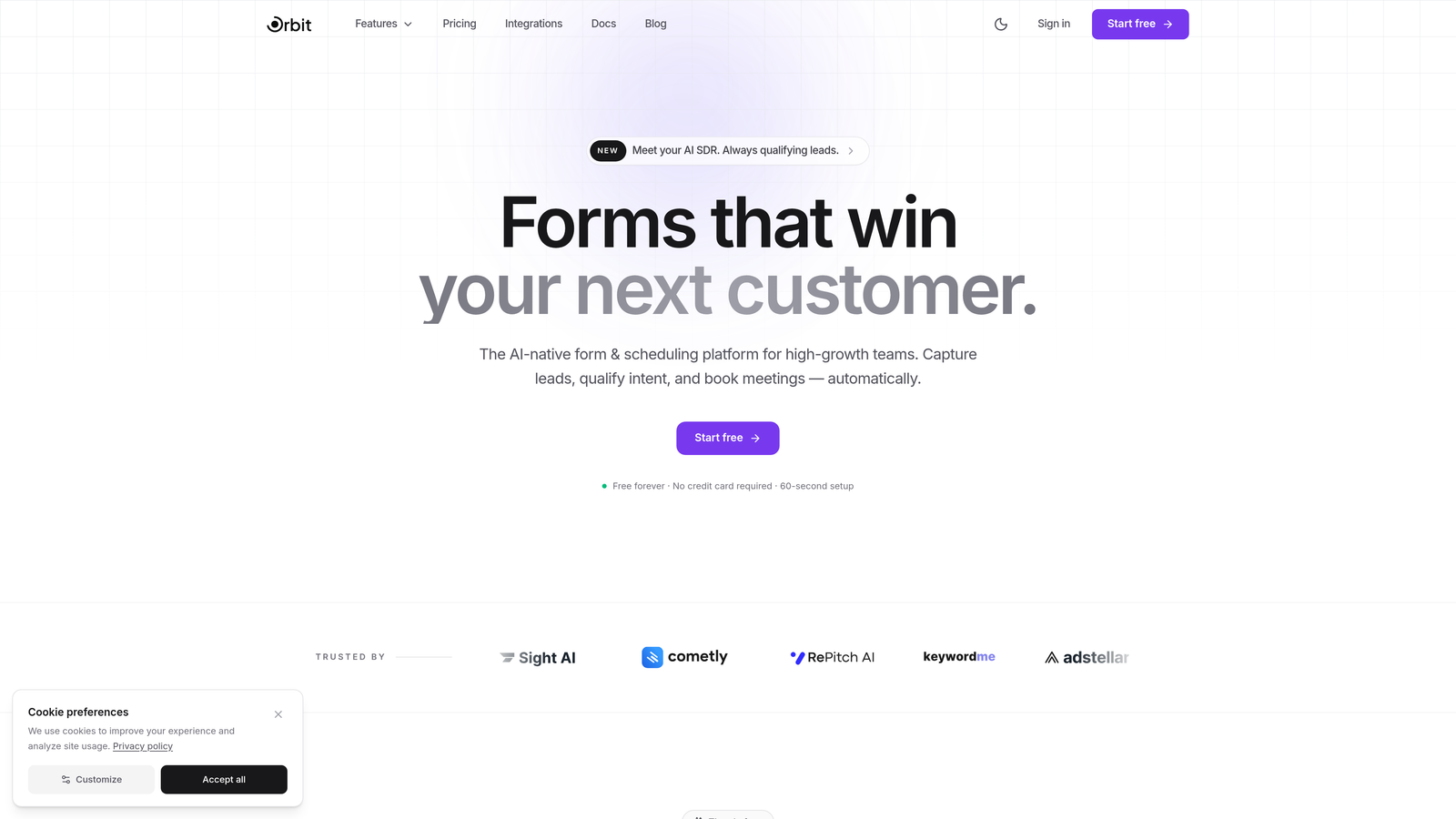
Orbit AI is an AI-powered form builder platform designed specifically for teams focused on lead generation and conversion optimization.
Where This Tool Shines
Think of Orbit AI as the form builder that actually understands your leads before you do. While most platforms simply collect responses, Orbit's AI engine analyzes and scores leads in real-time, automatically routing high-value prospects to your sales team.
The platform combines beautiful, conversion-optimized templates with intelligent automation. You're not just building forms—you're creating an automated qualification system that works 24/7, ensuring your team focuses on the prospects most likely to convert.
Key Features
AI-Powered Lead Qualification: Automatically scores and qualifies leads based on responses, routing high-value prospects instantly.
Conversion-Optimized Templates: Pre-built form designs tested for maximum completion rates and lead quality.
Native CRM Integrations: Seamlessly connects with HubSpot, Close, Attio, and other major CRMs without third-party tools.
Advanced Analytics Dashboard: Track form performance, conversion rates, and lead quality metrics in real-time.
Workflow Automation with AI Agents: Set up intelligent workflows that respond to lead behavior and qualification scores automatically.
Best For
Orbit AI works exceptionally well for B2B SaaS companies, marketing agencies, and sales teams handling high volumes of inbound leads. If you're tired of manually sorting through form submissions to find qualified prospects, or if your current form builder feels like a data collection tool rather than a conversion engine, this platform addresses those pain points directly.
Pricing
Free tier available for teams getting started. Paid plans begin at $29/month, scaling with your lead volume and automation needs.
2. Typeform
Best for: Creating engaging, conversational form experiences with one-question-at-a-time format
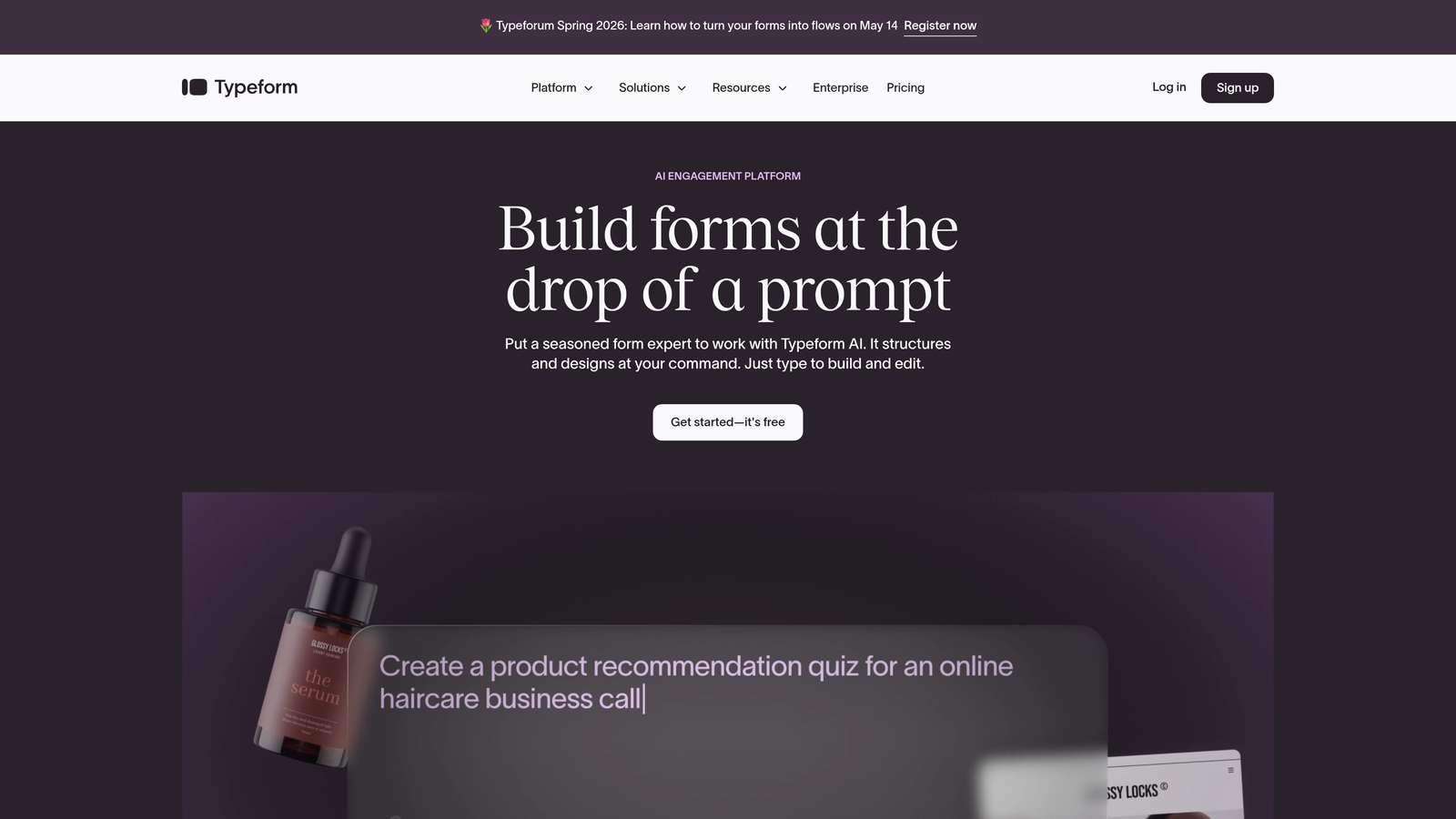
Typeform is a conversational form builder known for its distinctive one-question-at-a-time interface and visually appealing design.
Where This Tool Shines
Typeform transformed how people think about online forms by making them feel like conversations rather than interrogations. The one-question-at-a-time approach significantly reduces form abandonment because respondents aren't overwhelmed by seeing twenty fields at once.
The platform excels at creating memorable brand experiences. If you've ever filled out a form that felt surprisingly enjoyable, there's a good chance it was built with Typeform. The interface is intuitive enough that non-technical team members can build sophisticated forms in minutes.
Key Features
One-Question-at-a-Time Interface: Reduces cognitive load and improves completion rates with focused, conversational flow.
Logic Jumps and Branching: Create dynamic forms that adapt based on previous answers, personalizing the experience.
Rich Media Embedding: Add videos, images, and GIFs to make forms more engaging and on-brand.
Native Integrations: Connects directly with popular tools like Slack, Google Sheets, Mailchimp, and hundreds more.
Custom Branding Options: Full control over colors, fonts, and design elements to match your brand identity.
Best For
Typeform is ideal for marketing teams prioritizing user experience, companies conducting surveys or research, and brands wanting to stand out with interactive content. It's particularly effective for lead magnets, event registrations, and customer feedback collection where engagement matters as much as data collection.
Pricing
Free tier available with limited features and 10 responses per month. Basic plan starts at $25/month with 100 responses, scaling up for higher volumes and advanced features.
3. Jotform
Best for: Teams needing extensive template variety and deep customization without technical expertise
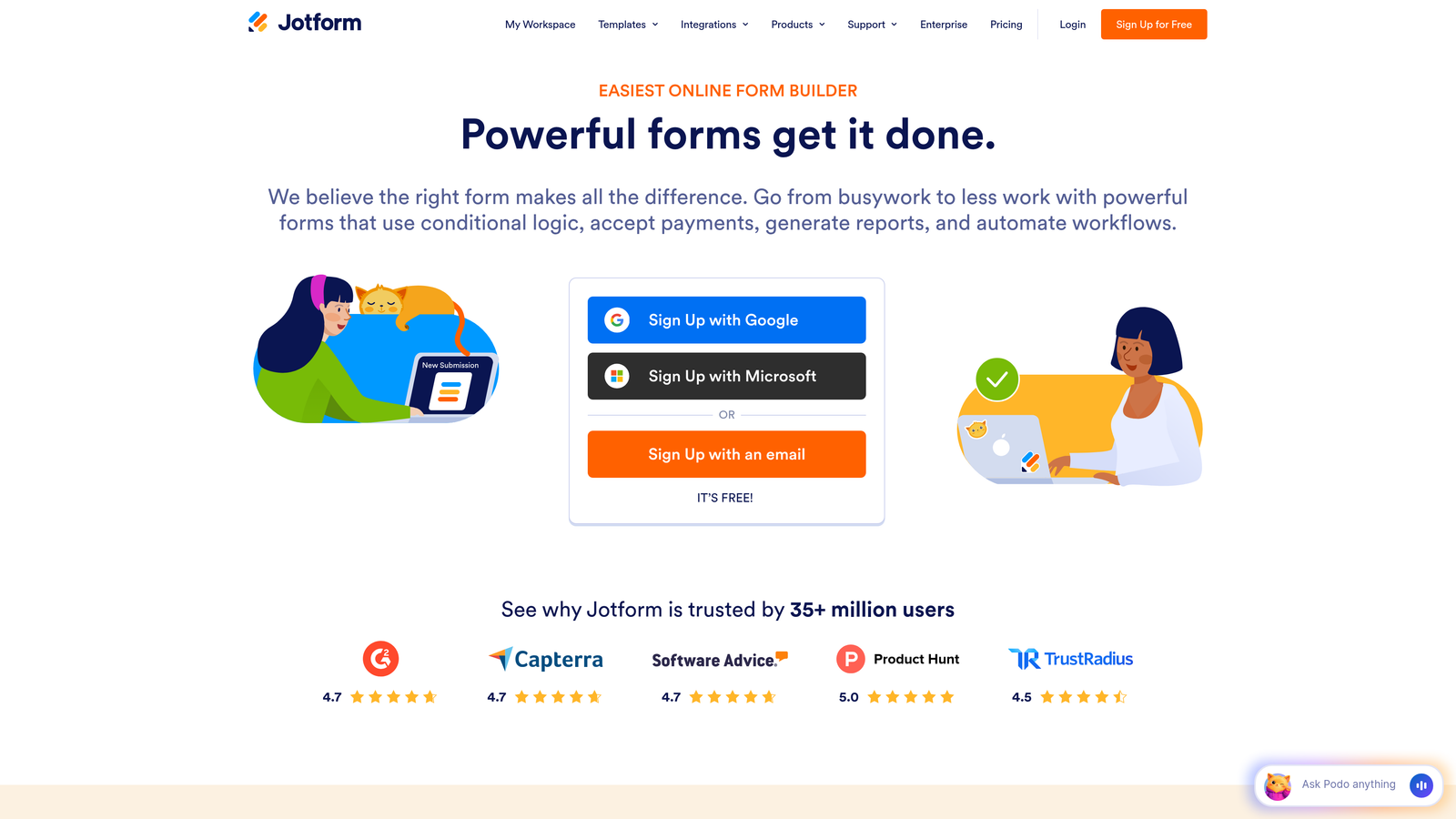
Jotform is a feature-rich form builder offering over 10,000 templates and comprehensive customization options for virtually any use case.
Where This Tool Shines
Jotform is the Swiss Army knife of form builders. Need to collect payments? Build a registration form? Generate PDFs automatically? Jotform probably has a template and feature set for it. The platform's massive template library means you're rarely starting from scratch.
What sets Jotform apart is its depth without complexity. Despite offering enterprise-level features like HIPAA compliance and advanced conditional logic, the drag-and-drop builder remains accessible to beginners. It's the platform teams choose when they need power and flexibility but can't justify hiring a developer.
Key Features
10,000+ Form Templates: Pre-built templates for every industry and use case, from job applications to event registrations.
Drag-and-Drop Builder: Intuitive interface for customizing forms without coding knowledge required.
PDF Form Creation: Automatically generate PDF documents from form submissions for contracts, invoices, and reports.
Payment Integrations: Accept payments through 30+ payment gateways including PayPal, Stripe, and Square.
Mobile App Management: iOS and Android apps let you manage forms and view submissions on the go.
Best For
Jotform works well for small businesses needing versatile form solutions, organizations requiring payment collection, and teams managing multiple form types across departments. If your form needs vary widely—from simple contact forms to complex multi-page applications—Jotform's breadth covers those scenarios without requiring multiple tools.
Pricing
Free tier includes up to 5 forms with 100 monthly submissions. Bronze plan starts at $34/month for 25 forms and 1,000 submissions, with higher tiers for increased capacity.
4. Tally
Best for: Budget-conscious teams wanting unlimited forms and responses without feature restrictions
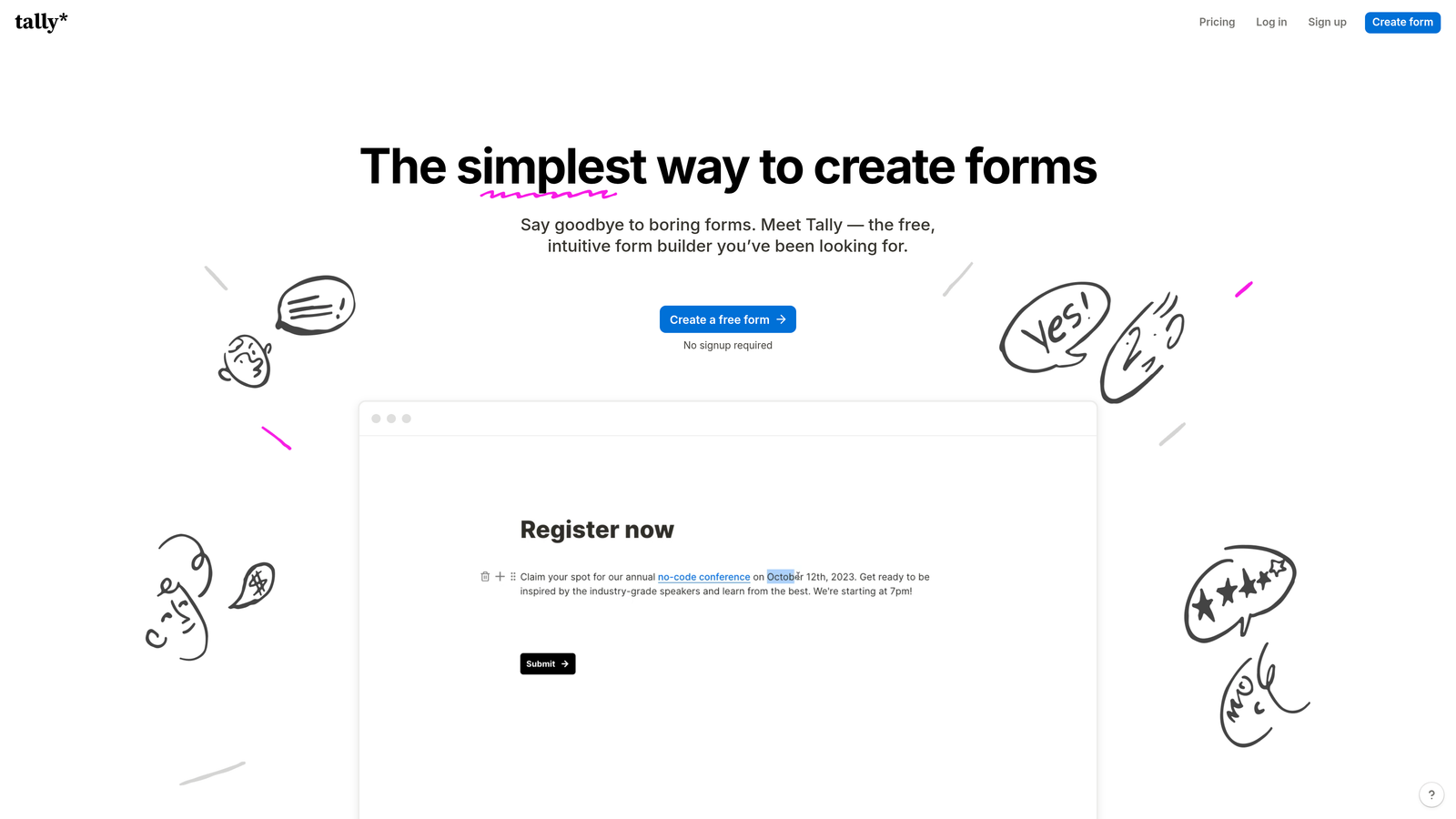
Tally is a simple, Notion-like form builder that offers unlimited forms and responses on its free tier.
Where This Tool Shines
Tally disrupted the form builder market by offering what most platforms charge hundreds for: unlimited everything, free. If you've used Notion, Tally's block-based editor will feel instantly familiar. You're building forms by stacking blocks rather than dragging fields around a canvas.
The platform proves that simplicity doesn't mean limited. Despite its minimalist interface, Tally includes conditional logic, file uploads, and webhook integrations—features many competitors lock behind premium tiers. It's the tool bootstrapped startups and indie makers gravitate toward when budgets are tight but needs are real.
Key Features
Unlimited Forms and Submissions: No artificial limits on the free tier, making it ideal for high-volume use cases.
Notion-Style Block Editor: Familiar, intuitive building experience if you're already using Notion for documentation.
Conditional Logic: Show or hide questions based on previous answers to create personalized form flows.
File Uploads: Accept document uploads, images, and other files directly through forms.
Webhook Integrations: Connect to thousands of apps through Zapier or direct webhook configurations.
Best For
Tally is perfect for startups and small teams with limited budgets, content creators collecting audience feedback, and anyone running high-volume surveys or research projects. The unlimited free tier makes it particularly attractive for community builders, educators, and non-profits where cost is a primary constraint.
Pricing
Completely free unlimited tier with all core features. Pro plan at $29/month adds custom domains, remove Tally branding, and priority support.
5. Paperform
Best for: Creating beautiful document-style forms with integrated e-commerce and payment capabilities
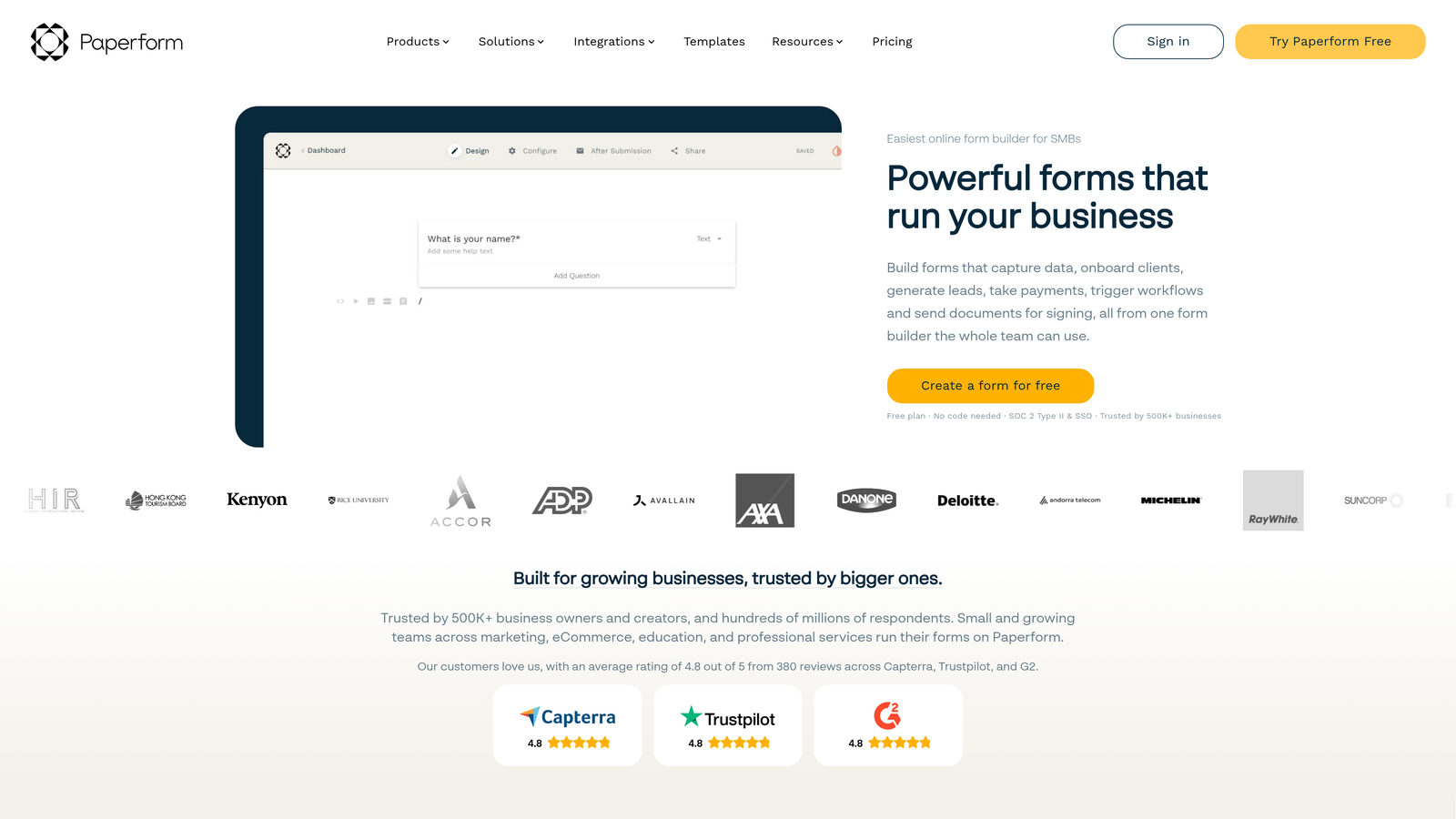
Paperform is a document-style form builder that combines elegant design with powerful e-commerce and payment processing features.
Where This Tool Shines
Paperform makes your forms look less like forms and more like well-designed landing pages. The document-style layout feels natural to read and complete, reducing the psychological friction that causes form abandonment. You can embed product catalogs, process payments, and manage inventory—all within the same form experience.
The platform shines for businesses selling products or services directly through forms. Instead of sending customers through multiple steps, Paperform lets you create all-in-one experiences where discovery, selection, and purchase happen seamlessly. It's particularly effective for service-based businesses, event ticketing, and digital product sales.
Key Features
Document-Style Form Layout: Forms that read like web pages rather than traditional field-based layouts.
Built-In Payment Processing: Accept payments through Stripe, PayPal, Square, and other major processors without third-party tools.
Advanced Conditional Logic: Create complex form flows that adapt based on user selections and inputs.
Product Catalogs and Inventory: Manage product listings, track inventory, and process orders directly through forms.
Custom Success Pages: Design personalized confirmation pages with dynamic content based on form responses.
Best For
Paperform excels for service businesses offering booking and payment collection, e-commerce sellers wanting streamlined checkout experiences, and event organizers managing registrations and ticket sales. If your forms need to do more than collect information—if they need to facilitate transactions—Paperform handles that complexity elegantly.
Pricing
Essentials plan starts at $24/month with unlimited forms and submissions. Pro plan at $44/month adds advanced features like calculations and priority support.
6. Fillout
Best for: Teams using Airtable or Notion wanting native database sync and modern form design
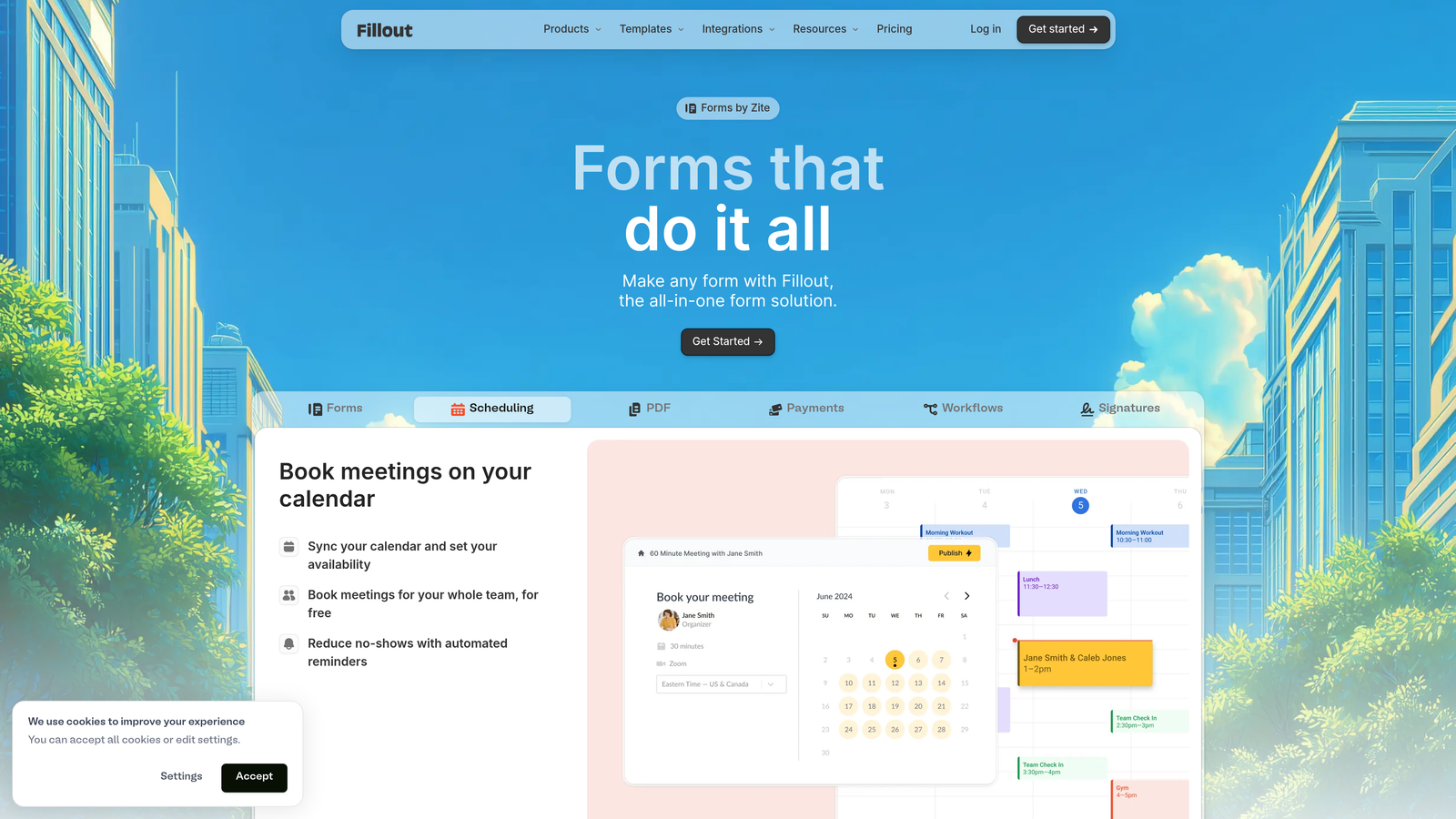
Fillout is a modern form builder with native integrations for Airtable, Notion, and other databases, designed for teams already working in these platforms.
Where This Tool Shines
Fillout solves a specific pain point: the gap between form builders and modern database tools. If you're managing data in Airtable or Notion, Fillout syncs directly without requiring Zapier or other middleware. Form submissions flow instantly into your existing workflows, maintaining data consistency across your stack.
The platform feels decidedly modern, with a clean interface that rivals newer tools while offering depth where it matters. Multi-page forms with sophisticated logic, scheduling integrations, and team collaboration features make it capable enough for complex use cases while remaining approachable for simple ones.
Key Features
Native Airtable and Notion Sync: Direct integration with popular database tools, eliminating third-party connectors.
Multi-Page Forms with Logic: Build complex, multi-step forms with conditional branching and personalized paths.
Scheduling Integration: Embed calendar booking directly into forms for appointment-based workflows.
Custom Domains: Host forms on your own domain for brand consistency and trust.
Team Collaboration Features: Work together on form building with role-based permissions and shared workspaces.
Best For
Fillout is ideal for teams already invested in Airtable or Notion ecosystems, agencies managing multiple client databases, and operations teams wanting streamlined data collection without integration headaches. If your workflow centers around these modern database tools, Fillout's native connectivity eliminates significant friction.
Pricing
Free tier available with basic features and 1,000 monthly submissions. Starter plan begins at $15/month for increased limits and advanced features.
7. Formstack
Best for: Enterprise organizations requiring HIPAA compliance, advanced security, and workflow automation
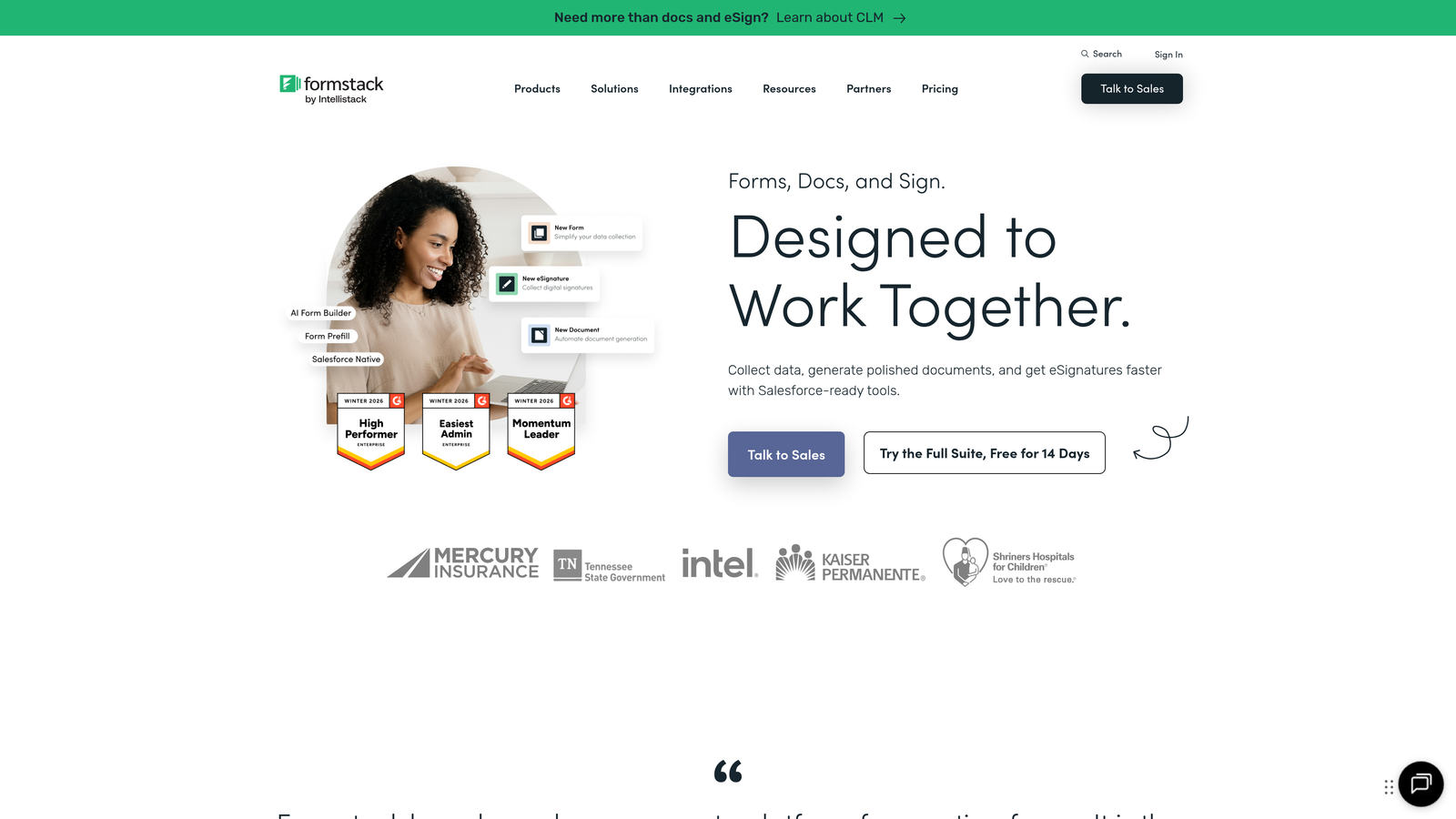
Formstack is an enterprise-grade form builder with comprehensive workflow automation, compliance features, and security controls.
Where This Tool Shines
Formstack is built for organizations where compliance and security aren't nice-to-haves—they're requirements. Healthcare providers, financial services, and regulated industries choose Formstack because it handles HIPAA compliance, data encryption, and audit trails natively. You're not retrofitting security; it's architected into the platform.
Beyond compliance, Formstack excels at document automation. Forms can trigger document generation, e-signature workflows, and complex approval processes automatically. For enterprises managing high-stakes data collection—patient intake, financial applications, legal documents—Formstack provides the controls and automation necessary to operate at scale.
Key Features
HIPAA Compliance Available: Built-in compliance features for healthcare and other regulated industries requiring data protection.
Document Generation: Automatically create PDFs, contracts, and other documents from form data.
E-Signature Integration: Collect legally binding signatures directly within form workflows.
Advanced Workflow Automation: Build complex multi-step processes with approvals, routing, and conditional actions.
Enterprise Security Features: SSO, role-based access control, audit logs, and encryption at rest and in transit.
Best For
Formstack serves healthcare organizations requiring HIPAA compliance, financial institutions with strict data security requirements, and large enterprises needing advanced workflow automation across departments. If your forms handle sensitive data or trigger complex business processes, Formstack's enterprise capabilities justify its premium positioning.
Pricing
Starter plan begins at $50/month for basic features. Enterprise pricing available for organizations requiring compliance, advanced security, and dedicated support.
8. Cognito Forms
Best for: Organizations needing advanced calculations, repeating sections, and affordable payment processing
Cognito Forms is an affordable form builder with strong calculation capabilities and payment collection features.
Where This Tool Shines
Cognito Forms handles complex calculations that would break most other form builders. Need to calculate pricing based on multiple selections? Generate quotes dynamically? Compute totals across repeating sections? Cognito's calculation engine handles these scenarios elegantly, using familiar spreadsheet-style formulas.
The platform's repeating sections feature is particularly powerful for forms requiring multiple entries of the same information—think adding multiple attendees to an event registration or listing multiple products in an order form. Combined with built-in payment processing through Stripe, PayPal, and Square, Cognito Forms delivers enterprise-level functionality at small business prices.
Key Features
Advanced Calculations and Formulas: Build complex pricing calculators, quote generators, and dynamic totals using spreadsheet-style logic.
Repeating Sections: Allow users to add multiple entries of the same fields within a single form submission.
Payment Processing: Accept payments through Stripe, PayPal, and Square with built-in integration.
Conditional Logic: Show, hide, or require fields based on user responses for personalized form experiences.
Data Encryption: All form data encrypted both in transit and at rest for security compliance.
Best For
Cognito Forms works well for businesses creating quote forms and pricing calculators, organizations managing event registrations with complex pricing tiers, and service providers collecting detailed client information across multiple categories. If your forms involve mathematical complexity or variable pricing structures, Cognito's calculation capabilities are worth the learning curve.
Pricing
Free tier available with basic features and up to 500 monthly entries. Pro plan starts at $15/month for unlimited entries and advanced features.
9. Google Forms
Best for: Simple data collection with seamless Google Workspace integration at zero cost
Google Forms is a free, straightforward form builder fully integrated with Google Workspace and Google Sheets.
Where This Tool Shines
Google Forms wins on accessibility and simplicity. Everyone with a Google account can create forms immediately, no payment required, no feature limits. The interface is stripped down to essentials, which means less to learn but also fewer ways to customize or optimize.
The killer feature is Google Sheets integration. Responses flow directly into spreadsheets where you can analyze, manipulate, and share data using familiar tools. For teams already living in Google Workspace, this native integration eliminates export/import friction entirely. It's the form builder that gets out of your way and lets you focus on the data.
Key Features
Completely Free to Use: No paid tiers, no response limits, no hidden costs—genuinely free forever.
Google Sheets Integration: Automatic data sync to spreadsheets for analysis and reporting.
Real-Time Collaboration: Multiple team members can edit forms simultaneously with automatic conflict resolution.
Basic Conditional Logic: Show or skip sections based on answers for simple branching logic.
Quiz Functionality: Built-in features for creating quizzes with automatic grading and feedback.
Best For
Google Forms is ideal for educational institutions conducting surveys and assessments, small teams needing basic feedback collection, and anyone requiring simple forms without budget allocation. It's the default choice when simplicity matters more than sophistication, or when you're testing an idea before investing in a dedicated platform.
Pricing
Completely free, included with any Google account. No premium tiers or paid upgrades available.
Matching Your Form Builder to Your Growth Stage
The right HubSpot alternative depends on where you are and where you're headed. If you're a high-growth team focused on lead quality over quantity, platforms with built-in qualification like Orbit AI eliminate manual sorting and ensure your sales team focuses on prospects worth their time. The AI-powered approach becomes increasingly valuable as lead volume scales.
For teams prioritizing engagement and brand experience, Typeform's conversational interface delivers completion rates that justify its premium pricing. Jotform and Formstack serve organizations needing breadth—multiple use cases, departments, and workflows running through a single platform.
Budget-conscious teams should seriously consider Tally's unlimited free tier or Google Forms for straightforward needs. Both prove you don't need to spend hundreds monthly for effective data collection. Cognito Forms and Fillout occupy the middle ground, offering advanced features without enterprise price tags.
The pattern across successful implementations is clear: teams choose form builders that integrate naturally with their existing stack and match their primary use case. A form builder that excels at surveys might frustrate teams needing lead qualification. A platform perfect for e-commerce might overcomplicate simple feedback collection.
Consider your integration requirements carefully. If you're already invested in Airtable, Fillout's native sync saves hours of manual work. Teams using Google Workspace extensively benefit from Google Forms' seamless data flow. Those requiring CRM integration should verify native connections exist before committing.
Security and compliance requirements narrow your options quickly. HIPAA compliance, SSO, and advanced encryption features appear primarily in enterprise platforms like Formstack. If you're handling sensitive data, the compliance capabilities matter more than feature counts or pricing.
Transform your lead generation with AI-powered forms that qualify prospects automatically while delivering the modern, conversion-optimized experience your high-growth team needs. The form builder you choose today shapes your lead quality tomorrow—make it count.


