

You've narrowed your form builder search to two popular names: Wufoo and Typeform. Now comes the hard part—actually making the decision. Both platforms have devoted followings, impressive client lists, and enough features to fill multiple comparison charts. Yet scrolling through endless feature matrices rarely answers the question that matters: which one will actually work better for your business?
The truth is, choosing between Wufoo and Typeform isn't about which platform has more checkmarks in a feature table. It's about understanding how each tool aligns with your specific workflows, technical environment, and growth plans. A platform that's perfect for a simple contact form might completely fall apart when you need conditional logic across twenty fields. One that works beautifully for your current 500 monthly responses might become prohibitively expensive at 5,000.
This guide walks through seven practical strategies to evaluate these platforms based on what actually impacts your conversion rates and operational efficiency. We'll skip the generic feature comparisons and focus on decision frameworks that help you match platform capabilities to your real-world requirements. Whether you're building feedback surveys, lead capture forms, or complex application workflows, these strategies will help you make a choice you won't regret six months from now.
1. Map Your Form Complexity Requirements First
The Challenge It Solves
Many teams dive into platform comparisons before understanding their actual form requirements. You might be drawn to Typeform's sleek conversational interface, only to discover it becomes cumbersome when you need to collect fifteen different data points. Or you might choose Wufoo for its traditional multi-field layout, then realize your audience abandons forms that look overwhelming on mobile devices.
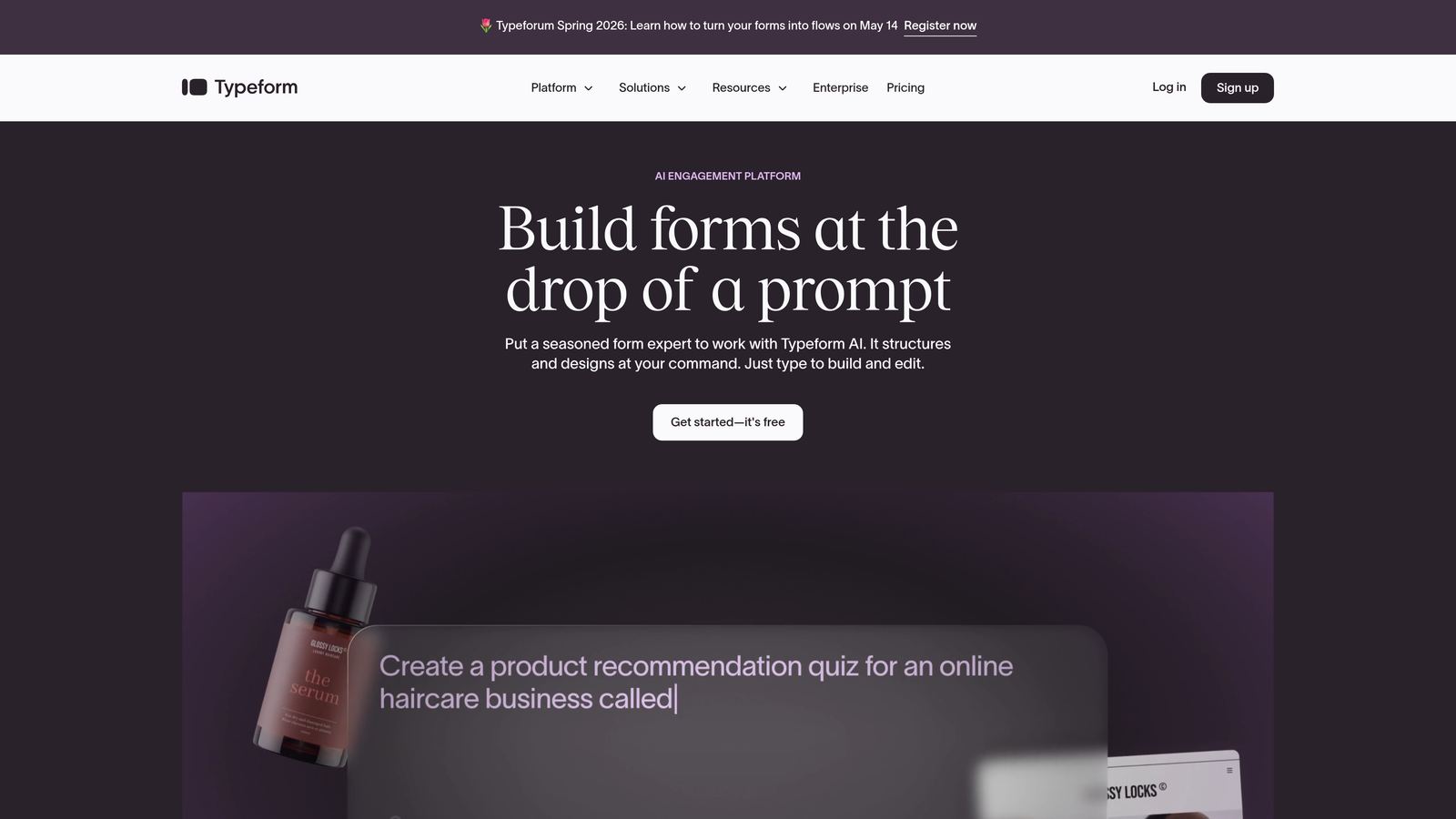
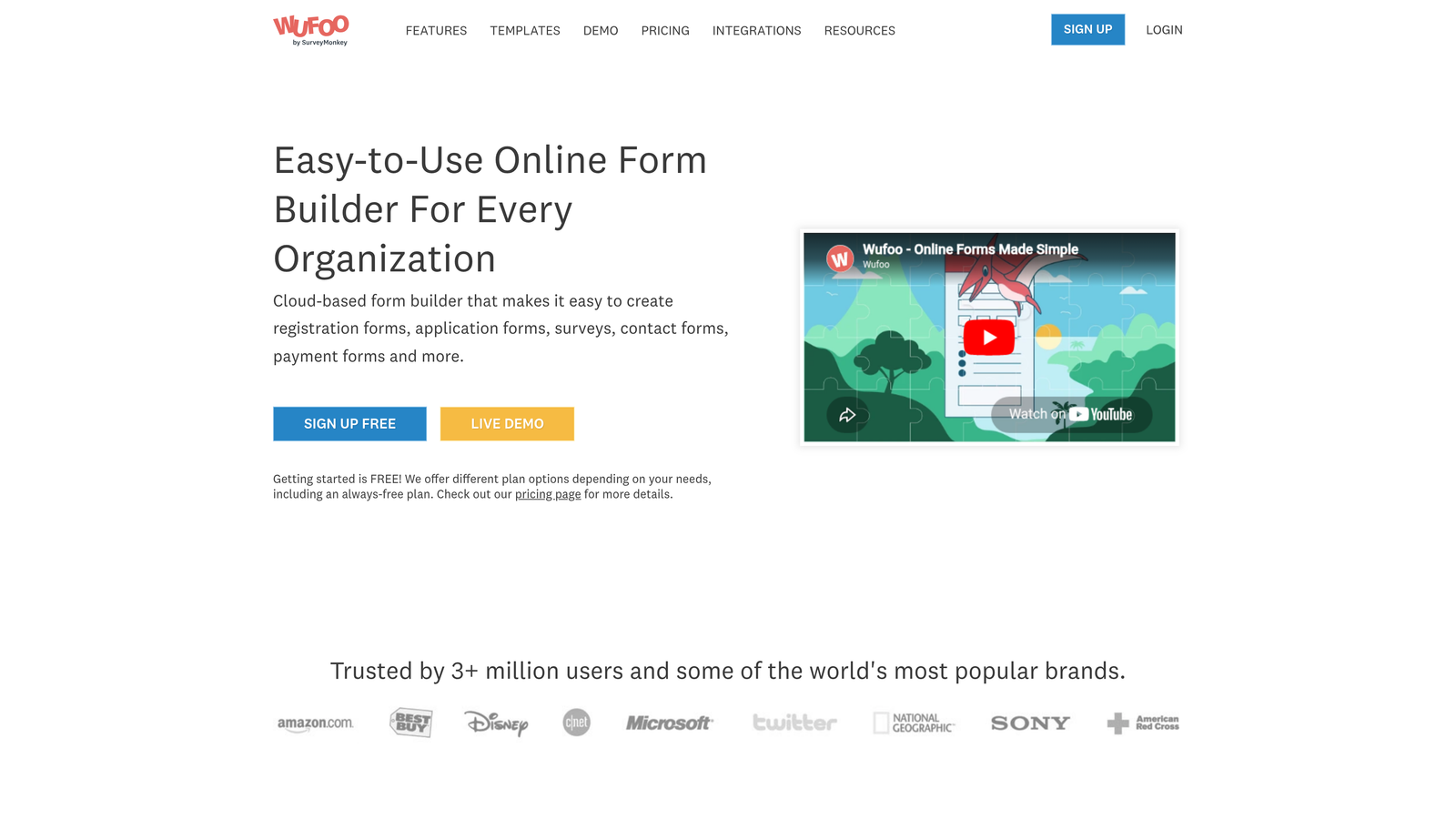
The fundamental difference between these platforms centers on form presentation philosophy. Typeform pioneered the one-question-at-a-time conversational approach, creating a guided experience that feels more like a conversation than a form. Wufoo takes the traditional route, displaying multiple fields on a single page for efficient data collection. Neither approach is inherently better—they serve different purposes.
The Strategy Explained
Before comparing features or pricing, audit your actual form needs. List every form you currently use or plan to create. For each one, count the total fields required and note whether they involve complex logic like conditional branching or calculated fields.
Forms with fewer than ten fields and simple linear logic often perform better with Typeform's conversational approach. The one-at-a-time presentation reduces cognitive load and can improve completion rates for straightforward data collection. Forms requiring more extensive information gathering—think job applications, detailed intake forms, or multi-section surveys—typically work better with Wufoo's traditional layout where users can see progress and navigate between sections. For a deeper dive into conversational form software comparison, explore how different platforms handle this interaction style.
Consider also how your forms will be accessed. If most respondents will complete forms during focused sessions at their desks, traditional multi-field layouts work well. If you're capturing leads at events, during quick mobile interactions, or in situations where attention is fragmented, conversational formats often perform better.
Implementation Steps
1. Create an inventory of all forms you need, listing field counts and complexity levels for each one.
2. Identify your highest-priority forms—the ones that drive the most leads or critical business processes.
3. Sketch out the user experience for these priority forms in both conversational and traditional formats to visualize which approach feels more natural.
4. If you have existing forms, analyze completion rates and abandonment points to understand where users struggle with current formats.
Pro Tips
Don't assume one format works for everything. Many successful teams use different platforms for different form types—conversational for quick lead capture, traditional for detailed applications. Test your assumptions with actual users rather than relying on general best practices that may not apply to your specific audience.
2. Evaluate Integration Ecosystems Against Your Tech Stack
The Challenge It Solves
A form builder is only as valuable as its ability to connect with your existing tools. You might choose a platform with a beautiful interface, only to discover it doesn't integrate natively with your CRM, forcing you to build clunky workarounds or pay for additional middleware services. These integration gaps create data silos, manual data entry work, and opportunities for leads to slip through the cracks.
The Strategy Explained
Both Wufoo and Typeform offer integration capabilities, but their approaches differ significantly. Wufoo, owned by SurveyMonkey, provides native integrations with popular tools and robust API access for custom connections. Typeform also offers direct integrations with major platforms but has historically emphasized its partnership with Zapier for broader connectivity.
The critical distinction isn't just whether an integration exists—it's how deeply that integration functions. A native integration typically offers real-time data sync, field mapping flexibility, and reliable error handling. Zapier-based connections introduce an additional service dependency, potential delays in data transfer, and consumption of your Zapier task allocation.
Start by listing your non-negotiable integrations. Which CRM holds your customer data? What email marketing platform manages your nurture campaigns? Where do you track analytics? For high-growth teams, the most critical integrations usually include your CRM, email platform, project management tools, and analytics systems. Understanding modern form builder features can help you identify which integration capabilities matter most.
Implementation Steps
1. Document every tool in your current tech stack that needs to receive form data, prioritizing by business criticality.
2. Check each platform's native integration directory to see which of your critical tools connect directly without middleware.
3. For tools requiring Zapier or API connections, estimate the technical resources needed to build and maintain those integrations.
4. Test the actual integration setup process during your trial period—don't just assume integrations work smoothly based on marketplace listings.
Pro Tips
Pay special attention to integration limitations within your pricing tier. Some platforms restrict certain integrations to higher-tier plans, which can significantly impact your total cost of ownership. Also consider future integration needs—if you're planning to adopt new tools in the next year, verify they'll connect with your chosen form platform.
3. Test Mobile Responsiveness With Your Actual Audience
The Challenge It Solves
Both Wufoo and Typeform claim mobile optimization, but general mobile-friendliness doesn't guarantee performance with your specific audience and use cases. A form that works perfectly on the latest iPhone might create friction on older Android devices your audience actually uses. Conversational formats that seem engaging on desktop might feel tedious when tapping through fifteen questions on a small screen.
The Strategy Explained
Mobile responsiveness goes beyond whether a form technically displays on mobile devices. True mobile optimization considers thumb-friendly tap targets, appropriate input types that trigger the right mobile keyboards, minimal typing requirements, and form length that matches mobile attention spans.
Typeform's conversational approach often performs well on mobile because users focus on one question at a time, reducing the overwhelming feeling of long forms on small screens. However, the one-question-per-screen format means more taps to complete a form, which can increase abandonment for longer surveys. Wufoo's traditional multi-field layouts can feel cramped on mobile but allow users to see their progress and complete forms more quickly when they're committed to finishing.
The only way to know what works for your audience is to test with real users on real devices. Generic mobile statistics don't account for your specific audience demographics, device preferences, or the context in which they encounter your forms. Teams focused on form builder comparison for conversion should prioritize mobile testing as a key evaluation criterion.
Implementation Steps
1. Analyze your current traffic sources to understand what devices and screen sizes your audience actually uses.
2. Create test forms in both platforms and share them with a small segment of your audience, tracking completion rates by device type.
3. Use analytics to identify where mobile users abandon forms—is it at specific question types, after a certain number of screens, or at particular form lengths?
4. Test your forms on actual devices your audience uses, not just the latest flagship phones—older devices with smaller screens and slower processors reveal different usability issues.
Pro Tips
Consider the context where users encounter your forms. A form embedded in a mobile app requires different optimization than one accessed via email link or social media. Also test your forms on both WiFi and cellular connections to ensure acceptable loading times across different network conditions.
4. Calculate True Cost of Ownership Beyond Monthly Pricing
The Challenge It Solves
Advertised monthly pricing rarely tells the complete financial story. You might select a platform based on an attractive entry-level price, only to discover that response limits, required add-ons, or scaling costs make it far more expensive than anticipated. These hidden costs often don't surface until you're already invested in the platform with forms deployed and integrations built.
The Strategy Explained
Both Wufoo and Typeform use tiered pricing models with response limits that can significantly impact your costs as volume grows. Wufoo's pricing structure emphasizes form limits and monthly submissions, while Typeform focuses on response limits and feature access. Understanding how your usage will scale is essential for accurate cost projection. A comprehensive form software pricing comparison can help you understand the full financial picture.
Beyond base subscription costs, factor in the expense of required integrations. If your chosen platform lacks native connections to your critical tools, you'll need to budget for Zapier or similar services, which add monthly costs that scale with usage. Custom development work to build API integrations represents another potential cost that's easy to overlook during initial platform evaluation.
Consider also the cost of platform limitations. If a lower-tier plan restricts features you need—like payment processing, advanced logic, or custom branding—you'll need to upgrade sooner than planned. Some teams find that a platform with higher base pricing but fewer restrictions offers better value than one with attractive entry pricing but expensive upgrades for essential features.
Implementation Steps
1. Project your form response volume for the next 12-24 months based on your growth trajectory and marketing plans.
2. Calculate the subscription tier required to support that volume on each platform, including any feature upgrades you'll need.
3. Add costs for required integrations, whether through native connections, Zapier, or custom development.
4. Factor in potential overage charges or the cost of upgrading mid-contract if you exceed response limits.
Pro Tips
Request custom pricing quotes if you're a high-volume user—both platforms often negotiate for enterprise customers. Also consider the switching costs if you outgrow a platform. Migrating forms, rebuilding integrations, and retraining users represents a significant hidden cost of choosing a platform that doesn't scale with your needs.
5. Assess Brand Customization Depth for Your Use Case
The Challenge It Solves
Generic-looking forms can undermine your brand credibility and reduce conversion rates. If your forms don't match your website's visual design, users may question whether they're still on your site or have been redirected to a third-party service. This visual disconnect creates friction that can significantly impact completion rates, especially for forms requesting sensitive information or payment details.
The Strategy Explained
Wufoo and Typeform take different approaches to customization. Wufoo offers theme-based customization with CSS access on higher-tier plans, allowing significant visual control for teams with development resources. You can match fonts, colors, and styling to align closely with your brand guidelines. Typeform provides a more guided customization experience through its visual editor, offering strong design tools without requiring coding knowledge but with some limitations on deep customization.
The right choice depends on your brand standards requirements and available resources. Companies with strict brand guidelines and development capacity may prefer Wufoo's CSS access for pixel-perfect control. Teams without dedicated developers often find Typeform's visual customization tools sufficient for creating professional, on-brand forms without technical expertise. Exploring Wufoo alternatives with better features may reveal platforms with more flexible customization options.
Consider also where your forms will appear. Embedded forms need to blend seamlessly with your website design. Standalone forms accessed via direct links have more flexibility since they're not surrounded by your existing website styling. Forms used in email campaigns or social media need to work well in isolation while still communicating your brand identity.
Implementation Steps
1. Review your brand guidelines to identify non-negotiable visual elements—specific fonts, color values, spacing requirements, or design patterns.
2. Build a test form in each platform attempting to match your brand standards as closely as possible.
3. Have your design team evaluate how well each platform's customization capabilities align with your requirements.
4. Test customized forms across different browsers and devices to ensure your branding remains consistent.
Pro Tips
Don't sacrifice usability for brand consistency. A form that perfectly matches your brand but confuses users with non-standard form patterns will underperform a slightly less customized form that follows familiar conventions. Also consider mobile customization separately—some styling that works beautifully on desktop may create usability issues on small screens.
6. Audit Reporting and Analytics Capabilities
The Challenge It Solves
Collecting form responses is only valuable if you can analyze and act on that data. Many teams choose form builders based on creation features without adequately evaluating reporting capabilities, then struggle to extract insights needed for optimization. You might discover too late that you can't track conversion rates by traffic source, identify abandonment patterns, or generate reports your stakeholders require.
The Strategy Explained
Both platforms offer analytics, but with different strengths. Typeform provides built-in analytics focused on completion rates, time to complete, and drop-off points—valuable for optimizing the form experience itself. Wufoo offers reporting tools that emphasize response data analysis, with features for filtering, exporting, and visualizing submitted information.
The critical question is whether built-in analytics meet your specific reporting needs. High-growth teams focused on lead generation typically need to track metrics like conversion rate by traffic source, lead quality indicators, and attribution data connecting form submissions to revenue outcomes. If your platform's native analytics don't provide these insights, you'll need to export data to external analytics tools or build custom reporting solutions. Understanding lead qualification tools comparison can help you evaluate which platforms offer the analytics depth you need.
Consider also your lead qualification requirements. Can you identify high-value prospects based on their form responses? Do you need to route different lead types to different team members? Some businesses need sophisticated lead scoring and routing that basic form analytics don't address.
Implementation Steps
1. List the specific metrics and reports you need from form data, including both operational metrics and business intelligence requirements.
2. Build test forms with sample data in each platform and attempt to generate your required reports using native tools.
3. Evaluate how easily you can export data to your analytics platform if native reporting proves insufficient.
4. Test integration with your analytics tools to verify that form completion events, field data, and attribution information flow correctly.
Pro Tips
Set up proper tracking from the start rather than trying to retrofit analytics later. Implement UTM parameters, conversion tracking pixels, and proper field naming conventions that make data analysis easier. Also consider GDPR and privacy compliance in your analytics setup—ensure you're collecting and storing data in accordance with applicable regulations.
7. Consider Modern Alternatives With AI-Powered Features
The Challenge It Solves
Both Wufoo and Typeform are established platforms with proven track records, but they were built for an earlier era of form building focused primarily on data collection. High-growth teams increasingly need forms that don't just collect information but actively qualify leads, route prospects intelligently, and integrate with modern AI-powered workflows. Choosing between two legacy platforms might mean overlooking capabilities that could significantly improve your conversion and qualification processes.
The Strategy Explained
The form builder market has evolved beyond the Wufoo versus Typeform comparison. Newer platforms are differentiating through AI-powered features like automatic lead qualification, intelligent response analysis, and adaptive form experiences that adjust based on user inputs. These capabilities can transform forms from simple data collection tools into active components of your lead generation and qualification strategy. Reviewing an AI form builder comparison reveals how these modern platforms differ from traditional options.
Think about your actual business needs rather than just form creation features. Do you need to identify high-intent prospects automatically? Would intelligent routing based on response patterns improve your sales team's efficiency? Could AI-powered analysis of open-text responses reveal insights your team currently misses?
For businesses focused on lead generation and conversion optimization, platforms purpose-built for these goals often deliver better results than general-purpose form builders, regardless of how feature-rich those traditional platforms have become. The question isn't just "Wufoo or Typeform?" but "Do I need a modern platform designed specifically for my use case?" Exploring Wufoo vs modern alternatives can help clarify whether newer platforms better serve your needs.
Implementation Steps
1. Define your primary form objectives beyond basic data collection—are you focused on lead qualification, conversion optimization, or intelligent prospect routing?
2. Research form platforms specifically designed for your industry or use case rather than limiting your evaluation to general-purpose tools.
3. Evaluate whether AI-powered features like automatic lead scoring or intelligent response analysis would improve your workflows.
4. Consider your future requirements—will you need more sophisticated qualification and automation capabilities as you scale?
Pro Tips
Don't let brand recognition override functional fit. Newer platforms may lack the name recognition of established players but can offer capabilities specifically designed for modern lead generation workflows. Also consider the platform's development trajectory—are they actively innovating in areas that matter to your business, or maintaining legacy features?
Making Your Decision With Confidence
The Wufoo versus Typeform comparison ultimately comes down to matching platform capabilities to your specific requirements. Start by mapping your form complexity needs—conversational single-question formats work brilliantly for simple lead capture but become cumbersome for detailed data collection. Evaluate integrations against your actual tech stack rather than generic feature lists, and test mobile responsiveness with your real audience on their actual devices.
Don't let attractive entry-level pricing mislead you. Calculate true cost of ownership including response limits, required integrations, and scaling expenses. Assess whether customization capabilities meet your brand standards, and verify that reporting tools provide the insights you need for optimization and business intelligence.
Perhaps most importantly, question whether either platform truly serves your needs. Both Wufoo and Typeform are solid general-purpose form builders, but high-growth teams focused on conversion optimization and lead qualification may find better results with platforms purpose-built for these objectives. The form builder market has evolved significantly, and the best choice for your business might be a modern alternative that wasn't part of your original comparison.
Take advantage of trial periods to test real workflows, not just features. Build your most critical forms, connect your essential integrations, and run actual data through the systems. The platform that looks best in a feature comparison chart might reveal friction points when you use it for your specific processes.
Transform your lead generation with AI-powered forms that qualify prospects automatically while delivering the modern, conversion-optimized experience your high-growth team needs. Start building free forms today and see how intelligent form design can elevate your conversion strategy beyond what traditional form builders offer.


