

Choosing form software shouldn't require a spreadsheet just to understand the pricing. Yet here we are—tiered plans, hidden fees, per-response charges, and feature gates that make comparison genuinely difficult. Whether you're a startup watching every dollar or an enterprise team needing advanced capabilities, understanding what you'll actually pay matters as much as the features themselves.
We've analyzed nine leading form builders, breaking down their real costs, what's included at each tier, and where the hidden charges lurk. This comparison focuses on practical value: what you get, what you pay, and whether the math works for your team size and submission volume.
1. Orbit AI
Best for: High-growth teams prioritizing lead quality and conversion optimization
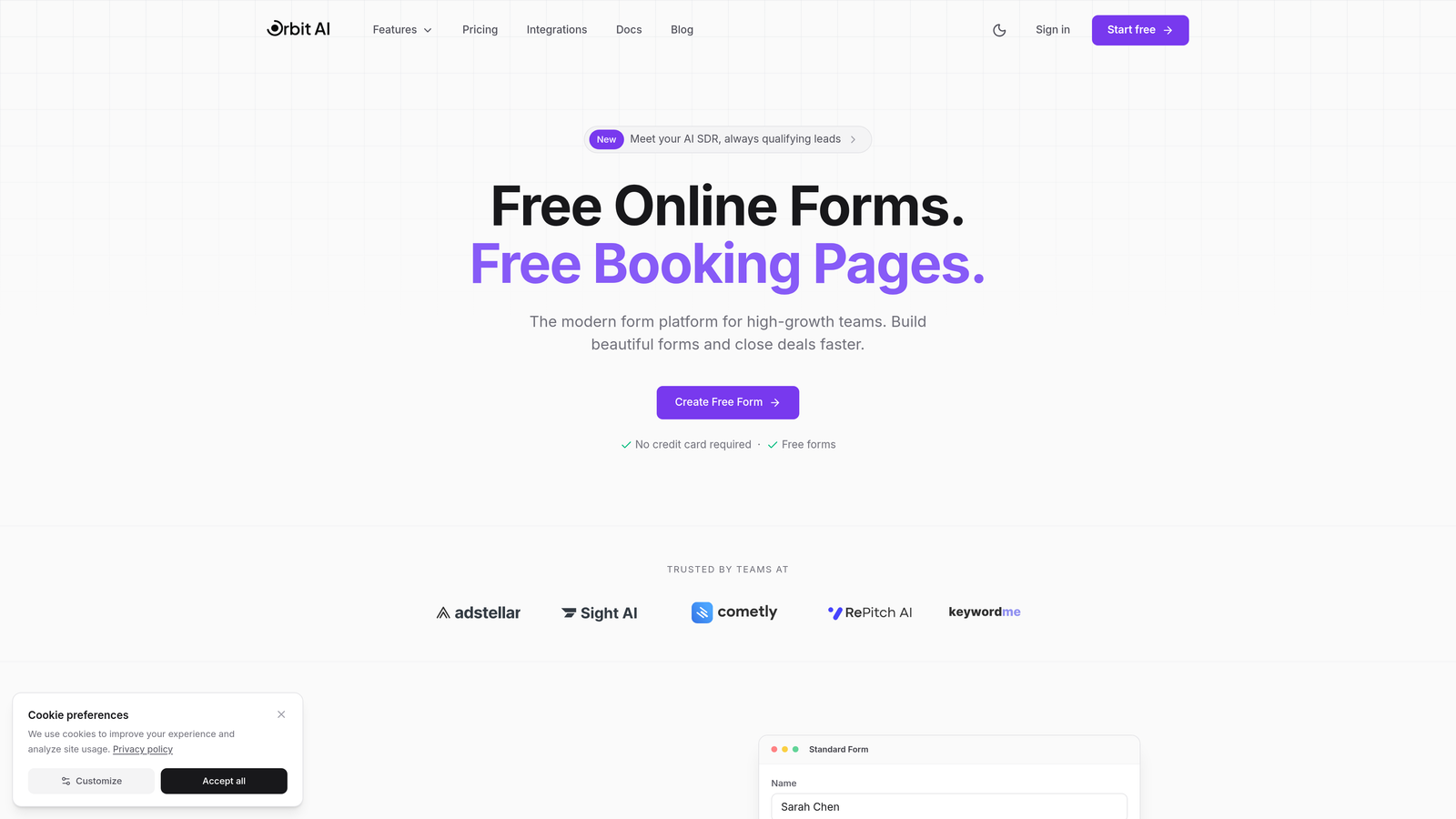
Orbit AI is an AI-powered form builder platform designed specifically for teams focused on lead generation and conversion optimization.
Where This Tool Shines
Orbit AI stands out by combining form building with intelligent lead qualification. Instead of collecting every submission equally, the platform uses AI to score and prioritize leads automatically, helping sales teams focus on the prospects most likely to convert.
The modern interface emphasizes conversion optimization from the ground up. Every design element, workflow capability, and integration serves the goal of turning form submissions into qualified pipeline opportunities.
Key Features
AI-Powered Lead Qualification: Automatically scores and routes leads based on qualification criteria without manual setup.
Conversion-Optimized Design: Built-in best practices for form design that maximize completion rates and reduce abandonment.
Built-In Analytics and Workflows: Track performance metrics and automate follow-up actions without third-party tools.
Modern Integrations Ecosystem: Connects seamlessly with CRM platforms, marketing automation tools, and sales workflows.
Team Collaboration Features: Multiple users can build, edit, and analyze forms with role-based permissions.
Best For
Orbit AI works best for B2B companies, SaaS businesses, and marketing teams where lead quality matters more than sheer volume. If your sales team spends time qualifying leads manually, the AI qualification capabilities can shift that work upstream to the form itself.
Pricing
Visit orbitforms.ai/pricing for current tier details. Pricing scales with team size and feature requirements, with options designed for growing businesses that need both form functionality and lead intelligence.
2. Typeform
Best for: Creating engaging, conversational form experiences with strong visual design
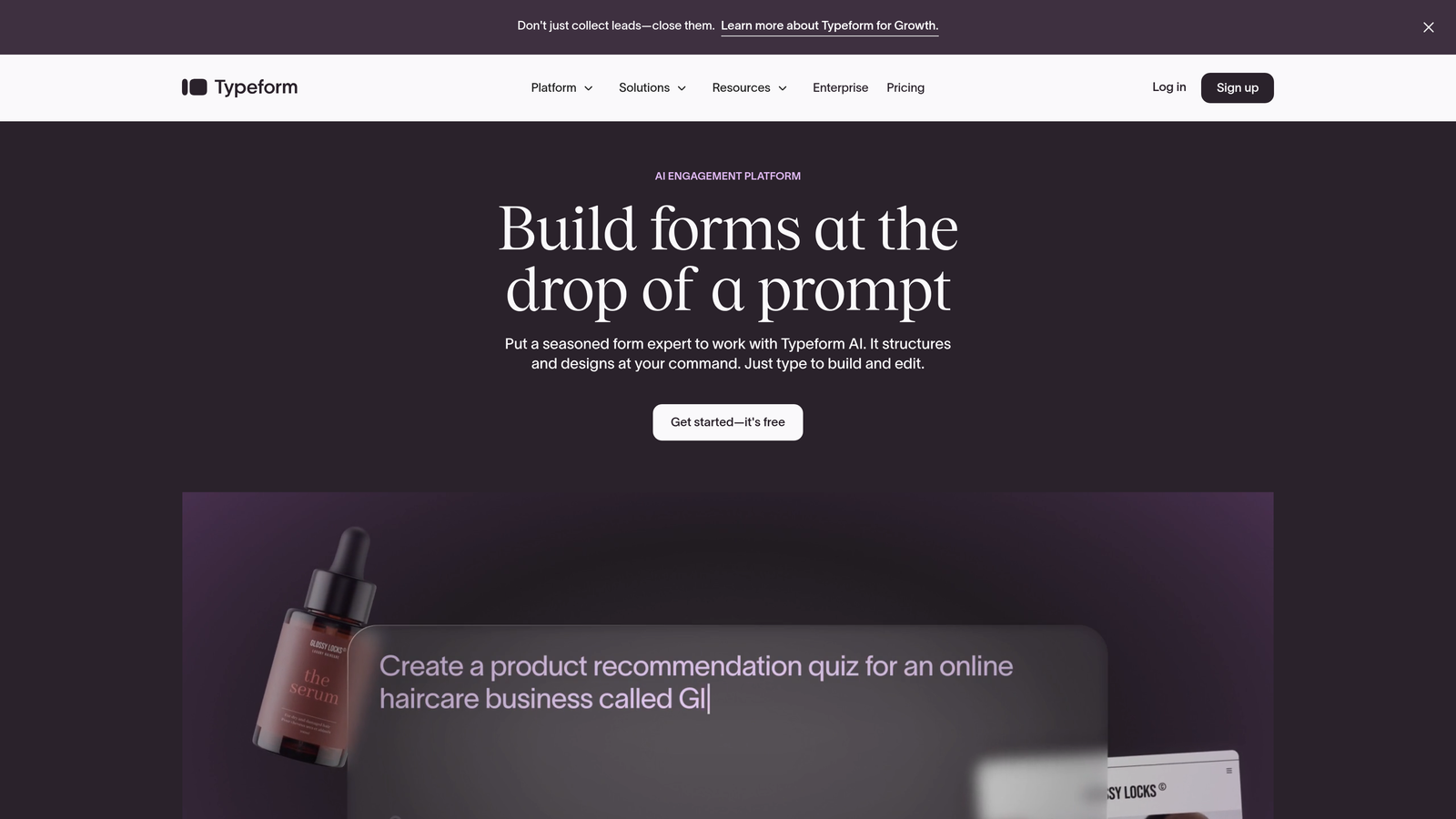
Typeform is a conversational form builder known for its one-question-at-a-time interface and design-forward approach.
Where This Tool Shines
Typeform revolutionized form design by presenting questions sequentially rather than all at once. This conversational approach feels less intimidating and often achieves higher completion rates for longer surveys or multi-step forms.
The platform excels at creating visually appealing experiences. With strong customization options for fonts, colors, backgrounds, and media embedding, Typeform makes it easy to create forms that match your brand aesthetic exactly.
Key Features
Conversational UI Design: One-question-at-a-time format creates a more engaging user experience than traditional forms.
Logic Jumps and Branching: Show different questions based on previous answers to create personalized form paths.
Strong Brand Customization: Extensive design controls let you match forms precisely to your brand guidelines.
Video and Image Embedding: Add rich media throughout forms to provide context or create more engaging questions.
Hidden Fields and Tracking: Pass URL parameters and track sources to understand where responses originate.
Best For
Typeform works well for customer feedback surveys, event registrations, and any scenario where form aesthetics and completion rates matter significantly. Marketing teams and customer success departments often find the conversational approach reduces survey fatigue.
Pricing
Typeform offers a free tier with basic functionality and 10 monthly responses. Paid plans start around $25-29 per month and scale based on response limits—typically 100, 1,000, or unlimited responses depending on the tier. The pricing can become expensive at scale since you're charged per response rather than a flat rate.
3. JotForm
Best for: Teams needing extensive templates and generous free tier options
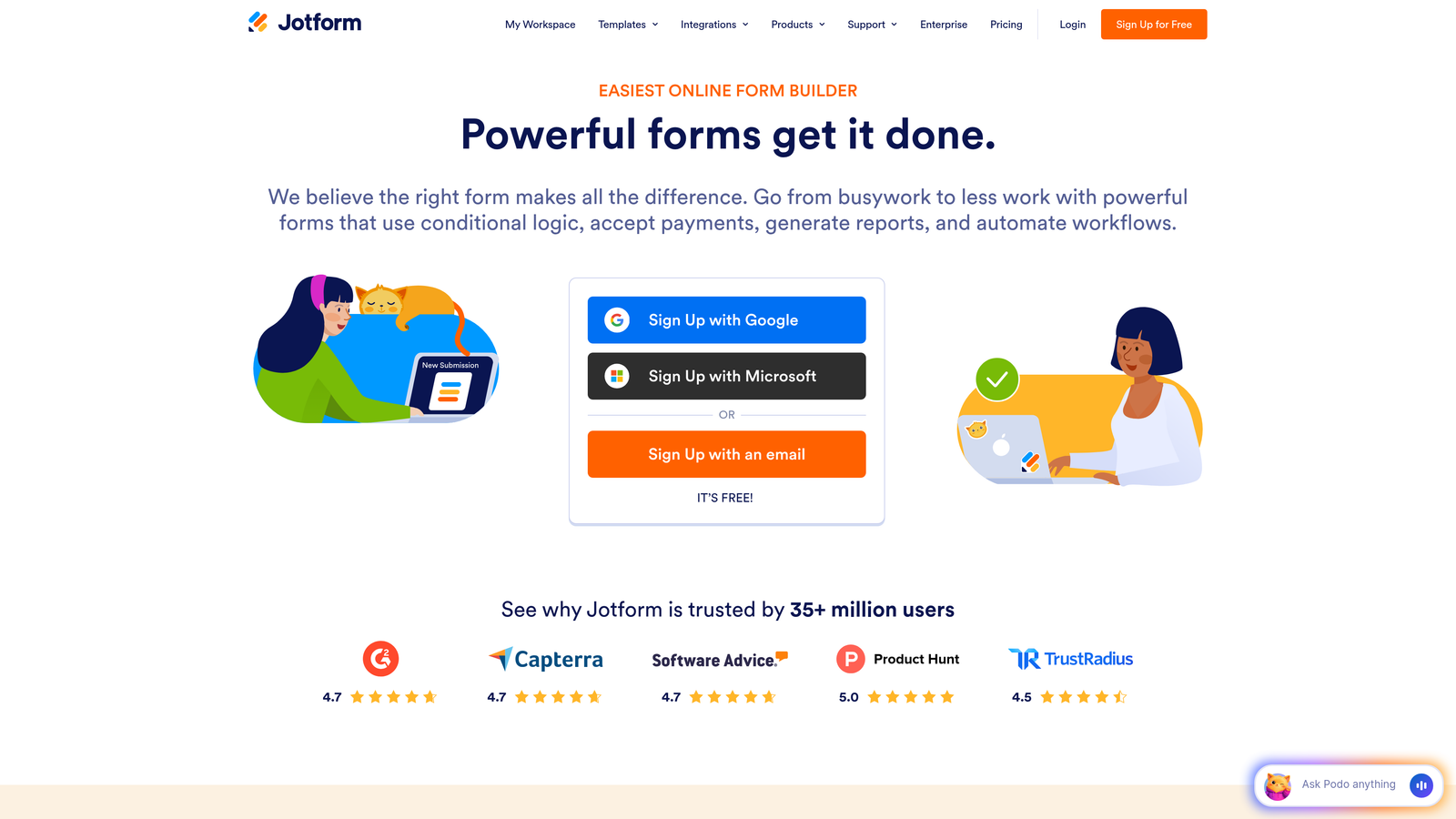
JotForm is a feature-rich form builder with an extensive template library and flexible pricing for different use cases.
Where This Tool Shines
JotForm's template library contains over 10,000 pre-built forms covering virtually every use case imaginable. Whether you need a rental application, event registration, order form, or feedback survey, there's likely a template ready to customize rather than building from scratch.
The platform also offers exceptional flexibility in how you use forms. Beyond standard web forms, JotForm supports PDF form creation, mobile app building, and table-based data collection—all within the same platform.
Key Features
10,000+ Templates: Massive library covering every industry and use case reduces time spent building forms from scratch.
PDF Form Creation: Convert submissions into formatted PDF documents automatically for contracts, applications, or records.
Mobile App Builder: Create standalone mobile apps for data collection without coding knowledge.
Payment Integrations: Accept payments through 30+ payment processors including PayPal, Stripe, and Square.
Conditional Logic: Show or hide fields based on user responses to create dynamic, personalized forms.
Best For
JotForm suits small businesses, nonprofits, and teams with diverse form needs who benefit from the template variety. Organizations that need PDF generation or offline data collection find particular value in the extended capabilities beyond basic forms.
Pricing
The free tier allows 5 forms with 100 monthly submissions and 100MB storage. Paid plans start around $34 per month for Bronze (25 forms, 1,000 submissions), scaling to Silver and Gold tiers with higher limits. Storage caps can become restrictive if your forms collect file uploads frequently.
4. Google Forms
Best for: Simple forms with zero budget and Google Workspace integration
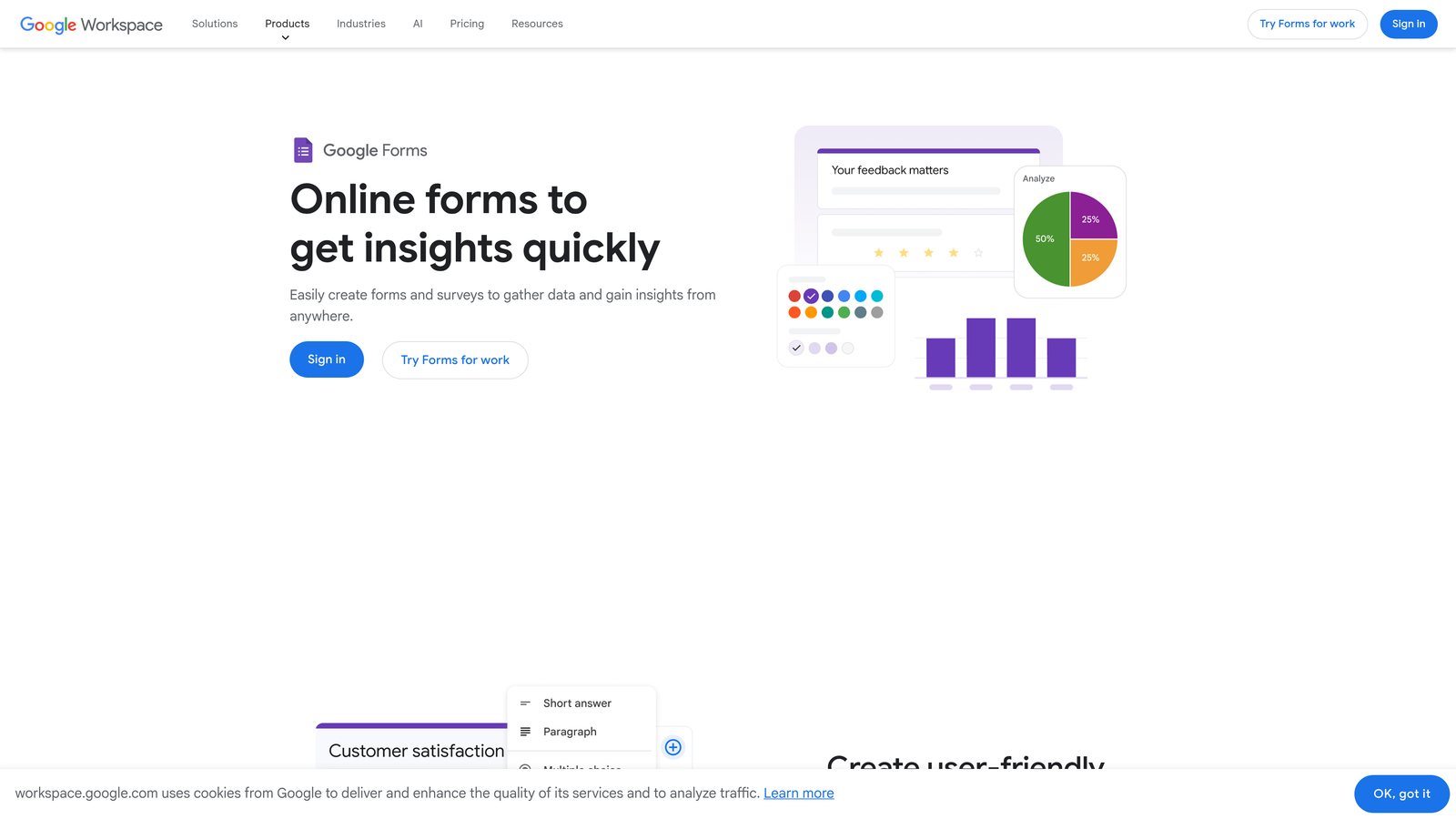
Google Forms is a free, straightforward form builder integrated with the Google Workspace ecosystem.
Where This Tool Shines
Google Forms delivers unbeatable value for basic form needs: it's completely free with no response limits, no feature gates, and no hidden charges. For teams already using Google Workspace, the integration with Sheets, Drive, and other Google tools creates a seamless workflow.
The real-time collaboration features mirror Google Docs—multiple team members can edit the same form simultaneously, see changes instantly, and leave comments for each other. This collaborative approach makes form building faster when working with stakeholders.
Key Features
Completely Free: No cost for unlimited forms, unlimited responses, and all core features with a Google account.
Google Sheets Integration: Responses automatically populate a connected spreadsheet for immediate analysis and manipulation.
Real-Time Collaboration: Multiple users can edit forms simultaneously with changes syncing instantly.
Basic Conditional Logic: Show or hide questions based on previous answers to create simple branching paths.
Quiz and Assessment Mode: Assign point values to answers for creating quizzes with automatic grading.
Best For
Google Forms works best for internal surveys, event RSVPs, simple feedback collection, and any scenario where basic functionality meets the need. Educational institutions and nonprofits with tight budgets find the zero-cost model particularly valuable.
Pricing
Entirely free with a Google account. Google Workspace plans (starting around $6 per user monthly) add business email addresses and administrative controls but don't change Forms functionality itself. There are no per-response charges or premium feature gates.
5. Formstack
Best for: Enterprise organizations requiring advanced compliance and workflow automation
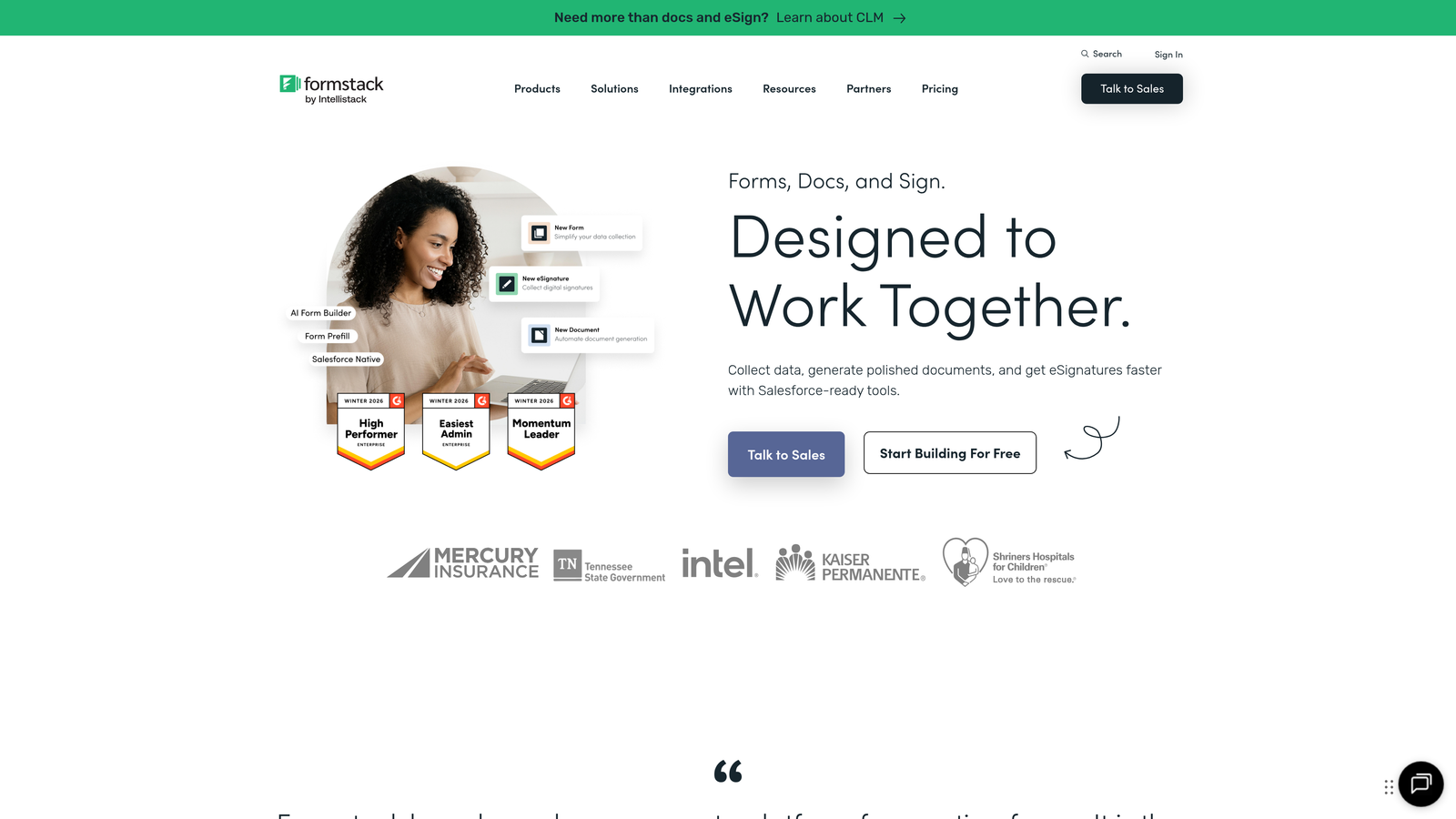
Formstack is an enterprise-grade form platform with advanced workflow automation and compliance features.
Where This Tool Shines
Formstack positions itself as the enterprise solution, particularly for organizations in regulated industries. The platform offers HIPAA-compliant form building, which is critical for healthcare providers, insurance companies, and other entities handling protected health information.
Beyond compliance, Formstack excels at complex workflow automation. The platform can generate documents from submissions, route approvals through multi-step processes, and trigger actions across dozens of integrated systems—all without custom development.
Key Features
Document Generation: Automatically create PDFs, contracts, or reports from form data using customizable templates.
Advanced Workflows: Build multi-step approval processes, conditional routing, and automated actions based on submission data.
HIPAA Compliance Options: Business Associate Agreements and encrypted data handling for healthcare organizations.
E-Signature Integration: Collect legally binding signatures directly within forms through DocuSign integration.
Salesforce Native Integration: Deep integration with Salesforce for seamless CRM data flow.
Best For
Formstack serves enterprise teams, healthcare organizations, financial services companies, and any business requiring audit trails, compliance certifications, or complex approval workflows. The platform makes sense when form data connects to mission-critical business processes.
Pricing
Pricing starts at a higher tier than consumer-focused tools, typically around $50-83 per month for basic plans. Enterprise features including HIPAA compliance, advanced workflows, and premium integrations require custom pricing quotes. The investment makes sense for organizations where compliance and automation justify the cost.
6. Paperform
Best for: Creating landing page-style forms without per-response pricing limits
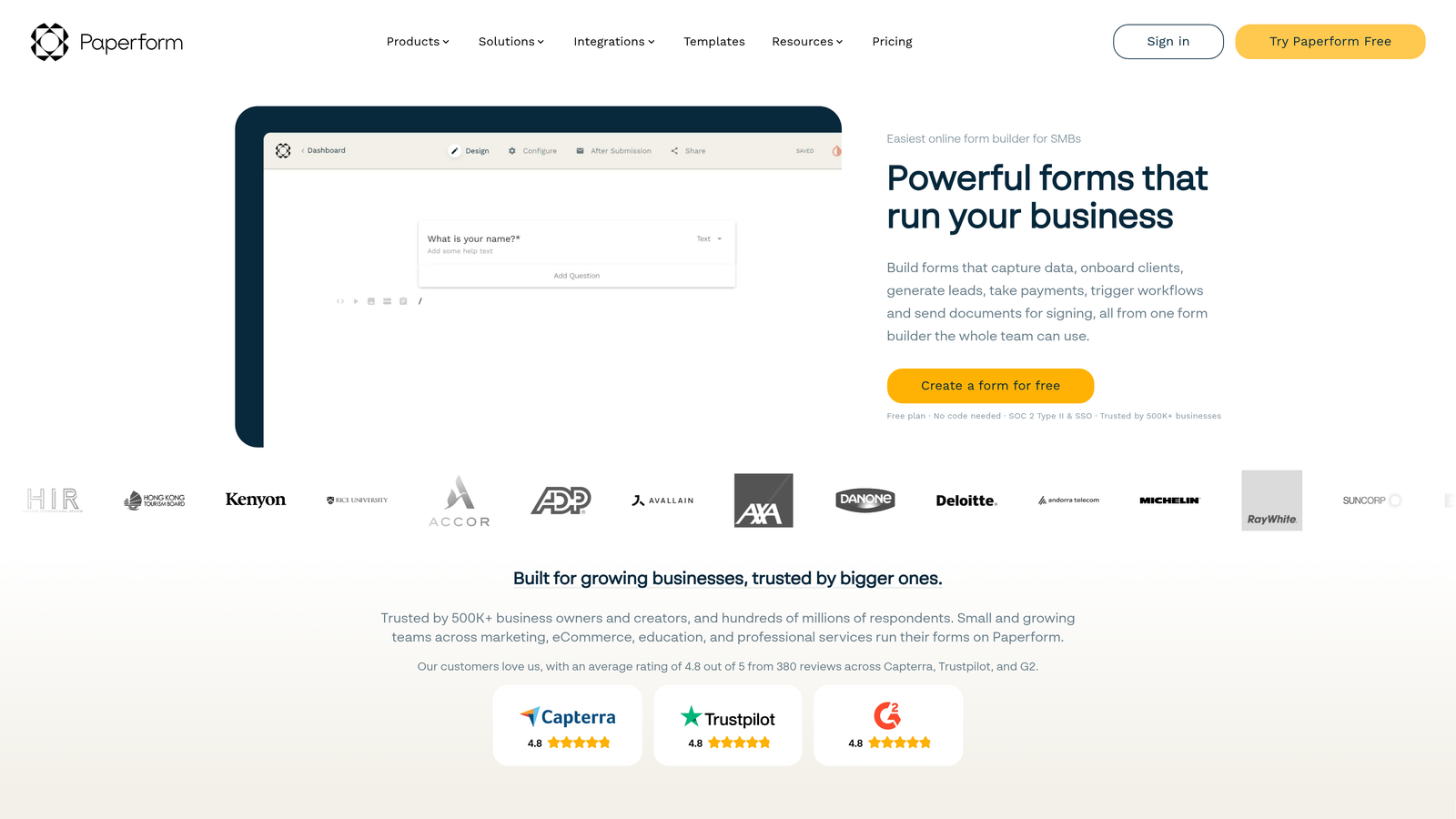
Paperform is a landing page-style form builder with built-in payment processing and unlimited responses on paid plans.
Where This Tool Shines
Paperform distinguishes itself with a unique pricing model: flat-rate plans with unlimited responses. While most competitors charge based on submission volume, Paperform lets you collect as many responses as needed without watching a usage meter tick upward.
The platform's landing page aesthetic sets it apart visually. Forms look less like traditional web forms and more like modern landing pages, with full-width images, embedded videos, and rich formatting that creates a premium feel.
Key Features
Landing Page Aesthetics: Forms look like professionally designed landing pages rather than traditional form layouts.
Unlimited Responses on Paid Plans: Flat-rate pricing eliminates per-response charges regardless of submission volume.
Built-In Payments: Native payment processing through Stripe and PayPal without third-party integration complexity.
Appointment Scheduling: Embedded calendar booking functionality for service businesses and consultants.
Product Selling: Create order forms with product catalogs, inventory management, and checkout flows.
Best For
Paperform works well for service businesses, consultants, course creators, and anyone selling products or appointments through forms. The unlimited response model particularly benefits high-traffic scenarios like event registrations or viral campaigns where submission volume is unpredictable.
Pricing
Plans start around $20-24 per month for the Essentials tier with unlimited forms and responses. The Pro tier (approximately $40-49 monthly) adds advanced features like calculations, hidden fields, and priority support. No per-response charges means predictable costs regardless of growth.
7. Cognito Forms
Best for: Forms requiring advanced calculations, payment processing, and repeating sections
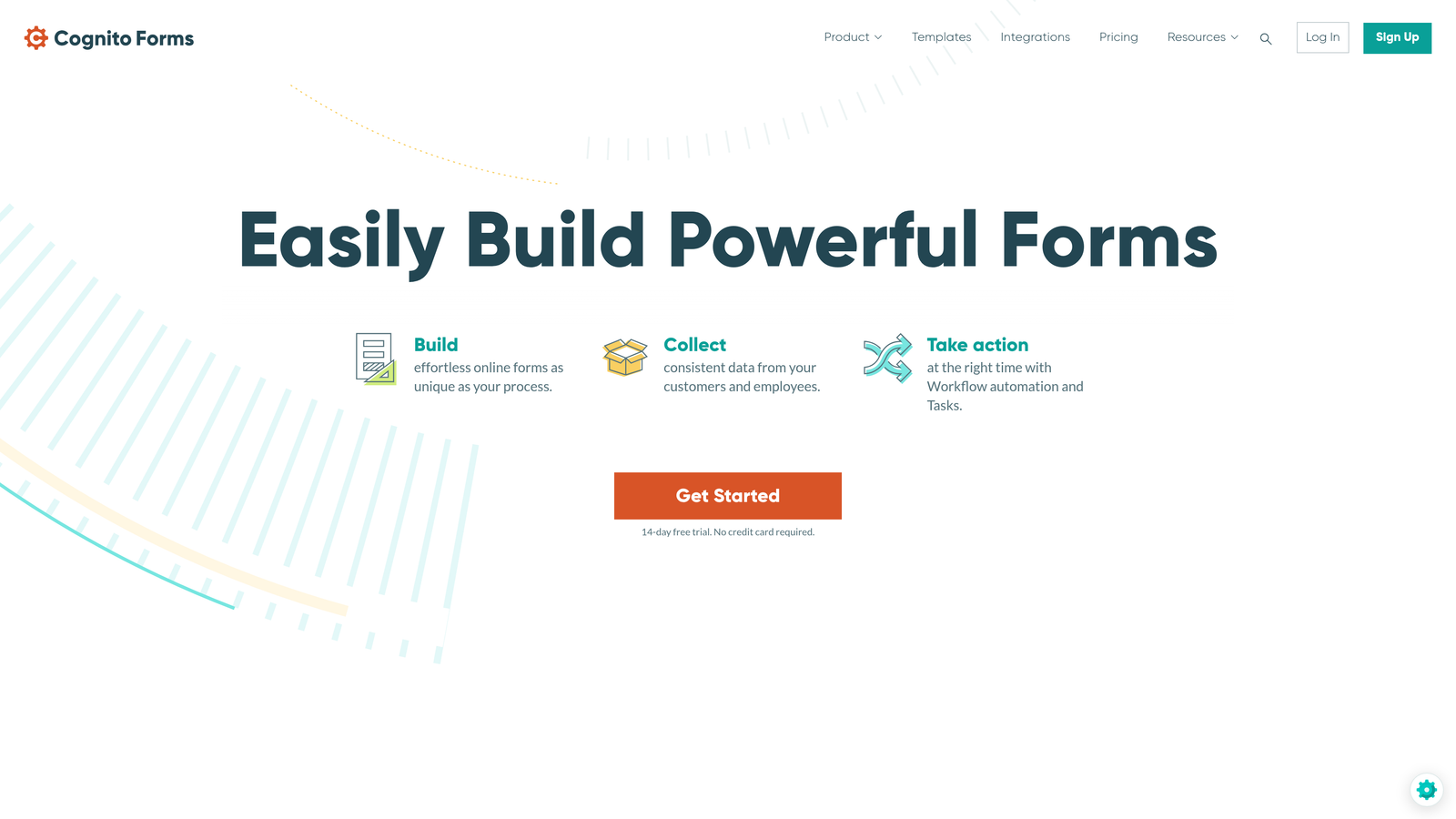
Cognito Forms is a form builder specializing in payment collection, calculations, and repeating sections.
Where This Tool Shines
Cognito Forms excels at mathematical operations within forms. The platform handles complex calculations—think order totals, tax computations, conditional pricing, or financial applications—with a calculation engine that rivals spreadsheet capabilities.
The repeating sections feature solves a common form problem: collecting variable amounts of the same information. Whether you need users to add multiple attendees, list several references, or itemize expenses, Cognito Forms lets them add or remove sections dynamically.
Key Features
Advanced Calculations: Perform complex math operations, conditional calculations, and formula-based field values within forms.
Payment Processing: Accept credit card payments through Stripe or PayPal with automatic receipt generation.
Repeating Sections: Let users add multiple instances of grouped fields for scenarios like event registration with multiple attendees.
Workflow Automation: Set up approval processes, email notifications, and conditional actions based on submission data.
Document Merging: Generate customized PDFs from templates populated with form data.
Best For
Cognito Forms suits organizations needing order forms, registration forms with complex pricing, application processes, or any scenario where calculations determine outcomes. Schools, event organizers, and membership organizations find particular value in the repeating sections capability.
Pricing
The free tier is notably generous—unlimited forms with 500 monthly entries and basic features. Paid plans start around $15 per month for Pro (2,000 entries) and scale to Team plans around $35-99 monthly with higher limits and advanced features. The pricing remains affordable even at higher tiers compared to enterprise competitors.
8. Wufoo
Best for: Straightforward form building without complexity or learning curve
Wufoo is an established form builder offering simple functionality without overwhelming features.
Where This Tool Shines
Wufoo built its reputation on simplicity. The interface prioritizes ease of use over advanced capabilities, making it accessible for users who need functional forms quickly without investing time in learning complex features.
As one of the earlier form builders (acquired by SurveyMonkey), Wufoo maintains a stable, reliable platform. It doesn't chase every new feature trend, which appeals to teams wanting consistency rather than constant interface changes.
Key Features
Simple Interface: Straightforward drag-and-drop builder focuses on core functionality without feature bloat.
Basic Reporting: View submission summaries, generate simple charts, and export data to common formats.
Payment Collection: Accept payments through Stripe, PayPal, or Authorize.net with basic e-commerce capabilities.
File Uploads: Allow users to attach documents, images, or other files to submissions.
Email Notifications: Send automatic confirmations to users and alerts to administrators when forms are submitted.
Best For
Wufoo works well for small businesses, solopreneurs, and teams needing basic contact forms, simple surveys, or straightforward data collection. The platform suits users who value simplicity over advanced features and prefer a tool that stays out of the way.
Pricing
Wufoo offers a free tier with basic features and 5 forms. Paid plans start around $14-19 monthly for Starter (10 forms, 100 entries), scaling to Professional tiers around $29-74 monthly with higher limits. The pricing sits in the mid-range—not the cheapest but not enterprise-level expensive.
9. 123FormBuilder
Best for: Industry-specific templates and HIPAA-compliant form requirements
123FormBuilder is a form builder with strong compliance features and industry-specific templates.
Where This Tool Shines
123FormBuilder emphasizes industry-specific solutions with templates designed for healthcare, education, real estate, hospitality, and other verticals. Rather than generic contact forms, you'll find HIPAA intake forms, real estate applications, or hotel booking forms ready to deploy.
The platform takes compliance seriously, offering HIPAA-compliant plans with Business Associate Agreements, encrypted data storage, and audit trails. This makes it a viable option for healthcare providers, insurance companies, and other regulated industries.
Key Features
HIPAA Compliance: Business Associate Agreements, encrypted data handling, and compliant infrastructure for healthcare organizations.
Industry Templates: Pre-built forms designed for specific industries reduce customization time.
Workflow Automation: Set up approval processes, conditional notifications, and automated actions based on form data.
Multi-Page Forms: Split long forms across multiple pages to reduce abandonment and improve user experience.
White Label Options: Remove 123FormBuilder branding and use custom domains on higher-tier plans.
Best For
123FormBuilder serves healthcare organizations, educational institutions, real estate agencies, and businesses in regulated industries requiring compliance certifications. The industry templates provide value for teams wanting pre-configured solutions rather than building from scratch.
Pricing
Free tier available with basic features and 5 forms. Paid plans start around $24-37 monthly for Gold tier (25 forms, 1,000 submissions), scaling to Platinum and Diamond tiers with higher limits. HIPAA compliance features require higher-tier plans with custom pricing, typically starting around $99+ monthly.
Making the Right Choice
The right form software depends less on the sticker price and more on how pricing scales with your actual usage. Think about your submission volume, team size, and must-have features before comparing plans.
For teams prioritizing lead quality and AI-powered qualification, Orbit AI delivers conversion-focused value that goes beyond basic form building. The platform makes sense when you need forms that don't just collect data but actively improve your sales pipeline. Start building free forms today and see how intelligent form design can elevate your conversion strategy.
Budget-conscious teams with simple needs may find Google Forms or JotForm's free tier sufficient. Google Forms works particularly well if you're already in the Google ecosystem and need basic surveys or event registrations without spending anything.
Mid-market teams benefit from Paperform's flat-rate unlimited model if you expect high submission volume, or Cognito Forms if you need advanced calculations and repeating sections at affordable pricing. Both eliminate the anxiety of watching usage meters climb.
Enterprise organizations requiring compliance should evaluate Formstack or 123FormBuilder's HIPAA options. The higher price point makes sense when regulatory requirements aren't optional, and the compliance features justify the investment.
Calculate your expected monthly submissions, count your team members, and list your must-have integrations before committing. The cheapest plan rarely stays cheapest as you grow—look at the tier you'll actually need at scale, not just the entry-level pricing. Consider whether you're charged per response, per form, per user, or a flat rate, because that pricing model determines your long-term costs more than the initial monthly fee.


