If you're running HubSpot as your CRM, the form tool you connect to it can make or break your lead pipeline. Native HubSpot forms work, but they're not always the most flexible, conversion-optimized, or AI-ready option for high-growth teams. The right integration tool lets you capture leads in beautiful, intelligent forms while syncing every submission directly into HubSpot contacts, workflows, and pipelines — without manual data entry or messy workarounds.
This list covers the best tools that integrate with HubSpot for form-based lead capture and qualification. We evaluated each on integration depth, ease of setup, form design quality, lead qualification capabilities, and overall value for SaaS and growth-focused teams. Whether you need AI-powered qualification, multi-step form logic, or enterprise-grade routing, there's an option here for you.
1. Orbit AI
Best for: SaaS and demand gen teams that want AI-qualified, scored leads entering HubSpot automatically.
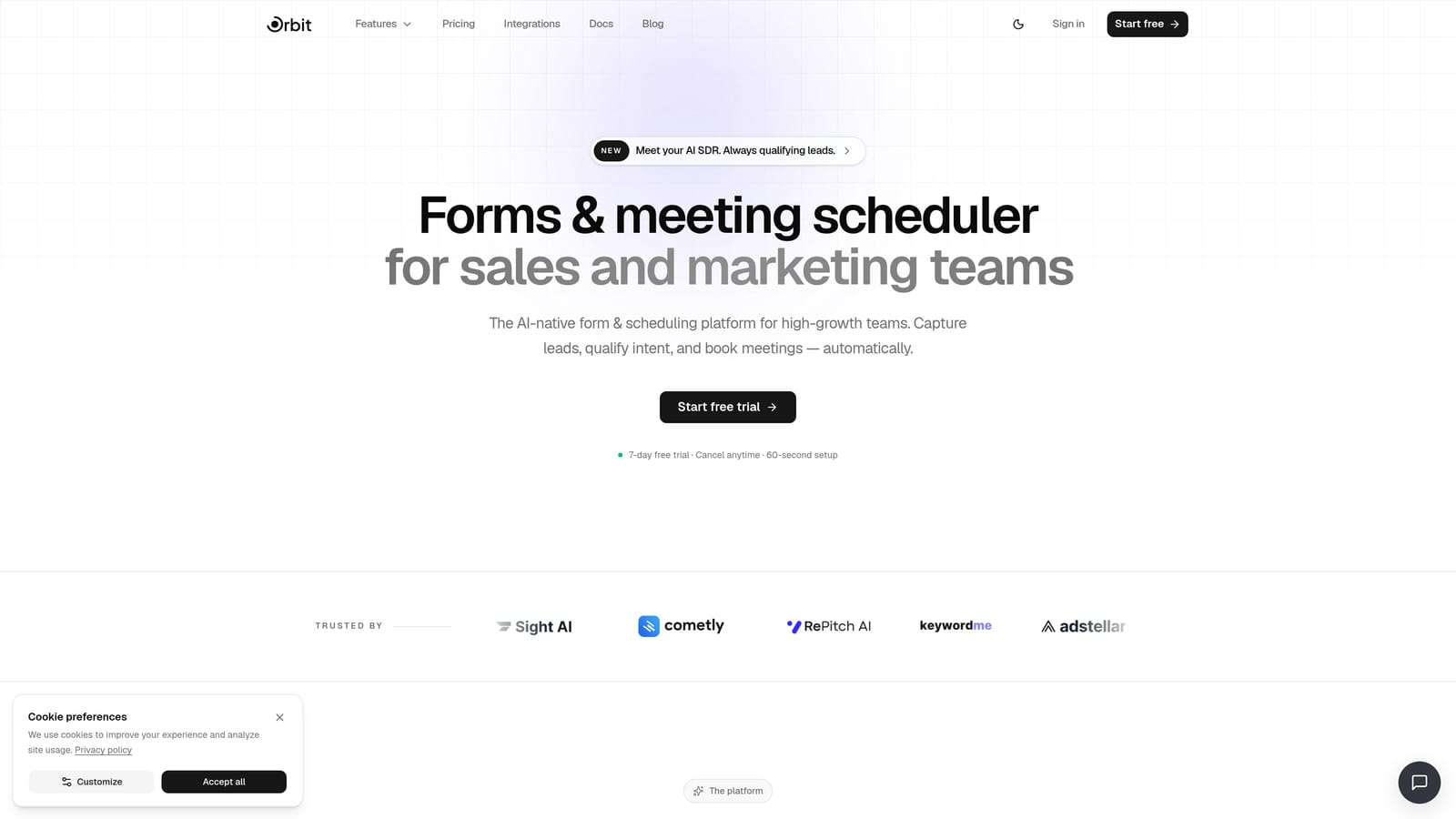
Orbit AI is an AI-powered form builder with built-in lead qualification agents and direct HubSpot sync, designed for high-growth teams that need cleaner data in their CRM from the start.
Where This Tool Shines
Most form tools are passive collectors. Orbit AI is different because qualification happens at the point of submission, before the lead ever reaches HubSpot. That means your CRM receives scored, enriched contact data rather than raw form fills that your sales team has to manually evaluate.
For SaaS teams running demand gen, this changes the entire pipeline dynamic. Instead of triaging every inbound lead, your workflows can fire immediately based on qualification scores, routing high-intent prospects to sales and low-intent ones to nurture sequences without anyone lifting a finger.
Key Features
AI Lead Qualification Agents: Built-in AI agents assess and score leads at the moment of form submission, before data enters HubSpot.
Direct HubSpot Sync: Contacts, custom properties, and workflow triggers all sync natively — no middleware required.
Conversion-Optimized Form Design: Modern, visually polished forms with conditional logic built in from the ground up.
Lead Scoring and Routing: Automatically route leads to the right owner or workflow based on qualification criteria you define.
Built for SaaS Teams: The product is purpose-built for demand gen and growth use cases, not adapted from a generic form tool.
Best For
High-growth SaaS companies, demand gen marketers, and revenue teams that want HubSpot to receive pre-qualified, scored leads rather than raw submissions. Especially valuable for teams with high inbound volume where manual lead triage creates bottlenecks.
Pricing
See orbitforms.ai/pricing for current plans. A free starting option is available.
2. Typeform
Best for: Marketing teams that prioritize form aesthetics and conversational UX over speed.
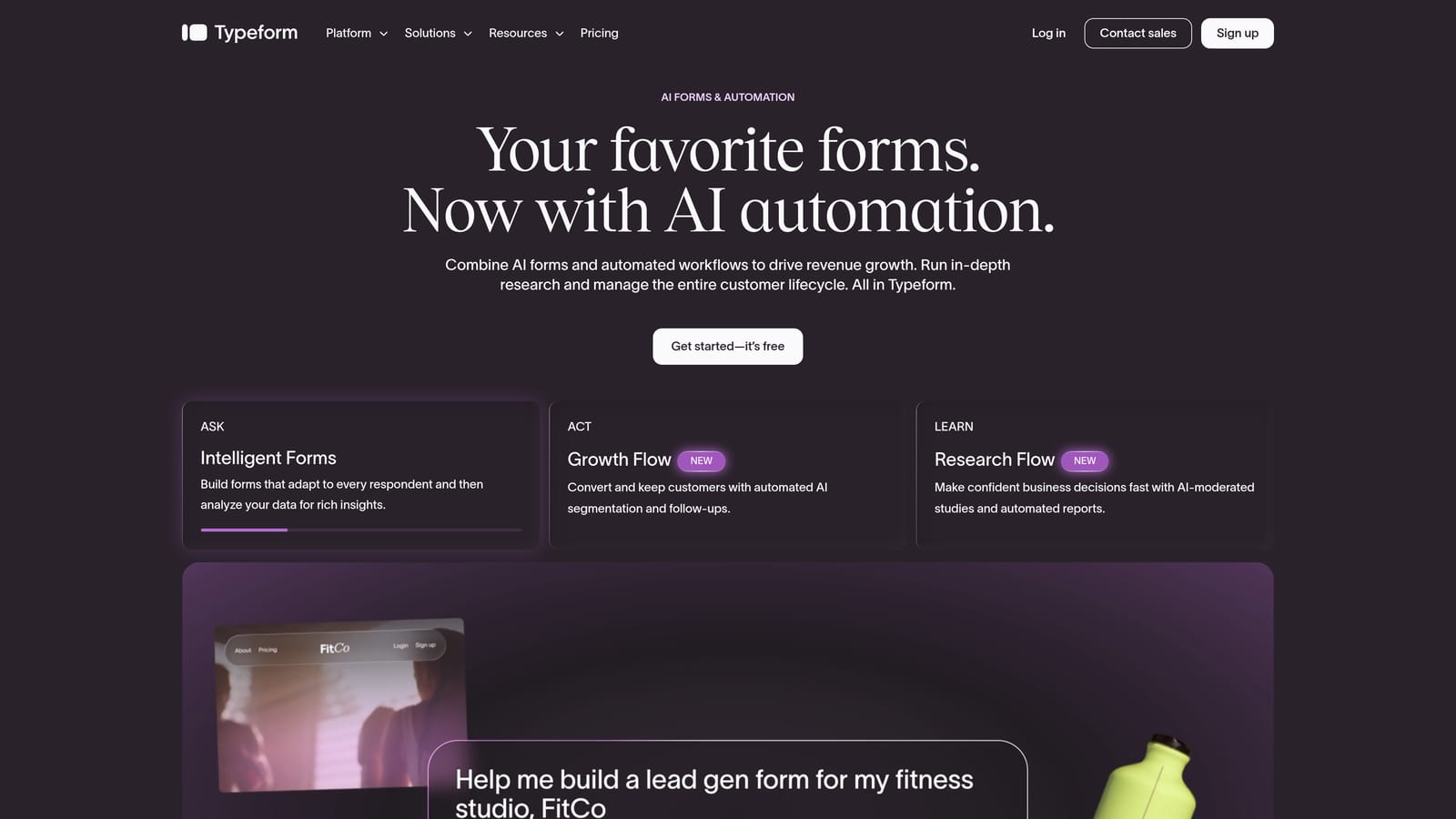
Typeform is a conversational form builder known for its one-question-at-a-time format, high completion rates, and strong visual branding.
Where This Tool Shines
Typeform's signature format makes forms feel less like a data collection exercise and more like a conversation. For brand-conscious teams running surveys, onboarding flows, or top-of-funnel qualification, this format tends to drive higher engagement than traditional multi-field forms.
The native HubSpot integration on paid plans allows you to map Typeform fields directly to HubSpot contact properties, which keeps your setup relatively clean. Logic jumps let you branch the experience based on previous answers, giving you a lightweight qualification layer without code.
Key Features
Conversational UX: One-question-at-a-time format reduces friction and typically improves completion rates versus wall-of-fields forms.
Native HubSpot Integration: Available on paid plans, with direct field mapping to HubSpot contact properties.
Logic Jumps: Conditional branching lets you personalize the form path based on earlier answers.
Embed Options: Flexible embedding as a popup, slider, or full-page form.
Best For
Design-forward marketing teams, brand agencies, and anyone running surveys or top-of-funnel forms where completion rate and aesthetic matter more than speed. Less suited for high-volume B2B qualification where users want to scan and submit quickly.
Pricing
Free plan available. Paid plans start at approximately $25/month — verify current pricing at typeform.com.
3. Gravity Forms
Best for: WordPress sites using HubSpot as their CRM for lead management.
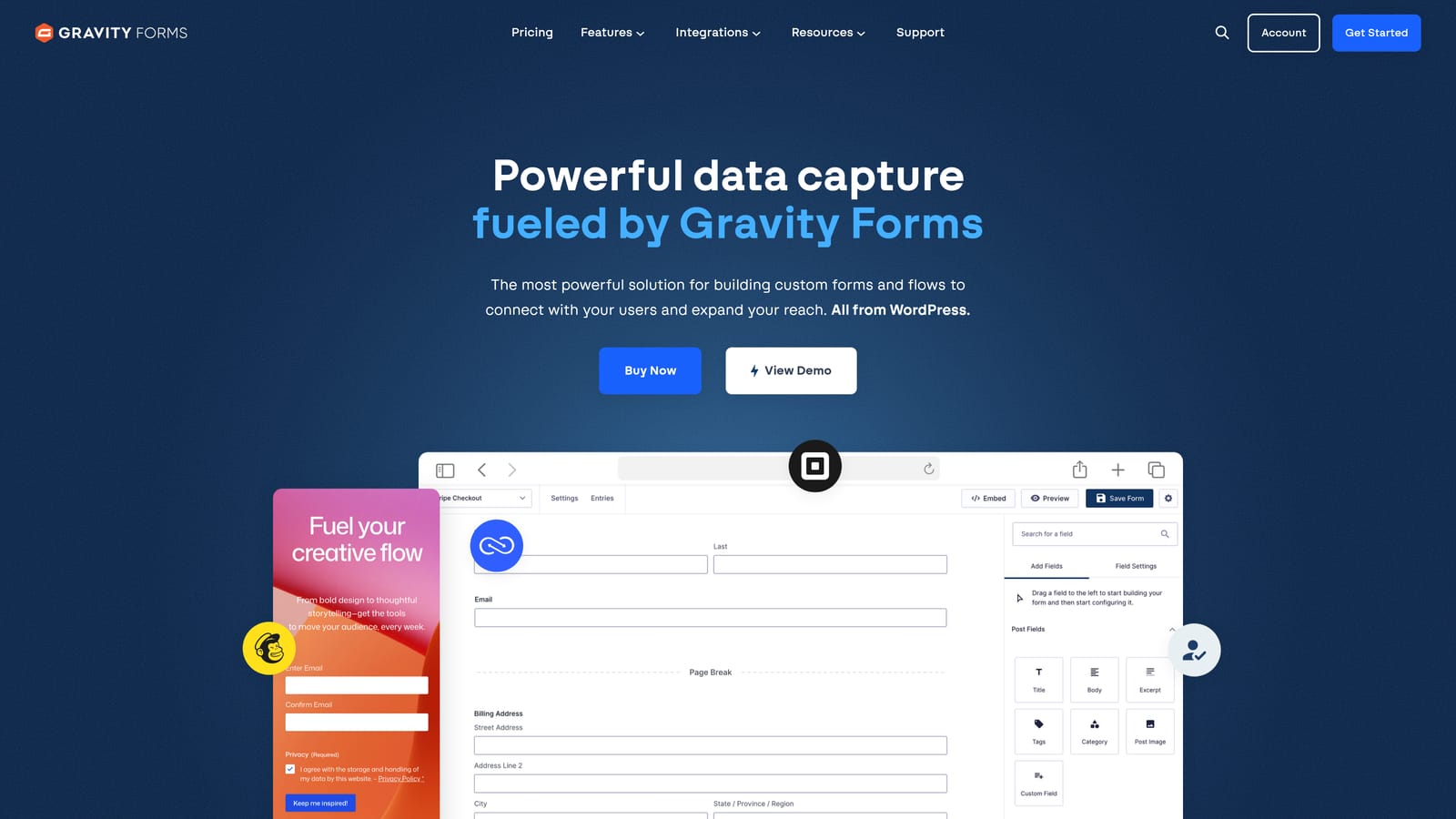
Gravity Forms is the leading WordPress form plugin, with a dedicated HubSpot add-on that syncs submissions to contacts and triggers workflows.
Where This Tool Shines
If your marketing site runs on WordPress, Gravity Forms is the gold standard for form functionality. Its add-on ecosystem is extensive, covering payments, file uploads, conditional logic, user registration, and more. The HubSpot add-on brings CRM sync into that ecosystem without requiring you to leave the WordPress environment.
For content-heavy WordPress sites that use HubSpot for lead management, this combination is a natural fit. You get the flexibility of a mature plugin ecosystem with the CRM power of HubSpot behind it.
Key Features
Deep WordPress Integration: Built natively for WordPress with access to a rich library of add-ons and developer extensions.
HubSpot Add-On: Syncs form submissions to HubSpot contacts with field mapping and workflow trigger support.
Conditional Logic: Show or hide fields based on previous answers to create dynamic form experiences.
Payment and File Fields: Accept payments, collect file uploads, and handle complex form requirements out of the box.
Best For
WordPress-based marketing teams and agencies that need a powerful, extensible form tool with HubSpot CRM sync. Not relevant for teams not on WordPress — this is a platform-specific solution.
Pricing
Annual license starting around $59/year; the HubSpot add-on may require a higher-tier license. Verify current pricing at gravityforms.com.
4. Zapier
Best for: Teams bridging a preferred form tool to HubSpot when a native integration doesn't exist.
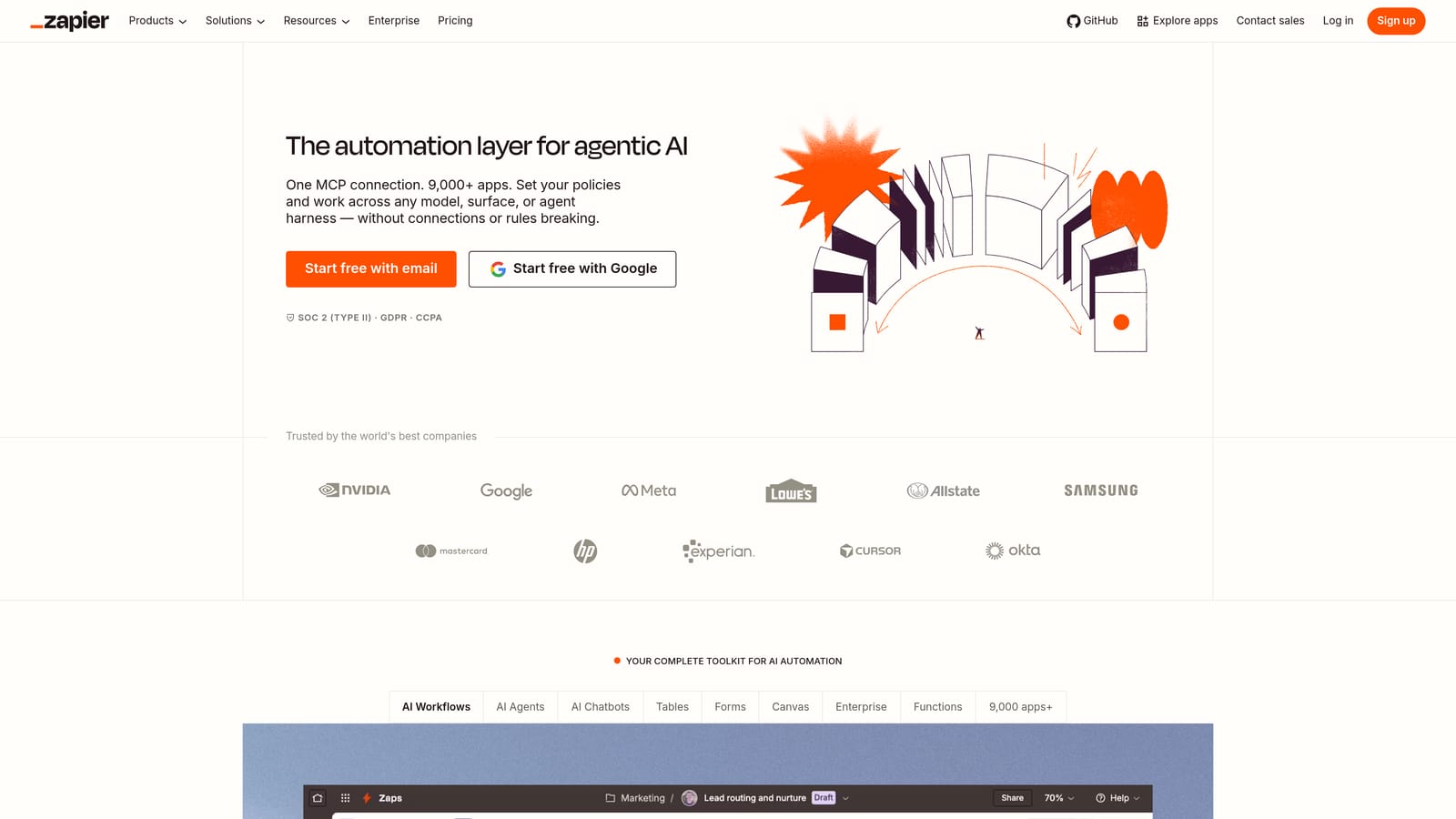
Zapier is a workflow automation platform that connects virtually any form builder to HubSpot, making it useful as a middleware layer rather than a form tool in its own right.
Where This Tool Shines
Zapier's strength is its breadth. If you're already using a form tool you love but it lacks a native HubSpot connector, Zapier can fill that gap. It supports connections from thousands of apps, including most major form builders, and lets you route submissions to HubSpot contacts, update deal records, or trigger sequences through a no-code workflow builder.
Multi-step Zaps also allow for basic data transformation along the way, so you can clean or reformat submission data before it reaches HubSpot. That said, it does add a layer of complexity and potential failure points that native integrations avoid.
Key Features
5,000+ App Connections: Connects most form builders to HubSpot without requiring native integrations.
No-Code Workflow Builder: Build form-to-CRM routing logic visually without writing a line of code.
Multi-Step Zaps: Chain multiple actions together, including data transformation and conditional routing.
Free Tier: Available for simple, low-volume use cases before committing to a paid plan.
Best For
Teams with an existing form tool that lacks a direct HubSpot integration, or those who need a quick bridge while evaluating a longer-term solution. Not ideal as a permanent architecture for high-volume lead capture.
Pricing
Free plan available with limited Zaps. Paid plans start at approximately $19.99/month — verify current pricing at zapier.com.
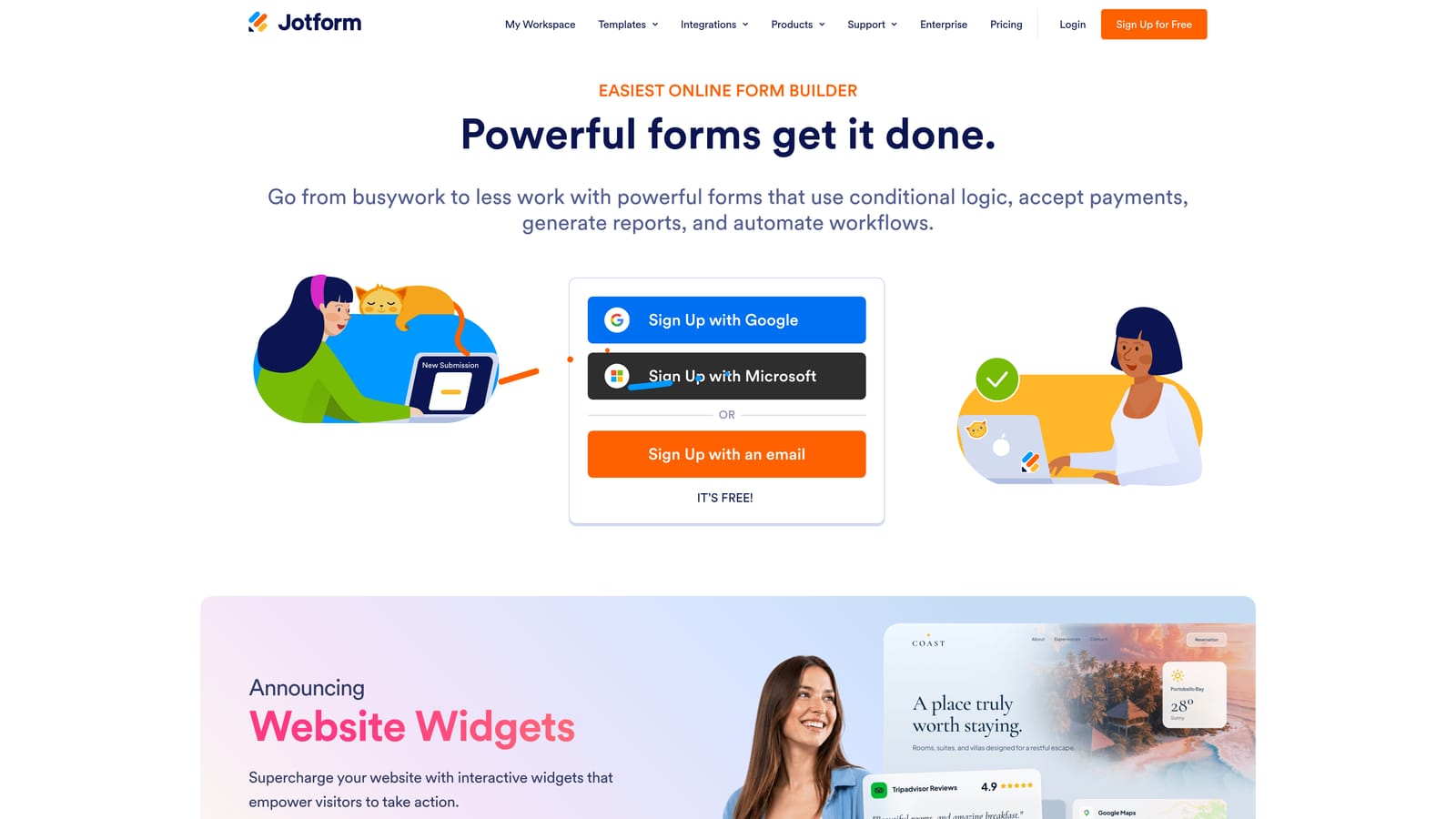
5. Jotform
Best for: Non-technical teams that need fast form deployment with HubSpot sync and a large template library.
Jotform is a template-rich form builder with a direct HubSpot integration, widely used by teams that prioritize speed of setup over design sophistication.
Where This Tool Shines
Jotform's library of thousands of pre-built templates makes it one of the fastest tools to go from zero to live form. For non-technical marketers or small teams without a dedicated web developer, that speed is genuinely valuable. The native HubSpot integration handles contact field mapping without requiring middleware.
Beyond basic forms, Jotform supports conditional logic, payment collection, e-signatures, and even HIPAA-compliant forms on higher-tier plans, making it a versatile option for teams with varied form use cases.
Key Features
Thousands of Templates: Extensive pre-built template library for near-instant form deployment across industries and use cases.
Native HubSpot Integration: Direct field mapping to HubSpot contact properties without middleware.
Conditional Logic: Show or hide fields dynamically based on user responses.
Payment and E-Signature Support: Collect payments and gather legally binding signatures within the same form.
HIPAA Compliance: Available on higher-tier plans for regulated industries.
Best For
Small to mid-size teams, non-technical marketers, and anyone who needs a wide variety of form types deployed quickly. Design customization can feel dated compared to newer tools, making it less ideal for conversion-focused landing pages.
Pricing
Free plan available. Paid plans start at approximately $34/month — verify current pricing at jotform.com.
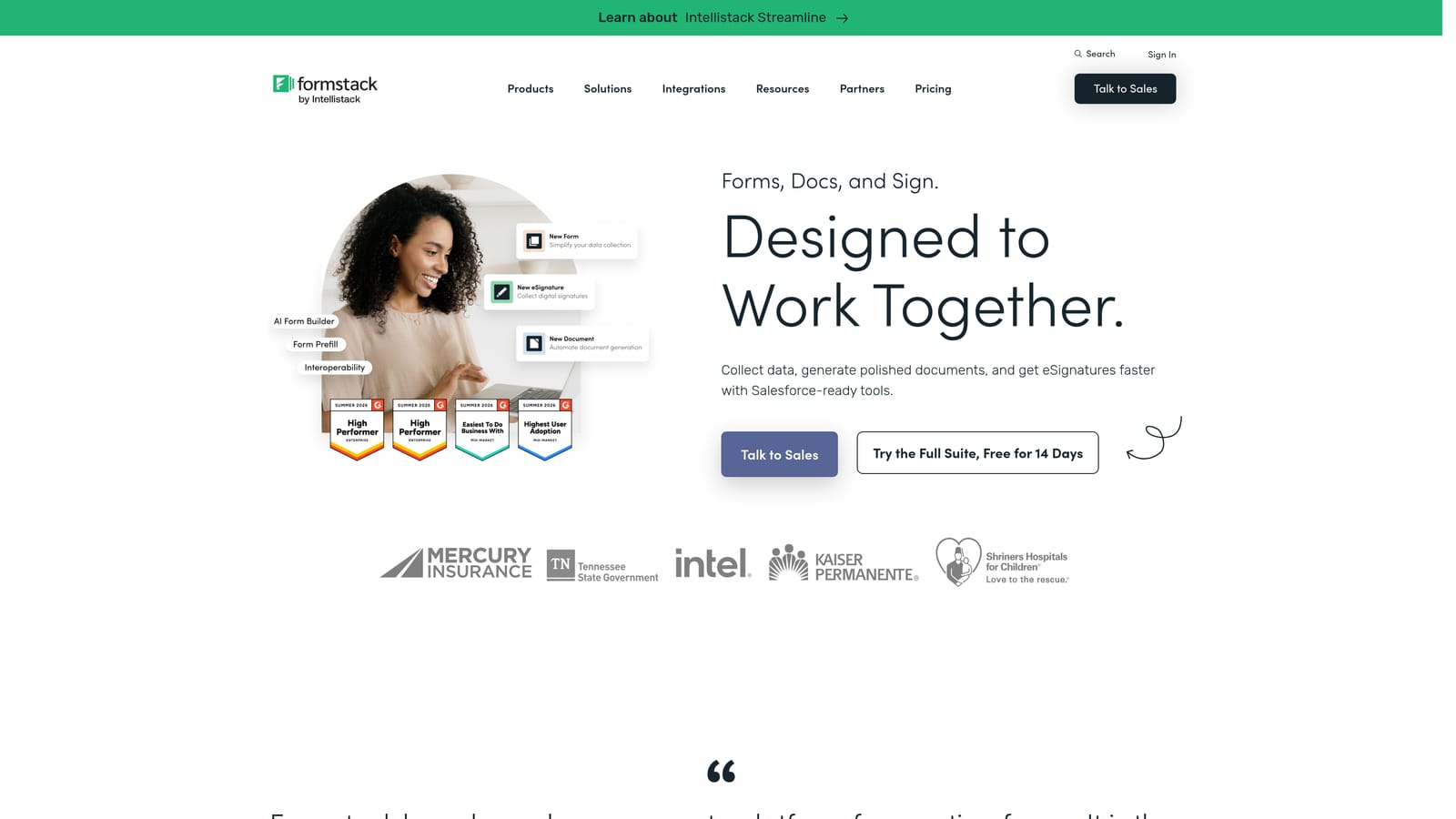
6. Formstack
Best for: Enterprise teams in regulated industries that need HIPAA-compliant forms with HubSpot integration.
Formstack is an enterprise form and document workflow platform with a native HubSpot connector, built for organizations where compliance and audit trails are non-negotiable.
Where This Tool Shines
Formstack goes well beyond form collection. It supports complex approval workflows, document generation, and enterprise-grade security features that smaller tools simply don't offer. For healthcare, financial services, or legal teams that also use HubSpot, this combination covers both compliance and CRM requirements under one vendor relationship.
The native HubSpot connector handles contact creation and workflow triggers, meaning form submissions flow into your CRM with the same reliability you'd expect from a purpose-built integration rather than a middleware workaround.
Key Features
HIPAA Compliance: Purpose-built for regulated industries that require compliant data collection and storage.
Native HubSpot Connector: Syncs form submissions to HubSpot contacts and triggers workflows natively.
Document Generation: Create documents and contracts from form data within the same platform.
Approval Workflows: Route form submissions through multi-step approval processes before data is actioned.
Enterprise Security: Audit trails, access controls, and enterprise-grade security configurations.
Best For
Enterprise organizations in healthcare, finance, or legal sectors that need compliance-grade forms with HubSpot CRM integration. Overkill for small teams or standard SaaS lead capture use cases where compliance requirements are minimal.
Pricing
Enterprise pricing with plans varying by feature set — verify current pricing at formstack.com.
7. Unbounce
Best for: Paid traffic teams that need conversion-optimized landing pages with embedded forms synced to HubSpot.
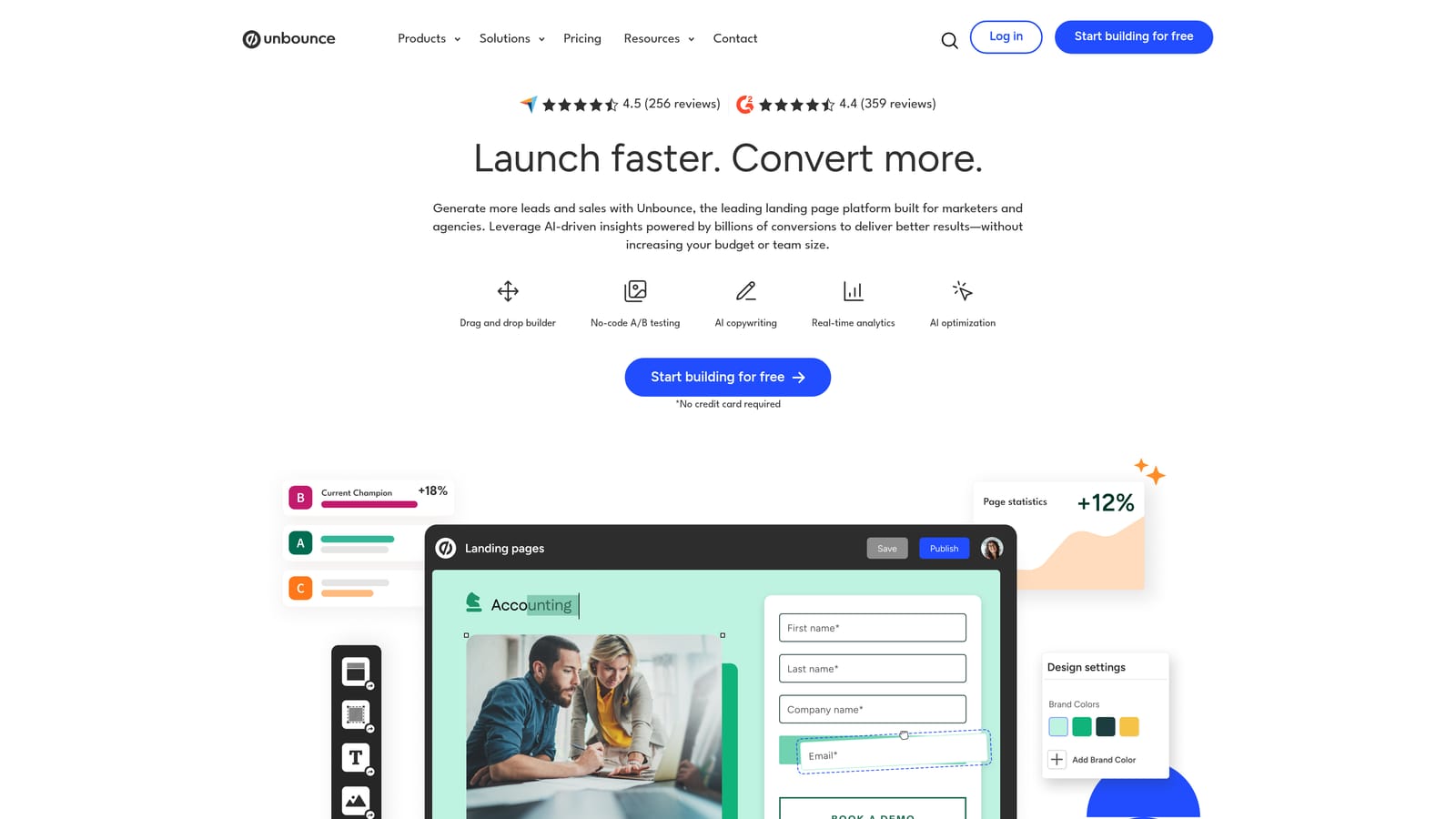
Unbounce is a landing page builder with embedded form capabilities and HubSpot integration, designed specifically for teams focused on maximizing conversion rates from paid campaigns.
Where This Tool Shines
Unbounce's Smart Traffic feature uses AI to automatically route visitors to the landing page variant most likely to convert for them, based on behavioral signals. Combined with built-in A/B testing and conversion analytics, it gives paid traffic teams a meaningful edge in optimizing cost per lead.
The HubSpot integration syncs form submissions from landing pages directly to HubSpot contacts, keeping your CRM updated without manual exports. It's worth noting that Unbounce is a landing page tool first — forms exist within the page context rather than as standalone embeddable elements.
Key Features
Smart Traffic AI: Automatically routes visitors to the highest-converting page variant based on behavioral data.
HubSpot Integration: Syncs landing page form submissions to HubSpot contacts and properties.
A/B Testing: Built-in split testing and conversion analytics for continuous optimization.
Drag-and-Drop Builder: Visual landing page builder with embedded form fields and flexible design controls.
Best For
Growth marketers and paid acquisition teams running campaigns where leads land on dedicated pages. Less suited for teams that need to embed forms across a website or blog without building full landing pages around them.
Pricing
Paid plans starting at approximately $99/month — verify current pricing at unbounce.com.
8. Paperform
Best for: Creative and boutique teams that want a flexible, editorial-style form design with HubSpot sync.
Paperform is a document-style form builder with a freeform design canvas and HubSpot integration, offering a more editorial aesthetic than traditional form tools.
Where This Tool Shines
Paperform's design approach is genuinely different. Instead of a rigid field-by-field layout, you build forms more like documents — mixing text, images, video, and form fields in a freeform canvas. This makes it particularly appealing for creative agencies, boutique brands, or any team where form design needs to match a strong visual identity.
The HubSpot integration handles contact sync, and conditional logic, calculator fields, and payment collection round out the feature set for teams with varied form requirements.
Key Features
Freeform Design Canvas: Editorial-style layout that mixes rich media and form fields freely, unlike traditional form builders.
HubSpot Integration: Syncs form submissions to HubSpot contacts with field mapping.
Conditional Logic and Calculators: Dynamic field display and built-in calculator fields for pricing or scoring use cases.
Payment Collection: Accept payments directly within forms without a separate checkout tool.
Best For
Creative teams, boutique agencies, and brands where form design needs to reflect a strong visual identity. The HubSpot integration may require some manual field mapping setup, and the ecosystem is smaller than more established tools.
Pricing
Plans starting at approximately $24/month — verify current pricing at paperform.co.
9. HubSpot Native Forms
Best for: Teams already on HubSpot that want zero-friction CRM sync without any third-party tools.
HubSpot Native Forms is the built-in form tool within HubSpot Marketing Hub, offering seamless CRM sync with no integration layer required.
Where This Tool Shines
When simplicity and reliability are the priority, HubSpot's own form tool is hard to argue with. Submissions go directly into HubSpot contacts with zero middleware, zero mapping errors, and zero additional cost if you're already on a HubSpot plan. Progressive profiling is a particularly useful feature: returning visitors see new fields rather than ones they've already filled out, which helps build richer contact profiles over time without overwhelming people upfront.
The honest trade-off is design flexibility. HubSpot forms are functional and reliable, but they're not optimized for conversion in the way dedicated form builders are. There's no AI qualification layer, and customization is constrained to HubSpot's design system.
Key Features
Zero-Friction CRM Sync: Submissions go directly into HubSpot contacts with no middleware or field mapping required.
Progressive Profiling: Returns visitors see new fields rather than repeated ones, gradually building richer contact profiles.
Multiple Form Types: Embedded, standalone page, and popup form formats available.
Included in HubSpot Plans: No additional cost if you're already paying for HubSpot Marketing Hub.
Best For
Teams already invested in HubSpot that want the simplest possible setup with guaranteed CRM reliability. Teams focused on conversion optimization, AI-powered qualification, or advanced design will quickly outgrow the native tool's capabilities.
Pricing
Included in HubSpot Marketing Hub plans. A free tier is available with HubSpot branding on forms.
Which Tool Is Right for Your Team?
The best HubSpot form integration tool depends entirely on what your team is optimizing for. Here's a quick guide to cut through the decision.
If you want AI-qualified leads entering HubSpot automatically: Orbit AI is the clear choice. It's the only tool on this list that qualifies and scores leads at the point of submission, so your CRM receives clean, actionable data rather than raw form fills your team has to triage manually.
If your site runs on WordPress: Gravity Forms with the HubSpot add-on is the natural fit. It's mature, extensible, and deeply embedded in the WordPress ecosystem.
If you're running paid campaigns with dedicated landing pages: Unbounce's Smart Traffic AI and built-in A/B testing make it the strongest option for paid acquisition teams focused on cost per lead.
If you need enterprise compliance: Formstack is purpose-built for regulated industries and covers HIPAA requirements that most form tools can't match.
If you want the simplest possible HubSpot experience: Native HubSpot Forms requires no integration at all. It's the right call for teams that prioritize reliability over design or qualification sophistication.
For SaaS and growth-focused teams, the market is moving toward form tools that don't just collect leads but qualify them in real time. Sending raw submissions into HubSpot and relying on your team to sort the good from the bad is an increasingly expensive use of time as inbound volume grows.
Transform your lead generation with AI-powered forms that qualify prospects automatically while delivering the modern, conversion-optimized experience your high-growth team needs. Book a demo and see how intelligent form design can elevate your conversion strategy.