When your team is evaluating form builders, the Tally vs Typeform features debate comes up fast — and for good reason. Both platforms have carved out loyal followings, but they serve fundamentally different use cases. Tally is known for its generous free tier and no-code simplicity, while Typeform built its reputation on conversational, one-question-at-a-time form experiences.
But here's the challenge: neither was purpose-built for high-growth teams that need forms to actually drive revenue. If your goal is lead generation, qualification, and conversion optimization — not just data collection — you need to evaluate these platforms against a higher standard.
This guide breaks down seven critical feature categories where Tally and Typeform diverge, so you can make a smarter decision for your team. And where both platforms fall short, we'll show you what a modern alternative like Orbit AI brings to the table. Whether you're scaling a SaaS product, running performance marketing campaigns, or building out an inbound lead engine, the right form builder can meaningfully impact your pipeline quality. Let's dig in.
1. Form Design and User Experience
The Challenge It Solves
Form design isn't just about aesthetics. The structure and flow of your form directly affects whether someone completes it or abandons it halfway through. Choosing the wrong design philosophy for your audience can quietly drain your conversion rate without you ever knowing why.
The Strategy Explained
Typeform's defining feature is its conversational interface: one question at a time, presented in a clean, immersive layout. This approach reduces cognitive load and creates a more guided experience, which tends to work well for longer forms where respondents might otherwise feel overwhelmed by a wall of fields.

Tally takes a different approach entirely. Its block-based editor feels similar to Notion, allowing you to build traditional multi-field forms quickly. The experience is faster to construct and more familiar for teams that just need to collect information without much ceremony. It's pragmatic and efficient, but it doesn't create the same polished respondent experience that Typeform does.
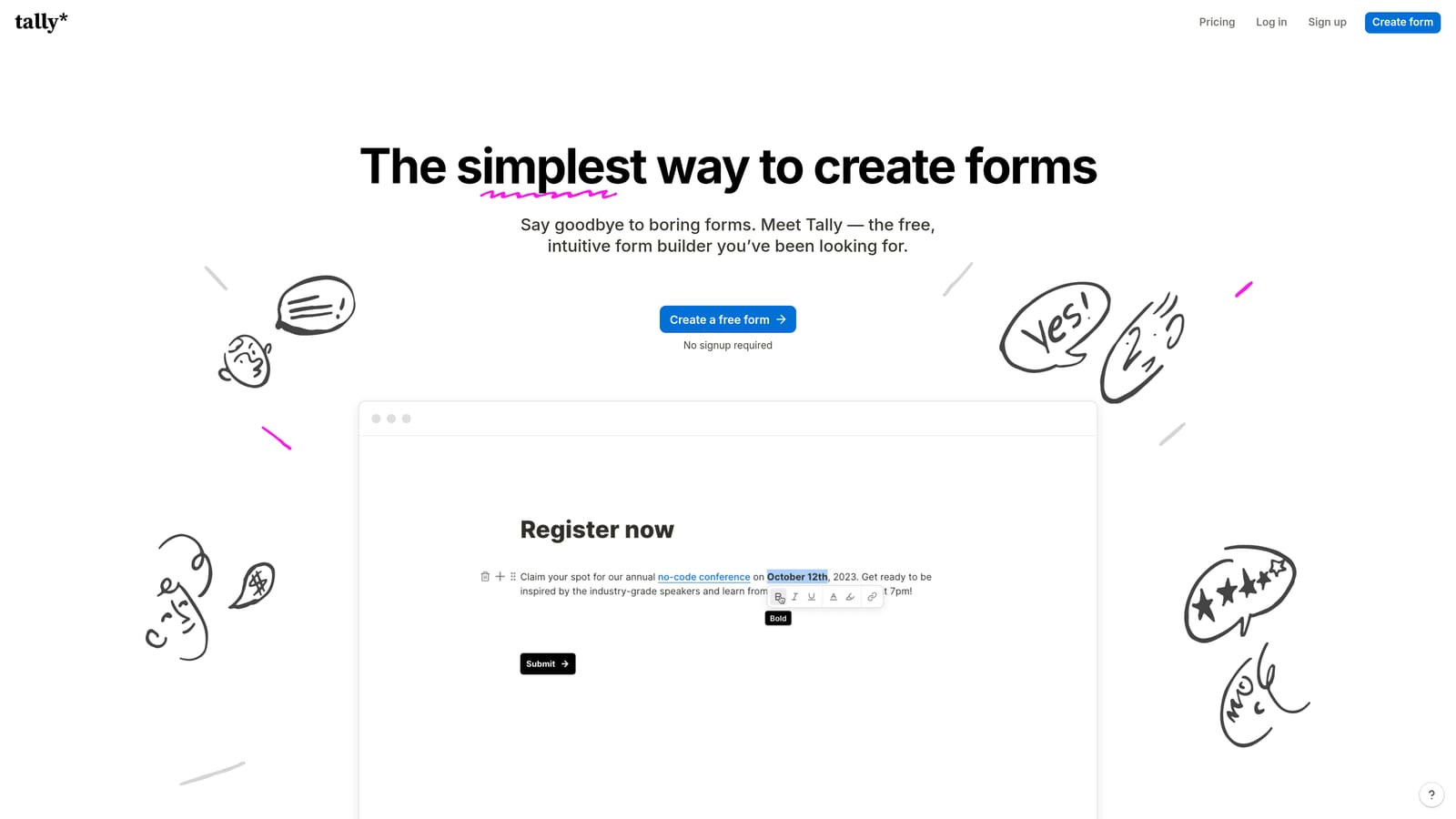
The trade-off comes down to context. Conversational formats can improve completion rates for longer, more complex forms, especially when you're asking for sensitive or detailed information. For quick surveys or internal data collection, Tally's straightforward format often gets the job done without the overhead.
Implementation Steps
1. Map the purpose of each form you need to build: Is it a quick data capture or a multi-step qualification flow?
2. Match the design format to the audience: Conversational works better for external-facing lead forms; block-style works for internal ops forms.
3. Test both formats with a small audience segment before committing to a platform-wide decision.
Pro Tips
Don't let design preferences override conversion goals. A beautifully designed form that asks the wrong questions in the wrong order will still underperform. Prioritize structure and question logic first, then layer in design polish. The best form experience is one that feels effortless to the respondent, regardless of the underlying format.
2. Lead Qualification and Conditional Logic
The Challenge It Solves
Collecting form submissions is easy. Collecting the right submissions from the right people is where most teams struggle. Without smart qualification built into the form itself, your sales team ends up manually sorting through responses to find the leads worth pursuing — a costly and error-prone process.
The Strategy Explained
Typeform supports branching logic on its paid plans, allowing you to route respondents down different paths based on their answers. This is genuinely useful for creating personalized form flows that feel relevant to each respondent. However, this logic is rule-based: it follows the conditions you manually define, nothing more.
Tally actually offers conditional fields across both its free and paid tiers, which is a meaningful advantage over Typeform's gating of this feature behind paid plans. For teams on a budget who still need basic branching, Tally's approach is more accessible.
The real gap, though, is that neither platform natively uses AI to score or qualify leads. You can route respondents based on their answers, but you can't automatically surface which submissions represent your highest-value prospects without building that logic yourself — or stitching together additional tools. This is where platforms like Orbit AI close the loop, using AI-powered lead qualification to automatically evaluate and prioritize submissions so your team focuses on the right conversations from the start.
Implementation Steps
1. Identify your ideal customer profile criteria and map them to specific form questions.
2. Build conditional logic paths that filter out poor-fit respondents early in the form flow.
3. Define a lead scoring framework and determine whether your platform can apply it automatically or whether you'll need a manual process downstream.
Pro Tips
The most effective qualification happens inside the form, not after it. Every step between form submission and lead review is an opportunity for leads to go cold. If your platform can't qualify leads at the point of capture, look for one that can — or build tight automation to compensate immediately after submission.
3. Pricing and Free Tier Limits
The Challenge It Solves
Form builder pricing can be deceptively complicated. What looks affordable at low volume can become a significant line item as your marketing efforts scale. Understanding how each platform's pricing model behaves under real growth conditions is essential before you commit.
The Strategy Explained
Tally's free plan is one of the most generous in the category. It offers unlimited responses with no monthly cap, which is a genuine differentiator for teams running high-traffic forms or campaigns with unpredictable volume spikes. You're not penalized for success, and you're not forced into a paid plan simply because a campaign performed well.
Typeform's free plan, by contrast, limits the number of responses you can collect per month. Once you exceed that threshold, you either upgrade or lose access to new submissions — a painful situation when it happens mid-campaign. Typeform's paid plans are tiered by response volume, which means costs scale directly with your form traffic. For high-growth teams running multiple lead generation campaigns simultaneously, this can add up quickly.
The honest advice here: check both platforms' current pricing pages before making a decision, as pricing structures change frequently. The qualitative difference, though, is consistent. Tally's model rewards high-volume usage. Typeform's model charges for it.
Implementation Steps
1. Estimate your expected monthly form submissions across all active forms and campaigns.
2. Model your cost at 2x and 5x current volume to understand what scaling looks like on each platform.
3. Factor in any additional tools you'll need (Zapier, CRM integrations) that may carry their own costs on top of the form builder subscription.
Pro Tips
Free tier generosity matters most when you're early-stage or testing new campaigns. But as you grow, evaluate total cost of ownership — not just the form builder subscription. A "cheaper" platform that requires expensive middleware to function properly may cost more in practice than a pricier all-in-one solution.
4. Native Integrations and Workflow Automation
The Challenge It Solves
A form submission that sits in a dashboard is a missed opportunity. The value of a lead is realized when it flows automatically into your CRM, triggers a follow-up sequence, or notifies the right team member in real time. Integration quality determines how much manual work your team has to do after every submission.
The Strategy Explained
Typeform has invested meaningfully in native integrations. It connects directly with tools like HubSpot, Salesforce, Slack, and Google Sheets without requiring a third-party automation layer. Native integrations are generally more reliable, faster to set up, and less prone to breaking when either platform updates its API.

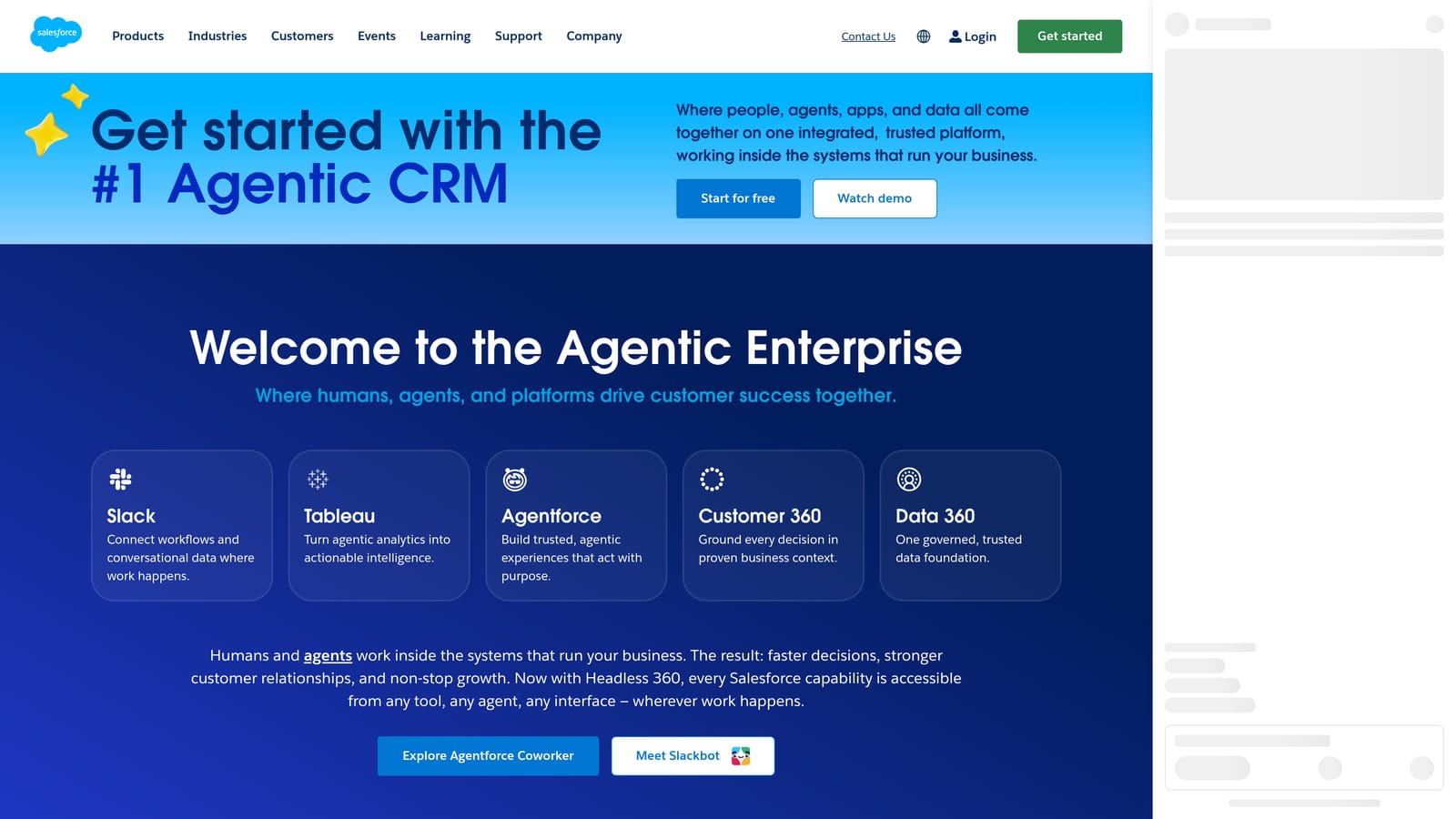
Tally's integration story is more dependent on Zapier and Make (formerly Integromat) for connecting to third-party tools. This approach works, but it introduces additional complexity. Every Zapier workflow is another potential point of failure, another subscription cost, and another layer of latency between a form submission and the action it should trigger. For teams running time-sensitive lead workflows, that delay matters.
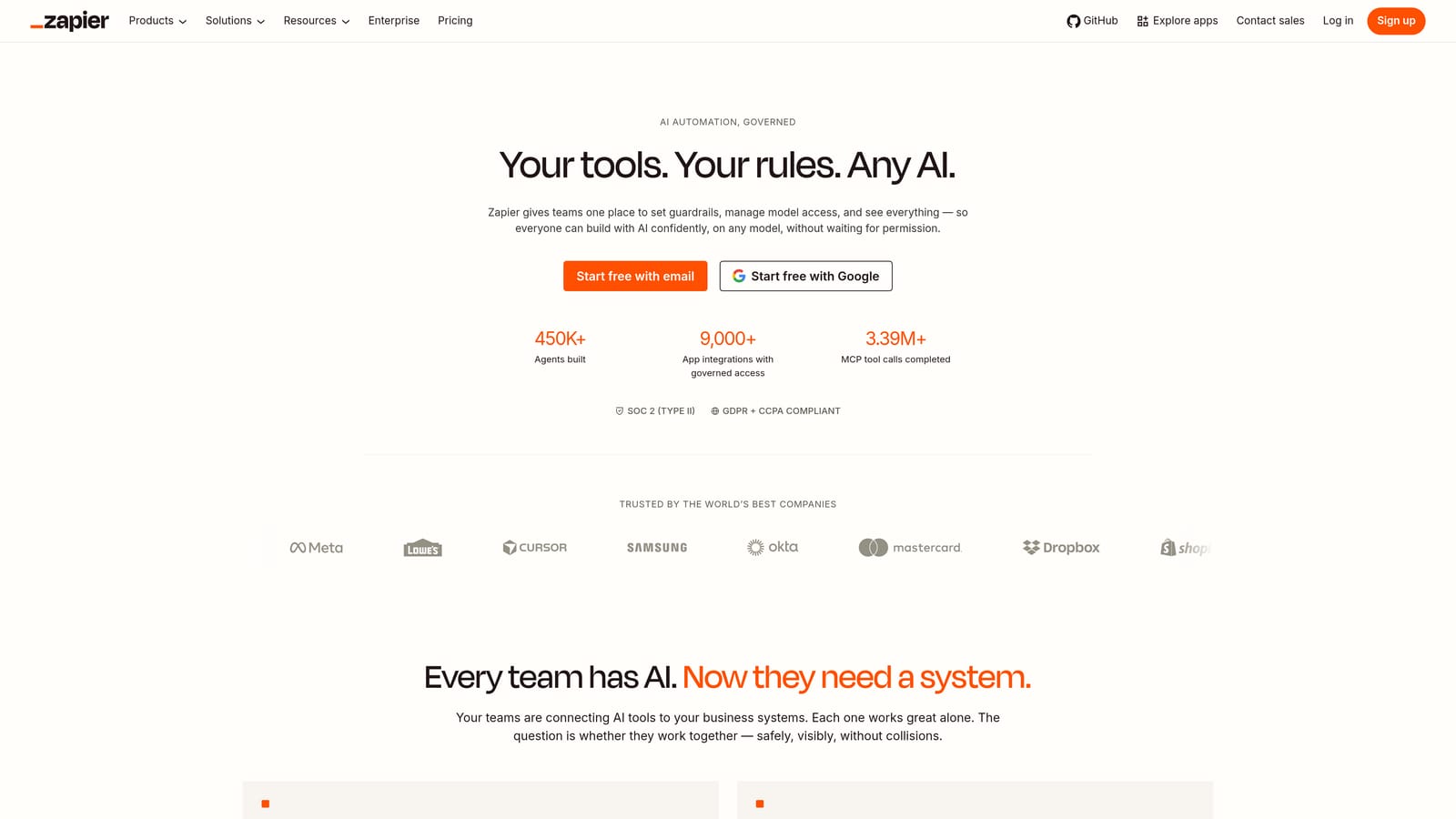

This isn't a dealbreaker for Tally — Zapier's ecosystem is extensive, and you can connect to almost anything. But it does mean more setup time, more ongoing maintenance, and more moving parts to troubleshoot when something breaks at 2am during a campaign launch.
Implementation Steps
1. List the tools your form submissions need to feed into: CRM, email platform, Slack, internal databases.
2. Check whether each platform offers a native integration for those specific tools, or whether you'll need Zapier as middleware.
3. Map the full data flow from submission to action and identify any gaps that require manual intervention.
Pro Tips
Native integrations aren't just about convenience — they're about reliability at scale. When you're processing hundreds of form submissions per day, a Zapier workflow that occasionally misfires can mean lost leads and broken follow-up sequences. Prioritize native connections for your most critical tools, and use Zapier only for secondary or low-stakes workflows.
5. Analytics and Conversion Tracking
The Challenge It Solves
You can't improve what you can't measure. If your form builder only tells you how many submissions you received, you're flying blind on everything that matters: where people drop off, which questions cause friction, and which form variants actually convert better. Serious conversion optimization requires serious data.
The Strategy Explained
Typeform offers drop-off analytics, showing you at which question respondents abandon the form. This is a genuinely useful feature for identifying friction points and iterating on form structure. If a particular question is causing a significant drop in completion, you can see it, adjust it, and measure the impact.
Tally's analytics are considerably more basic, primarily surfacing submission counts rather than behavioral data. You know how many people submitted, but you don't have visibility into how many started and abandoned, or where in the form the drop-off occurred. For teams focused on optimizing conversion rates rather than just collecting data, this is a meaningful limitation.
It's worth noting that neither platform offers deep conversion attribution — the ability to tie a form submission back to a specific ad campaign, traffic source, or revenue outcome — natively. That level of tracking typically requires integration with your analytics stack and, increasingly, dedicated tools built for conversion intelligence.
Implementation Steps
1. Define the metrics that matter most for your forms: completion rate, drop-off by question, time-to-complete, submission-to-qualified-lead ratio.
2. Audit what your current or prospective platform actually tracks versus what you need to track.
3. Build a supplementary analytics layer using your existing tools (Google Analytics, Segment, HubSpot) to capture what the form builder misses.
Pro Tips
Completion rate is a vanity metric if you're not also tracking lead quality downstream. A form that converts well but attracts poor-fit leads is actually worse than a form with lower completion but higher qualification rates. Build your analytics framework to measure the full funnel, not just the top of it.
6. Branding and White-Label Capabilities
The Challenge It Solves
A form that looks like it belongs to Typeform or Tally — not your brand — creates a subtle but real trust gap. For high-growth teams investing in brand equity, having a third-party platform's logo or color scheme appear in your lead capture flow can undermine the professional experience you've worked to build.
The Strategy Explained
Typeform allows custom colors, fonts, and background images on paid plans, giving you meaningful control over the visual experience. However, free plan users will see Typeform branding on their forms — a trade-off that's reasonable for experimentation but problematic for production use. Full white-labeling, where all Typeform branding is removed, is reserved for higher-tier plans.
Tally offers more customization flexibility on its free tier than Typeform does, which is a genuine advantage for budget-conscious teams that still want a branded experience. That said, complete white-labeling on Tally also requires a paid plan.
For teams with strict brand standards — agencies managing client forms, enterprise companies with detailed brand guidelines, or SaaS products embedding forms directly into their product experience — the level of branding control each platform offers should be a primary evaluation criterion, not an afterthought.
Implementation Steps
1. Define your non-negotiables: Do you need to remove all platform branding? Do you need custom domain hosting for your forms?
2. Test each platform's branding controls on the plan tier you're realistically targeting, not just the top tier.
3. Evaluate whether embedded forms in your product or website will look native or visibly third-party.
Pro Tips
Brand consistency compounds over time. Every touchpoint where your prospect sees a mismatched logo or generic form design is a small erosion of trust. If you're embedding forms in a premium product experience, the form builder's visual output needs to match the quality of everything around it. Don't let your form be the weak link in an otherwise polished brand experience.
7. Scalability and Team Collaboration Features
The Challenge It Solves
A form builder that works well for one person often becomes a bottleneck when a team needs to collaborate on it. As your organization grows, you need role-based access, shared workspaces, and the ability to manage forms at scale without everything living in one person's account.
The Strategy Explained
Typeform has invested in team collaboration features on its higher-tier plans, including shared workspaces and role-based access controls. This makes it more viable for larger teams where multiple people need to create, edit, or review forms without stepping on each other's work. It's not the most advanced collaboration suite available, but it covers the core needs of a growing marketing or operations team.
Tally's team features are more limited. The platform was primarily designed with individual users or small teams in mind, and it shows in the collaboration toolset. If you're a solo founder or a two-person team, this isn't a problem. But if you're scaling a marketing team, onboarding new ops staff, or managing forms across multiple departments, Tally's collaboration constraints can become a real friction point.
Scalability also extends beyond team features. Consider how each platform handles high-volume form traffic, whether there are rate limits or performance degradations during traffic spikes, and whether the platform's infrastructure is built to grow with your business rather than just serve it at its current size.
Implementation Steps
1. Map your current team structure and identify how many people need access to your form builder and at what permission level.
2. Project team growth over the next 12 months and evaluate whether each platform's collaboration features will still work at that scale.
3. Test the platform's performance under simulated high-traffic conditions if you run campaigns with significant volume spikes.
Pro Tips
Don't evaluate collaboration features based on your team's current size. Evaluate them based on where your team will be in 18 months. Migrating your entire form library to a new platform because you outgrew your current one is a painful, time-consuming process. Build for the team you're becoming, not the team you are today.
Putting It All Together
Both Tally and Typeform are solid tools — but they were built for different problems than the ones high-growth teams face today. Tally wins on accessibility and cost. Typeform wins on conversational UX and native integrations. But if your forms need to qualify leads, trigger automated workflows, and feed clean data into your CRM without duct-taping five tools together, neither platform was built with that goal in mind.
Here's a quick decision framework based on what we've covered:
Choose Tally if: You need unlimited responses on a free plan, you're building simple internal forms, and your integration needs are basic enough to handle through Zapier.
Choose Typeform if: Conversational UX is a priority, you need native CRM integrations, and you want drop-off analytics to inform form optimization.
Look beyond both if: Your forms are a core part of your lead generation engine, you need AI-powered lead qualification at the point of capture, and you want conversion optimization built into the platform rather than bolted on afterward.
That's the gap Orbit AI was designed to fill. With AI-powered lead qualification, conversion-optimized form design, and native workflow automation, Orbit AI gives growth teams a form builder that actually moves the needle on pipeline quality — not just submission volume.
Transform your lead generation with AI-powered forms that qualify prospects automatically while delivering the modern, conversion-optimized experience your high-growth team needs. Book a demo and see how intelligent form design can elevate your conversion strategy.