Paperform is a capable form builder, but it's not always the right fit for teams that need more than a polished data collection tool. If you're running a high-growth SaaS product, scaling a sales funnel, or simply tired of paying for features that don't move the needle, there are stronger options available today.
This list covers the best Paperform alternatives for businesses in 2026, evaluated on form flexibility, lead capture capabilities, automation depth, integrations, and pricing. Each tool has been selected for a specific strength, so you can match the right platform to your team's actual workflow. If conversion optimization and lead qualification are priorities, you'll want to pay close attention to the first option on this list.
1. Orbit AI
Best for: High-growth teams that treat forms as conversion assets, not just data collectors.
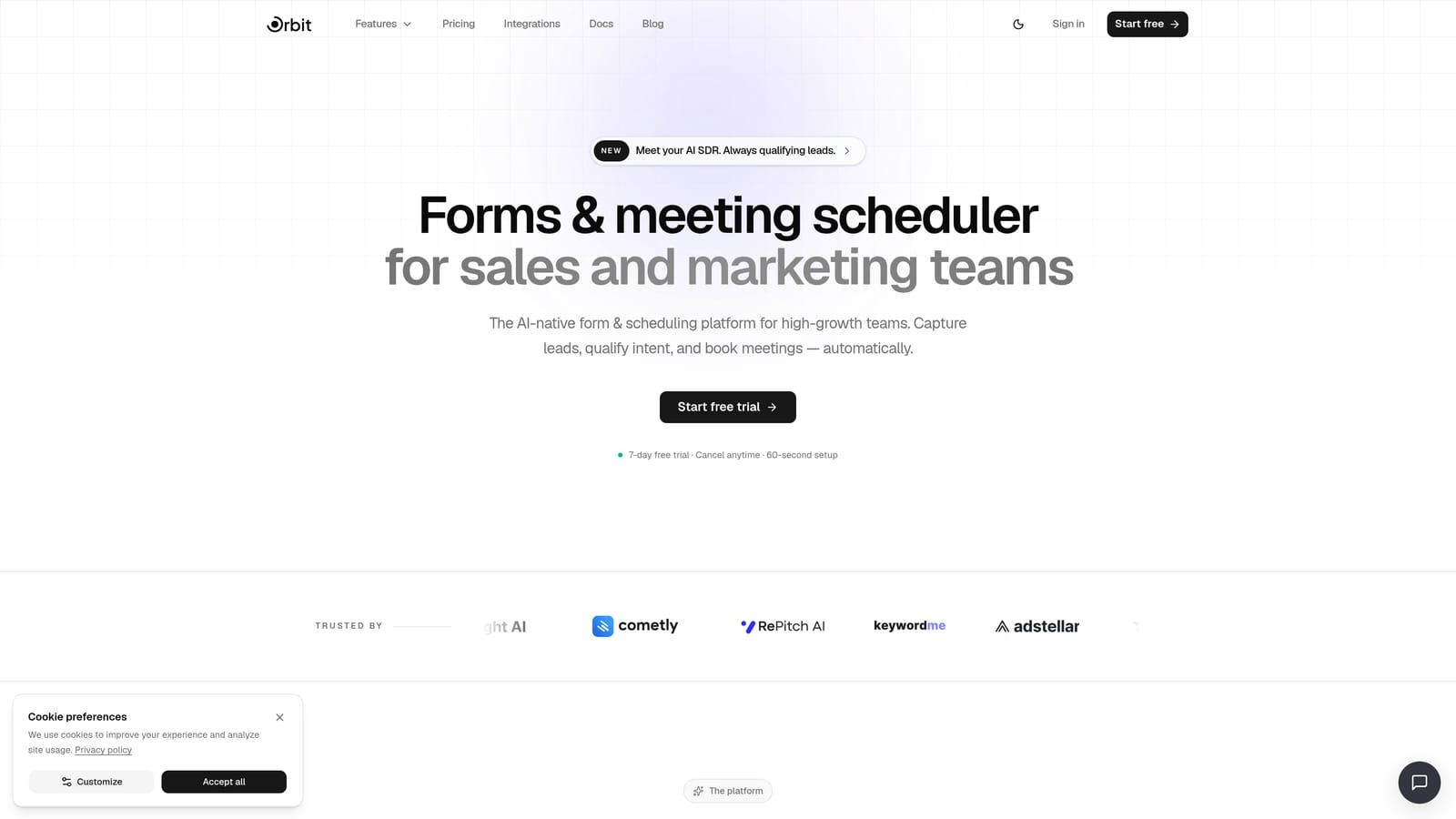
Orbit AI is an AI-powered form builder with built-in lead qualification, contact management, workflow automation, and scheduling — designed specifically for teams where what happens after form submission matters as much as the form itself.
Where This Tool Shines
Most form builders stop at data collection. Orbit AI is built around what comes next. When a lead submits a form, AI agents score and qualify that lead at the point of submission, so your team isn't manually sorting through responses to find the high-intent prospects.
The platform also includes workflow automation for lead routing and follow-up sequences, a built-in contact management layer, and a scheduler integration that lets you book high-intent leads immediately after they convert. For SaaS teams running demand generation or sales funnels, this is a meaningfully different approach to what a form builder can do.
Key Features
AI Lead Qualification: AI agents score and qualify leads at the point of form submission, routing high-intent responses automatically.
Workflow Automation: Build lead routing logic and follow-up sequences without needing a separate automation tool.
Contact Management: Built-in CRM-lite capabilities to manage and track leads captured through your forms.
Conversion-Optimized Design: Modern form UI built to maximize completion rates and reflect your brand.
Scheduler Integration: Book high-intent leads immediately after form submission with built-in scheduling support.
Best For
Orbit AI is the strongest fit for SaaS companies, growth marketers, and sales teams who need forms to actively participate in the qualification process. If your current workflow involves manually reviewing form submissions to find good leads, this platform is built to solve exactly that problem.
Pricing
Pricing is quoted on a short demo, and Orbit has no free plan. Book a demo to see it with your own forms.
2. Typeform
Best for: Teams prioritizing respondent experience and high form completion rates.
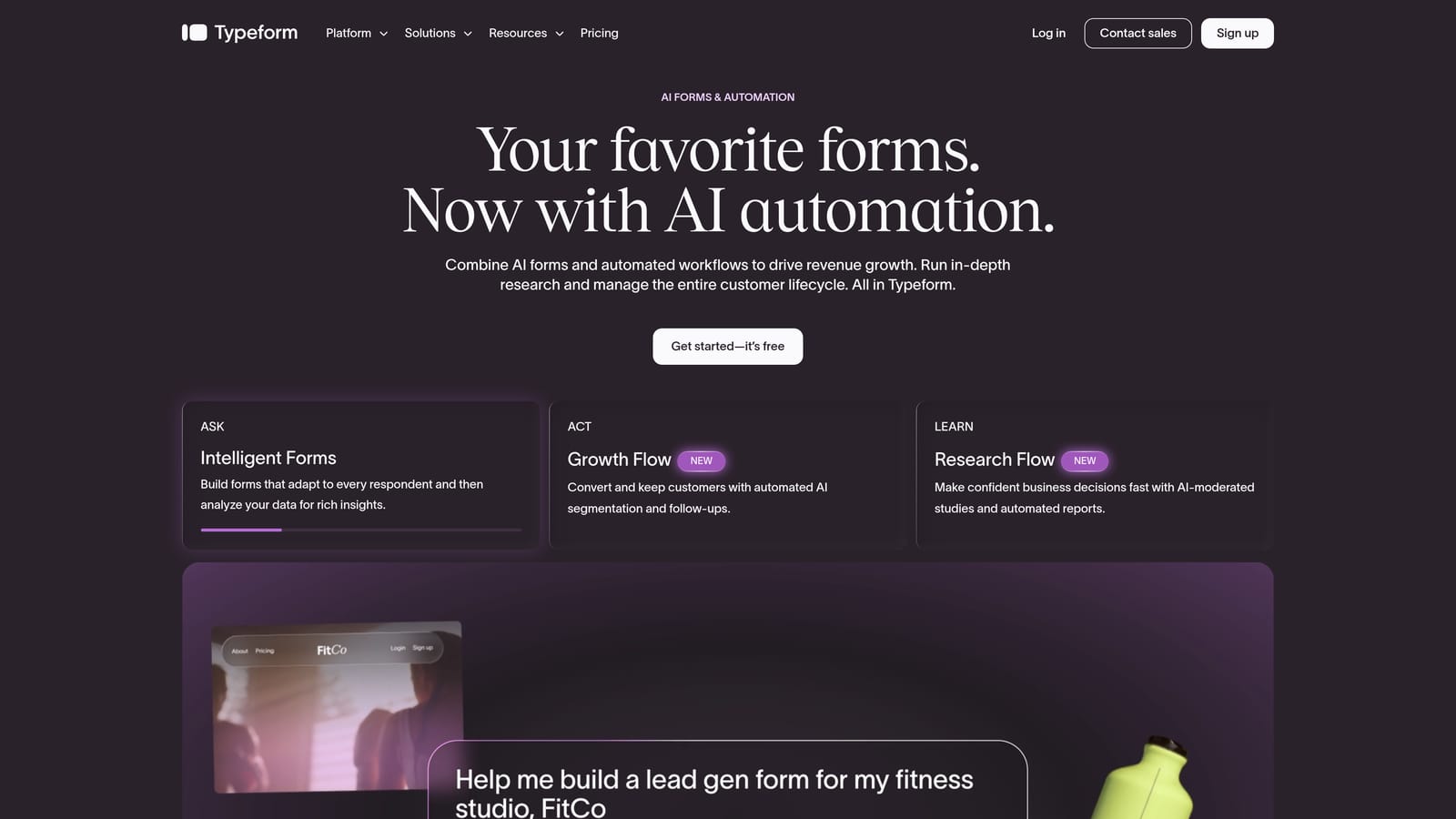
Typeform is a conversational form builder known for its one-question-at-a-time format that creates a more engaging, interview-like experience for respondents.
Where This Tool Shines
Typeform pioneered the conversational form format, and it remains one of the best tools for teams that care deeply about how a form feels to the person filling it out. The one-question-at-a-time approach reduces friction and tends to improve completion rates, particularly for longer forms.
It also offers solid branding customization, making it a strong choice for companies where the form experience is an extension of their brand identity. The main limitation for lead-focused teams is that Typeform captures data well but doesn't act on it — there's no native lead scoring or qualification built in.
Key Features
Conversational UI: One-question-at-a-time format that reduces abandonment on longer forms.
Logic Jumps: Conditional branching to personalize the form path based on previous answers.
CRM Integrations: Native connectors to popular CRMs and tools, plus Zapier support.
Branding and White-Label: Strong customization options to match your visual identity.
Best For
Typeform is ideal for marketing teams running surveys, brand research, or lead capture where respondent experience is a top priority. It's less suited for teams that need downstream automation or AI-assisted qualification built into the form layer.
Pricing
Free plan available. Paid plans start at $25/month billed annually, with pricing scaling based on response volume.
3. Jotform
Best for: Teams that need a versatile, template-rich form builder across multiple departments.
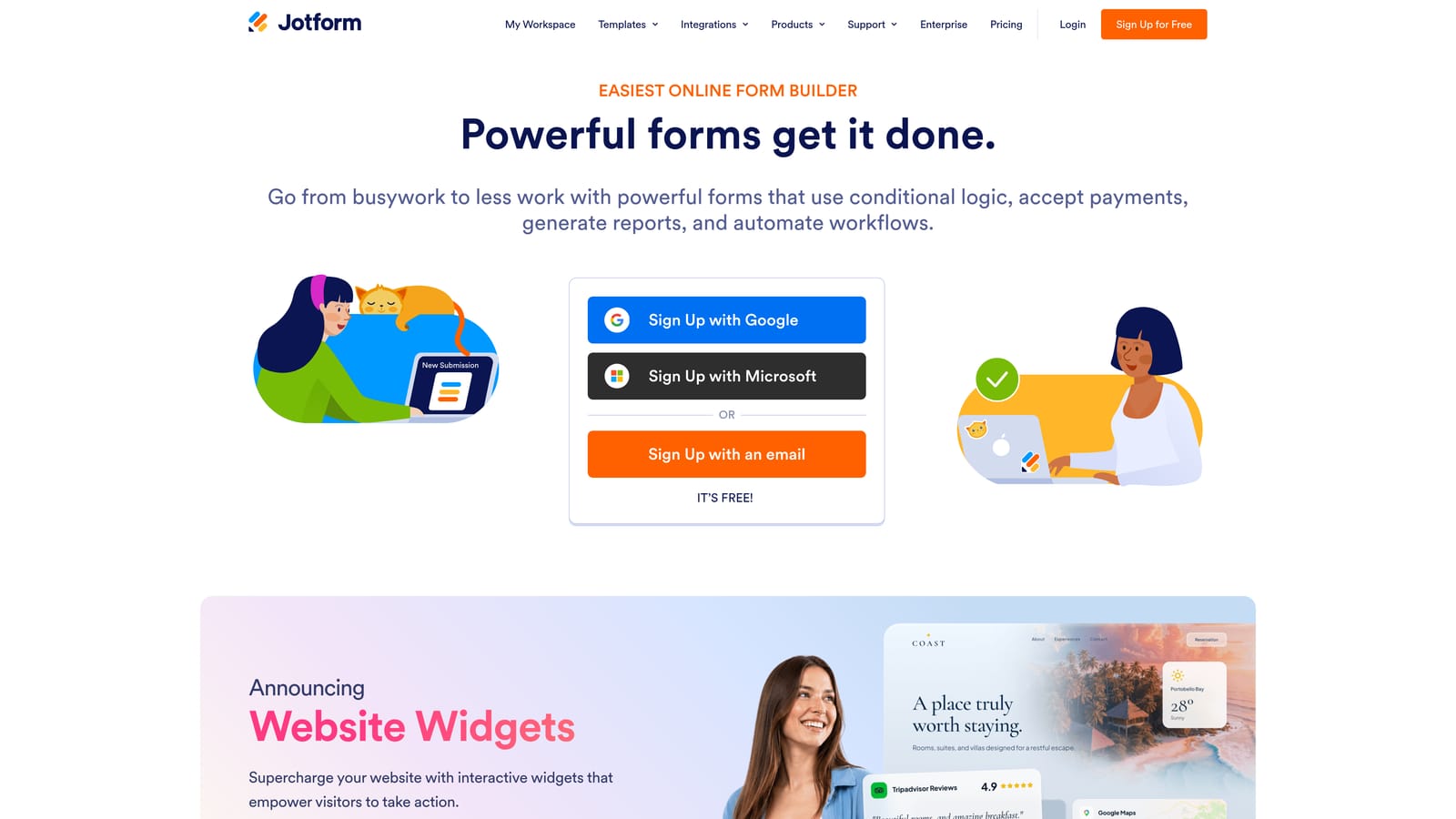
Jotform is one of the most established form builders on the market, with an enormous template library and support for payments, approvals, and e-signatures across a wide range of use cases.
Where This Tool Shines
Jotform's breadth is its biggest advantage. With over 10,000 templates across industries (as stated on their website), it's one of the fastest ways to get a functional form live without starting from scratch. This makes it particularly useful for multi-department teams where HR, operations, sales, and customer service all have different form needs.
The platform also supports built-in payment collection, approval workflows, and e-signature functionality. For teams that need a single form tool to handle a wide variety of use cases, Jotform is hard to beat. It can feel feature-heavy for teams that only need lightweight lead capture.
Key Features
Template Library: 10,000+ templates across industries for fast form creation.
Payment Collection: Built-in support for Stripe, PayPal, and other payment processors.
Approval Workflows: Multi-step approval routing and e-signature support built into the platform.
Integration Ecosystem: Wide range of native integrations and Zapier connectivity.
Best For
Jotform works best for mid-size to enterprise teams that need one form platform to serve multiple departments. It's a strong Paperform alternative when template volume and workflow versatility matter more than conversion optimization.
Pricing
Free plan available. Paid plans start at $34/month, with higher tiers for increased submission limits and advanced features.
4. Tally
Best for: Startups and solo operators who need a capable form builder at zero cost.
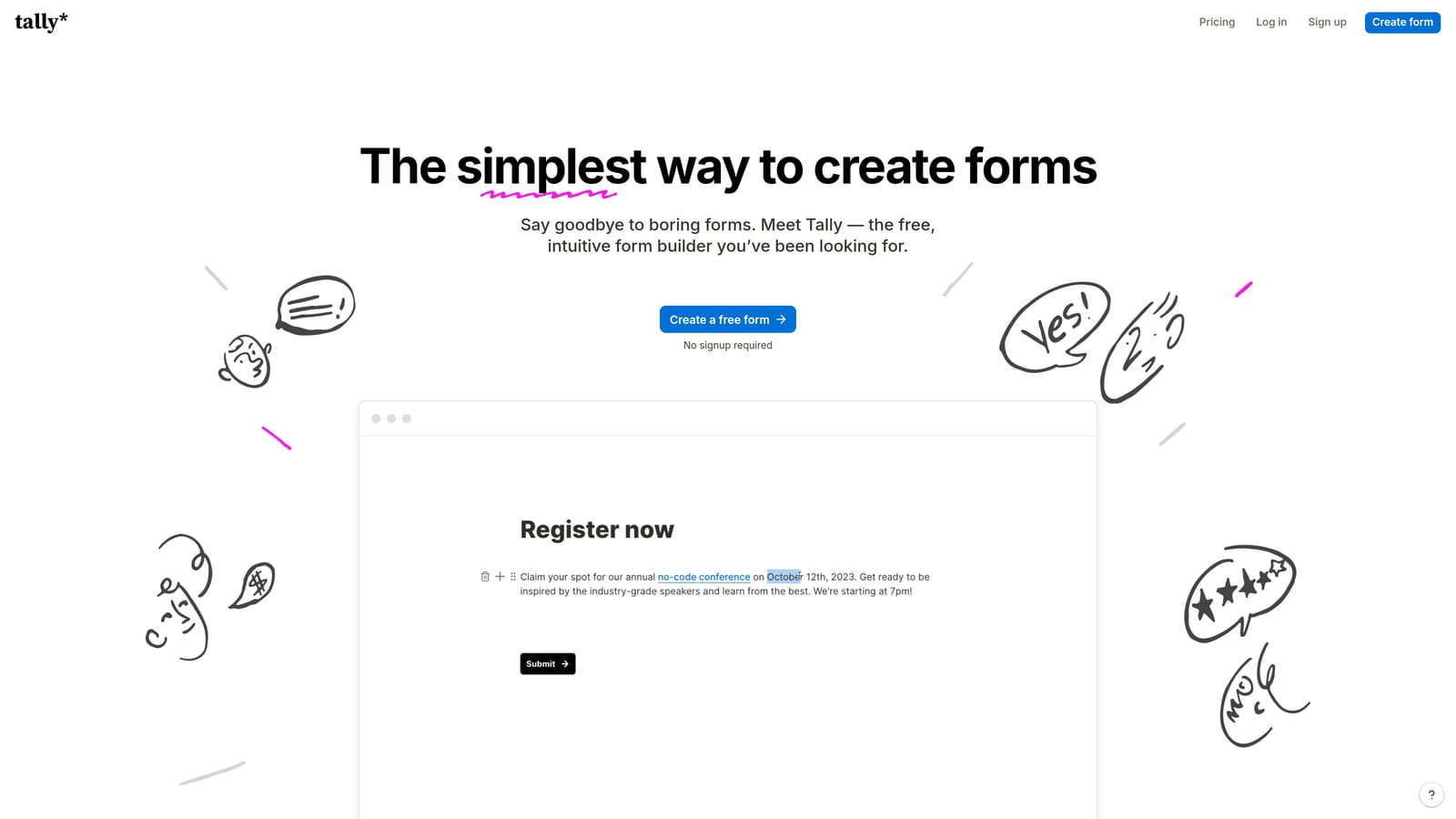
Tally is a modern, Notion-style form builder with a genuinely generous free tier that includes unlimited forms and unlimited responses with no submission caps.
Where This Tool Shines
Tally's free plan is unusually generous compared to most form builders, which typically cap responses or forms at the free tier. For early-stage teams or solo operators who need a clean, functional form builder without a monthly bill, it's one of the best options available.
The block-based editor feels familiar to anyone who uses Notion, which lowers the learning curve significantly. Conditional logic, file uploads, and basic integrations are included. The limitations become apparent at scale: Tally lacks the advanced automation and lead management features that growing teams eventually need.
Key Features
Unlimited Free Tier: Unlimited forms and unlimited responses at no cost, with no submission caps.
Block-Based Editor: Notion-style editing experience that's intuitive for modern teams.
Conditional Logic: Basic branching and logic to personalize form paths.
Integrations: Zapier support and select native integrations for connecting to other tools.
Best For
Tally is the right choice for startups, freelancers, and small teams that need a capable form builder without budget. It's a solid Paperform alternative for teams not yet ready for a paid tool, but expect to outgrow it as automation and lead management needs increase.
Pricing
Free plan available with unlimited forms and responses. Pro plan at $29/month for advanced features.
5. HubSpot Forms
Best for: Teams already using HubSpot CRM who want seamless, native lead capture.
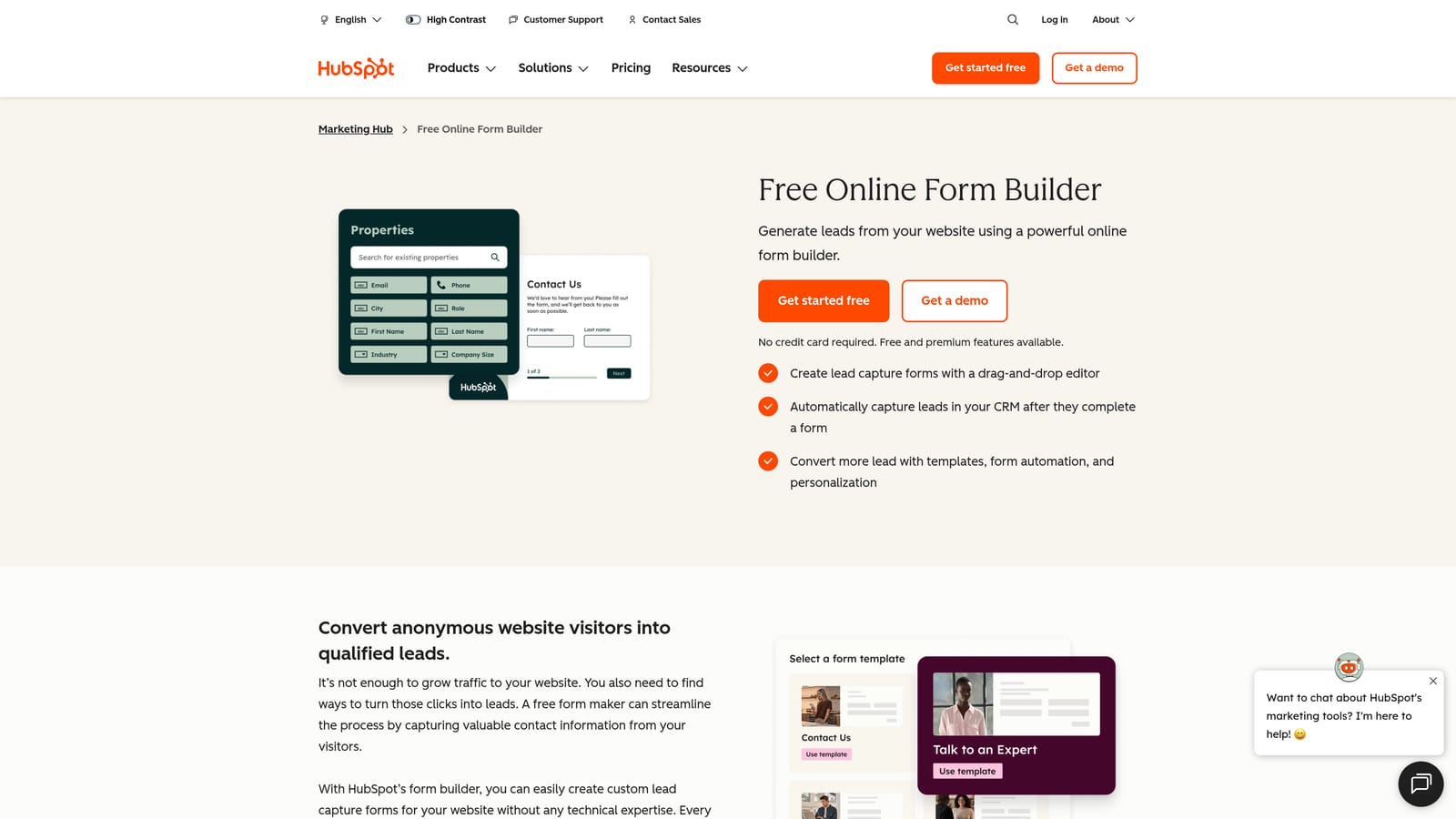
HubSpot Forms is the native form builder built into HubSpot's marketing platform, designed for frictionless lead capture directly into the HubSpot CRM.
Where This Tool Shines
If your team is already operating inside HubSpot, the native form builder is the most seamless way to capture leads into your system of record. Form submissions automatically create or update contacts, trigger workflows, and feed into HubSpot's reporting, all without a Zapier connection or manual data transfer.
Progressive profiling is a particularly useful feature: HubSpot can serve different form fields to known contacts, gradually enriching their record over multiple interactions rather than asking the same questions repeatedly. The significant caveat is that HubSpot Forms is only genuinely valuable if you're already in the HubSpot ecosystem.
Key Features
Native CRM Sync: Form submissions automatically create or update HubSpot CRM contacts and lists.
Workflow Triggers: Automatic workflow activation on form submission for immediate follow-up.
Progressive Profiling: Serve different fields to returning contacts to enrich records over time.
Flexible Embed Options: Embedded and standalone form options for different placement needs.
Best For
HubSpot Forms is the clear choice for marketing and sales teams already running on HubSpot. For teams not using HubSpot, the value proposition drops significantly — the form builder itself is not competitive as a standalone tool.
Pricing
Free with HubSpot's free CRM. Advanced features and workflow automation require a Marketing Hub subscription, which starts at higher price points.
6. Google Forms
Best for: Internal data collection where simplicity and zero cost are the only requirements.
Google Forms is the free, no-setup form tool from Google, best suited for internal surveys, event RSVPs, and simple feedback collection where design and automation are not priorities.
Where This Tool Shines
Google Forms wins on simplicity and cost. It's completely free, requires no account from respondents, and syncs all responses directly to Google Sheets for easy analysis. For teams already in the Google Workspace ecosystem, it's a zero-friction option for internal use cases.
The honest limitation is that Google Forms is not a competitive tool for external lead generation. There's no meaningful branding control, no sophisticated conditional logic, and no downstream automation beyond Sheets. It's a utility tool, not a conversion platform.
Key Features
Zero Cost: Completely free with no submission limits or paid tiers.
Google Sheets Sync: Responses automatically populate a connected spreadsheet in real time.
No Respondent Account Required: Anyone can fill out a form without creating an account.
Basic Question Types: Multiple choice, short answer, scale, and dropdown question formats.
Best For
Google Forms is the right tool for internal HR intake, employee surveys, event RSVPs, and simple feedback collection. It is not a Paperform alternative for teams focused on external lead generation or conversion optimization.
Pricing
Completely free. No paid tiers.
7. Cognito Forms
Best for: Operations-heavy use cases requiring advanced conditional logic and built-in calculations.
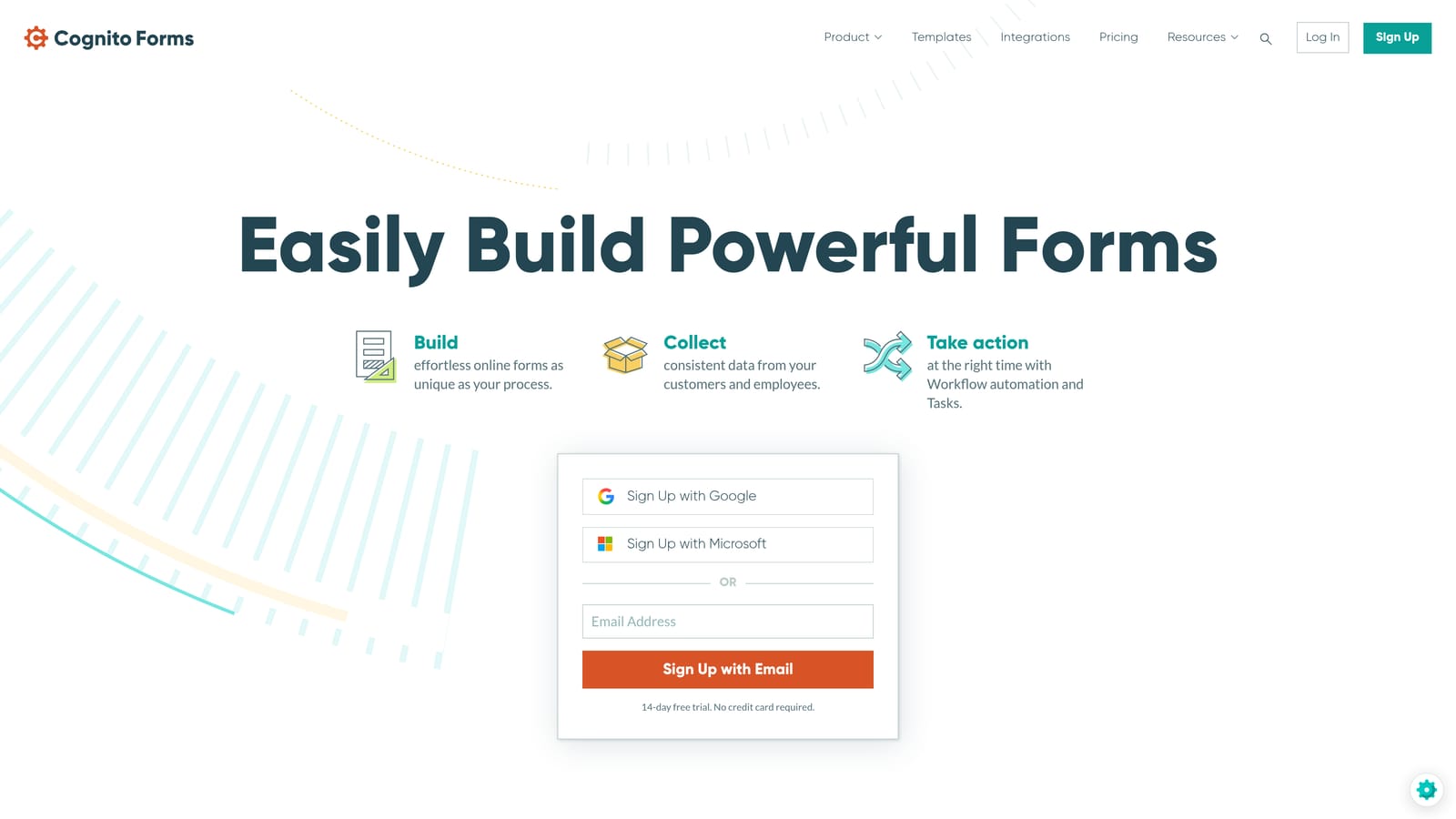
Cognito Forms is a form builder with a genuinely powerful conditional logic engine, repeating sections, formula fields, and built-in payment collection via Stripe.
Where This Tool Shines
Cognito Forms is the strongest option on this list for teams that need forms to handle complex logic and dynamic data structures. Repeating sections let users add multiple entries of the same type within a single form submission, which is essential for order forms, event registrations with multiple attendees, and complex intake workflows.
The built-in calculation engine lets you create formula fields that compute values based on other responses, which is useful for pricing calculators, quote request forms, and applications that require scoring. The interface is more utilitarian than modern competitors, but the logic capabilities are genuinely deep.
Key Features
Advanced Conditional Logic: Sophisticated branching and visibility rules based on any combination of responses.
Repeating Sections: Dynamic form structures that allow multiple entries of the same field group.
Calculation Fields: Built-in formula engine for pricing, scoring, and computed values.
Payment Collection: Stripe integration for collecting payments directly through forms.
Best For
Cognito Forms is the best fit for operations teams, event coordinators, and businesses that need forms to handle complex, dynamic data structures. It's particularly strong for order forms, multi-attendee registrations, and intake workflows with calculated outputs.
Pricing
Free plan available. Paid plans start at $15/month, making it one of the more affordable options for advanced logic features.
8. Fillout
Best for: Product and no-code teams who want forms natively connected to their data layer.
Fillout is a modern form builder with native integrations to Airtable, Notion, and other no-code databases, allowing forms to read from and write to existing data sources without middleware.

Where This Tool Shines
Fillout's core differentiator is its native database connectivity. Most form builders write to a spreadsheet or require a Zapier connection to reach your actual data layer. Fillout connects directly to Airtable and Notion, meaning form submissions can update existing records, pull in data to pre-fill fields, and interact with your database in both directions.
For product teams and no-code builders who have already built their operations around Airtable or Notion, this removes a significant amount of integration overhead. The form UI is clean and modern, and multi-step forms with conditional logic are well supported.
Key Features
Native Database Integrations: Direct two-way connectivity with Airtable and Notion without middleware.
Multi-Step Forms: Structured multi-page forms with conditional logic and branching.
Modern UI: Clean, contemporary form design that reflects well on your brand.
Scheduling Support: Booking and scheduling form functionality built into the platform.
Best For
Fillout is the strongest choice for product teams, no-code builders, and operations teams whose workflows are built around Airtable or Notion. If your data already lives in those tools, Fillout eliminates the integration gap that other form builders require you to bridge.
Pricing
Free plan available. Paid plans start at $15/month for advanced features and higher submission volumes.
9. Formstack
Best for: Enterprise teams in regulated industries that require HIPAA compliance and document workflows.
Formstack is an enterprise-grade form and document workflow platform with HIPAA compliance, e-signatures, document generation, and multi-step approval routing built for regulated industries.
Where This Tool Shines
Formstack operates in a different category than most tools on this list. Where others compete on design, automation, or pricing, Formstack competes on compliance and enterprise workflow depth. HIPAA-compliant form collection, document generation tied to form submissions, and multi-step approval routing make it the right tool for healthcare, legal, and financial services teams that can't compromise on data handling requirements.
The enterprise security controls, including SSO and advanced access management, also make it suitable for large organizations with strict IT governance requirements. The trade-off is cost: Formstack is significantly more expensive than most alternatives, which makes it a poor fit for early-stage teams or those with straightforward form needs.
Key Features
HIPAA Compliance: Form data collection that meets HIPAA requirements for healthcare and regulated industries.
Document Generation: Automatically generate documents from form submissions with e-signature support.
Approval Workflows: Multi-step approval routing for complex internal review processes.
Enterprise Security: SSO, advanced access controls, and enterprise-grade security configuration.
Best For
Formstack is the right choice for enterprise teams in healthcare, legal, or financial services where compliance is non-negotiable. It is not a practical option for early-stage companies or teams looking for a lightweight Paperform alternative.
Pricing
Plans start at $83/month. Enterprise pricing is available on request for larger organizations with complex requirements.
Which Tool Is Right for Your Team?
The right Paperform alternative depends almost entirely on what your team actually needs forms to do. Here's a quick breakdown by use case to help you land on the right fit.
If lead qualification and conversion optimization are your priorities, Orbit AI is the strongest option on this list. It's the only tool here that qualifies leads at the point of submission with built-in AI, rather than passing raw data downstream for manual review. For high-growth SaaS teams running sales funnels or demand generation programs, that difference is significant.
For teams where respondent experience and form aesthetics are the top priority, Typeform remains the benchmark. If you need a versatile, template-heavy platform that serves multiple departments, Jotform covers the most ground. For teams not ready to pay for a form tool, Tally's unlimited free tier is genuinely hard to beat.
If you're already operating inside HubSpot, HubSpot Forms is the obvious choice for seamless CRM-native lead capture. For purely internal data collection with no budget, Google Forms works fine. If your forms need advanced conditional logic and calculations, Cognito Forms has the deepest logic engine on this list. For no-code teams whose data lives in Airtable or Notion, Fillout removes integration friction that other tools can't. And for regulated industries where HIPAA compliance is non-negotiable, Formstack is the only enterprise-grade option here.
Transform your lead generation with AI-powered forms that qualify prospects automatically while delivering the modern, conversion-optimized experience your high-growth team needs. Book a demo and see how intelligent form design can elevate your conversion strategy.