

Your forms are often the first real interaction prospects have with your business—and outdated, clunky builders are costing you conversions. Modern form builders have evolved far beyond simple input fields. They now feature AI-powered qualification, conditional logic, seamless integrations, and designs that actually match your brand.
Whether you're capturing leads, booking demos, or running surveys, the right form builder can dramatically impact your conversion rates. We've tested and compared top modern form builder options across design flexibility, ease of use, integrations, and lead qualification capabilities to help high-growth teams find their perfect fit.
1. Orbit AI
Best for: High-growth teams needing AI-powered lead qualification with conversion-optimized design
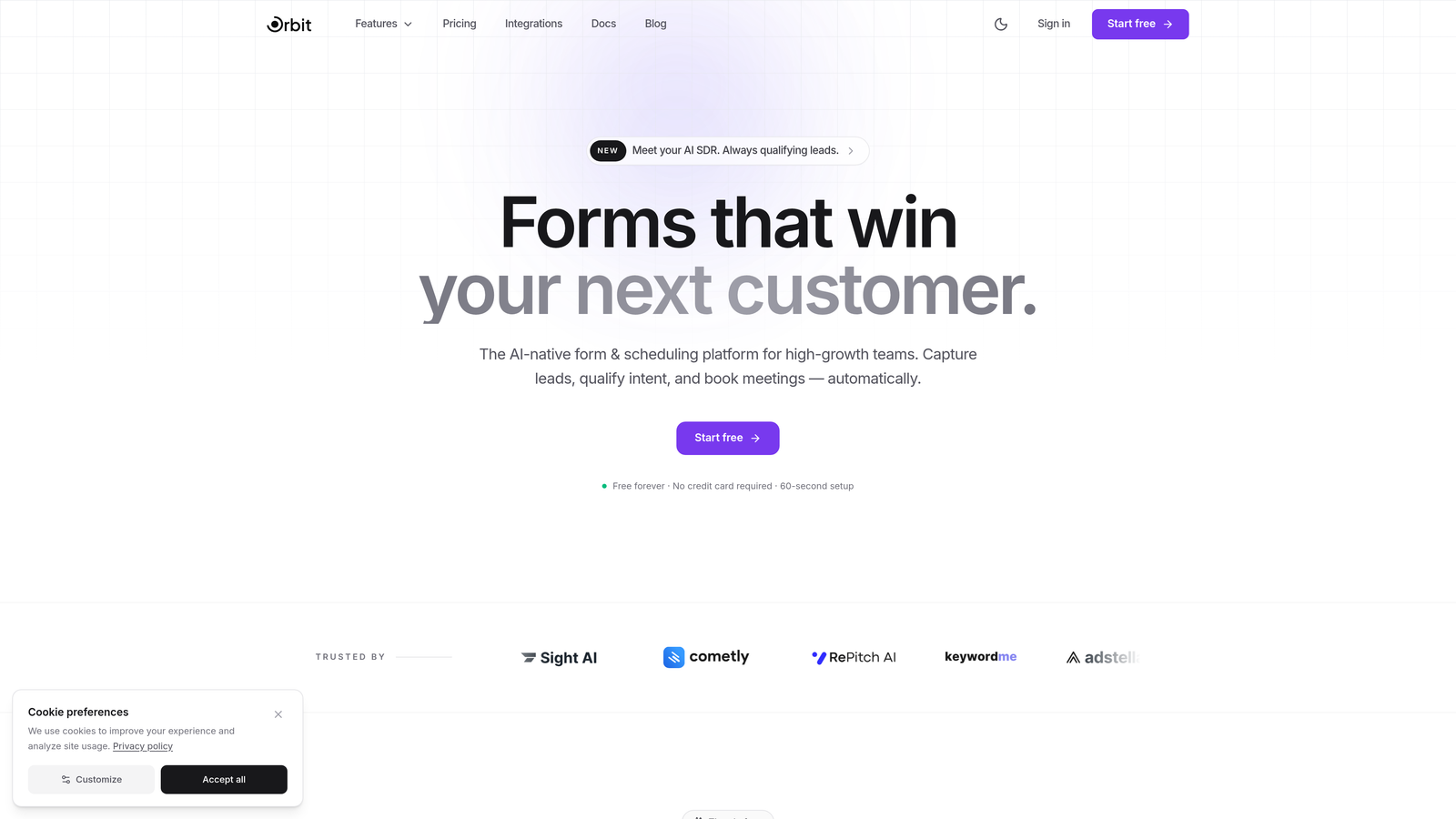
Orbit AI is an AI-powered form builder platform designed specifically for teams focused on lead generation and conversion optimization.
Where This Tool Shines
Orbit AI stands out by combining intelligent lead qualification with modern form design. The platform automatically scores and qualifies leads as they submit forms, routing high-value prospects to your sales team while nurturing others through automated workflows.
The conversion-optimized templates are built on research-backed design principles that reduce friction and increase completion rates. Unlike traditional form builders that just collect data, Orbit AI actively works to maximize the quality of every submission.
Key Features
AI-Powered Lead Qualification: Automatically scores leads based on responses and behavior, prioritizing your sales team's time on high-intent prospects.
Conversion-Optimized Templates: Pre-built form designs based on conversion research, reducing abandonment and improving completion rates.
Workflow Automation: Trigger actions based on lead scores, routing qualified prospects to sales while nurturing others automatically.
Native CRM Integrations: Seamless connections with popular CRMs ensure lead data flows directly into your existing systems.
Real-Time Analytics: Track form performance, conversion rates, and lead quality metrics in a comprehensive dashboard.
Best For
B2B SaaS companies and high-growth teams who need more than basic data collection. Ideal for businesses where lead quality matters as much as quantity, and where automated qualification can free up sales resources to focus on the best opportunities.
Pricing
Free tier available for teams getting started. Paid plans begin at $29/month with advanced AI qualification features and unlimited forms.
2. Typeform
Best for: Creating conversational, one-question-at-a-time experiences that feel more like conversations than forms
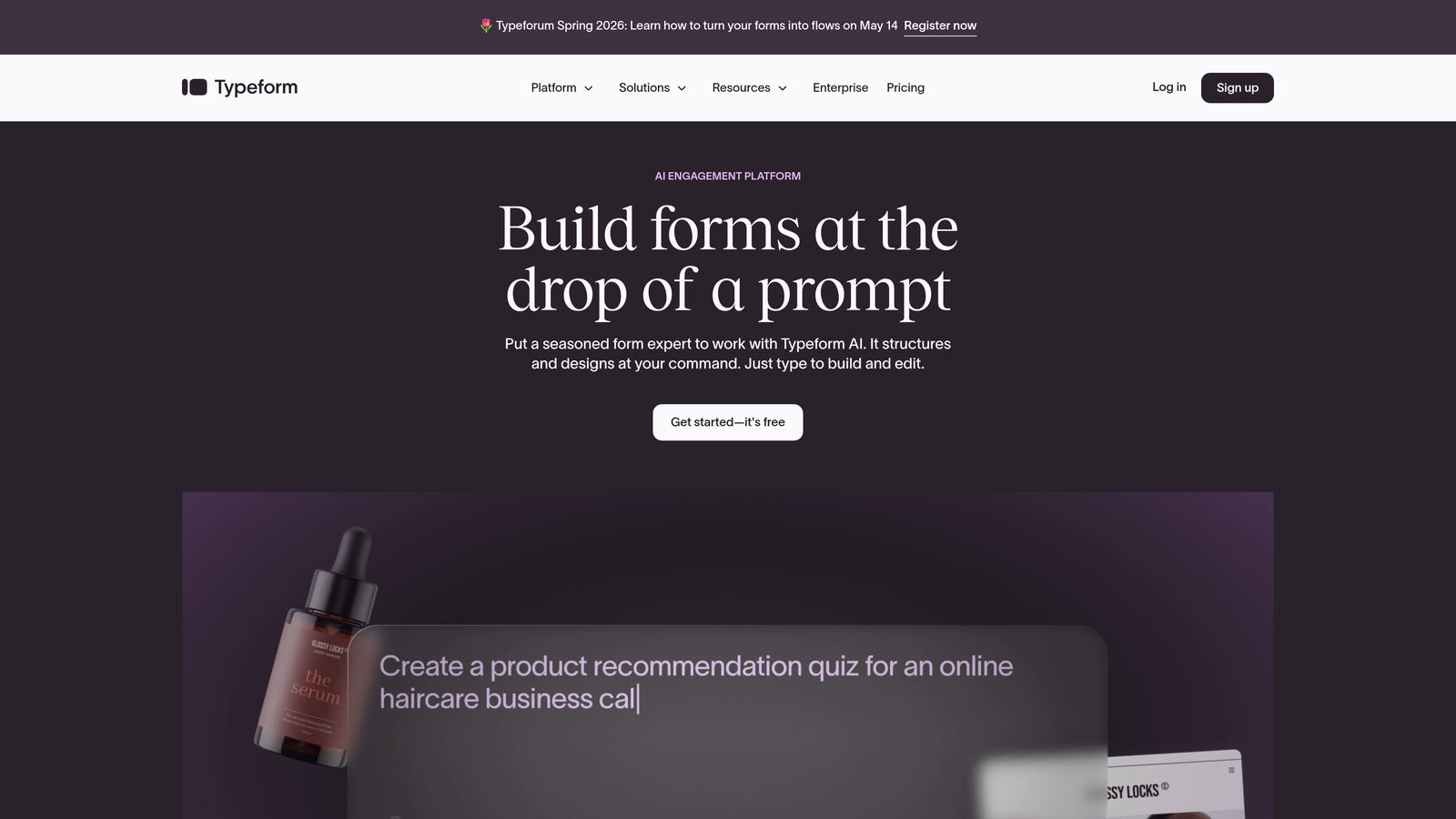
Typeform is a conversational form builder known for its distinctive one-question-at-a-time approach and beautifully branded experiences.
Where This Tool Shines
Typeform pioneered the conversational form experience, showing one question at a time instead of overwhelming users with long pages. This approach significantly reduces form abandonment, especially for longer surveys or complex lead capture flows.
The platform excels at creating forms that feel human and engaging. The interface is intuitive for both builders and respondents, making it popular among marketing teams who want their forms to reflect their brand personality.
Key Features
Conversational UI: Present questions one at a time, creating a dialogue-like experience that keeps users engaged through completion.
Logic Jumps: Create dynamic forms that adapt based on previous answers, showing only relevant questions to each respondent.
Video Integration: Embed videos directly in forms to explain complex topics or add personality to your data collection.
Strong Brand Customization: Match forms to your brand with custom colors, fonts, backgrounds, and layouts.
Survey Analytics: Built-in analytics dashboard shows completion rates, drop-off points, and response patterns.
Best For
Marketing teams and creative agencies who prioritize user experience and brand consistency. Perfect for surveys, feedback forms, and lead capture where engagement matters more than speed.
Pricing
Free tier available with Typeform branding. Basic plan starts at $25/month, removing branding and adding logic jumps.
3. Jotform
Best for: Teams needing extensive templates and widgets for diverse use cases across departments
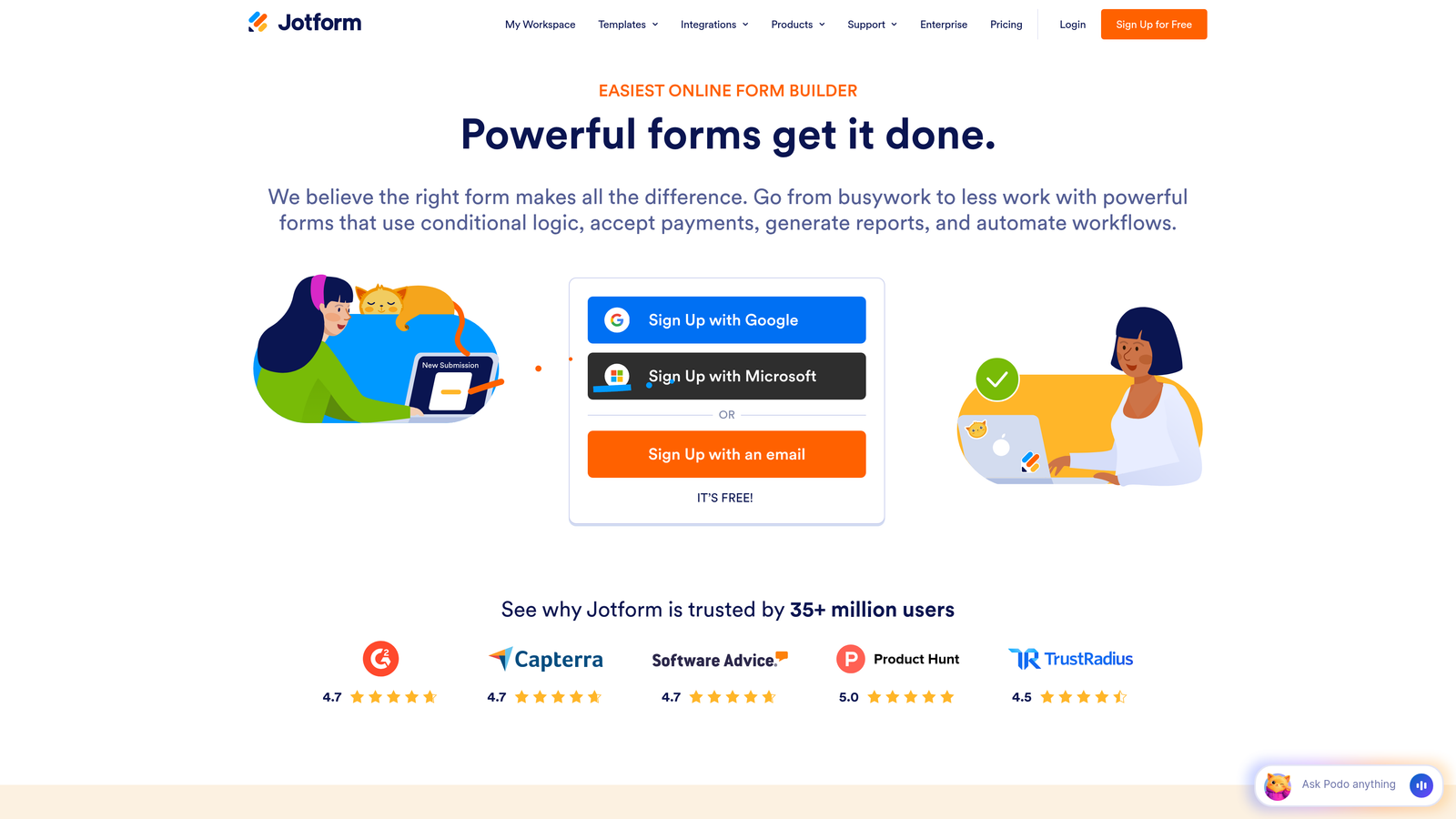
Jotform is a feature-rich form builder offering thousands of templates and extensive customization options for virtually any form type.
Where This Tool Shines
Jotform's massive template library covers nearly every conceivable use case, from event registrations to job applications to payment forms. This breadth makes it ideal for organizations with diverse form needs across multiple departments.
The widget marketplace extends functionality far beyond basic forms. You can add signature capture, appointment scheduling, payment processing, and hundreds of other specialized features without touching code.
Key Features
10,000+ Templates: Pre-built forms for every industry and use case, dramatically reducing build time for common scenarios.
PDF Form Generation: Automatically convert form submissions into formatted PDF documents for easy sharing and archiving.
Payment Integrations: Accept payments directly through forms with support for PayPal, Stripe, Square, and other processors.
Mobile Forms App: Collect responses offline through iOS and Android apps, syncing when connectivity returns.
Approval Workflows: Route submissions through multi-step approval processes with notifications at each stage.
Best For
Organizations with varied form requirements across departments. Excellent for teams that need payment collection, document generation, or specialized workflows beyond standard lead capture.
Pricing
Free tier available with Jotform branding. Bronze plan starts at $34/month for 25 forms and increased submission limits.
4. Tally
Best for: Startups and small teams wanting unlimited forms without breaking the budget
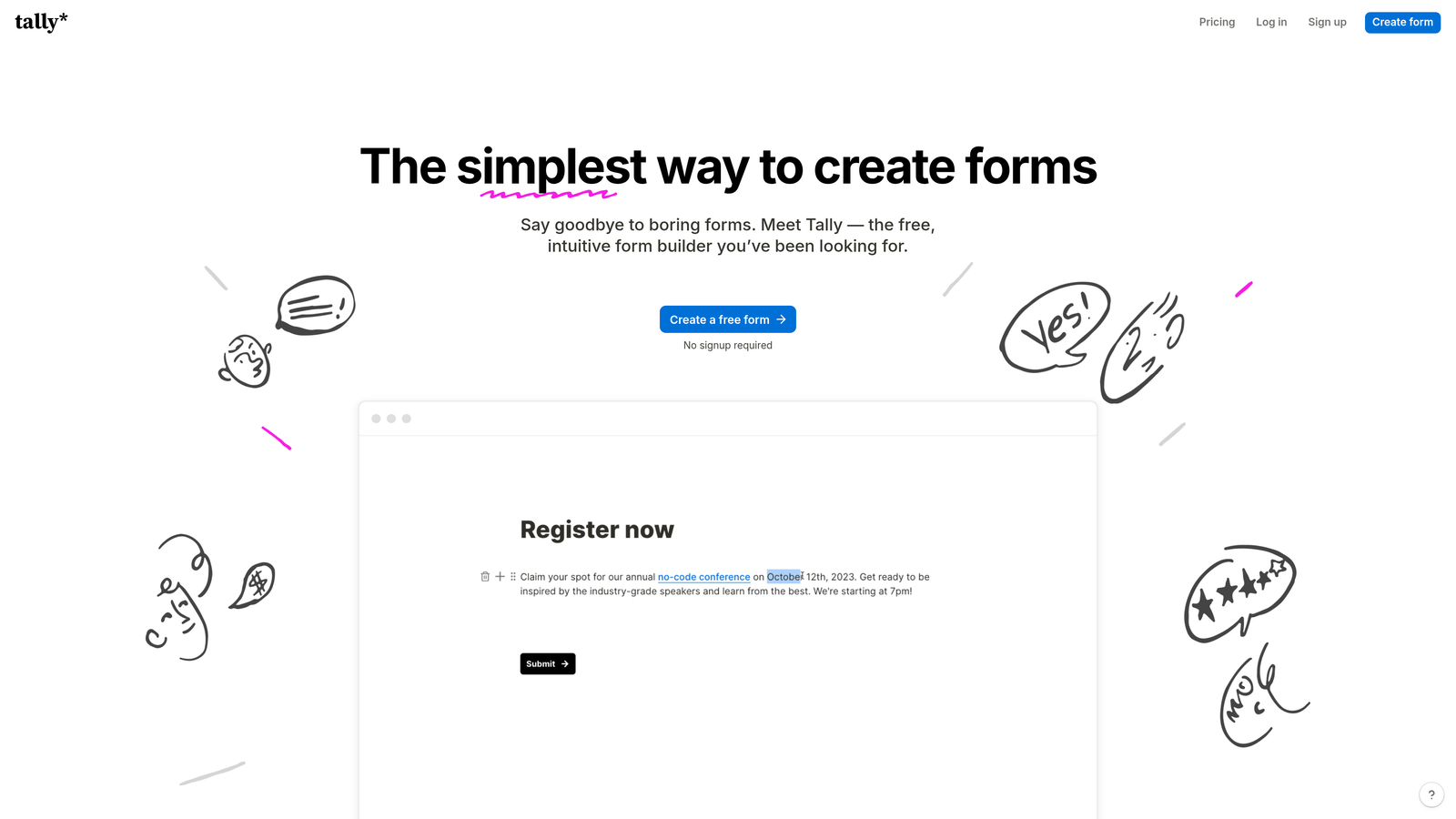
Tally is a minimalist form builder with a Notion-like interface and one of the most generous free tiers available.
Where This Tool Shines
Tally's free tier includes unlimited forms and unlimited submissions, removing the artificial constraints that plague most competitors. This makes it perfect for early-stage companies testing multiple lead magnets or running frequent campaigns.
The Notion-style block editor feels familiar to teams already using modern productivity tools. Building forms is as simple as typing and adding blocks, with no learning curve for teams comfortable with contemporary interfaces.
Key Features
Unlimited Forms on Free Tier: Create as many forms as needed without hitting paywalls or submission limits.
Notion-Style Editor: Build forms using familiar block-based editing that feels natural and requires minimal training.
Conditional Logic: Show or hide questions based on previous answers, creating dynamic form experiences.
File Uploads: Collect documents, images, and other files directly through form submissions.
Webhooks: Connect forms to external services and automation tools through webhook integrations.
Best For
Budget-conscious startups, side projects, and teams experimenting with multiple form strategies. Ideal when you need professional forms without monthly costs eating into runway.
Pricing
Generous free tier with unlimited forms. Pro plan at $29/month adds custom domains, hidden fields, and priority support.
5. Fillout
Best for: Operations teams syncing form data directly with Airtable, Notion, or other database tools
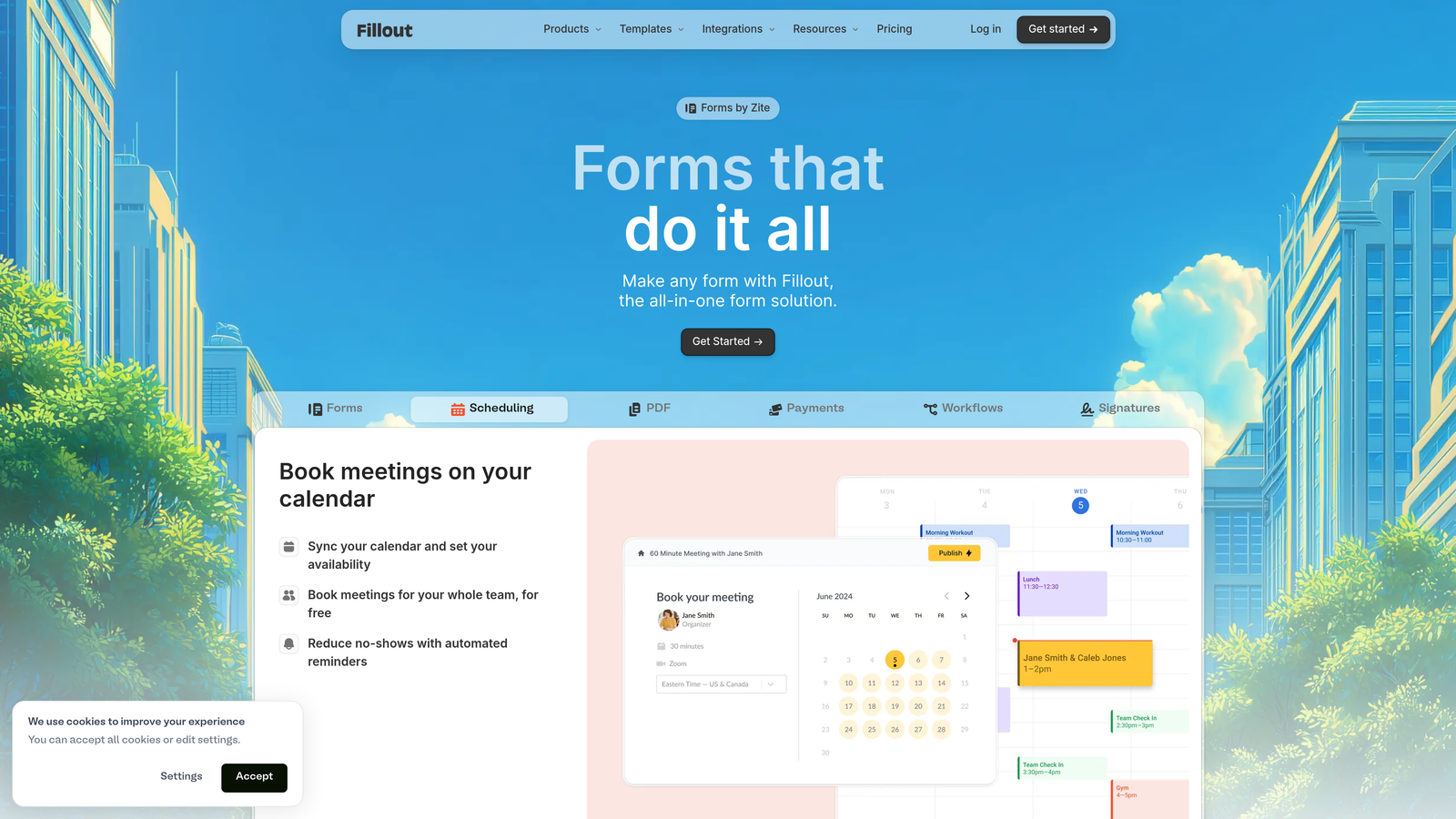
Fillout is a database-first form builder designed for teams who need seamless connections between forms and their data infrastructure.
Where This Tool Shines
Fillout treats databases as first-class citizens. Forms sync natively with Airtable and Notion, meaning submissions automatically populate your existing databases without middleware or zapier connections.
This database-first approach eliminates the common problem of form data living in one system while your actual workflow lives in another. Updates flow bidirectionally, keeping everything in sync automatically.
Key Features
Native Airtable Sync: Forms read from and write to Airtable bases directly, maintaining single source of truth for your data.
Notion Database Integration: Connect forms to Notion databases, automatically creating and updating database entries from submissions.
Multi-Page Forms: Break long forms into multiple pages with progress indicators to improve completion rates.
Scheduling Features: Built-in calendar scheduling for booking meetings and appointments without third-party tools.
Calculations: Perform calculations on form fields to show pricing, scores, or other computed values in real-time.
Best For
Teams already managing workflows in Airtable or Notion who want forms that integrate seamlessly. Perfect for operations-focused companies where data consistency across tools is critical.
Pricing
Free tier available. Starter plan begins at $15/month with increased submission limits and advanced features.
6. Paperform
Best for: Marketing teams creating landing page-style forms with rich content and product catalogs
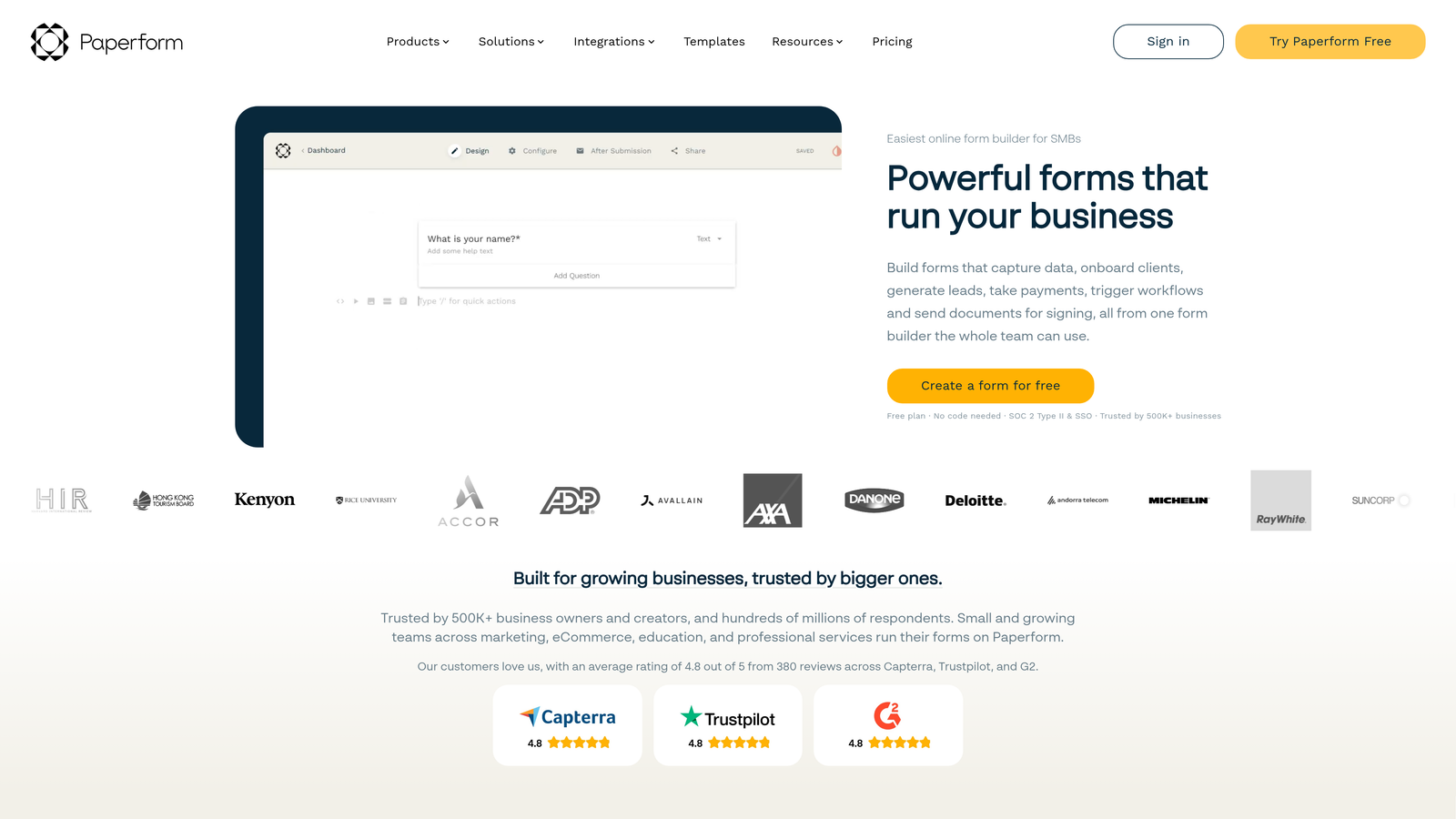
Paperform is a landing page-style form builder that combines rich content with data collection for marketing-focused teams.
Where This Tool Shines
Paperform blurs the line between forms and landing pages. You can embed images, videos, and formatted text alongside form fields, creating experiences that inform and convert simultaneously.
The product catalog functionality makes it excellent for order forms and bookings. Display products with images and descriptions, let users select options, and collect payment—all in one seamless experience.
Key Features
Rich Content Embedding: Add images, videos, formatted text, and other media directly within forms to create engaging experiences.
Product Catalog Forms: Build order forms with product images, descriptions, and variant options for e-commerce-style experiences.
Appointment Booking: Integrated calendar scheduling lets users book appointments without leaving the form.
Payment Collection: Accept payments through Stripe, PayPal, and Square directly within forms.
Custom Branding: Full control over colors, fonts, and styling to match your brand identity perfectly.
Best For
Marketing teams running campaigns where forms need to educate as much as collect data. Excellent for course registrations, event bookings, and product orders where context matters.
Pricing
Essentials plan starts at $24/month. No free tier, but 14-day trial available.
7. Formspark
Best for: Developers building static sites who need form backend without server-side code
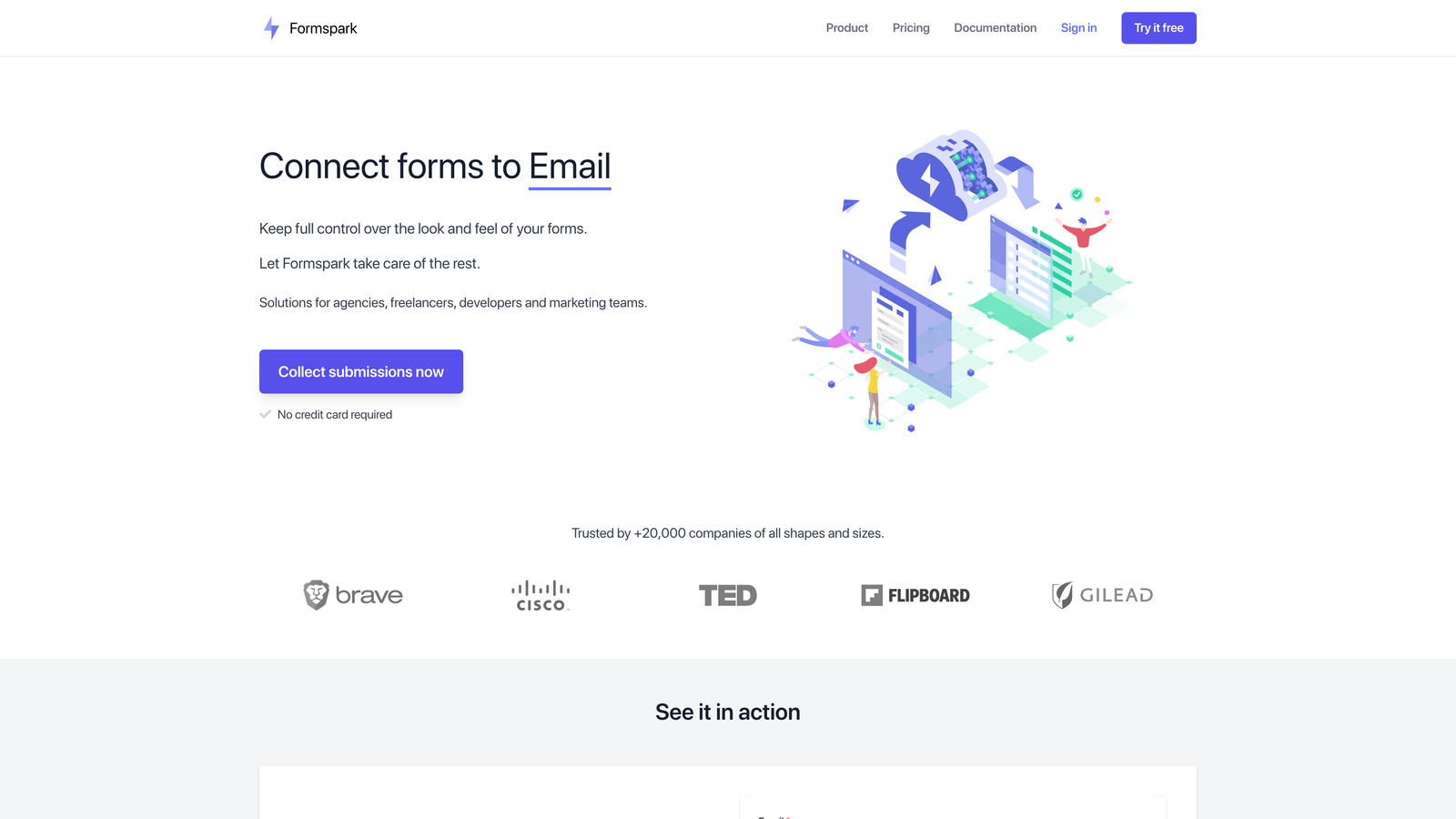
Formspark is a developer-focused form backend that handles submissions for static sites without requiring server infrastructure.
Where This Tool Shines
Formspark solves the classic static site problem: how to handle form submissions when you have no server. Point your HTML form at a Formspark endpoint, and it handles everything—storage, spam protection, notifications.
The developer experience is clean and minimal. No JavaScript required, no complex setup. Just change your form action URL and you're collecting submissions. This simplicity makes it perfect for JAMstack sites and static generators.
Key Features
Static Site Compatible: Works with any static site generator or plain HTML without requiring server-side code.
Spam Protection: Built-in honeypot fields and reCAPTCHA integration to filter out bot submissions.
Webhooks: Forward submissions to other services via webhooks for custom processing and integrations.
File Uploads: Accept file uploads through forms with secure storage and retrieval.
Email Notifications: Automatic email alerts when forms are submitted, with customizable templates.
Best For
Developers building with static site generators like Next.js, Gatsby, or Hugo. Perfect for portfolio sites, documentation sites, and marketing pages where you need forms without backend complexity.
Pricing
Free tier available with Formspark branding. Paid plans start at $25/year, making it one of the most affordable options.
8. Reform
Best for: B2B teams wanting modern, multi-step forms with built-in conversion optimization features
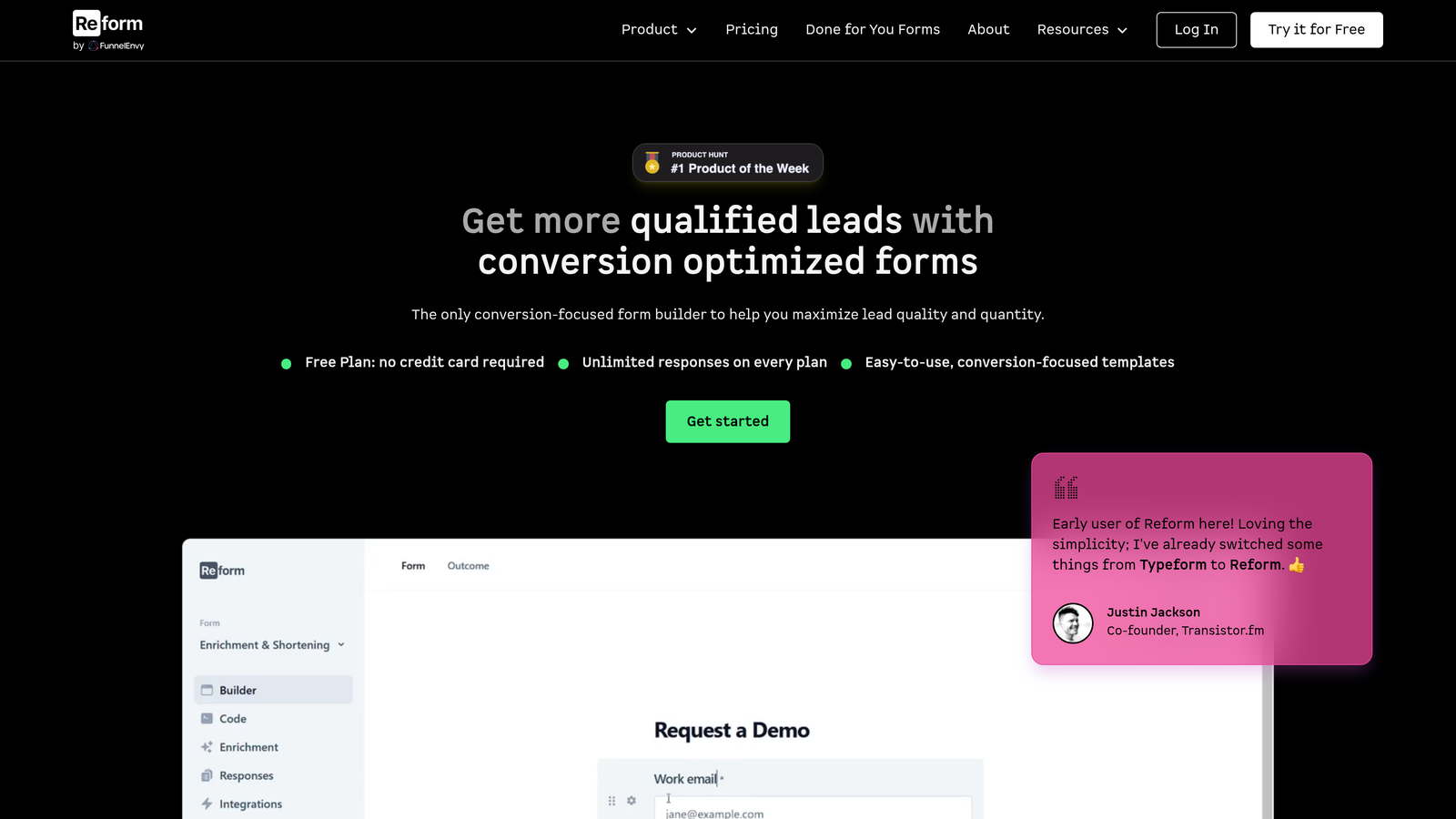
Reform is a conversion-focused form builder designed specifically for B2B teams prioritizing lead quality and form performance.
Where This Tool Shines
Reform built multi-step forms that actually improve conversions, not just look modern. The platform captures partial submissions, meaning you get lead data even if someone doesn't complete the entire form.
The A/B testing functionality is native to the platform, letting you test different form variations without external tools. This makes optimization a continuous process rather than a one-time setup.
Key Features
Multi-Step Forms: Break long forms into digestible steps with progress indicators that improve completion rates.
Partial Submissions: Capture lead data from incomplete submissions, recovering prospects who would otherwise be lost.
A/B Testing: Test different form variations natively within the platform to continuously improve conversion rates.
CRM Integrations: Native connections to HubSpot, Salesforce, and other CRMs ensure leads flow directly into sales workflows.
Analytics Dashboard: Track form performance, conversion rates, and drop-off points to identify optimization opportunities.
Best For
B2B SaaS companies and marketing teams focused on lead generation. Ideal when you're running paid traffic to forms and need to maximize ROI through conversion optimization.
Pricing
Free tier available. Growth plan starts at $25/month with advanced features and increased submission limits.
9. Feathery
Best for: Product teams building in-app forms, onboarding flows, and embedded user experiences
Feathery is a product-focused form builder designed for teams embedding forms directly into applications and products.
Where This Tool Shines
Feathery treats forms as product features, not marketing tools. The platform provides React and JavaScript SDKs for embedding forms that feel native to your application, not like third-party widgets.
The visual builder combined with code-level customization gives product teams flexibility without sacrificing speed. You can build quickly in the UI, then customize with code when needed for specific requirements.
Key Features
In-App Embedding: Embed forms directly into applications with native look and feel, not iframe-based widgets.
React/JS SDKs: Developer-friendly SDKs for React and vanilla JavaScript enable deep customization and integration.
Visual Builder: No-code interface for building forms quickly without writing code for every change.
User Authentication: Built-in authentication flows for forms that require login or user-specific data.
Custom Actions: Trigger custom code on form events for complex workflows and integrations.
Best For
Product teams building SaaS applications who need forms for onboarding, settings, or in-app data collection. Perfect when forms need to feel like core product features rather than external tools.
Pricing
Free tier available for development. Startup plan begins at $49/month with production features and support.
10. HubSpot Forms
Best for: Teams already using HubSpot CRM who want native integration without third-party tools
HubSpot Forms is the native form builder within the HubSpot ecosystem, ideal for teams invested in HubSpot's marketing and sales platform.
Where This Tool Shines
HubSpot Forms integrates seamlessly with the broader HubSpot platform, eliminating integration headaches. Form submissions automatically create or update contacts, trigger workflows, and populate deal records without configuration.
Progressive profiling is a standout feature. Forms automatically show different questions to returning visitors, gradually building complete contact profiles without overwhelming users with long forms on first visit.
Key Features
Native CRM Sync: Form submissions automatically flow into HubSpot CRM, creating contacts and updating records in real-time.
Progressive Profiling: Show different questions to returning visitors, building complete profiles over time without form fatigue.
Smart Fields: Pre-populate form fields with known contact data, reducing friction for returning visitors.
Pop-Up Forms: Create exit-intent and timed pop-ups directly in the form builder for lead capture campaigns.
Marketing Automation: Trigger HubSpot workflows, email sequences, and nurture campaigns directly from form submissions.
Best For
Companies already using HubSpot for CRM and marketing automation. The native integration makes it the obvious choice when you're invested in the HubSpot ecosystem.
Pricing
Free with HubSpot's free CRM. Advanced features like progressive profiling require paid Marketing Hub tiers starting at $45/month.
11. Formstack
Best for: Enterprise teams requiring HIPAA compliance, advanced security, and regulatory features
Formstack is an enterprise-grade form builder focused on security, compliance, and sophisticated workflow automation.
Where This Tool Shines
Formstack takes security seriously in ways most form builders don't. HIPAA compliance, SOC 2 Type II certification, and advanced encryption make it suitable for healthcare, finance, and other regulated industries.
The document generation and e-signature capabilities extend beyond simple data collection. Forms can automatically generate contracts, agreements, and other documents that require signatures, creating complete digital workflows.
Key Features
HIPAA Compliance: Full HIPAA compliance with business associate agreements for healthcare organizations collecting protected health information.
Document Generation: Automatically create PDF documents from form submissions using customizable templates.
E-Signatures: Collect legally binding electronic signatures directly within forms for contracts and agreements.
Advanced Workflows: Build complex approval processes with conditional routing, notifications, and multi-step approvals.
Enterprise Security: SOC 2 Type II certified with advanced encryption, SSO, and granular user permissions.
Best For
Enterprise organizations in regulated industries like healthcare, finance, and legal services. Essential when compliance requirements eliminate most consumer-grade form builders.
Pricing
Starter plan begins at $50/month. Enterprise pricing available with custom security and compliance requirements.
Finding Your Perfect Form Builder
The best form builder depends on your specific workflow and priorities. For AI-powered lead qualification and conversion optimization, Orbit AI leads the pack with intelligent scoring that helps sales teams focus on high-value prospects.
Teams prioritizing conversational experiences should explore Typeform's one-question-at-a-time approach. If you need massive template libraries covering every conceivable use case, Jotform's 10,000+ templates will save significant build time. Startups watching their budget can't go wrong with Tally's generous free tier that includes unlimited forms and submissions.
Database-heavy operations teams should look at Fillout for native Airtable and Notion syncing. Marketing teams creating rich, landing page-style experiences will appreciate Paperform's content embedding capabilities. Developers building static sites need Formspark's simple backend-as-a-service approach.
B2B teams focused on conversion optimization should consider Reform's partial submissions and native A/B testing. Product teams embedding forms in applications will find Feathery's SDKs and in-app embedding essential. Companies already using HubSpot should leverage the native HubSpot Forms integration. Enterprise teams with compliance requirements will find Formstack's security features non-negotiable.
Ready to transform your lead generation? Start building free forms today and see how intelligent form design can elevate your conversion strategy. Begin by identifying your primary use case—whether that's lead qualification, survey distribution, or payment collection—then test 2-3 options from this list with a real form you're currently using. Most platforms offer free tiers or trials, making it easy to validate fit before committing.


