

If you're shopping for a form builder, you already know the frustration: pricing pages are vague, feature lists are bloated, and the only way to know what you'll actually pay is to book a demo or submit a request. This guide cuts through that noise.
Whether you need a simple contact form, a multi-step lead qualification flow, or a full-blown enterprise solution, we've rounded up the best form builders worth reaching out to for a quote in 2026. For each tool, we break down what it's genuinely good at, who it's built for, and what to expect on pricing — so you can shortlist the right two or three before you ever fill out a sales form.
We've also included notes on AI capabilities, integrations, and conversion features, since those increasingly determine real-world value for high-growth teams. Let's get into it.
1. Orbit AI
Best for: High-growth SaaS and B2B teams that need AI-powered lead qualification baked into their forms.
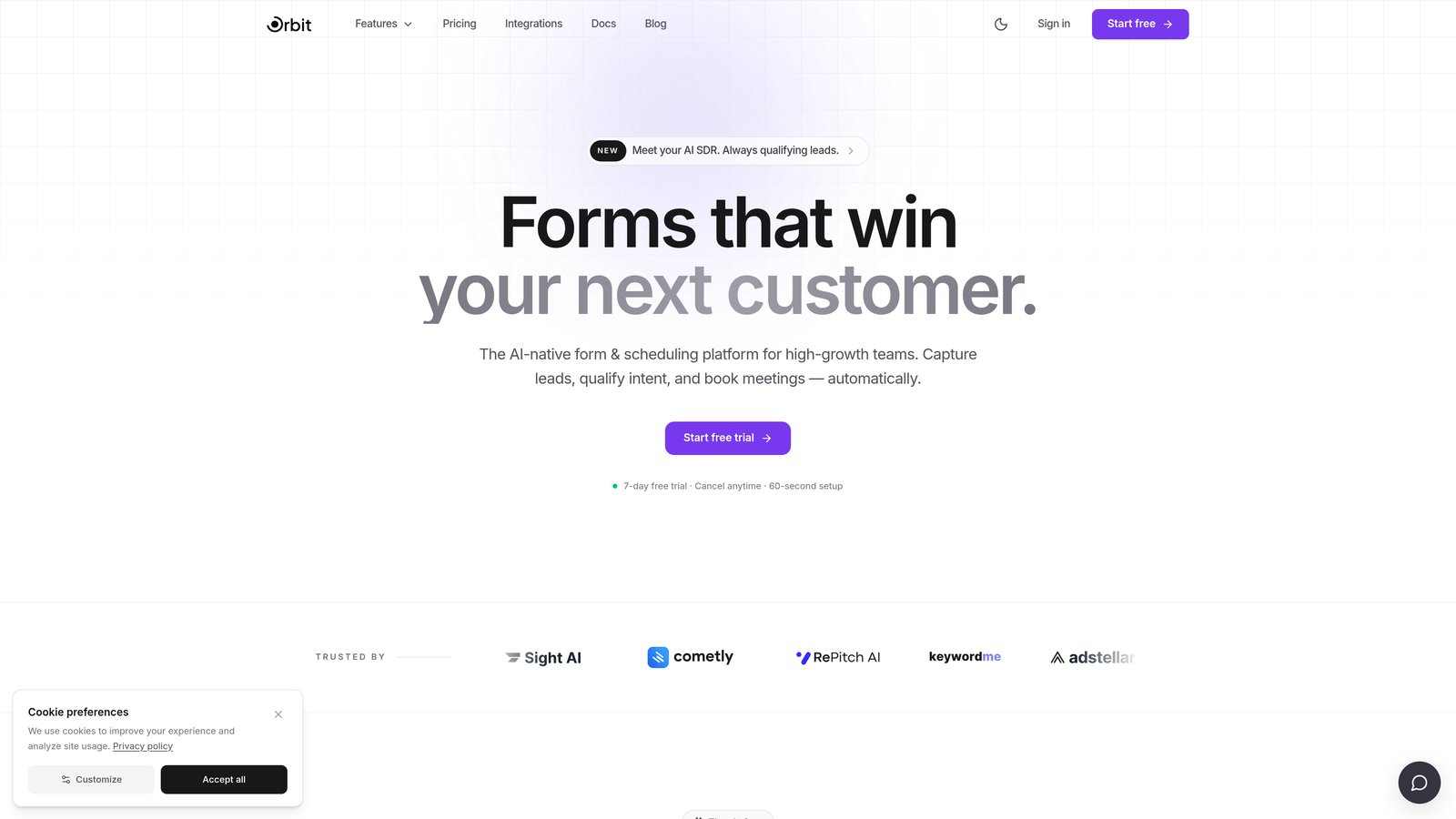
Orbit AI is an AI-powered form builder built specifically for demand-gen and revenue teams who care as much about pipeline quality as they do about volume.
Where This Tool Shines
Most form builders collect data and stop there. Orbit AI goes further: it qualifies leads within the form flow itself, scoring and routing prospects automatically based on their responses. That means your sales team sees pre-qualified leads, not a raw dump of form submissions.
The design side is equally polished. Forms are conversion-optimized out of the box, with a modern, clean UI that doesn't require a designer to make them look good. For SaaS teams running paid acquisition or ABM campaigns, that combination of aesthetics and intelligence is hard to find in a single tool.
Key Features
AI-Driven Lead Qualification: Scores and qualifies leads in real time during the form interaction, before they ever hit your CRM.
Smart Routing: Automatically directs leads to the right sales rep, sequence, or outcome based on qualification criteria you define.
Conversion-Optimized Design: Clean, modern form UI built to maximize completion rates without sacrificing brand quality.
Analytics and Submission Tracking: Built-in reporting lets you monitor drop-off points, conversion rates, and lead quality over time.
B2B and SaaS-Focused Architecture: The platform is purpose-built for pipeline-focused teams, not adapted from a generic survey tool.
Best For
Orbit AI is the right fit for SaaS companies, B2B demand-gen teams, and growth marketers who need their forms to do more than collect email addresses. If lead quality is a KPI for your team, this tool is worth a serious look.
Pricing
Contact for pricing. Plans are designed for high-growth teams with varying lead volumes, so the conversation typically starts with your qualification criteria and submission volume.
2. Typeform
Best for: Teams that want a conversational, high-completion-rate form experience with strong integration options.
Typeform is one of the most recognized names in form building, known for its one-question-at-a-time format that makes filling out forms feel less like a chore.

Where This Tool Shines
Typeform's conversational UX is genuinely differentiated. By presenting one question at a time, it reduces cognitive load and typically improves completion rates compared to traditional multi-field forms. It feels less like a form and more like a dialogue.
The integration ecosystem is broad and well-maintained. Native connections to HubSpot, Salesforce, and Zapier mean your form submissions can flow directly into your existing workflows without custom development.
Key Features
Conversational One-Question UX: Presents questions sequentially to reduce abandonment and improve the respondent experience.
Logic Jumps: Conditional branching that tailors the form path based on previous answers.
CRM Integrations: Native connections to HubSpot, Salesforce, Zapier, and dozens of other platforms.
Rich Media Embedding: Supports video and image embedding directly within form questions.
Enterprise Plan: Includes SSO, custom domains, and dedicated support for larger organizations.
Best For
Typeform works well for marketing teams running surveys, lead capture campaigns, and customer feedback collection. It's particularly strong when brand experience matters and you want your form to feel polished and on-brand.
Pricing
Free tier available. Paid plans start at approximately $25/month. Enterprise pricing requires contacting Typeform's sales team for a custom quote.
3. Jotform
Best for: Teams that need a feature-rich form builder with payment integrations, templates, and compliance options.
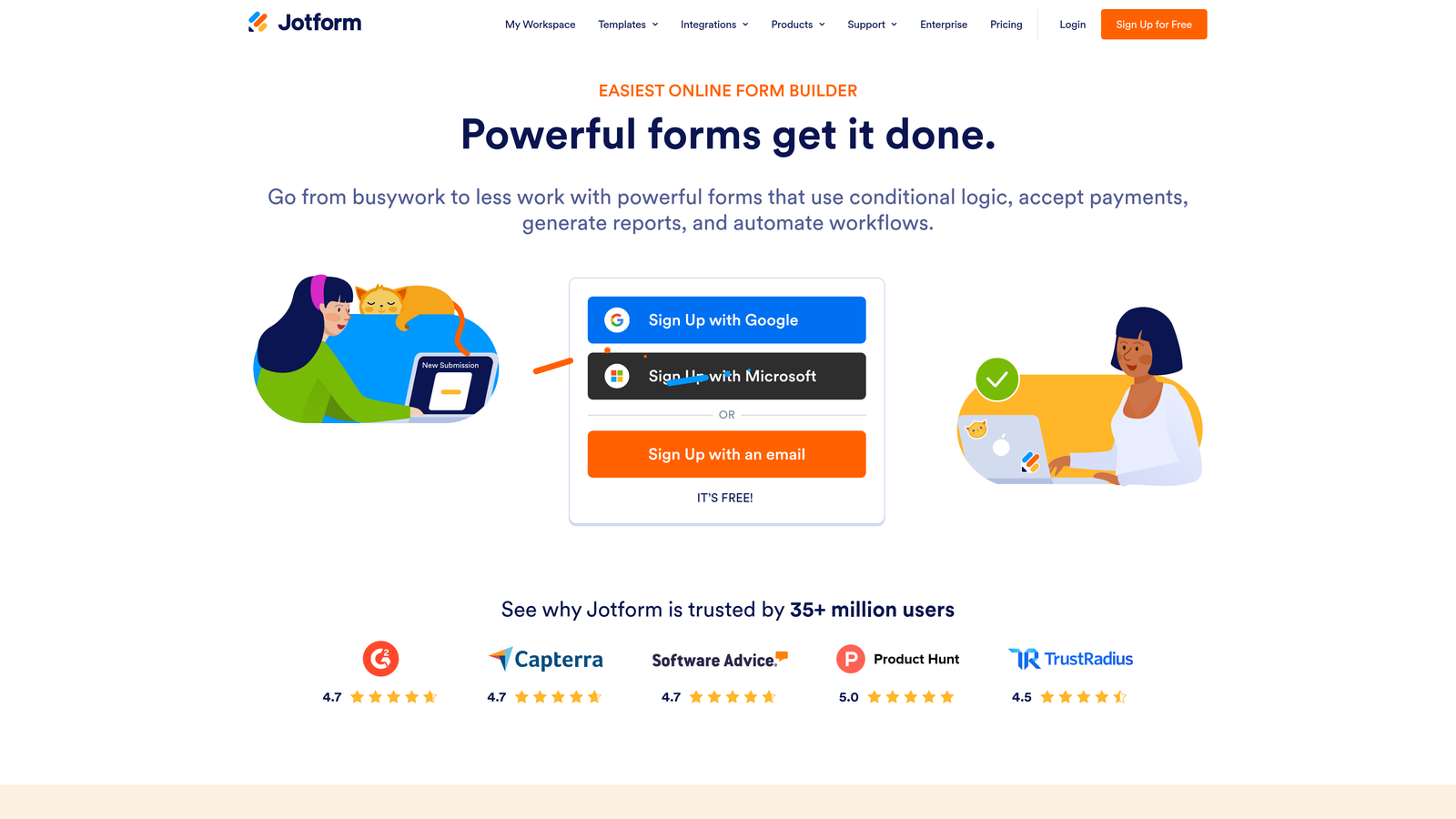
Jotform is one of the most comprehensive form builders on the market, offering an enormous template library and native payment processing across multiple gateways.
Where This Tool Shines
Jotform's breadth is its biggest strength. With over 10,000 templates spanning nearly every industry, you can get a functional form live in minutes regardless of your use case. That template depth is especially useful for teams without dedicated design resources.
Its HIPAA-compliant plans make it one of the few form builders genuinely suited for healthcare use cases. Combined with native payment integrations, Jotform covers a remarkably wide range of business scenarios from a single platform.
Key Features
10,000+ Templates: Pre-built forms across industries including healthcare, education, e-commerce, and professional services.
Native Payment Integrations: Accepts payments via Stripe, PayPal, Square, and other major processors directly within forms.
HIPAA-Compliant Plans: Dedicated compliance options for healthcare organizations handling protected health information.
Offline Mobile Capability: Forms can be filled out and submitted without an internet connection via the Jotform mobile app.
Enterprise Plan: Includes custom branding, dedicated account management, and advanced security controls.
Best For
Jotform is a strong choice for small to mid-sized businesses, healthcare organizations, nonprofits, and any team that needs a versatile form builder without a steep learning curve. It's particularly well-suited for payment collection and regulated industries.
Pricing
Free tier available. Paid plans start at approximately $34/month. Enterprise pricing requires a custom quote from Jotform's sales team.
4. HubSpot Forms
Best for: Teams already using HubSpot CRM who want seamless form-to-contact record syncing without extra tools.
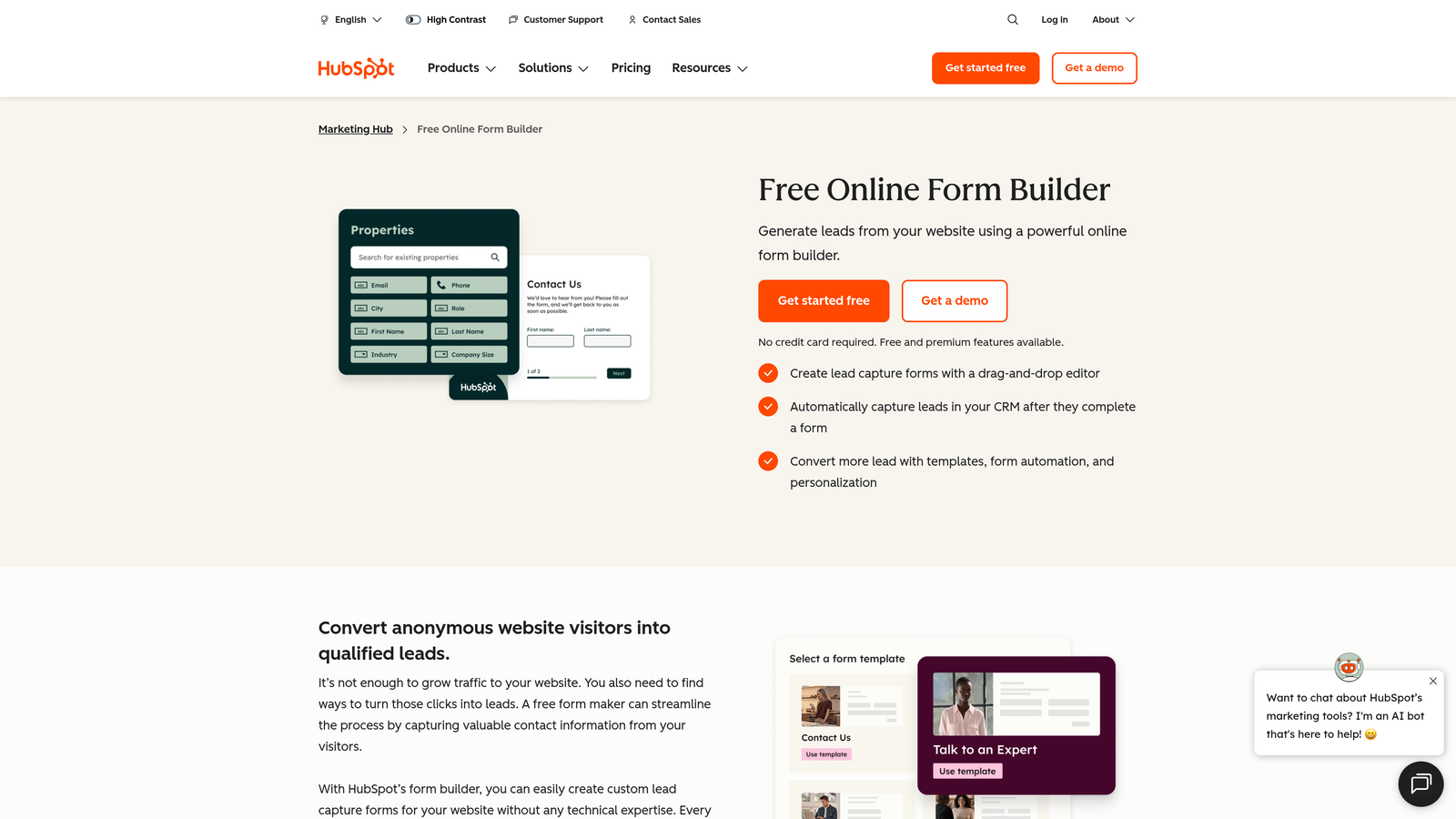
HubSpot Forms is a CRM-native form tool that comes included with HubSpot's free CRM, making it a natural choice for teams already living inside the HubSpot ecosystem.
Where This Tool Shines
The native CRM integration is the headline feature here. When someone submits a HubSpot form, a contact record is created or updated instantly, and workflow automations can fire immediately. There's no middleware, no Zap to configure, and no data mapping to worry about.
Progressive profiling is another genuinely useful feature: HubSpot Forms can detect known contacts and replace already-answered fields with new questions, gradually building richer contact profiles without asking the same person the same questions twice.
Key Features
Native CRM Sync: Submissions automatically create or update HubSpot contact records in real time.
Workflow Triggers: Form submissions can instantly trigger automated sequences, task assignments, and notifications.
Progressive Profiling: Replaces known fields with new questions for returning contacts, enriching data over time.
Embedded and Pop-up Options: Deploy forms inline on pages or as pop-ups without additional tools.
Free with HubSpot CRM: Core form functionality is included at no additional cost with any HubSpot account.
Best For
HubSpot Forms is the obvious choice for teams already using HubSpot for CRM, email marketing, or sales automation. It's less compelling as a standalone tool if you're not invested in the broader HubSpot platform.
Pricing
Free with HubSpot CRM. Advanced features tied to Marketing Hub, which starts at approximately $800/month for the professional tier.
5. Gravity Forms
Best for: WordPress-based businesses that need advanced conditional logic, developer extensibility, and a large add-on ecosystem.
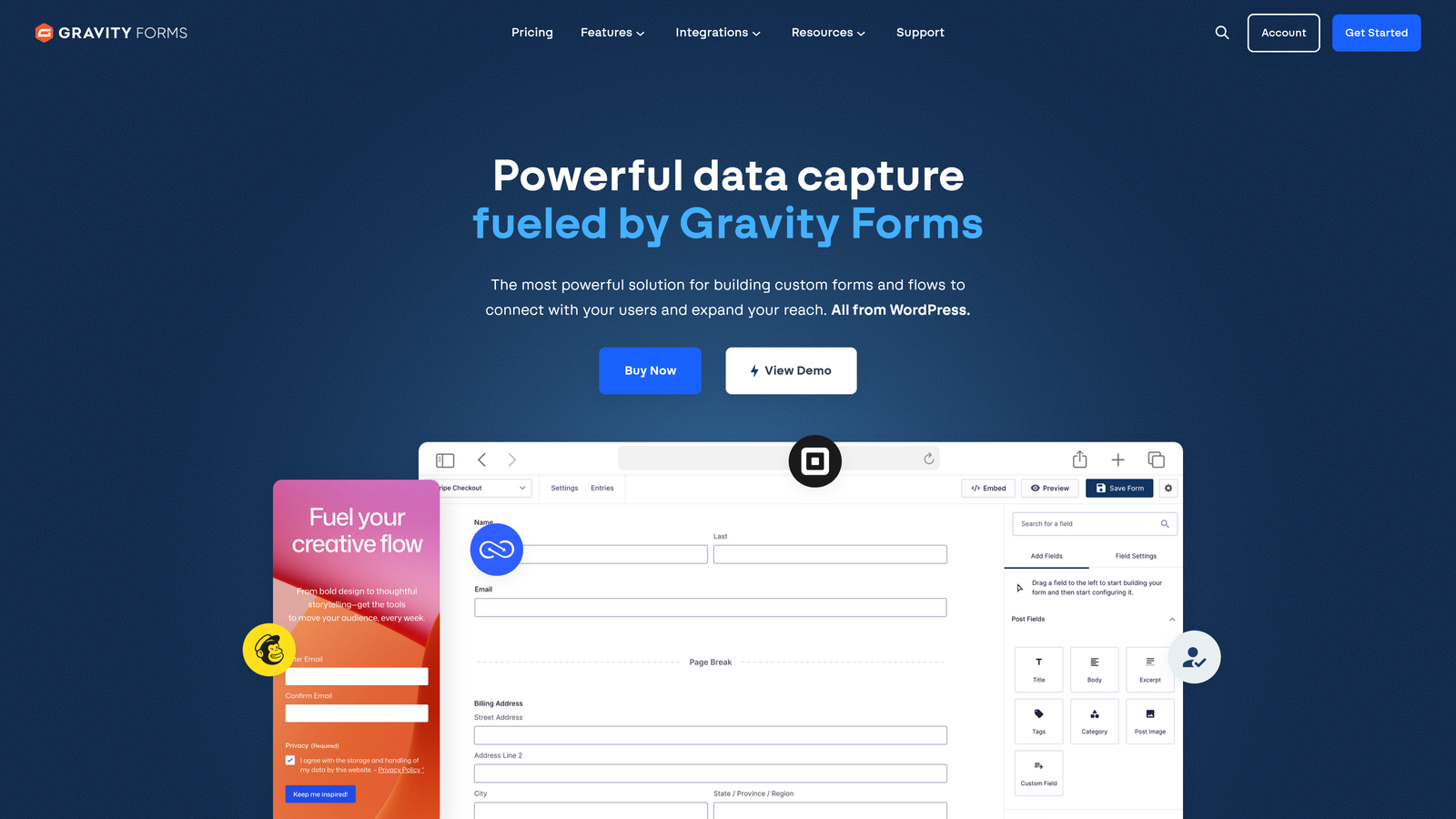
Gravity Forms is the go-to form plugin for serious WordPress developers and businesses that need more than a basic drag-and-drop experience.
Where This Tool Shines
Gravity Forms is built for WordPress in a way that most form tools aren't. It exposes custom hooks and filters throughout the form lifecycle, giving developers precise control over behavior, validation, and data handling. If your team includes developers or you're running a complex WordPress site, that extensibility is invaluable.
The add-on library is extensive, covering payment gateways, CRM integrations, email marketing tools, and more. Because these are official and well-maintained third-party add-ons, you're not stitching together fragile Zapier chains for core functionality.
Key Features
Deep WordPress Integration: Custom hooks, filters, and developer APIs throughout the form lifecycle.
Advanced Conditional Logic: Multi-condition rules for showing, hiding, and routing fields and pages.
Multi-Page Forms: Break long forms into multiple steps with progress indicators.
Payment Add-Ons: Stripe, PayPal, and other payment gateways available through official add-ons.
Annual License Model: Flat annual pricing with no per-submission fees, regardless of volume.
Best For
Gravity Forms is purpose-built for WordPress sites that need complex forms, developer customization, or payment collection. It's not the right tool for teams not on WordPress, but for those who are, it's hard to beat.
Pricing
Annual licenses range from approximately $59/year for the Basic plan to approximately $259/year for the Elite plan. No free tier, but pricing is publicly listed.
6. Formstack
Best for: Enterprise and mid-market teams in regulated industries that need forms connected to document generation and e-signatures.
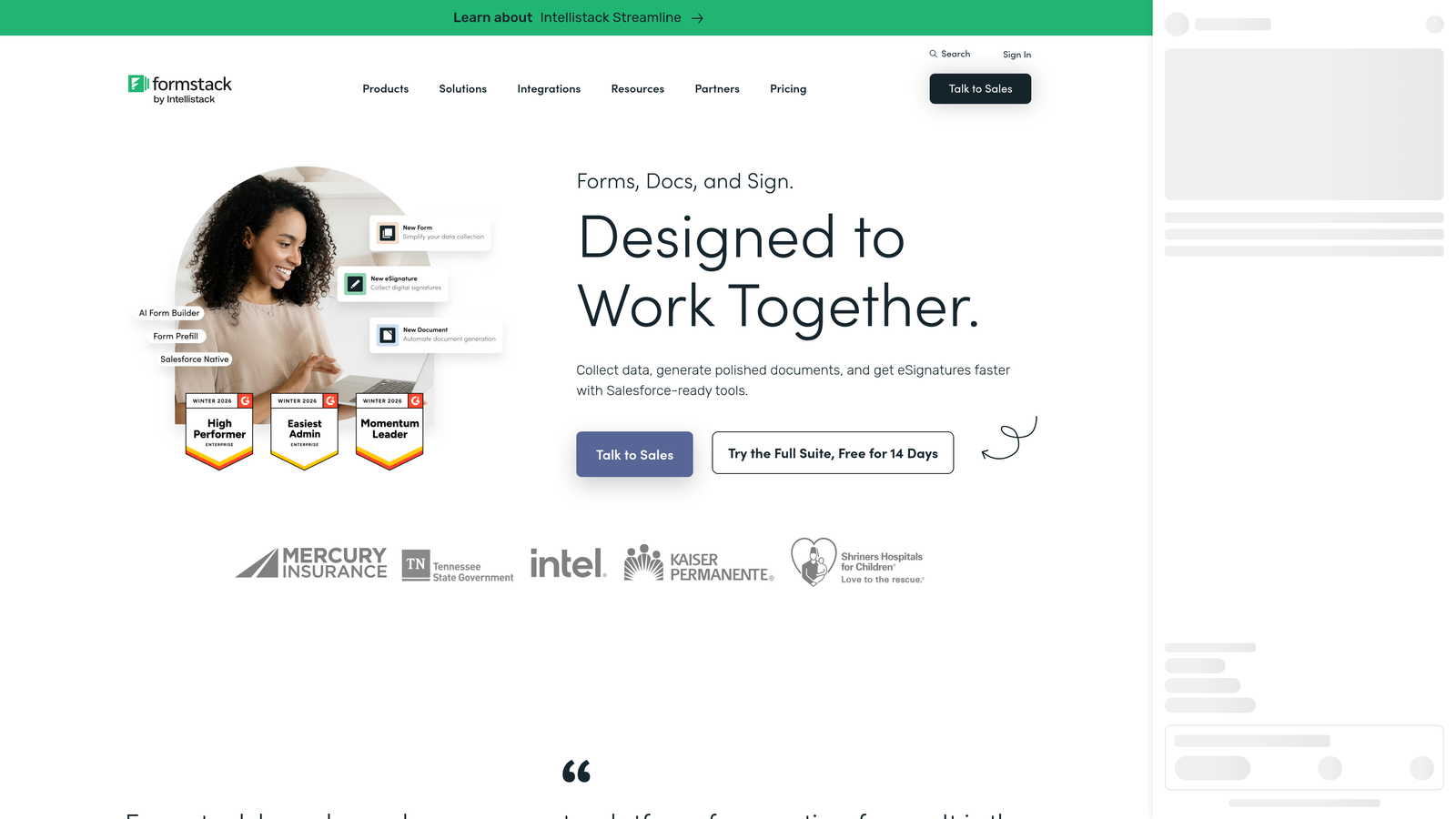
Formstack positions itself less as a form builder and more as a workflow automation platform, with forms serving as the entry point into a broader suite that includes document generation and electronic signatures.
Where This Tool Shines
Formstack's strength is in connecting data collection to downstream document workflows. Think intake forms that automatically populate contracts, or compliance forms that route to approval queues and generate signed documents. That end-to-end capability is rare in the form builder category.
For regulated industries including healthcare, finance, and legal, Formstack's compliance features are a meaningful differentiator. The platform is designed to support HIPAA, FERPA, and other regulatory frameworks at the enterprise level.
Key Features
Forms-to-Documents Workflow: Form submissions can automatically populate and generate branded documents without manual data entry.
E-Signature Integration: Collect legally binding signatures as part of the same workflow.
Compliance Features: Designed to support HIPAA, FERPA, and other regulatory requirements for enterprise customers.
Salesforce Native App: A purpose-built Salesforce integration for teams running on that CRM.
Approval Workflow Routing: Conditional routing sends submissions to the right reviewers or departments automatically.
Best For
Formstack is best suited for enterprise and mid-market teams in healthcare, financial services, legal, and education that need compliant, end-to-end document workflows rather than just form submissions.
Pricing
Forms-only plans start at approximately $50/month. Full suite and enterprise pricing requires a custom quote from Formstack's sales team.
7. Cognito Forms
Best for: Businesses that need calculation-heavy forms for dynamic pricing, quotes, or complex conditional logic.
Cognito Forms occupies a specific niche: it's the form builder of choice for teams that need real math inside their forms, whether that's dynamic pricing, fee calculations, or multi-variable quote generation.

Where This Tool Shines
The calculation engine in Cognito Forms is genuinely powerful. You can build forms that calculate totals, apply conditional pricing rules, and display dynamic results to the respondent in real time. For service businesses or any team that needs to generate quotes based on form inputs, this is a standout capability.
The repeating sections feature is another underrated strength. It lets respondents add multiple line items within a single form submission, which is essential for order forms, project scoping tools, and event registrations with variable attendee counts.
Key Features
Calculation Fields: Built-in formula engine for dynamic pricing, totals, and computed values within forms.
Advanced Conditional Logic: Show, hide, and calculate based on complex multi-condition rules.
Repeating Sections: Allow respondents to add multiple entries within a single form submission.
Payment Collection: Accept payments via Stripe directly within forms.
Entry Management: Built-in tools to view, filter, and export submission data.
Best For
Cognito Forms is ideal for service businesses, contractors, event organizers, and any team that needs forms to perform calculations and generate dynamic pricing or quotes based on user inputs.
Pricing
Generous free tier available with no submission limits. Paid plans start at approximately $15/month, making it one of the more affordable options on this list.
8. Paperform
Best for: Teams that want forms with the visual richness and layout flexibility of a branded landing page.
Paperform blurs the line between a form builder and a page builder, letting teams create form experiences that look and feel like designed content rather than data collection interfaces.
Where This Tool Shines
Paperform's editing experience is unusually flexible. You can mix text, images, videos, and form fields in a free-form layout, which means your form can double as a product page, booking experience, or event registration landing page. That design freedom is rare among dedicated form tools.
Built-in product selling and appointment booking capabilities make Paperform useful beyond traditional lead capture. Small businesses and solo operators in particular tend to find that it replaces several tools at once.
Key Features
Page-Like Form Layouts: Free-form editing that mixes rich media and form fields in a landing page-style layout.
Built-In Product Selling: Accept payments and sell products directly within the form experience.
Appointment Booking: Native scheduling functionality without a third-party booking tool.
Conditional Logic and Calculators: Supports branching and calculation fields for more complex form flows.
Integrations: Connects via Zapier, Make, and native integrations with popular tools.
Best For
Paperform is well-suited for small businesses, freelancers, and creative teams that want beautiful, brand-consistent form experiences without hiring a designer or developer. It's also a solid pick for teams that need booking and payment collection in one place.
Pricing
Plans start at approximately $24/month. All pricing is publicly listed; there is no enterprise tier requiring a custom quote.
9. Microsoft Forms
Best for: Microsoft 365 users who need a simple, no-setup tool for internal surveys, quizzes, and data collection.
Microsoft Forms is the form and survey tool included with Microsoft 365 subscriptions, designed primarily for internal use within organizations already running on the Microsoft stack.
Where This Tool Shines
If your organization is already paying for Microsoft 365, Microsoft Forms is effectively free. There's no additional procurement, no new vendor relationship, and no learning curve for teams already familiar with Office tools. For internal surveys, event RSVPs, quizzes, and simple data collection, it covers the basics reliably.
The native integration with Teams, SharePoint, and Excel is genuinely useful for internal workflows. Responses flow directly into Excel for analysis, and forms can be embedded in Teams tabs or SharePoint pages without any configuration.
Key Features
Included with Microsoft 365: No additional cost for organizations with existing M365 subscriptions.
Native M365 Integration: Direct connections to Teams, SharePoint, and Excel for seamless internal workflows.
Basic Branching Logic: Simple conditional branching for surveys and quizzes.
Real-Time Response Charts: Visual summaries of responses available immediately after submissions.
Mobile and Desktop Access: Fully functional across devices without additional apps.
Best For
Microsoft Forms is best for IT teams, HR departments, and internal operations teams at organizations running Microsoft 365. It's not designed for external lead generation or conversion-focused use cases, and it shows.
Pricing
Included with Microsoft 365 subscriptions, which start at approximately $6/user/month for Business Basic. No standalone pricing.
Which Tool Is Right for Your Team?
The form builder market in 2026 spans a wide spectrum, from zero-cost internal survey tools to AI-powered lead qualification platforms. The right choice depends almost entirely on what you're trying to accomplish.
If your primary goal is pipeline quality and lead conversion, Orbit AI is the standout option. Its AI-driven qualification and smart routing capabilities are purpose-built for SaaS and B2B teams who need their forms to do more than collect submissions. It's the only tool on this list designed from the ground up around lead quality rather than data collection.
For teams that prioritize conversational UX and broad integrations, Typeform remains a strong contender. If you're running a WordPress site with complex logic needs, Gravity Forms is the clear choice. Formstack makes the most sense for enterprise teams in regulated industries that need forms connected to document and e-signature workflows. And if you're already on Microsoft 365 and just need internal surveys, Microsoft Forms gets the job done without adding a new vendor.
Here's a quick use-case summary to help you shortlist:
AI-powered lead qualification for SaaS/B2B: Orbit AI
Conversational forms with great UX: Typeform
Feature-rich builder with payments and compliance: Jotform
Teams already in the HubSpot ecosystem: HubSpot Forms
WordPress-based businesses needing developer control: Gravity Forms
Enterprise workflow automation in regulated industries: Formstack
Quote generation with calculation fields: Cognito Forms
Design-forward forms with booking and payments: Paperform
Internal surveys within Microsoft 365: Microsoft Forms
Most of these tools offer a free tier or public pricing to get started, but if you're evaluating for enterprise use or need AI-driven qualification features, reaching out for a custom quote is the right move. The tools that require sales conversations typically do so because the value they deliver scales significantly with your specific setup and volume.
For high-growth teams focused on lead generation and conversion, the form builder you choose directly affects pipeline quality. Start building free forms today with Orbit AI and see how intelligent form design can elevate your conversion strategy.


