

The right contact form can be the difference between a visitor who bounces and a qualified lead who converts. In 2026, contact form generators have evolved far beyond basic data collection—they're now sophisticated conversion tools with AI-powered qualification, conditional logic, and seamless CRM integrations. The best platforms help you capture more leads while automatically filtering for quality, saving your team countless hours of manual follow-up.
We evaluated dozens of contact form generators based on ease of use, customization depth, integration capabilities, pricing value, and conversion optimization features. Whether you're a high-growth startup looking to qualify leads automatically or an enterprise team needing advanced compliance features, this guide will help you find the perfect fit for your needs.
1. Orbit AI
Best for: High-growth teams focused on lead qualification and conversion optimization
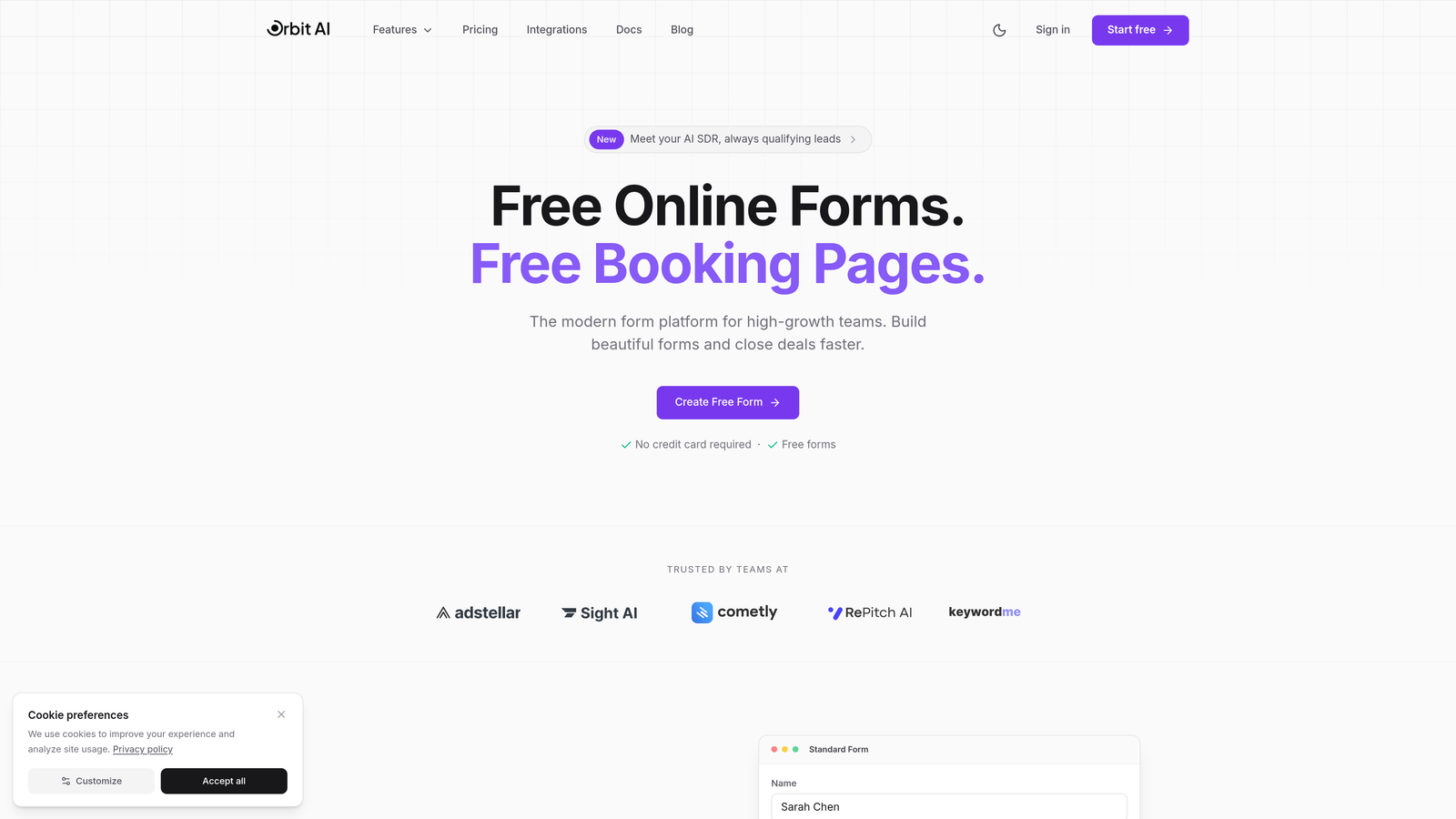
Orbit AI is an AI-powered form builder platform designed specifically for teams that need to capture and qualify leads simultaneously.
Where This Tool Shines
Orbit AI stands out by combining beautiful form design with intelligent lead qualification. The platform uses AI to automatically score and route leads based on their responses, meaning your sales team only sees prospects worth their time.
The conversion-optimized templates are built on data from thousands of high-performing forms, giving you a head start on design decisions that actually impact completion rates. Real-time analytics show exactly where visitors drop off, so you can continuously improve performance.
Key Features
AI-Powered Lead Qualification: Automatically scores and prioritizes leads based on their form responses and engagement patterns.
Conversion-Optimized Templates: Pre-built form designs tested for maximum completion rates across industries.
Native CRM Integrations: Seamlessly connects with HubSpot, Salesforce, and Pipedrive to eliminate manual data entry.
Real-Time Analytics Dashboard: Track form performance, completion rates, and drop-off points with actionable insights.
Conditional Logic and Smart Routing: Show or hide fields based on responses and route leads to the right team member automatically.
Best For
Orbit AI is ideal for B2B companies, SaaS businesses, and marketing agencies that need to qualify leads at scale. If your team spends hours sorting through form submissions to find serious prospects, the AI qualification features will transform your workflow.
Pricing
Free tier available for basic forms; paid plans unlock advanced AI features, custom branding, and priority integrations.
2. Typeform
Best for: Creating engaging, conversational form experiences that boost completion rates
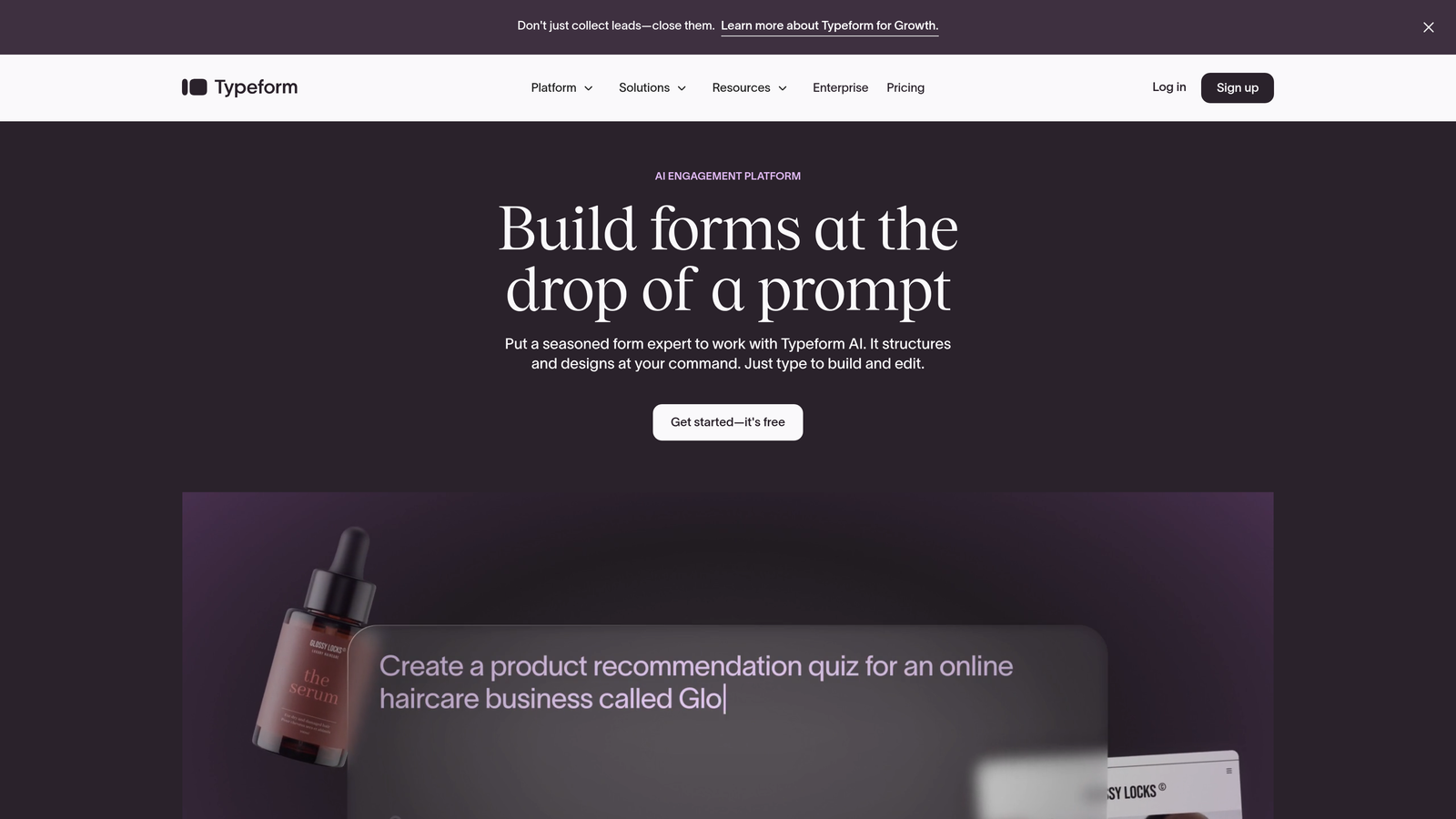
Typeform is a conversational form builder known for its distinctive one-question-at-a-time format that feels more like a conversation than a traditional form.
Where This Tool Shines
Typeform's conversational approach significantly reduces form abandonment by making the experience feel less overwhelming. Instead of facing a wall of fields, users answer one thoughtfully designed question at a time, creating a more engaging flow.
The platform excels at creating forms that feel premium and modern. The smooth transitions between questions and beautiful design templates make even lengthy surveys feel approachable and professional.
Key Features
Conversational Format: One-question-at-a-time interface that improves completion rates by reducing cognitive load.
Mobile-Responsive Designs: Forms automatically adapt to any screen size with smooth, touch-friendly interactions.
Logic Jumps and Branching: Create dynamic forms that adapt based on previous answers for personalized experiences.
Rich Media Embedding: Add videos, images, and GIFs to make forms more engaging and explain complex questions visually.
Extensive Integration Library: Connects with hundreds of tools including Slack, Google Sheets, Mailchimp, and major CRMs.
Best For
Typeform works best for customer research, feedback collection, event registrations, and any scenario where user experience matters more than rapid data entry. It's particularly effective for consumer-facing brands and creative agencies.
Pricing
Free tier available with Typeform branding; Basic plan starts at $25/month for custom branding and logic jumps.
3. Jotform
Best for: Teams needing extensive template variety and specialized form types
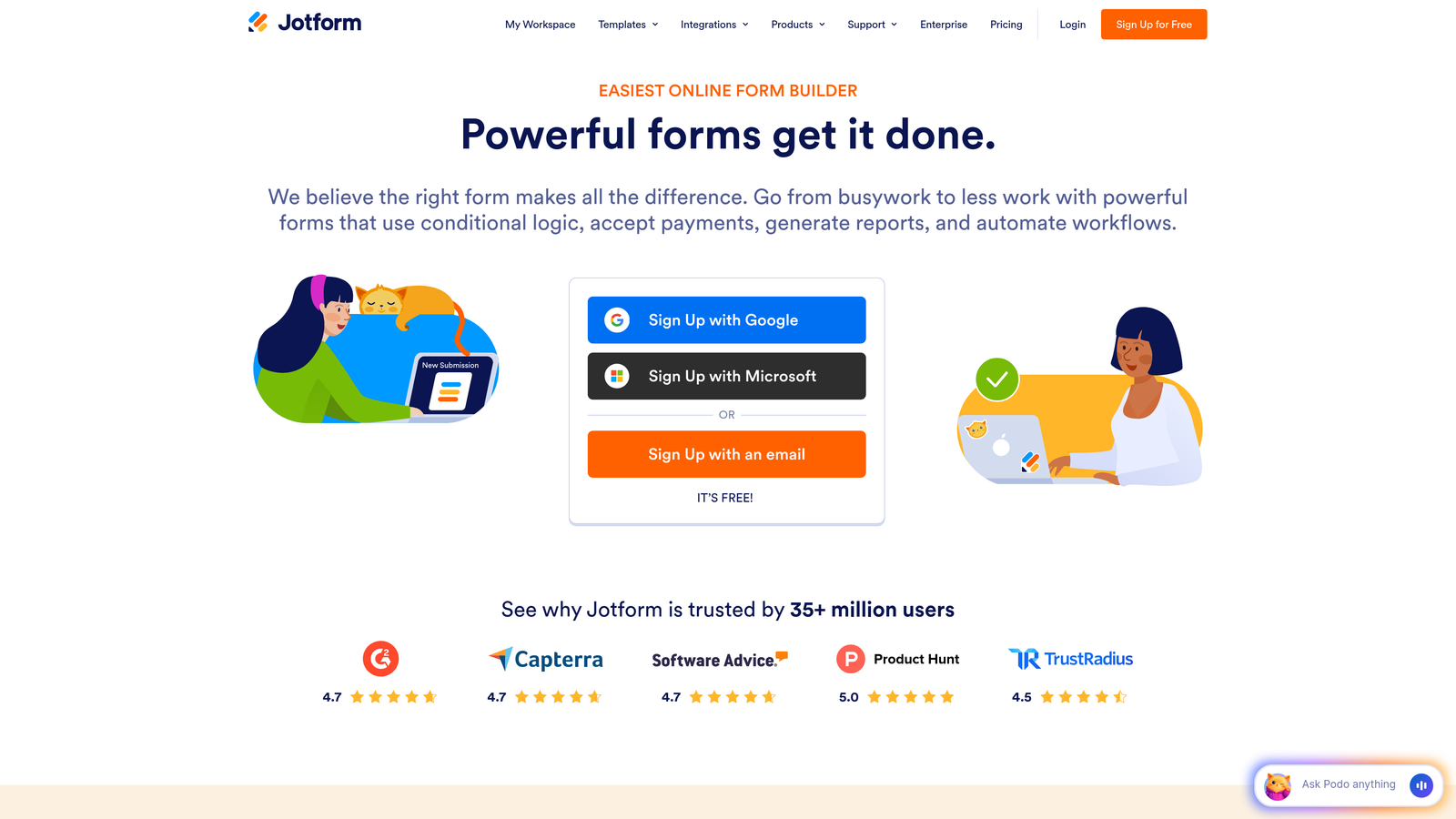
Jotform is a versatile form builder offering over 10,000 templates and widgets for virtually any imaginable use case.
Where This Tool Shines
Jotform's massive template library means you'll find a starting point for almost any form type—from complex event registrations to detailed application forms. The drag-and-drop builder makes customization straightforward, even for users without technical skills.
The platform particularly excels at payment collection, with native integrations for PayPal, Stripe, and Square. If you need to collect payments alongside form submissions, Jotform handles this seamlessly with secure, PCI-compliant processing.
Key Features
10,000+ Form Templates: Pre-built templates for every industry and use case, from healthcare intake to job applications.
Drag-and-Drop Builder: Intuitive interface for adding fields, images, and widgets without coding knowledge.
Payment Integrations: Accept payments through PayPal, Stripe, Square, and other processors directly in your forms.
PDF Form Conversion: Upload existing PDF forms and convert them into fillable online forms automatically.
HIPAA-Compliant Options: Enterprise plans include HIPAA compliance features for healthcare and sensitive data collection.
Best For
Jotform suits small businesses, nonprofits, healthcare providers, and educational institutions that need specialized form types and payment collection. The extensive template library makes it ideal for teams without dedicated designers.
Pricing
Free tier allows up to 5 forms with Jotform branding; Bronze plan starts at $34/month for 25 forms and custom branding.
4. HubSpot Forms
Best for: Teams already using HubSpot CRM who need native marketing automation integration
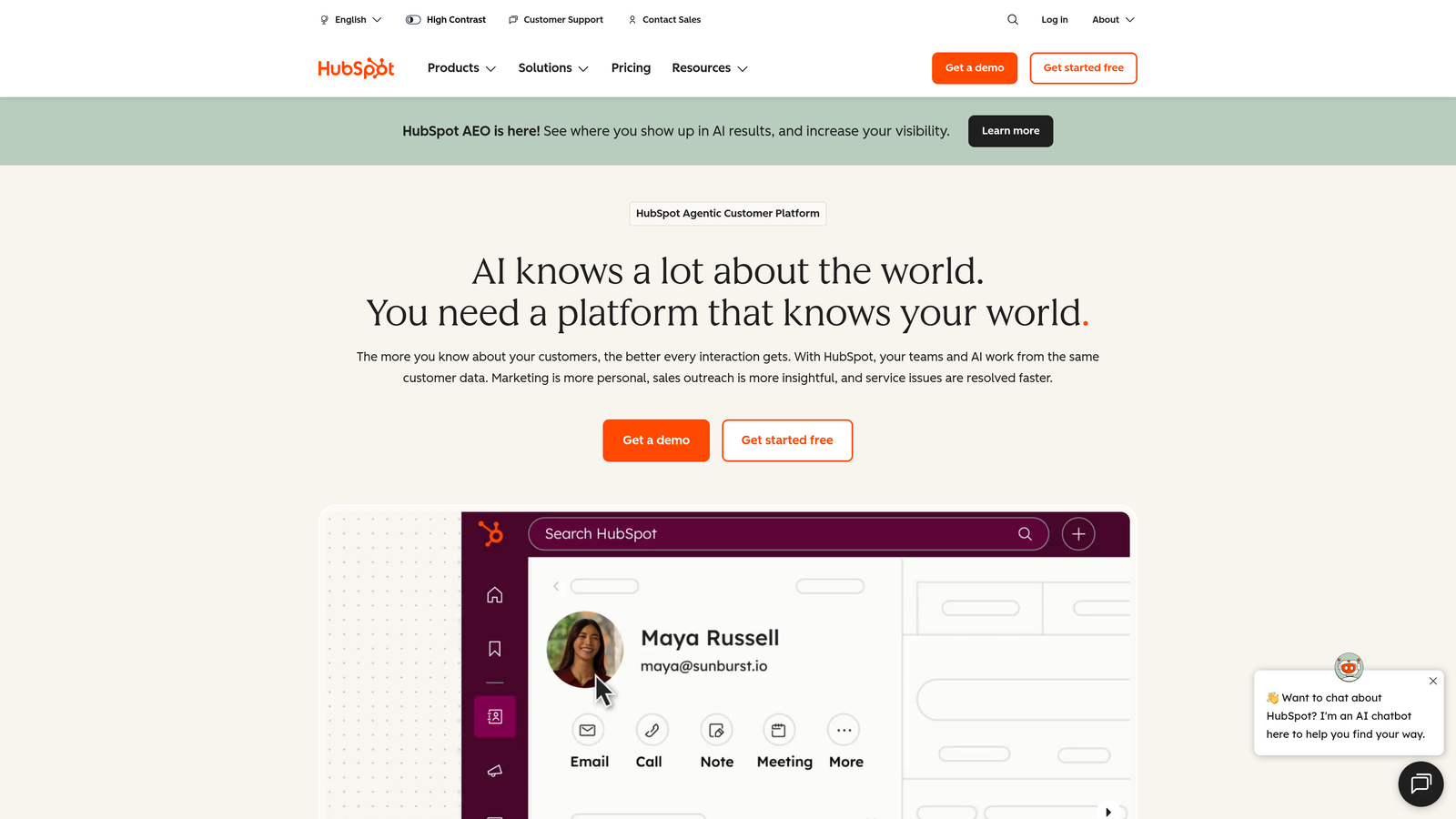
HubSpot Forms is a CRM-native form builder that feeds directly into HubSpot's marketing and sales automation ecosystem.
Where This Tool Shines
HubSpot Forms eliminates the integration headaches that plague most form tools. Since it's built directly into the HubSpot platform, every form submission automatically creates or updates contact records, triggers workflows, and feeds into your sales pipeline without middleware or Zapier connections.
Progressive profiling is a standout feature—forms automatically hide fields you've already collected data for and show new questions instead. This reduces form length for returning visitors while gradually building more complete contact profiles over time.
Key Features
Native CRM Integration: Form submissions instantly sync with contact records, no third-party tools required.
Progressive Profiling: Automatically adjusts form fields based on existing contact data to reduce friction for returning visitors.
Automatic Contact Creation: New submissions create contact records with complete activity history and source tracking.
A/B Testing Capabilities: Test different form variations to optimize for conversions with built-in analytics.
Embedded and Popup Options: Deploy forms as inline embeds, popups, slide-ins, or standalone landing pages.
Best For
HubSpot Forms is the obvious choice for existing HubSpot customers. If you're already paying for HubSpot CRM or Marketing Hub, using their native forms eliminates integration complexity and maximizes your platform investment.
Pricing
Free with HubSpot CRM; advanced features like A/B testing and progressive profiling require paid Marketing Hub subscriptions starting at $45/month.
5. Tally
Best for: Budget-conscious teams wanting unlimited forms with a clean, minimal interface
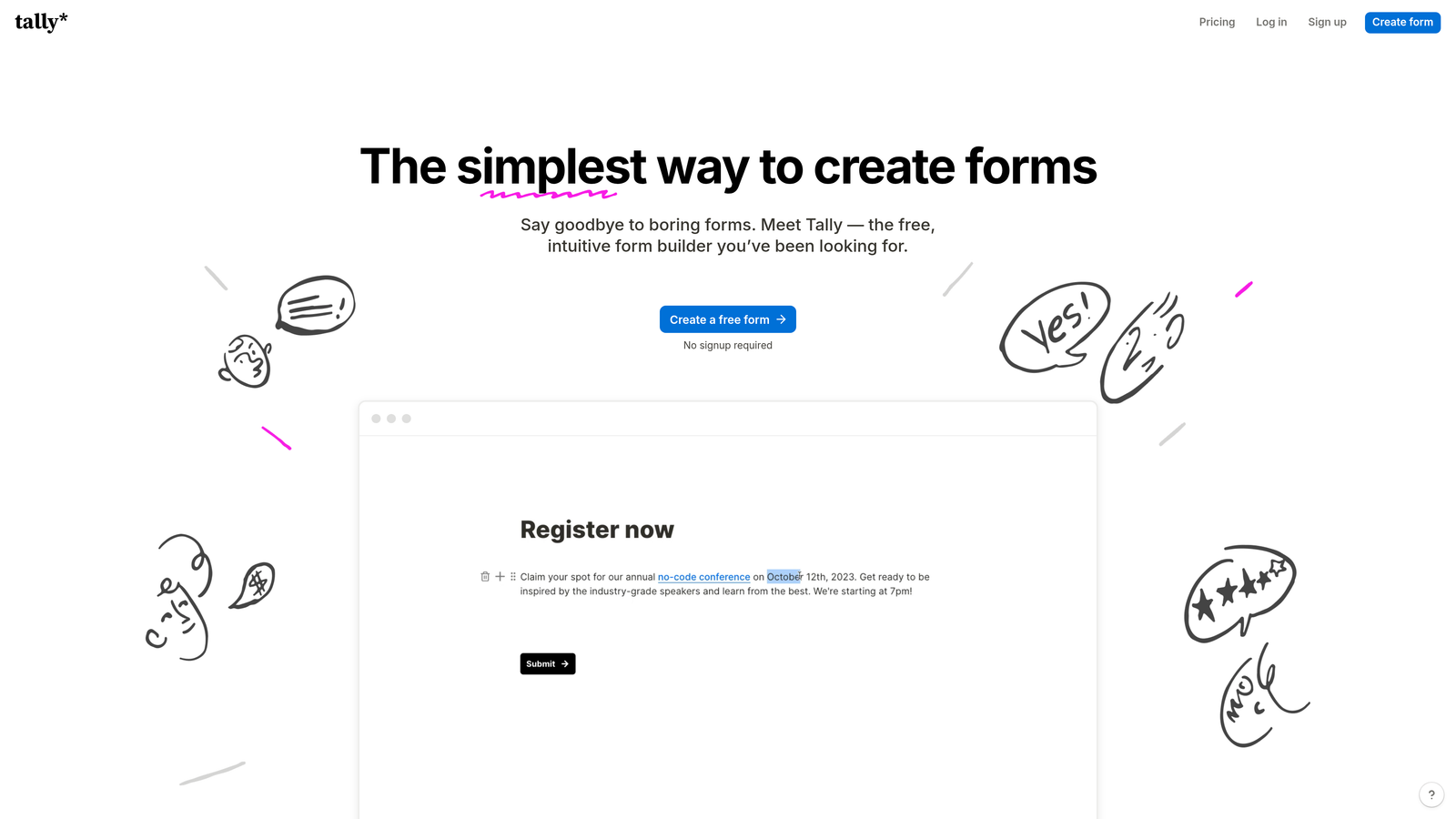
Tally is a simple, Notion-style form builder with an exceptionally generous free tier and intuitive block-based editor.
Where This Tool Shines
Tally's free tier is remarkably generous—unlimited forms, unlimited submissions, and no branding requirements. For bootstrapped startups and small teams, this removes the common pain point of hitting form limits just as your business gains traction.
The Notion-style interface feels immediately familiar to modern teams. If you've used Notion, you'll understand Tally's block editor instantly. This reduces the learning curve to nearly zero and makes form building feel natural rather than technical.
Key Features
Unlimited Forms on Free Plan: No artificial limits on form creation or submissions, even on the free tier.
Notion-Style Block Editor: Intuitive drag-and-drop interface using familiar block-based building patterns.
File Uploads and Signatures: Collect documents, images, and electronic signatures directly through your forms.
Calculator and Hidden Fields: Perform calculations based on user inputs and pass hidden data for tracking purposes.
Webhooks and Zapier Integration: Connect to thousands of apps through Zapier or custom webhook endpoints.
Best For
Tally is perfect for startups, freelancers, content creators, and small teams who need professional forms without monthly costs. The unlimited free tier makes it ideal for businesses with unpredictable form submission volumes.
Pricing
Free tier with unlimited forms and submissions; Pro plan at $29/month adds custom domains, payment collection, and priority support.
6. Paperform
Best for: Creating beautiful, branded forms that double as landing pages
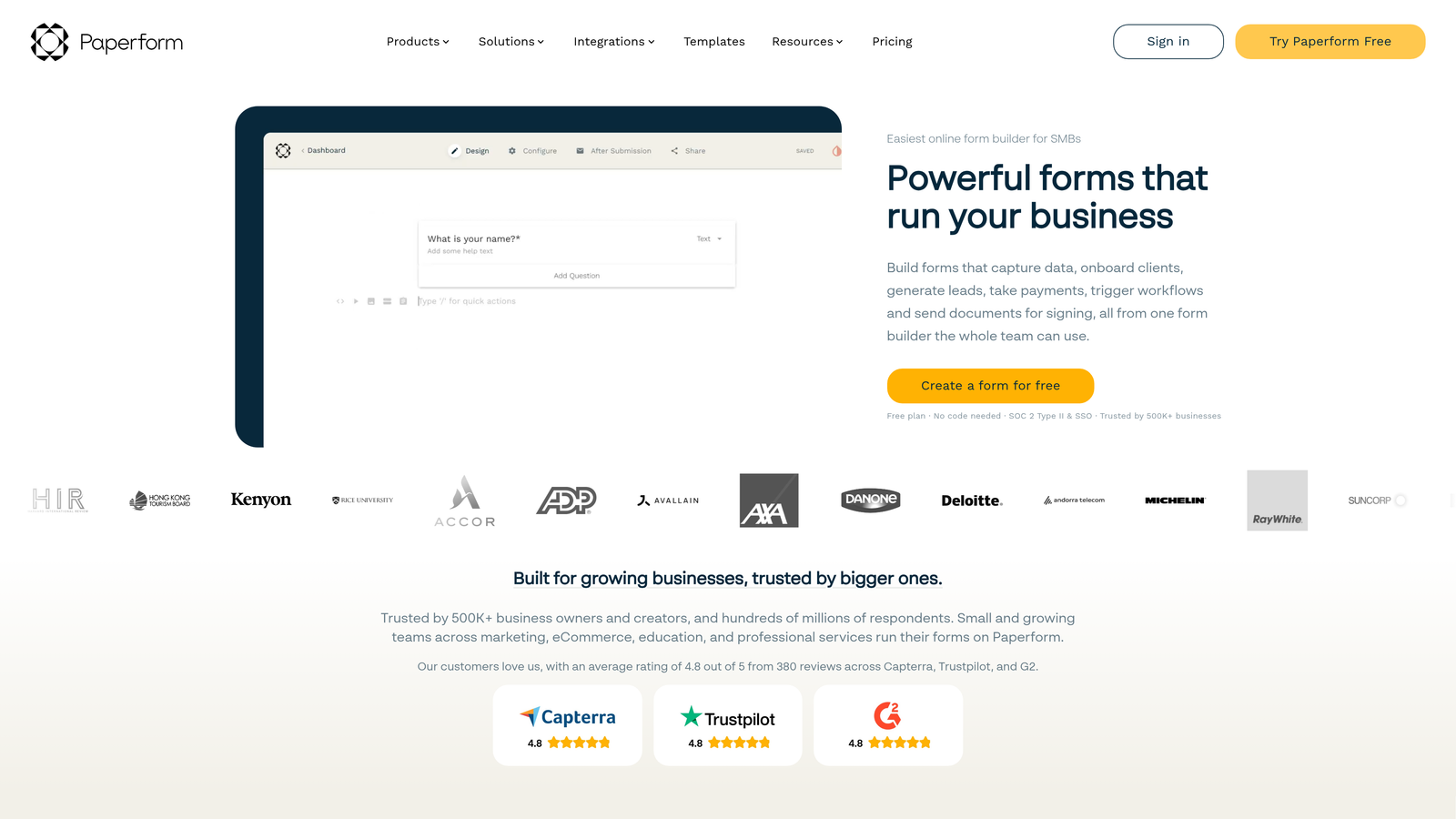
Paperform is a document-style form builder that creates forms resembling polished landing pages rather than traditional data collection tools.
Where This Tool Shines
Paperform treats forms as content experiences rather than just data collection tools. The document-style editor lets you mix form fields with rich text, images, videos, and custom branding to create forms that feel like natural extensions of your website.
The platform excels at product ordering and payment forms. You can build complete product catalogs within forms, calculate totals dynamically, and process payments—all while maintaining your brand aesthetic. This makes Paperform particularly powerful for e-commerce and service bookings.
Key Features
Document-Style Design: Create forms that read like landing pages with rich formatting and custom layouts.
Rich Media Embedding: Add videos, images, maps, and custom HTML to create immersive form experiences.
Product and Payment Forms: Build complete ordering systems with product catalogs, dynamic pricing, and secure payments.
Conditional Logic: Show or hide sections based on previous answers to create personalized form journeys.
Custom Success Pages: Design branded thank-you pages with custom messaging, tracking pixels, and next steps.
Best For
Paperform works best for creative agencies, e-commerce businesses, event organizers, and service providers who need forms that reflect their brand identity. If aesthetics matter as much as functionality, Paperform delivers.
Pricing
Essentials plan at $24/month for unlimited forms; Pro plan at $49/month adds advanced features and removes Paperform branding.
7. Formstack
Best for: Enterprise teams requiring advanced workflow automation and compliance features
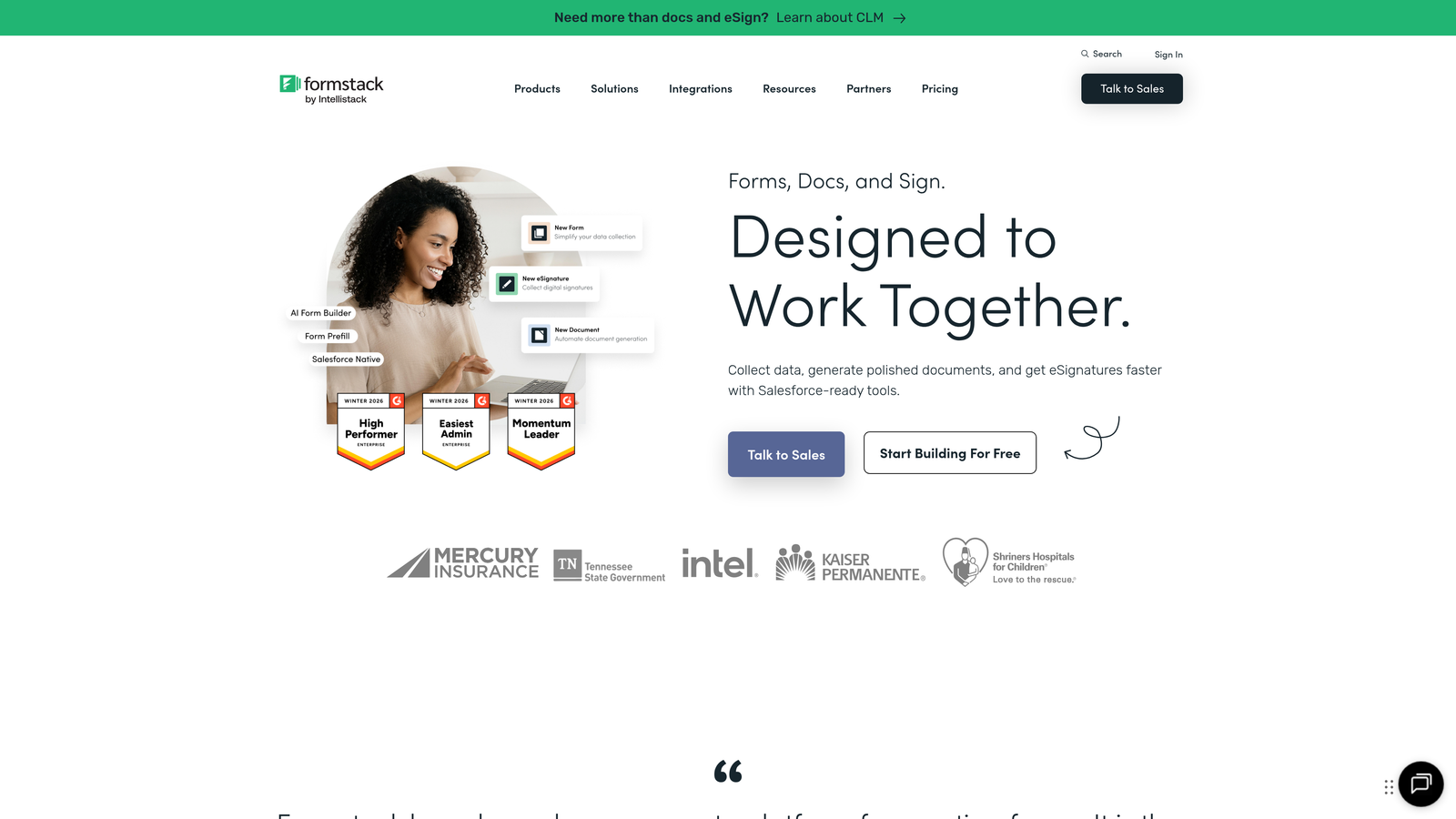
Formstack is an enterprise-grade form builder with sophisticated workflow automation, compliance capabilities, and robust security features.
Where This Tool Shines
Formstack is built for complex organizational needs that simpler form builders can't handle. The advanced conditional logic goes beyond basic show/hide rules to support multi-step approval workflows, automated document generation, and sophisticated data routing based on complex criteria.
Compliance is where Formstack truly separates itself from consumer-grade tools. The platform offers HIPAA-compliant forms for healthcare, GDPR compliance tools for European data handling, and enterprise-grade security features including data encryption, audit logs, and role-based access controls.
Key Features
Advanced Conditional Logic: Build complex form flows with multi-level conditions, calculations, and dynamic field populations.
Workflow Automation: Automate approval processes, document generation, and data routing without custom development.
E-Signature Collection: Collect legally binding electronic signatures directly within forms for contracts and agreements.
HIPAA and GDPR Compliance: Enterprise features ensuring data handling meets healthcare and privacy regulations.
Salesforce-Native Integration: Deep Salesforce integration that goes beyond basic data sync to support complex object relationships.
Best For
Formstack suits large enterprises, healthcare organizations, financial services firms, and government agencies with strict compliance requirements. If your forms handle sensitive data or require multi-step approvals, Formstack provides the necessary controls.
Pricing
Starts at $50/month for basic features; enterprise pricing available for advanced compliance and custom integrations.
8. Google Forms
Best for: Quick data collection with zero budget and native Google Workspace integration
Google Forms is a free, straightforward form builder with native Google Workspace integration for simple surveys and data collection.
Where This Tool Shines
Google Forms removes all barriers to getting started. It's completely free, requires no account setup beyond a Google login, and works instantly without learning curves. For quick surveys, event RSVPs, or internal data collection, you can build and deploy a form in minutes.
The Google Sheets integration is seamless and powerful. Responses flow directly into spreadsheets where you can analyze data, create pivot tables, and build charts—all within the familiar Google ecosystem. For teams already using Google Workspace, this eliminates data export and import hassles.
Key Features
Completely Free: No paid tiers, no form limits, no submission caps—truly unlimited at zero cost.
Google Sheets Integration: Responses automatically populate spreadsheets for easy analysis and reporting.
Real-Time Collaboration: Multiple team members can edit forms simultaneously with change tracking.
Basic Conditional Logic: Show or hide sections based on previous answers for simple branching logic.
Quiz and Survey Modes: Built-in features for creating graded quizzes with automatic scoring and feedback.
Best For
Google Forms works well for internal surveys, event registrations, simple feedback collection, and educational quizzes. It's ideal for teams with zero budget, non-technical users, or anyone needing quick, no-frills data collection.
Pricing
Completely free with unlimited forms and responses.
9. Cognito Forms
Best for: Complex forms requiring advanced calculations and payment processing
Cognito Forms is a feature-rich form builder with powerful calculation capabilities and robust payment collection options.
Where This Tool Shines
Cognito Forms handles mathematical complexity that breaks other form builders. The advanced calculation engine supports formulas, conditional calculations, and dynamic pricing based on user selections. If you need to calculate quotes, process variable pricing, or perform complex math within forms, Cognito handles it elegantly.
The repeating sections feature is particularly useful for forms where users need to add multiple items—think expense reports with multiple line items or registration forms for multiple attendees. Users can add or remove sections dynamically, and all calculations update automatically.
Key Features
Advanced Calculations: Build complex formulas with conditional logic, mathematical operations, and dynamic field calculations.
Payment Integrations: Accept payments through Stripe, PayPal, and Square with support for one-time and recurring charges.
Repeating Sections: Allow users to add multiple entries within a single form submission with automatic calculation updates.
Workflow and Approval Routing: Route submissions through multi-step approval processes with email notifications and status tracking.
Data Encryption: Enterprise-grade encryption for sensitive data at rest and in transit with compliance certifications.
Best For
Cognito Forms suits businesses with complex pricing models, organizations processing variable payments, and teams needing sophisticated approval workflows. It's particularly strong for order forms, quote requests, and application processing.
Pricing
Free tier for basic forms; Pro plan starts at $15/month for payment processing and advanced features.
Finding Your Perfect Form Builder
The right contact form generator depends on your specific goals and constraints. If you need AI-powered lead qualification that automatically prioritizes your best prospects, Orbit AI delivers intelligent automation that transforms raw form submissions into qualified opportunities. For teams prioritizing user experience and completion rates, Typeform's conversational format creates engaging interactions that feel natural.
Budget-conscious teams will appreciate Tally's unlimited free tier or Google Forms' zero-cost simplicity, while enterprises with compliance requirements should look at Formstack's robust security features. Already invested in HubSpot? Their native forms eliminate integration headaches and maximize your existing platform investment.
Consider your primary objective: Are you capturing more leads, qualifying them automatically, or streamlining internal workflows? The best form builder aligns with your conversion strategy, integrates with your existing tools, and scales with your growth.
Transform your lead generation with AI-powered forms that qualify prospects automatically while delivering the modern, conversion-optimized experience your high-growth team needs. Start building free forms today and see how intelligent form design can elevate your conversion strategy.


