

Paperform has built a loyal following for its design flexibility and document-style form builder. But as teams scale their lead generation and conversion workflows, many find themselves hitting walls: pricing that doesn't flex with usage, limited AI-driven qualification, or integrations that require too much manual stitching.
If you're searching for the best Paperform alternative, you're likely looking for something that does more than collect responses. You want a platform that actively helps you qualify leads, reduce friction, and convert more visitors into pipeline.
This guide breaks down seven of the strongest Paperform alternatives available in 2026, evaluating each based on what actually matters to high-growth SaaS and marketing teams: AI capabilities, conversion optimization features, integration depth, and pricing transparency. Whether you're running outbound campaigns, gating content, or building multi-step qualification flows, there's a better-fit tool on this list.
1. Orbit AI: AI-Powered Lead Qualification Built Into Every Form
The Challenge It Solves
Most form builders stop at data collection. They capture a submission and hand it off to your CRM, leaving your team to manually score, route, and follow up on leads of wildly varying quality. For high-growth teams where speed-to-lead and qualification accuracy directly affect revenue, that gap is expensive.
The Strategy Explained
Orbit AI is purpose-built to close that gap. Rather than treating forms as passive collection tools, Orbit AI embeds lead qualification intelligence directly into the form layer. Conditional logic adapts the form experience in real time based on how a respondent answers, surfacing the right questions to the right prospects and filtering out poor-fit leads before they ever reach your pipeline.
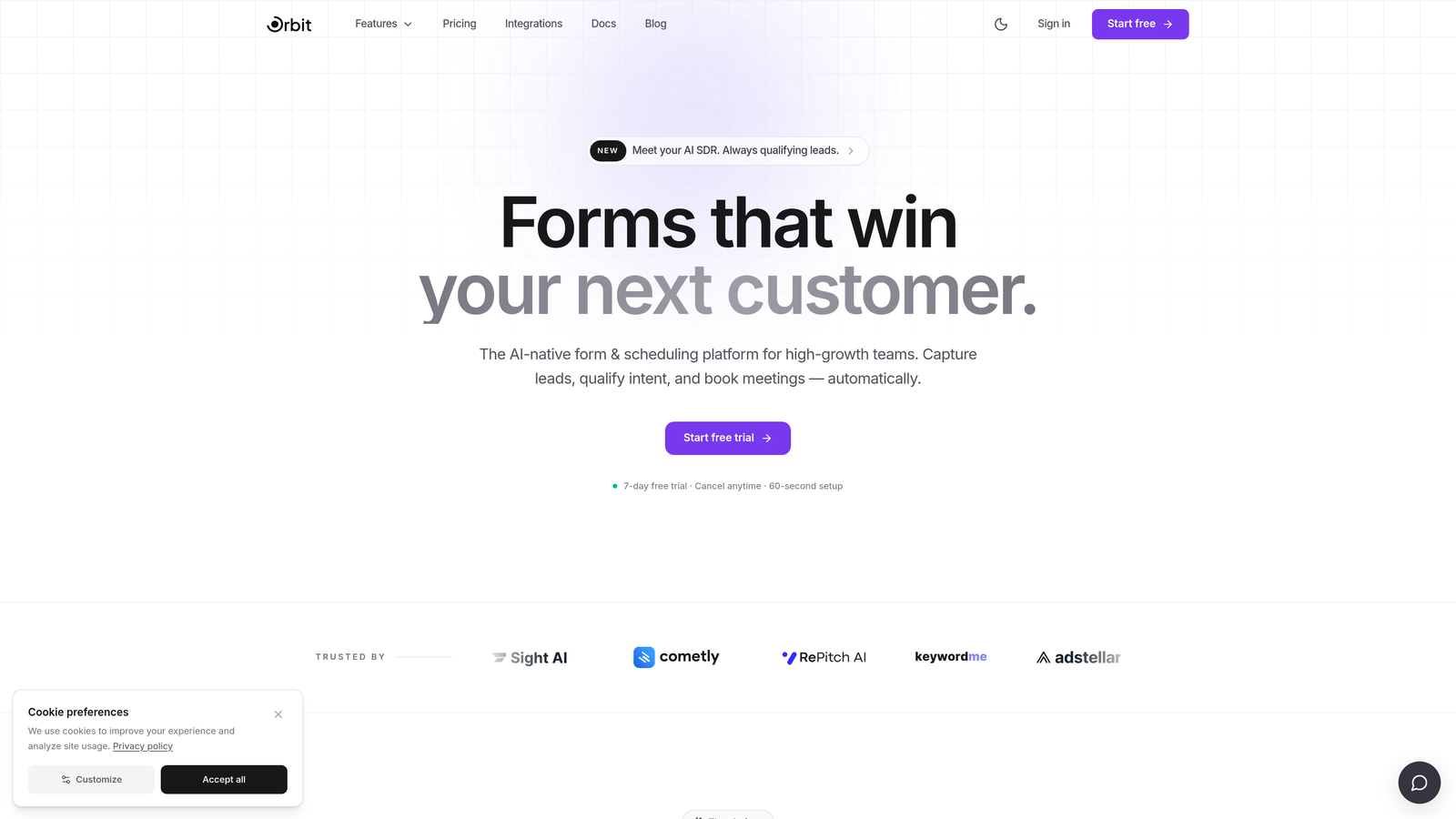
The platform combines conversion-optimized, modern form design with AI-powered qualification workflows, making it particularly well-suited for SaaS teams running content gating, demo request flows, and outbound follow-up sequences. Unlike Paperform's document-style approach, Orbit AI is oriented entirely around driving qualified pipeline.
Implementation Steps
1. Map your existing qualification criteria: identify the signals that distinguish a high-intent lead from a low-intent one in your current CRM data.
2. Build your form in Orbit AI using conditional logic to branch the experience based on those signals, showing relevant follow-up questions only when triggered.
3. Configure lead routing rules so that qualified submissions trigger immediate CRM enrichment or sales alerts, while lower-quality submissions enter a nurture sequence automatically.
Pro Tips
Start with your highest-traffic form first, typically your demo request or contact page. The qualification lift you gain there will be immediately measurable and builds the internal case for migrating your remaining forms. Use Orbit AI's design tools to match your brand precisely so the form feels native to your site, not bolted on.
2. Typeform: Conversational UX for Top-of-Funnel Capture
The Challenge It Solves
Traditional multi-field forms create cognitive overload, especially at the top of the funnel where a prospect's intent is still forming. When a visitor lands on a lead capture page and sees ten fields stacked on top of each other, abandonment is the most common outcome. The challenge is reducing perceived effort without sacrificing the data you need.
The Strategy Explained
Typeform's one-question-at-a-time format addresses this directly. By presenting each question in isolation, it creates a conversational rhythm that many respondents find less intimidating than a traditional form. This makes Typeform a strong choice for NPS surveys, audience research, top-of-funnel lead capture, and any flow where brand experience matters as much as data collection.
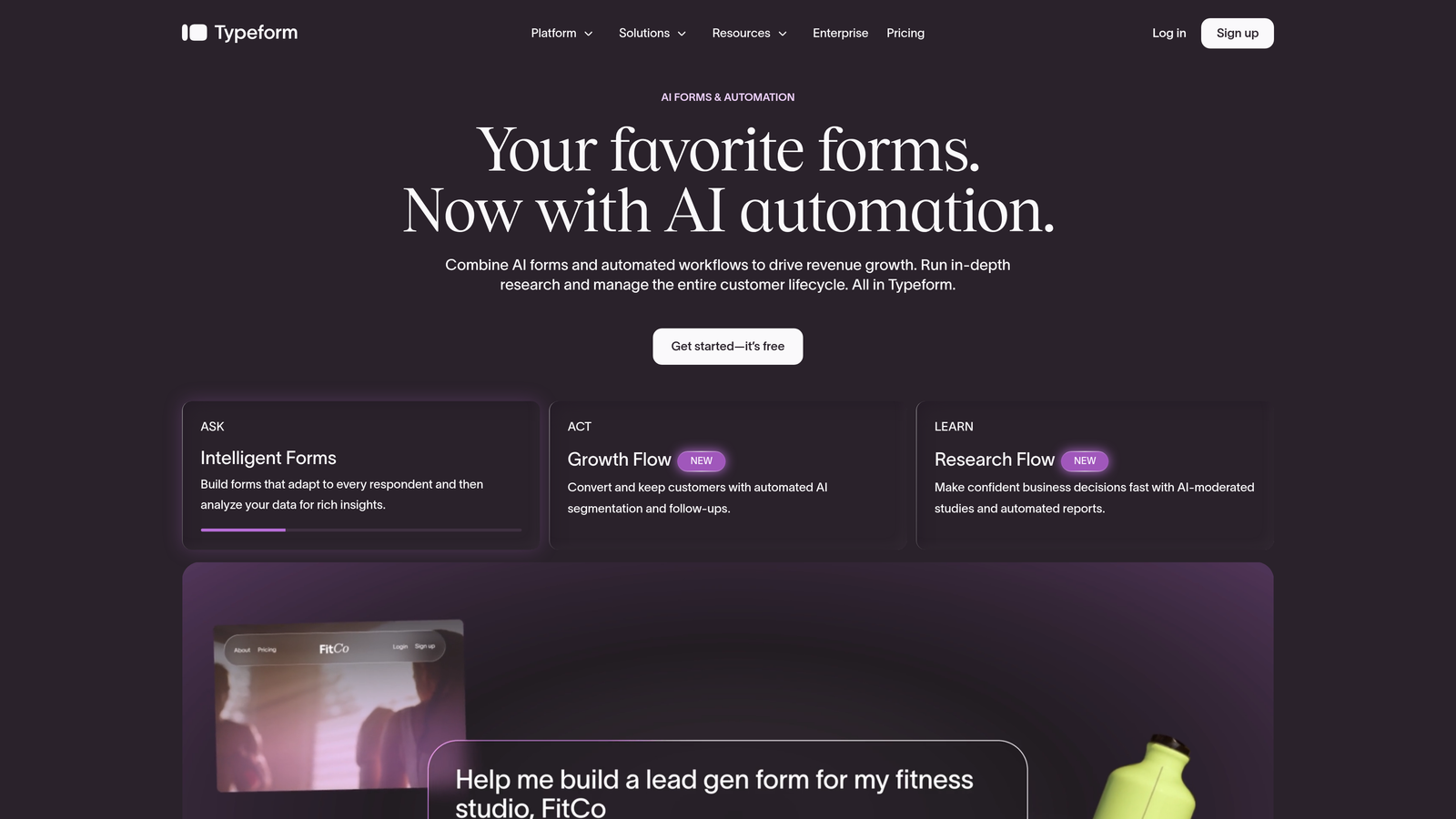
Compared to Paperform, Typeform offers a more polished, consumer-grade aesthetic with a well-established ecosystem of integrations. However, teams with complex qualification logic or high-volume lead flows may find that Typeform's AI capabilities are more limited than dedicated qualification platforms. Pricing also scales with response volume, which can become a friction point as your forms gain traction.
Implementation Steps
1. Identify forms where completion rate is the primary metric and qualification depth is secondary, such as newsletter signups, event registrations, or early-stage surveys.
2. Build your Typeform using its logic jump feature to create branching paths that keep the experience relevant without overwhelming respondents.
3. Connect Typeform to your CRM or marketing automation platform via its native integrations to ensure submissions flow into the right sequences automatically.
Pro Tips
Typeform performs best when you keep the question count low and the visual design intentional. Resist the urge to add every qualifying field you want. Use it as an entry point to capture initial intent, then qualify deeper through follow-up sequences or a secondary form triggered by CRM logic. Teams evaluating this space may also want to review Typeform alternatives for lead generation before committing to a platform.
3. Tally: Lean, Free, and Surprisingly Capable
The Challenge It Solves
Not every team needs enterprise-grade form infrastructure. Early-stage startups, lean marketing teams, and internal operations teams often need a fast, clean way to collect structured information without navigating complex pricing tiers or feature-heavy platforms. Paperform's pricing can feel disproportionate for these simpler use cases.
The Strategy Explained
Tally takes a Notion-inspired approach to form building, offering a block-based editor that feels instantly familiar to anyone already working in modern productivity tools. Its free tier is genuinely generous, covering unlimited forms and unlimited responses without watermarking, which makes it an outlier in a category where free plans are typically heavily restricted.
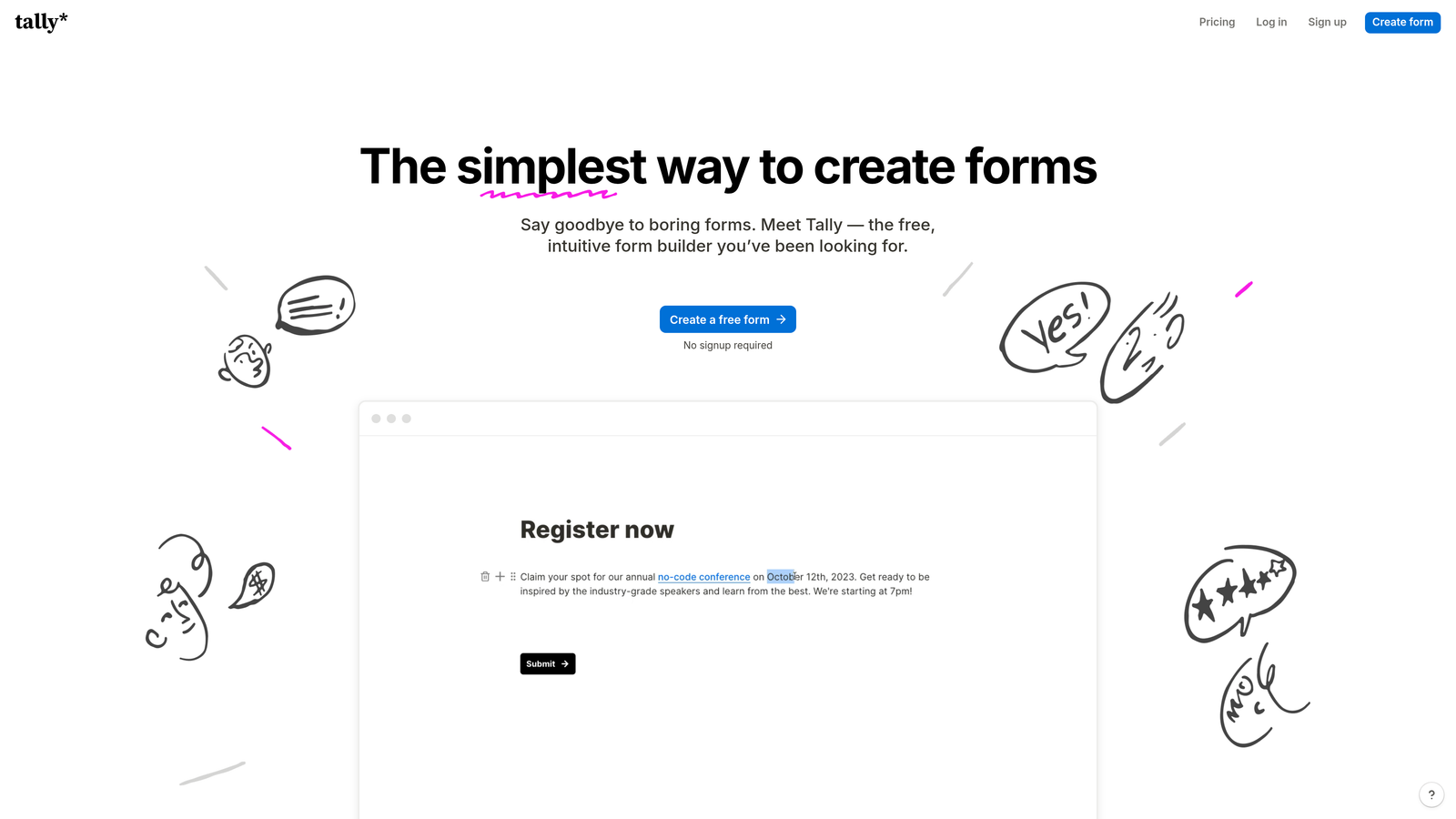
For teams that need basic conditional logic, file uploads, and simple integrations without a significant budget commitment, Tally delivers strong value. The tradeoff is that it isn't built for conversion optimization or AI-powered qualification. If your forms are primarily internal, operational, or early-stage, Tally is a smart, low-friction choice. If lead quality and conversion rate are business-critical metrics, you'll outgrow it quickly.
Implementation Steps
1. Audit your current form inventory and segment forms by purpose: internal operations, simple lead capture, and high-stakes conversion flows each have different requirements.
2. Migrate operational and internal forms to Tally first, freeing budget and attention for investing in a more capable platform for your conversion-critical flows.
3. Set up Tally's Zapier or native integrations to route submissions into the appropriate tools, such as Notion, Slack, or your project management system.
Pro Tips
Tally's strength is speed and simplicity. Use it where those qualities matter most and resist retrofitting it into use cases it wasn't designed for. If you find yourself wishing for lead scoring, smart routing, or advanced analytics, that's a clear signal to evaluate a platform built specifically for conversion.
4. Jotform: Enterprise Depth for Complex Organizational Workflows
The Challenge It Solves
Large organizations and regulated industries face form requirements that go well beyond lead capture. HIPAA compliance, payment collection, approval chains, and deep integration with legacy enterprise systems create a level of complexity that most form builders aren't equipped to handle. Paperform wasn't designed for this environment.
The Strategy Explained
Jotform is one of the most feature-complete form platforms available, with a template library that spans hundreds of use cases and an integration ecosystem covering well over a hundred tools. Its HIPAA-compliant plan makes it a viable option for healthcare organizations, and its payment collection capabilities support a wide range of processors out of the box.
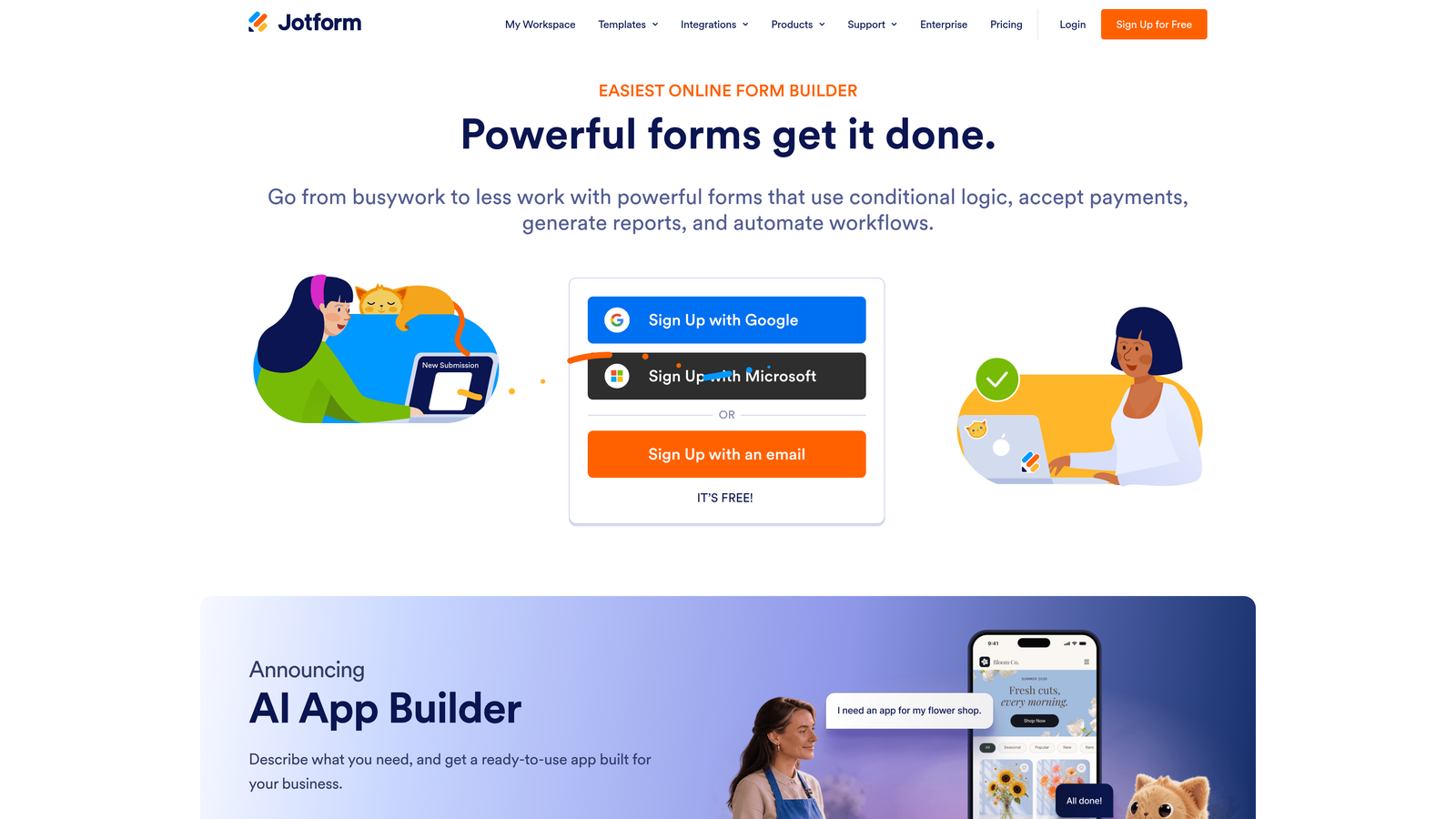
For enterprise teams managing complex multi-department workflows, Jotform's approval flows and conditional routing add genuine operational value. The platform's breadth is also its main tradeoff: the interface can feel dense, and teams focused purely on conversion optimization may find that the feature set is broader than what they actually need. Pricing scales with usage and team size, so it's worth modeling costs carefully before committing at scale. Teams considering a switch may also want to explore a Jotform alternative with AI capabilities built in.
Implementation Steps
1. Identify forms that require compliance features, payment processing, or multi-step approval workflows, as these are where Jotform's enterprise capabilities create the most value.
2. Use Jotform's template library as a starting point to accelerate setup, then customize conditional logic and approval routing to match your specific process requirements.
3. Integrate with your existing enterprise stack, including CRM, ERP, or document management systems, using Jotform's native connectors or API.
Pro Tips
Jotform rewards teams that invest time in setup. Its depth means there's almost always a feature that addresses your specific requirement, but discovering it requires exploration. Assign a dedicated admin to own the platform configuration and maintain consistency across forms, particularly in enterprise environments where form proliferation can create governance challenges.
5. Formstack: Beyond Forms Into Workflow Automation
The Challenge It Solves
Some teams reach a point where form submissions are just the starting gun for a complex downstream process: document generation, contract routing, e-signatures, and multi-stakeholder approvals. Paperform, like most form builders, stops at the submission. Teams then stitch together additional tools to handle what comes next, creating fragile, hard-to-maintain workflows.
The Strategy Explained
Formstack positions itself as a workflow automation platform that happens to include a form builder, rather than a form builder with workflow add-ons. Its document generation and e-signature capabilities allow teams to trigger the creation of populated contracts, proposals, or onboarding documents directly from form submissions, reducing manual handoffs significantly.
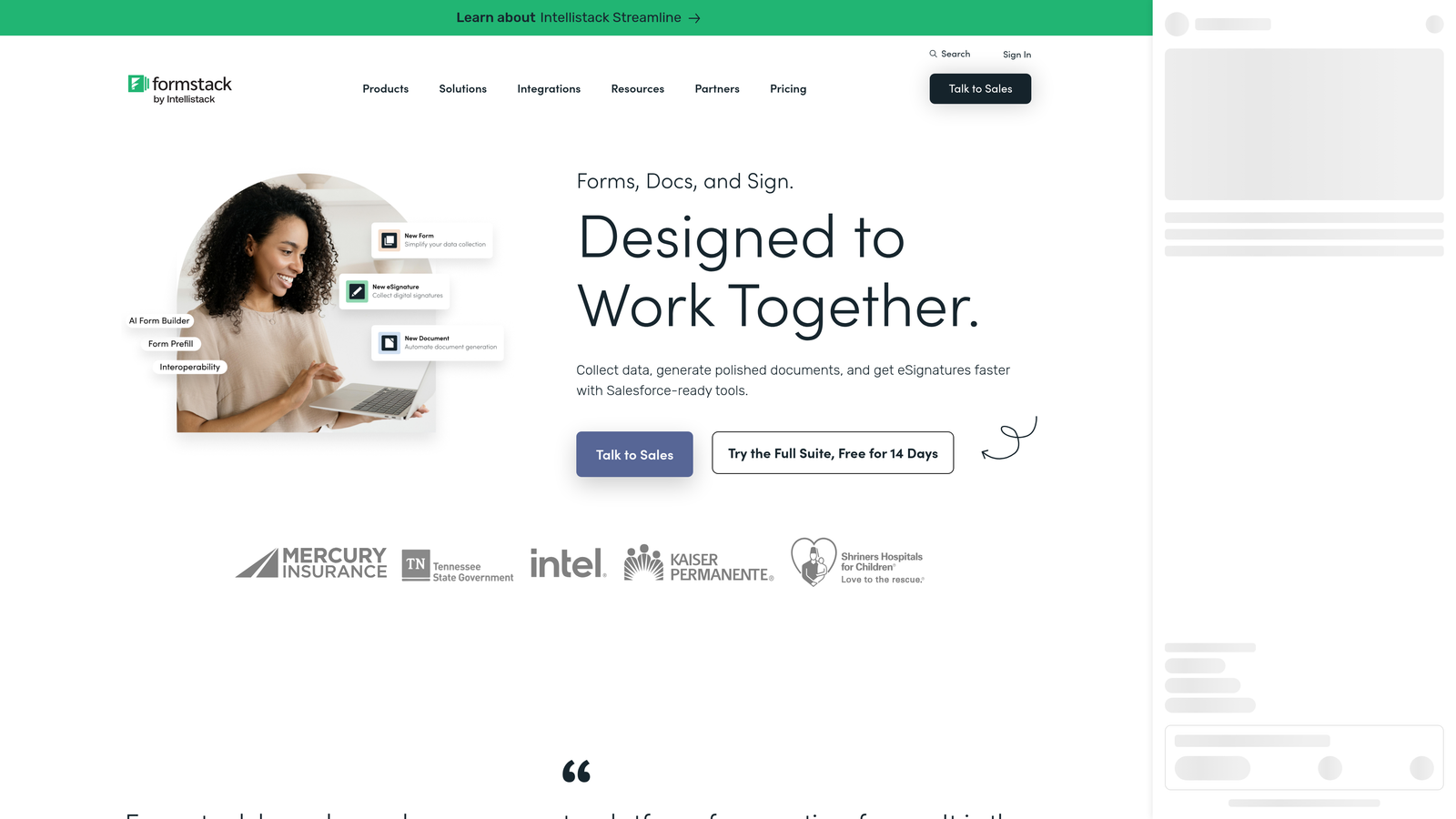
This makes Formstack particularly well-suited for sales operations, HR, and legal teams where forms initiate structured processes rather than simply capturing marketing data. For pure lead generation and conversion optimization, however, Formstack is overbuilt. Its strength is process automation depth, not conversion rate performance or AI-powered qualification. Teams evaluating options in this space may find it useful to compare Formstack alternatives with better analytics before making a final decision.
Implementation Steps
1. Map the full downstream workflow triggered by each form submission: identify where document generation, approvals, or e-signatures are currently handled manually or through disconnected tools.
2. Build the form in Formstack and configure document generation templates that auto-populate with submission data, eliminating manual data entry in the process.
3. Set up approval routing rules so the right stakeholders are notified and given action items automatically, with escalation logic for time-sensitive workflows.
Pro Tips
Formstack delivers the most value when you treat it as a process automation investment rather than a form tool. Build a clear map of your end-to-end workflow before you start configuring anything. Teams that skip this step often end up replicating their existing manual process digitally instead of actually streamlining it.
6. How to Choose the Right Paperform Alternative
The Challenge It Solves
Evaluating form platforms without a clear framework leads to decisions driven by surface-level features or pricing alone. The result is often a tool that works for your current use case but creates new constraints as your team scales. A structured decision framework prevents costly migrations down the road.
The Strategy Explained
The right alternative depends on answering four questions honestly: What is the primary job your forms need to do? What integrations are non-negotiable on day one? How will your usage and team size change over the next twelve months? And how important is AI-powered qualification relative to basic data collection?
Use case is the most important filter. If your forms are conversion-critical, meaning they directly generate pipeline or revenue, prioritize platforms with strong conditional logic, lead qualification capabilities, and conversion optimization features. If your forms are primarily operational or internal, prioritize ease of use and integration simplicity. If compliance or payment collection are requirements, that narrows the field considerably.
Implementation Steps
1. Audit your current Paperform forms and categorize each by primary purpose: lead generation, qualification, internal operations, payment collection, or compliance-sensitive data capture.
2. Score each category against the four evaluation criteria above: use case fit, integration requirements, scalability of pricing, and AI or qualification capability needs.
3. Match each category to the platform that scores highest across your specific criteria, accepting that the right answer may be different tools for different use cases rather than a single platform replacement.
Pro Tips
Don't let pricing be the only deciding factor. A platform that costs more but meaningfully improves lead quality or conversion rate typically delivers a better return than a cheaper tool that simply replicates what you already have. Model the value of qualification improvement alongside the cost comparison.
7. Migration Action Plan: Moving Off Paperform Without Losing Momentum
The Challenge It Solves
Platform migrations have a way of becoming larger projects than anticipated. Without a clear sequencing strategy, teams often migrate everything at once, lose baseline performance data in the process, and struggle to attribute any changes in conversion or lead quality to the new platform. A structured migration plan prevents this.
The Strategy Explained
The goal of a migration isn't just to recreate your existing forms in a new tool. It's to use the migration as an opportunity to audit, improve, and instrument your form infrastructure so you can measure the impact of the change. This requires establishing baselines before you switch, migrating in priority order rather than all at once, and building in a measurement window before drawing conclusions.
Prioritize by impact: your highest-traffic, highest-value forms should migrate first. These are typically your demo request form, your main lead capture page, and any gated content forms tied to active campaigns. Lower-traffic operational forms can follow once you've validated the new platform's performance on your critical flows.
Implementation Steps
1. Audit every active Paperform form: document current traffic volume, submission rate, and downstream conversion metrics for each one so you have a clear baseline to measure against post-migration.
2. Rank forms by business impact and migrate your top three to five highest-value forms first, running them in parallel with their Paperform equivalents for a short validation period if possible.
3. After migrating each form, establish a measurement window of at least two to four weeks before drawing conclusions about performance, then use those learnings to refine your approach before migrating the remaining forms.
Pro Tips
Treat migration as a form redesign opportunity, not just a technical transfer. Rebuilding a form in a new platform gives you a natural moment to question whether the current design is actually optimized. Many teams discover during migration that their existing forms have unnecessary fields, unclear copy, or missing qualification logic that the new platform can address immediately.
Your Implementation Roadmap
The right Paperform alternative depends entirely on what your forms are supposed to accomplish. If you're a high-growth team where every lead counts, the platform you choose should actively help you qualify, route, and convert, not just store responses.
Orbit AI is purpose-built for exactly that use case, combining beautiful form design with AI-powered lead qualification that works at the form layer before a lead ever hits your CRM. For teams prioritizing conversational UX, Typeform remains a strong choice. For lean budgets, Tally delivers surprising value. For enterprise compliance and integration complexity, Jotform and Formstack earn their place.
Start by auditing your current forms, mapping each to the right tool, and migrating your highest-impact flows first. The goal isn't just to replace Paperform: it's to build a form infrastructure that actively drives growth.
Transform your lead generation with AI-powered forms that qualify prospects automatically while delivering the modern, conversion-optimized experience your high-growth team needs. Start building free forms today and see how intelligent form design can elevate your conversion strategy.


