

Paperform is a solid form builder for small teams and solo operators. But enterprise teams tend to hit its ceiling fast. Limited admin controls, no native SSO on base plans, basic analytics, and an integration layer that works well for straightforward workflows but struggles when your tech stack gets complex — these gaps become real friction points when you're scaling.
If you're a RevOps lead, marketing director, or growth team that needs serious lead qualification, CRM connectivity, compliance certifications, and forms that actually convert, you need tools built for that scale. This list covers the best Paperform alternatives for enterprise use cases in 2026.
We evaluated each tool on enterprise-readiness (SSO, permissions, audit logs), lead qualification capabilities, integration depth, conditional logic, and conversion performance. Whether compliance is your top priority or conversion optimization is, there's a fit here for your team.
1. Orbit AI
Best for: High-growth SaaS and marketing teams focused on lead qualification and conversion optimization.
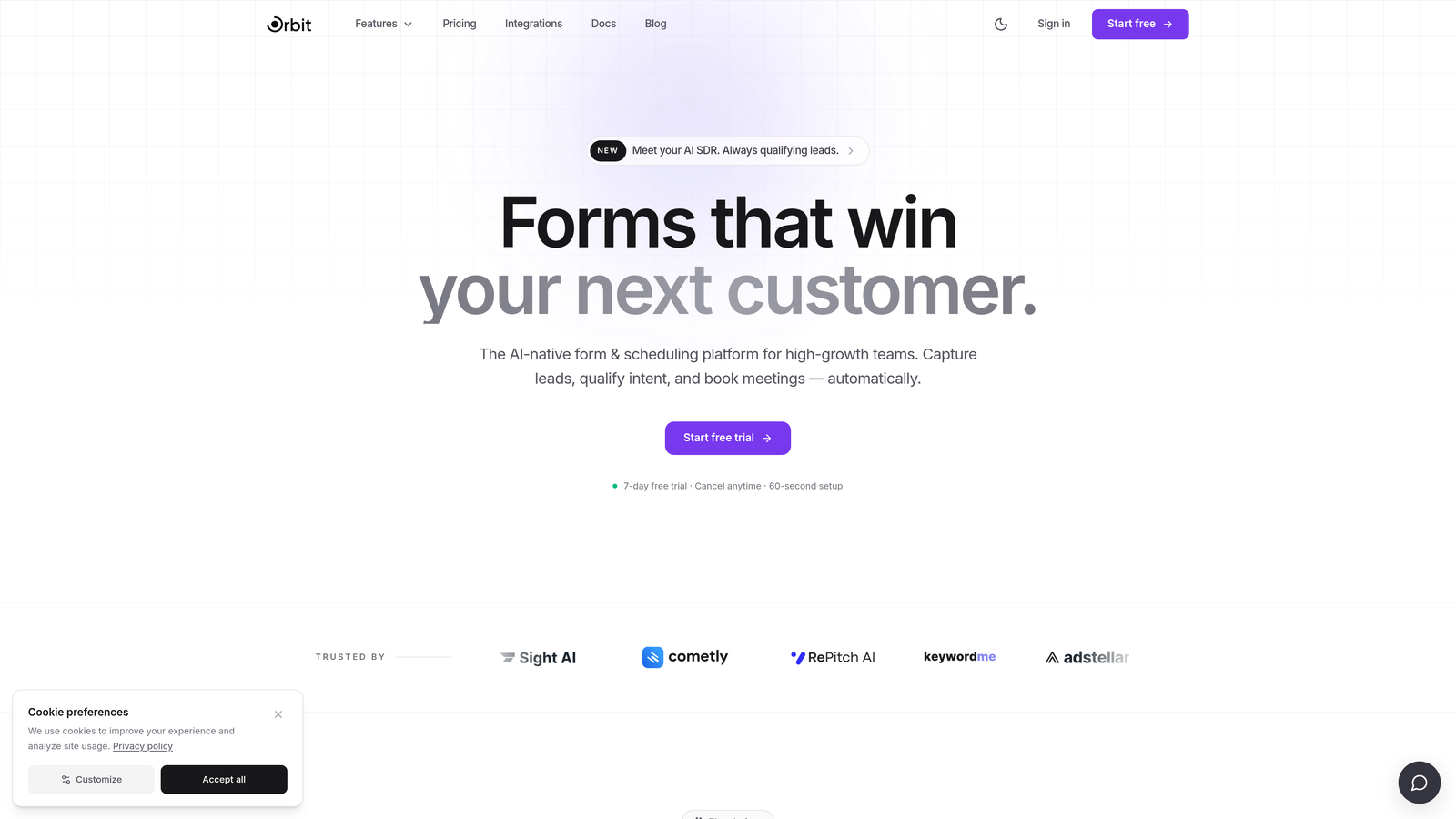
Orbit AI is an AI-powered form builder with built-in lead qualification and scoring, designed for demand gen, RevOps, and growth teams that need forms to do more than collect data.
Where This Tool Shines
Most form tools treat qualification as a downstream CRM problem. Orbit AI moves that intelligence to the form layer itself, scoring and qualifying leads the moment they engage. This means your sales team gets cleaner, prioritized leads without needing complex CRM workflows to do the heavy lifting.
The platform also stands out on design. Orbit AI's templates are genuinely modern and conversion-optimized, not just functional. For enterprise marketing teams that care about brand experience alongside data quality, this combination is hard to find in a single tool.
Key Features
AI-Native Lead Qualification: Scores and qualifies leads directly at the form layer, reducing reliance on downstream CRM logic.
Conversion-Optimized Templates: Modern, beautiful form designs built to maximize completion rates and brand consistency.
Conditional Logic and Dynamic Fields: Personalize form experiences based on respondent inputs for more relevant, engaging flows.
CRM and Marketing Automation Integrations: Connects with the tools your revenue team already uses to keep data flowing without friction.
Conversion Analytics: Analytics focused on form performance and conversion outcomes, not just raw response counts.
Best For
Enterprise marketing teams, RevOps leads, and growth-focused SaaS companies that want AI-powered lead qualification built into the form experience. Particularly strong for demand generation programs where lead quality matters as much as lead volume.
Pricing
Contact for enterprise pricing. Visit orbitforms.ai for details and to explore available plans.
2. Typeform
Best for: Teams prioritizing brand experience and high-completion conversational forms.
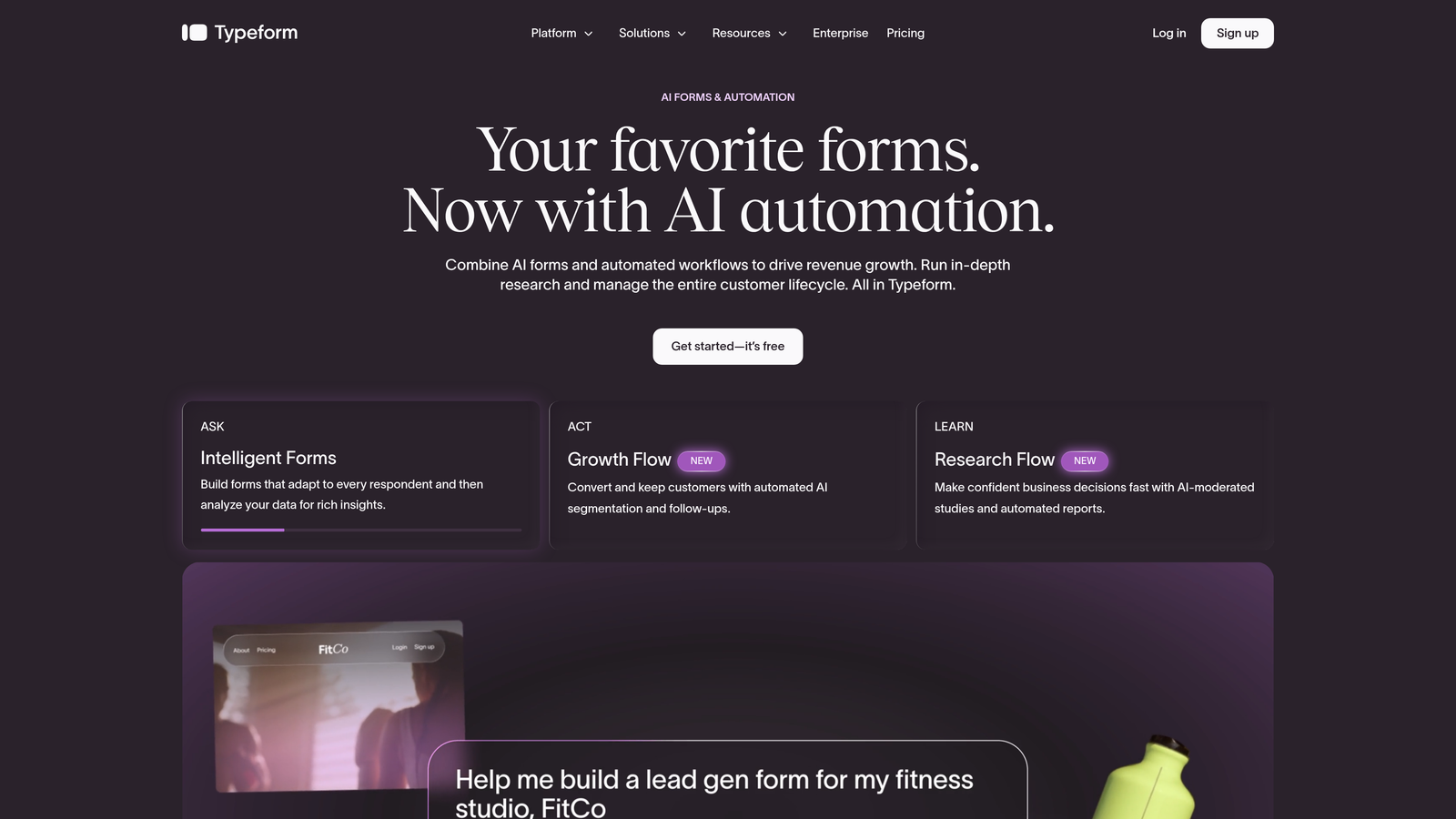
Typeform is a conversational form builder known for its one-question-at-a-time format and strong visual design capabilities.
Where This Tool Shines
Typeform's format genuinely changes how people interact with forms. The single-question flow reduces cognitive load and tends to improve completion rates for longer surveys and qualification flows. For brand-conscious enterprise marketing teams, the design flexibility is a real advantage.
The Enterprise plan adds SSO, advanced integrations, and custom domains, bringing it into enterprise-readiness territory. The main consideration at scale is cost: Typeform can become expensive for high-volume use cases, and its analytics depth is moderate compared to more data-heavy platforms.
Key Features
Conversational Single-Question Format: Reduces form fatigue and can improve completion rates for longer qualification flows.
Visual Branding and Customization: Extensive design controls to match your brand identity across every form.
SSO and Advanced Integrations: Enterprise plan includes single sign-on and deeper integration capabilities.
Logic Jumps and Conditional Branching: Route respondents through different paths based on their answers.
Native CRM Integrations: Connects directly with Salesforce, HubSpot, Slack, and other common enterprise tools.
Best For
Marketing teams that prioritize brand experience and want higher completion rates on customer-facing forms. Also strong for teams running NPS surveys, onboarding flows, or research studies where the respondent experience matters significantly.
Pricing
Business plans available with transparent pricing on the Typeform website. Enterprise pricing is custom. Costs can scale quickly at high submission volumes.
3. Jotform Enterprise
Best for: Regulated industries requiring compliance certifications, data residency, and white-labeling.
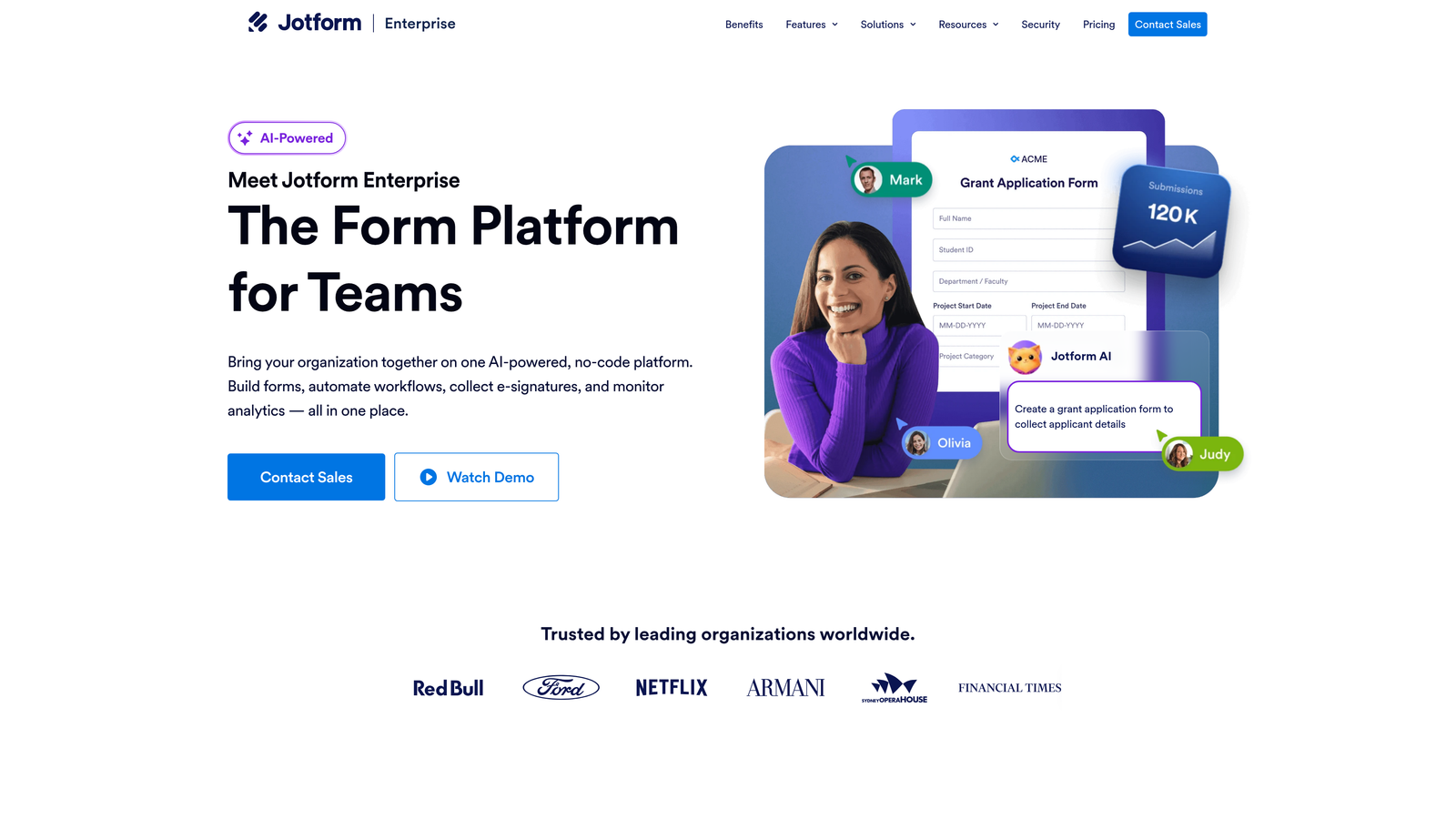
Jotform Enterprise is an enterprise-grade form platform with dedicated compliance infrastructure, white-labeling, and advanced admin controls built for organizations with strict security requirements.
Where This Tool Shines
Jotform Enterprise is the strongest option on this list for compliance-heavy industries. HIPAA, SOC 2 Type II, GDPR, and PCI DSS certifications, combined with dedicated servers and data residency options, make it a credible choice for healthcare, financial services, and government organizations where data handling is non-negotiable.
The white-labeling and custom domain support also make it a strong candidate for agencies and enterprises that want to deploy forms under their own brand without any third-party platform branding visible to end users.
Key Features
Compliance Certifications: HIPAA, SOC 2 Type II, GDPR, and PCI DSS compliance for regulated data collection.
Dedicated Servers and Data Residency: Control where your data lives with dedicated infrastructure options.
White-Labeling and Custom Domains: Deploy fully branded form experiences without Jotform branding.
SSO/SAML and Role-Based Access Control: Enterprise identity management and team permission controls.
5,000+ Integrations: Extensive integration library and widget ecosystem for connecting to enterprise workflows.
Best For
Healthcare, financial services, legal, and government organizations where compliance certifications and data residency are procurement requirements. Also strong for large agencies managing forms across multiple client brands.
Pricing
Custom enterprise pricing. Contact Jotform directly for a quote based on your organization's size and requirements.
4. HubSpot Forms
Best for: Teams already running on HubSpot CRM who want native form-to-CRM data flow.
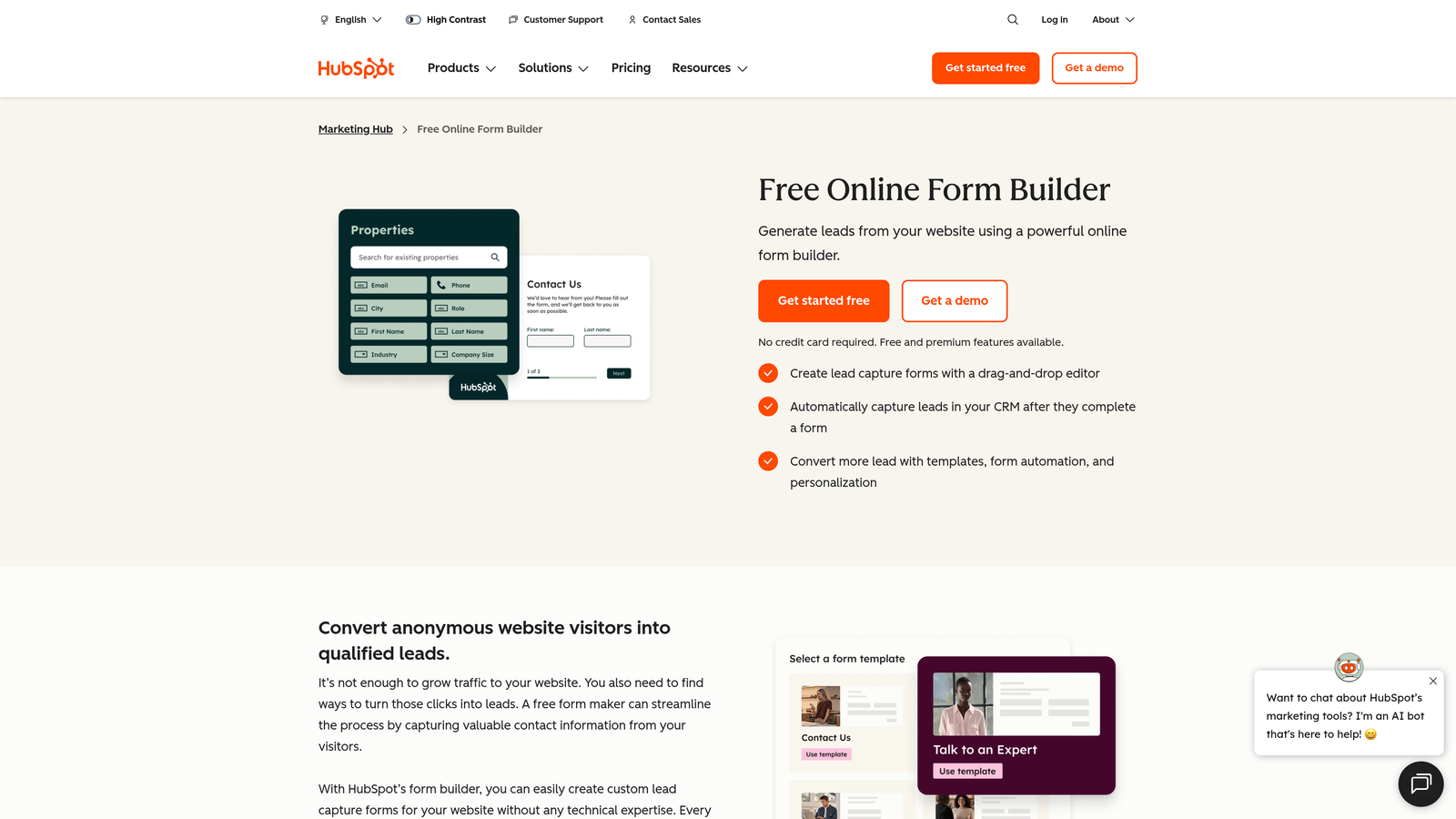
HubSpot Forms is a CRM-native form builder that feeds directly into HubSpot's marketing, sales, and automation ecosystem without any integration middleware.
Where This Tool Shines
If your team is already in HubSpot, the native connectivity is genuinely hard to replicate with third-party tools. Form submissions flow directly into contact records, trigger workflows, update lifecycle stages, and feed into lists without any configuration overhead. For HubSpot-native teams, this removes an entire layer of integration complexity.
Progressive profiling is another standout capability. Rather than showing every field on every visit, HubSpot Forms can surface new questions to returning contacts, building richer profiles over time without increasing form friction upfront.
Key Features
Native CRM Sync: Form submissions update HubSpot contact records, lists, and properties automatically.
Workflow Triggers: Kick off HubSpot automation sequences directly from form submission events.
Progressive Profiling: Show returning contacts new questions to enrich data without repeating fields they've already completed.
Free Tier Available: Basic forms included with the free HubSpot CRM, lowering the barrier to entry.
A/B Testing: Available on higher Marketing Hub tiers for optimizing form conversion performance.
Best For
Marketing and RevOps teams operating within the HubSpot ecosystem. Less compelling if your organization isn't on HubSpot, since the form design is more functional than beautiful and the tool's power is largely tied to CRM connectivity.
Pricing
Free with HubSpot CRM. Full features require Marketing Hub, with Starter plans from $20/month. Enterprise-level capabilities require higher Marketing Hub tiers.
5. Formstack
Best for: Operations teams needing forms, document generation, and e-signatures in a single platform.
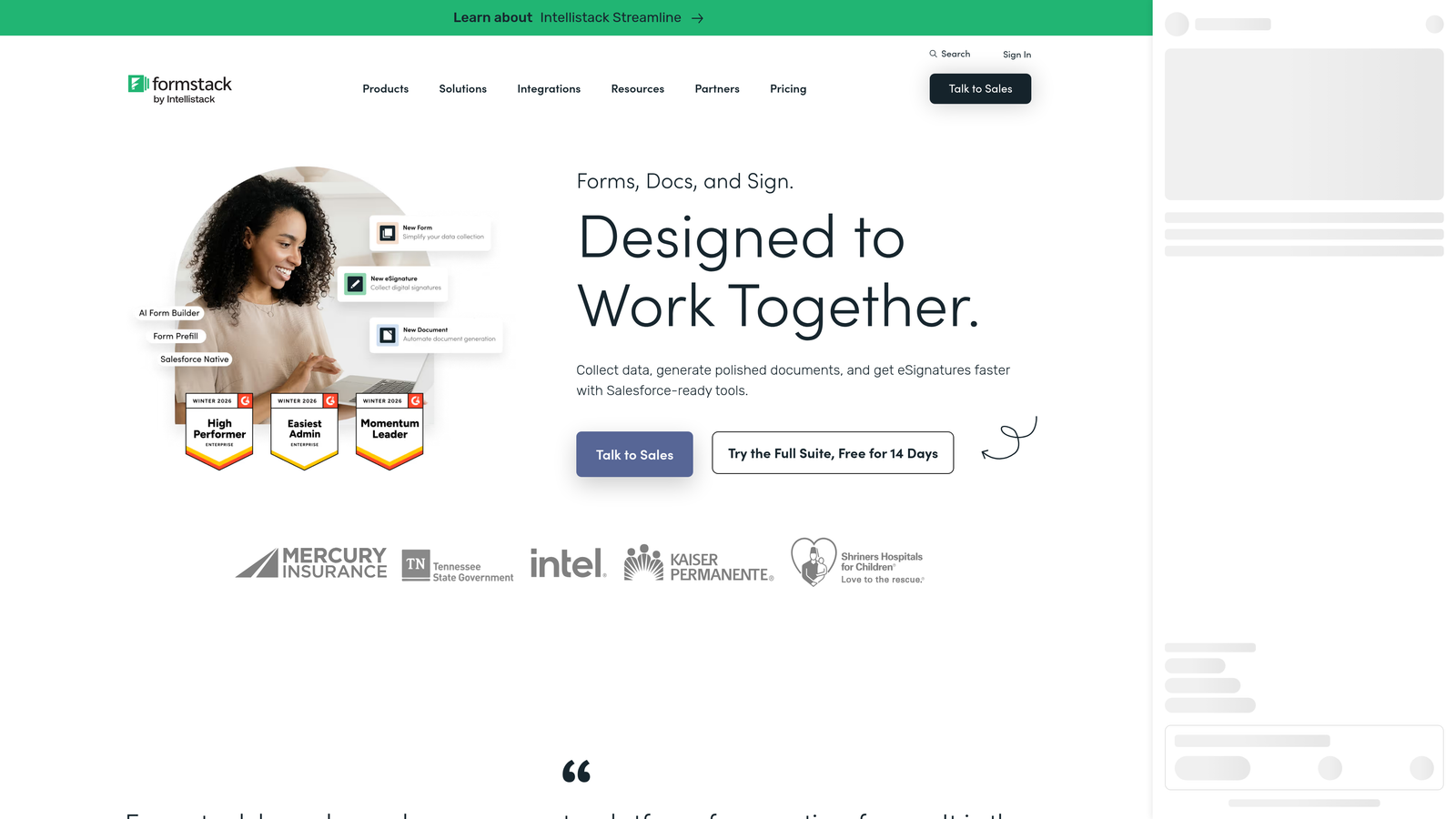
Formstack is an enterprise workflow platform that combines form building, document automation, and e-signature capabilities, making it well-suited for HR, legal, and operations use cases.
Where This Tool Shines
Formstack's differentiation is workflow depth. While most form tools stop at data collection, Formstack extends into document generation and e-signature workflows, allowing enterprises to automate end-to-end processes like onboarding, contract creation, and compliance documentation without stitching together multiple tools.
The Salesforce native app is a meaningful advantage for Salesforce-centric organizations. Rather than relying on webhooks or third-party connectors, Formstack operates directly within the Salesforce environment, keeping data clean and workflows tightly integrated.
Key Features
Forms, Documents, and E-Signatures: Complete workflow automation from data collection through document generation and signing.
Salesforce Native App: Deep CRM integration operating directly within the Salesforce platform.
SSO and Advanced Team Permissions: Enterprise identity management and granular access controls.
HIPAA-Compliant Data Collection: Suitable for healthcare and regulated industry workflows.
Conditional Logic and Multi-Page Forms: Build complex, branching form experiences for detailed data collection.
Best For
HR, legal, operations, and compliance teams that need forms as part of a broader document workflow. Particularly strong for Salesforce-heavy organizations that want native platform integration rather than API-based connectors.
Pricing
Platform plans are mid-market in price range. Enterprise pricing is custom. Visit Formstack's website for current plan details.
6. Microsoft Forms
Best for: Microsoft 365 organizations needing zero-cost internal surveys and simple data collection.
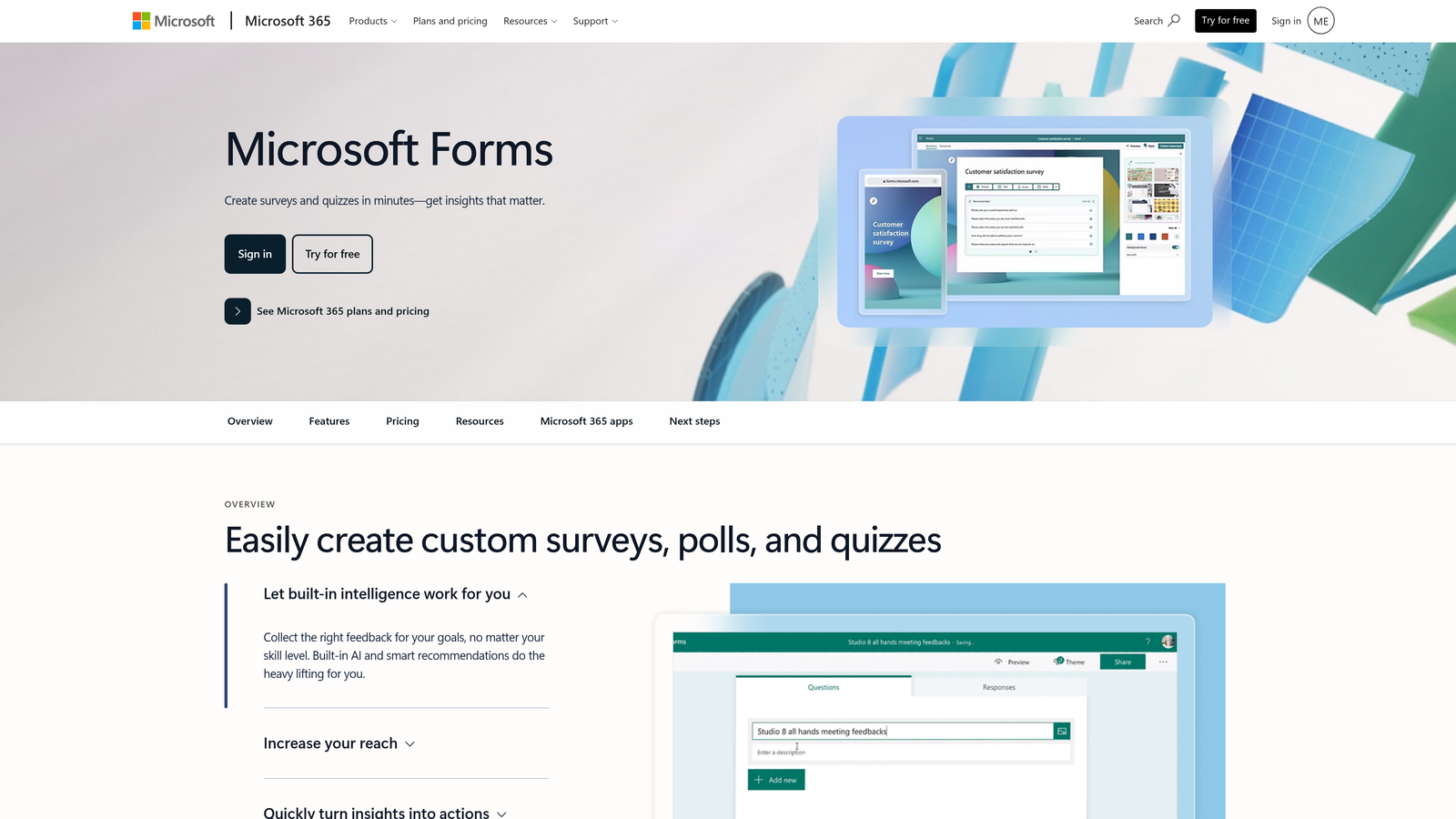
Microsoft Forms is a form and survey builder included with Microsoft 365 subscriptions, tightly integrated with Teams, SharePoint, Power Automate, and Excel.
Where This Tool Shines
The value proposition here is straightforward: if your organization is already paying for Microsoft 365, you already have this tool. For internal surveys, employee feedback forms, event registrations, and simple data collection, Microsoft Forms covers the basics without any additional procurement or budget approval.
The Power Automate integration extends its utility considerably. Organizations comfortable with the Microsoft Power Platform can build surprisingly sophisticated workflows on top of Forms responses, routing data to SharePoint lists, triggering Teams notifications, or feeding into Power BI dashboards.
Key Features
Included with Microsoft 365: No additional cost for organizations already subscribed to Microsoft 365.
Native M365 Integrations: Direct connectivity with Teams, SharePoint, Excel, and Power Automate.
Branching Logic: Conditional question paths for more personalized survey flows.
Real-Time Response Analytics: Response data flows directly into Excel for analysis and reporting.
Enterprise Security: Inherits Microsoft 365's enterprise-grade security and compliance infrastructure.
Best For
Large enterprises already on Microsoft 365 that need simple internal forms, surveys, or polls without additional tooling costs. Not the right choice for external-facing lead capture, advanced conversion optimization, or scenarios requiring sophisticated design customization.
Pricing
Included with Microsoft 365 subscriptions at no additional cost. No standalone pricing.
7. Cognito Forms
Best for: Teams needing advanced calculation logic, repeating sections, and payment collection in forms.
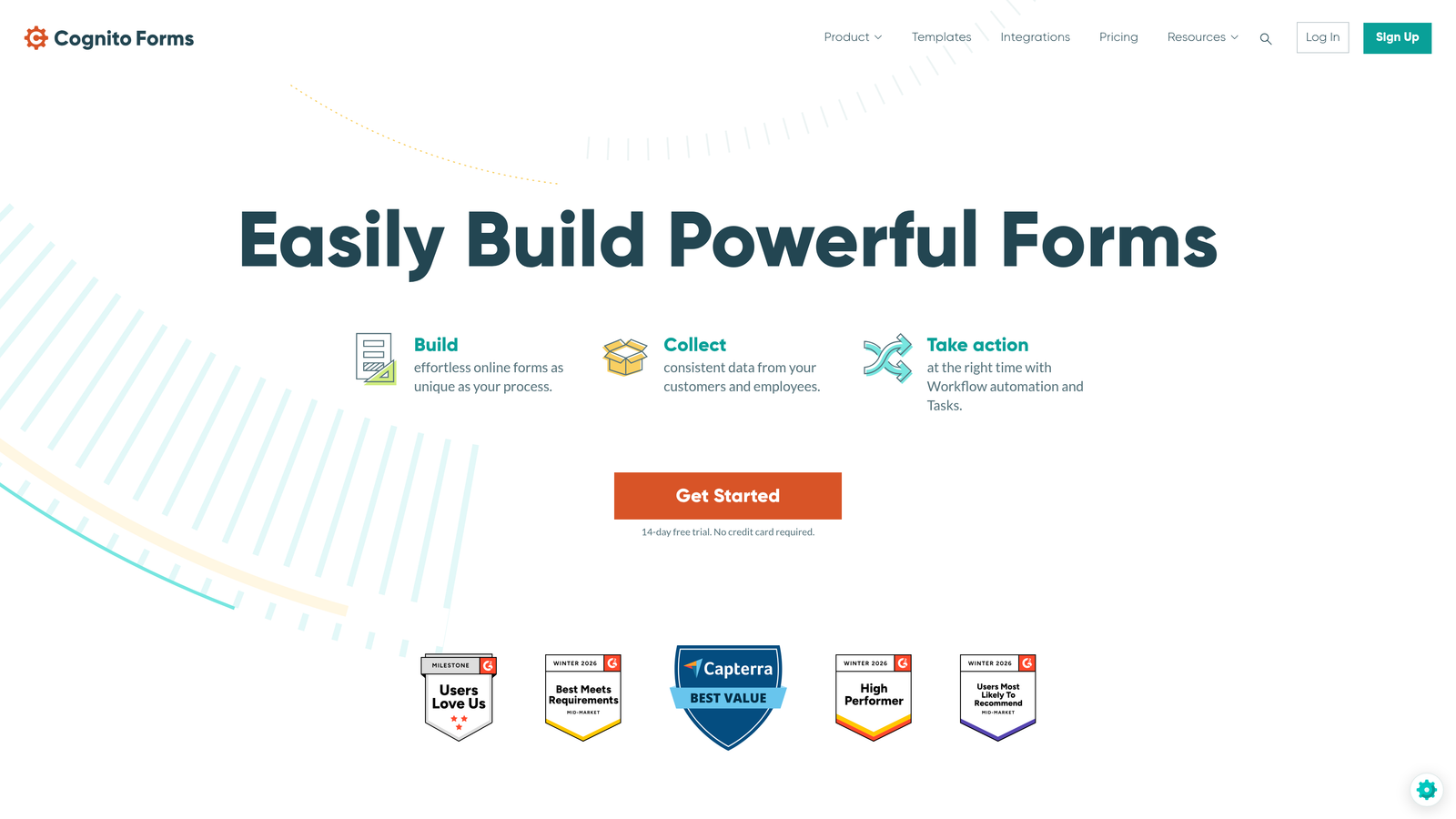
Cognito Forms is a form builder with a particular strength in calculation fields, multi-entry repeating sections, and integrated payment collection via Stripe.
Where This Tool Shines
Cognito Forms occupies a specific niche that most general-purpose form tools don't serve well: forms that need to calculate things. Pricing estimators, registration forms with variable costs, scoring assessments, and order forms with dynamic totals are all areas where Cognito's calculation engine genuinely outperforms simpler tools.
Repeating sections are another standout capability for enterprise use cases. When you need respondents to enter multiple instances of the same data set — multiple line items, multiple attendees, multiple products — Cognito handles this cleanly without requiring workarounds.
Key Features
Advanced Calculation Fields: Build pricing estimators, scoring tools, and dynamic totals directly within forms.
Repeating Sections: Allow multiple entries of the same data structure within a single form submission.
Stripe Payment Integration: Collect payments directly within forms for orders, registrations, and fee collection.
Enterprise Plan with SSO: Single sign-on and advanced data management controls on the enterprise tier.
Conditional Logic and Multi-Page Forms: Standard enterprise form capabilities for complex data collection flows.
Best For
Operations, finance, and event management teams that need forms with calculation logic, dynamic pricing, or multi-entry data collection. Less focused on marketing conversion optimization, but highly capable for complex internal and transactional form workflows.
Pricing
Free tier available. Enterprise plan pricing is listed on the Cognito Forms website. Annual and monthly billing options available.
8. SurveyMonkey Enterprise
Best for: Large-scale research, employee engagement programs, and customer feedback at enterprise scale.
SurveyMonkey Enterprise is the enterprise tier of the industry-standard survey platform, built for large-scale research programs with robust admin controls and analytics.
Where This Tool Shines
SurveyMonkey's brand recognition in enterprise procurement is significant, and the Enterprise tier earns it with a genuinely strong admin dashboard, data governance controls, and benchmarking capabilities that smaller tools can't match. For HR teams running engagement surveys or customer insights teams tracking NPS at scale, the platform's maturity shows.
The AI-assisted survey design features help teams build better surveys faster, flagging potential bias or clarity issues before deployment. Combined with integrations into Salesforce, Marketo, and Tableau, it fits well into enterprise data stacks focused on research and insights.
Key Features
Enterprise Admin Dashboard: Centralized team management, data governance, and usage controls for large organizations.
SSO, Audit Logs, and Compliance Controls: Full enterprise identity and security management capabilities.
Benchmarking Data and Advanced Analytics: Compare survey results against industry benchmarks for contextual insights.
Enterprise Integrations: Connects with Salesforce, Marketo, Tableau, and other enterprise platforms.
AI-Assisted Survey Design: Suggestions to improve survey quality and reduce bias before deployment.
Best For
HR teams, customer insights programs, and market research functions at large enterprises. Worth noting: SurveyMonkey is survey-first, not lead capture-first. Teams prioritizing conversion optimization or lead qualification will find it less suited to those goals than purpose-built alternatives.
Pricing
Custom enterprise pricing. Contact SurveyMonkey directly for a quote based on team size and feature requirements.
9. Gravity Forms
Best for: WordPress-based enterprises needing deep developer customization and an extensive add-on ecosystem.
Gravity Forms is a WordPress-native form plugin with an extensive add-on ecosystem and strong developer extensibility, operating on an annual license model rather than per-submission SaaS pricing.
Where This Tool Shines
For WordPress enterprises, Gravity Forms is often the default choice for good reason. The plugin architecture is deeply extensible: over 40 official add-ons cover payments, CRM integrations, e-signatures, surveys, and more. Developers can also extend functionality through hooks, filters, and a REST API, giving technical teams significant control over form behavior and data handling.
The annual license model is also worth calling out explicitly. For high-volume use cases, paying a flat annual fee rather than a per-submission or per-seat SaaS rate can represent meaningful cost efficiency at scale.
Key Features
Extensible Add-On Architecture: 40+ official add-ons for payments, CRM, e-signatures, surveys, and more.
Conditional Logic and Multi-Page Forms: Flexible form structure with branching and multi-step capabilities.
Payment Integrations: Native support for Stripe, PayPal, and Square payment processing.
Developer-Friendly: Hooks, filters, and REST API for custom functionality and deep integration.
Annual License Model: Flat-rate pricing rather than per-submission billing, which scales cost-effectively at high volumes.
Best For
WordPress-based enterprises with development resources and complex form requirements. The key constraint is the WordPress dependency: if your organization isn't running on WordPress, Gravity Forms isn't a viable option regardless of its other strengths.
Pricing
Basic license from $59/year. Elite license from $259/year, which includes all add-ons and priority support.
Which Tool Is Right for Your Enterprise?
The best Paperform alternative for your team depends on what you're actually trying to solve. There's no single winner here because these tools serve genuinely different enterprise needs.
If lead qualification and conversion optimization are your primary goals, Orbit AI is built specifically for that use case. The AI-native qualification layer sets it apart from tools that treat lead scoring as an afterthought handled downstream in your CRM.
If compliance is your procurement requirement, Jotform Enterprise is the strongest option, with HIPAA, SOC 2 Type II, GDPR, and PCI DSS certifications plus dedicated infrastructure. For Salesforce-heavy operations and workflow automation, Formstack's native app and document generation capabilities are hard to beat.
Teams already deep in the HubSpot ecosystem will get the most value from HubSpot Forms, while Microsoft 365 organizations looking for zero-cost internal forms should look no further than Microsoft Forms. For research and employee engagement programs at scale, SurveyMonkey Enterprise is the mature, purpose-built choice.
Typeform wins on brand experience and conversational design. Cognito Forms is the go-to for calculation-heavy and transactional forms. Gravity Forms is the right call for WordPress enterprises with developer resources and high submission volumes.
If your team is focused on demand generation, RevOps efficiency, and getting more qualified leads from every form interaction, the combination of AI-powered qualification and conversion-optimized design is exactly what modern high-growth teams need. Start building free forms today and see how intelligent form design can elevate your conversion strategy.


